|
| Group |
Round |
C/R |
Comment |
Date |
Image |
| 32 |
Nov 23 |
Comment |
A mastershot, both the color and the mono look good. I'd prefer the color unless you were intending this to be part of a mono series. |
Nov 12th |
| 32 |
Nov 23 |
Comment |
Nice treatment, and you have clearly achieved your intention of getting a different image. Wpuld be nice to see the color version, as the foreground flowers may have added good foreground interest in color, In the mono, they are a bit of a distraction. If you had had a tipod handy, would have tried going in closer, so basically eliminating the lower third, and taken a longer exposure (drop ISO to 100), to get the glassy looking water effect. Just a thought. |
Nov 12th |
| 32 |
Nov 23 |
Comment |
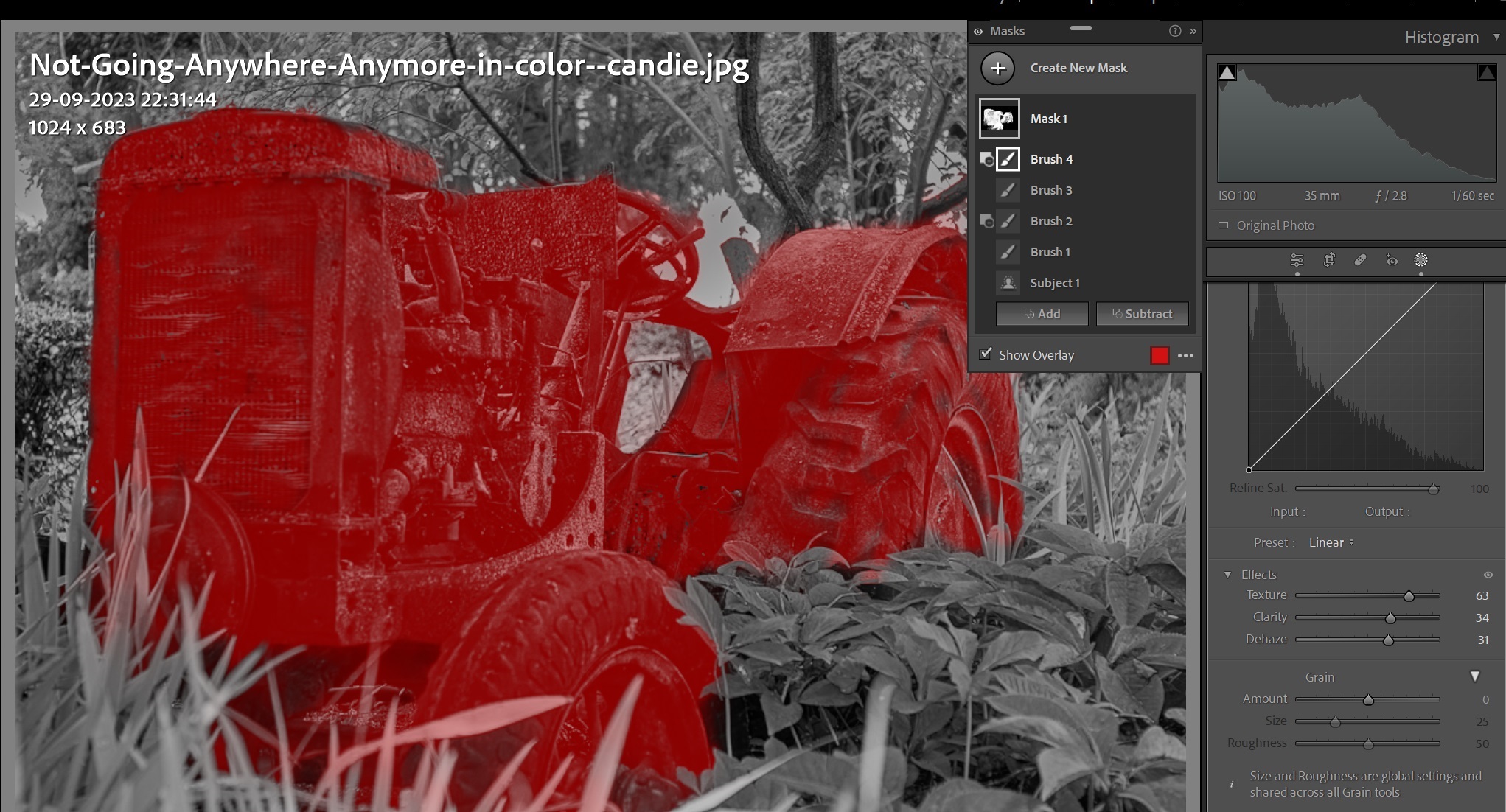
And this is my mask in LR to selectively adjust contrast etc in the tractor |
Nov 12th |
 |
| 32 |
Nov 23 |
Comment |
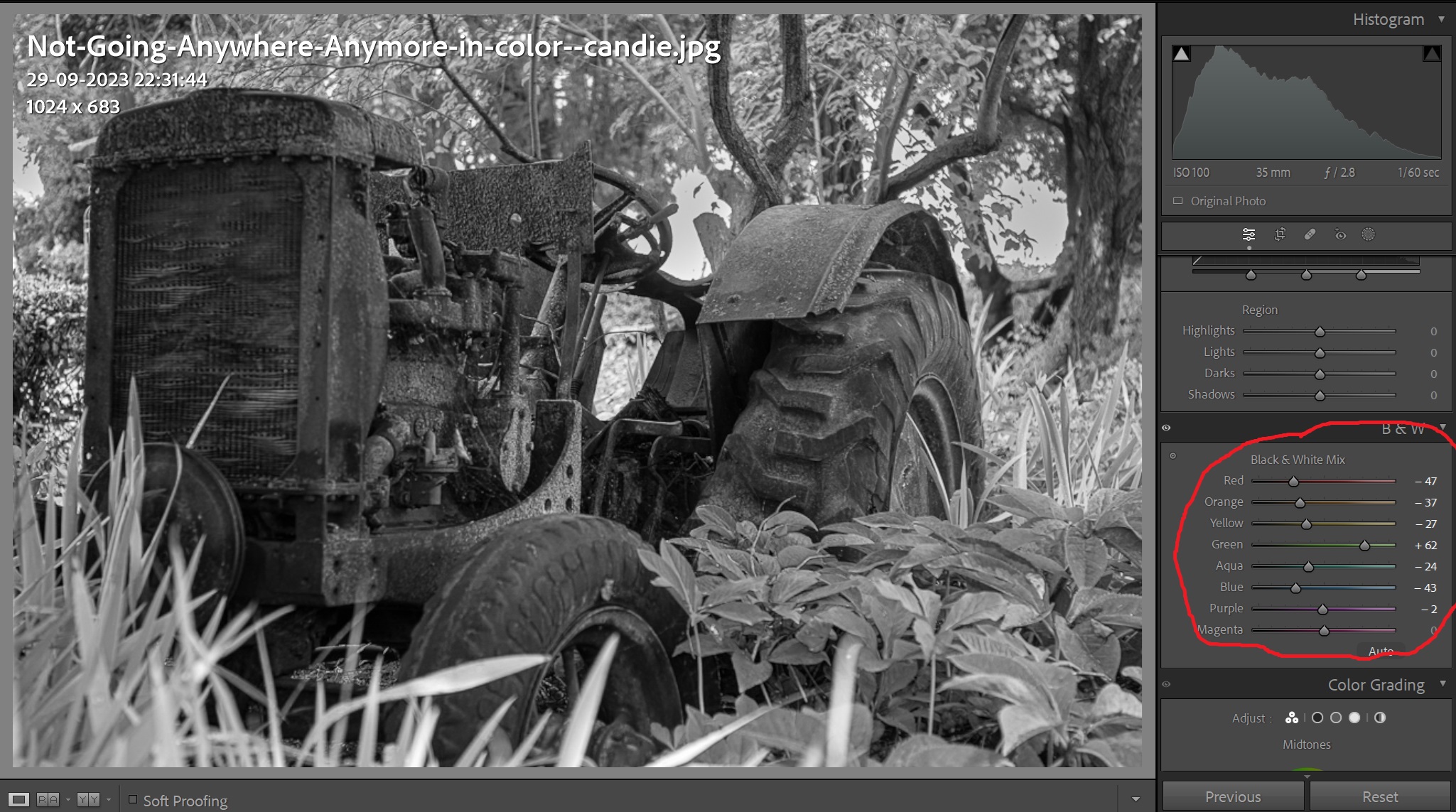
This is the conversion in LR adjusting color channels |
Nov 12th |
 |
| 32 |
Nov 23 |
Comment |
Candie, I think I would have tried to get more of the environment in so used a wider lens in case the vegetation didd not allow you to take the shot from a greater distance. I think the story you want to show is that of the abandoned tractor decaying away as the vegetation tries to overgrow it, essentially the forest is trying to absorb it back, so (to me) more of the forest would have conveyed the story better. Tom's idea of taking close-ups of details is also good, that would have given you a different story of decaying machinery.
But coming back to the mono conversion, if you are a Photoshop person you can use presets in there, or use a plug-in like Nik either in Photoshop or Lightroom.
I tend to do almost all my editing in Adobe Lightroom, and as over the years the capabilities of Lightroom get better I find myself going into PhotoShop less and less. Playing with the color channels in Lightroom will help you get the separation between the green and the grey brown. And then selectively increase the contrast and the texture in the tractor.
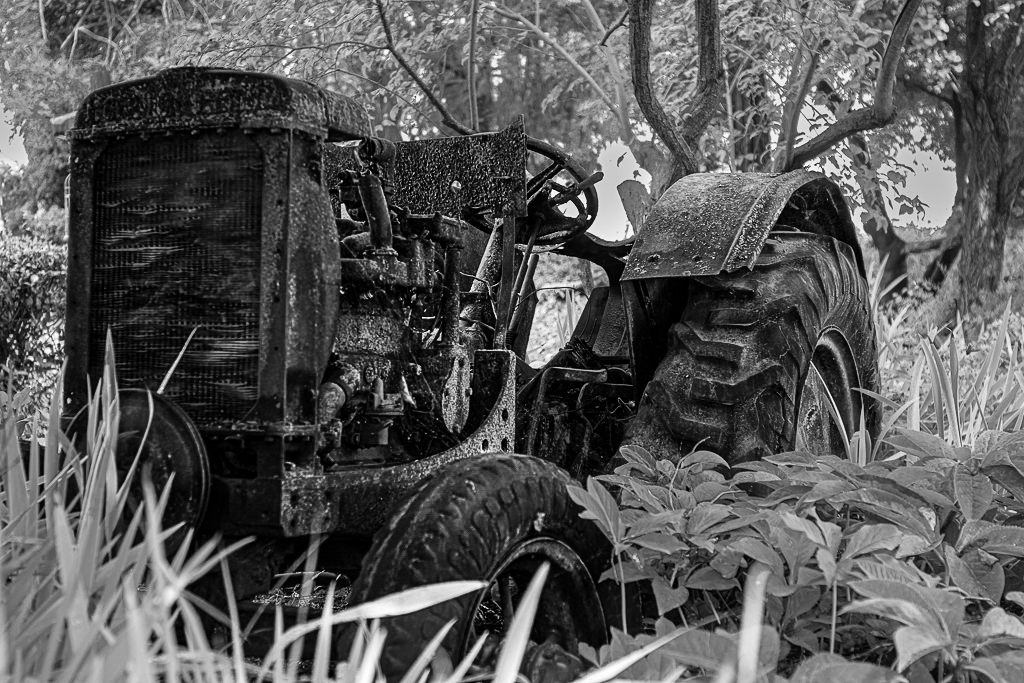
Not sure if that was easy to follow so I took some screenshots. (1) Adjusting color channels in LR, (2)Then I selected the tractor, increased contrast, opened shadows, increased texture and clarity, and slid the dehaze slighter to the right. Finally I went into Photoshop, added a background layer, ran a high pass filter on it at 3 pixels, used the hard light merge and flattened the layers.
I've deliberately overcooked the processing to show the effect on the small file, but I think that conveys my idea. Actually took a lot longer to type all this than actually do the processing.
We all of different ways of interpreting an image, see if you like mine. This is the final effect. |
Nov 12th |
 |
| 32 |
Nov 23 |
Comment |
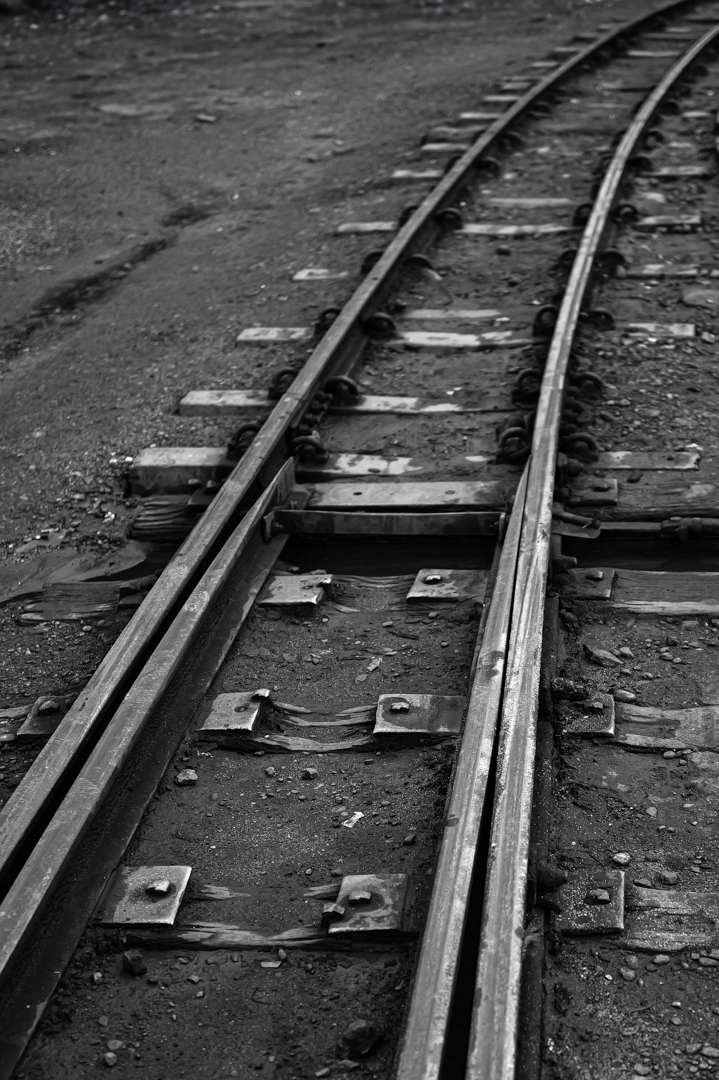
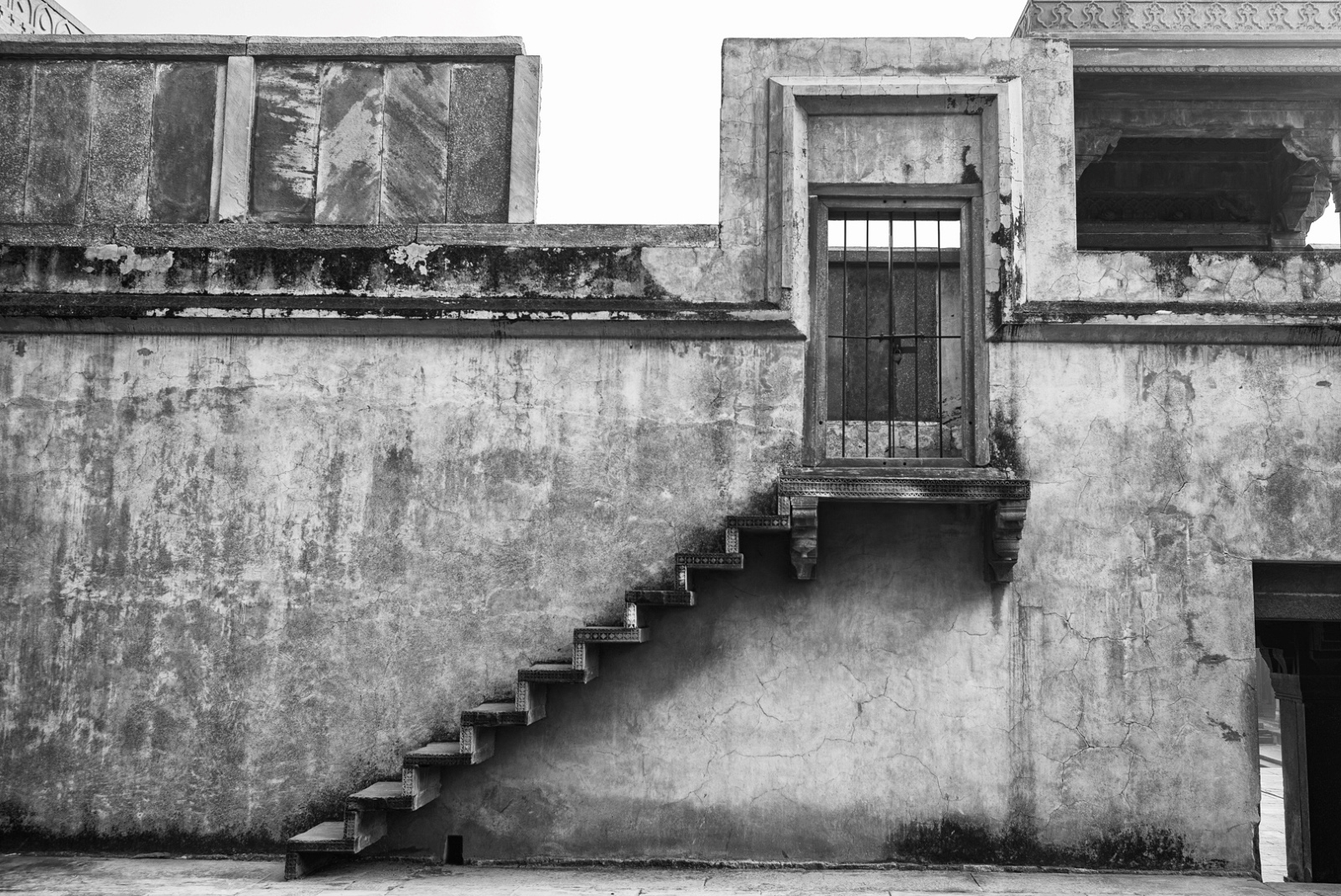
Nice image, evokes a bygone era. Are the highlights in the gravel path too high? |
Nov 10th |
| 32 |
Nov 23 |
Comment |
Tom, Perhaps I should have just posted the image without the story to see what people thought. That is always the dilemma, in the photographer's mind, the image is associated with a story, but for the viewer the image should convey it's own story without the need for any text or speech. It was too tempting to give the background, although in reality this image is dissociated from the background. |
Nov 10th |
7 comments - 0 replies for Group 32
|
7 comments - 0 replies Total
|