|
| Group |
Round |
C/R |
Comment |
Date |
Image |
| 16 |
Aug 19 |
Comment |
I'm an outdoors person so I really like this image. I see the image as a "waterscape" with the Kayaker giving us a guided tour through the image. We see where he came from but do not know which direction he will go next. He might go straight or make a sharp right turn and go thru the narrow reed channel; or head toward us/where the photo was taken. Keep the tree in the top right corner because it draws us back to that corner of the waterway but I would crop just the sky... down just above that tree top. If you crop the bottom portion you are limiting our view of those beautiful curves through out the image. Of all the options, I like your image best. |
Aug 16th |
| 16 |
Aug 19 |
Comment |
Yes, my posting was done in a hurry. I'm still in FL taking care of my very ill brother. I wanted to continue to support our Group so I'm doing the best I with the resources and time available. I do remember/ and forgot this process. Your image is a good reminder of how well it can improve a photo. Thanks for the suggestion. Please send me the file. |
Aug 16th |
| 16 |
Aug 19 |
Comment |
I like your original. I would just crop the white area on the top right side. When you covert to monochrome and leave the red and yellow parts of the body, there is not enough snap to made a decent color image and it does not qualify as a B/W image. The original is a nice action shot of a chicken gone wild.
|
Aug 15th |
| 16 |
Aug 19 |
Comment |
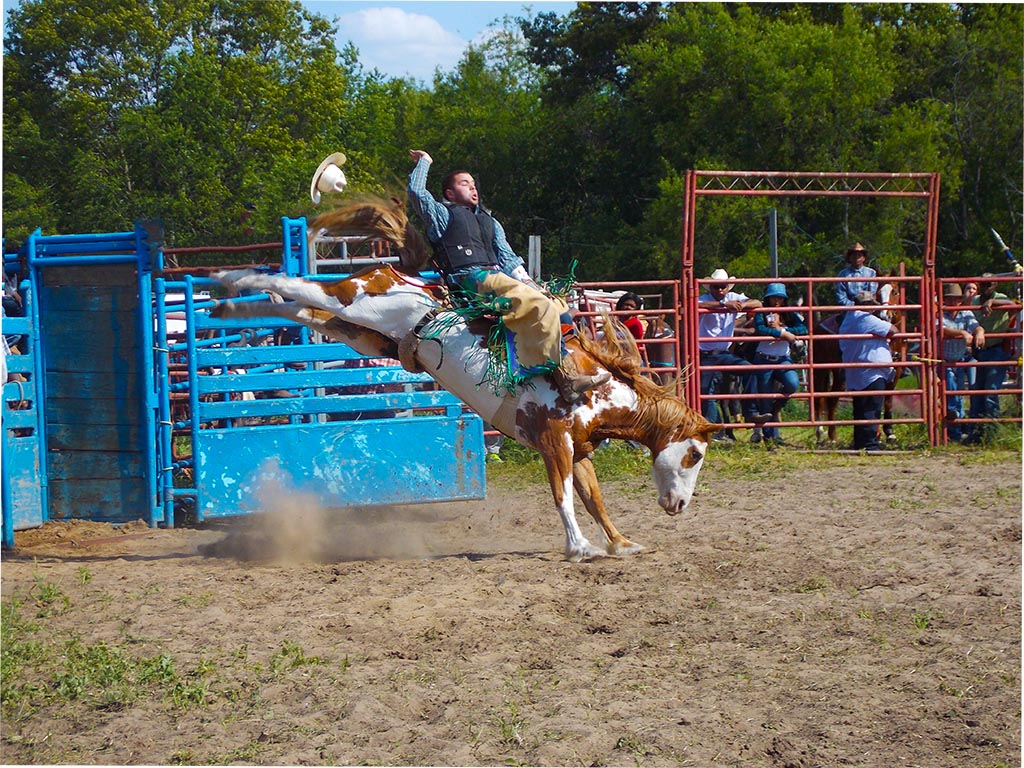
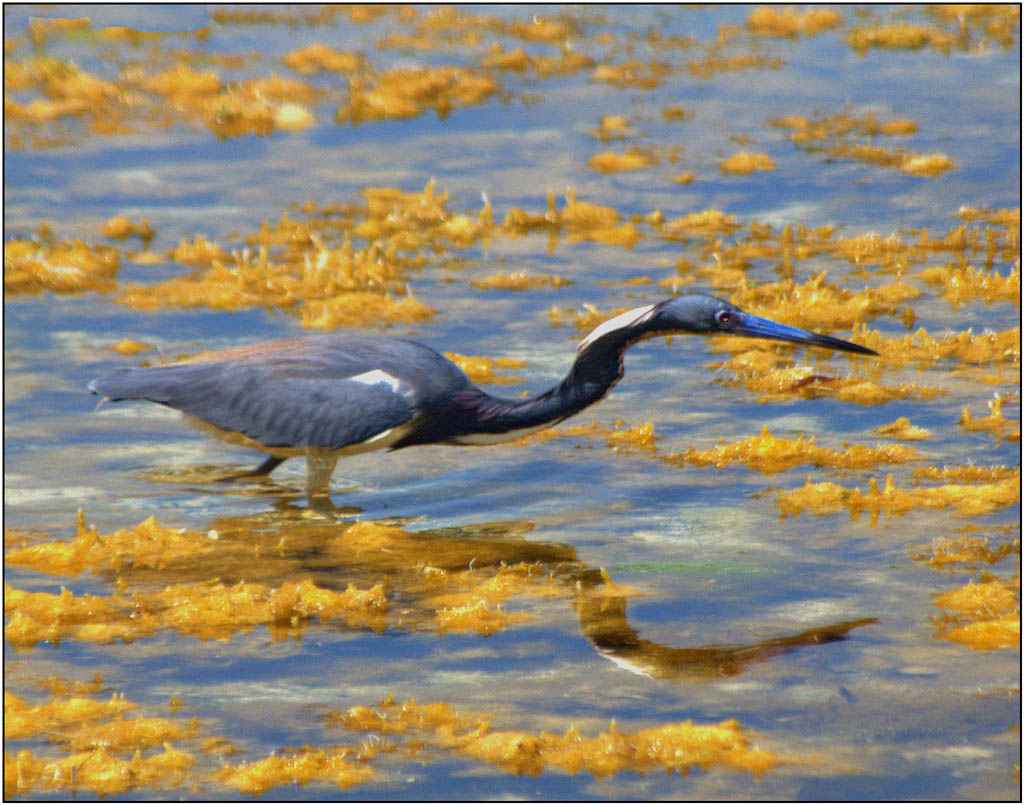
I like your crop because it fills the frame. The water has sharp edges which emphasizes the action and high speed. When photographing fast action sports, much like shooting birds, I don't think everything has to be perfect. With your shot, I feel like I'm standing right next to you enjoying the moment.
It's better than some shots I've seen published.
|
Aug 15th |
| 16 |
Aug 19 |
Comment |
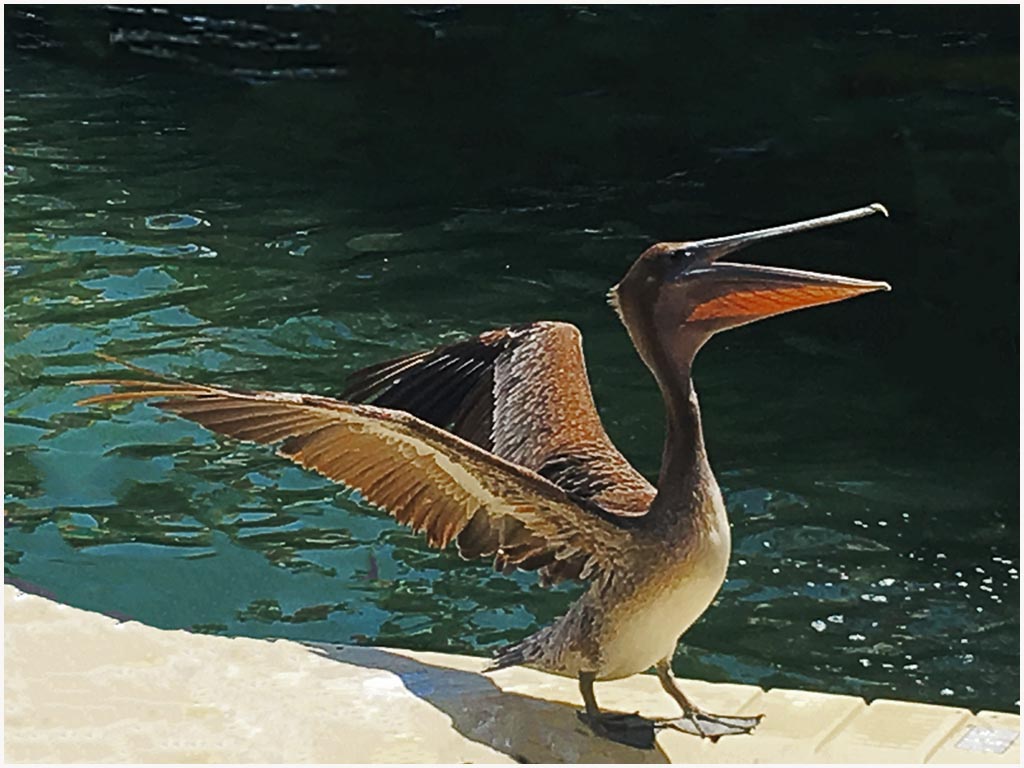
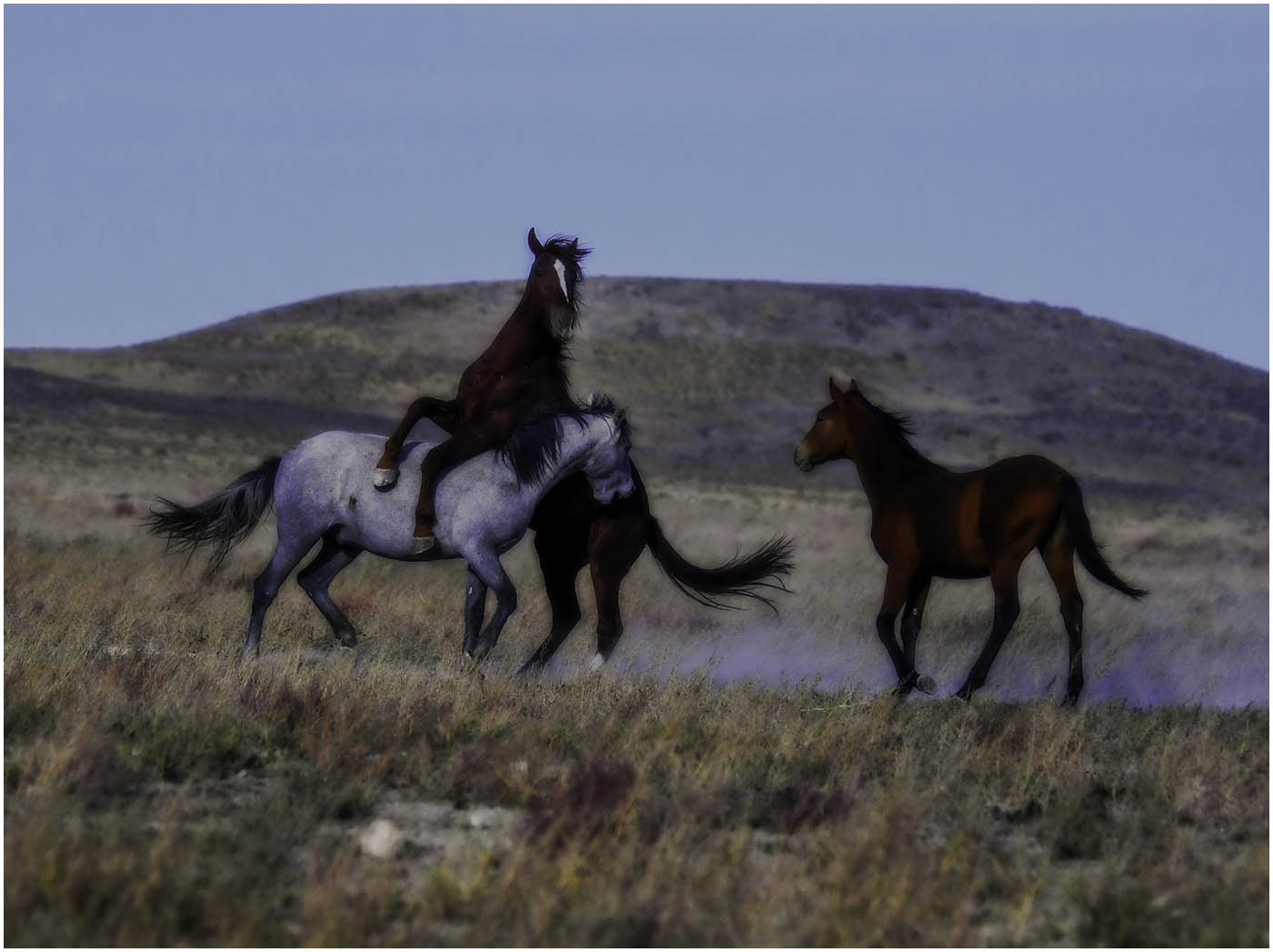
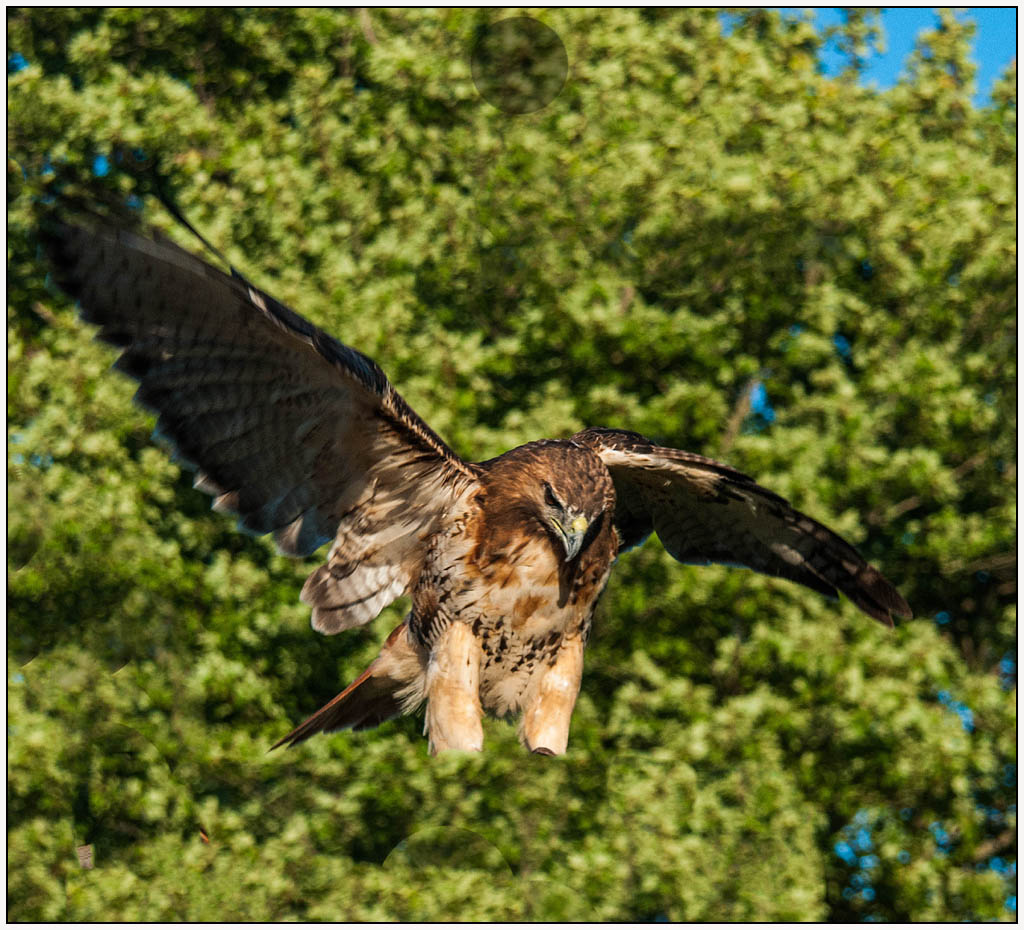
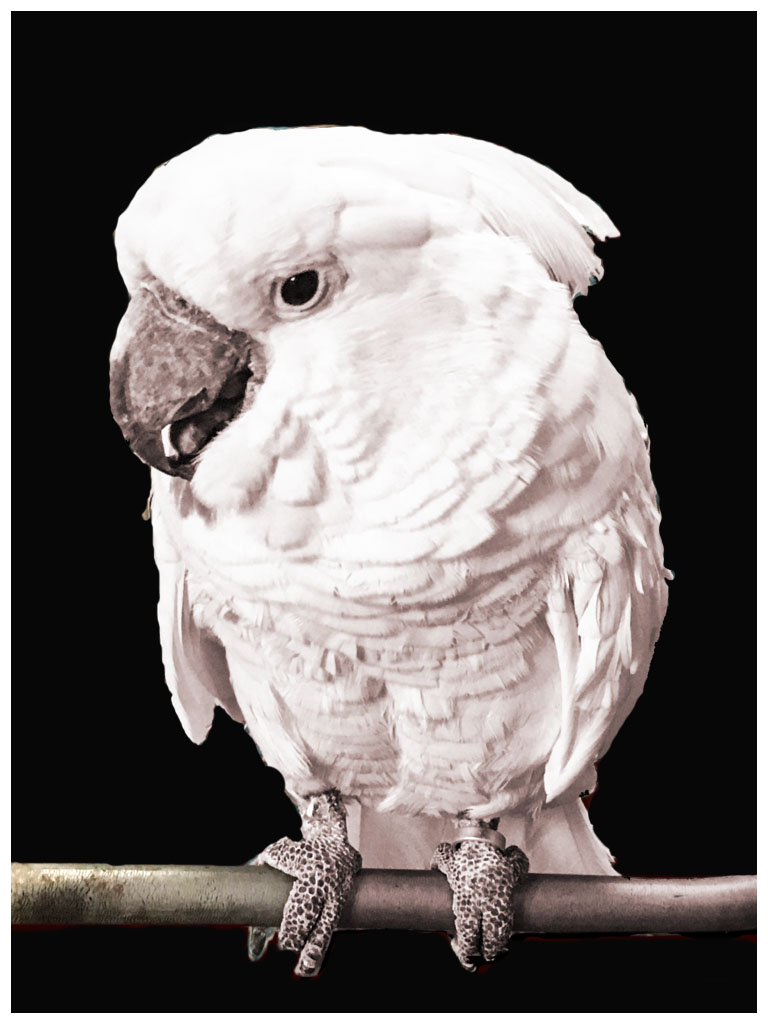
I find this shot interesting because the birds are watching each other's back much like I've seen elk in the wild. You might create a interesting photo by over saturating and sharpening the birds, then changing everything else to monochrome. This way the birds will "pop" and the background will become less of a distraction. It sounds easy but I know this would take pretty good post processing skills....which I do not have but this might work. It's a great pose and might be worth the work. Good luck. |
Aug 15th |
| 16 |
Aug 19 |
Comment |
You have created such interest from our group, perhaps you might consider posting an updated image for our group for next month using our suggestions so we can see what you come up with...just for us. |
Aug 15th |
| 16 |
Aug 19 |
Comment |
Hi Joan:
Did my Study Group discussion go to your web page. If so... would you please post it for me. I can't remember all my comments. Thanks |
Aug 15th |
| 16 |
Aug 19 |
Comment |
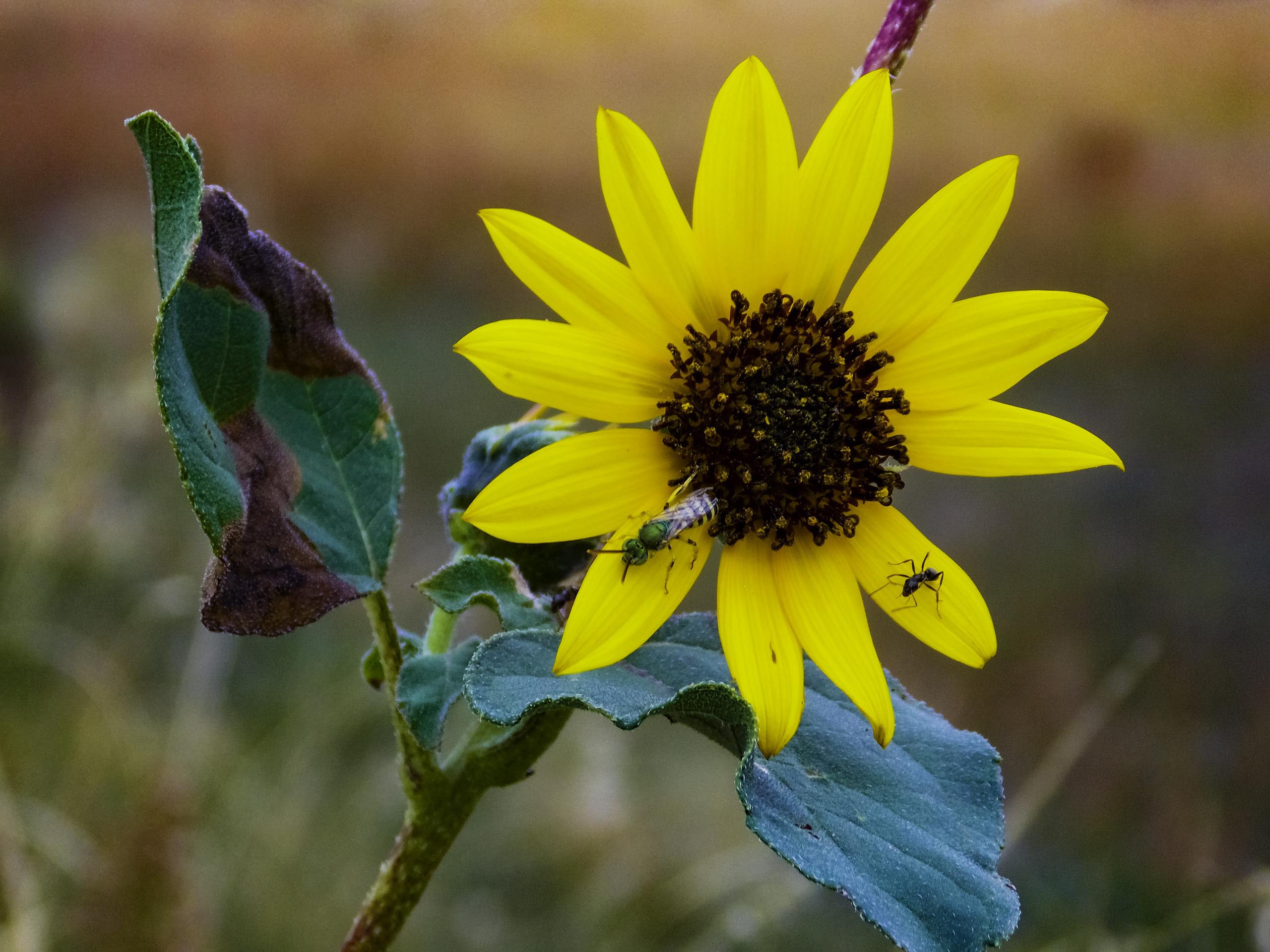
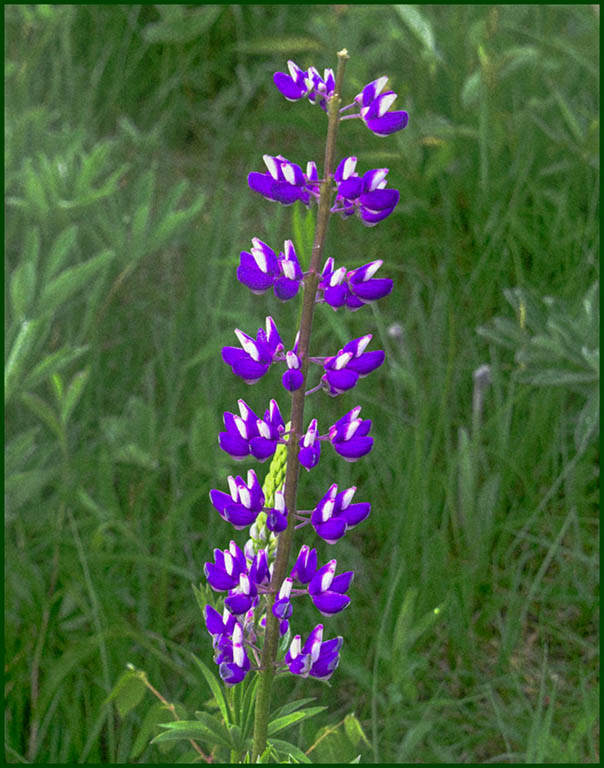
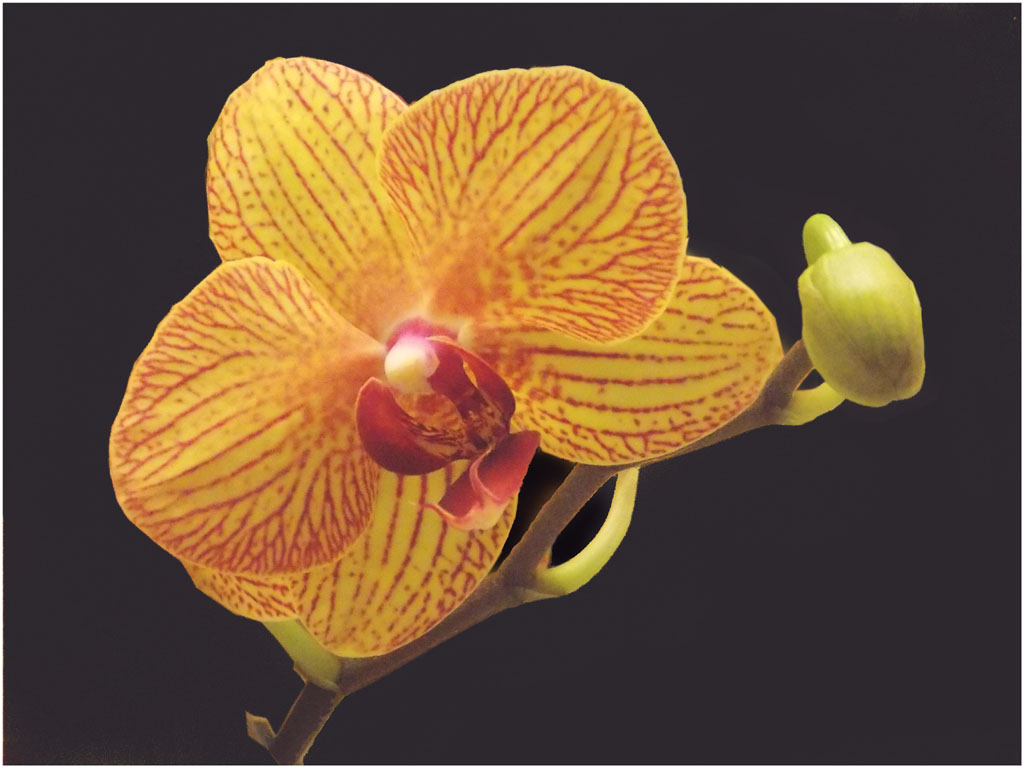
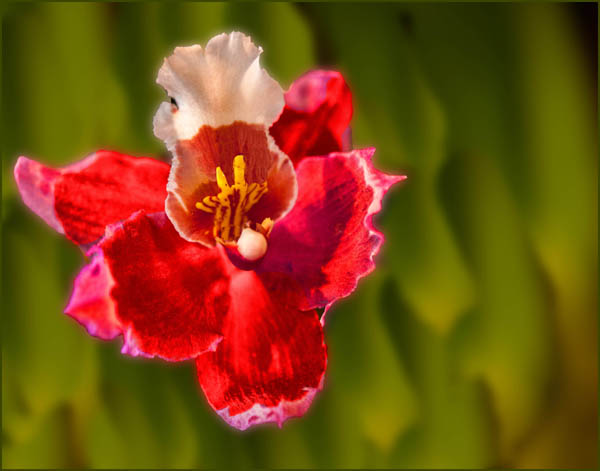
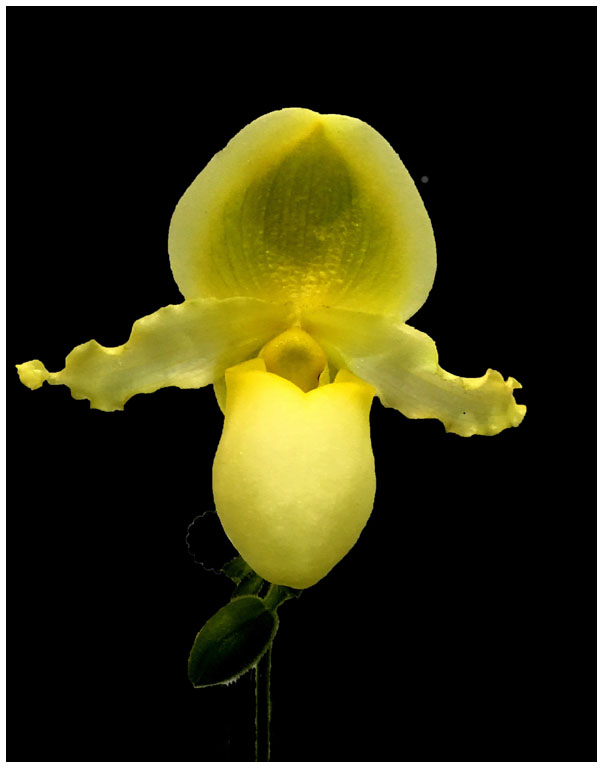
I think your flowers are great as shot... you just need to crop out the left side so your flowers fill the frame. There is too much wasted space on the left that does not help to improve the composition. With flowers it is popular to use this soft technique. The lighting does not have to be even,in
fact, it forces us to moves our eyes all over the flower. Great image. |
Aug 15th |
| 16 |
Aug 19 |
Comment |
What a creative challenge. To me the invisible man is too visible. I think your background is great and would be better as the top layer. I would suggest using the ghost like body of the man in your original (bottom center) as the background and placing that spherical distortion technique on a top layer, then lower the opacity over the area where the man is to have him faintly visible thru the red layer. This would have the invisible man appearing through the red and black distorted sphere. I can't to this myself but I'm betting you can. I also think your text does not work well with this image. You need more of a creative ghostly touch ...maybe with some kind of modified drop shadow. Good luck. I too would like to see your final image. |
Aug 15th |
9 comments - 0 replies for Group 16
|
9 comments - 0 replies Total
|