|
| Group |
Round |
C/R |
Comment |
Date |
Image |
| 16 |
May 19 |
Reply |
Kathleen,
slight vignette is allowed also in ND. It's just a type of selective darkening. But borders are somewhere forbidden. |
May 29th |
| 16 |
May 19 |
Comment |
Walter,
I use Photoshop Elements, which doesn't include curves for RGB channels. In Elements I have remove color cast, and I've also seen it in older versions of Photoshop CS.
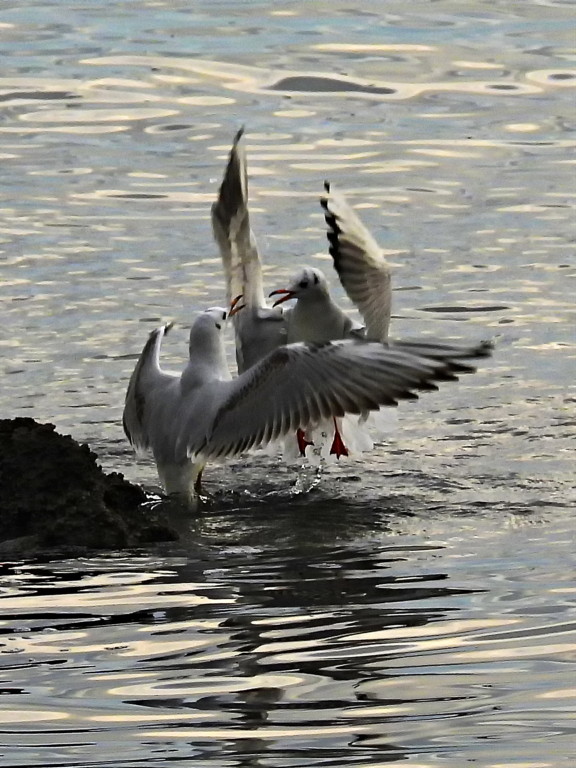
I just think, that your beautiful yellowish background was changed to dirty brown. Now I see also swans' wings are not white but blue. That means, that you have changed white balance too much to blue. Or if you processed JPG, tha camera can make faulty WB although for one photo in sequence. |
May 29th |
| 16 |
May 19 |
Comment |
Beautiful egret, good lighted and in action. Black background seems me somehow unnatural. I would prefere the original with some darkening of the spots.
I would crop the image a little bit on the right.
The wings are really sharp, but the eye is a little bit less. It would be better with higher DOF at F8 or F11. But you can still sharpen it now.
|
May 15th |
| 16 |
May 19 |
Comment |
Kathleen, you have captured a perfect moment. The foxes didn't notice you, so they are quite in natural situation. The flowers add the interest. The faces of te animals are very sharp. Slightly smaller aperture would increase the DOF.
|
May 15th |
| 16 |
May 19 |
Comment |
Walter, you have captured the landing of the swans very good. I agree with Joan's additional cropping.
Unfortunately you have changed the color of background, which is better in original. You could make the swans white with Remove Color Cast function instead of White Balance.
And I would darken the whole image a little bit to make swans more outstanding.
|
May 15th |
| 16 |
May 19 |
Comment |
Joan, you have captured a really beautiful strong elk. And you have a really quiet hand and good stabiliser for 1/60 with such a zoom for a very sharp photo.
You succeeded to restore tones and colors good for such a dark original. Just one suggestion for the time of capturing - similar to Bunny. You didn't need to use F8. With F5 you could easier restore the colors and aditionally have more blurred grass.
|
May 15th |
| 16 |
May 19 |
Comment |
These popies are really beautiful. We all agree, that there are too many and too sharp flowers. So, first tighter crop.
I prefere Mohanan's or Terry's suggestion for position of the sharp flower. It is oriented to the right, so right position (out of the photo) is not good. Nor the central position.
Due to aperture F9 you couldn't get more blurred flowers in the background. It should be F5 or even F2,8. Of course in postprocessing you can make the background more blurred. |
May 15th |
| 16 |
May 19 |
Comment |
The frog is sharp and good lighted. I would make tighter crop from down and right, a little bit from left.
Green and still more yellow grass is distraction, although blurred. I would darken and desaturate it.
I prefere the border to be in a color of subject. But not distracting color from background. I would pick up one one of frog's skin.
|
May 15th |
| 16 |
May 19 |
Reply |
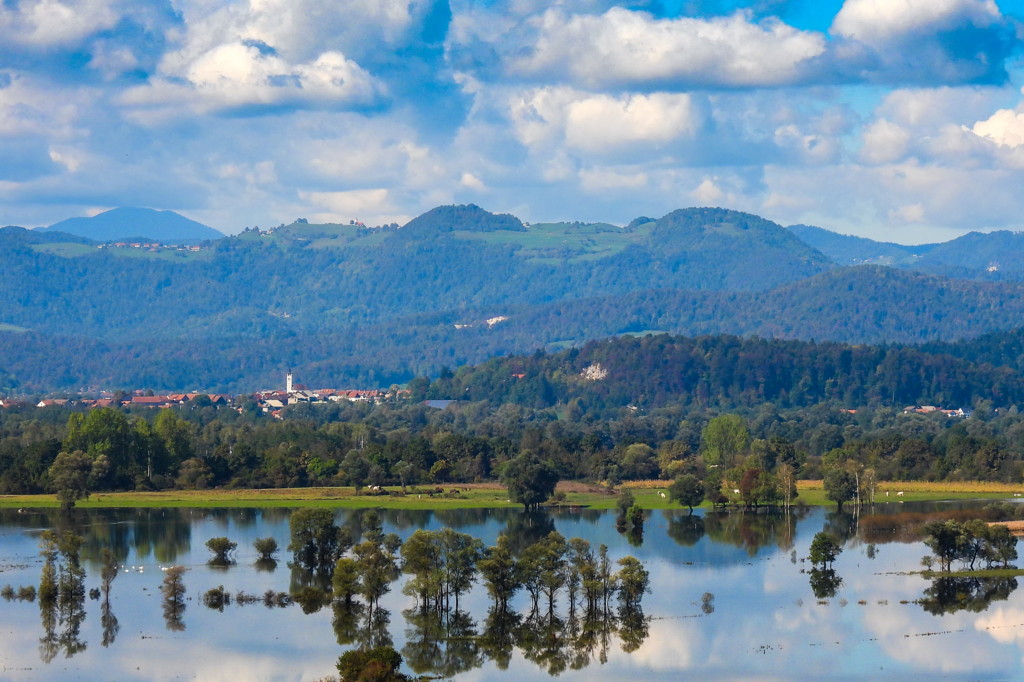
Yes, I wanted to get the whole cloud. But maibe the crop you suggested will be better. I will try. Thank you! |
May 12th |
7 comments - 2 replies for Group 16
|
7 comments - 2 replies Total
|