|
| Group |
Round |
C/R |
Comment |
Date |
Image |
| 78 |
Aug 23 |
Reply |
Thank you, Sunil. |
Aug 25th |
| 78 |
Aug 23 |
Reply |
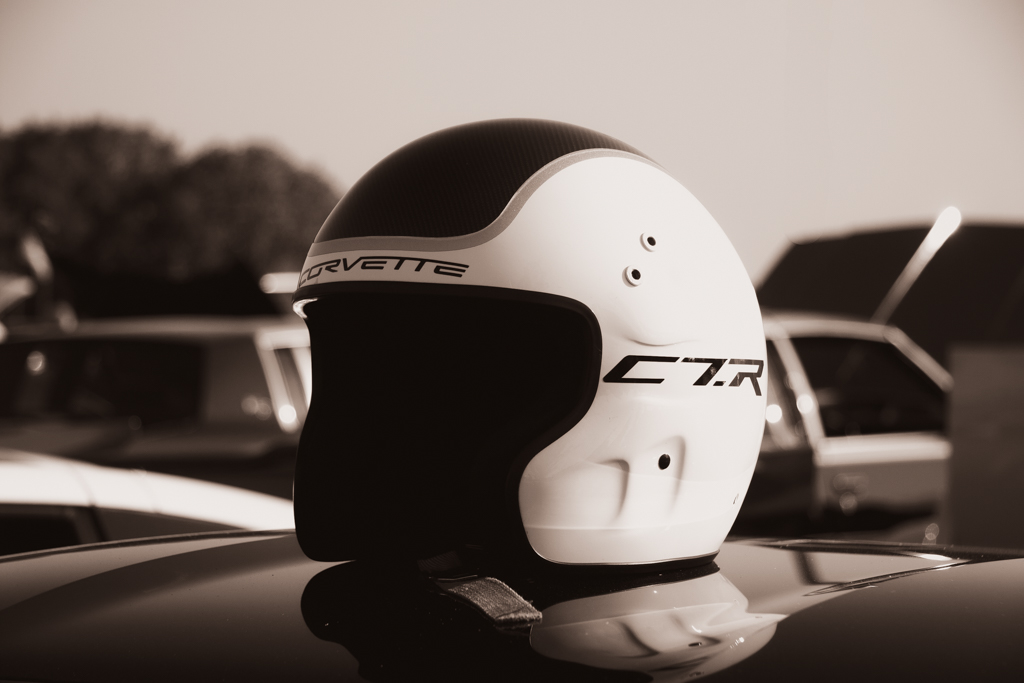
Very nice tweaks to the image Sunil. I can see how you believe it might lose depth without the parking lines. I also find it interesting how much different they feel (not as bothersome) with the car removed from the image. |
Aug 25th |
| 78 |
Aug 23 |
Reply |
Brenda,
Nice rework with the transition to PSA Color rather than trying to adhere to Nature. The lily pad removal does look believable to my eye, and the crop and coloration are great.
Potential tweaks might include a touch more sharpness on the eyes and snout, bringing back the highlights on the forehead just a touch, and bringing up the shadows on the main trunk of the neck just a touch (kind of just above where gator's wrist is on it's foreground arm). Those are minor and along the lines of picking the fly poop out of the pepper bowl. I can't imagine much else you would want to do with it.
I think your original title is fine ... possible alternatives could be Alligator Nursery, Sunbathing Hatchling, or Say Cheese. |
Aug 20th |
| 78 |
Aug 23 |
Reply |
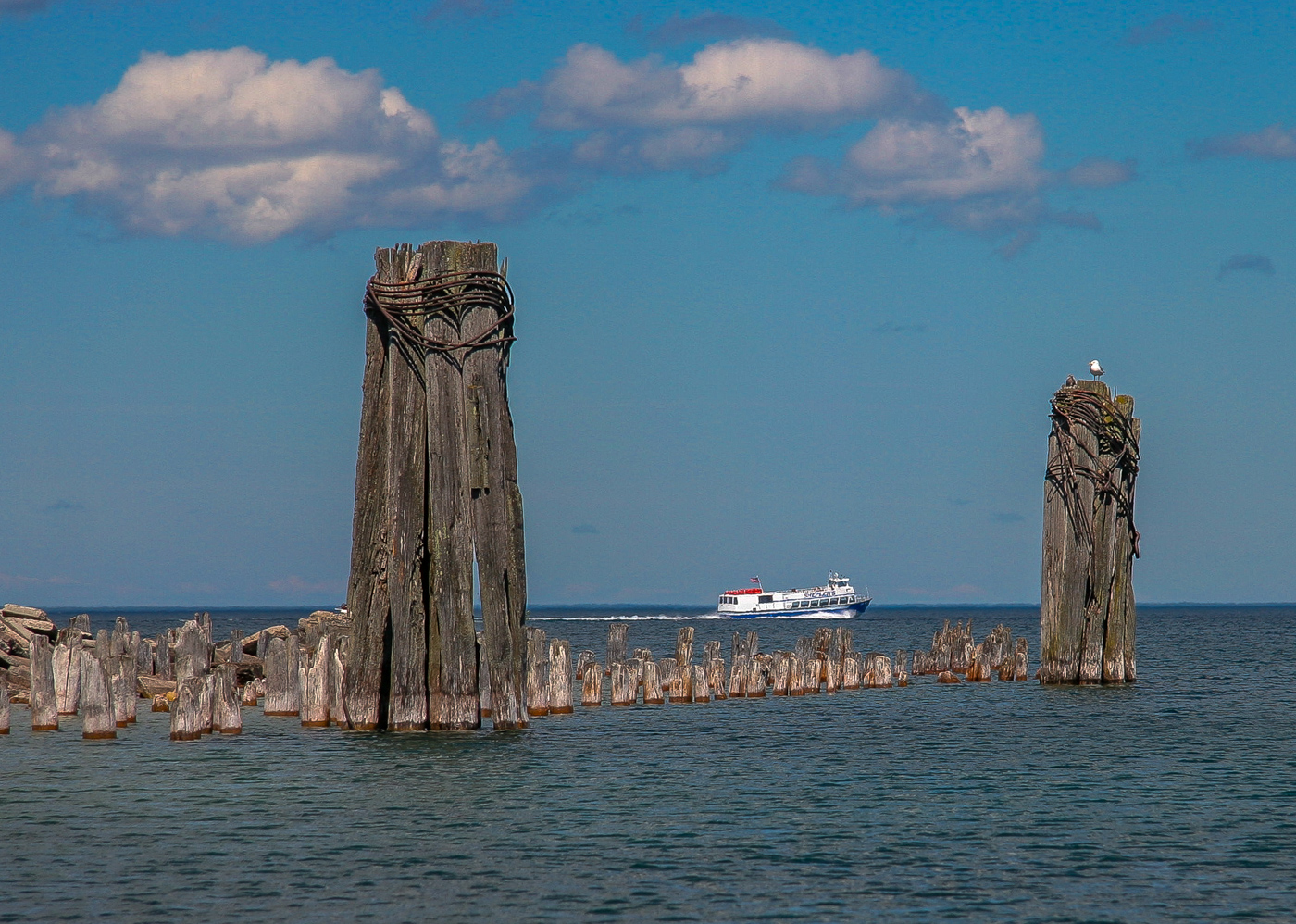
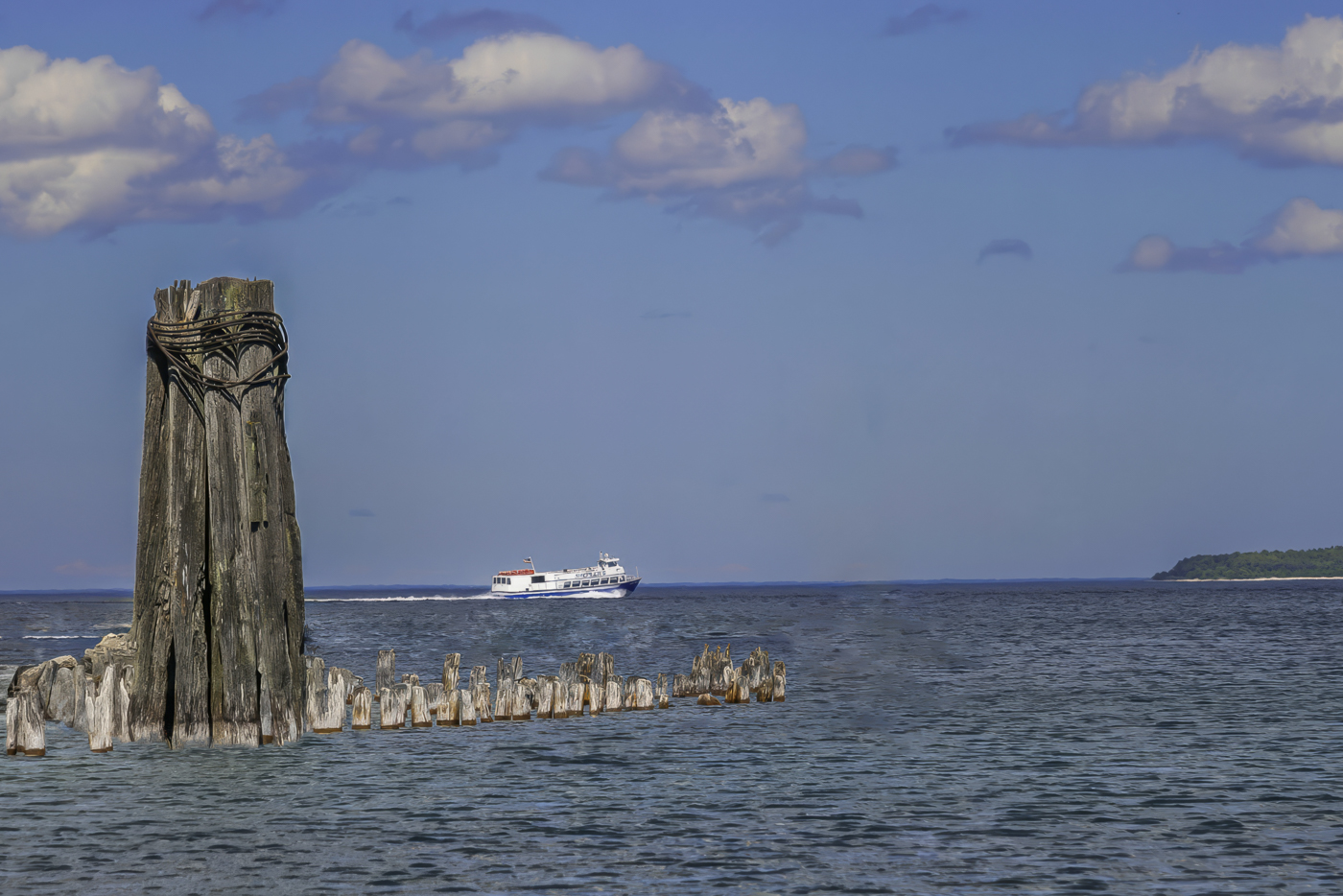
Liking some aspects of each/all individual comments and suggestions, I offer the following rework.
I removed one piling, to make the ship appear as though it's sailing away ... I also moved the other pilings, and wooden wall further downward, making there be more open water space between them and the ship. Thanks to Jim for these awesome recommendations.
I also re-cropped to add in just a bit of the edge of the island to offer the land as an additional point of interest and also to kind of show a "something" that the ship might be sailing toward. Thanks to Robert for this suggestion.
I further re-balanced the color, especially on the sky to make it a bit brighter and a touch more "Dutchman's Britches" color of blue... Ed and Robert both get kudos for prompting this revision.
Finally, I ran the whole thing through Topaz Photo AI for improved denoise, sharpness, and upscaling.
Overall, my personal skills in moving and removing in Photoshop are not highly advanced yet, but I am genuinely pleased with the overall outcome and final result. Thanks DD78 crew! |
Aug 20th |
 |
| 78 |
Aug 23 |
Reply |
Thank you for your suggestions, Robert. The addition of a small bit of the land is interesting for consideration. As with Ed's image, I do like the brighter appearance to the sky in your rendition while simultaneously finding that the color still does not match that Northern MI mid-summer color. Some great ideas to consider for sure ... thanks! |
Aug 20th |
| 78 |
Aug 23 |
Reply |
This is a very interesting rework ... thank you, Jim! |
Aug 20th |
| 78 |
Aug 23 |
Reply |
Thanks for your comments, Brenda. It was a challenging original to work with for sure... wrought with enough "opportunities for improvement" that there is only so much that can be done short of going full-hog and seeing what Adobe's AI might do with it (something that just does not interest me). I'm still reading through everyone else's comments as well and will try to tweak it a bit more. |
Aug 20th |
| 78 |
Aug 23 |
Reply |
Thanks for your rework, Ed! I do like the slightly brighter appearance you have rendered on the sky, though the color feels too pale for a Northern Michigan mid-summer sky to my eye... I will play around with it some more and see if I can find a balance in between that is both brighter and still looks like a MI sky to me. |
Aug 20th |
| 78 |
Aug 23 |
Comment |
This is so cool! I really like the round version. The wooden plank walkway going straight into the center is fantastic!
I also really like your chosen edits. It's excellent! |
Aug 16th |
| 78 |
Aug 23 |
Comment |
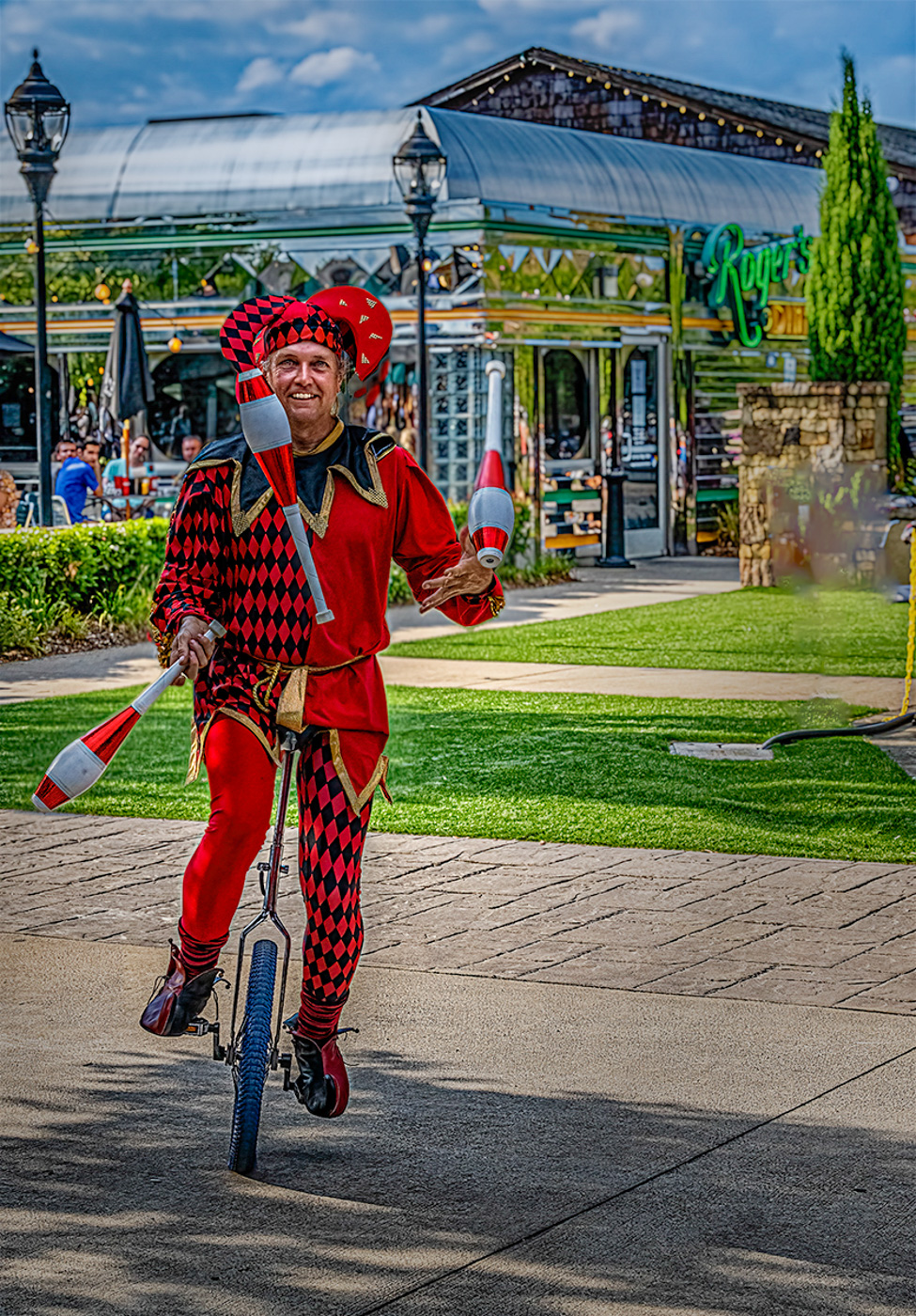
Hi Ken ... your edits on this to bring out the juggler are incredible! As others have also commented, I find the sky and background to be a bit too dark in relation to the brightness of the juggler. I also find the sign on the right hand side of the crop to be a little distracting.
In the attached, I brightened everything except the juggler, then also selectively brightened the sky and made it a touch more blue, then used a gradient mask to brighten up the right-hand side a little, then finally removed the sign (not very carefully). |
Aug 16th |
 |
| 78 |
Aug 23 |
Comment |
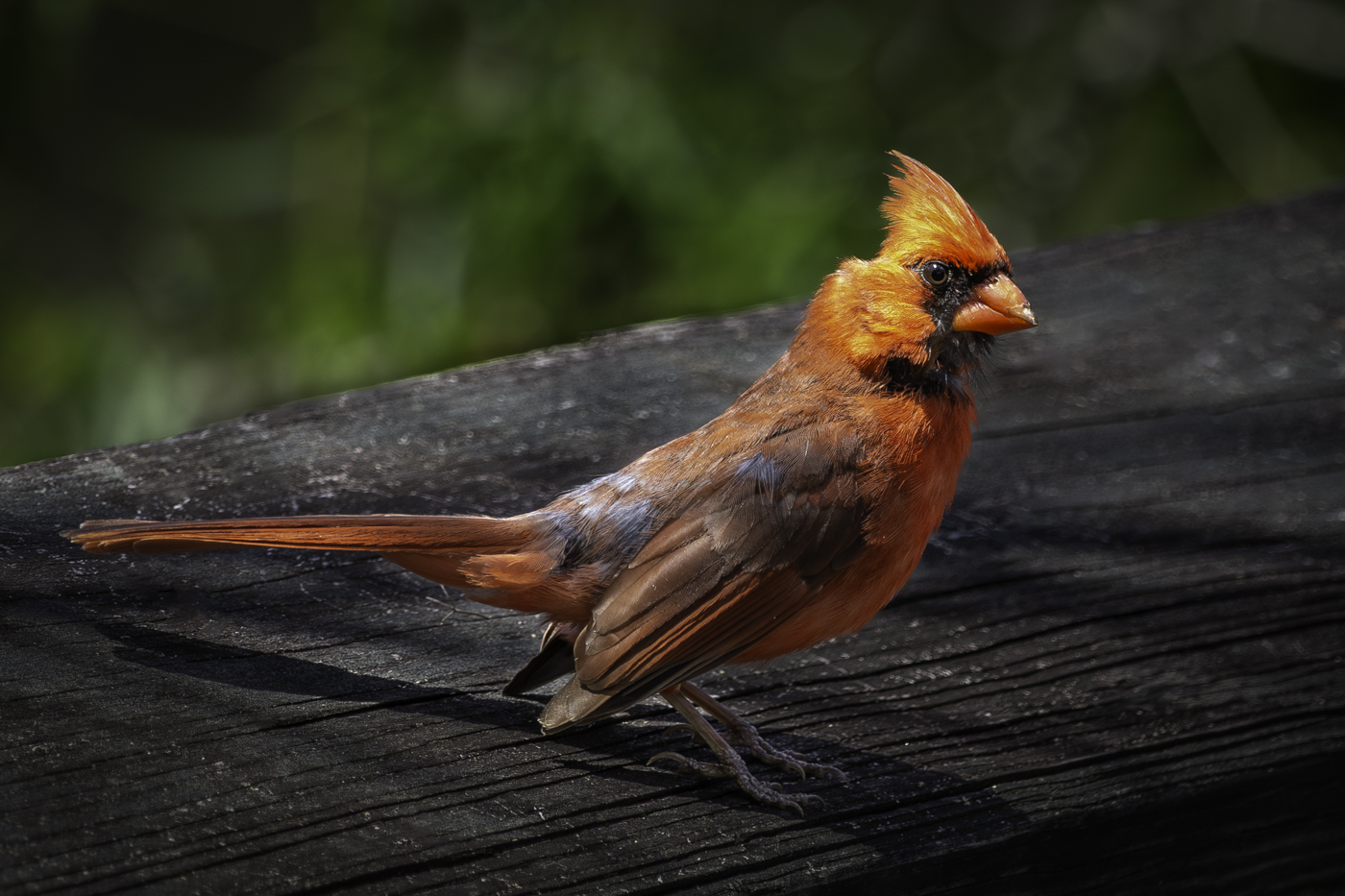
Fantastic image Robert ... and I really like your crop and choice to remove the pink from the background.
The couple of edits that Ed did also really helps draw attention to the eyes and make things pop more. I have nothing more to suggest. |
Aug 16th |
| 78 |
Aug 23 |
Comment |
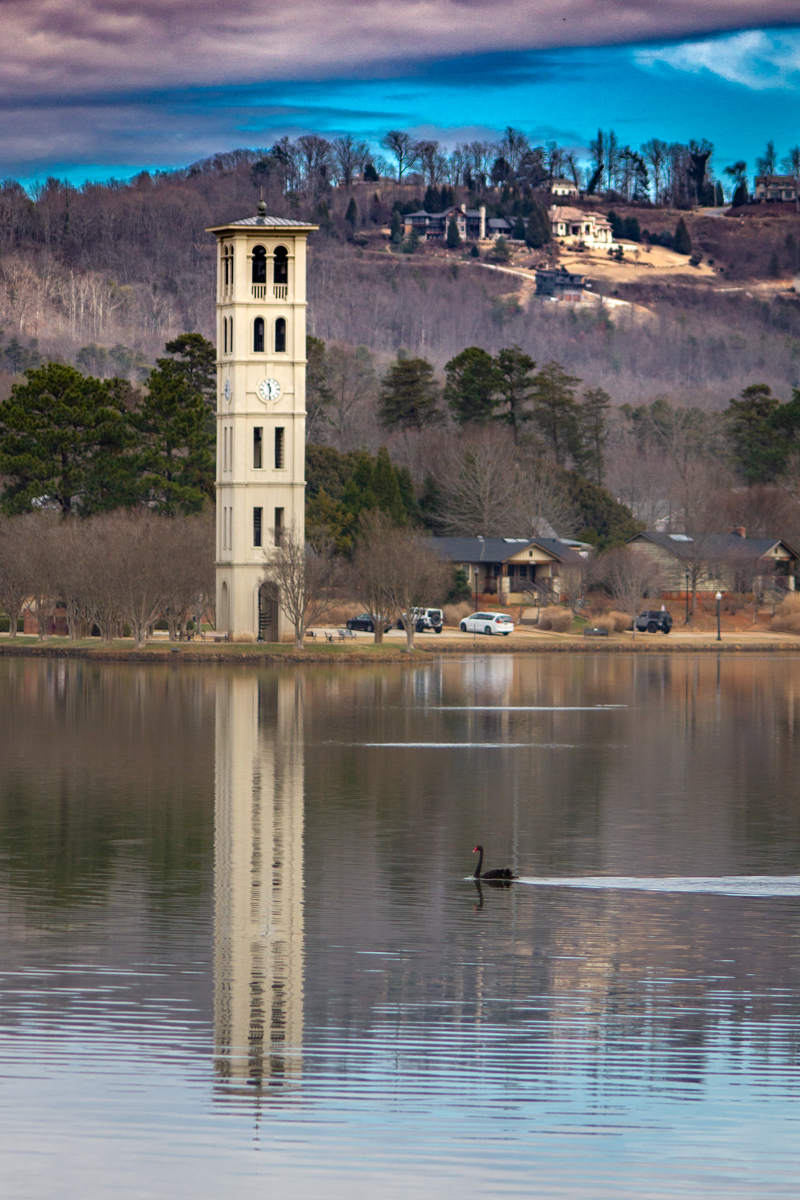
Your monotone images are always amazing Sunil.
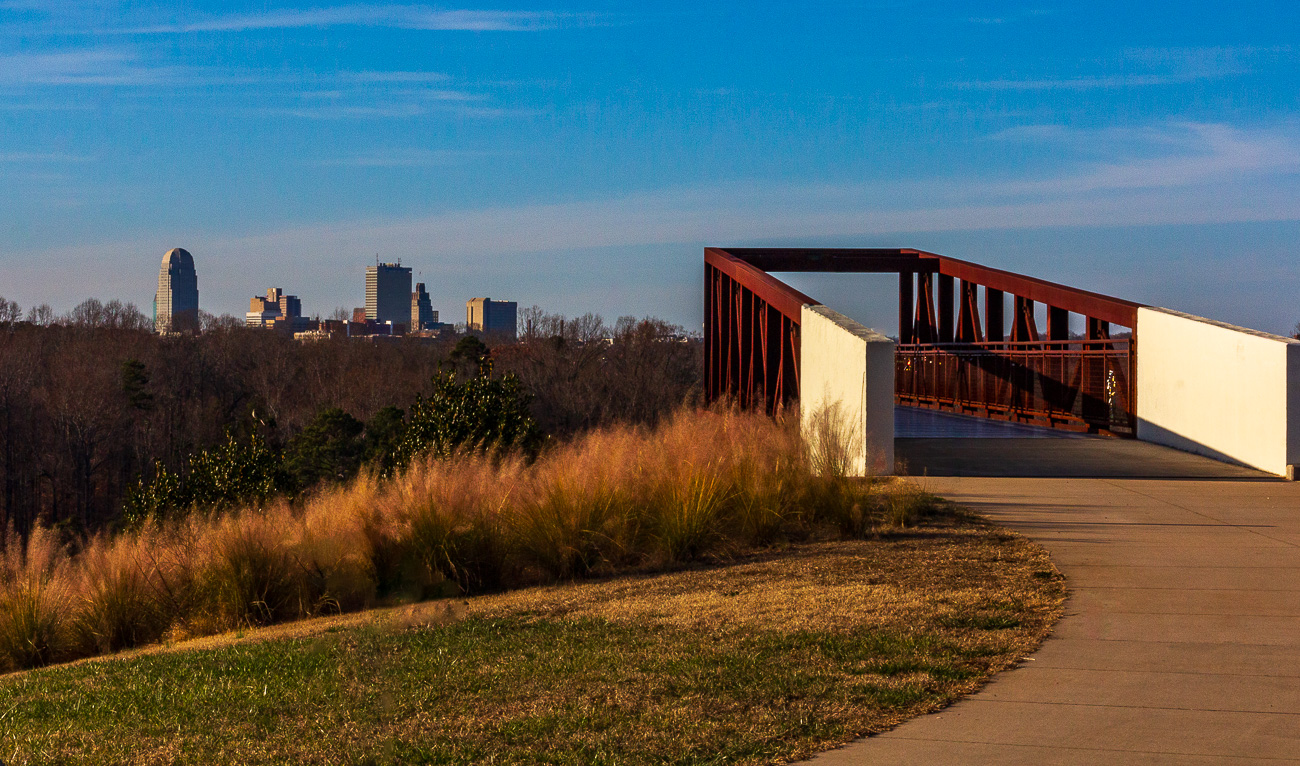
There are already some great suggestions here ... I like what Jim did with it as far as the verticals and the sky and I also really like what Ed did with it removing the car and the parking lot lines. I prefer the wider crop of your modified version and Jim's version vs the tighter crop of Ed's. |
Aug 16th |
| 78 |
Aug 23 |
Comment |
Hi Jim,
Great recovery of a photo!
I like your edited version better but also feel the same as others with a preference toward the coloration and saturation of the sky in your original. |
Aug 16th |
| 78 |
Aug 23 |
Comment |
Hi Brenda,
This is a great image and I think it is already fantastic just as you have cropped it!
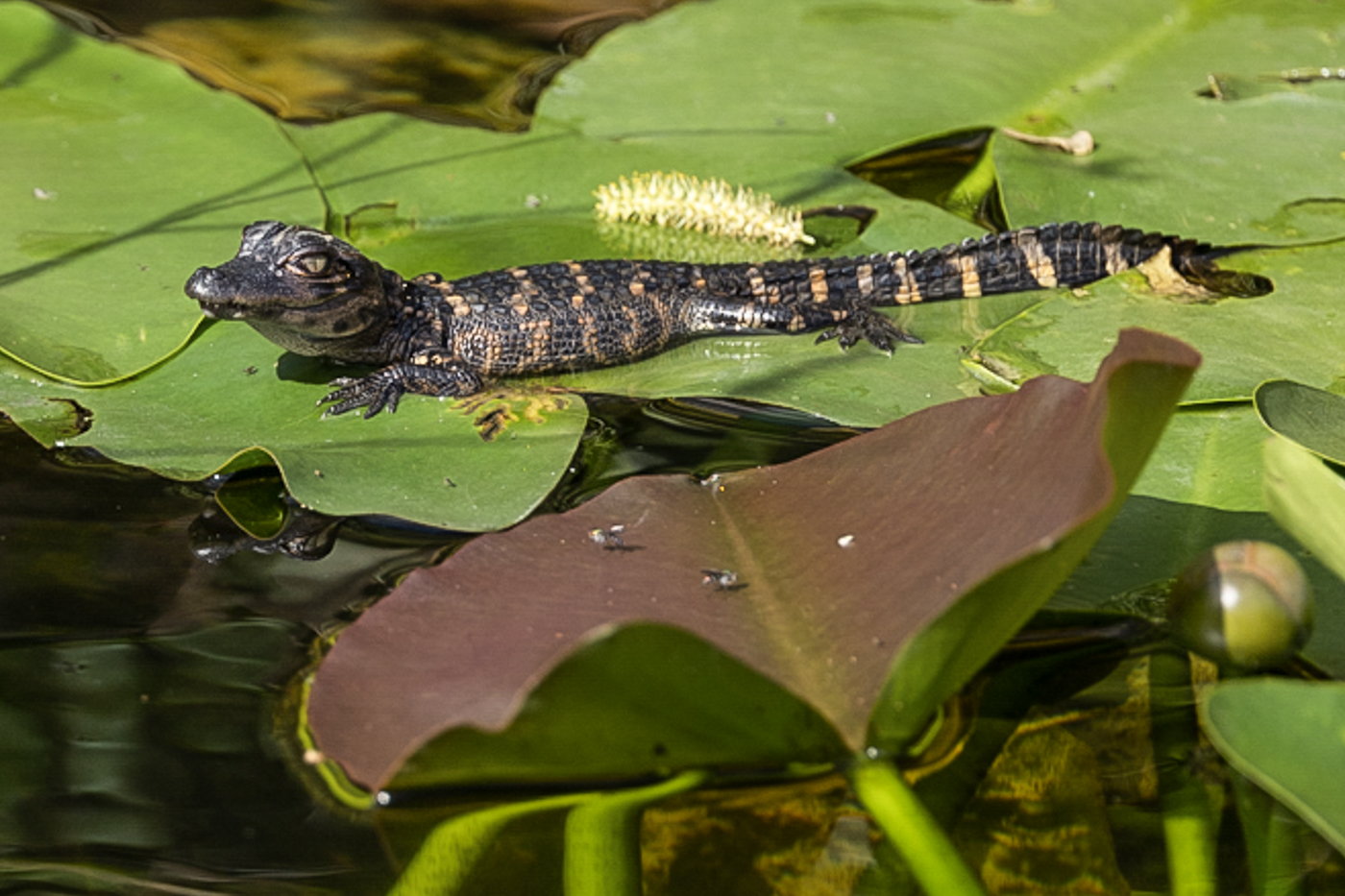
Knowing you plan to enter in Nature and thus have a lot of limitations on what you can and cannot modify, I offer the following crop as one alternative. In this crop, I included the entire brown leaf in the foreground and kept the aspect ration a standard 35mm equivalent 3:2. To me, the inclusion of the entire leaf helps provide even more context on the size, helping more clearly convey this is a baby alligator. Additionally, the lighter colored vein running down the center of the brown leaf helps "point" toward the alligator and draws focus more toward the primary subject.
I also tweaked blacks, whites, shadows, highlights, contrast, etc. but since I'm working from the JPEG with a significant crop, there are some artifacts visible in my version as well. |
Aug 16th |
 |
6 comments - 8 replies for Group 78
|
6 comments - 8 replies Total
|