|
| Group |
Round |
C/R |
Comment |
Date |
Image |
| 60 |
Mar 23 |
Reply |
Thank you Rita. I've been working on my long exposure so I appreciate all the feedback. |
Mar 29th |
| 60 |
Mar 23 |
Reply |
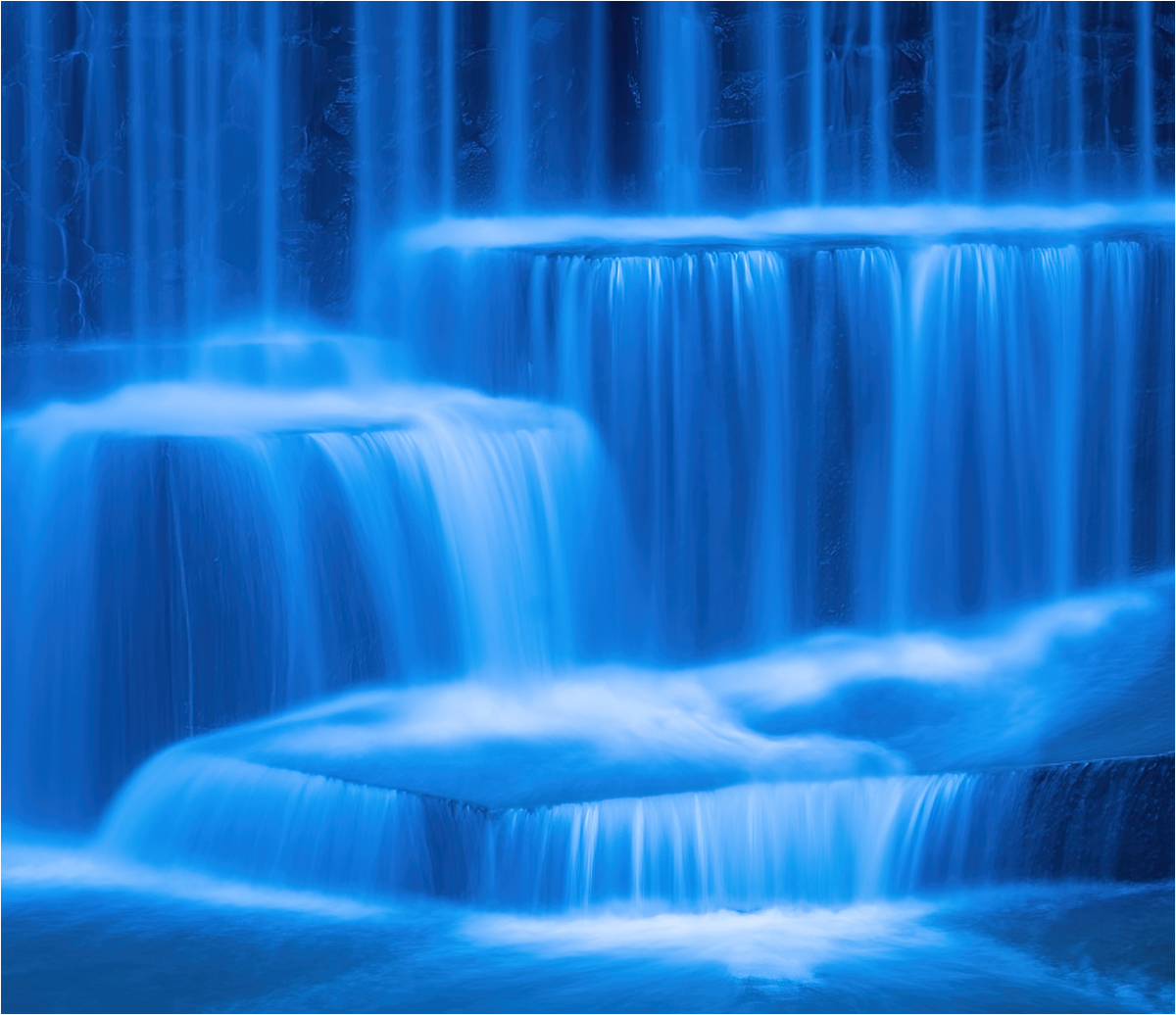
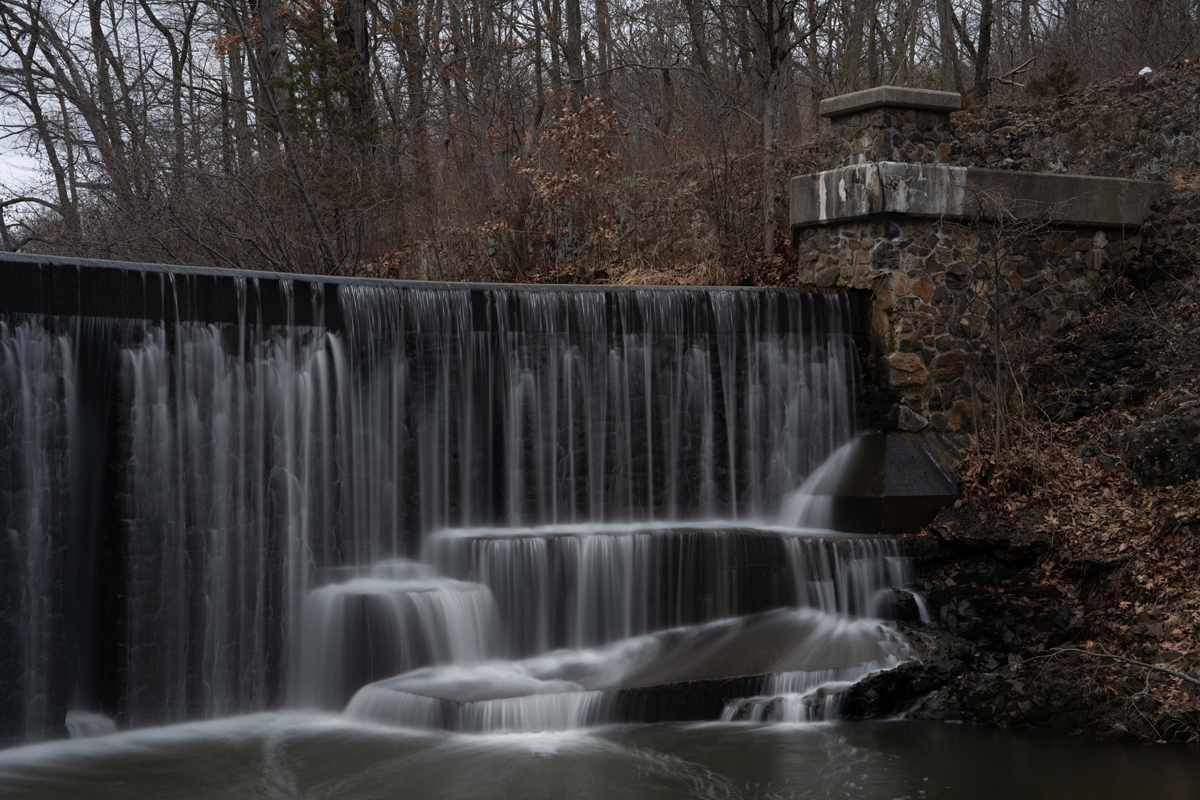
I bracketed the exposure -3, 0, +3 and then combined in Lightroom and edited the final. Sometimes I crop really tight because I post to Instragram, but I will try your recommendation because I do want to the print the image. Color grading - I've played around with it in the past but I'm not really sure what it does. Google to the rescue. |
Mar 11th |
| 60 |
Mar 23 |
Reply |
Thank you. |
Mar 11th |
| 60 |
Mar 23 |
Reply |
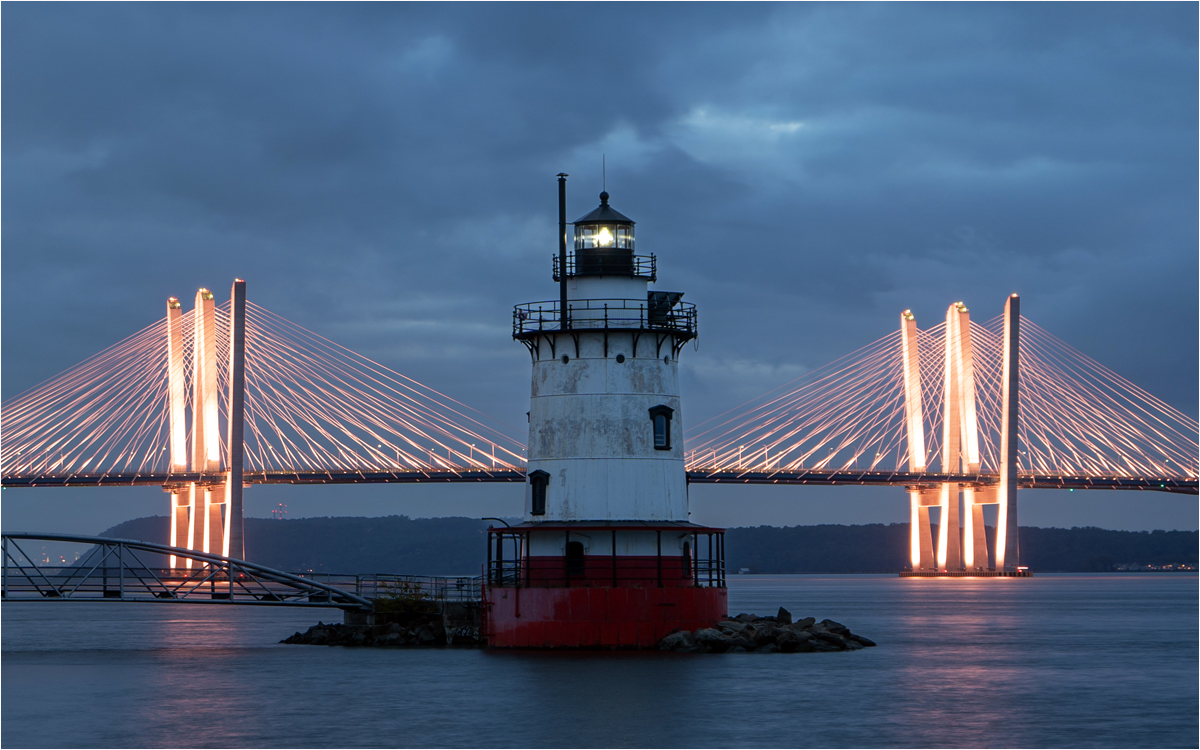
Thank you for your comment. Attached is the original unedited version- I looked back at the history and it was actually an HDR, although I'm not sure I combined correctly. I did a lot of experimentation along the way, having said that color temperature and contrast were the big players here.
As far as your comment on context I think this is an excellent point. I think as photographer(s) we or I look at the image so many times that I know the context and the subject, but I forget that it's the one and only time my viewer will see the image. I have to get better at remembering this very important point.
Quick question on HDR - I had three images different exposure compensations - do I post edit each image before combining or combine and then post edit - I did the second approach. I think that's the right one. Thanks. |
Mar 11th |
 |
| 60 |
Mar 23 |
Comment |
I like your triangular composition, it's simple but effective. The colors are true to life. I like the use of the background is it a gradient or is that vignetting, nicely done it keeps me centered. Good use of radial filters and underrated tool in lightroom that I will definitely explore more. Well done! |
Mar 11th |
| 60 |
Mar 23 |
Comment |
You definitely found a rusty subject. Nice job bringing out the detail in the shadows. Good texture too. You may want to crop out that lighter rust section on the right border of the image, although I'm not sure how that will impact the tree in the background - maybe content aware fill the tree out in photoshop, just to see what it looks like. Just a suggestion. Great image. |
Mar 10th |
| 60 |
Mar 23 |
Comment |
I love the layers and the colors; you handled the sky nicely. I agree with Dean the plateau and sky really draw you into the image. Great job! Big open space - I love it! |
Mar 10th |
| 60 |
Mar 23 |
Comment |
I like your concept; the old books and (toy) pistol are great props and you have good texture and color for the background and table. Are these permanent fixtures? I too would like to see the image done with different lighting. You've got a lot of good material to work with - have fun exploring! |
Mar 10th |
| 60 |
Mar 23 |
Comment |
My first impression when I saw your image was WOW, great shot!! If you can get a Bird in flight, you have good skills! It is not easy to capture wildlife, even more difficult in flight. I like your background blur, it doesn't distract from your subject, and the color scheme is great! I also like that the bird has some room to spread his wings and fly. You may want to consider cropping some of the bottom and maybe the bright spot in the upper right corner. Other than that, good image! |
Mar 10th |
| 60 |
Mar 23 |
Comment |
Great image and the shoes really pop. You probably could have cropped a bit of sky but not too much. My only comment, I am thinking maybe the story would be stronger if the shoes were facing a bit towards the rough surf - give the impression that she's down by the water. I'm not sure how to use HSS but I think I could have used this for a project I just finished. Did you use an on-camera of off-camera flash? I'll have to goggle this technique. |
Mar 9th |
6 comments - 4 replies for Group 60
|
6 comments - 4 replies Total
|