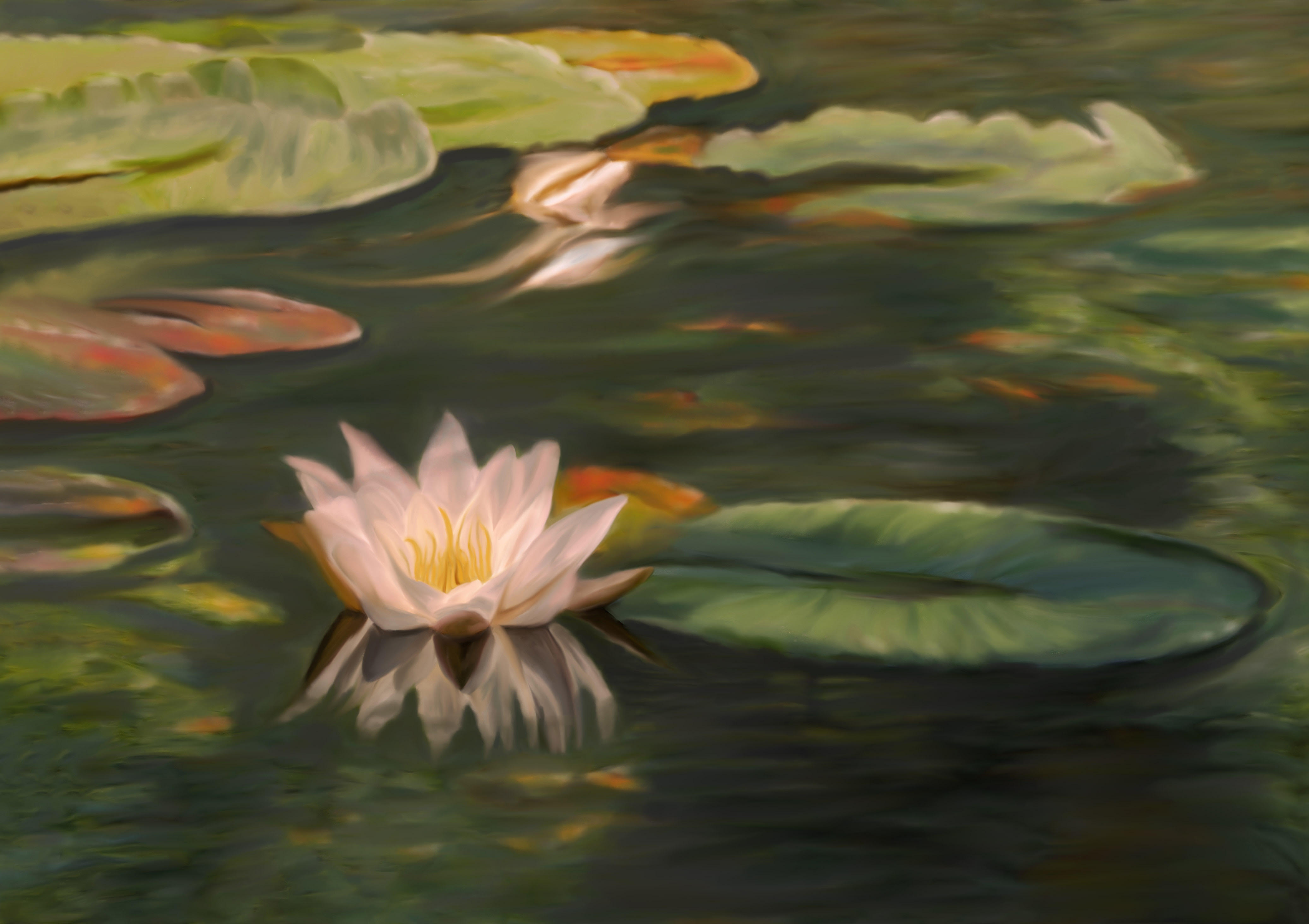
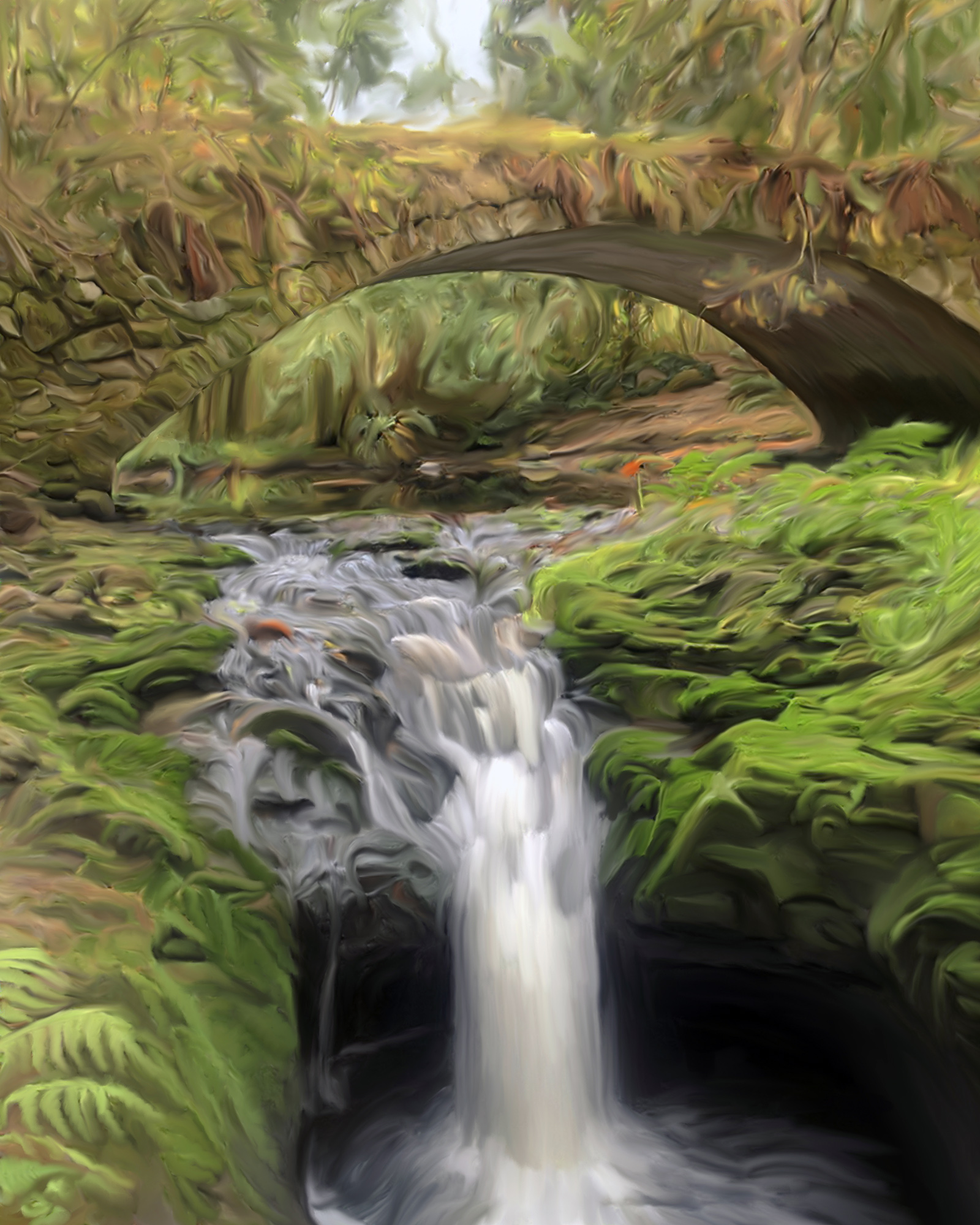
|
| Group |
Round |
C/R |
Comment |
Date |
Image |
| 56 |
Feb 23 |
Reply |
Hi Nancy,
Is this what you meant? |
Feb 28th |
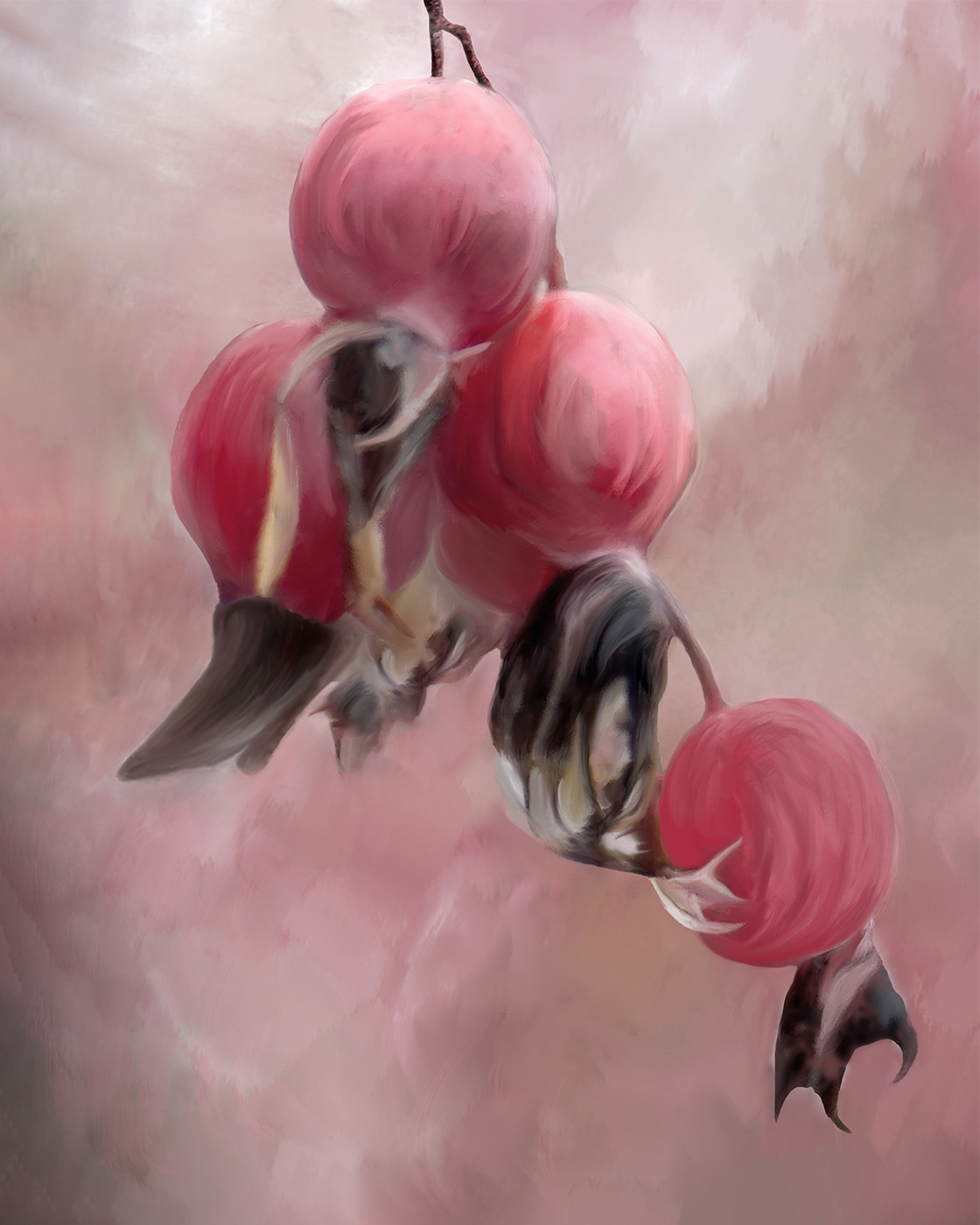 |
| 56 |
Feb 23 |
Reply |
Thanks Pat. |
Feb 27th |
| 56 |
Feb 23 |
Reply |
Thank so much. |
Feb 27th |
| 56 |
Feb 23 |
Reply |
Thanks Nancy, for pointing that, I will do it, I think it makes sense, is a very good point and will also keep in mind when I am working with another project as well.
I tried so much with this image, that mentally I was thinking, it's going to make a hole, like when you are a child, and you tried so much. jijiji.
Martha
|
Feb 27th |
| 56 |
Feb 23 |
Reply |
Hi Cindy,
Thanks for pointing me out Elevate your Art site. I did registered the site, I am watching the introductory videos, and already learning lots about Photoshop tricks, great learning place. I've seen some your painting there. Amazing work.
Thanks,
Martha
|
Feb 24th |
| 56 |
Feb 23 |
Reply |
Thanks Trey, yes indeed Cindy's suggestion did improved the overall result, I really appreciate all your inputs.
Martha |
Feb 24th |
| 56 |
Feb 23 |
Comment |
Congratulations for the selection of your image in the Digital showcase for February, spectacular image. |
Feb 17th |
| 56 |
Feb 23 |
Reply |
Thanks, Gerhard. |
Feb 17th |
| 56 |
Feb 23 |
Comment |
Pat,
Congratulations for your beautiful photo "Firework reflections", that have been selected for the Digital Showcase for February.
Agree with Gerhard and Cindy.
Martha
|
Feb 17th |
| 56 |
Feb 23 |
Comment |
What a great montage, very artistic, beautiful composition and belonging environment. Great representation. I don't know but I will add a little bit of yellow in the water, as a beak reflection. |
Feb 10th |
| 56 |
Feb 23 |
Comment |
Viewing your image in black and white helps me to focus more on the texture of your eagle, that is so well applied, the only thing, I can say, is I see in the colour version a little bit of shadow in the eye, in the inner and top of the eye, that I like it. |
Feb 10th |
| 56 |
Feb 23 |
Comment |
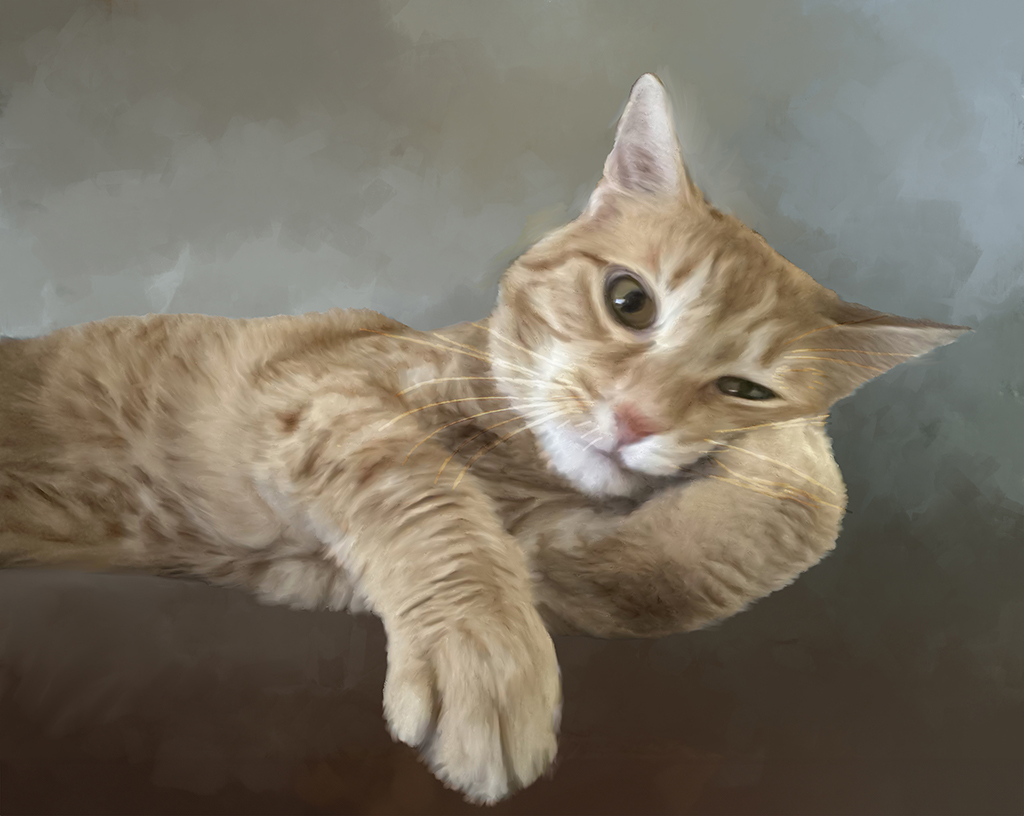
I like the final work, it came from a snapshot to a portrait painting, great work Nancy. Also the background tones and colours are amazing, kind of vignette effect, that keep our eyes on the subject. |
Feb 10th |
| 56 |
Feb 23 |
Comment |
Hello Trey,
What a beautiful bright, vibrant image.
Great composition, I also like the original one. Great image. |
Feb 10th |
| 56 |
Feb 23 |
Reply |
Yes, Cindy, I did receive the article, thanks so much, I have been checking almost all the points, and I think I miss this one "Elevate Your Art site", I will be do so.
Is a very comprehensive and practical article, and you have done a wonderful job pointing out the most important techniques to begin with the use of the mixer brush as a tool of Painting in Photoshop.
Great job. |
Feb 9th |
| 56 |
Feb 23 |
Reply |
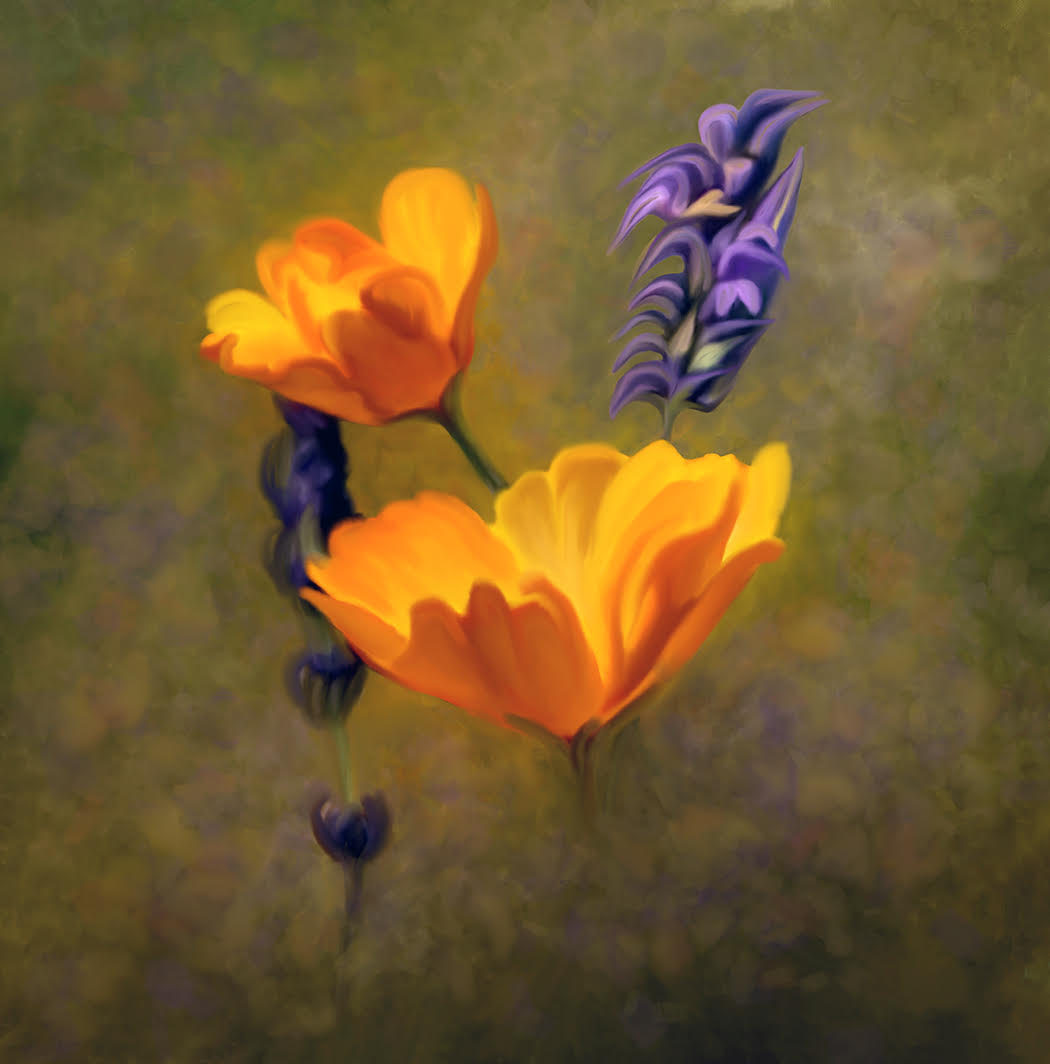
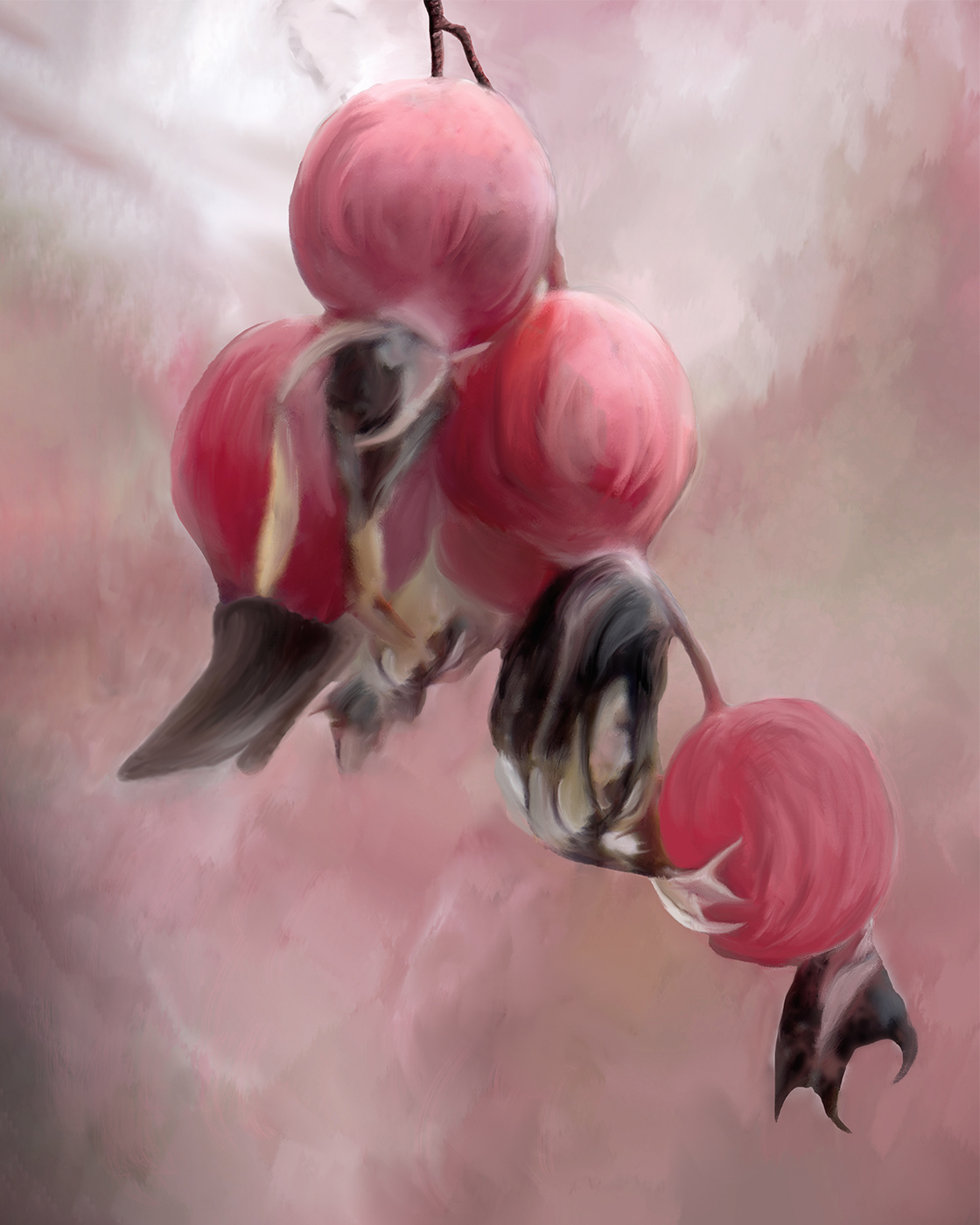
I also blend the whiter area around the berries. At first I thought you were talking about it, then when I was posting I also blend the white spot in the bottom of the berry |
Feb 8th |
 |
| 56 |
Feb 23 |
Comment |
|
Feb 8th |
| 56 |
Feb 23 |
Comment |
Thanks Cindy, I haven't thought about the lighting direction, but I am glad you point it out, I just followed the photo itself and its tones, but that will help me in creating more realistic paint effect, and I will try your suggestion on eliminating or blending the white areas. |
Feb 8th |
8 comments - 9 replies for Group 56
|
8 comments - 9 replies Total
|