|
| Group |
Round |
C/R |
Comment |
Date |
Image |
| 5 |
Oct 22 |
Comment |
Great image |
Oct 17th |
1 comment - 0 replies for Group 5
|
| 24 |
Oct 22 |
Reply |
Ambivalent...maybe somewhere in the middle. Your opinion is always a real plus for me and an incentive to try it. |
Oct 28th |
| 24 |
Oct 22 |
Reply |
Thanks. We've had nothing but rain for months but it started waning in the last couple of weeks so I know the feeling. |
Oct 28th |
| 24 |
Oct 22 |
Reply |
Tom's suggestion is a really good one as well. |
Oct 19th |
| 24 |
Oct 22 |
Comment |
After looking at this again, I'm wondering if it really belongs in a group dedicated to flowers. Maybe it's me but I don't see the main subject as flowers. |
Oct 18th |
| 24 |
Oct 22 |
Reply |
Photoshop is $ 10.00 per month and I'm a lightroom idiot so I can't help you in that one and if you have lightroom you should be able to upgrade and get both of them. That's what I did. If you are in the US the phone number for Adobe support is 800 833 6687 and they are fabulous |
Oct 16th |
| 24 |
Oct 22 |
Comment |
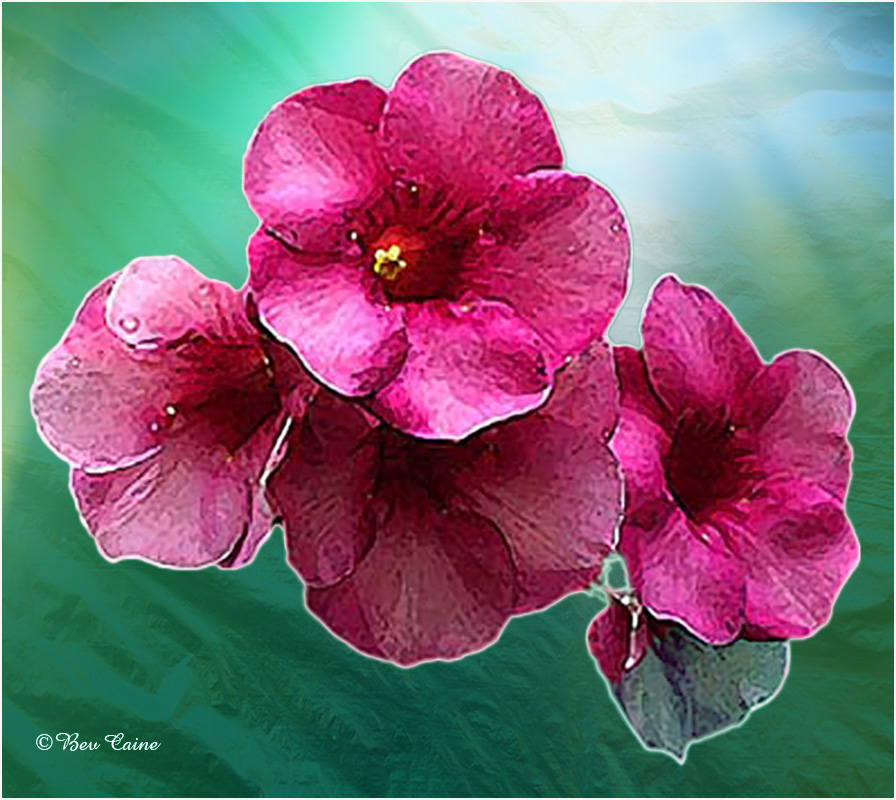
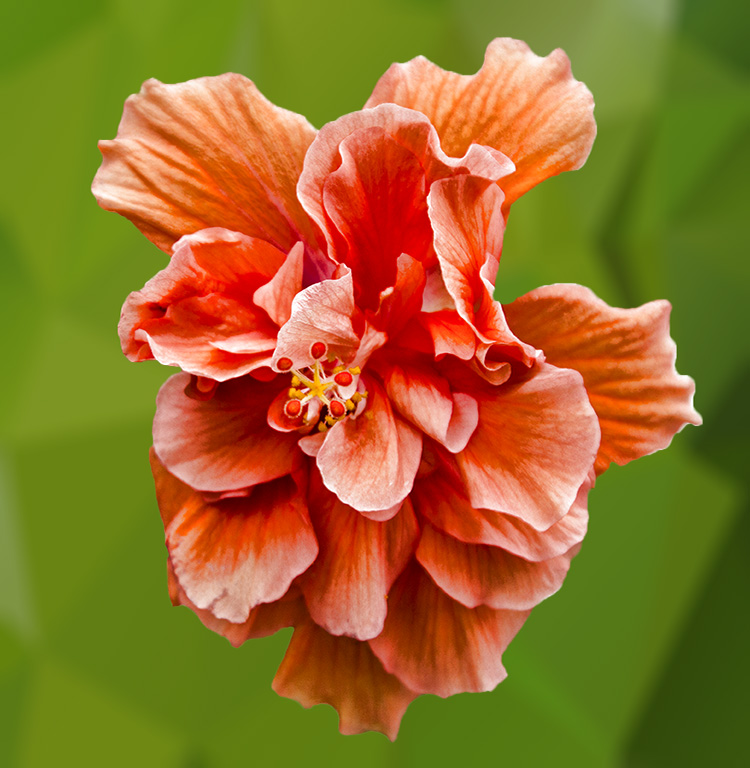
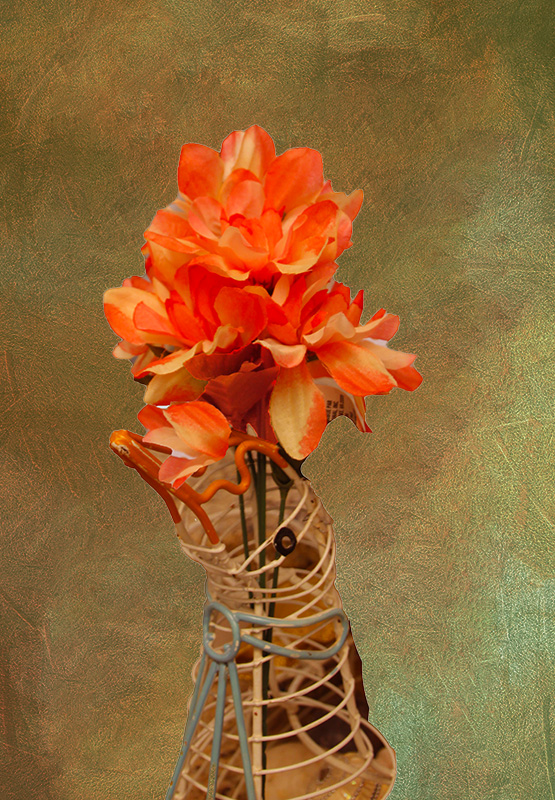
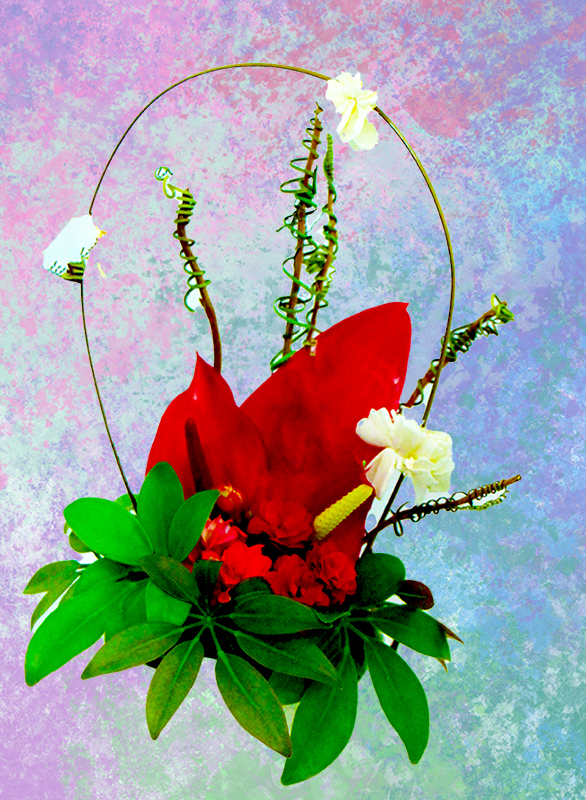
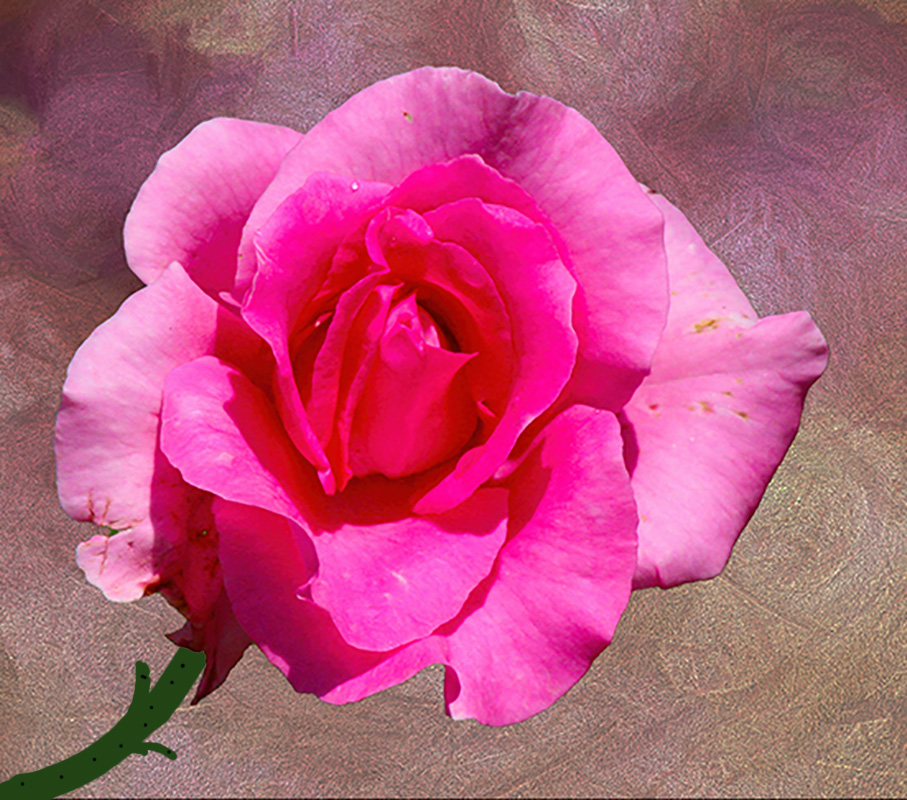
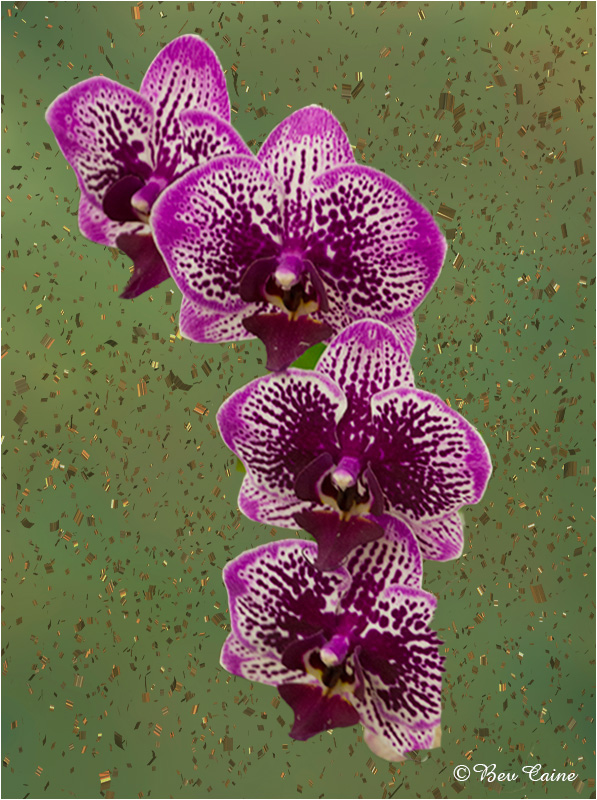
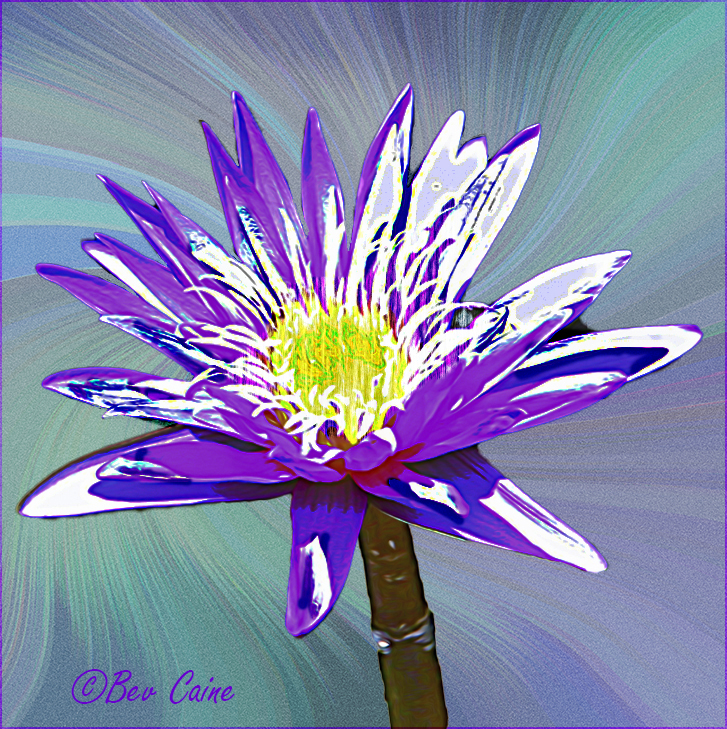
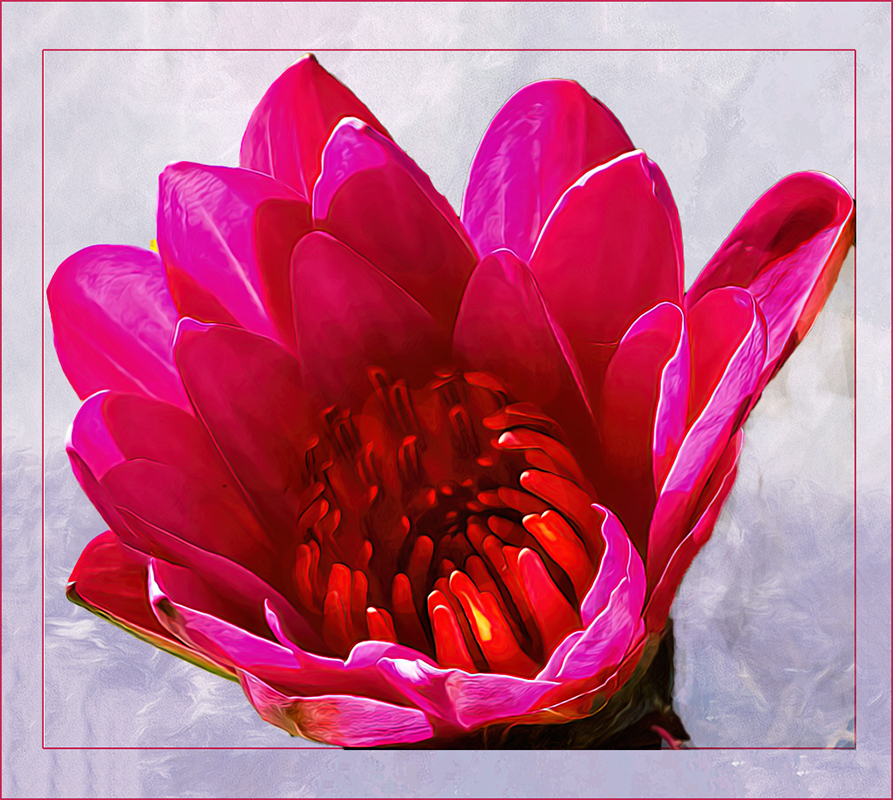
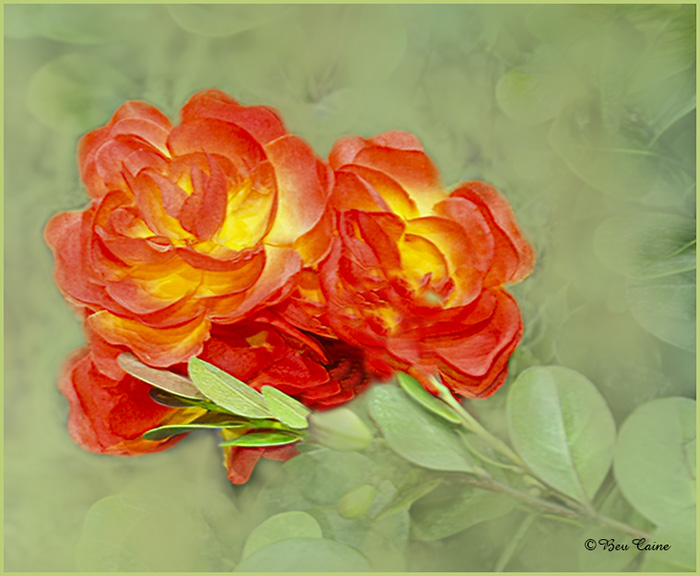
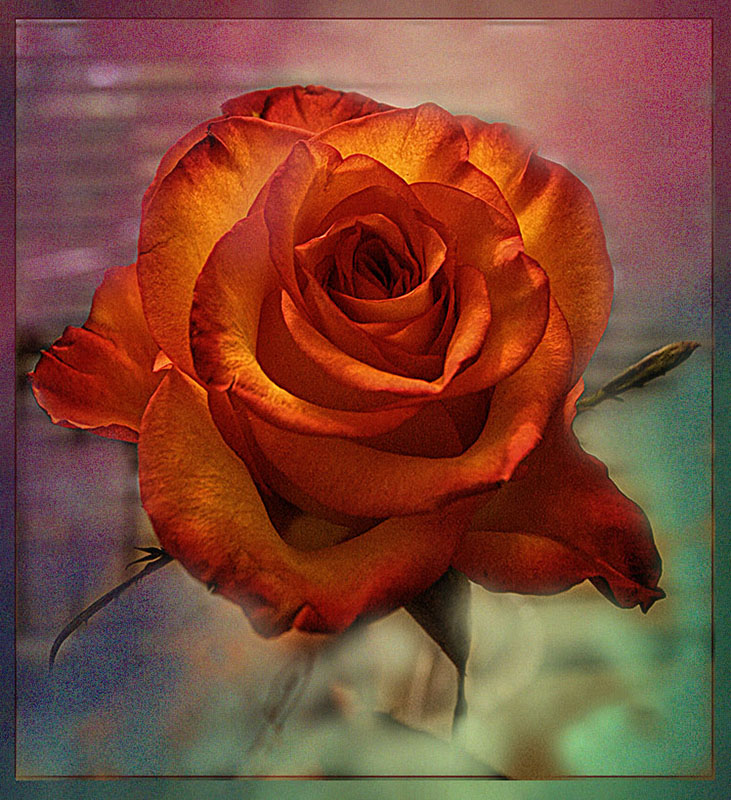
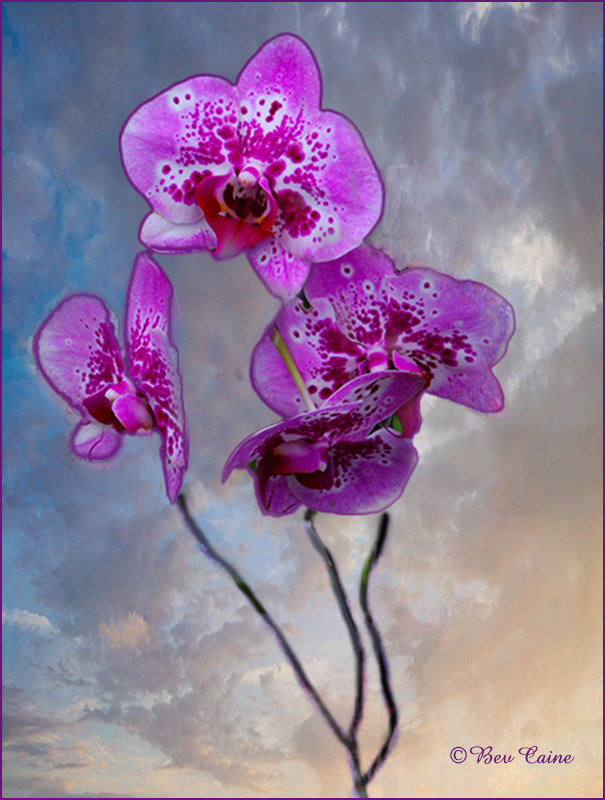
Beautiful flower but I didn't find that your background added anything so I changed it. I saw a video by Matt Koslowski on creating your own textures. Looked pretty simple so I bought it and came up with this.. |
Oct 14th |
 |
| 24 |
Oct 22 |
Comment |
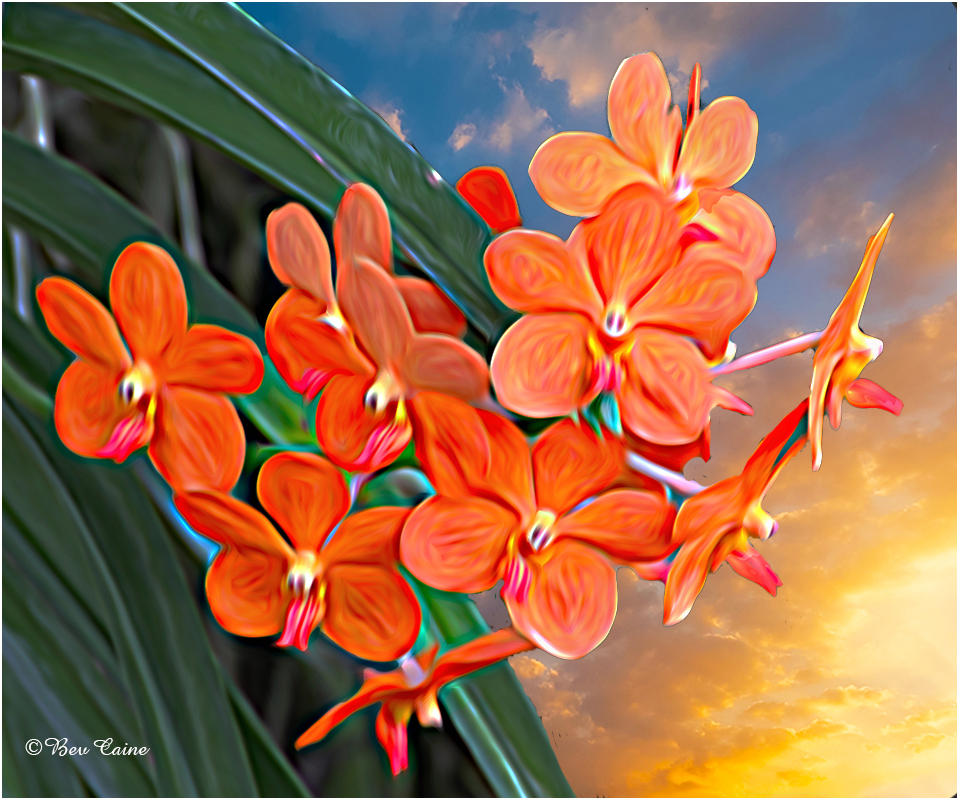
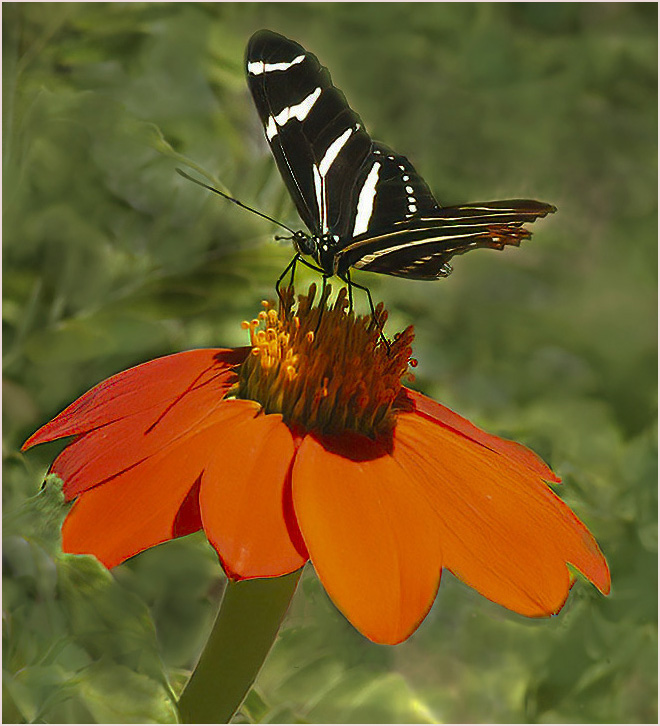
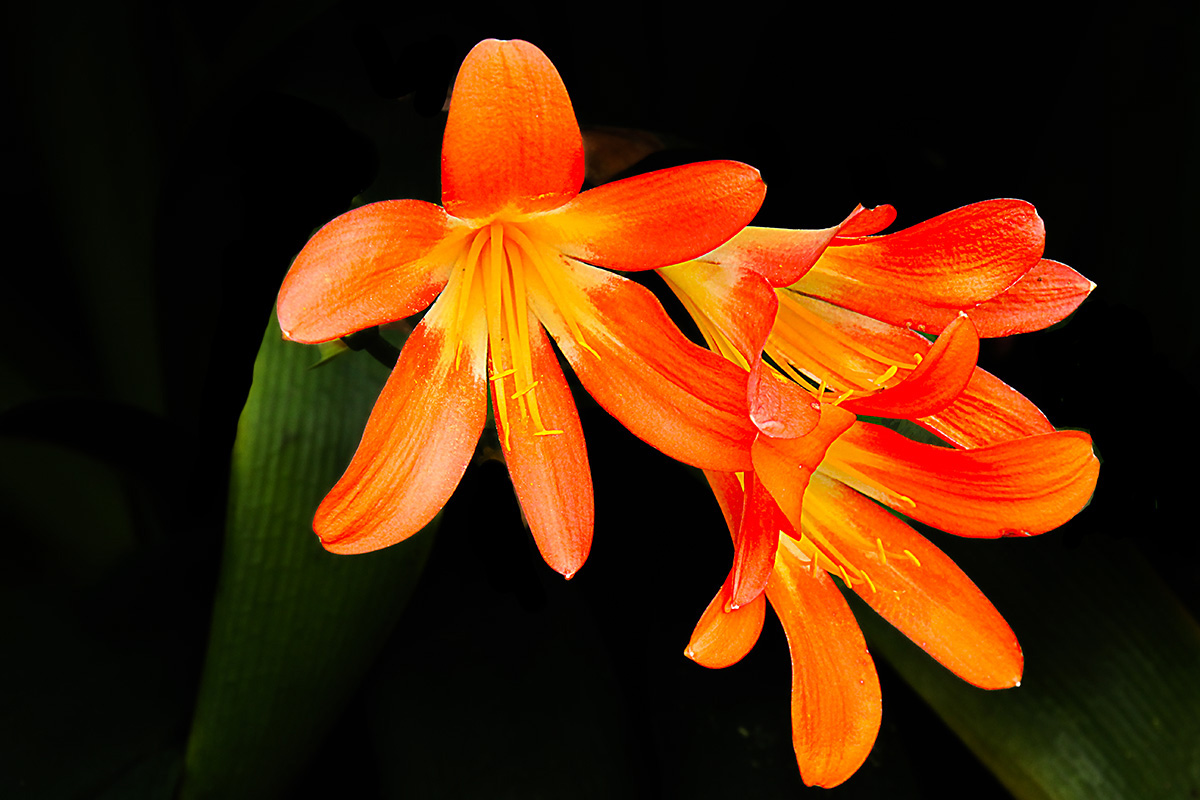
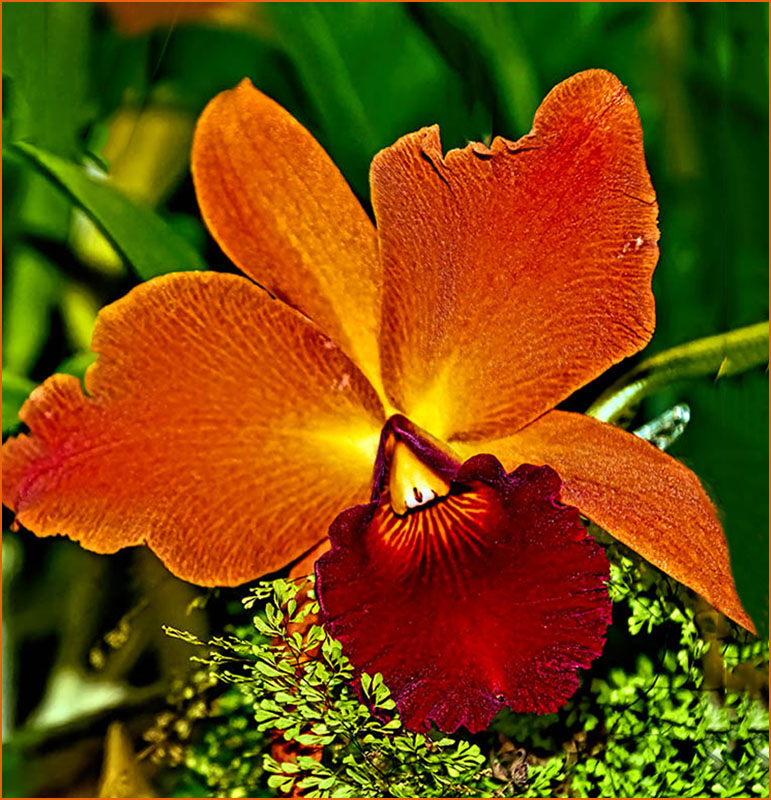
The center two flowers are the highlight of the image. For me there was too much extraneous "stuff" in here. So I cropped both the height and width. I then selected everything to the right of that purple flower and did a content aware fill and repeated the process eliminating the flowers on the left to kind of force the eye to see the center flowers. I then cloned a light orange over the "face" of the dead flower.. Then in Photoshop went to image/adjustments/vibrance and increased both the vibrance and saturation; and, finally finished by taking the subject flower into Topaz Studio 2 and sharpening just the two flowers. What do you think? |
Oct 14th |
 |
| 24 |
Oct 22 |
Comment |
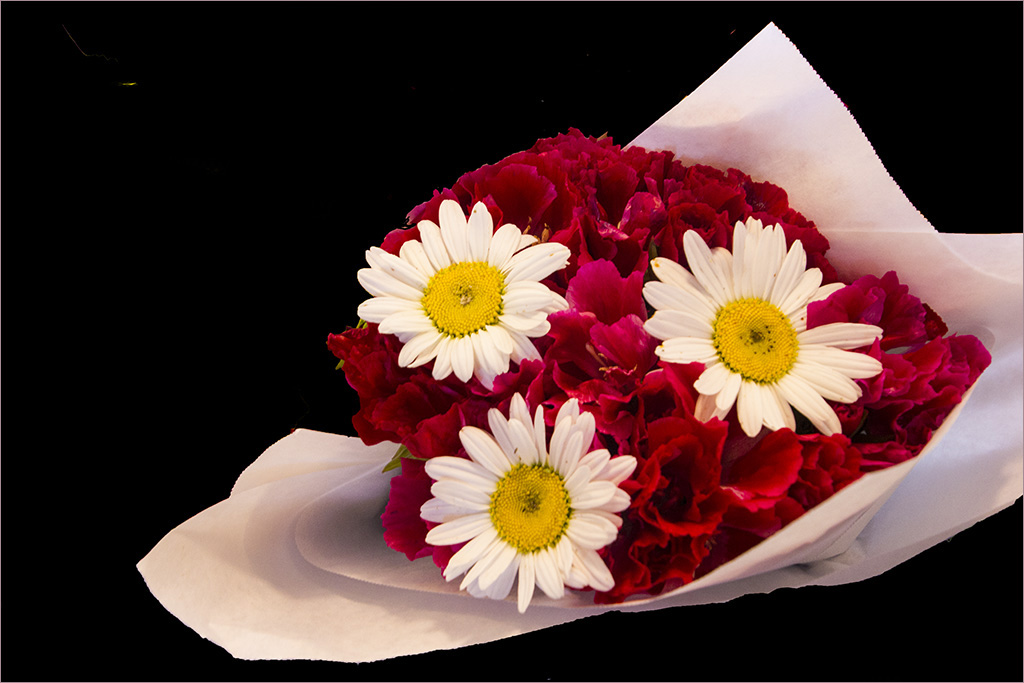
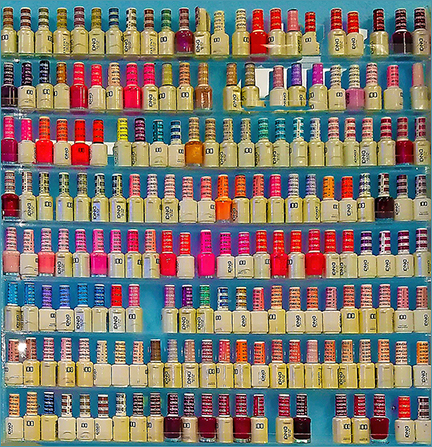
Every time I go into the grocery store I think about doing just that, but haven't seen any quite as good as this one. Very well donee.
|
Oct 14th |
| 24 |
Oct 22 |
Comment |
The solution to that may have been simply to not lighten the whites as my actions were done in sections. |
Oct 14th |
| 24 |
Oct 22 |
Comment |
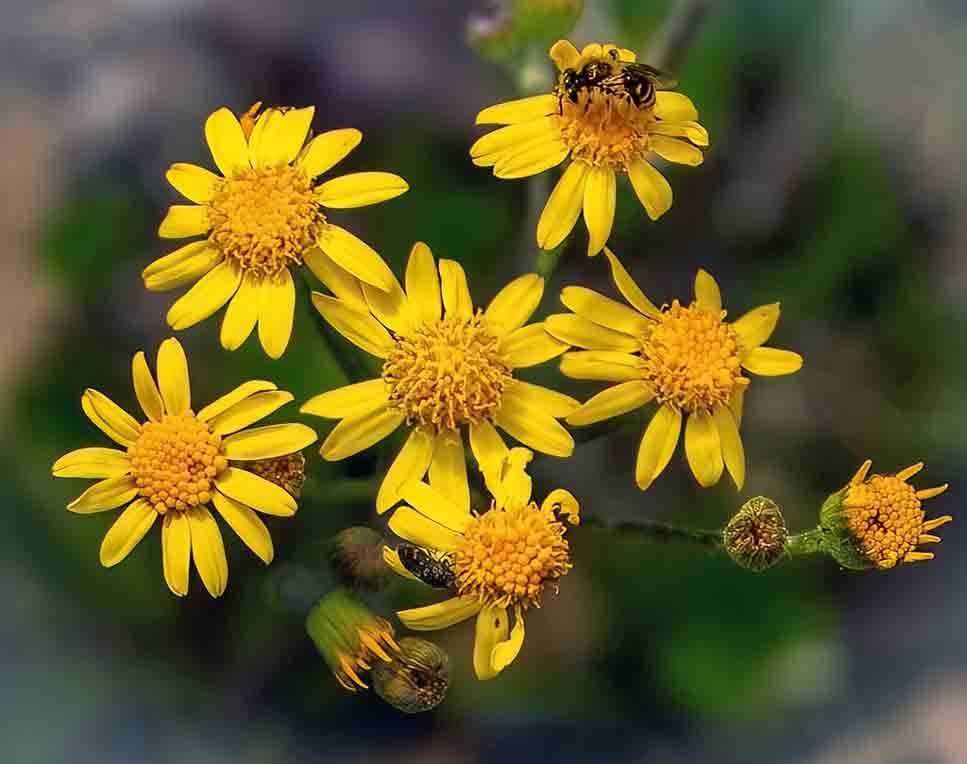
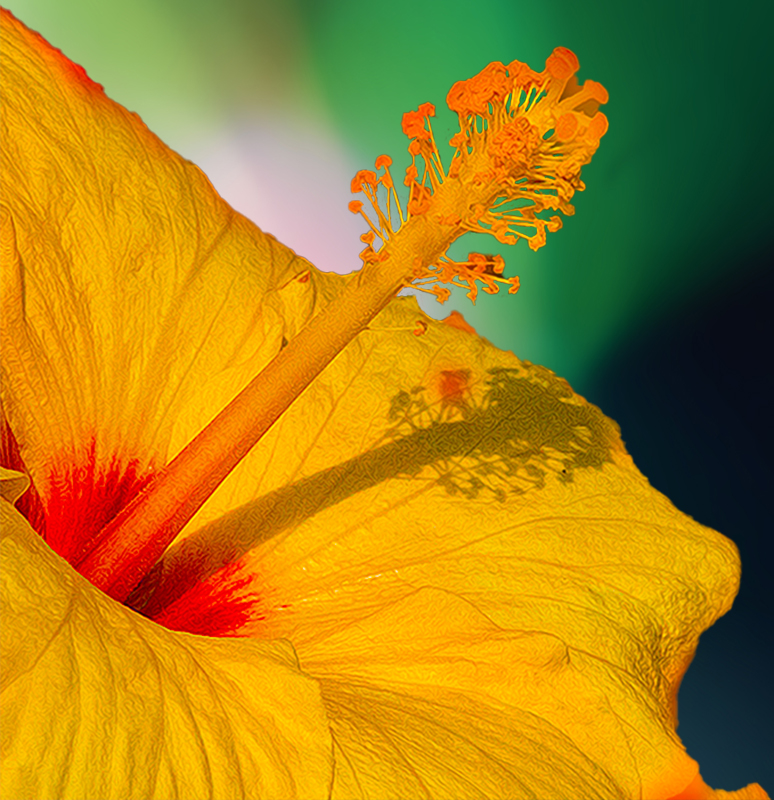
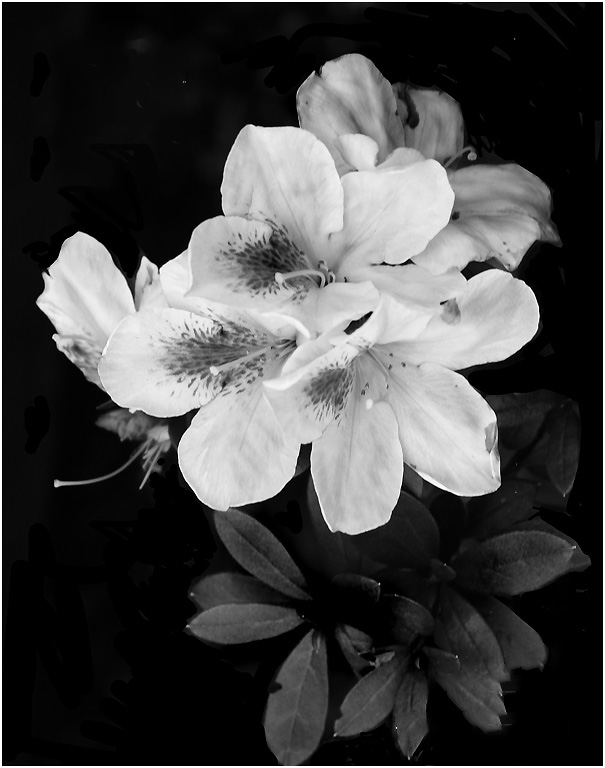
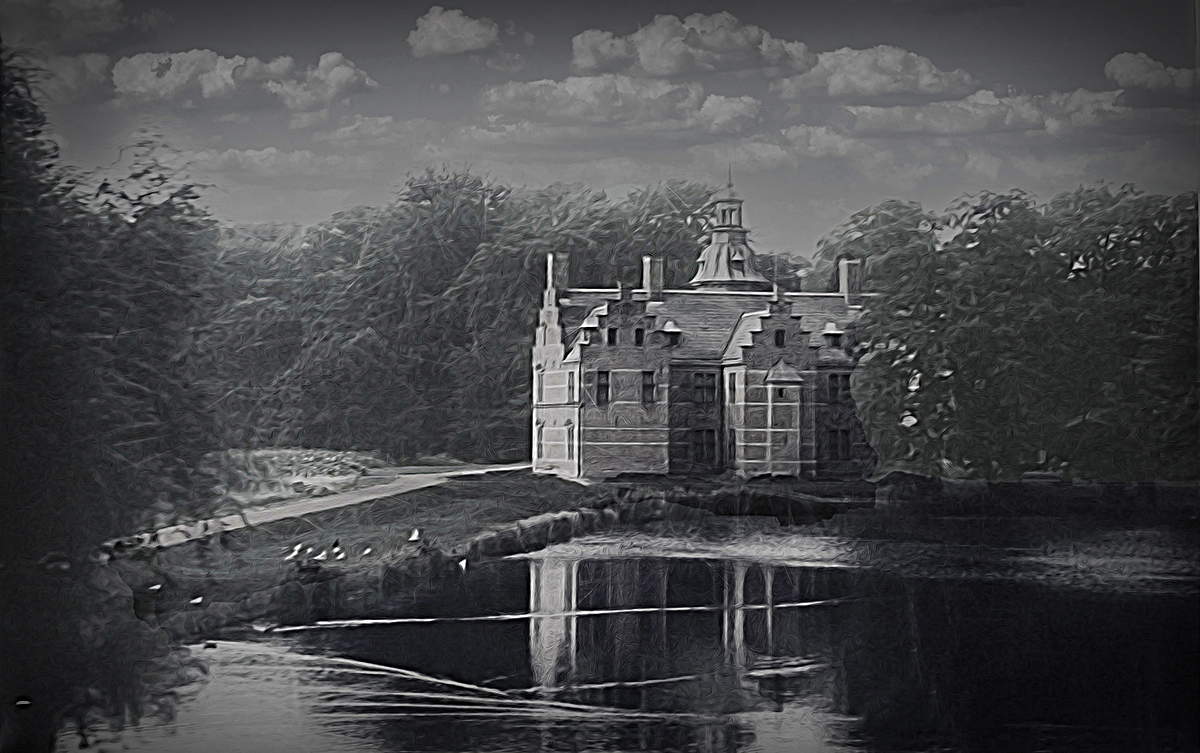
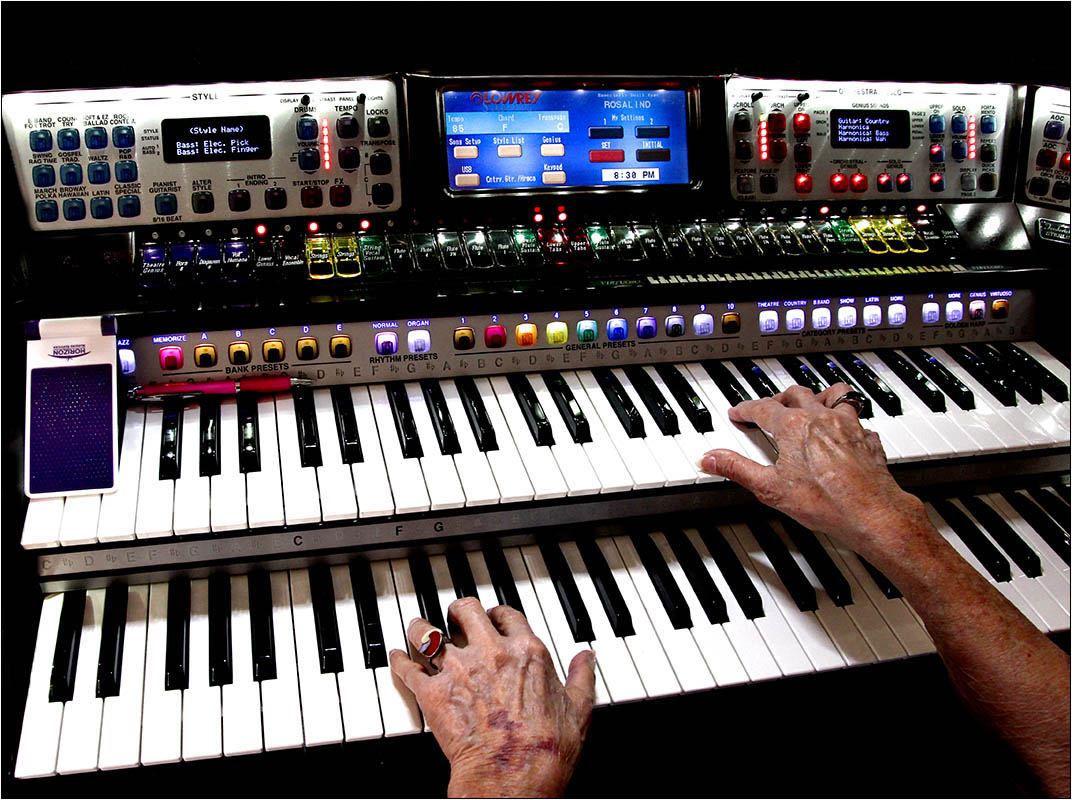
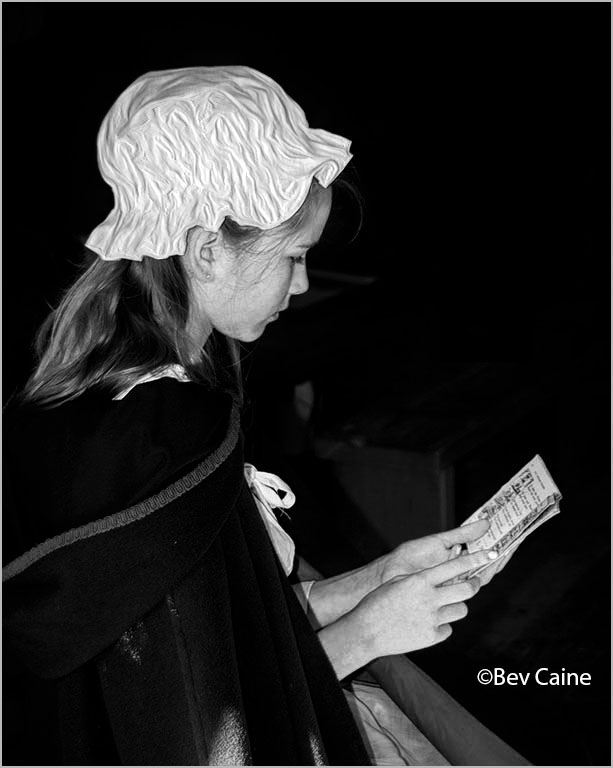
This is an interesting abstract, but for my taste a bit bland. So I took it into photoshop and enhanced the blacks and brightened the whites just a bit. What do you think |
Oct 14th |
 |
| 24 |
Oct 22 |
Comment |
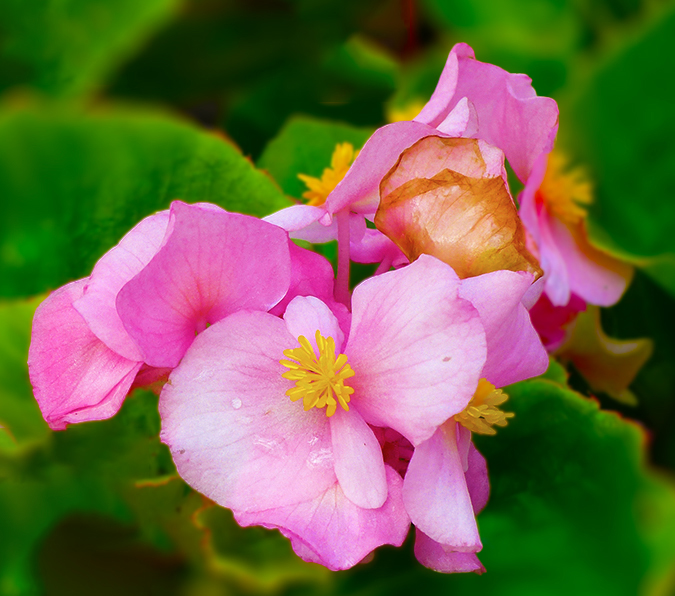
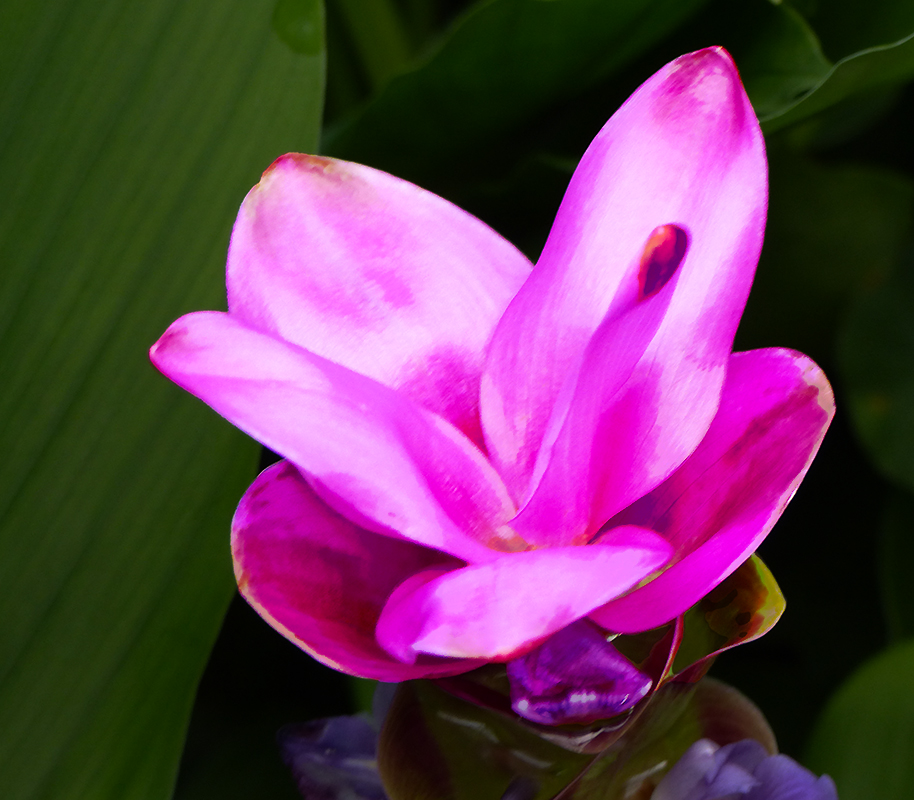
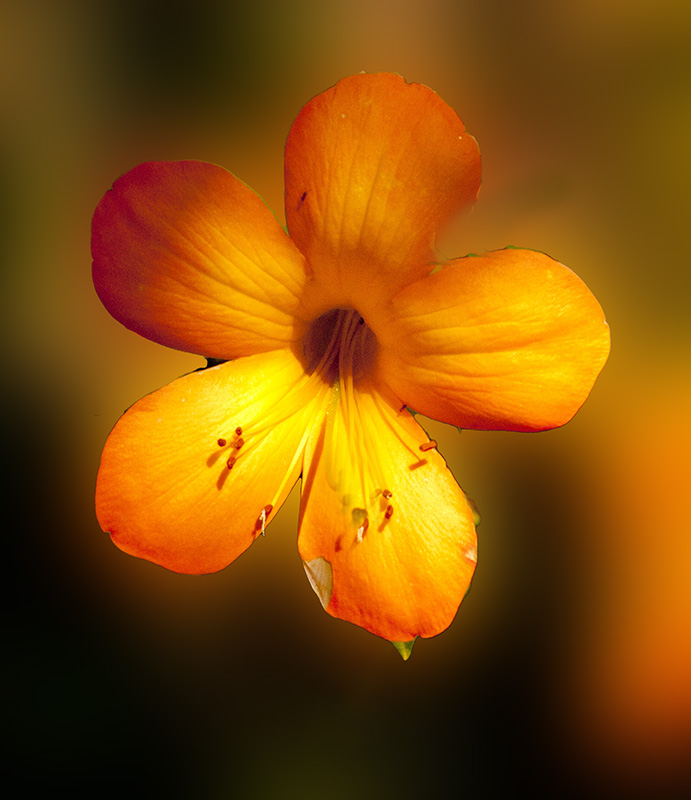
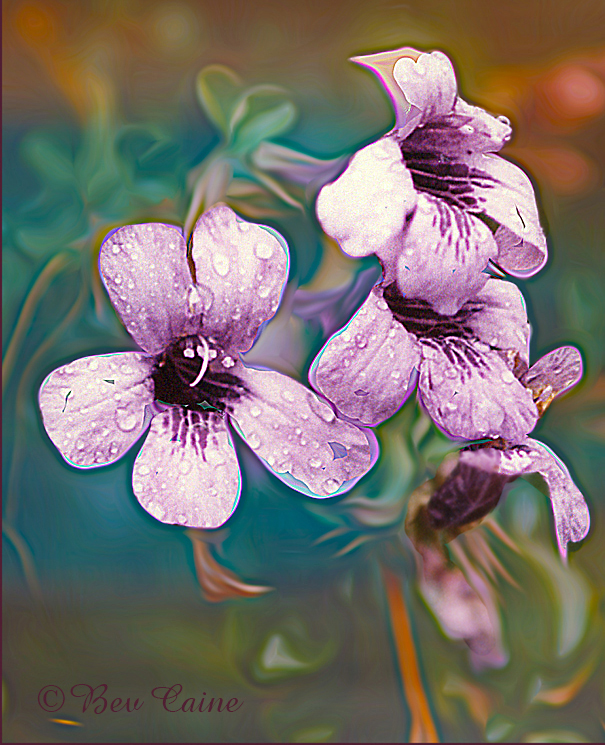
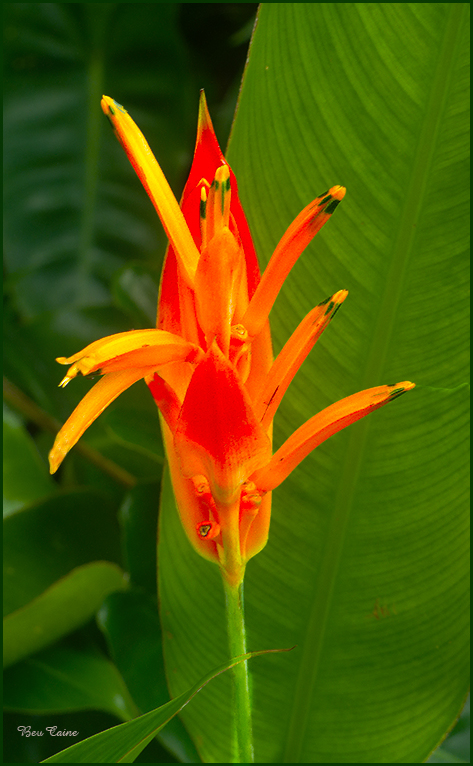
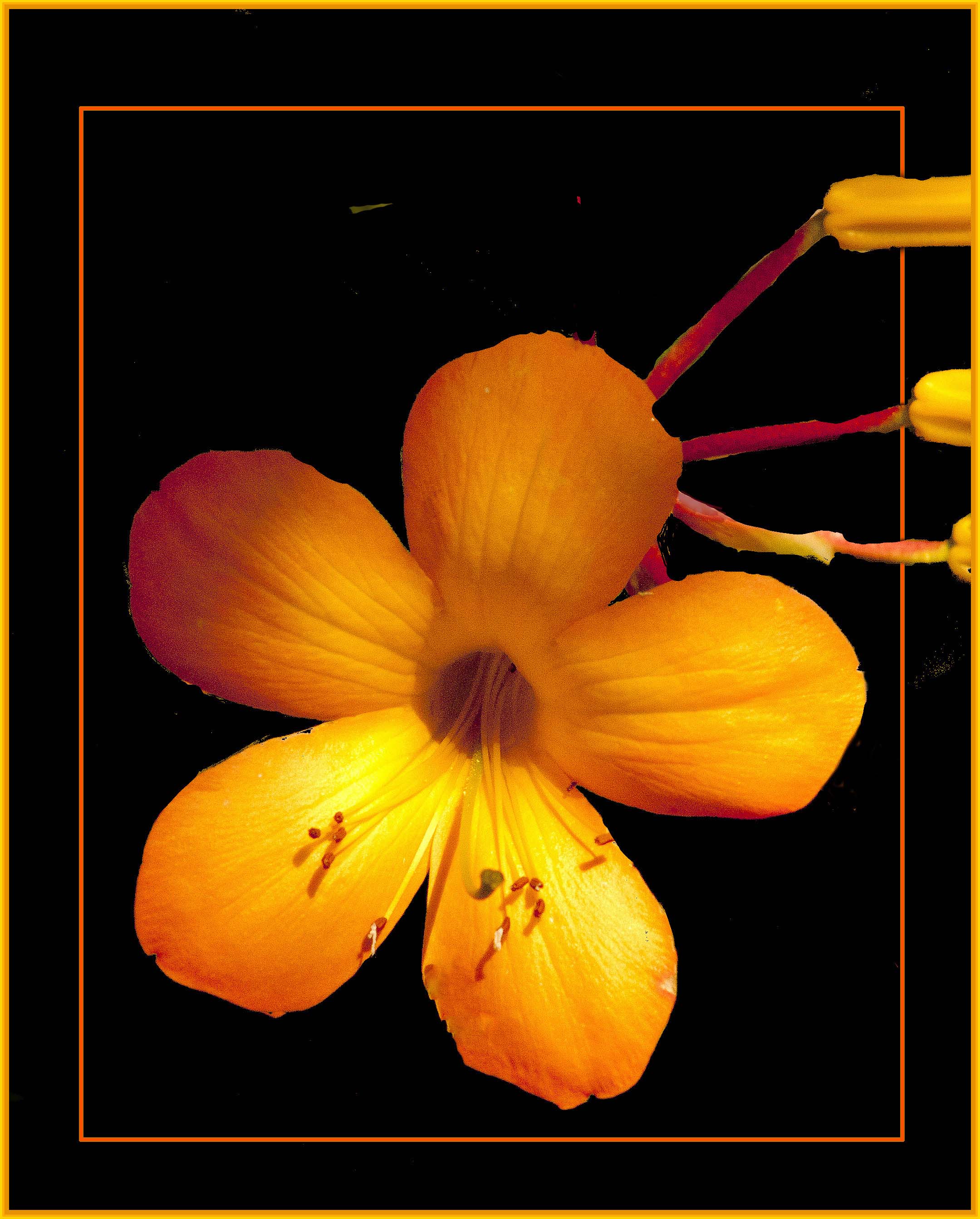
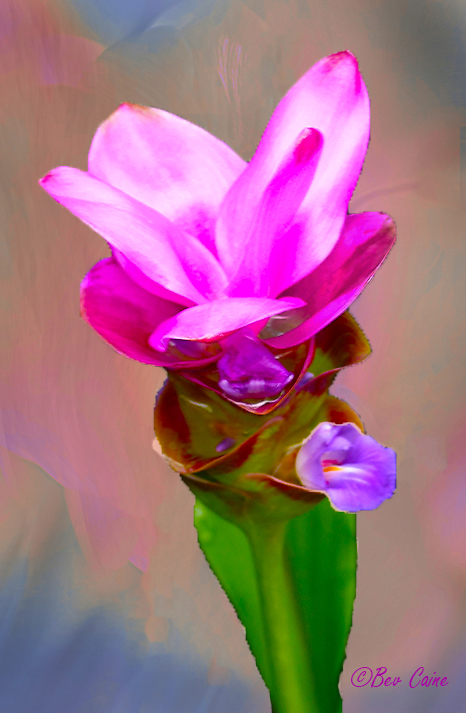
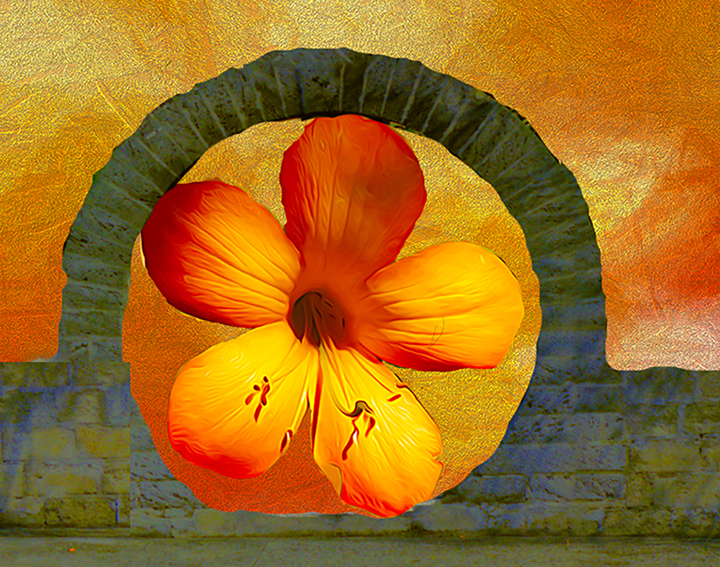
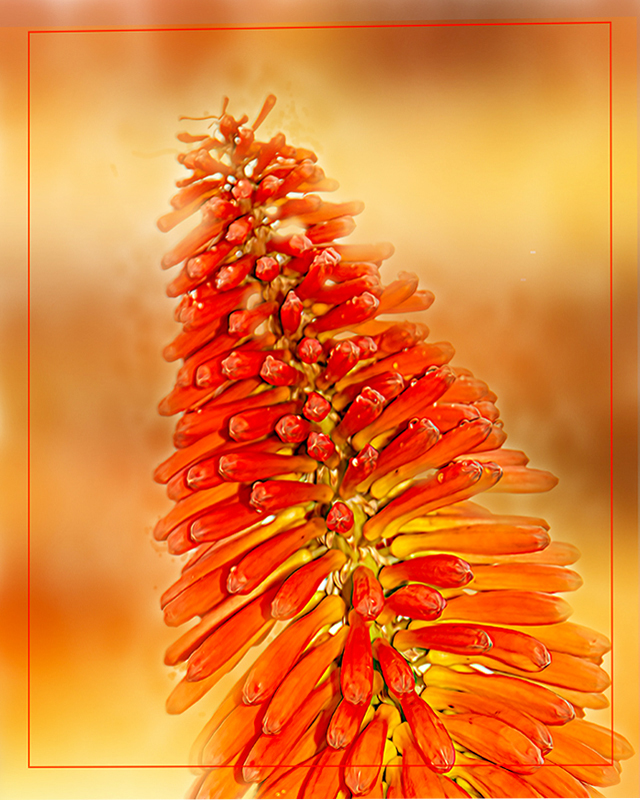
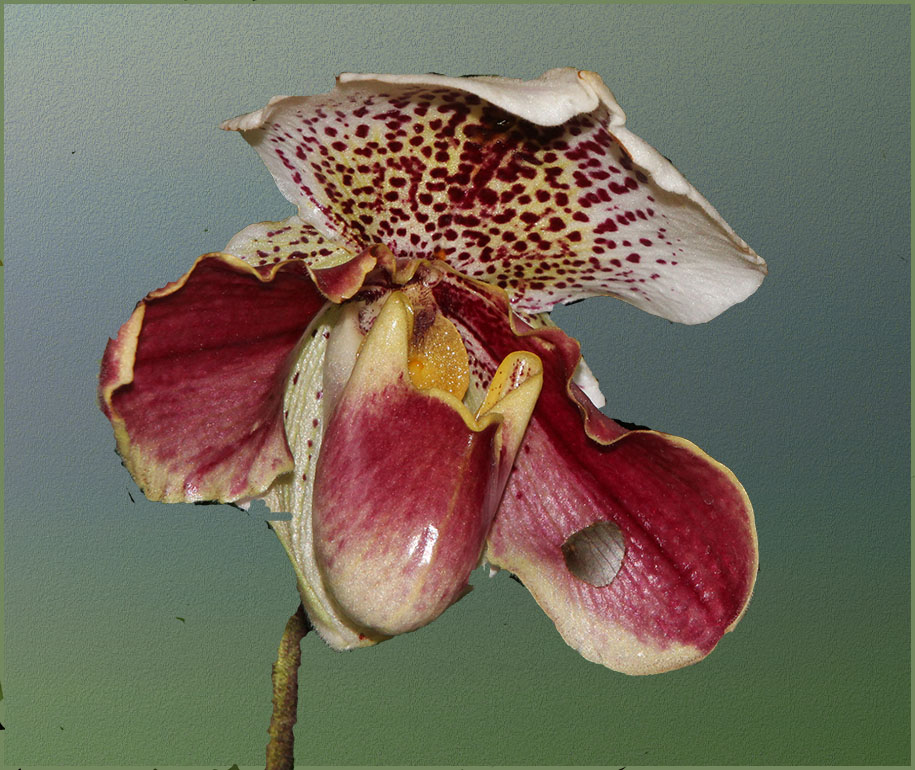
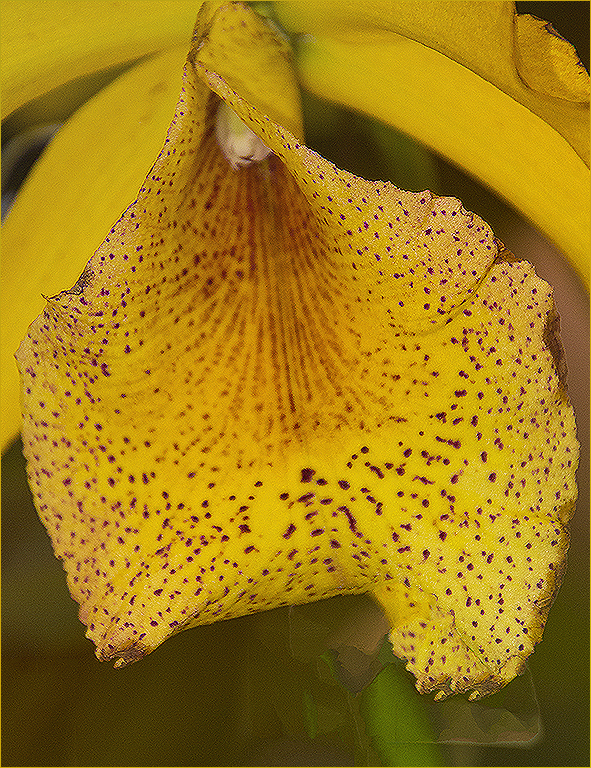
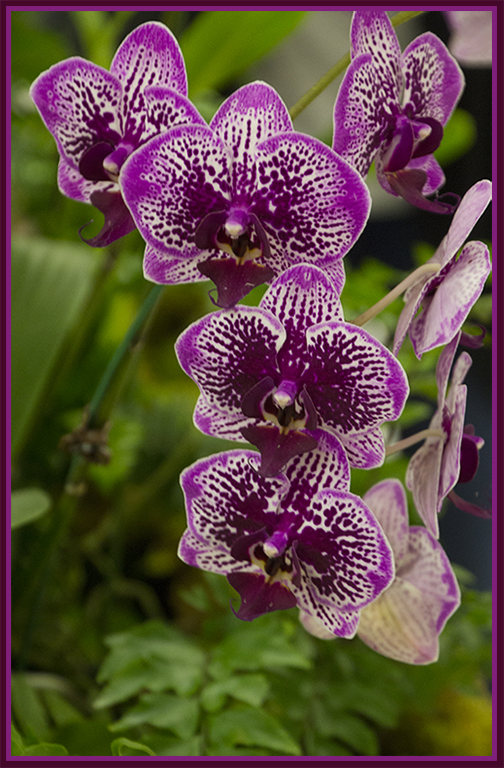
This is a very interesting flower, one which I don't ever remember seeing. I took it into Photoshop - image/adjustments/vibrance and increased the vibrance and saturation just a tad. Then since our club had a competition this week and the judge, who I thought was pretty decent, continually commented that this kind of image without a frame appears to be floating in nothingness, I added a 2 px frame; which, by the way he very suggested it be white. What do you think? |
Oct 14th |
 |
| 24 |
Oct 22 |
Comment |
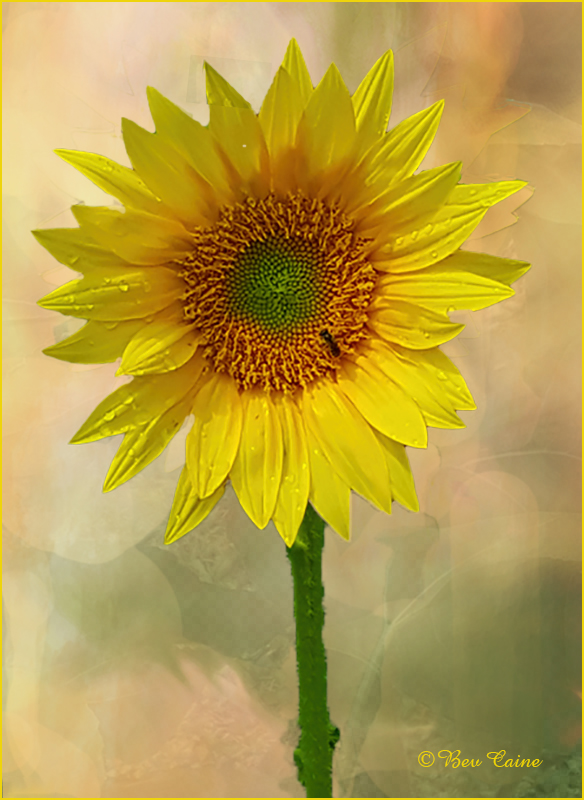
This is gorgeous. I wouldn't change anything. The texture background is an added plus to a beautiful image. |
Oct 14th |
8 comments - 4 replies for Group 24
|
| 48 |
Oct 22 |
Reply |
Thanks |
Oct 17th |
| 48 |
Oct 22 |
Reply |
My thoughts exactly. Thanks so much |
Oct 16th |
| 48 |
Oct 22 |
Reply |
any time |
Oct 15th |
| 48 |
Oct 22 |
Reply |
that's what I enjoy best - you're welcome |
Oct 14th |
| 48 |
Oct 22 |
Comment |
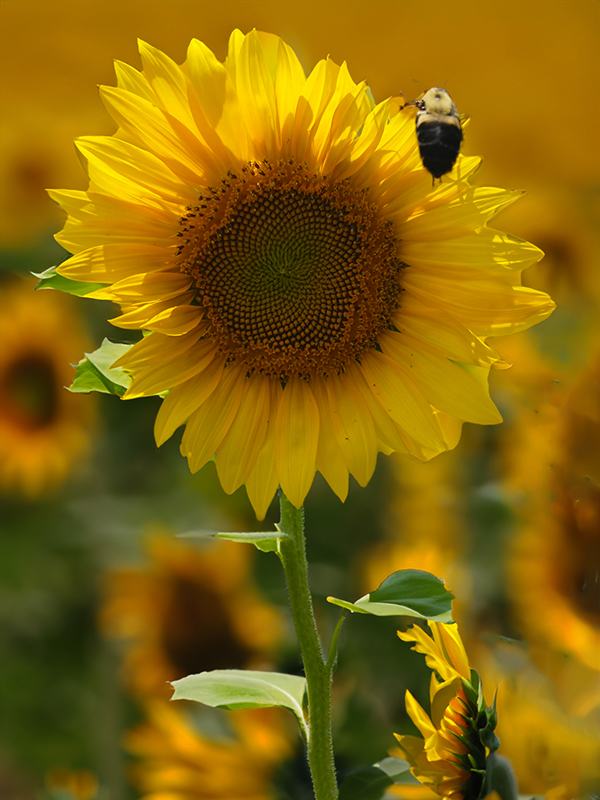
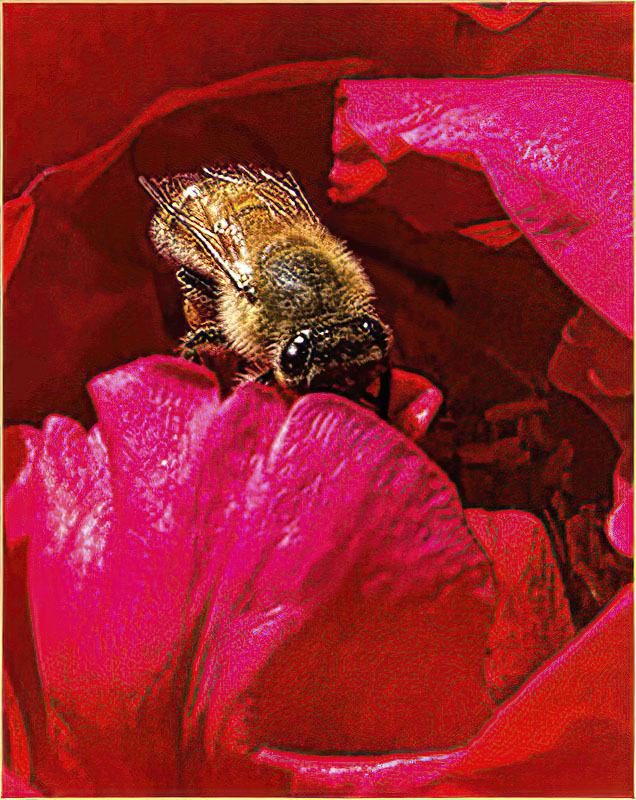
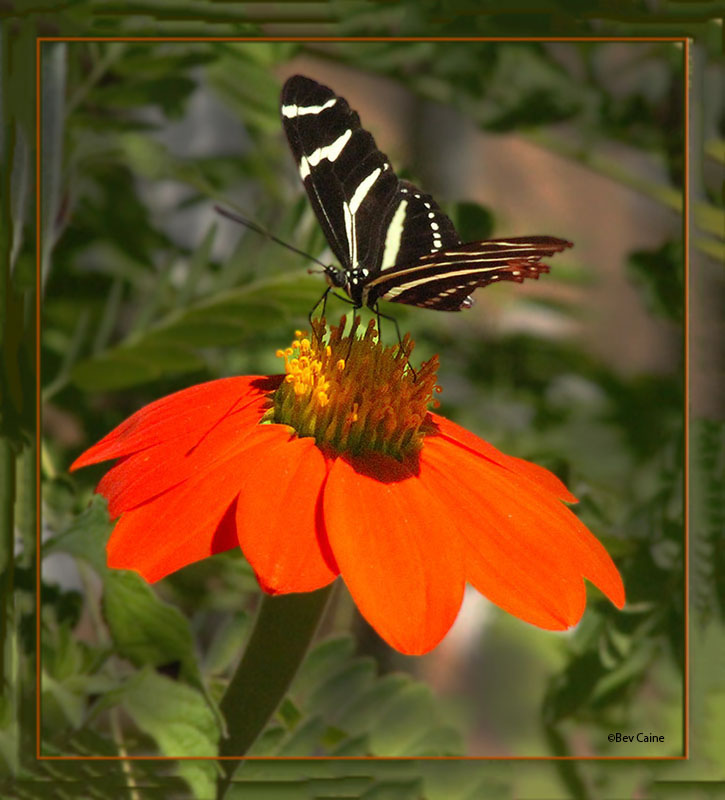
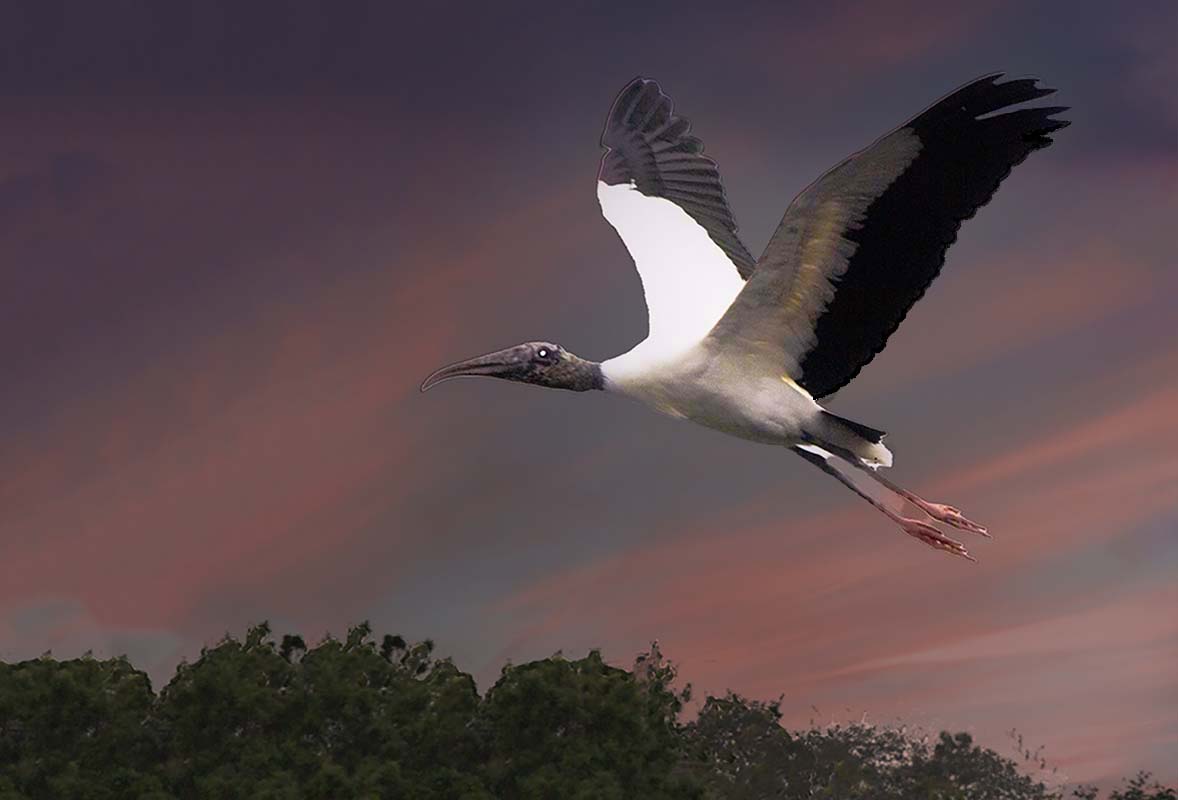
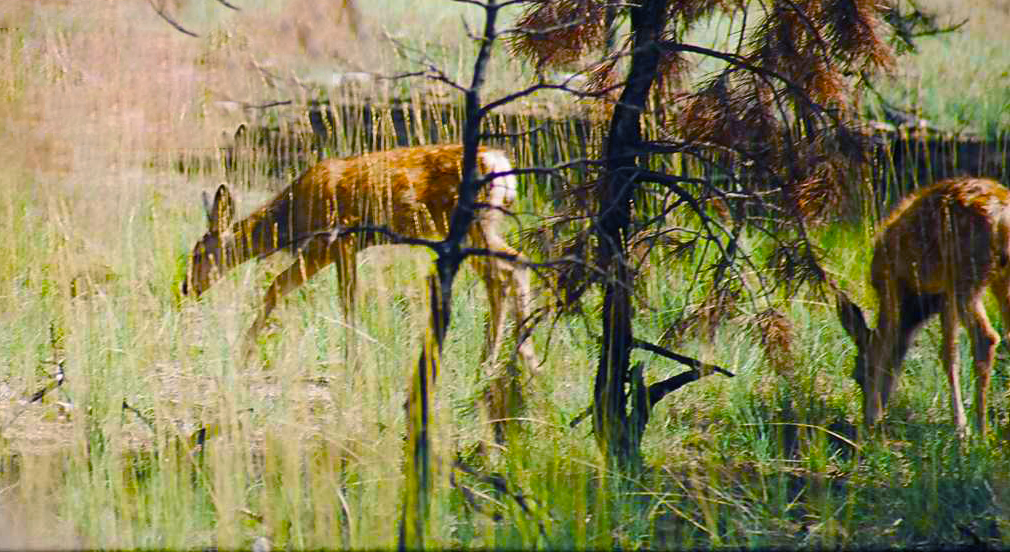
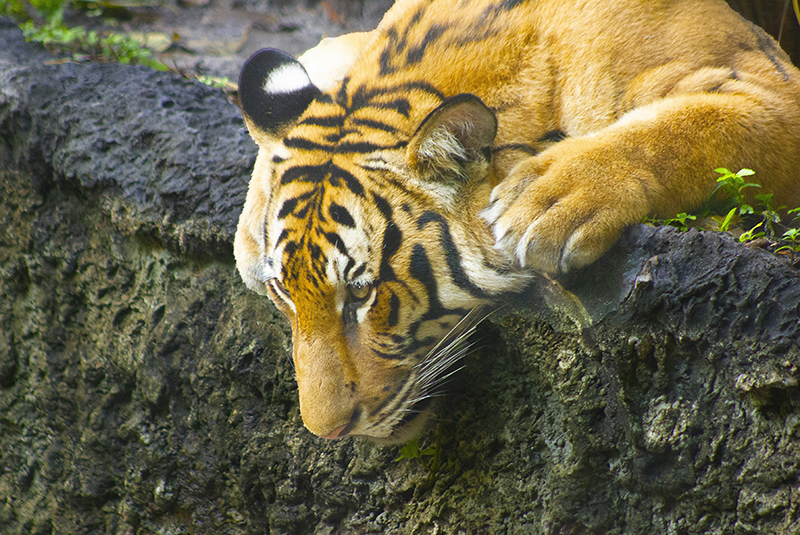
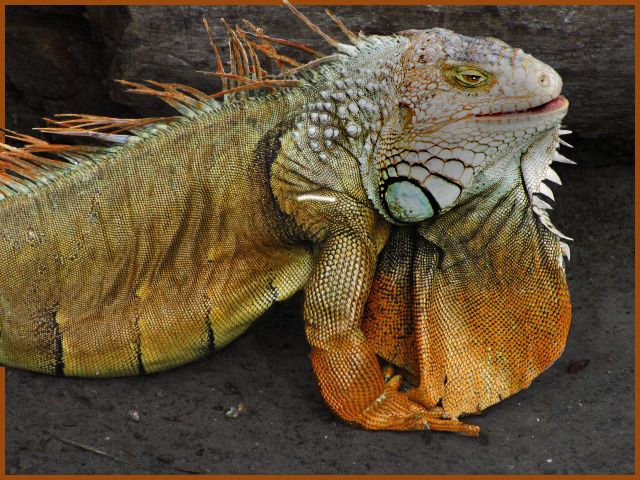
What can I say other than submit to a wildlife exhibition. It should be a hands down winner. |
Oct 14th |
| 48 |
Oct 22 |
Comment |
Love the idea but I think your rainbow is too artificial looking so I used this one from Photoshop. |
Oct 14th |
 |
| 48 |
Oct 22 |
Comment |
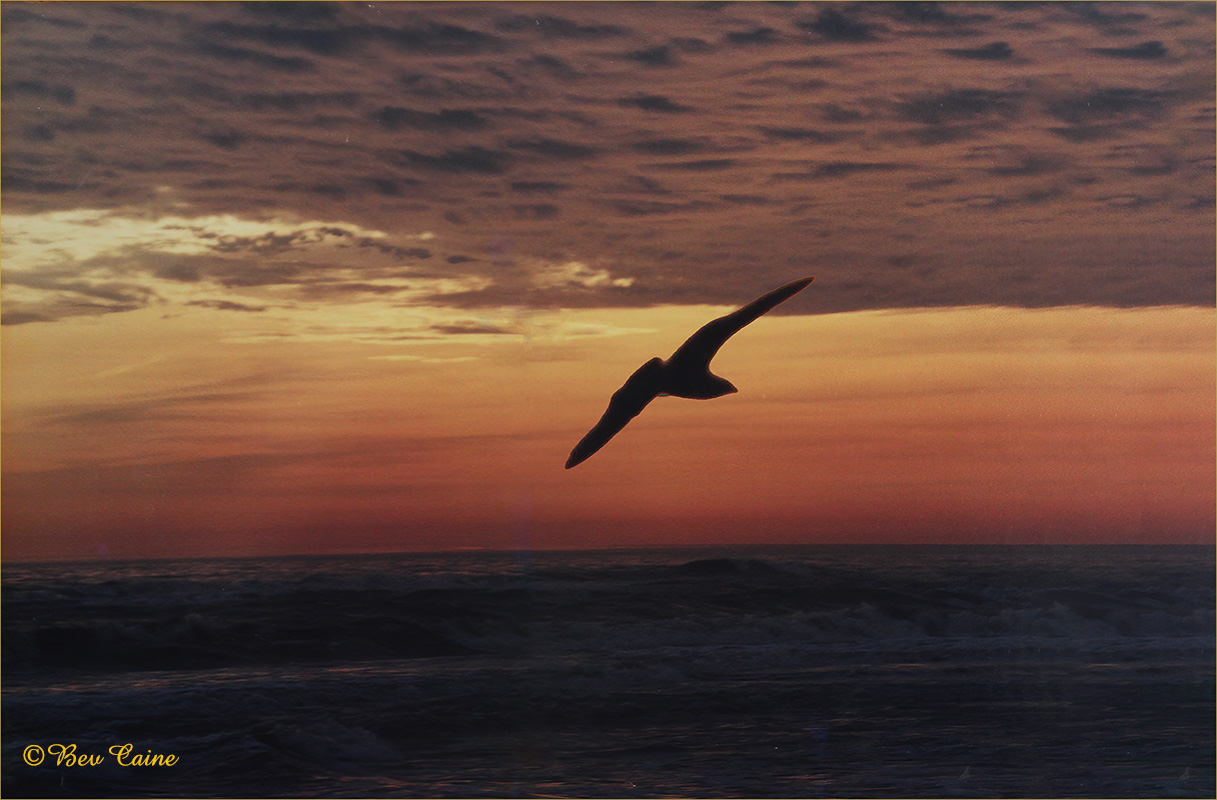
Very lucky shot. I added some vibrance/saturation and a touch of toning down the background. |
Oct 14th |
 |
| 48 |
Oct 22 |
Comment |
Love him. Just went to Photoshop image/adjust/vibrance and added a bit of vibrance and saturation. Then to image/adjust/brightness and darkened the background a bit What do you think? |
Oct 14th |
 |
| 48 |
Oct 22 |
Comment |
Nice image but needing a little "oomph". So I took it into photoshop and using image/adjustments/vibrance I added some vibrance, saturation and then went brightness and toned it down just a bit.. |
Oct 14th |
 |
| 48 |
Oct 22 |
Comment |
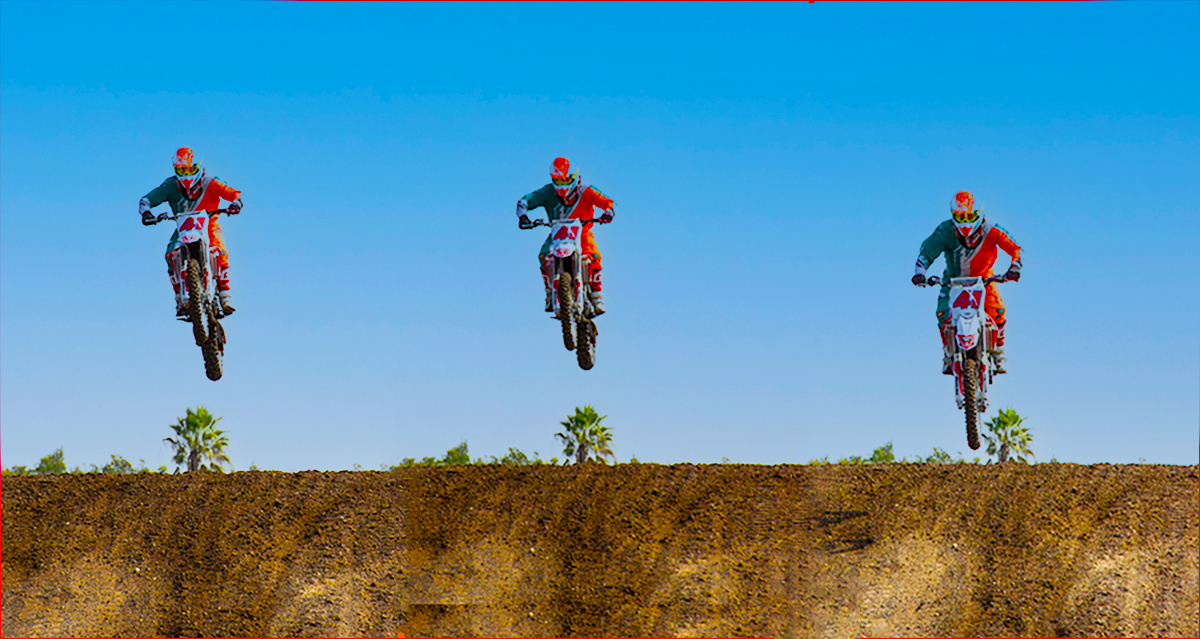
Love it. I would believe it if you told me you arranged it. How lucky can a photographer get? |
Oct 14th |
| 48 |
Oct 22 |
Reply |
thanks |
Oct 5th |
| 48 |
Oct 22 |
Reply |
Thanks. I kind of thought that the background offered a hint of where it was taken but you're both right Tom's suggestion is an improvement. |
Oct 4th |
| 48 |
Oct 22 |
Comment |
Thanks Tom. How did you fare in Key West with the hurricane? |
Oct 2nd |
7 comments - 6 replies for Group 48
|
| 53 |
Oct 22 |
Comment |
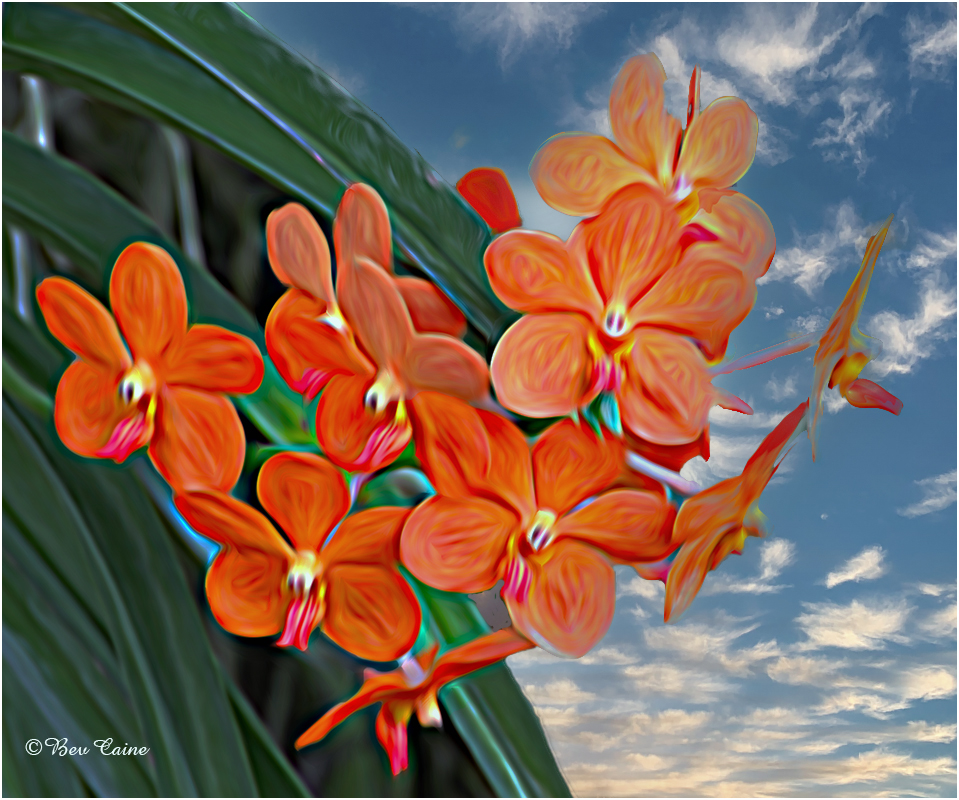
Beyond super. Kudos for a phenomenal result |
Oct 16th |
| 53 |
Oct 22 |
Comment |
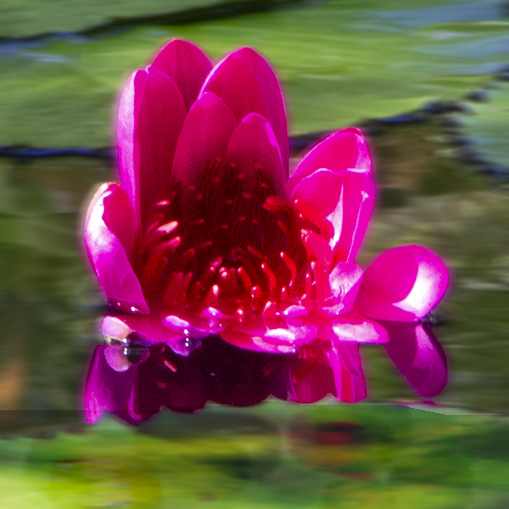
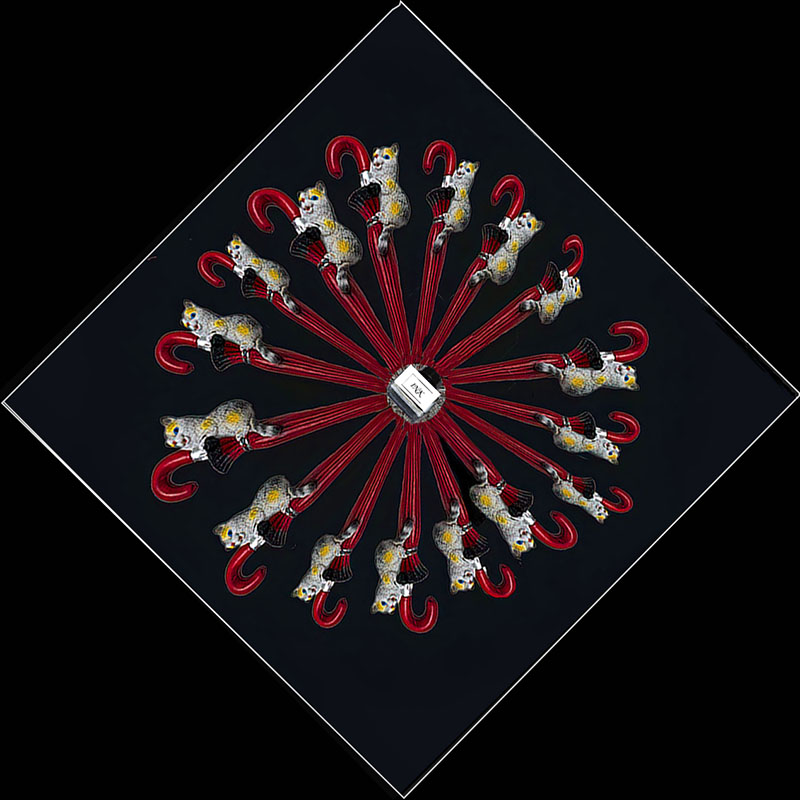
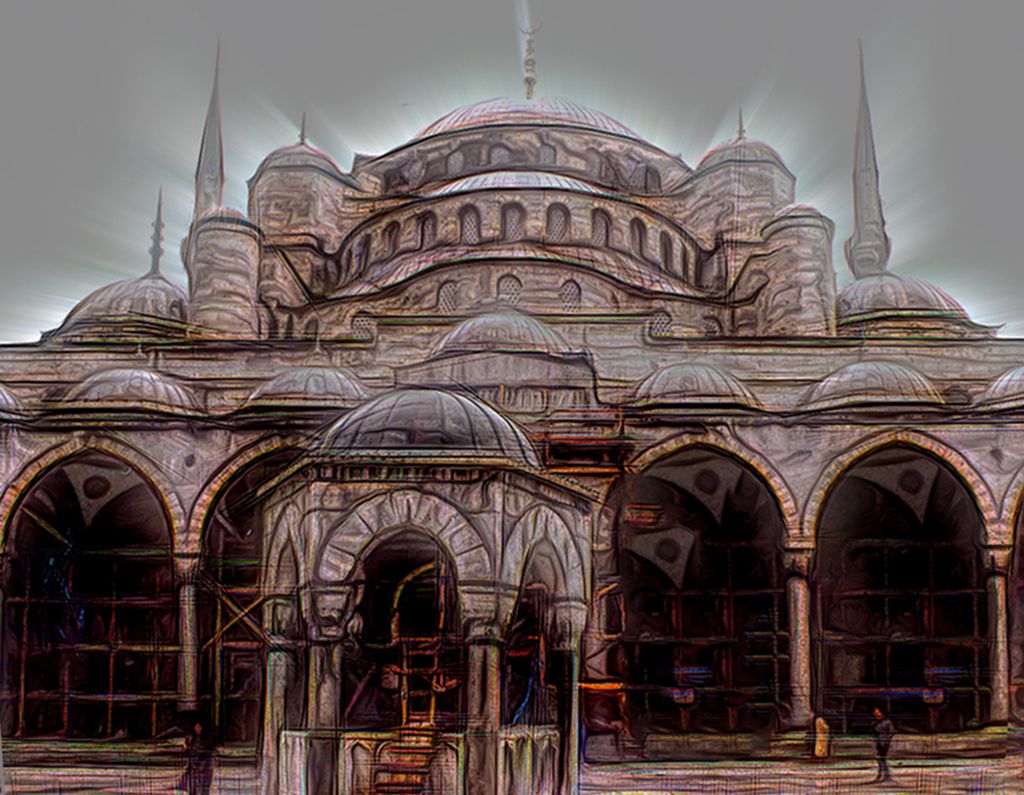
Very interesting image. Never heard of Escape Motions but will follow up on that today. Thanks for the heads up |
Oct 16th |
2 comments - 0 replies for Group 53
|
| 69 |
Oct 22 |
Reply |
Thanks so much. Do hope you get to visit this way one of these days again |
Oct 24th |
| 69 |
Oct 22 |
Comment |
not mine either. when you get a chance do stop and visit me at 24 and 48 |
Oct 15th |
| 69 |
Oct 22 |
Comment |
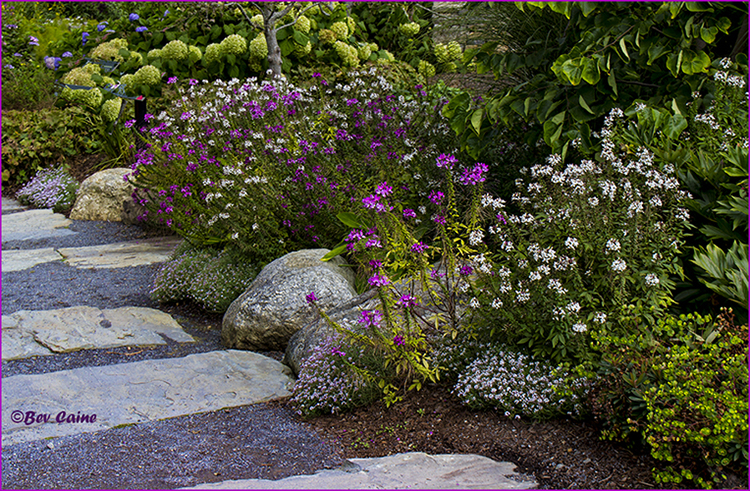
Absolutely breathtaking! |
Oct 15th |
2 comments - 1 reply for Group 69
|
20 comments - 11 replies Total
|