|
| Group |
Round |
C/R |
Comment |
Date |
Image |
| 76 |
Mar 24 |
Reply |
Hi Sanford. In Photoshop, select the bottom half of the image then do a skew transform (Edit-->Transform-->Skew) and drag the bottom to the right until the pattern is centered. That leaves a triangular section on the left that needs filling, so select the corresponding area on the right, copy to a new layer then flip it horizontally, drag it to the left side and blend into the left side. Let me know if you have any problems. |
Mar 30th |
| 76 |
Mar 24 |
Comment |
A lovely description of your early morning venture, and I have also now learned the difference between hoar frost and rime ice! I am surprised how little colour was in the original - was it still foggy? I like the way you have brought out the bluish-white of the rime ice and I agree with Jay - it looks a bit like bleached coral. I am afraid I also agree with Ian, that with two sets of branches in the image there is a bit of competition between foreground and background. But well done for getting out early - my favourite time for photography. |
Mar 26th |
| 76 |
Mar 24 |
Reply |
Thanks Ian. It will be interesting to see how it does. |
Mar 26th |
| 76 |
Mar 24 |
Reply |
Thanks Trey |
Mar 26th |
| 76 |
Mar 24 |
Reply |
Thanks Jay. These little red huts are all over the islands and add a splash of colour to any scene. |
Mar 26th |
| 76 |
Mar 24 |
Comment |
An impressive buddha - I looked it up and was surprised how recent it was, and how expensive! I think the image benefits from a bit of blue sky to complement the yellow and you were lucky that it was fairly free of people. Given the symmetry of the building, I would have liked if the foreground pattern was also symmetric and aligned to the buddha (just my OCD nature!). I have tried using a perspective adjustment, just on the bottom part of the image to skew the pattern so that it appears centered and aligned. What do you think? |
Mar 26th |
 |
| 76 |
Mar 24 |
Comment |
I can see what attracted you to the dark skies over the city, and the mono approach and cropping out the cars and clutter in the foreground is the right way to go. (It reminds me of the dark skies over London in the Harry Potter film just before the Death Eaters destroy the Millennium Bridge, but ignore that if you are not an HP fan!!) However I think that by reducing the skyline to a narrow strip along the bottom, the image for me becomes too 'sky heavy'. A crop about half way down the dark cloud still tells the story about the ominous sky, but would give more equal weighting between city and sky. Incidentally, which city is it? |
Mar 9th |
| 76 |
Mar 24 |
Comment |
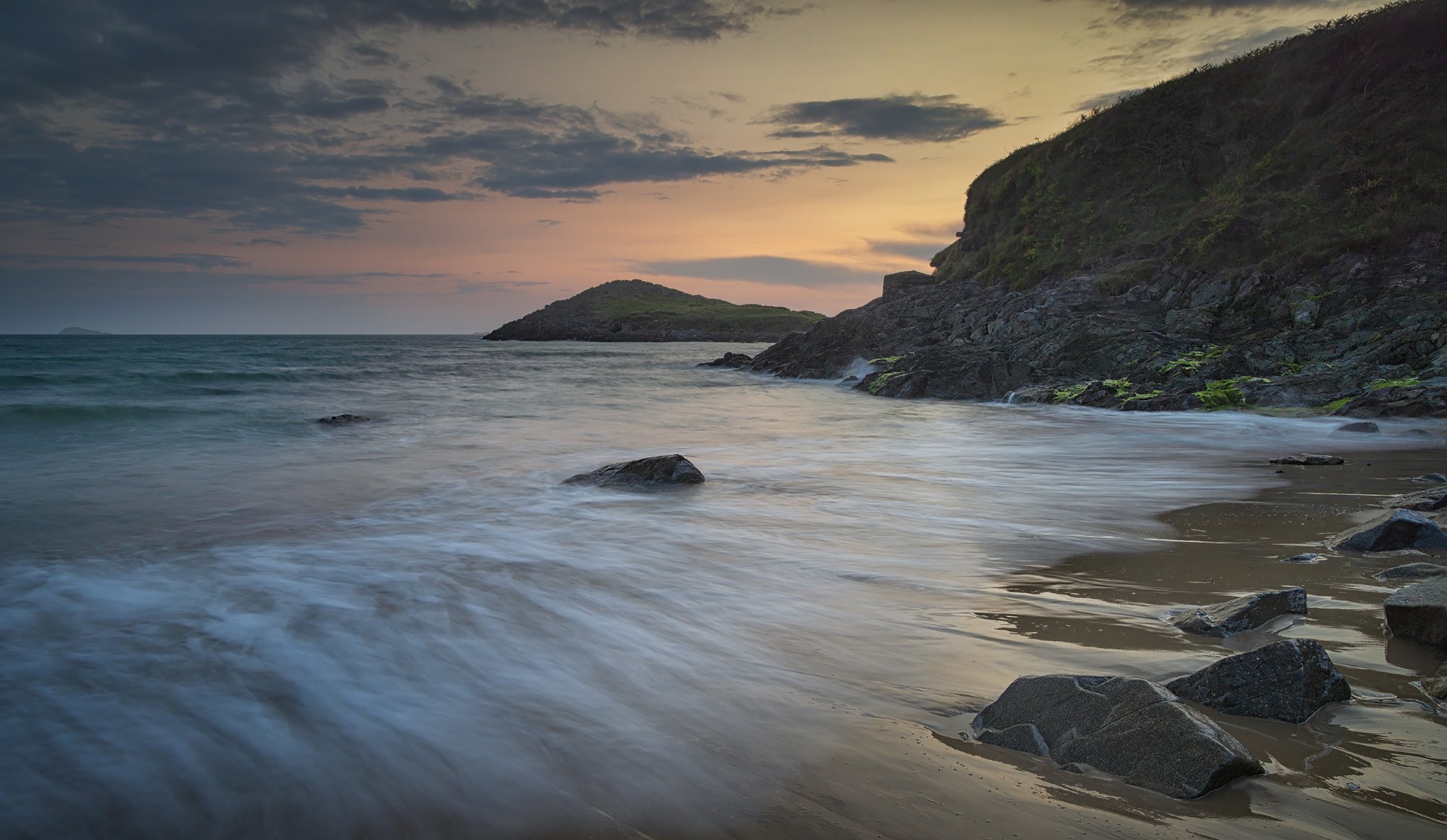
Some very pleasing pastel colours here - I had a look at a map, and I see that Forster faces East, so would be good for sunrises. I like the use of the two rocks to create a balanced diagonal composition and the long exposure to smooth out the water adds to the soft calmness of the image. One technical point is that there is a bit of chromatic aberration, especially around the rock on the left - easy to fix in Lightroom. (When I import Raw images into Lightroom I use a preset that includes CA correction, and that way I usually never have to worry about it again.) |
Mar 9th |
4 comments - 4 replies for Group 76
|
4 comments - 4 replies Total
|