|
| Group |
Round |
C/R |
Comment |
Date |
Image |
| 9 |
Aug 19 |
Comment |
David-Nice portrait of Zoo Ape with good detail and focus.I do feel to tone down a little bit BG keeping the separation in mind from the main subject.I would also make cropping a little bit from the right side to keep the equal distant of Ape's shoulder.
Shaikh Amin |
Aug 22nd |
| 9 |
Aug 19 |
Comment |
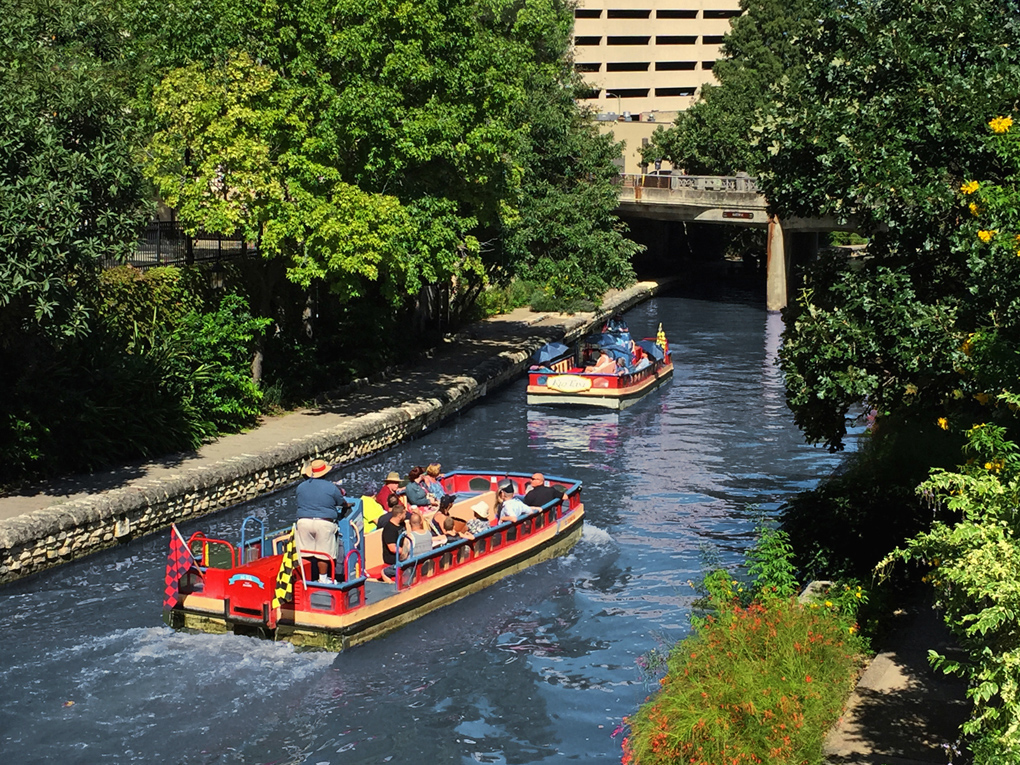
Priscilla-Your rail car image is pleasing one but you could do it better by enhancing further if you had used tripod and polarizing rotating filter and see the difference yourself.
This is my suggestion only with my experience.
Shaikh Amin |
Aug 22nd |
| 9 |
Aug 19 |
Comment |
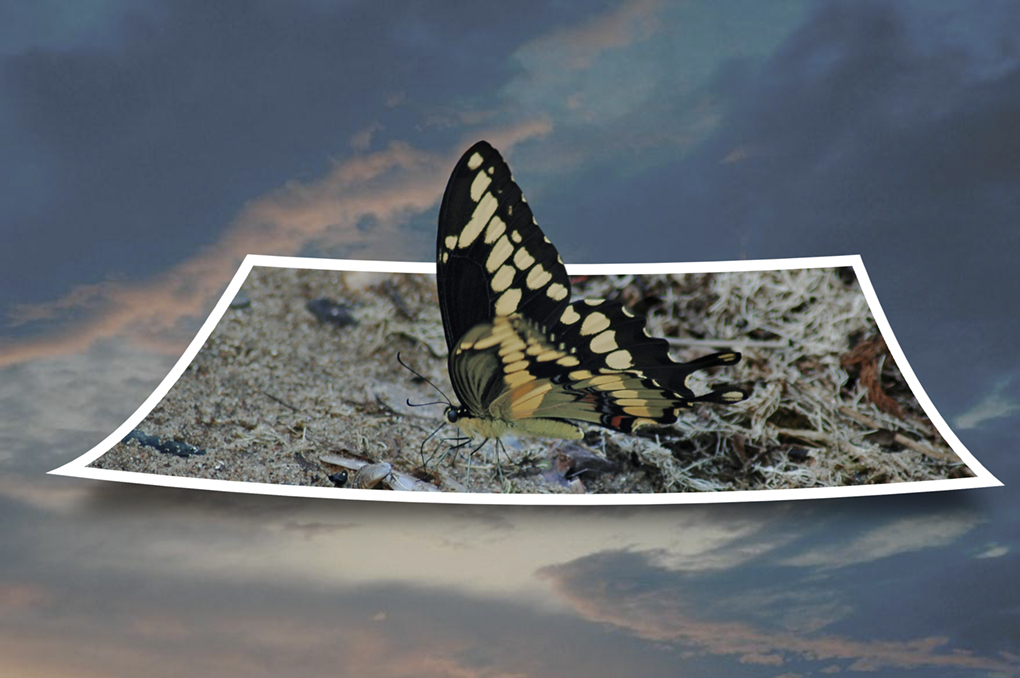
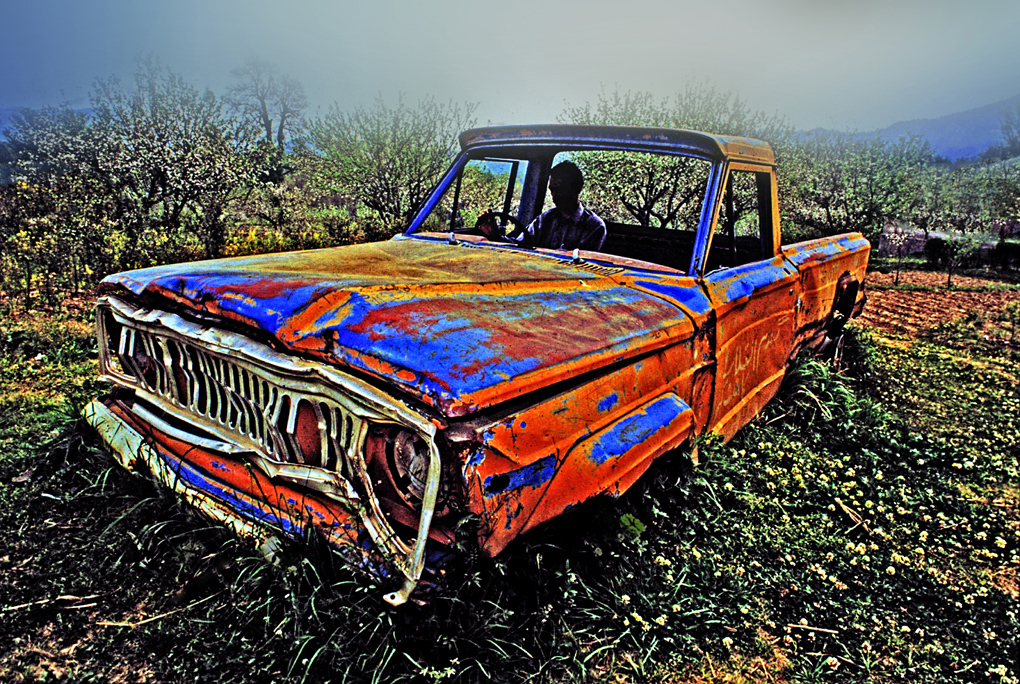
John-I like the poster edge effect which worked well to this
this particular subject in making old look. Your post processing is super and commendable.
Shaikh Amin |
Aug 19th |
| 9 |
Aug 19 |
Comment |
Debbie-I don't know really what you are talking about! It's beyond my head and you have taken me far far away!! I couldn't make it-Sorry for not making any comments on your image.
Shaikh Amin |
Aug 19th |
| 9 |
Aug 19 |
Comment |
Jesse-You got a great shot of Blue Herons. I like it very much. I don't mind having vignetting effect which forcefully
brings your attention to your main subject. Well done Jesse.
Shaikh Amin |
Aug 19th |
| 9 |
Aug 19 |
Reply |
Priscilla-You will miss me this year in the PSA conference after 25 years because I plant to go to Australia this year.Wish me a good trip!
Shaikh Amin |
Aug 19th |
| 9 |
Aug 19 |
Reply |
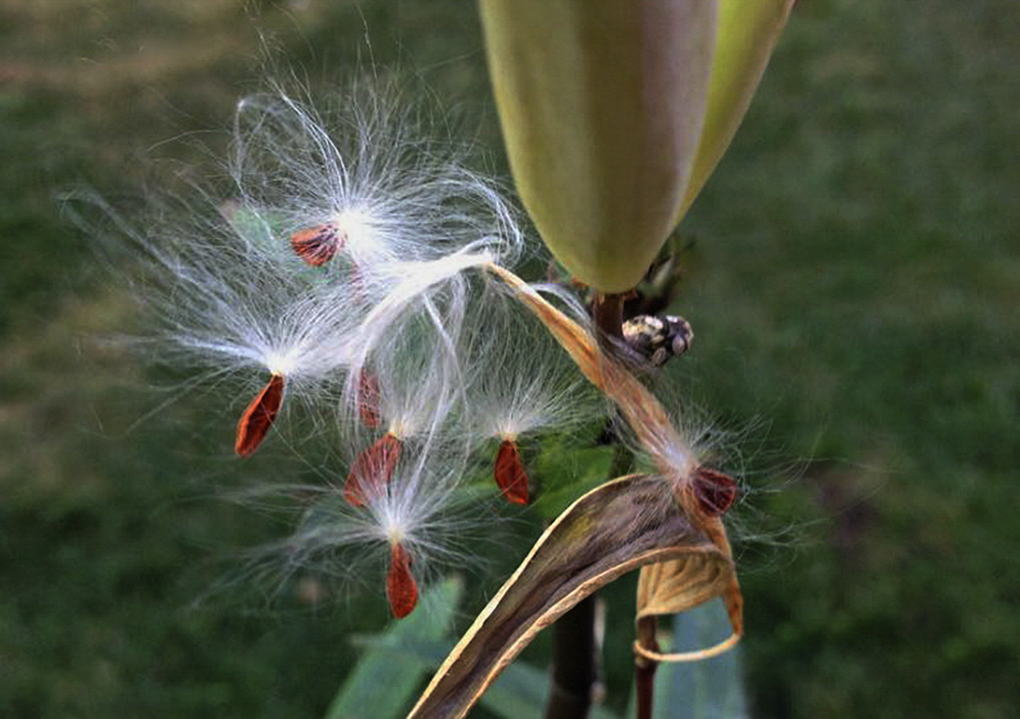
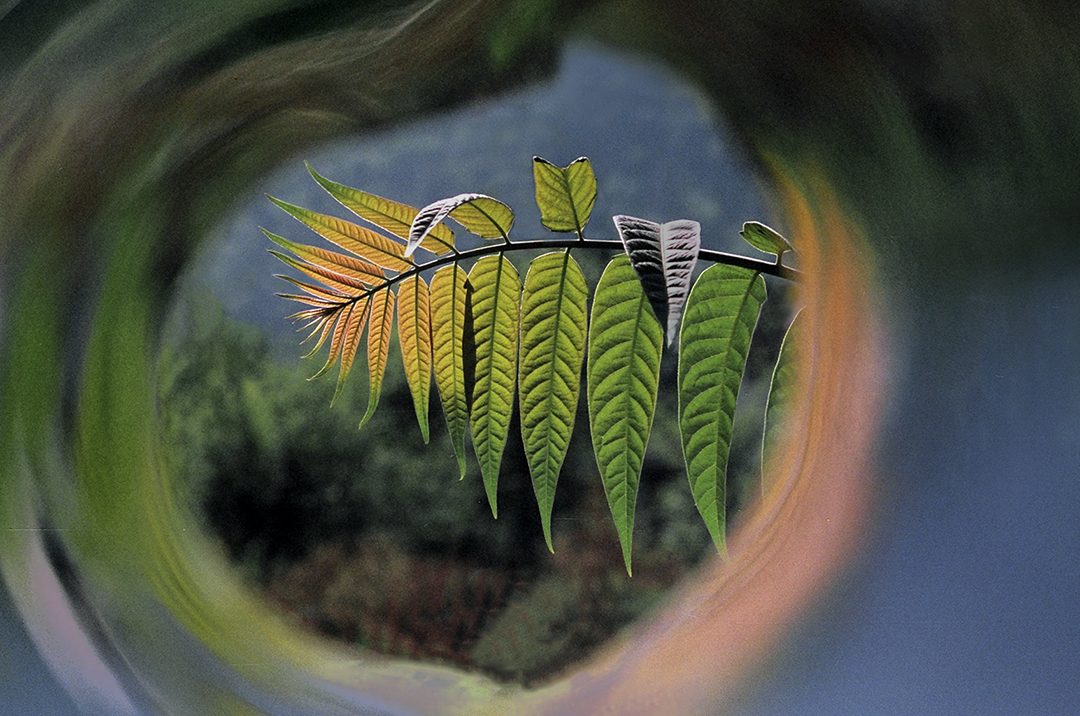
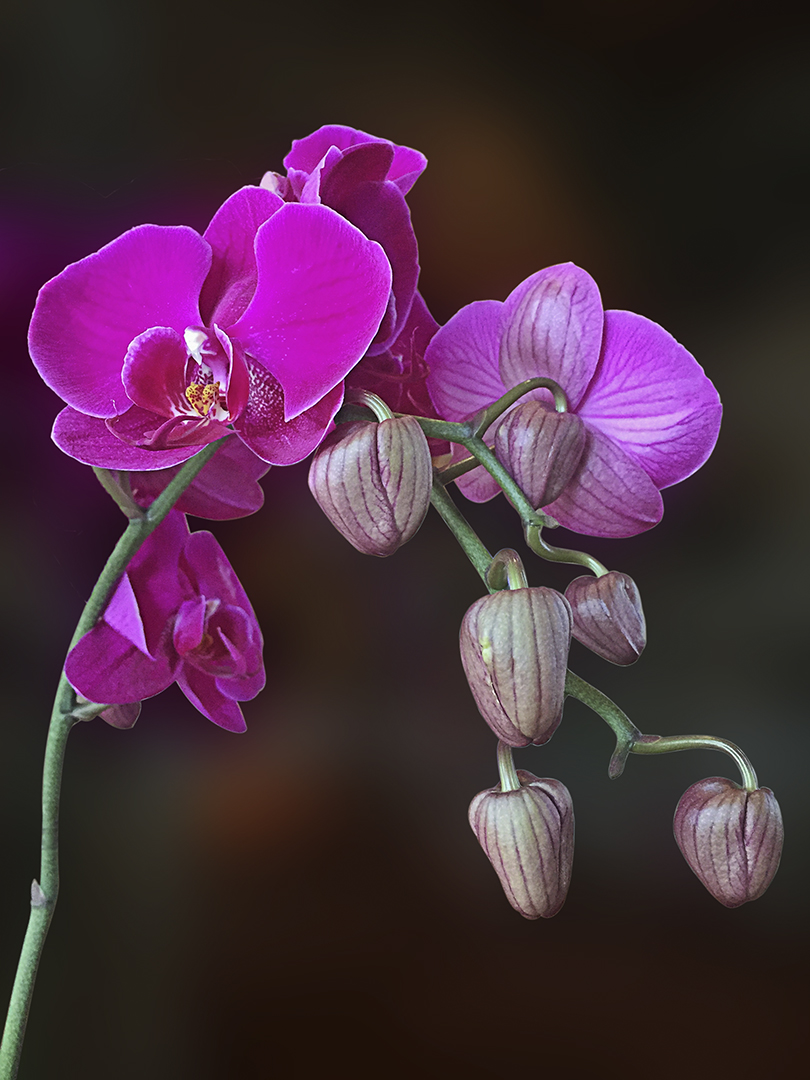
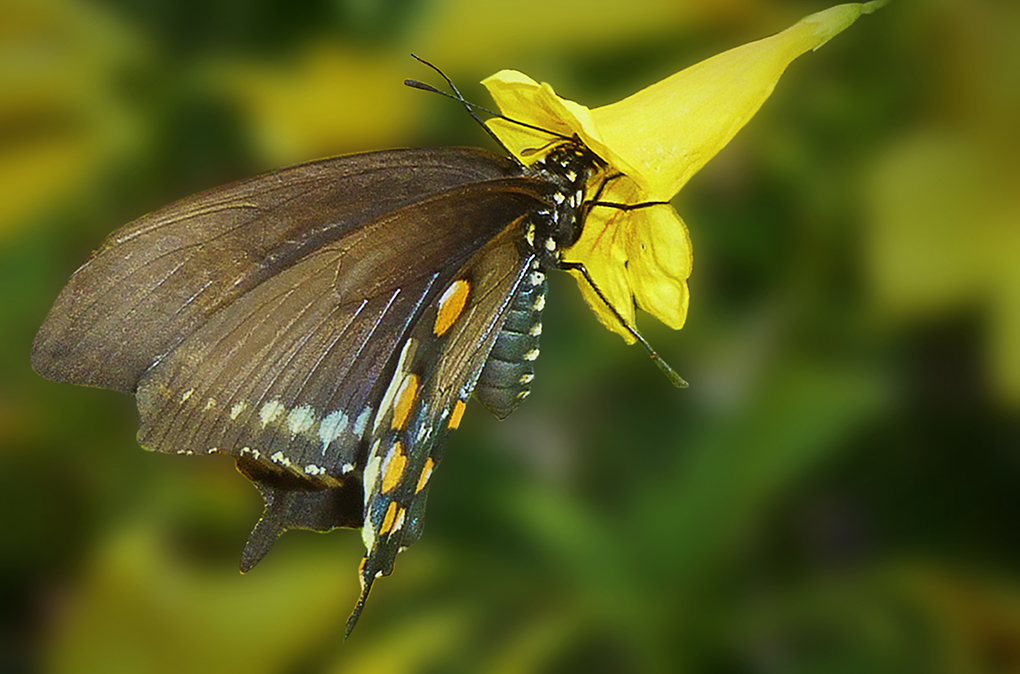
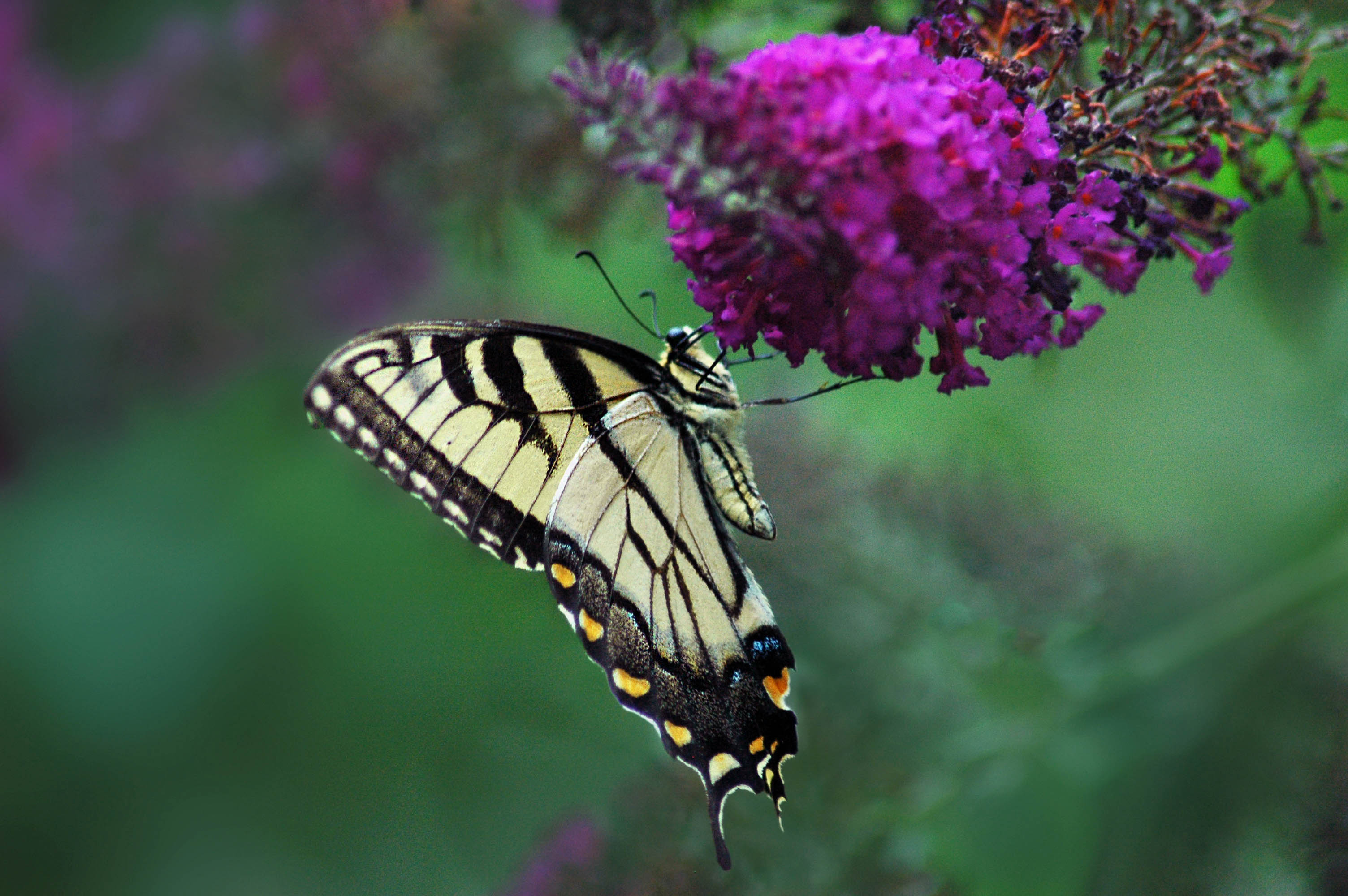
Hi Priscilla- thank you for liking my blurred BG! I did not use any special technique for the blurred BG. I just simply took 3 steps as follows to make the background blurred which is common practice of Photoshop worker
1 Make fine selection of the Image and apply feather
1px (Shift+F6).
2 Make a duplicate Layer of Image using (Ctlr+J).
3 Select Background Layer and apply filter Blur/
Gaussian Blur (40 Px).
I hope it clears your point. Let me know if you
still need any help from this end.
Shaikh Amin
|
Aug 19th |
5 comments - 2 replies for Group 9
|
5 comments - 2 replies Total
|