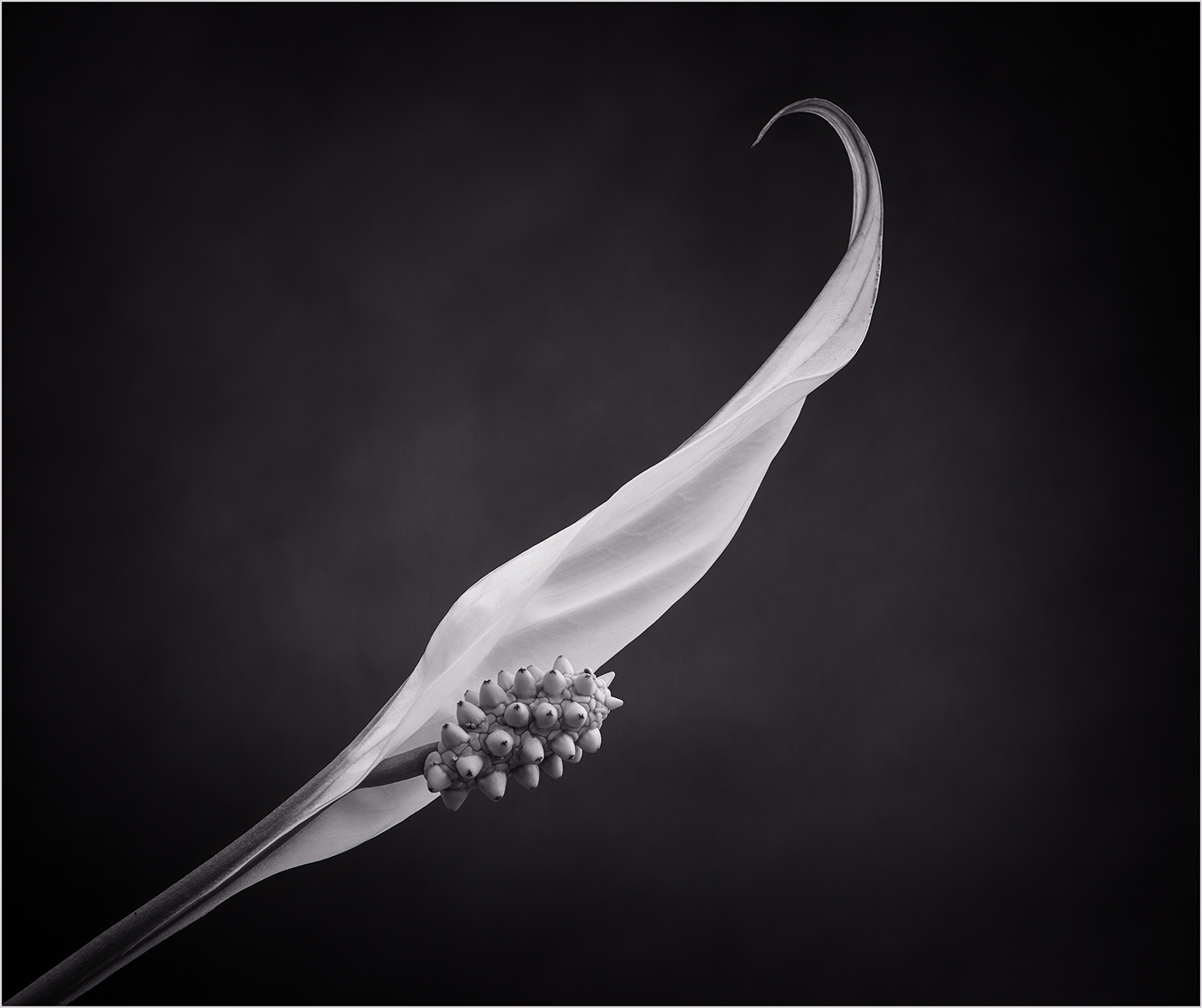
|
| Group |
Round |
C/R |
Comment |
Date |
Image |
| 24 |
Aug 22 |
Reply |
Hi Tom, thanks for your comments. I think the flipped version works. |
Aug 23rd |
| 24 |
Aug 22 |
Reply |
Hi Lynne, many thanks for your comment. |
Aug 18th |
| 24 |
Aug 22 |
Reply |
Hi Wanda, thanks for your comment. |
Aug 18th |
| 24 |
Aug 22 |
Reply |
Hi Fred, many thanks for your comment. |
Aug 18th |
| 24 |
Aug 22 |
Reply |
Hi Lance, thank you for your comment. |
Aug 18th |
| 24 |
Aug 22 |
Reply |
Hi Pinaki, thank you for your comment. |
Aug 18th |
| 24 |
Aug 22 |
Reply |
Hi Barbara, thanks for your comment. |
Aug 18th |
| 24 |
Aug 22 |
Reply |
Hi Bev, thanks for your comment. I think you prefer more vibrant colours than me. I tend to prefer keeping things a bit more subtle. I do often boost vibrance in my images but rarely alter the saturation as I feel this can give artificial looking colours. |
Aug 18th |
| 24 |
Aug 22 |
Comment |
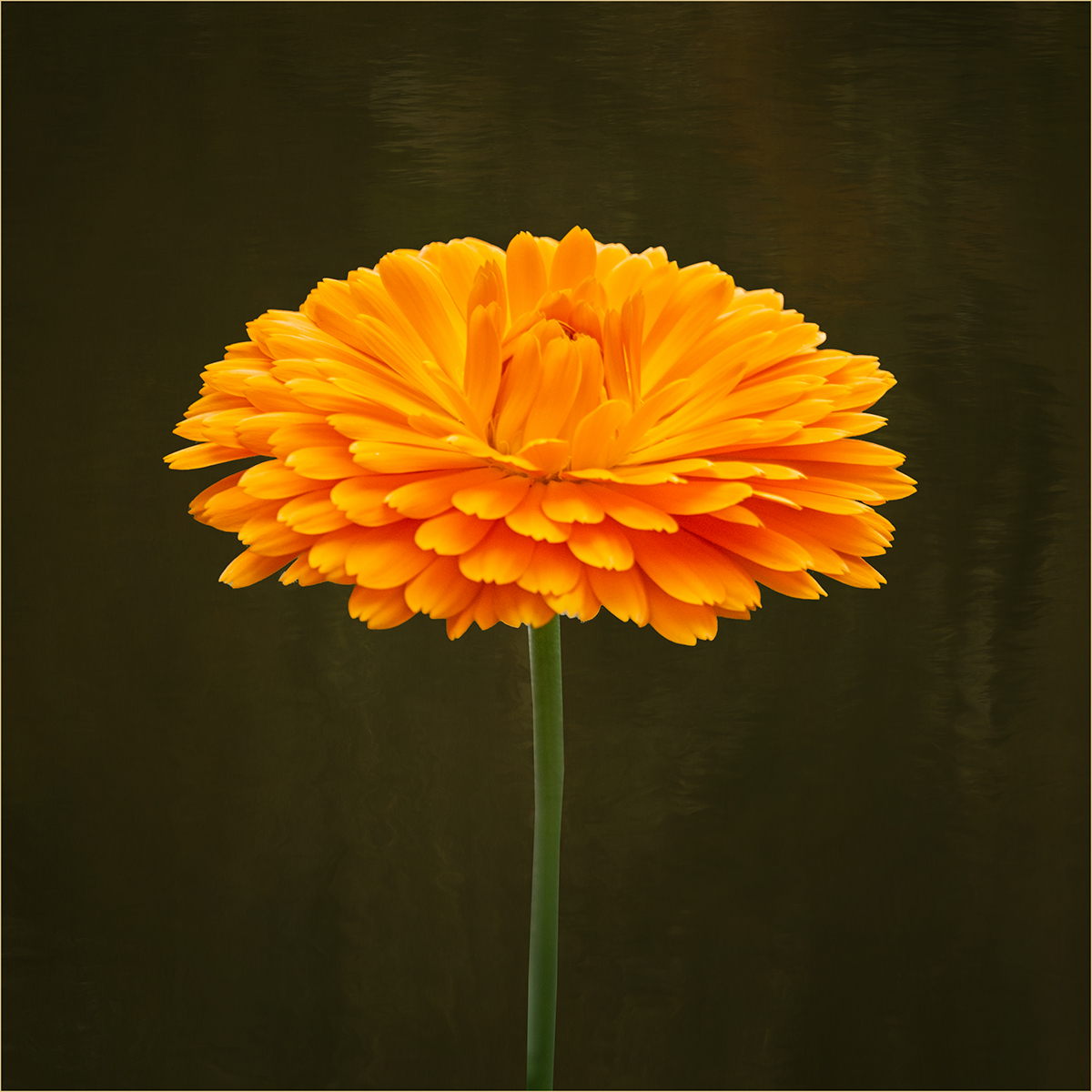
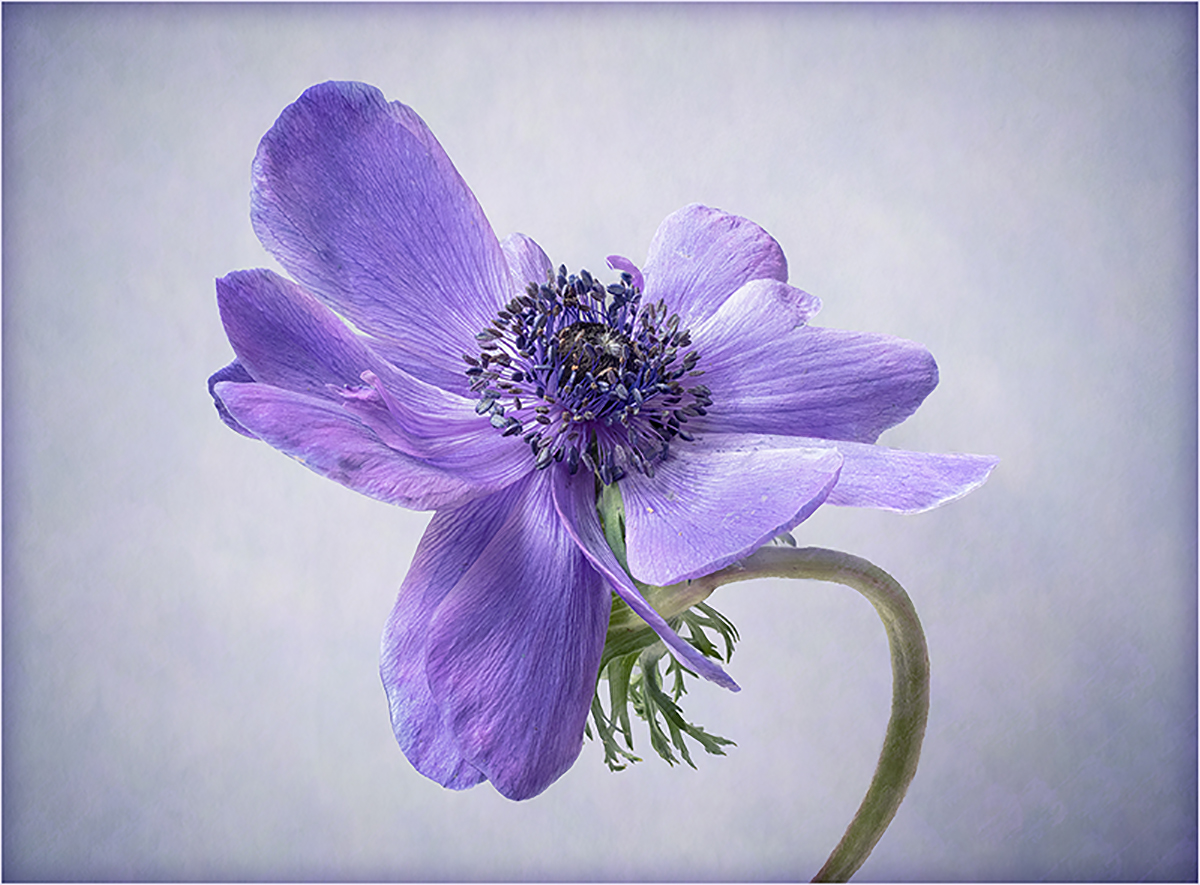
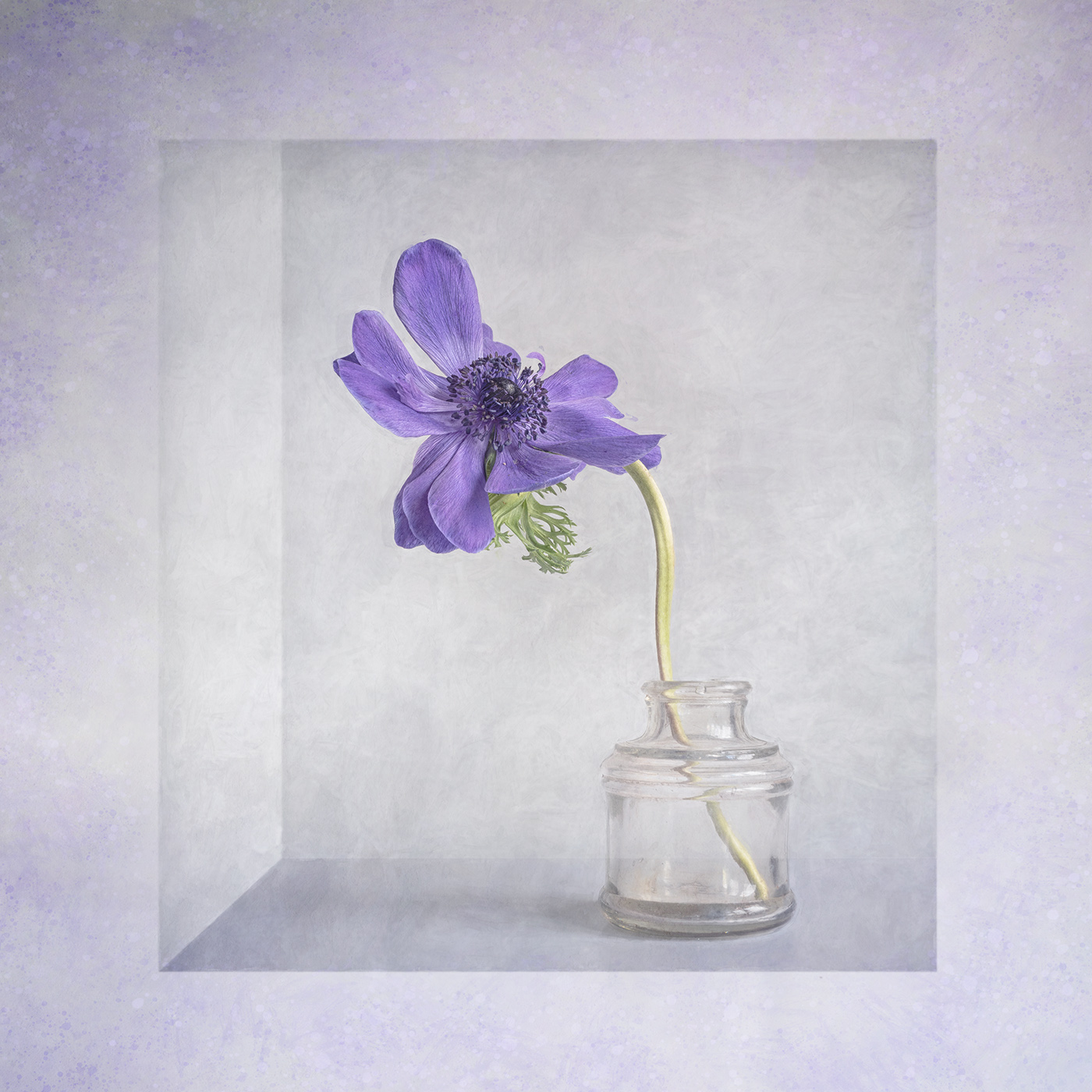
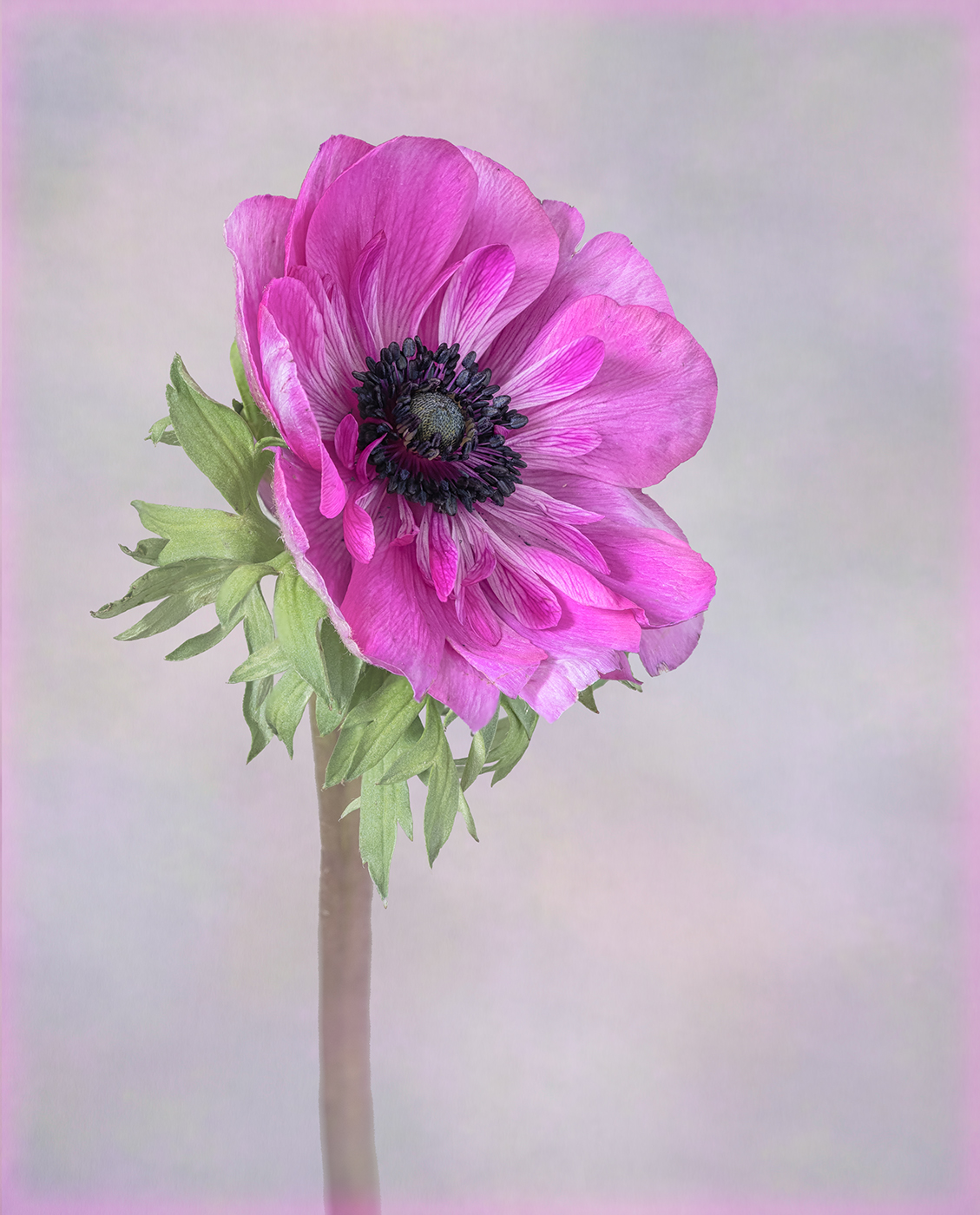
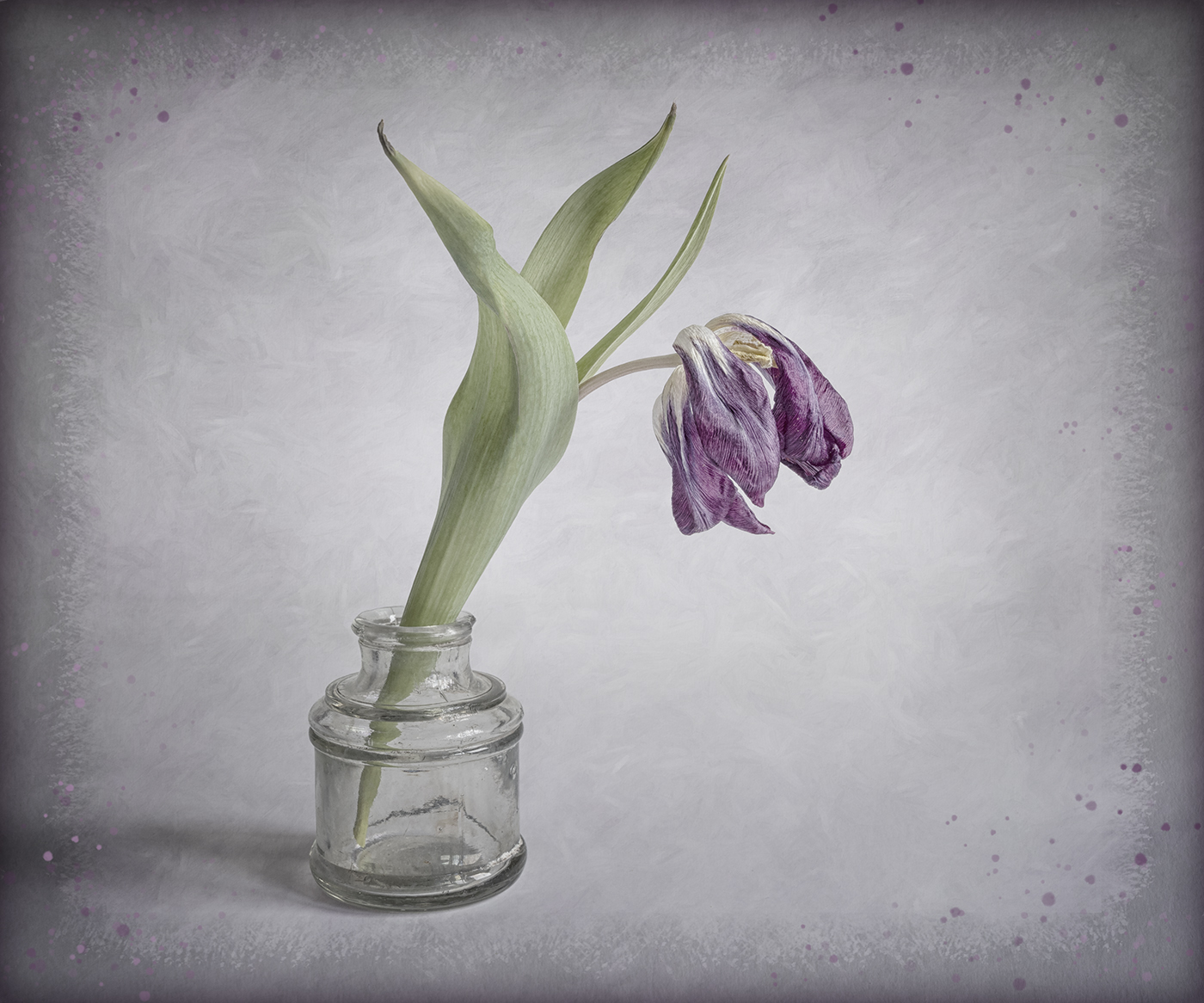
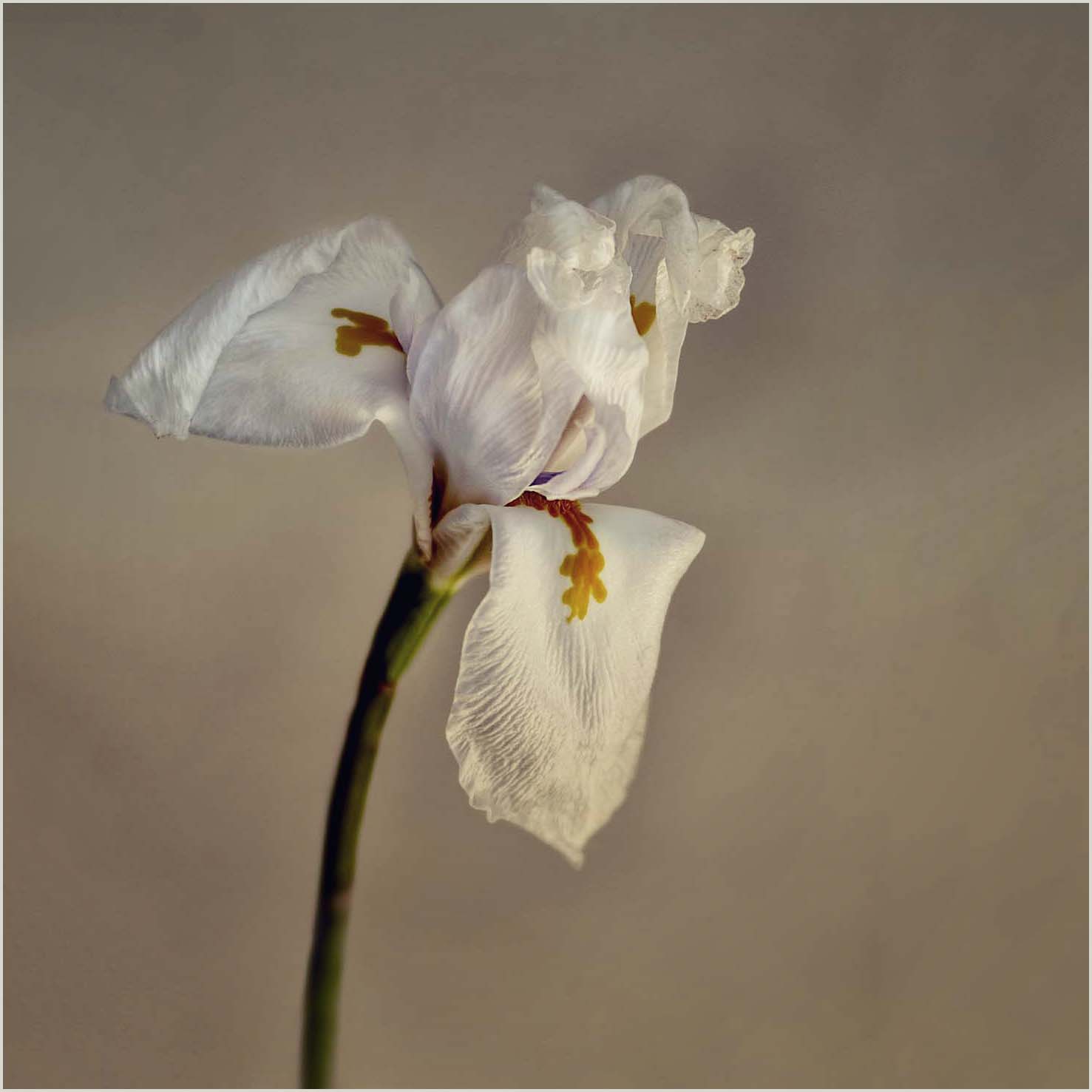
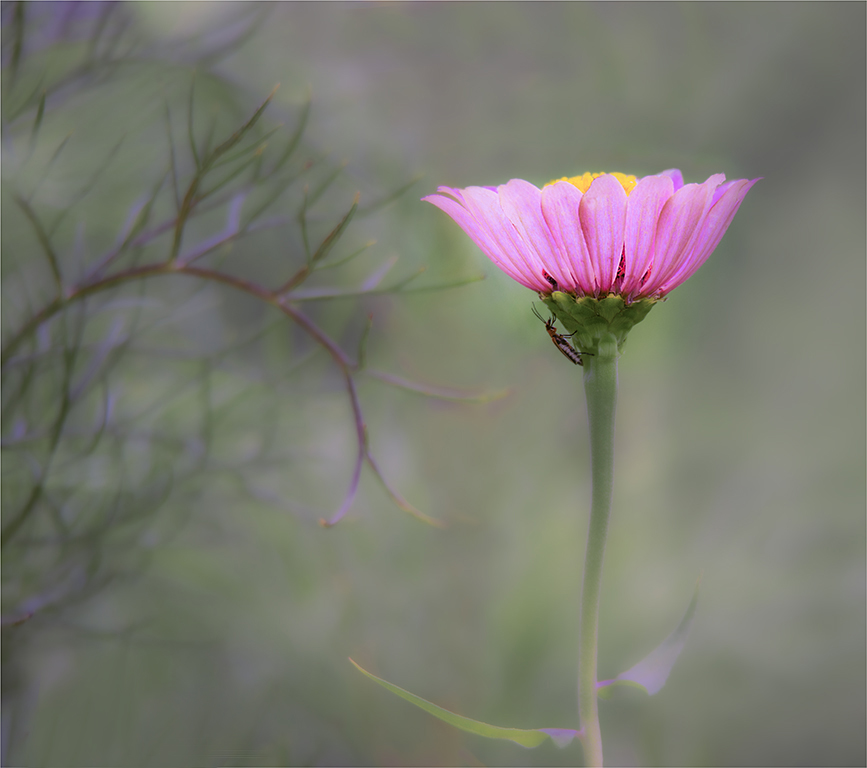
A lovely floral image. I think that the flower is a little tight in the frame and feel that the overall image needs brightening a touch. I have extended the canvas in the attached version and just done a content aware fill. I have brightened the image and then used Nik Efex darken lighten centre to give a vignette. I like the subtle background and if you choose to add any textures I would keep them muted. |
Aug 17th |
 |
| 24 |
Aug 22 |
Comment |
A very interesting abstract image. The image is quite light on the left and darker on the right. The light could be balanced out by adding a gradient layer (black on left and white on the right) in soft blend mode at about 50% opacity. |
Aug 6th |
 |
| 24 |
Aug 22 |
Comment |
A pleasant high key image. I like the inclusion of the leaf to provide some balance. I would prefer to see more of a difference in the tones of the petals against the sky. I do not know if this could have been achieved by using a different colour filter in Silver Efex in the mono conversion. |
Aug 6th |
| 24 |
Aug 22 |
Comment |
A lovely image. I like the composition with the flower offset and the light rays coming from the top corner. The only improvement I can suggest is just to reduce the opacity of the light rays a touch. |
Aug 6th |
| 24 |
Aug 22 |
Reply |
An improvement Bev, for me I think you could still put more texture over the stems to hide them a bit more. |
Aug 6th |
| 24 |
Aug 22 |
Comment |
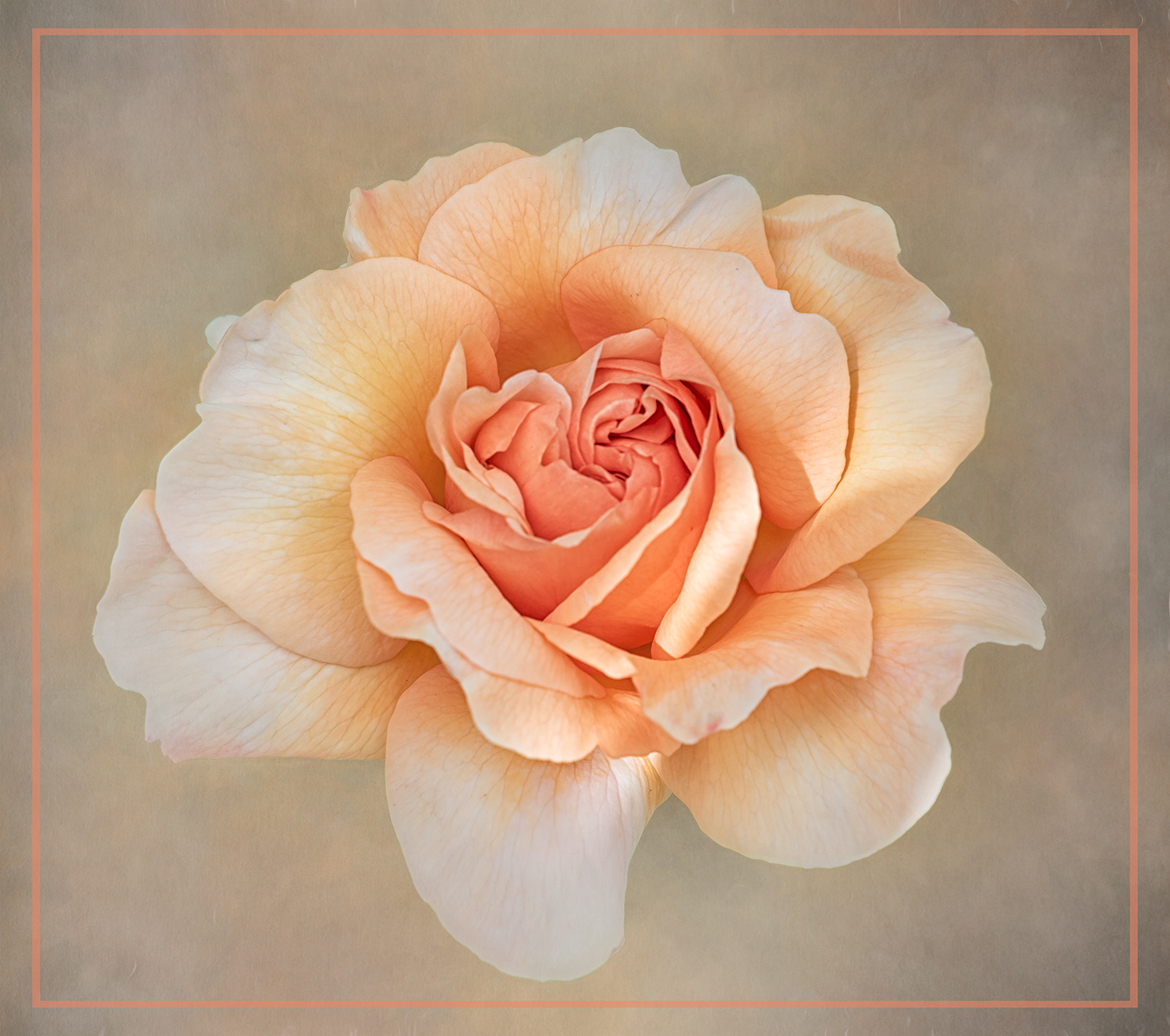
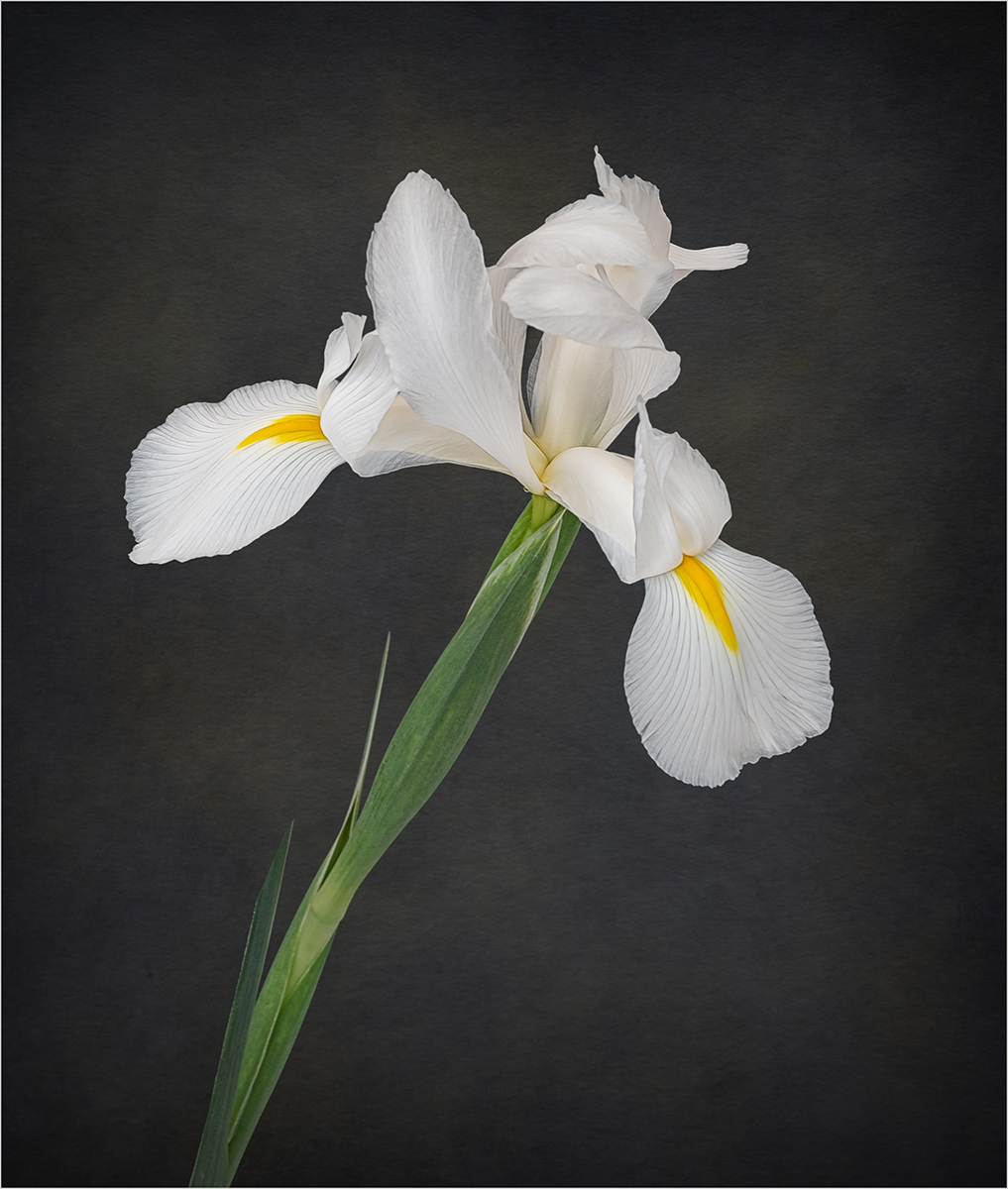
The colours of the texture complements the flower very well. I find the leaf on the right distracting and would prefer more separation from the flower behind. You might want to allow some of the texture to go over the flower behind and over the stem, to keep the focus on the central flower. Something like the attached image, I have used my own textures in this. |
Aug 5th |
 |
| 24 |
Aug 22 |
Comment |
Hi Tom,
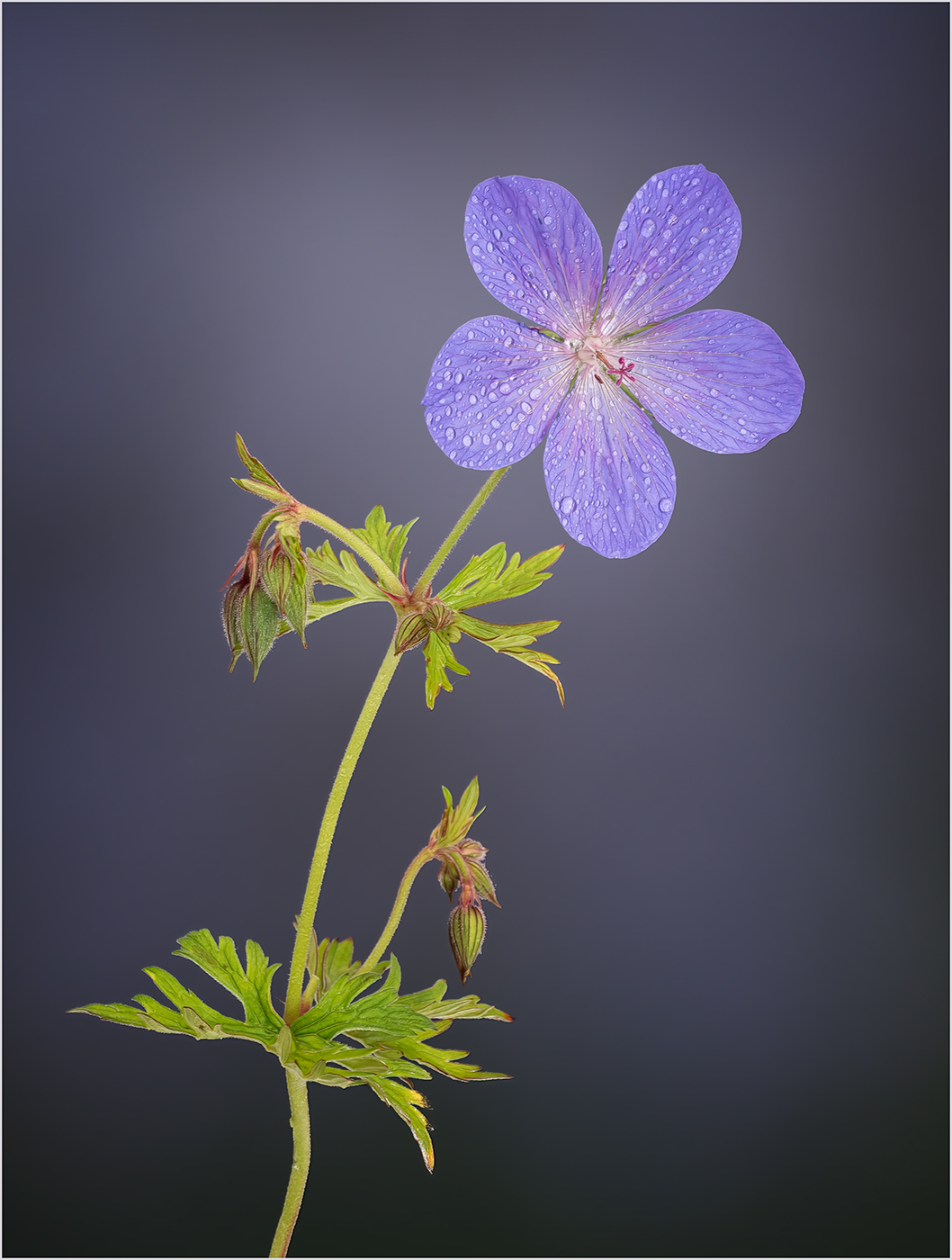
I would prefer to have more separation between the flower and the leaf and so I think you you should darken and blur the background to try and give some separation. There are also quite a few blemishes on the flower which I think should be removed. |
Aug 5th |
 |
6 comments - 9 replies for Group 24
|
| 77 |
Aug 22 |
Comment |
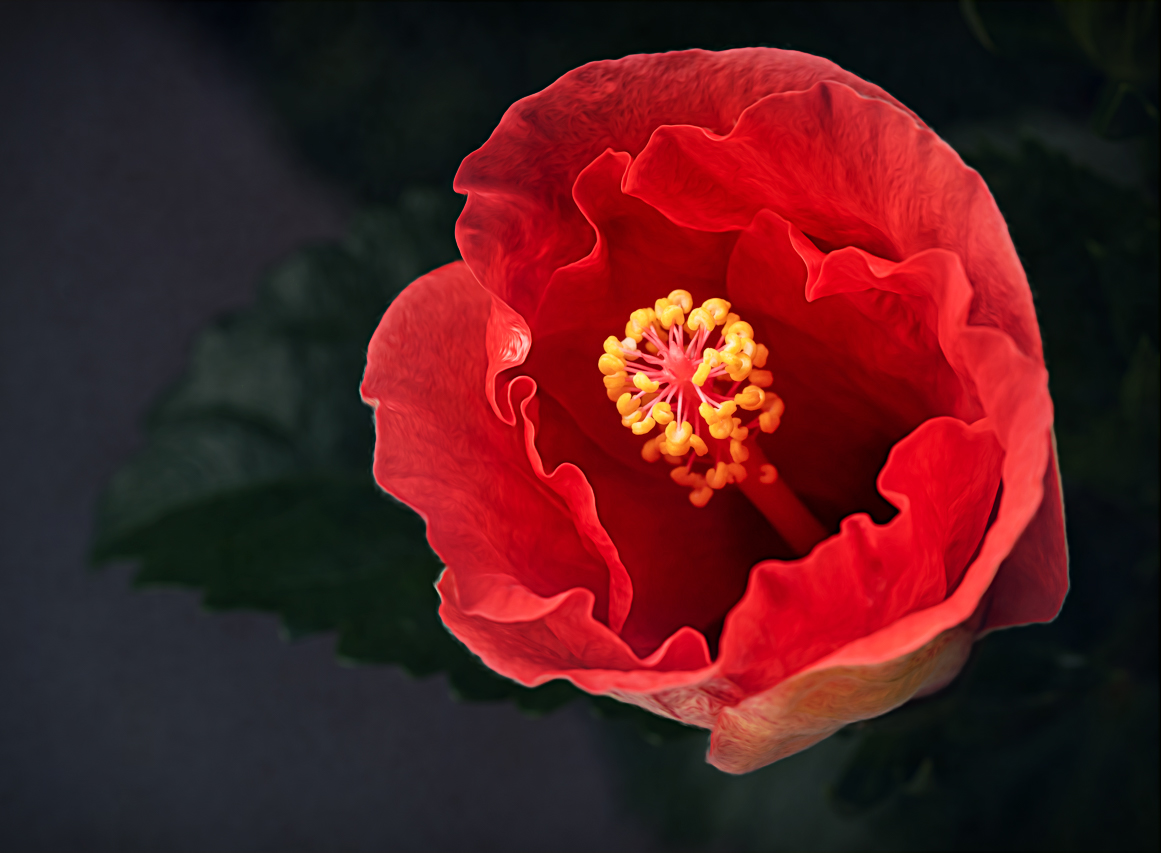
Hi Denise, you have captured a lovely floral image with lots of detail on the flower. You have done a good job in making the background lass distinct with your post processing. For me the background is too bright and I think if you darken it down then the focus remains on the flower. I have darkened the background with a texture in the attached version. I have used Colour Burn blend mode at a reduced opacity. |
Aug 18th |
 |
| 77 |
Aug 22 |
Comment |
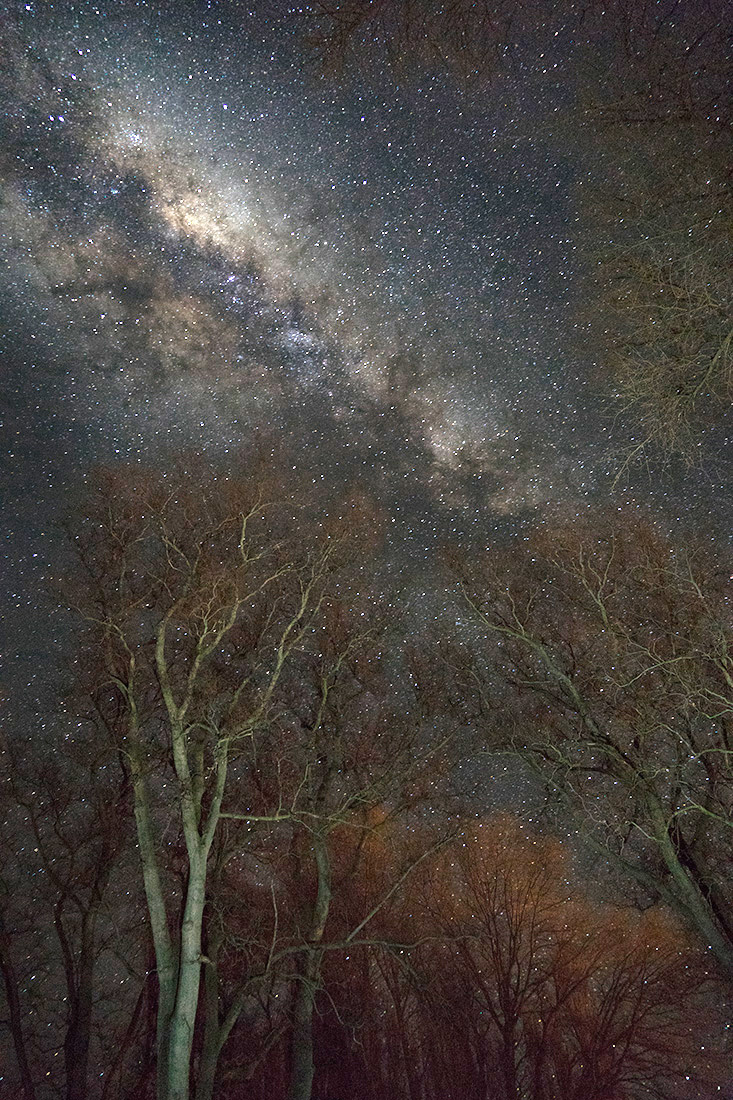
Hi Mary, I think you have captured a great image of the Milky Way with lots of detail. I think that in using Nik HDR and Nik Efex in your post processing you have introduced noise into the image. I have tried a version with a couple of adjustment layers in Photoshop. The first is a curves layer with the output dragged to the left and then a BW layer in luminosity blend mode at a reduced opacity. I think this brings out the detail without the noise. |
Aug 18th |
 |
| 77 |
Aug 22 |
Reply |
I prefer this less dominant sky. |
Aug 9th |
| 77 |
Aug 22 |
Reply |
Thanks for your comments Denise. |
Aug 9th |
| 77 |
Aug 22 |
Reply |
Many thanks for your comments Michael. |
Aug 9th |
| 77 |
Aug 22 |
Reply |
Thank you for your comment Linda. I have already lifted the shadows on the right quite a bit but agree they could do with lightening a bit more. |
Aug 9th |
| 77 |
Aug 22 |
Reply |
The effects I used in Topaz Studio were "Monet" and "Liquid Lines". I reduced the effect of both in Topaz to about 50% and also reduced the opacity of the layer in PS also to about 50%, to keep the effects subtle. |
Aug 9th |
| 77 |
Aug 22 |
Reply |
Thank you for your comment Witta, I will give that a try. |
Aug 9th |
| 77 |
Aug 22 |
Reply |
Glad that you found my comment useful, I do like the revised version. |
Aug 9th |
| 77 |
Aug 22 |
Comment |
I like the composition of this image and the texture that you have applied to the background. I am not a fan of applying textures over flowers and would certainly remove some of it. If you want to retain the colour toning of the texture then if you select the flower on the texture layer and then apply "Average Blur", this will give you the toning without any texture. |
Aug 6th |
| 77 |
Aug 22 |
Comment |
A great image and I admire your patience in creating all those layers to generate the image. As Michael suggested I would soften the drop shadow and perhaps play around with different coloured backgrounds. |
Aug 6th |
| 77 |
Aug 22 |
Comment |
A really lovely image and I like the post processing you have done on it. Unlike Michael I like the leaves at the bottom of the flower as I think they provide a base to the image but you could remove the fronds of foliage in the bottom left. There seems to be a light patch just above the flower, which is slightly distracting to me. I have removed this and the bottom foliage in the attached. |
Aug 6th |
 |
| 77 |
Aug 22 |
Comment |
A lovely composition with the trio of buildings, the lighthouse on the third and the clouds leading you down to the buildings. I find the sky very dominating, perhaps reducing the opacity on the insert would soften it a touch. For my taste I would reduce the painterly effect slightly. Overall though a lovely image. |
Aug 6th |
6 comments - 7 replies for Group 77
|
12 comments - 16 replies Total
|