|
| Group |
Round |
C/R |
Comment |
Date |
Image |
| 20 |
Mar 25 |
Reply |
Thank you, Peter. |
Mar 11th |
| 20 |
Mar 25 |
Reply |
Thanks, Debbie. If I try snowflakes I think I will need to take out the sun. |
Mar 11th |
| 20 |
Mar 25 |
Reply |
Thanks, Angela. I love 1 good snow a year to walk around with my camera. Everything is fresh, quiet, and beautiful. Then, Winter can be over. |
Mar 11th |
| 20 |
Mar 25 |
Reply |
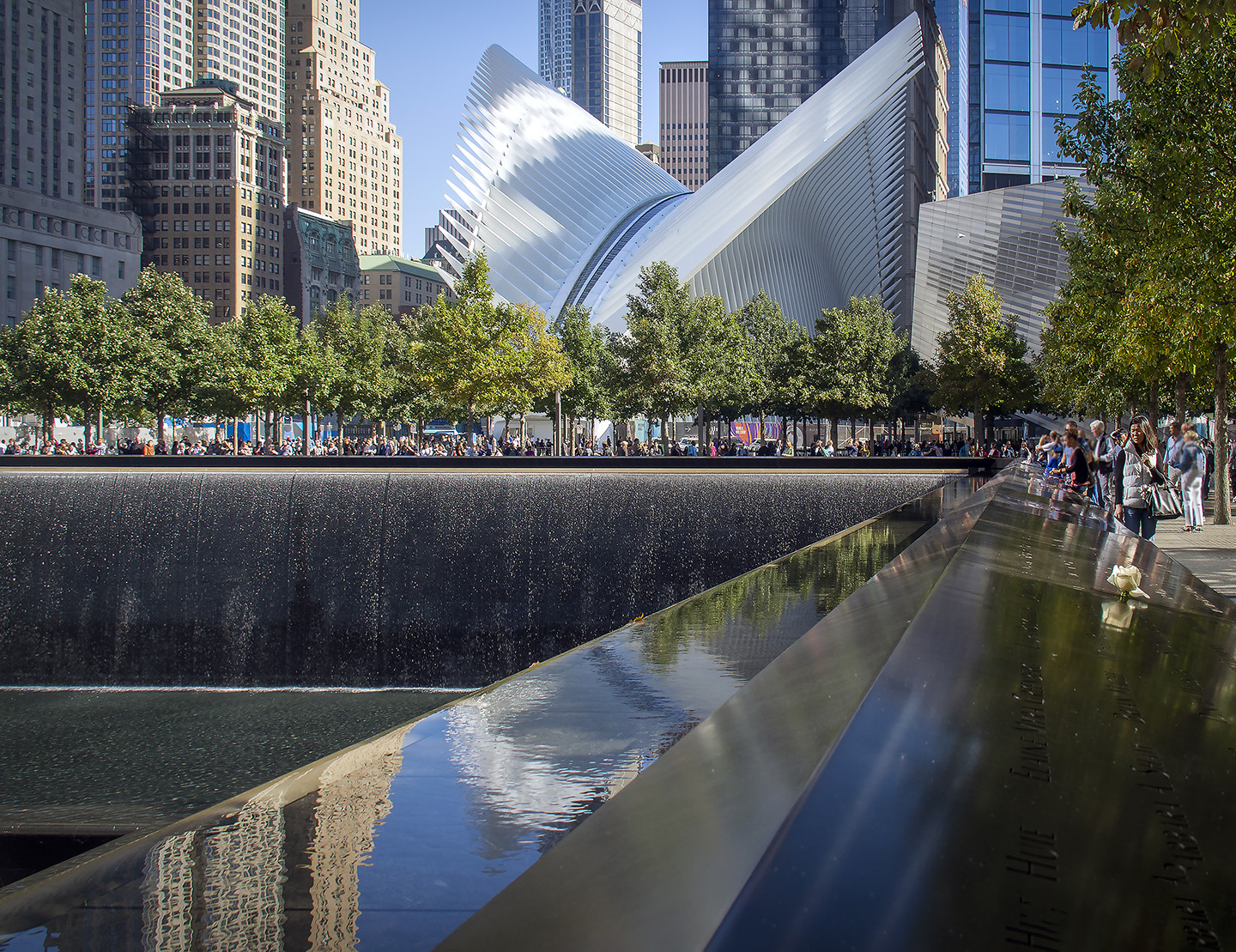
Thanks, Jan. You are right about the straightening the Orb. My first thought was to create several orbs as snowballs rolling down the hill. I think I took the orb to cover the fountain from there. And I will try snow. Thanks! |
Mar 11th |
| 20 |
Mar 25 |
Comment |
I love the individual photos. Somehow, your composite is not focusing on the action. I have 2 suggestions. #1. Use the Rule of Odds and only have the 3 flying eagles diving into the water. Use the headshot by itself. There are numerous ways to showcase him alone. #2. Use the headshot as a Background. Lower the opacity and have the other 3 flying around him at full opacity. Just a few suggestions. |
Mar 11th |
| 20 |
Mar 25 |
Comment |
Well done. You selected and masked really well. |
Mar 11th |
| 20 |
Mar 25 |
Comment |
Again, great Creativity. It looks like you are in a cave. I think I would like to focus on the moon and nebula more. My eye goes right to it and it is a bit top heavy. A few suggestions - Did you think of cropping up from the bottom and in from the left. Also I would suggest lightening the shadows of the driftwood a bit. Just my thoughts. |
Mar 11th |
 |
| 20 |
Mar 25 |
Comment |
This Photo is an Altered Reality of the original photograph. It cannot be construed as "cheating" because it is obviously a creative rendition. And it works. This is the category we get to play in, I do agree with cropping down from the top.
Instead of using AI, maybe you could have tried some of the filters in Photoshop. For me, AI is the slippery slope. |
Mar 11th |
| 20 |
Mar 25 |
Comment |
Welcome to the Group, Jan. I look forward to seeing what you post and learn from you. I like the mirrored image effect and the bright neon colors. I don't remember to use the filters in PS, but go immediately to Topaz Studio 2. I have no critiques but wonder how the mirror image would work with other Looks. |
Mar 11th |
| 20 |
Mar 25 |
Reply |
Have fun! |
Mar 3rd |
| 20 |
Mar 25 |
Reply |
Thanks, Sylvia. You are right. I can take the shadows out.
Making an ORB is easy and fun to try.
1. Open the image in PS
2. Duplicate the Layer
3. Crop to a square
4. Select Filter>Distort>Polar Coordinates>Polar to Rectangle
5.Image Rotation>Flip Vertical
6.Filter>Distort>Polar Coordinates>Rectangle to Polar
And Voila! |
Mar 3rd |
5 comments - 6 replies for Group 20
|
| 39 |
Mar 25 |
Reply |
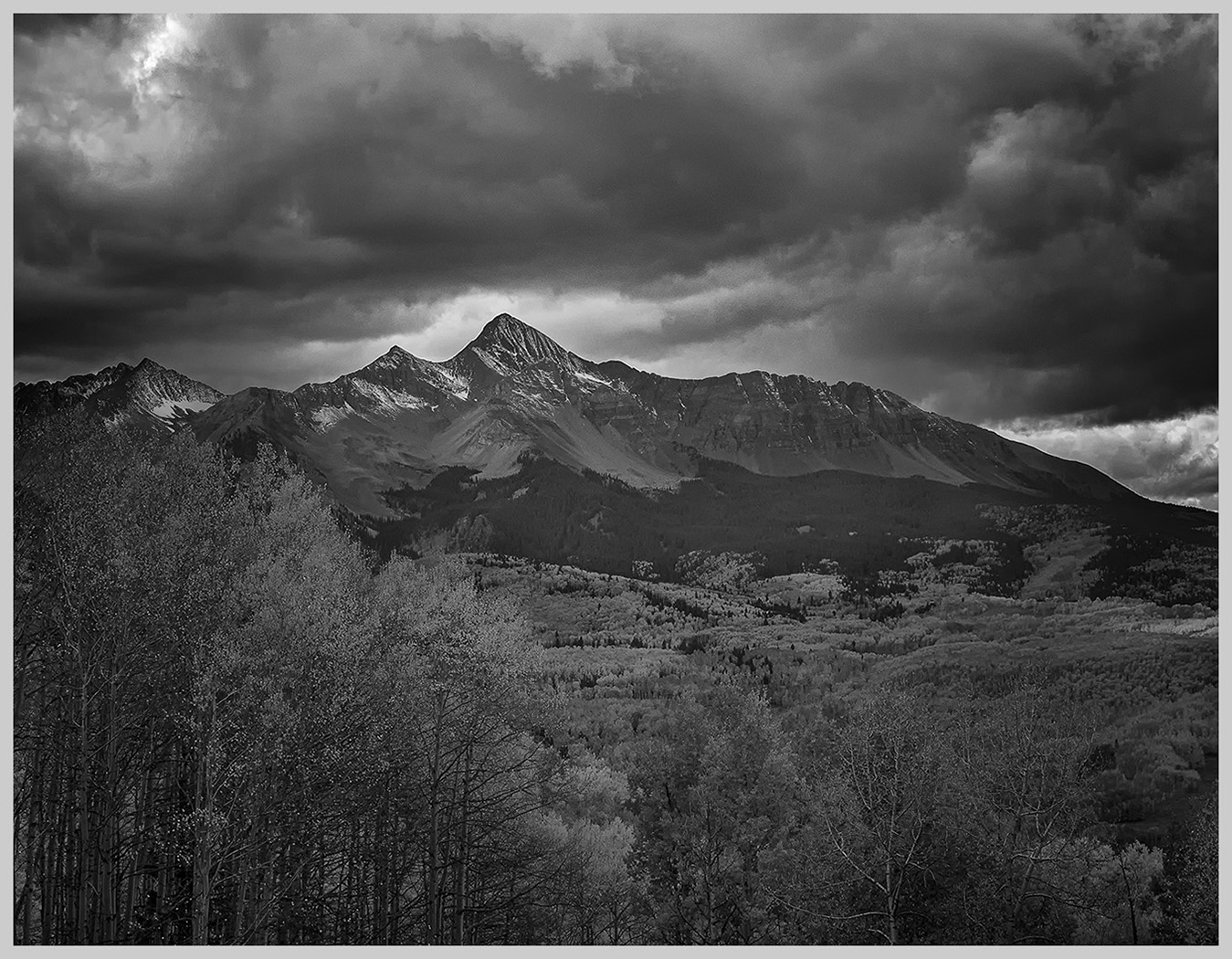
I think that the tones show more contrast in this version.
Sometimes when I take a shot I see it and then see it in monochrome. Here I am not thinking the subject is dramatic enough for B&W. Paul has some really helpful thoughts. I tried a different crop and worked the sliders to add drama. |
Mar 18th |
 |
| 39 |
Mar 25 |
Reply |
Thanks, Paul. I agree about the tree. I don't know how I missed it. |
Mar 16th |
| 39 |
Mar 25 |
Comment |
I would love to see this in color to see the areas of contrast more clearly. I usually like to take the photo in color first so that I can use the sliders to add tones in B&W. The road leads in to the tree. Perhaps you can ad brightness to the tree so that our eye travels in. Also, I might tone down the texture with the flowering trees. It is competing too much with the subject tree. |
Mar 13th |
| 39 |
Mar 25 |
Comment |
I love the angle that you took the photo. How would it look with a darker sky for contrast? |
Mar 13th |
| 39 |
Mar 25 |
Comment |
A wonderful cityscape with the reflections. The tones are spot on. I like how the tree frames your scene but I would also like to see it without the foliage. Don't know if it is possible. |
Mar 13th |
| 39 |
Mar 25 |
Comment |
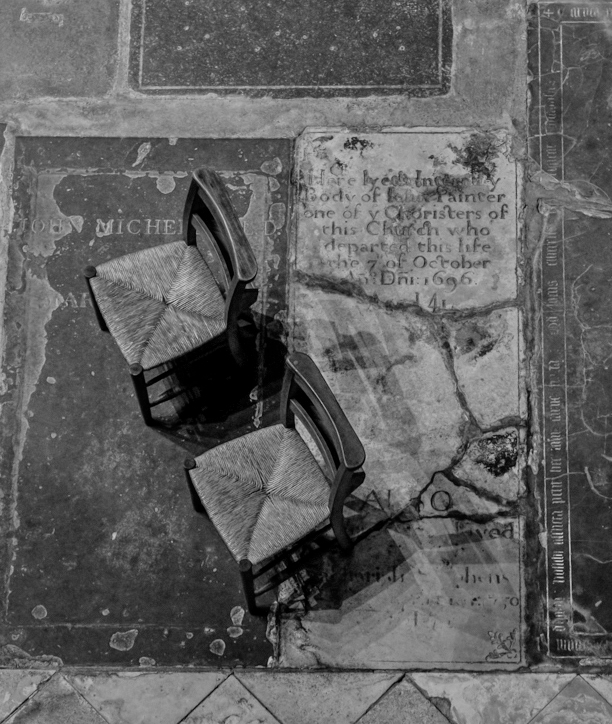
You are always so creative in finding your shots. I 1st saw this image as a cubist painting. It wasn't until I read your description that I saw the chairs. I think they get lost, but if you cropped down from the top, they are more prevalent and balanced (In my opinion). I also think that the original tones show off the textures more. |
Mar 13th |
 |
| 39 |
Mar 25 |
Comment |
Welcome to the Group, Paul. I think you have framed the gondola well, but I am losing the gondola because there is not enough contrast. I think you could crop up from the bottom a bit and not lose its essence. Because it is easier to try my suggestions, I played with your image. I used the Fine Art filter in Silver Efex Pro, vignetted at 9%, and then used Vivesa to further lighten the area around the Gondola. What do you think? Of course, it is my vision not yours. |
Mar 13th |
 |
5 comments - 2 replies for Group 39
|
10 comments - 8 replies Total
|