|
| Group |
Round |
C/R |
Comment |
Date |
Image |
| 85 |
Feb 26 |
Reply |
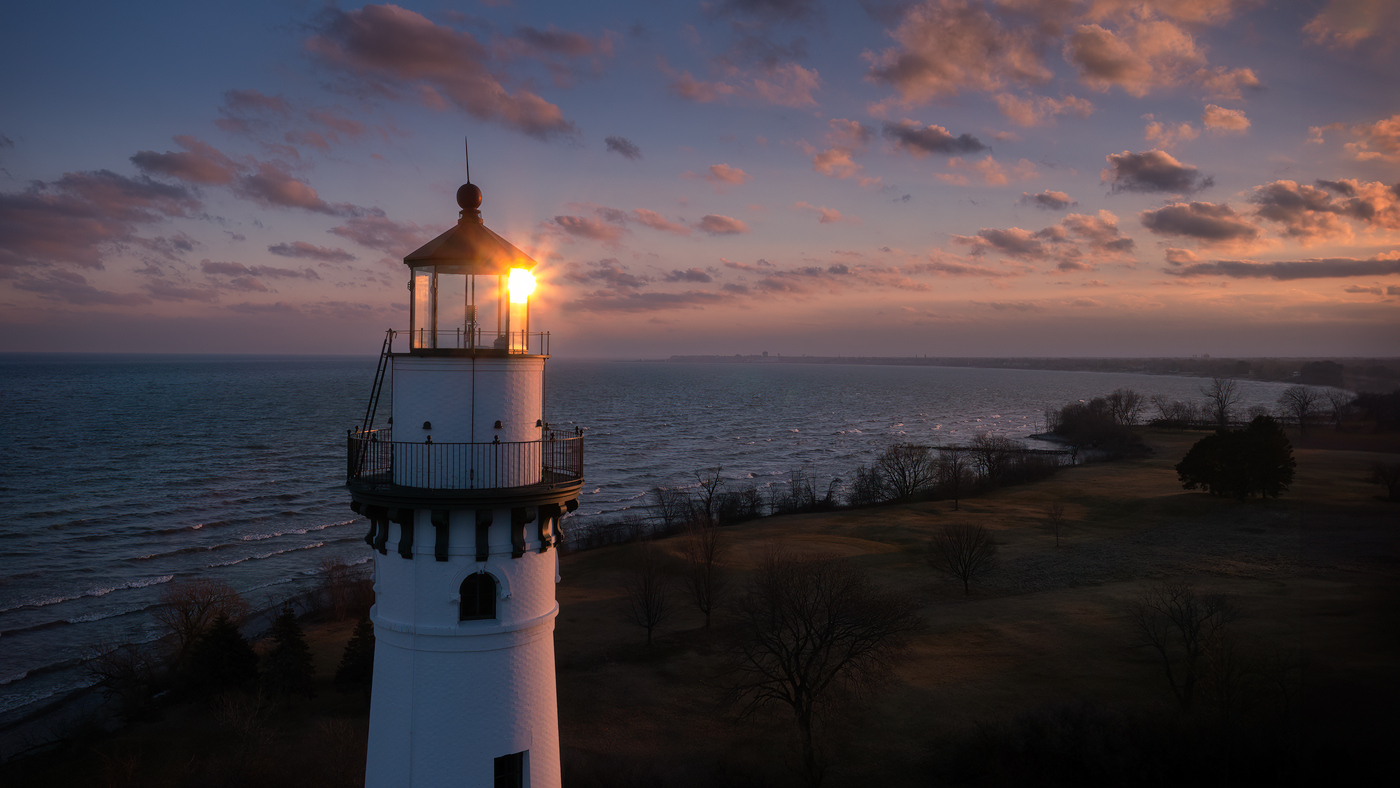
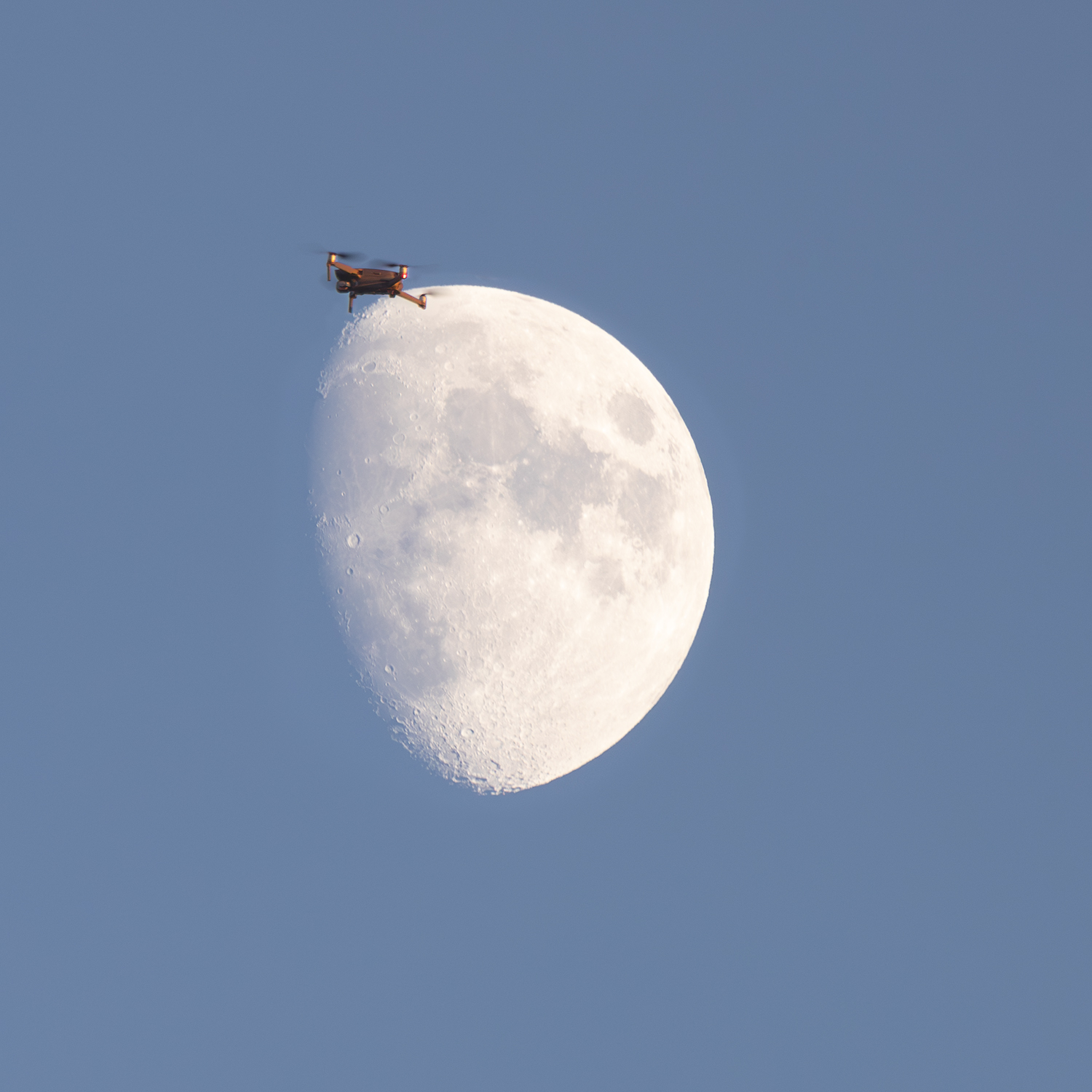
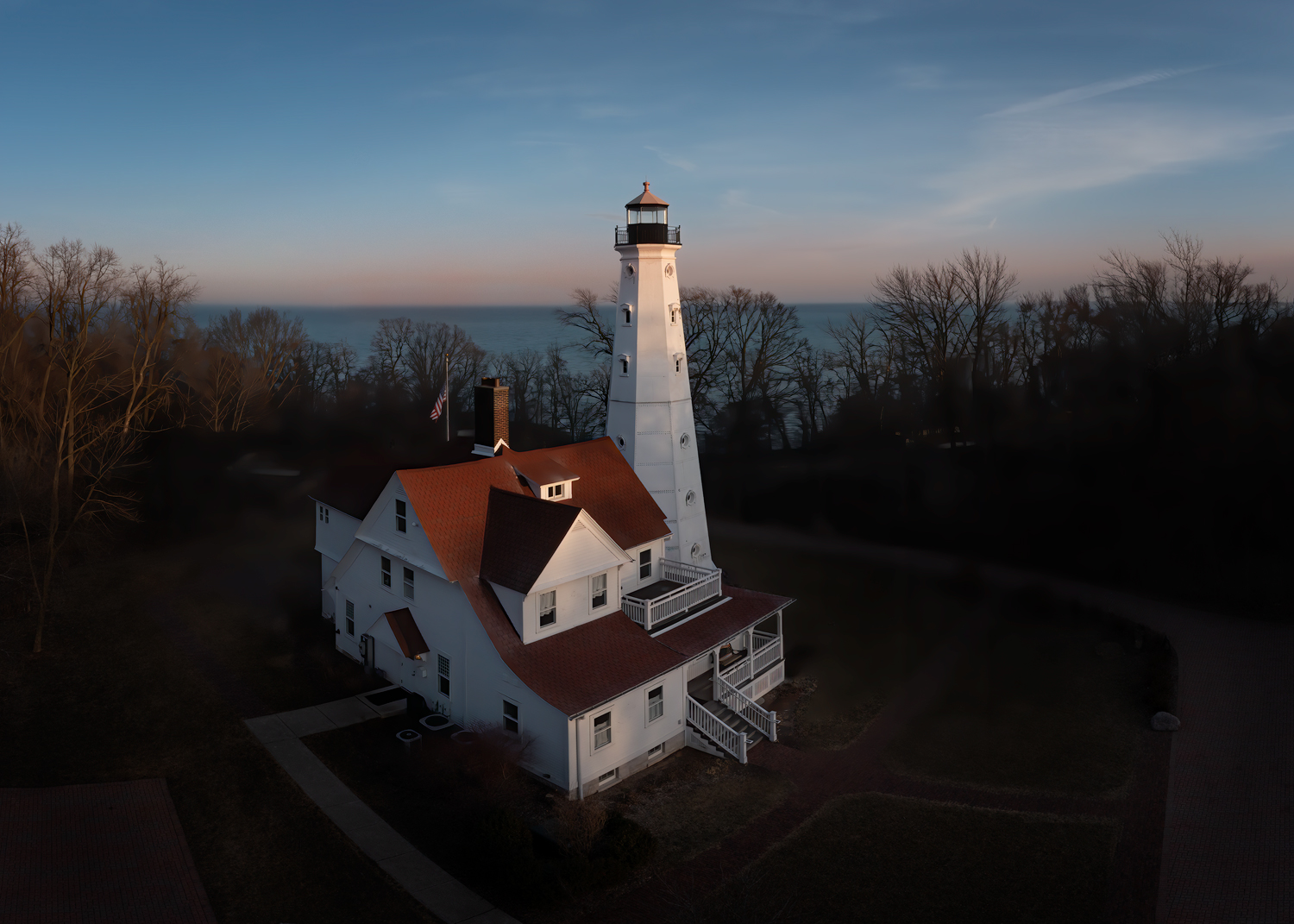
I've found people generally don't like it when they hear the buzzing of a drone. Mine makes more noise when the props are getting a bit old, so I like it when I can keep new, fresh props on it. But they are rather expensive. so I try to make them last, even when they're getting somewhat degraded and louder. I also try to raise the drone up quickly to 40 or 50 feet or more to where they can't really hear it. |
Feb 27th |
| 85 |
Feb 26 |
Reply |
Thanks, Lou. I might rethink putting a border/stroke around it. Several people can't be wrong! :) |
Feb 24th |
| 85 |
Feb 26 |
Reply |
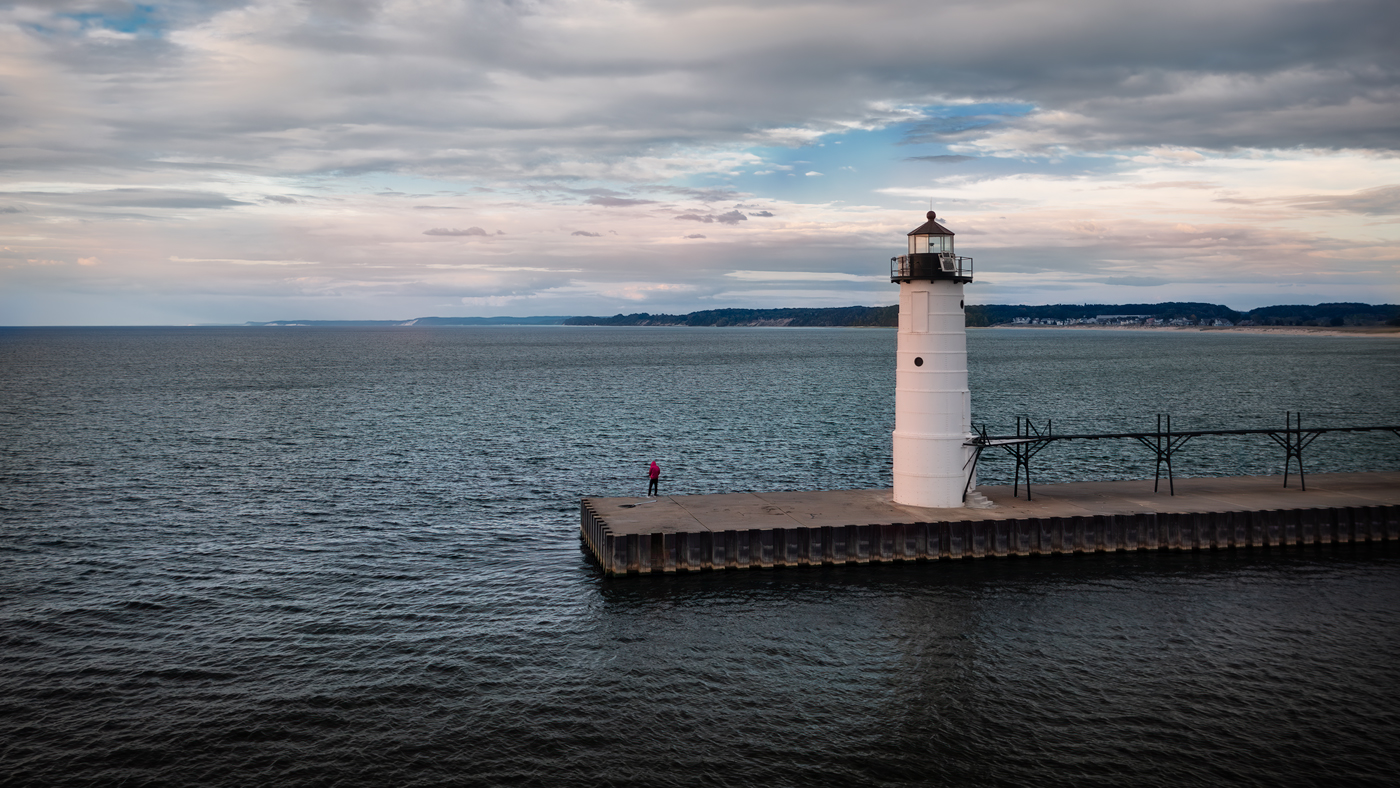
I don't know, but it's a good idea! I might try and make the rounds of Lake Michigan this summer... lots of lighthouses!
Thanks! |
Feb 24th |
| 85 |
Feb 26 |
Reply |
Thanks, Alex. |
Feb 24th |
| 85 |
Feb 26 |
Comment |
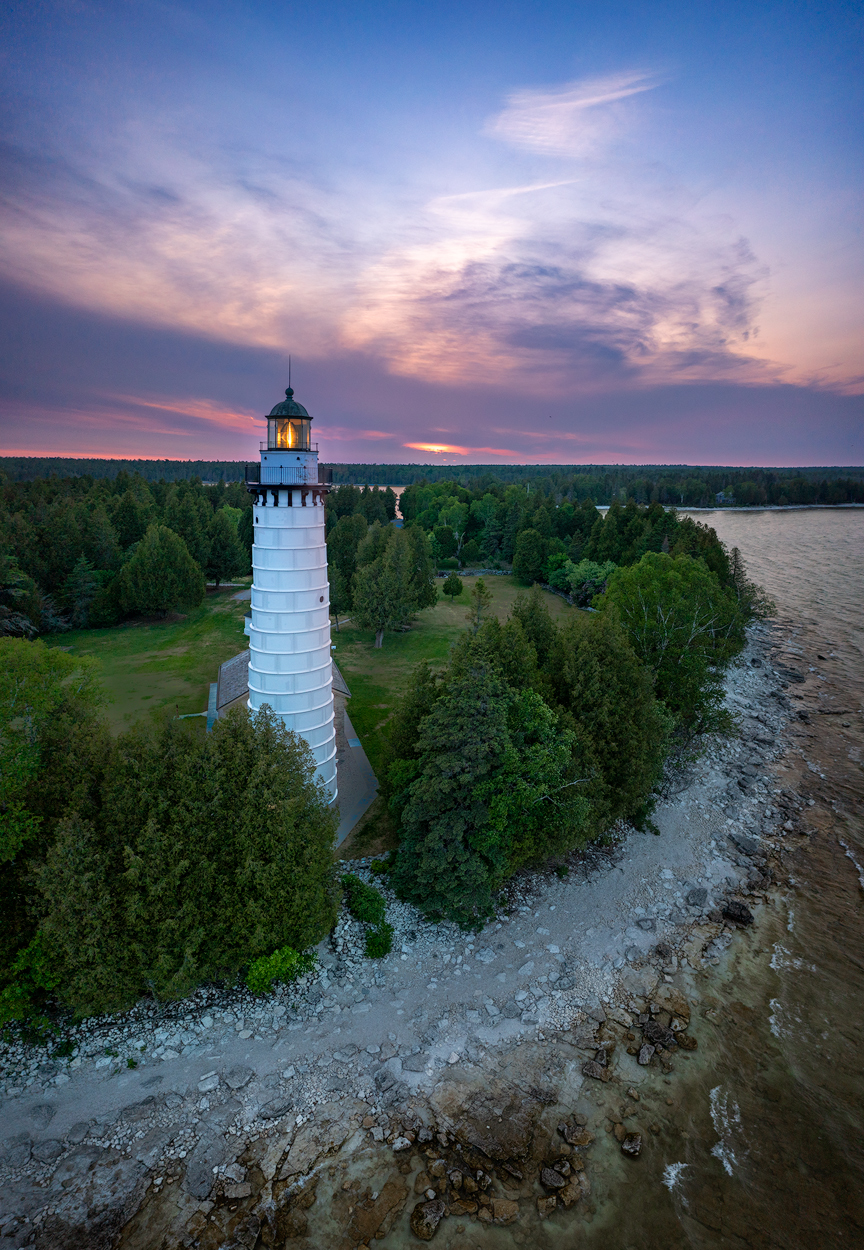
Thanks, Pete. I don't typically like to put strokes or borders around my pictures. Iīm ok with the silhouetted foreground blending with the background. But I understand what you mean about separating the sun and the lighthouse. I will keep that in mind.
Yes, I have shot a lot with Rafa, but not in several years. |
Feb 15th |
| 85 |
Feb 26 |
Comment |
A nice and unusual view of an iconic spot, showing both the Bentonite Hills and Factory Butte. I don't think I've ever seen a photo of this iconic spot showing both, so good capture.
It almost has 2 subjects, and the eye goes back and forth in a pleasing diagonal between the person on the ringed hill and the butte in the background.
I think I see a couple of things that would have made this a better photo. First, I think there could be a bit more sky so the butte is not so close to the edge. Since the person is well within the photo (at the 2/3rds mark), it would be nice if the butte was a little further into the photo too.
Second, although the processing is pretty good, I think you could kick up the color saturation even more. Beware of over-sharpening the photo, especially in the middle ground. The sharpening goes right up to the line below the butte, and to maintain the depth in the photo, leave a gradient of softness from the middle of the picture up to that point. It will look a little more realistic that way, too. Also, I would soften and tone down the darkness of whatever it is on the hill near the center (rocks?... it looks almost like a village). I would try to de-emphasize them. You don't want to interrupt the diagonal movement I mentioned above.
|
Feb 7th |
| 85 |
Feb 26 |
Comment |
I like it! I think you chose the right composition (although I don't know what the original looked like). Some might say the whites on the right make the image look out of balance, but I would disagree with that because the details in the round (fans?) on the left carry a lot of weight. I think the details have a lot of interest and make it a pleasure for the eye to peruse around the image. |
Feb 7th |
| 85 |
Feb 26 |
Reply |
Interesting. Certainly AI tools, but I havenīt heard about it doing such things. Sounds like a good use of the technology! |
Feb 7th |
| 85 |
Feb 26 |
Comment |
Interesting panorama. I wish I could see it better (sad that PSA only allows upload of such small files). It's a bit hard to comment on such a tiny image.
But enlarging it in the browser (looks very pixely) I find the composition very interesting. I suppose this is a 360° view and might look very nice if you can get a very wide print (I've tried some wide prints of a mountain range and could not get my photo printer to print that long, although it will print 17" wide. Perhaps you could if you sent it out to a professional printer. I would be interested in hearing if you find one that can). Most places to post online will not be able to display the full beauty of such a wide scene when they compress for display.
I see two images here. You have a beautiful image with just the mountains and the residential area on the right side, cropping the image almost in the middle. Or another picture on the left side with just the curved highway framing the image. There's also the possibility of cutting it into multiple images that can be printed and displayed side-by-side or lined up for swiping to see the entire thing (Instagram will do that). |
Feb 5th |
| 85 |
Feb 26 |
Comment |
I really like the view and the composition. I'm curious about what you did with the sky. Did you do multiple exposures? Because the original displayed has blown-out areas in the sky. You can't bring out detail if there is no data there. Did you get it from a darker exposure? (or perhaps the original lost some of the data when saving to a jpg)
Whatever you did, nice handling of the processing overall and saving the sky detail. One little thing I would recommend. I would reduce the contrast a little gradually from about 1/3 of the way up into the picture until the sky. You would preserve more of the feeling of depth in the image that way. |
Feb 5th |
| 85 |
Feb 26 |
Comment |
Ah, my old stomping grounds! (I went to college there and lived in the area for 26 years). Looks like this was taken from Crissy Field, a great location. I havenīt been to SF in quite a few years, and Iīd love to make a trip out there with my drone! It is such a photogenic area.
I like the angle and the composition. A couple of recommendations: Shooting below the deck of the bridge gives the towers a little bit of lean to the left and right. It is easy to correct the perspective in Lightroom, so I would suggest straightening them. I would use the guidewires of the bridge to correct the distortion.
The color adjustments of the sky and the bridge are good, but I would remove the color adjustment from the boat and the water. Warming up the ship has given it a little bit of an unnatural look, and the water looks a little too orange for a sky that blue.
Also, I would remove the spot in the water on the right side.
Otherwise, a very nice picture!
I follow a photographer, Marcus, on Instagram, who takes a lot of drone shots around San Francisco. You might want to take a look at his images:
https://www.instagram.com/marcus_aureliuz/ |
Feb 5th |
6 comments - 5 replies for Group 85
|
6 comments - 5 replies Total
|