|
| Group |
Round |
C/R |
Comment |
Date |
Image |
| 85 |
Jul 25 |
Reply |
Yes, I agree there is too much sky at the top, with not even very much going on up there. Thanks for the comment!
Here is a crop, and I still have most of the sky detail. I also "leaned" it a little forward with the vertical transform slider in Lightroom, but then it seemed to be leaning to the left... so I rotated it a tiny bit to the right, and now it seems to be leaning right. Good grief! :D it is a very difficult image to level up! |
Jul 18th |
 |
| 85 |
Jul 25 |
Reply |
I like it! I think the whole image blends together better and makes the viewer feel... in the photo (if that makes sense)! |
Jul 18th |
| 85 |
Jul 25 |
Reply |
I like it better, too! Saturating the reds a bit nicely brought out the rust, and the sky looks much better. That bright spot in the lower right corner wasn't really darkened, though. It looks like you might have used a curves adjustment on it, or a blended layer. It might take a more opaque darkening. |
Jul 18th |
| 85 |
Jul 25 |
Reply |
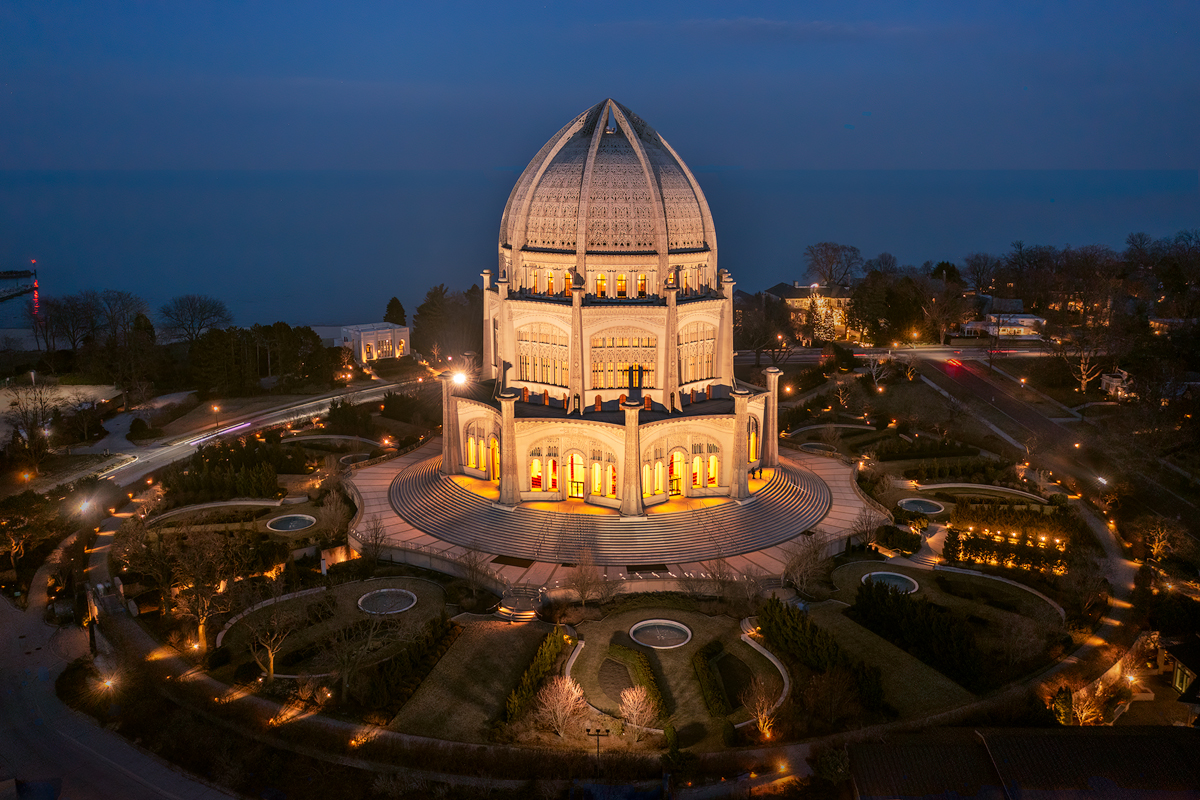
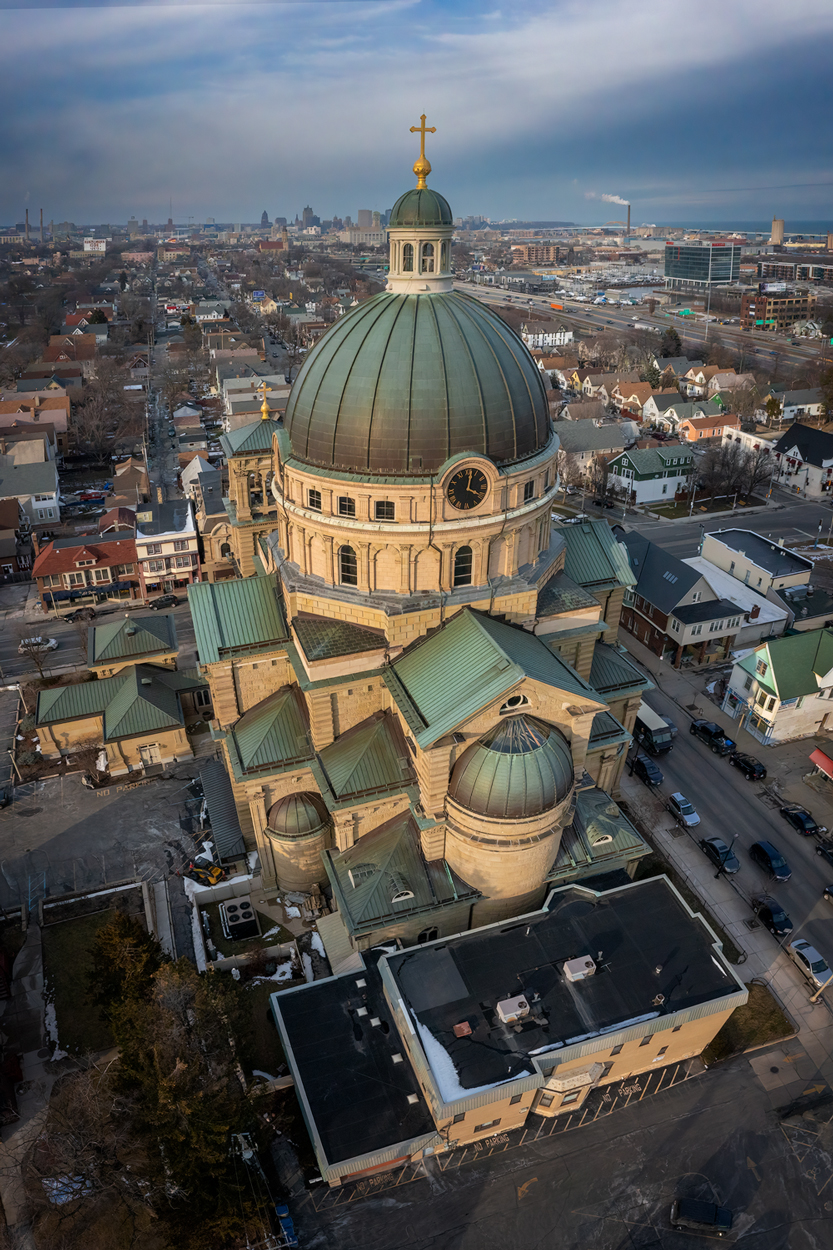
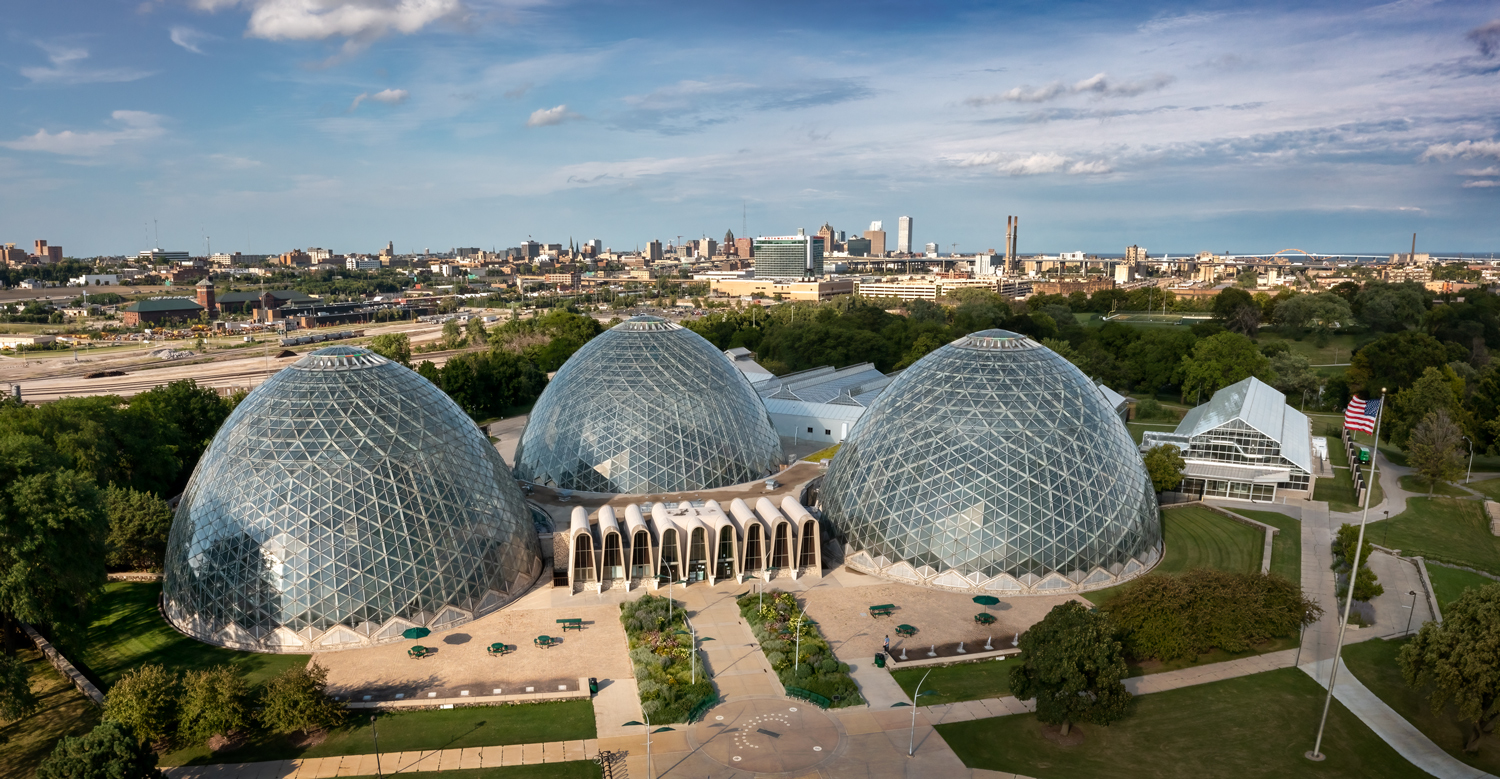
Thank you, Patrick. I agree that the summertime trees would block some of the lower part of the temple... the doors and stairs. But I think if I re-shot this, I would raise the drone a bit so the perspective doesn't feel like the temple is leaning back. Yes, it's ok to shoot from ground level with a drone, as I mentioned in my description, but shooting a little bit higher would move eye level up a bit and level out the building, as well as capturing more of the bottom of the temple. I was really happy with the sky that day. I only hope I can catch a day where it has some beautiful clouds when I return. |
Jul 9th |
| 85 |
Jul 25 |
Comment |
Nice! Another industrial picture, this one with some nice red rust colors! I like the colors. As well as working on the issue with the clouds mentioned by Patrick, I recommend adding a little vignetting to the lower right side of the image. You also might want to put a radial gradient right in the hardest core of the industry right in the center right and lift the exposure there a little. There is a lot of detail there for the viewer to enjoy, and lightening the exposure a little would make it more visible. |
Jul 9th |
| 85 |
Jul 25 |
Reply |
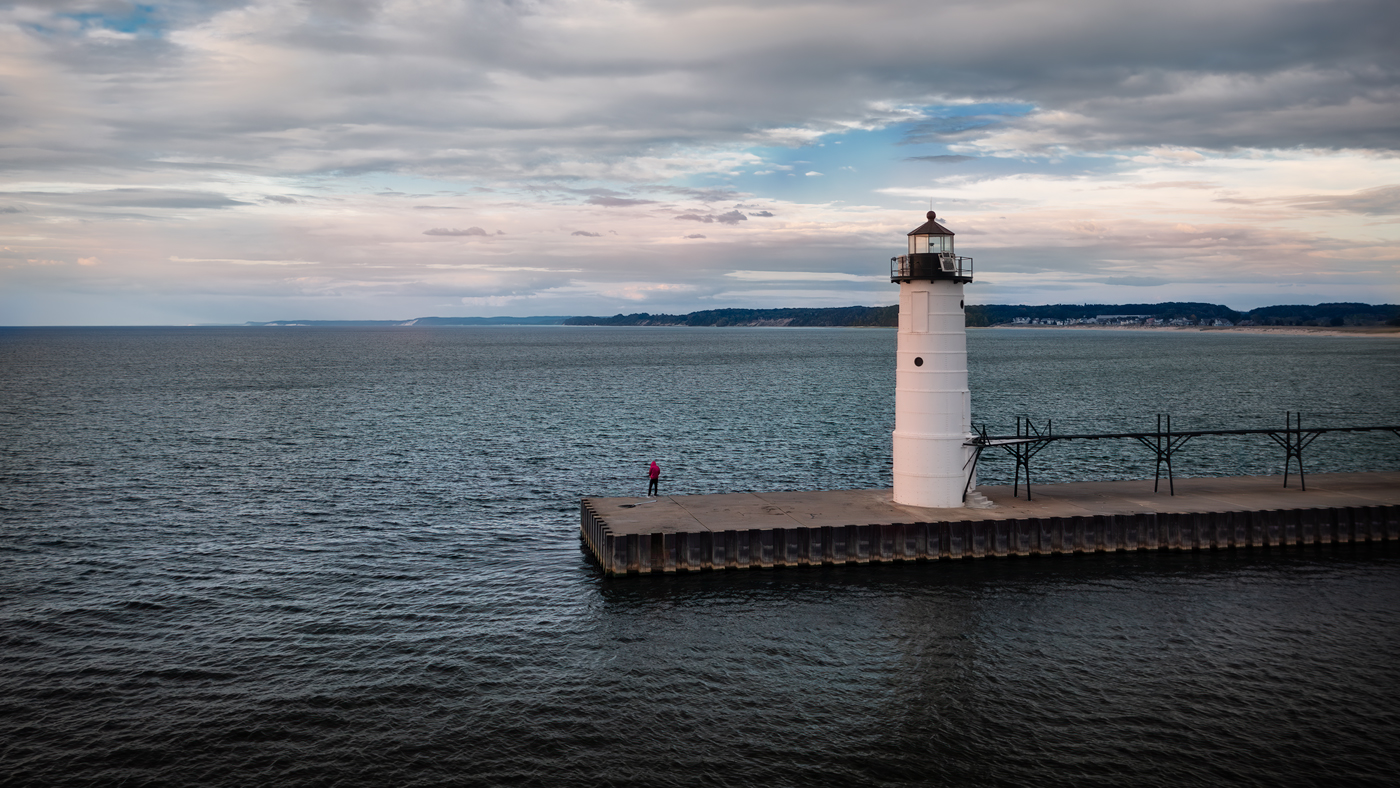
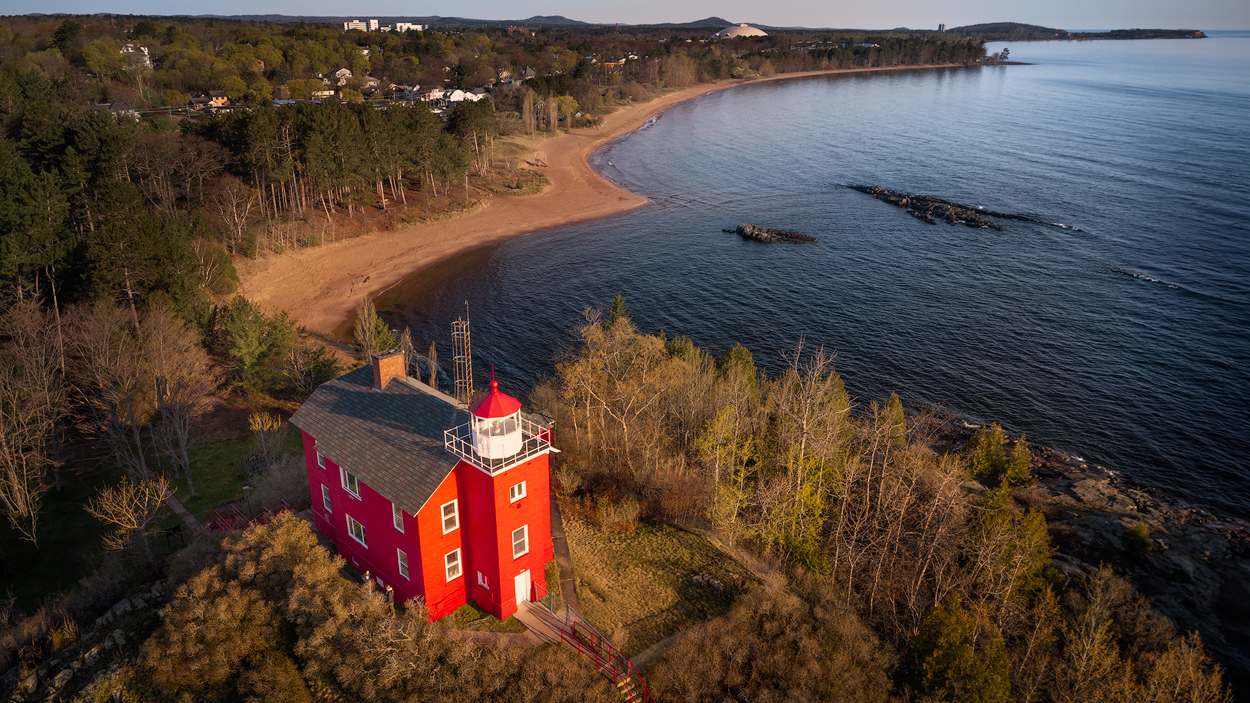
Wow, I love it so much more. I understand you wanting to stay with a 16X9 ratio (I've been converting many of my images to 16X9 lately and recently set my camera to take that aspect ratio).
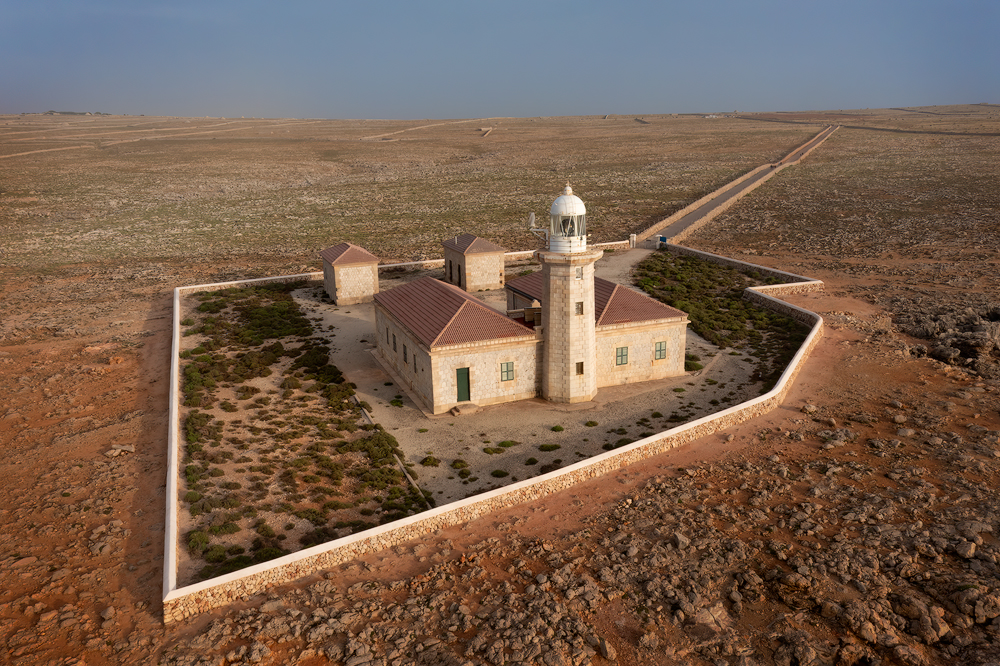
The 3X2 appears to bring both the rocks and the lighthouse up much closer for a better look by the viewer! In addition, it makes the sky feel a little less tight to me. Also, I like the warm tones you added, although I'm not so sure that helped in the sky. It lightened the sky a little, and I like the blue of the sky in the posted image better. Perhaps a sky mask or a gradient mask to only apply the warmer tones to the lower two-thirds of the picture?
I intend to go down the west coast one of these days and shoot some of those ocean scenes and lighthouses. I used to live in northern California, and I miss the beautiful coastline there as well as the Oregon coast. I wish I could make it out for the PSA event this September, but I can't this year. Perhaps next year! (BTW, I see you have a friend of mine from southern Californa on your FB friends list. What a small world! We'll have to talk about that!) |
Jul 9th |
| 85 |
Jul 25 |
Comment |
Hi Lisa. Since I also have not been flying lately, I appreciate your attempt to go out and get a picture to post. Even the backyard flights will give us practice. I should do the same (to keep my batteries in good condition and to keep my flying skills current). You inspire me to do so.
As far as this image, I like it. It kind of reminds me of the top-down image I posted of the Baha'i Temple last fall. When there is such symmetry, it is kind of fun to use the drone to capture such top-down images.
I do, however, like the colors of the dappled light in the original image. But I see that the green in the upper left and on the left side is a bit distracting. Perhaps you can do a vignette converted to B&W. But if you are going to stay with the B&W... I think there is a little too much mid-gray in the image. I'm not a B&W expert by far, but I think if you bring down the blacks a bit without increasing the highlights on the dappled lighting, it will provide a little more contrast and show more of the wonderful texture in the umbrella fabric. |
Jul 9th |
| 85 |
Jul 25 |
Comment |
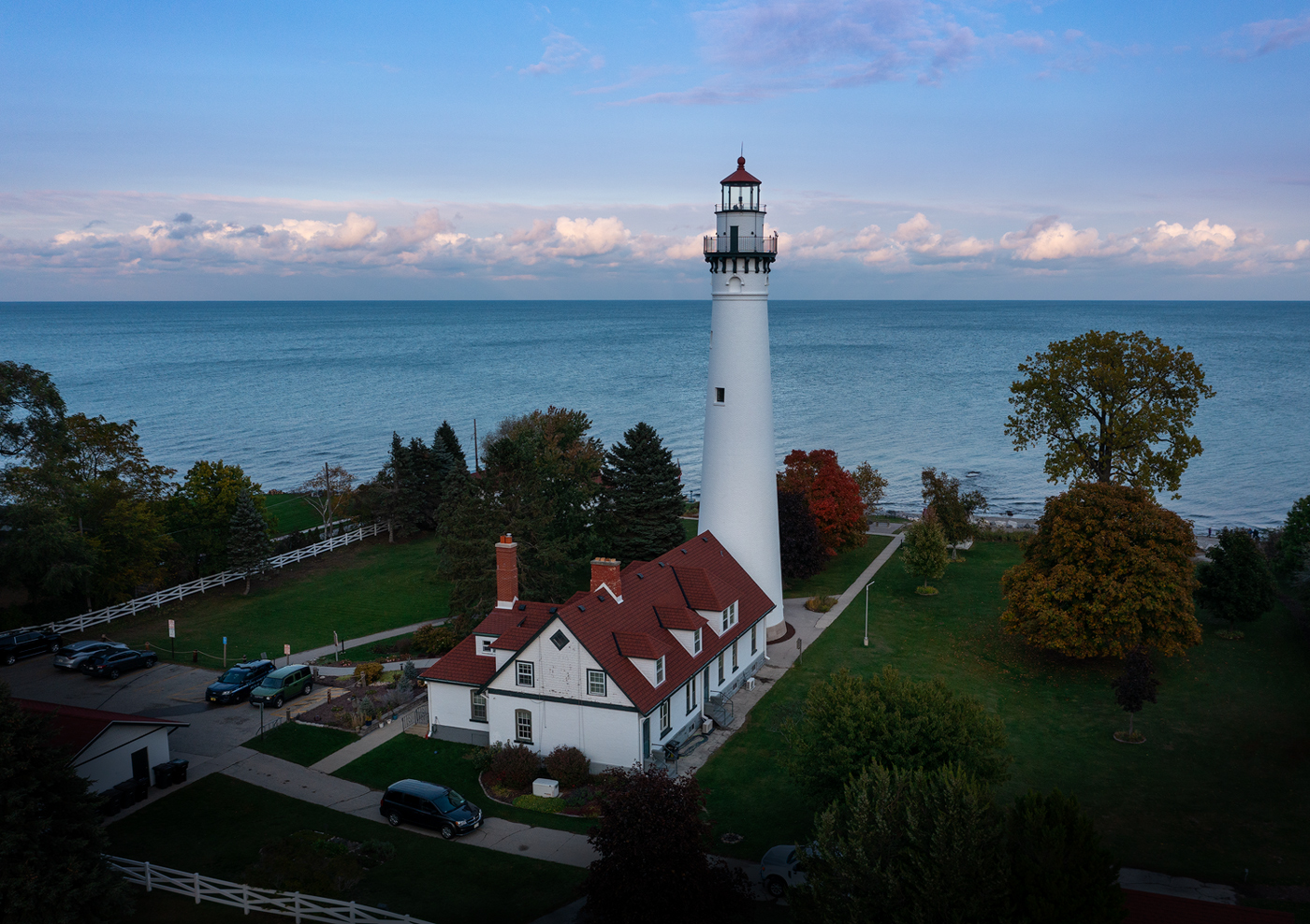
Welcome to the group, Patrick! Glad to see another really good photographer join our group!
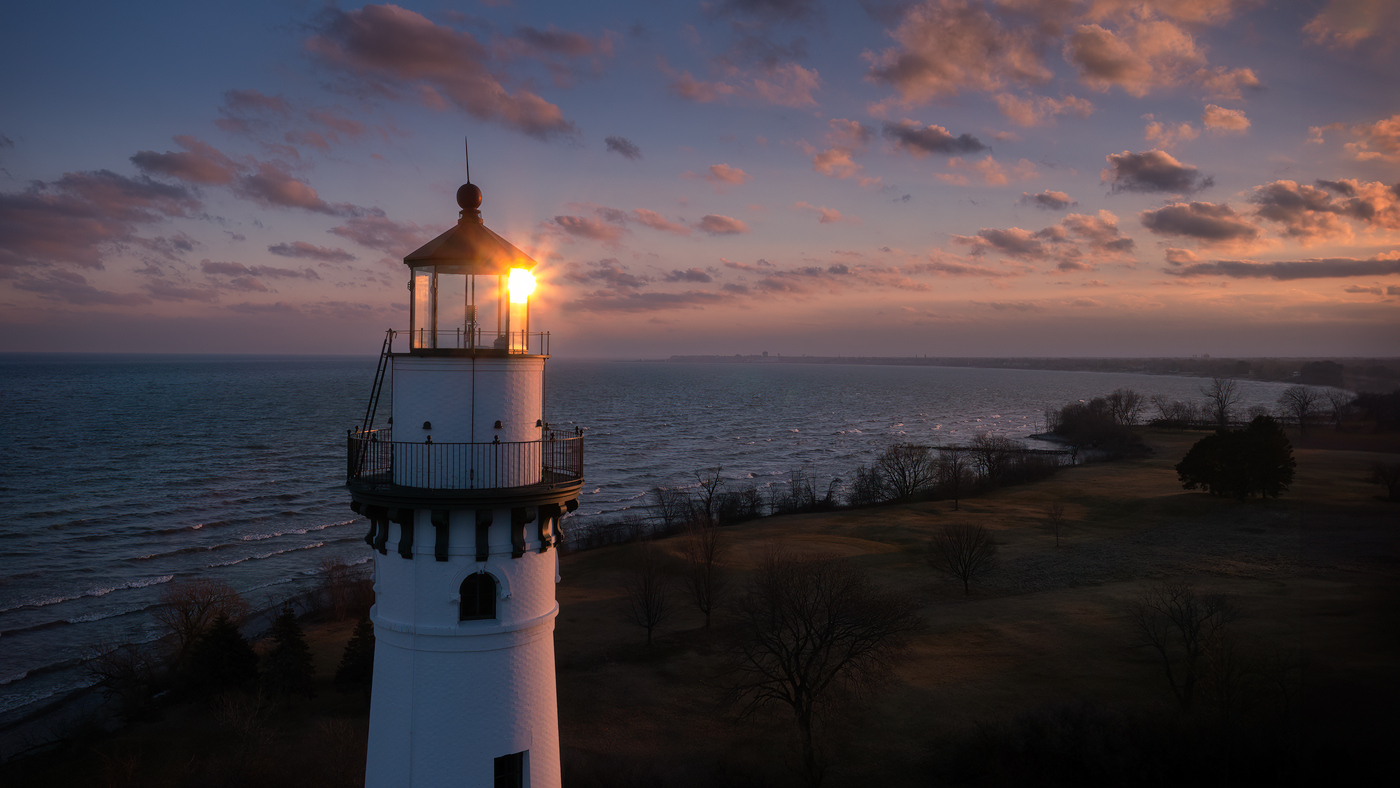
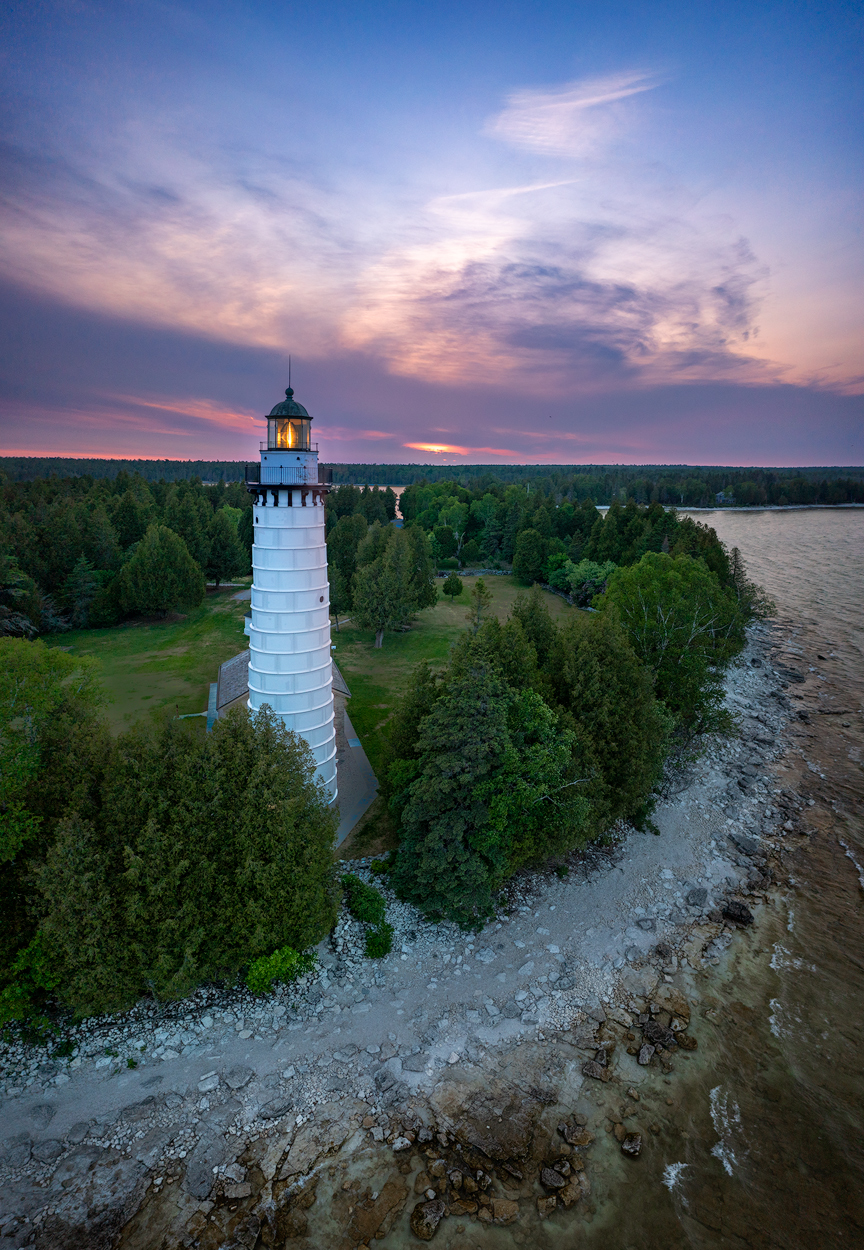
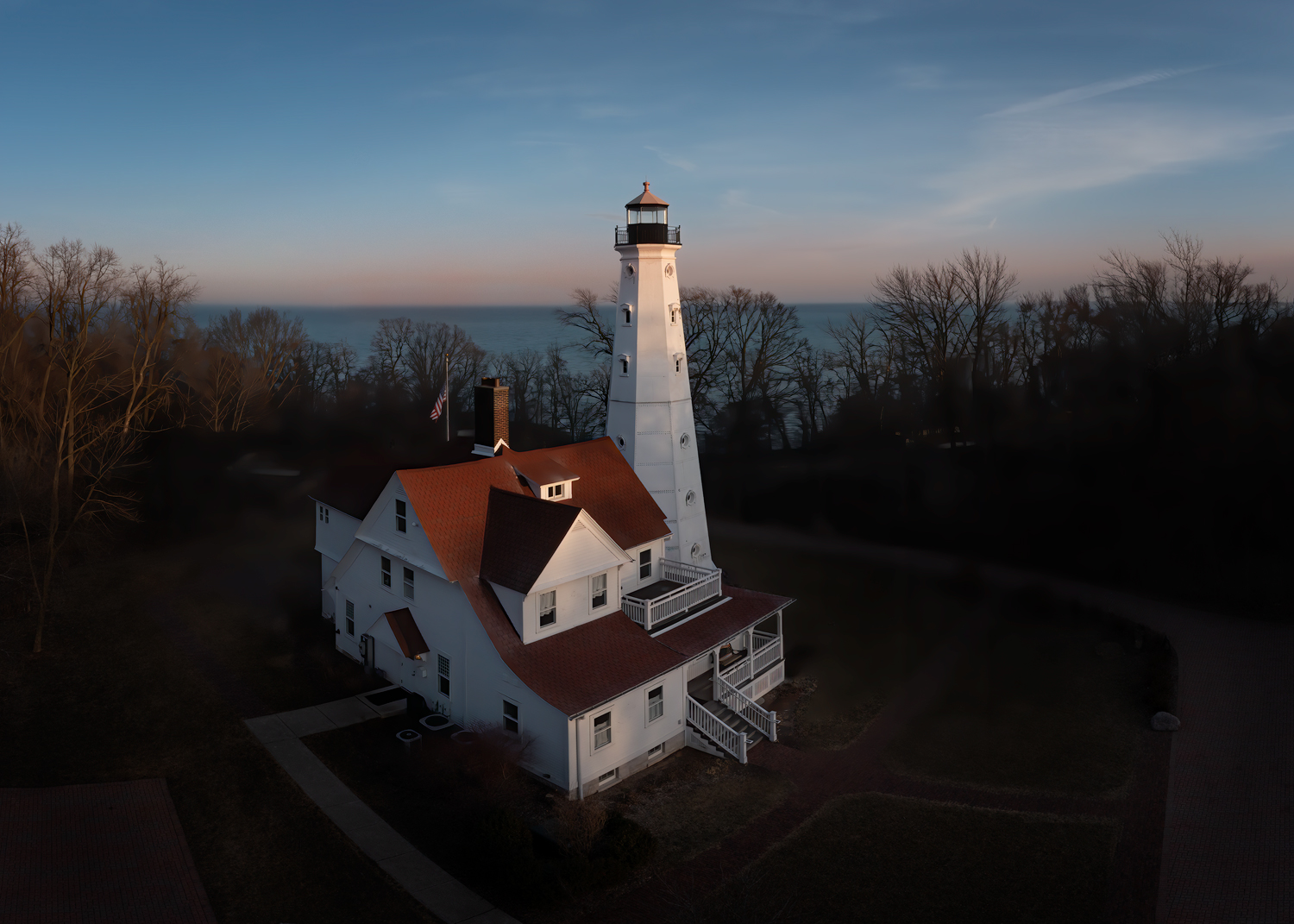
This is an absolutely lovely image, and is close to my heart, since lighthouses are one of my favorite things to photograph (I posted one of my lighthouse images to Facebook every day late last year and earlier this year and it even surprised me that I had enough for almost two months of posts).
Great processing in bringing out the detail in the rocks and the clouds in the sky. I see you cropped a little off the left side. If it were my picture, I would go a little further and crop off at least that much yet again. You probably didn't want to crop out the structures there, but if you crop to the right side of the road, I think it would remove some things that are distracting from the subject and put the lighthouse in a better position while still preserving the cove in the background.
I also feel that the sky is a little tight. It doesn't look like you cropped anything there, and it would take some work to raise it, but it could use a little more.
Even so, these are nitpicking things, and overall, I love this image! |
Jul 5th |
| 85 |
Jul 25 |
Comment |
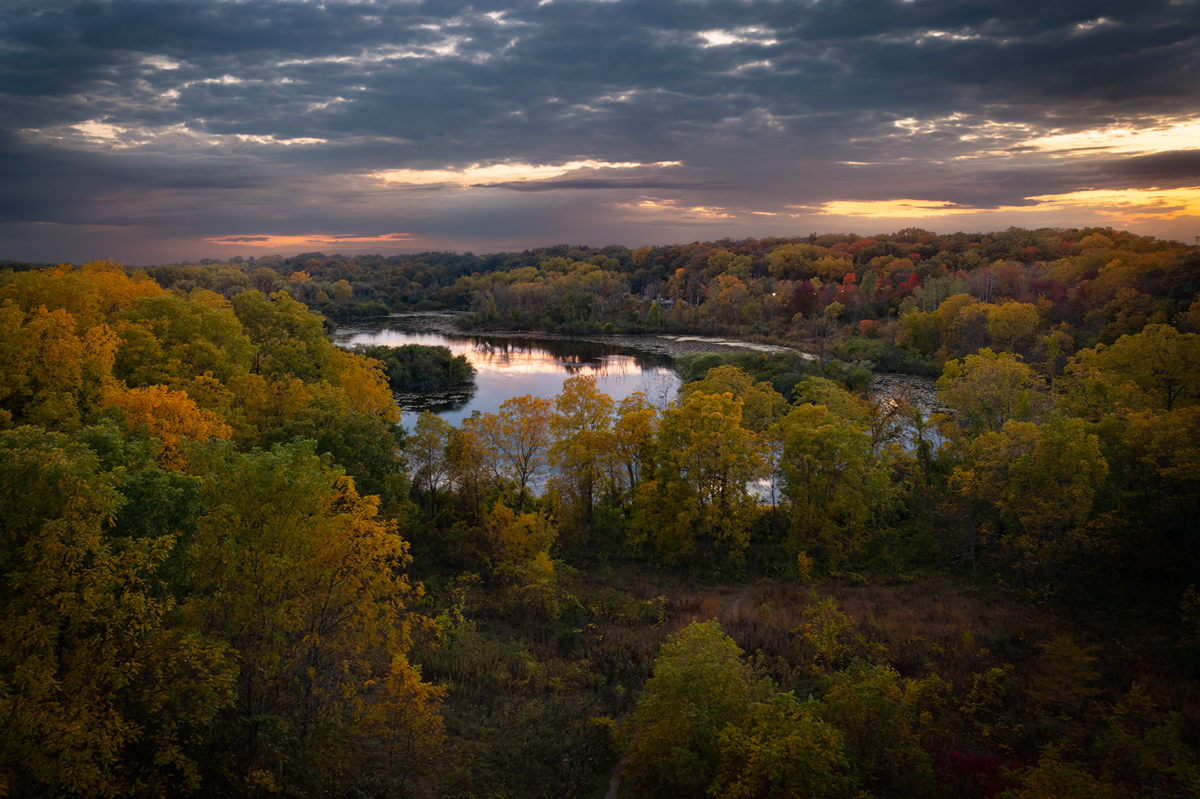
Great picture, Alex! Beautiful scene and nicely layered. It makes me want to go there!
A couple of comments... Although I like that you have broken the "don't put the horizon in the middle of the picture" rule, I think there is just a little too much sky. I would crop down a little. Not so much that the sky is only 1//3 of the picture (according to "the rules") but just so that it is not quite so vast. Perhaps cropping off 1/8 or so.
Also, I'll bet you can bring out a little more in those dark trees. Beware not to make the lighter trees streaking through the forest too light... don't give them a toxic green color.
Mark Denney talks about local edits for trees in the first image in his video this week, and talks about toxic greens in his third "editing mistake" at:
https://www.youtube.com/watch?v=MRm5vd-RAfM
And lastly, I see a bright triangle in the sky in the upper left. I don't think it was clouds in the sky, but came about because of the processing. If you crop in from the top, you will remove most of it, but there would be some left, and I recommend you try to blend it in. |
Jul 5th |
| 85 |
Jul 25 |
Comment |
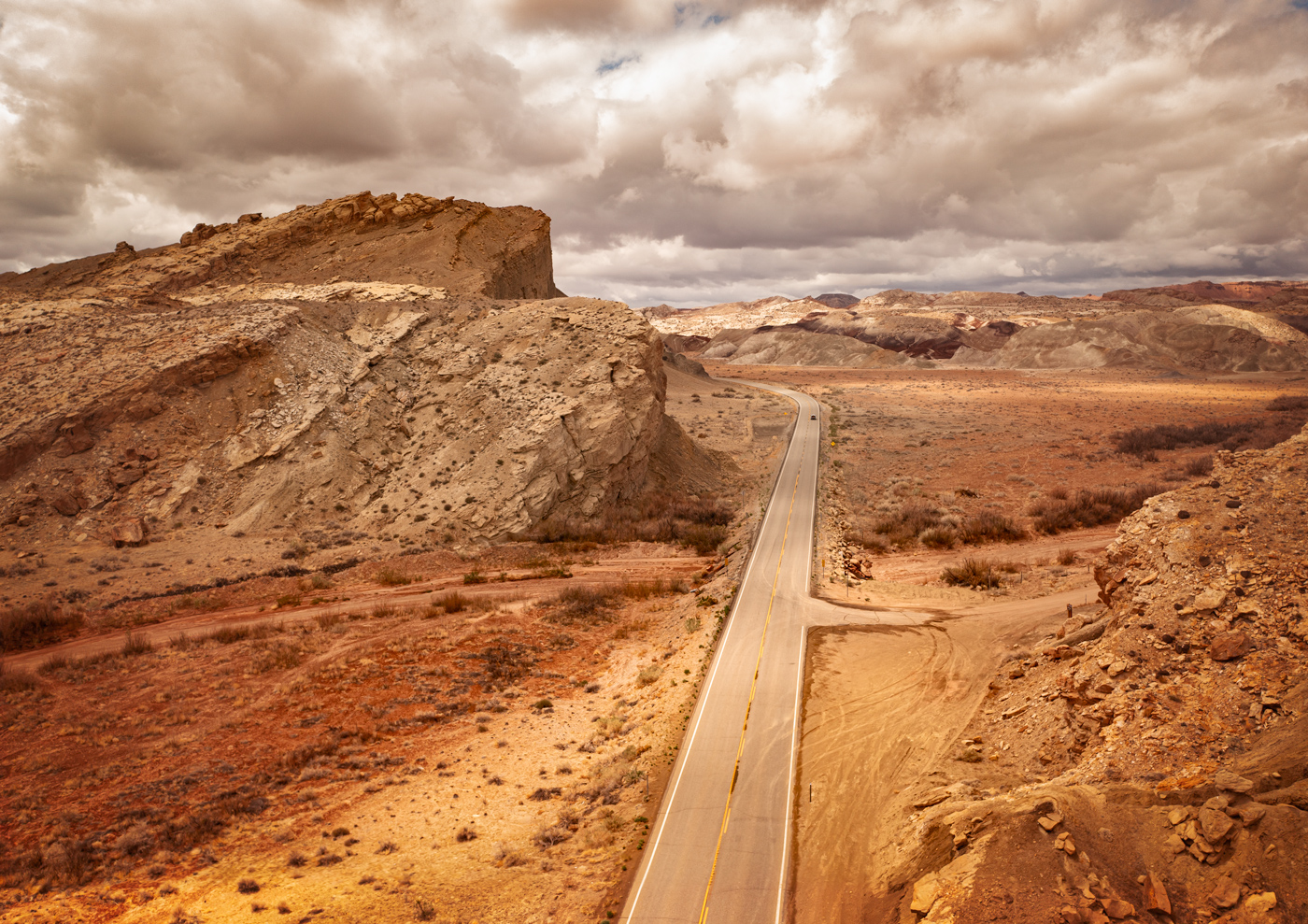
Hi Lou. I love this area, and Factory Butte has become a very popular area to photograph! It makes a good background!
I like the composition, and you have done a good job with processing the colors. I would recommend a little lighter treatment of the sky (although it looks a little too dramatic at the size at which the browser resized it, it didn't appear quite so overdone when viewed full size, but I would still soften it a little). It also looks like there might be quite a bit of noise in the sky. If you have Topaz Sharpen AI then perhaps you also have Topaz Denoise AI. It works quite well on images like this. And the new denoise just released in Lightroom does a good job too.
Another thing that bothers me a little bit about this image is that there doesn't seem to be very much shadow under the tractor. At first, I thought you might have composited the tractor into the picture, because it looks a bit like it is floating. But when I looked at the original, I saw there was shadow there. I would recommend trying to save a little more of that shadow during the processing so it looks a little more natural and like it belongs there (also toning down the red a little might help with that. I know you must like how it stands out with its bright red, but it would look more natural if it blended with its surroundings a bit better). |
Jul 5th |
| 85 |
Jul 25 |
Comment |
Sorry Peter, but I do not find it a very compelling photo. I would think a closer look at the boat would be interesting, where the viewer can clearly see those things of interest, like the hats and bundles of tea. I don't think it required this much of the tea field to communicate that they are in one. In fact, the field at the top and the pattern in the upper right corner are a bit distracting.
A good shot for remembering when you were there, but you are right, it's not your strongest image. If you have the pixels, I would suggest cropping down to the bottom left quarter of the image. |
Jul 5th |
6 comments - 5 replies for Group 85
|
6 comments - 5 replies Total
|