|
| Group |
Round |
C/R |
Comment |
Date |
Image |
| 85 |
Jan 25 |
Reply |
Lisa, I like your idea. And I like how the boats form a diagonal coming out of the lower left corner. But I think you cropped the boat on the lower left a little too close to the edge of the picture. I would recommend cropping the right side as you recommended, but not the left and bottom. |
Jan 29th |
| 85 |
Jan 25 |
Reply |
Hi Pete. Glad to see you are back on. I hope you didn't suffer any from the fires!
I might be able to help you with this. It has been a long time since I have worked with this feature, but I think I recall how it is done.
1. In Photoshop, select all the layers and align them using
Edit > Auto-Align Layers
2. Convert these layers to a Smart Object
3. Under Layer > Smart Objects > Stack Mode
choose one of the options on the list. As I recall, the "Mean" or "Median" options are the best to blend the layers. You might have to play around with it to get the best effect.
As Mike mentioned, you might also want to copy one of the best layers and not include it in the Smart Object with the averaged layers. You might have to use a mask to display only the waterfall in the layer that is the Smart Object. |
Jan 29th |
| 85 |
Jan 25 |
Reply |
Thank you, Mike! |
Jan 29th |
| 85 |
Jan 25 |
Reply |
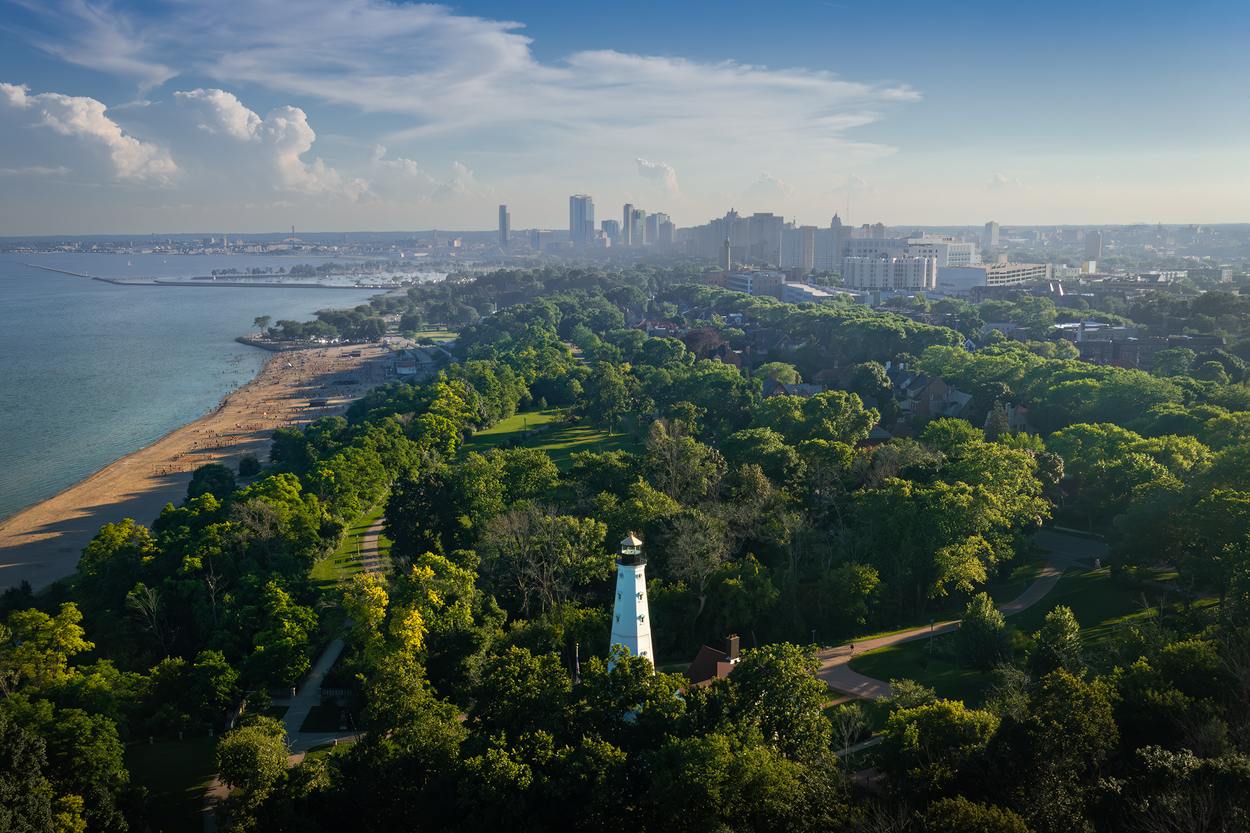
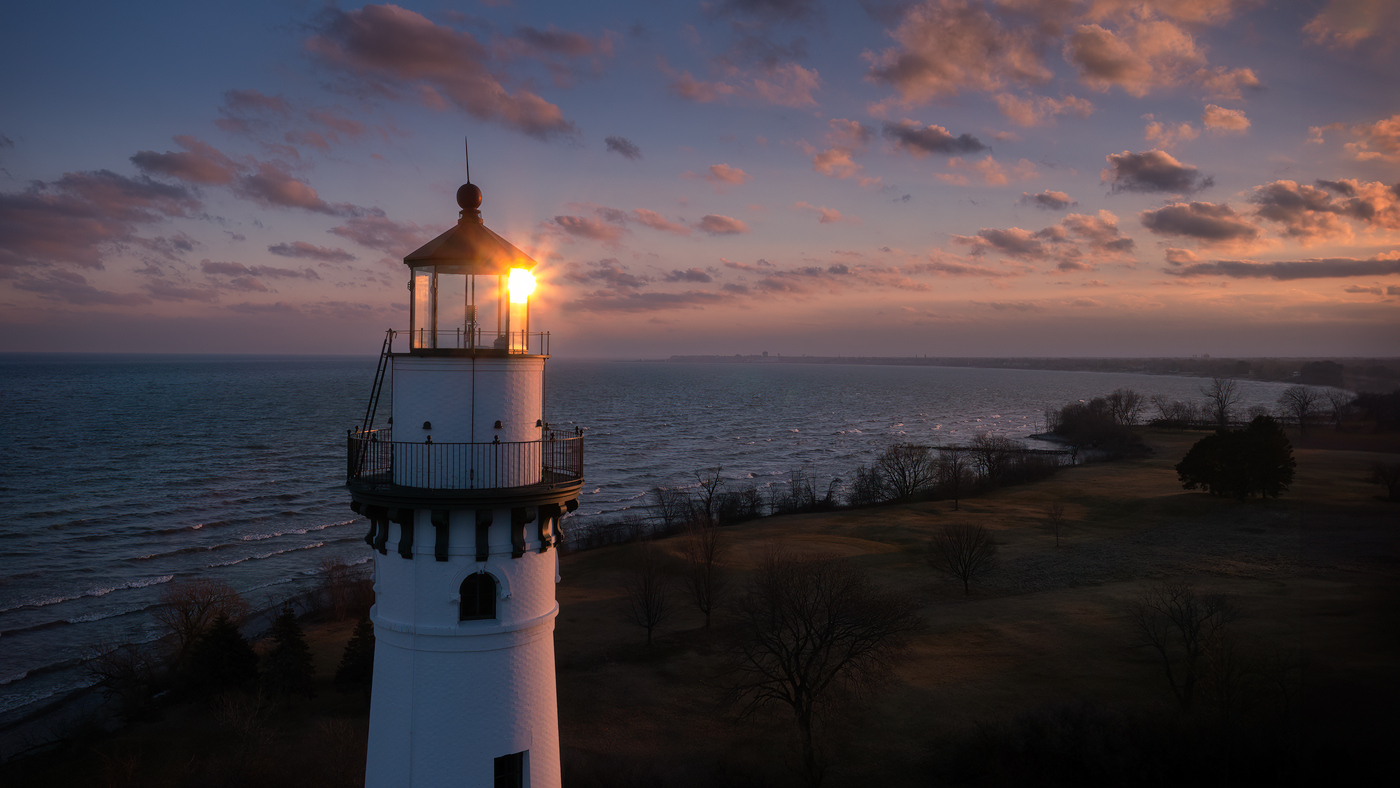
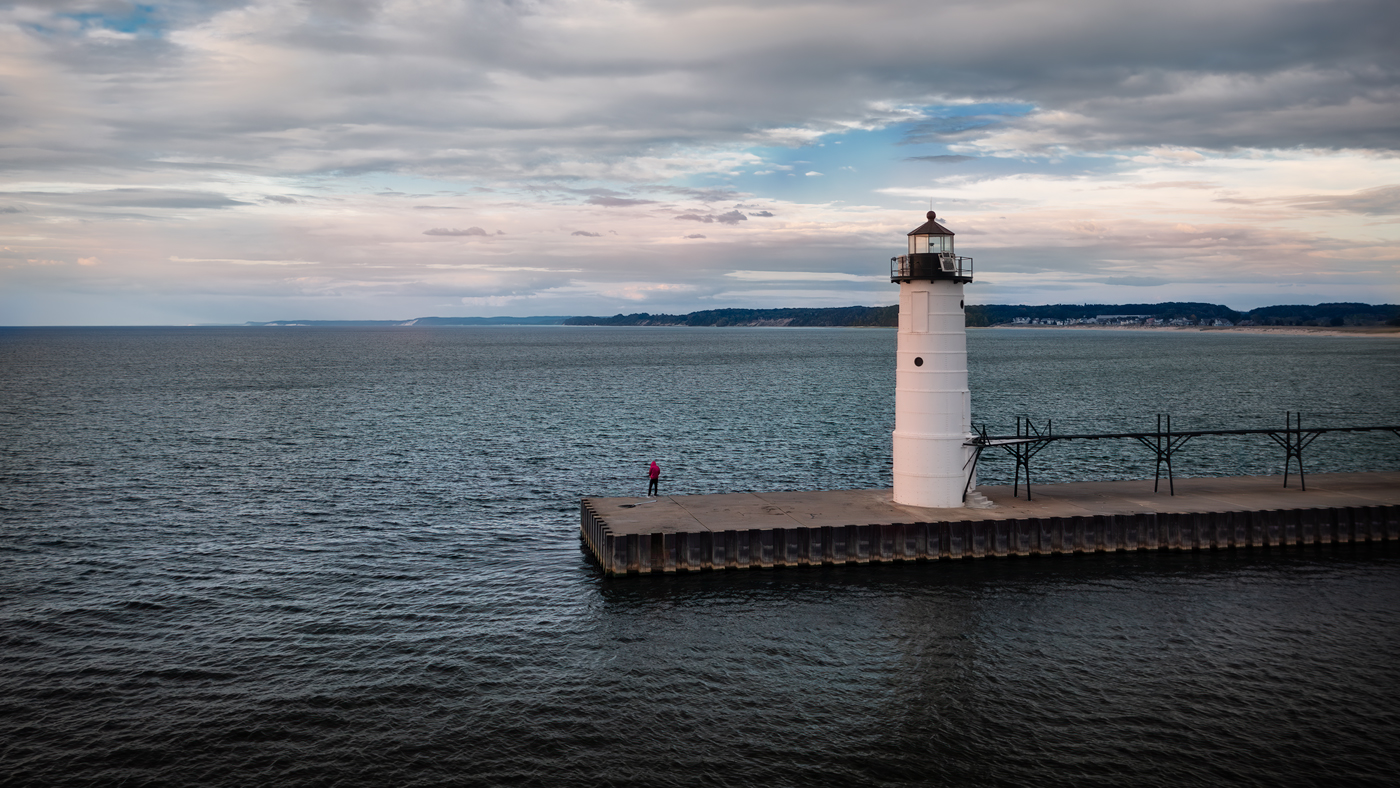
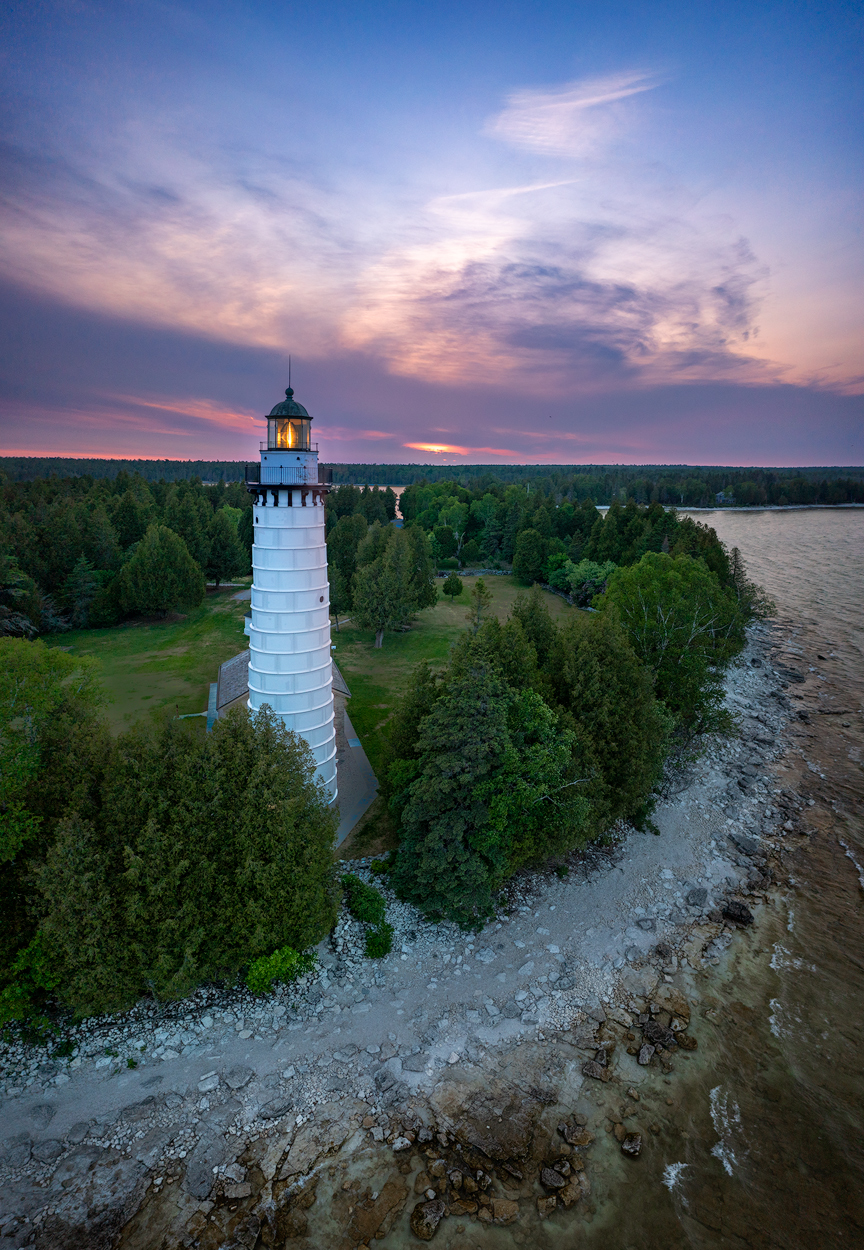
Thank you, Lisa! Yes, the lighthouse is almost getting lost as it is. I wouldn't go any larger! |
Jan 29th |
| 85 |
Jan 25 |
Reply |
Thanks, Lou. See the modified version above! |
Jan 29th |
| 85 |
Jan 25 |
Reply |
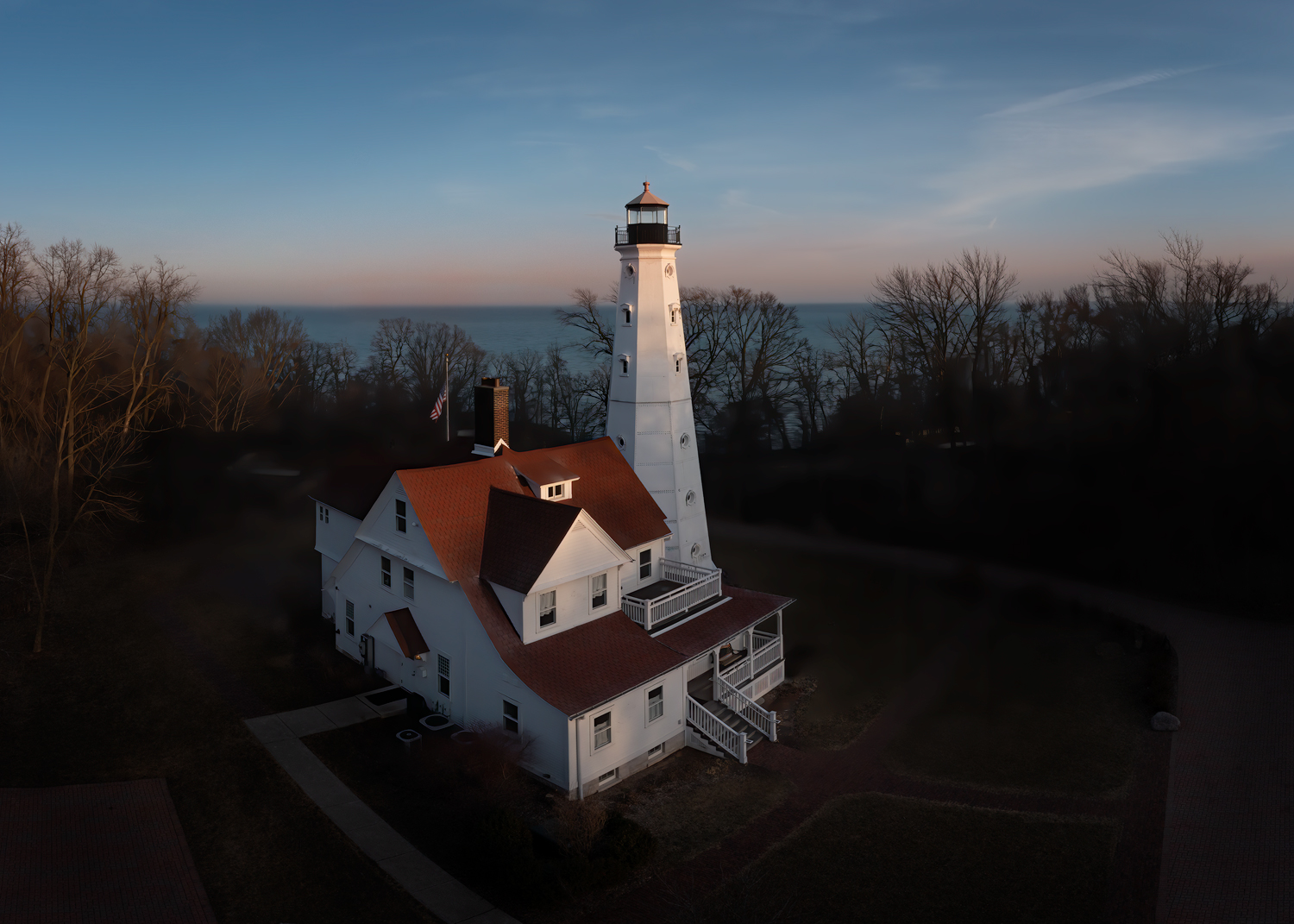
Richard, I took your advice and lightened the lighthouse a little bit, and I like it (I also added a tiny bit of the pinkish sky color to the edges, although it is almost imperceptible). I think the light reflecting off the water is enough to give the impression that some is bouncing off the lighthouse. Thanks for the idea! |
Jan 29th |
 |
| 85 |
Jan 25 |
Reply |
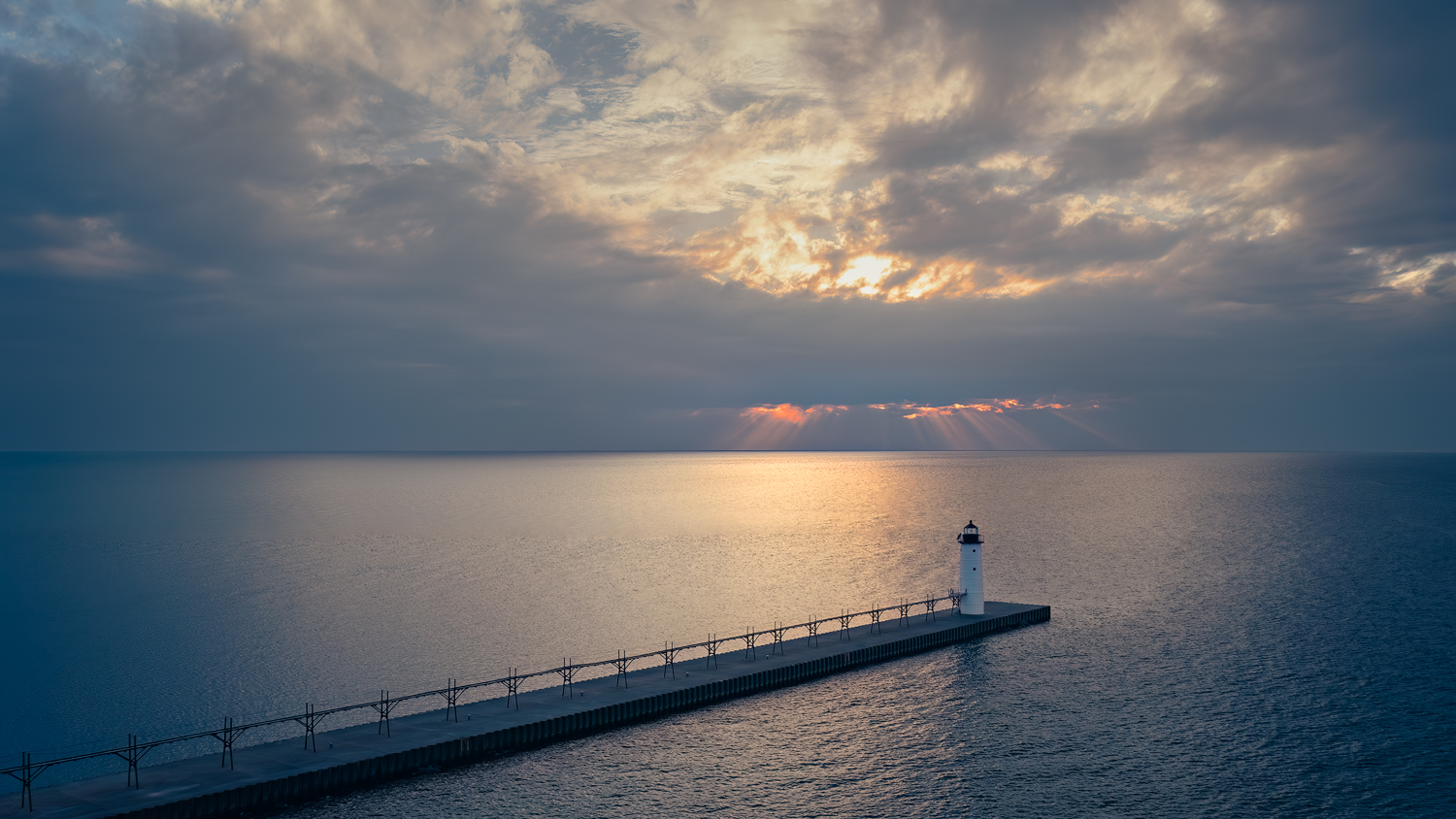
Wow, that is interesting about the catwalk on the pier. I didn't know that (and you would think, living in a cold climate, I would know that). Thanks for the info, I learned something today!
Do you mean a curve adjustment to increase contrast? I did apply a little to the area around the rays, but I didn't want to darken the clouds in that area, so I was very careful (I did experiment with increasing the contrast for the entire photo, but it darkened the clouds and took away the soft effect that I liked in the photo, but perhaps a little contrast might work) |
Jan 12th |
| 85 |
Jan 25 |
Reply |
Glad it helped. Balance is something I try to pay close attention to in a photograph, whether it is color balance, luminosity balance, or compositional balance (and of course, there are times when you want a photograph unbalanced for artistic purposes) |
Jan 12th |
| 85 |
Jan 25 |
Comment |
I like it a lot! Great subject! I was baffled when I first looked at it, wondering how Stonehenge could look like it was restored! :)
If you have the editing ability, I would suggest darkening the orange area in the upper right corner. You also might want to desaturate the orange in the grass below that corner. It draws the eye away from the subject.
Also, the composition is good, but I would like to see a tiny bit more at the bottom. The stones feel a little too close to the edge of the picture. If you cropped that up to there, I would not have cropped it quite that much. I like the crop at the top that shows the trees, but I would like a little more breathing room at the bottom.
Otherwise, good job! |
Jan 10th |
| 85 |
Jan 25 |
Comment |
Processing is good. I think the cropping to just the line of boats is good. One thing that bothers me a little is that the strong orange color on the left side of the image makes it feel unbalanced. I like the boat with the orange roof, and I like how you saturated the color. May I suggest adding some orange color to the right side of the image to warm it up? Here is an edit I quickly did to show you what I mean. It gives it an evening look and it helps to balance it out. |
Jan 10th |
 |
| 85 |
Jan 25 |
Comment |
Lovely colors. However, I would like to see a better defined subject instead of the wide expansive view. I think those rocks in the water would be interesting if they were closer, and it would be nice to have the mountains in the background larger in the photo. It is a good shot for documenting the area, but for fine art, it needs a better subject.
Alex, I hope you and the other southern Californians in our group are not adversely affected by the LA fires! I think you live in the Ventura area, since you have posted lots of shots while flying there. Hopefully, you are north of the main danger areas and suffer no damage. It must be a difficult time to fly there with all the TFRs... (I wonder who the crazy drone operator was who put a hole in the wing of a firefighting aircraft). Stay safe! |
Jan 10th |
| 85 |
Jan 25 |
Comment |
Nice to see a different view of Vestrahorn besides the iconic view! Lovely sky! Be careful when saturating the sky on the right side... I think it has a little too much cyan. Also, it's good that you lightened the mountains, but they look a little flat. I would add a little more contrast back in and darken them a tiny bit.
Good job with the water. |
Jan 10th |
| 85 |
Jan 25 |
Reply |
Ah, I see. And they would certainly feel "crunchy" if you fell on them! :) |
Jan 10th |
| 85 |
Jan 25 |
Comment |
Love this image, and it looks good in B&W, but it also looks a little crunchy, especially in the upper right and the lower left. It gives a good overall view of the waterfall, which is more difficult to get from ground level (I have wintertime pictures when it was frozen, and it was impossible to get an overall view. I wish I had had a drone then!).
If you do return to do an Iceland trip in the winter, be sure to hit this waterfall. It is difficult to get to, but well worth the effort... especially with your drone! (Plan for a sunrise or sunset shot, because the blue frozen water and white snow against a colorful sky makes for some phenomenal pictures!) |
Jan 9th |
5 comments - 9 replies for Group 85
|
5 comments - 9 replies Total
|