|
| Group |
Round |
C/R |
Comment |
Date |
Image |
| 85 |
Oct 24 |
Comment |
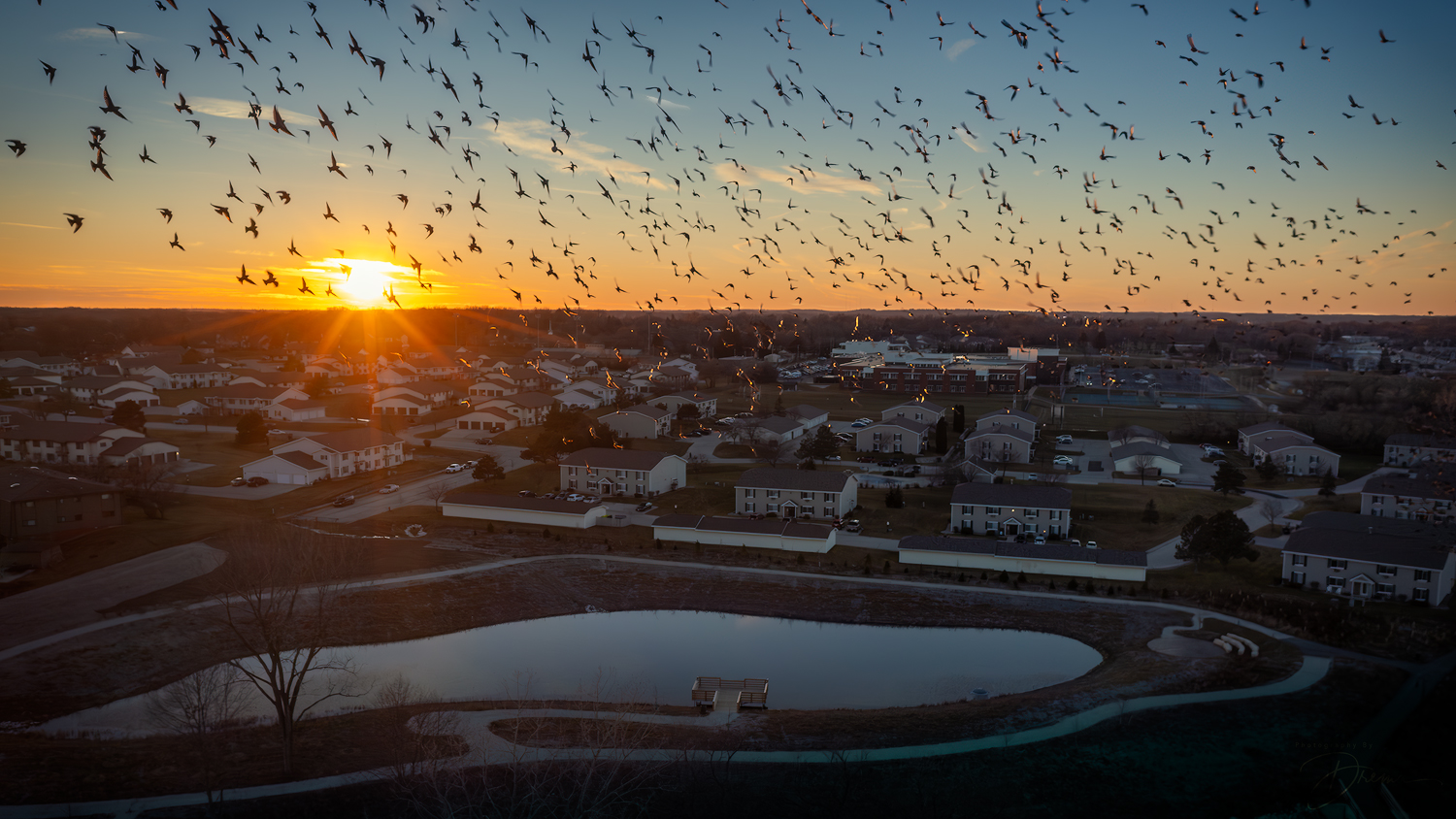
Hi Gordy. Welcome to the group. This is a lovely sunset, but I think there are a couple of things that would make it a more compelling image. One of the real strengths here is the crepuscular rays shining up from the sun, but the image is so wide that detail almost gets lost. I recommend cropping in to make those rays look closer to the viewer. I would crop a tiny bit off the top (which would get rid of that white spot/cloud on the upper edge... that should be removed regardless). I also recommend cropping the bottom up to the bottom of the reflected light. That would put the land/horizon at the bottom 2/3 line, which would emphasize the clouds and sunset. And I would then crop off the left side for about a 5 X 7 aspect ratio.
I would also recommend adding a tiny bit more contrast to the clouds and the sunset to bring out the rays, but try not to be heavy-handed with it. The sky is already blown out around the sun. If you know how to use a luminosity mask, I would recommend selecting the white pixels and adding a tiny bit of color to them, using existing colors in the image from the water and clouds.
Whew! You are quite brave flying as low as 3 feet above the water! I have no problem flying over water... I've gotten used to it, but I would get a bit nervous flying down that low. |
Oct 11th |
| 85 |
Oct 24 |
Reply |
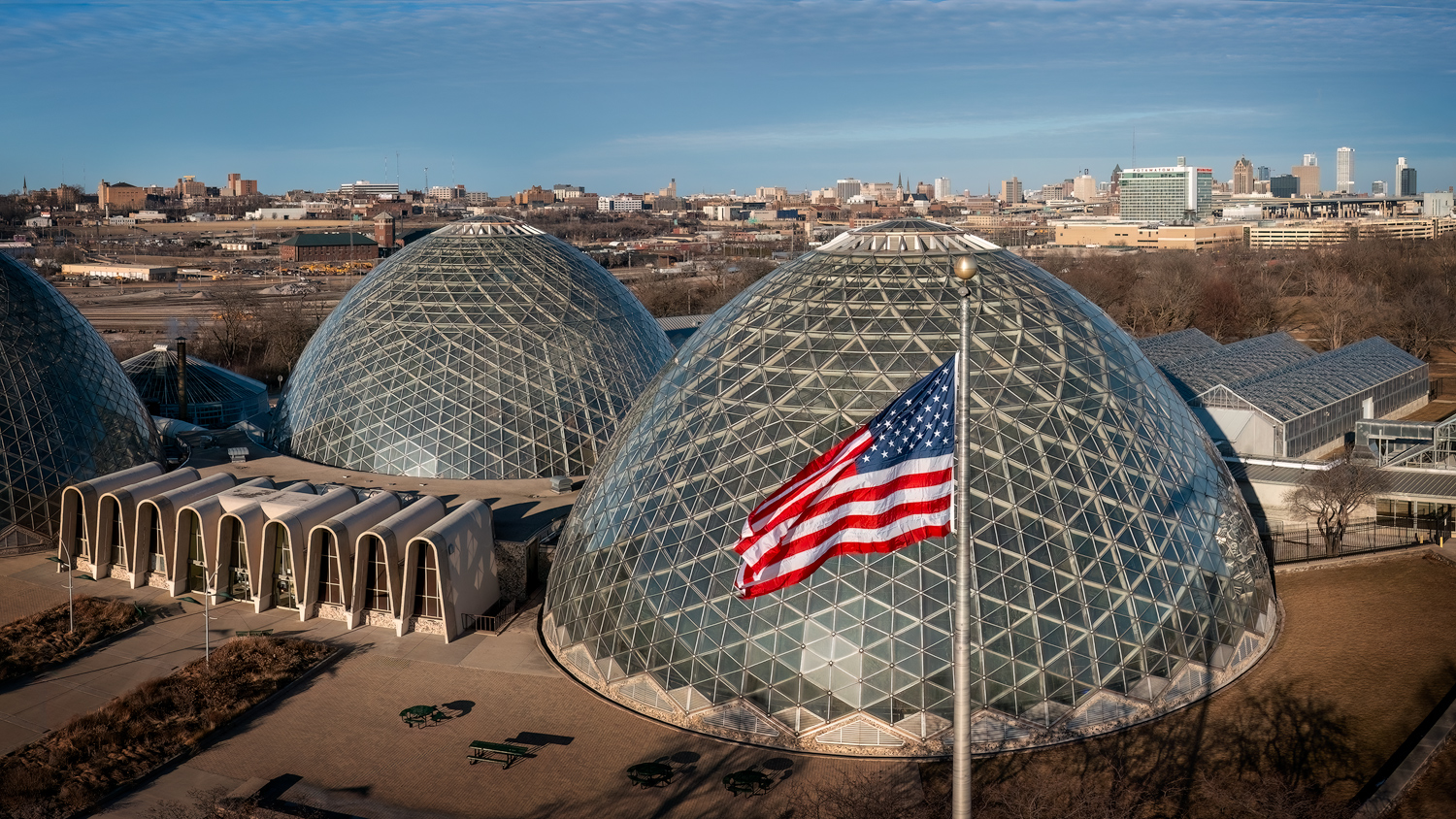
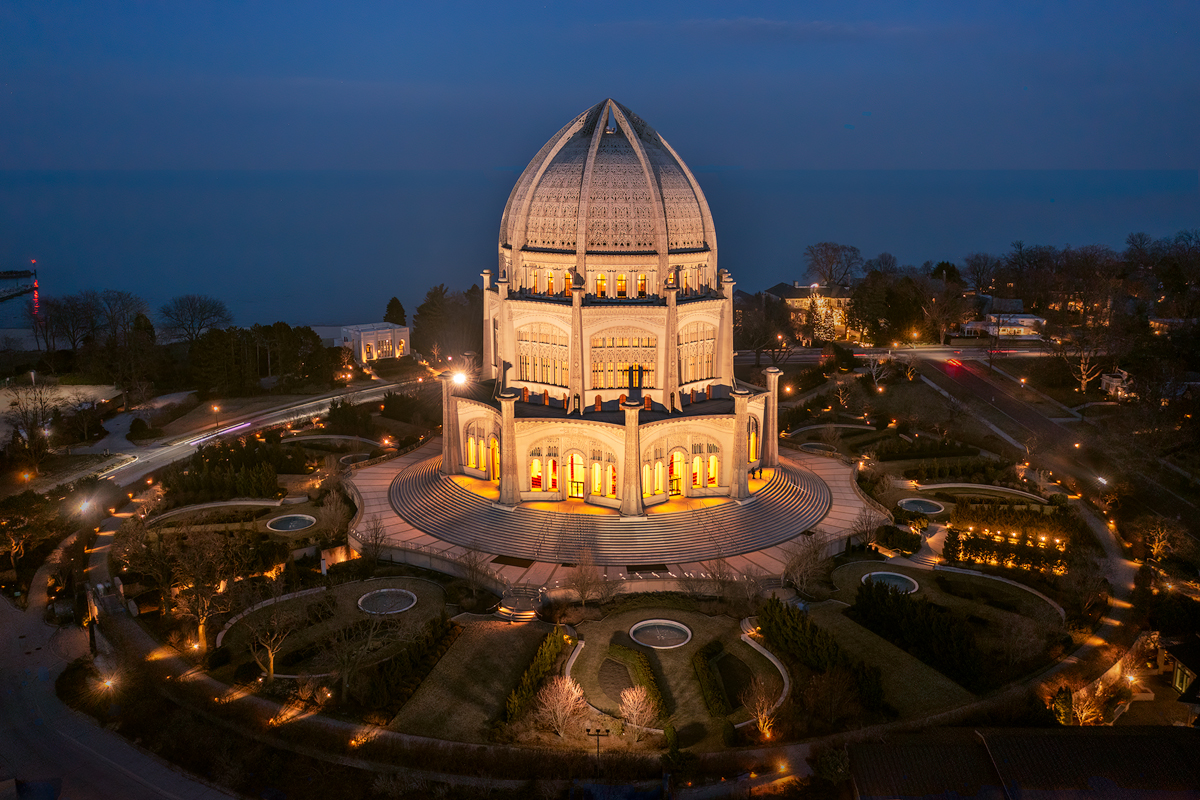
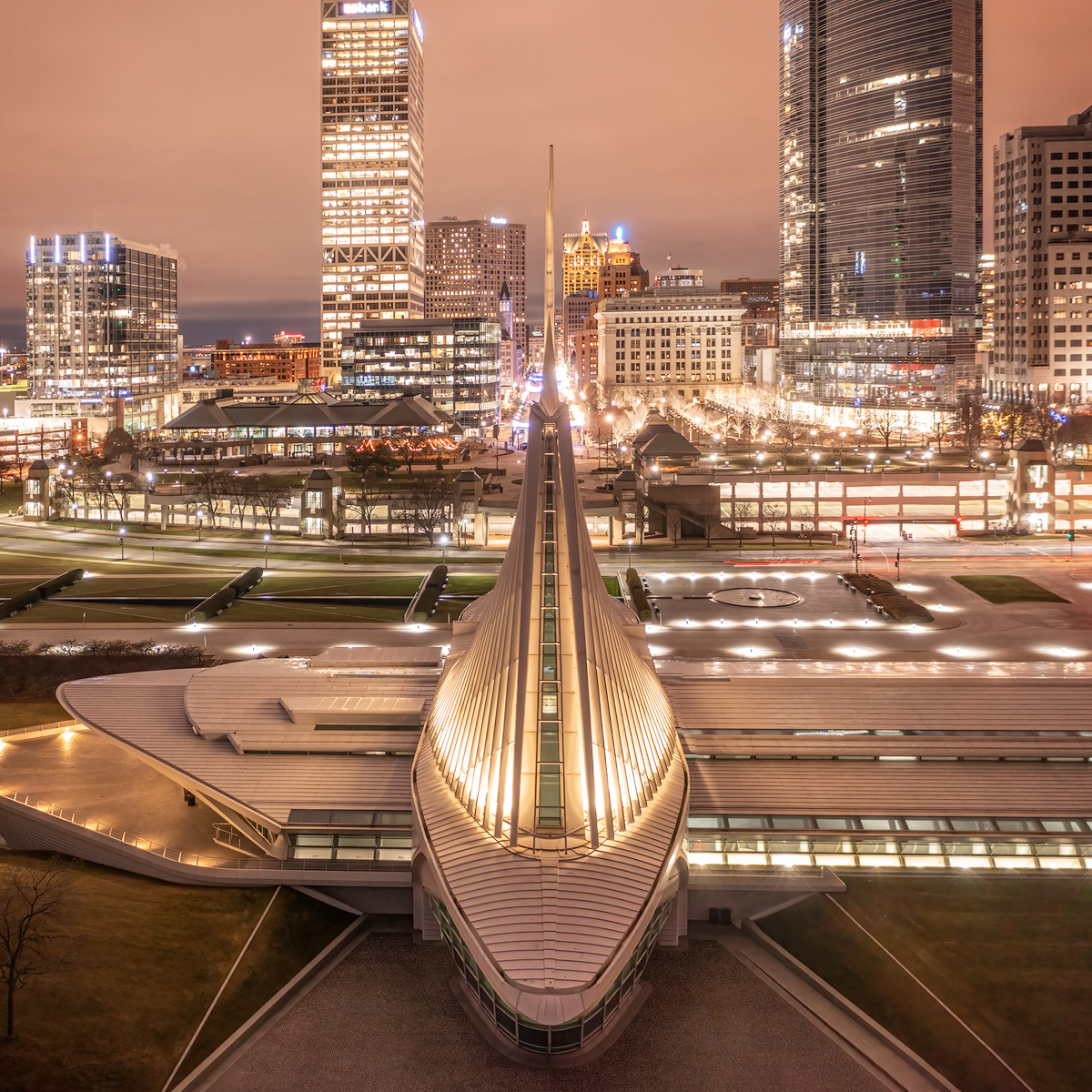
The building is the same one I posted in May. You can see the detail in the dome, and with the lights on at night it had a much warmer color. |
Oct 10th |
| 85 |
Oct 24 |
Reply |
Well, the blown-out areas in the sky look better, but I'm not sure I like the warmer colors better. I rather like the blue color in the sky in the 1st version, and the image seemed brighter. Warming it up seemed to flatten the image somewhat.
Also, I would take out that tiny black plane in the sky in the upper right. |
Oct 10th |
| 85 |
Oct 24 |
Reply |
Yes, but in February, they were not turned on, so the water was still. |
Oct 9th |
| 85 |
Oct 24 |
Reply |
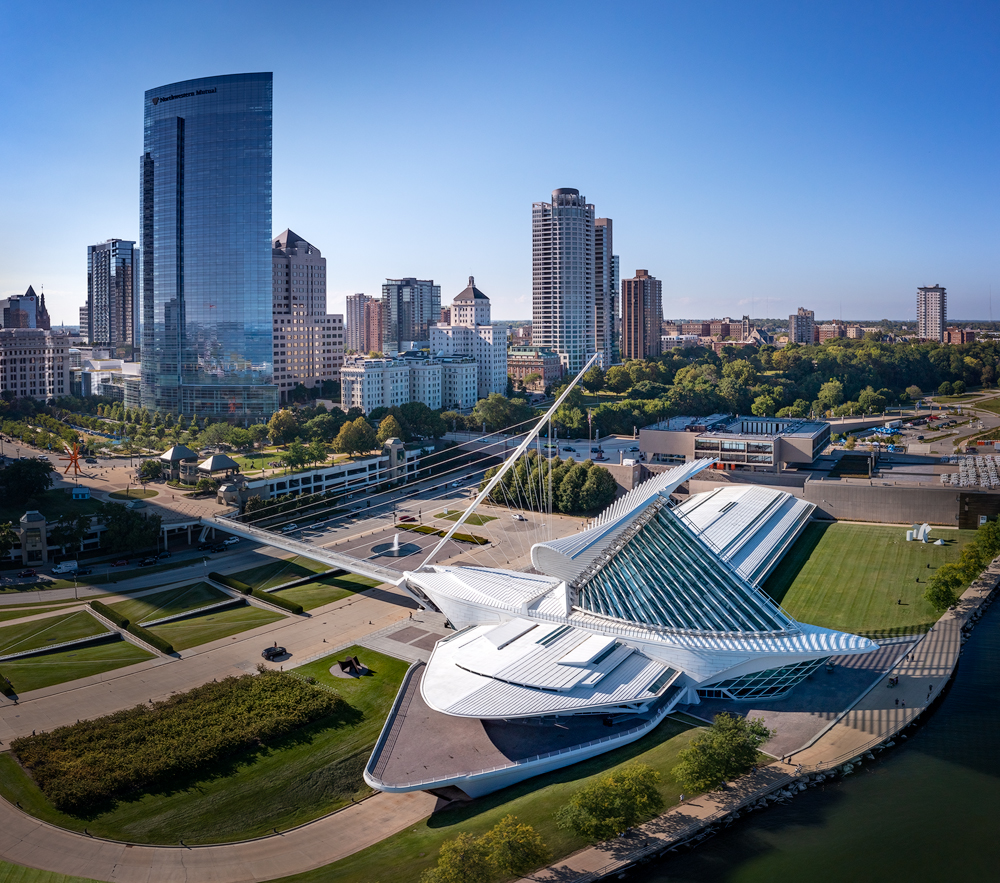
Here is the 1:1 composition I had in mind. I like how the roads on the left curve back in and leads the eye back to the main subject. In fact, all the lines at the bottom converge onto the bridge, which I think is quite powerful. Cropping either side into a portrait orientation would remove some of that. (I also quickly added a little more to the top so there was more breathing room there). |
Oct 8th |
 |
| 85 |
Oct 24 |
Reply |
I was thinking of something like this. The clouds provide the balance because they are so intense that they draw the eye and balance it out, IMO. This image still needs your processing, but I think they both make a good composition. |
Oct 8th |
 |
| 85 |
Oct 24 |
Reply |
Thanks, Lou. |
Oct 8th |
| 85 |
Oct 24 |
Reply |
Such a small world!
Yes, I tried it in B&W, but I liked the blue tones a little better. |
Oct 8th |
| 85 |
Oct 24 |
Comment |
Hi Alex. Similar composition to Don's image this month, and just like I said to him, I recommend cropping the left side of this image. That would take out the distracting objects (tanks?) on the lower left, and it would also remove what looks like sun flare in the hills on the upper left. Perhaps that is a bit of fog, but since it is nowhere else in the image, it only causes the viewer to stare at it longer trying to figure out why it is there. A square crop would work well here and would place the head of the train right at the 2/3 position. The rocks in the lower right would be nicely placed in the corner, and help lead the eye up towards the train.
Overall, a nice image though! |
Oct 7th |
| 85 |
Oct 24 |
Comment |
Hi Don. Yes, this story tells a story. And it is nice to be able to fly over a freeway that would otherwise be illegal to fly over with a drone.
I like this image, but a couple of things... the sky should have a bit more breathing room above the bridge tower and cargo container lifts. You could even fix that in Photoshop by adding a bit more canvas at the top and filling it in with content-aware fill. Also, the main subject here is the empty highway leading to the bridge, and most of the cargo containers on the left are distractions. They are also leaning to the left in the picture, which brings more attention to them. I would crop the left side at the edge of the highway on the left. That would also remove the brownish bare area on the bottom left, and give a nicely angled line of the highway through the image more predominance. A square aspect ratio would work well here. |
Oct 7th |
| 85 |
Oct 24 |
Comment |
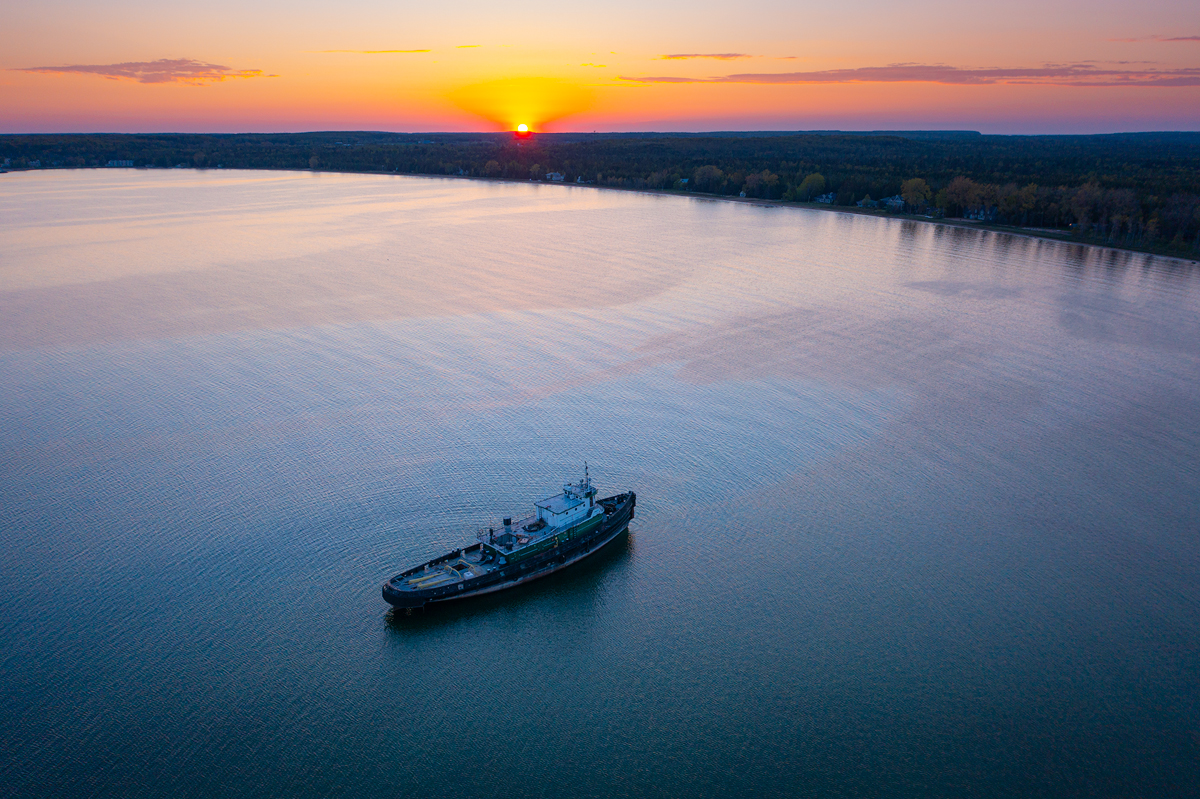
Hi Richard. Very nice composition, although I think it would be better to have just a tad bit more breathing room at the top above the mast. The sky has blown out areas. Perhaps a multiple exposure and exposure blend would have solved that problem and made the sky even more beautiful. Also, the boat itself looks a little soft, so I recommend sharpening it a little. That would also enhance the texture in the wood and metal on the side of the boat, and on the deck.
I know you want to leave the junk in the water on the left side above the boat because of it being a boat graveyard, but I would recommend taking out the 3 or 4 little spots among the junk.
Although this image has some very nice qualities, it could have been a wow image with a bit more work. |
Oct 7th |
| 85 |
Oct 24 |
Comment |
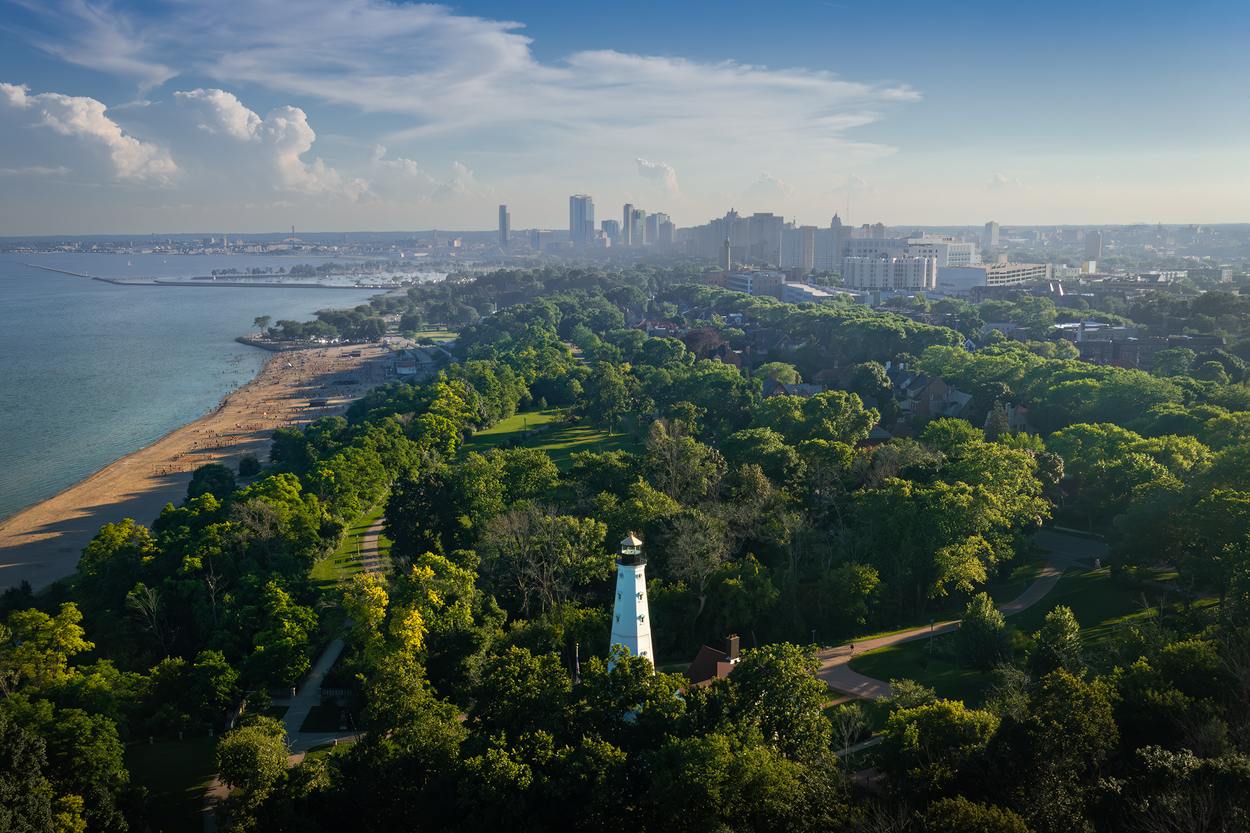
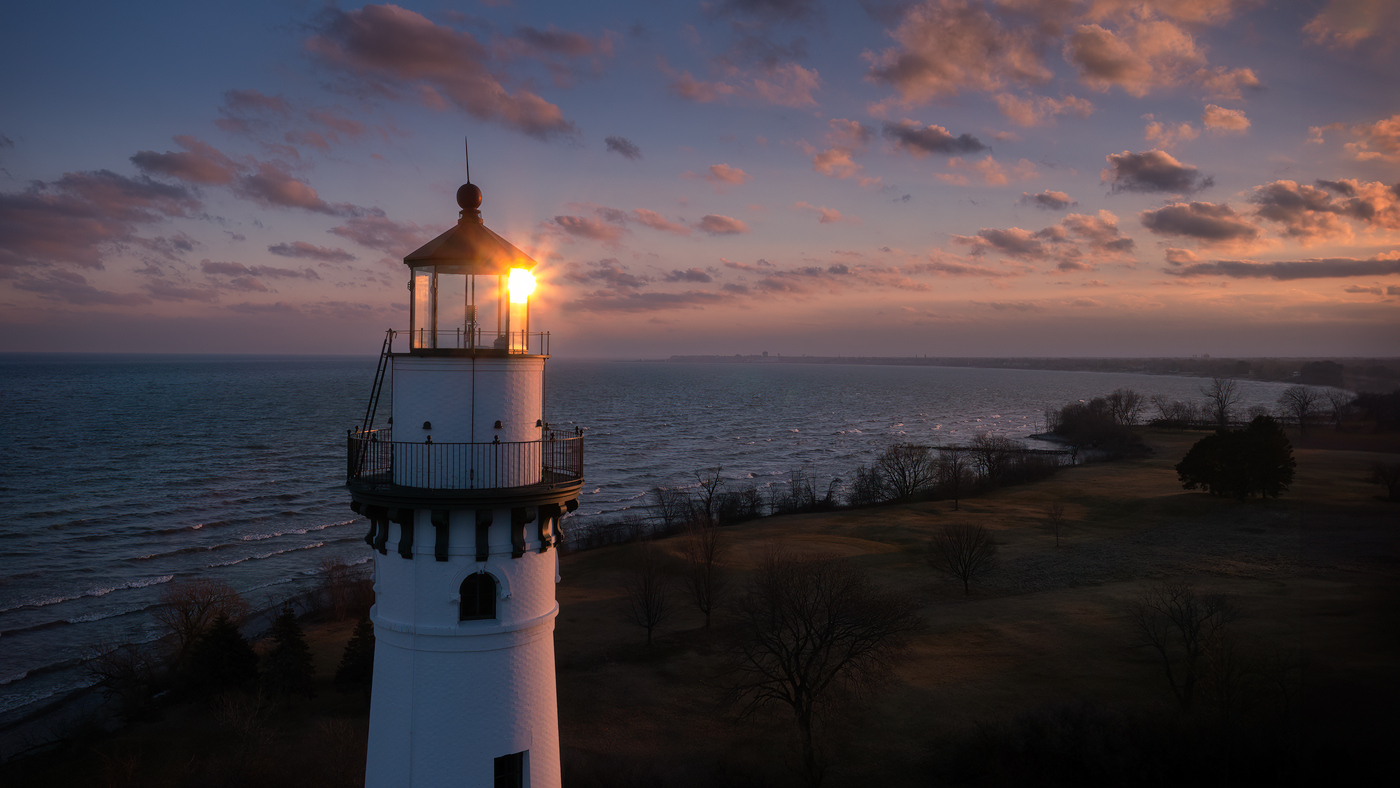
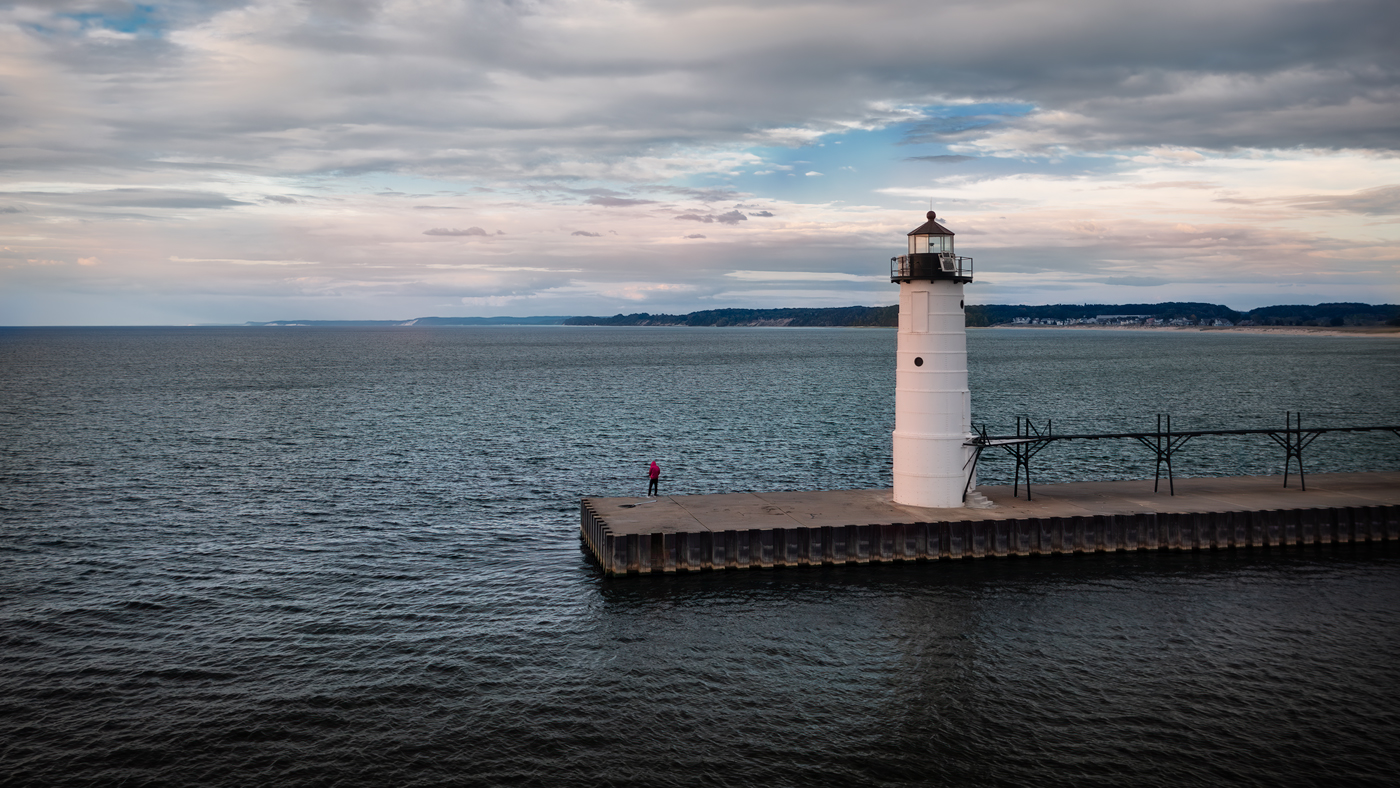
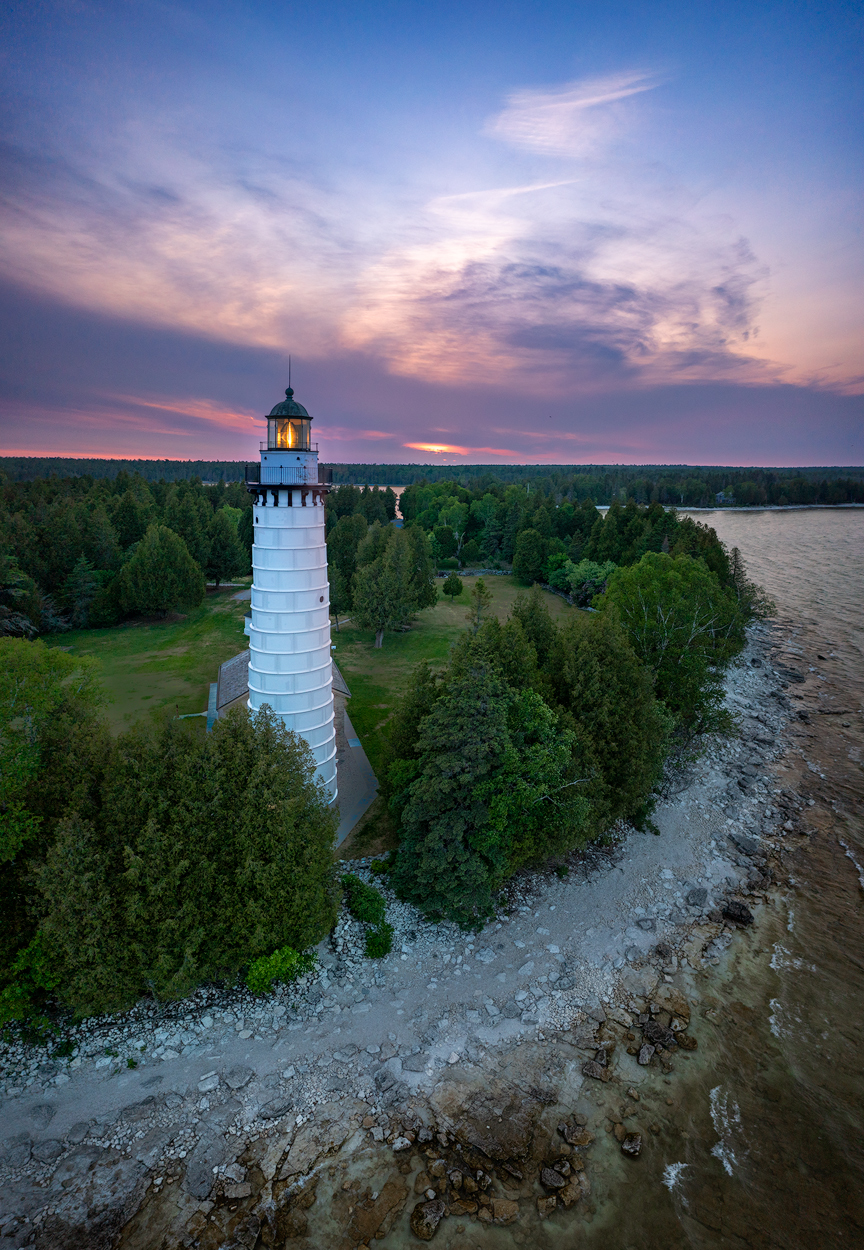
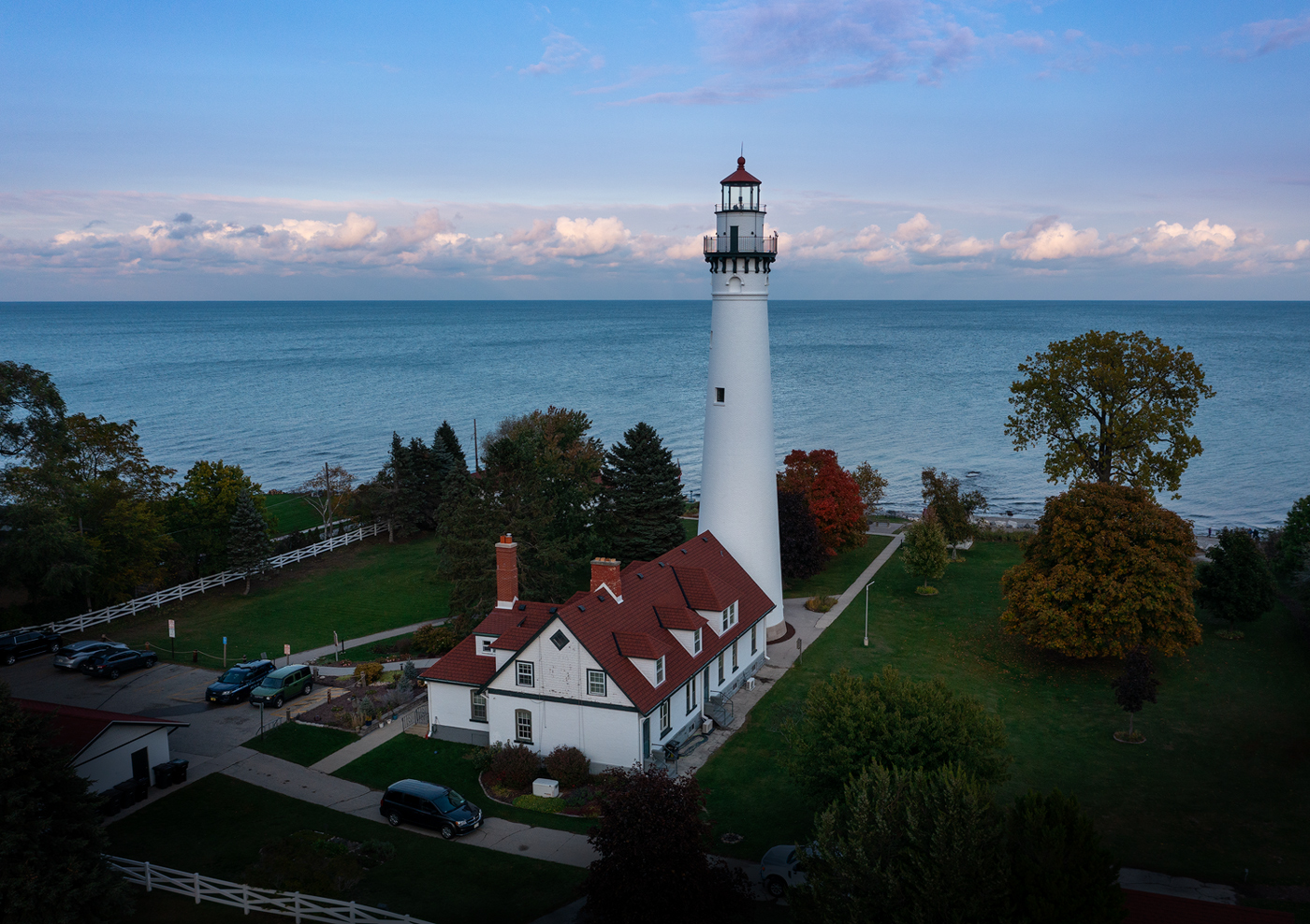
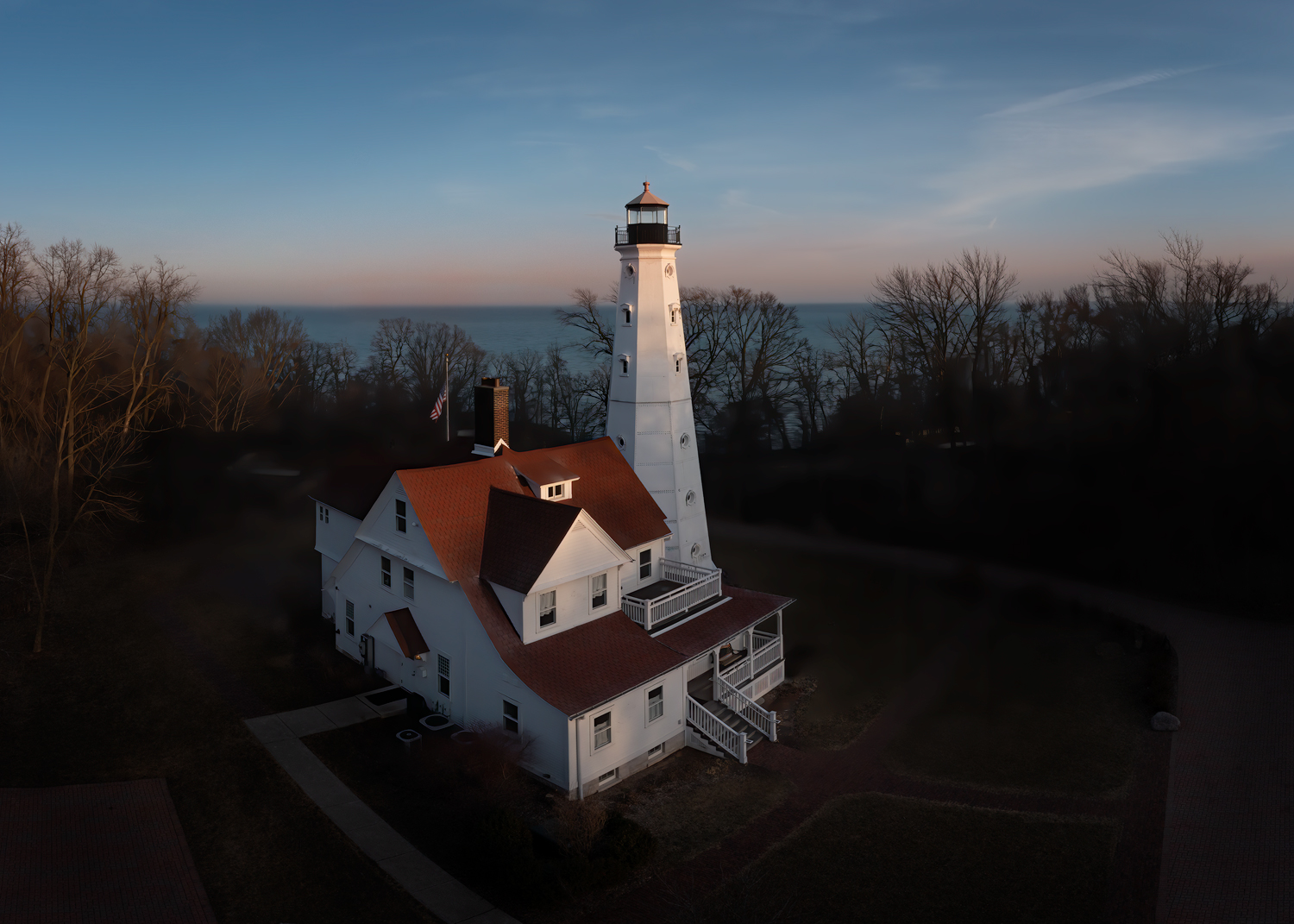
Hi Lou. Perspective correction was nicely done, and bringing down the exposure a bit was good. I think it could even have even been brought down a little more. While bringing out the texture in the lighthouse was good, applying it to the entire image gave it a crunchy look. I don't know if that is the processing you did to increase contrast, but if it was, I would use a different tool to increase contrast. I think the lack of contrast is was ok along the horizon line in the back because that area is far away, and it helps show depth in the image. I recommend copying the original layer in Photoshop, applying the texture/sharpening, and then masking out all but the lighthouse. The trees especially look oversharpened. |
Oct 7th |
| 85 |
Oct 24 |
Comment |
Lovely image, Pete, and nicely processed. A wow image for sure. It would also look good cropped to a landscape orientation showing a little more of the lovely clouds and fog on the left side. |
Oct 7th |
| 85 |
Oct 24 |
Comment |
Pretty colors, and an interesting shot. IŽll bet it was nerve-racking to have the drone beeping while going down the alley. |
Oct 7th |
7 comments - 7 replies for Group 85
|
7 comments - 7 replies Total
|