|
| Group |
Round |
C/R |
Comment |
Date |
Image |
| 85 |
Oct 23 |
Reply |
Much better work, Alex! It looks much more natural to me. I would even recommend cropping even a little more off of the left. If you crop just to the last windmill, it would leave the viewer not knowing if there are more windmills outside of the picture instead of ending there. And I don't think the large expanse of ocean there gives you very much in the picture. |
Oct 25th |
| 85 |
Oct 23 |
Reply |
Very nice! |
Oct 25th |
| 85 |
Oct 23 |
Reply |
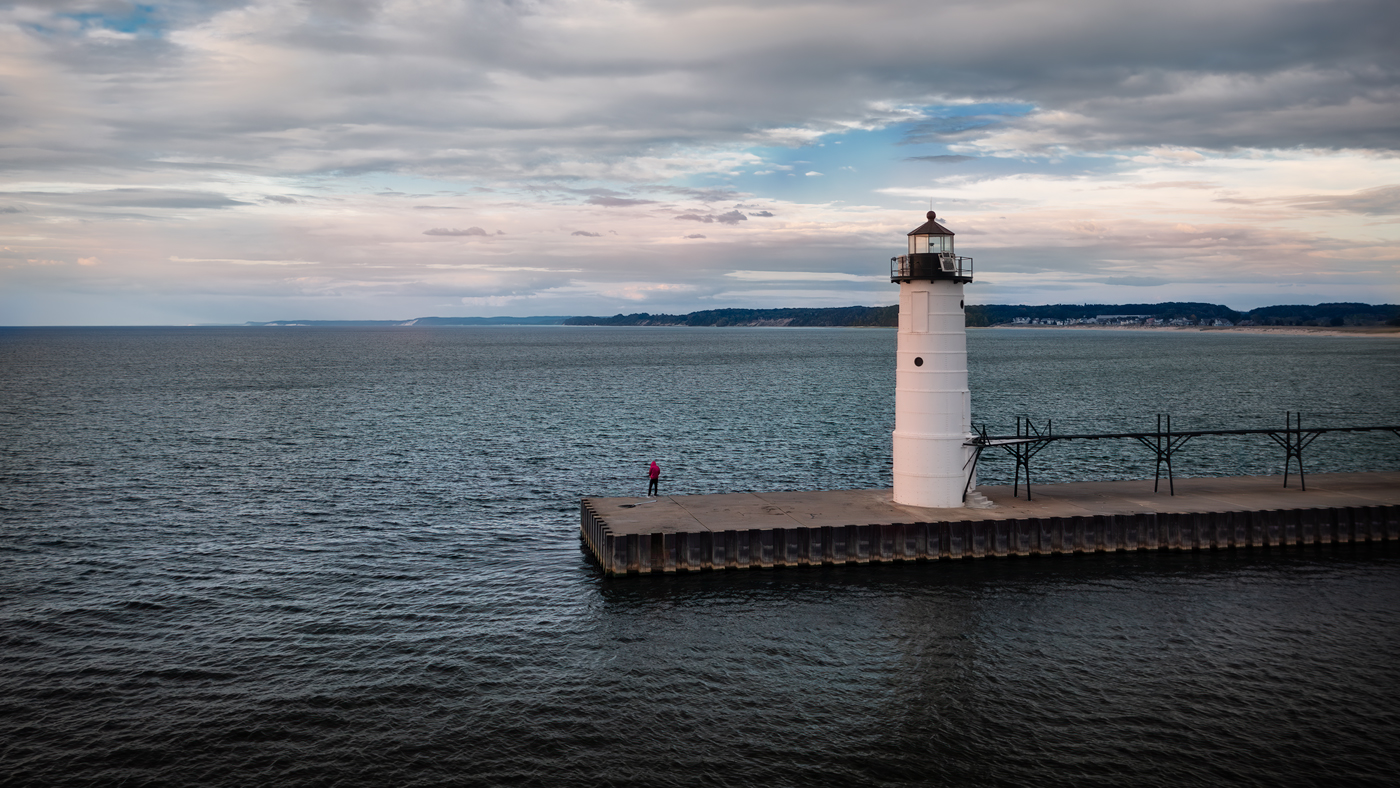
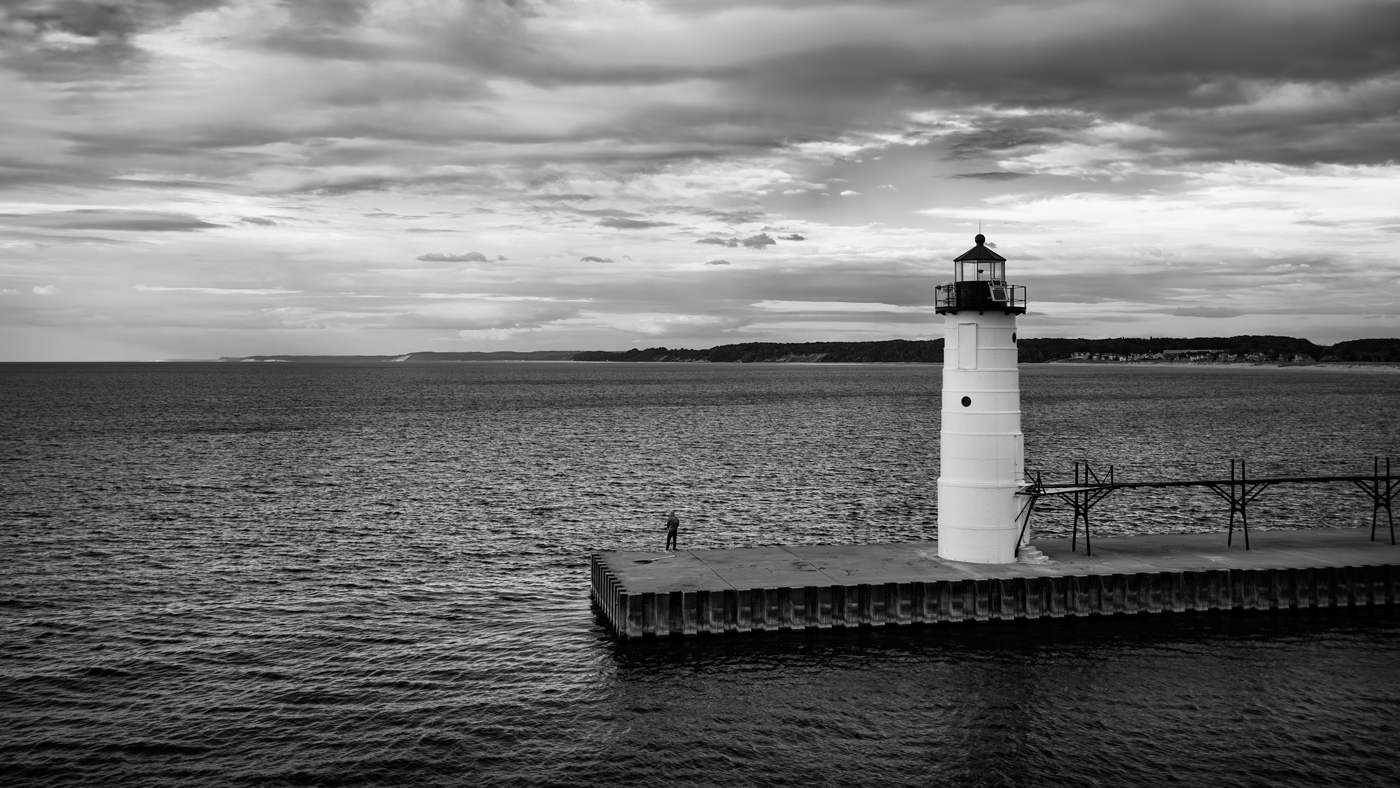
Thanks for the comments, Alex. I'm not a big B&W fan, but yes, I think you are on to something. I quickly went in and changed it to B&W and kicked up the contrast, and I like it. I think it lost something in losing the color of the person, and perhaps would have looked better if he had been removed. I could have left just his jacket red, but I really dislike that kind of selective color editing. |
Oct 25th |
 |
| 85 |
Oct 23 |
Reply |
Thanks for the suggestions, Pete! Subtle but nice! |
Oct 25th |
| 85 |
Oct 23 |
Reply |
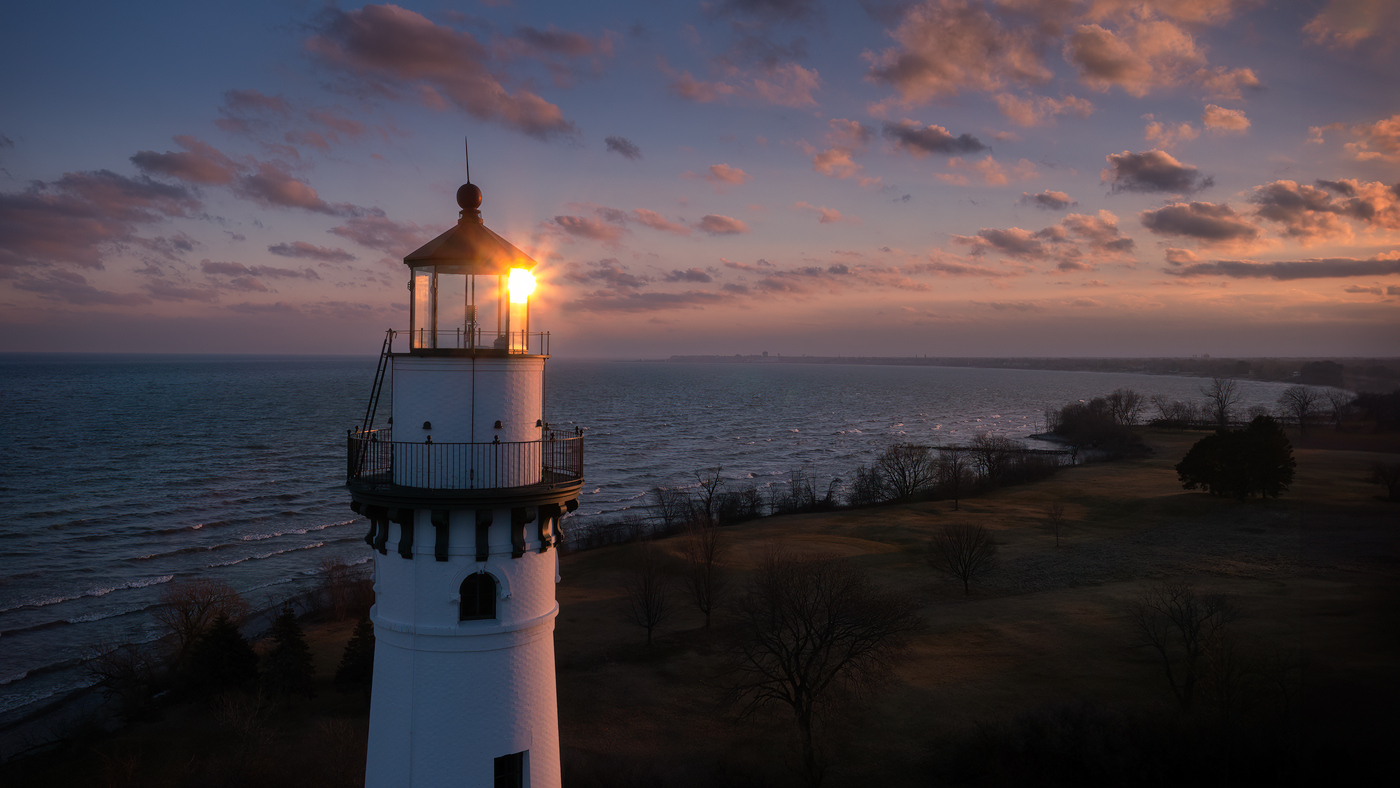
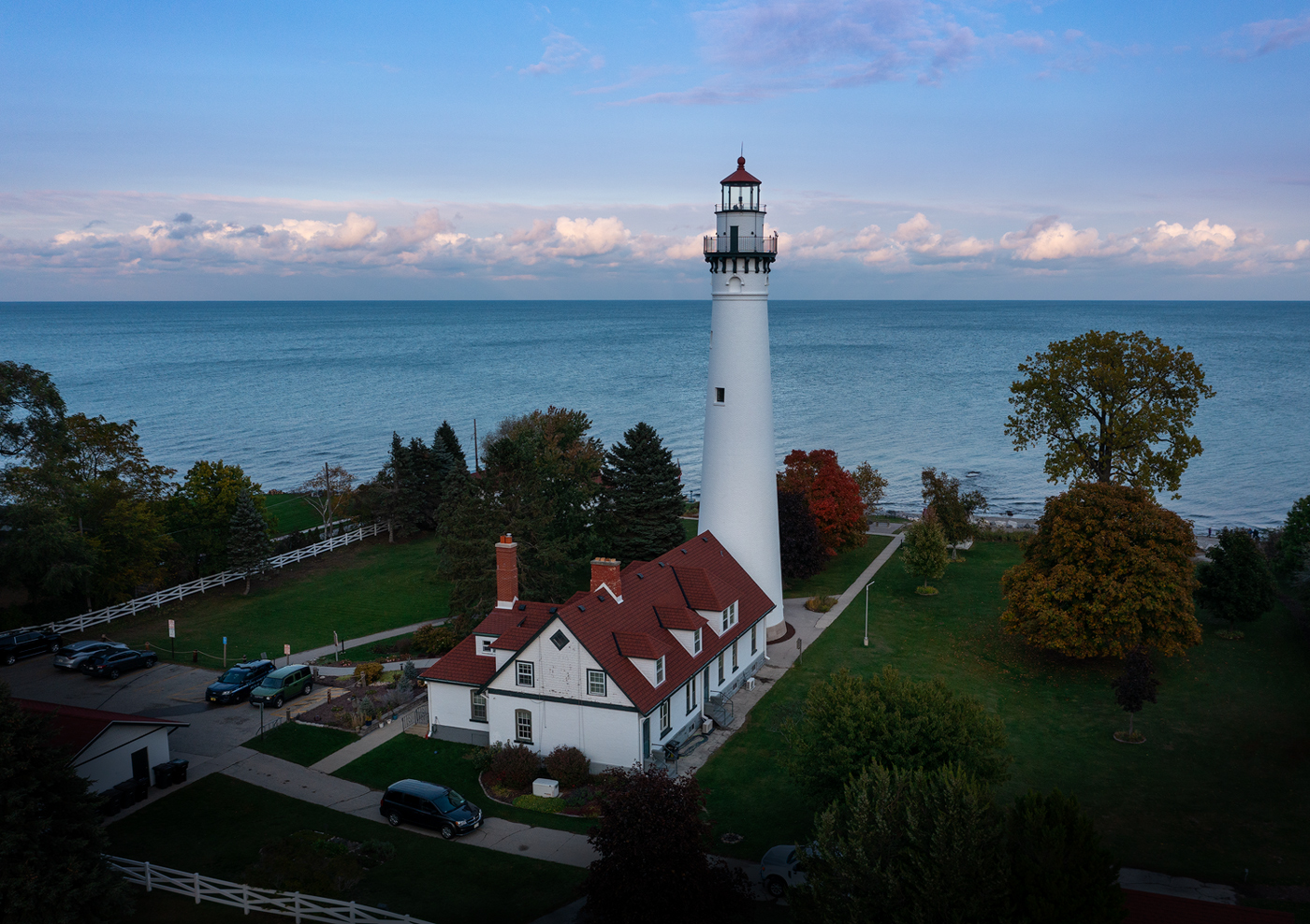
Thanks, Don,
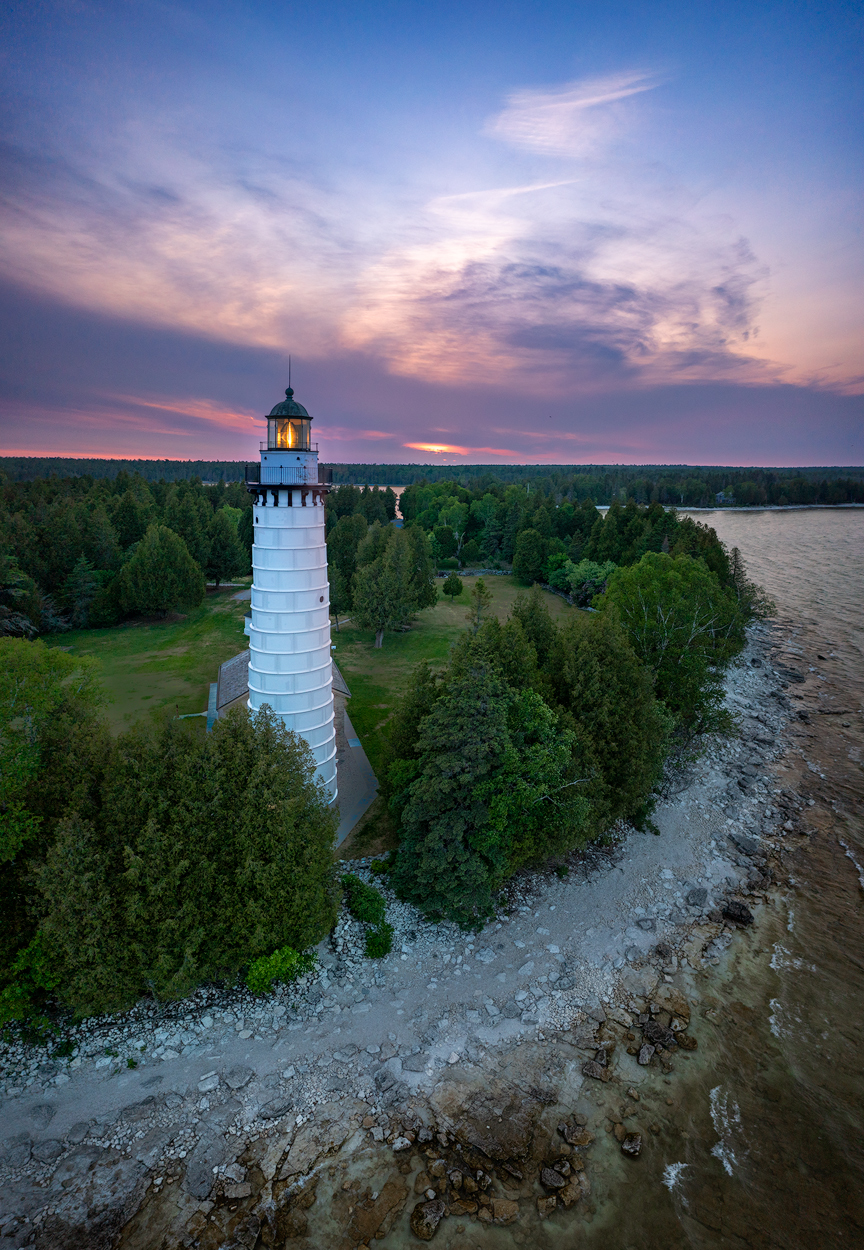
Do it. Lighthouses are my favorite subjects! |
Oct 13th |
| 85 |
Oct 23 |
Reply |
Hi Janos,
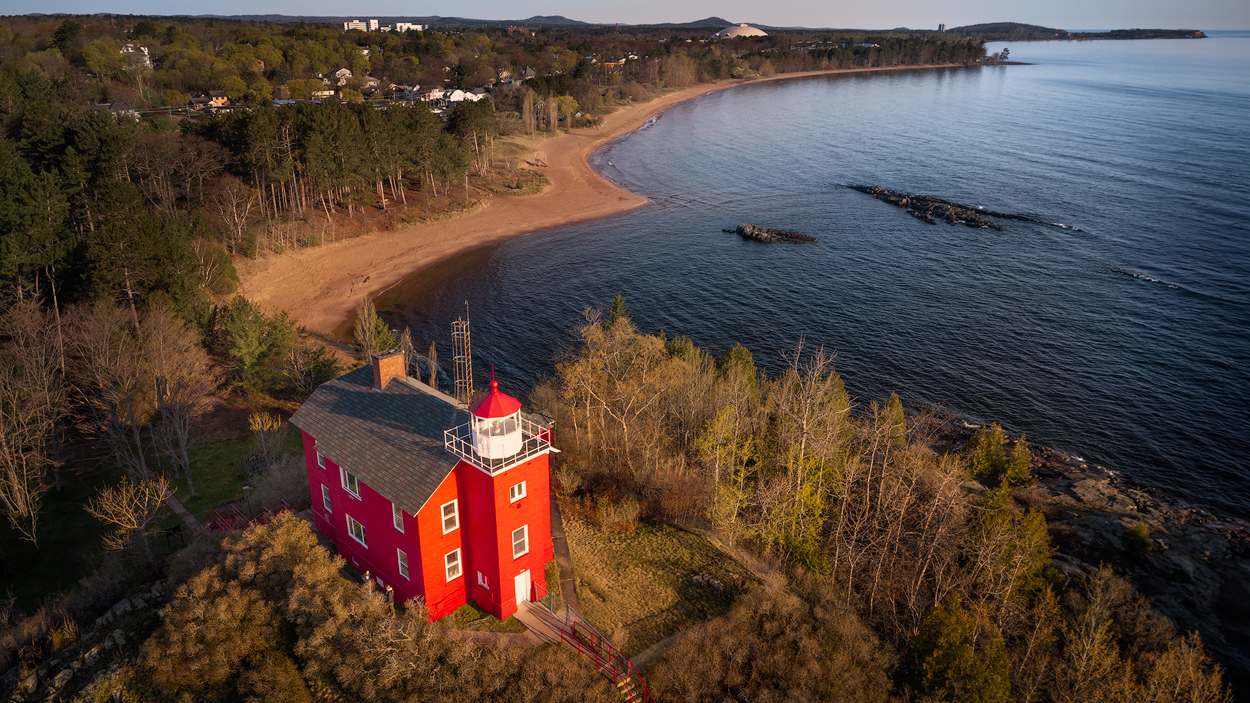
Yes, I remember your fear while shooting with you last summer, and I certainly understand it... I would be the same after losing a drone!
No, it is not me in the red coat. I was flying from the shore, which was quite a ways away. |
Oct 13th |
| 85 |
Oct 23 |
Reply |
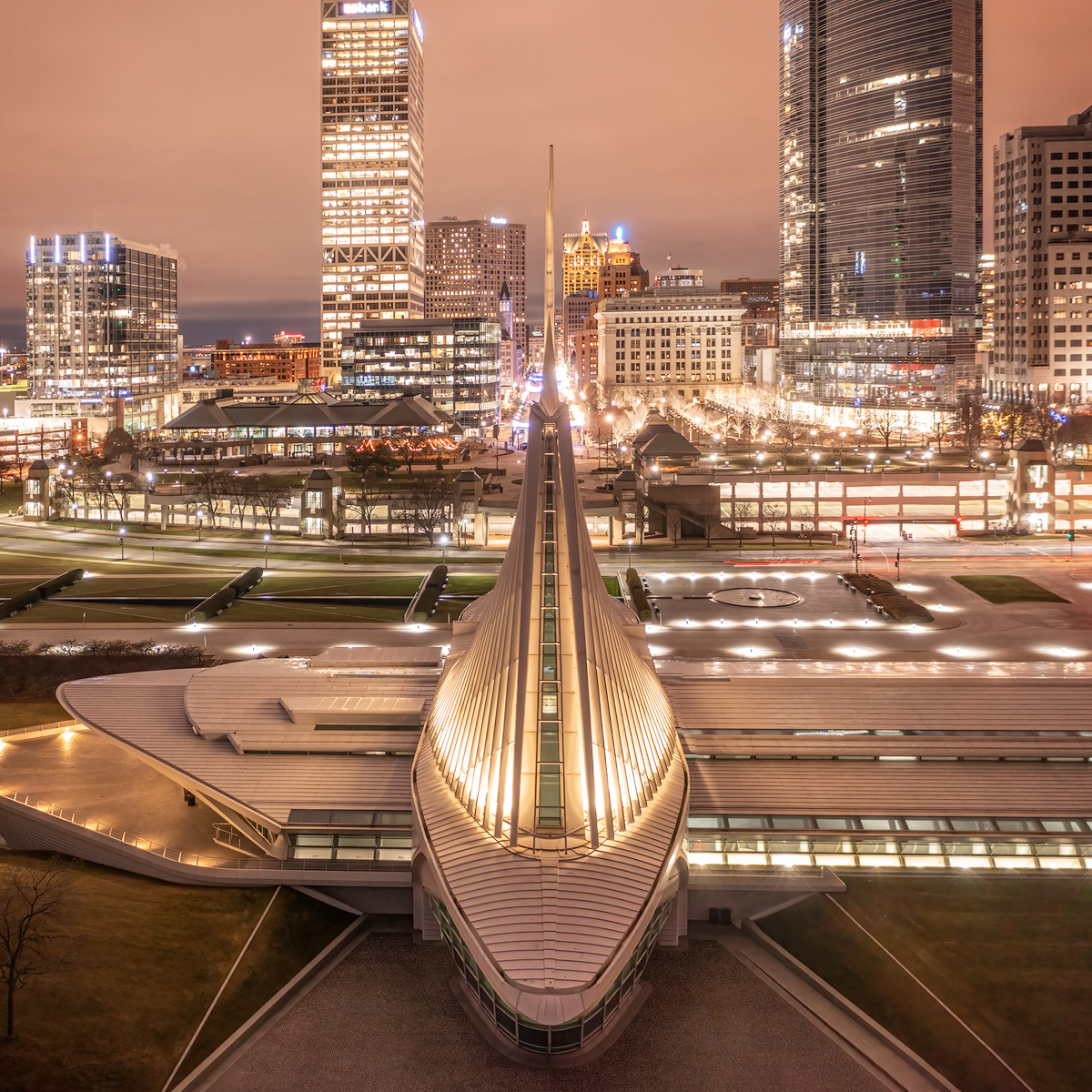
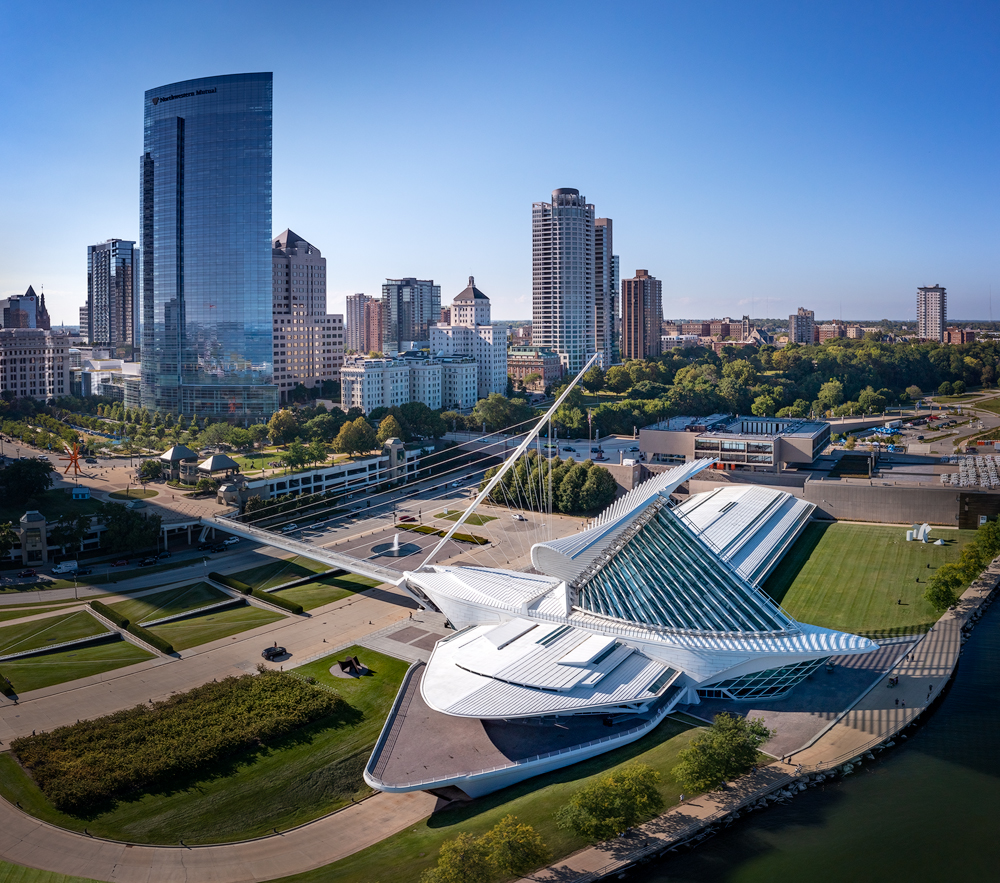
I'm getting more used to flying over water, and in the last couple of weeks, I've been getting more comfortable flying in urban areas around approved no-fly zones. Living near the Milwaukee airport has limited my ability to fly in some of the local parks. I have been getting the FAA LAANC approvals but my drone still won't take off in some of the locations because DJI has them restricted on their no-fly maps. I finally went through the process of applying for an unlock license with DJI last weekend and went out and was able to take off in one of the parks this week. I was approved (both FAA and DJI) to fly up to 200 feet. I was photographing down toward the fall foliage when an airplane flew overhead, and I wanted to take a shot of it, but by the time I got my drone turned and the exposure set for the bright sky the plane was gone. But I did see I had a far-away view of the airport with the city skyline in the background. I was wishing for the new drone with the zoom lens! All in all, it has inspired me to start a new project... plane photography from the drone (there are some areas next to the airport where I can get closer, but I can only go up to 50 feet. I see there might have to be a Mavic 3 Pro in my future! :) |
Oct 13th |
| 85 |
Oct 23 |
Comment |
Hi Alex,
An expansive photo of a lovely area. The windmills provide objects of interest, as well as the clouds above, giving a reason for the expansive view.
Like the others, I find it a little over-saturated, but I think the processing issue I find more objectionable is the overuse of noise reduction algorithms. It has smoothed out too much detail in the image, giving it a glassy look and in some places looks a little smeared. The original doesn't seem to have so much noise that it needed a lot of noise reduction. I don't think it is likely the Lightroom noise reduction algorithm would have done that even at the highest setting, so I'm curious what software you were using for the noise reduction.
Cropping in was good, and I would recommend cropping in even further... perhaps into the edge of the town on the right and even into the windmills on the left, and to the top of the brightest cloud on the top and perhaps cutting some off the bottom.
The natural look of the image doesn't need a lot of enhancement. It is a beautiful area!
|
Oct 13th |
| 85 |
Oct 23 |
Comment |
Hi Don,
If your wish was to document the strata in the rocks, you certainly have emphasized that in this image. The eye is immediately drawn to the light-colored rock at the expense of the rest of the photo. The footpath provides an area of interest in the photo, but I had to look hard to find it after you mentioned it. You might want to try some dodging and burning to the photo to darken the lower right corner, and to lighten the area where the footpath comes down the hill. I would also recommend lightening the people and houses at the top so they don't fade away in the background. |
Oct 13th |
| 85 |
Oct 23 |
Comment |
Hi Janos,
Looks like we were looking at the same issue in the same month, as far as the altitude is concerned. I'm wondering if the height above the home point or above ground is stored in the metadata somewhere and Photoshop just isn't displaying it.
It is a lovely photo showing lots of nice detail. Unless you don't want to lose any of the detail of the city, I would suggest cropping off some of the right side, just to the right of the curvy road, which can help to frame in the composition. And I would crop off about half of the sky so it takes up about the top 1/3 of the image or less. That would bring the viewer in closer and make the detail more visible, with the bell tower at about the 1/3 line on the right. |
Oct 13th |
| 85 |
Oct 23 |
Comment |
As Janos said, good documentary photo. Well exposed and composed, showing a sad story for the residents. |
Oct 13th |
| 85 |
Oct 23 |
Comment |
Nice perspective. It looks a little oversharpened to me, but otherwise, I like the colors and the composition. A red jacket would be a nice addition!
I wish I had had a drone when I was there! It was so icy in January that the bus could not get into the road, and we had to hike quite a ways to get to the top of the cliffs. I have some pictures taken with the top of that stream in the foreground. Few of our group ventured down the icy trail to get images from the bottom... it was treacherous. But I've always loved the iconic shots with the ripples in the foreground. Next time... drone time! |
Oct 13th |
| 85 |
Oct 23 |
Comment |
I like the subject, and I like the curvy pattern in the tiles. Yes, the sky needs to be fixed where it intersects with the trees, but you picked a nice sky for the replacement. I see a little bit of color of the clouds in the tiles behind the towers... I don't know if you added it or if it is just the power of suggestion after adding the sky. And I'm not sure what the little white thing is at the base of the left tower... looks like a sponge but perhaps a little square with flowers or some trash, but you might consider using the remove tool in PS to remove it. |
Oct 13th |
6 comments - 7 replies for Group 85
|
6 comments - 7 replies Total
|