|
| Group |
Round |
C/R |
Comment |
Date |
Image |
| 85 |
Nov 22 |
Comment |
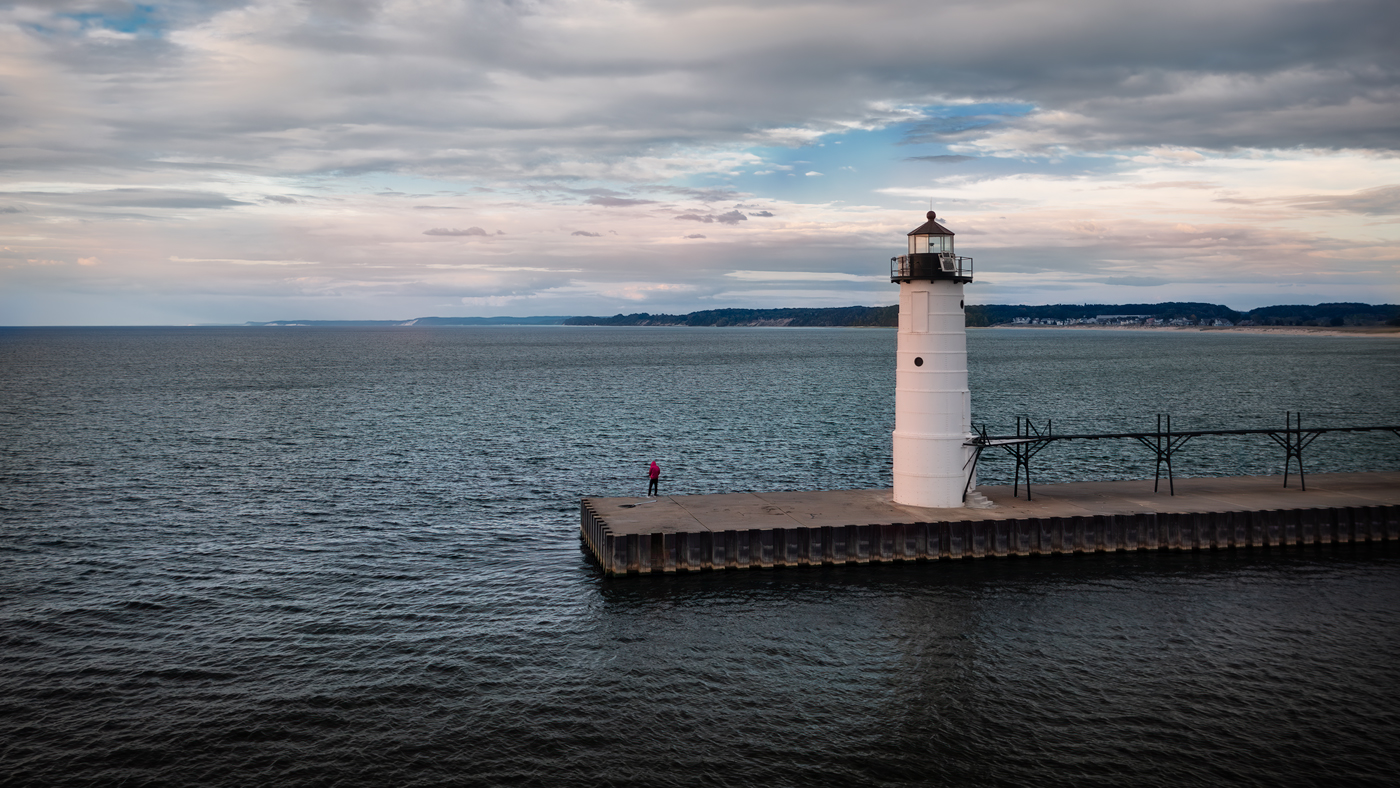
Janos, I had done a bit of quick editing on your photo earlier this month, but didn't have time to finish. Today I quickly finished it up by adding a bit more color to the water. I'm not sure if you are interested in seeing this, but here is your image with some of the edits I described.
I'm wondering how the group feels about editing and posting other member's images. Should we ask permission first? |
Nov 26th |
 |
| 85 |
Nov 22 |
Reply |
Hi Lisa,
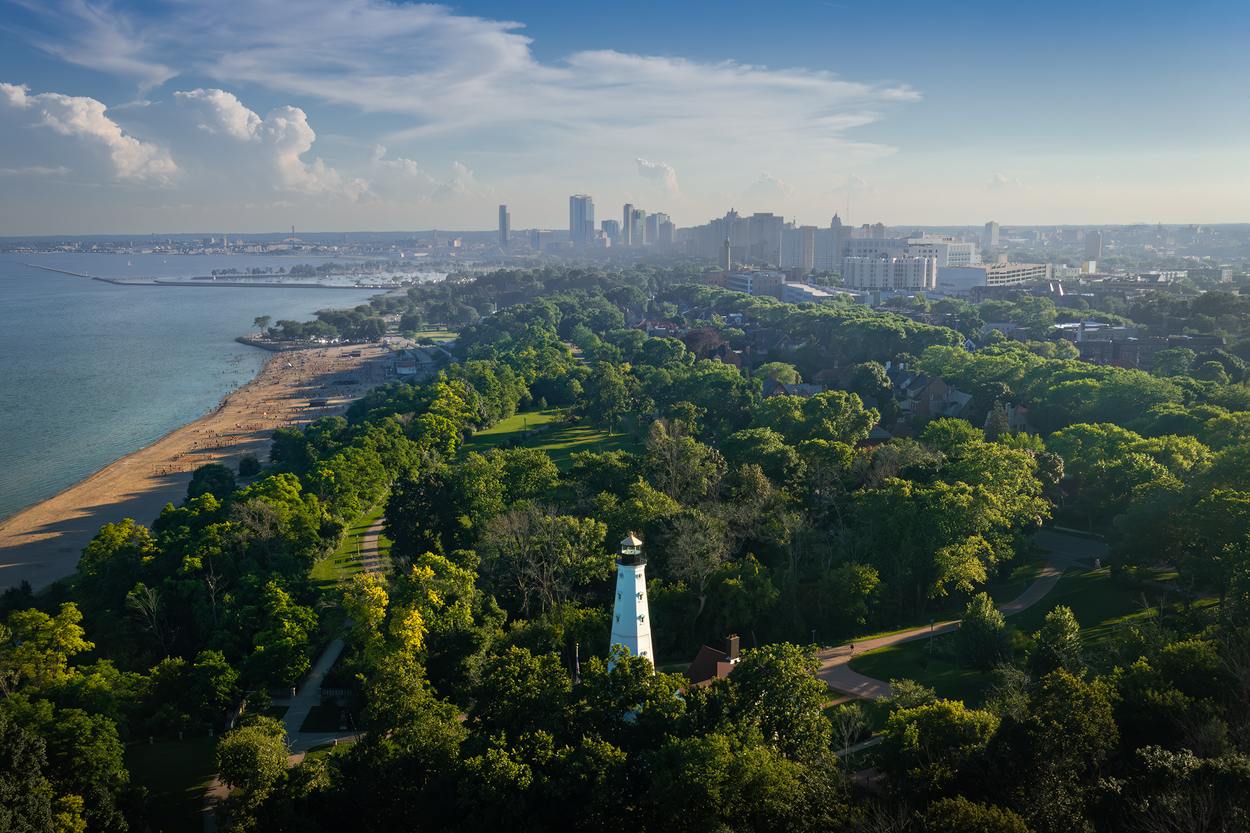
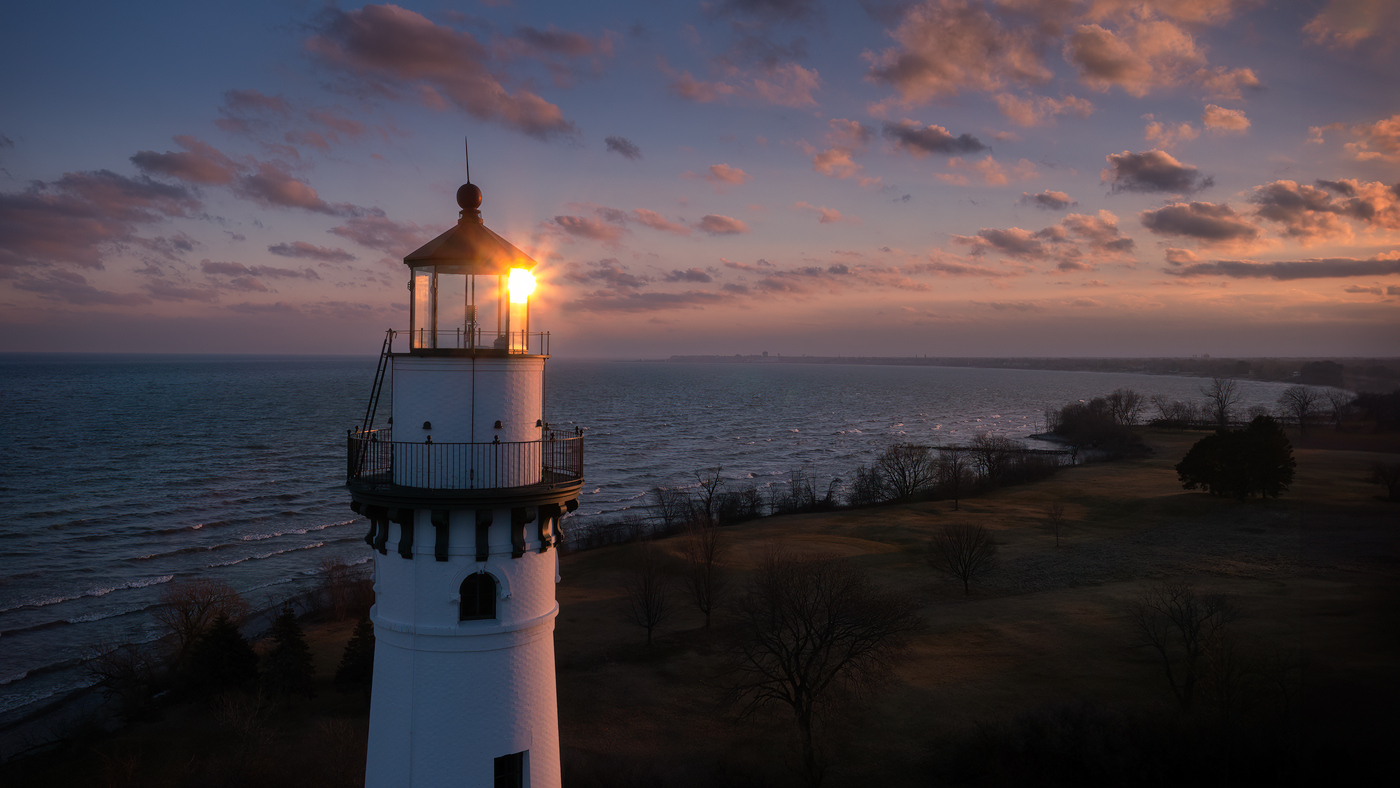
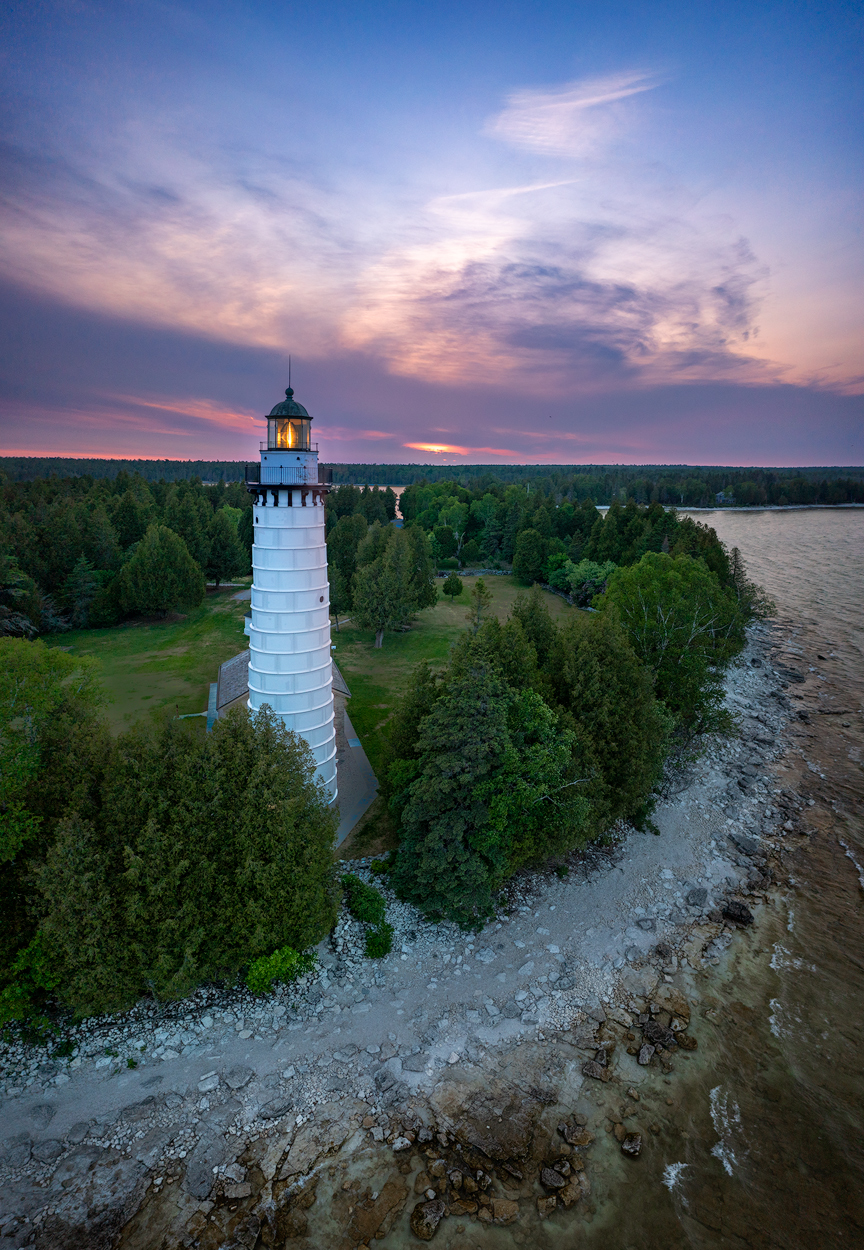
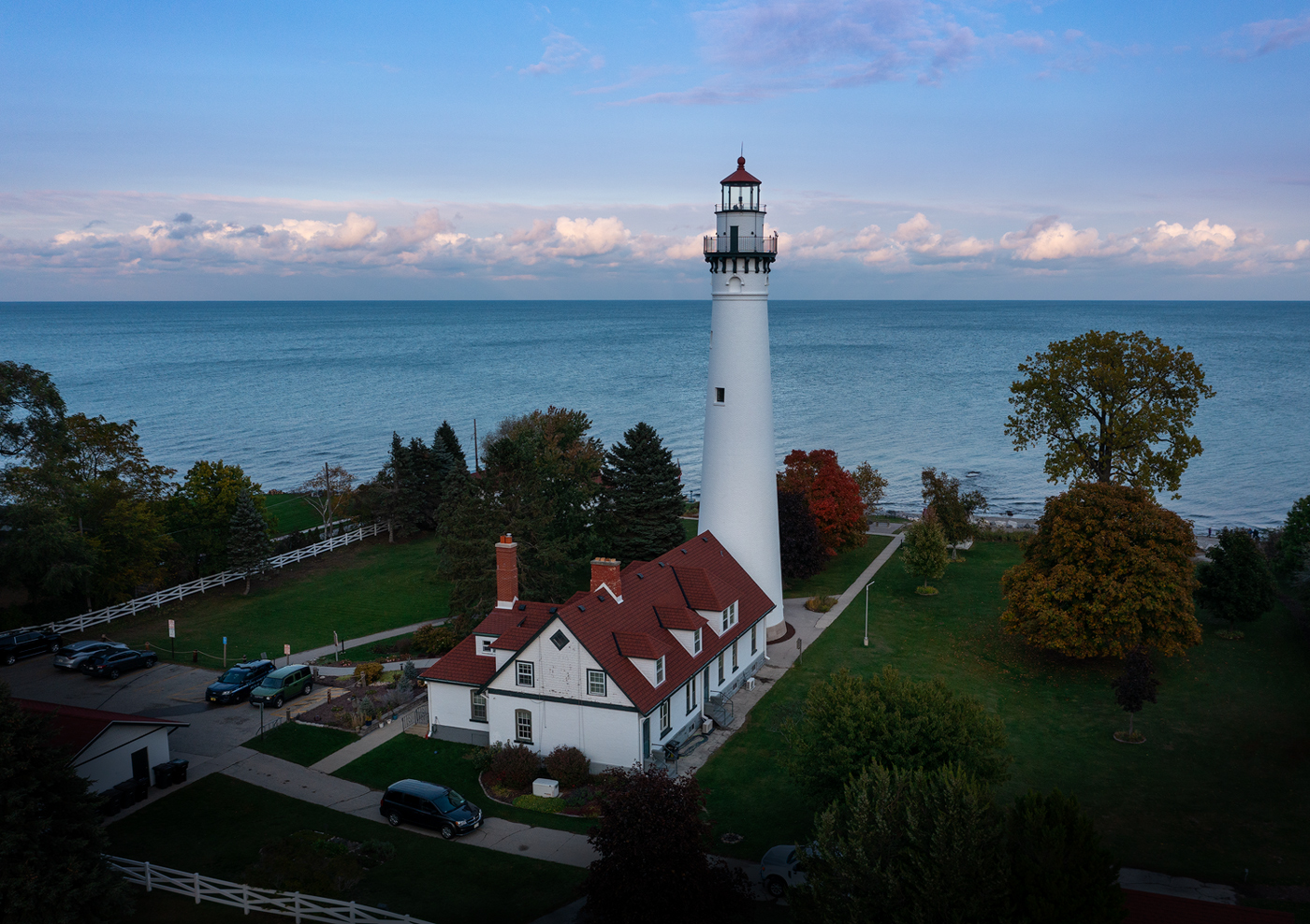
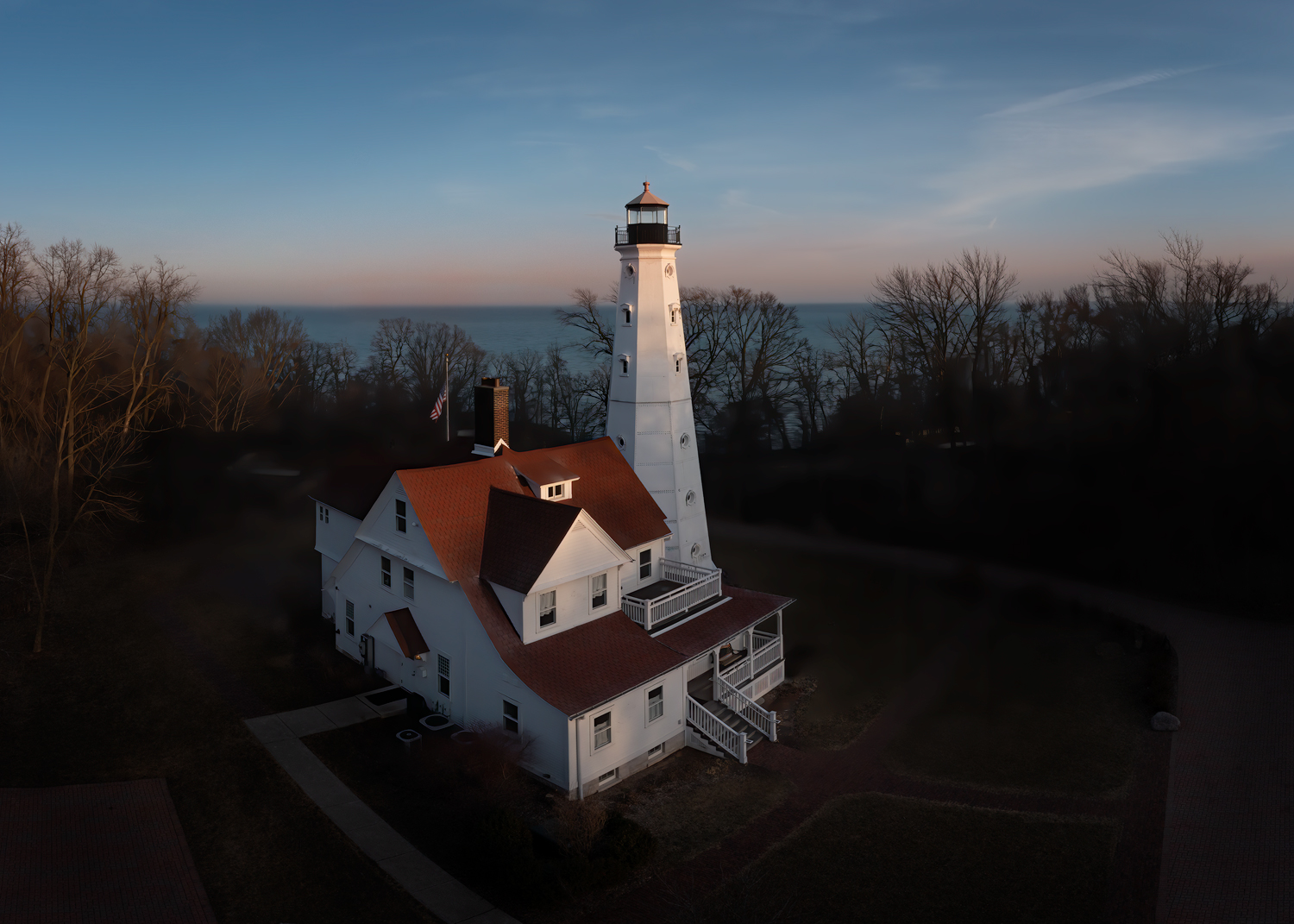
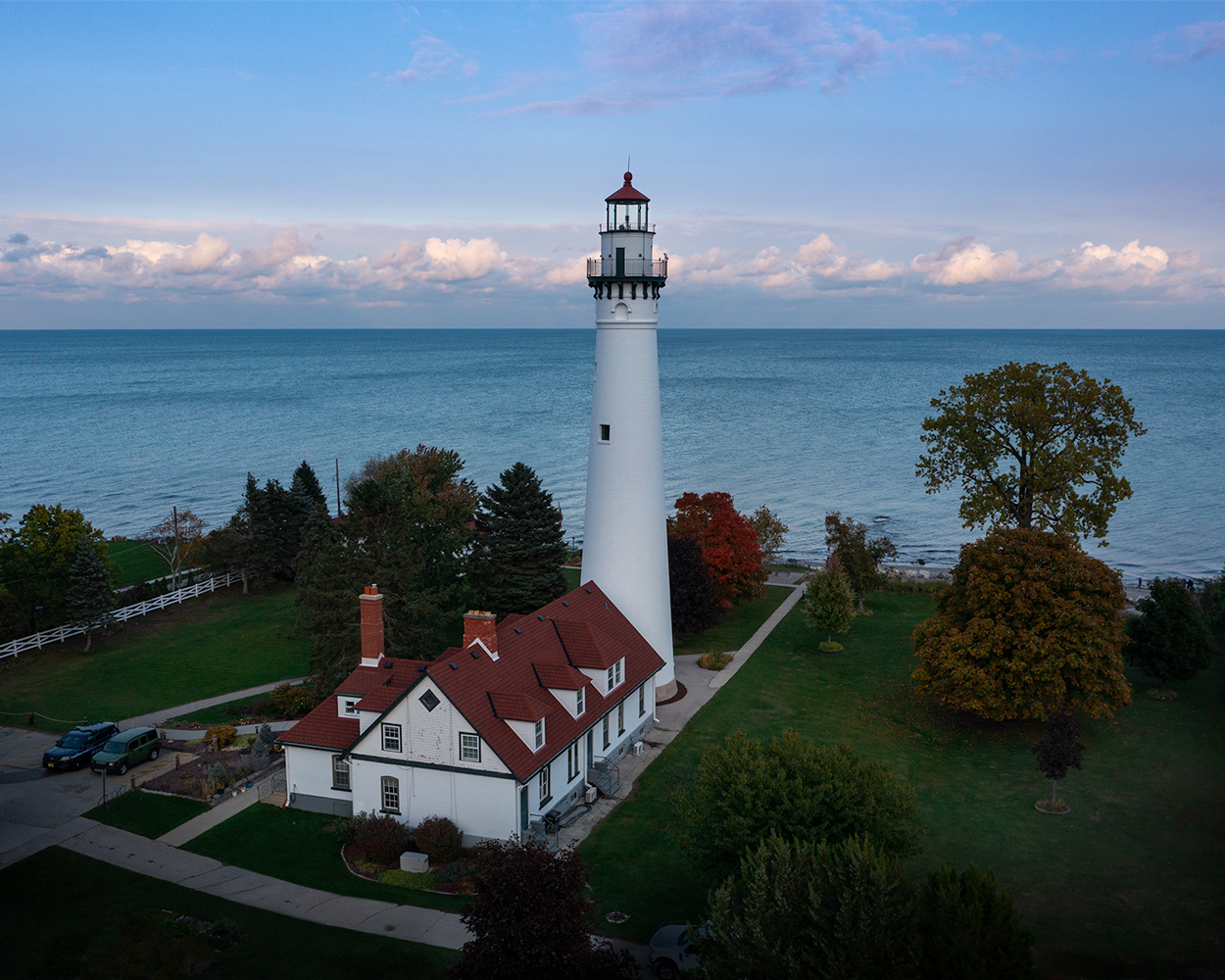
The image was at sunset, so yes, the foreground was starting to get dark. I also darkened down some of that area to try and hide some of the distractions. Here is my latest crop. I cloned out some of the signs and other distractions and cloned out the car as recommended by Bev. I also tried to lighten the grass in that lower right corner a bit.
While I like the lighthouse centered in the image, it feels a little less balanced than the original. |
Nov 26th |
 |
| 85 |
Nov 22 |
Reply |
Thanks Lou. I think you might be right. If I crop out that building on the lower left and the fence, it puts the lighthouse right in the center of the picture, which I kind of like. It's what I was going for with that original crop. If I then darken down that corner it helps to make the cars less obvious (there is actually a white truck in the trees at the bottom that is the reason I made that area so dark. I was trying to hide it).
I might go with that crop. |
Nov 12th |
| 85 |
Nov 22 |
Reply |
No, I didn't really crop the original very much, just a little off of the right. I have some other shots that are taken from further to the right, but unfortunately they didn't hide the cars either. Plus I cut off a lot of the pretty clouds from that angle. |
Nov 12th |
| 85 |
Nov 22 |
Reply |
I darkened the fence because it was a distraction that drew the eye to the bottom of the picture. I was thinking of cropping it out altogether. |
Nov 12th |
| 85 |
Nov 22 |
Reply |
Thanks Pete. I don't think that crop works at all because the building is too strong of an element and too bright to be cut off at the edge of the picture like that. I do like the lighthouse and the trees being vertical at both 2/3rds mark though. Perhaps the building could be darkened some so the white side is not so obvious in that corner, but I don't think it could be darkened enough to fix it. I decided that I had darkened the bottom too much (and a judge in a competition dinged me for it), but I was trying to draw attention away from the cars. I have been to this lighthouse lots of times but I've never seen a time when there are no cars there. |
Nov 12th |
| 85 |
Nov 22 |
Comment |
Hi Don. As mentioned by the others, this panorama image is certainly leaning to the right. I hope those palm trees hold up when the next storm comes along! :) I see Janos posted one that is straighter.
I like how you have processed the colors in the image, and how you brought out the color of the water on the right. It became a rather pleasing part of the subject, and the eye follows the palm trees to the main subject and back again. That is the important part of the picture. The clouds on the left are nice, but they don't add much to the image. I think that Pete's crop takes away too much of the beauty of the lake. I would suggest cropping Janos version some on the left so the building is about at the two thirds mark, and crop it on the right a little just to remove a little of the distracting industry on that side. I would consider perhaps trying to lighten and clone out some of that industry so it is not so predominant in the picture.
I would also recommend darkening or cloning in some grass to those lighter patches in the grassy area on the lower right so they don't draw your attention so much. |
Nov 12th |
| 85 |
Nov 22 |
Comment |
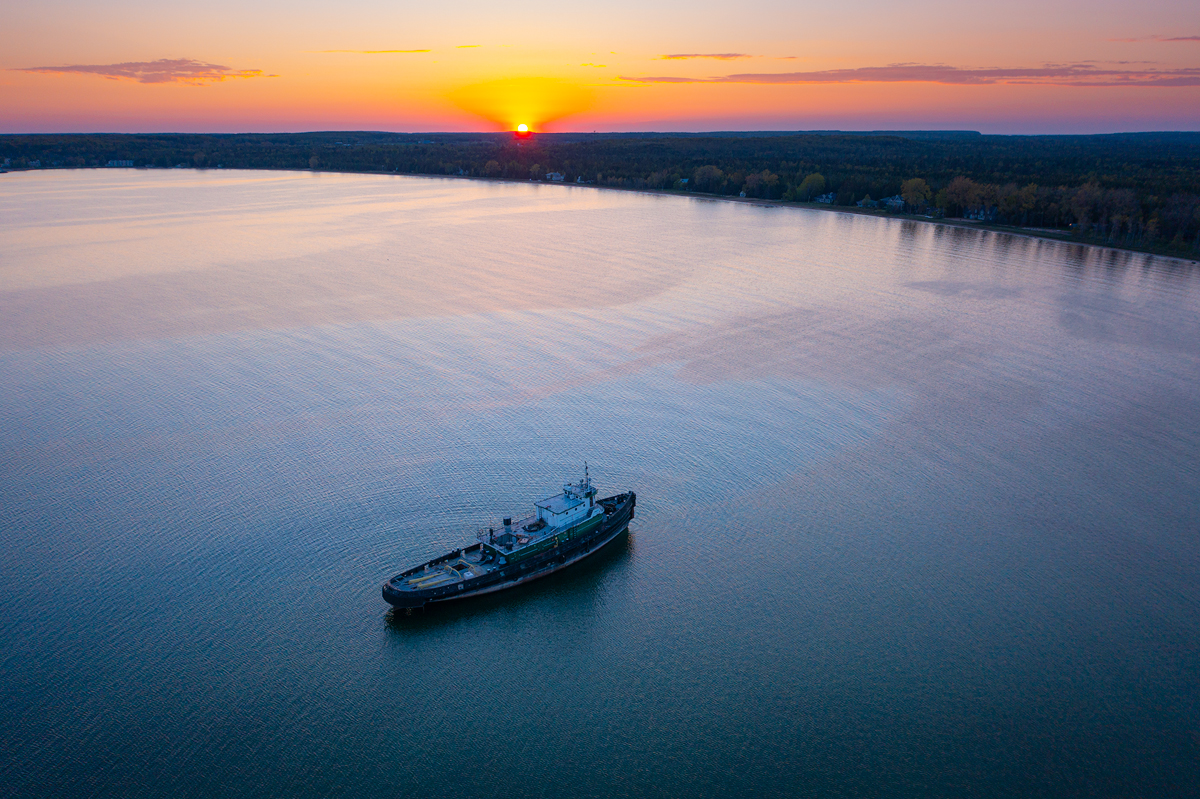
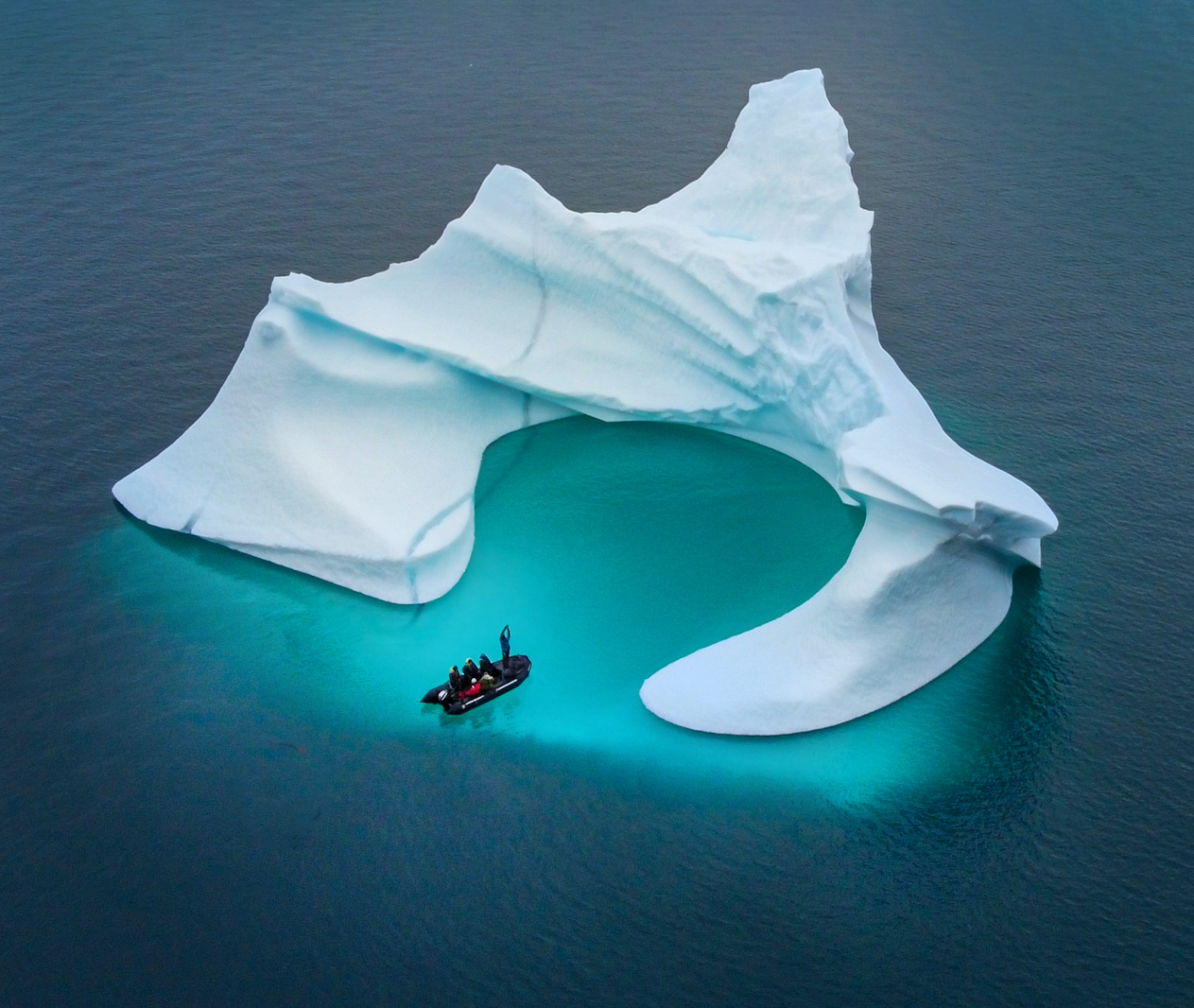
Another great image this month! Janos, I think this is my favorite iceberg image you have posted of this trip. I agree with the others about darkening the upper corner...
in fact both of them, and to remove the second boat. I would clone it out so the single boat has more impact.
Here are a few more minor things I would suggest: I would crop in the left and right sides so there is about equal distance from the iceberg to the edge of the picture on the right, left and top (I think the top needs a little more room, but the 3 points should have the same distance). As mentioned, I would burn the top and the upper corners, perhaps with a little color of the water except darkened a little. Dodge the bottom center below the iceberg, and try to lighten the boat a little so it doesn't look so much like a black spot in the water. Bringing out a little more detail would add interest. Increase the saturation of the turquoise water, and maybe increase the contrast in the iceberg, especially at the top. If you want to get really fancy, you can dodge in some light and dark lines along the lines in the iceberg to enhance the depth and give it a little more 3D effect. I've used that on icebergs before and it really enhances their sense of power.
|
Nov 11th |
| 85 |
Nov 22 |
Comment |
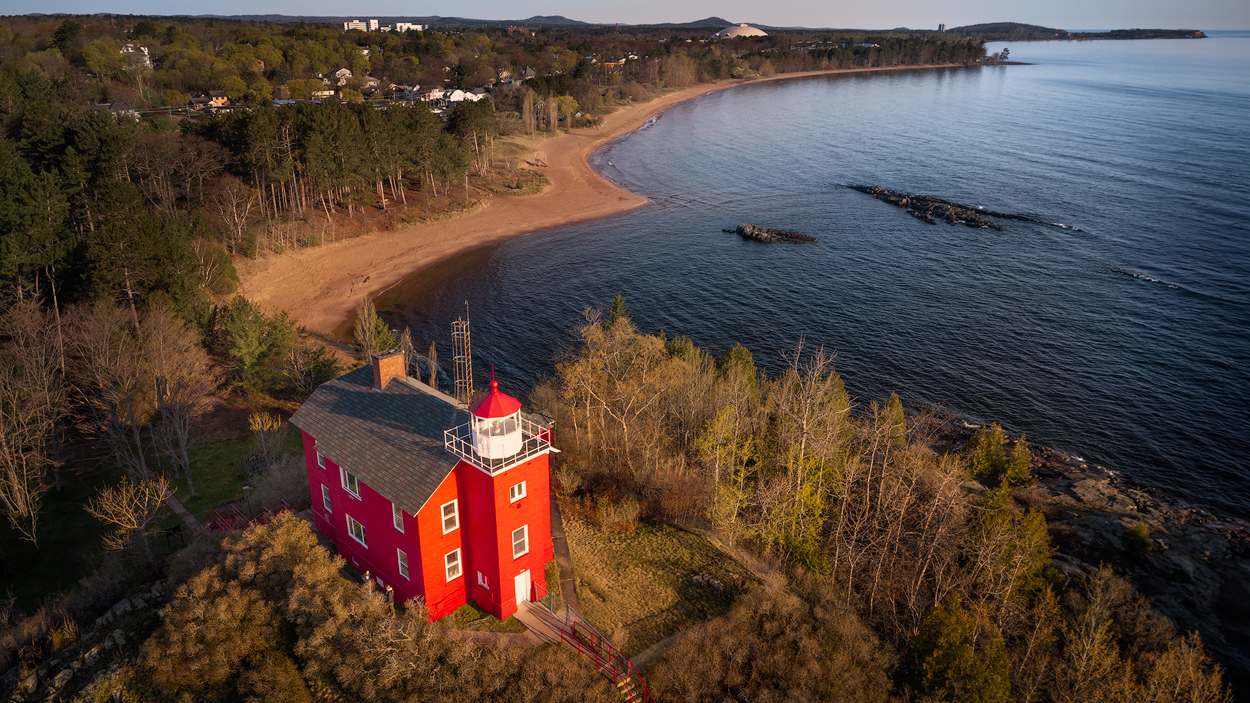
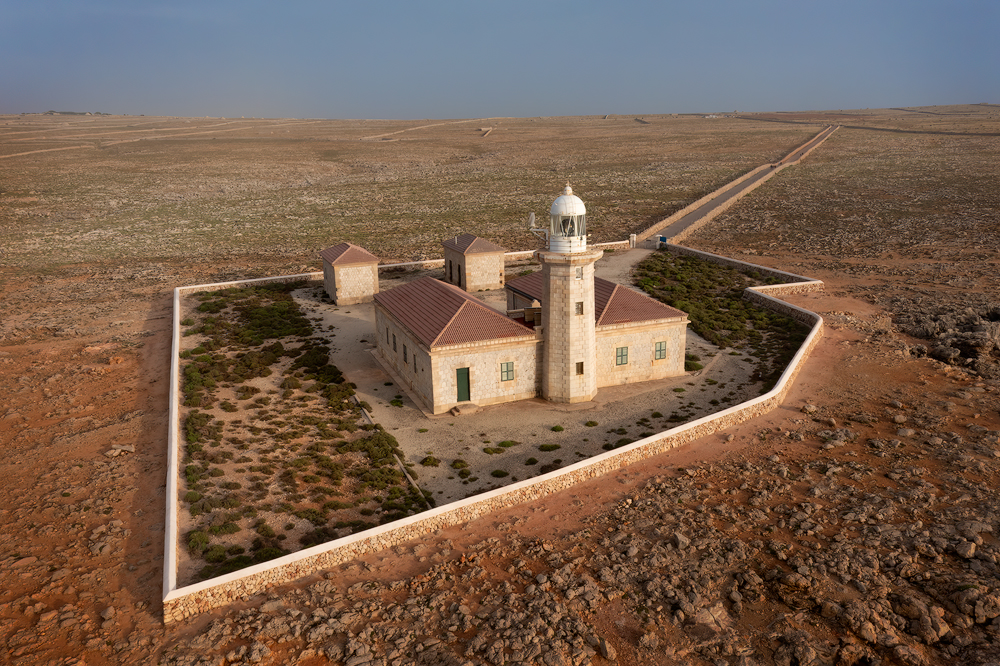
I love this image. Great job! I think the composition is quite good, except I feel a little pushed in on the sides. It is not exactly a square crop, and I pasted it into Photoshop to see how it would look if you gave a little more room on the sides, but then you pick up parts of the other houses that you don't want in the picture. I actually think the best crop I could come up with is an actual square and cropping in much closer, where the lighthouse and main house are more predominant in the image. I also kicked up the saturation a little, which might be too much for you. And I gave a little more contrast to the top of the lighthouse, the main house, and the sky, and ever so slightly faded the background a bit along the horizon to give more depth. Of course, it would have been better to do these things to a raw file rather than a pasted jpg, but here is what I came up with: |
Nov 11th |
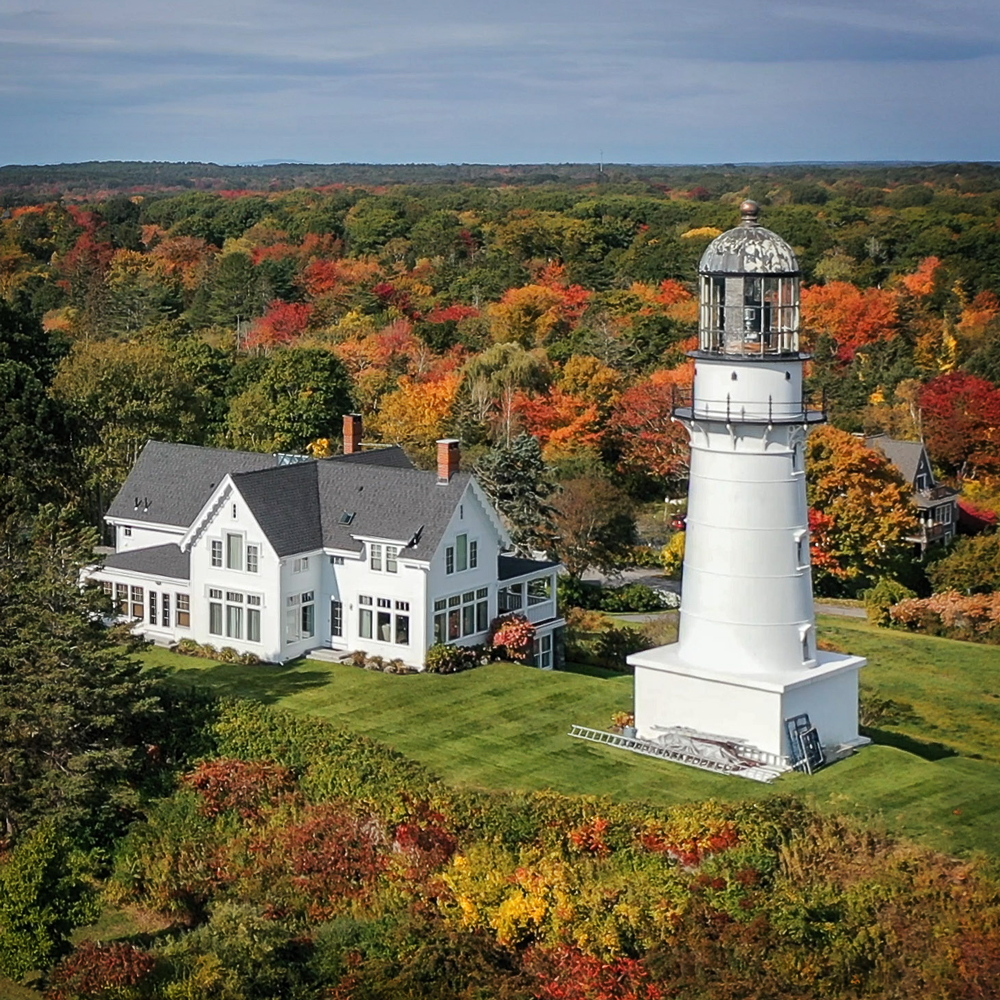 |
| 85 |
Nov 22 |
Reply |
Pete, they allow more than one base image. I have sent in two images before, as long as they are both less than 1 mb. I haven't tried it with more than that, but that might be a question for Lisa. |
Nov 11th |
| 85 |
Nov 22 |
Comment |
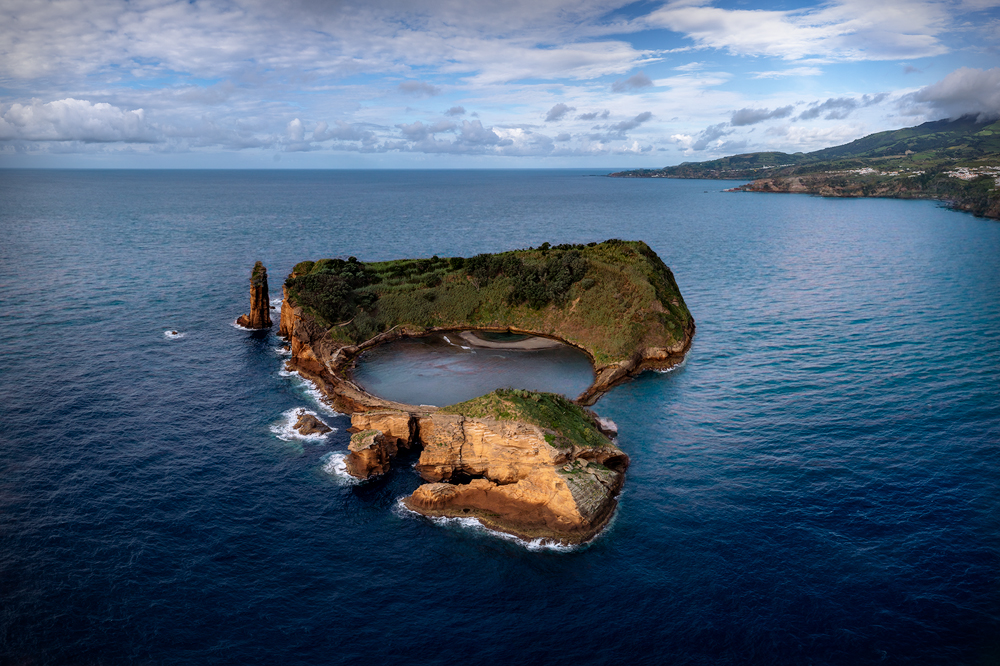
Excellent image! Very good composition! I love what you have done with the color and increased contrast, although it looks a bit oversharpened. Perhaps the contrast and sharpening should be reduced a little in the distance so you maintain the feeling of depth. The increased contrast has also reduced the look of the haze/steam on the left side of the crater and picture. You could bring that back a little by using a light luminosity mask and painting in a low opacity white using the radial gradient.
I like the rotation to the right, but I think it is a little too much, for it now looks to me like it is leaning a bit to the right. The horizon is level, but the layers in the cloud are leaning when I think they should be horizontal and that gives the impression of a slightly tilted image. The tilted horizon will look more like a rise in the land if the clouds are level. I don't know if you could level up the sky without moving the horizon, but it might be worth a try since you have multiple exposures.
I've shot in that very area near Lake Myvatn, and it is one of my favorite parts of Iceland. I only wish that I could have photographed some of the craters with a drone when I was there! I am in awe of all of the drone shots taken of the live volcanoes near Reykjavik, especially at night. At least one of my friends there have lost their drone from the heat of the volcano!
|
Nov 11th |
| 85 |
Nov 22 |
Comment |
I agree with Pete about the angle of the image. My sense is that the predominant lines in the field need to be horizontal rather than trying to make the text horizontal. The oval would appear more "normal" and the angled text would be more compelling.
Having said that, I disagree with the others about only showing part of the circle. I would like to see the entire oval. But even if you had been able to fly high enough to get the entire oval in the picture, it would make the details smaller. I think a better solution would have been to do a panorama and stitch the panels together.
I agree with the others that the increased color and saturation are good, and that you should clone out the structure on the left. Another thing that might have made this a "wow" image is if you could have shot it with one or more horses in the field to better define the environment... and perhaps late in the day when the horse's shadow defines the animal(s). That would also serve to create more contrast in the image. |
Nov 11th |
6 comments - 6 replies for Group 85
|
6 comments - 6 replies Total
|