|
| Group |
Round |
C/R |
Comment |
Date |
Image |
| 85 |
Aug 22 |
Reply |
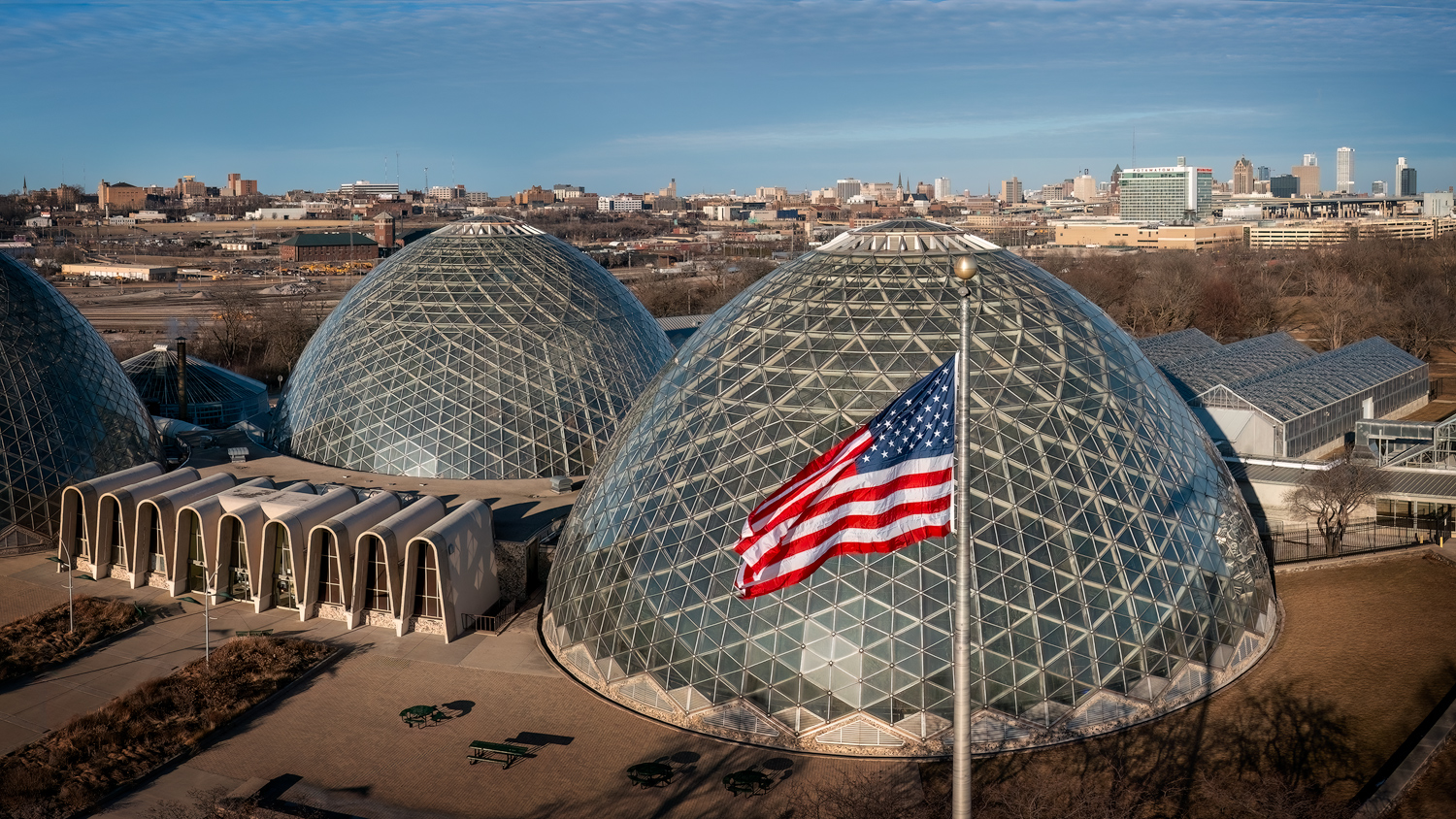
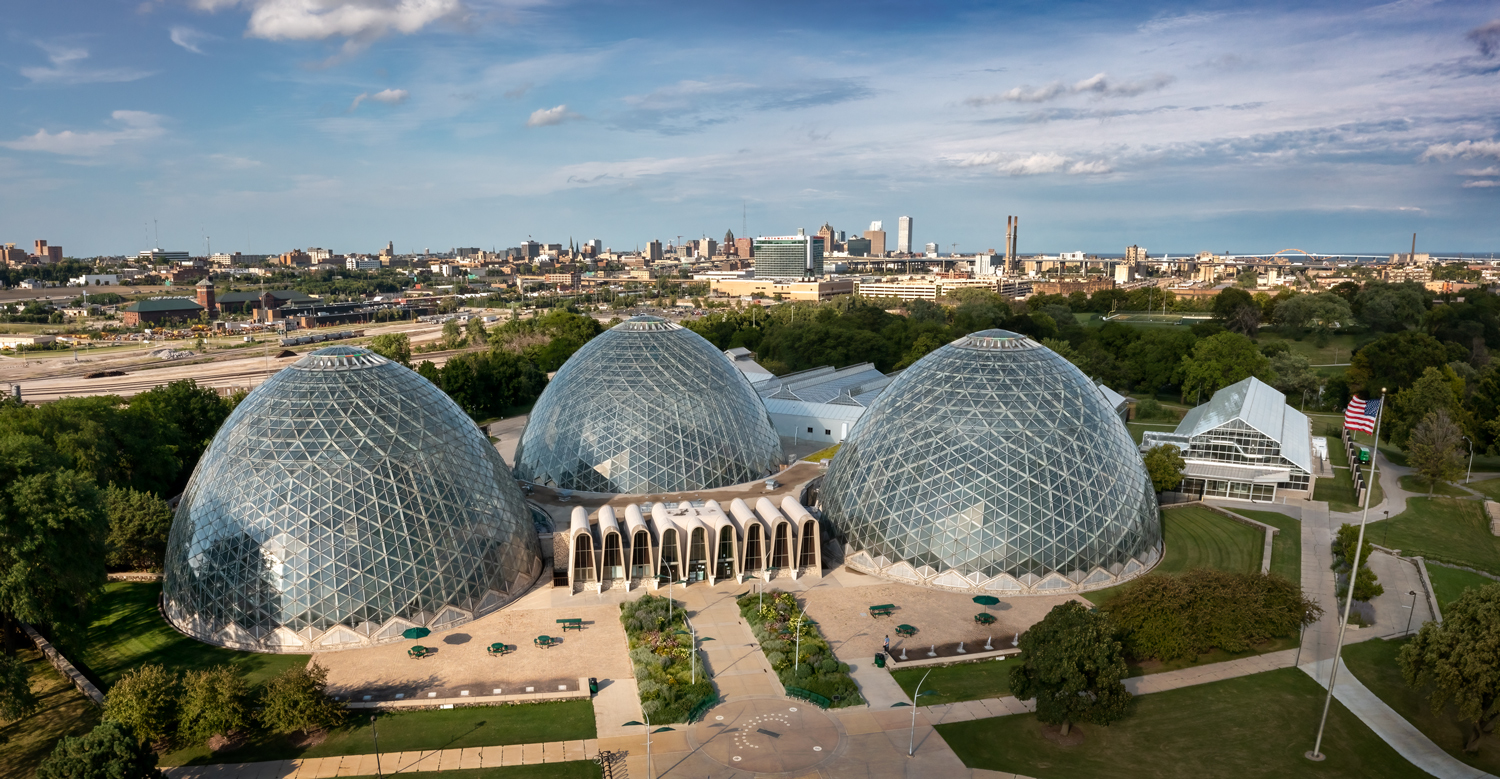
Thank you, Lisa. Yes, I did have some shots taken lower. I agree with you, it would be nice to see inside. The drone shots I took lower didn't look as good as those I took from ground level on my tripod because the sky was bright and the sun was not in the correct location for the drone. With the DSLR I could exposure blend for the sky (although I suppose I could have done that with drone shots too, the drone is surprisingly steady). |
Aug 18th |
| 85 |
Aug 22 |
Reply |
Thank you, Janos. Yes, this is one of the areas I have definitely targeted for fall foliage! |
Aug 14th |
| 85 |
Aug 22 |
Reply |
Thanks, Pete. Yes, I agree, that light area needs to go. I think I will clone in the trees better rather than crop that side. |
Aug 14th |
| 85 |
Aug 22 |
Reply |
Thanks, Julie. We used to call them bandstands when I was a kid. |
Aug 14th |
| 85 |
Aug 22 |
Reply |
oops, I popped the image out into another window, and didn't realize it was larger than the window, and was cutting off the right side. Now that I am looking at the entire image, I see the car on the right is not cut off at all. Sorry.
I now see that you have part of a pond on the right that is very bright. You might want to think about cropping that side off. It will lose part of the story of that car waiting to go up the hill, but it will remove the distraction of the brightly lit pond, and it will leave 3 vehicles in the picture, which actually makes for a more balanced set ( don't know why an odd number of items in a picture works better, but it does seem to). |
Aug 11th |
| 85 |
Aug 22 |
Comment |
Hi Don. Even before reading your description, this image made me immediately want to start singing... "standing on a corner..." :) (Now it is stuck in my mind for the rest of the day, ha ha!)
I love that you got an iconic corner from a new angle.
It is a great angle. Although the Route 66 sign is a little close to the bottom margin, it still works. There isn't much that I would recommend you do differently. Perhaps darken the edges a bit to make sure the viewer's eye is not kept away from the center. It is ok for their eye to wander around the picture, but you want to make sure they are led back into the center (especially with the bright area on the lower right). |
Aug 7th |
| 85 |
Aug 22 |
Comment |
Hi Janos. I like the contrast you added to the castle, and how you brought out the color in the water. I understand why you cropped off the horizon at the top, but I do like the river there. If you had been able to get a sunstar there and reduce the exposure so it is not quite as blown-out, it would have been a nice addition to the picture. But as is, I think cropping it was the right choice.
You have lost a bit of the morning haze... I'm wondering if it might help to add a bit of haze back at the very top behind the castle.
I would clone out the light spot in the water in the foreground. It wasn't as visible in the original, but the processing brought it out, and it is distracting... my eye went right there.
Remember, the viewer's eye goes right to the brightest areas of a photo, which in this case are the grassy areas on the left and the trees at the bottom. I would recommend darkening those down a bit (but not so much as to lose the morning sun feel) and perhaps lightening the subject a little bit more. |
Aug 7th |
| 85 |
Aug 22 |
Comment |
Hi Lou. Your edits were good. Cropping out the horizon at the top brought the viewer more into the scene, and cloning out the concrete abutment/wall at the bottom removed that distraction. I really wish the car on the right was not cut in half. I covered that part of the window to see how it looked cropped, but it actually is important to the storyline.
I think the finished image is a little too bright. I would recommend reducing the exposure a bit, especially in the light road areas in the center. And you might want to darken the edges and corners to keep the viewer's eye in the center where the action is (but not the area around the red jeep).
If you crop off the two vehicles on the left, it will be a much different picture. At that point, you might want to just crop into the car on the hill and the dust he is kicking up, if you have enough pixels for it. |
Aug 7th |
| 85 |
Aug 22 |
Comment |
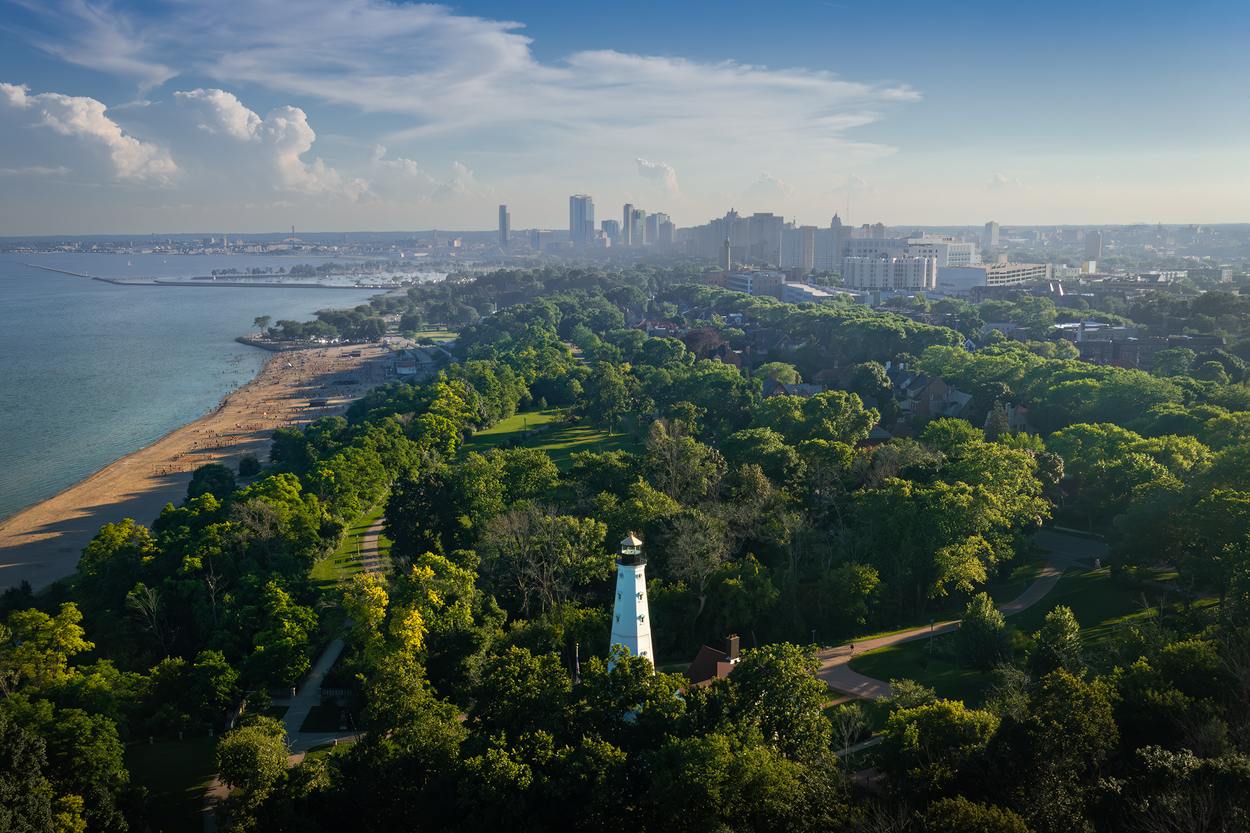
Hi Pete. I love how you have brought out the golden hour feel in this photo. The sand and trees are a beautiful color! But I think the increased blue in the sky does not speak to the time of day very well. The processing in that area is much better than the original but doesn't look to me like it is close to sunset, and conflicts with the golden hour color of the sand. I would recommend you desaturate the sky a bit, especially down toward the horizon. If you want to be inventive, you might try to bring out a bit more color... I see a tinge of magenta in the clouds.
I have had a similar problem with Lightroom/Photoshop. I increase the contrast and saturation of the sky, and it turns into a bright blue look like this. I have toyed with this myself on some images, and I haven't found a good way in LR/PS to get the sky looking the way I want. I'm still trying to figure it out. (The temp slider colors the clouds as much as the sky... sometimes I go to the HSL slider and adjust just the blue. It helps, but doesn't completely give me what I want) |
Aug 7th |
| 85 |
Aug 22 |
Reply |
Thanks, Don. Yes, it is abiding by the rule of thirds. If there were trees on the left instead of that paved area I might have tried for a center composition, but after cropping off that paved area, the 3rds comp seemed to be the best choice. I'm not averse to using either.
I guess it depends on what "special effects" you mean. As you know, I'm not usually open to things like sky replacements, and I typically stay away from things like the Topaz painterly effects. I usually try to keep my images more realistic looking than that. (I'm not dead set against sky replacements, but when I do I let it be known that it was not the "real" scene that I saw) |
Aug 7th |
| 85 |
Aug 22 |
Comment |
Hi Julie. Welcome to the group! I was in your neck of the woods in 2016 when I spent a week on the North Island before flying down to the South Island to shoot with a group. The Bay of Islands is such a beautiful area! I loved NZ and hope to return someday (although we are about the same age, so I don't know if I'll make it there again... so many places I want to travel to!).
For this image... it is quite beautiful, and imparts a peaceful tranquil feeling. I think cloning out the boat in the lower left corner and the masts along the bottom was a good edit, you could also take out the half-cropped boat on the bottom, and the dingy being towed behind the sailboat on the left so. I would also encourage you to lift the saturation of the colors even more. The top is overexposed with some blown-out areas, so it is good that you cropped most of that off. You might want to try to fill the remaining areas with a little color.
I would probably add a little vignette to bring the eye to the center and then use a Dodge & Burn layer to lighten the dock area and the shadows in the trees nearby a little. (but sometimes I think I go a little vignette crazy and wonder if I'm overdoing it myself).
|
Aug 7th |
5 comments - 6 replies for Group 85
|
5 comments - 6 replies Total
|