|
| Group |
Round |
C/R |
Comment |
Date |
Image |
| 85 |
Jul 22 |
Reply |
Lou, I like this crop a lot. I would still clone out the object on the left side... I think it is a chair. As far as the sharpening, yes it is oversharpened, but perhaps setting the Topaz Sharpen AI settings a little lower, and also, you don't need to sharpen the entire photo. I've been playing around with the Topaz AI tools recently, and I'm surprised at what a good job they do. I think I would create three levels of sharpening in this photo (putting each on a separate layer in PhotoShop and then masking out the parts I don't want sharpened in that layer): the sharpest for the action happening in the center, a less sharpened area for the rest of the people and building, and no sharpening at all for the immediate foreground and the trees. Sharpness can be used to direct the eye toward the subject as well as light and dark areas in the photo (and I think the foreground might not seem quite as empty if it is darkened a little with a vignette so the viewer's eye immediately moves up and towards the subject)
(also, one should be careful with cloning, I see some repeat patterns where the water fountain was removed) |
Jul 31st |
| 85 |
Jul 22 |
Reply |
Sorry for not answering this sooner, Don... I just realized I had not replied! I have a DJI Mavic 2 Pro. I've gotten pretty good at flying it, but I'm still not as good as I should be with operating the camera settings. |
Jul 31st |
| 85 |
Jul 22 |
Reply |
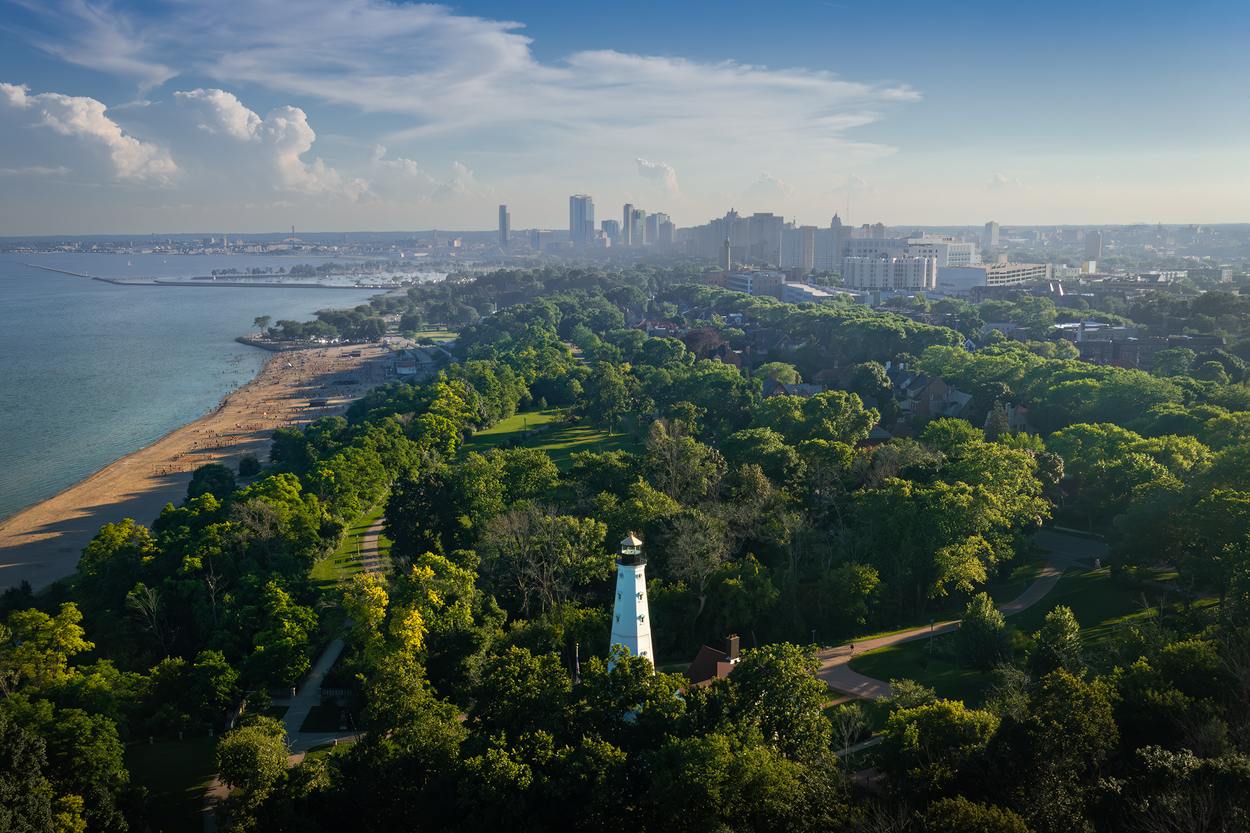
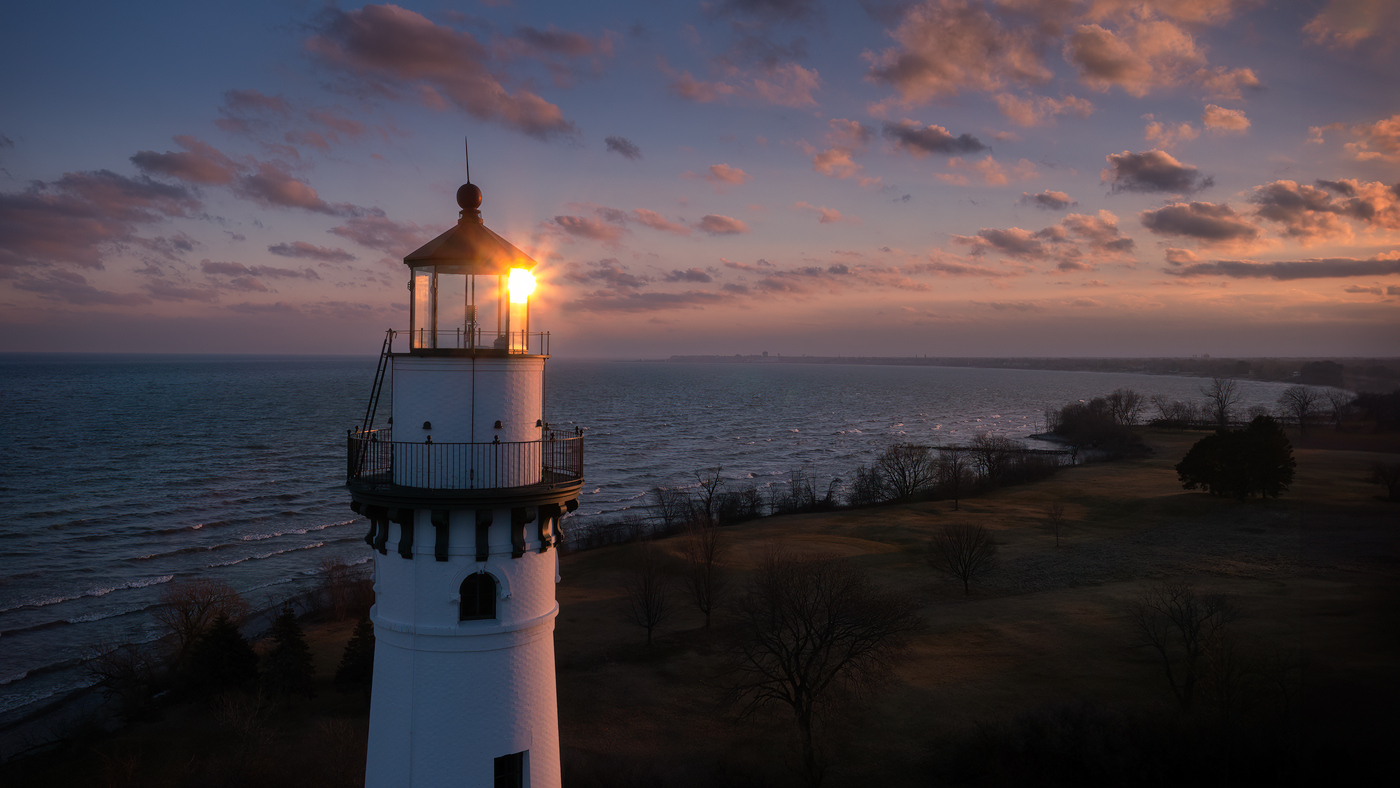
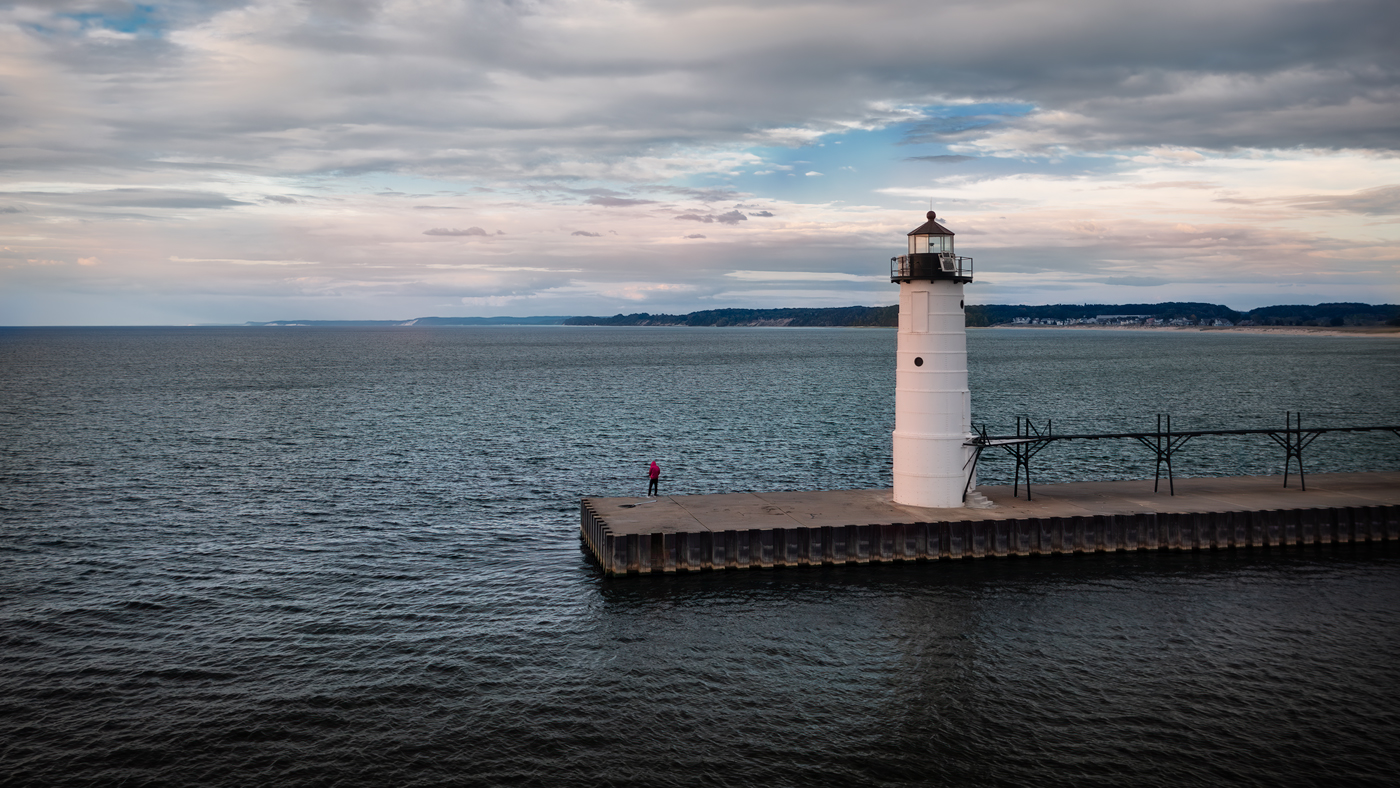
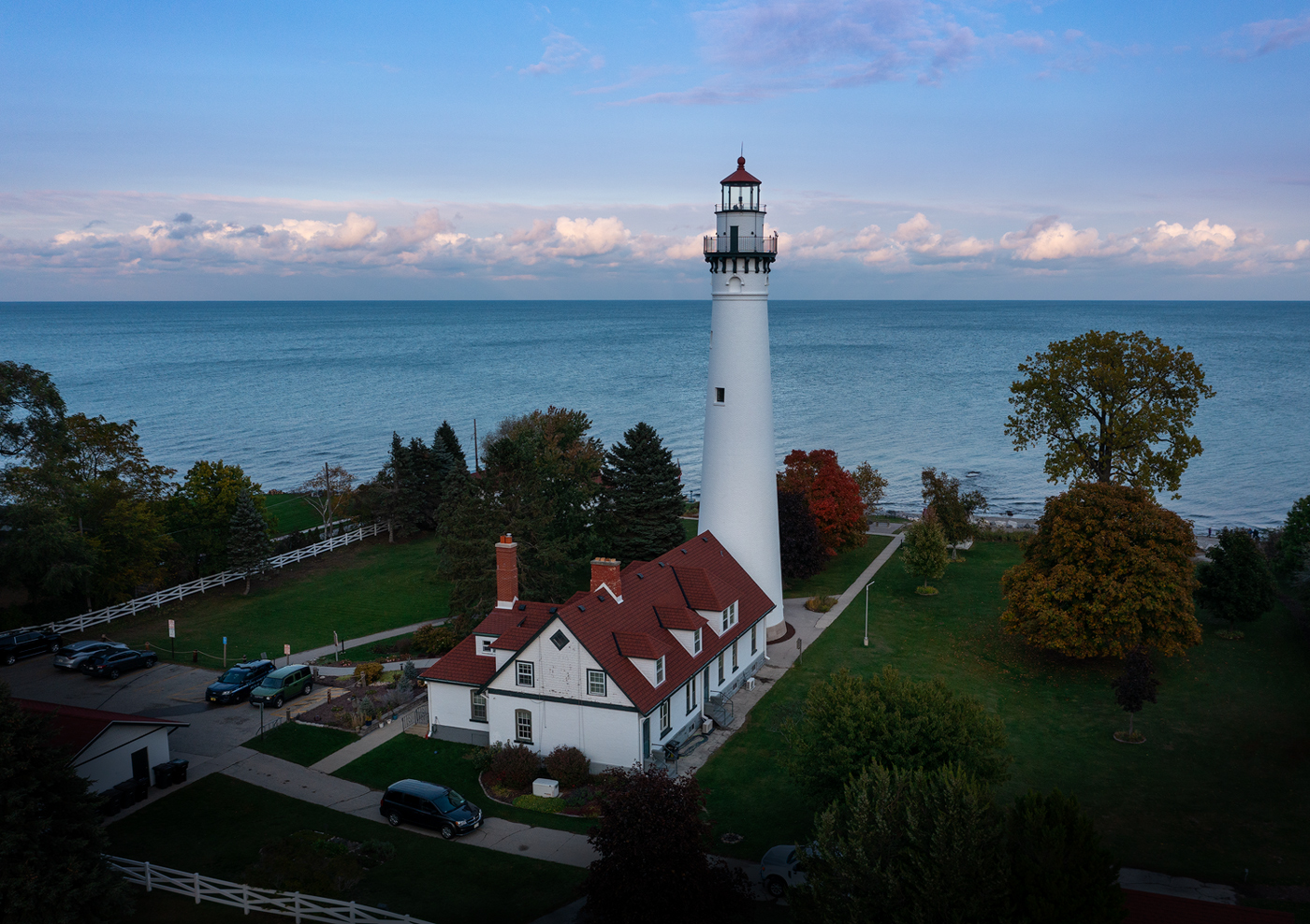
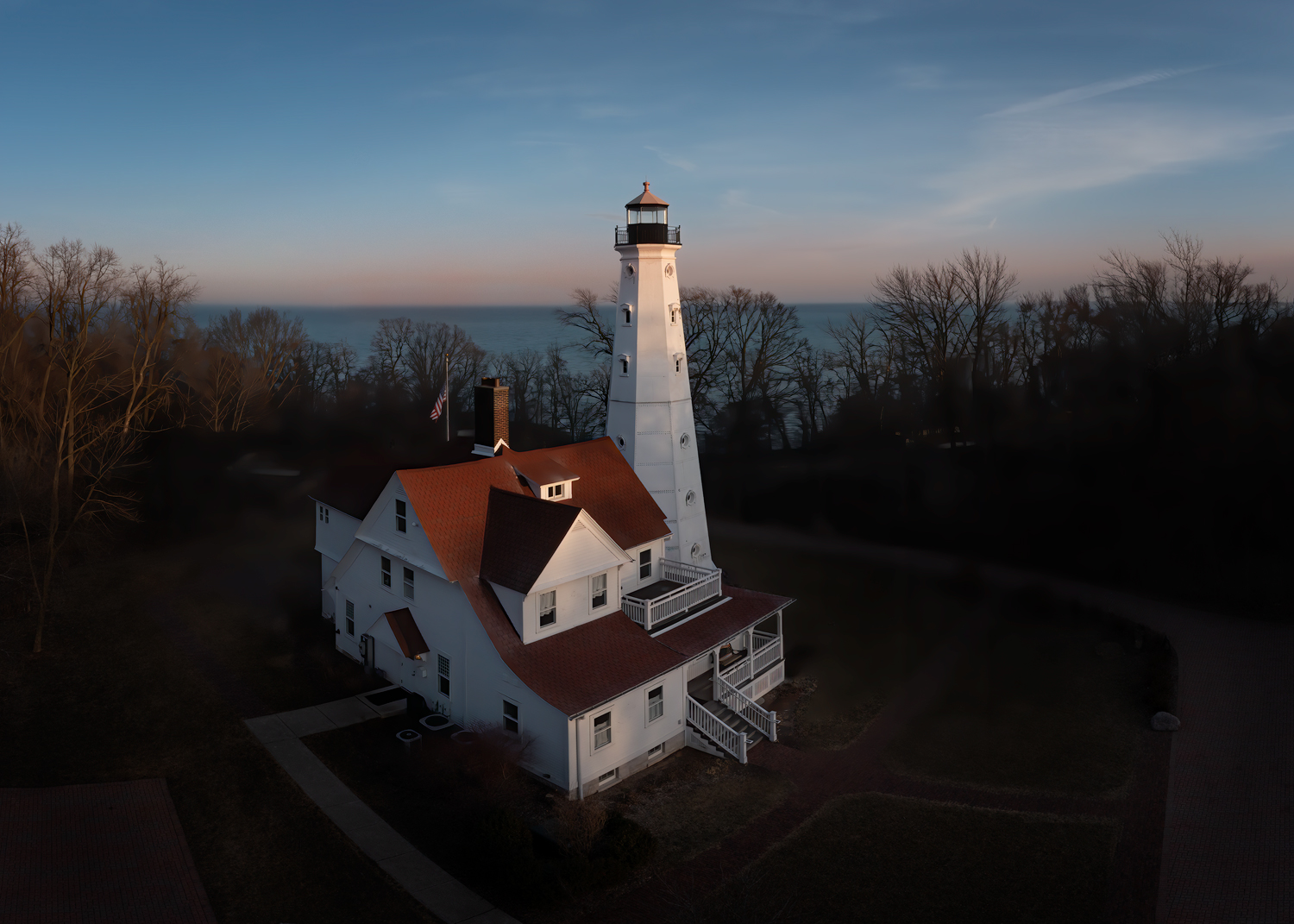
I did, however, not at the end of the road. I took one very close to the lighthouse with the sun in the background, so it was silhouette. |
Jul 8th |
| 85 |
Jul 22 |
Reply |
Thanks Bev. I don't normally do sky replacements on my images (although I have done a few I don't include those images in my portfolio, and I am always up front about having done it). Not that I have a problem with it, it is just something I don't do.
I think the blue color has changed the ambiance of the picture a bit. If I did replace the sky I would look for one that had some morning or evening colors that would match the colors already in the picture. |
Jul 6th |
| 85 |
Jul 22 |
Reply |
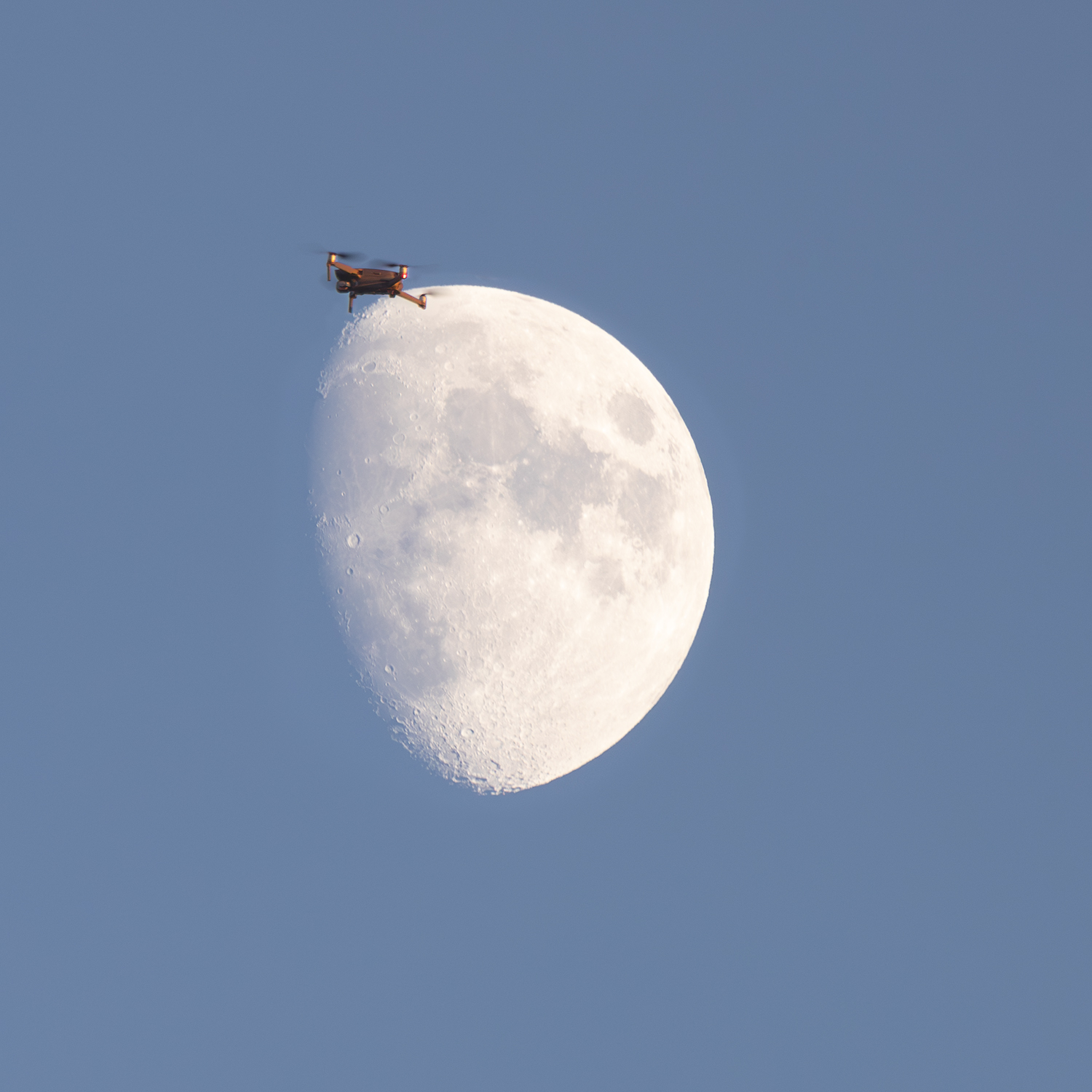
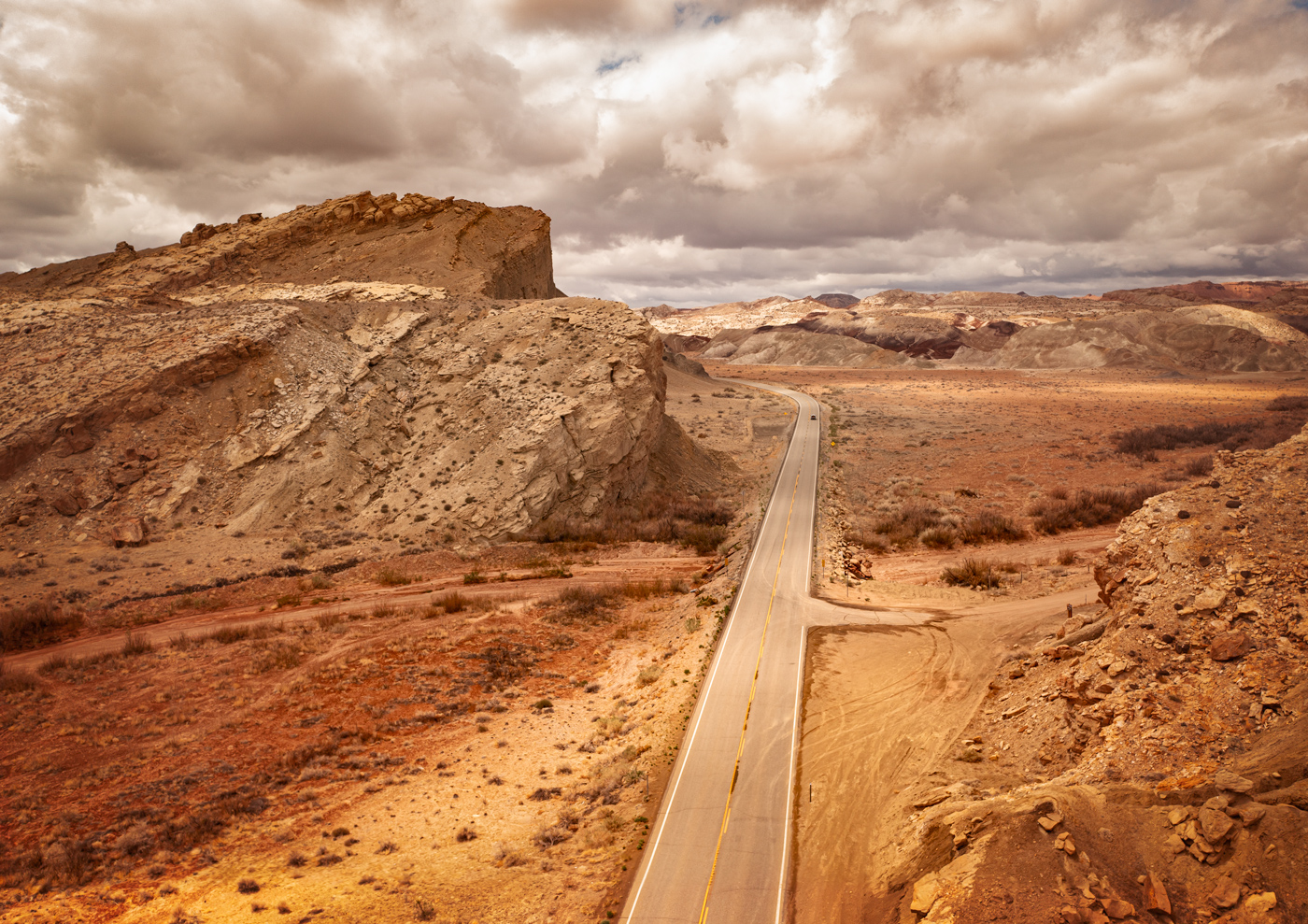
Thanks, Janos. We did manage to avoid hitting each other! :) Although I don't think there was much chance of that.
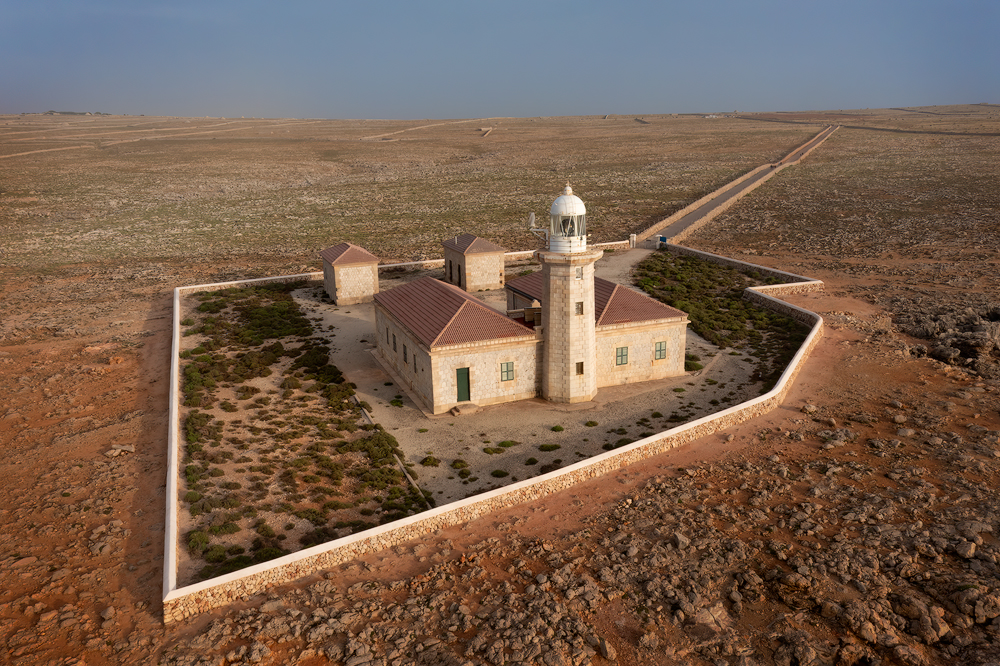
I kind of wish I had more of the rocks at the bottom, perhaps even with the water visible, and less of the sky. I will look through my images to see if I can create that. I did quite a few panorama shots. |
Jul 6th |
| 85 |
Jul 22 |
Reply |
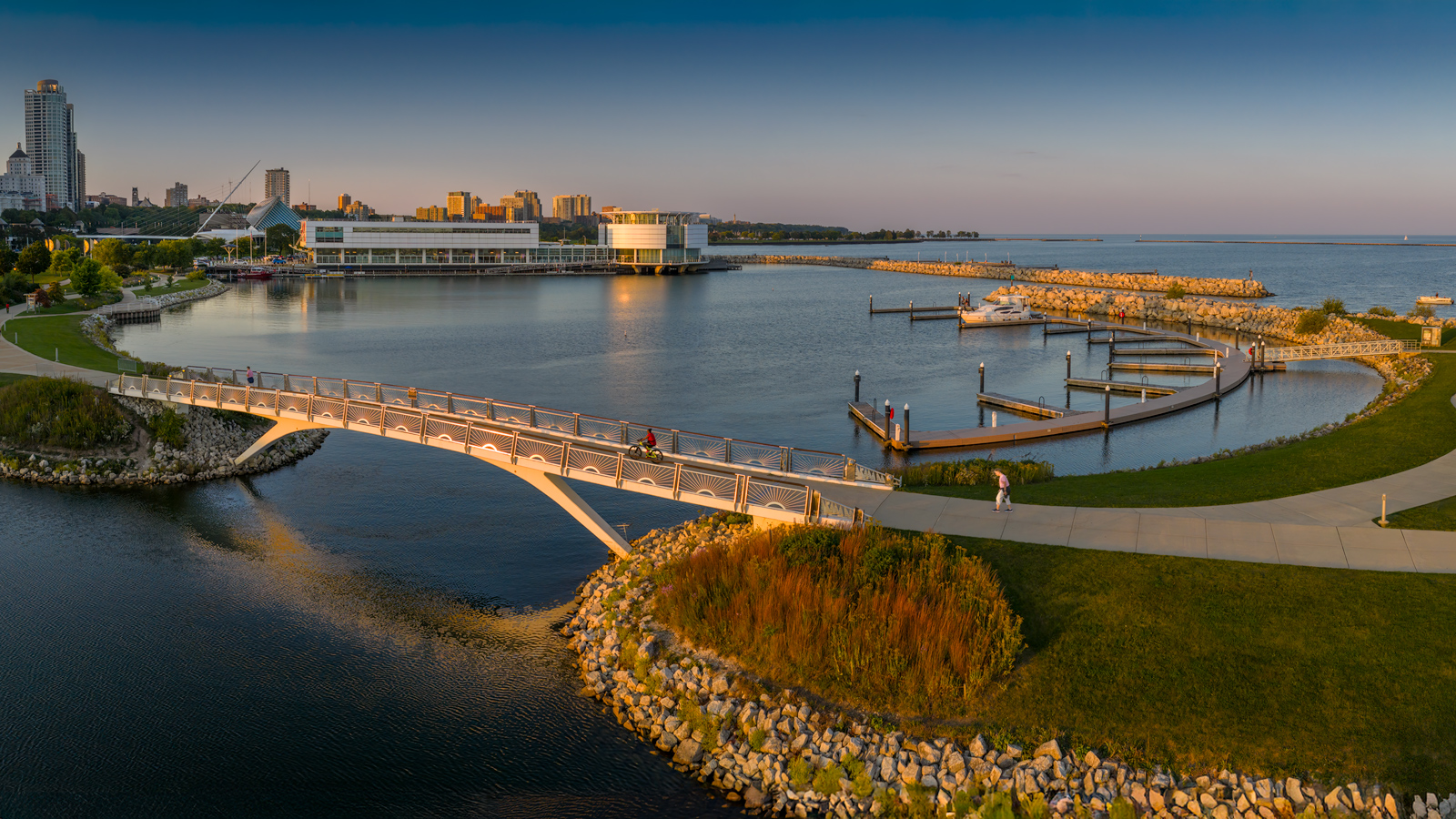
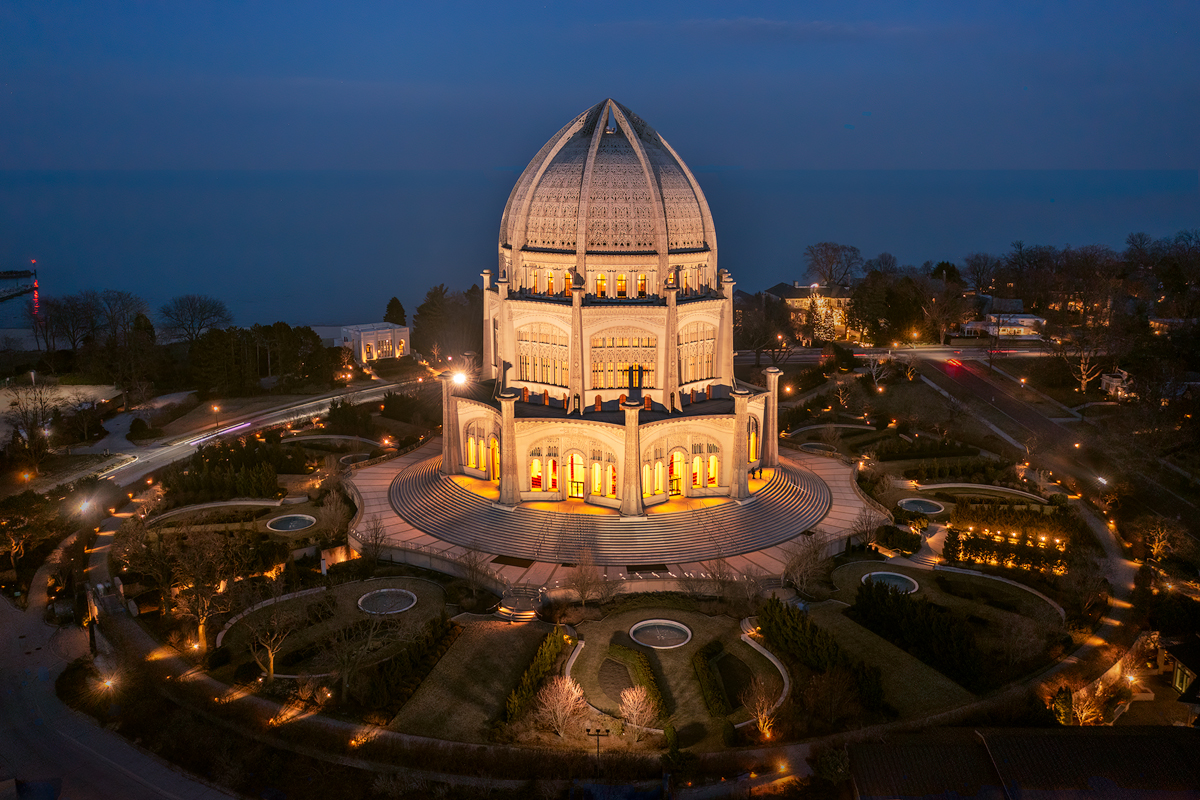
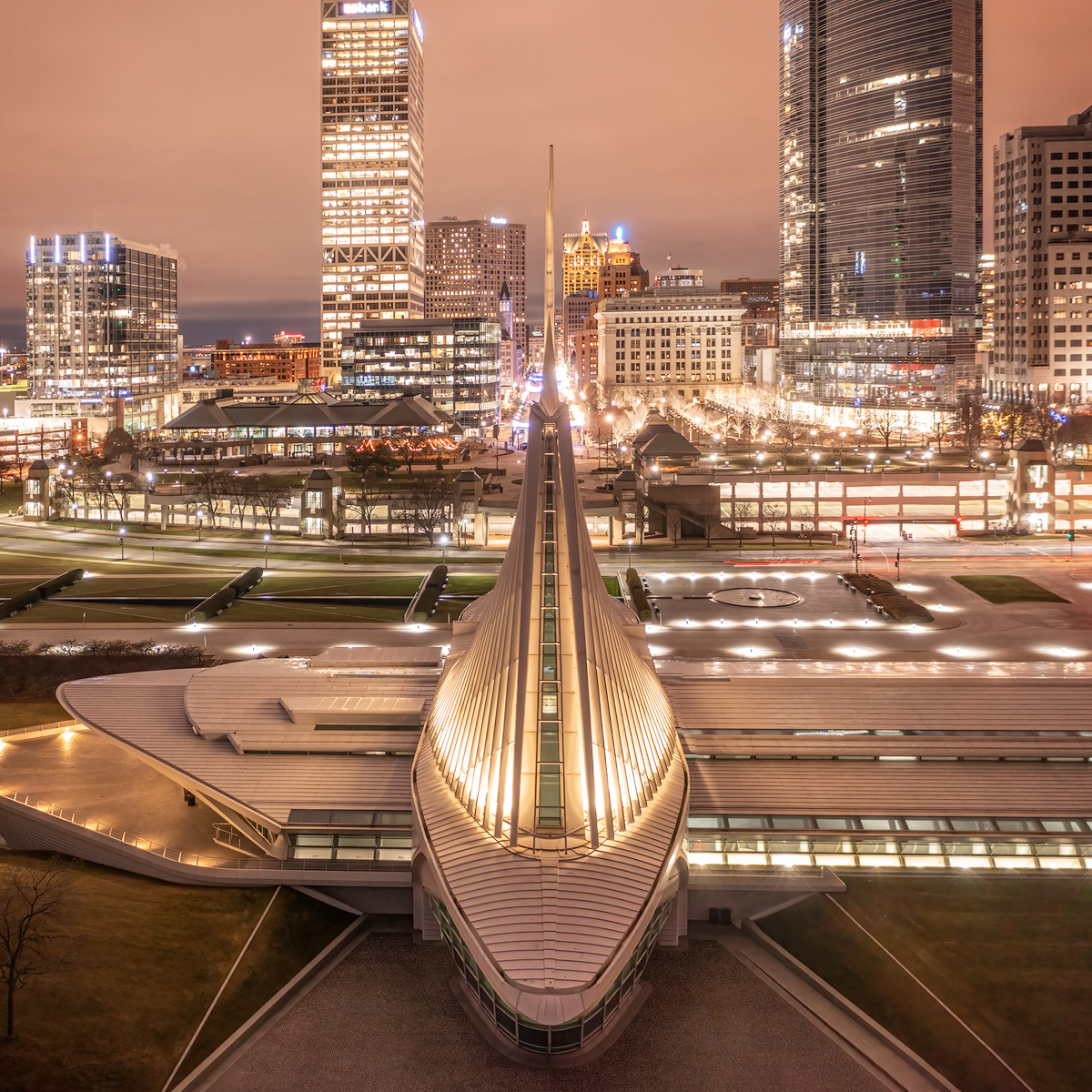
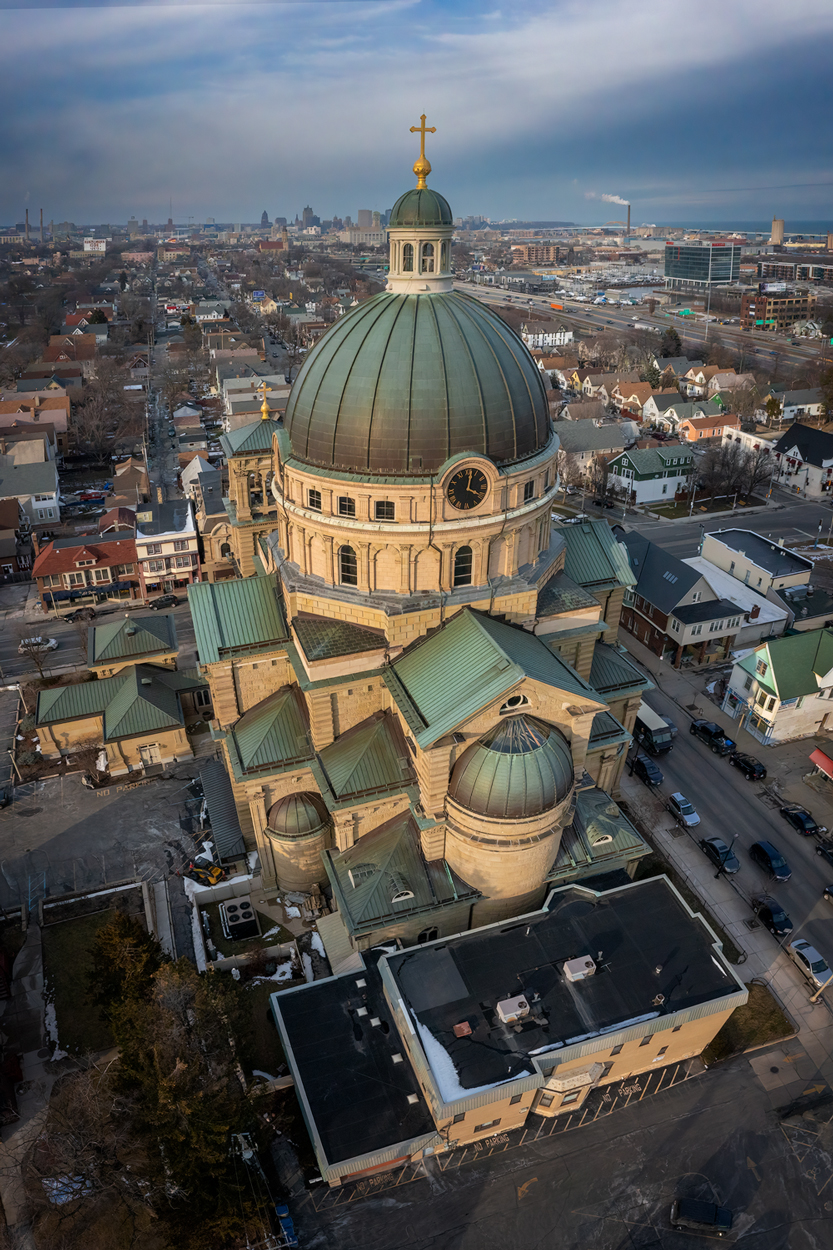
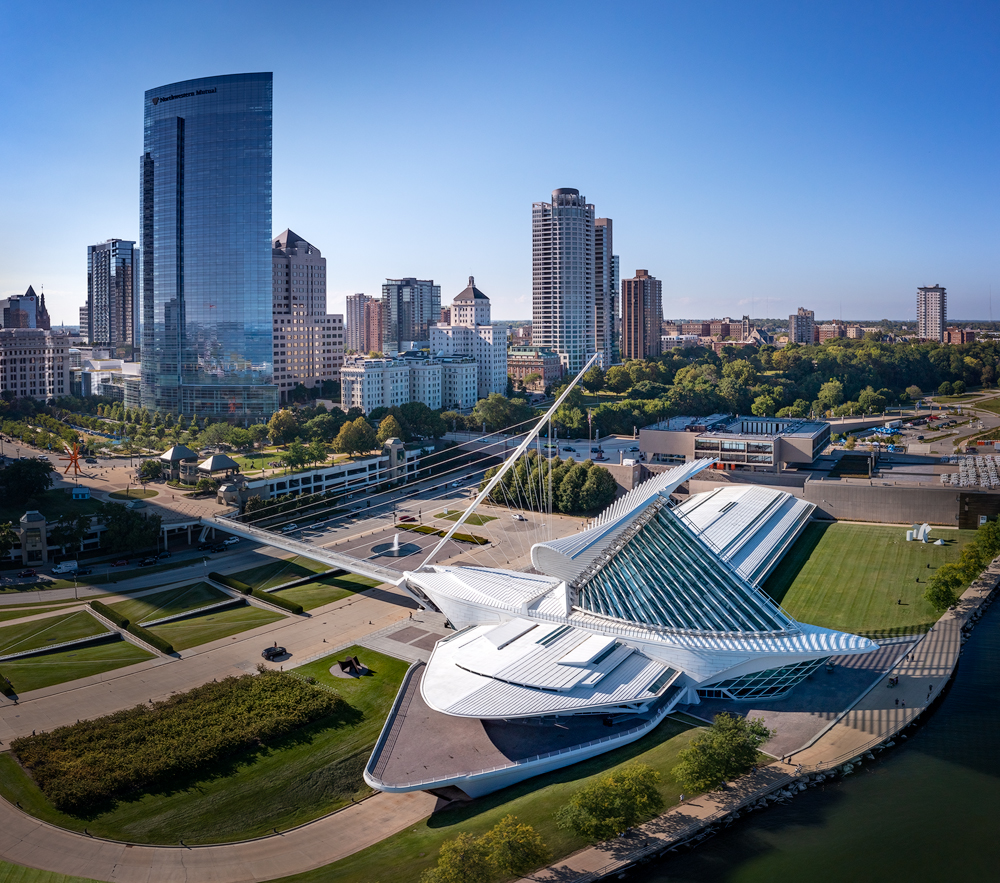
Thanks, Lou. The image does look a little soft when enlarged in my browser... I see what you mean. It is either the enlargement of a lower resolution image, or the website reducing the resolution. The original was tack sharp (it was pretty sharp to begin with, but I also used Topaz Sharpen AI to sharpen up the building even more). Such is the life of uploading images to websites!
I agree with you about the leading line leading out of the picture. I did like that the whole structure reminded me of an arrow, pointing to the lower left of the picture. But I guess the eye will follow it up towards the horizon too. |
Jul 4th |
| 85 |
Jul 22 |
Comment |
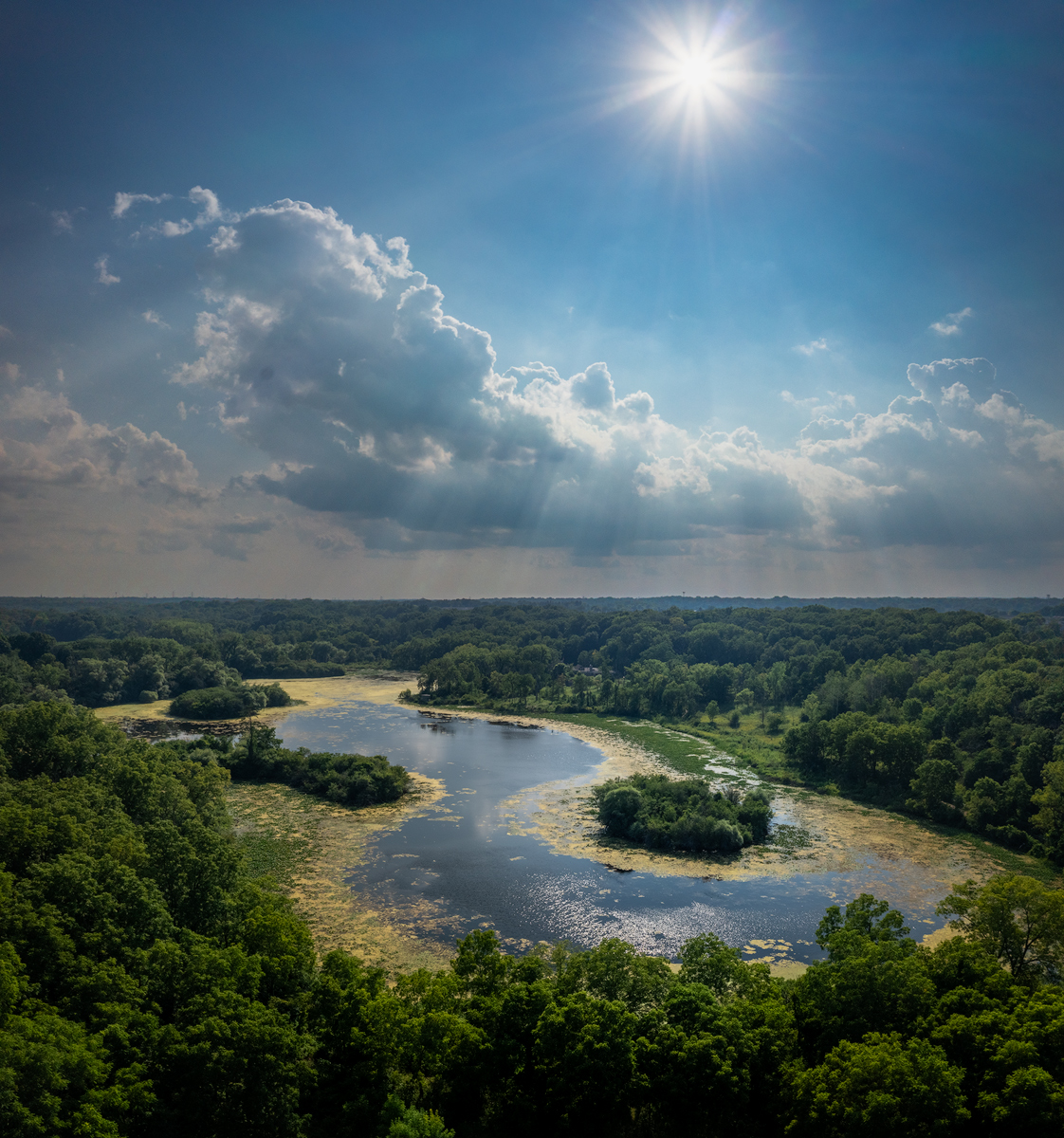
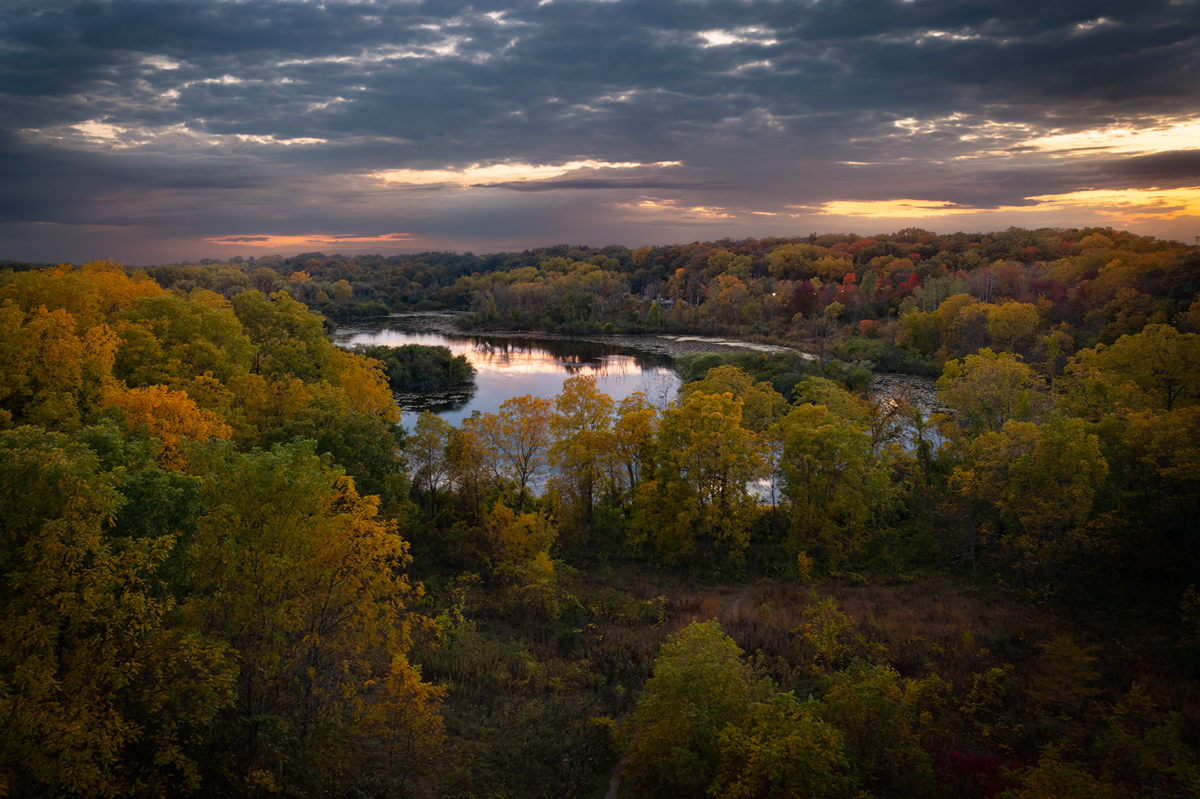
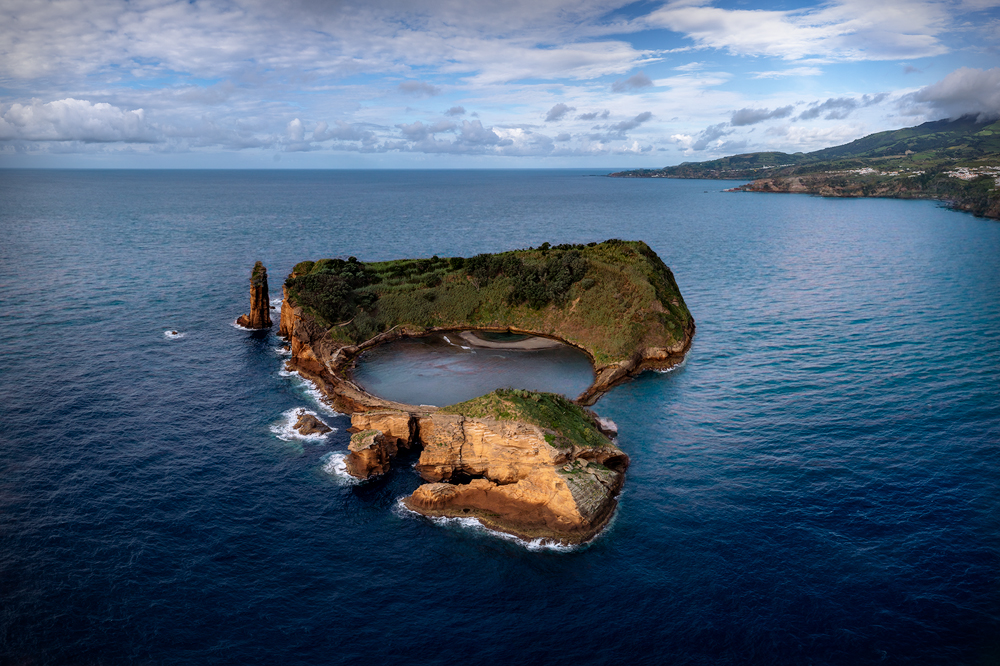
Hi Janos! I was here last fall, and have some fun images of this little lake on São Miguel island. The colors are nice, and you almost have a reflection of the clouds in the lake! Nice job and not a lot I can say, although I would recommend you try and darken the lower right half of the image a little to balance out the brightness. You can use a radial gradient from the lower right up to about the middle of the picture and reduce the exposure a little. That way, the brighter trees there would not tend to draw the eye away from the lake, which is your subject. I might kick up the contrast a notch too (but I would have to see how it looks). |
Jul 4th |
| 85 |
Jul 22 |
Comment |
Hi Lou. I like how the shadows of the trees frame the top half of the picture, and there is a nice symmetry between the sand traps and the golfers on the green in the middle. I think the road in the upper right is a bit distracting, as well as the golf cart, although those two bright spots do seem to balance each other out somewhat. Perhaps darkening them down a bit, especially in the brighter parts, would reduce the distractions. I also think the whole image could be darkened a bit, you would see more texture. You are losing a lot of detail in the sand, as well as the green. Green is always a difficult color to adjust, but I think if it was a little darker the picture might show more depth. |
Jul 4th |
| 85 |
Jul 22 |
Comment |
Hi Pete. Good choice in converting this to b&w. It certainly enhances the textures in the rocks and the clouds, and makes that interesting cloud a larger part of the subject, with the leading lines in the rocks all leading up to your subject. Well done! I'm wondering if it would improve it to lighten it a little so there are more whites in the picture with a wider tonal range (I would have to experiment with that to judge whether it helps or not). The crop on the right also helped. Good job! |
Jul 4th |
| 85 |
Jul 22 |
Comment |
Hi Lisa. What a fun shot! What I like about this shot is the low angle. You don't have to be high up or directly overhead to get good drone shots. When I got my drone, I envisioned shots where I couldn't quite get the shot from ground level and wanted to be up 5 or 10 feet, or more. While there are some interesting shots from a very high angle, we mustn't think it always has to be that way!
Having said that, I think we also need to remember that the same rules for photography apply to drone shots. Because this is a documentary style shot leniency is allowed, of course. But I think it would be better without the water-fountain post in the lower left and the cellphone photographer on the right. I think zooming in closer to the action might have made a better photo. Perhaps this still image can be cropped a bit to center in on the action! |
Jul 4th |
4 comments - 6 replies for Group 85
|
4 comments - 6 replies Total
|