|
| Group |
Round |
C/R |
Comment |
Date |
Image |
| 49 |
Apr 23 |
Reply |
Sounds great Craig, I hope you do well!! |
Apr 23rd |
| 49 |
Apr 23 |
Reply |
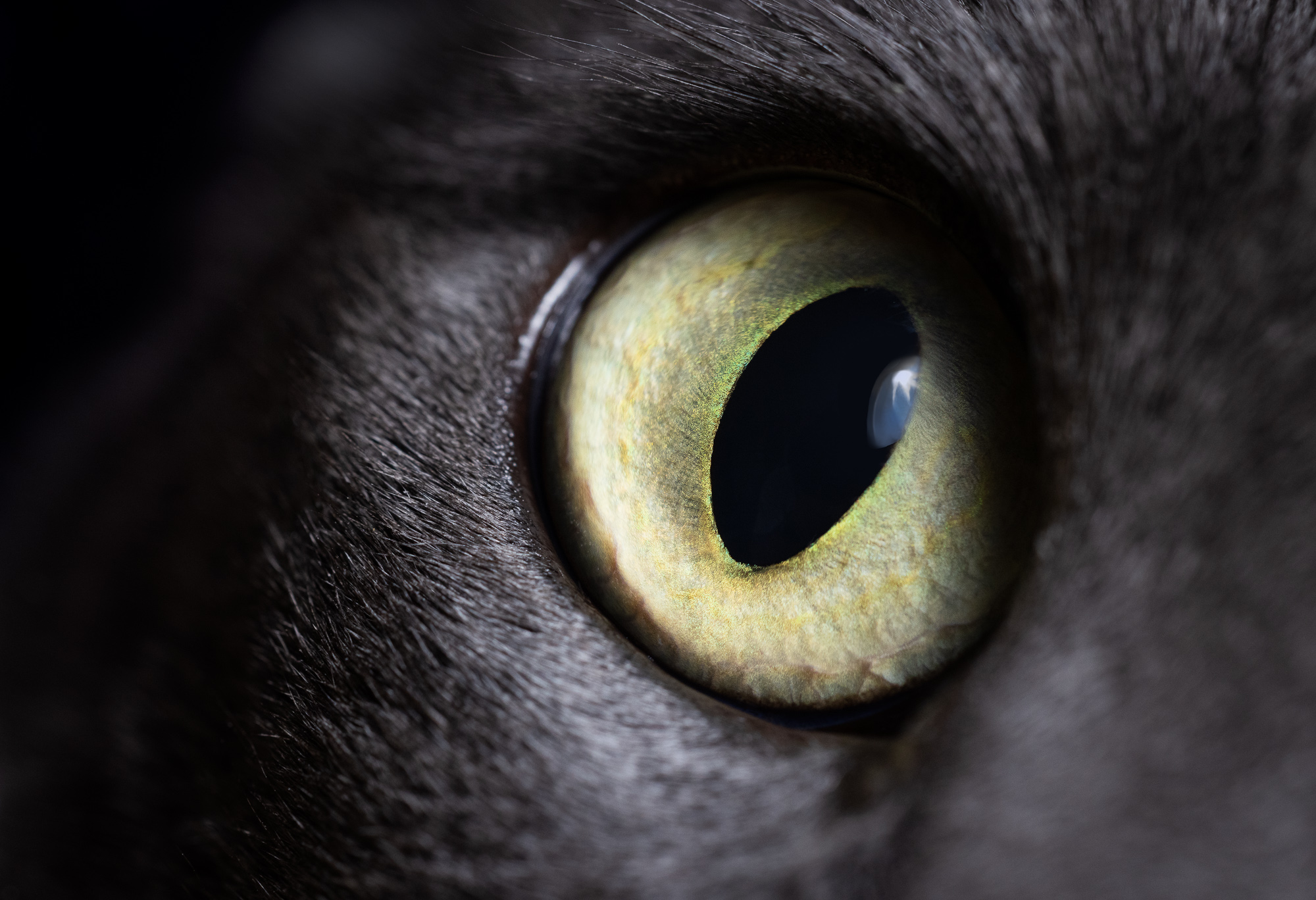
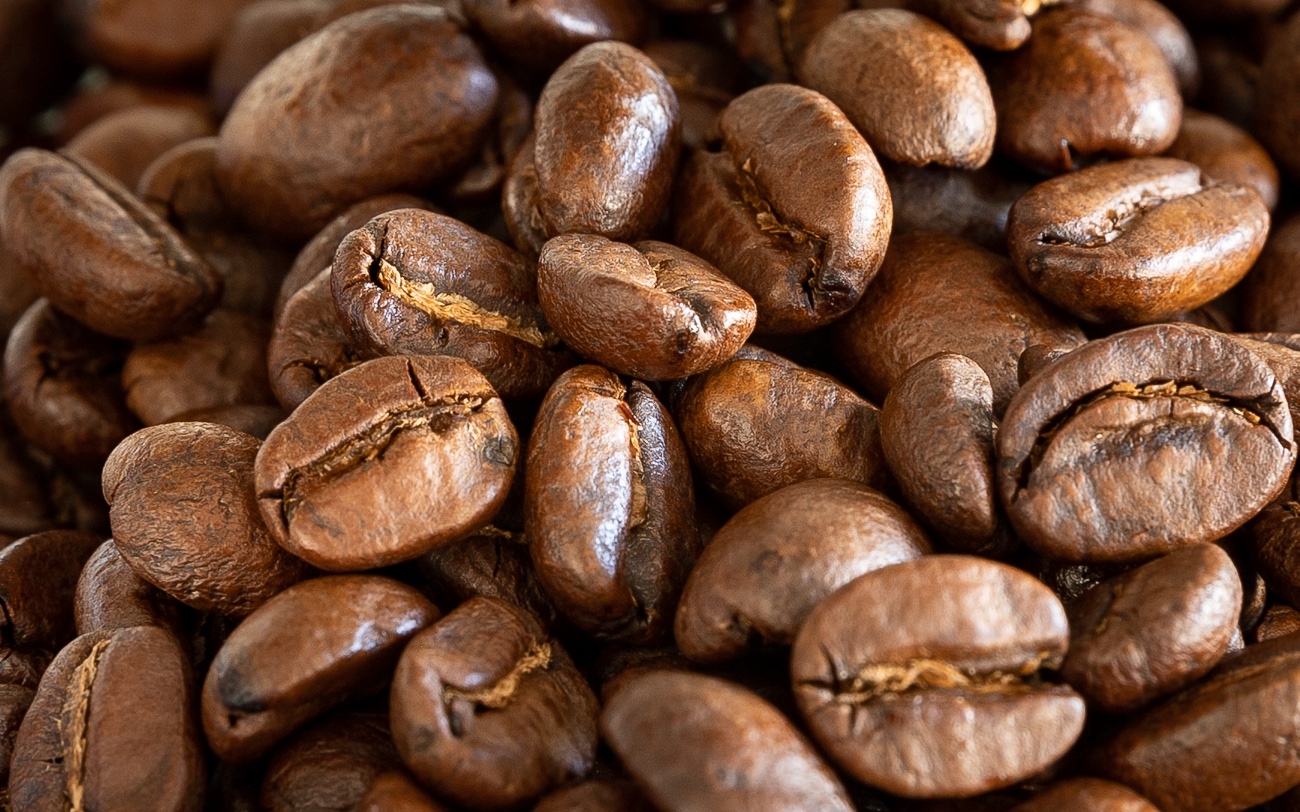
The detail is crazy on these things. My upgrade a year or so back was to the R5 it took me to 45 megapixels from 26 and the sheer amount of data they're able to capture is staggering.
Thanks for the focus suggestion, it wouldn't have occurred to me to start in front of the focus range, but it would definitely ensure you captured everything that way. It looks like the R5 handles the bracketing the same as your Nikon though, you have to define the number of images to capture. If I end up sticking with this, I'll have to look into that Helicon remote. Thanks again! |
Apr 23rd |
| 49 |
Apr 23 |
Comment |
Hotels on Boardwalk AND Park Place, bold move 😉
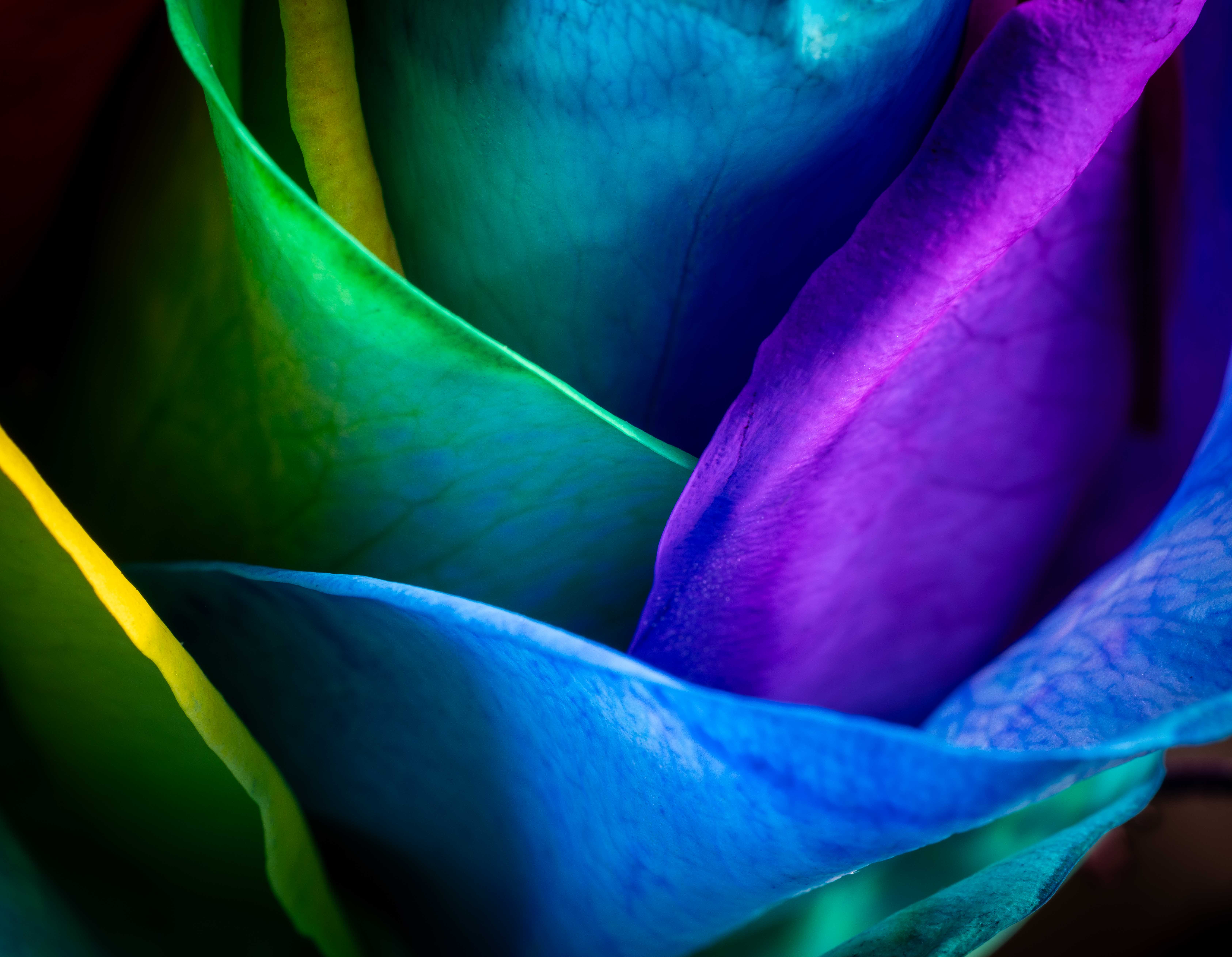
I'm really glad you shared this; I'd head of focus bracketing in passing but never looked into it much. Looks like my camera supports it too, and as I picked up a macro lens not too long ago, I think this is something I should explore further. The front-to-back clear focus of your shot worked well. Thanks for sharing Alan! |
Apr 23rd |
| 49 |
Apr 23 |
Comment |
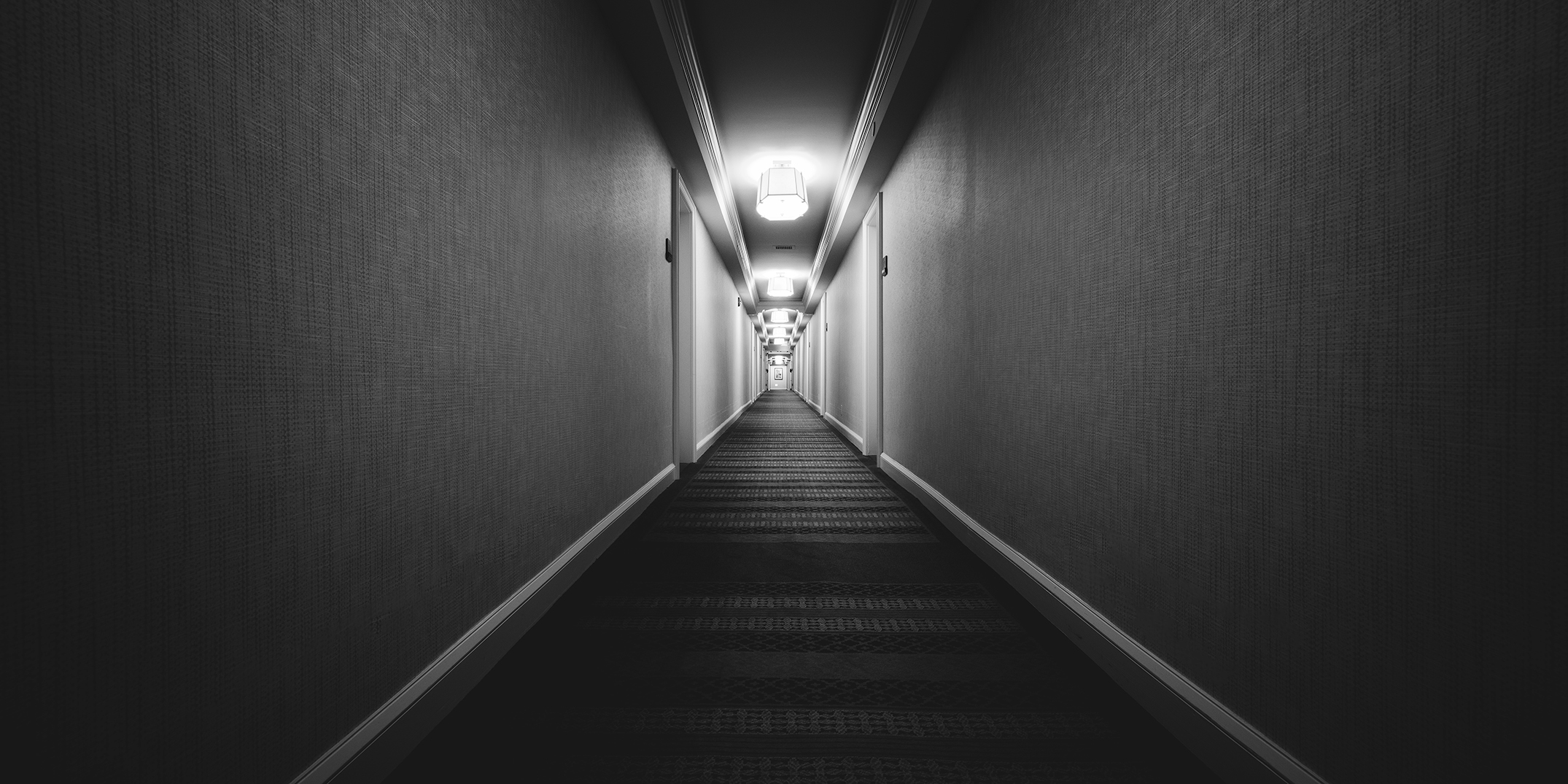
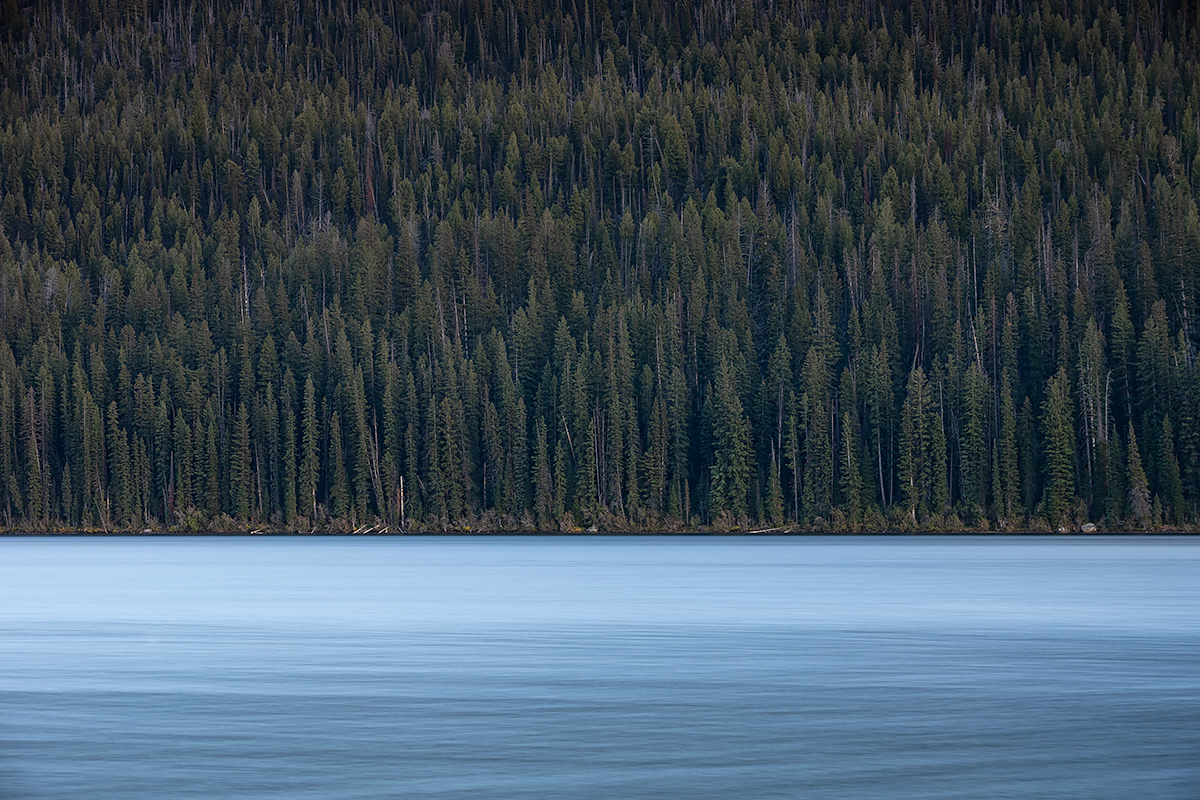
Hi David, I was curious about the settings too - always annoying, I hate it when I do that! At least you came away with something usable though. I don't have a lot to add here. I really like the simplicity of this image and I feel like you added just the right amount of vignette to wrap-up the overall image nicely. |
Apr 23rd |
| 49 |
Apr 23 |
Comment |
This is a fun image Jo-Ann, I really like how it forced me to look at it for a minute to figure out what's going on - definitely not a 3-second scan and you see it all.
My first idea (especially given PSA's site is black to begin with) was to a subtle keyline around your image, so we knew what was your image and what wasn't, but I'm not sure that's the right move either. I think Craig's right, get rid of the white thing above the main model's head and you'd be left with this great mysterious looking fashion shoot. One other idea, can you move the crop out to the right a little, to get the rest of the dress tail? Not a biggie, but it'd be cool if you did, and it didn't throw off your composition. |
Apr 23rd |
| 49 |
Apr 23 |
Comment |
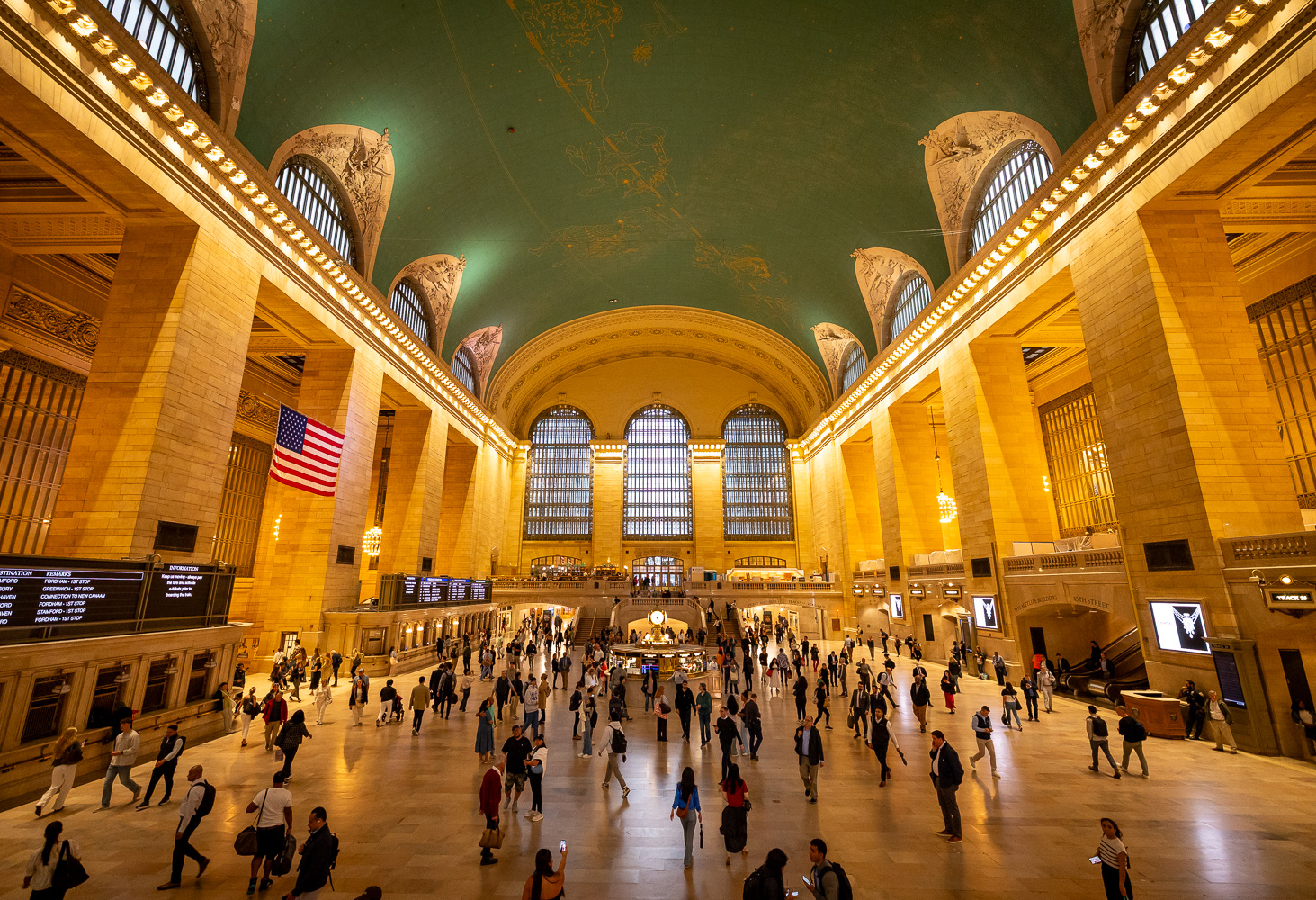
This is great Craig, thanks for sharing. There's a lot to take-in and an enjoy here! I really appreciate how you've covered spectrum from pure white to pure black too, it naturally creates a contrast that makes the image feel very rich, which is appropriate, given the locale. I'm not bothered at all by the photographers either, it can be frustrating when they're in the way, but the way you composed them into the shot works very well.
I only have one suggestion, which may make the difference in a competition. It looks like there are a few 1-pixel sized spots around the image that are pure white, not sure if they're dead/dirty pixels on the sensor, but they'd just take a second to clean up. The double shadow pillar on the left dropping down (towards the viewer) on the left has one. |
Apr 23rd |
| 49 |
Apr 23 |
Comment |
Hi Owen. I'm behind this month, and it seems like Craig, David, and Alan have covered everything that I would have added. |
Apr 23rd |
| 49 |
Apr 23 |
Reply |
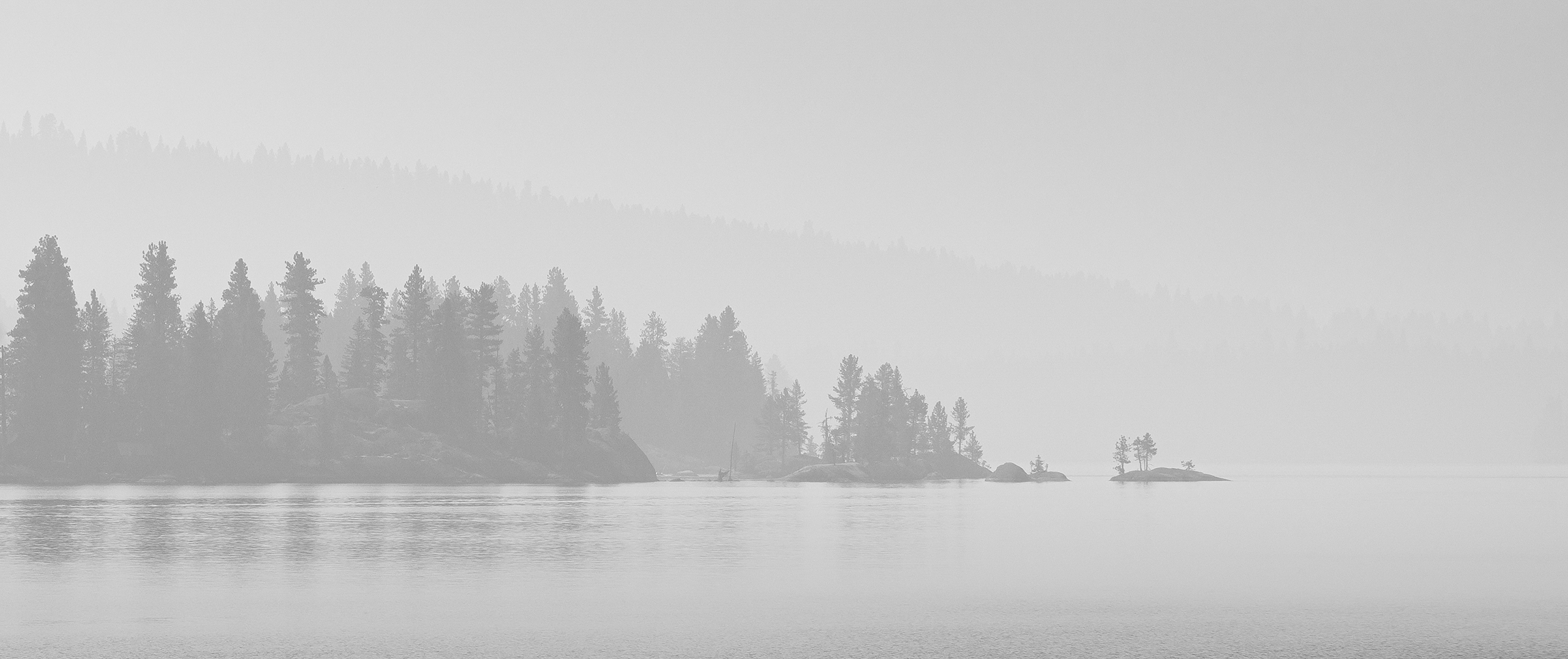
Hi Alan. It's been a while since I originally processed this image, but I think it felt unbalanced with any more taken off the top. It has been a while though, so I'll give it a try again and see. Thank you for the feedback. |
Apr 23rd |
| 49 |
Apr 23 |
Reply |
I think you (and Craig) are right; I'll give it a go! Thanks David. |
Apr 23rd |
| 49 |
Apr 23 |
Reply |
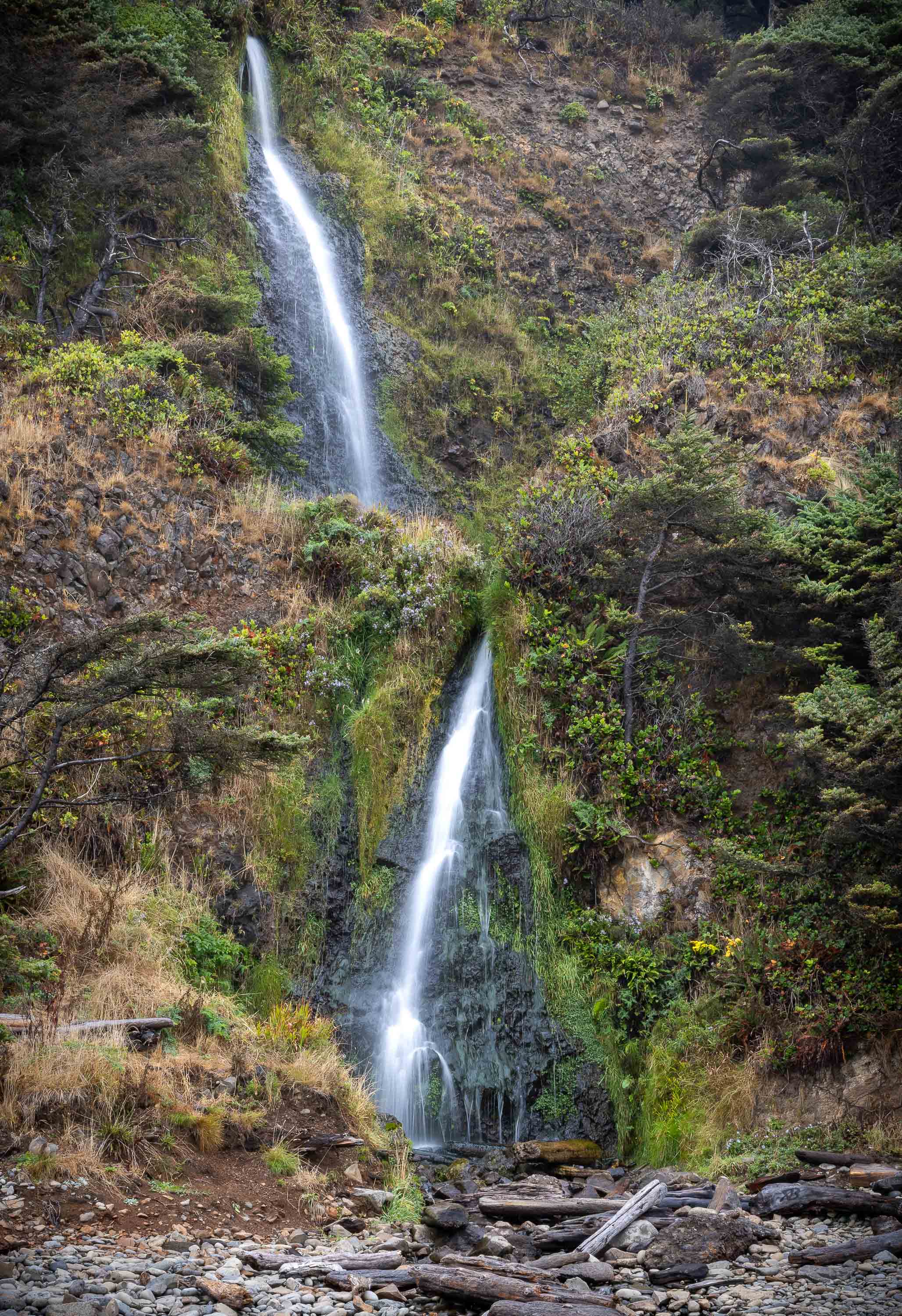
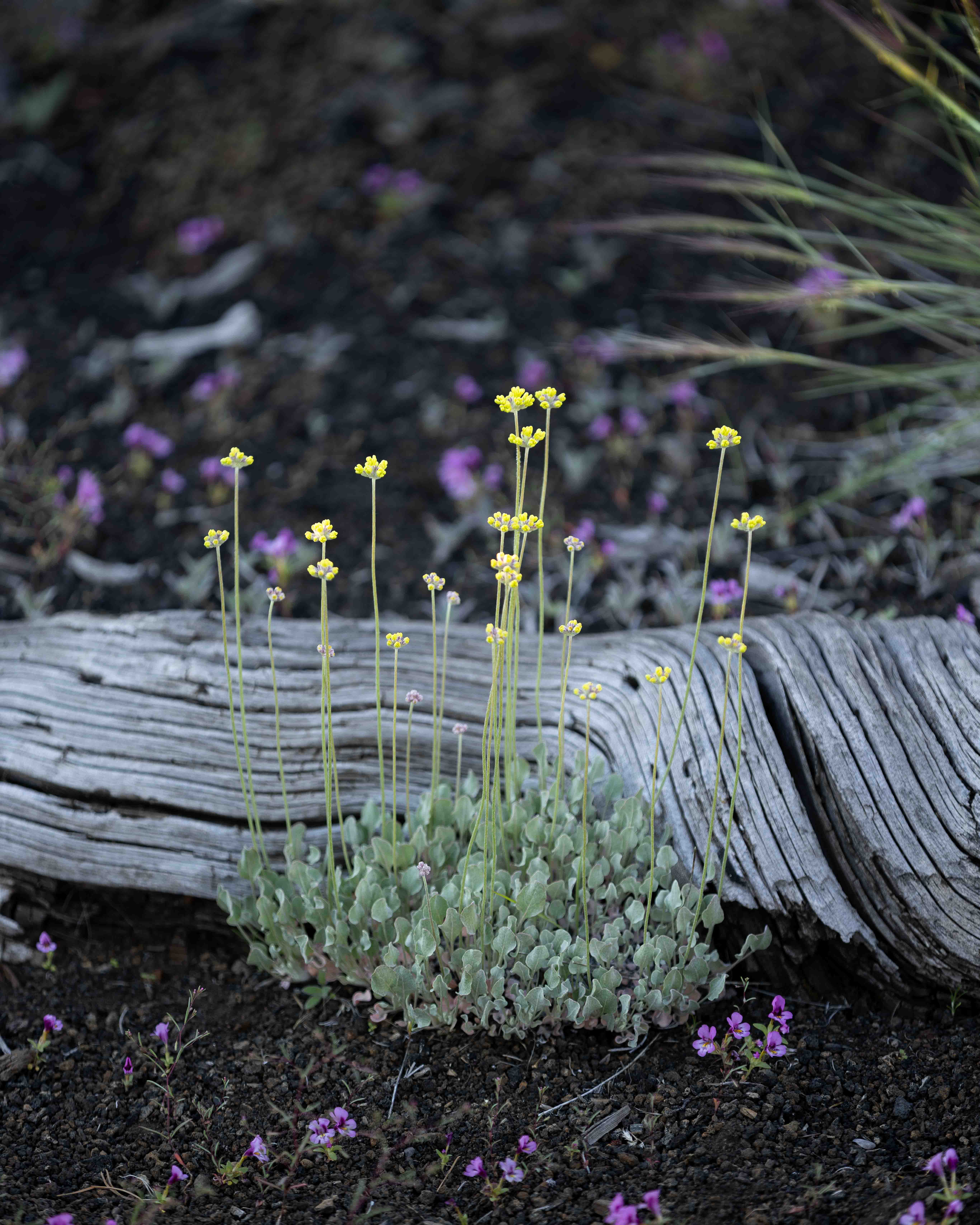
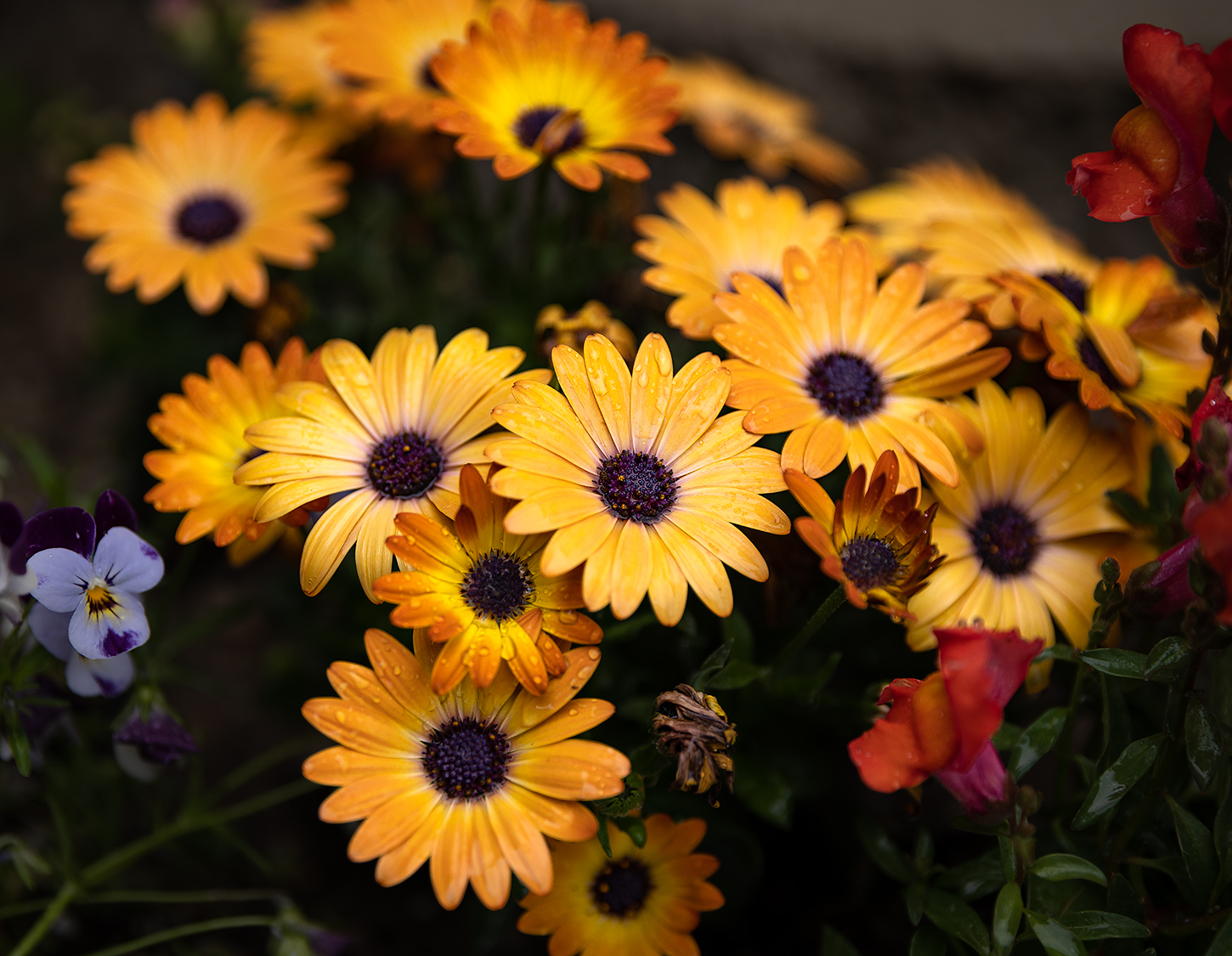
Good morning Craig - thanks for the feedback! Dodging and burning is something that I've never done a lot of but have been making an effort to incorporate into my processing more-and-more. I think you're right that deemphasizing the log would help keep the focus of the image on the flowers - probably increase the amount of vignette on the overall image as well. |
Apr 23rd |
5 comments - 5 replies for Group 49
|
5 comments - 5 replies Total
|