|
| Group |
Round |
C/R |
Comment |
Date |
Image |
| 31 |
Oct 22 |
Reply |
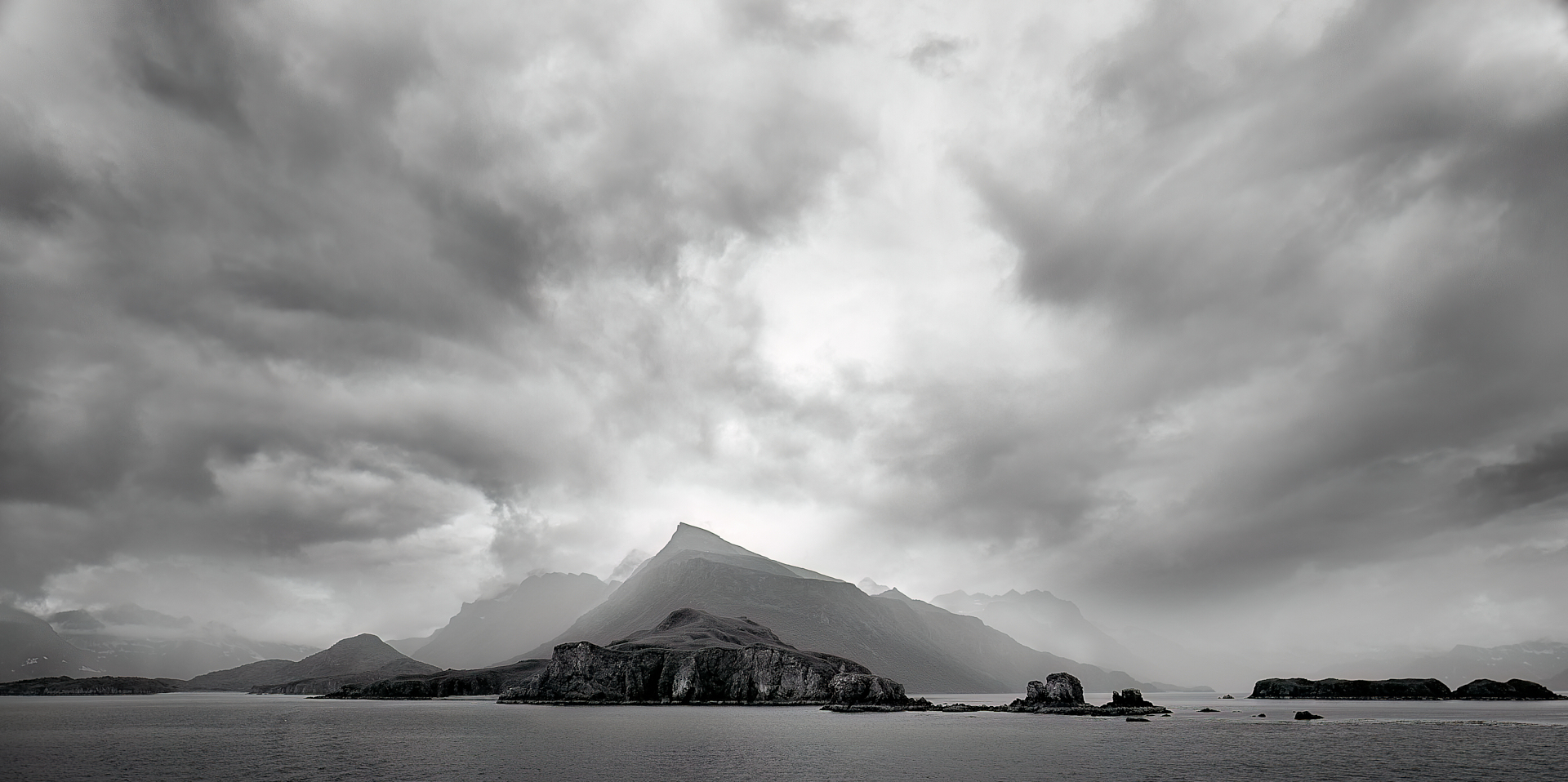
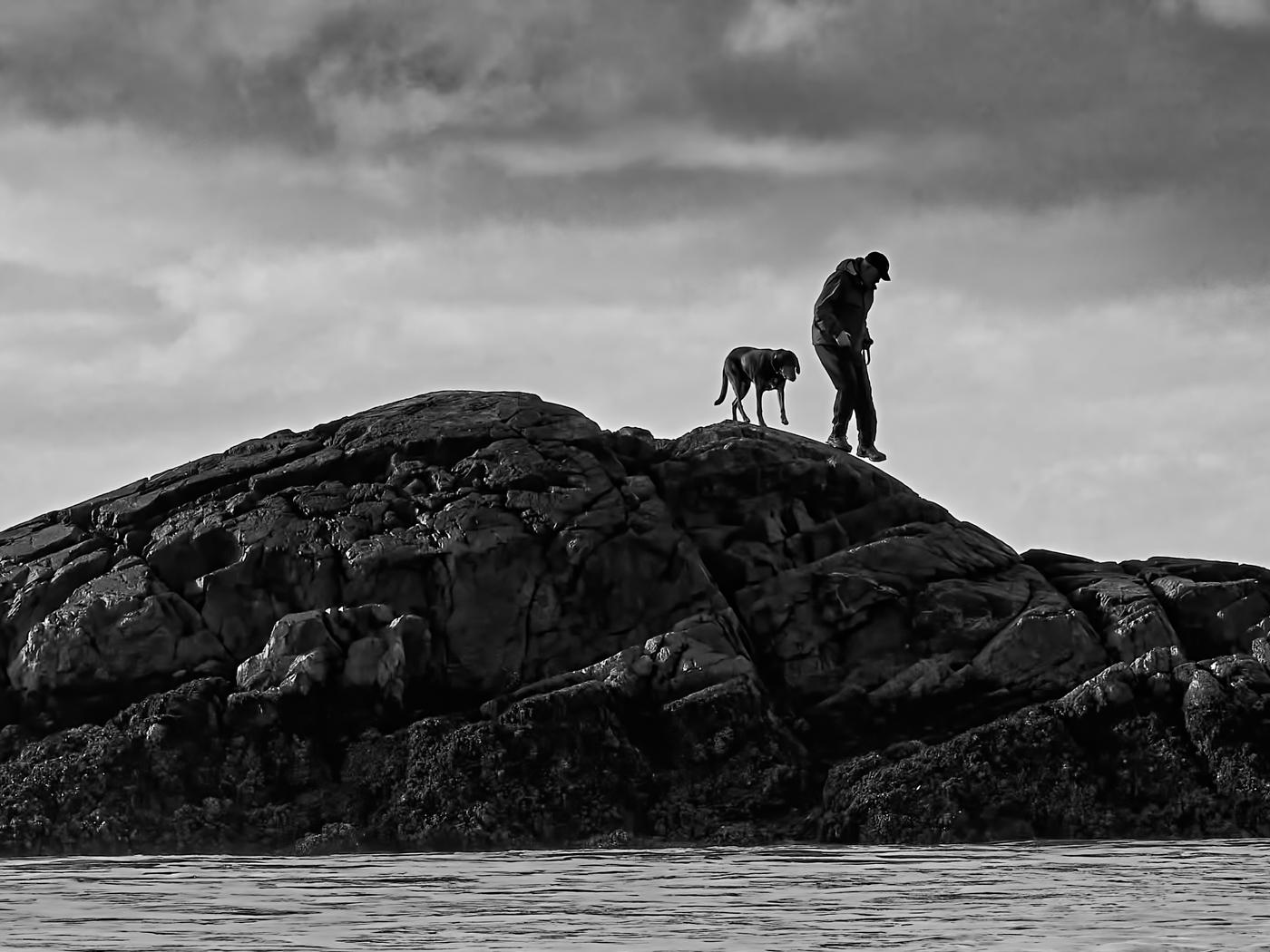
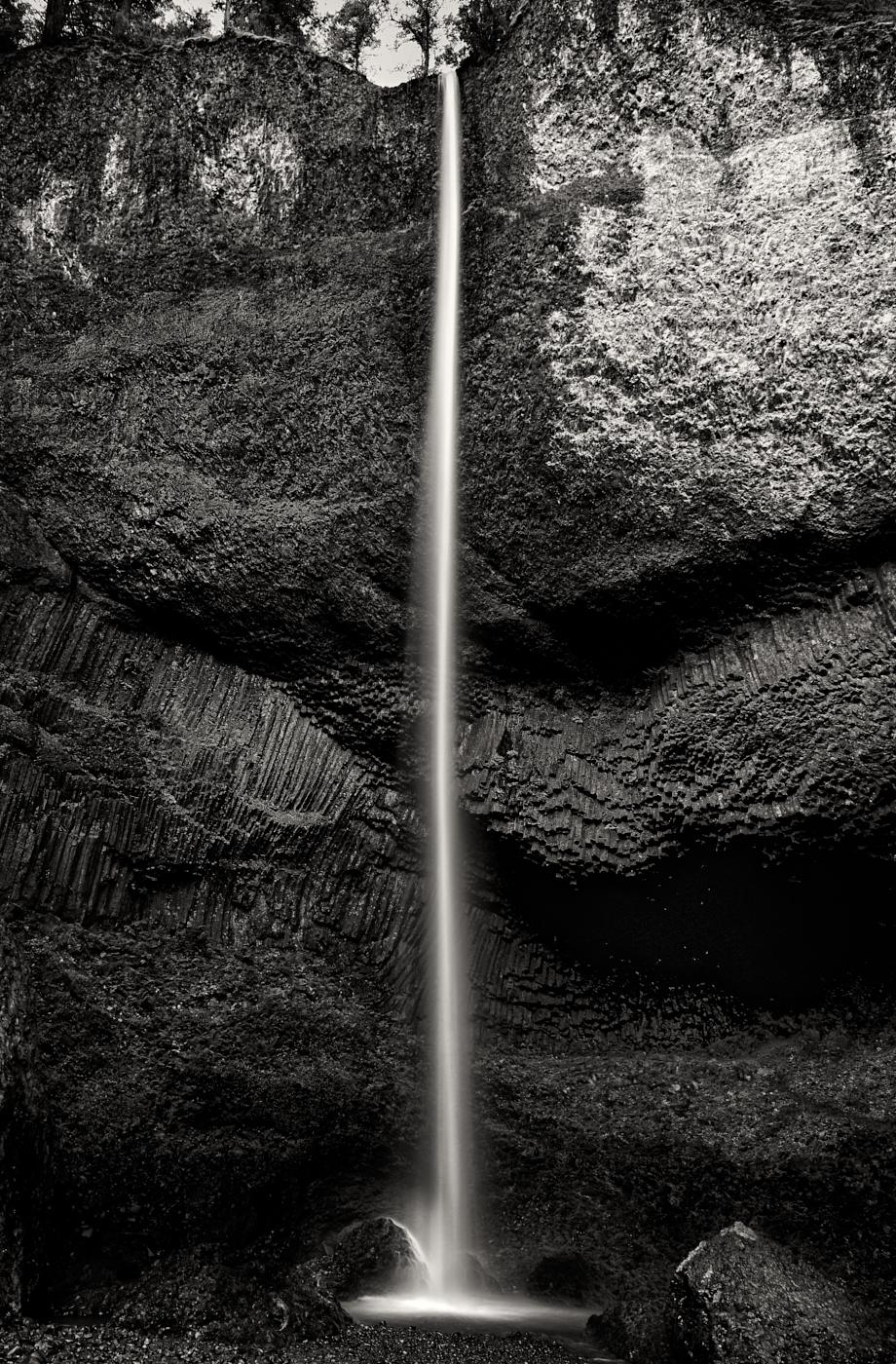
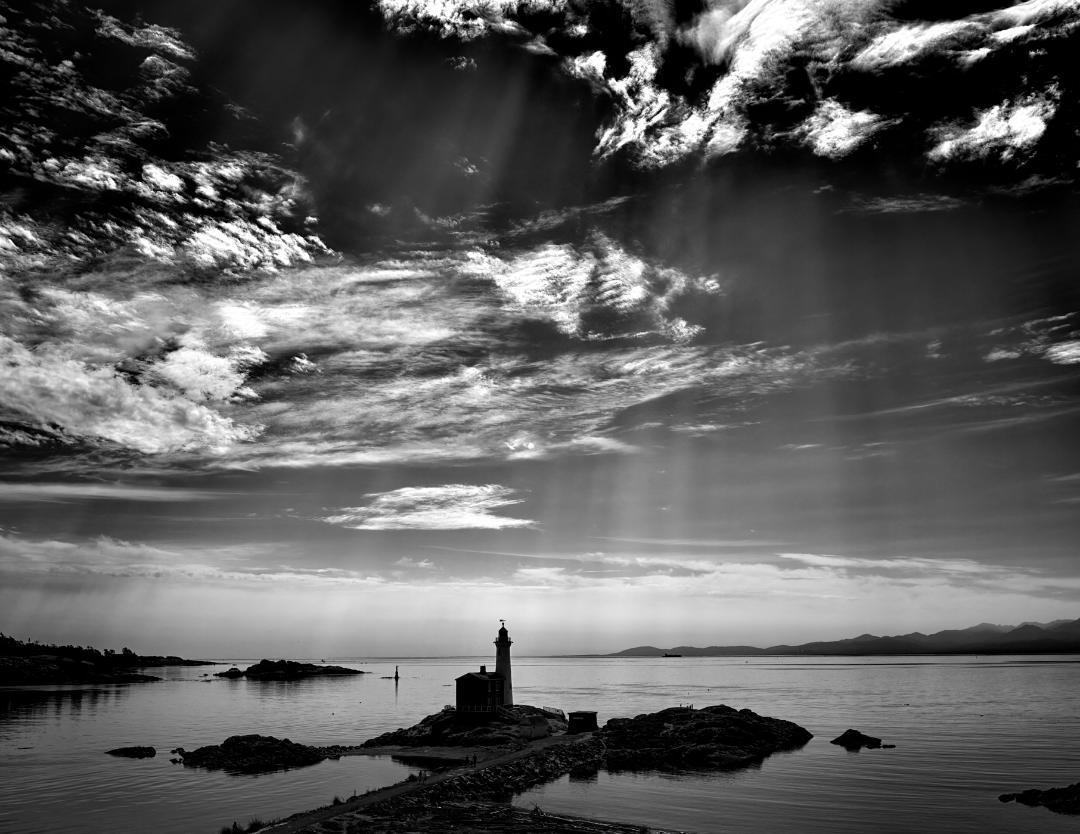
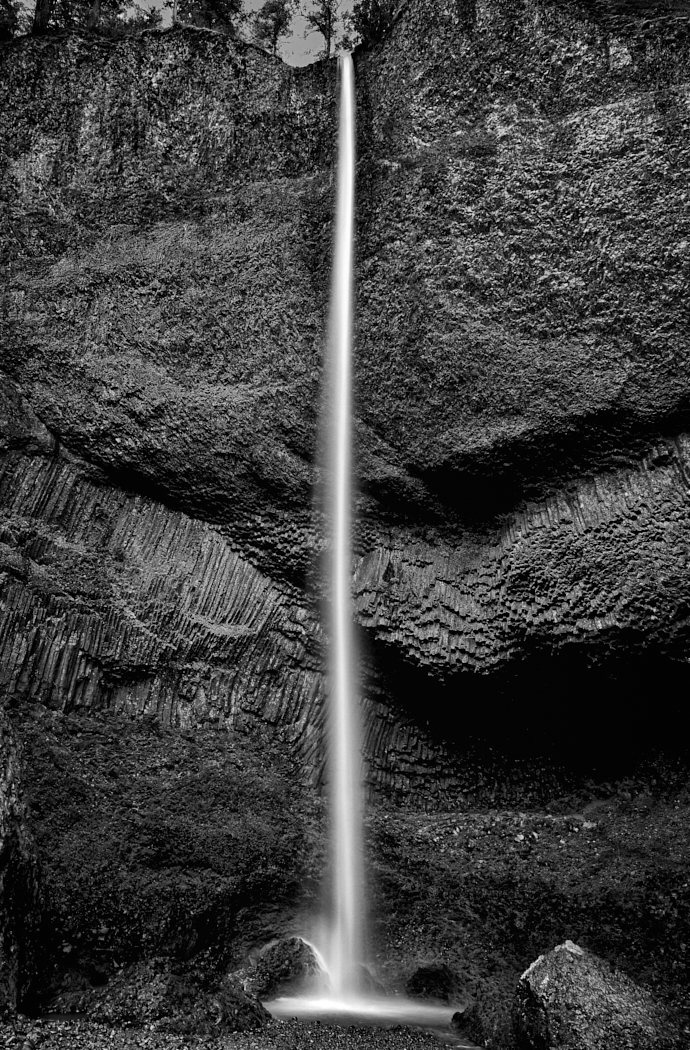
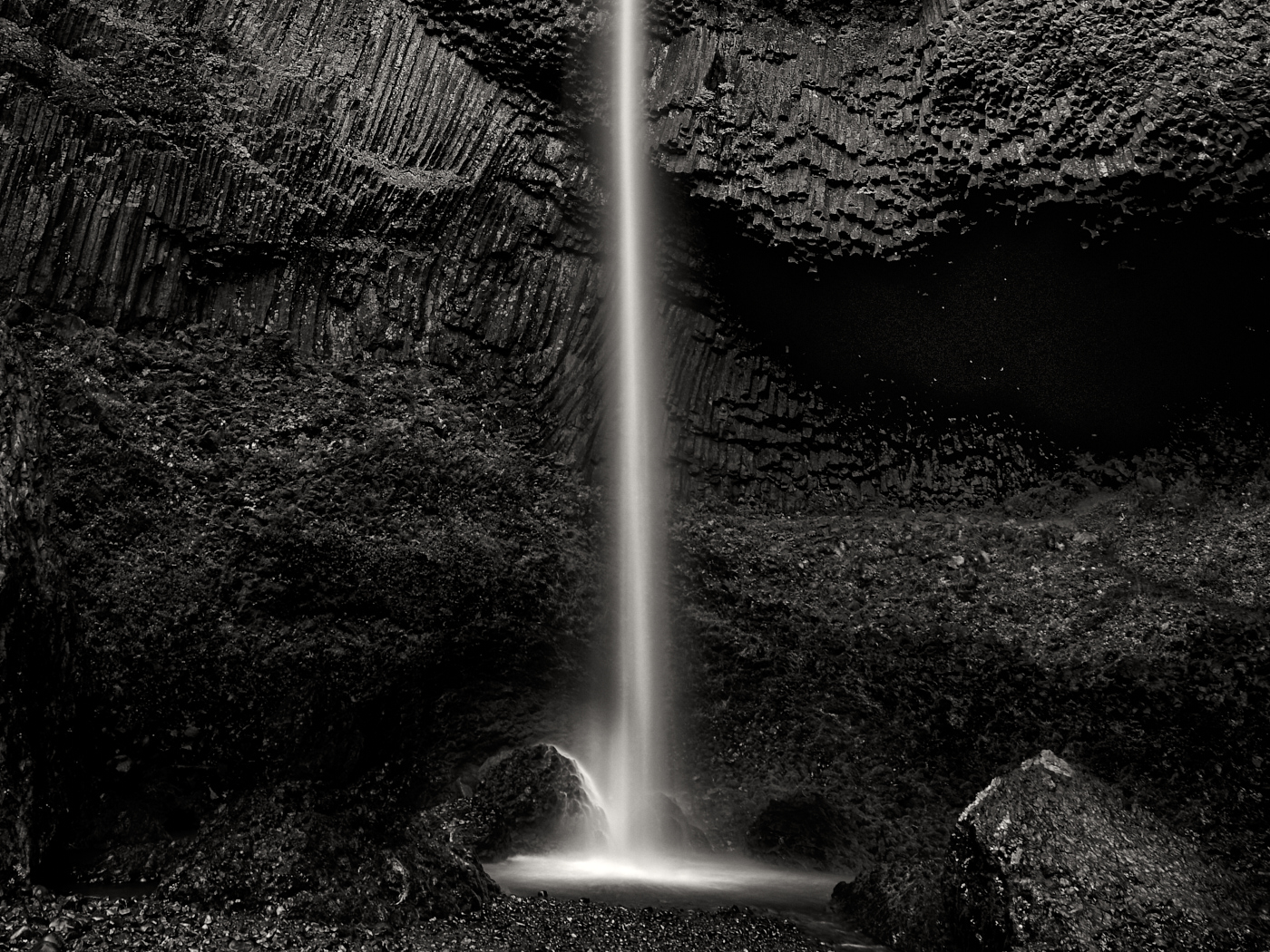
Thank you everyone for your feedback. The brighter spot on upper point of the picture is a yellow moss. I concede it draws the eye too much in B&W so I eliminated it and in doing so I bought emphasis back to the basalt rock |
Oct 15th |
 |
| 31 |
Oct 22 |
Comment |
Hi Ella
An impactful image. Recommend a further darkening of the background and if you plan to print it, then I would increase the exposure on the butterfly by about 1/3 of a stop to achieve your whites |
Oct 15th |
| 31 |
Oct 22 |
Comment |
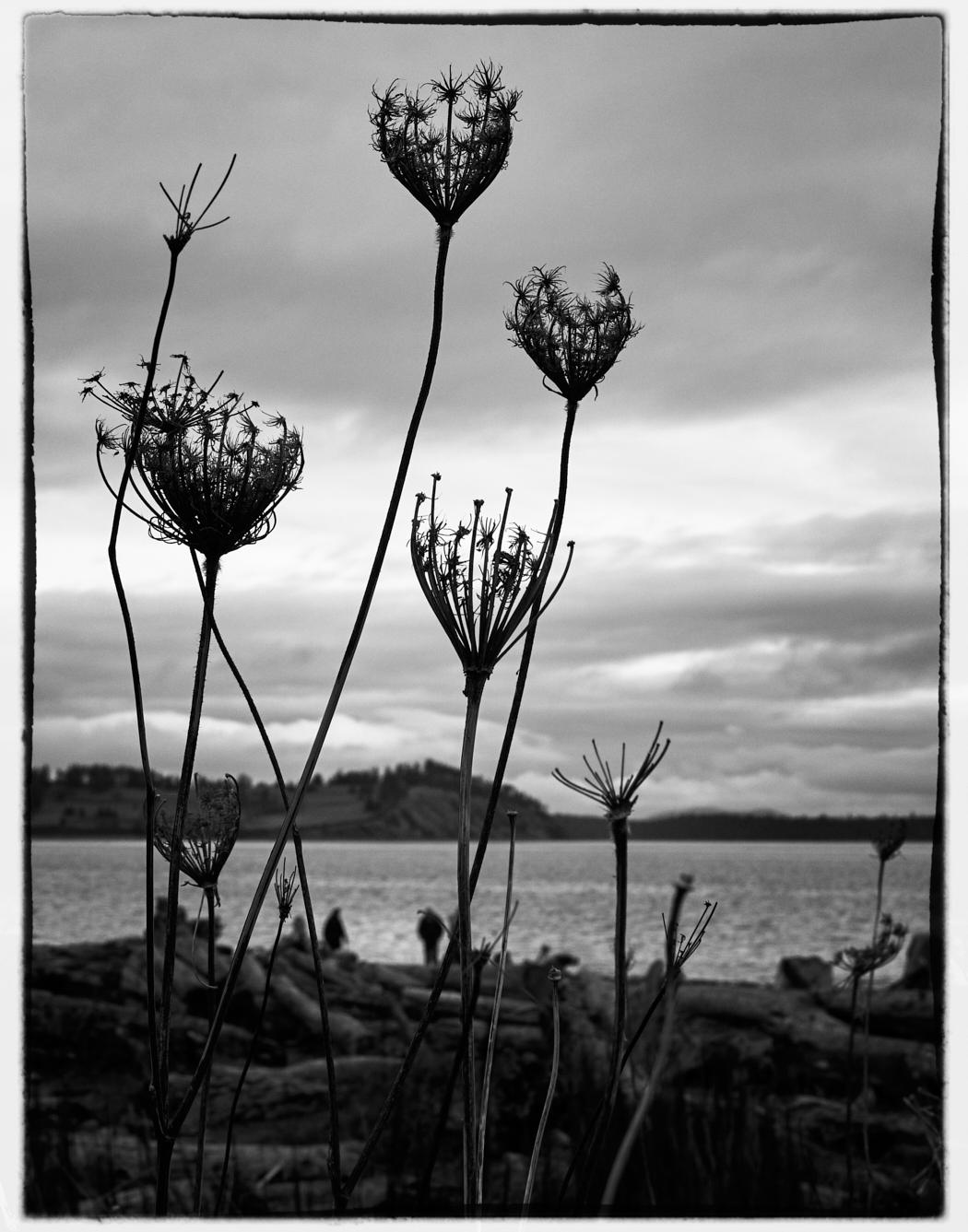
Hi Susan and welcome to the group. I have found it difficult to score well with Landscapes unless the image contains specific interest (Look at Peter Clark's image for this month as a good example) Looking beautiful appears to be not enough. Since you own silver effects that means you have access to Color Effex Pro. CEP is full of additional filters that create further imapact to your images as demonstrated above. I would particularly recommend : Detail Extractor/ Darken/Lighten center/ Procontrast - Dynamic |
Oct 15th |
| 31 |
Oct 22 |
Comment |
Hi Ian
Great capture & composition. Your tonal values and bokeh are excellent. Recommend you further adjust & smooth the area just to the right of the index finger with a cloning tool |
Oct 15th |
| 31 |
Oct 22 |
Comment |
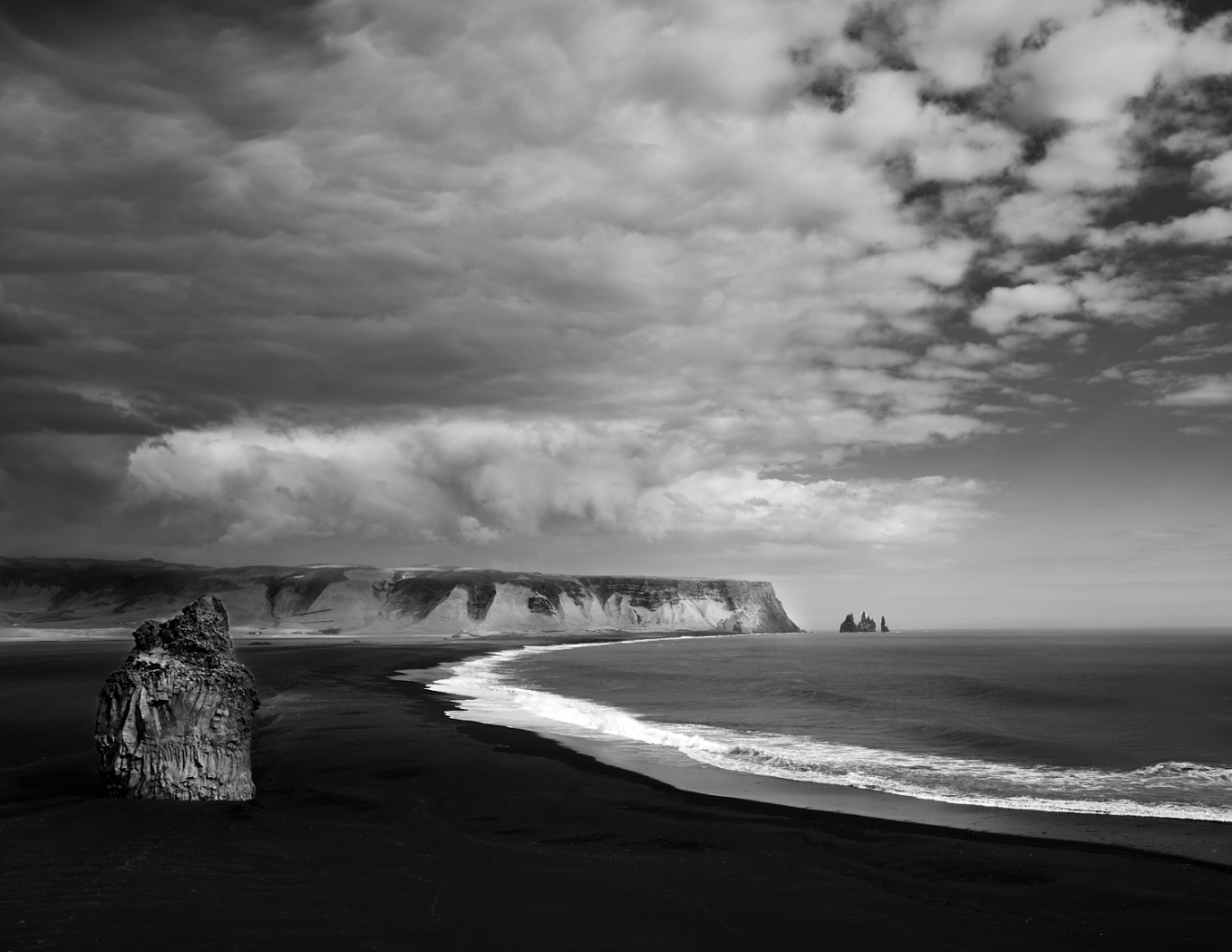
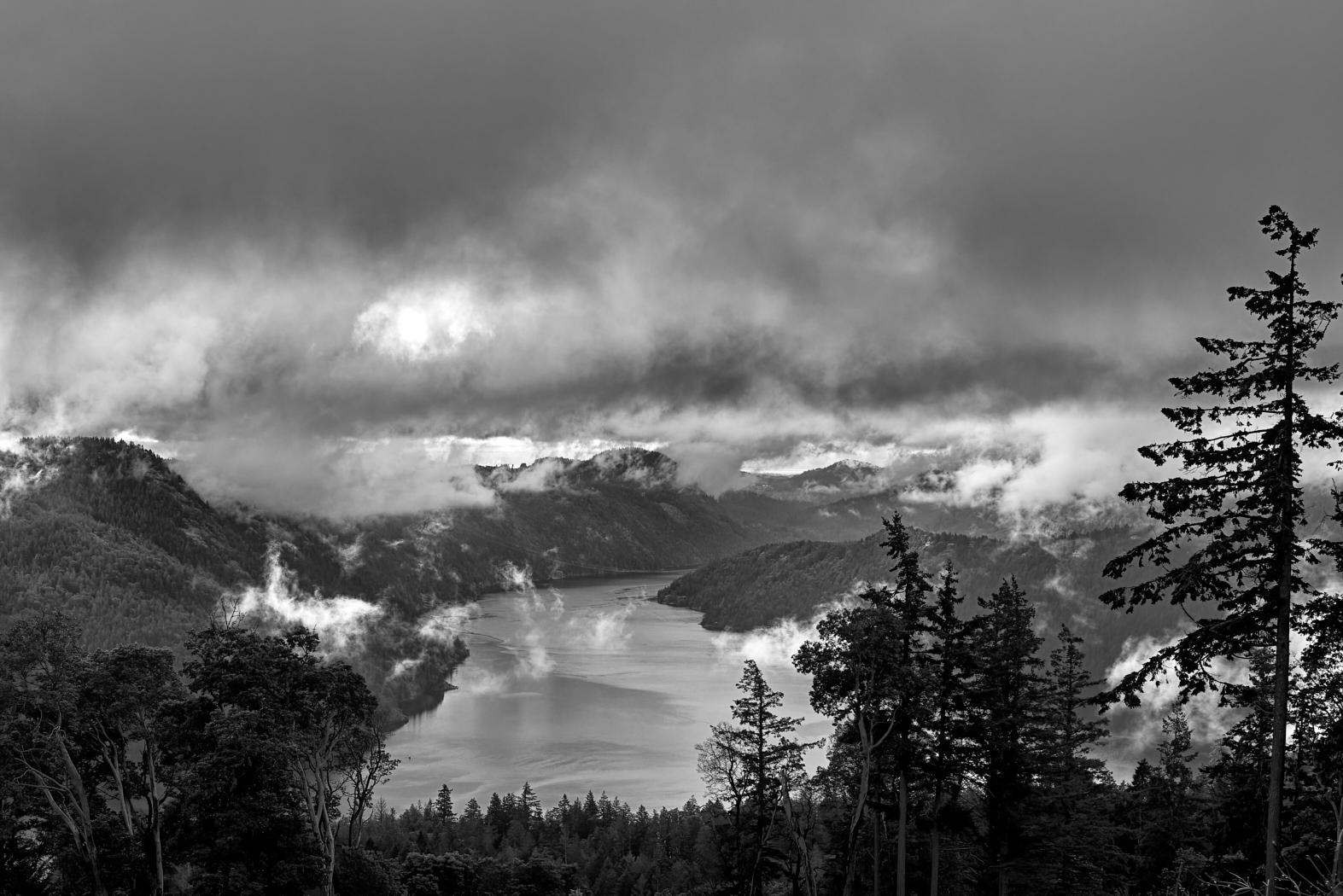
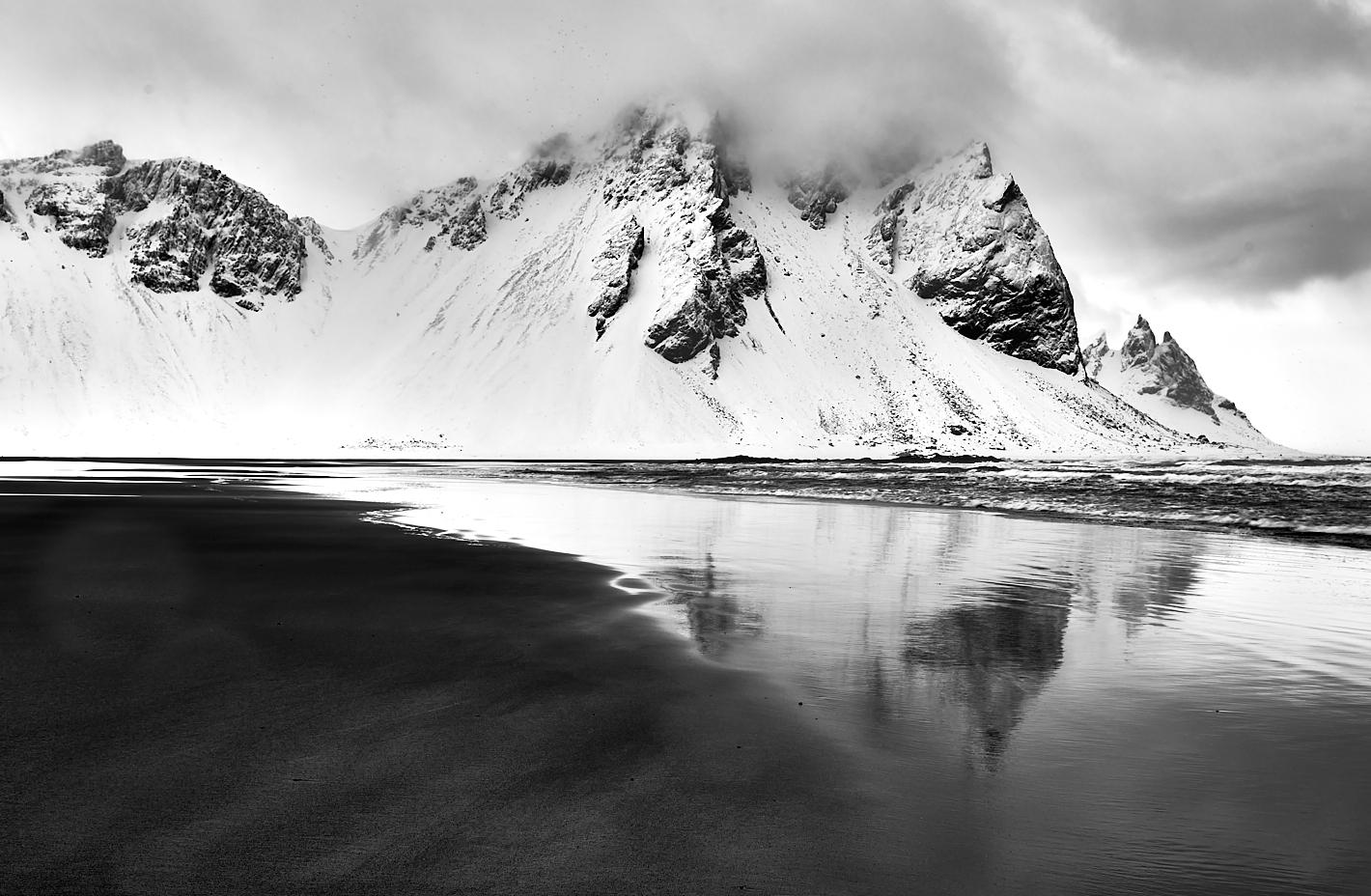
Peter.....another excellent and interesting image. My first reaction was the rock was a distraction and you have too much foreground. However, when I tried a few crops I could not make that work so I concede you are right. The image is so unusual and unexpected that it is quite brilliant.
Would it be worthwhile considering a progressive lightening of the mountain range from left to right to create an increase depth to the image. |
Oct 15th |
| 31 |
Oct 22 |
Comment |
Hi John
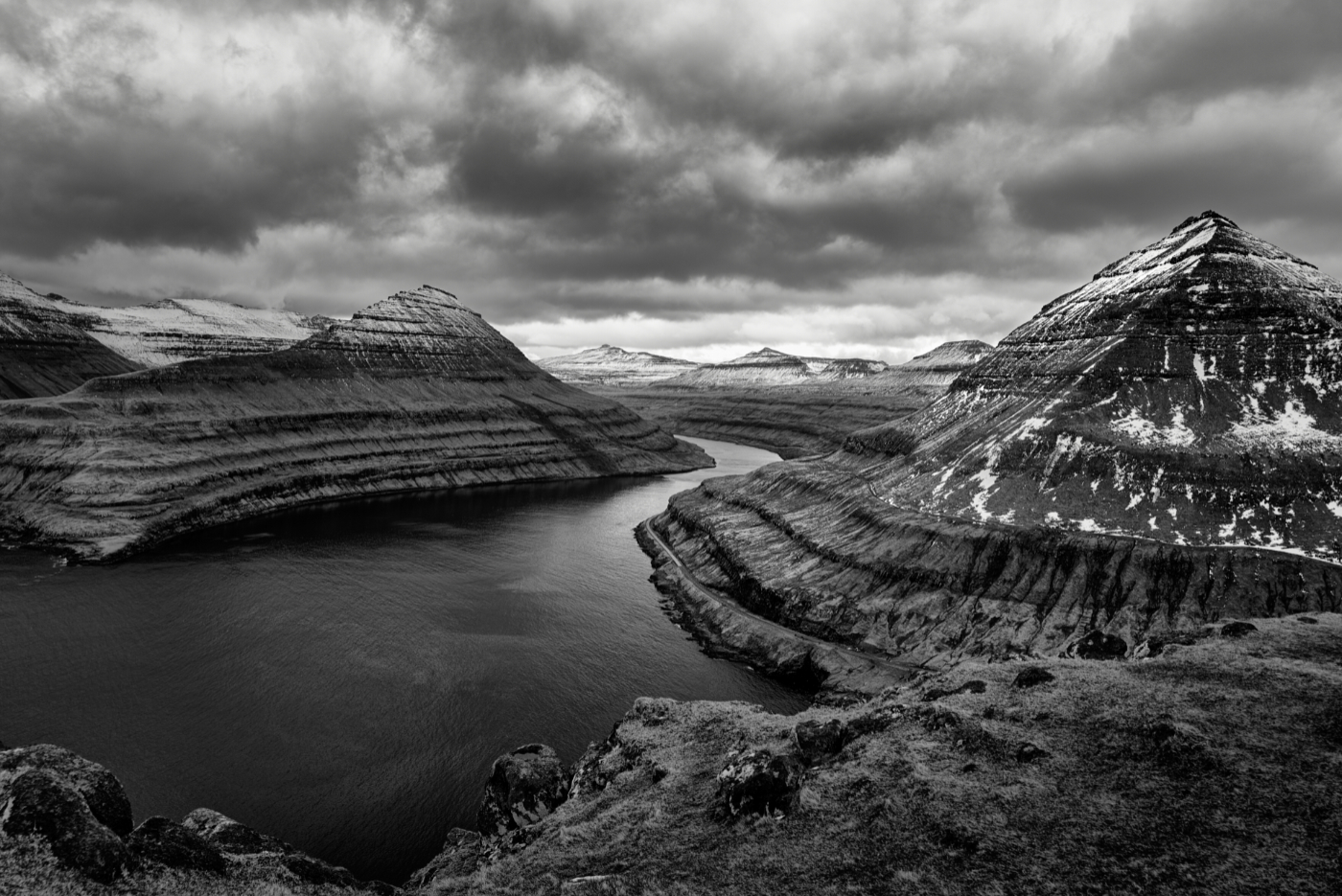
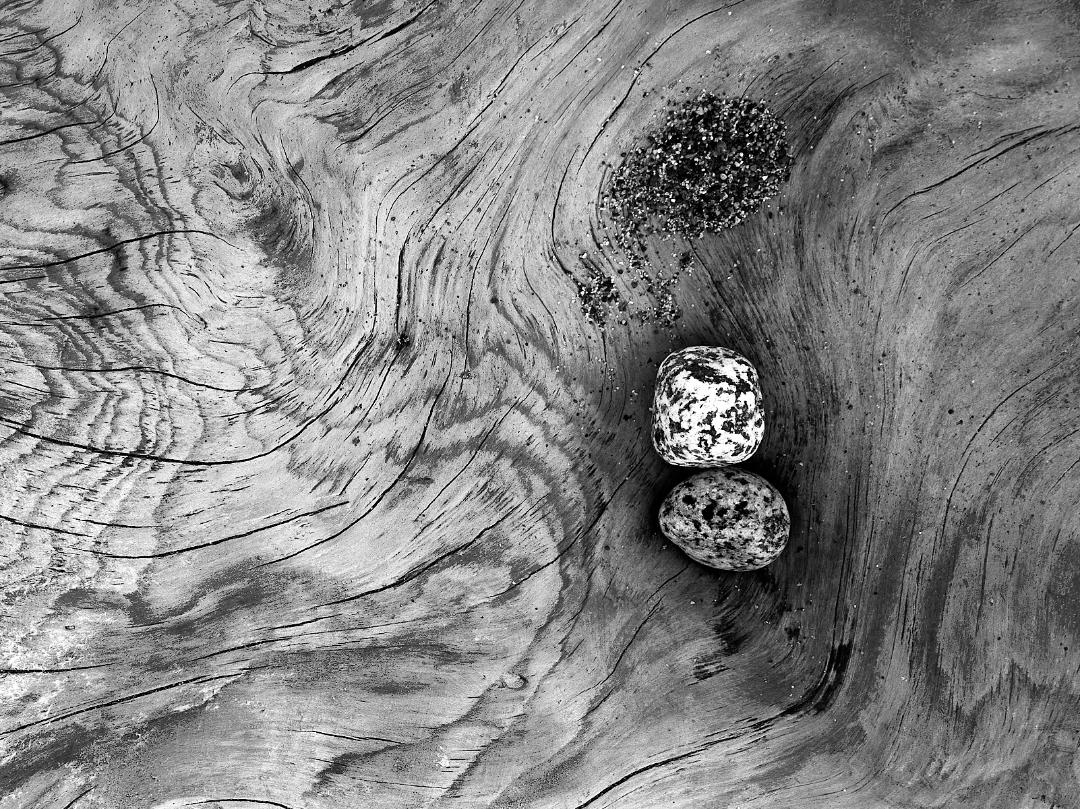
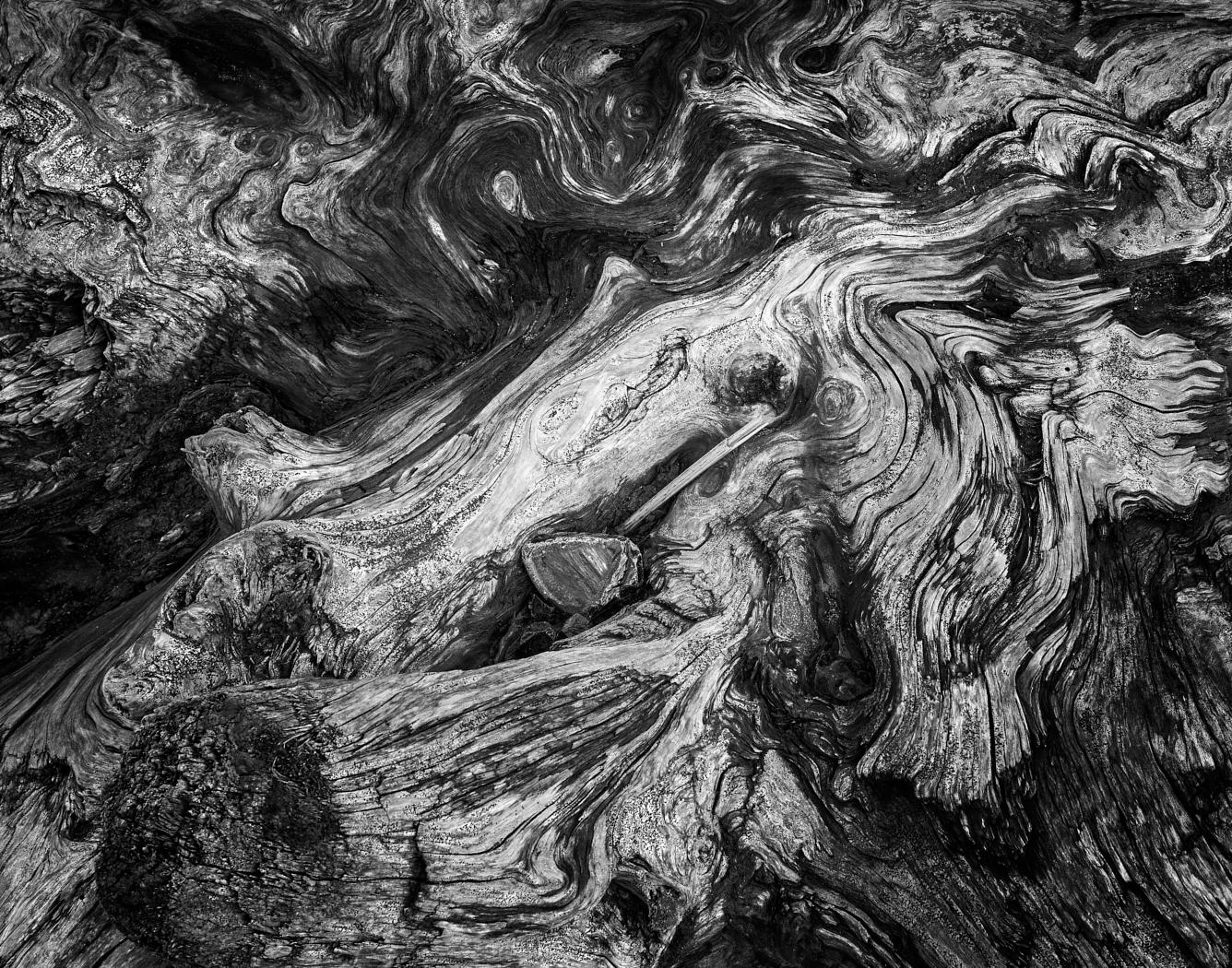
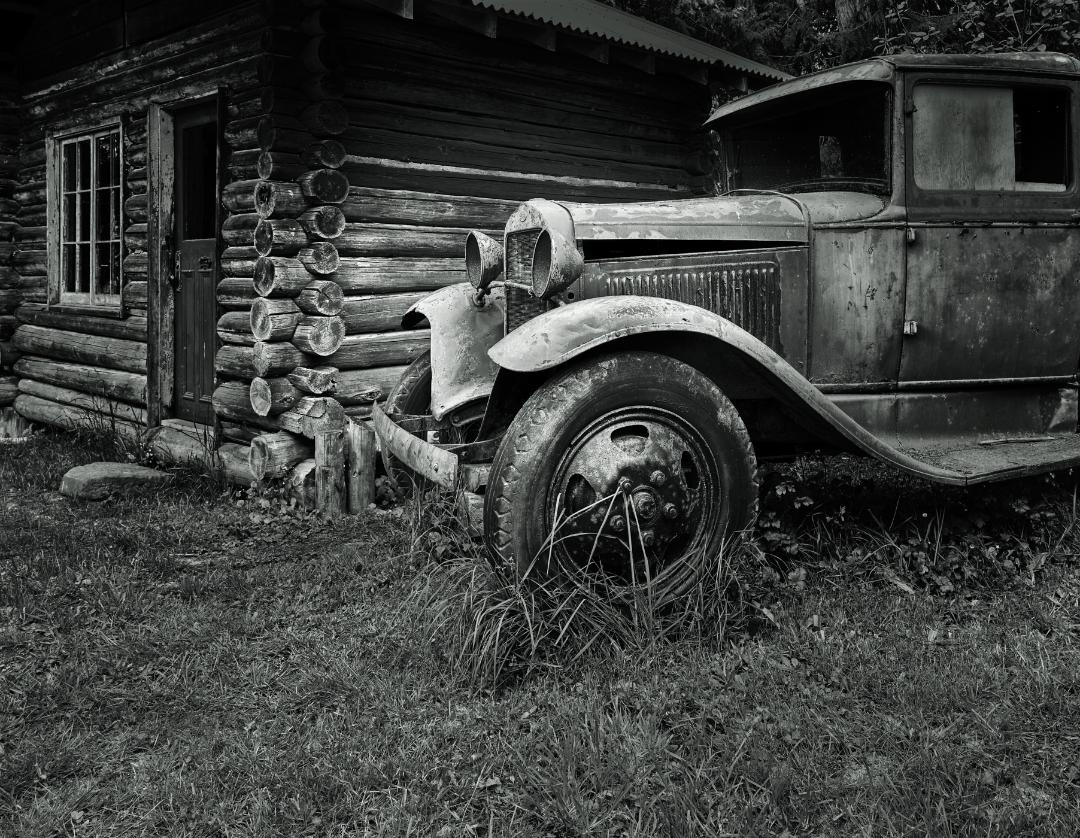
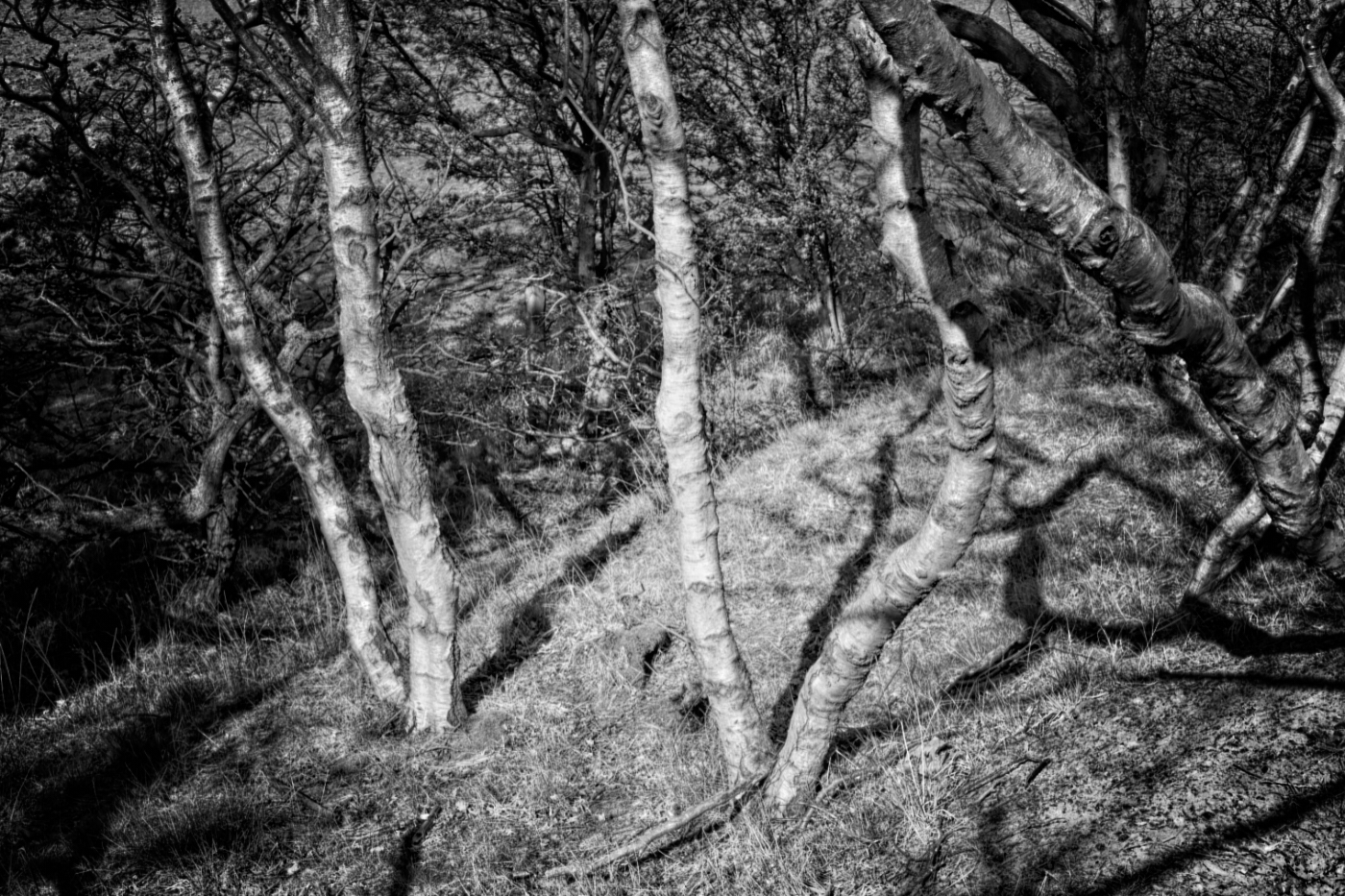
Took a while to like the image but it is quite complex and interesting. I would recommend a further visit to CEP and add the Darken/Lighten center tool and the Tonal contrast filter. Some aggressive processing could really bring out all those intersting shapes |
Oct 15th |
 |
| 31 |
Oct 22 |
Comment |
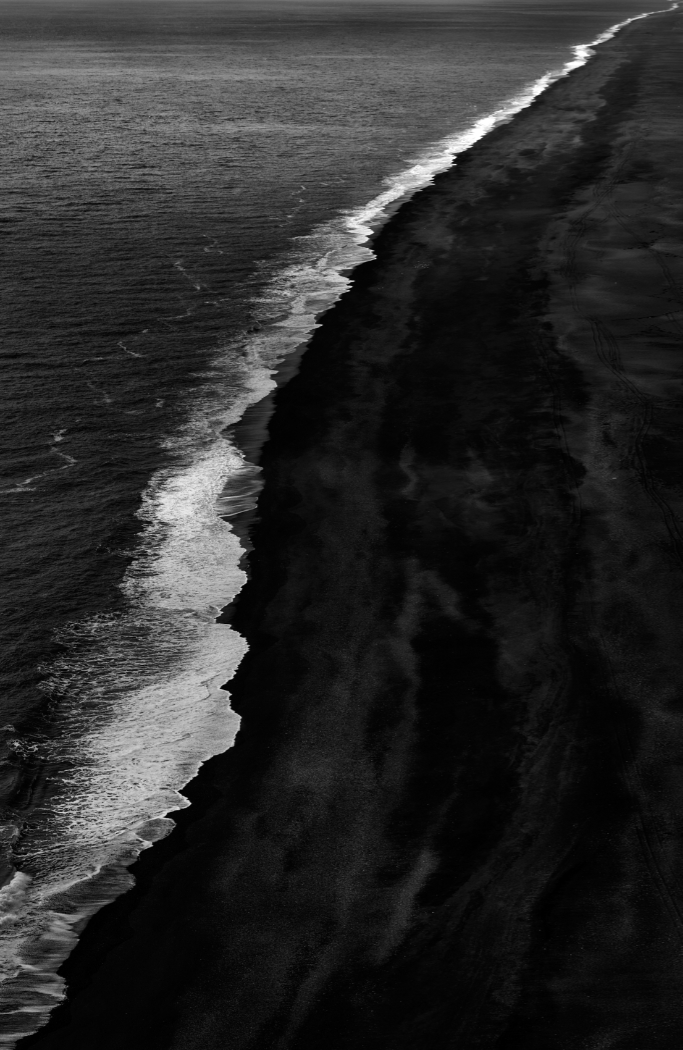
I also considered cropping the image to this. |
Oct 4th |
 |
6 comments - 1 reply for Group 31
|
6 comments - 1 reply Total
|