|
| Group |
Round |
C/R |
Comment |
Date |
Image |
| 41 |
Jul 25 |
Comment |
Hi Tom, totally agree with the comments, well executed. I don't think I could add anything of value to improve this image. Well done. |
Jul 19th |
| 41 |
Jul 25 |
Comment |
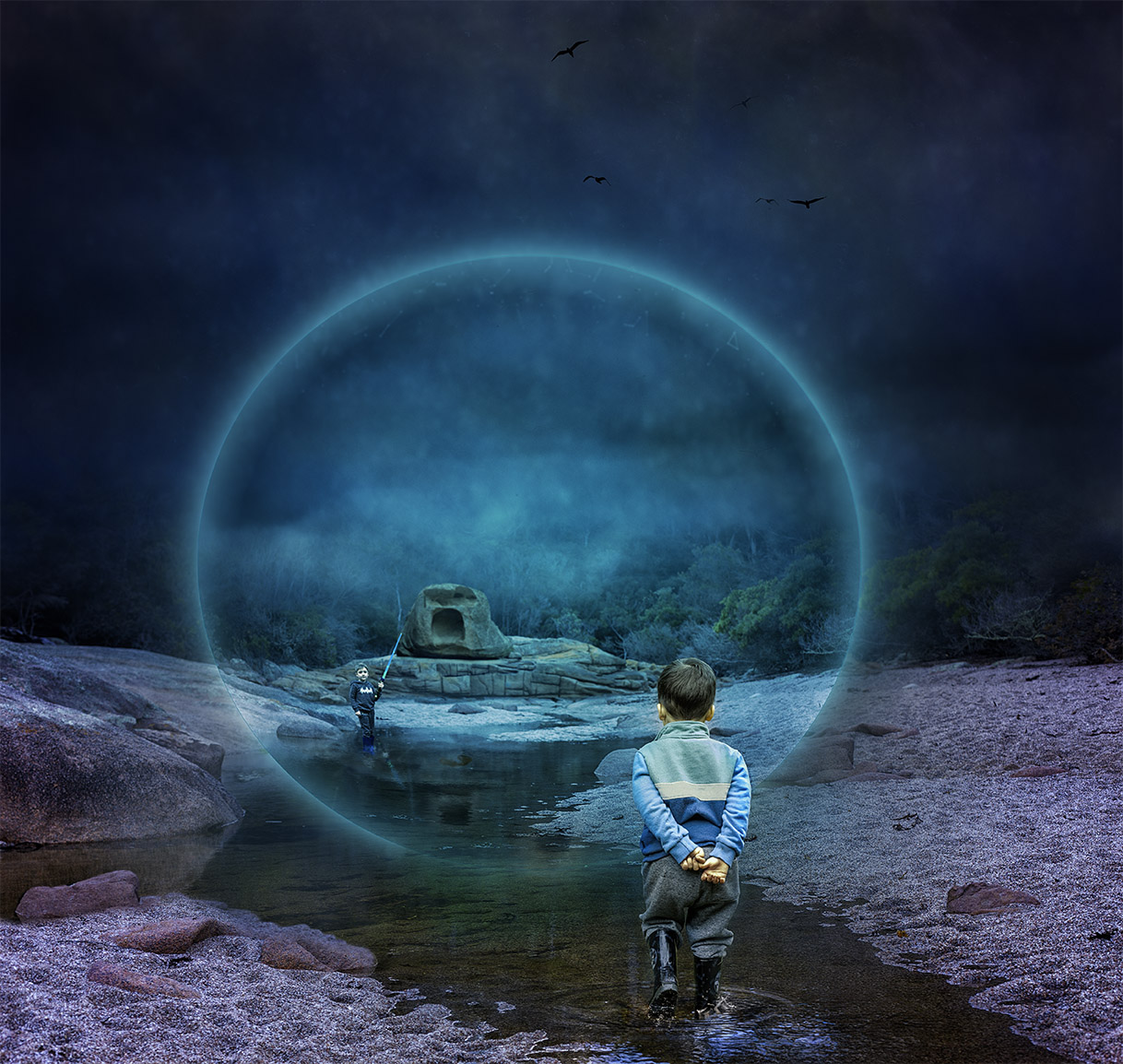
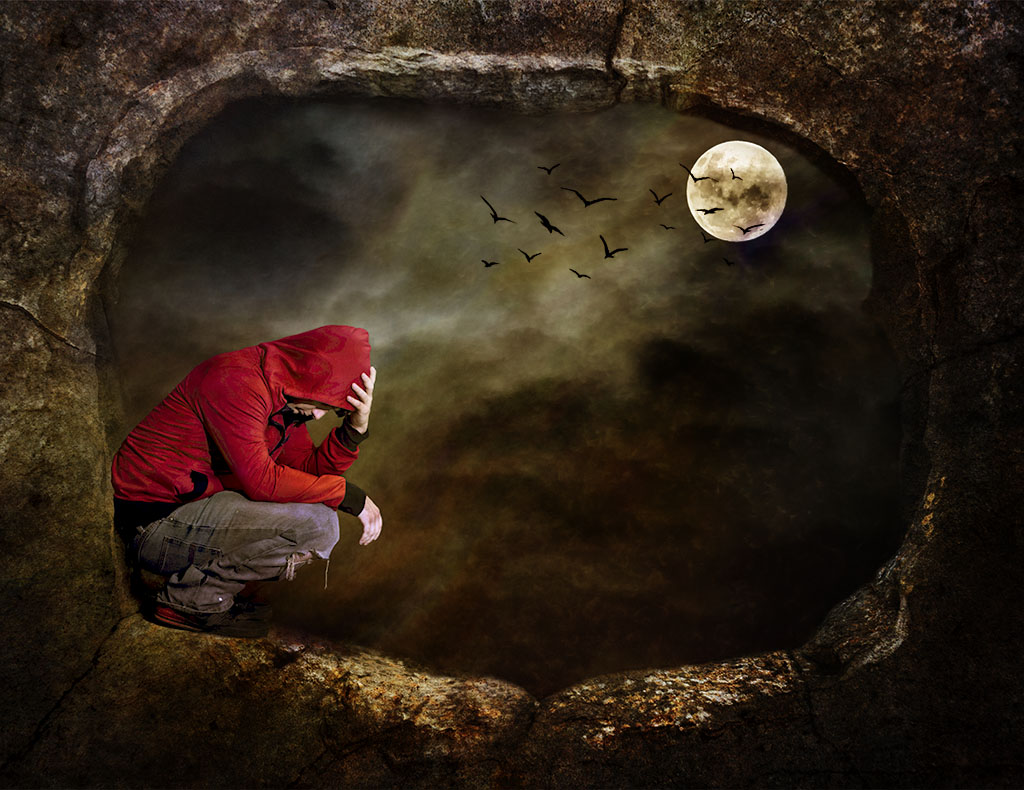
Hi Melissa, I do agree with the comments, very nice in blending the images and the boy fits in well. In addition to darkening the background as Tom has suggested, I would also lighten or add a tonal contrast to the boy on the cairn. |
Jul 19th |
| 41 |
Jul 25 |
Comment |
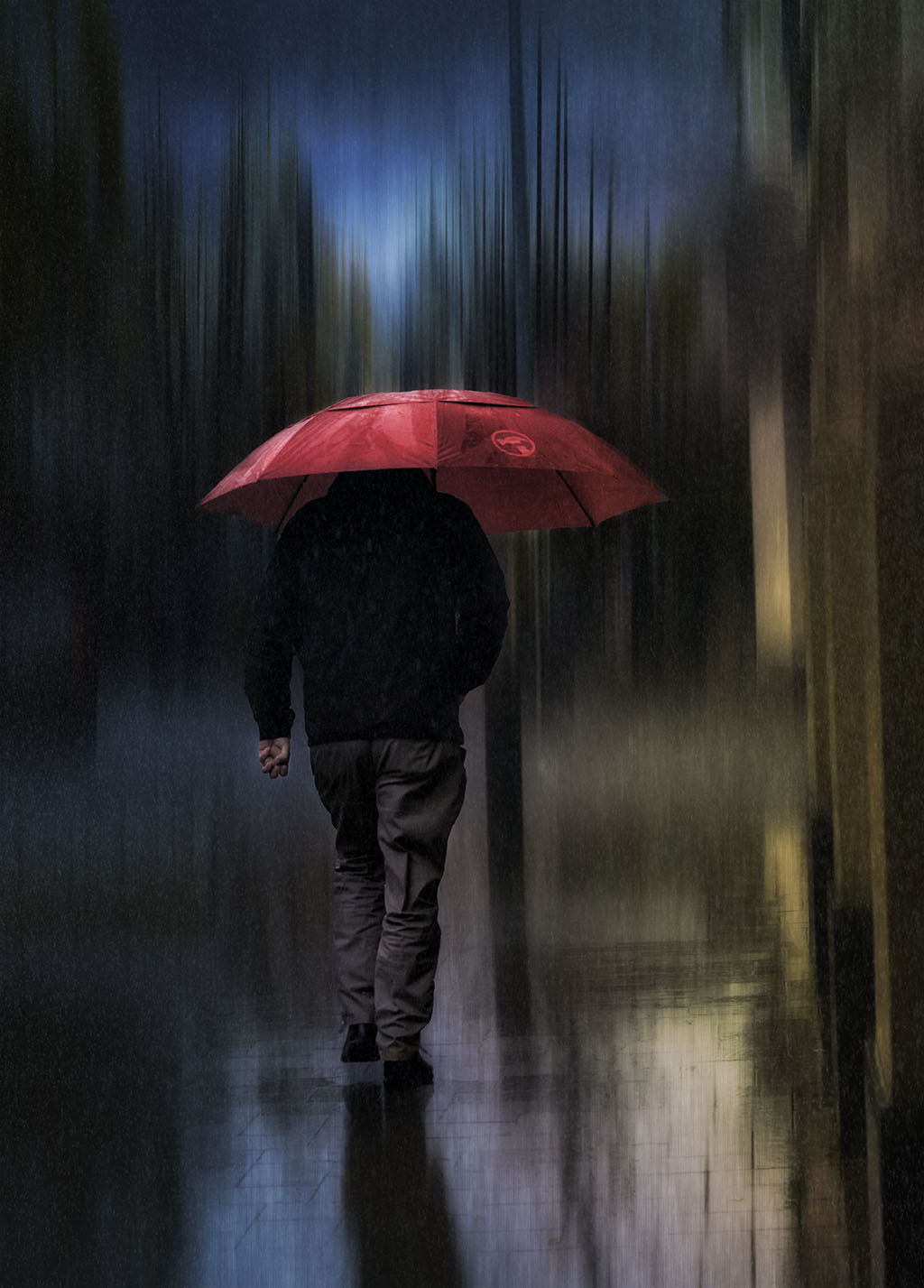
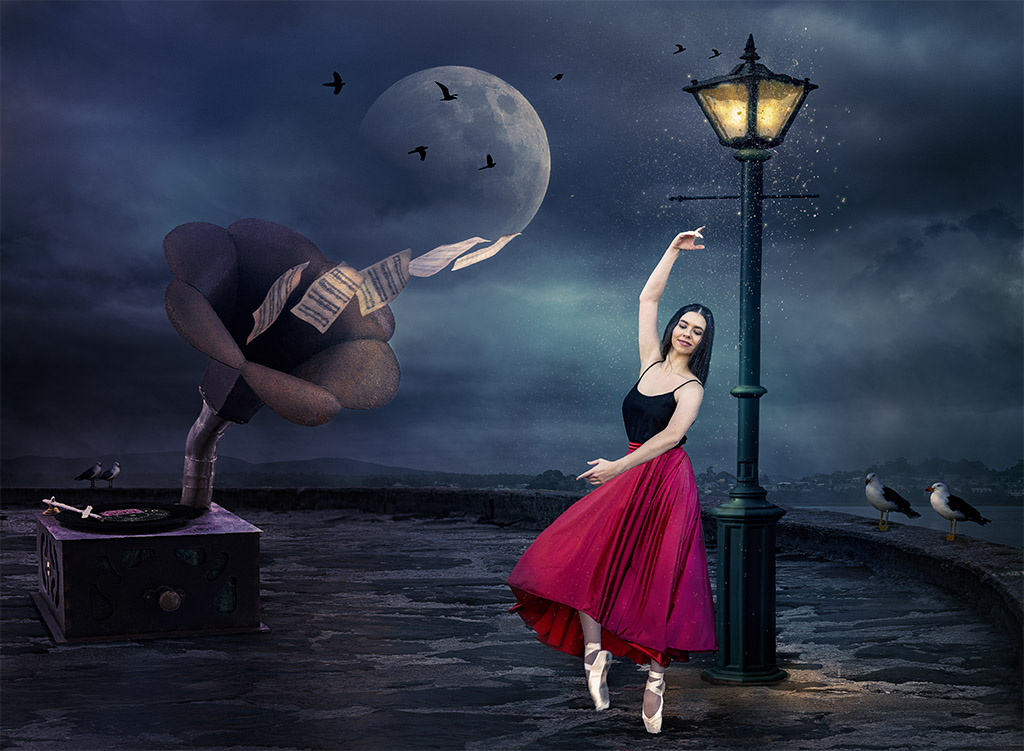
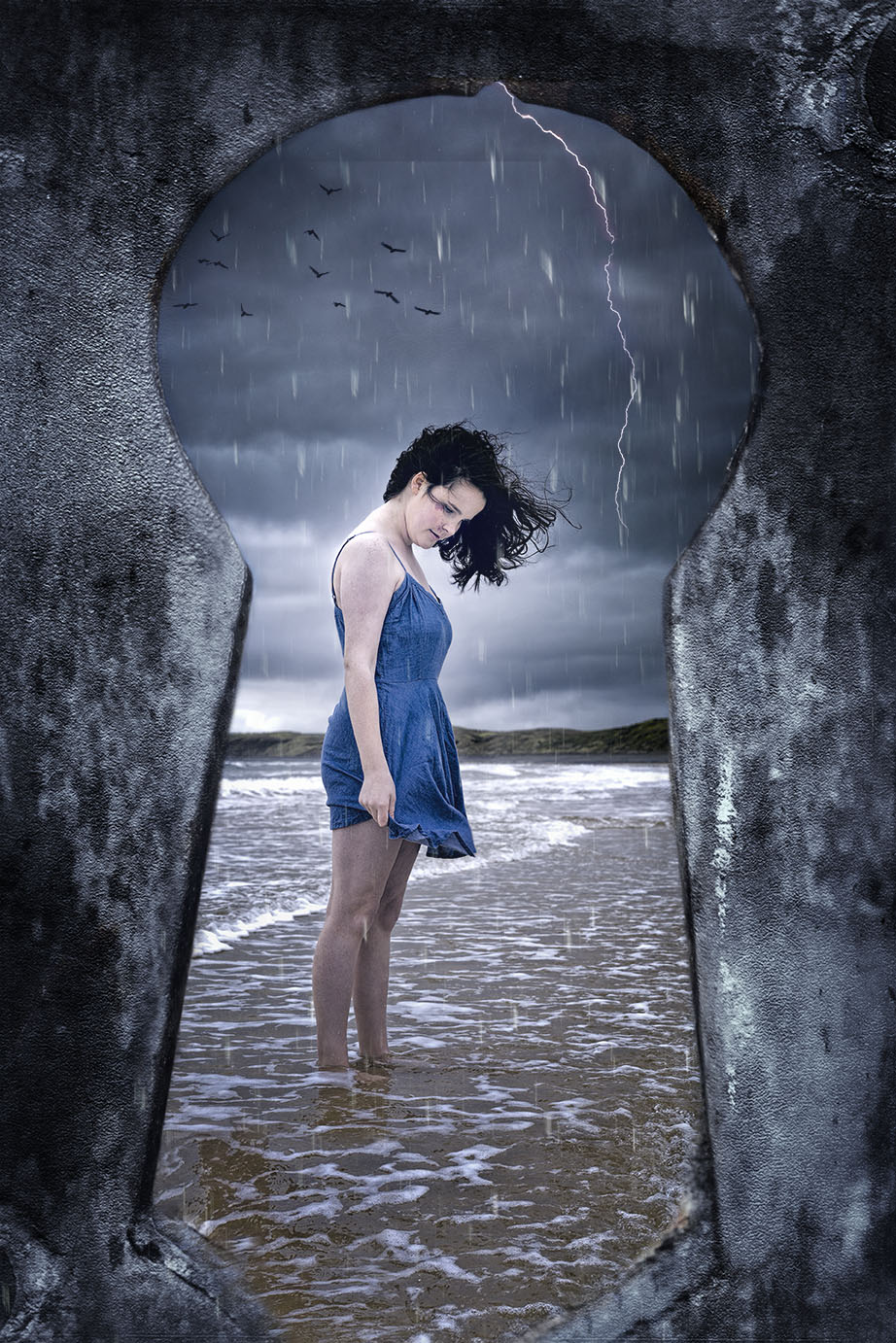
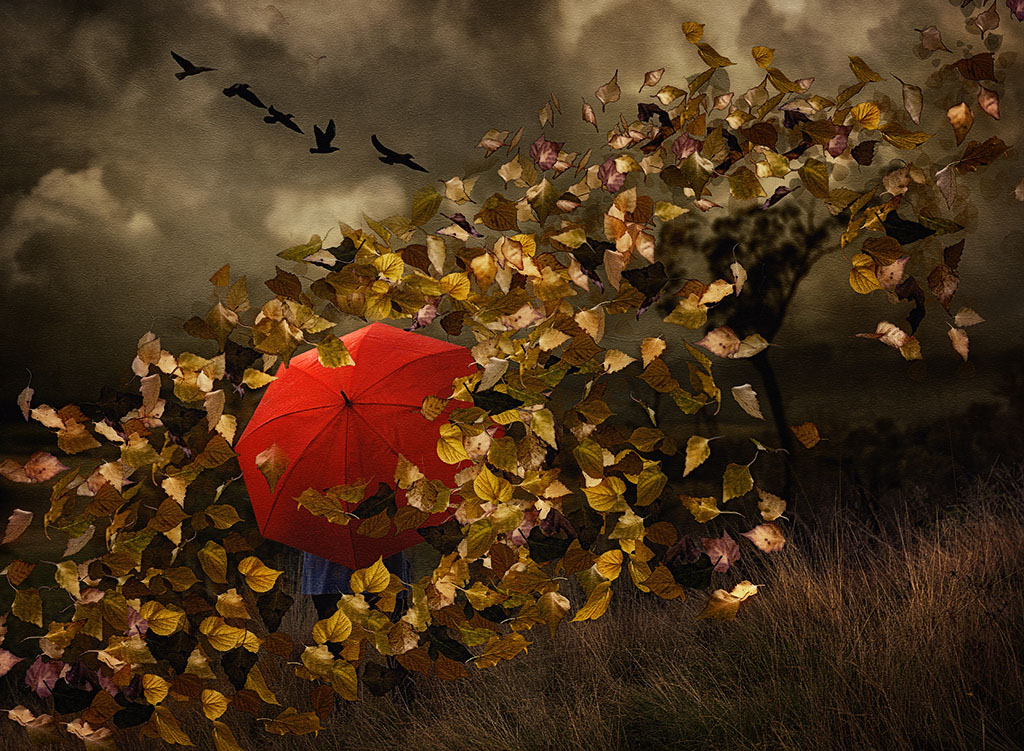
Hi Hazel, initially I thought that the lady was a real person, so well done on how you've managed to merged and blend the two images and create a story. Very convincing that she's running to get out of the rain. Well done. |
Jul 19th |
| 41 |
Jul 25 |
Comment |
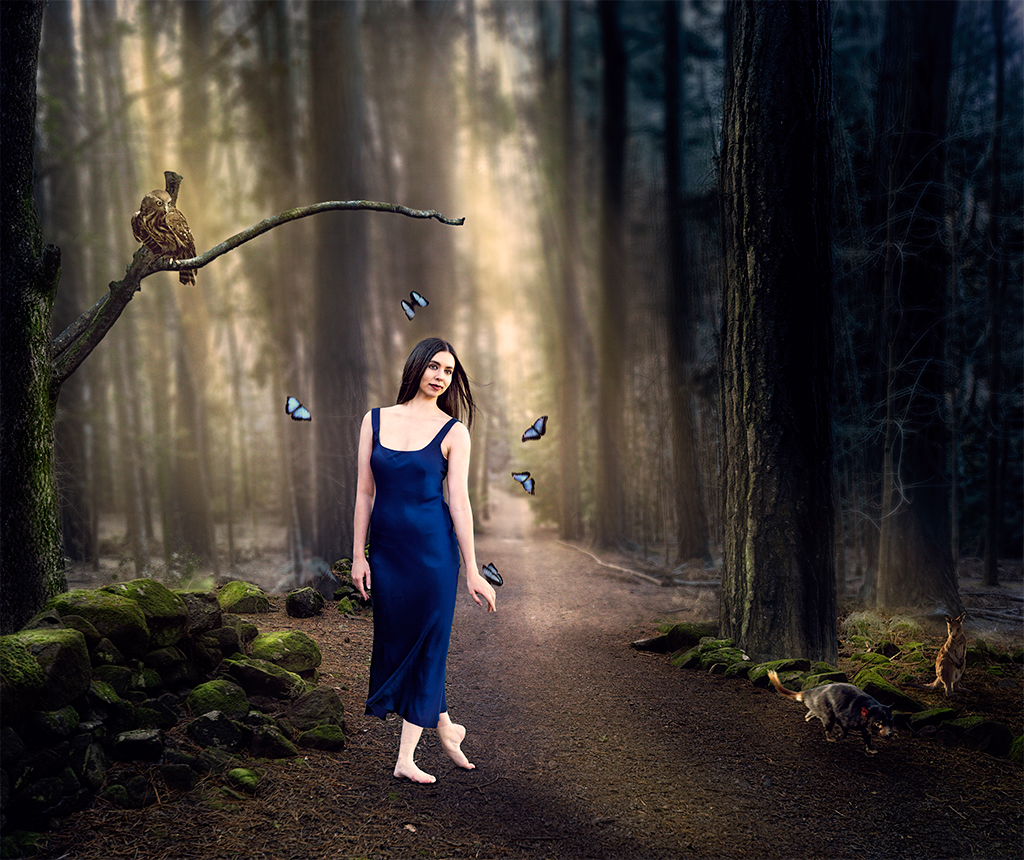
Hi Brad, I'm with Hazel, I like the one with your daughter. It seems more of a natural flow, the butterfly acting as a portal into another dimension.
If you prefer the one with the boy, I would suggest that you pass part of the butterfly's wing through his hand as if he's holding it. |
Jul 19th |
| 41 |
Jul 25 |
Reply |
Thank you for your thoughtful comments Hazel. Your comments reflect what my intention were at the time of creating the image. |
Jul 19th |
| 41 |
Jul 25 |
Reply |
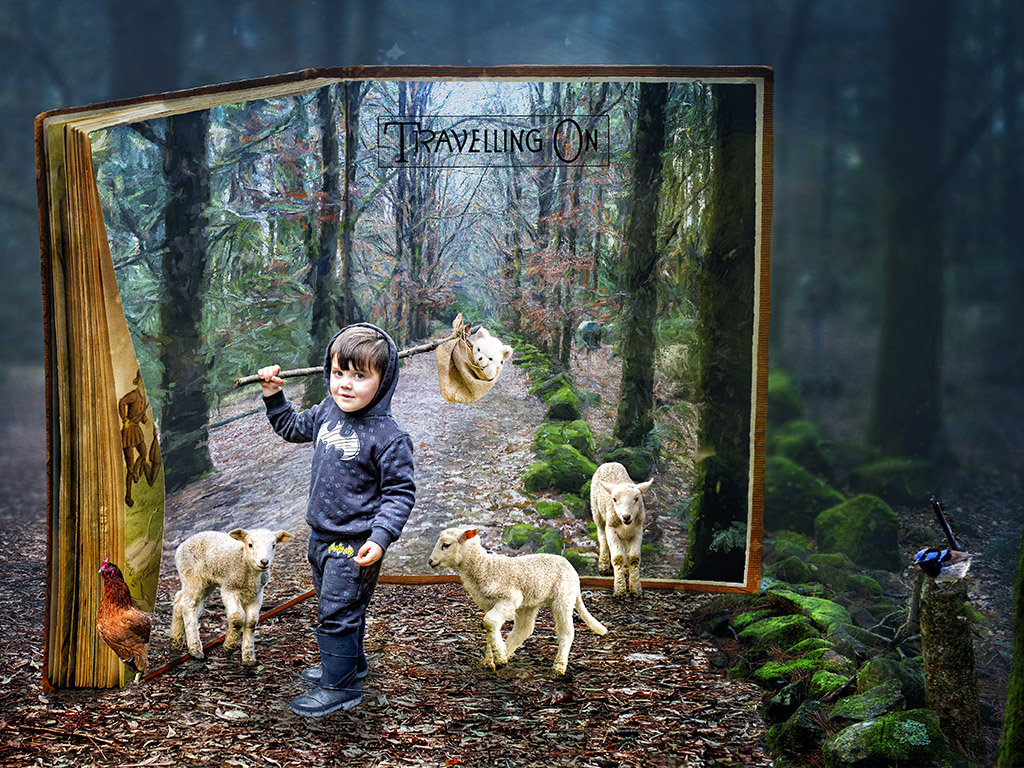
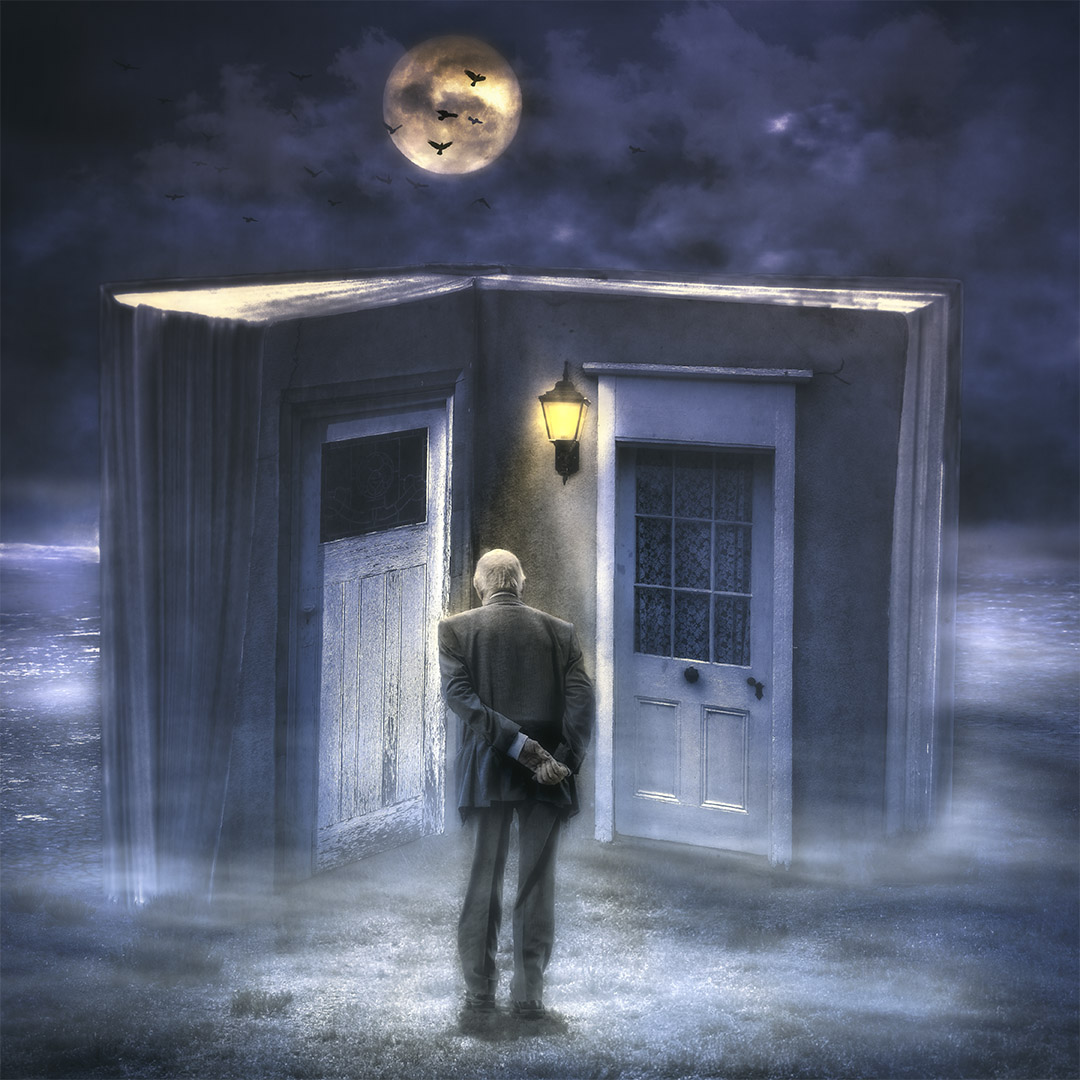
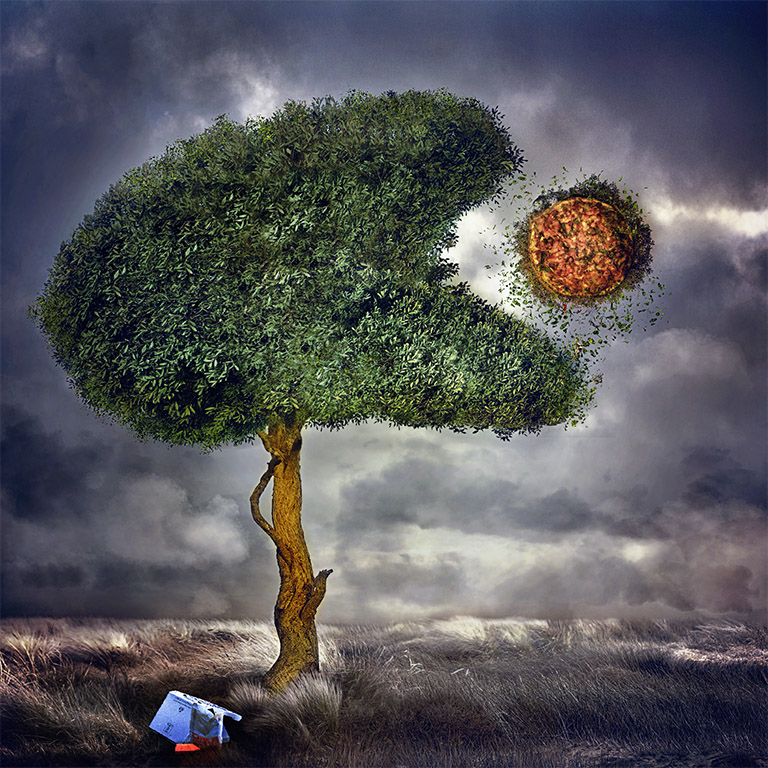
Thanks for your thoughtful comments Brad. Placing the tree through the book was challenging and I did struggle with the toning. You're right about the title of the book, in hindsight, blank pages with hand writing about life in general might have had a stronger meaning. It certainly gives me thought for further projects. |
Jul 19th |
| 41 |
Jul 25 |
Reply |
Thanks for your feedback Tom, much appreciated. Based on the comments on this image, I can see how it can be improved. Rather than the words, I think blank pages with some personal hand writing would have been better. Thanks for the thought. |
Jul 19th |
| 41 |
Jul 25 |
Reply |
Thanks for your comments Melissa, I guess, just like life, each page is the same but different in many ways. It's interesting to see how the size of the image affects the look. The ripped pages are not that dark in the larger version. |
Jul 19th |
4 comments - 4 replies for Group 41
|
| 80 |
Jul 25 |
Reply |
Hi Doug, as I understand you use PS. Gradient map is an adjustment layer in PS that you can use to re-colour an image. You can also use it to convert to black and white (b/w). In the properties menu there are "reverse" "dither" and "method" Under method there is a choice of perceptual, linear and classic. I generally use gradient maps to convert to black and white and often choose either perceptual or classic. Sometimes I use the Black and white adjustment layer in PS and then use the Gradient Map as well. Here is the example of your image.
|
Jul 23rd |
 |
| 80 |
Jul 25 |
Reply |
Hi Rich, thank you for your encouraging comments. |
Jul 22nd |
| 80 |
Jul 25 |
Reply |
Thank you for your thoughtful comments Kamal. |
Jul 22nd |
| 80 |
Jul 25 |
Reply |
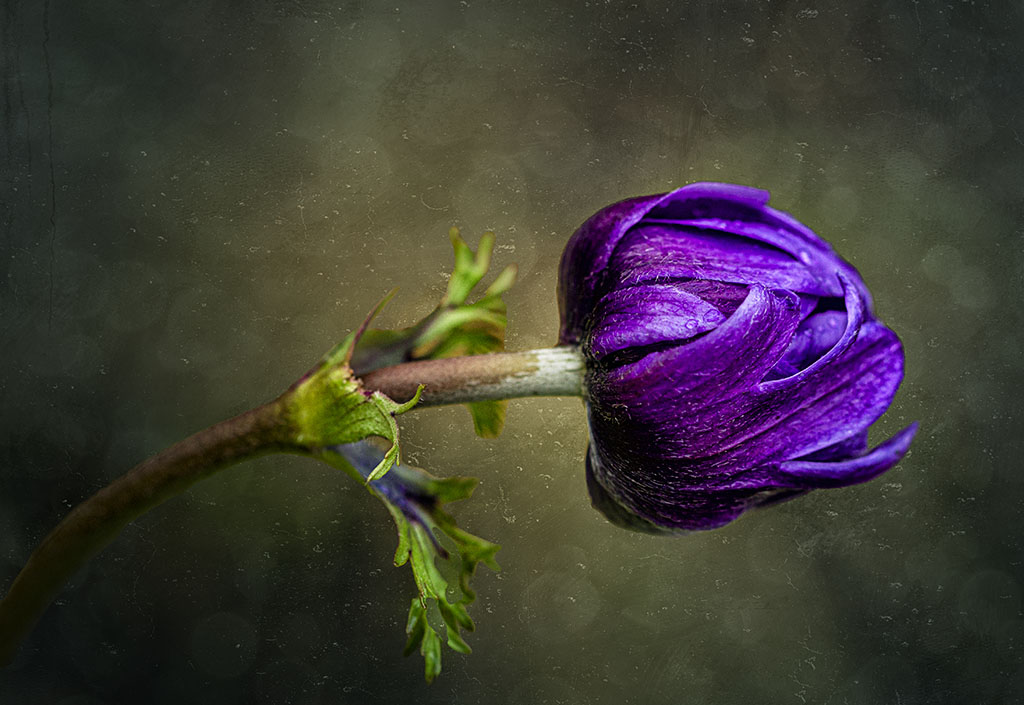
Hi Ingrid, you're right, the stem does appear a bit dull and could be lighten up and saturated a bit more to add contrast to the yellow flower.
I do agree with you about the flower in its natural setting. I particularly like the yellow against the blue, but I just can't help myself in post processing! |
Jul 22nd |
| 80 |
Jul 25 |
Reply |
Thanks Doug, you're right, the stem appears a bit lost.
|
Jul 22nd |
| 80 |
Jul 25 |
Reply |
Thanks Bob much appreciated. |
Jul 22nd |
| 80 |
Jul 25 |
Reply |
Thanks Marti, appreciate your feedback |
Jul 22nd |
| 80 |
Jul 25 |
Comment |
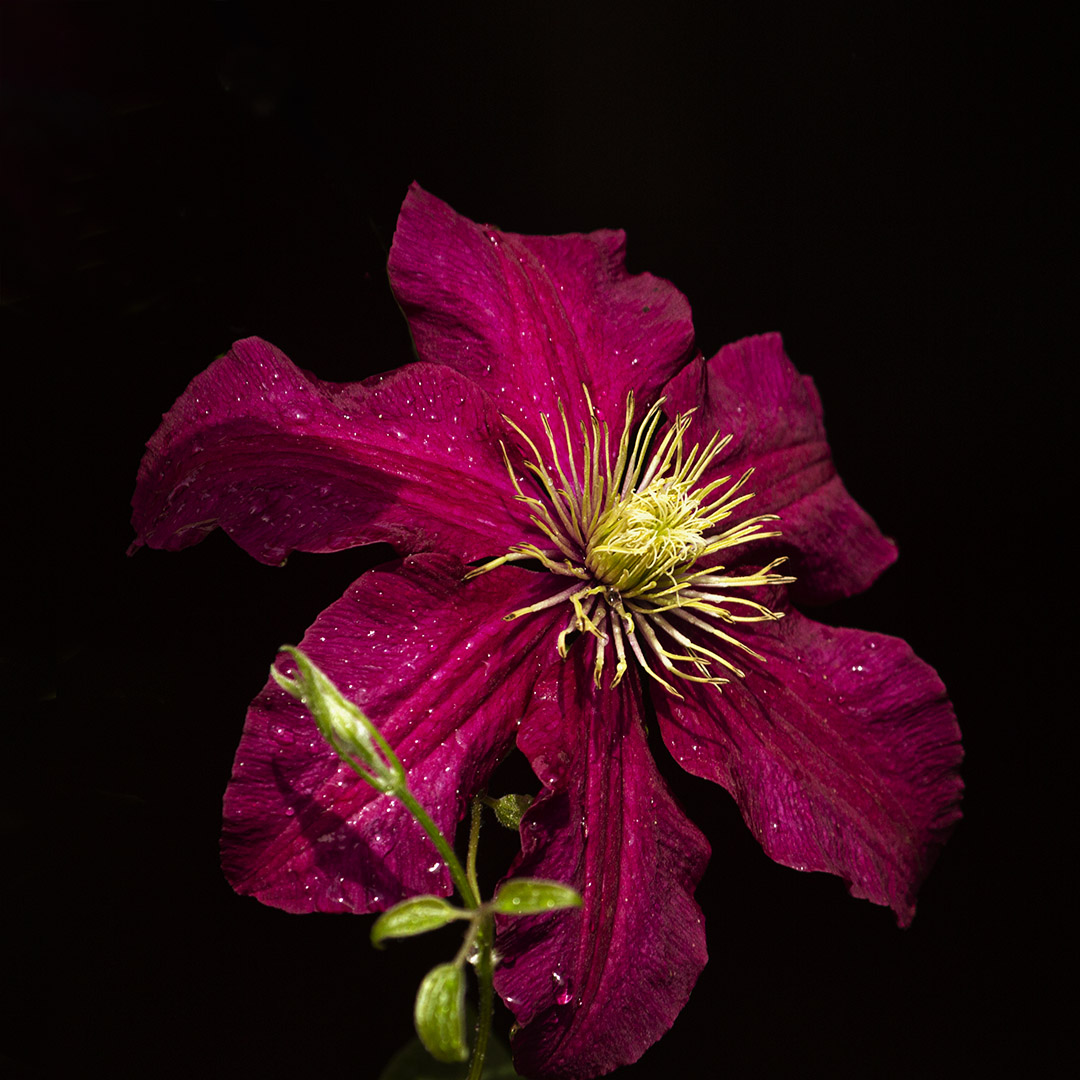
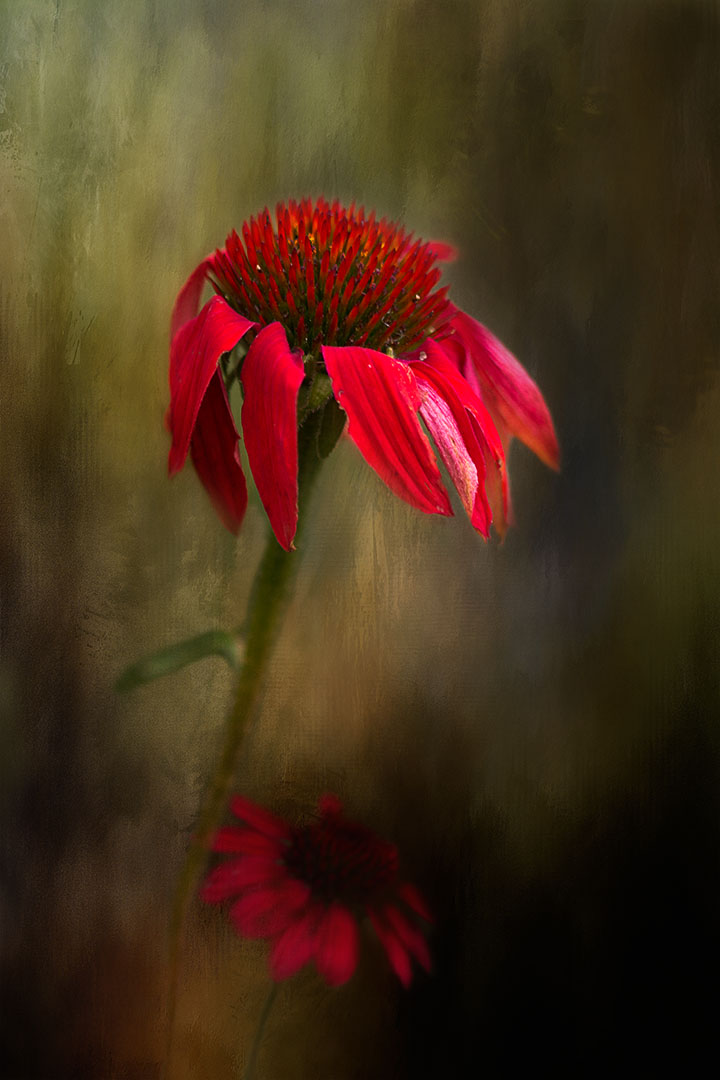
Hi Rich, this is very unusual, almost surreal. I really like the details in this image, the texture and the depth of the red colour. Also the contrast of the light and the shadows against the dark red adds interest.
I wouldn't not have guessed that this is a trumpet flower and like Ingrid would have like to see the original. Very nice and different. |
Jul 22nd |
| 80 |
Jul 25 |
Reply |
Hi Doug, it's personal preferences. I respect and appreciate that you like the blue toning as it makes it look more "menacing".
I just think the blue toning is too even across the image. I used the gradient map with the perceptual method (b/w) and it gave more depth and contrast with good separation between white/grey and black. I don't think sepia would do.
I did use the blue tone as the basis for converting to b/w it might come out different with a colour image. |
Jul 22nd |
| 80 |
Jul 25 |
Comment |
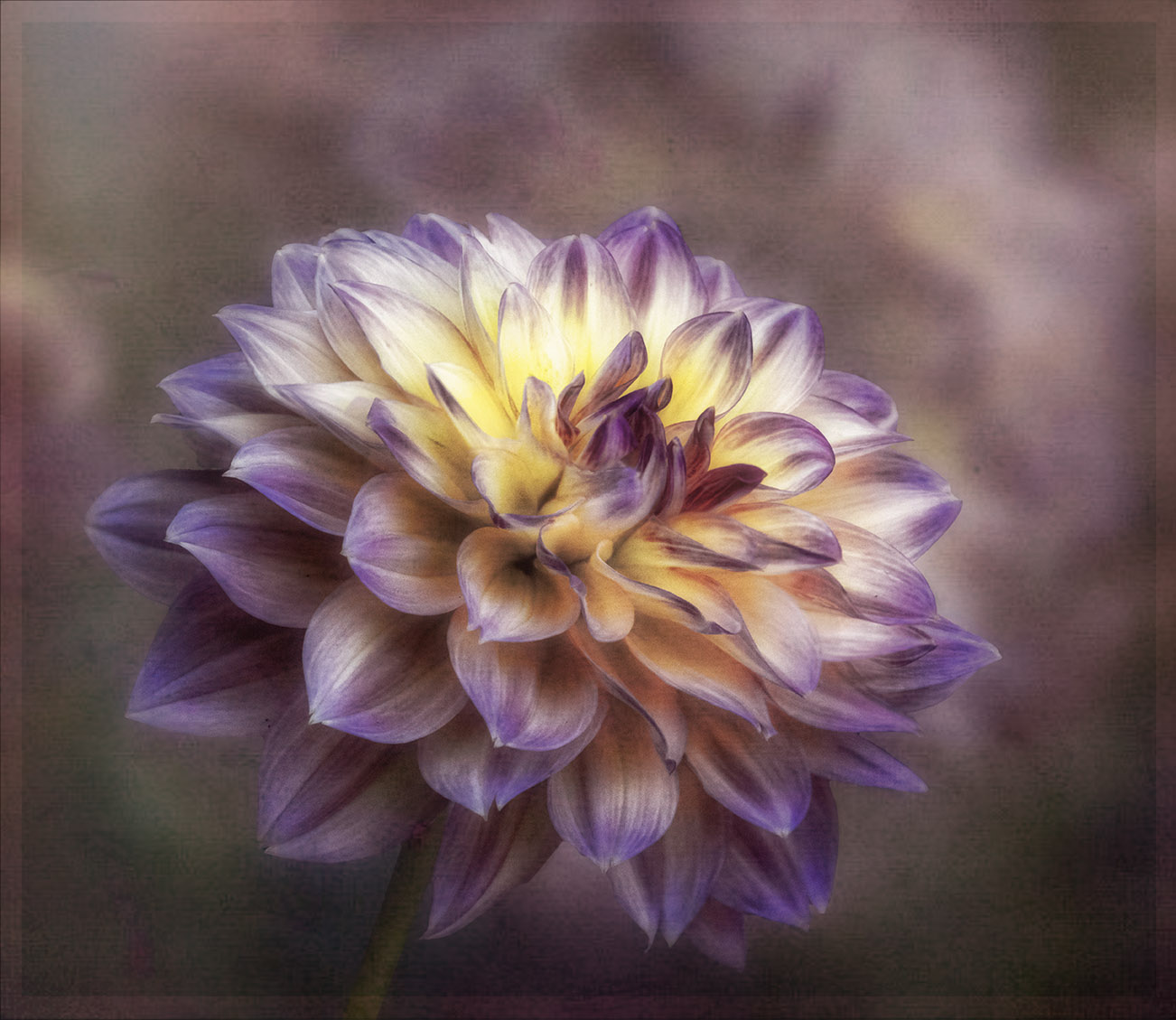
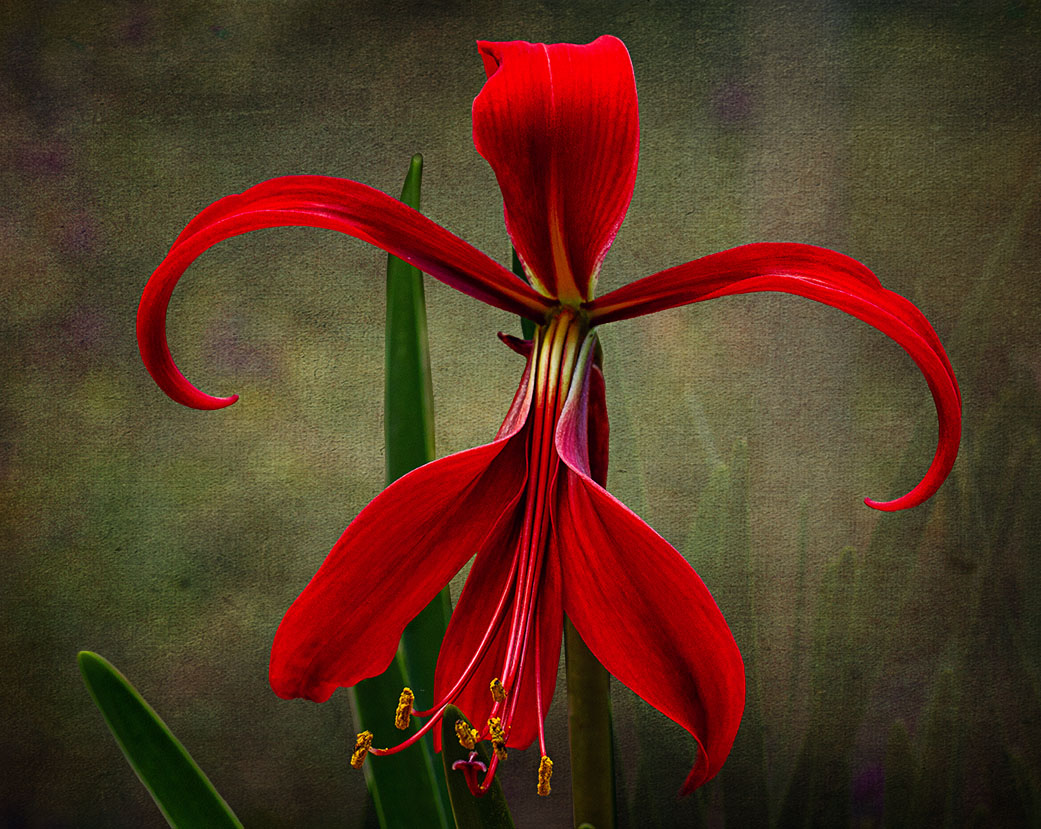
Ingrid, this is just stunning. On first viewing, I didn't notice your signature at the bottom right side and my attention was drawn to it by reading the comments. Also, I don't mind the "heavier" stroke as it keeps my eyes dead focused on the flower. Love the unusual colours. Just love it. Well done. |
Jul 21st |
| 80 |
Jul 25 |
Comment |
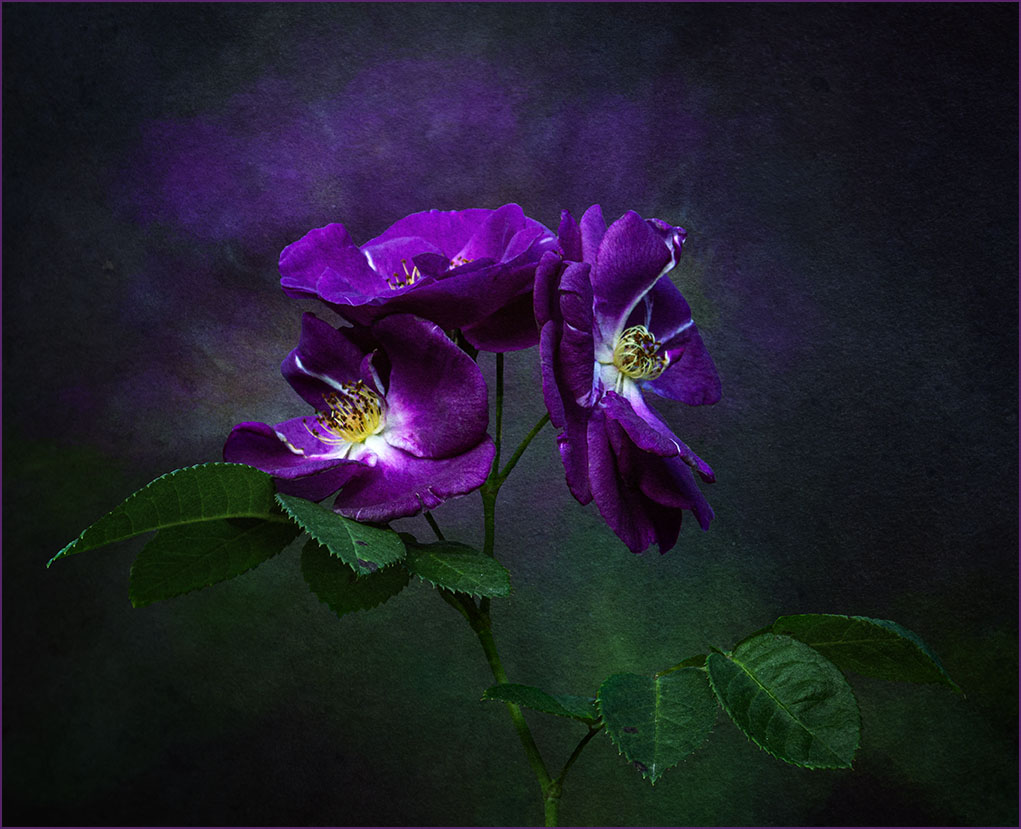
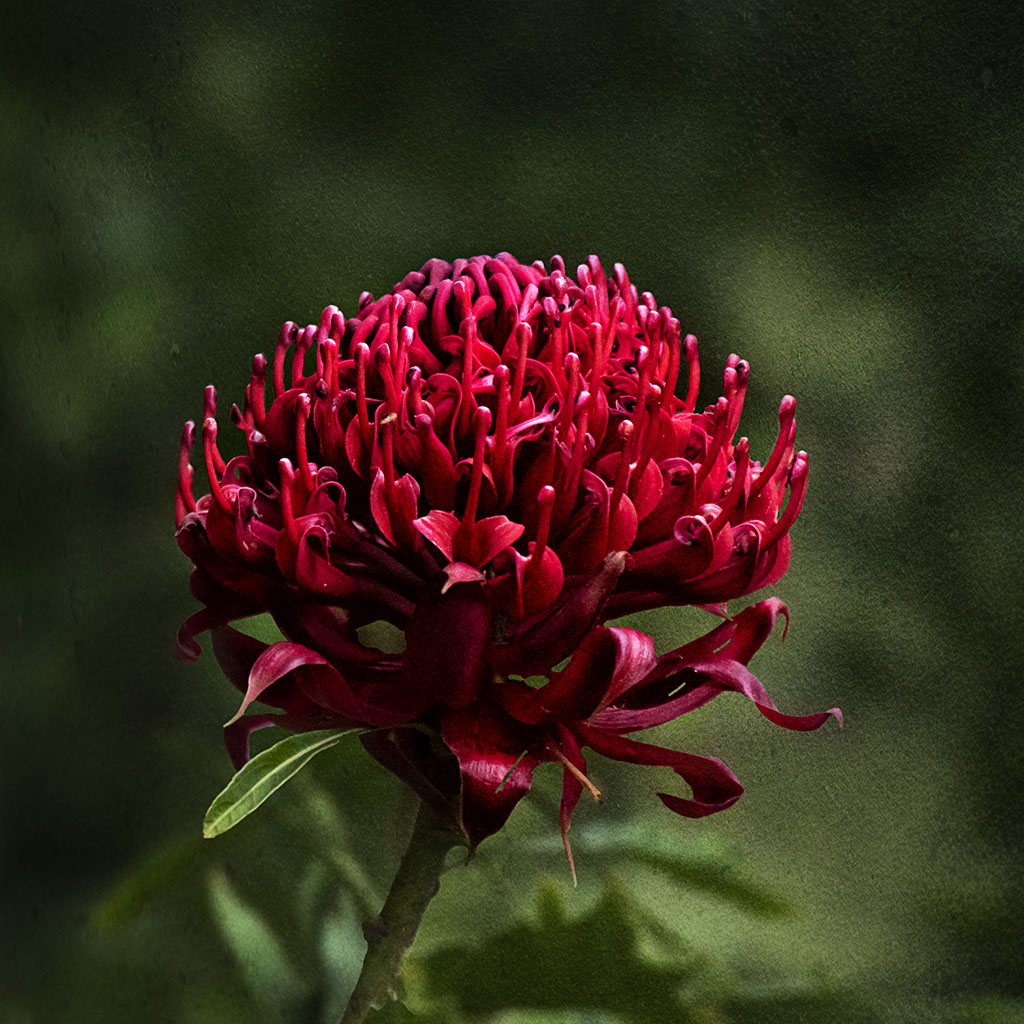
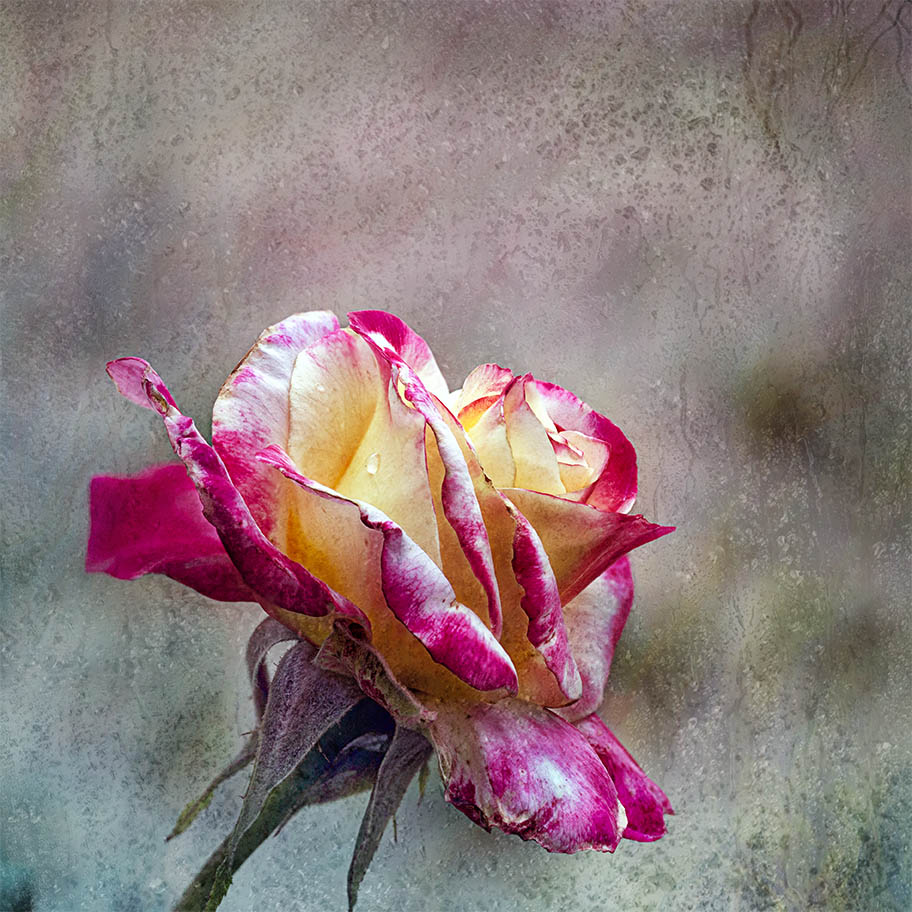
Hi Kamal, beautiful image of the wild rose and the colour is just lovely. I tend to agree with Ingrid, by cropping into a square would eliminate the distracting elements surrounding the rose. It would be good if you could darken the background so more attention is on the rose. You can use the black and white adjustment layer in PS6 with the blend mode set to luminosity and then use the green and yellow sliders to darken the background. |
Jul 21st |
| 80 |
Jul 25 |
Comment |
Doug, you certainly know how to make a fading/dying flower blossom again. The mono version certainly is a good choice for this image as viewers are drawn more to the texture of the petals. I also like contrast between the outer, the petals and the inner part of the flower. Just not sure of the blue tone. Well done |
Jul 21st |
| 80 |
Jul 25 |
Comment |
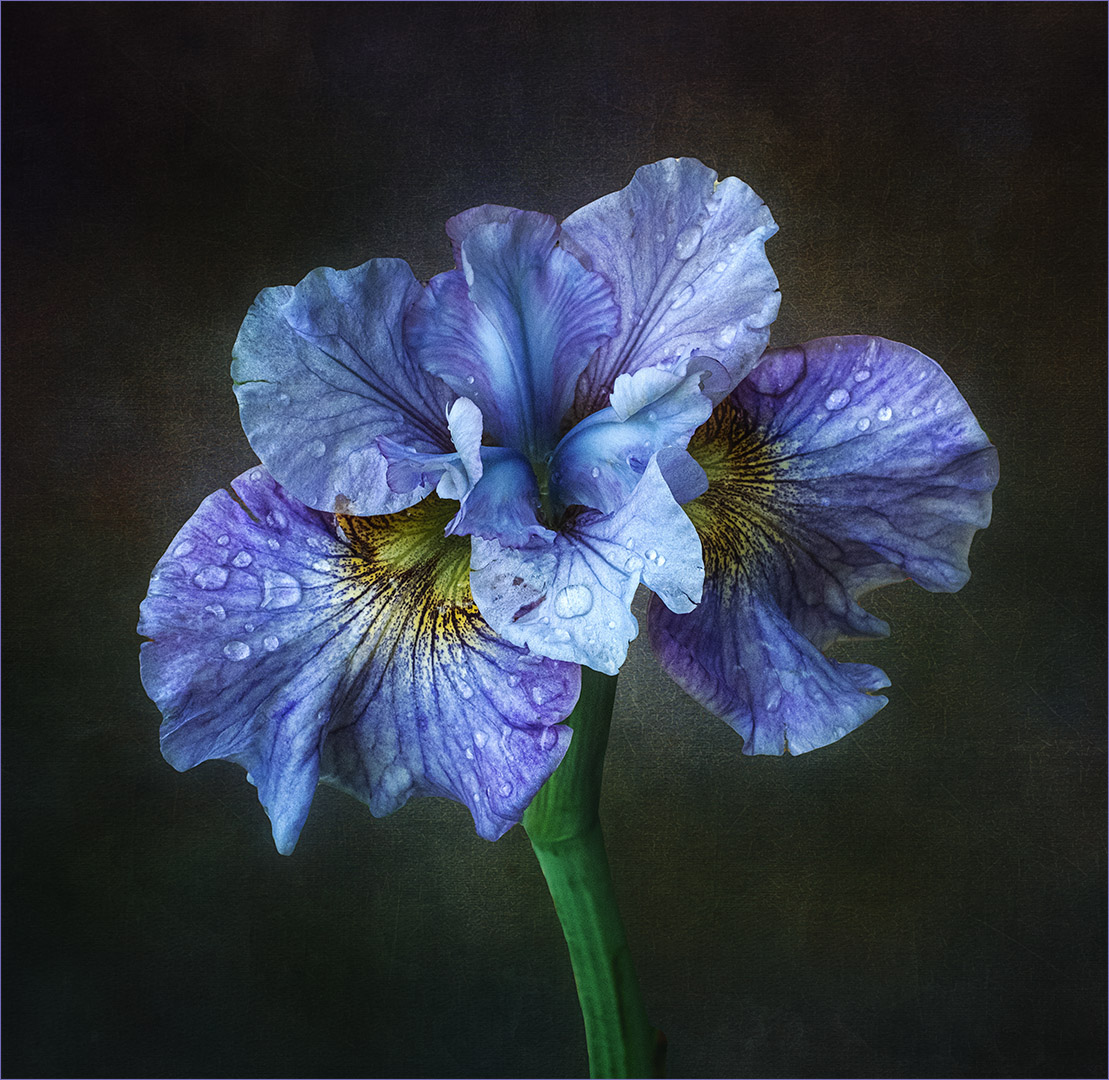
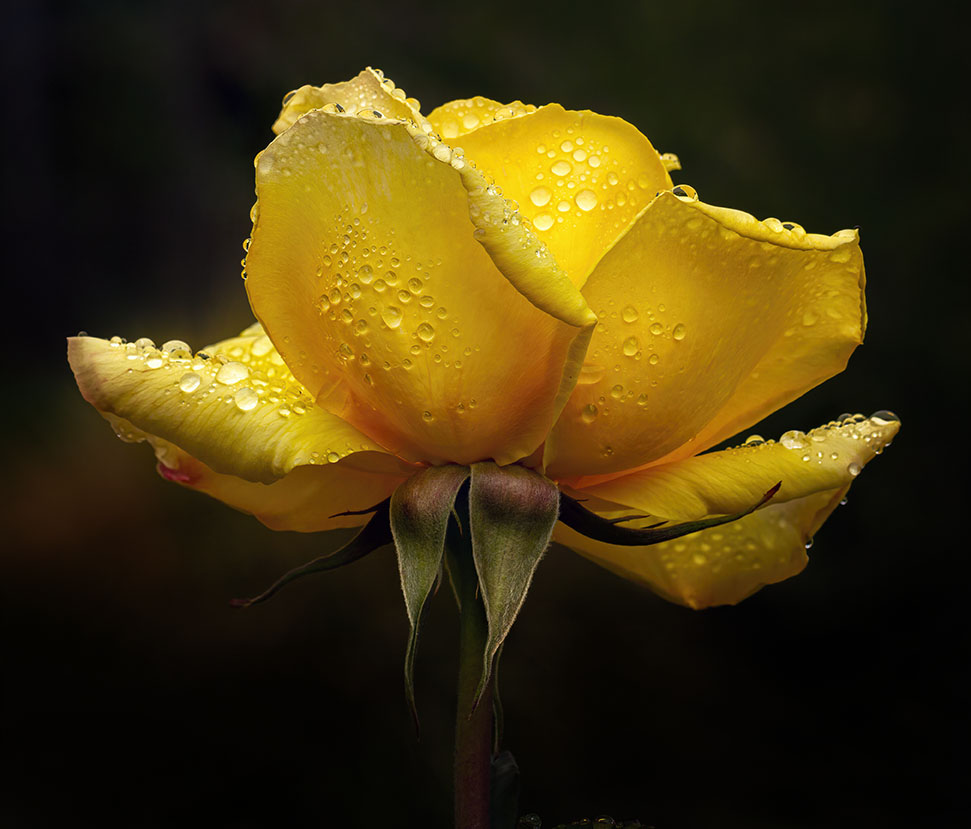
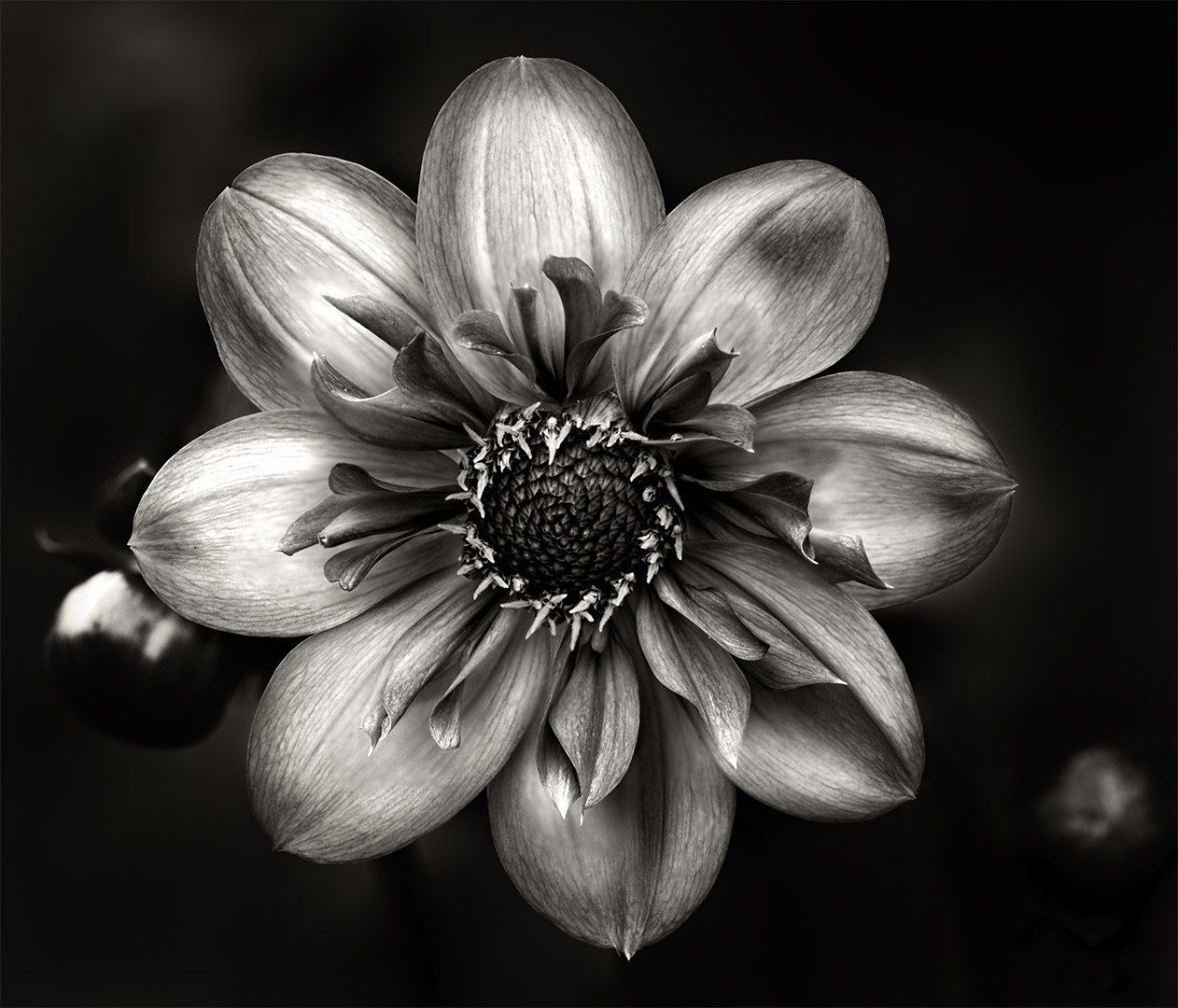
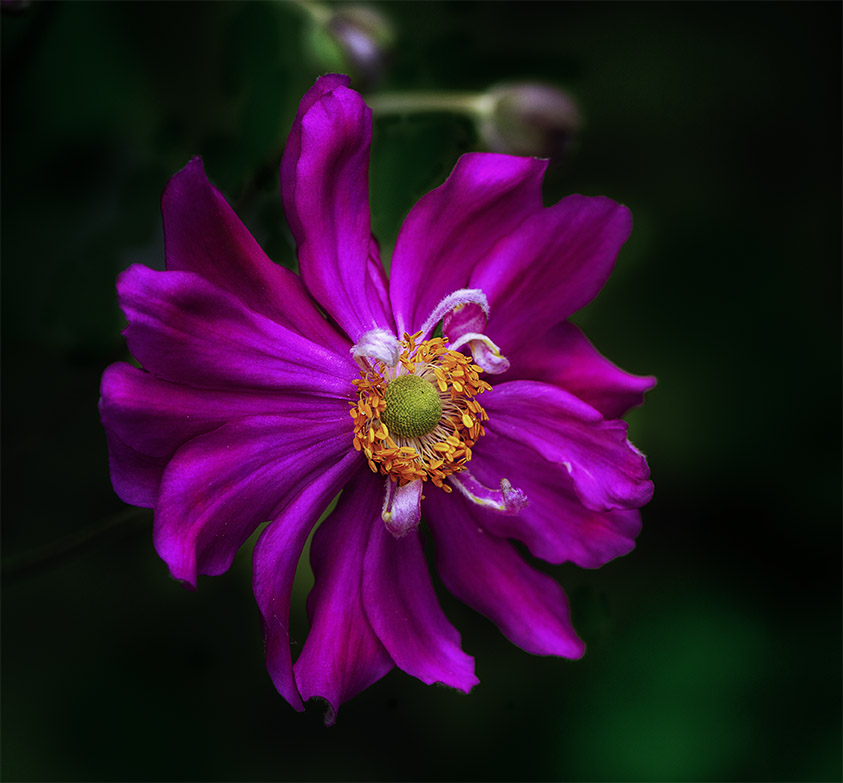
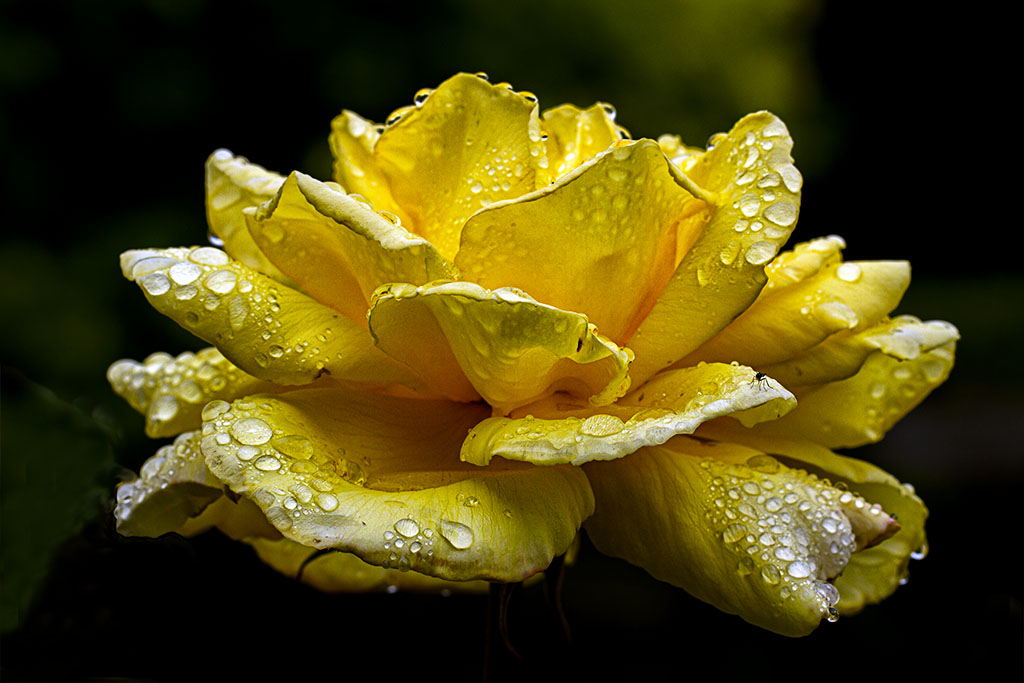
Hi Marti, one of my favourite flowers and you have presented it in all its glory. Love the colour and the black makes it stand out really well. Not all of the petals are in focus and my suggestion would be to soften all of the petals with the exception of the one in the front. This would make it the focal point of interest. Overall, well presented |
Jul 20th |
| 80 |
Jul 25 |
Comment |
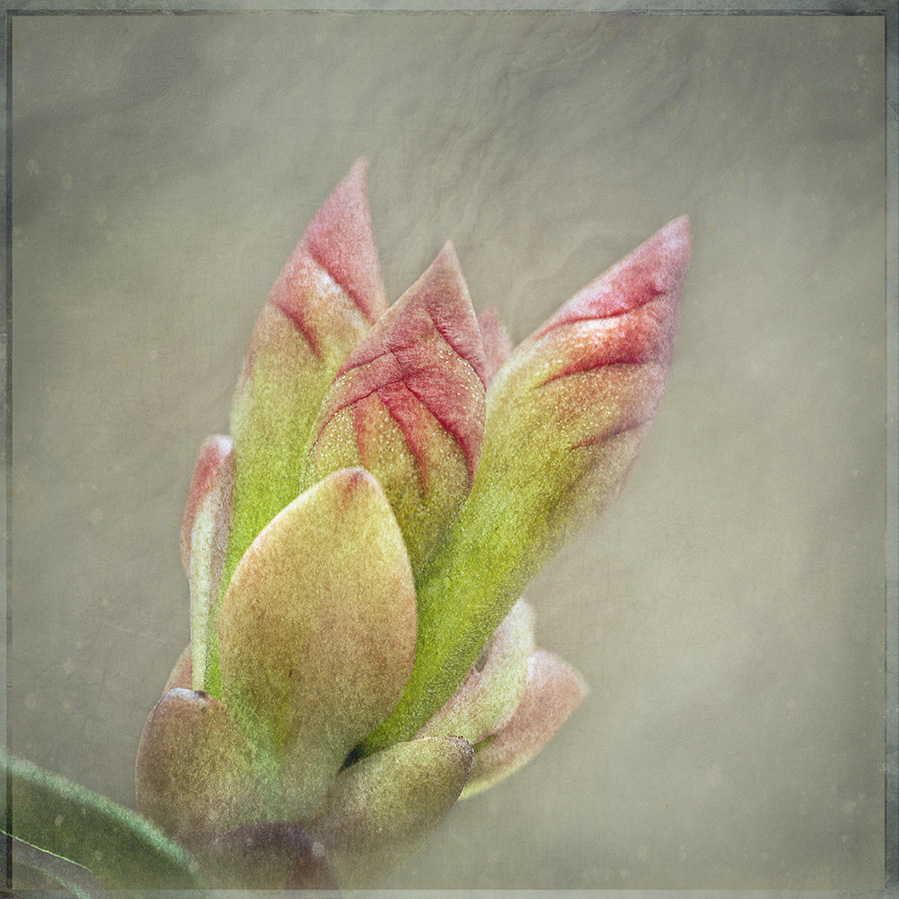
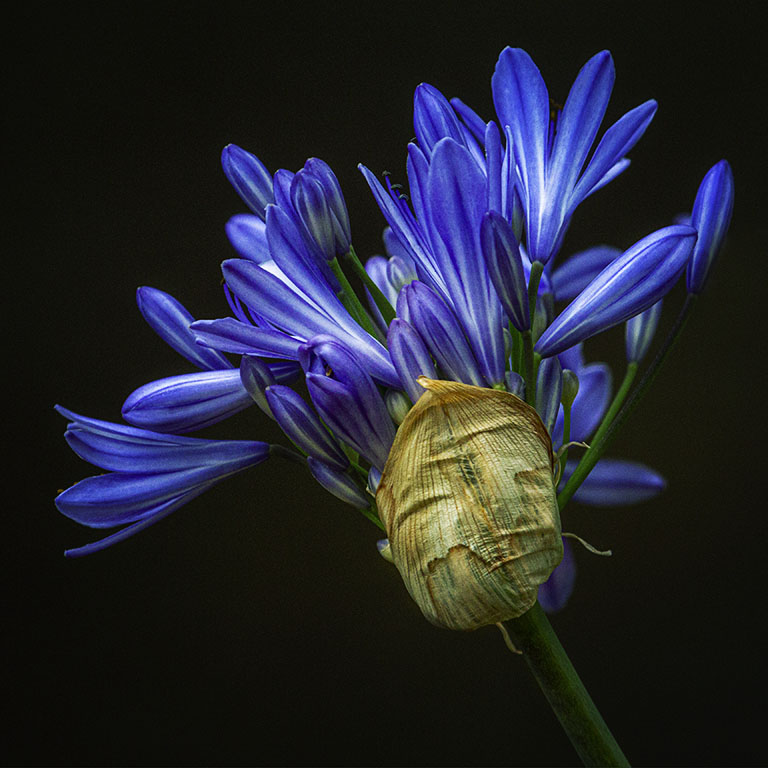
Hi Bob, I have to admit that I'm unfamiliar with this flower. I'm assuming that what you have presented are the petals that haven't opened. If that's so, then I think you've done a wonderful job in bringing those together to create your image. I also like the colours together with the droplets. The swirl in the background adds to the interest and does make the focal point stand out. The only minor suggestion that I have would be to darken the background a little to have some separation from the similar colours. Nicely done. |
Jul 20th |
6 comments - 8 replies for Group 80
|
10 comments - 12 replies Total
|