|
| Group |
Round |
C/R |
Comment |
Date |
Image |
| 41 |
Feb 25 |
Comment |
Hi Tom, great concept and as others have said, well executed. Well done. |
Feb 22nd |
| 41 |
Feb 25 |
Comment |
Brian, I'm glad you provided a description of your image as it gave me an idea of how all of the elements work together. I believe that this is nice piece of surreal work, all of the elements are there to keep the viewer intrigued and drawing some interpretation of what it might be. My only suggestion would be to cut the glasses with the lips out and make them transparent so that the sky and water is seen through them. This would add to the strength of the story. As it stands the white box with the glasses, in my opinion, appears as an "entity" on its own and detracts from strength of the image almost as if the rest of the elements are secondary to it. Very nice work Brian |
Feb 20th |
| 41 |
Feb 25 |
Comment |
Hi Melissa, what a lovely concept. I tend to agree with Brad, you have the drop shadow in the original tape image and all you need to do is drop your lovely pup in the position you wanted. Then convert to mono. Like it a lot, it's nice and quirky. |
Feb 15th |
| 41 |
Feb 25 |
Comment |
Hi Hazel, what a lovely arrangement and I like the swirl behind it. It's my opinion you could consider using complementary colours to make the table arrangement stand out more. As it stands, the colour scheme is very similar and so the subject matter tends to blend with the background. You might consider using a different coloured texture or change the colour of the existing one by using gradients, solid colour, vibrance etc. |
Feb 9th |
| 41 |
Feb 25 |
Comment |
Hi Brad, you've done an excellent job in bringing the elements together. I particularly like how you've have your hand reached out as if you're touching a flare/orb of some kind as if you're reaching out to the stars. My suggestion would be that if you had that light source so close to you, it would reflect on your face, upper part of your body and on your arm and hand. Probably create some rim light around those areas as well. Otherwise nicely done.
|
Feb 9th |
5 comments - 0 replies for Group 41
|
| 80 |
Feb 25 |
Reply |
Thanks Bob, I will explore "zoom" blur tool in Studio 2. I'm back to using this program after an absence of a few years. Thanks for renewing my interest in it. |
Feb 21st |
| 80 |
Feb 25 |
Reply |
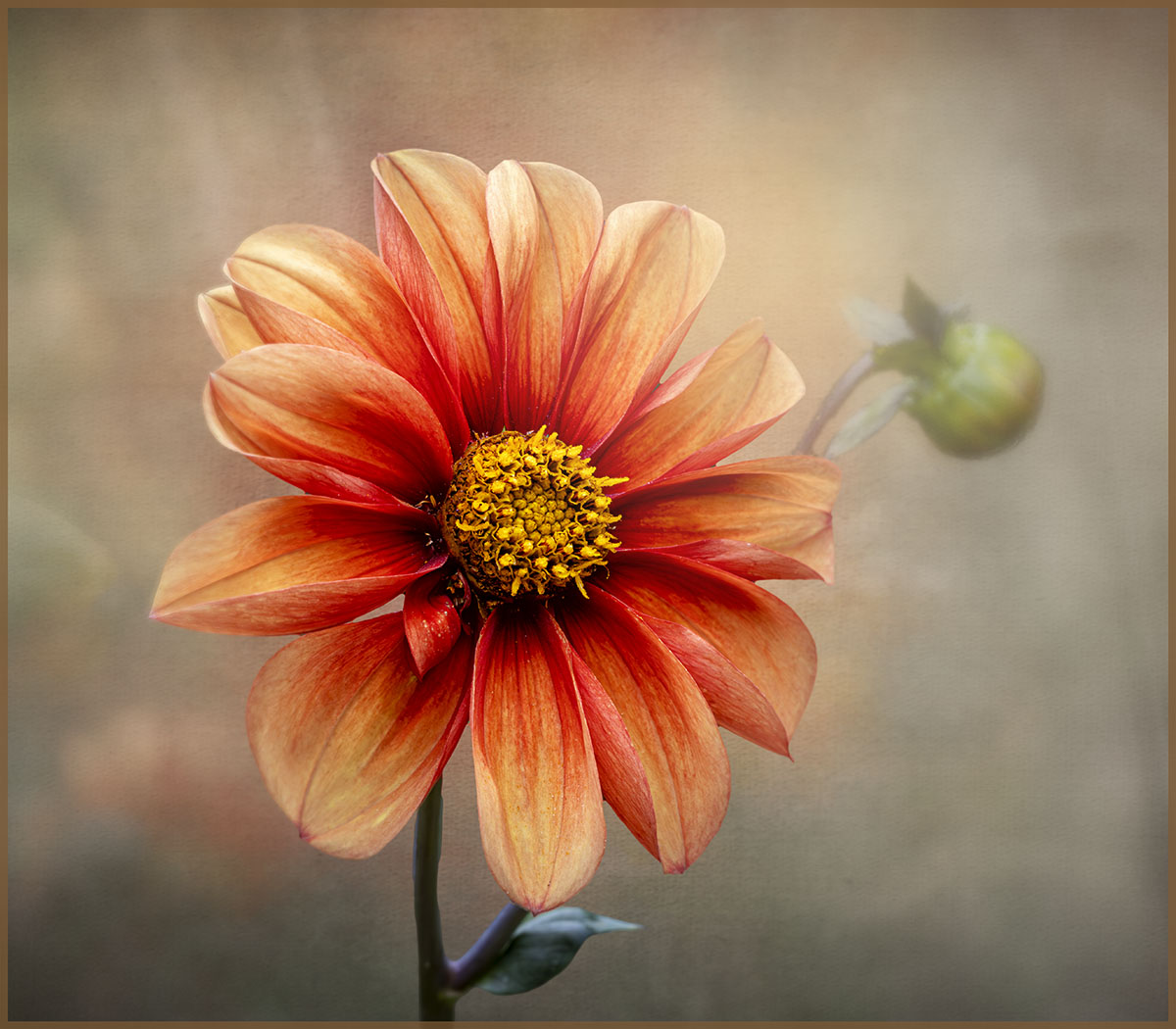
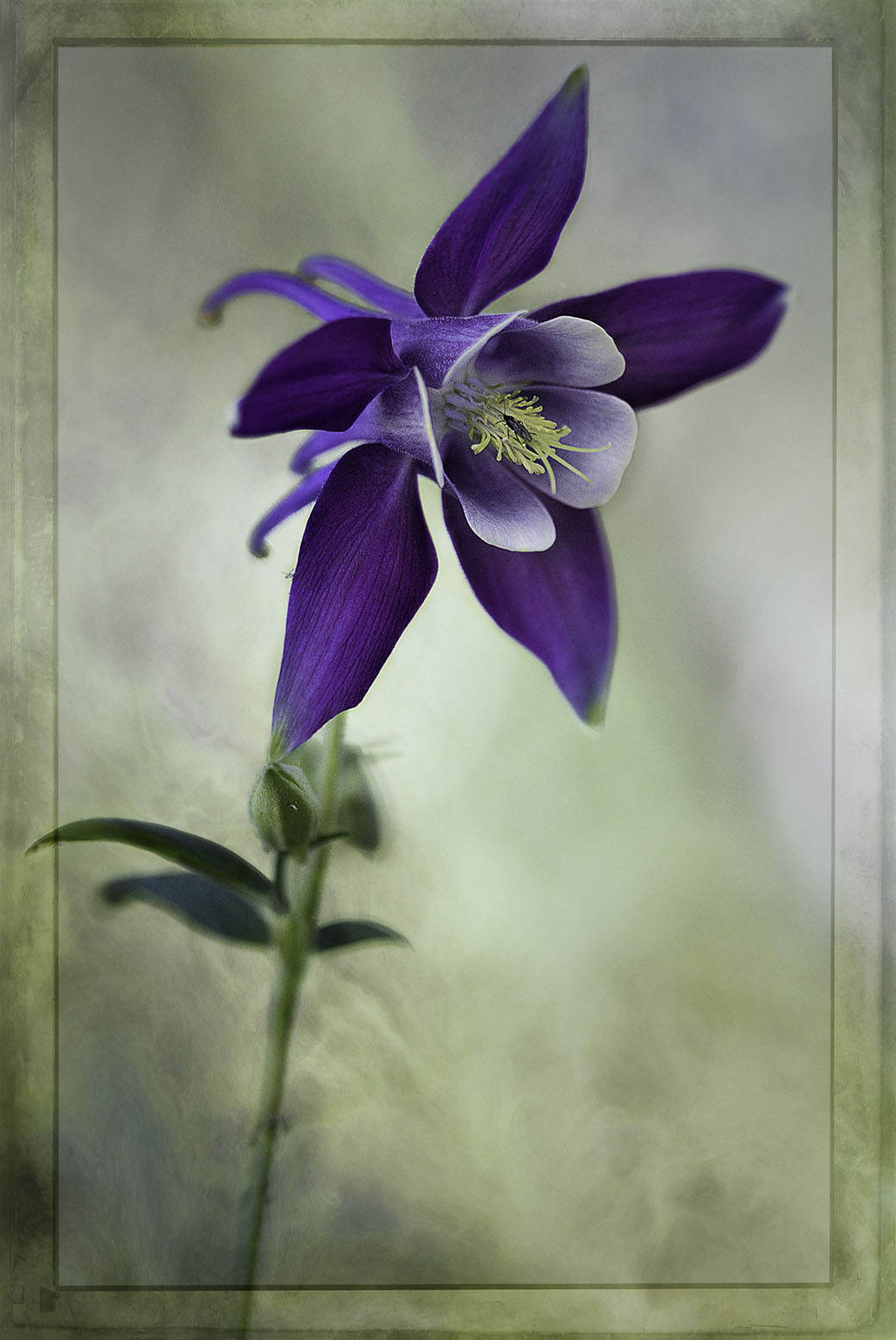
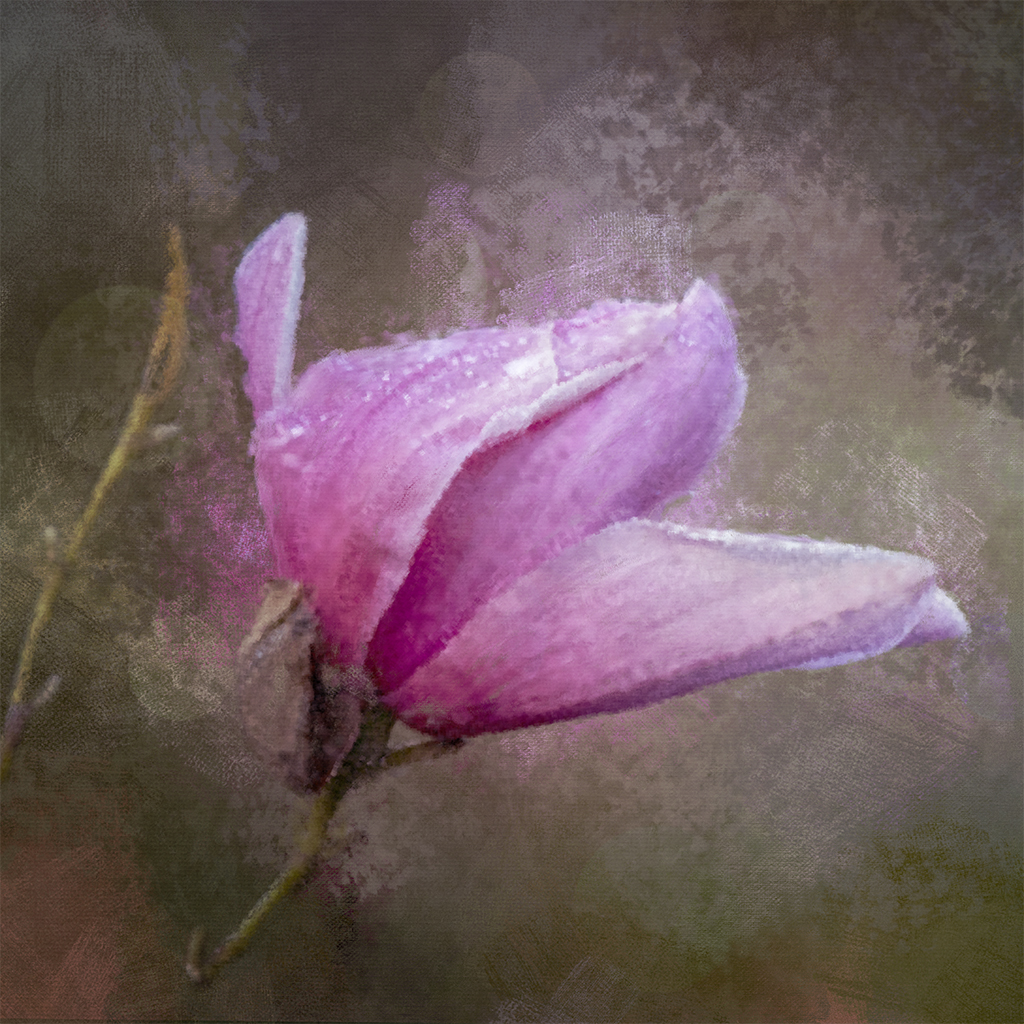
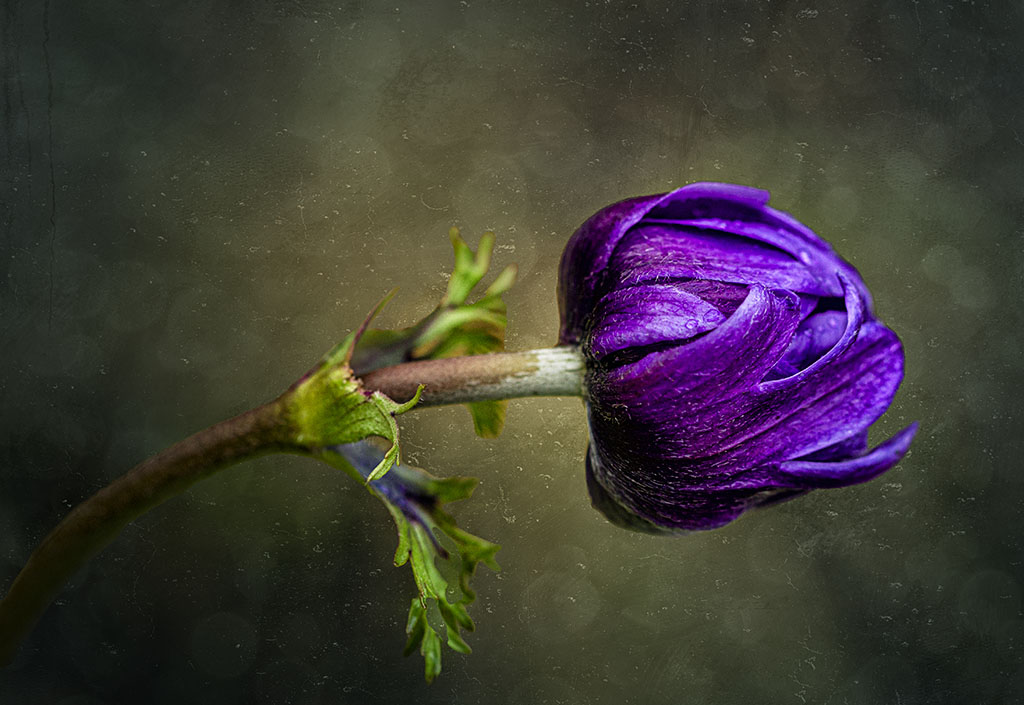
Thanks Ingrid for your valued feedback. As mentioned, I had in mind of a diagonal composition, from bottom left to upper right. I like your suggestion of a vertical version of the flower on its own. |
Feb 21st |
| 80 |
Feb 25 |
Reply |
Thanks for your comments Marti. There is a bud behind the second flower. My intention was a diagonal composition. Maybe I could have left more space after the bud on the right hand side. Also, I think I could put some light on it as well to make it stand out. |
Feb 21st |
| 80 |
Feb 25 |
Reply |
Thanks Bob, always appreciate your feedback. |
Feb 21st |
| 80 |
Feb 25 |
Comment |
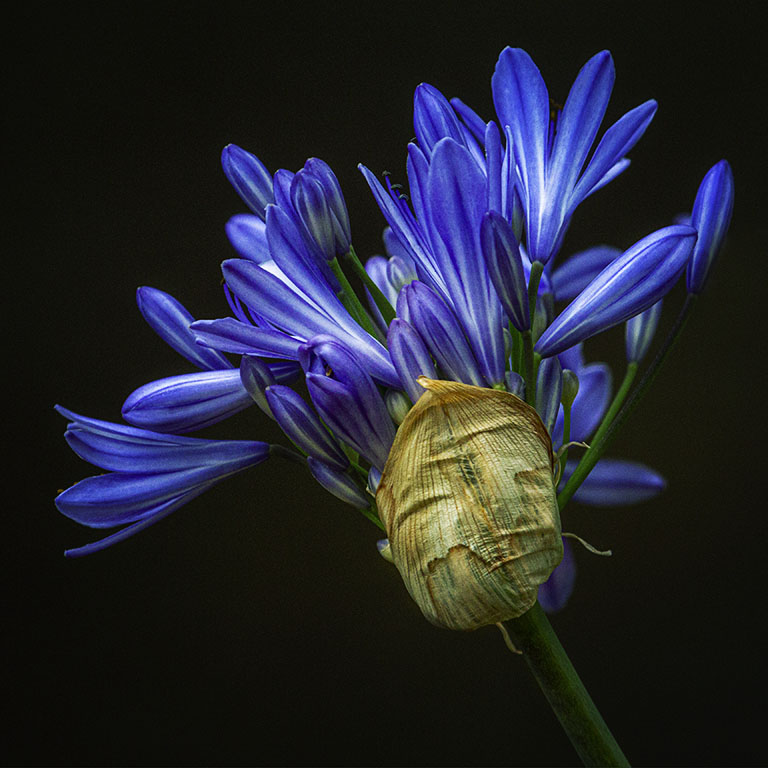
Nature never ceases to amaze me on how it creates such symmetry and balance. I think you've captured that really well, the leaves on both sides are almost a mirror image of each other. Well spotted Ingrid. |
Feb 21st |
| 80 |
Feb 25 |
Comment |
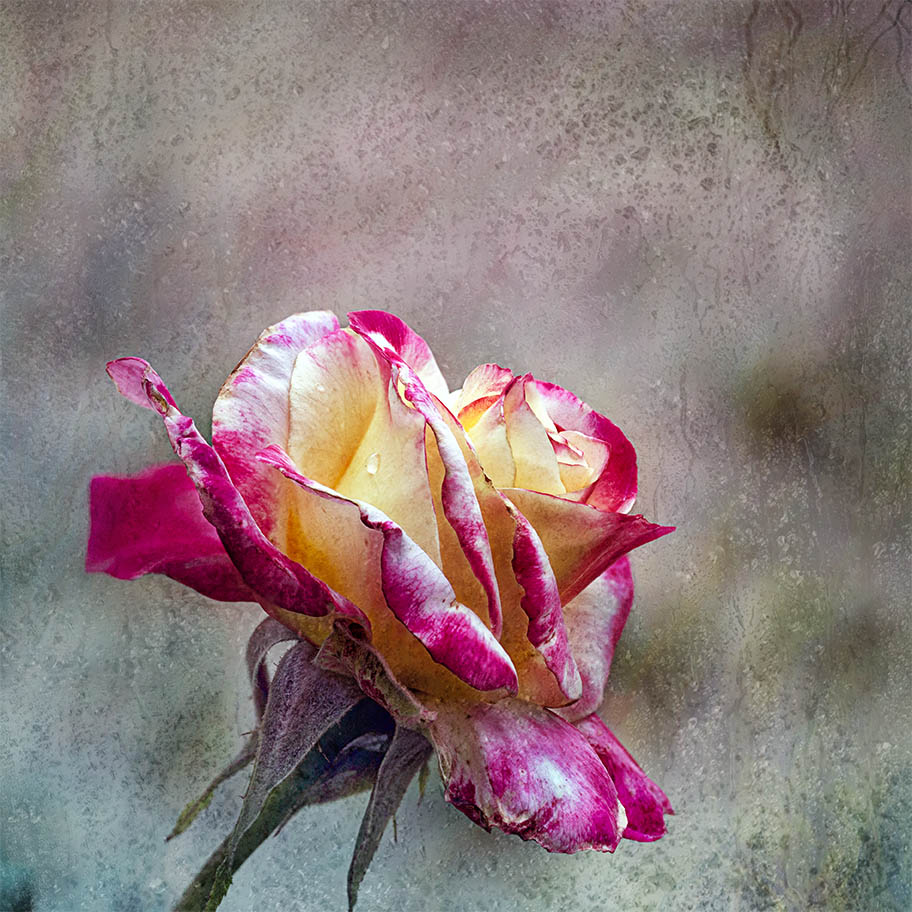
I agree with the others, the grey background complements the pink rose well. I do agree with Ingrid that the petals on both sides of the canvas are too close to the edge and you might consider expanding the canvass on both sides. Very nicely done.
|
Feb 21st |
| 80 |
Feb 25 |
Comment |
Just think this is so gorgeous Doug, what a skill you have in stacking so many images to create an image that is so life like and yet so surreal. Well done. |
Feb 16th |
| 80 |
Feb 25 |
Comment |
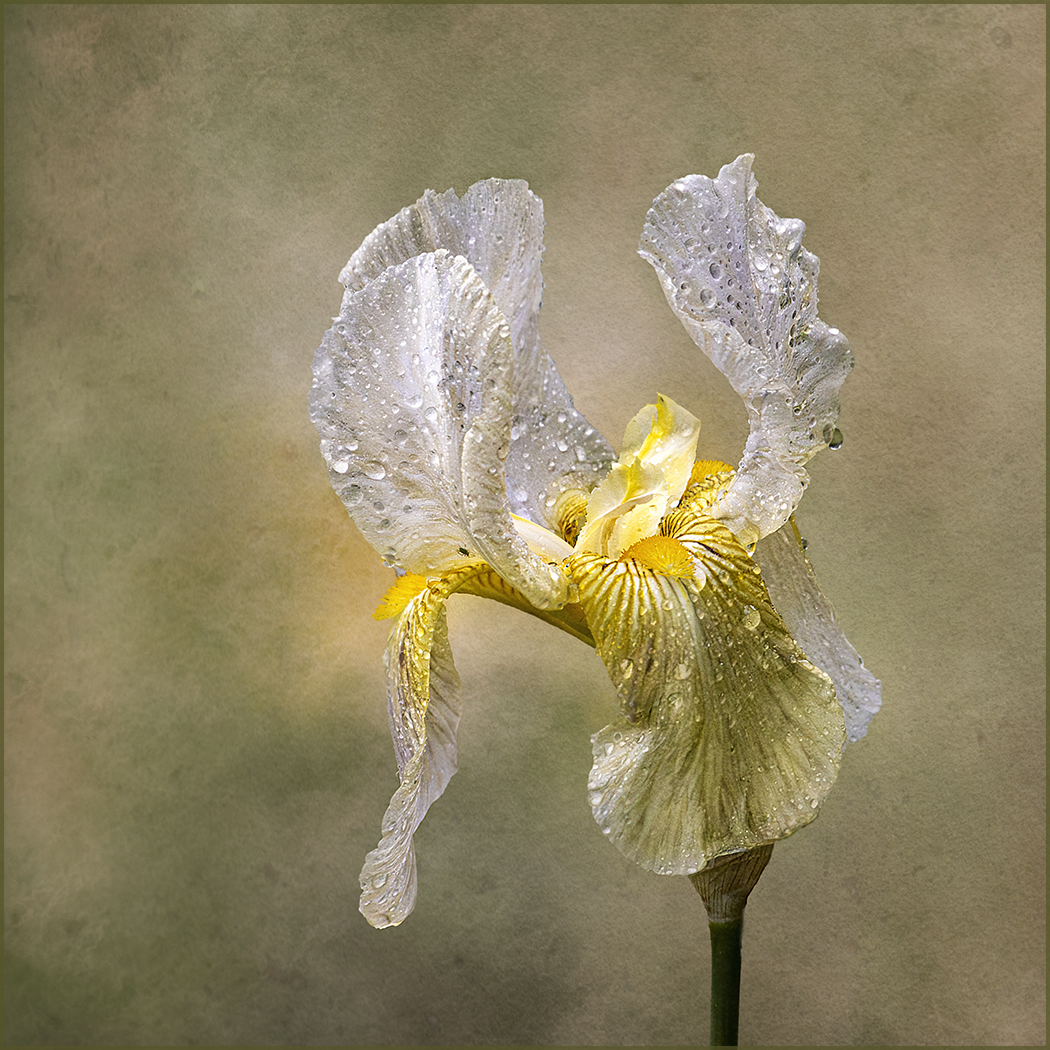
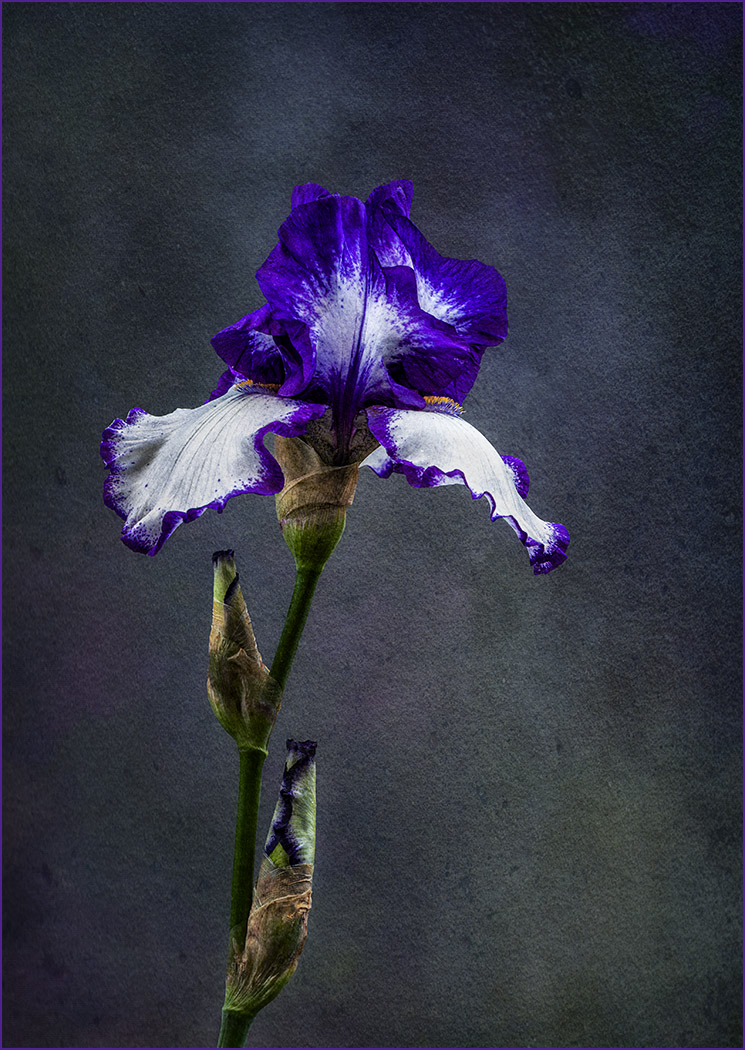
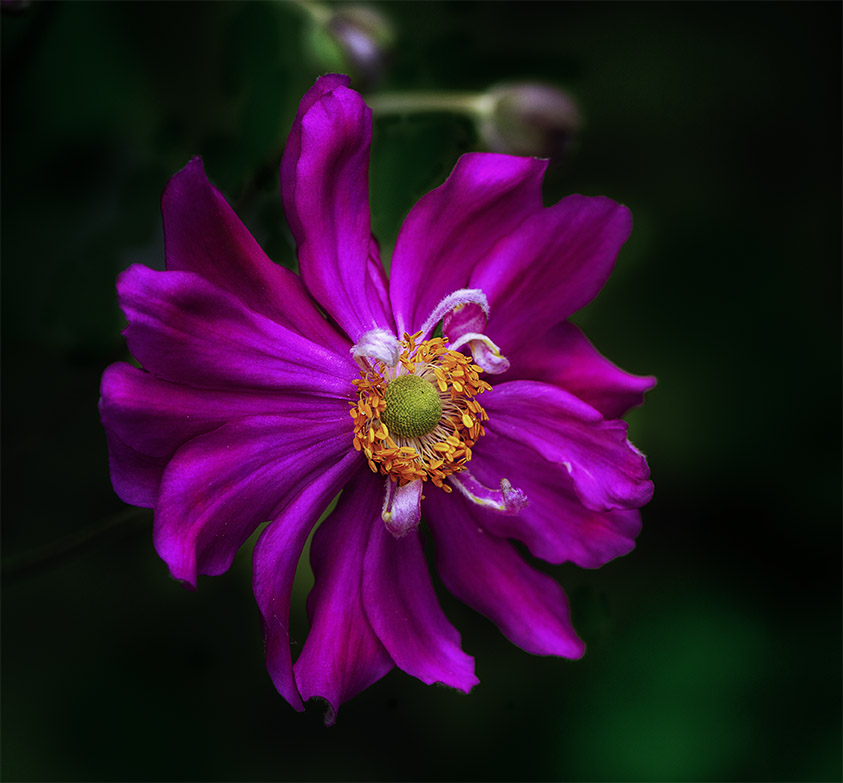
Hi Marti, I like the angle of this image and the colour is just lovely. It's my opinion that the stamen is the focal point in your image but I believe that it blends into the background petals of the flower and so doesn't stand out as it should. You might want to consider using curves in photoshop to lighten that part of the image. A lighter vignette might be a better option as I think the current version is too noticeable. |
Feb 15th |
| 80 |
Feb 25 |
Comment |
Hi Bob, this is amazing, just love how you've turned a bunch of pruned flowers in a wheelbarrow and turned into a lovely piece of work. I like the "zoom" blur and personally would prefer to have just the white flower in the center in focus while all surrounds blurred our and adding their colours. Nice job. Is "zoom" blur in Studio 2? |
Feb 15th |
5 comments - 4 replies for Group 80
|
10 comments - 4 replies Total
|