|
| Group |
Round |
C/R |
Comment |
Date |
Image |
| 80 |
Jan 25 |
Comment |
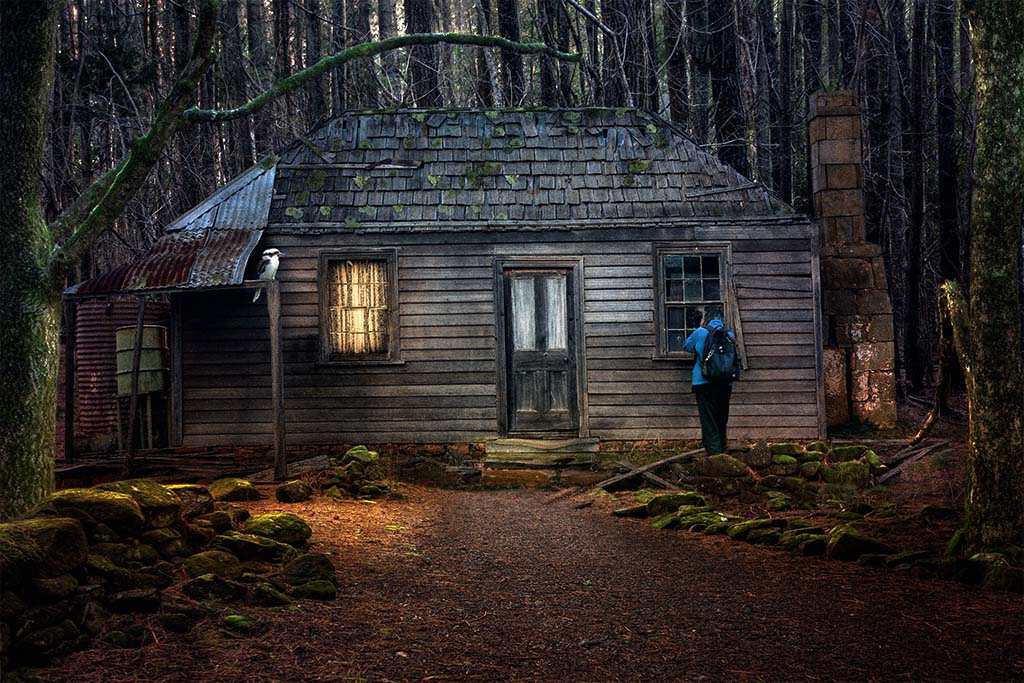
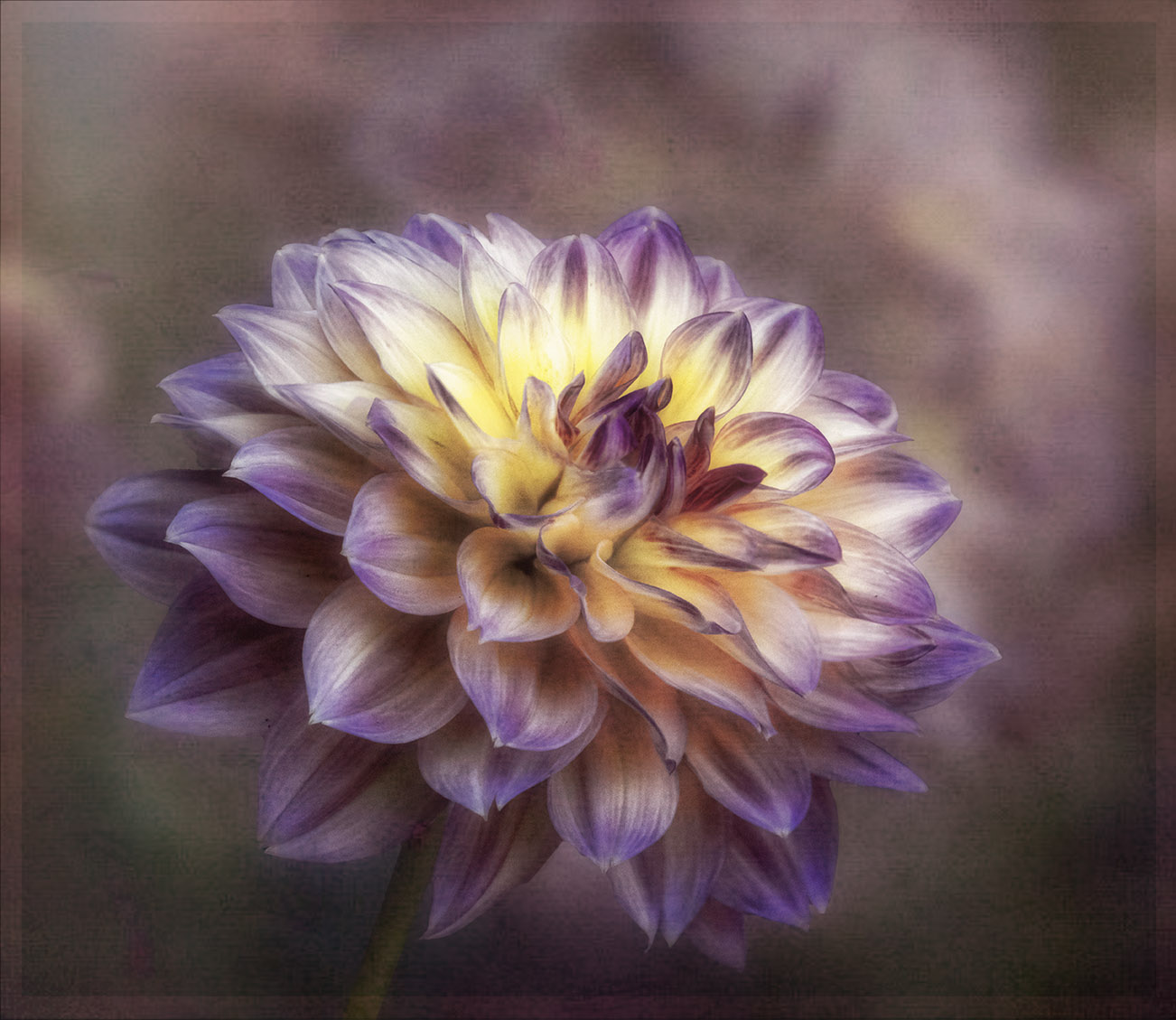
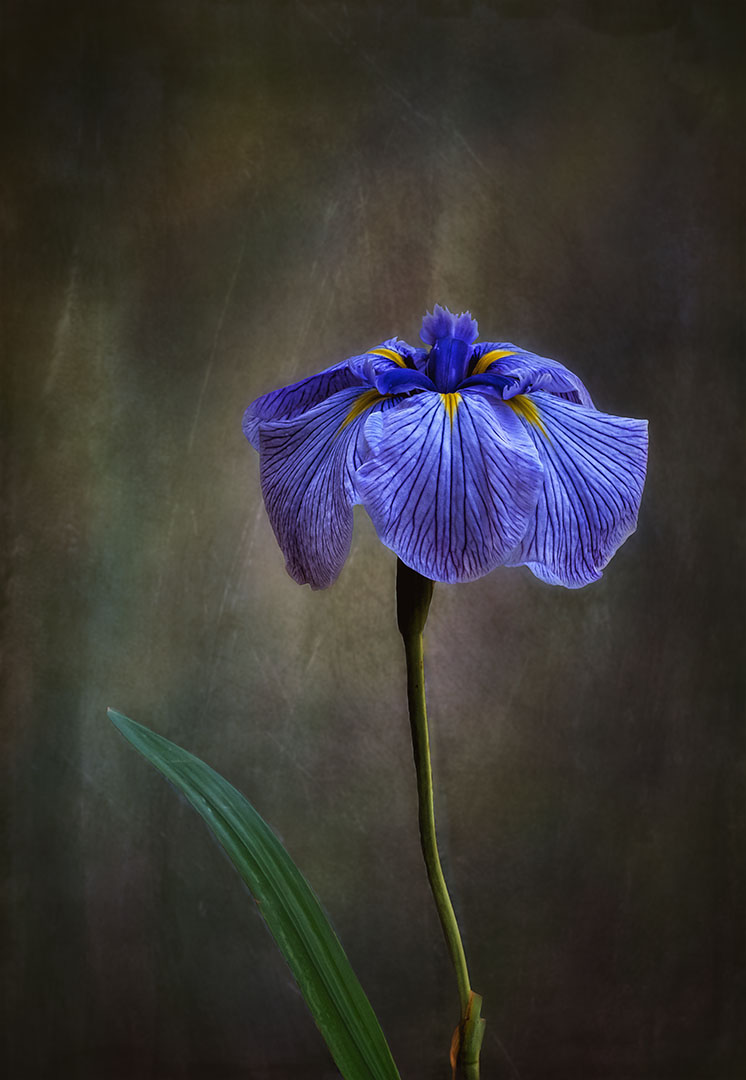
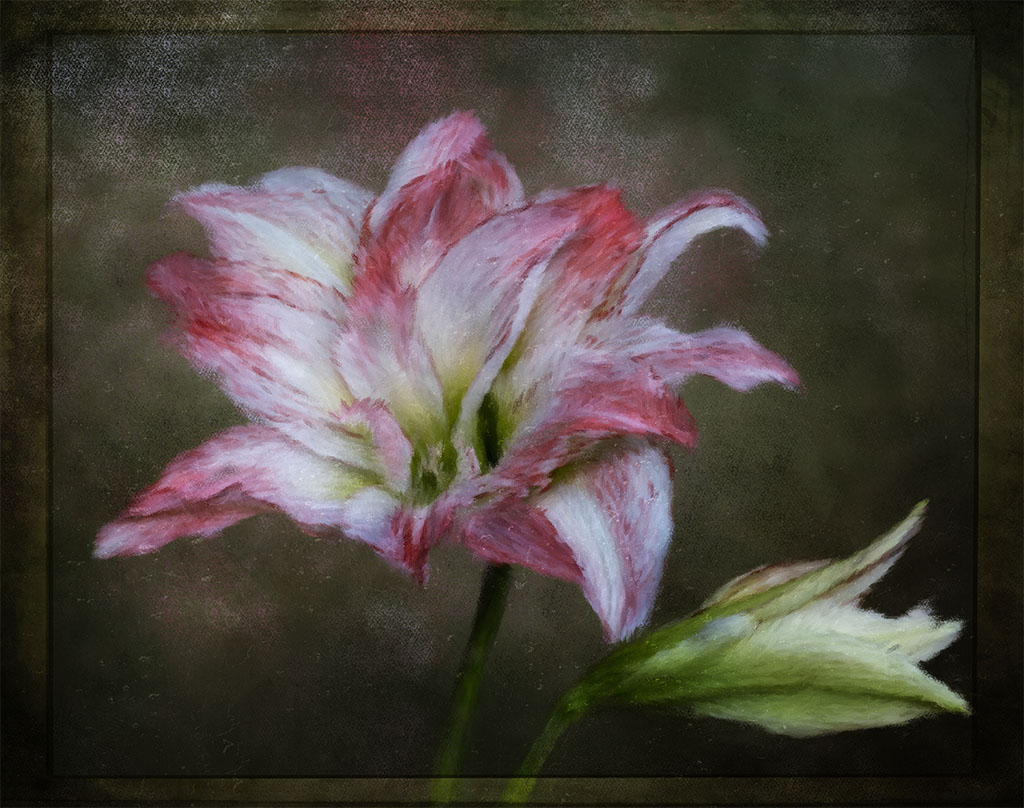
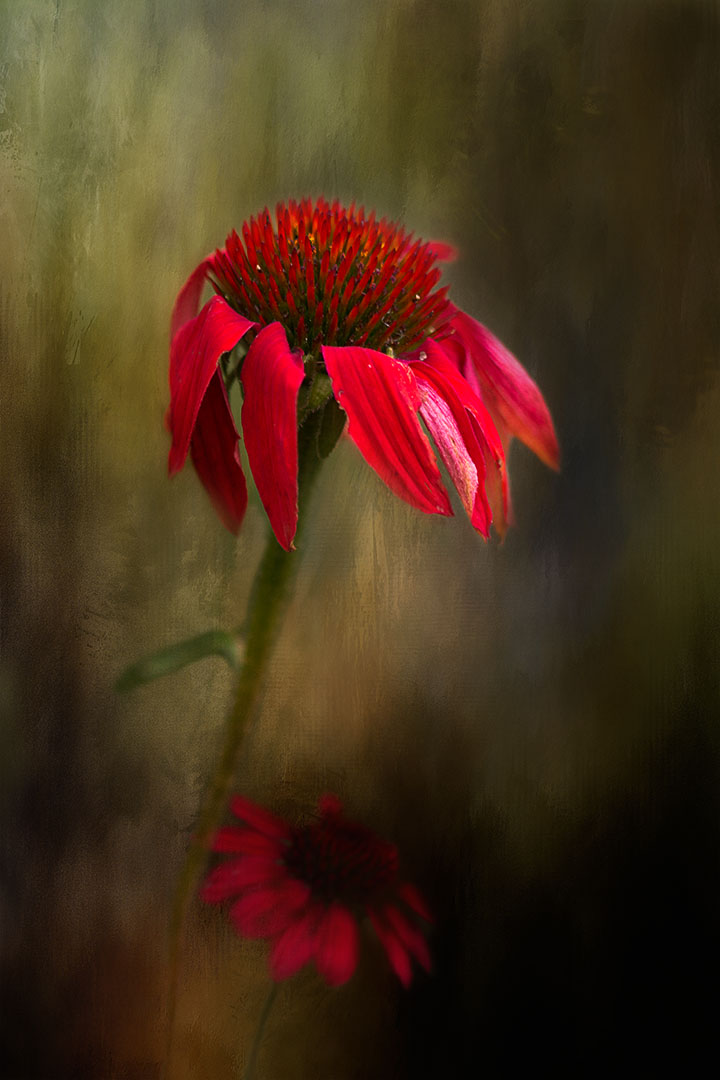
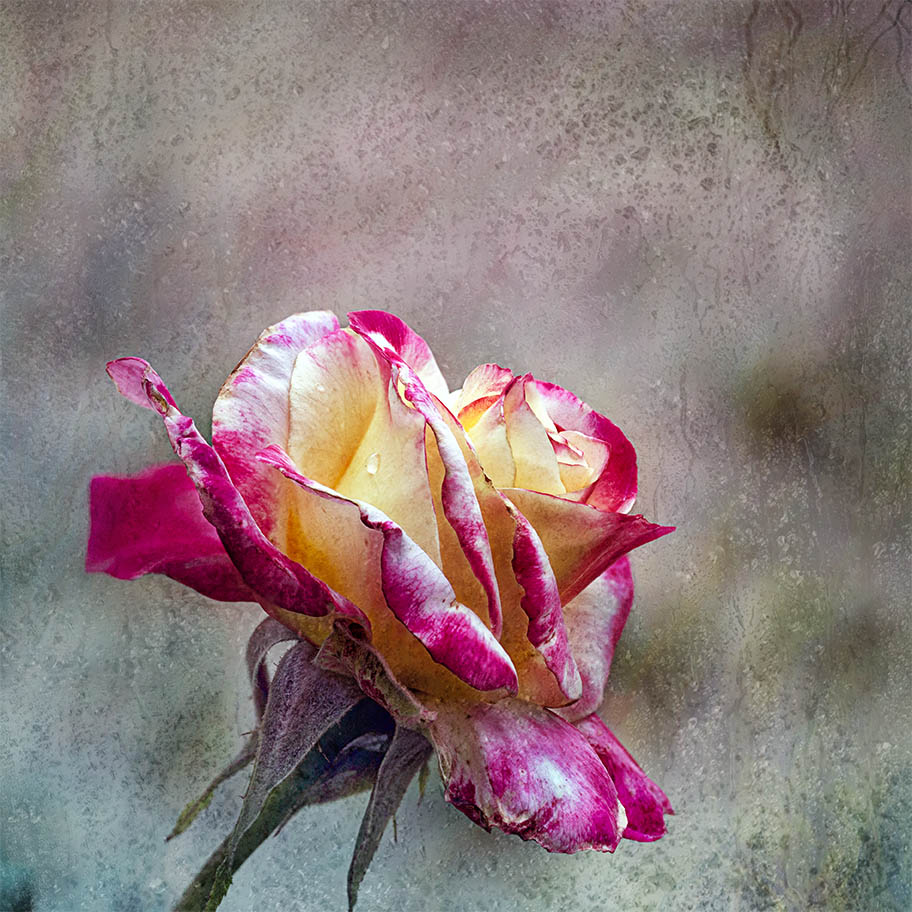
Hi Kamal, you've done a great job in selecting the flower and adding a texture to both the flower and the background. My suggestion would be to lessen the intensity of the background texture because it's the same opacity as the flower and so it competes with it. So, before you add the texture as the background, you might consider softening the texture by using the blur tool in Photoshop. In CS6 you will have Blur, Gaussian blur and use the slider to 3 to 5 pixels. The background will not compete with the texture you've placed on the flower. Well done. |
Jan 25th |
| 80 |
Jan 25 |
Comment |
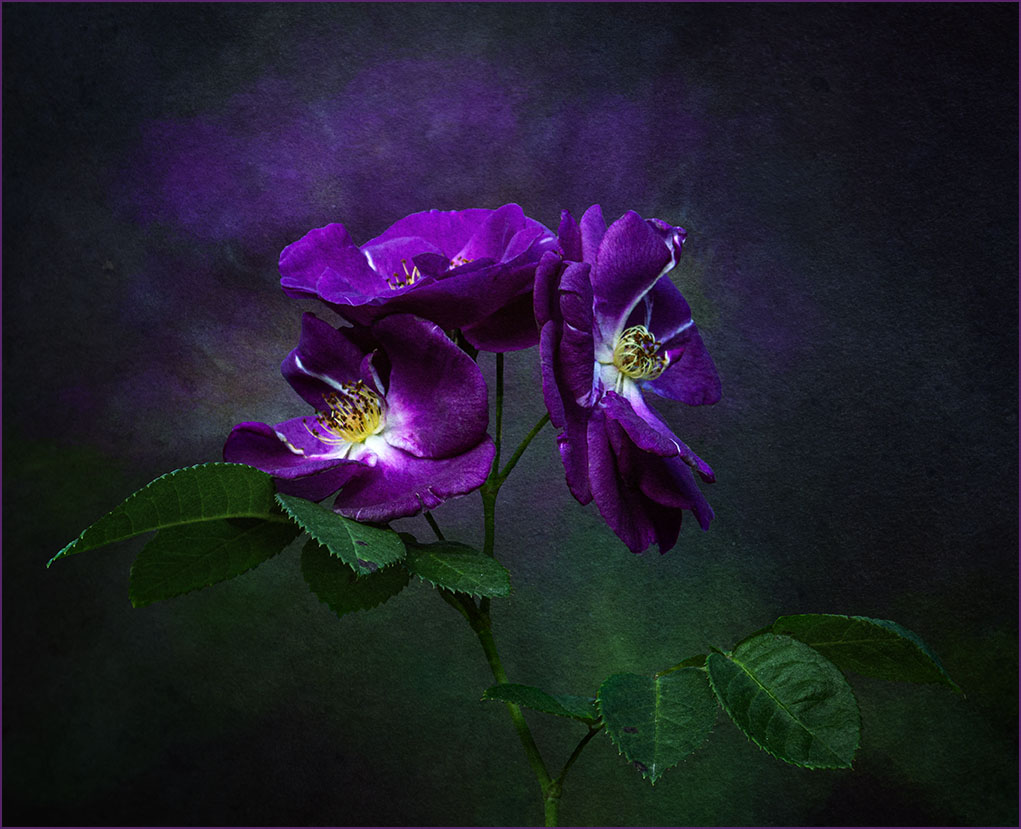
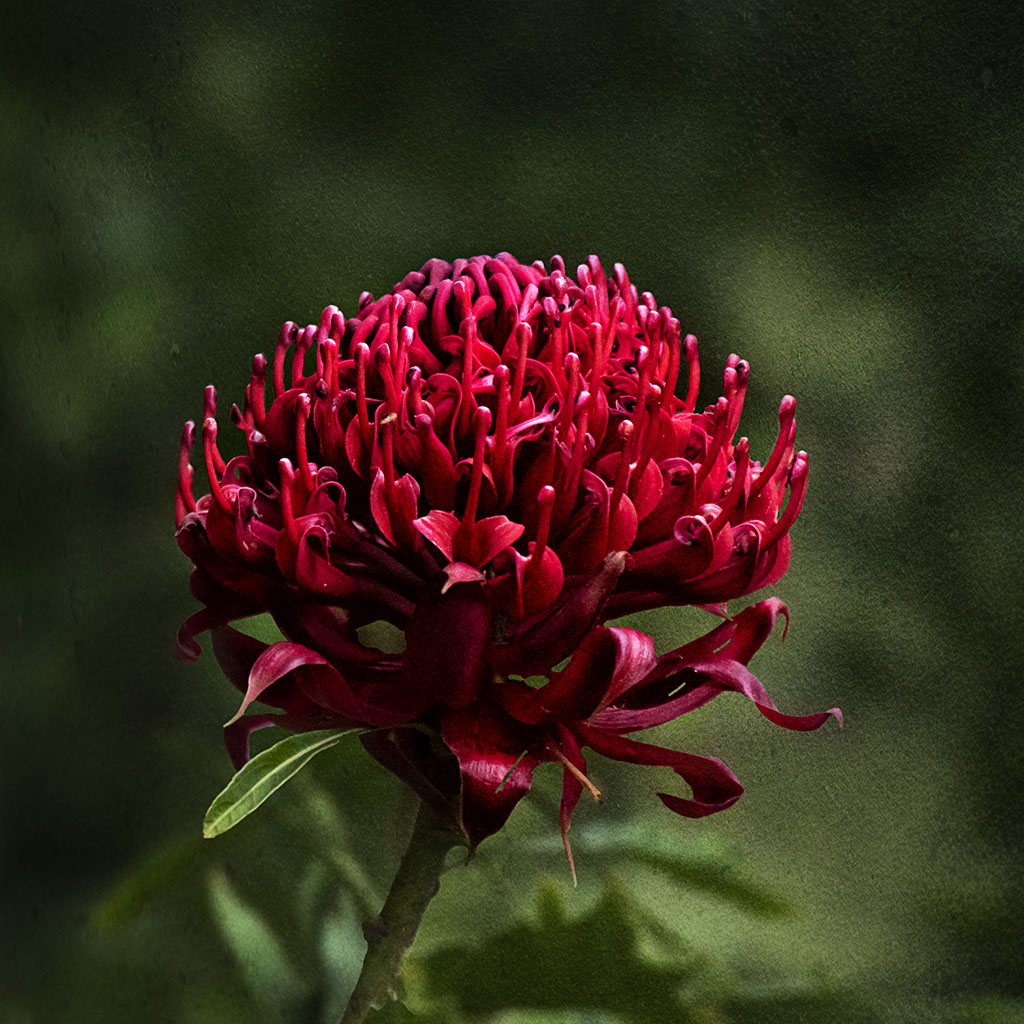
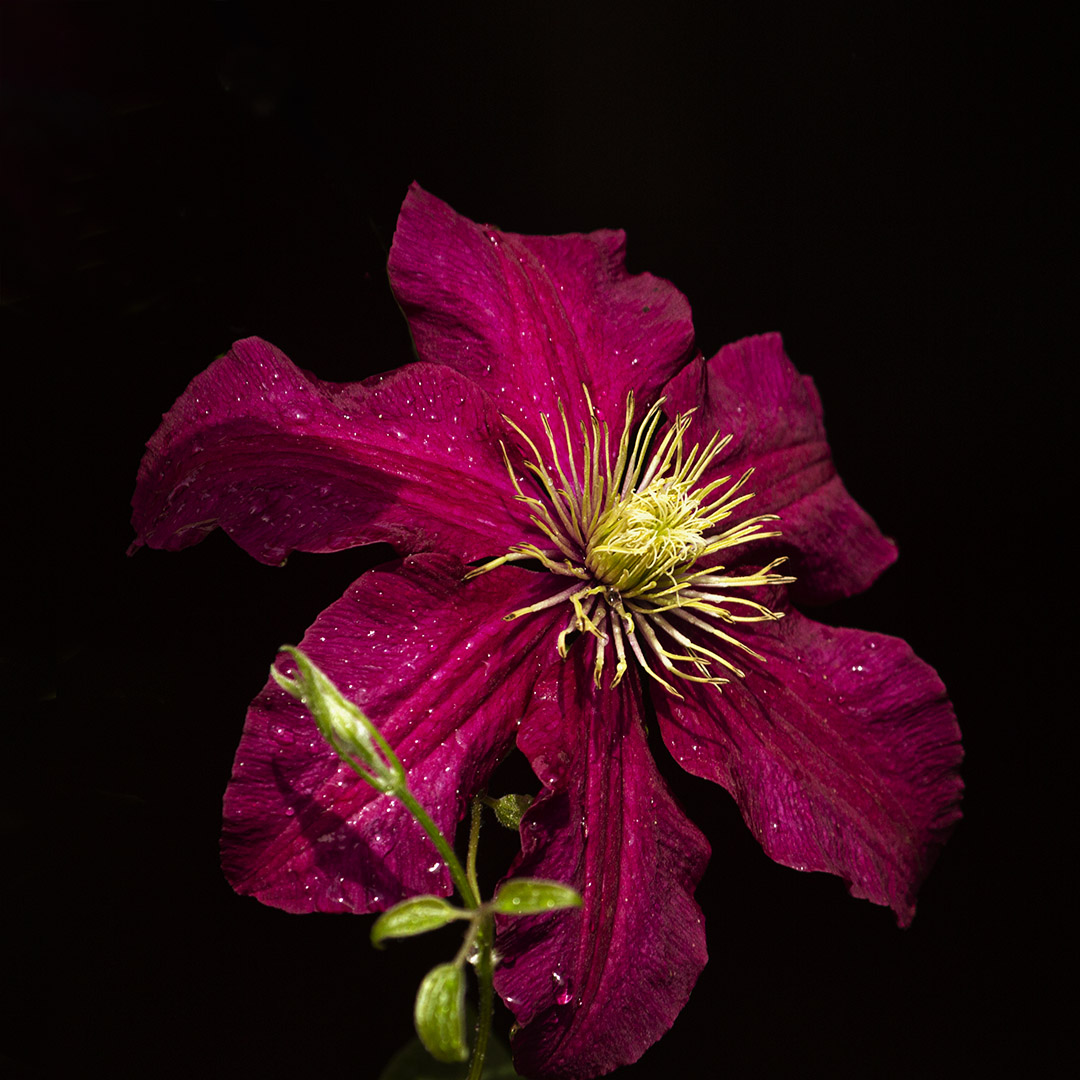
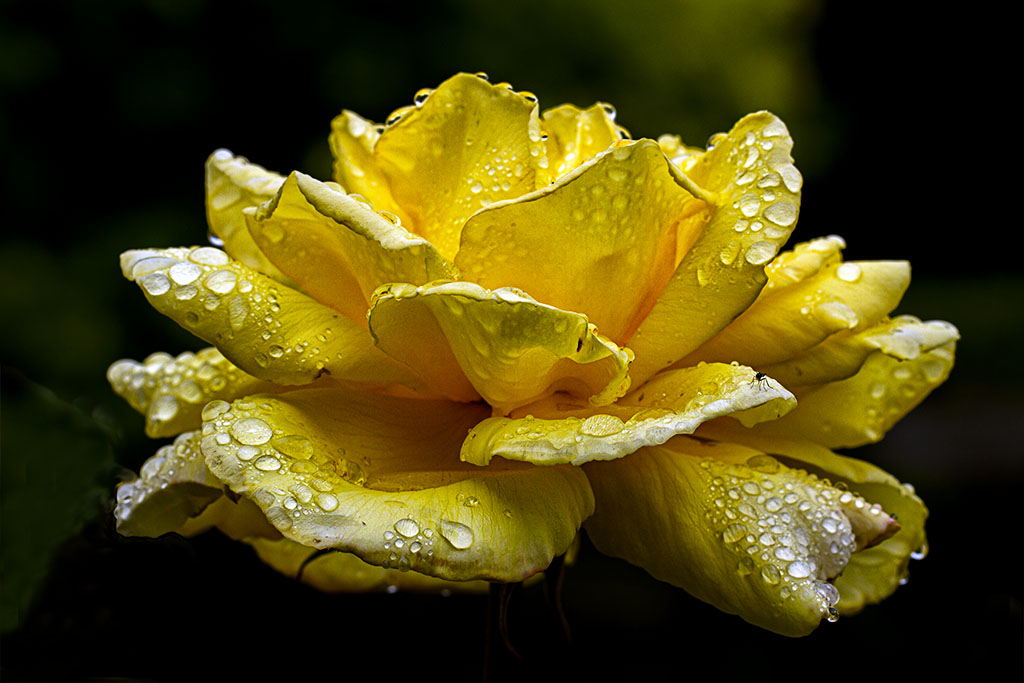
I'm the last to comments on your gorgeous flower Ingrid and I can't add any comments to what already has been said. All I can say is that it's beautiful, I love the vibrancy and the black background makes it stand out really well. |
Jan 25th |
| 80 |
Jan 25 |
Reply |
Thanks for your comments Rich, always appreciated. |
Jan 25th |
| 80 |
Jan 25 |
Reply |
Thanks for your comments Bob, much appreciated
|
Jan 25th |
| 80 |
Jan 25 |
Reply |
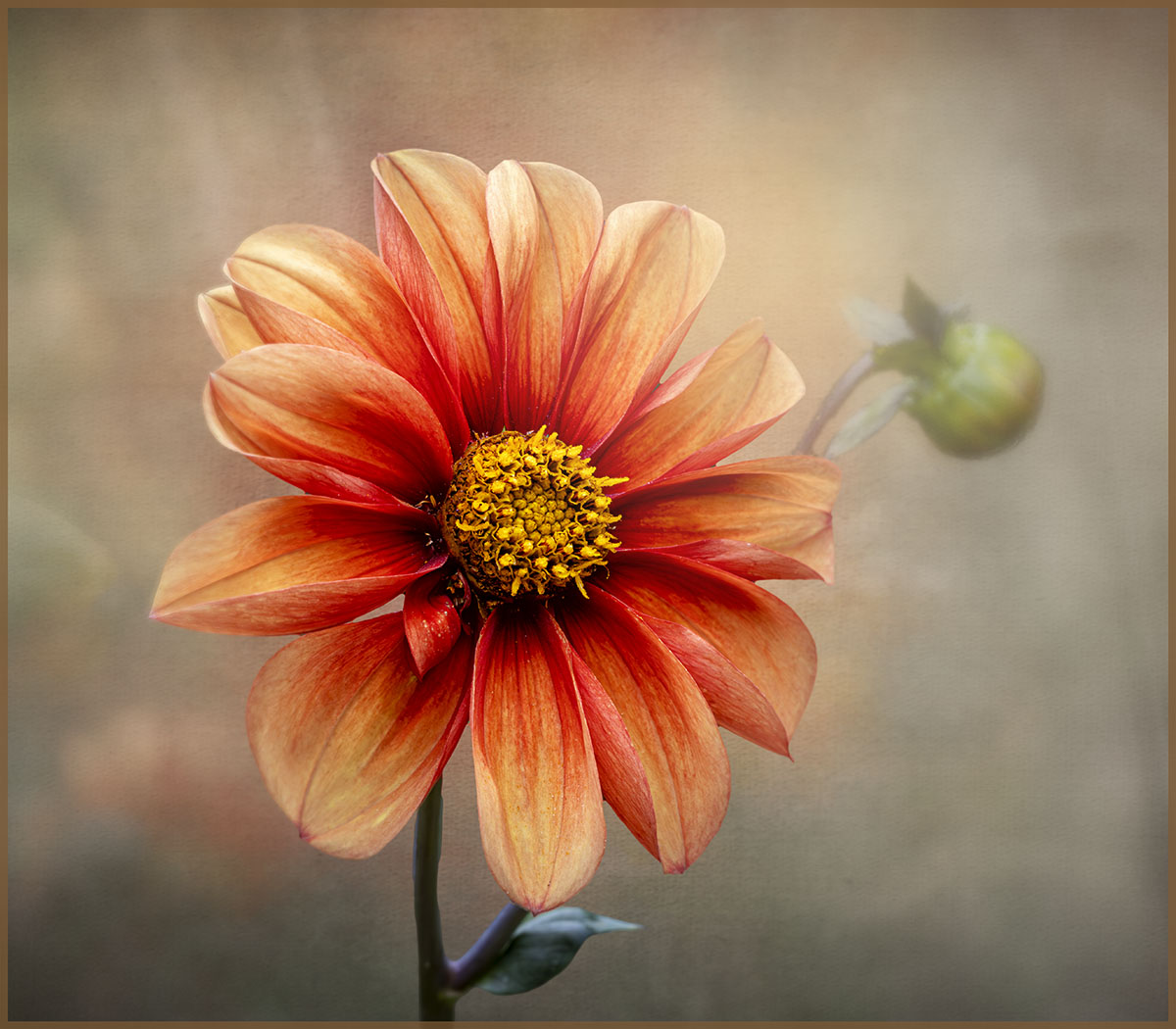
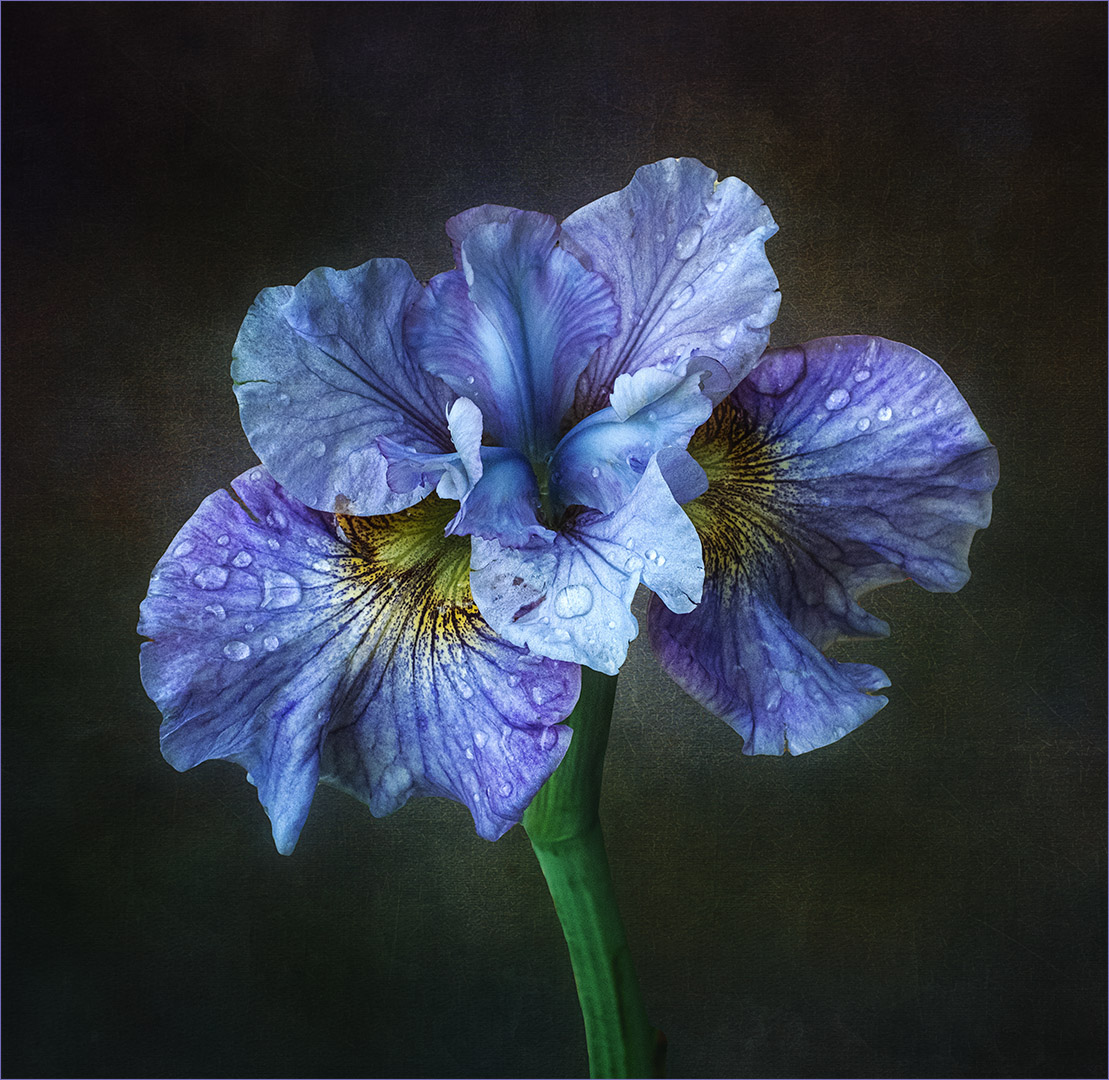
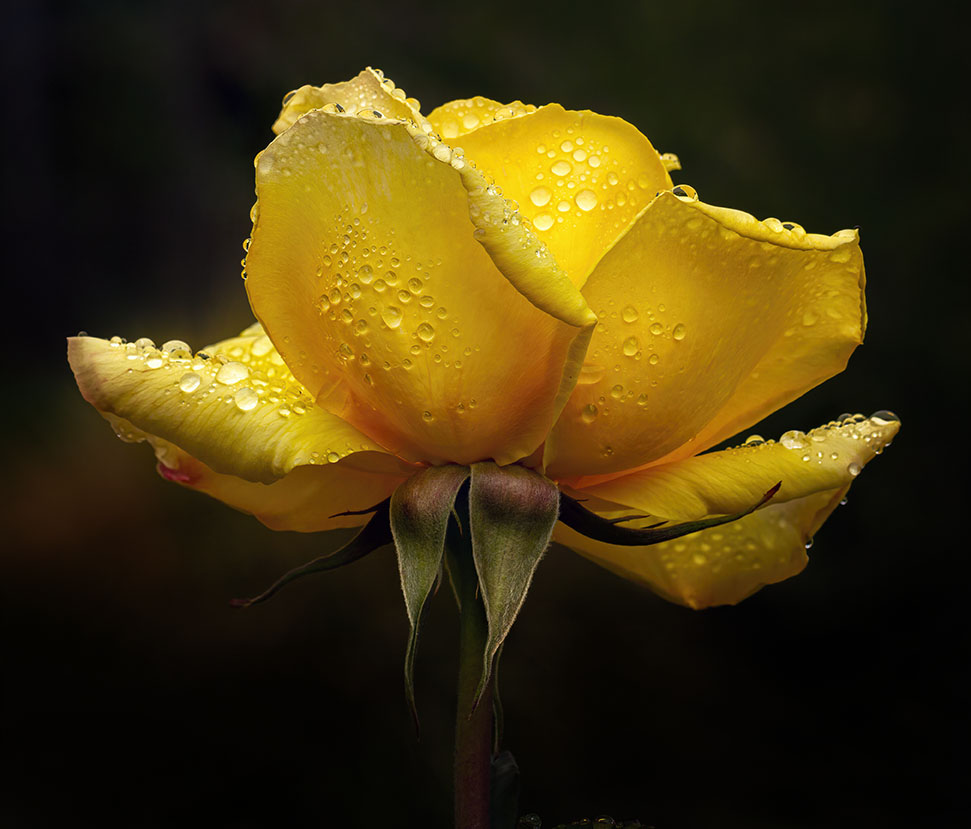
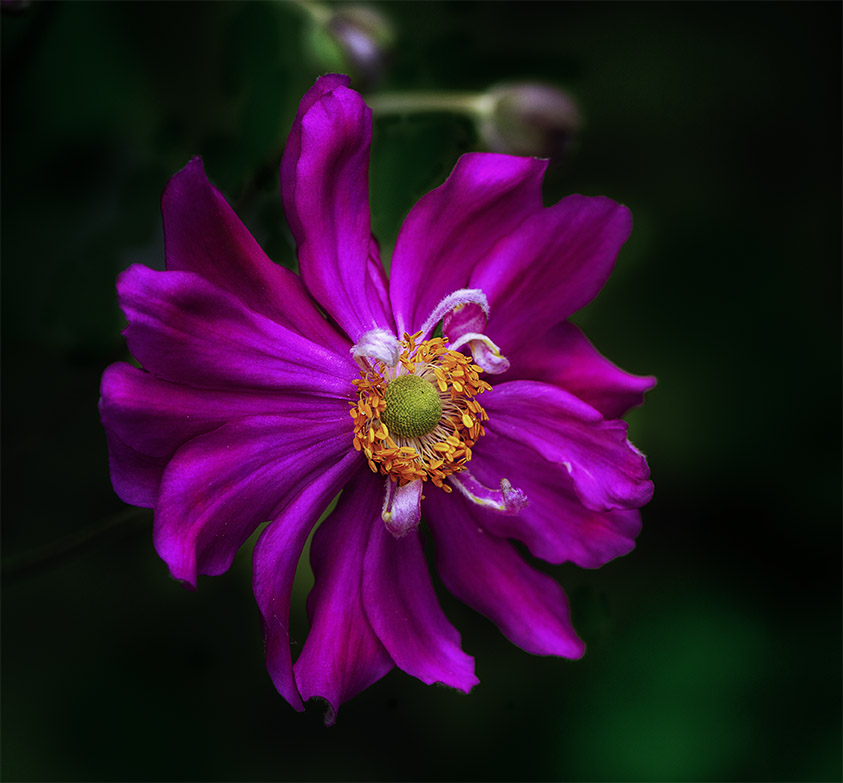
Hi Marti, thanks for your comments. I put some lighting behind the flower, obviously I needed to make it larger. |
Jan 25th |
| 80 |
Jan 25 |
Reply |
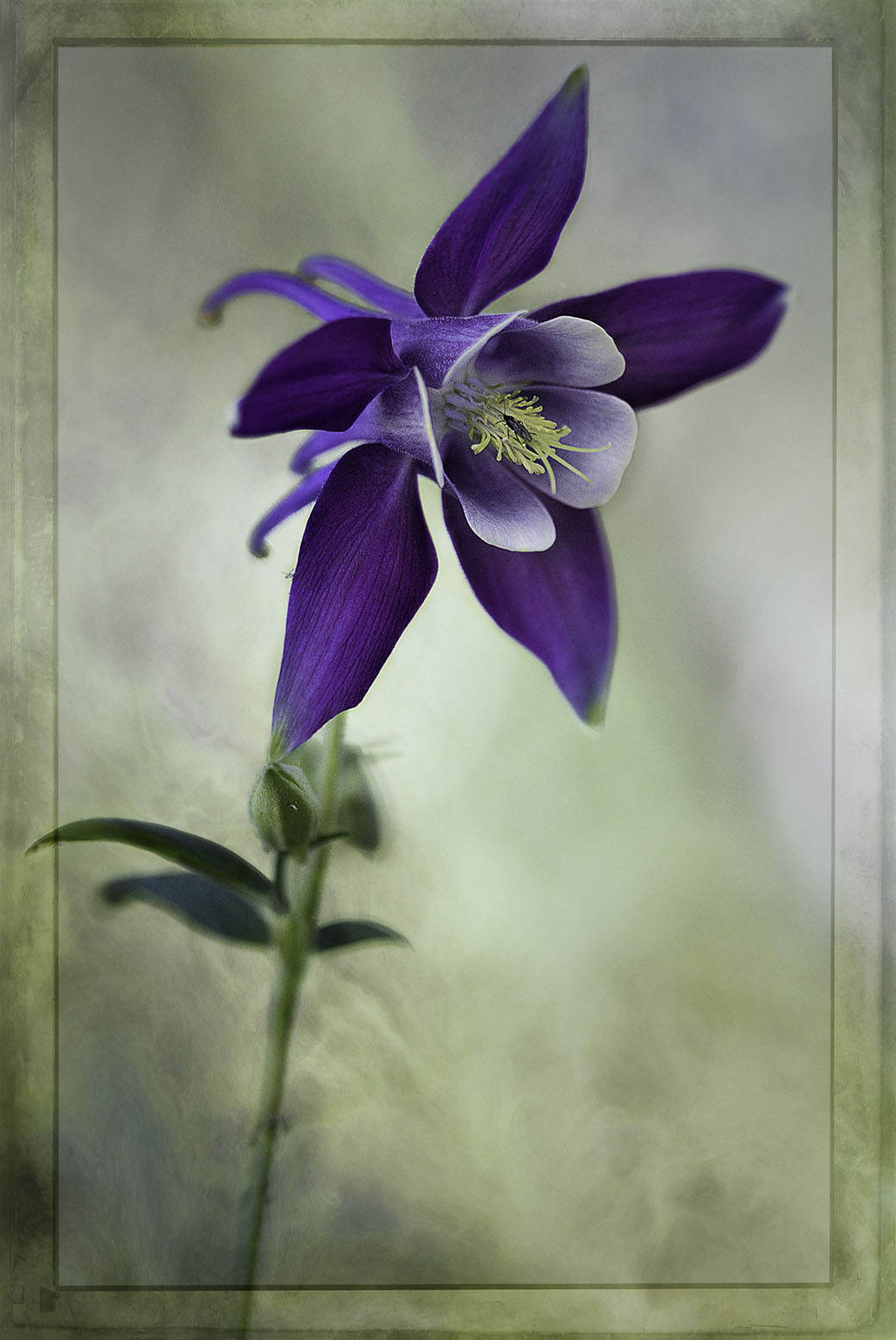
Hi Ingrid, thanks for your feedback and attention to detail. I left the bottom leaves to balance those at the top. I can see what you mean about their appearance and have managed to clean them up. |
Jan 25th |
| 80 |
Jan 25 |
Reply |
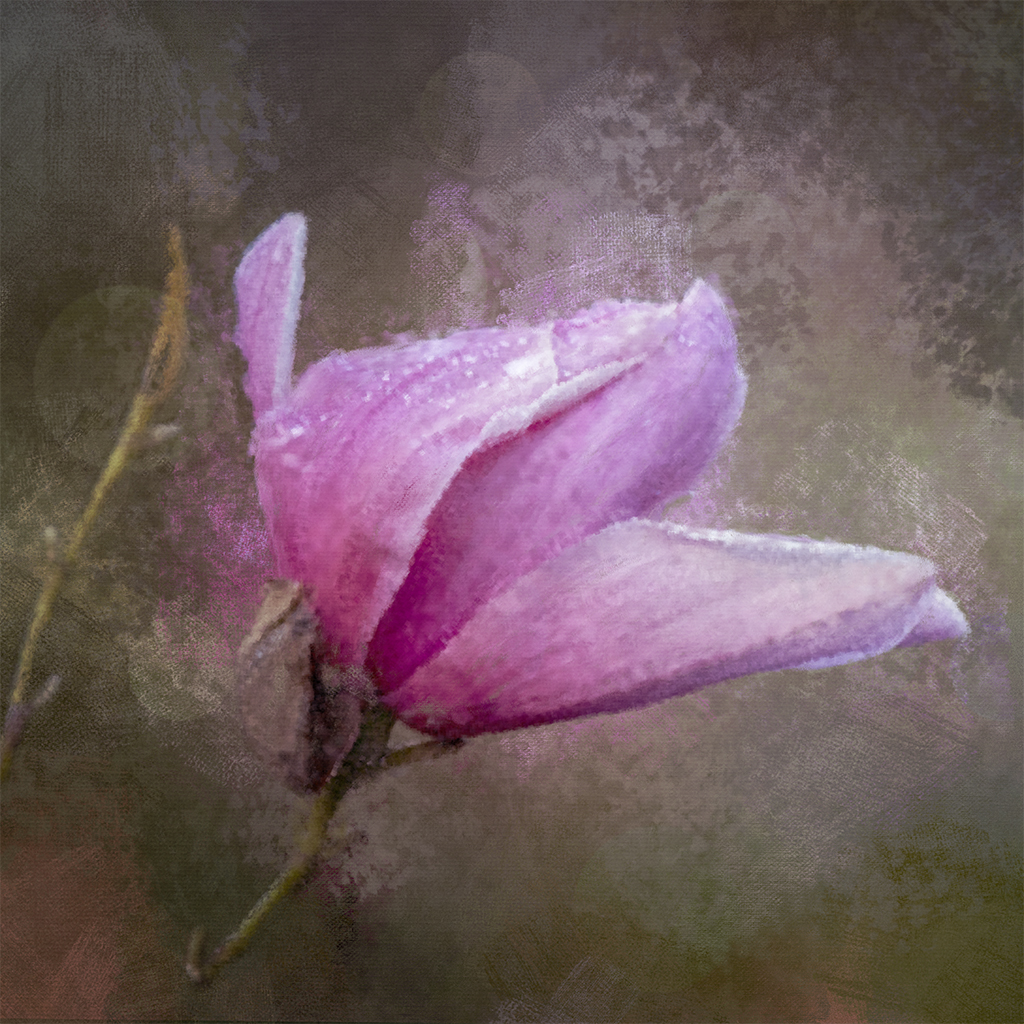
Hi Doug, thanks for your kind comments. I'm understanding that you have Nik Software. To access "glamour glow" - Open up Colour Efex category. Once opened, you can access it on the left hand side under heading "Filters", scroll down to "Glamour Glow". You'll have a choice of a few presets and also the sliders on the right hand side to tune it to your liking. Hope this is helpful. |
Jan 25th |
| 80 |
Jan 25 |
Comment |
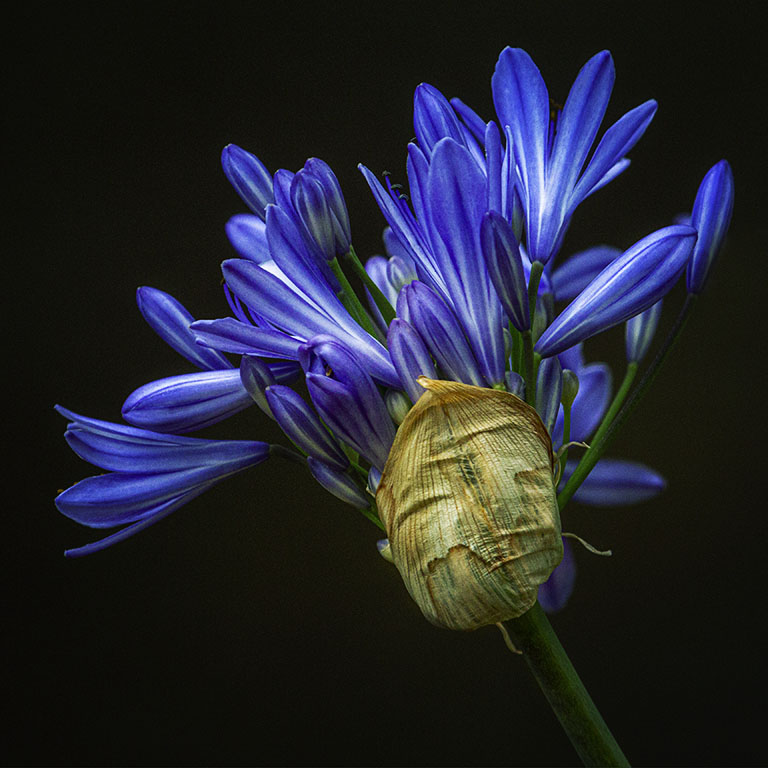
Rich, what a stunner. I don't see any "hot spots" just beauty. Well done. |
Jan 22nd |
| 80 |
Jan 25 |
Comment |
Hi Doug, you have a talent in bringing out the beauty of a dying leaf. As a gardener, I throw all the dead leaves in the compost, I think I might give this a go. Well done |
Jan 22nd |
| 80 |
Jan 25 |
Comment |
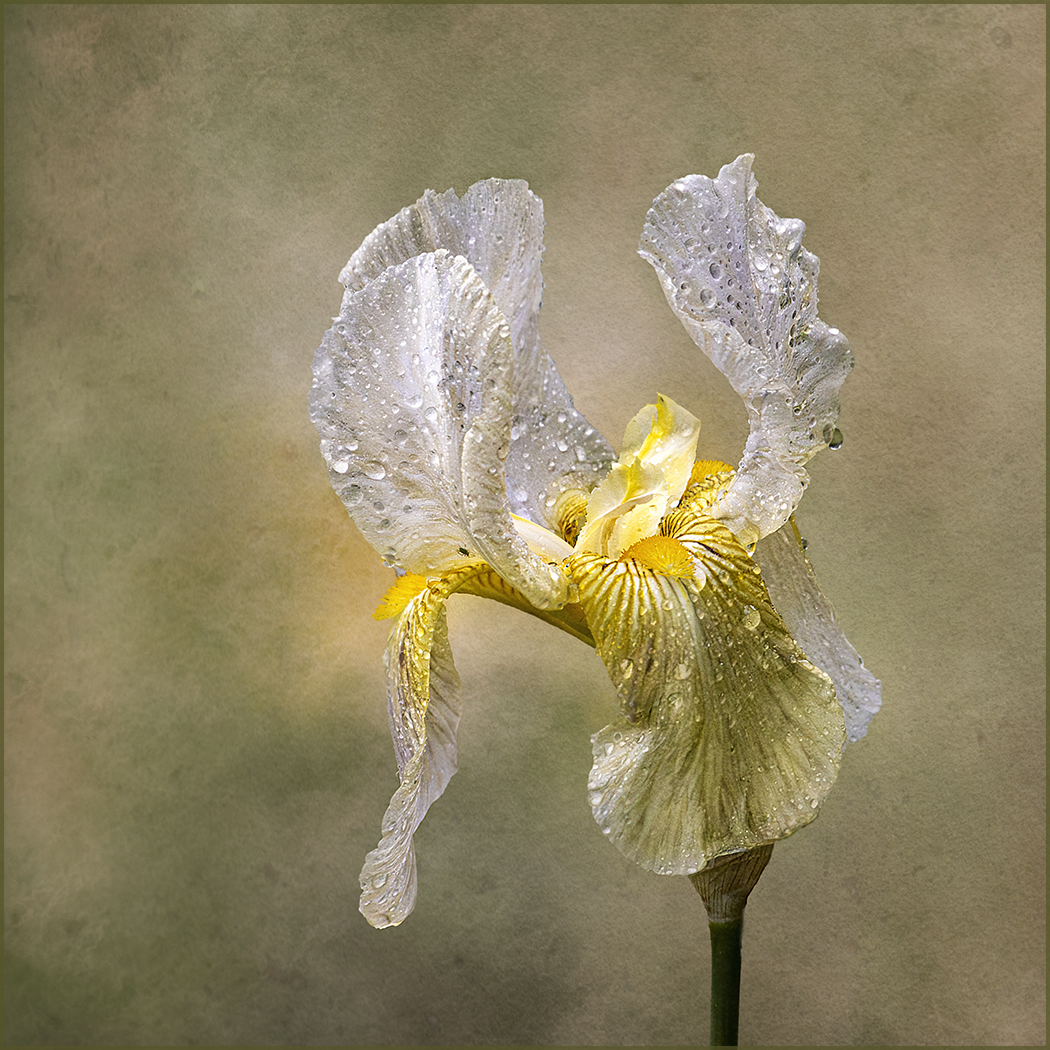
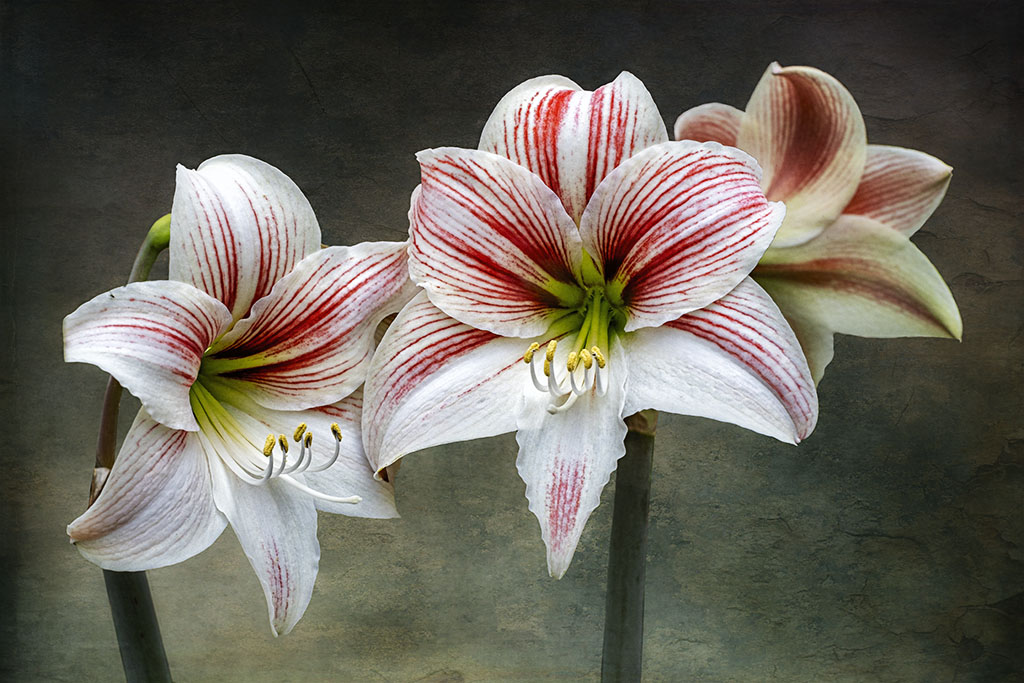
Hi Marti, I really enjoy looking at flower images where the main focus is the center part of the flower. We often see it as a whole and miss out on the inner beauty. I'm two minds on this, I find the reflection of the flash on the petals strong, dominant and somewhat distracting. The end part of the stamen are lost. Having said that, I think the green center part is quite nice and interesting. |
Jan 22nd |
| 80 |
Jan 25 |
Comment |
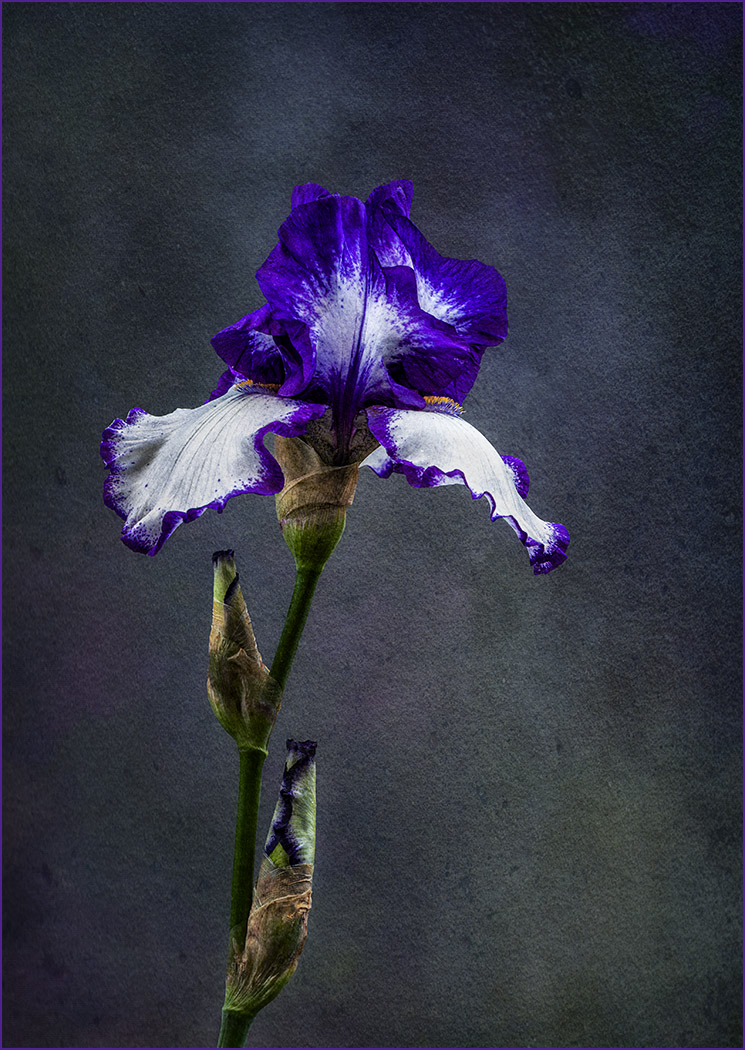
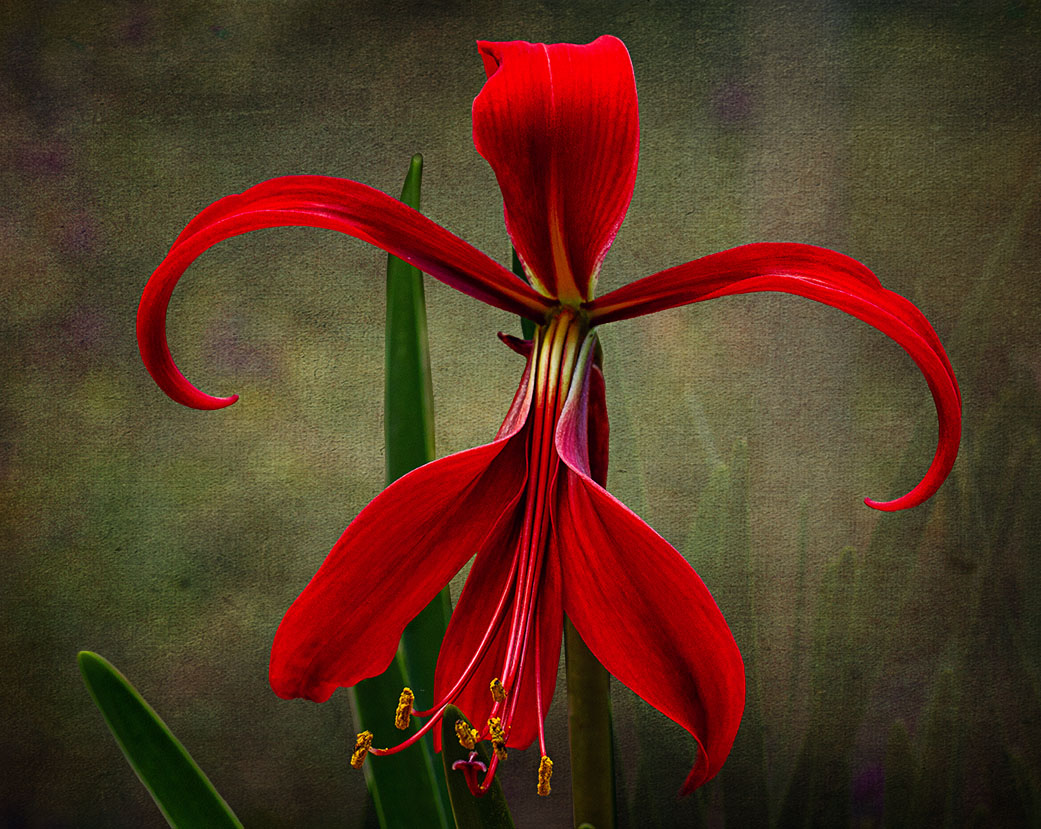
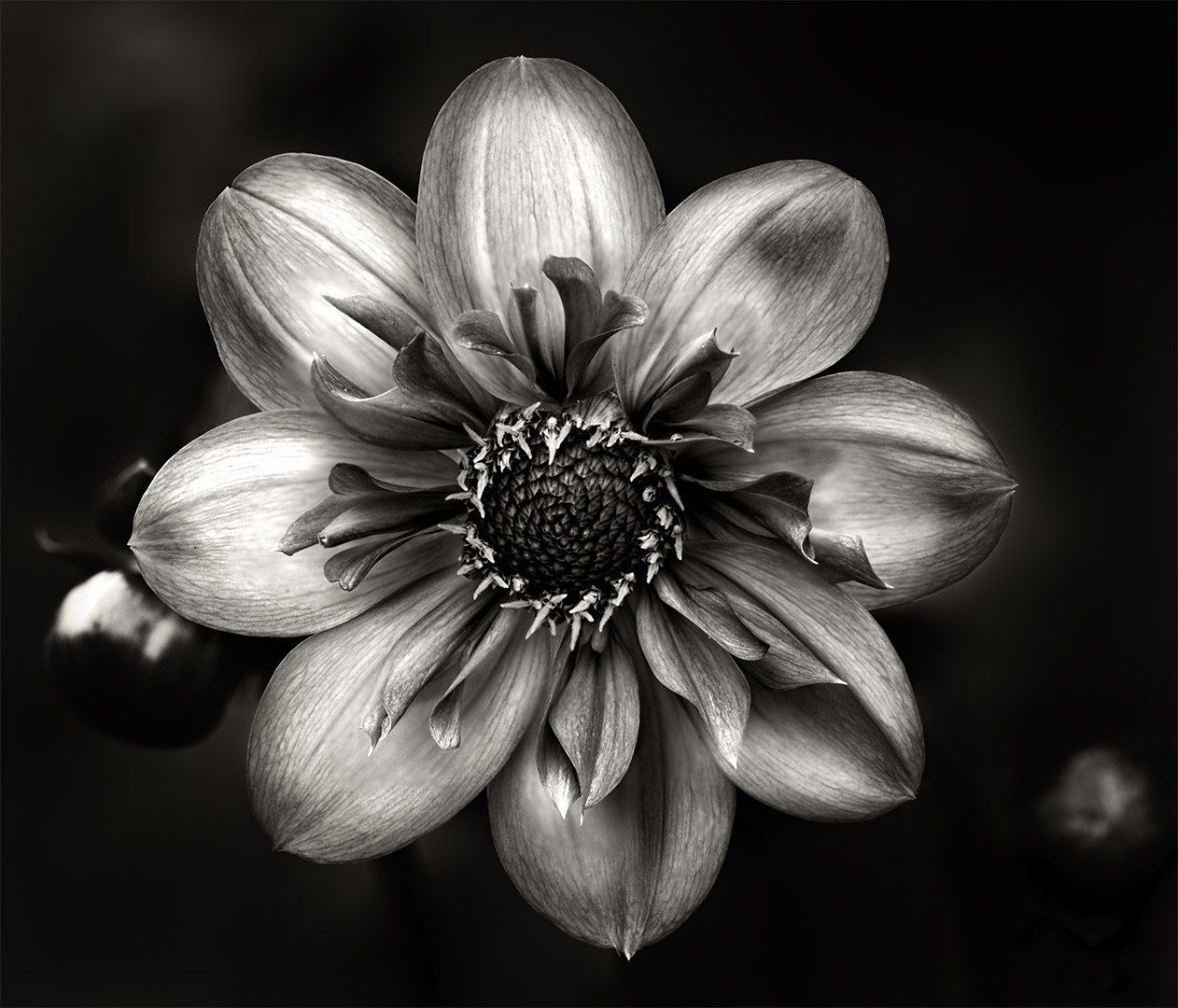
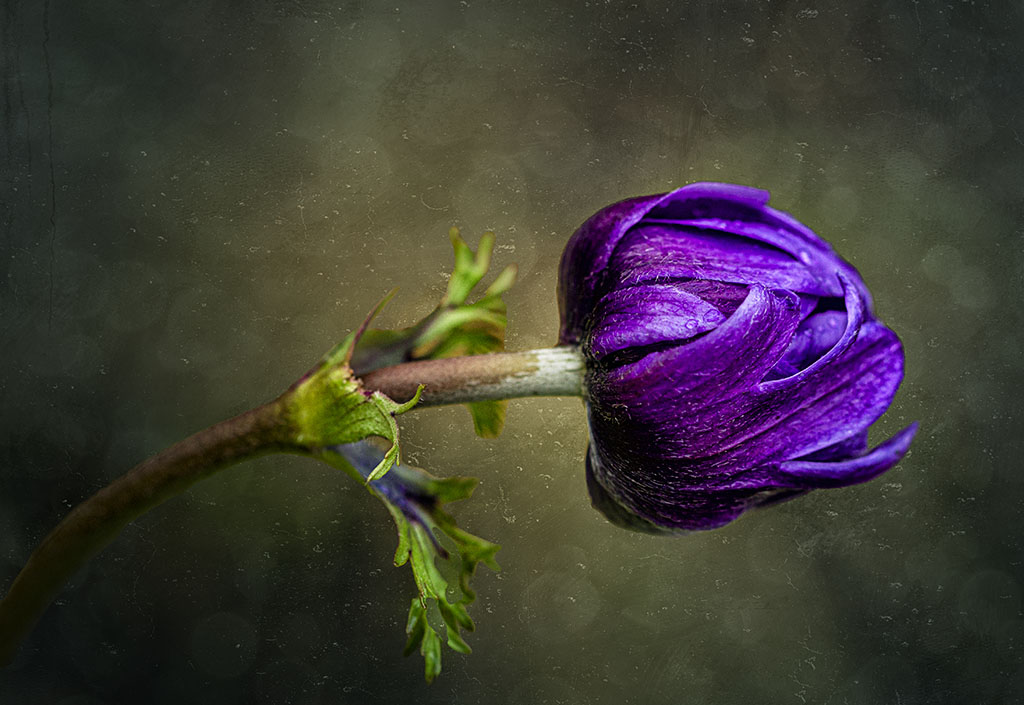
Hi Bob, your image is creative, with strong and bold colours. Somehow, I don't mind the ends on both sides "touching" the frame as the image has a moving feel/element to it and those sides acts as a leading lines, moving the viewer from the left, focusing on the center and then moving out. Was that your intention? Anyway, I do like the black background as it makes the whole image stand out really well. |
Jan 22nd |
6 comments - 5 replies for Group 80
|
6 comments - 5 replies Total
|