|
| Group |
Round |
C/R |
Comment |
Date |
Image |
| 80 |
Sep 24 |
Comment |
Really nice work Rich, I like the idea of a leaf of one flower showcasing an entirely different flower through a water drop. Just shows the power of AI. |
Sep 17th |
| 80 |
Sep 24 |
Comment |
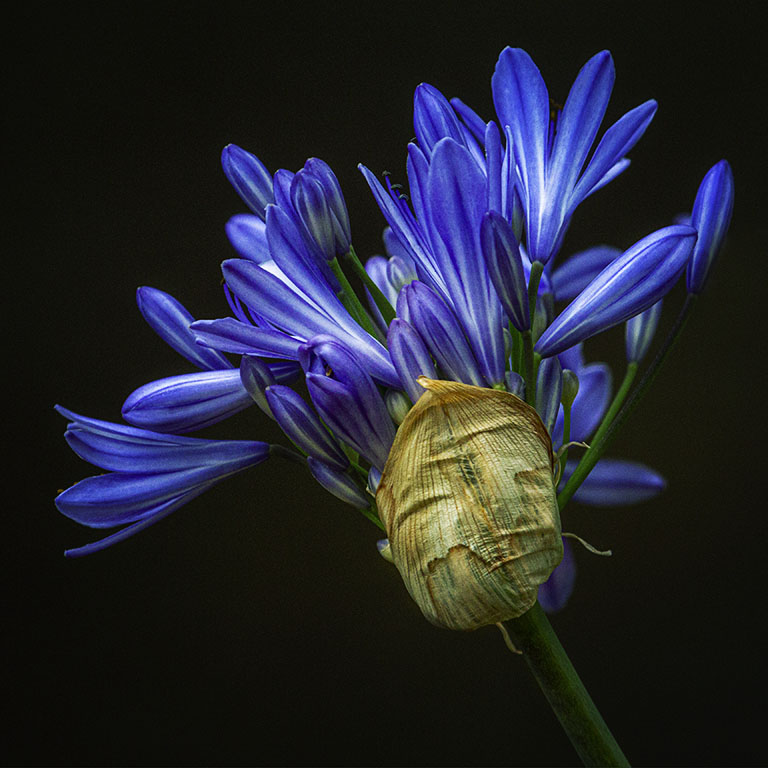
Hi Ingrid, what I like about this image is the transition of colours; the left side being pink and as your eyes moves to the right you can see shades of pink in the blue flowers; a lovely blend of colours. I too like the details in the flowers. Nice capture. |
Sep 17th |
| 80 |
Sep 24 |
Reply |
Hi Bob, I think that's a great crop and the focus is where it needs to be. |
Sep 17th |
| 80 |
Sep 24 |
Comment |
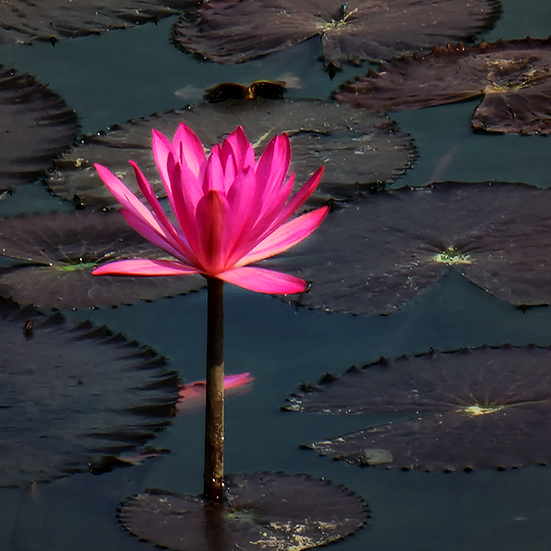
Another lovely image of a lotus and I particularly like how it's surrounded by it's floating leaves. I do agree with Marti about the white spots which are distracting. I have also cropped the image to draw attention to the flower and have left some of the floating leaves in. I darkened the background to make the flower stand out more. |
Sep 16th |
 |
| 80 |
Sep 24 |
Comment |
Doug, another striking image. I would never image that a drying leaf could look so lovely. Well done. |
Sep 16th |
| 80 |
Sep 24 |
Comment |
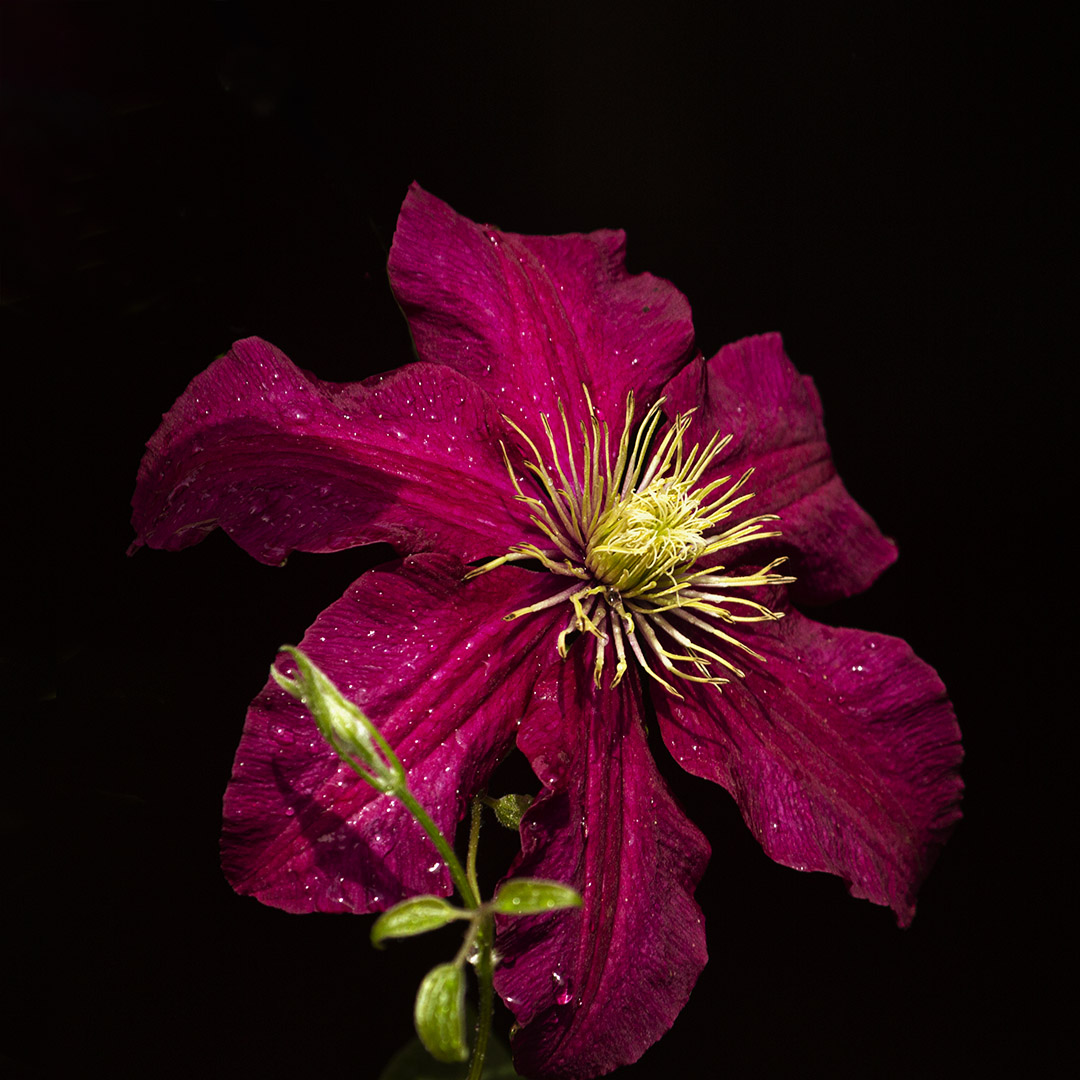
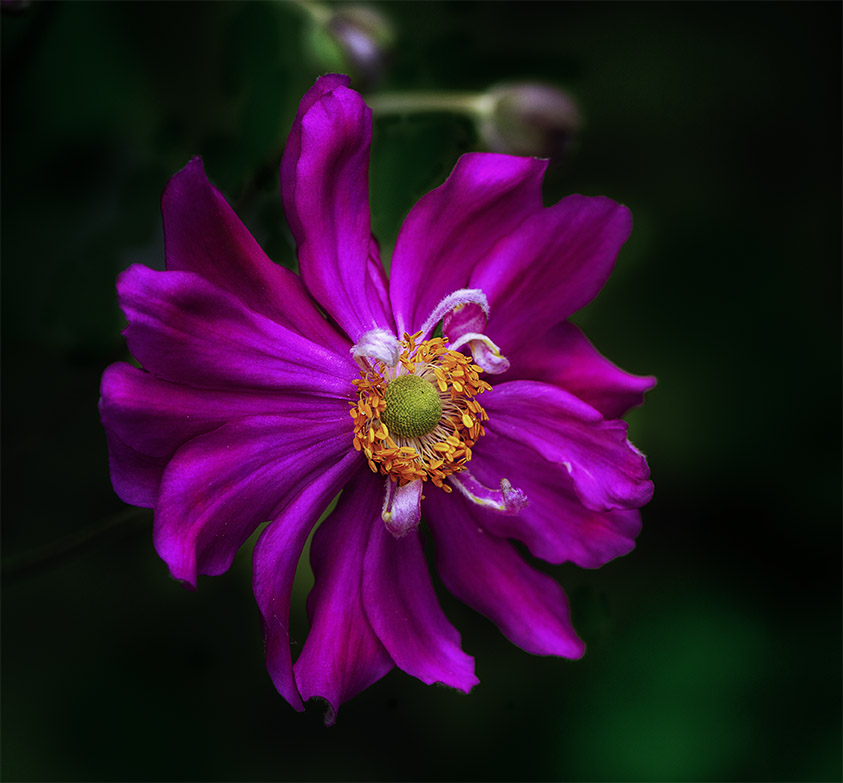
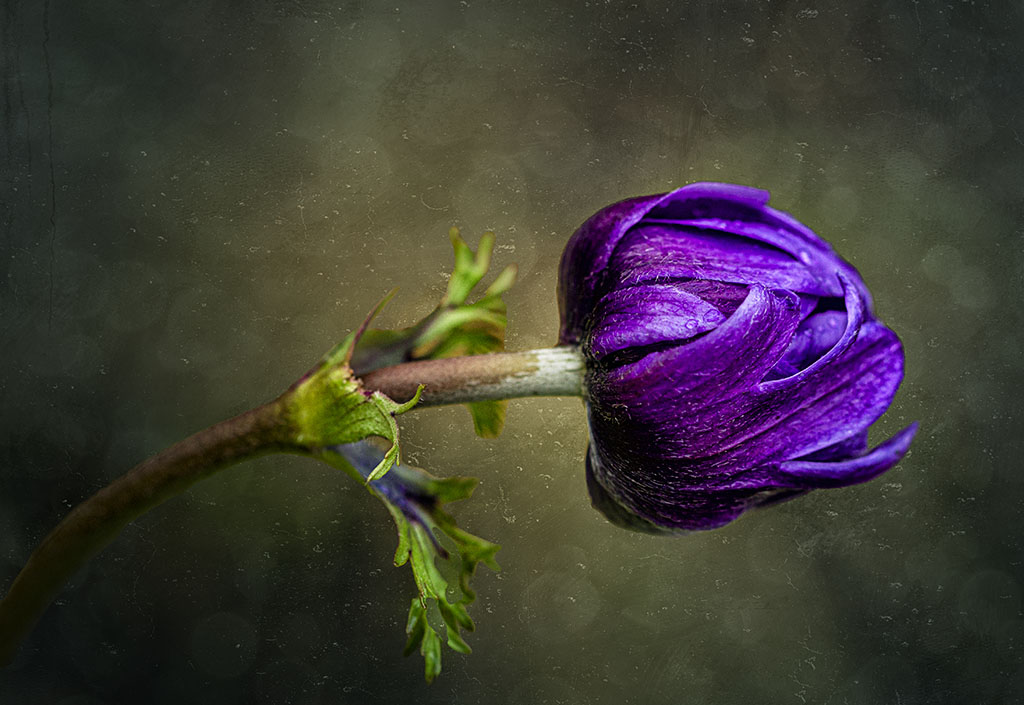
Hi Marti like Bob, I like that you've horizontally switch the image to lead from the left and the black background makes the flower stand out well. I do find the image to be a little dull and perhaps you might consider a tonal contrast to bring the colours out a bit more. Otherwise, a lovely image. |
Sep 16th |
| 80 |
Sep 24 |
Comment |
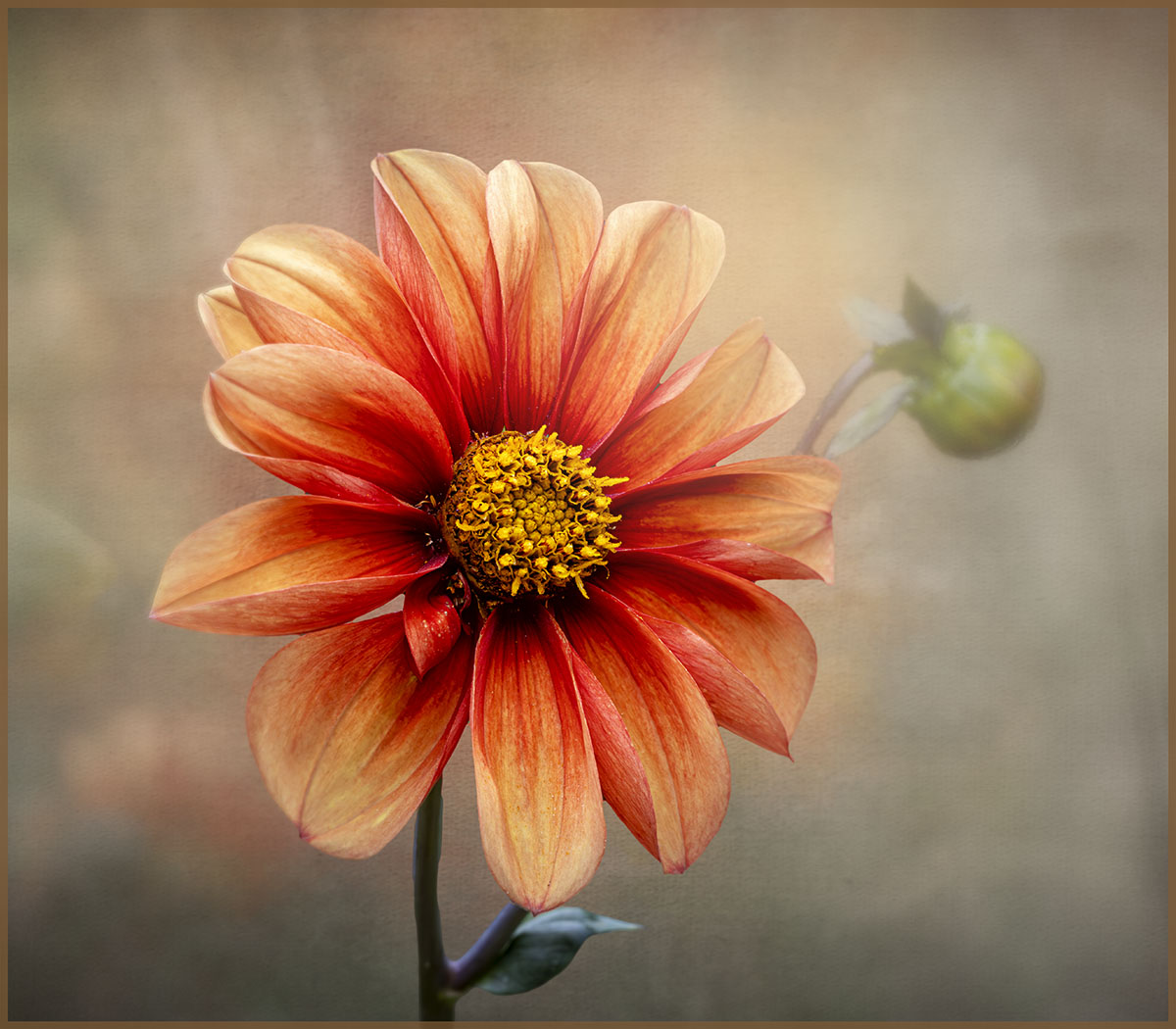
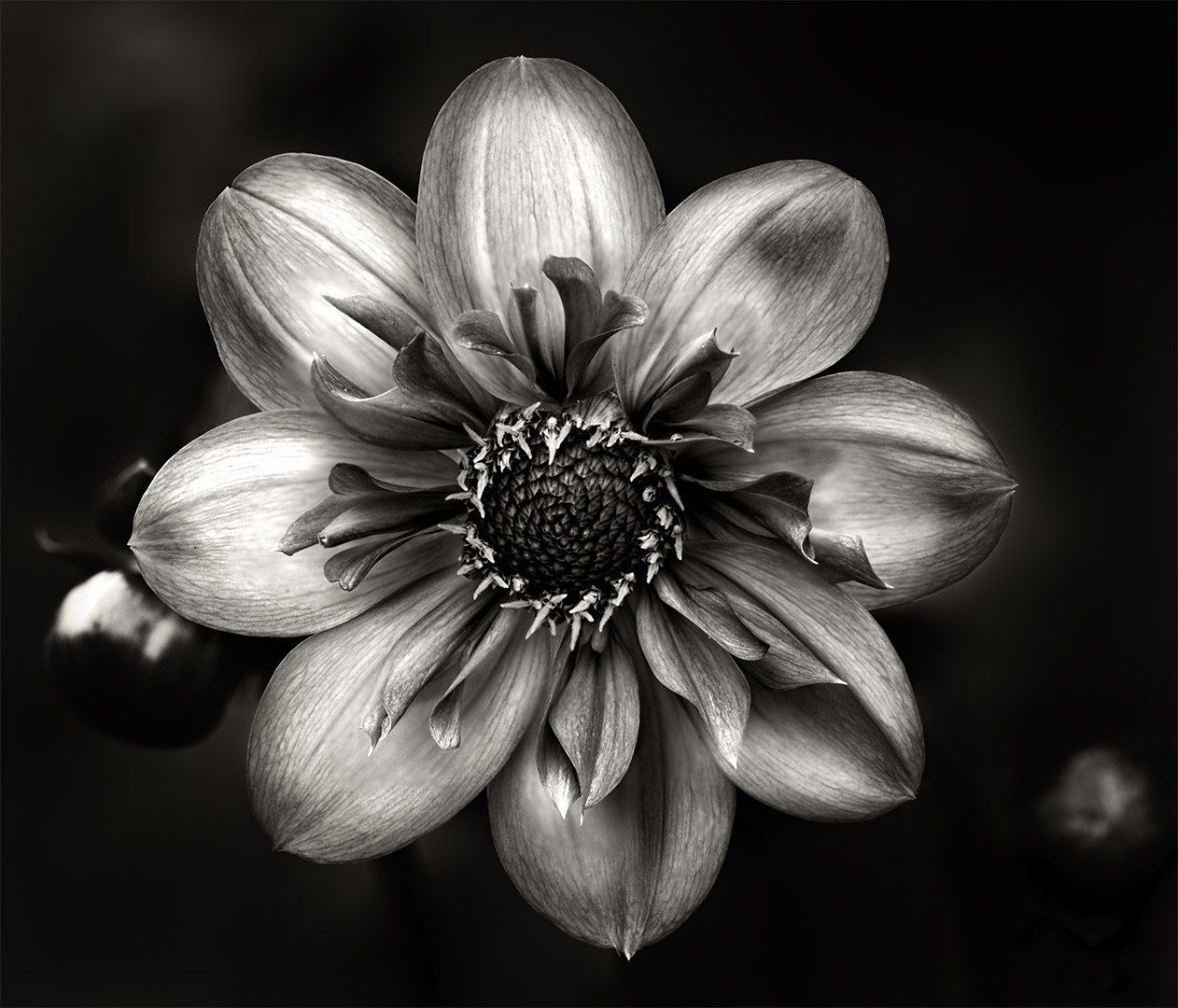
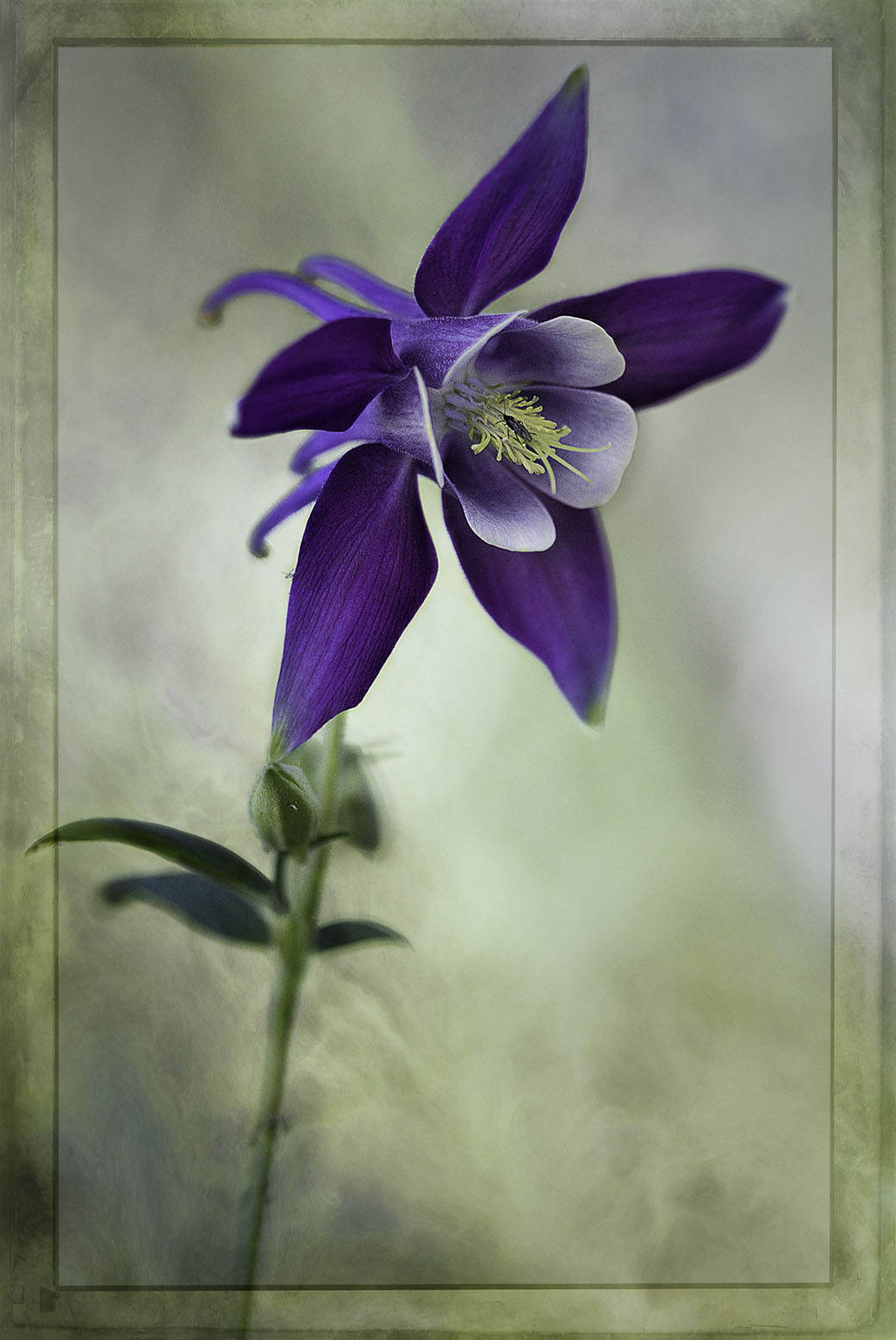
Hi Bob, I like what you've achieved with this flower, the sharp center and softness to blur on the outer. As Marti mentioned, the flower is too close to the edge of the frame on the right whereas it has space on the left side. I would suggest that you may consider cropping even tighter so that the focal point of interest being the center is more dominant. Overall it's a lovely composition. |
Sep 16th |
 |
| 80 |
Sep 24 |
Reply |
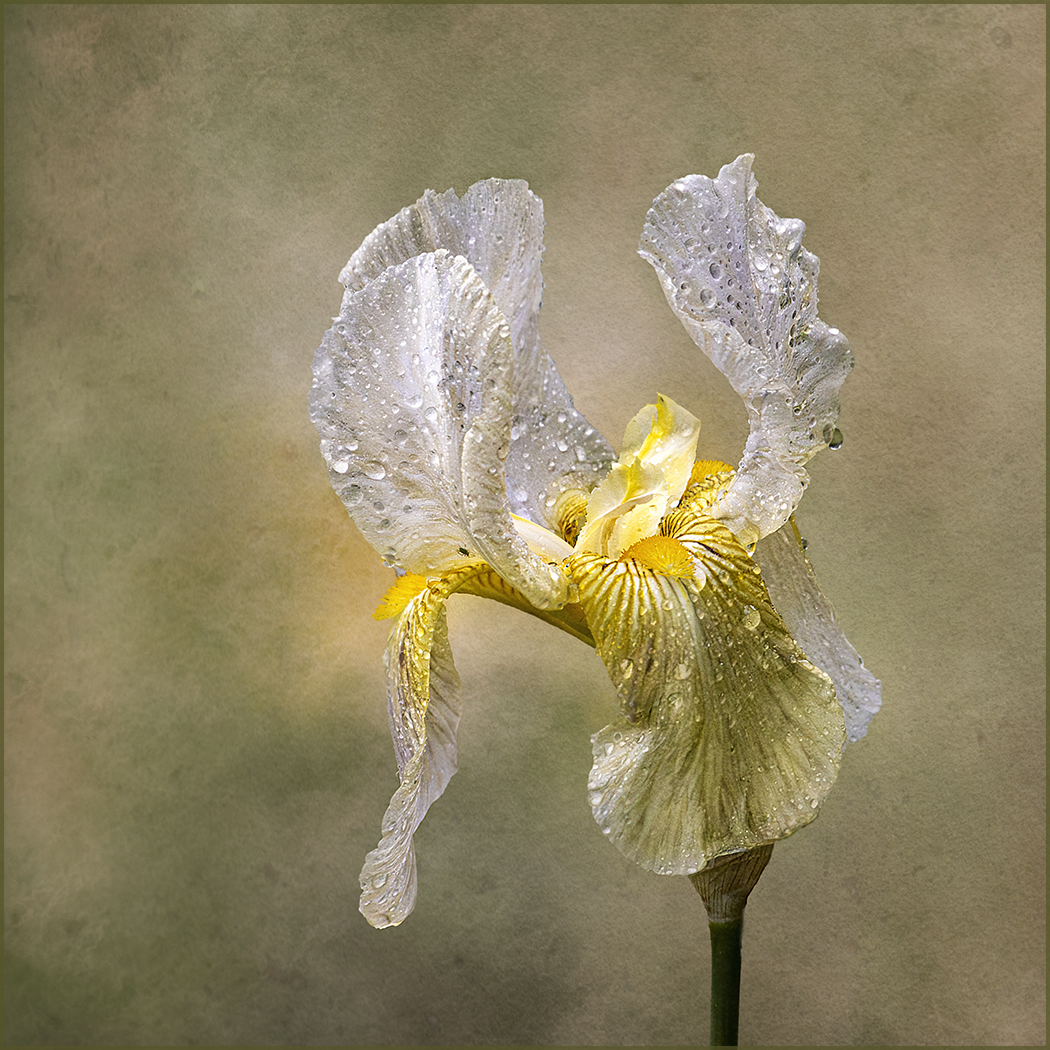
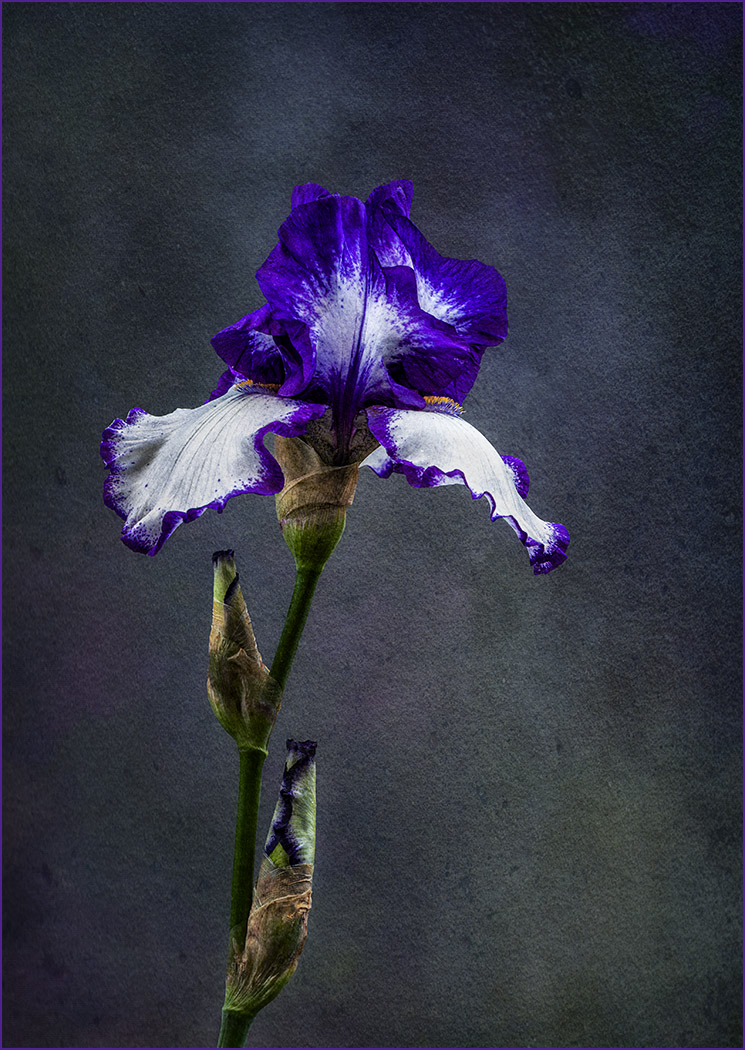
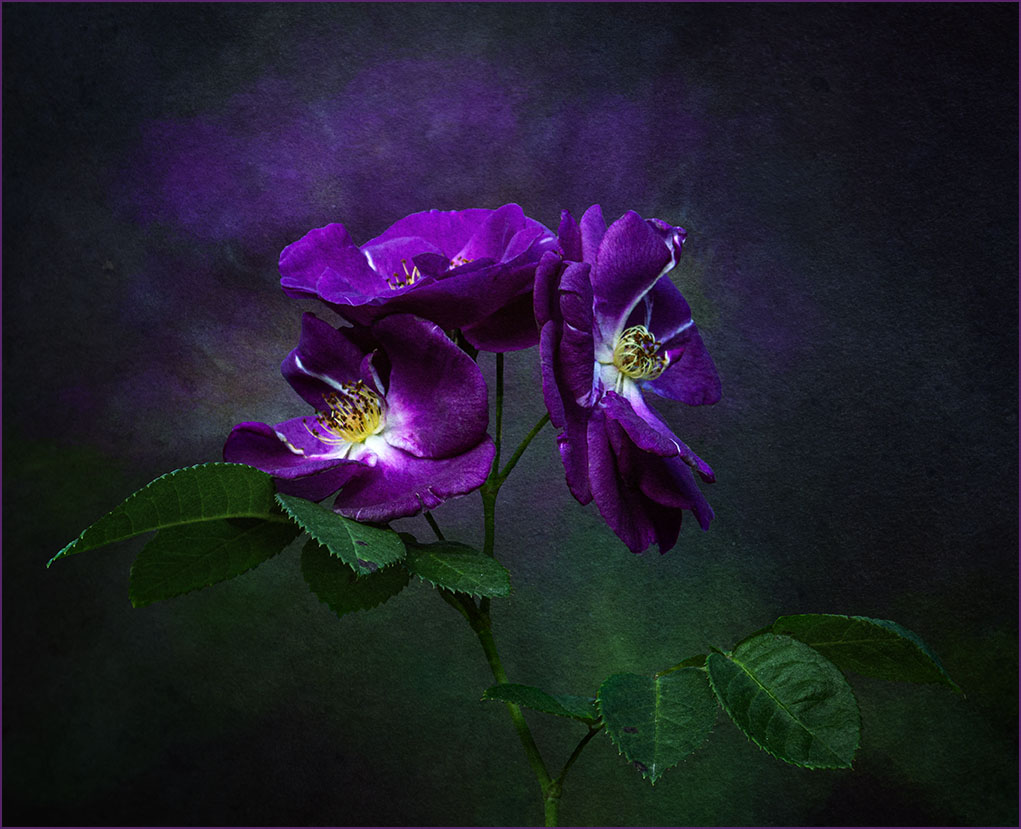
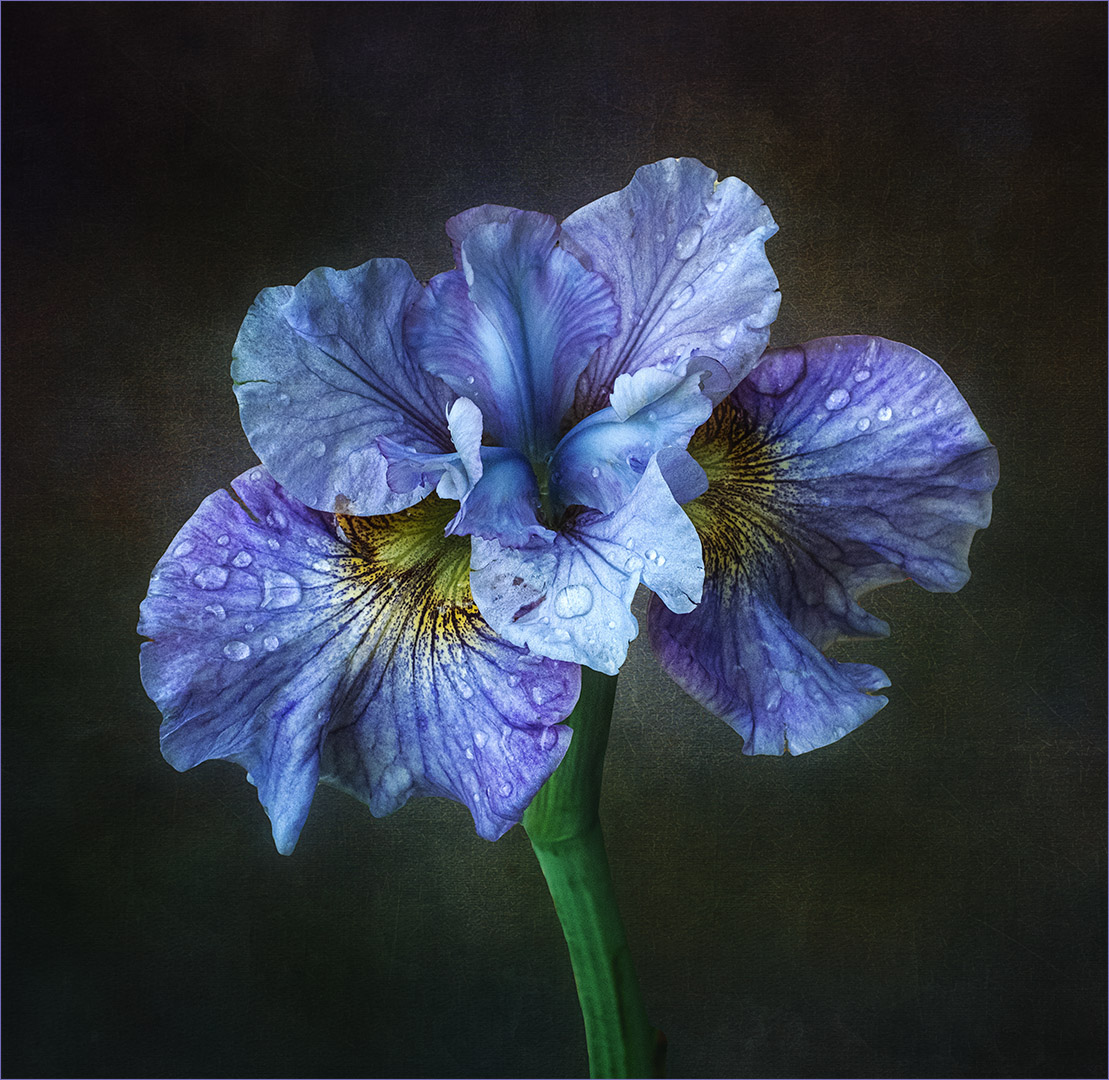
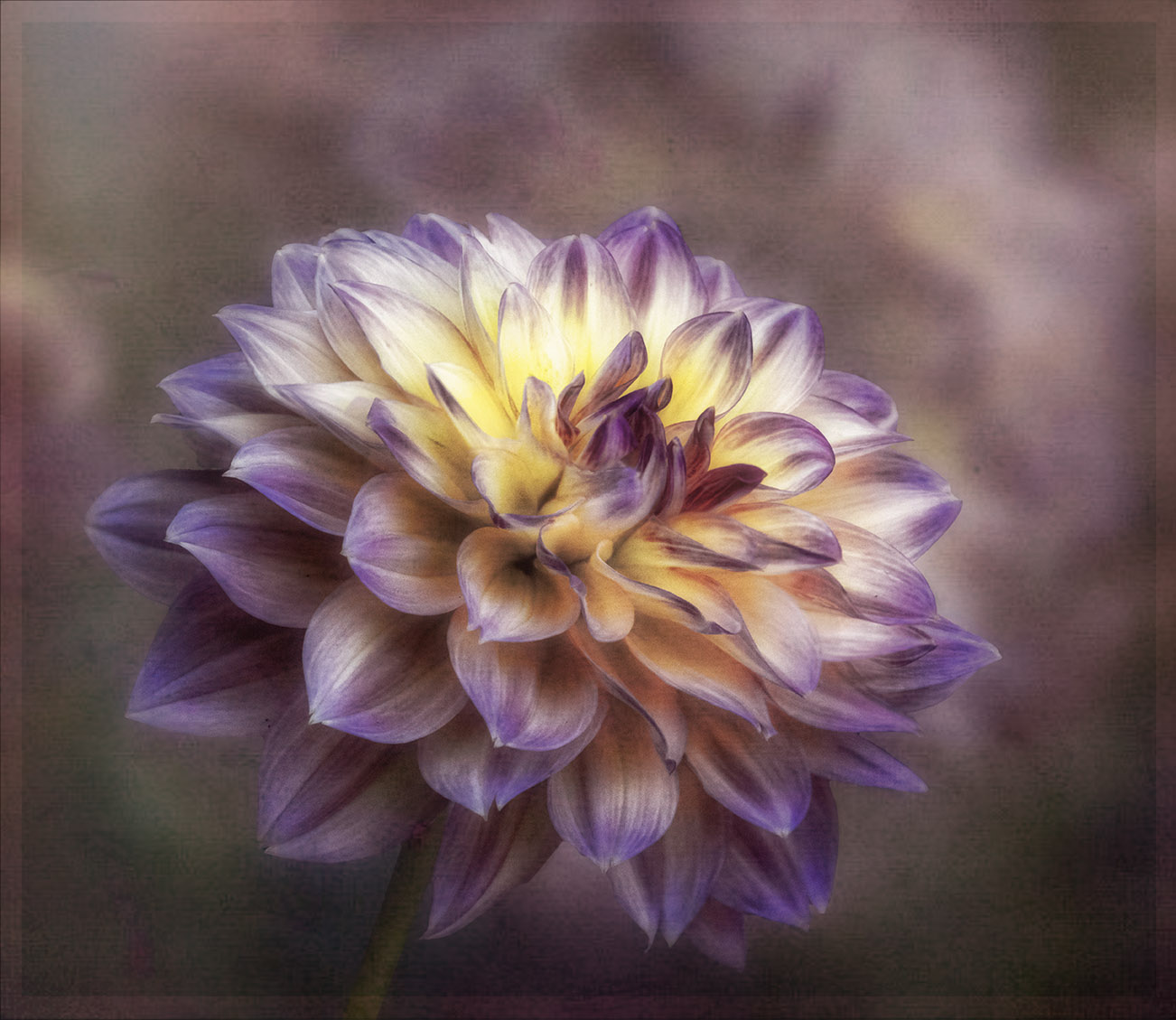
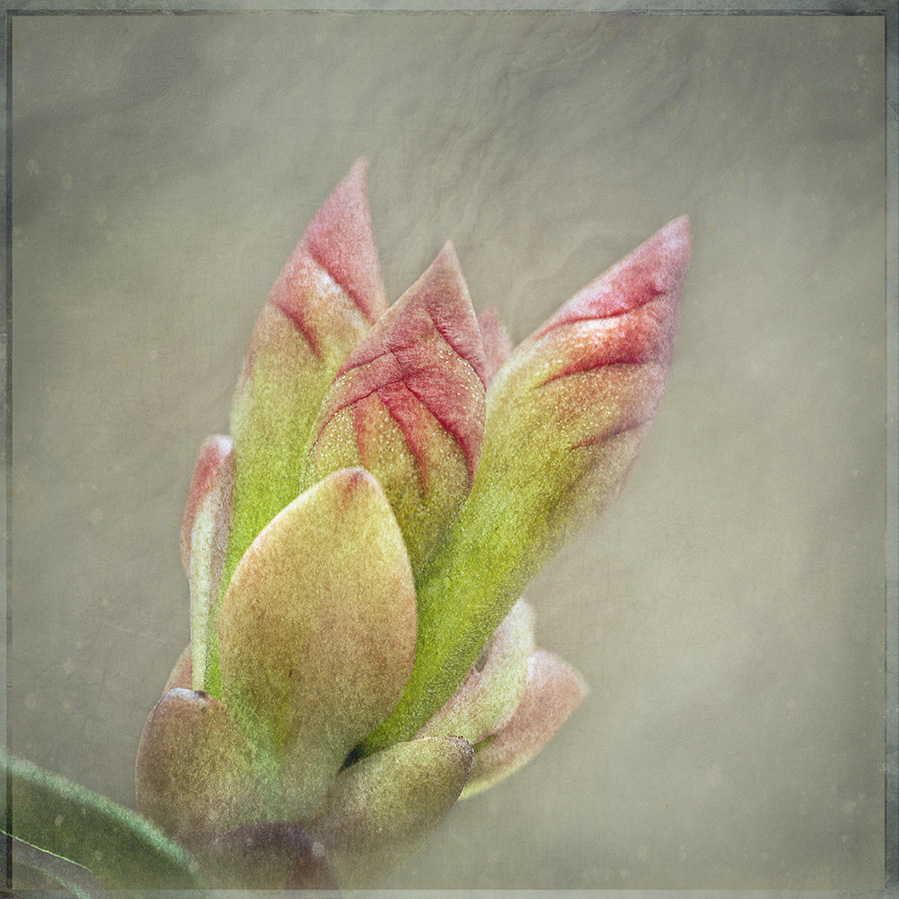
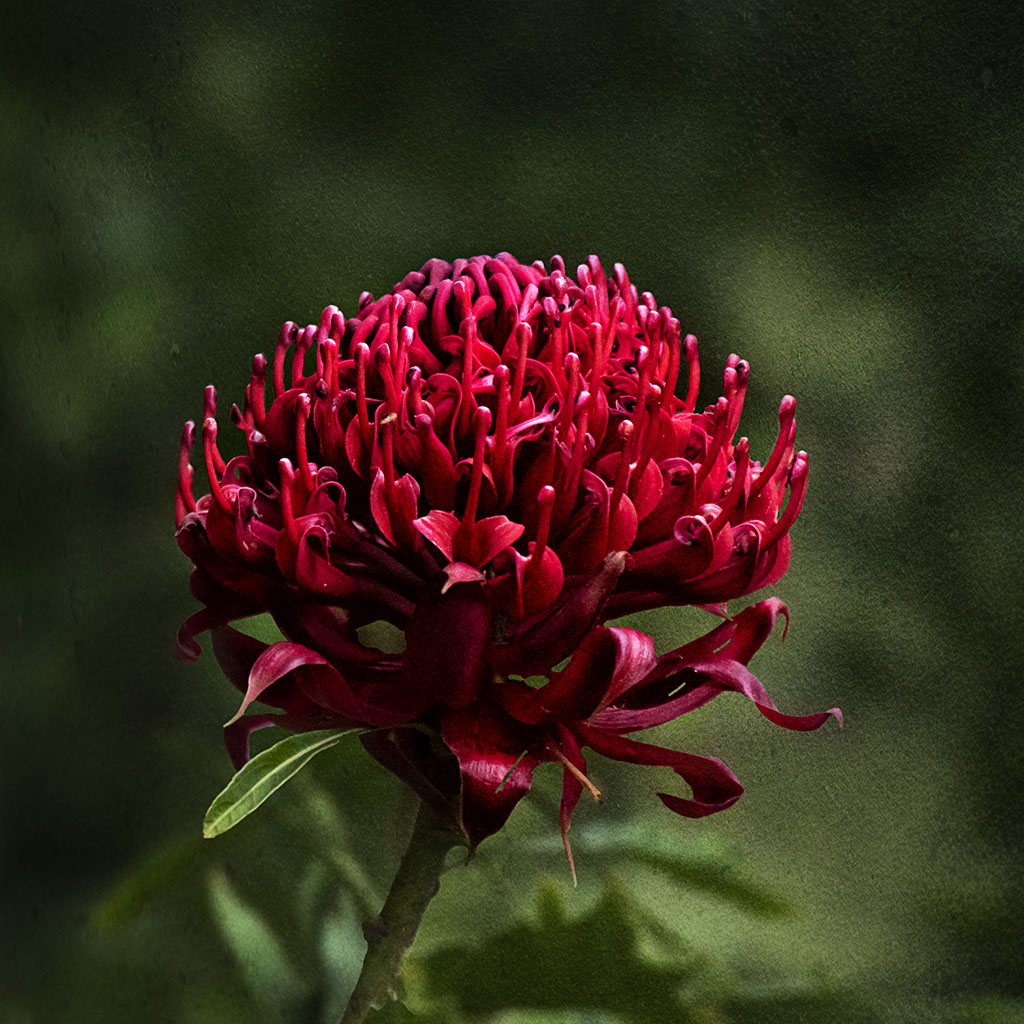
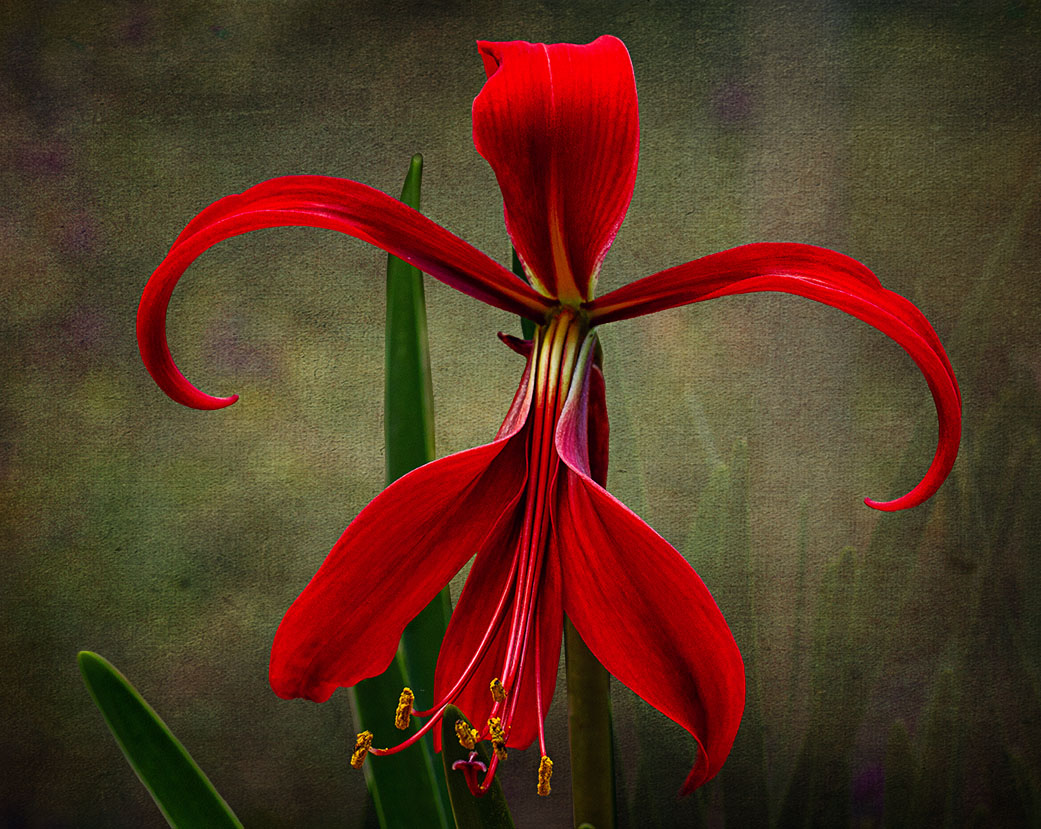
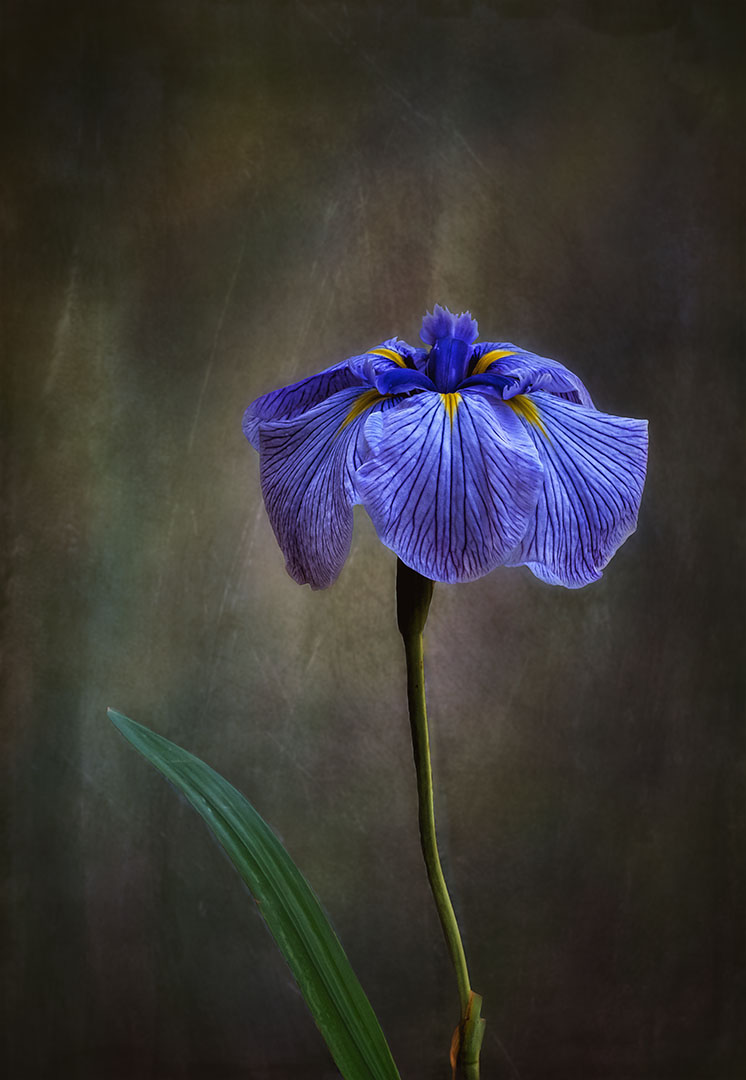
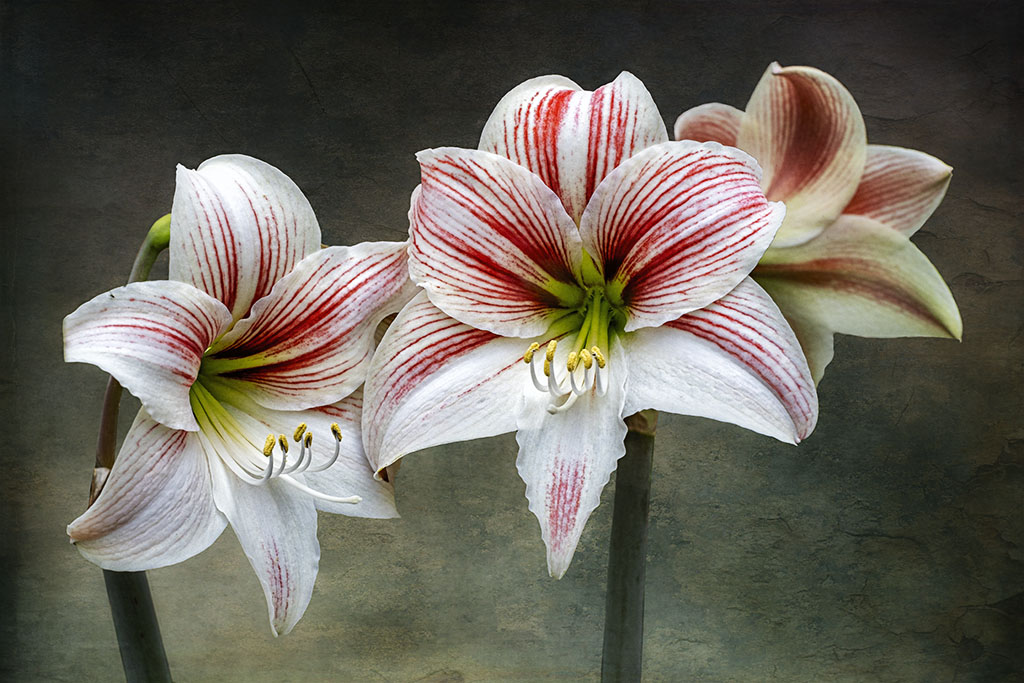
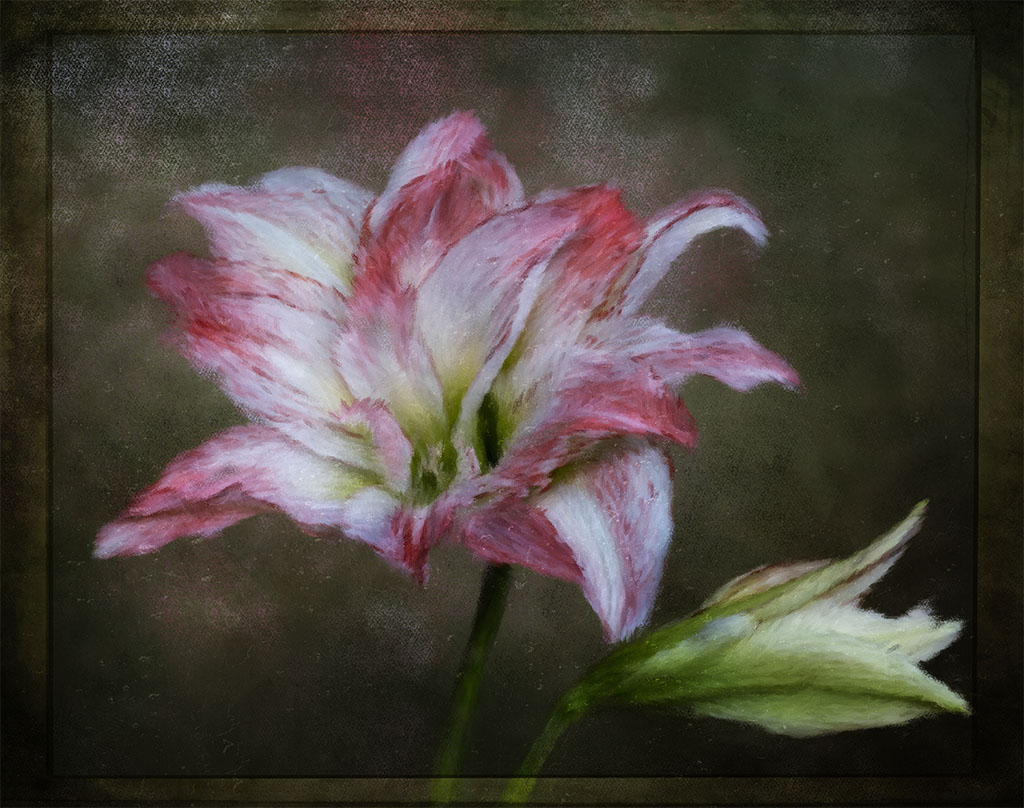
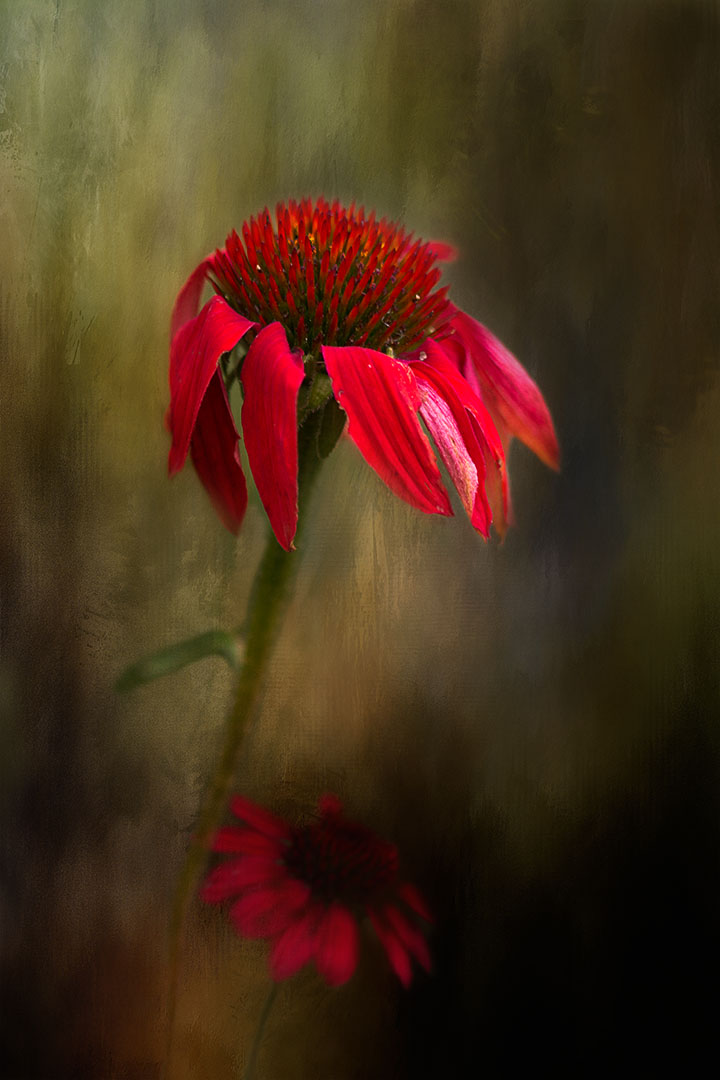
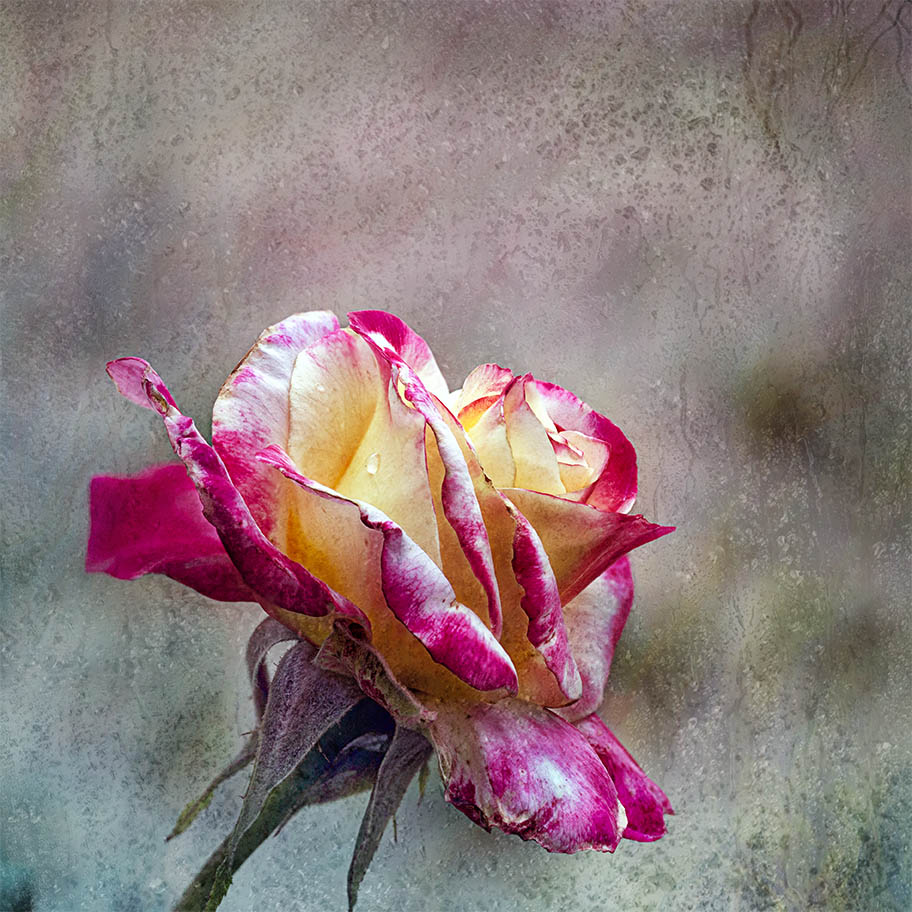
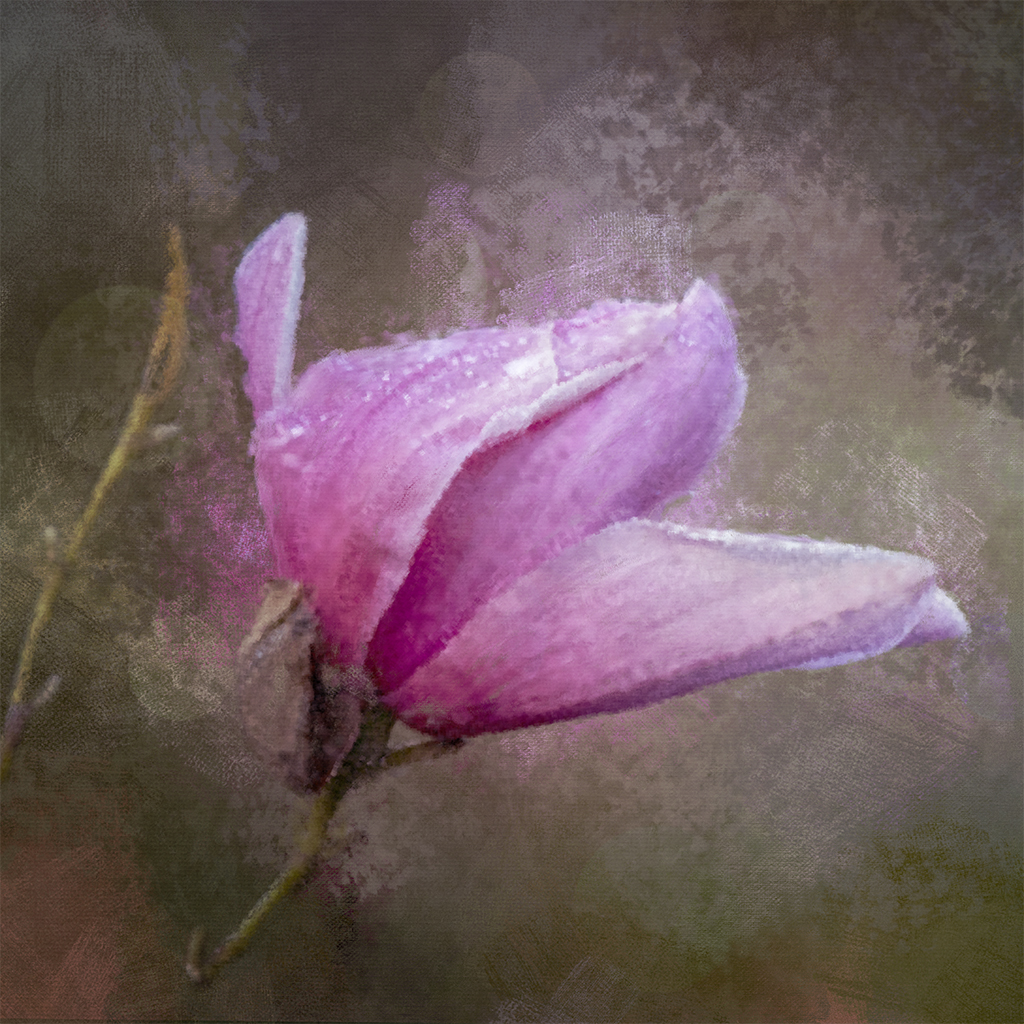
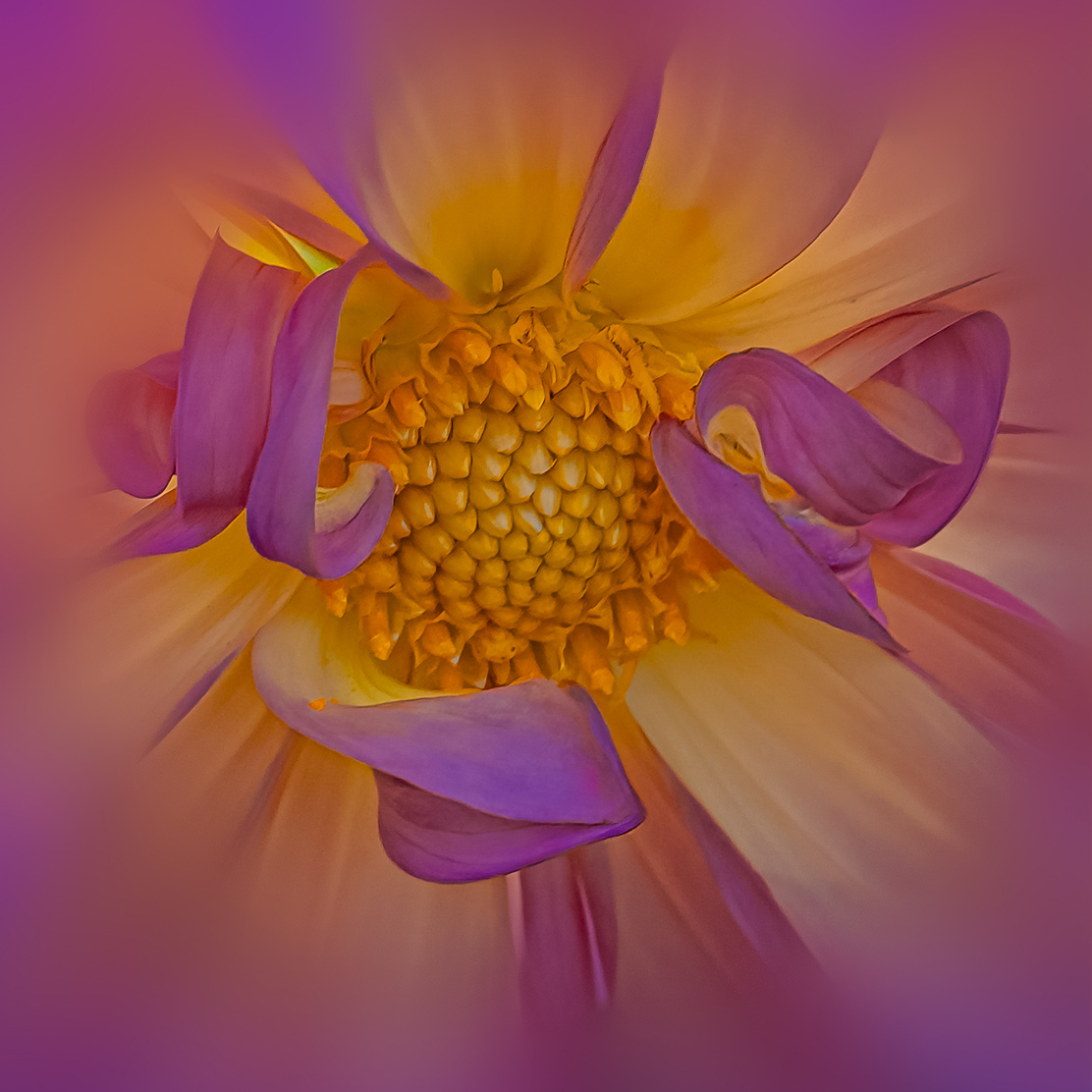
Hi Bob, thanks for your feedback, it's much appreciated. To answer your question on my process, I normally do basic adjustments in Camera Raw and then take it into PS. I thought it would be best to guide you to a video by Nicole Young https://www.youtube.com/watch?v=A9s2mX1BEJE on how to select a subject, in our case flowers, separate them from the background and blur the background. I found her video to be the simplest to follow. I more than likely would confuse people if I wrote all it down. This is the first part of the process that I do and have done in all of the images that I have presented so far to this group.
Once I've completed the cut out and blur stage, I then imported a texture and place it in between layer 0 and 1 and leave it at normal blend mode and reduce the opacity to about 70% or until I can see an outline of the background. I will do a tonal contrast using curves adjustment layer and then take it into Nik Software and apply "glamor glow" preset, I play around with the sliders until I like what I see. With the dahlia, I finished in Topaz Studio 2 and used "dream cloud" and "fading truck" presets. I reduced the opacity of 'fading truck" but I can't remember by how much. Back to PS I placed a faint border around it. Hope this helps.
By the way, it was you who inspired me to go back to Topaz Studio 2. I haven't used it in a few years and I just like what you achieve using the software.
|
Sep 11th |
6 comments - 2 replies for Group 80
|
6 comments - 2 replies Total
|