|
| Group |
Round |
C/R |
Comment |
Date |
Image |
| 41 |
Nov 23 |
Reply |
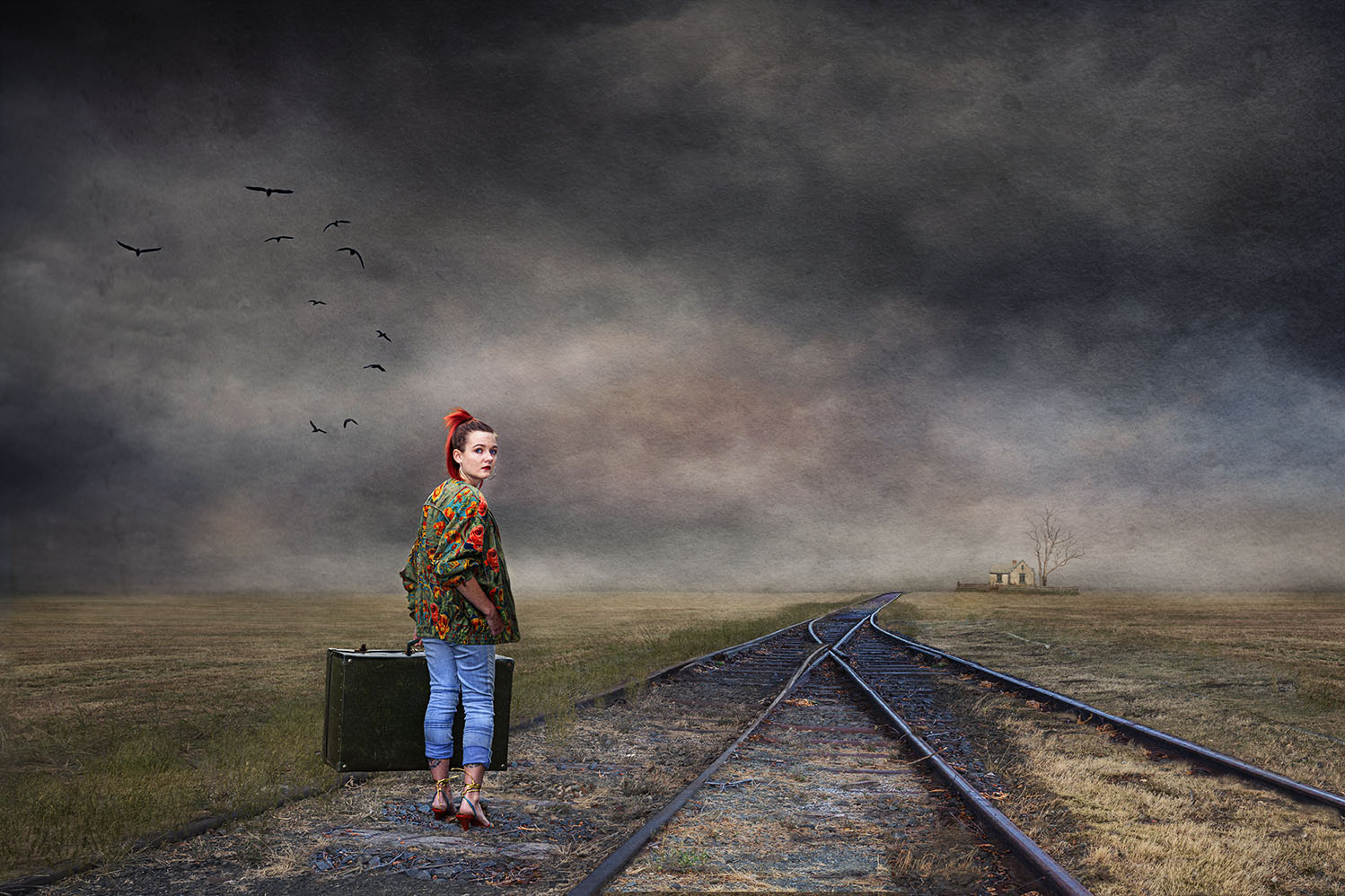
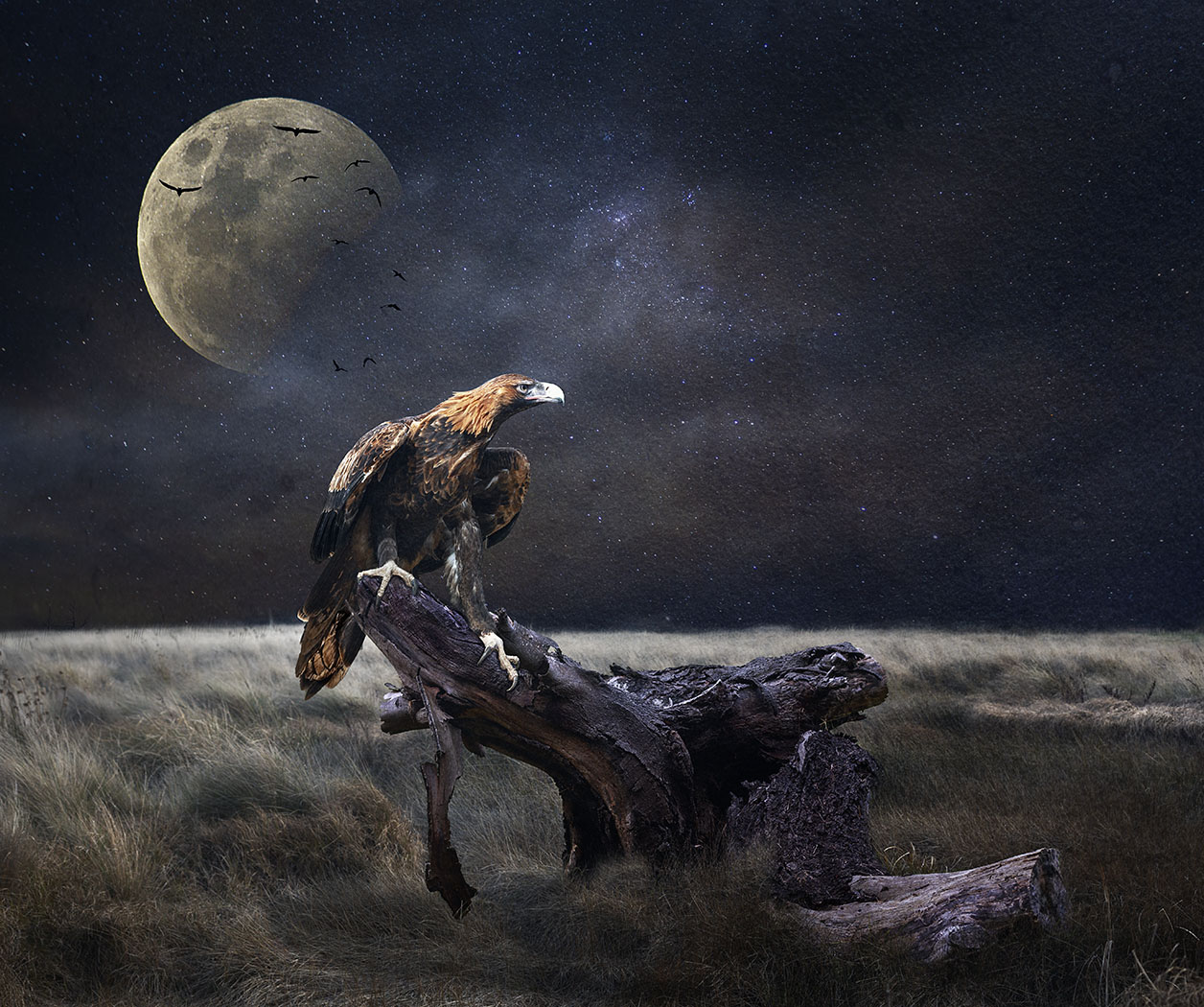
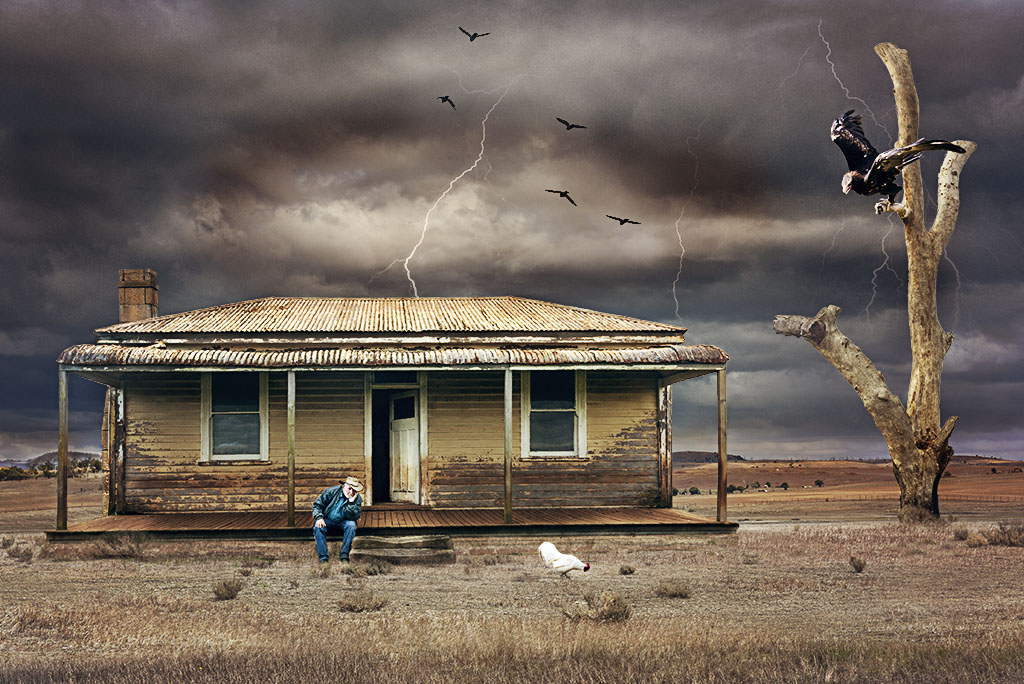
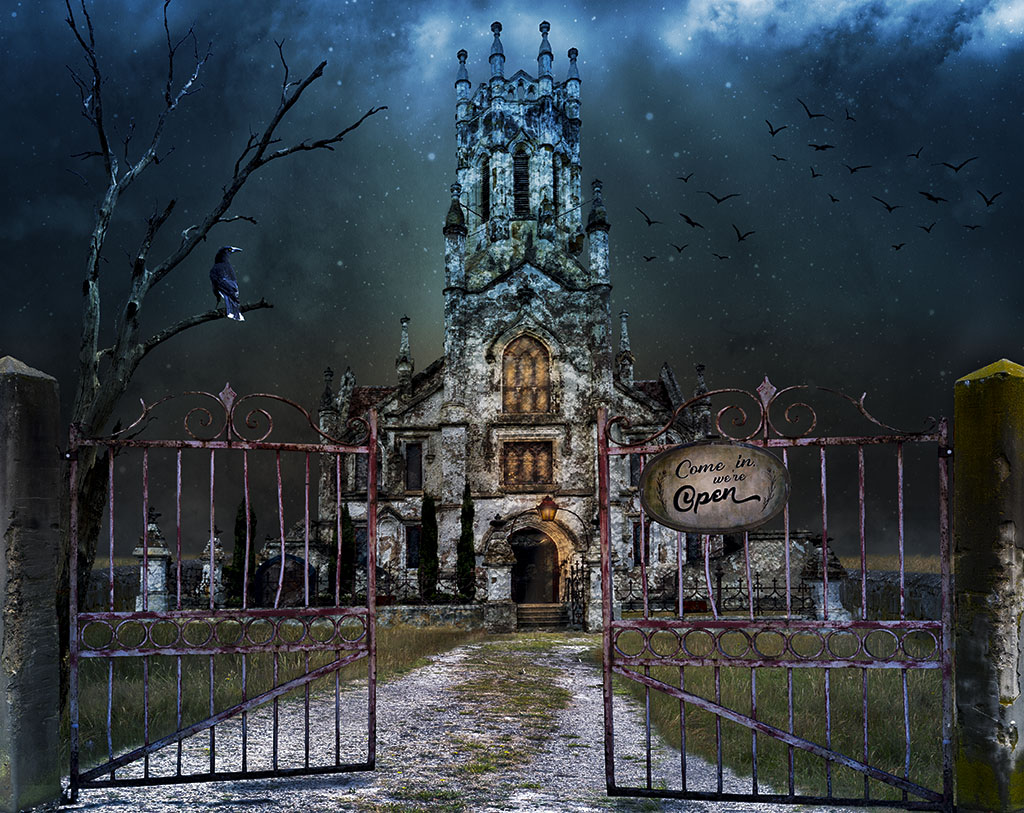
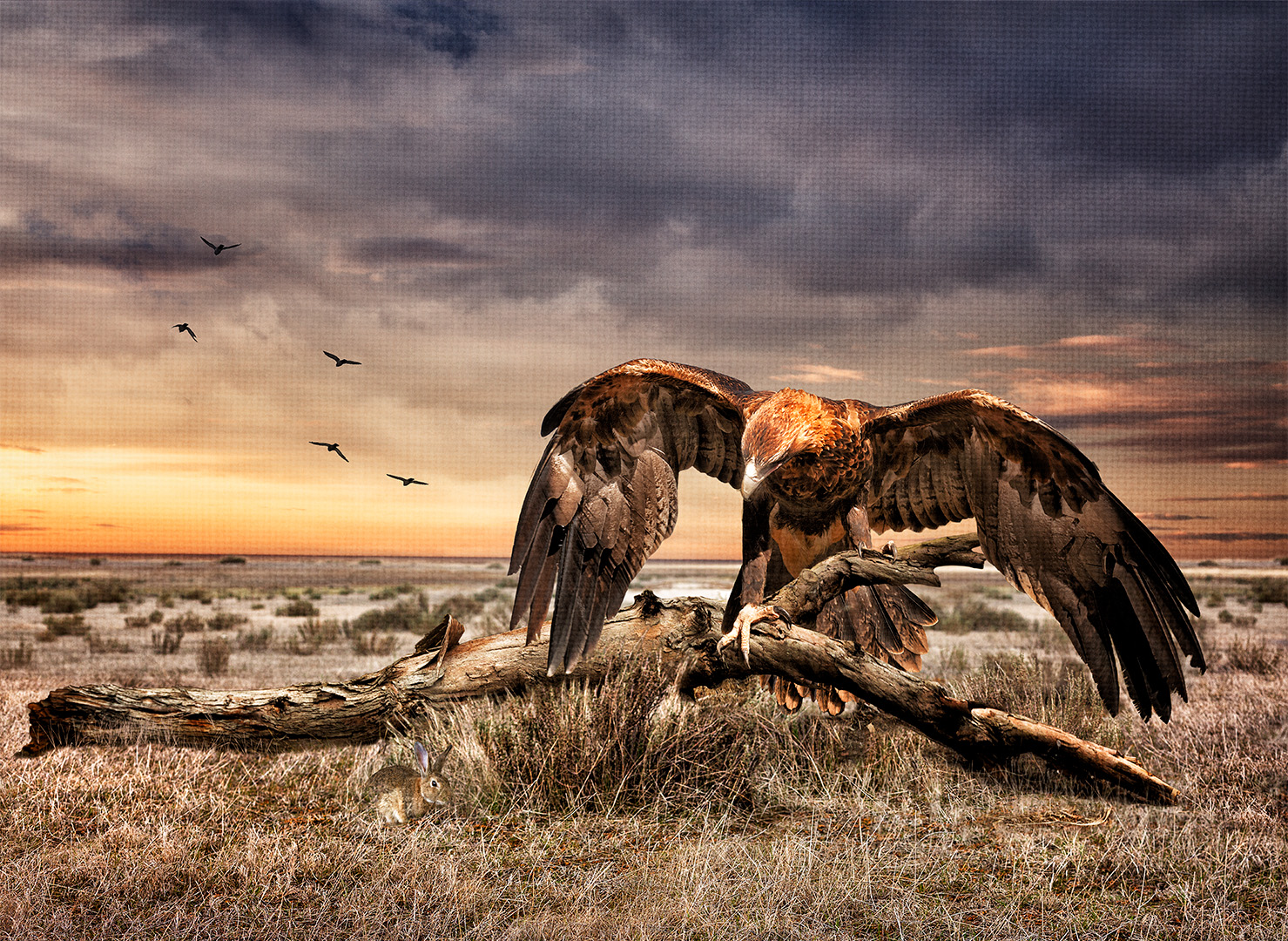
Hi Tom, it seems that there's a common view about the two birds and do agree that they look a bit larger. I'll take the comments on board and reduce them in size. I like your idea about moving the flock of birds to the right and lower, especially where the dirt road fades into the horizon. I had that thought initially but didn't go ahead with it. Thanks for your feedback, it's appreciated. |
Nov 20th |
| 41 |
Nov 23 |
Comment |
Hi Lisa, very cleaver on how you came up with the idea from the original image and ended up with the final result. A credit to your imagination. Well done |
Nov 19th |
| 41 |
Nov 23 |
Comment |
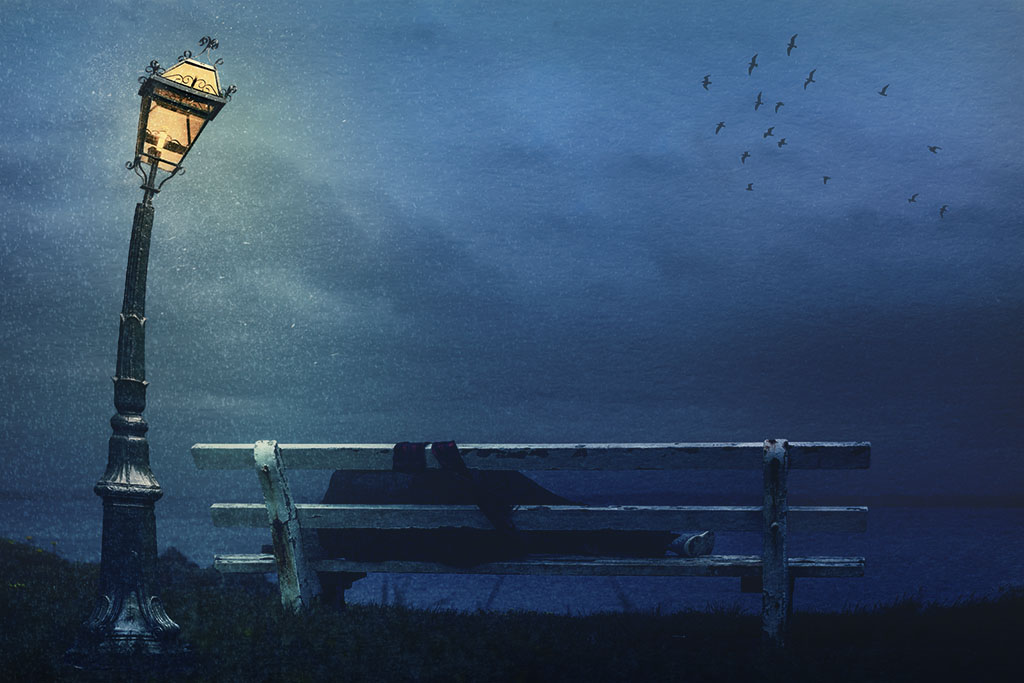
Tom, great concept, it makes me think that you're not "allowed" to go into the domes for warmth, so you're left out into the cold and shivering. It might be worthwhile to have a small fire next to you so that you can get some heat. Great use of the snow brush. |
Nov 18th |
| 41 |
Nov 23 |
Comment |
Hi Brian, a very interesting concept and well executed. The figures do give the impression of dancers intertwined. The strongest part of the image is the left figure which is two toned; brown and a lovely blue tone. The blue tone "smoke" wrapped around the left brown figure gives the impression of tulle fabric whereas the right one is just white with no added texture. It would be interesting to see a similar application to the right figure being two tone, white and perhaps another complementary colour. In my view this would give it balance and structure. The right white figure is the brightest and so does draw your attention to it. |
Nov 18th |
| 41 |
Nov 23 |
Comment |
Hi Brad, I quite like this concept, it has a lot going for it, especially your daughter climbing the statute gives it a surreal feel. The chosen background suits it well. I don't think that I can really add anything of any value that would improve on what you have presented. |
Nov 17th |
| 41 |
Nov 23 |
Reply |
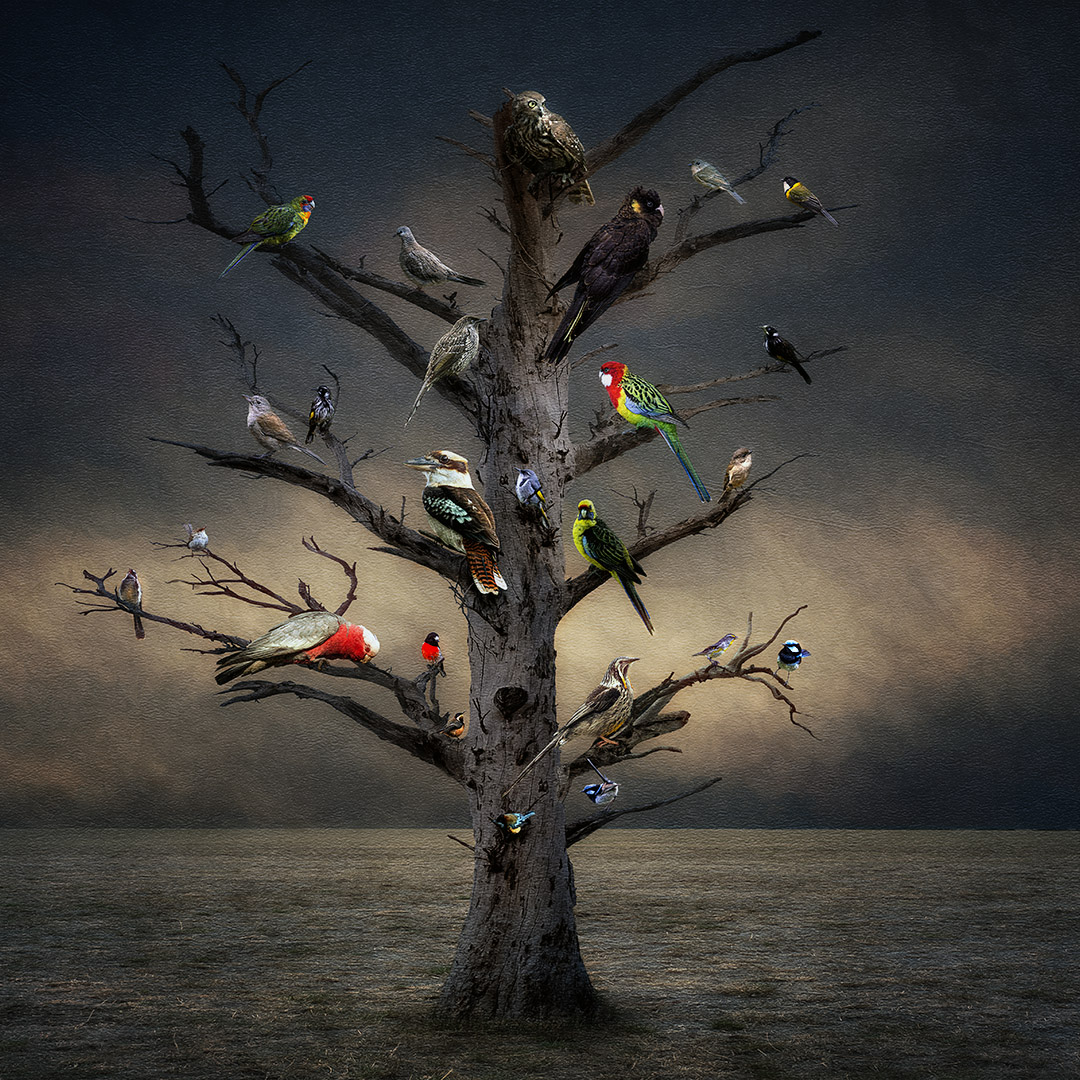
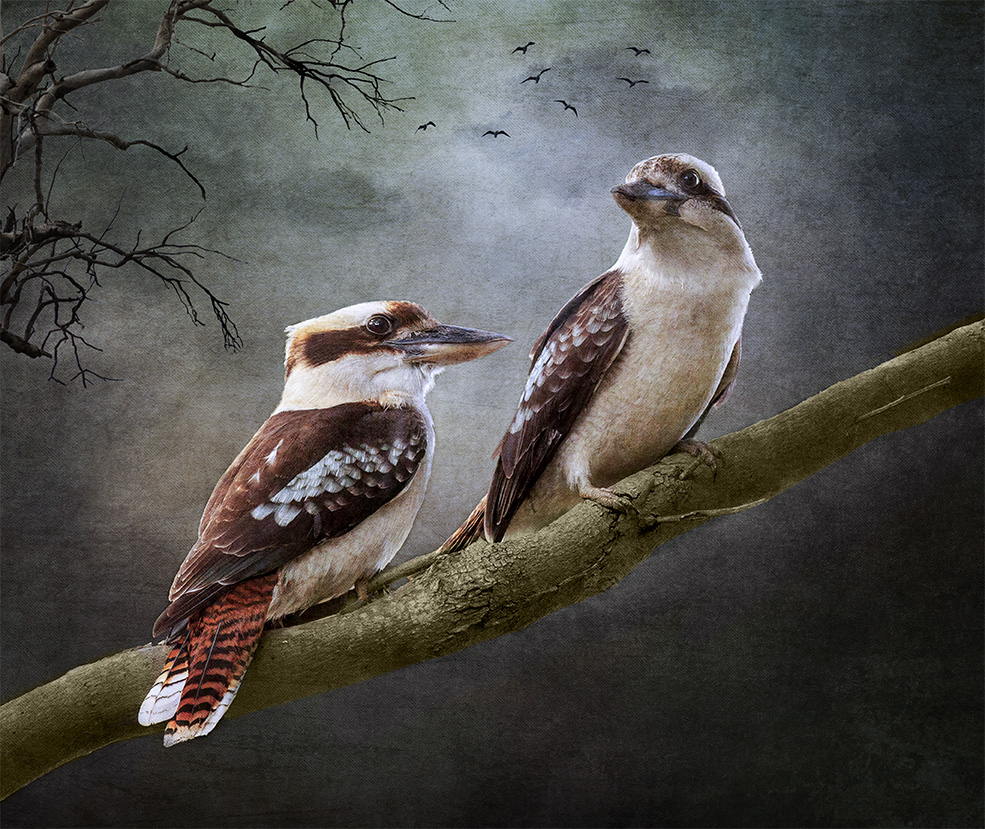
Hi Brian, thanks for your feedback and I'll take on board your comments. I'll keep the Kookaburras and reduce them a little as you suggested.
|
Nov 17th |
| 41 |
Nov 23 |
Reply |
Hi Brad, thanks for your comments, much appreciated. I would rather move the birds then clone out that part of the tree because it has an unusual look. I can see what you mean when you point it out. Interesting, when I photographed these birds, they were on a tree branch that was at an angle like the one in the image, so they were easy to put in. They come into my garden because they sometimes take the babies of the smaller birds and I have to chase them out! |
Nov 7th |
| 41 |
Nov 23 |
Reply |
Here is the last cloud image that I used to give you an idea of how it creates uneven light as in real life. I use soft light blend mode for this exercise. |
Nov 7th |
 |
| 41 |
Nov 23 |
Reply |
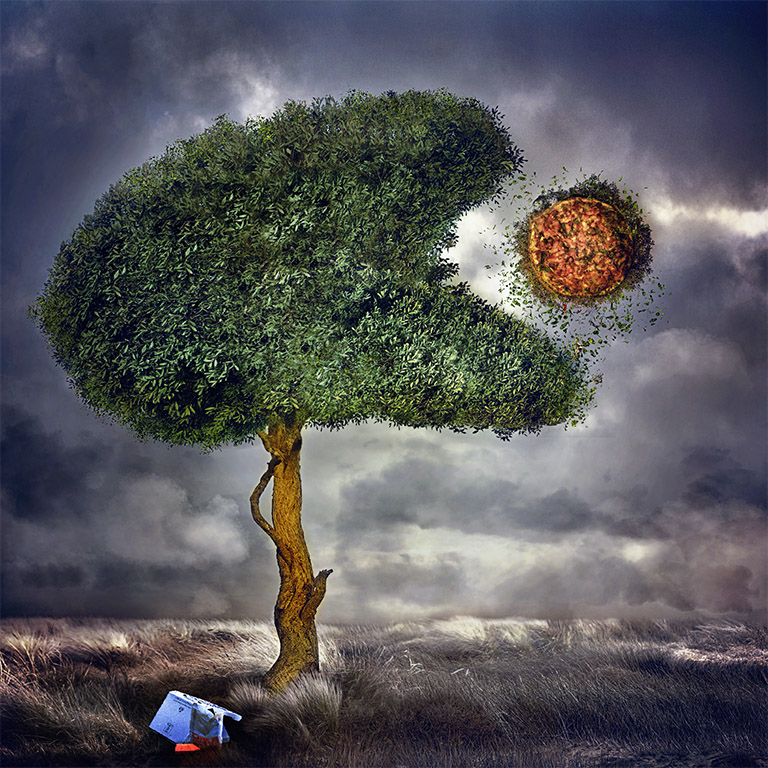
Hi Alan, I don't believe that I have a technique as such. However, I will work on an image until I know it looks like what I have in mind. I can only go through my work process on this particular image. The background sky was created using three different cloud images to achieve that specific tone; one blue tone, one blue and orange and the third deep sunset (image attached). As I add each element, I then "colour" or blend these elements with the sunset cloud, clipped to the element using soft light or overlay blend mode or even multiply which ever one works the best, reduce the opacity and mask over. If that doesn't work well on some of the elements, then I use a blank layer with a blend mode of soft light, go the colour picker and select a tone from the cloud and paint over that area. Reduce opacity both with the brush as well as on the layer until I'm satisfied. I did the grass like that to achieve that tone. I coloured the tree with the sunset cloud and the leaves with the blue tone cloud. The car was more or less the same tone and used curves in the RGB tool section to blend it in more. Finally, I used the LUT Kodak 5205 Fuji 3510 at 35% opacity, then Nik Software Tonal Contrast and finally put another blue tone cloud image to put an uneven light through it at a diagonal from top right to bottom left so that the lighter part goes through the top right part of the tree, through the bird and finished on the car. Hope this helps. Cheers Nadia T |
Nov 7th |
 |
4 comments - 5 replies for Group 41
|
| 80 |
Nov 23 |
Reply |
Thanks Rich, I appreciate your feedback. |
Nov 20th |
| 80 |
Nov 23 |
Reply |
Thanks for your comments Jacob appreciate your feedback. |
Nov 20th |
| 80 |
Nov 23 |
Reply |
Thanks Bob for your feedback, much appreciated. I wasn't so sure about this as I did it quickly. |
Nov 20th |
| 80 |
Nov 23 |
Comment |
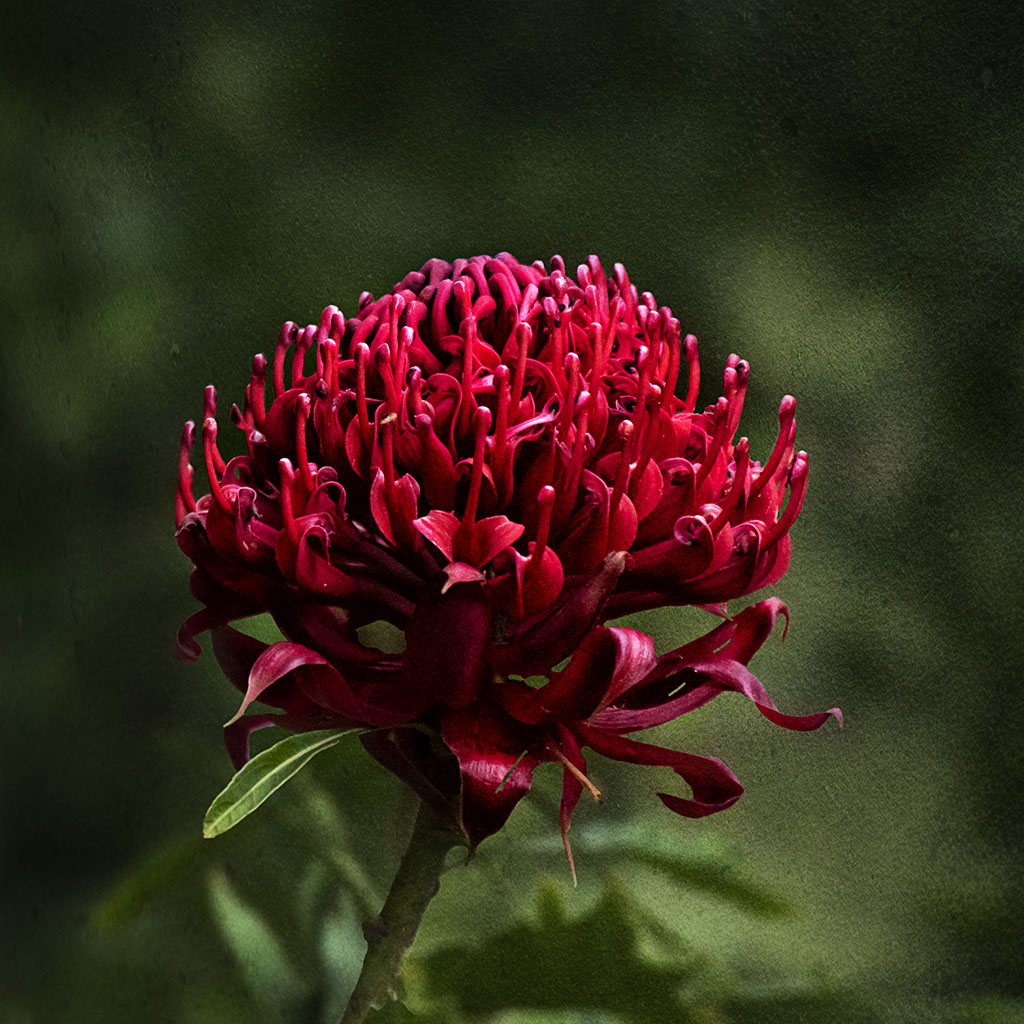
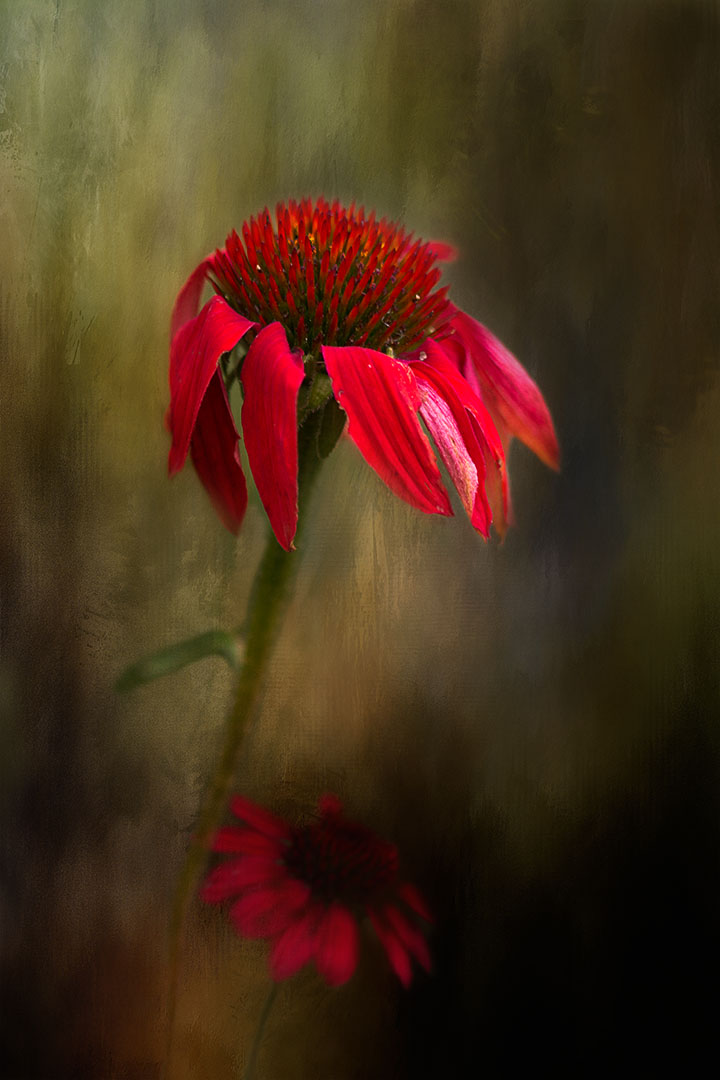
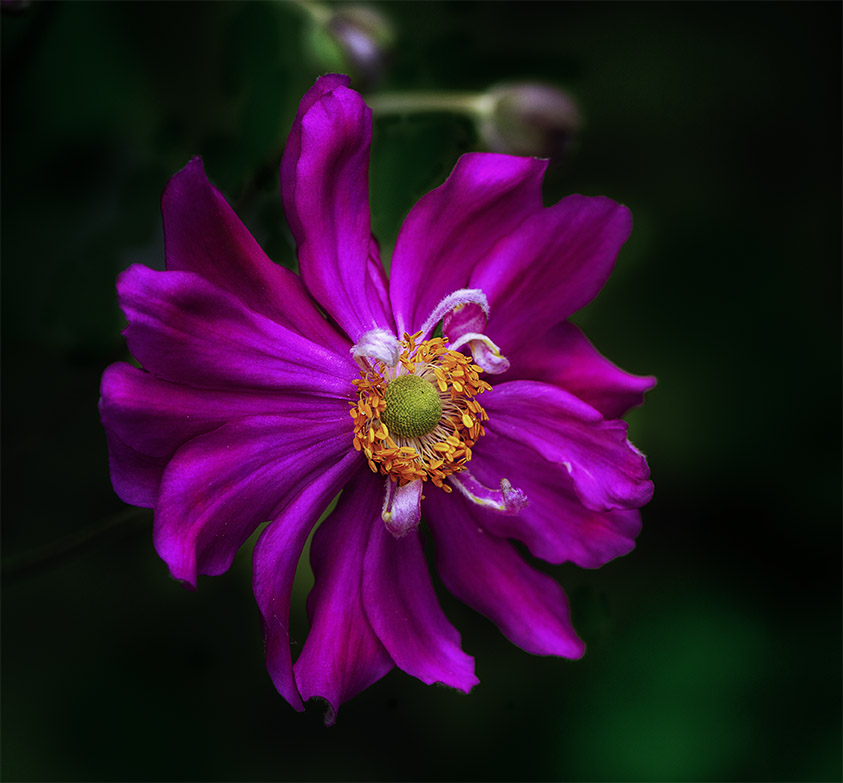
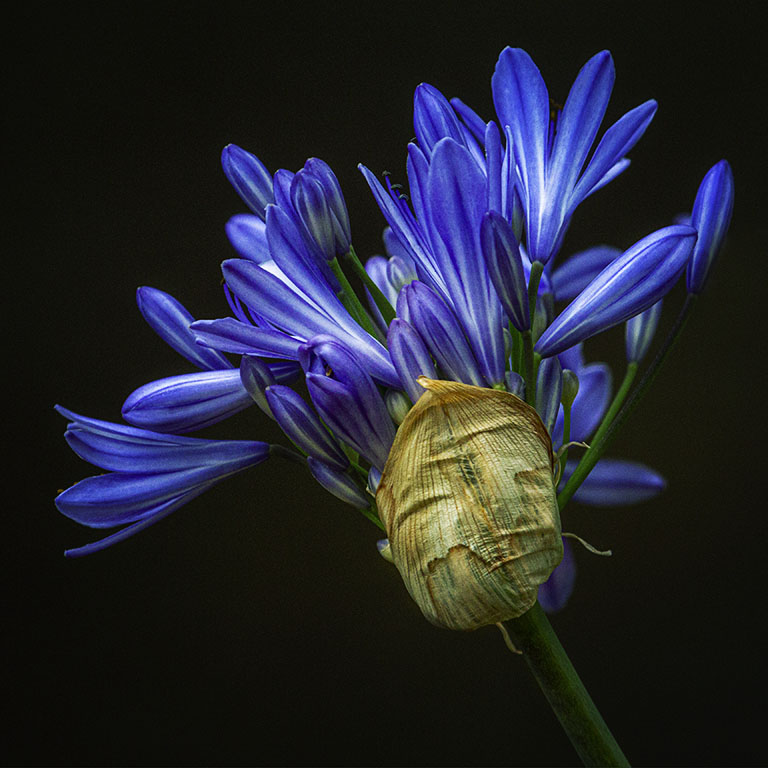
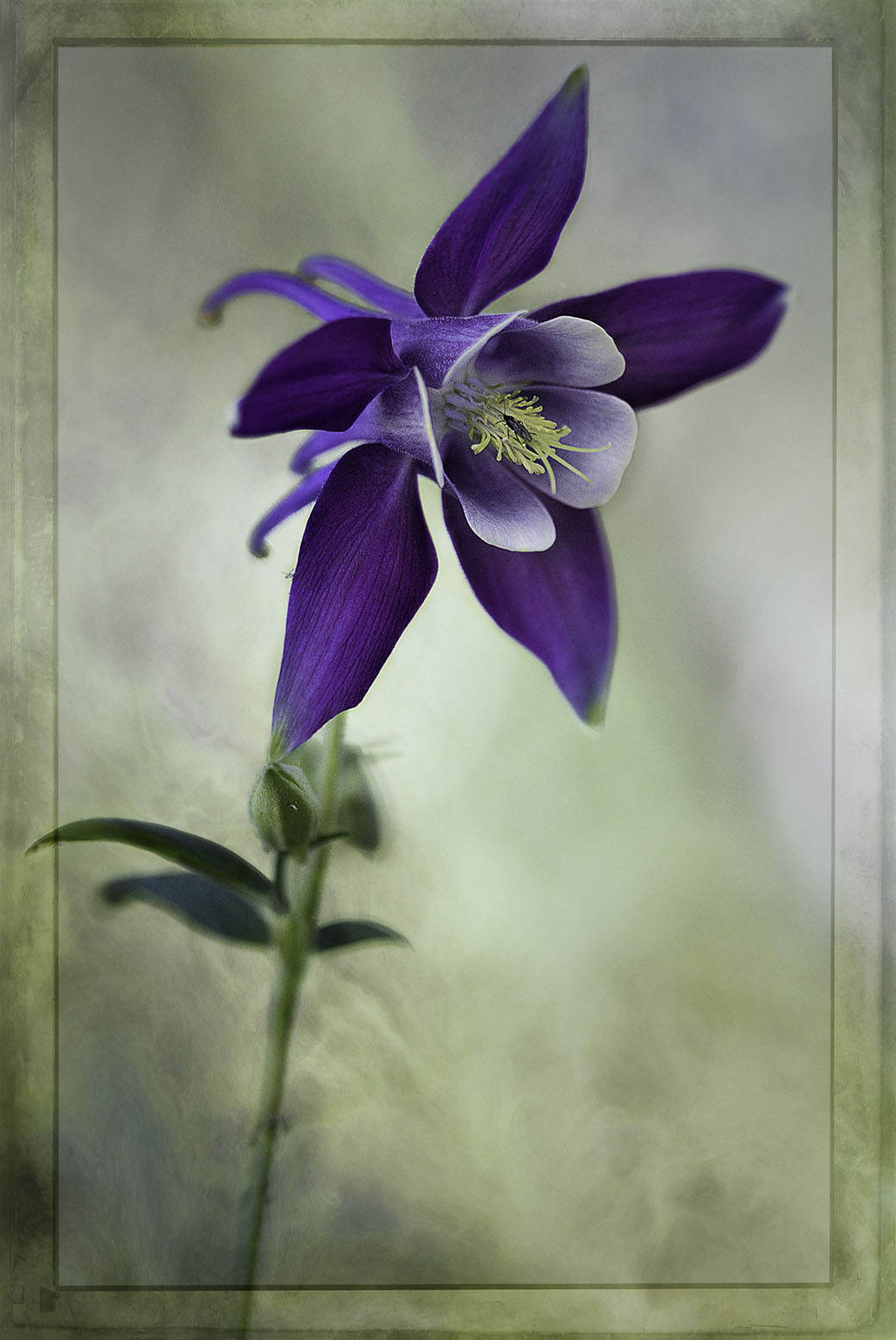
Rich, that is a beauty. I like the angle of the flower and I think that you managed to showcase it really well, especially those spider like petals leading to the center. Bob and Kathryn's comments about blurring the background would make the flower stand out more. What an interesting flower. |
Nov 20th |
| 80 |
Nov 23 |
Comment |
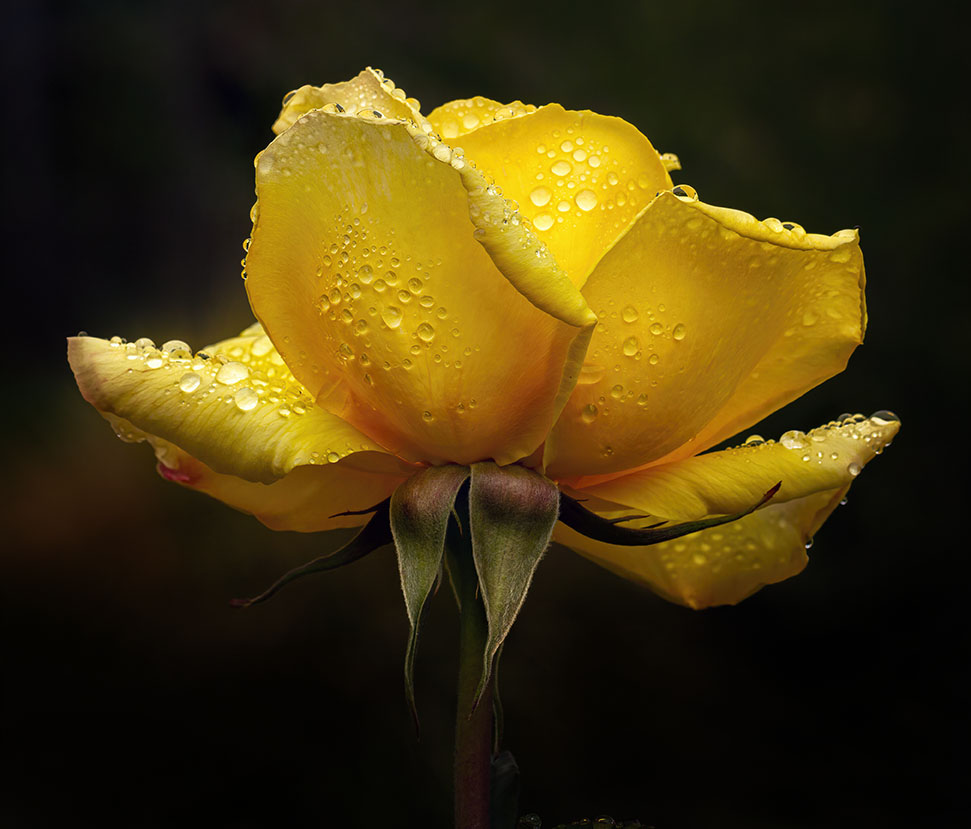
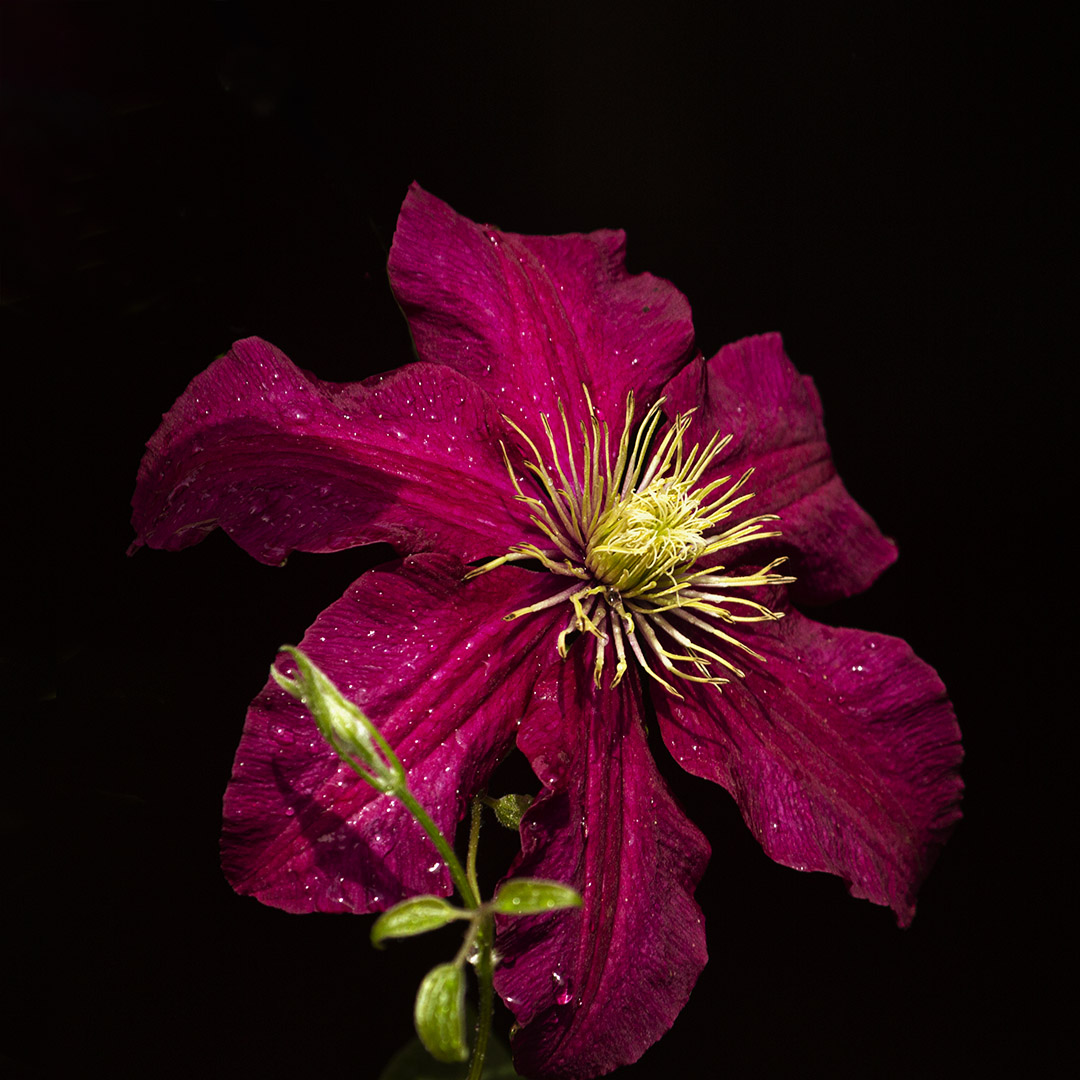
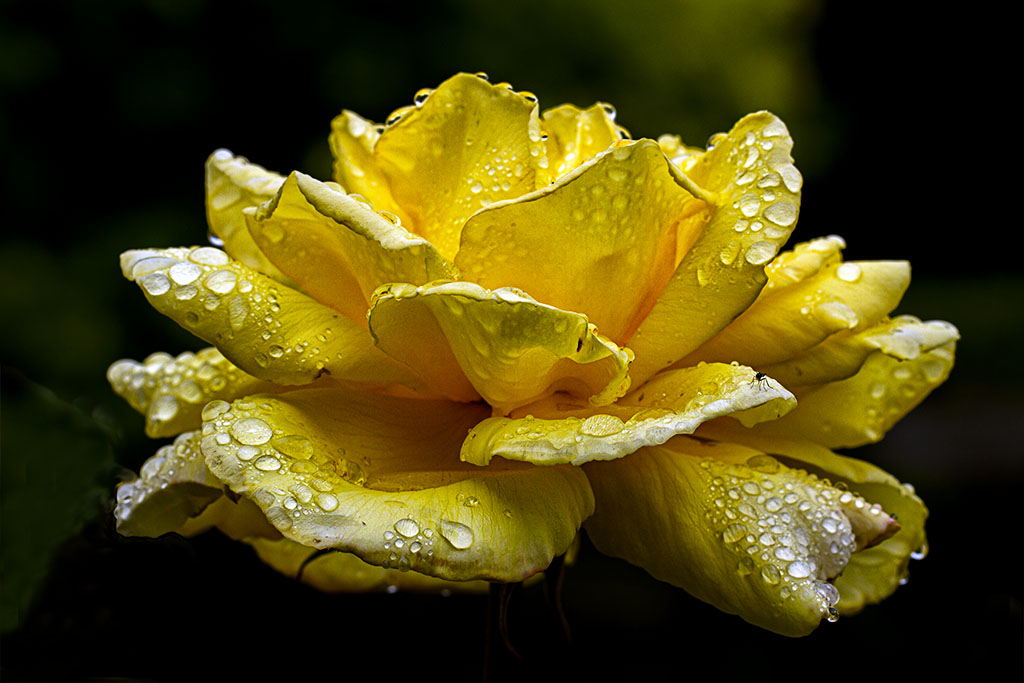
Hi Kathryn, this is such a sweet flower and I like the camera angle you used as well. I'm a big fan of mist/dew/rain on flowers and always make a point of going out after some rain or alternatively will take a spray bottle with me and spray the flowers with some mist to give them that added depth.
Like Bob, I would have like to see the front petals in focus leading to the yellow center. I've noticed that the flower is in part shade, did you have an opportunity to move around the flower so as to get most of it in the shade? I find the highlights a little distracting. With a macro lens you would get a fairly blurred background at f5.6 or 6.3 and that would have given you focus on the front petals.
|
Nov 20th |
| 80 |
Nov 23 |
Comment |
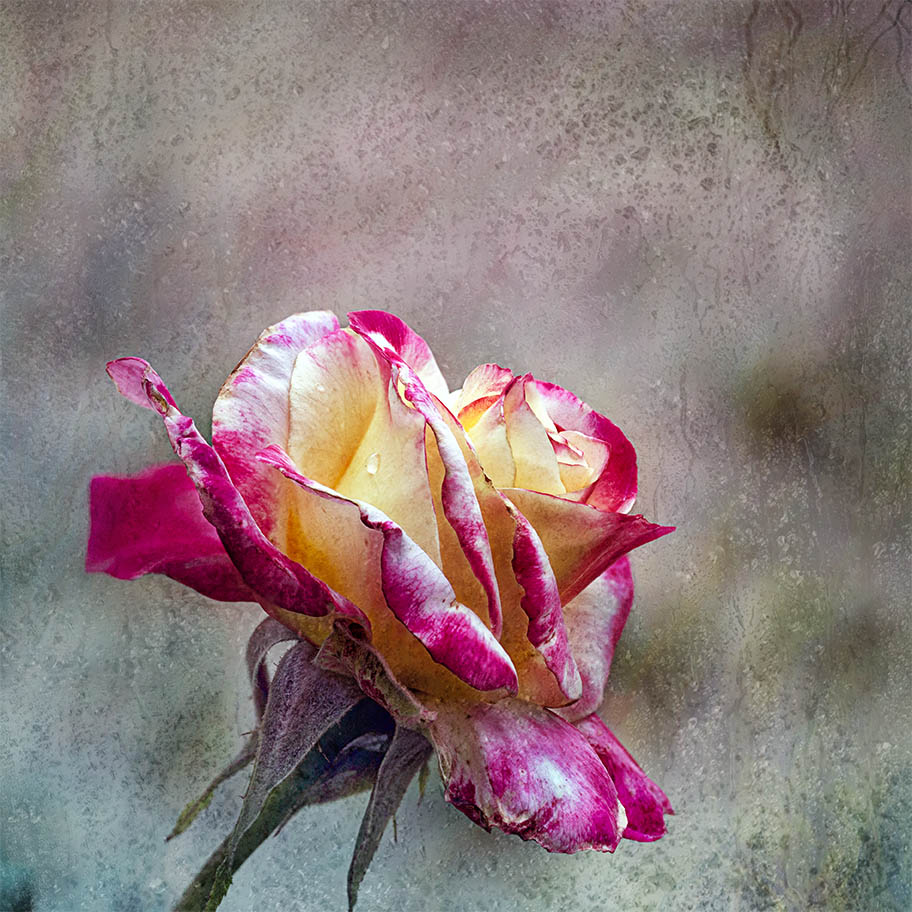
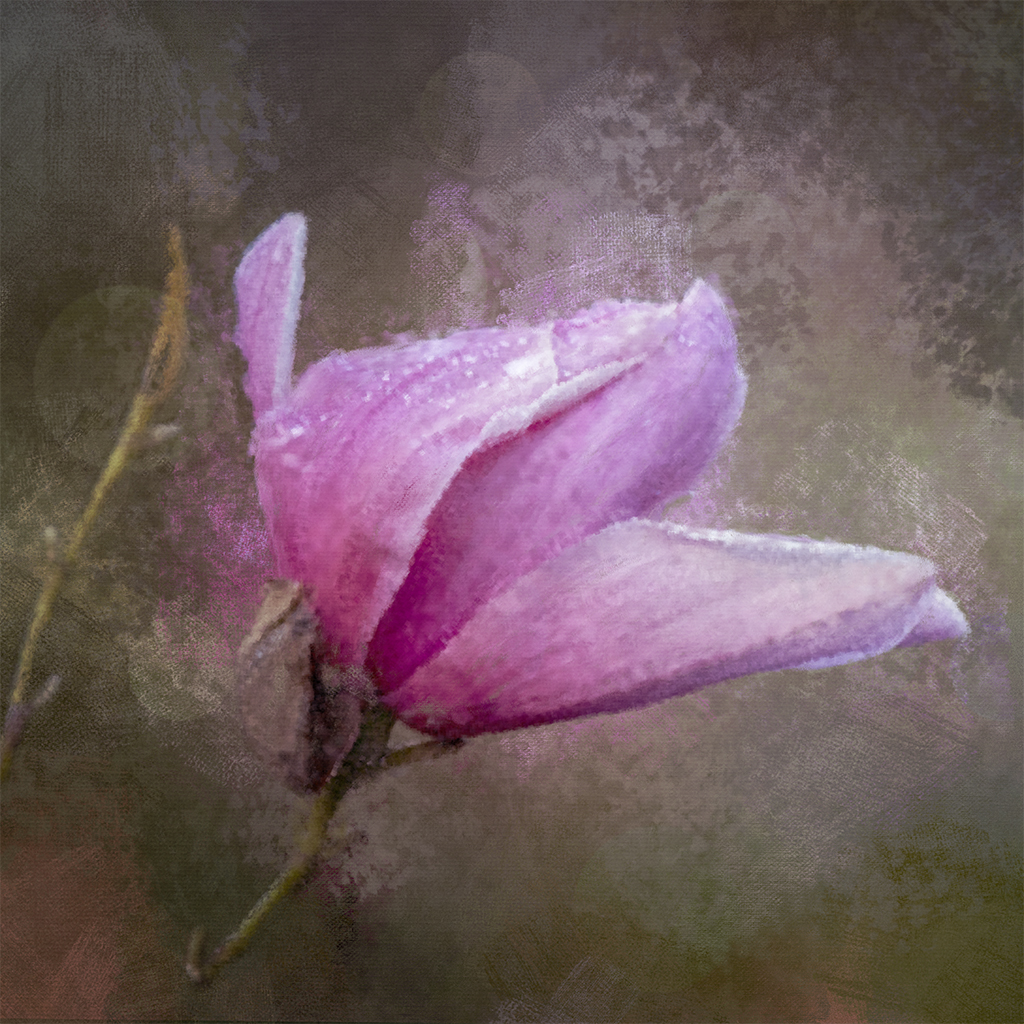
Hi Kamal, You've done a lovely job in converting the flower into a creative image. I like the "painterly" look in monochrome. The image would be stronger if you could give it more contrast, especially in the shadows. This would give it more depth. Really lovely. |
Nov 19th |
| 80 |
Nov 23 |
Comment |
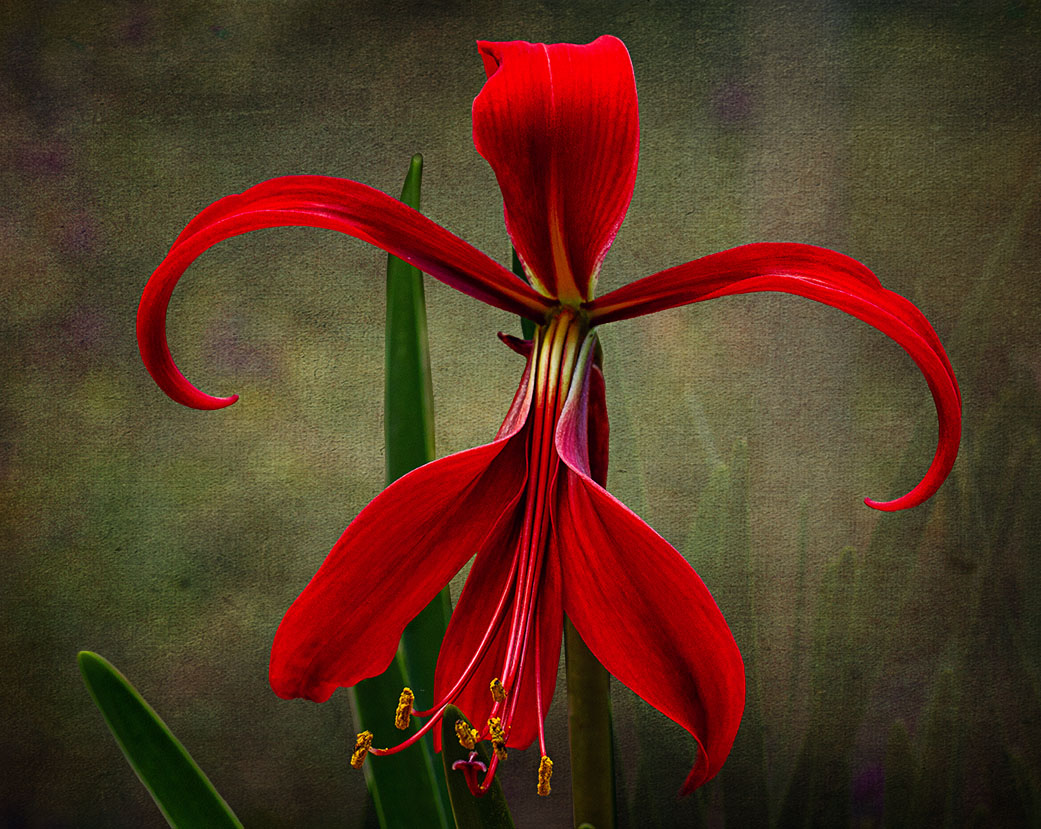
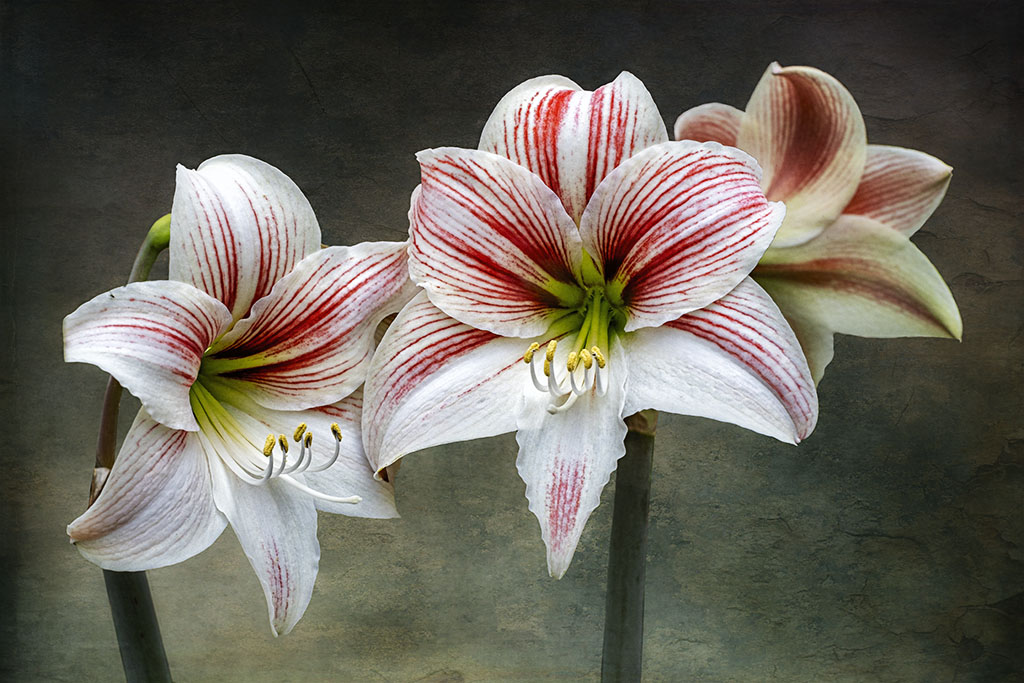
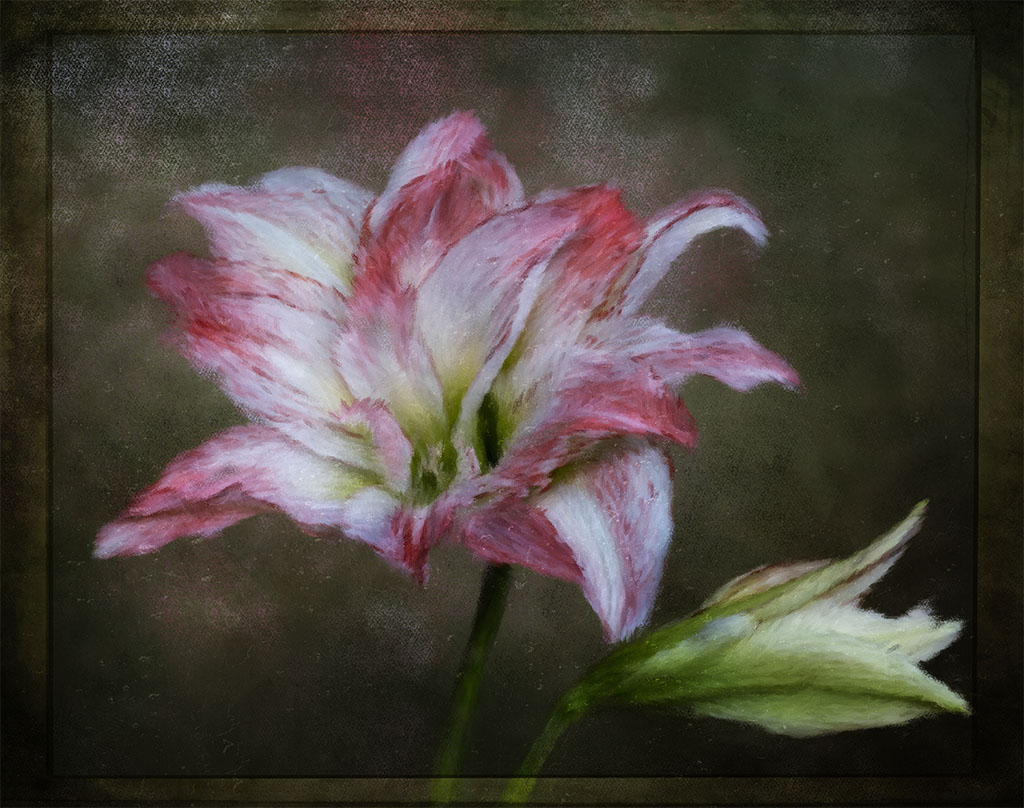
Hi Doug, very creative and an unusual representation of a lily focusing on the curve of the flower. The background is beautifully handled and works really well in making the lily curve stand out. |
Nov 19th |
| 80 |
Nov 23 |
Comment |
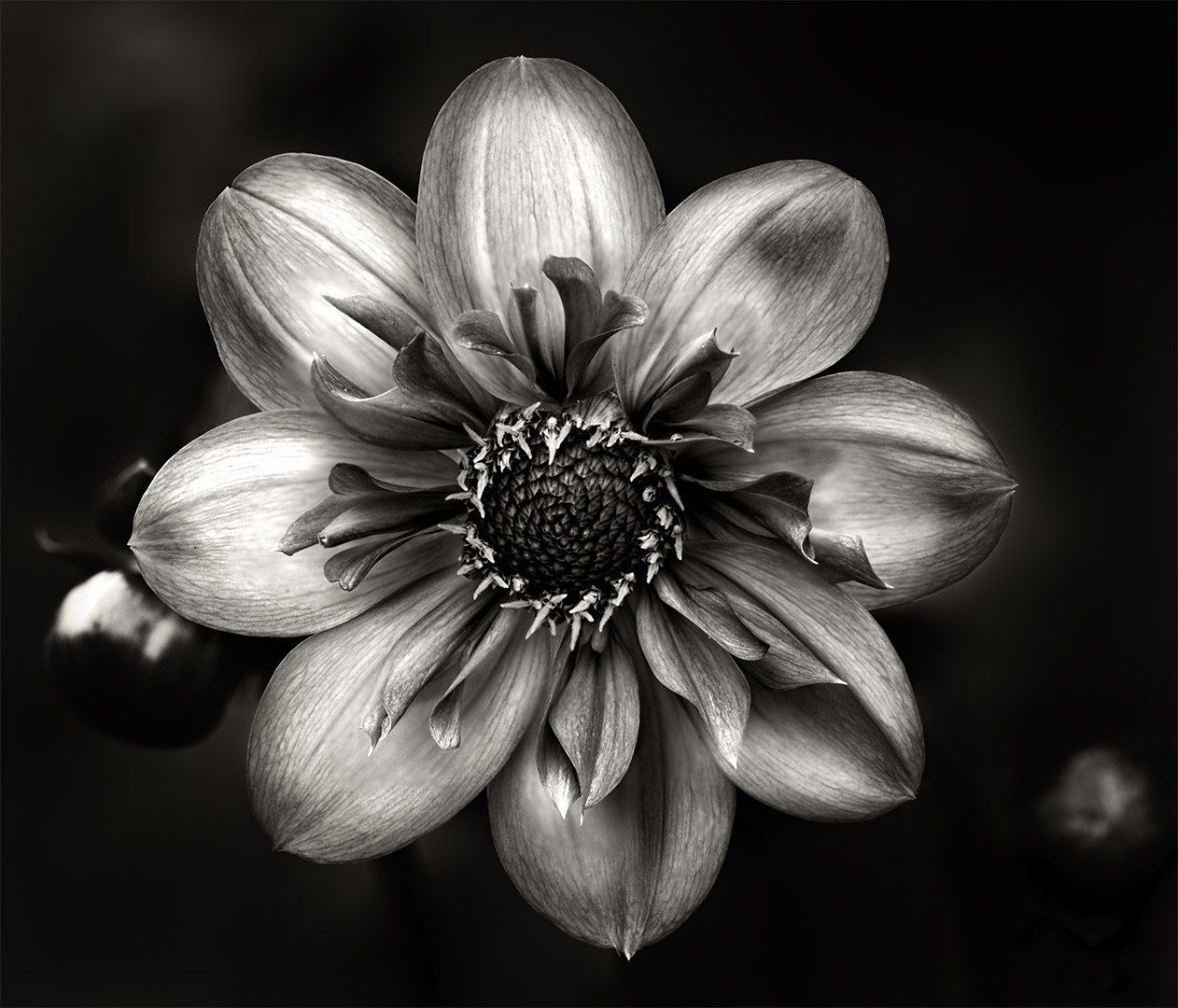
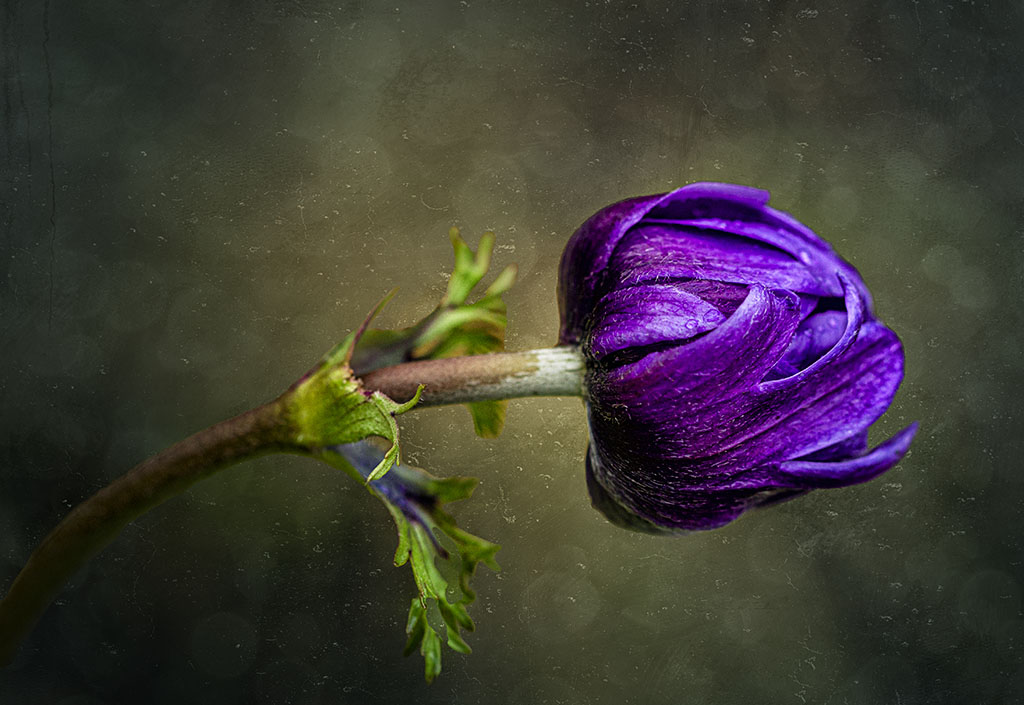
Hi Jacob, I quite like the grungy look of this dahlia, you've brought the colour out really well and the green center is just right as that the main focal point of interest. You've handled the background well, making the flower stand out stand out. I don't mind the "eaten bits of the petals" as in my view it adds to the overall grungy look. Very different and well done. |
Nov 19th |
| 80 |
Nov 23 |
Comment |
Hi Bob, you've done an excellent job in bringing out all of the details of the flower, especially brightening the center as this is the focal point. My only comment would be to include the stem, which is visible in the original and that would solve the issue of the flower "floating". Just lovely overall. |
Nov 17th |
6 comments - 3 replies for Group 80
|
10 comments - 8 replies Total
|