|
| Group |
Round |
C/R |
Comment |
Date |
Image |
| 41 |
Sep 23 |
Comment |
Hi Brian, I think you're on the right direction with this image. My comments are that the background could be more visible as it's hard to see the "battle." The pieces of collage could be smaller and also cut out the background to eliminate the distracting elements, especially so of the pieces of the two men. I would also add more of the sword of one of the hands. Would you consider having the pieces of the two men facing each other instead of one of the bottom left and the other on the top right? Then bodies and hands? That would suggest that they are facing for battle with the background more in view? |
Sep 19th |
| 41 |
Sep 23 |
Comment |
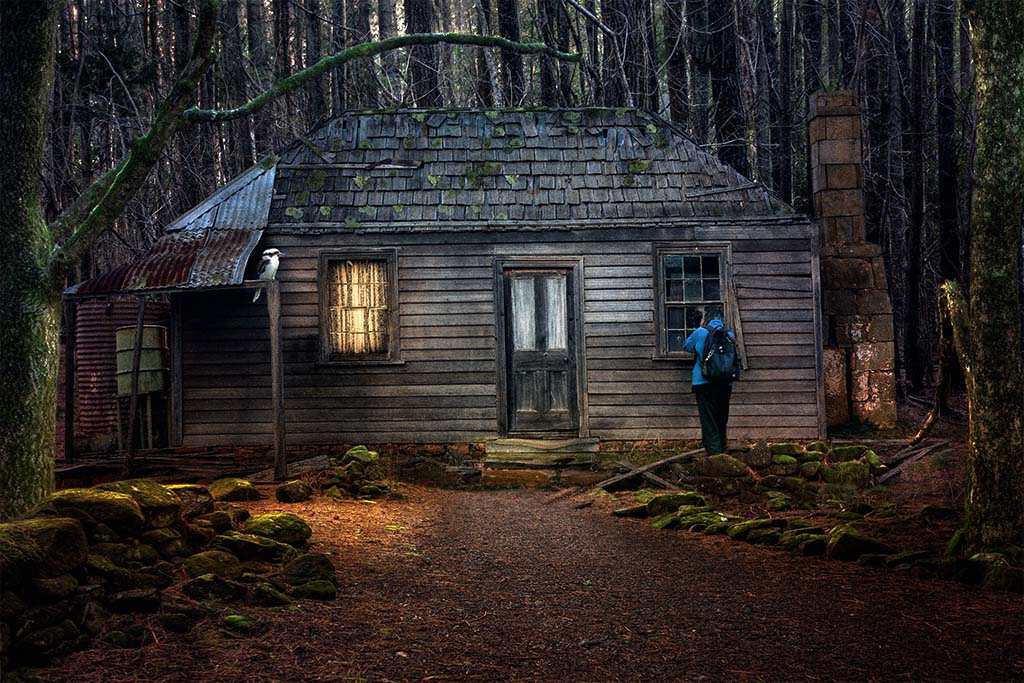
Hi Brad, I like the background, it's has an errie feel about it. My comment on this would be to moderatly soften the background using one of the blur tools, the trees don't need to be as sharp as the flower, also slightly darken the background so that the flower stands out more. |
Sep 19th |
| 41 |
Sep 23 |
Reply |
Hi Tom, I think you've done a great job on this one. I like all of the elements you've chosen to put it together, it's a stronger story. |
Sep 19th |
| 41 |
Sep 23 |
Reply |
Hi Tom, thanks for your comments I and do agree, will go back and add them in for consistency. |
Sep 19th |
| 41 |
Sep 23 |
Comment |
Hazel, very creative way of presenting the model car. The colours are very pleasing and do complement the image. My only comment is, for balance purpose, to bring back the focus on the right wheel including its shadow as you have on the left one. |
Sep 15th |
| 41 |
Sep 23 |
Reply |
Brian, anything is possible in creating composite images. It's just a matter of what photos are available to create the image. I like your idea of a "bubble" around the radar. |
Sep 15th |
| 41 |
Sep 23 |
Comment |
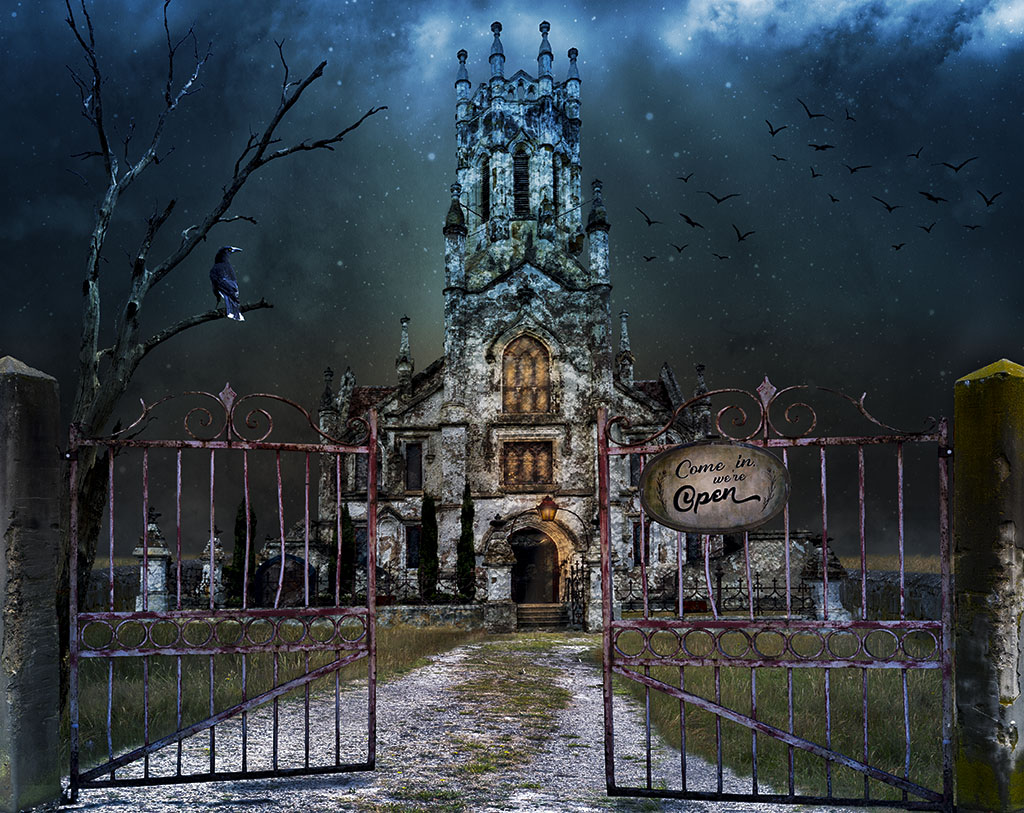
Hi Tom, this has a lot of potential and a good story to tell. My suggestions are: delete the trees on the left as well as those on the horizon; take out the gate with the signs and the road as well and the tower on the left behind the trees. Also get rid of the cloudy sky. I can't see how they add to the story you're trying to tell. Then I would add grass across the foreground (where the road was). Alternatively pick another background image where the sky is dominant. Turn the image into night and add a night sky with stars. This will make the radar dish stand out more. Make the radar larger and tilt it with the laser towards a plane in the sky. Add fire and smoke to the plane to indicate that it's been hit. Also I would leave the plane in the ground and add another two and strategically spread across the foreground to indicate that no plane can get past the dish. This would suggest that the radar is the "Defender" - this is a battle in the sky and so make the sky dominant. I would have one third ground and two thirds sky. Hope this helps. |
Sep 7th |
| 41 |
Sep 23 |
Reply |
Hi Brian, thanks for your feedback. I always enjoy reading your thorough assessment and do take note of your suggestions. I don't remember reading Giles cartoons and after seeing them on the internet, they do describe my style of compositing, which is endeavouring to tell a story. I think moving the tall trees further into the background has merit and so I've moved them and tried to keep them to scale. With the flock of sky birds, that's my "signature" and have them in all of my compositing unless there's no sky. I have reduced the numbers though. Here's a revised version. |
Sep 7th |
 |
4 comments - 4 replies for Group 41
|
| 80 |
Sep 23 |
Comment |
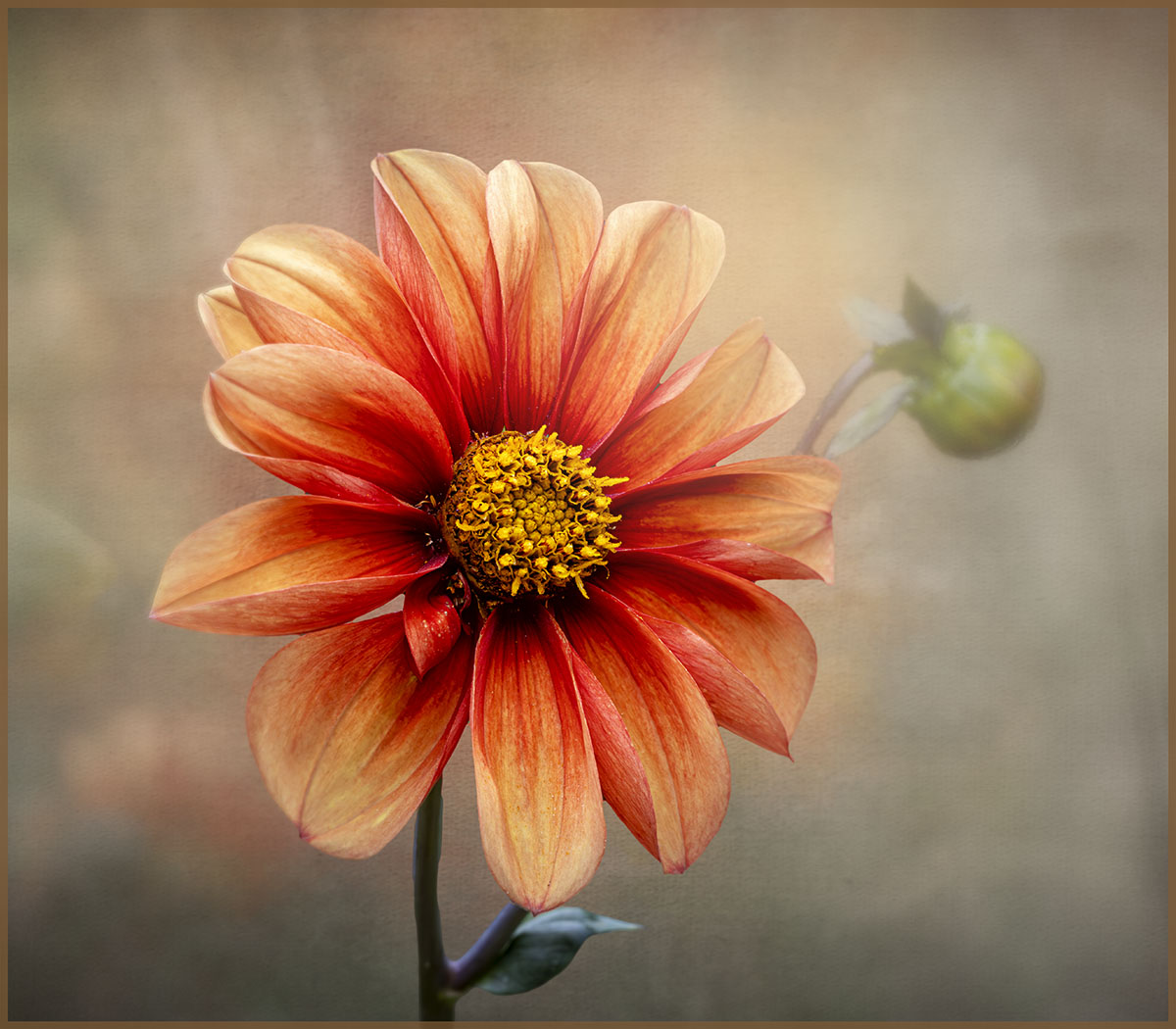
Hi Doug, this is definitely an attention-grabbing image with its strong colours. I do share Rich's views that the geometrical lines distract from the main part of the flower. Is it possible to soften them? |
Sep 19th |
| 80 |
Sep 23 |
Reply |
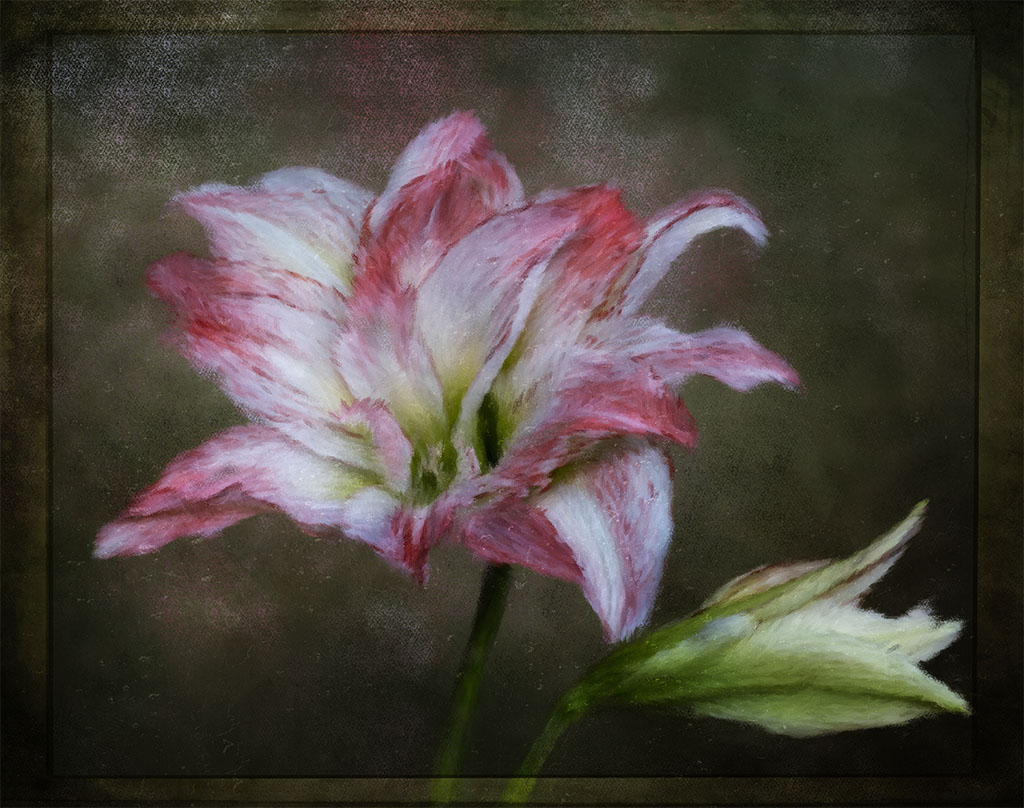
Thanks for your comments Doug. I see what you mean about the bud on the lower right corner, it does touch the edge of the border and so that needs to be looked at. How I cut my flowers out is using either the object selection tool or the quick selection tool and depending on the contrast of the image, I might use both to achieve a clean cut out. It does take a bit of patience. I then create a mask which then allows me to put another background image "behind it" Hope this helps. There are lots of YouTube tutorials on cutting out objects in an image. The brush that I've used is called the Mixer brush and it's been designed to replicate an oil painting brush. |
Sep 19th |
| 80 |
Sep 23 |
Comment |
Syed, this a lovely image and the pink flowers against the green is very pleasant. I think that the two pink flowers are lost in the mass of green pond leaves. And like the others, I agree that the image would be enhanced by cropping to the point where the two pink flowers stand out more. |
Sep 15th |
| 80 |
Sep 23 |
Comment |
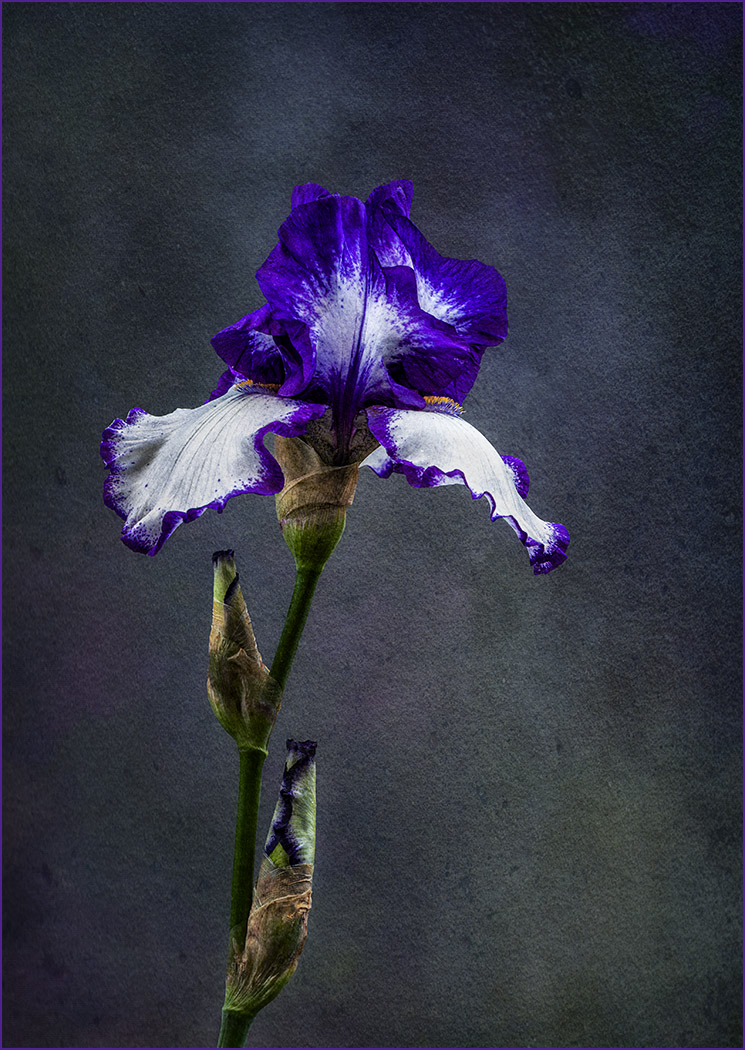
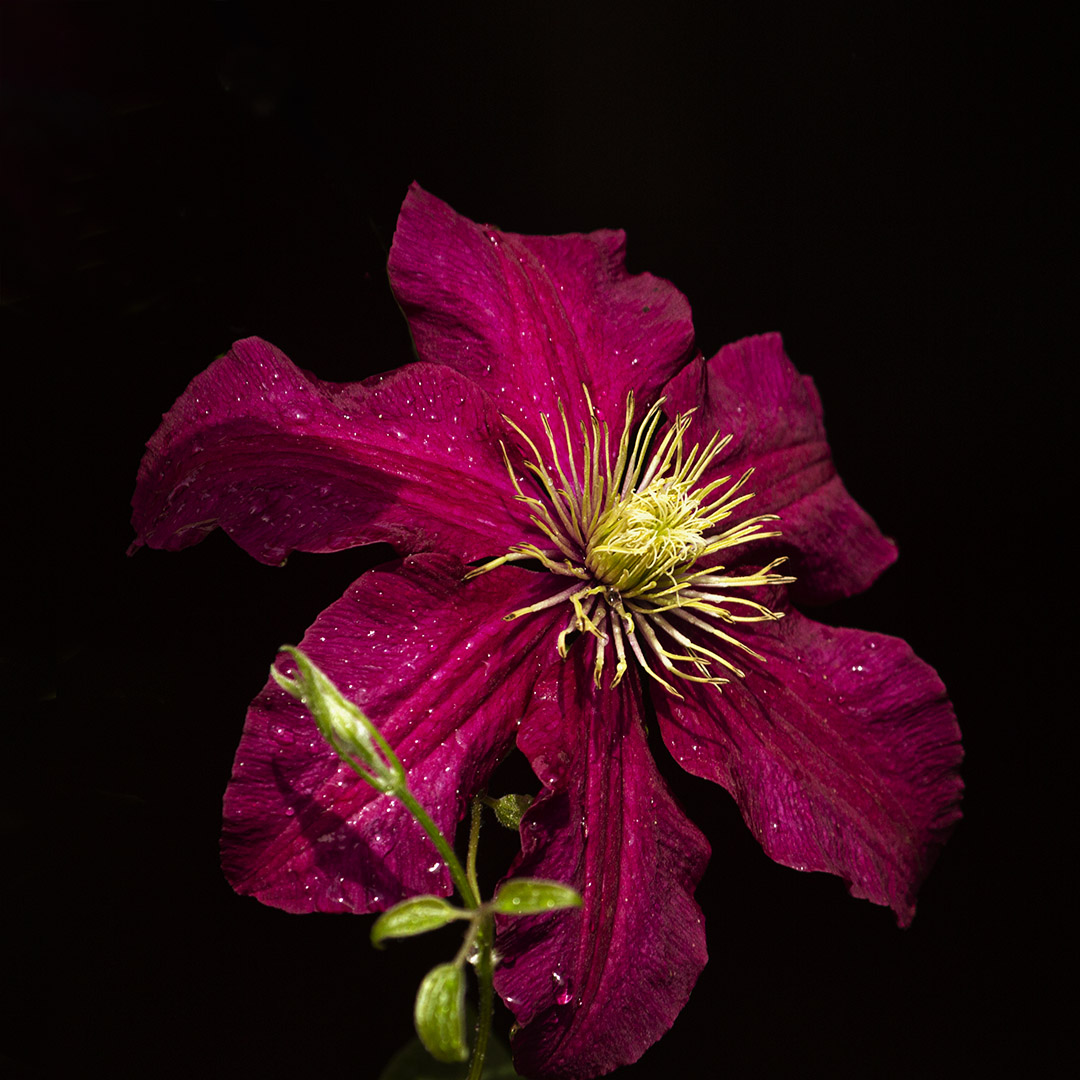
Rich, what a gorgeous flower and you've done an excellent job in bringing out its colours. Just lovely. |
Sep 15th |
| 80 |
Sep 23 |
Comment |
Kathryn, a lovely image with the bird in flight heading towards the flower. You've done a great job in isolating the bird and flower from a busy background and the texture(s) chosen suits it very well. |
Sep 15th |
| 80 |
Sep 23 |
Comment |
Jacob, this is a beautiful sunflower, the colour is vibrant and strong so much so that I don't even notice the background. My eyes are fixed on the colour of the flower. Just lovely. |
Sep 15th |
| 80 |
Sep 23 |
Comment |
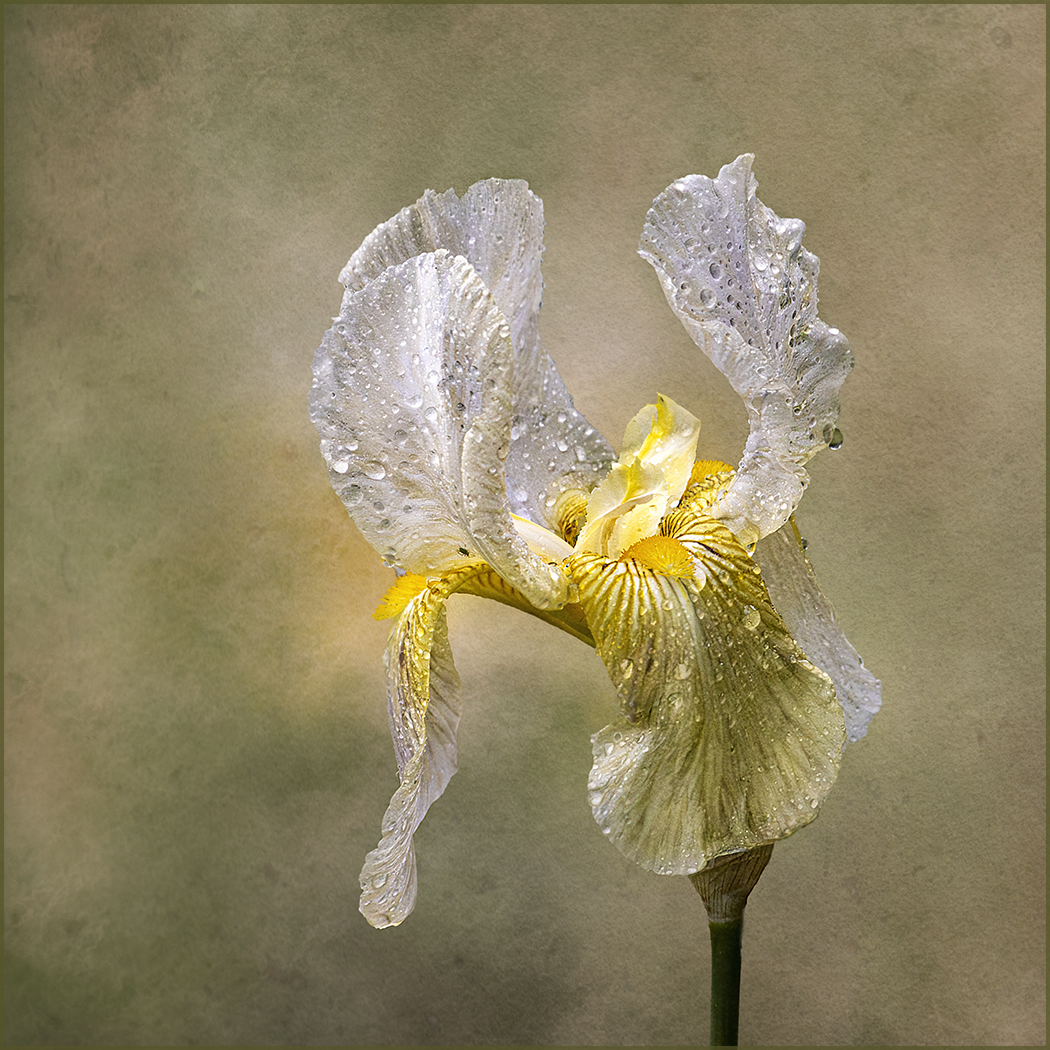
Bob, this is a very nice and balanced abstract image of a bearded iris. I especially like how the dew has been transformed into icicles and has shaped the image. Nicely cropped. |
Sep 15th |
| 80 |
Sep 23 |
Reply |
Thanks Jacob for your kind comments |
Sep 15th |
| 80 |
Sep 23 |
Reply |
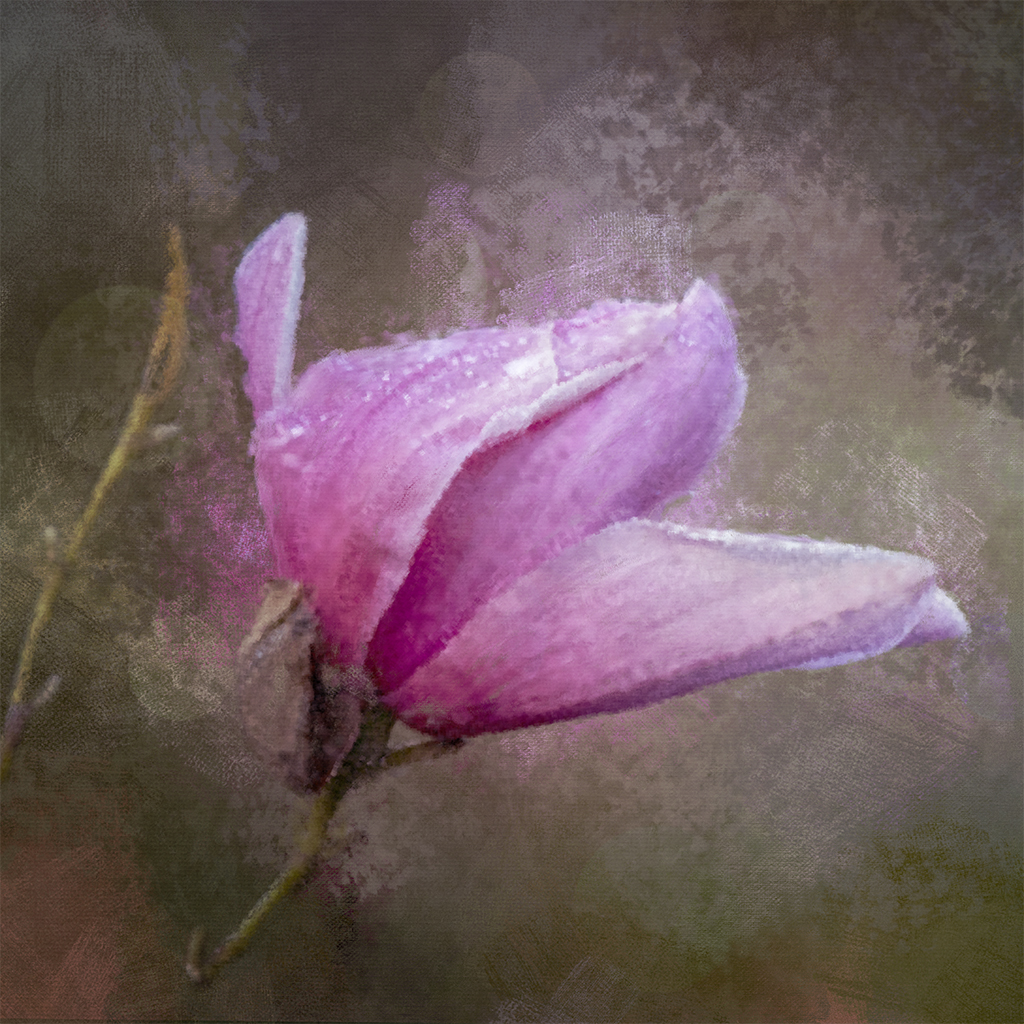
Thank you for your comments Rich, much appreciated. I tried to mimic an oil painting in PS using the mixer brush. I used the same brush throughout the image. I might used a different and smaller brush that might allow some parts to be more focussed. That might work. |
Sep 15th |
| 80 |
Sep 23 |
Reply |
Hi Kathryn, my idea was to do a digital painting. The mixer brush in PS is supposed to mimic an oil paint brush and that's the reason I've "painted the whole flower" to see if it looks like an oil painting - guess I need to do more work. Thanks for your comments, much appreciated. |
Sep 15th |
| 80 |
Sep 23 |
Reply |
Hi Bob, thanks for your comments. It's the mixer brush that puts the colour in the background, you'll notice that there's both red and white there and I too didn't like the white there and so erased as much as I could. I don't mind what I left in the background.
I still have a long way to go to be able to use this brush properly. Cheers |
Sep 15th |
6 comments - 5 replies for Group 80
|
10 comments - 9 replies Total
|