|
| Group |
Round |
C/R |
Comment |
Date |
Image |
| 41 |
May 23 |
Comment |
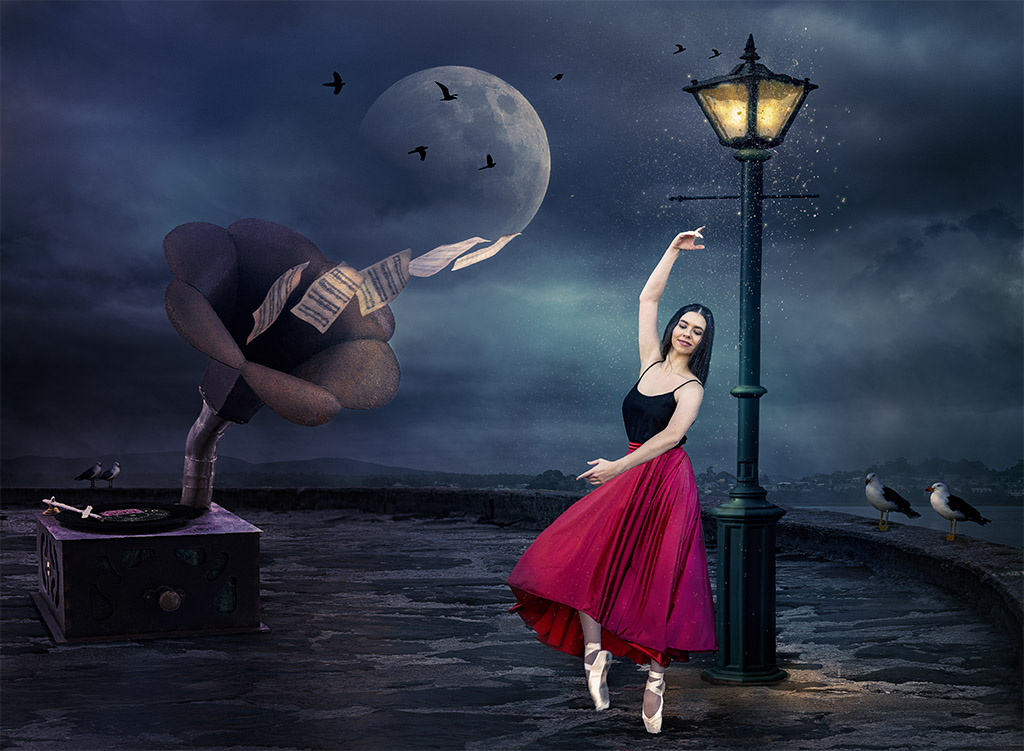
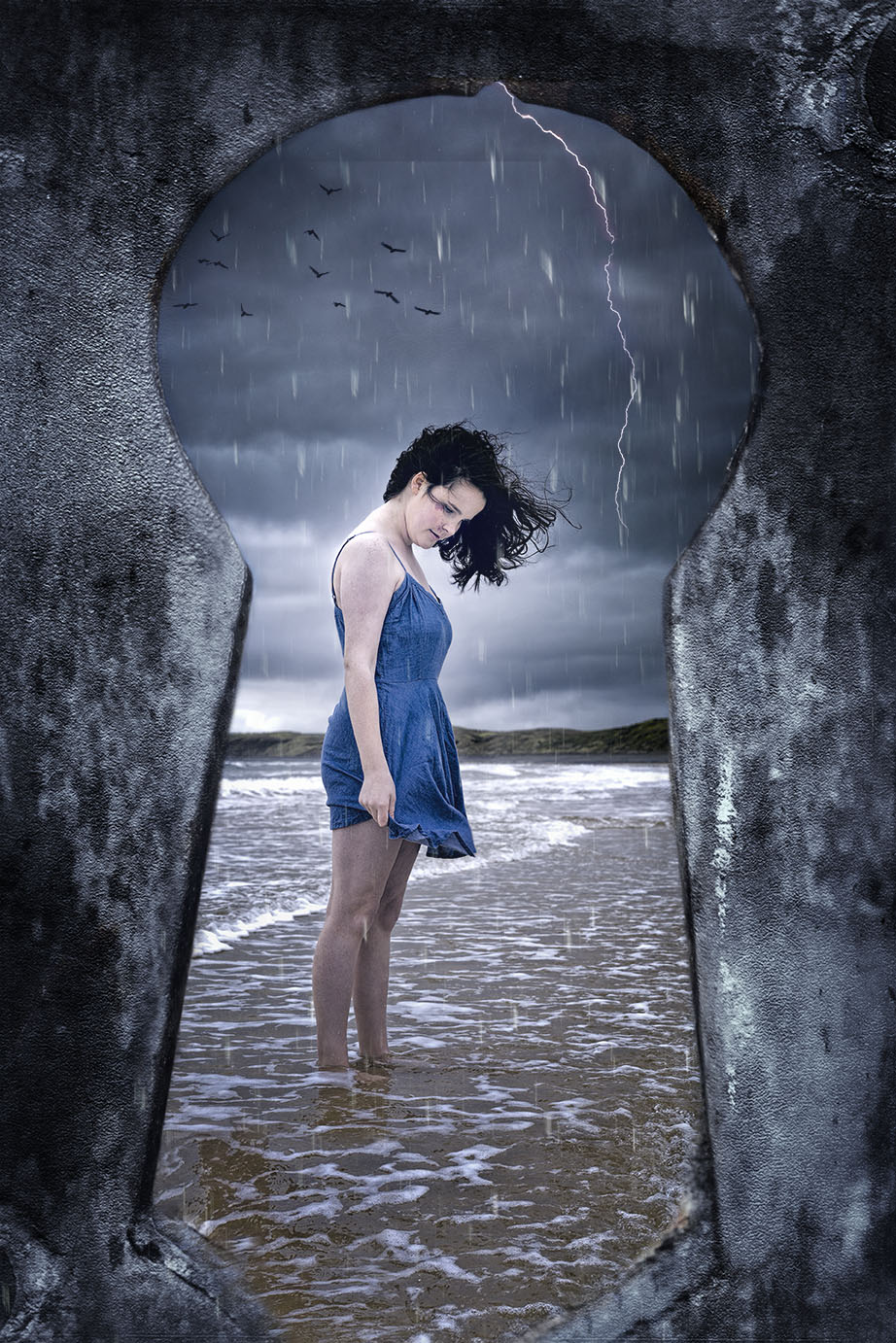
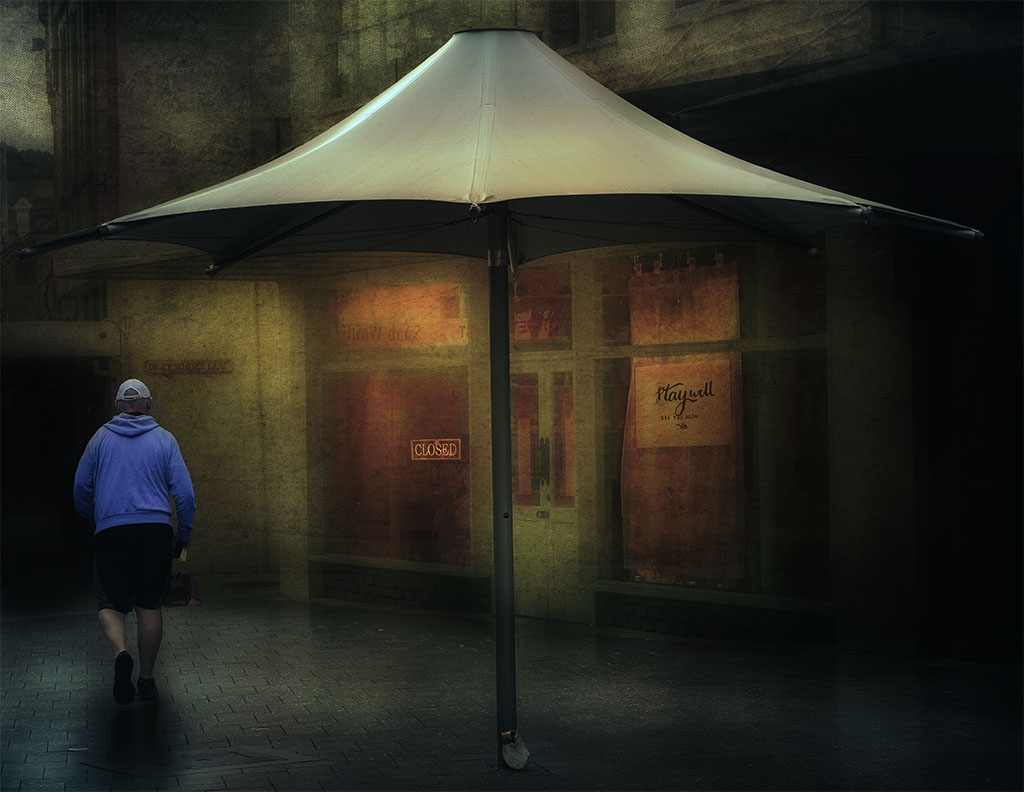
Hi Tom, there's not much I can add to what already has been said. It's a well thought out image and tells a story. |
May 24th |
| 41 |
May 23 |
Reply |
Thanks for your comments Hazel. |
May 24th |
| 41 |
May 23 |
Reply |
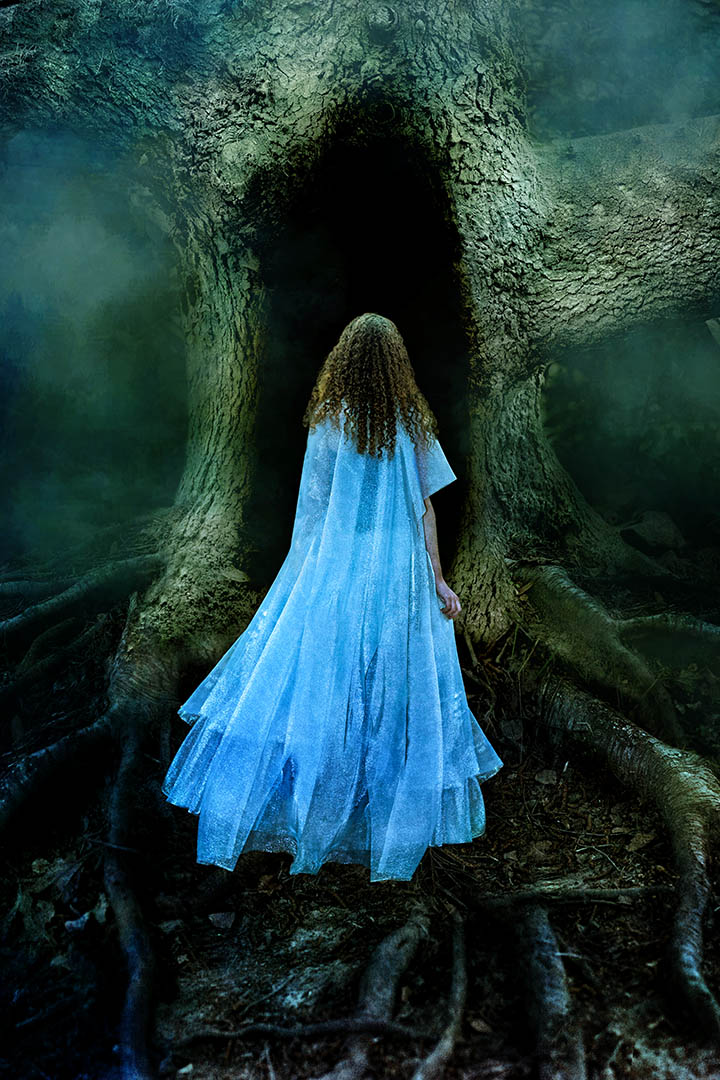
Hi Lisa, do agree about the scarf, thanks for the feedback. |
May 24th |
| 41 |
May 23 |
Reply |
Hi Brad, agree about the scraf and I'll clone it out. I don't have any other images, but it's something that I can explore further. Thanks for the feedback. |
May 24th |
| 41 |
May 23 |
Reply |
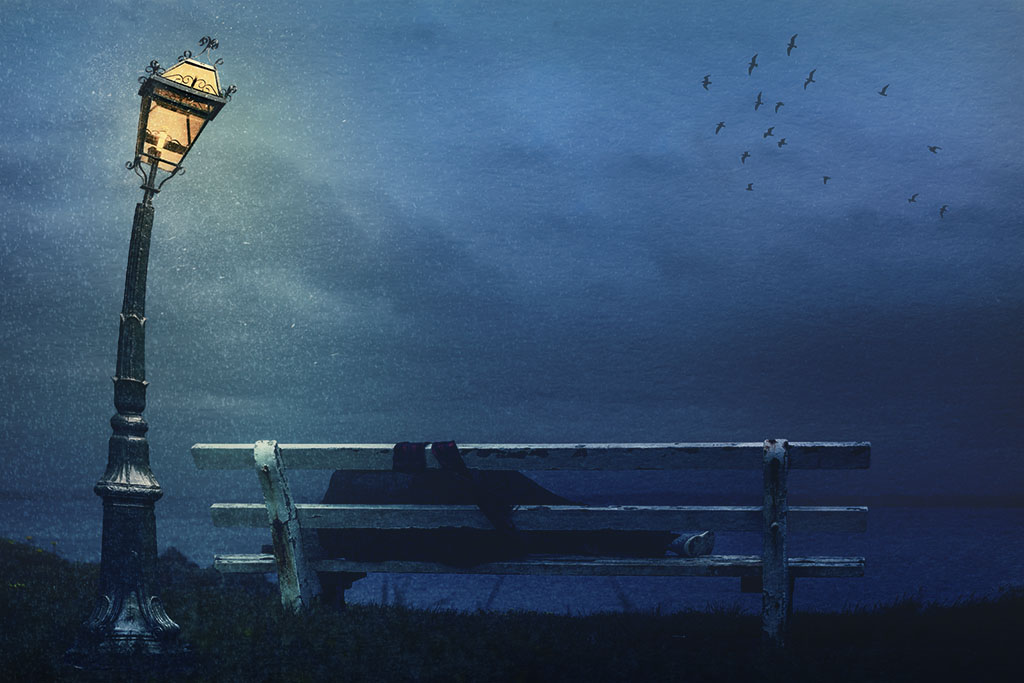
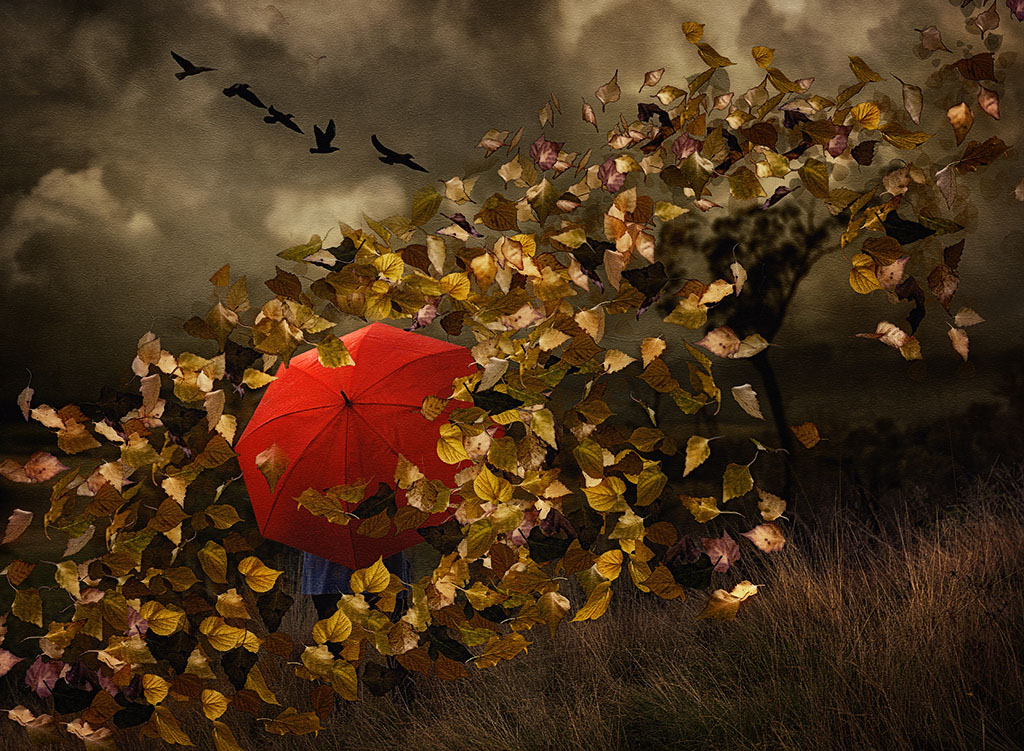
Hi Brian, thank you for your feedback, it's appreciated. This image was shot near the ocean and I felt the sea birds were part of that environment. I'll explore your suggestion. |
May 23rd |
| 41 |
May 23 |
Reply |
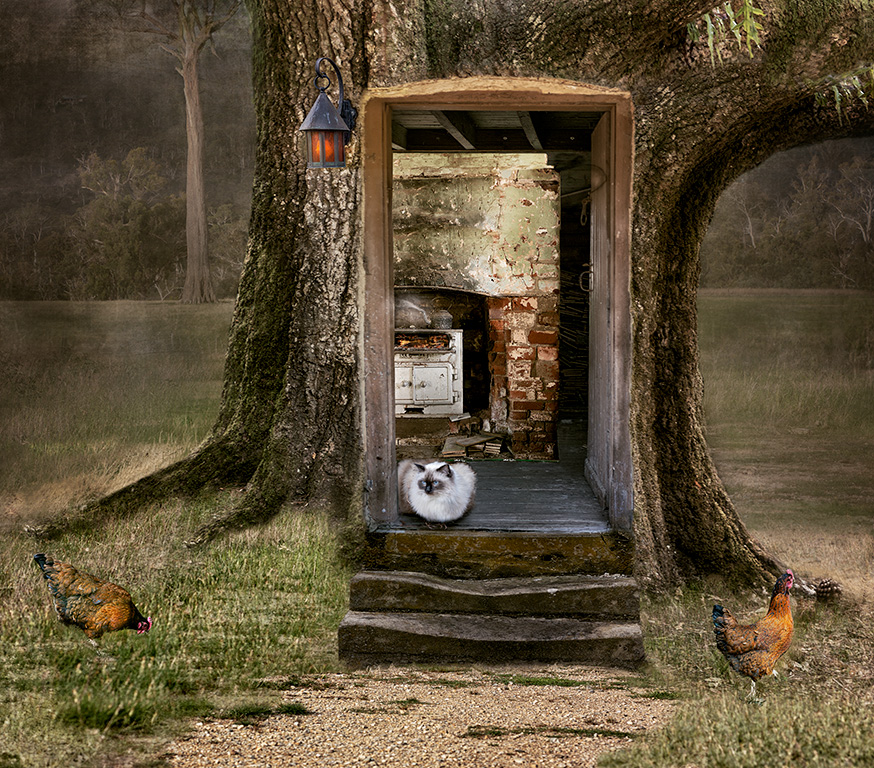
Thanks for your feedback Tom, that's a good suggestion about adding the warm light on the bench. |
May 23rd |
| 41 |
May 23 |
Comment |
Great concept Hazel and I do like how you've told the story of the girl learning to surf. My only comment would be to surround the girl on the right bottom with more "splashes of water as it would be if one falls in. |
May 23rd |
| 41 |
May 23 |
Comment |
Brad, I agree with the previous comments. You can place some light rays coming from the sun and direct those to the two girls so that would make the light on their back more believable. Also in PS you can create an empty layer, use blend mode "soft light", use the colour picker and pick the colour from the sun's rays and paint that inbetween the trees and some on the water. That would blend the image more. |
May 23rd |
| 41 |
May 23 |
Comment |
Brian, I prefer the radial blur effect to depict a migraine, that works for me as things might be blurry when one has a headache like that. Have you thought of retaining more of the forehead and placing a horizontal crack or down one side of the face or both (photographed from a cracked wall) to depict "head splitting with a migraine?" Just a thought. |
May 23rd |
| 41 |
May 23 |
Comment |
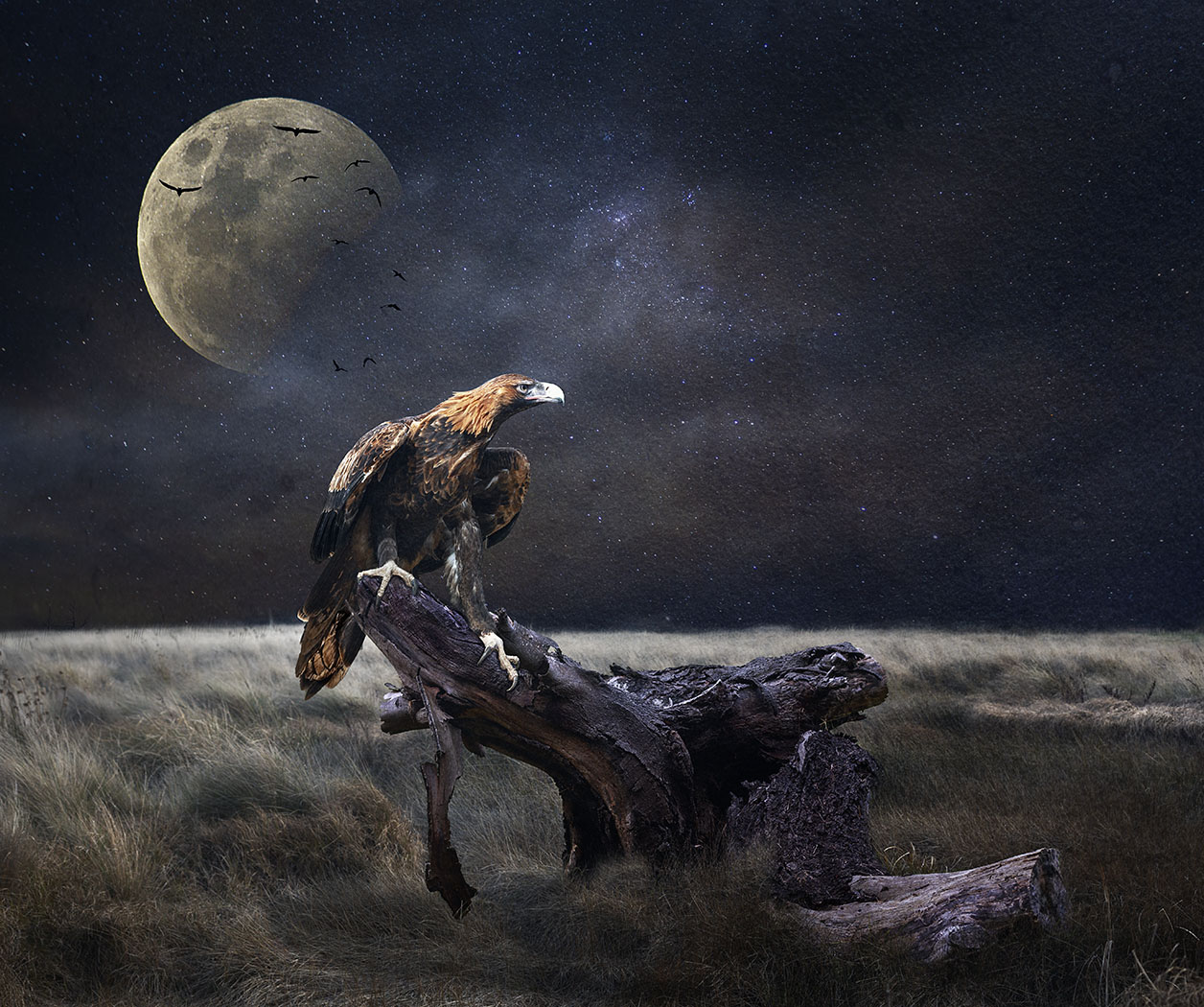
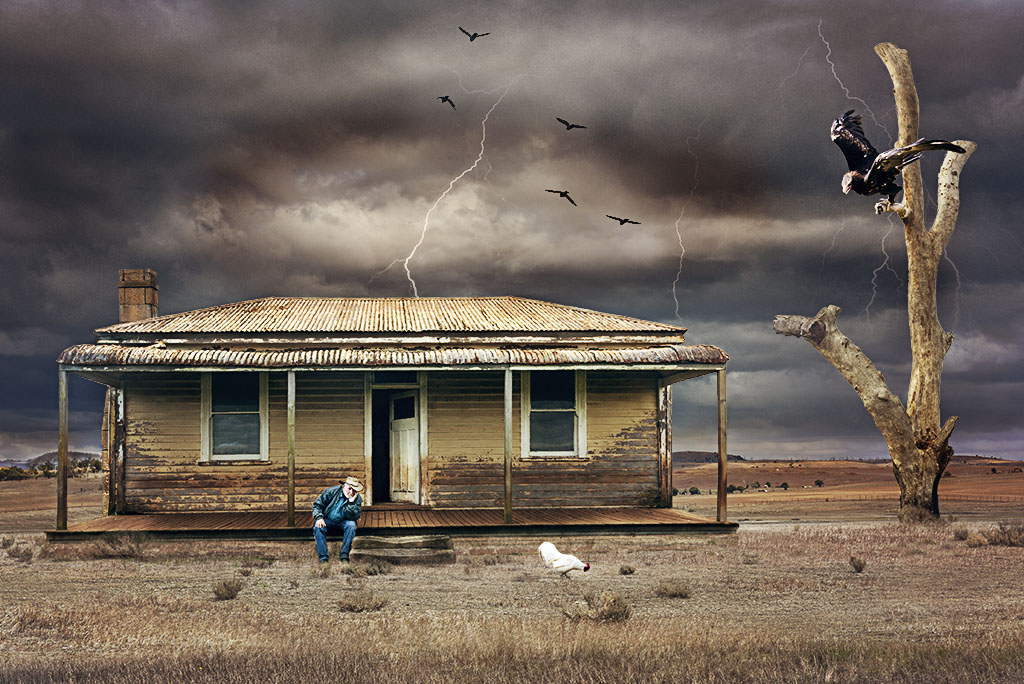
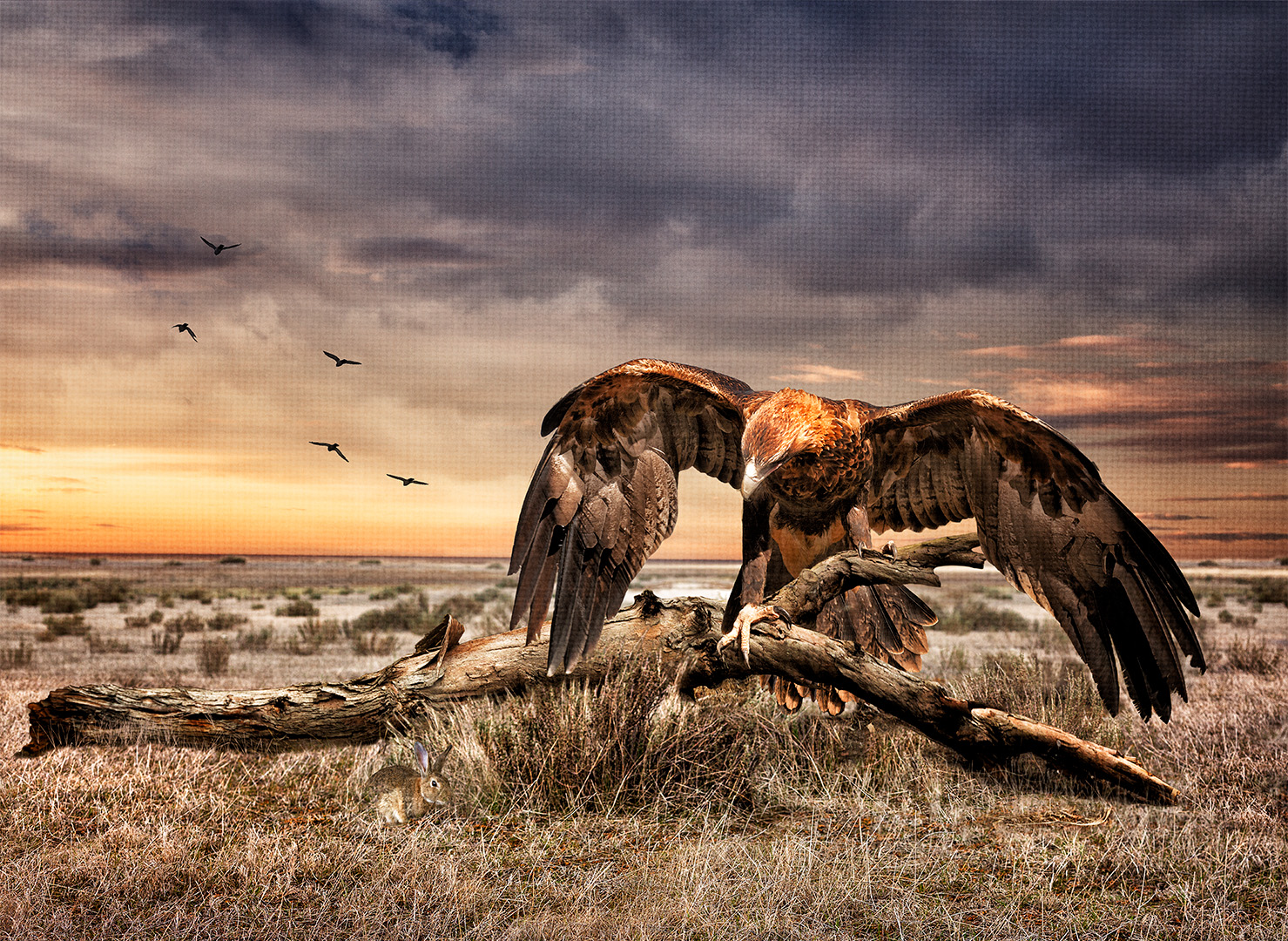
Oh Lisa, I truly like your conspiracy theory and it made me laugh, thank you for that. I wonder if the birds in Australia are look alike drones as well as they do exactly the same things as the ones in the US! Now I understand your thinking behind your image and can see that you've endeavoured to make the bird a " drone" and so do agree with Brad that removing the branch would showcase the bird as being more like a drone and in mid air spying on us! I like the concept, well done. |
May 20th |
5 comments - 5 replies for Group 41
|
| 80 |
May 23 |
Reply |
Bob, I should have made myself more clearer. I like the mono tone of the one presented and thought that you might like to crop it to showcase maybe two flowers with the main leaf in the centre. Retain the softness of the background and highlight the two flowers and the leaf creating a triangle. Here's what I intitally thought what might work. What are your thoughts? |
May 23rd |
 |
| 80 |
May 23 |
Reply |
Thanks for your comments Doug, I'll explore what it might look like without the leaf. |
May 23rd |
| 80 |
May 23 |
Comment |
Hi Rich, I agree with Bob, this is a beautiful image and I really like how the light is through not just the petals but also through the foliage. The centre works for me. |
May 20th |
| 80 |
May 23 |
Comment |
Hi Kathryn, having read your description demonstrated to me at least that you have used your creativity with an image that I would have probably deleted and created a piece of artwork. Well done. |
May 20th |
| 80 |
May 23 |
Comment |
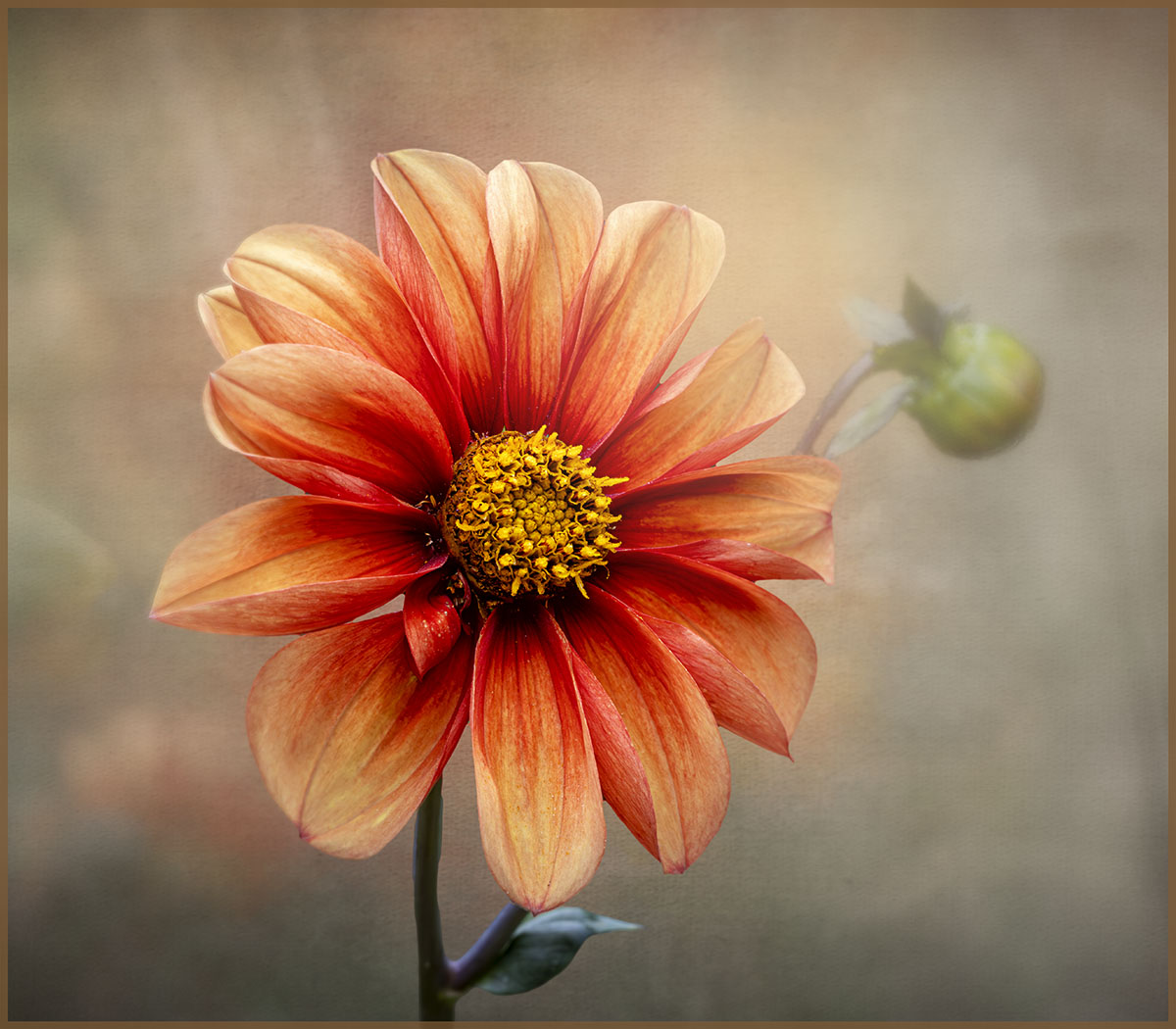
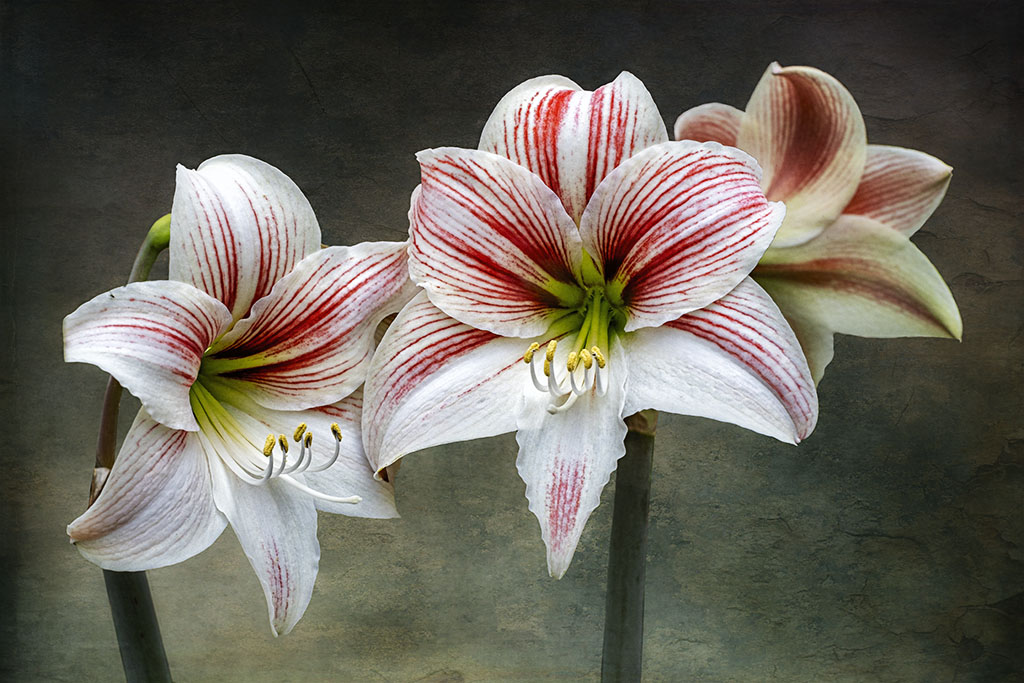
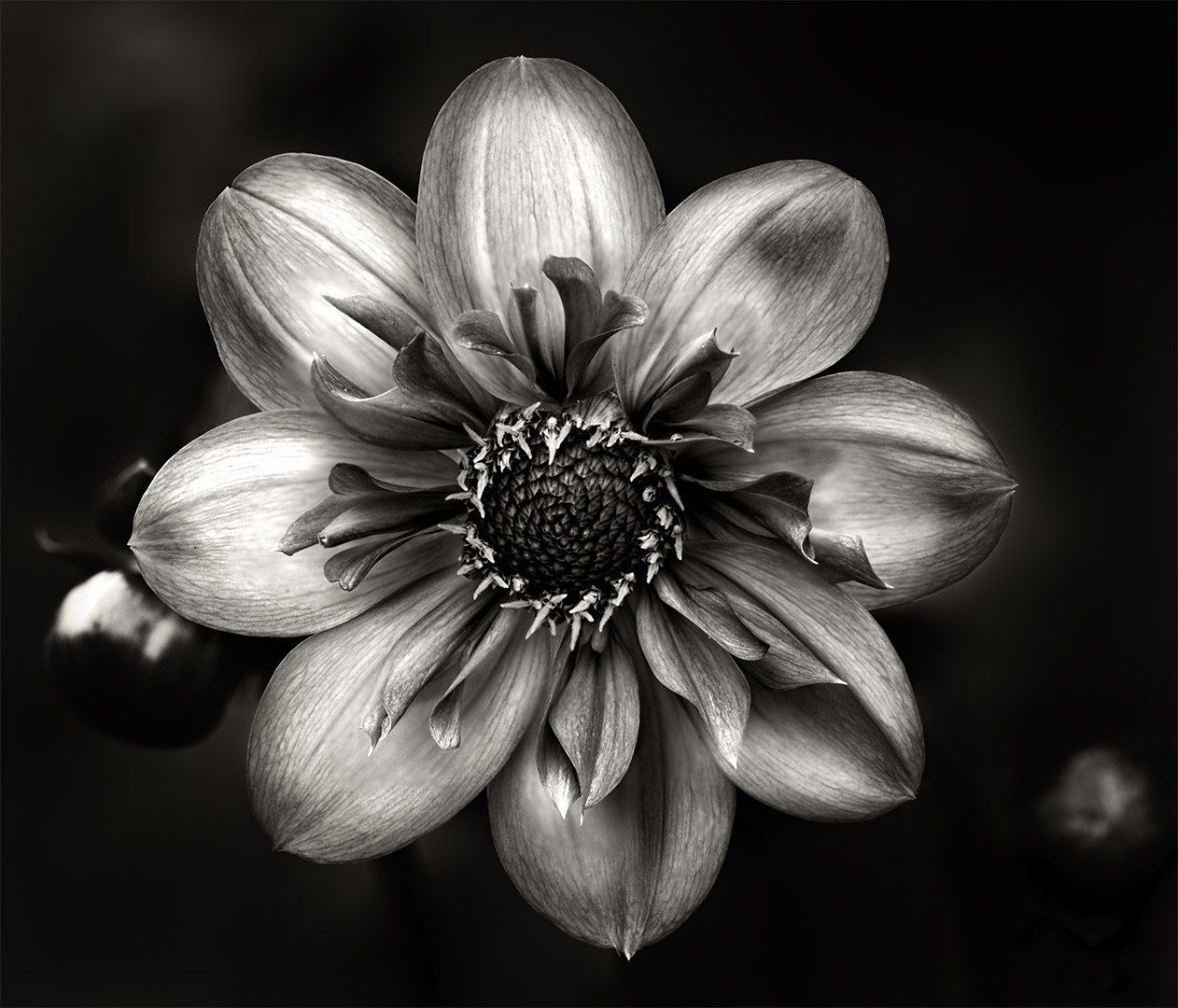
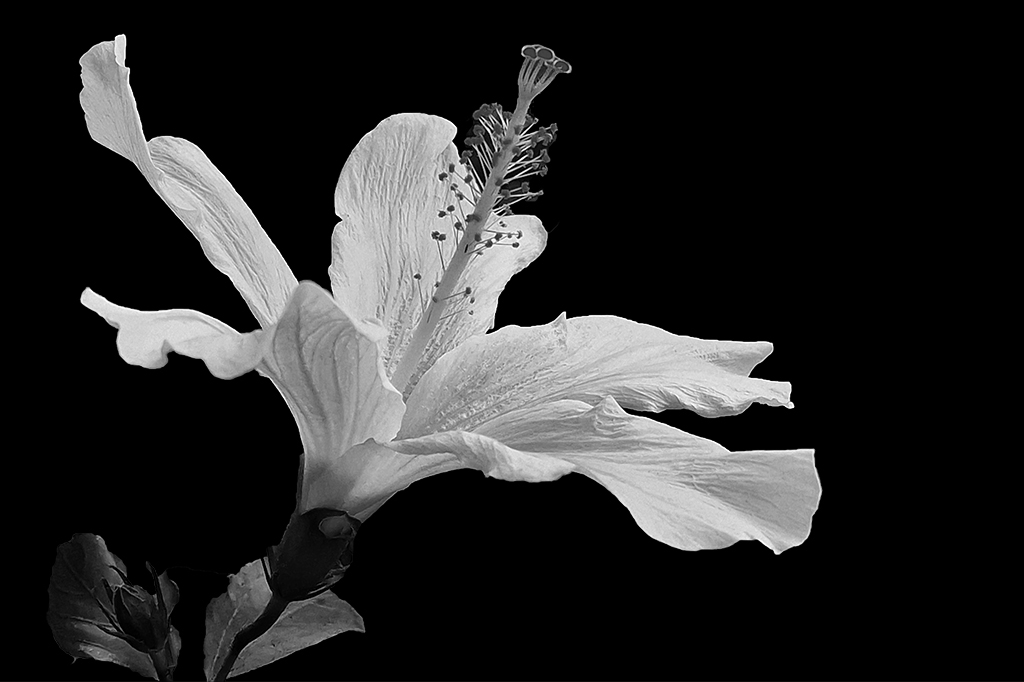
Hi Kamal, you've done a lovely job, all in focus and the mono conversion works well with this image as mentioned. My only comment would be to flip the image horizontally so the petals and stamen is presented from a left perspective and the eyes follow from the left bottom and work to the beauty of the flower. Beautifully done. |
May 20th |
 |
| 80 |
May 23 |
Comment |
Hi Doug, what a lovely flower. The detail is superb and I really like how how the light falls on the flower creating some light and shadow. Beautifully done. |
May 20th |
| 80 |
May 23 |
Comment |
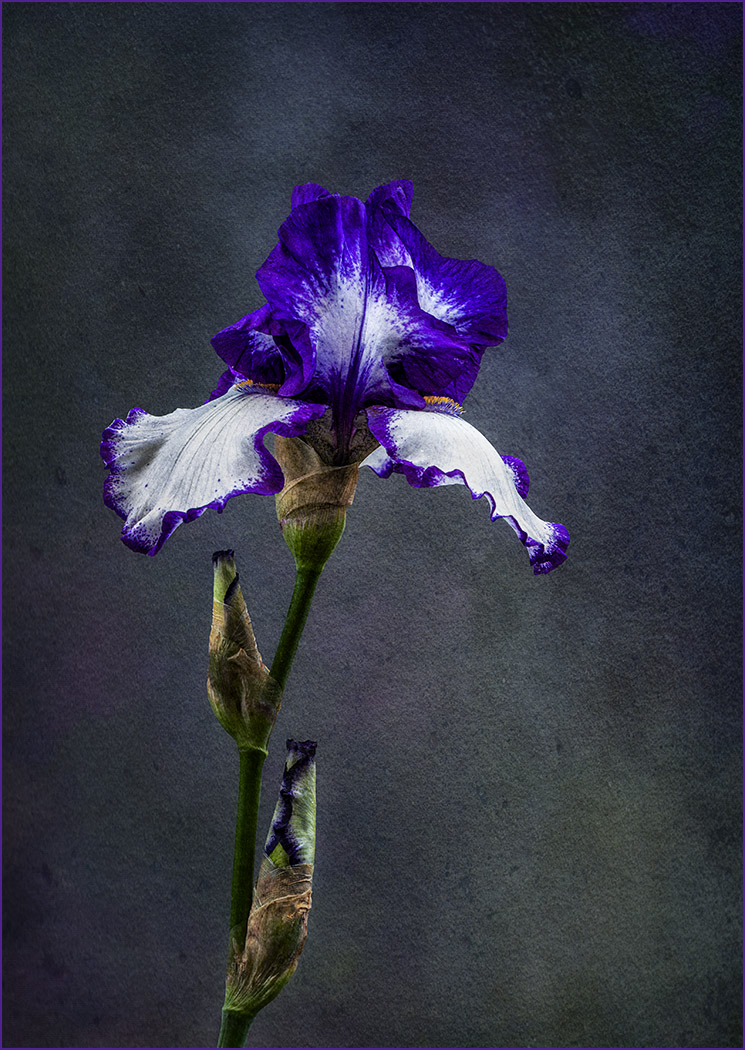
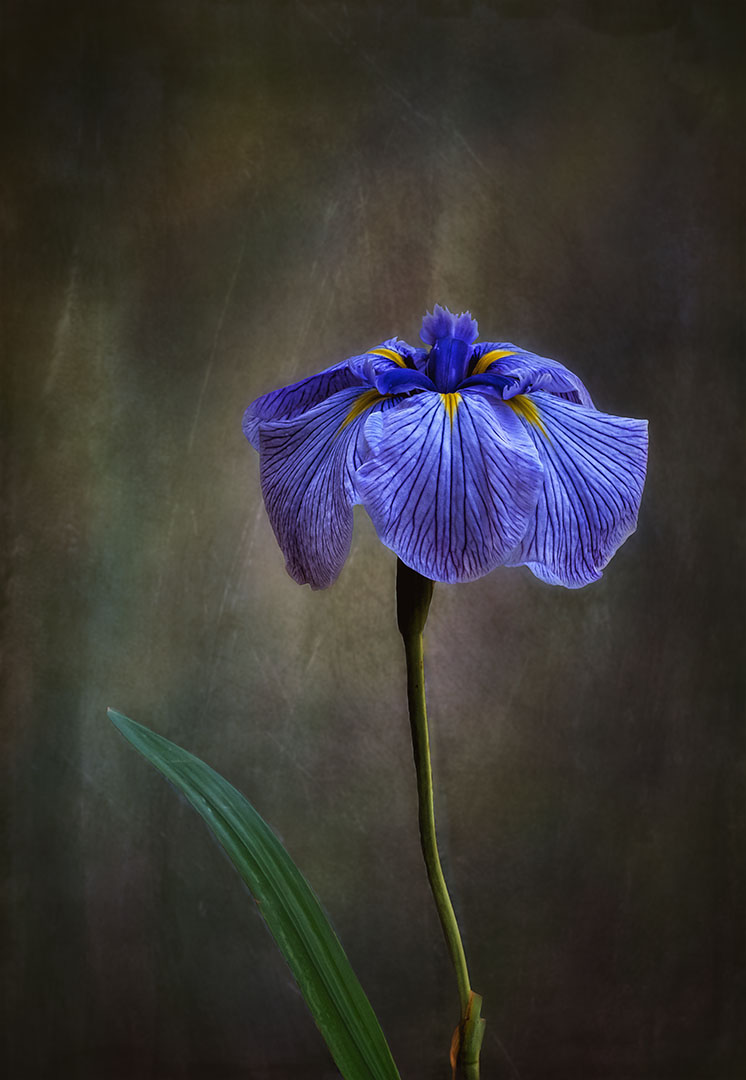
Hi Jacob, do agree with the comments so far. You've done a brilliant job on making the flower stand out from and the brown tone of the background complements the blue flower very well. |
May 20th |
| 80 |
May 23 |
Comment |
Hi Bob, I do admire how you explore various avenues to make an image stand out from the "crowd" - I like what you have done so far with this image. The mono-tone you have selected (or has the Topaz filter generated this preset colour?) has make the large leaf on the left as the focal point and so my eyes are drawn to that spot. Was that your intention? Is it possible to select the larger flower on the left bottom side and focus on that one with the large leaf and the rest softened with a tighter crop? Look forward to the next one. |
May 20th |
| 80 |
May 23 |
Comment |
Hi Kamal, thank you for your positive feedback. |
May 20th |
| 80 |
May 23 |
Reply |
Hi Rich, thanks for your feedback, I'll have a play with cropping at bit more especially at the top. |
May 20th |
| 80 |
May 23 |
Reply |
Hi Kathryn, thanks for your constructive and positive feedback. |
May 20th |
| 80 |
May 23 |
Reply |
Thanks Jacob, I appreciate your feedback. |
May 20th |
| 80 |
May 23 |
Reply |
Hi Bob, thank you for your kind comments. |
May 20th |
7 comments - 6 replies for Group 80
|
12 comments - 11 replies Total
|