|
| Group |
Round |
C/R |
Comment |
Date |
Image |
| 41 |
Sep 22 |
Reply |
I look forward to seeing another Henry! |
Sep 23rd |
| 41 |
Sep 22 |
Reply |
Yes, it fits! |
Sep 23rd |
| 41 |
Sep 22 |
Comment |
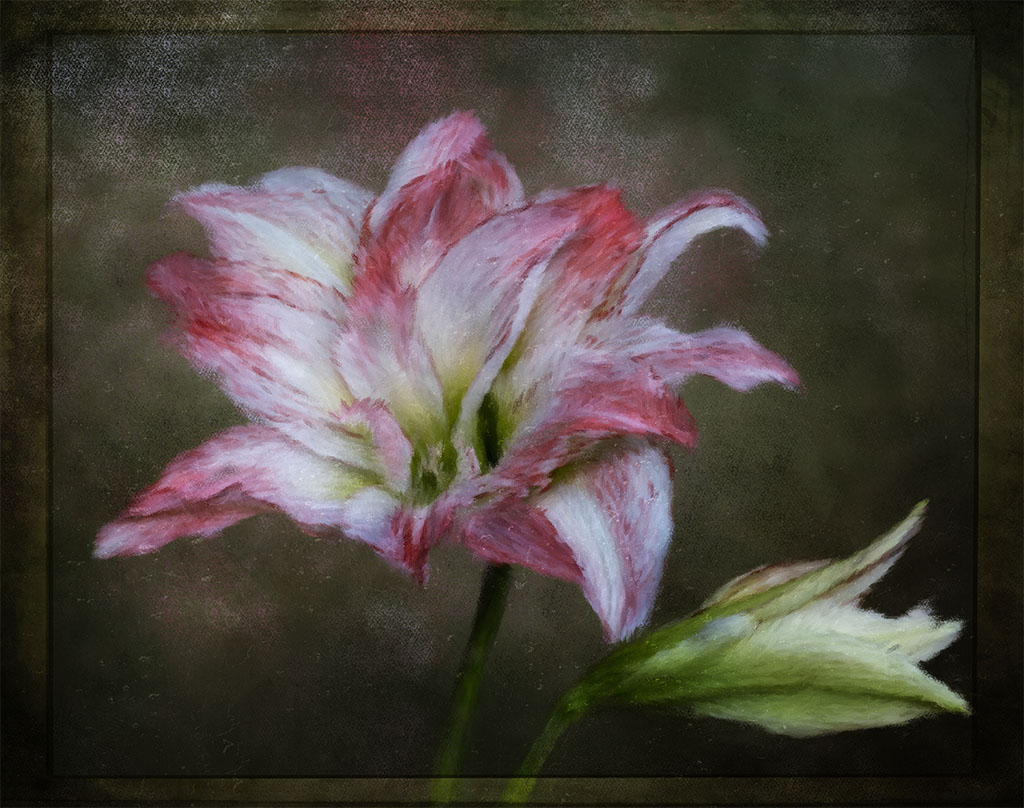
Lisa, a lovely interpretation of the flower. I like the "painterly look" |
Sep 22nd |
| 41 |
Sep 22 |
Comment |
Henry, the colours for me are extreme. My comment would be to tone down the strong orange background colour so it's not competeting with the red of the abstract flower. Brian's rotated version works as the object is more visable and your imagination can explore on what it might be! |
Sep 22nd |
| 41 |
Sep 22 |
Comment |
Hi Julie, equally, I can't add to what has already been said. A nice and whimsical image. |
Sep 22nd |
| 41 |
Sep 22 |
Comment |
Tom, my take on your image is that there's a story there. The ape, with his laid-back and relaxed body posture, seems to say, "ho-hum humans on safari" or something of that nature. That's the strength of composites; its ability to tell a story where one image may not be able to do so. |
Sep 22nd |
| 41 |
Sep 22 |
Reply |
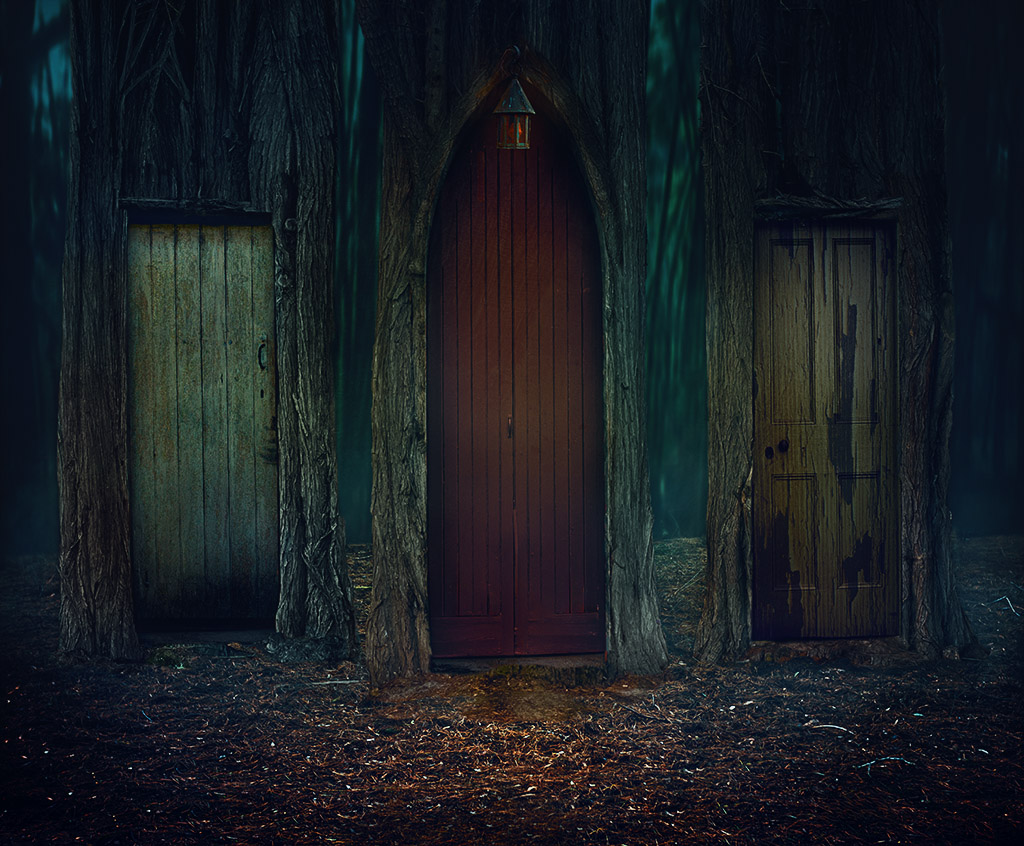
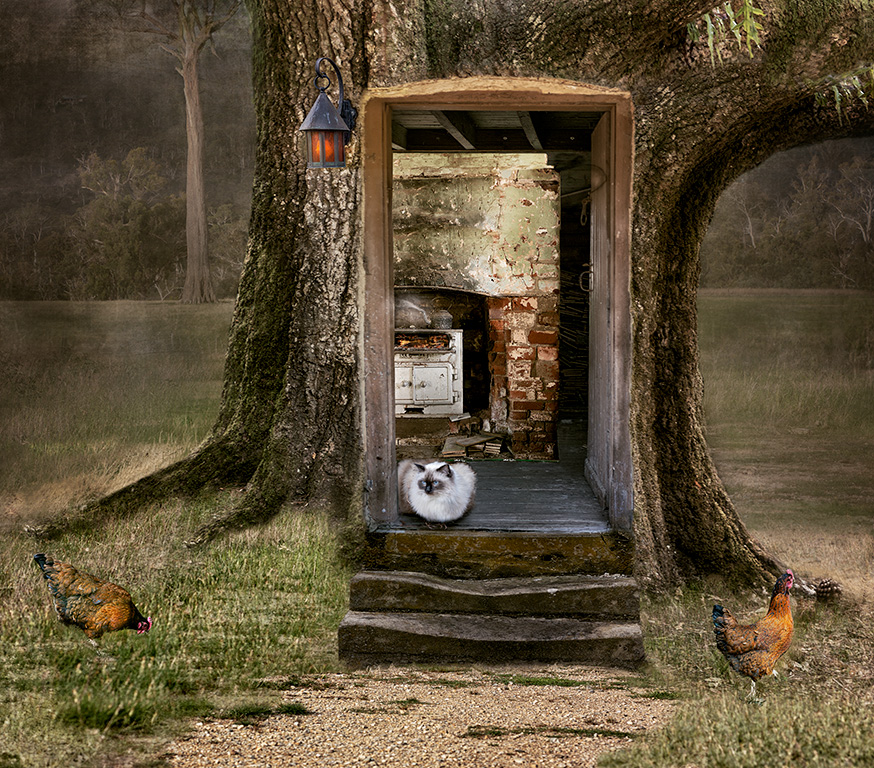
Thanks for your comments Tom, I can see why the door might be confusing. The room is from an old house and it opens inward. I did cut it out to place it on the outside but it looked awkward. I like your ideas about a child doing their homework there under an old lamp or even an older person reading. Yes, that would look good. Cheers |
Sep 20th |
| 41 |
Sep 22 |
Reply |
Henry, thanks for your comments. As Brian suggested, moving the cat on the other side of the door, gives a sense of depth. |
Sep 20th |
| 41 |
Sep 22 |
Comment |
Hi Brian, thanks for your comments. I do agree about the cat and the chicken. I had it there initially and moved it as I placed a man leaning on the door. It looked too much and so removed him. Moving the cat does give it depth. However, the depth is limited as the photographed room is very narrow. In the original, a window is where the stove is. I couldn't stretch the pixels any further without loosing quality. It was a hard composit and have learnt a lot from it. Cheers. |
Sep 20th |
| 41 |
Sep 22 |
Reply |
Hi Brad, thanks for your thoughts. It might not be that visible, but the doorway doesn't lead to a brick wall but to a pile of wood that's further into the background. The idea was to create depth in a room. The stove is to give it a feel of being lived it with the kettle on a hot stove. Taking it out would not have the same feel for me. |
Sep 11th |
5 comments - 5 replies for Group 41
|
| 80 |
Sep 22 |
Reply |
I don't believe that the stem leads the viewer out of the frame. For me, the main focus is the leaf itself and my eyes are drawn to it to explore it. In any case, it's his personal opinion. Rules are not absolute and can, sometimes be broken. |
Sep 23rd |
| 80 |
Sep 22 |
Reply |
Hi Doug, thanks for your comments - I see what you mean about slightly blurring the green leaf.
A good start with adding textures in PS is the following tutorial which in my view is very clear. Nicole Young - applying textures: https://www.youtube.com/watch?v=6Etm_ZBvCnU
I make my own textures but you can also buy them, they're not expensive. Hope this helps. |
Sep 14th |
| 80 |
Sep 22 |
Comment |
Doug, another lovely interpretation of such an common subject. It does have the feel of seeing the leaf through an x-ray. The mono application is just right; just beautiful! |
Sep 11th |
| 80 |
Sep 22 |
Comment |
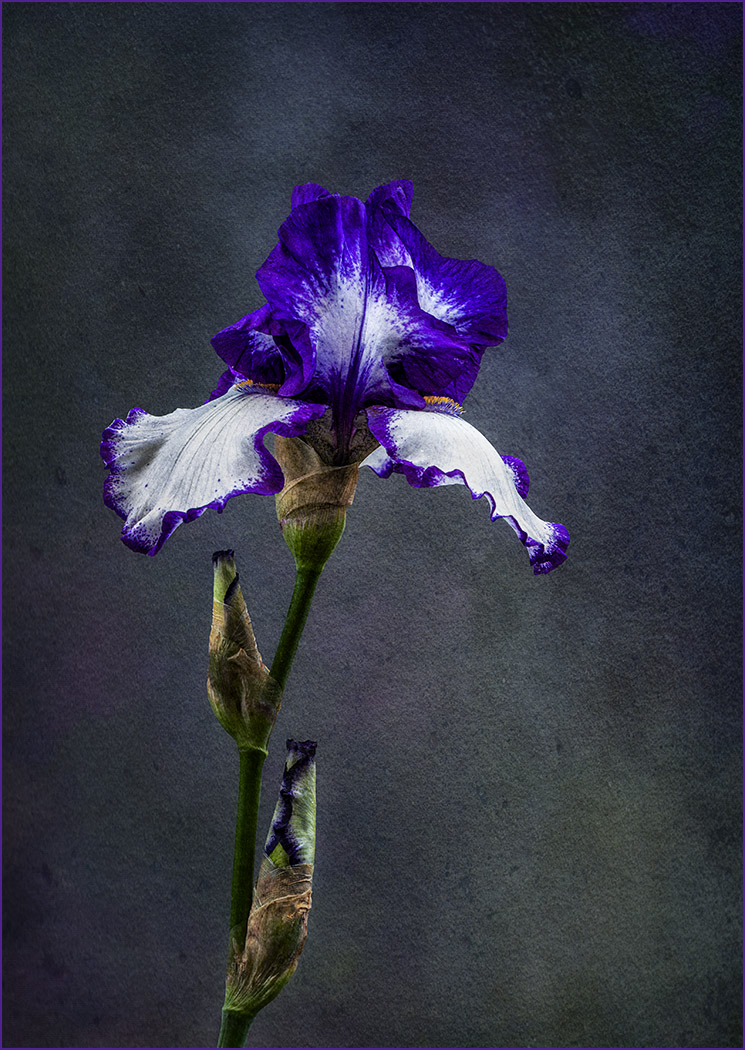
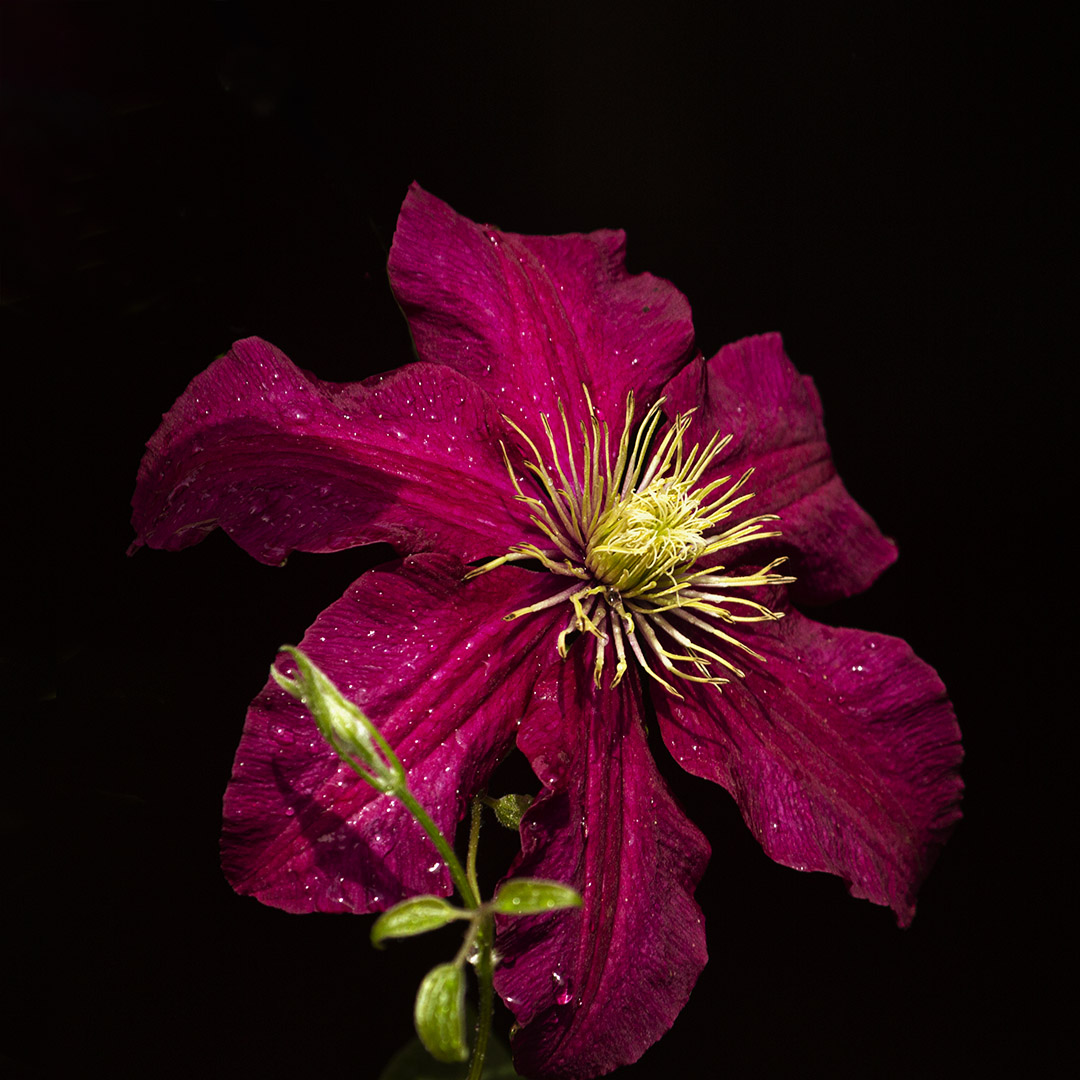
Hi Jacob, I do agree with Bob, your second effort is very pleasing. The colours do stand out more with a dark background. My only comment is that there is some "bleed" from the purple saturation onto the white part of the flower, especially at the botton but hasn't happened on the top part. I don't use lightroom nor use a Ipad for post processing. I can only give you advice if you use photoshop. When you use the saturation adjustment layer in PS, it always comes with a mask and so with a soft brush, you can bring back the original light colour at the botton without effort. |
Sep 11th |
| 80 |
Sep 22 |
Reply |
Hi Jacob, thank you for your positive evaluation and comments. Sometimes it's difficult to know whether the process I use will work. |
Sep 11th |
| 80 |
Sep 22 |
Reply |
Hi Bob, I think that's my problem. You given me some inspiration and will try a more painterly look in my next effort. Cheers |
Sep 10th |
| 80 |
Sep 22 |
Comment |
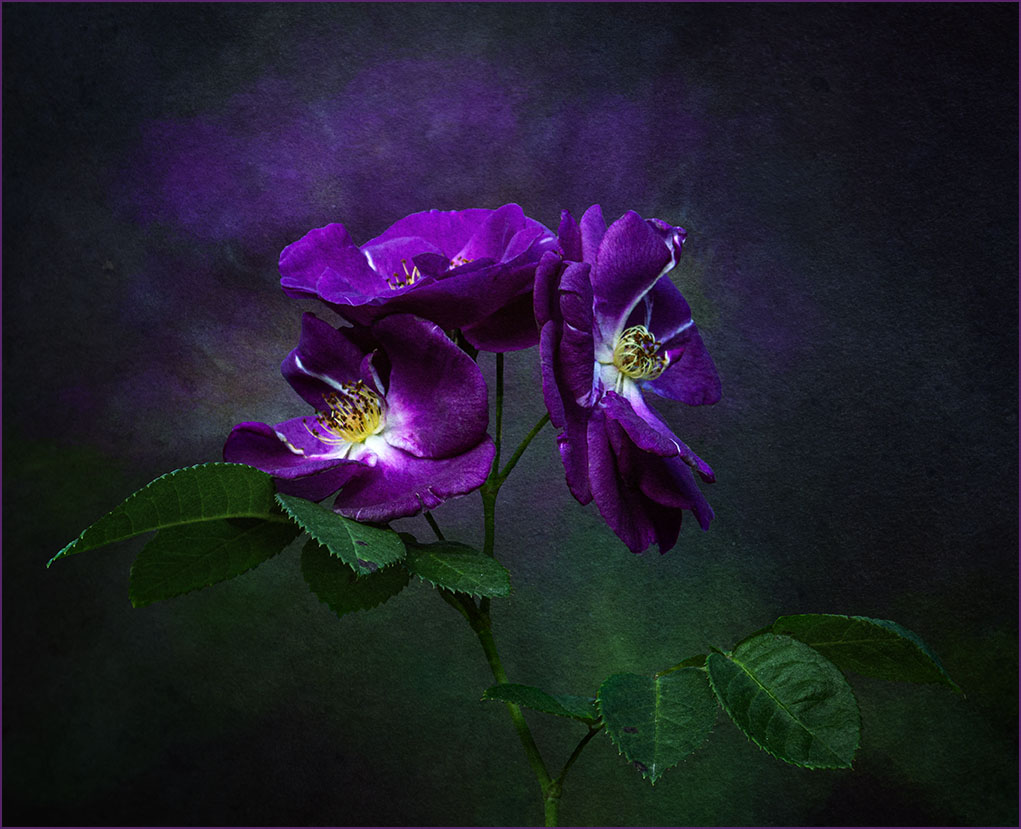
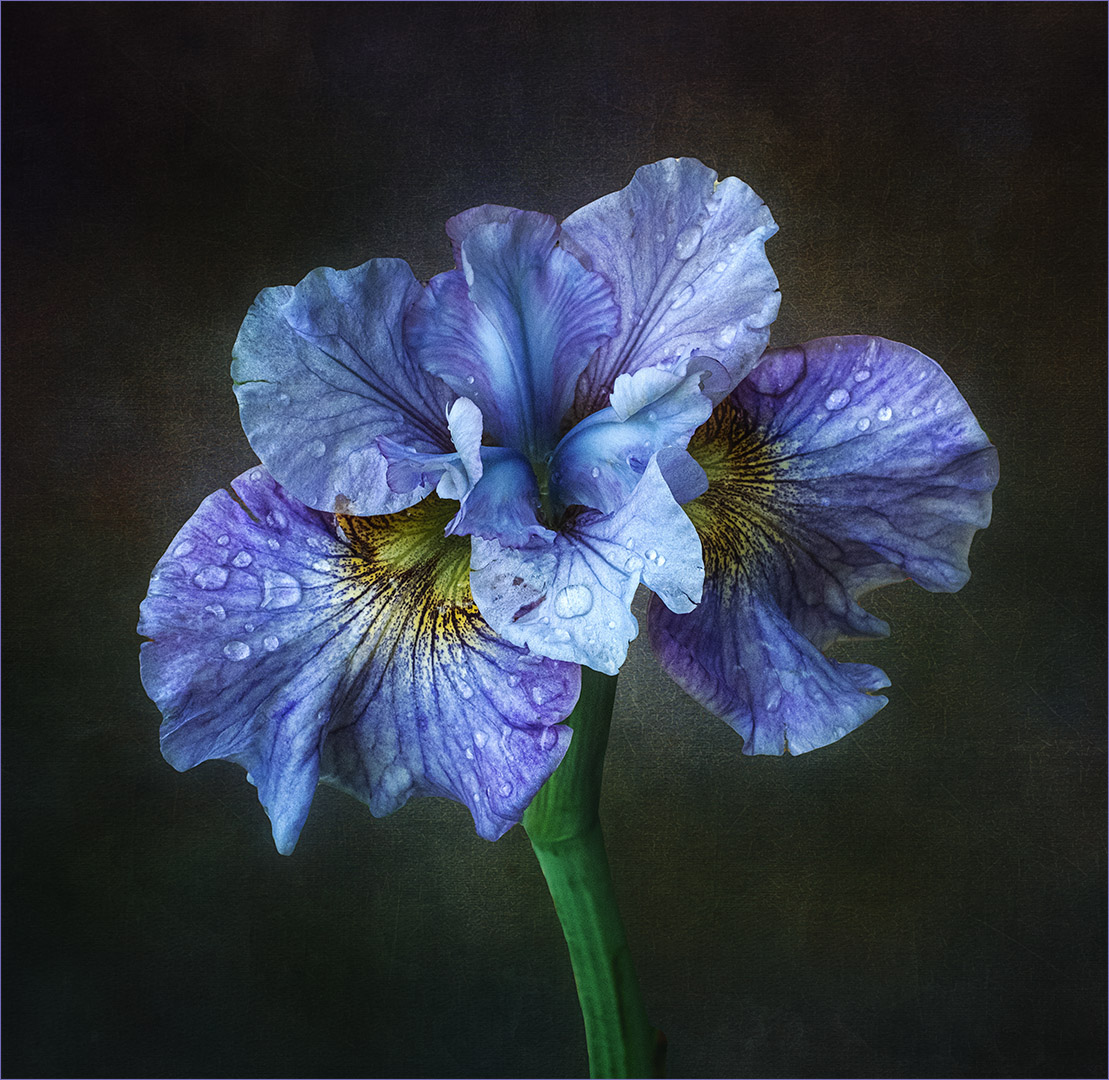
Hi Kathryn, I prefer the first one you posted. For me it feels more grounded than the other two with some visibility of the water around it. Your choice of colours surrounding the flower is complementary as is the texture or pattern you've used. If you have Nik Software Colour EfexPro 4 and use the glamour glow preset, this will soften the background and the flower will stand out more. Lovely image. |
Sep 7th |
| 80 |
Sep 22 |
Comment |
Hi Syed, I agree with Kathryn about the tighter crop and darkening the background a little to make the poppy stand out more. You might also consider adding some contrast to the poppy. Very easily done in PS with curves. Red is not an easy colour to photograph and moving bees well, from experience, the ISO needs to be around 2000 to 3000 and shutter speed at around 2000 to 3000 on continuous shoot. I think that the bee at ISO 400 is ok to be honest and easily sharpened in Topaz SharpenAI. Nice image. |
Sep 7th |
| 80 |
Sep 22 |
Comment |
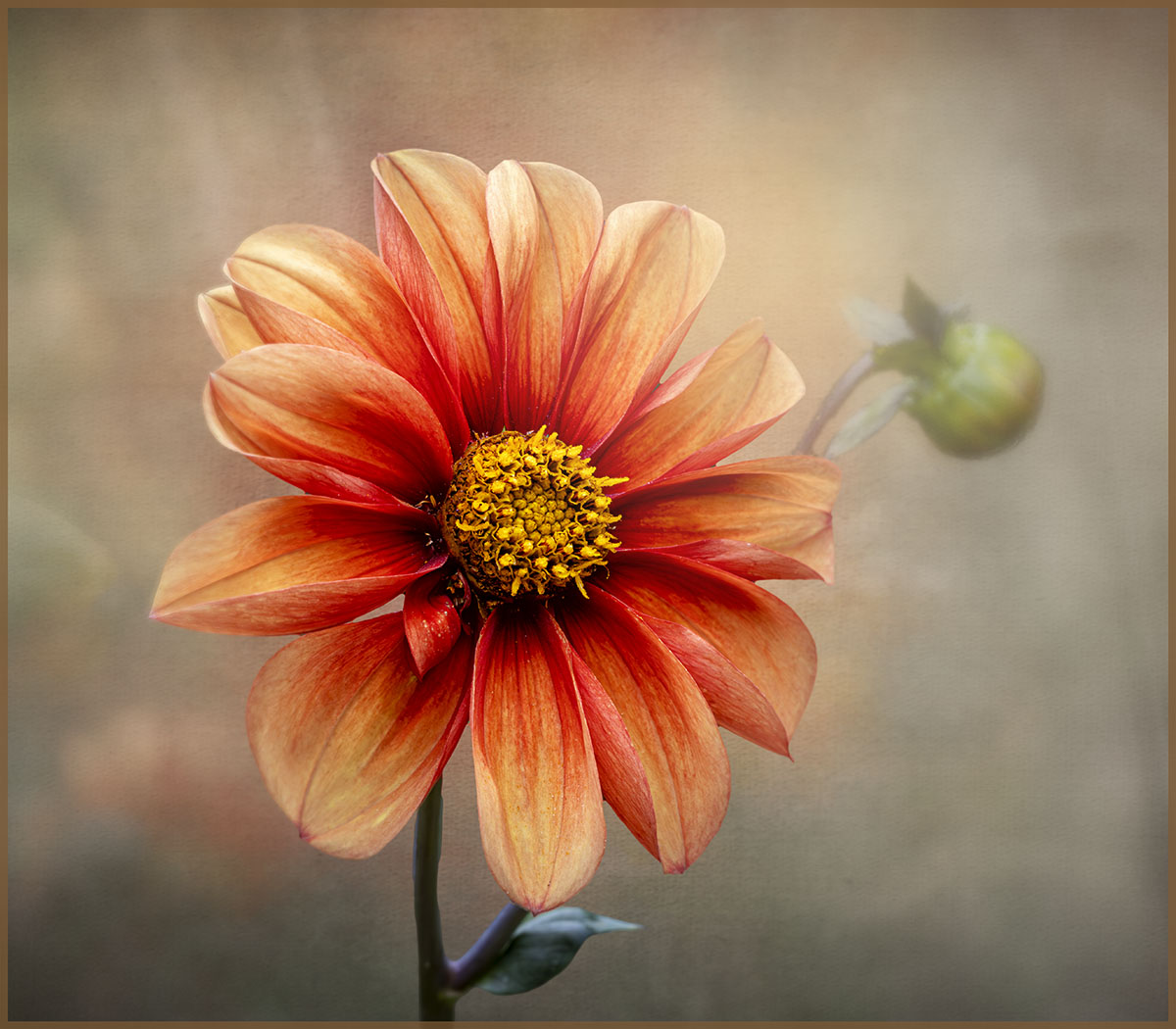
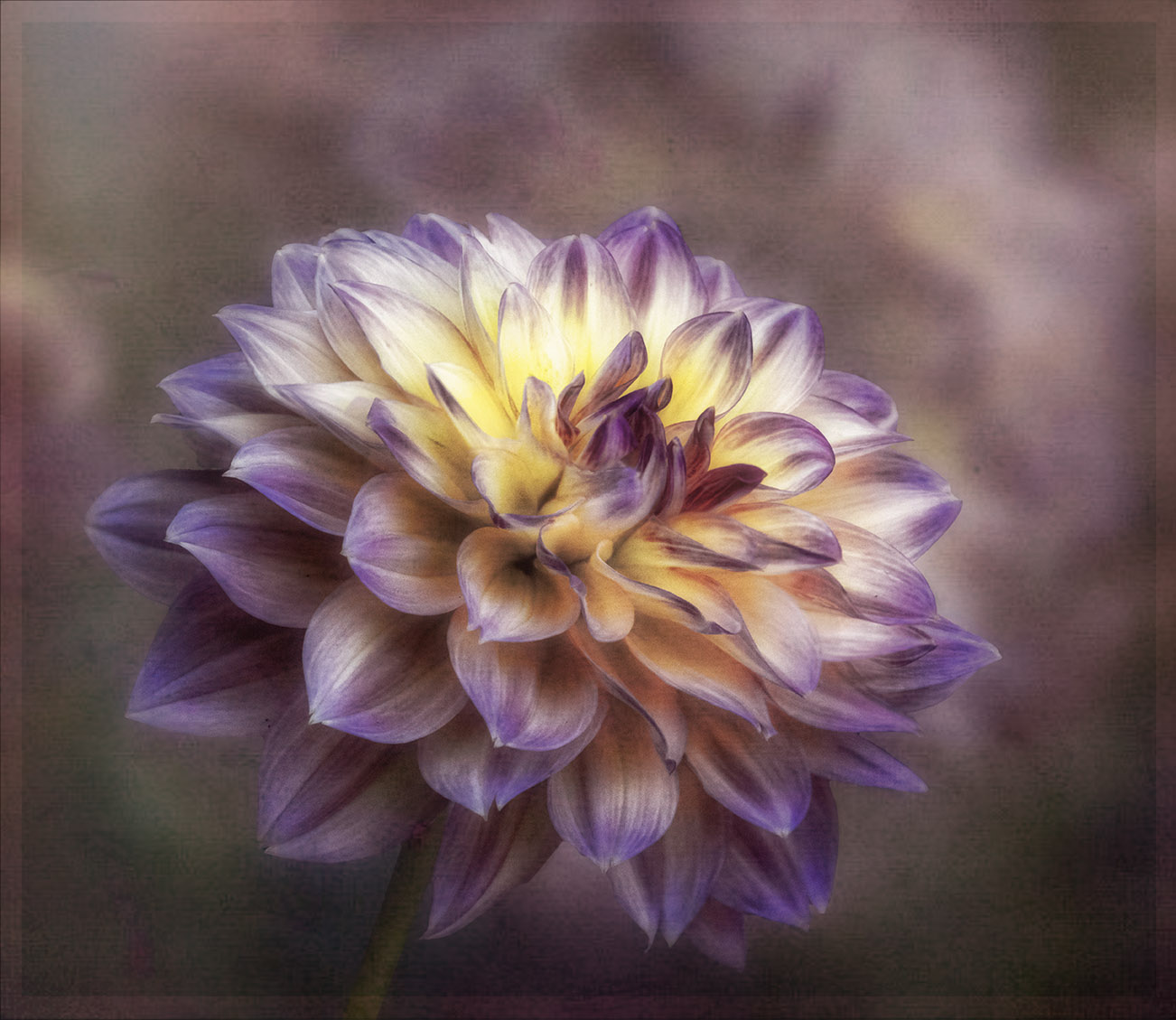
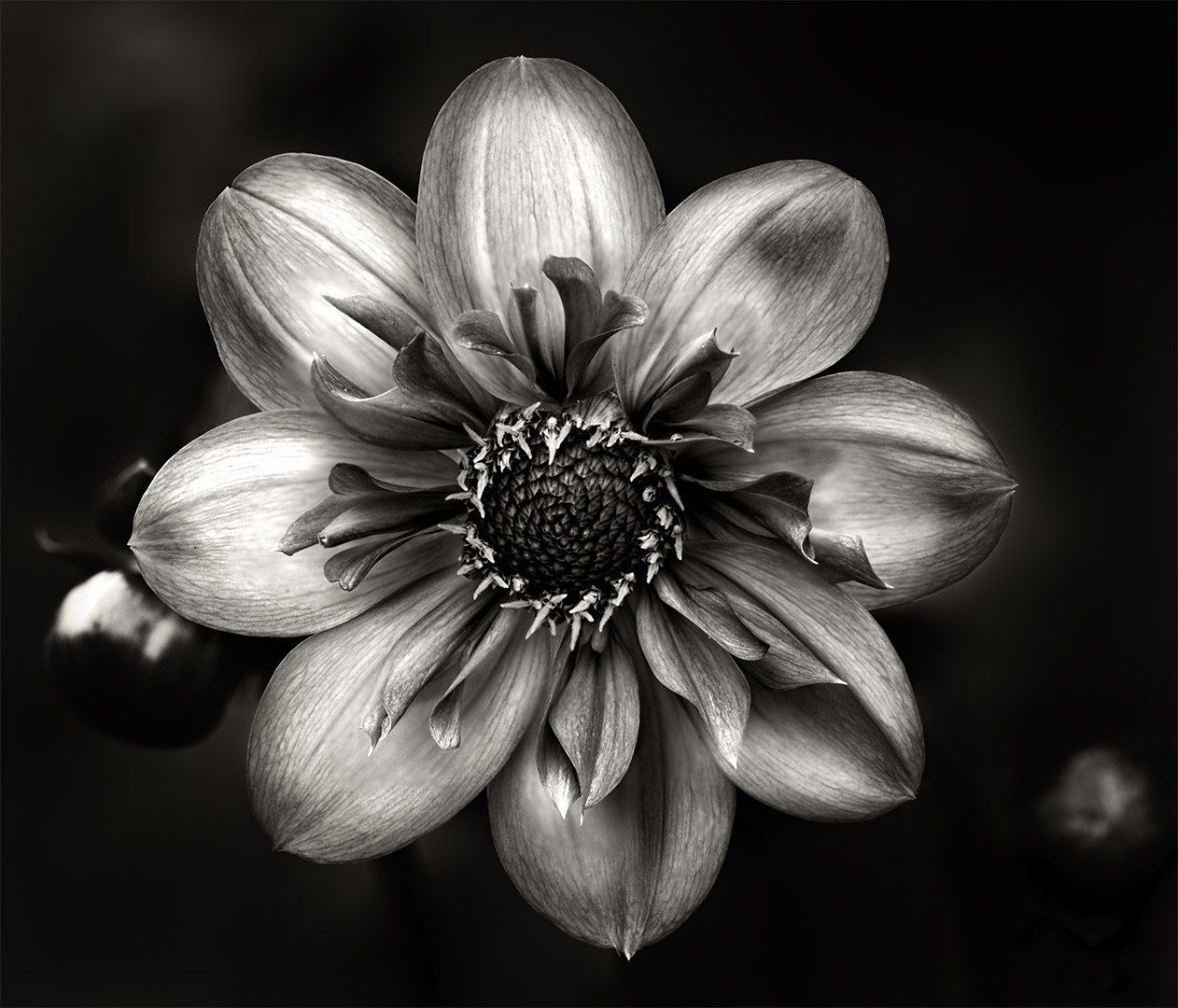
Bob, I really like what you have achieved with the Dahlia, so much improvement from the original. It looks like a painting. Well done and very pleasing to look at. |
Sep 7th |
| 80 |
Sep 22 |
Reply |
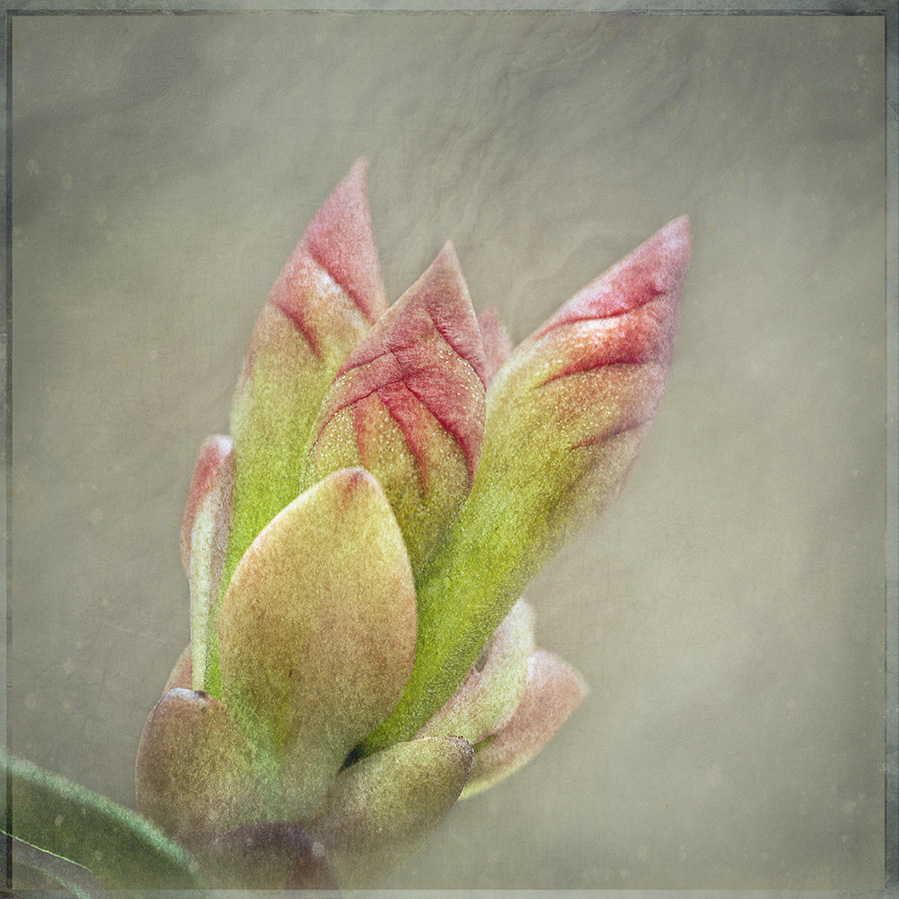
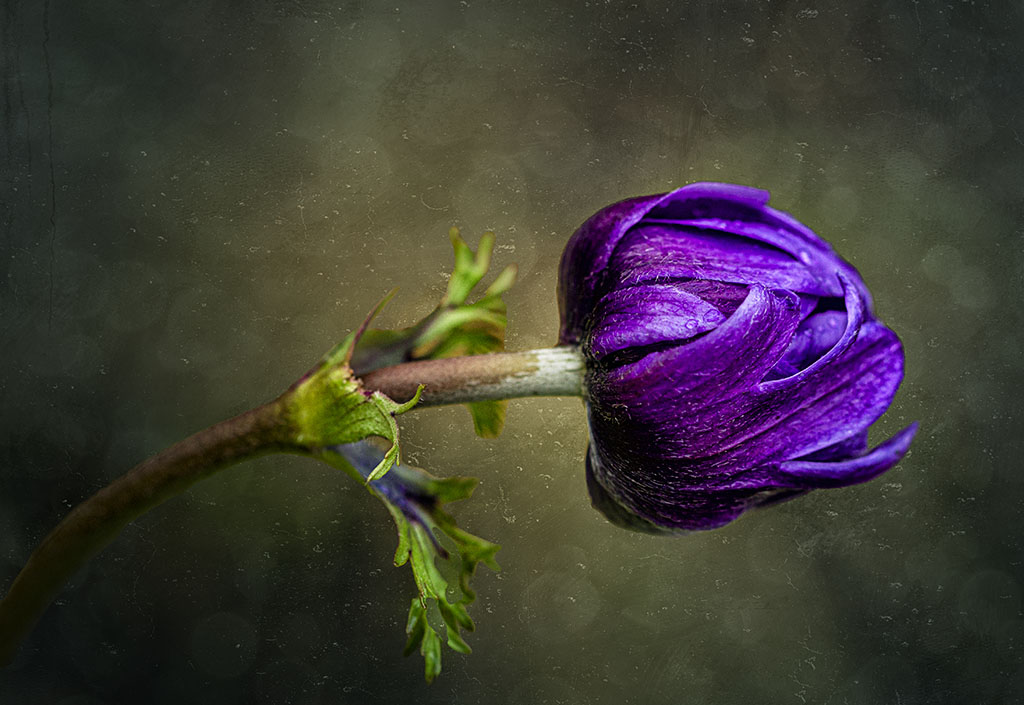
Thanks Kathryn, I was drawn to the deep purple and the bud was leaning like that due to the rain we've had of late. |
Sep 7th |
| 80 |
Sep 22 |
Reply |
Hi Bob, thanks for your kind comments. I do have a reasonable library of flower images that I've taken over the years, so I might have a look at those until spring/summer flowers bloom. Cheers |
Sep 7th |
5 comments - 6 replies for Group 80
|
10 comments - 11 replies Total
|