|
| Group |
Round |
C/R |
Comment |
Date |
Image |
| 20 |
Oct 22 |
Reply |
Thanks so much Fred! |
Oct 28th |
| 20 |
Oct 22 |
Reply |
Thanks Shirley for that input.
If you can do two layers, then having and working with multiple layers is not difficult. The fundamentals are the same.
Thanks again for your feedback. |
Oct 16th |
| 20 |
Oct 22 |
Reply |
Thanks Shirley for that input.
If you can do two layers, then having and working with multiple layers is not difficult. The fundamentals are the same.
Thanks again for your feedback. |
Oct 16th |
| 20 |
Oct 22 |
Reply |
Thanks for your feedback. No I must try what you suggested with the hands. Thanks again. |
Oct 16th |
| 20 |
Oct 22 |
Comment |
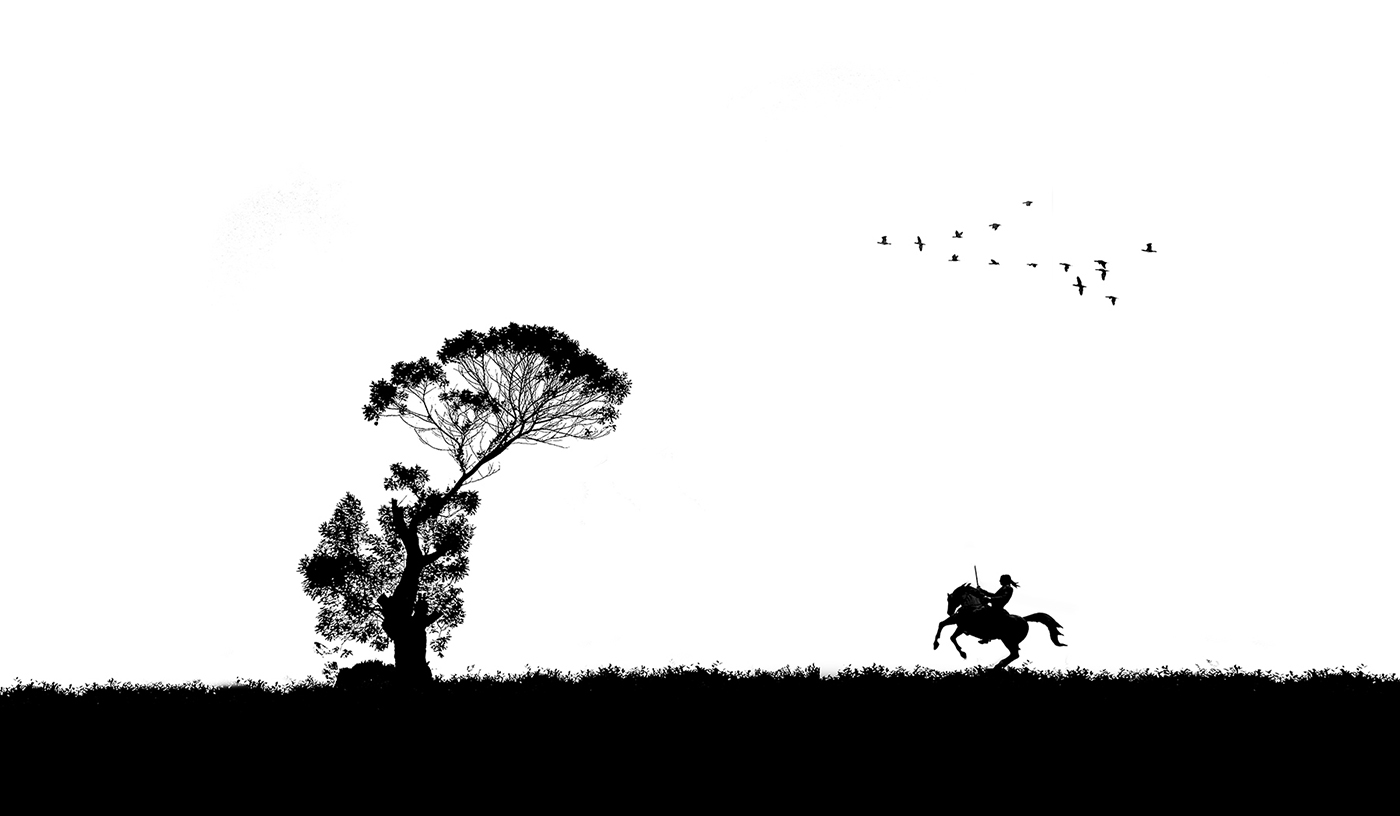
Hi Bob, you have done well in masking out the horses and placing them. Slight adjustments in perspective and scale can improve the composite. I wonder why you made the rodeo image so transparent? The tree appearing through this is a bit disturbing, if you don't mind my saying so.
With regard to your issue on the shadow/s - if you used a drop shadow, did you separate that to its own layer before transforming it? That way, it takes only a few minutes to transform and reposition shadows.
|
Oct 7th |
| 20 |
Oct 22 |
Comment |
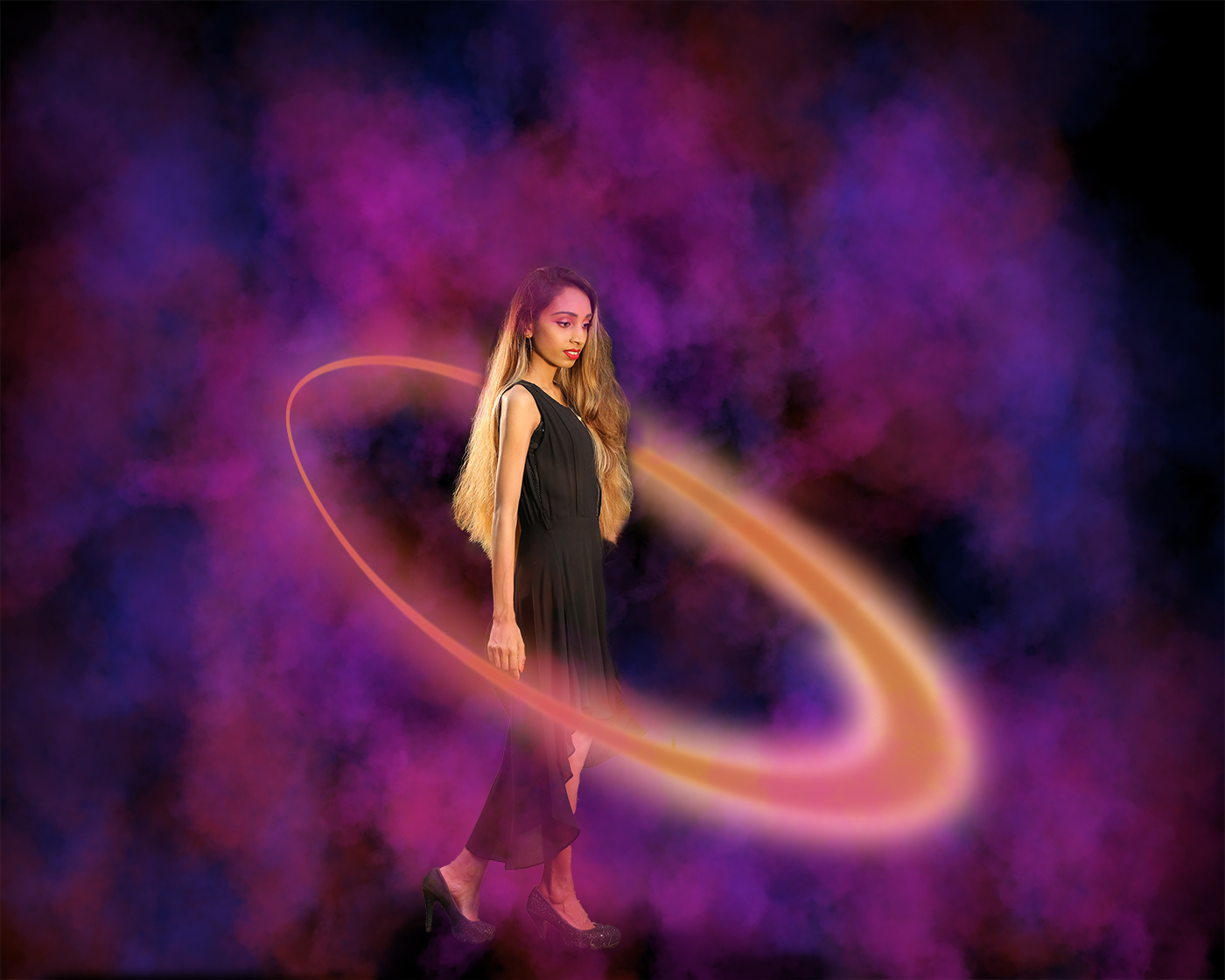
Thanks Angela for your comments. Yes, I agree that about the girls hair...thanks.
Answering your question on the halo...you can add an outer glow to shapes.
In order to get the shape to have varying thickness, the shape was initially created as a path using the pen tool, and then I applied a stroke to it, selecting the "simulate pen pressure" option. (There is a trick here...you have to pre-select a brush with variable size based on pen pressure). Thereafter I have applied an outer glow. Two copies of this layer was merged and I carefully masked out the shape to make it look as if it is around the girl.
I am not sure if I have explained this well enough. I know this sounds very complicated, but believe me it is not! |
Oct 7th |
| 20 |
Oct 22 |
Comment |
Very creative concept. You have masked out the instruments / hands ver well...well done!
I am just wondering if you should place the instruments above the sheet and make the instruments brighter than the sheet? I think you have placed the sheet as an overlay? I feel that it might make the instruments pop a bit more.
Well done! |
Oct 6th |
| 20 |
Oct 22 |
Comment |
Very creative thinking and compositing. Well done!
If I may, these are a few pointers I would like to suggest to improve this and for your future composites.
Check the perspective, correct any barrel / pincushion distortions, match scale / proportion of subjects / objects and background, direction of lighting and matching highlights on your subjects to the direction of light, adjust overall play of light and shadows to avoid flat lighting.
I really like your creative thinking and the work you put in. Keep it up! |
Oct 6th |
| 20 |
Oct 22 |
Comment |
Thanks Angela for your comments. Yes, I agree about the girls hair. Should have masked it better...thanks.
Answering your question on the halo...you can add an outer glow to shapes.
In order to get the shape to have varying thickness, the shape was initially created as a path using the pen tool, and then I applied a stroke to it, selecting the "simulate pen pressure" option. (There is a trick here...you have to pre-select a brush with variable size based on pen pressure). Thereafter I have applied an outer glow. Two additional copies of this layer were merged and I carefully masked out the shape to make it look as if it is around the girl.
I am not sure if I have explained this well / clear enough. I know this sounds very complicated, but believe me it is not! |
Oct 6th |
5 comments - 4 replies for Group 20
|
5 comments - 4 replies Total
|