|
| Group |
Round |
C/R |
Comment |
Date |
Image |
| 95 |
Sep 23 |
Reply |
My recollection (from my last use of the function) was that I can see all the number of images I specified and then load them into PS, where I can eliminate any one image(s) if desired - prior to the PS merging. |
Sep 26th |
| 95 |
Sep 23 |
Reply |
Ah.. I see.. I think I had an old extension tube (before I bought my macro lens). I gave up using it when I heard people saying that they could provide very sharp focus.. Maybe I should dig it out and try on different lenses and see whether it works for me.. Thanks for the info. Appreciate it. |
Sep 11th |
| 95 |
Sep 23 |
Reply |
Good point, Stuart.. Will keep that in mind.
I think, if using the in-camera focus bracketing, we could also screen out those shifted ones during post-processing, hopefully that helps minimize their impact to the outcome. |
Sep 11th |
| 95 |
Sep 23 |
Comment |
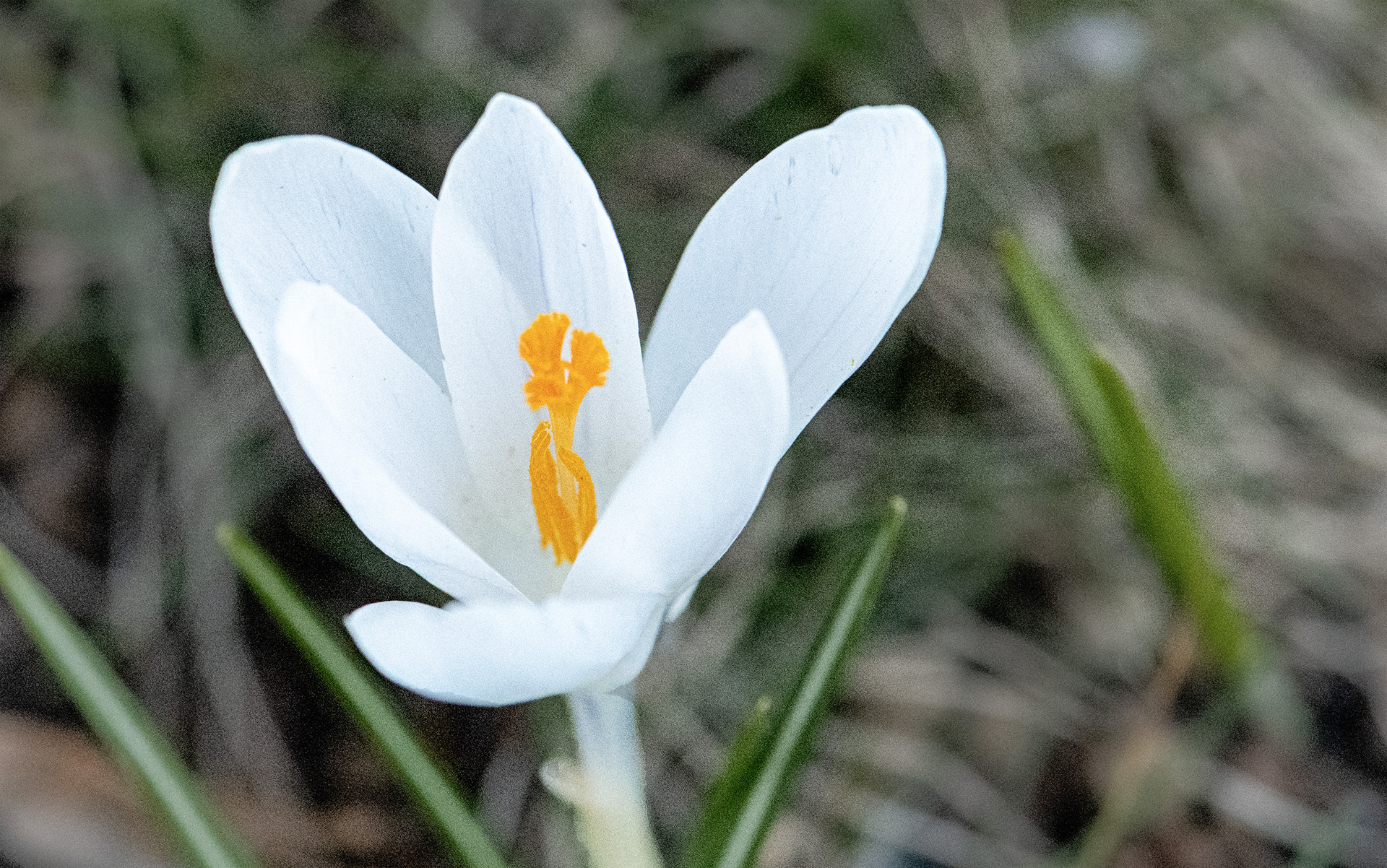
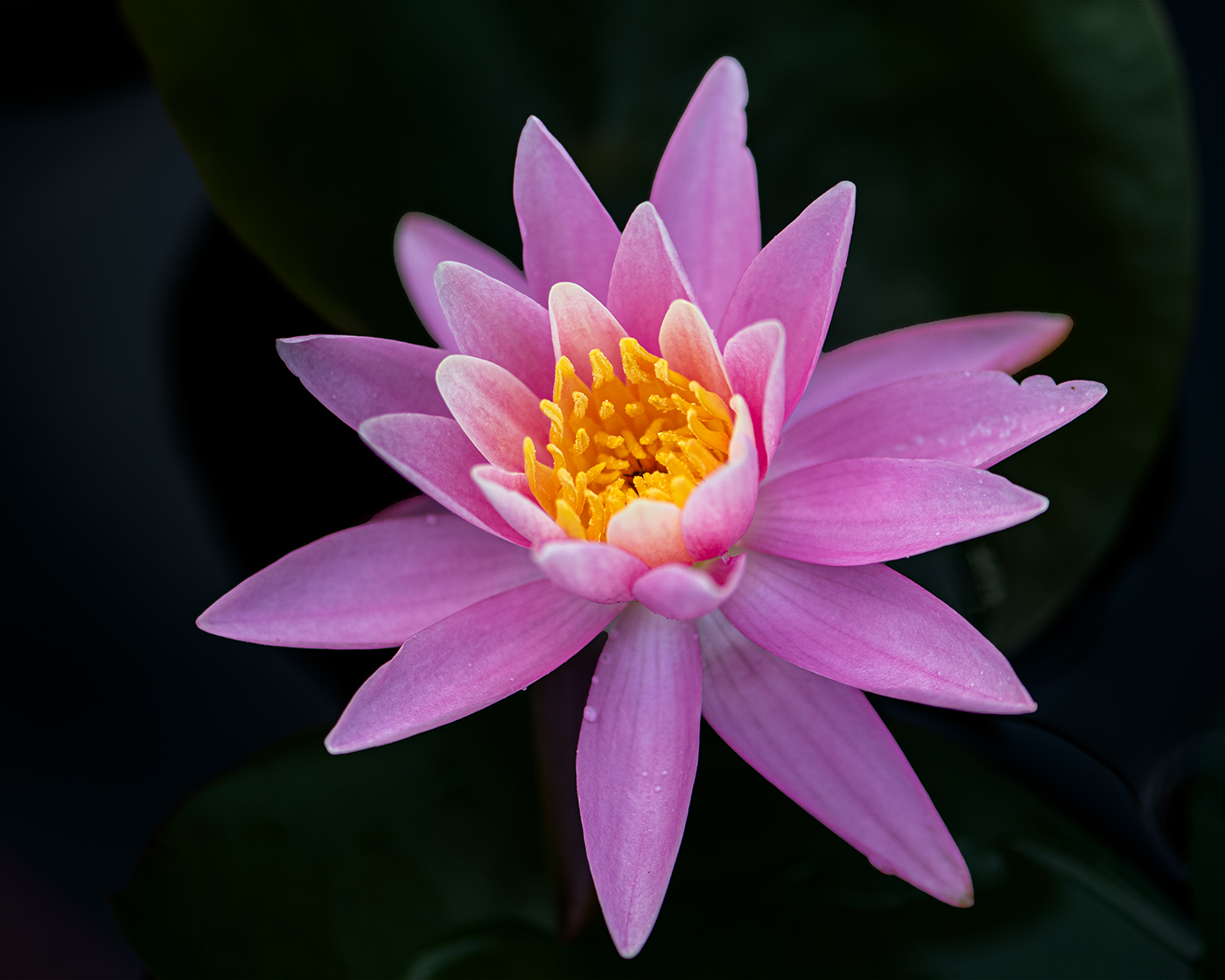
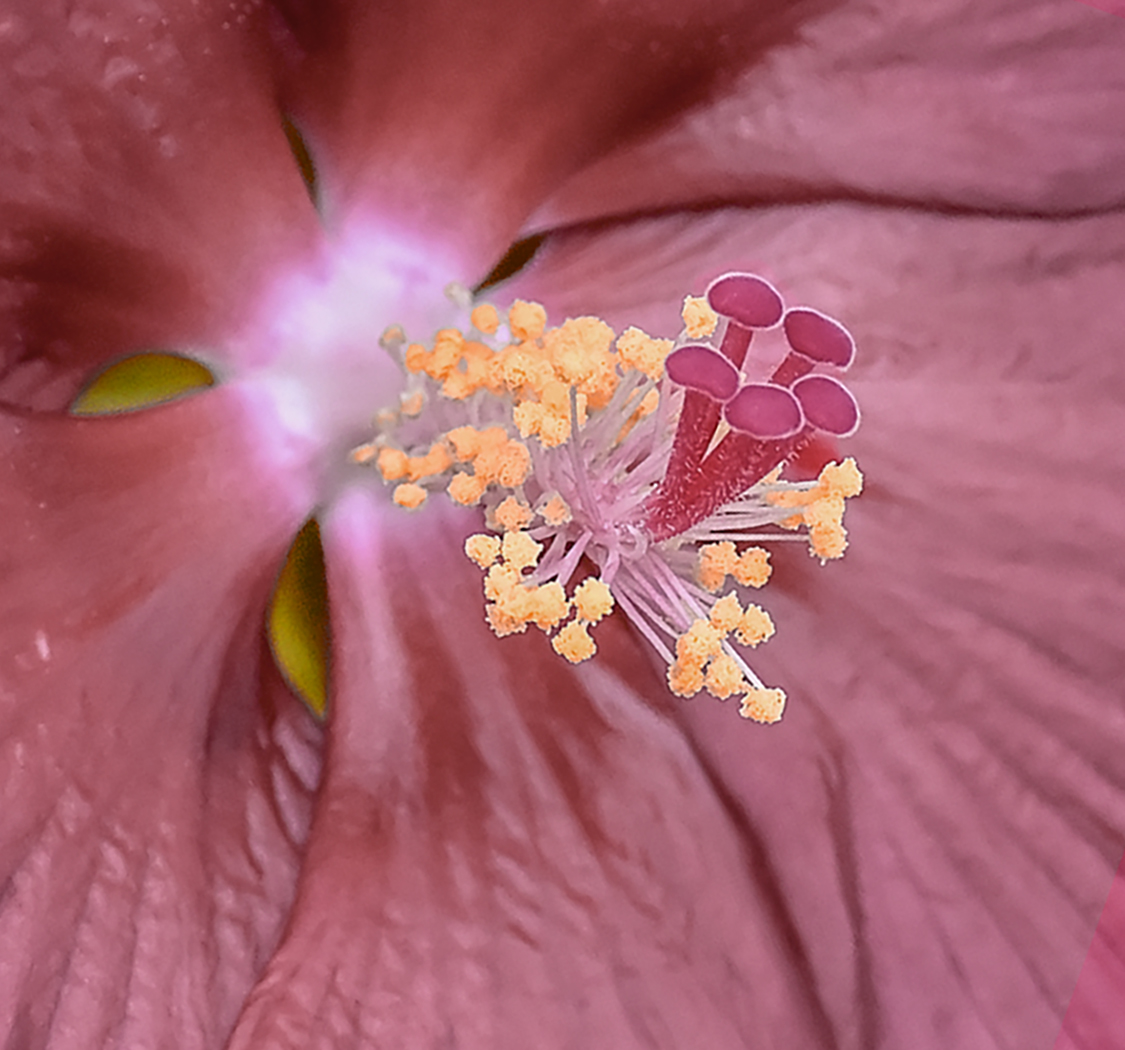
Hi Carol, good idea to add vignetting to get the central part more stand-out.. Just wondering whether wider vignetting or cropping-in more to the middle could help getting quicker focus from audience? Personally I found that the surrounding red petal and background a bit distracting when I first looked at the image. I understand the focus area should be the white centre of the flower, which is nice and sharp. |
Sep 9th |
| 95 |
Sep 23 |
Comment |
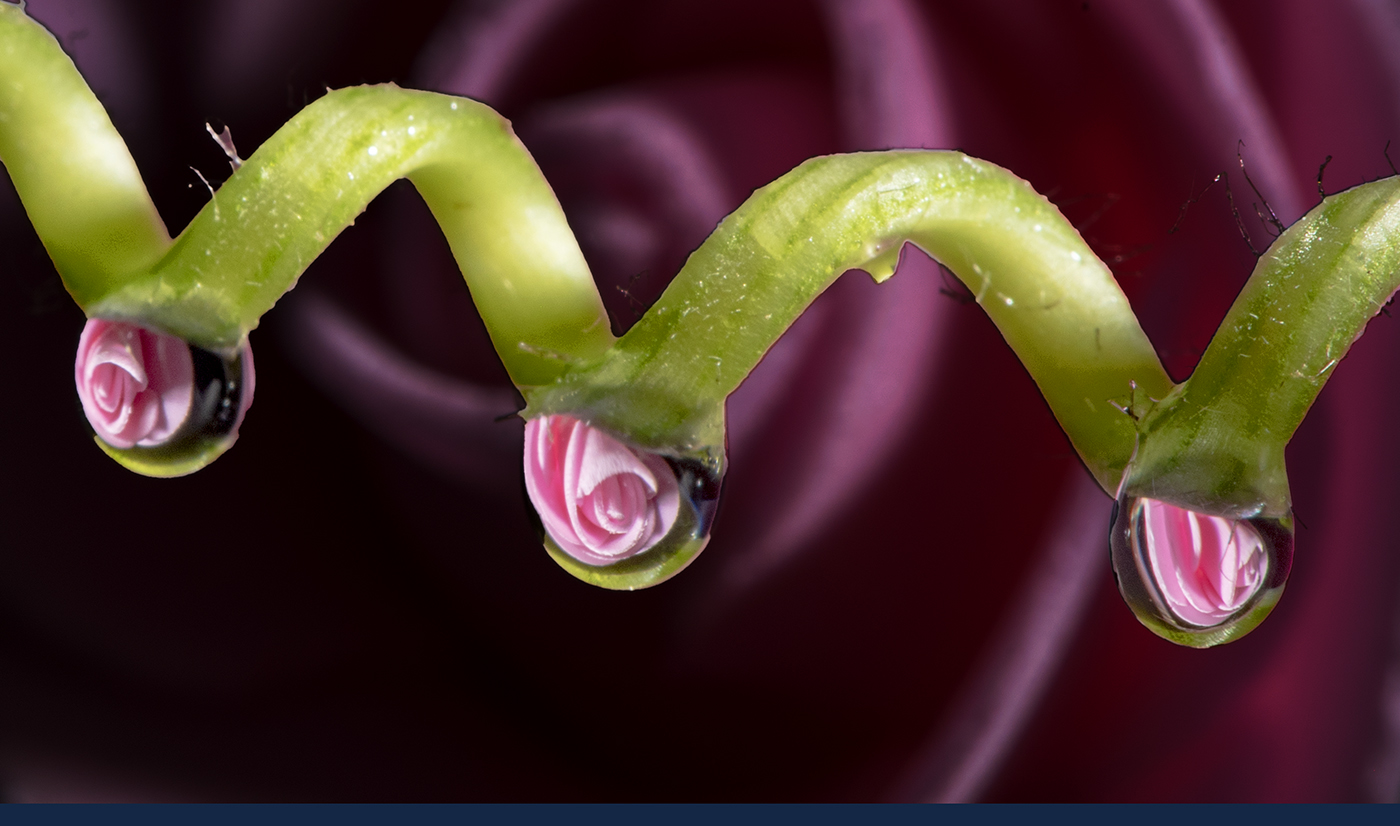
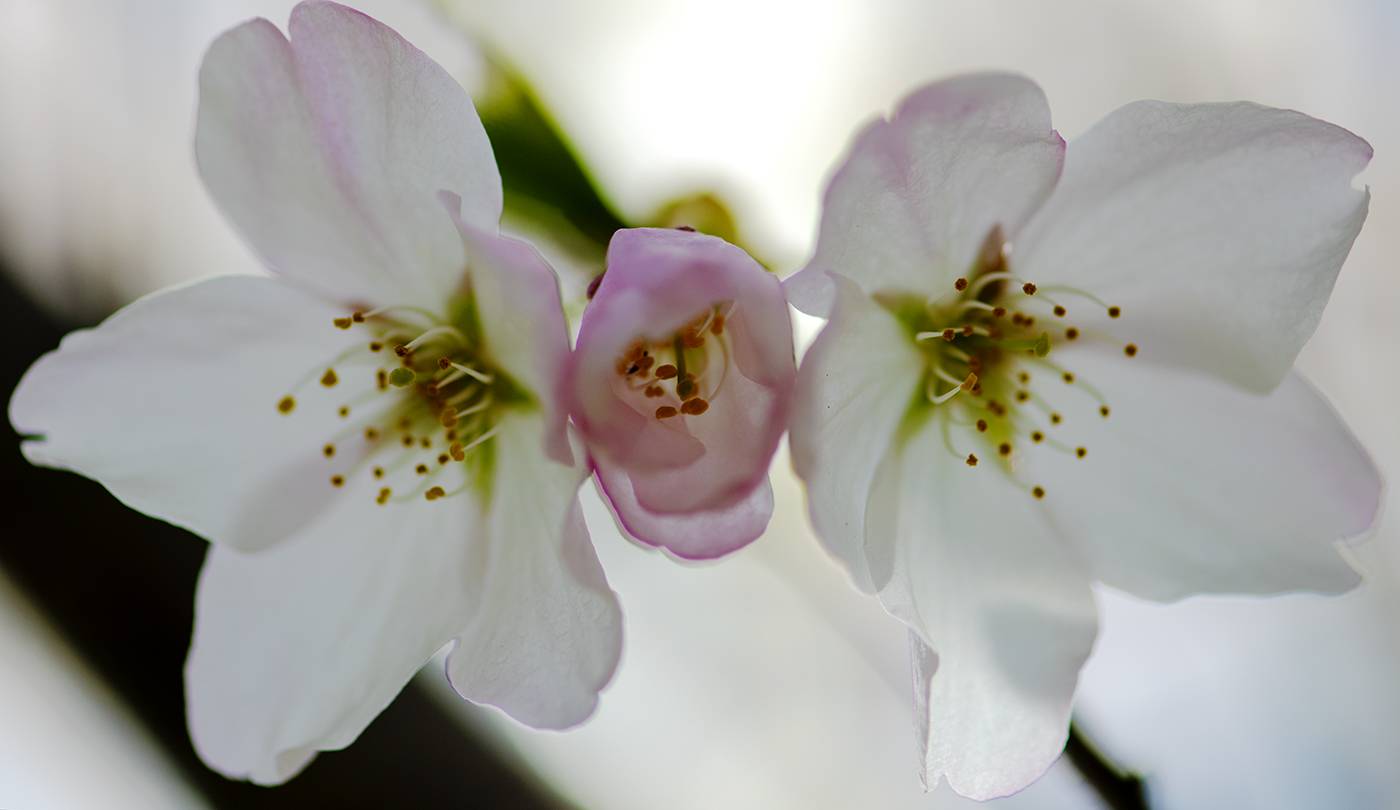
Hi Gloria, good first attempt on focus bracketing.. It will be nice to compare the outcome with focus rail. But the in-camera focus bracketing is so handy.. I found that it's not easy to achieve constant focus steps with my focus rail's manual knob. |
Sep 9th |
| 95 |
Sep 23 |
Comment |
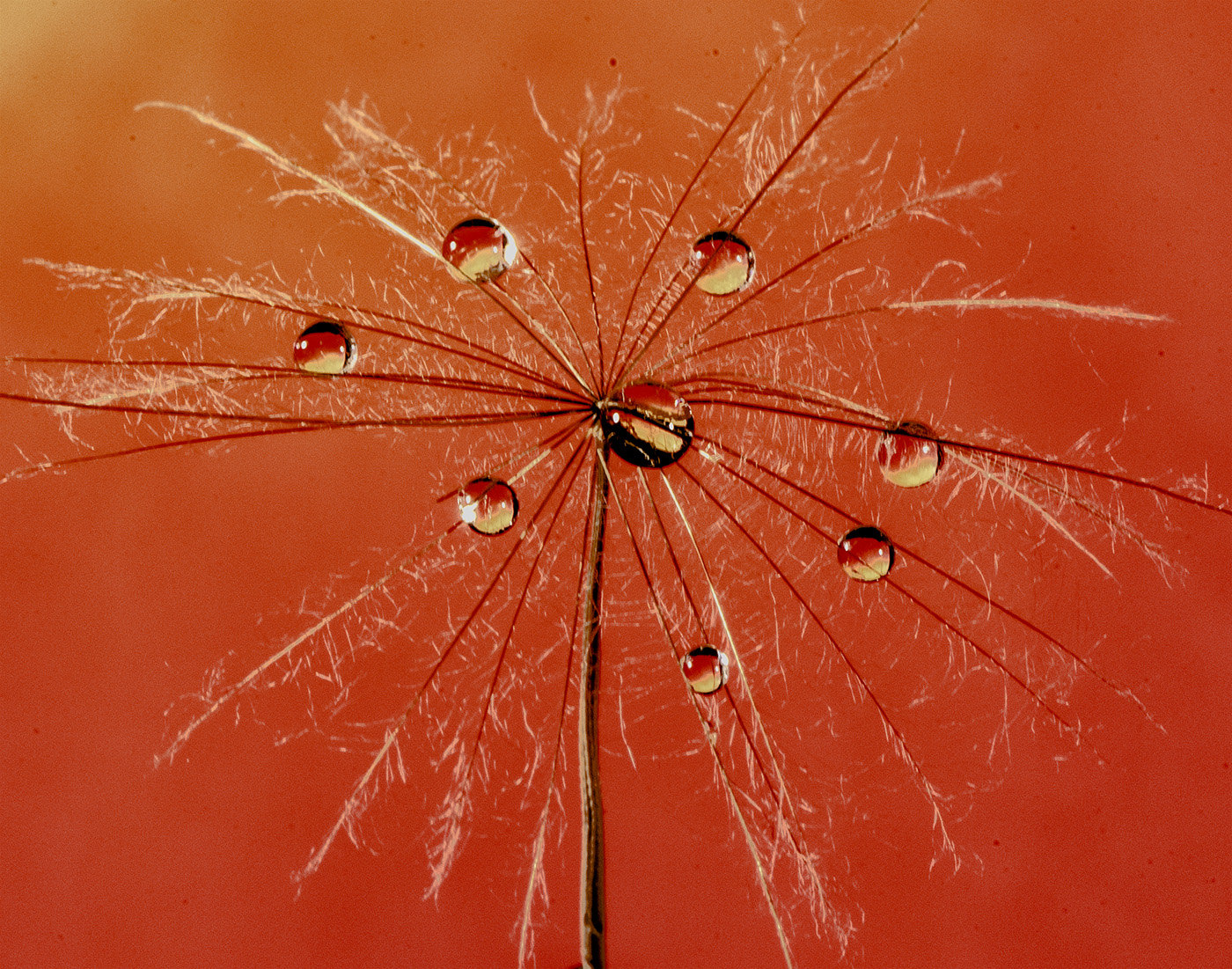
Nice picture with pleasing colour combination. As an audience, I immediately realized that the picture's focus is the fly. I am okay with the bit blurred head.. I always thought extension tubes (or adapters) could not produce very sharp close-up images.. This changes my perception.
|
Sep 9th |
| 95 |
Sep 23 |
Comment |
Hey Tom, I like your creativity of photographing your own finger.. Impressive sharp picture even by handholding your phone with macro attachment... Like the clear in-focus texture.
Yep, the dark edge could be resulted from over-contrasting the selected area. I usually select more feathering while selecting the area for sharpening to avoid such side-effect. |
Sep 9th |
| 95 |
Sep 23 |
Reply |
My apologies.. On Nikon D850, they use the term 'focus shifting photography' instead of 'focus bracketing'. In fact, I have tried that function before and worked well.
What I need to do is to think / plan ahead how to shoot an object's image in order to achieve the result I look for. |
Sep 9th |
| 95 |
Sep 23 |
Reply |
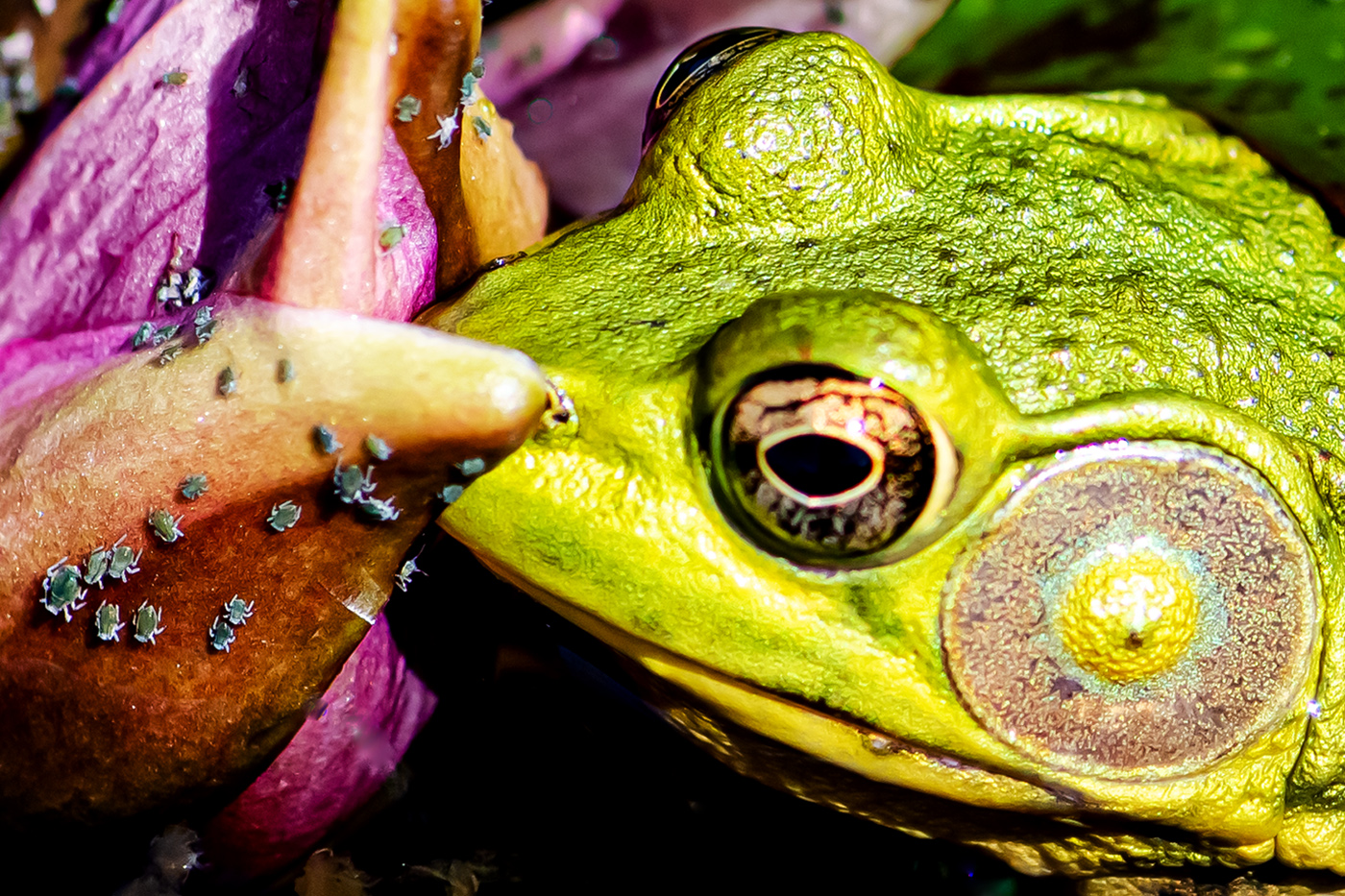
Thanks, Stuart and Carol. Great inputs.
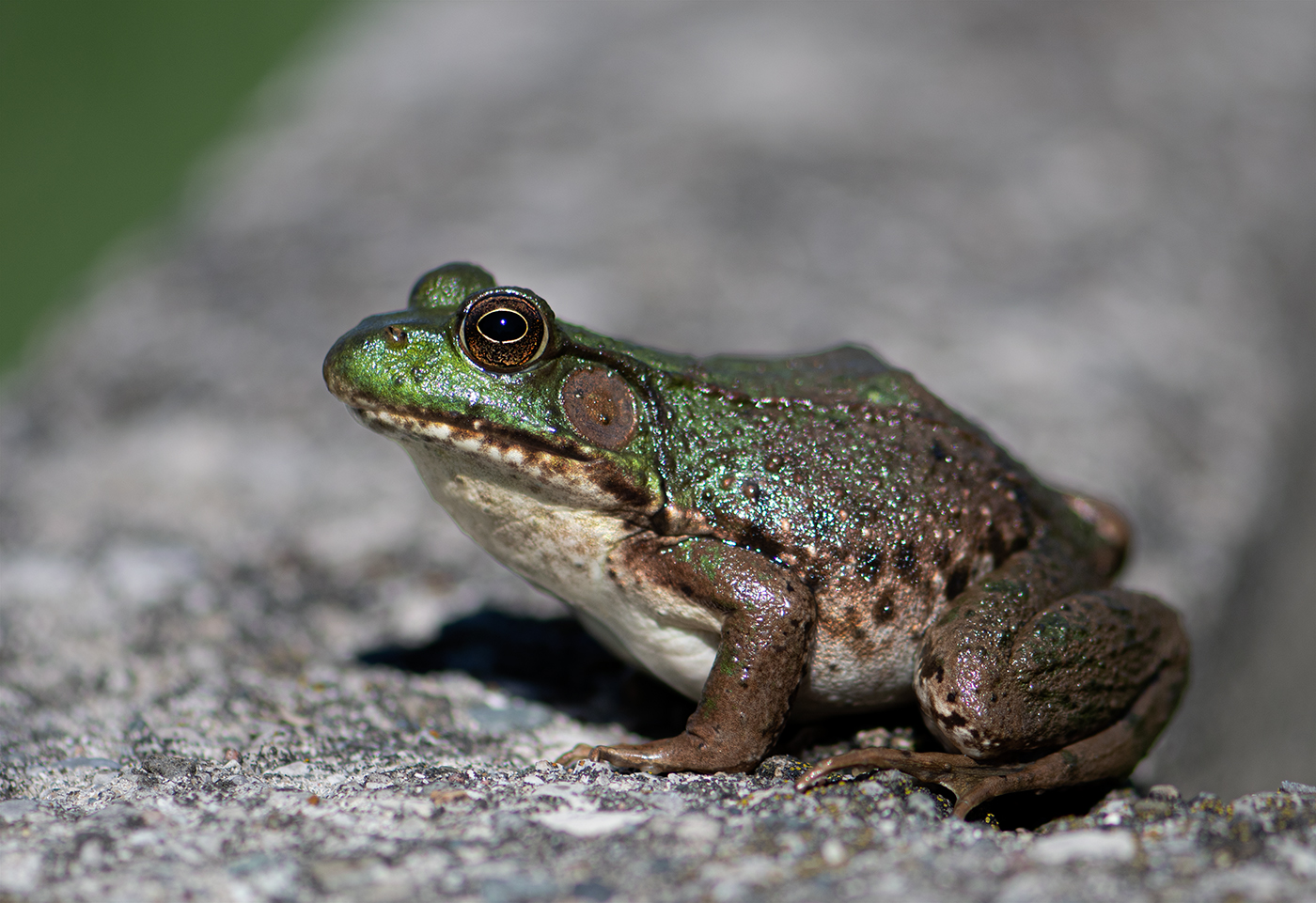
Yes. I went back and checked the original image's focus point (single point focus). It actually was on the body (the belly) of the frog. As Carol said, the f/6.3 does not allow sufficient DOF to show a sharp right eye; but it is close to the same plane as those bugs. So some of the bugs look sharp.
I don't think I see 'focus bracketing' function on my D850.
So I think only a bigger DOF or focus stacking could improve
this picture's presentation. I was too excited finding those small bugs.. However, once I zoomed in to the head, the eye's out-of-focus issue really stands out.
A good lesson to my experience in choosing what to show the audience.
|
Sep 9th |
4 comments - 5 replies for Group 95
|
4 comments - 5 replies Total
|