|
| Group |
Round |
C/R |
Comment |
Date |
Image |
| 33 |
Jun 24 |
Reply |
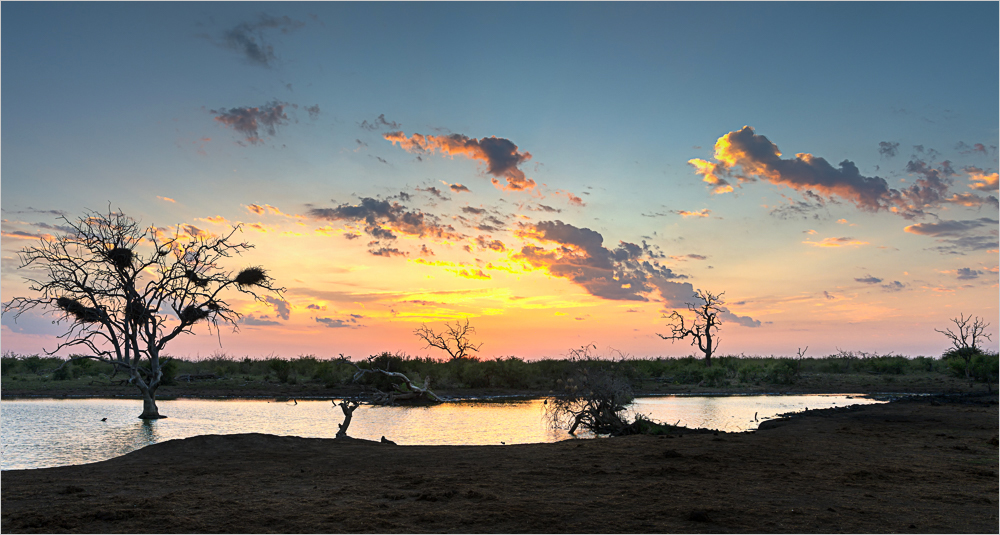
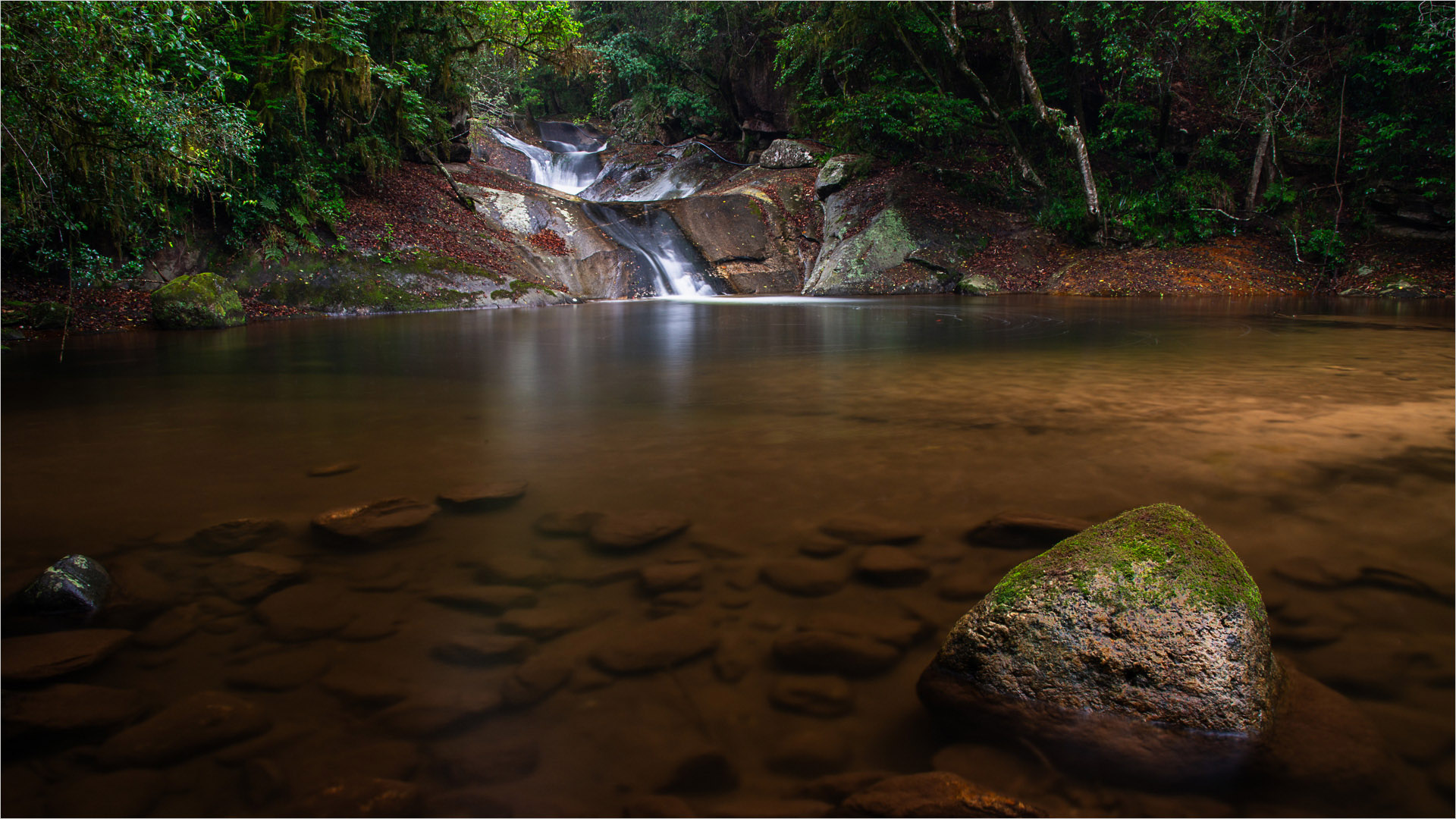
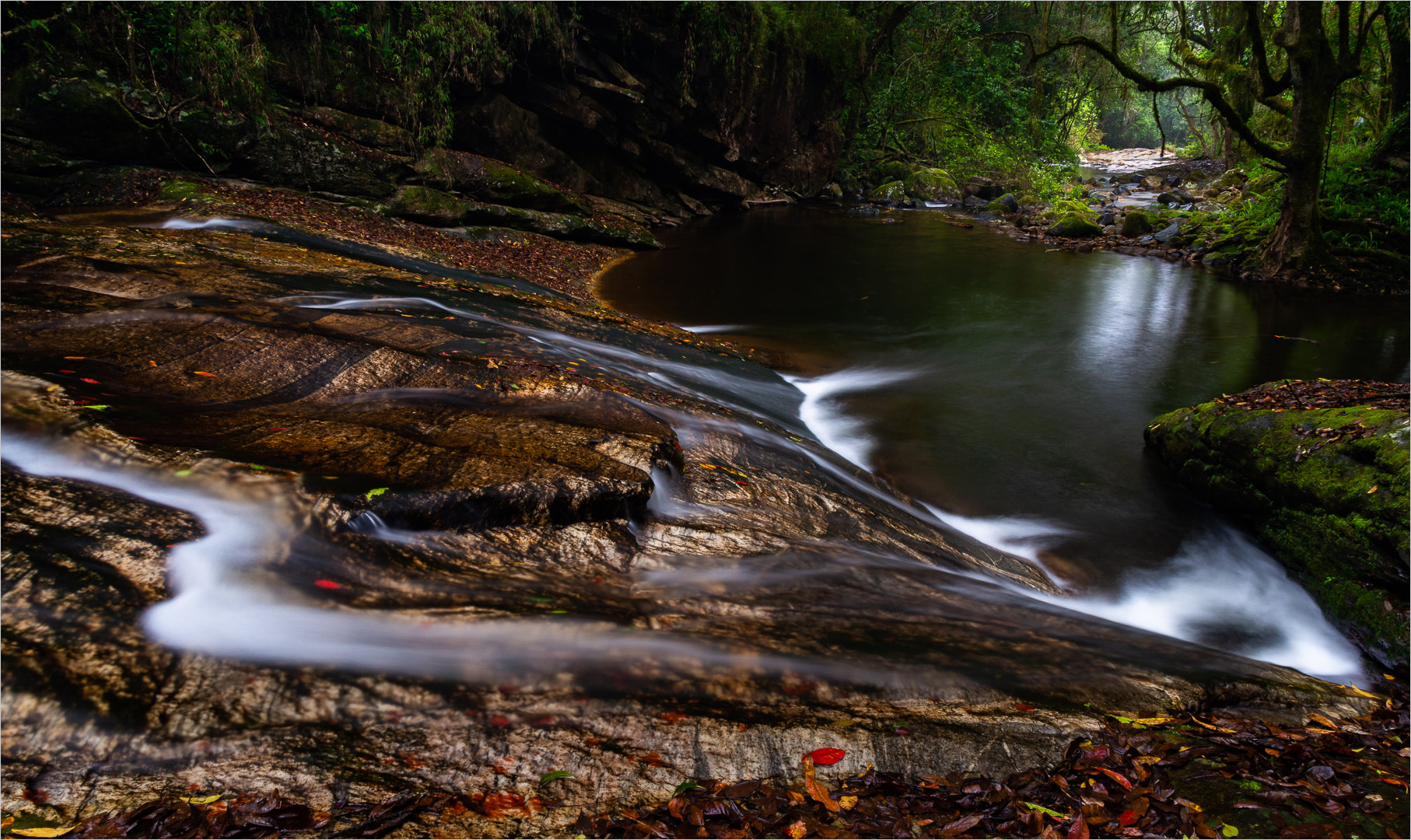
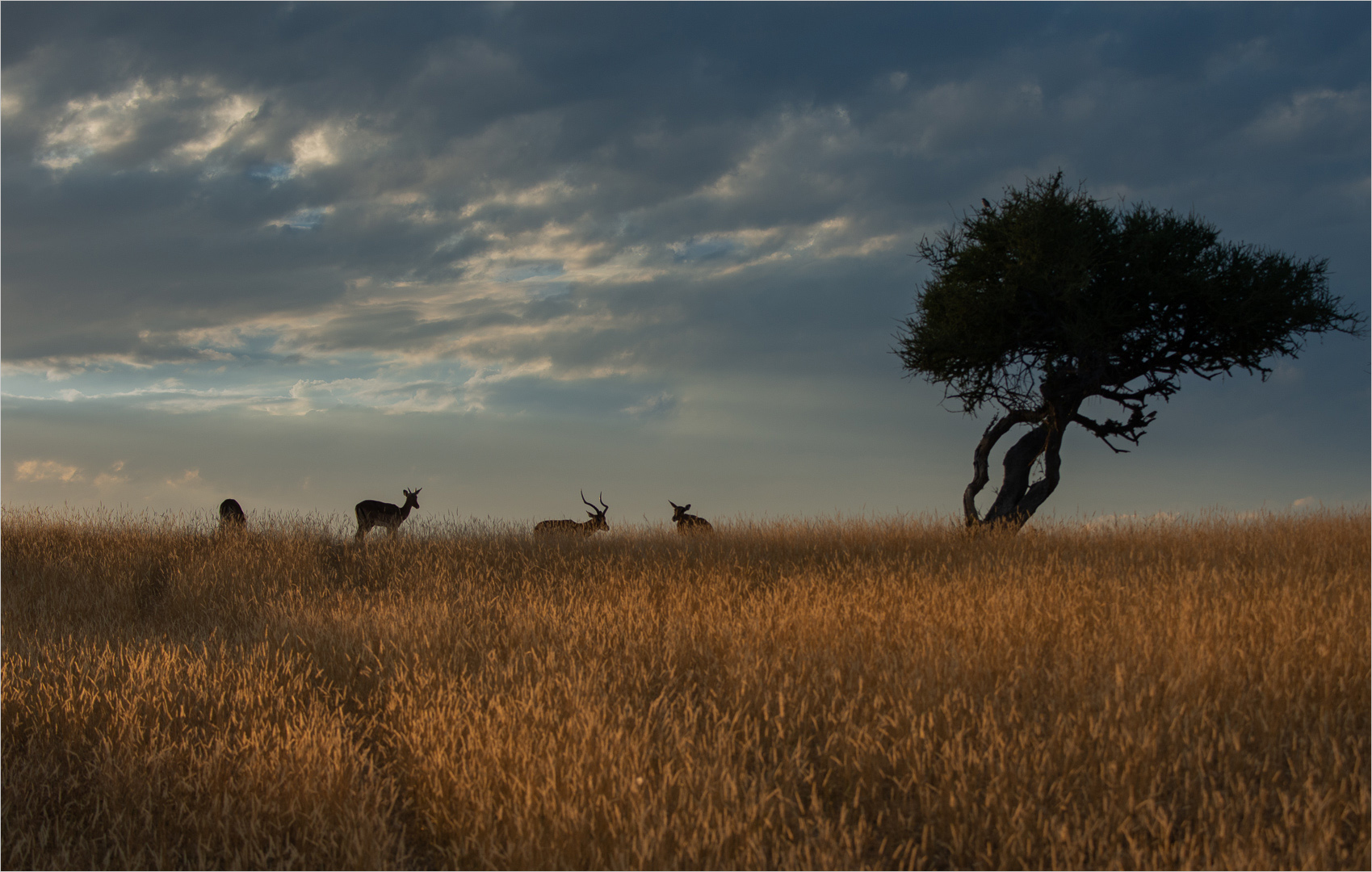
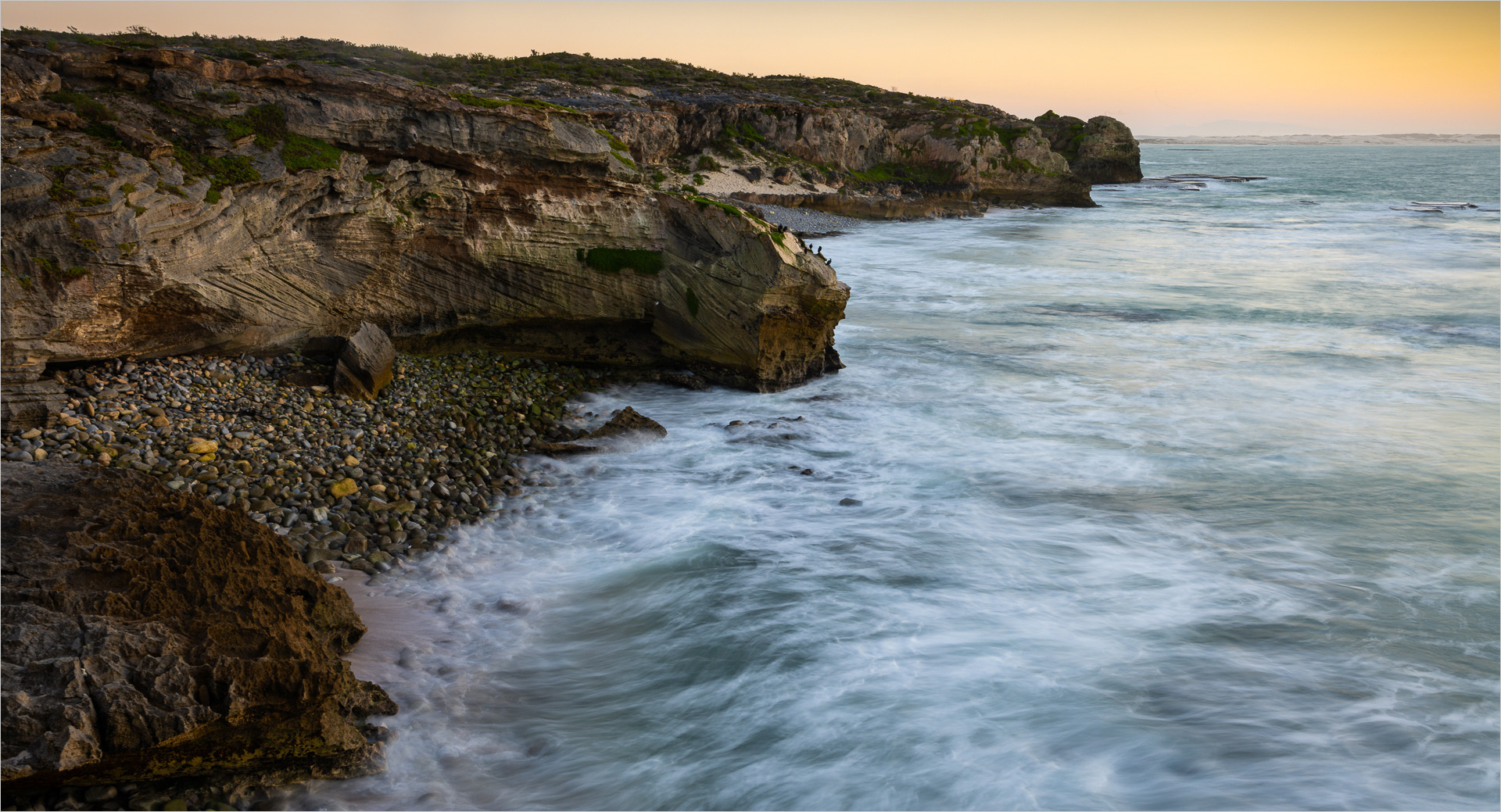
Sure. Basic processing of overall shadow and highlight adjustment in Lightroom. The in photoshop a bit of de noise Using Define (From Nix suite). The judging and buying in Photoshop to brighten up certain parts and darken others. Then sharpening in Photoshop using HighPass.
Lastly back in Lightroom a gradient over the sky to darken it a bit. The crop and export to JPG in Lightroom
|
Jun 30th |
| 33 |
Jun 24 |
Comment |
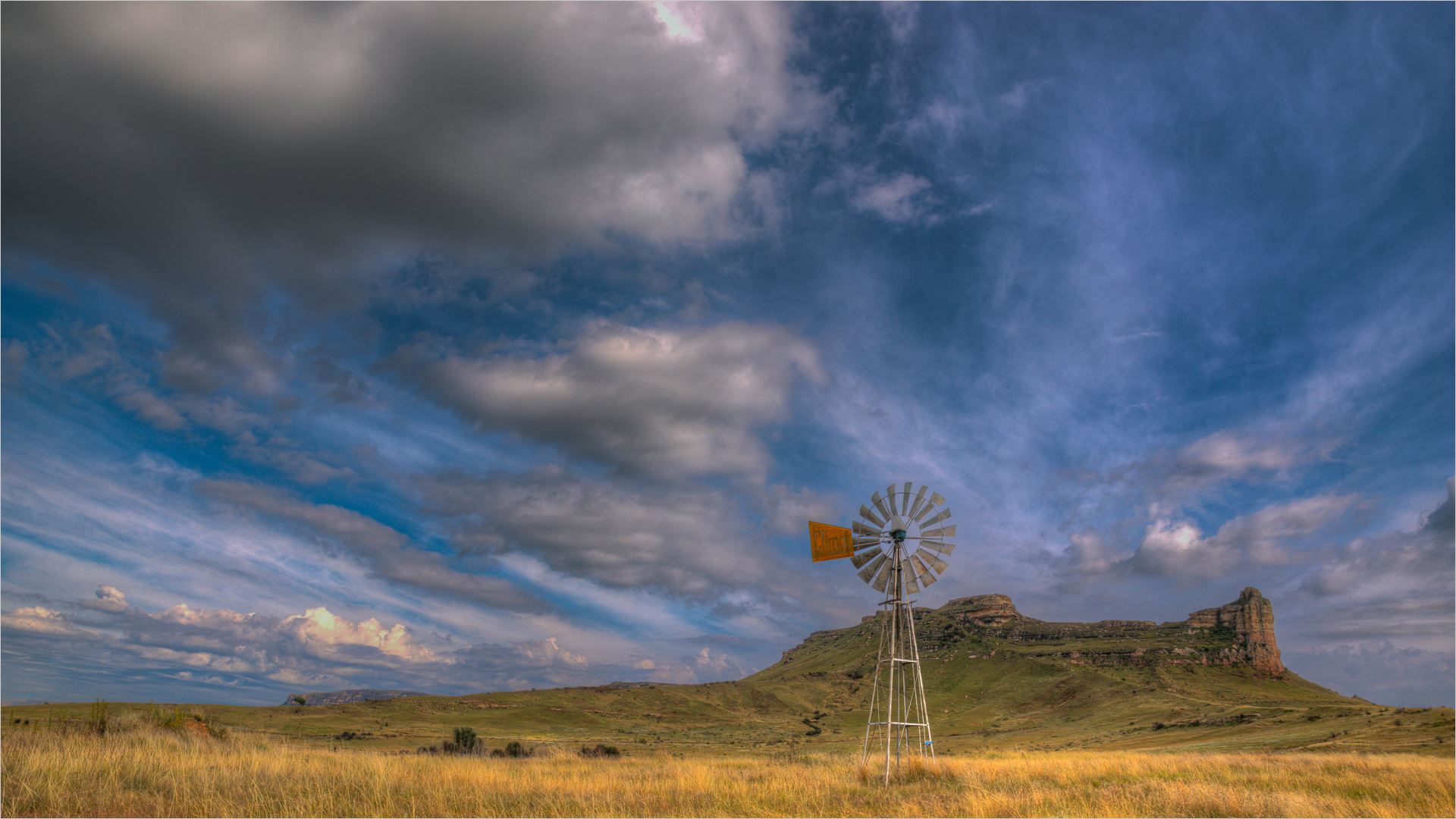
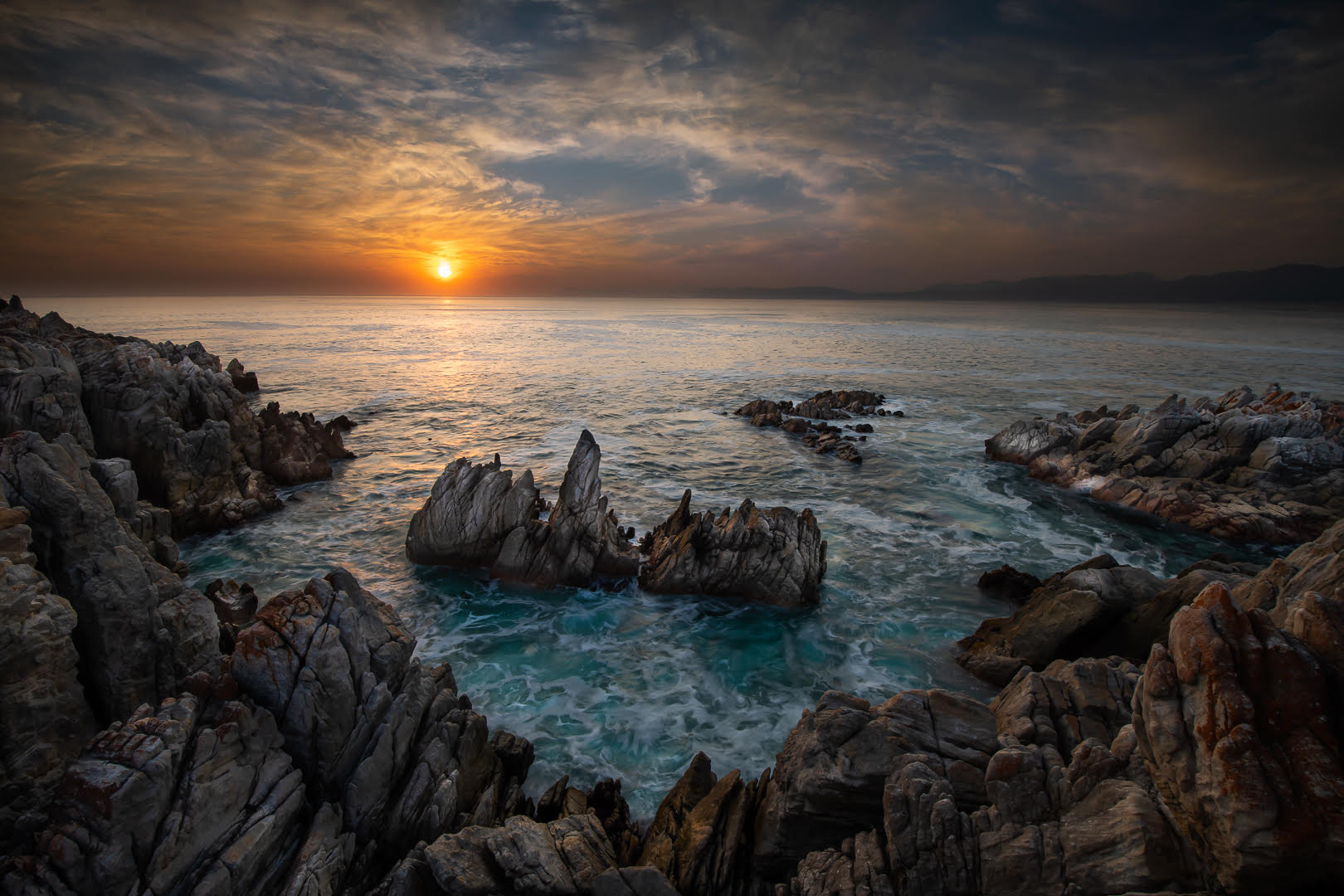
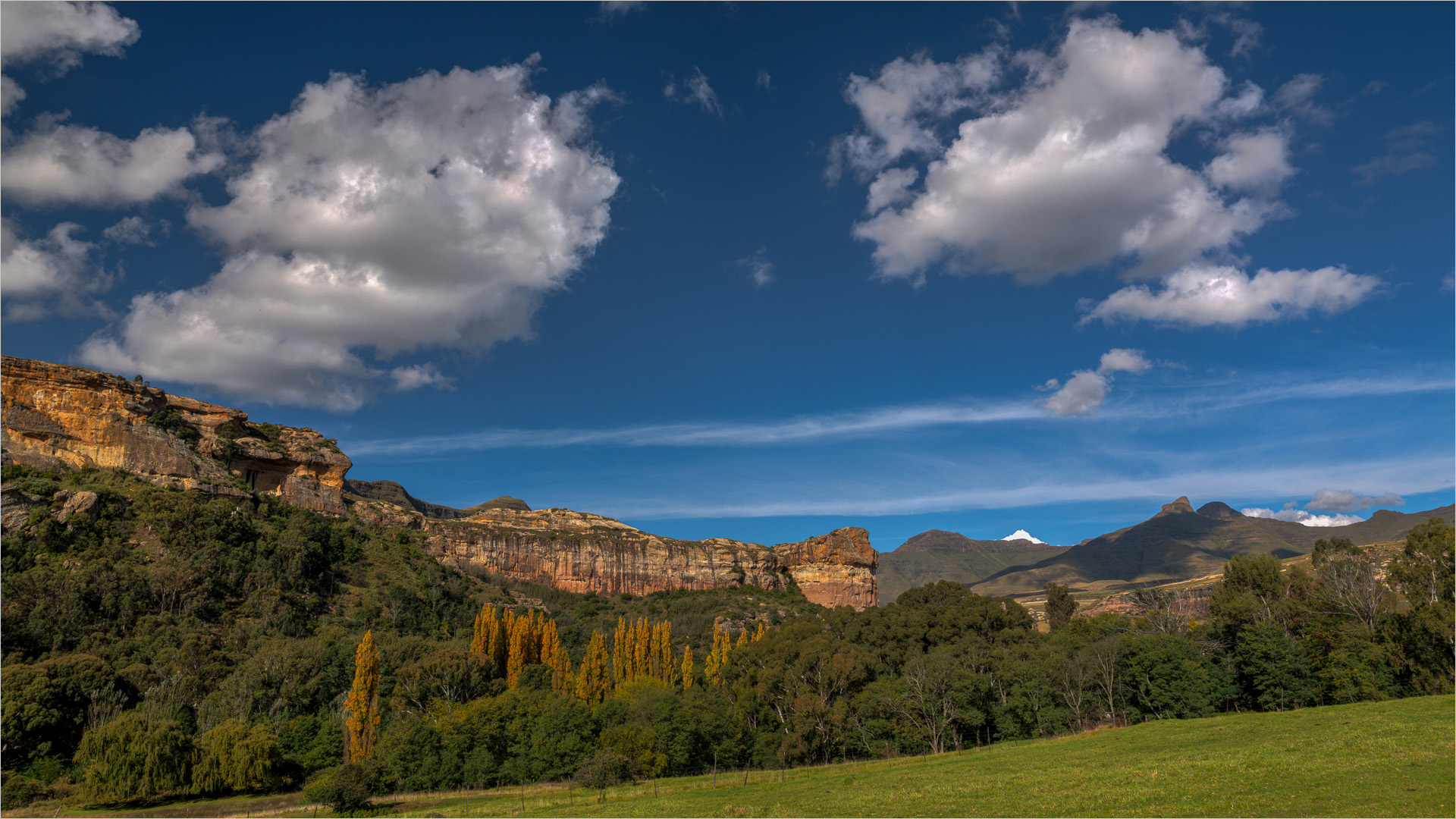
Lovely colours and composition. Love the bit of clouds in the sky. I only question the tree on the right edge. It is not in or out. As it is on the edge it draws ones attention. So if you have the tree in your original image I would prefer to have it in. Otherwise I would rather take it out. But the image would be more balanced with a tree there |
Jun 12th |
| 33 |
Jun 24 |
Comment |
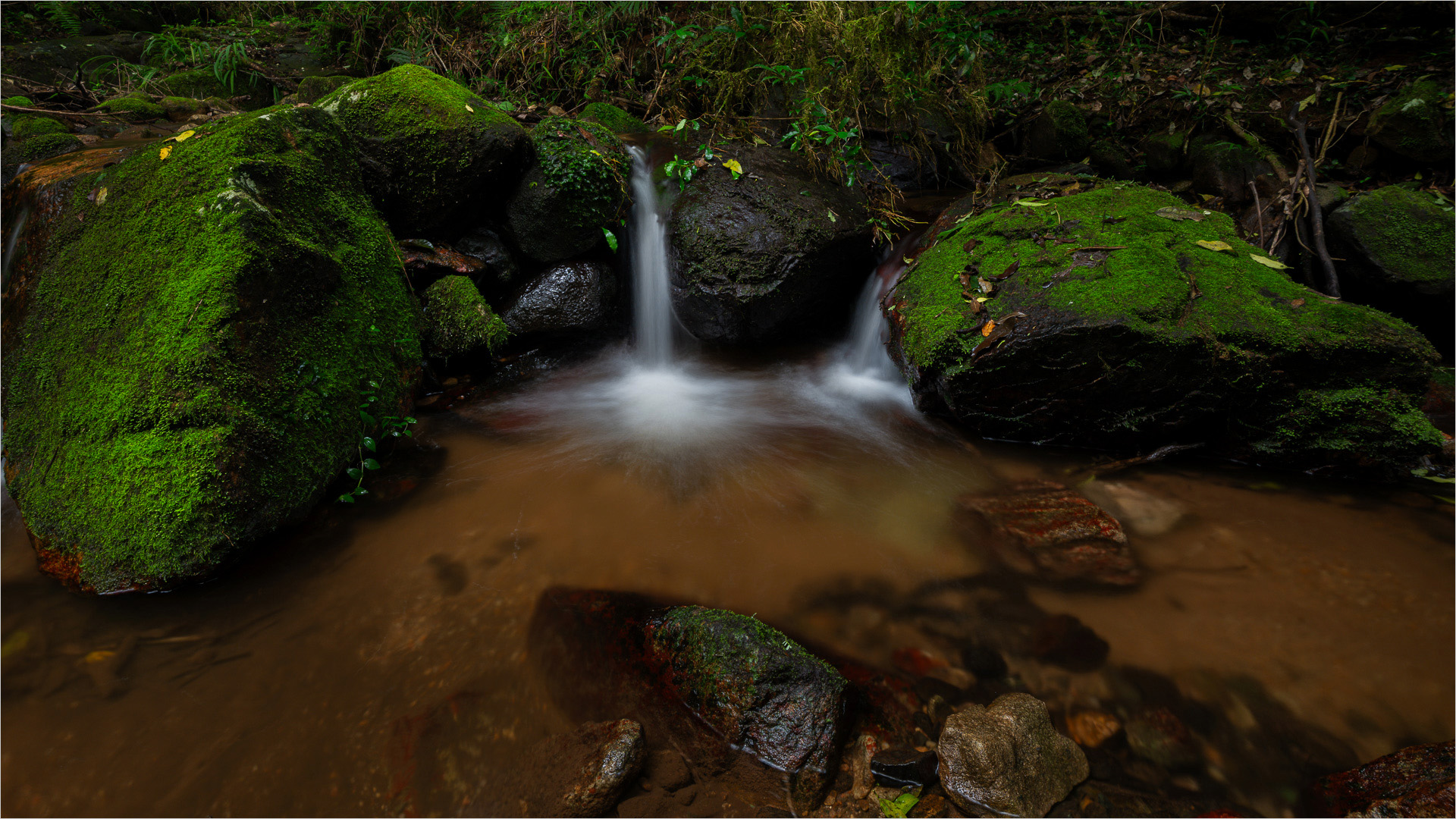
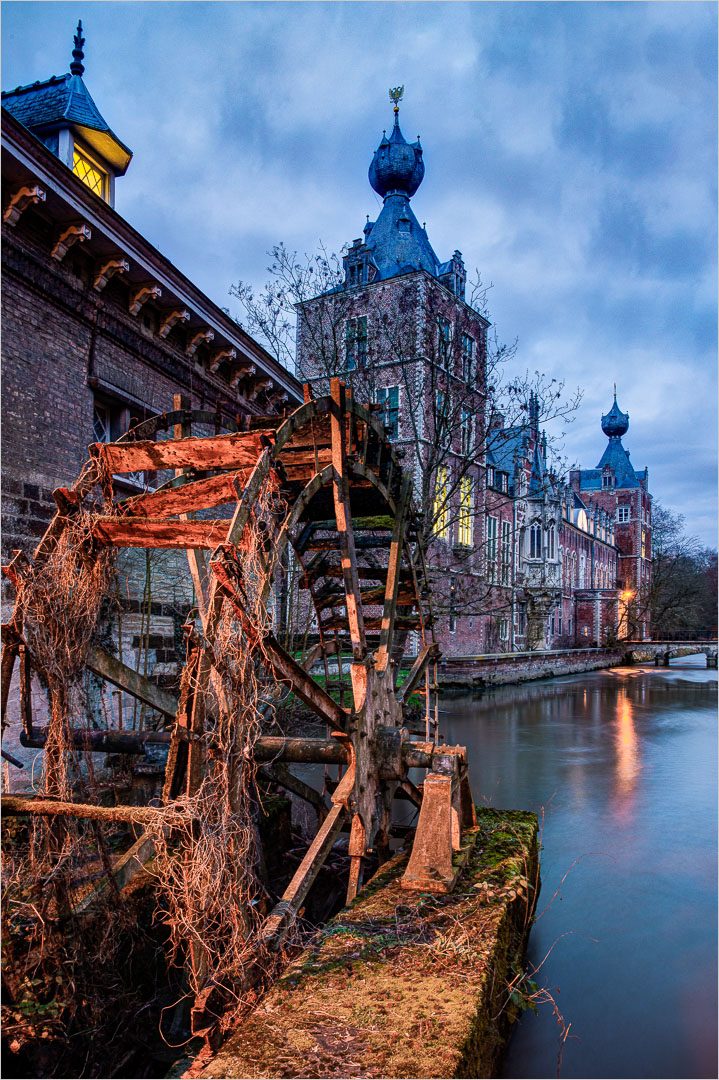
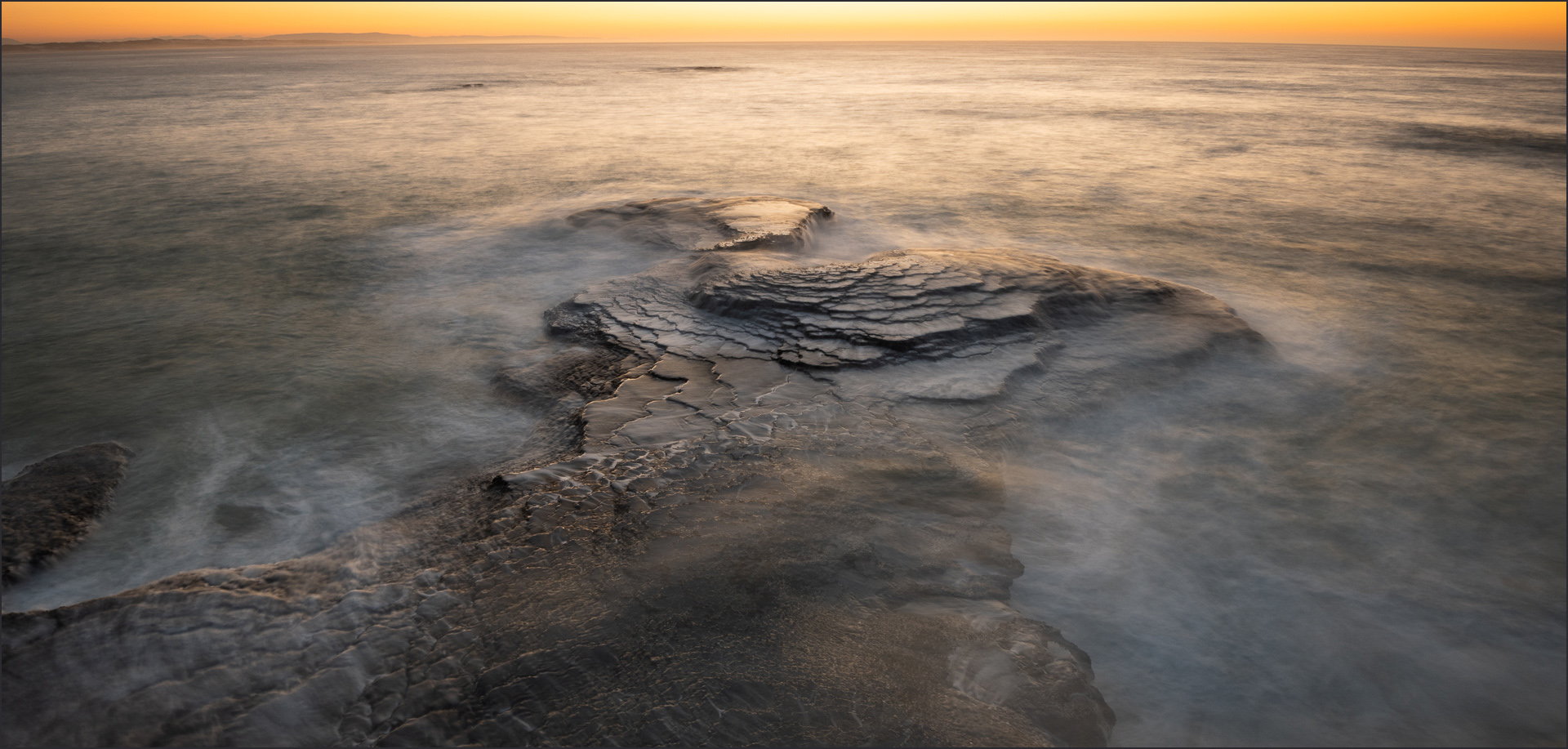
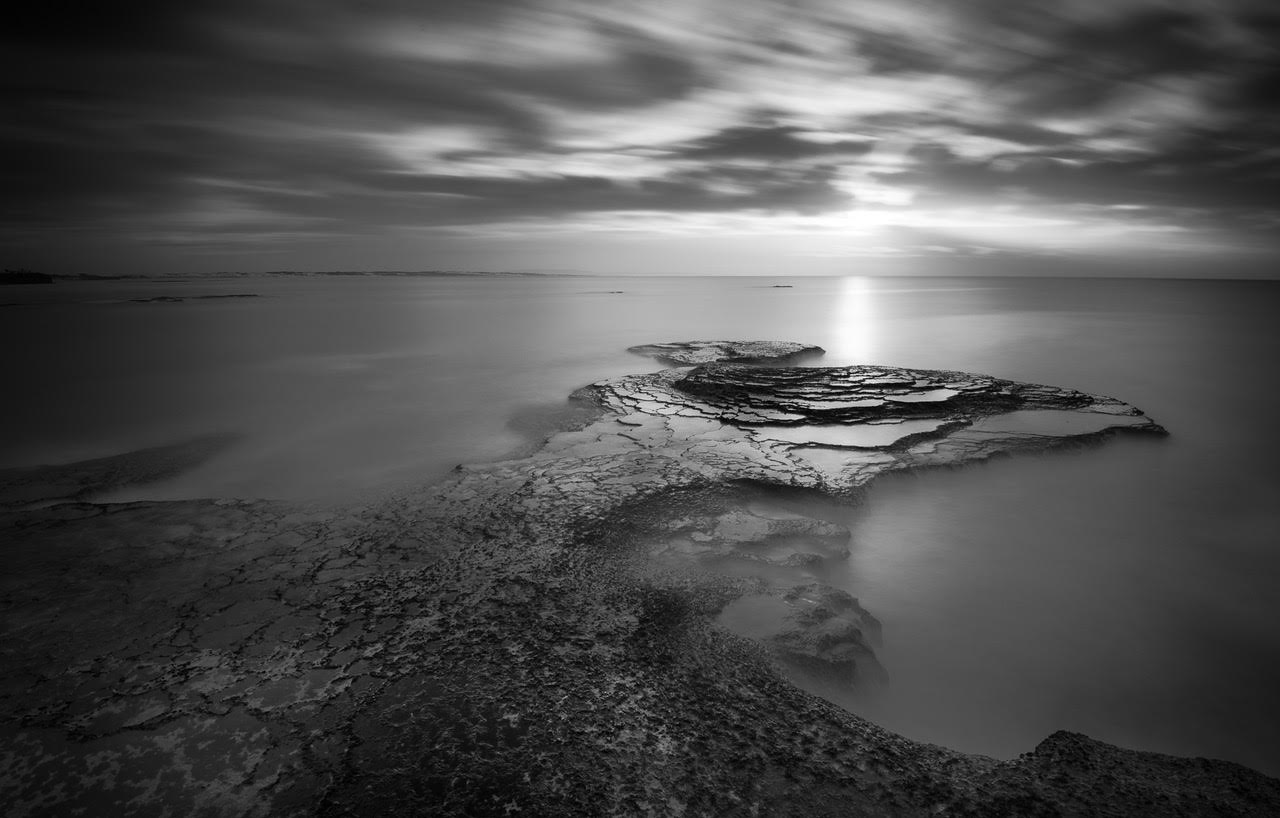
Arief, this image shows a lovely scene with a lovely mood. Competition and sharpness is perfect. I agree the exposure especially on the top part is quite a bit over. |
Jun 12th |
| 33 |
Jun 24 |
Comment |
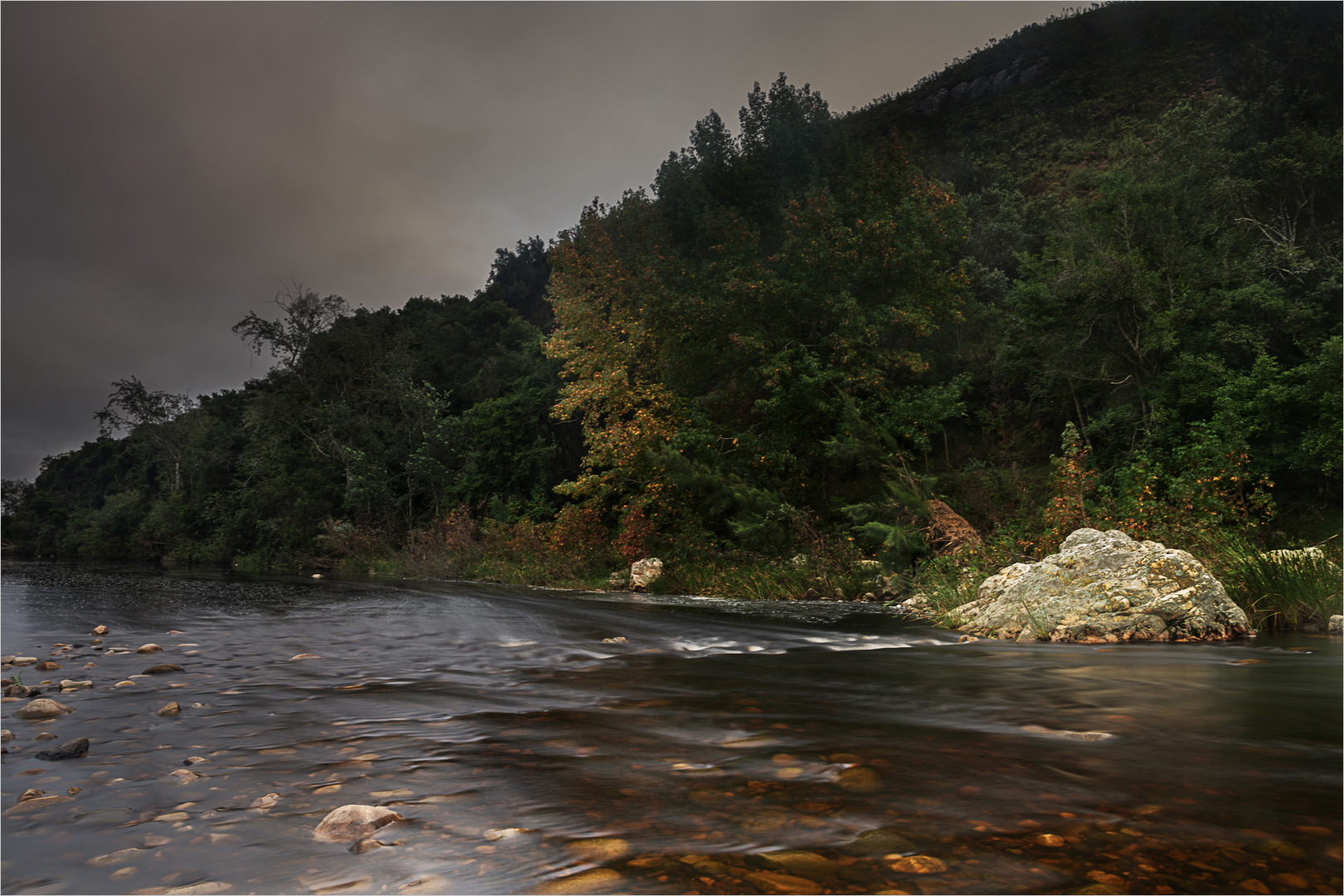
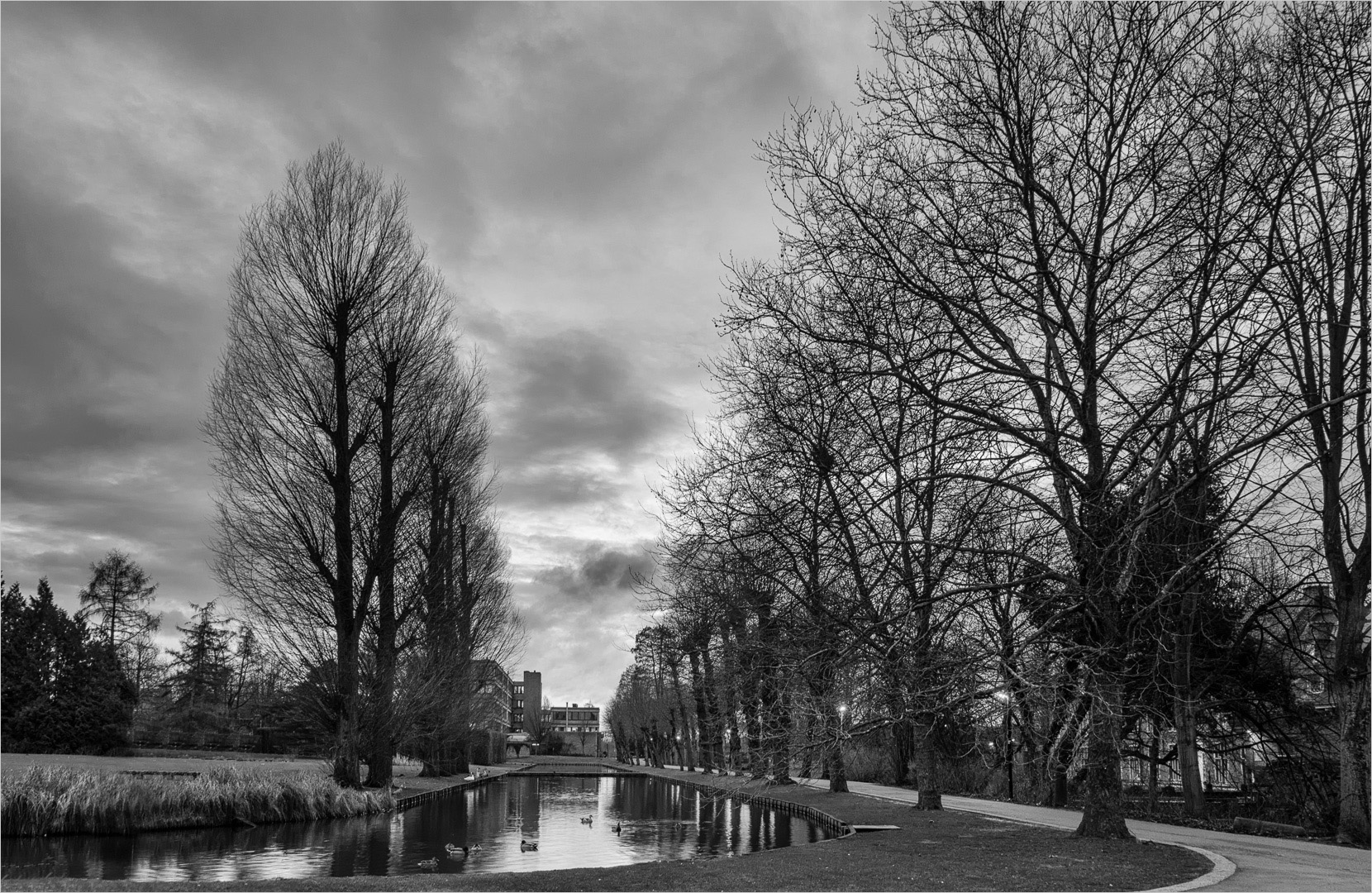
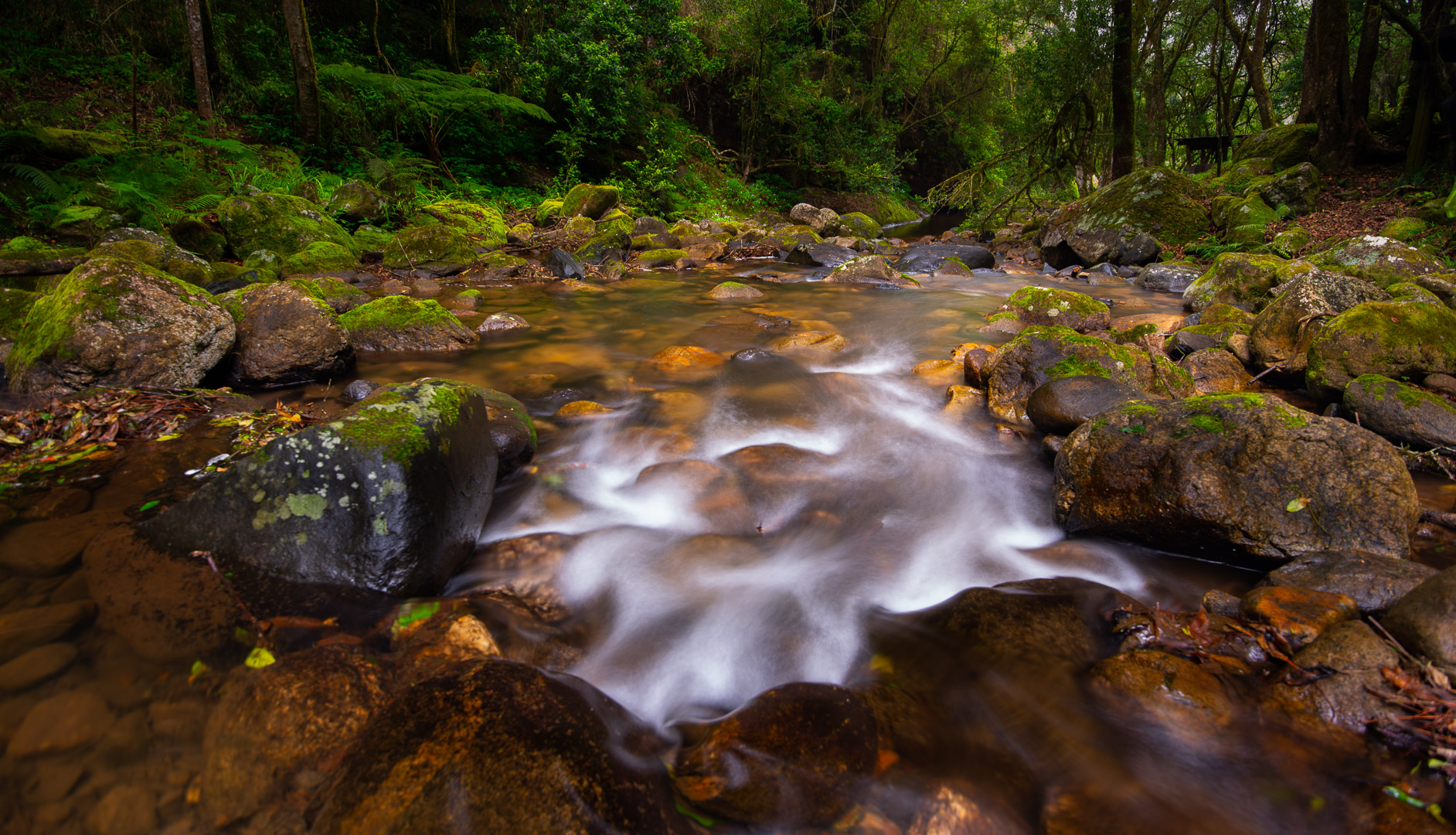
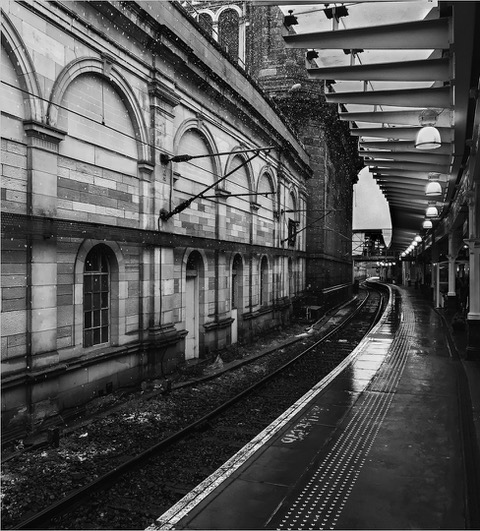
I love the picture with all the lines repeating. I see what Paul says and that is good advice. However, I actually don't mind the trees leaning in. They make sense. Lovely image |
Jun 12th |
| 33 |
Jun 24 |
Comment |
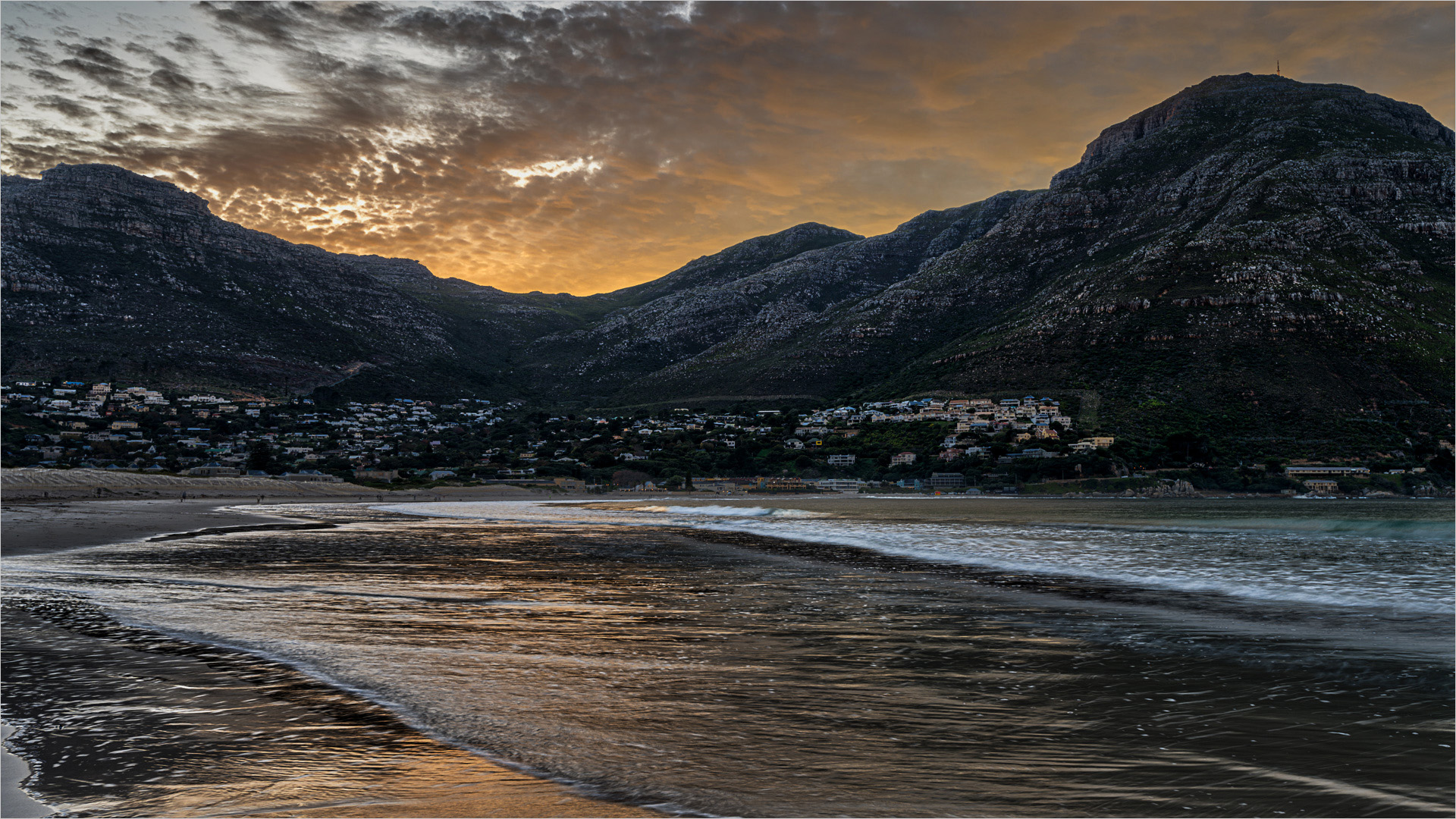
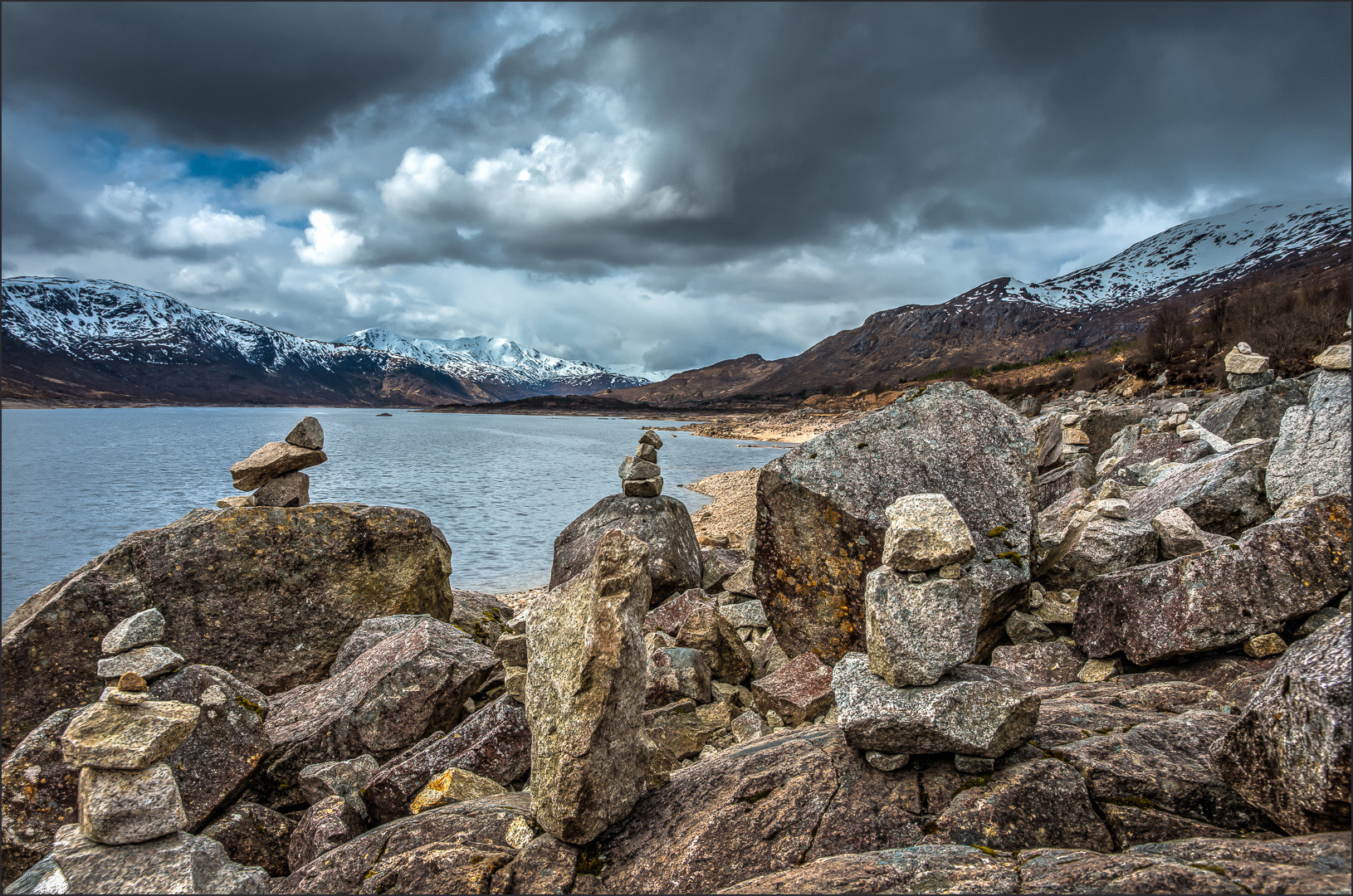
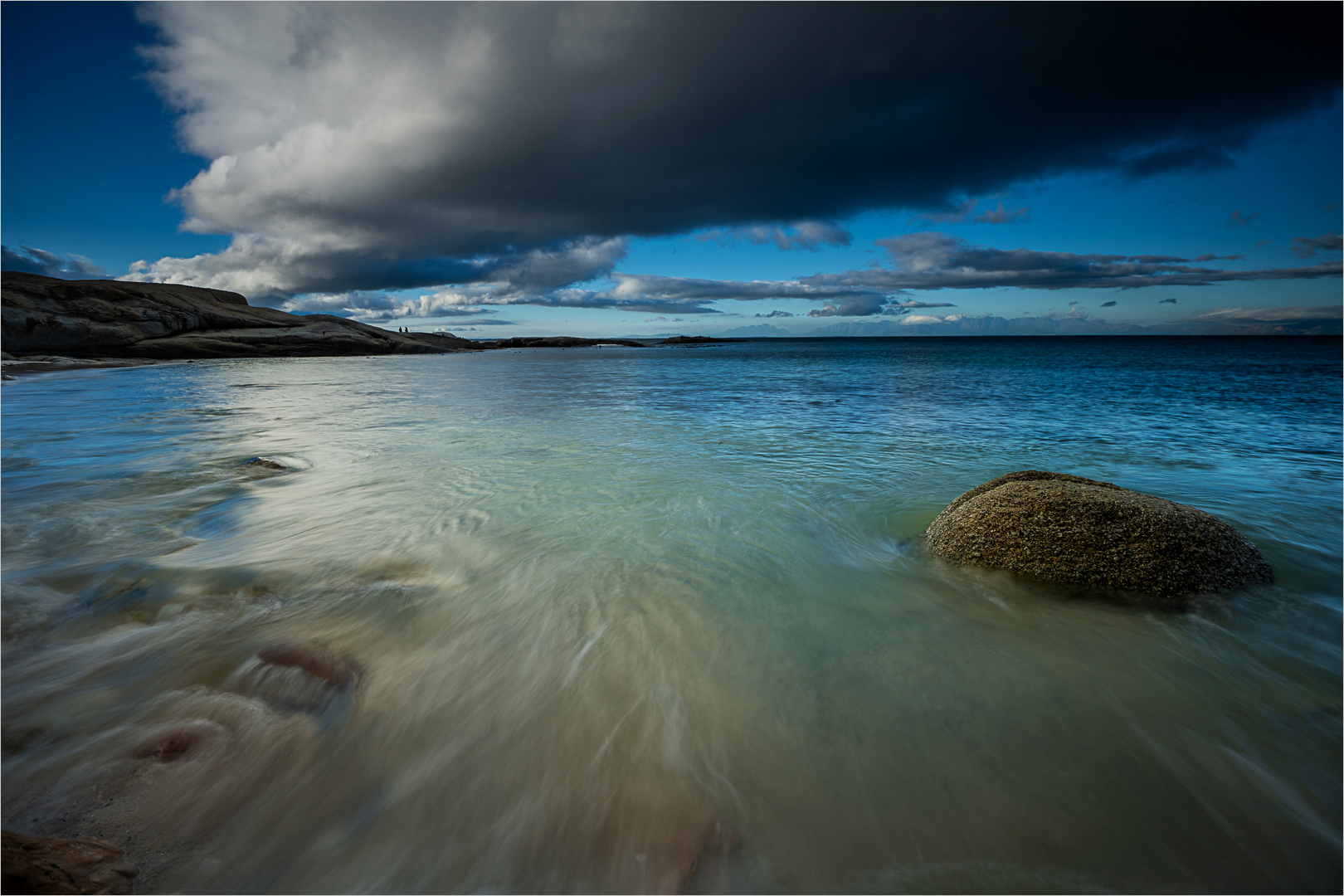
Lori, I love the composition and sky colours. The additions of the people gives a good sense of scale. Exposure and contrast and all is good. Sharpness is also very good. I just wonder of the white balance is not a bit to warm and Yellow. I would consider looking at what your white balance looks like. But please dont go so far that you lose the lovely colour you have |
Jun 12th |
4 comments - 1 reply for Group 33
|
4 comments - 1 reply Total
|