|
| Group |
Round |
C/R |
Comment |
Date |
Image |
| 54 |
May 23 |
Reply |
Thanks brad for your comment and suggestion. I will play with textures and see what happens. |
May 14th |
| 54 |
May 23 |
Reply |
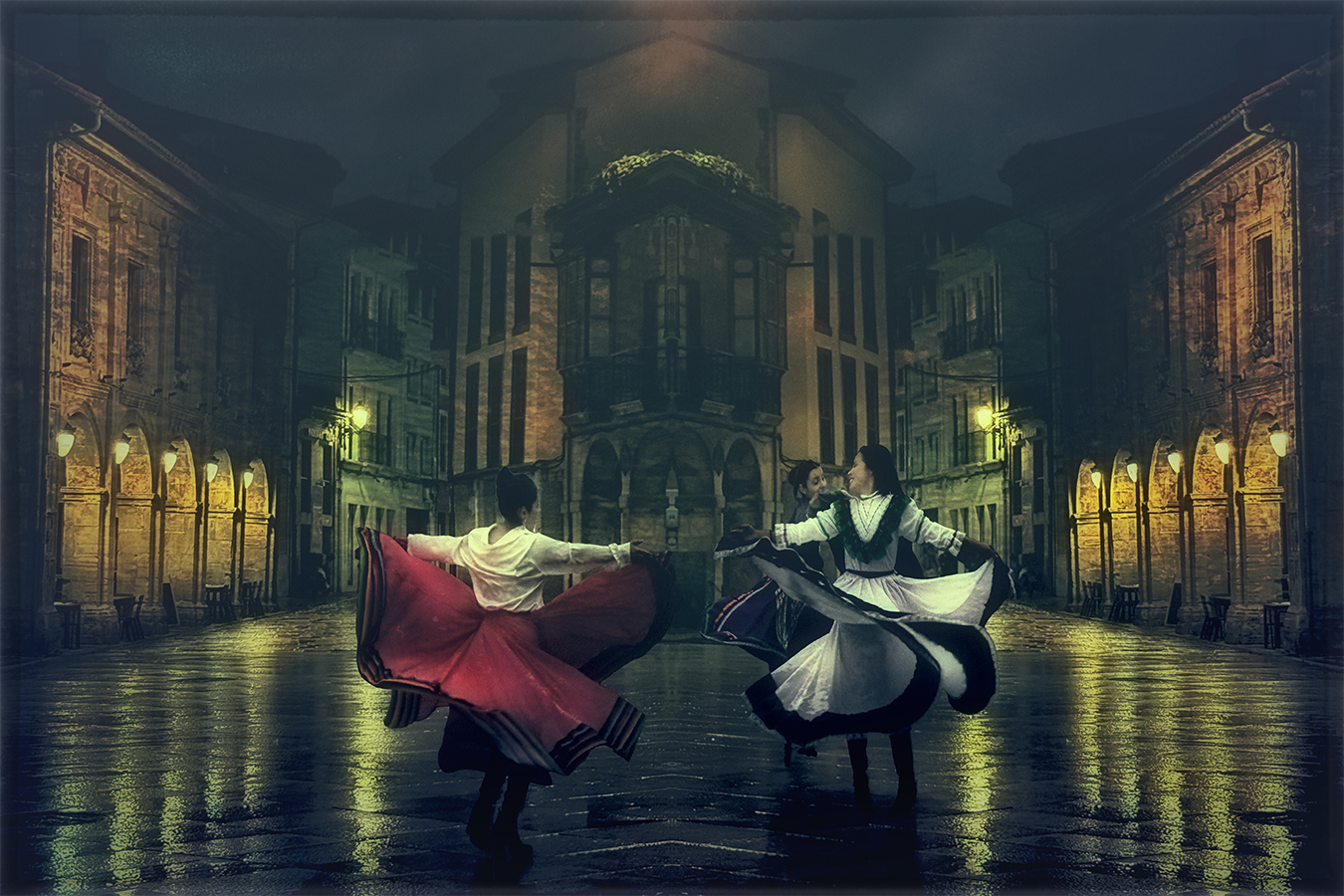
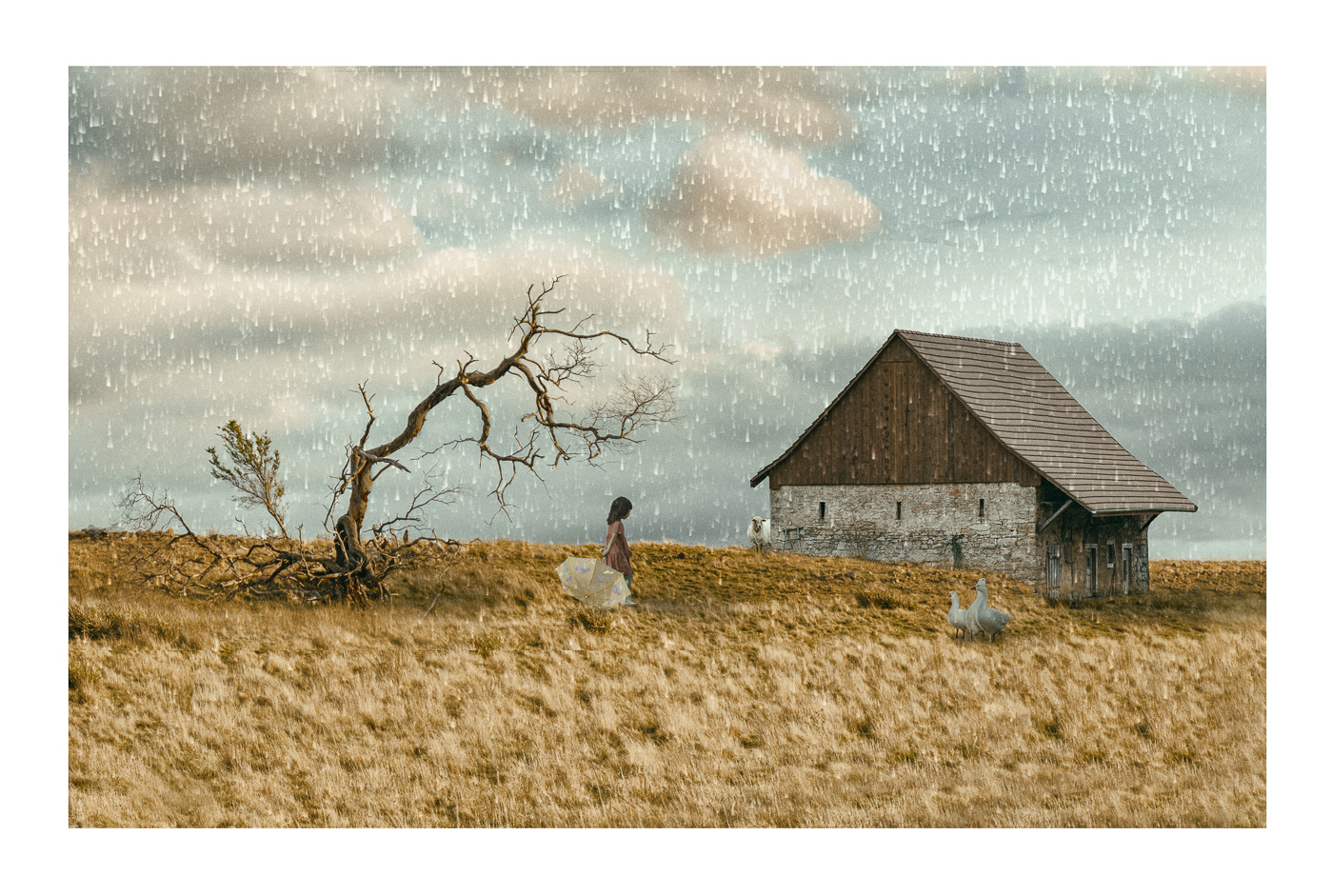
Thanks Peggy for your comment, at the beginning I thought that the rain was a great addiction to the image but now I agree with all of you that it looks better after the rain has passed |
May 14th |
| 54 |
May 23 |
Reply |
Thanks Alan I though that I really like the rain but as much I look the image without it as much a like. So you are right the rain was a bit distracting element. |
May 12th |
| 54 |
May 23 |
Comment |
Hi Brad what a wonderful image that you have created using all this images with water a very different stage of movement. You master blending those images together and the sky is a final touch of light. Well done! I played a little with your image and finalised with this version what I did was blending a little of the water cascade in the right side and light and darken and at the end a vignette was applied. |
May 12th |
 |
| 54 |
May 23 |
Comment |
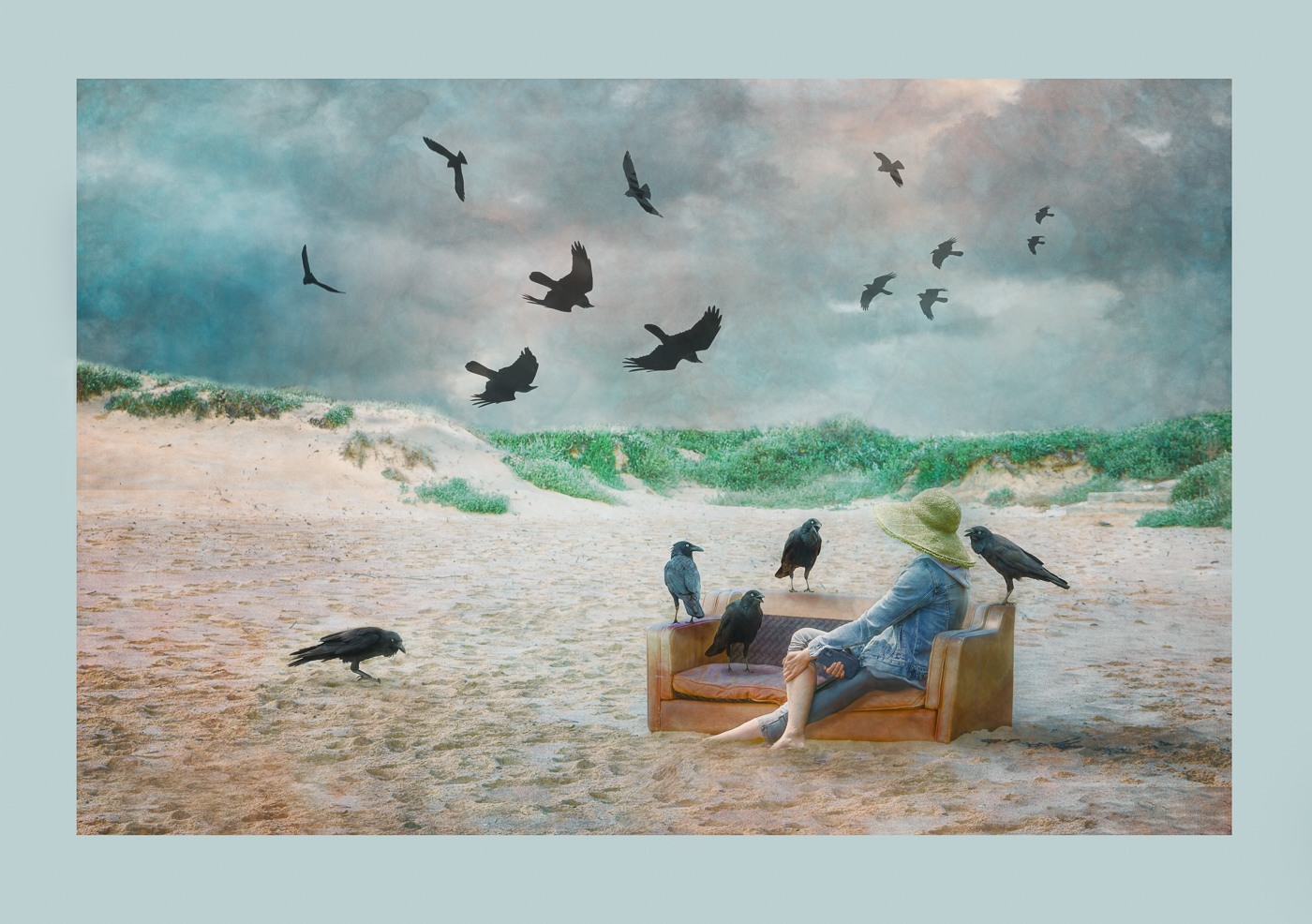
Hi Alan, Thanks for your detailed explanation about the process of putting all together. I like the tones and desaturation of the image and I like how you have placed woman and gate to complement one with the other. The raven is the final touch to the scene. I played with the image a little to darkening the woman's hair as she receiving the light from the door but falling into the dark of the interior and also I light the raven head, darken the body and create a little of shadow in the wall. what do you think? |
May 12th |
 |
| 54 |
May 23 |
Comment |
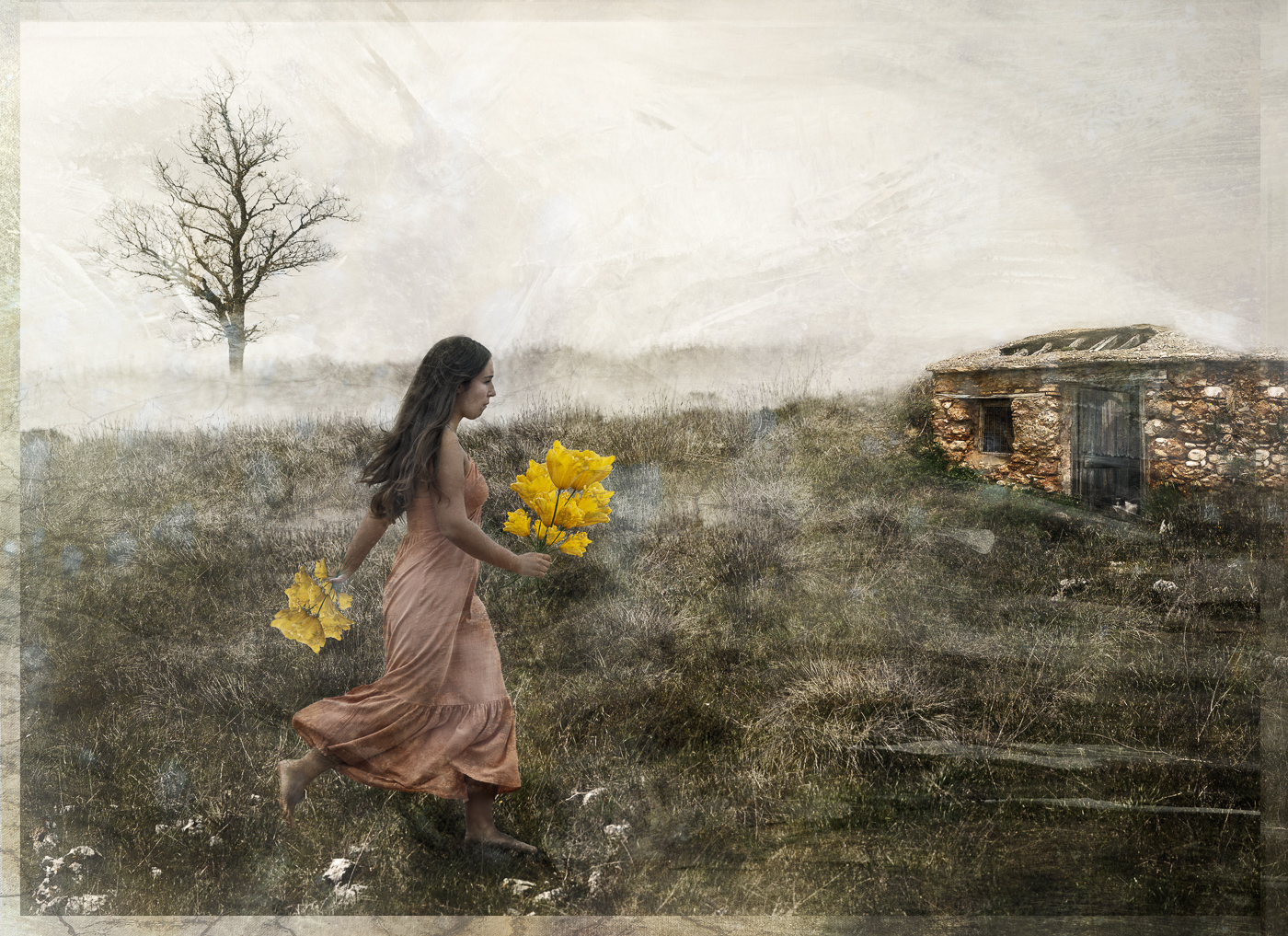
Hi Kirsti, what a lovely image and story that you have created! What I can say is that I love it so much. I like the tones and the way that you have created this ethereal look. The girl under the tree is the key and I agree with Alan crop it totally focus in the story. Well done! |
May 12th |
| 54 |
May 23 |
Comment |
Hi Aavo, you have created a very pleasant composition placing the buildings reflection simulating that it was from the rock.
This create a visual contrast that introduce the idea of what you see could be not the same that it is really there. I agree with Kirsti comment about the blending around the round cathedral and maybe I would crop the sky a little to concentrate more the viewer look in the bottom of the rocks and the reflection. Well done! |
May 12th |
| 54 |
May 23 |
Comment |
Hi Peggy, lovely image that you have created, I like the way that you construct your images and I love this too. I agree with Alan comments about the highlights. Apart from that I find you made a fantastic work blending all together to arrive to your final image.Colours and textures complement your image very well. |
May 12th |
| 54 |
May 23 |
Reply |
Hi Kirsti, Tanks for your nice comment I really like this tree too. I come back to the image and worked in removing the rain that it was in an early stage but I think that at the end I have achieved the same tones. |
May 12th |
 |
| 54 |
May 23 |
Reply |
Hi Alan, thanks very much for your comments, I really appreciated them.
I didn't know Andrew Wyeth's so I have looked for information about his work and I've really enjoyed his work. I am honoured that you have found some similarity between his magnificent paintings and my compositions. |
May 12th |
5 comments - 5 replies for Group 54
|
| 65 |
May 23 |
Reply |
Hi Diana, thanks for your comment I will do!
|
May 16th |
| 65 |
May 23 |
Reply |
Hi Fran, thanks for your comment, I am glad you like it. |
May 16th |
| 65 |
May 23 |
Reply |
Hi Dick, many thanks for your comment I really appreciate it |
May 16th |
| 65 |
May 23 |
Reply |
|
May 15th |
 |
| 65 |
May 23 |
Reply |
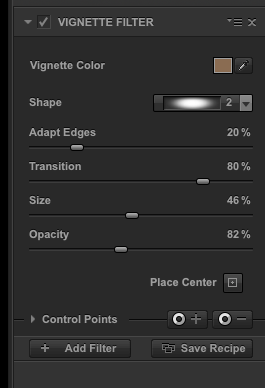
Hi Jodi, the colour picking tool is in the top right, you move the picker over the image and you choose the colour that you like to apply as vignette. With the sliders you can adjust opacity and size.
To illuminate I usually work with a bright and contrast layer increasing or decreasing the amount of light and after painting or removing in the areas that I want to illuminate or darken
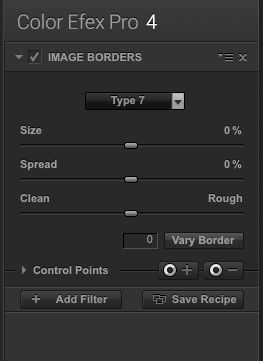
The frame is also applied in Nick color efex you can find it at image borders and the one that I use most of the time is type 7 after accepting the filter I lower the opacity of the layer to achieve the soft look
I hope that this helps you |
May 15th |
 |
| 65 |
May 23 |
Reply |
Hi Melanie thanks for your comment I really appreciated it. I will follow your suggestion about to hang it. |
May 14th |
| 65 |
May 23 |
Reply |
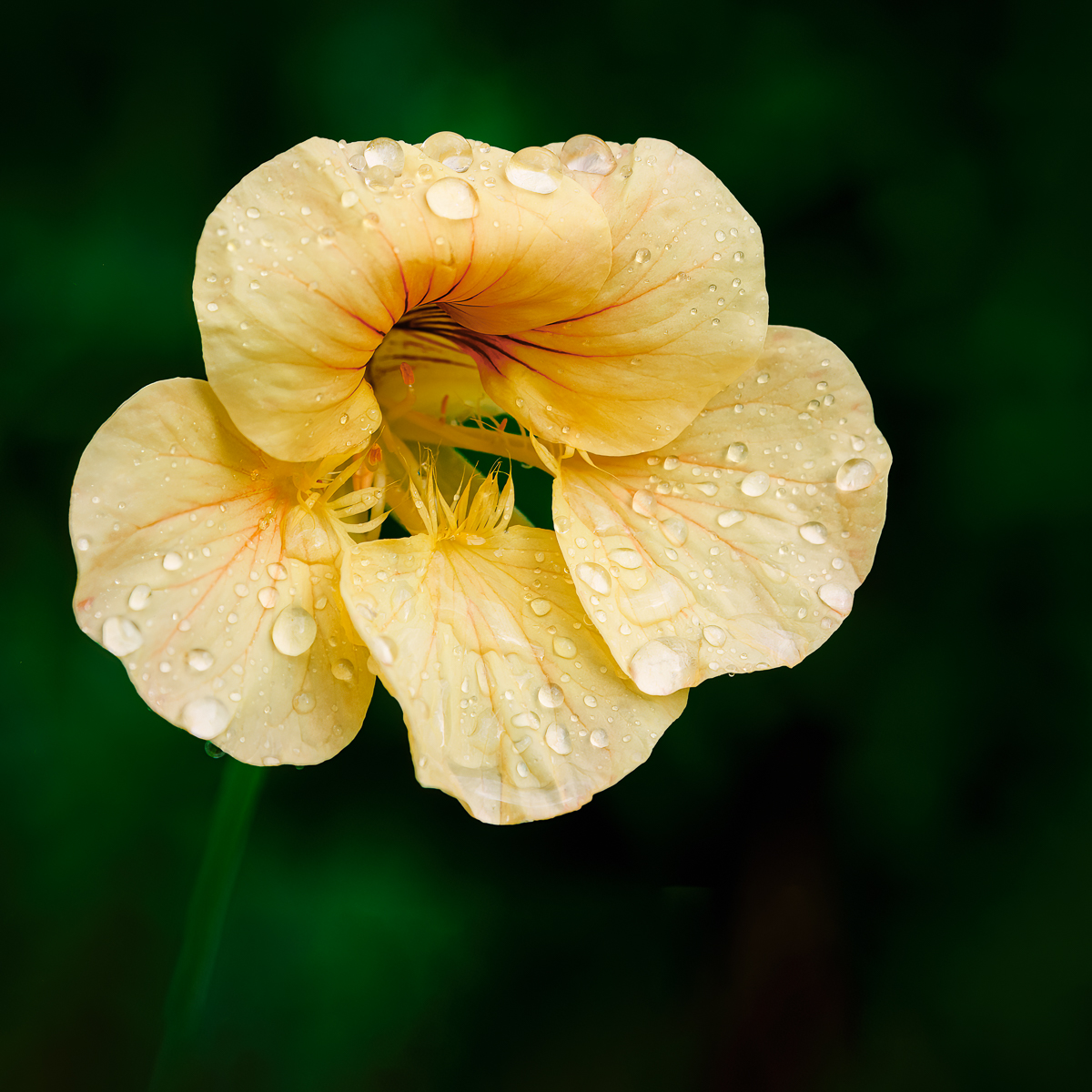
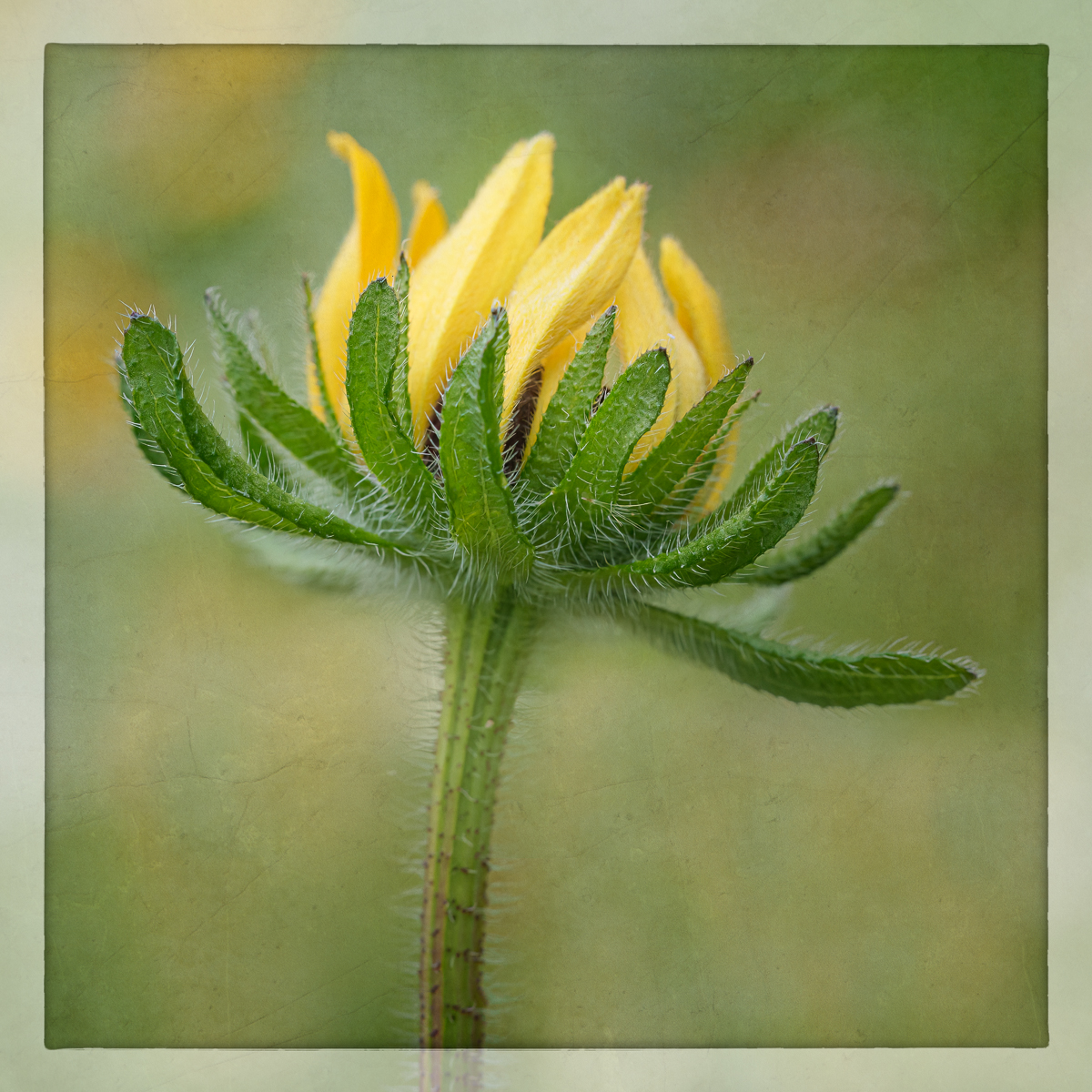
Hi Jodi, Many thanks for your comment I really appreciated it. What I did in the image was very simple I cropped it in square format and In Nick collection applied a vignette and for that I have chosen the colour of the flower and this has softened all the distraction of the edges of the image. Finally I have illuminated a little to create a softer and more ethereal image. |
May 14th |
| 65 |
May 23 |
Comment |
Hi Jodi, I like the vibrant colour of this flower and the uniquest, beautiful shape. You did very well toning down the highlights, it has removed patches of highlights and helped to concentrate in the flowers itself.My only suggestion could be to reduce a little the texture opacity and cleaned it from the center of the flower and applied a slight vignette to help even more to concentrate in the flower |
May 12th |
 |
| 65 |
May 23 |
Comment |
Hi Melanie, the colour and detail of this water lily is extraordinary. You could have a good time touring each petal en enjoying its details. You did well removing distractions in the borders using colour.My only suggestion to improve this image will be to pay attention to some black spots that could be easily removed. |
May 12th |
| 65 |
May 23 |
Comment |
|
May 12th |
 |
| 65 |
May 23 |
Comment |
Hi diana, you have done a wonderful job revealing all the details of this tulip. It is pin sharp al the way from the front to the back. I like the contrast that the background colour introduce in the image but I might like a slight warm green |
May 12th |
| 65 |
May 23 |
Comment |
Hi Fran, I love tulips and this image is a beautiful rendition of a tulip. I like the pale palette and I find the texture is working well with the tones. I might suggest to play with the blending modes to discover different versions of the same image. |
May 12th |
| 65 |
May 23 |
Comment |
Hi. Dick, I love what you did with this milkweed. I really like the soft tones and the detail in the seeds as well the texture in the dry leaves. You have created a piece of art! well done. |
May 12th |
6 comments - 7 replies for Group 65
|
| 72 |
May 23 |
Comment |
Hi Isaac, Beautiful rendition of a walrus. You have done a very nice work in edition revealing all the detail and colour variations of this walrus and recovering the water colour.Very interesting character. |
May 12th |
| 72 |
May 23 |
Comment |
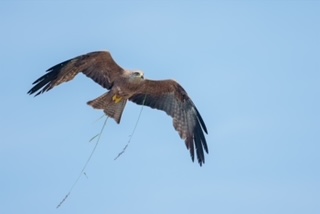
Hi Adrian, what a fantastic bird that you have captured in the right moment to compose your shot. I like the crop of the image and I agree with the others that whites are overexposed. Sunny days and white feathers don't have a good relations ship resulting most of the times in overexposed areas of the bird. |
May 12th |
| 72 |
May 23 |
Comment |
Hi Marie, I would love to be only 45' from this great place where you can find this beautiful Blue Herons. There aren't here in Sydney unfortunately.
You did a great job recovering detail and colour due the tight crop and I agree with Issac and Bruce about giving more room in the left site.
You will have to come back soon so you can see the chicks in the nest. |
May 12th |
| 72 |
May 23 |
Comment |
Hi Barbara, You have captured in a beautiful way this fellow that is relaxing enjoying its day. I like the crop of your image it really make the bear stand up as a center of attention. You did a great job in edition recovering all the detail of its fur Well done. |
May 12th |
| 72 |
May 23 |
Comment |
Hi Mary, what a beautiful to loss and find nice places like this. I have to agree with the other about the colour version and the crop but I love to playing with black and white images This is my version using layers to paint light and shadows after that I place a filter of Nick collection analog efex pro and removing the effect in the areas that I didn't like. |
May 12th |
 |
| 72 |
May 23 |
Reply |
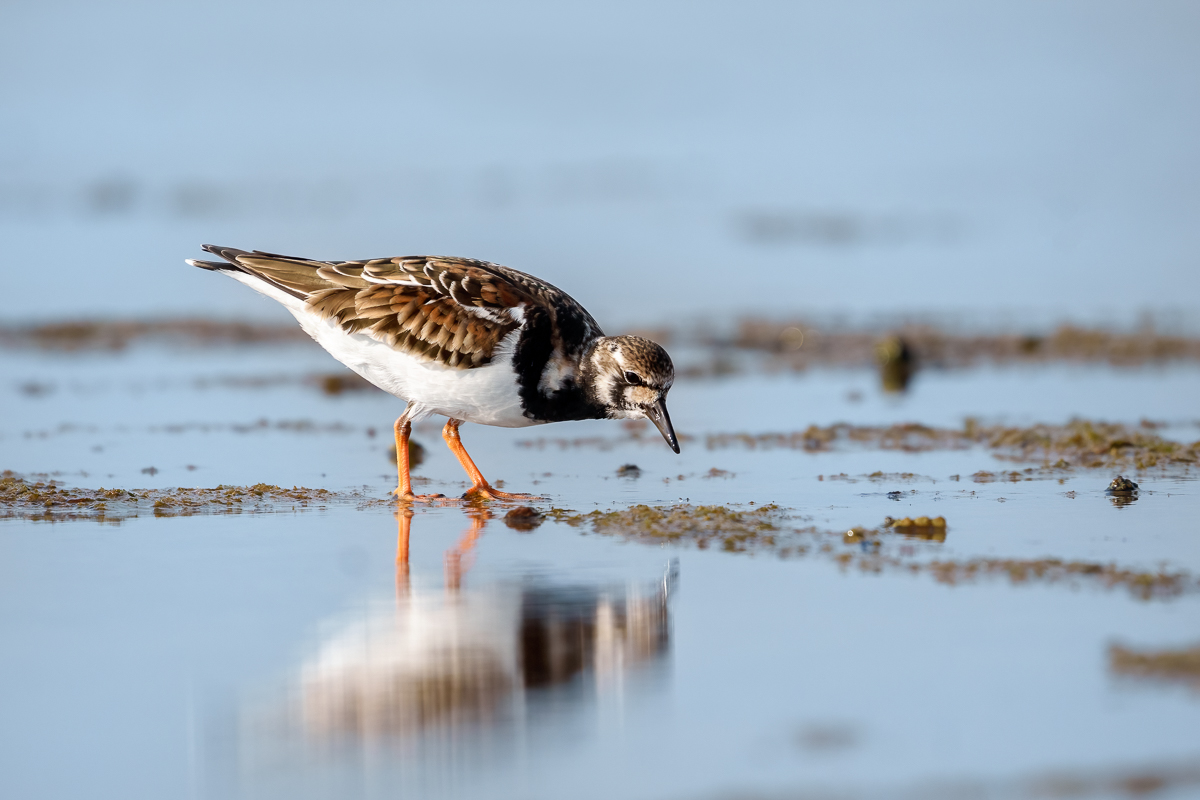
Hi Bruce , thanks for your comment and suggestion I really appreciate it. I took that afternoon many shoots and only a few were successful, so difficult to get those little birds. |
May 12th |
| 72 |
May 23 |
Comment |
Hi Bruce this is a beautiful image of a tulip field. I love the painterly effect the the image has, the leading lines and the strangeness colours guide us to the end of the image that is pin sharp all the way. I was playing with the image a little filling the right area and cropping in a square format. I have also introduce a little of blur in the line of the horizon to create deep, darken a little the up part of the sky and lighten the line of the horizon |
May 12th |
 |
| 72 |
May 23 |
Comment |
Thanks Isaac for your comment and suggestion, your edition really improve the final result. I will re-edit the image following your advise. |
May 3rd |
7 comments - 1 reply for Group 72
|
18 comments - 13 replies Total
|