|
| Group |
Round |
C/R |
Comment |
Date |
Image |
| 39 |
Mar 25 |
Comment |
This image has strong contrast and details in the upper portion and draws the viewer in. The vertical format works well for the subject, and the reflections lead the viewer in.
I agree with the crop that Fran did, however, with or without that crop, it tends to be off-balance due to the in-camera crop at the top. I would like to see more at the top. I think the crop by Paul creates more balance but the top is still heavy.
Just for fun I too Pauls image and added to the top. Let me know what you think. |
Mar 20th |
 |
| 39 |
Mar 25 |
Comment |
Kudos to everyone on the interaction over this image. |
Mar 20th |
| 39 |
Mar 25 |
Comment |
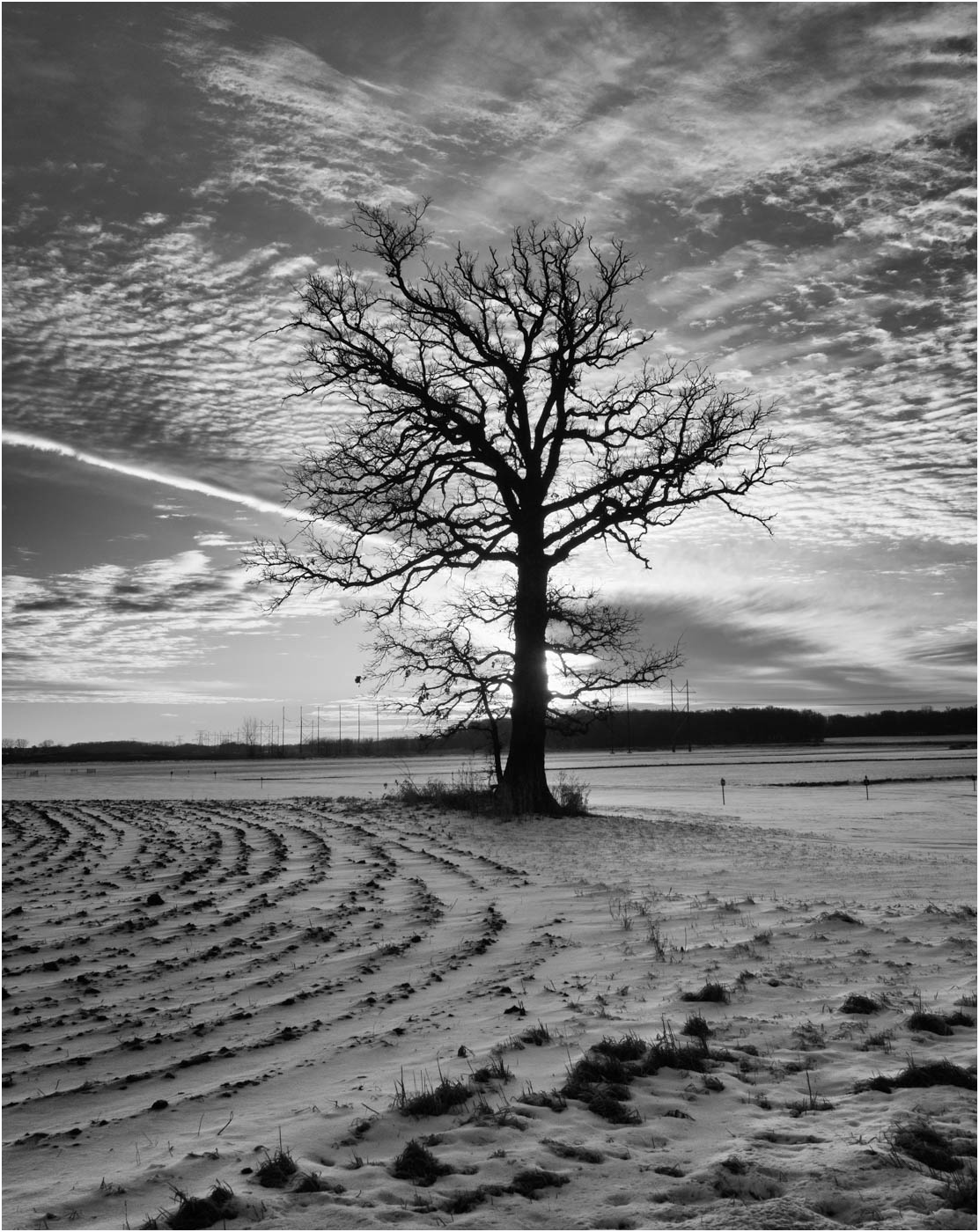
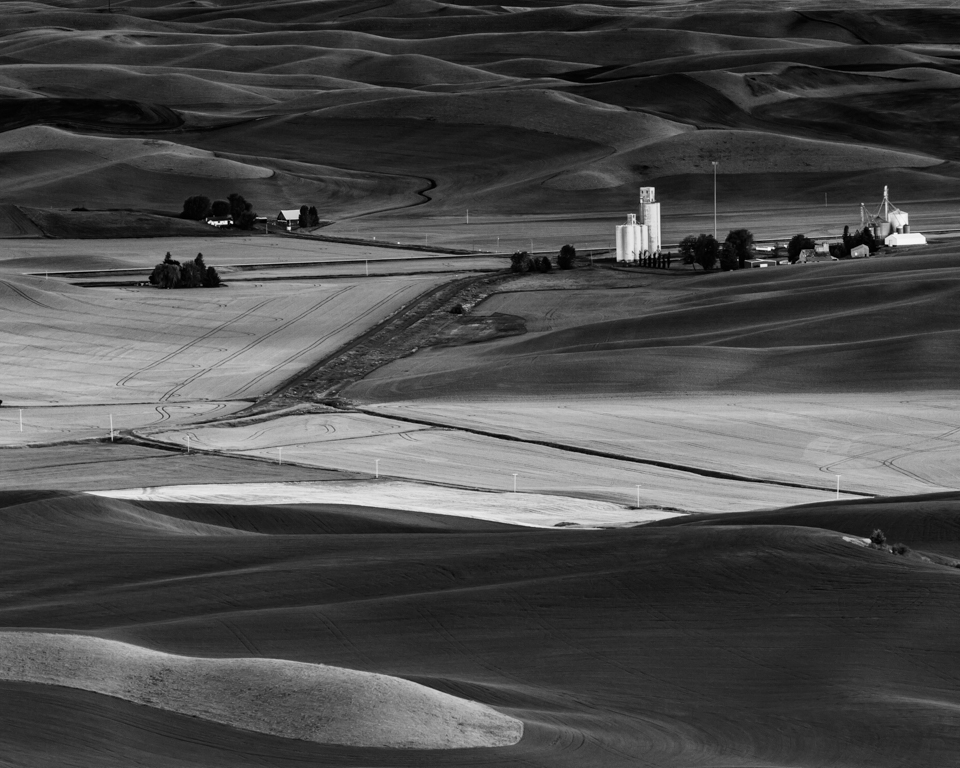
I find the image to be interesting and works in B&W. The road is a good compositional element leading the viewer in. The almond trees have very good contrast and detail. The important thing is something here caught your eye, and you tried to capture it.
Like others, I would agree with shooting and working with the color version before converting to B&W. The change to a more Pano effect adds impact and interest to the image. For me, the almond trees are the subject, and the old tree holds the viewer in the image. It might also add to the impact if the sky were lightened some. See attached. |
Mar 20th |
 |
| 39 |
Mar 25 |
Reply |
My bad, I accidentally deleted the image that Mary Ann had added. Here it is. |
Mar 20th |
 |
| 39 |
Mar 25 |
Comment |
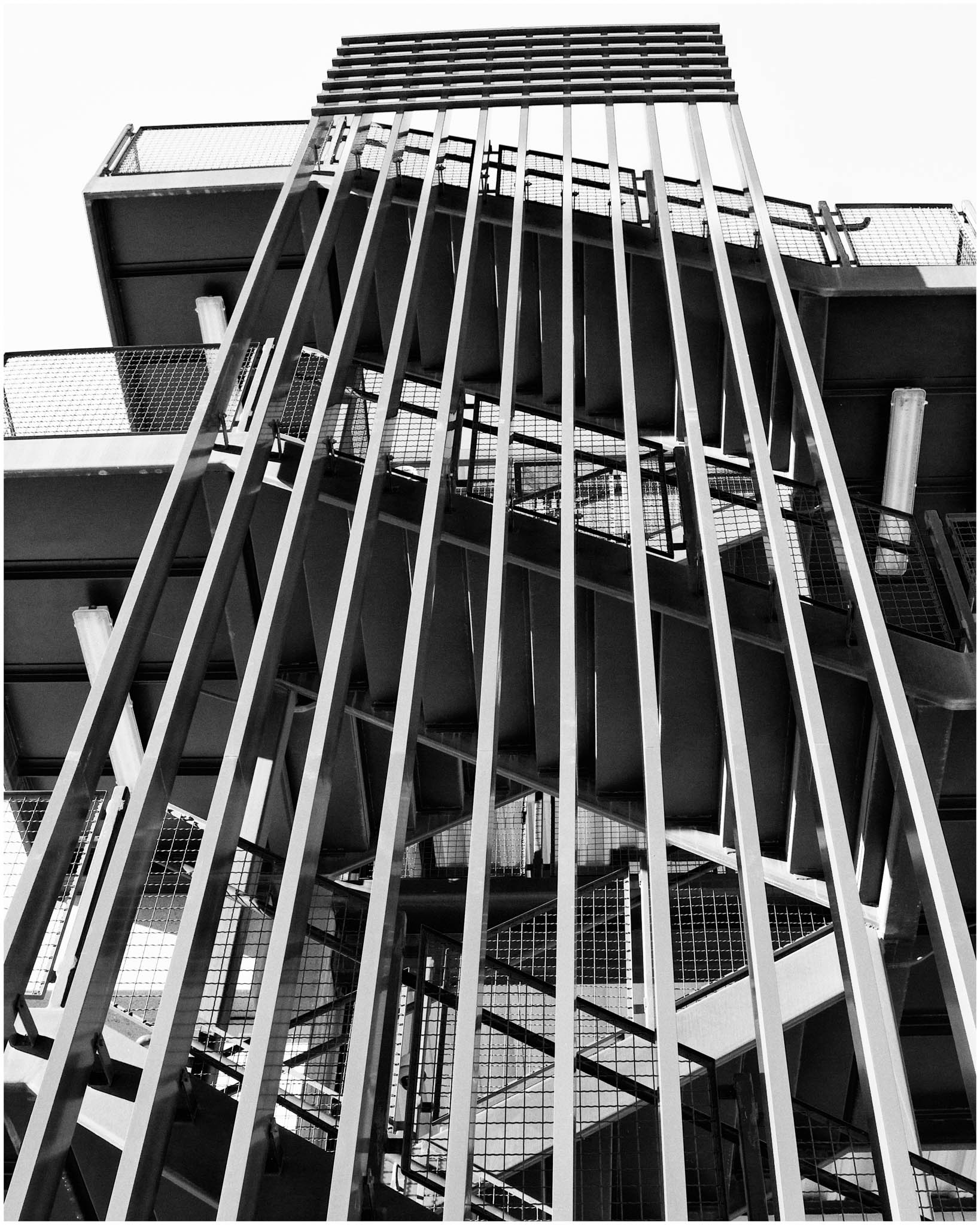
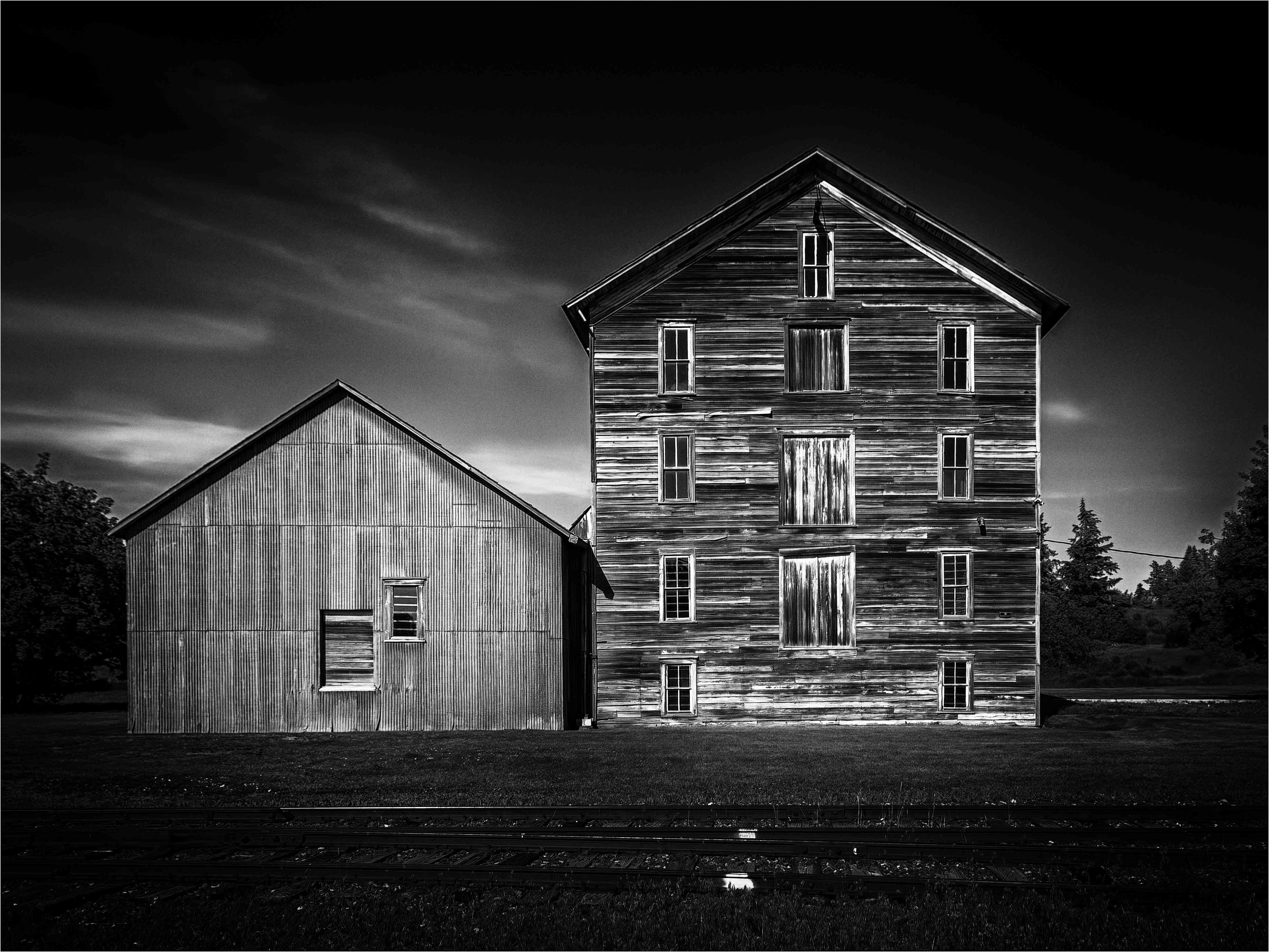
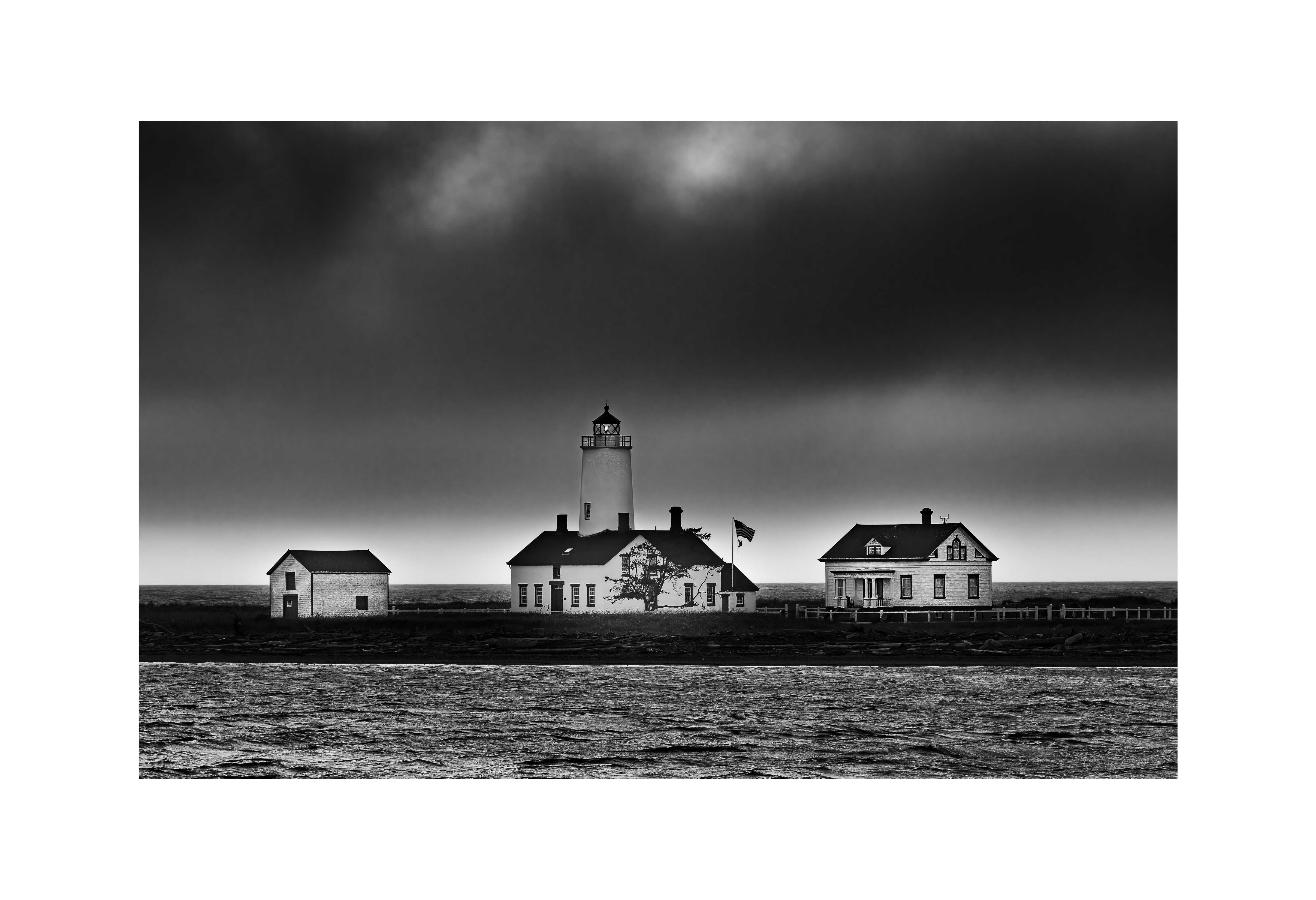
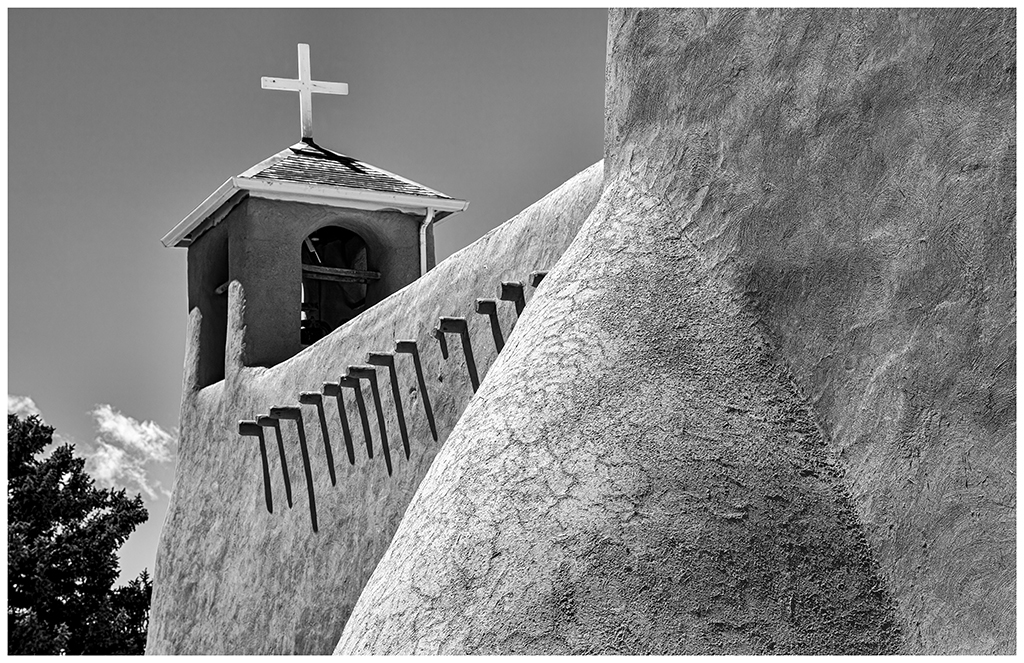
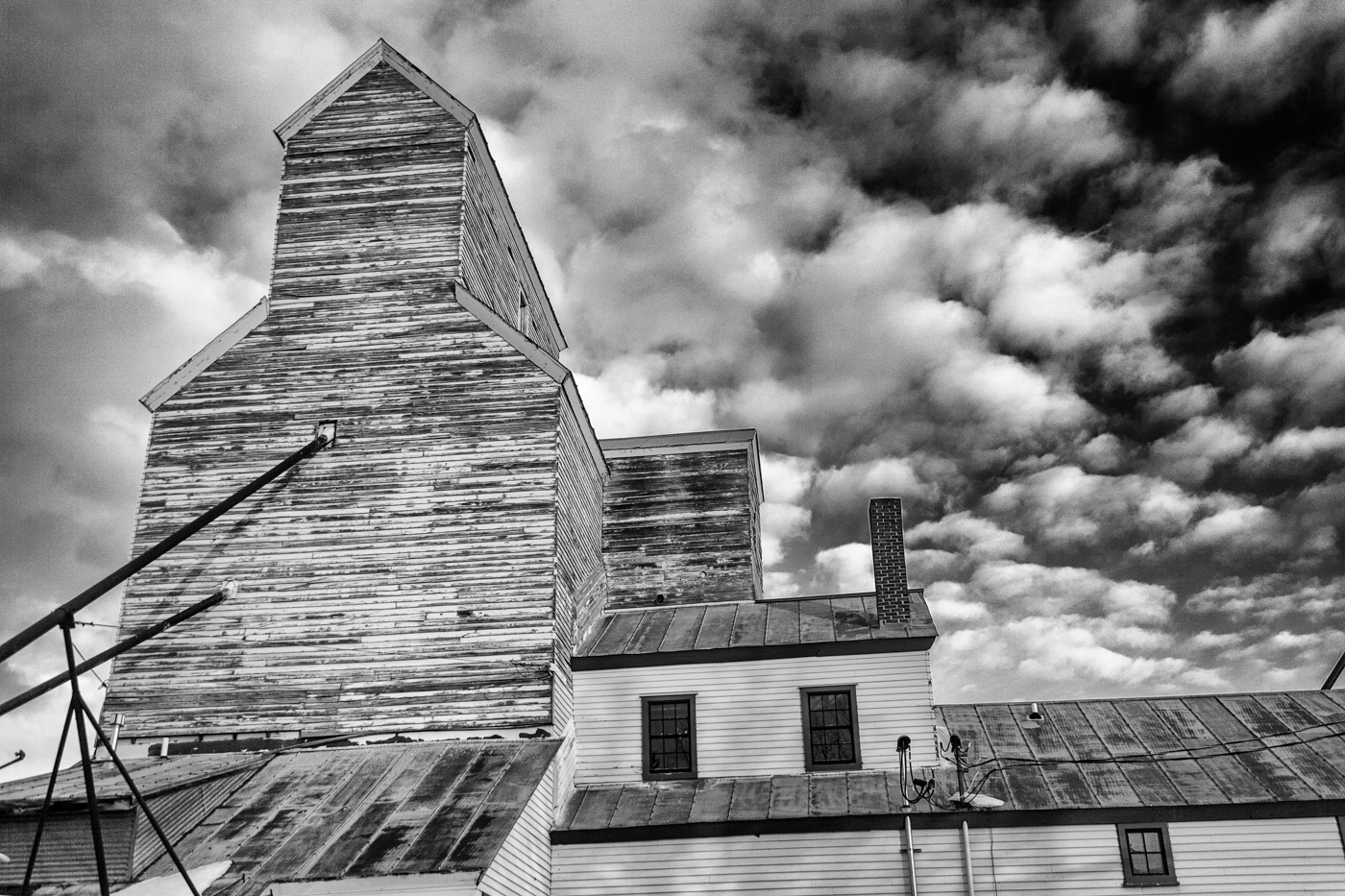
The angle provides a strong impact to bring the viewer in. The DOF gives dimension and great detail to the building. The angle of the wall frames the building and acts well as a leading line into the image. The tones and contrast are right on, and add to the overall impact.
Not sure I like the contrails, they are a bit distracting. They can be removed the same way as the electrical wires.
To remove the wires in Photoshop, create a new layer that will appear above the image layer. Then select the Remove tool, it is a new tool. With the Remove tool selected, select Find Distractions at the top and select Wires and Cables. It will then open a popup box, "Removing area...". This may take a while. Sometimes, it works well, other times, not so much. There can be more to this, depending on results. Any questions, let me know. |
Mar 20th |
| 39 |
Mar 25 |
Comment |
I saw the chairs first thing, and I think the B&W is much stronger as it brings out more texture throughout the image. The composition is strong, and, sorry Fran, I don't think cropping it helps because, to me, the chairs are only a part of the image, not the subject. The shapes of the gravestones and the tiles at the bottom tend to lead to the chairs, giving them a little more attention.
All the elements work well together to create a strong image.
The border could be a little thinner to avoid pulling the eye. |
Mar 19th |
| 39 |
Mar 25 |
Comment |
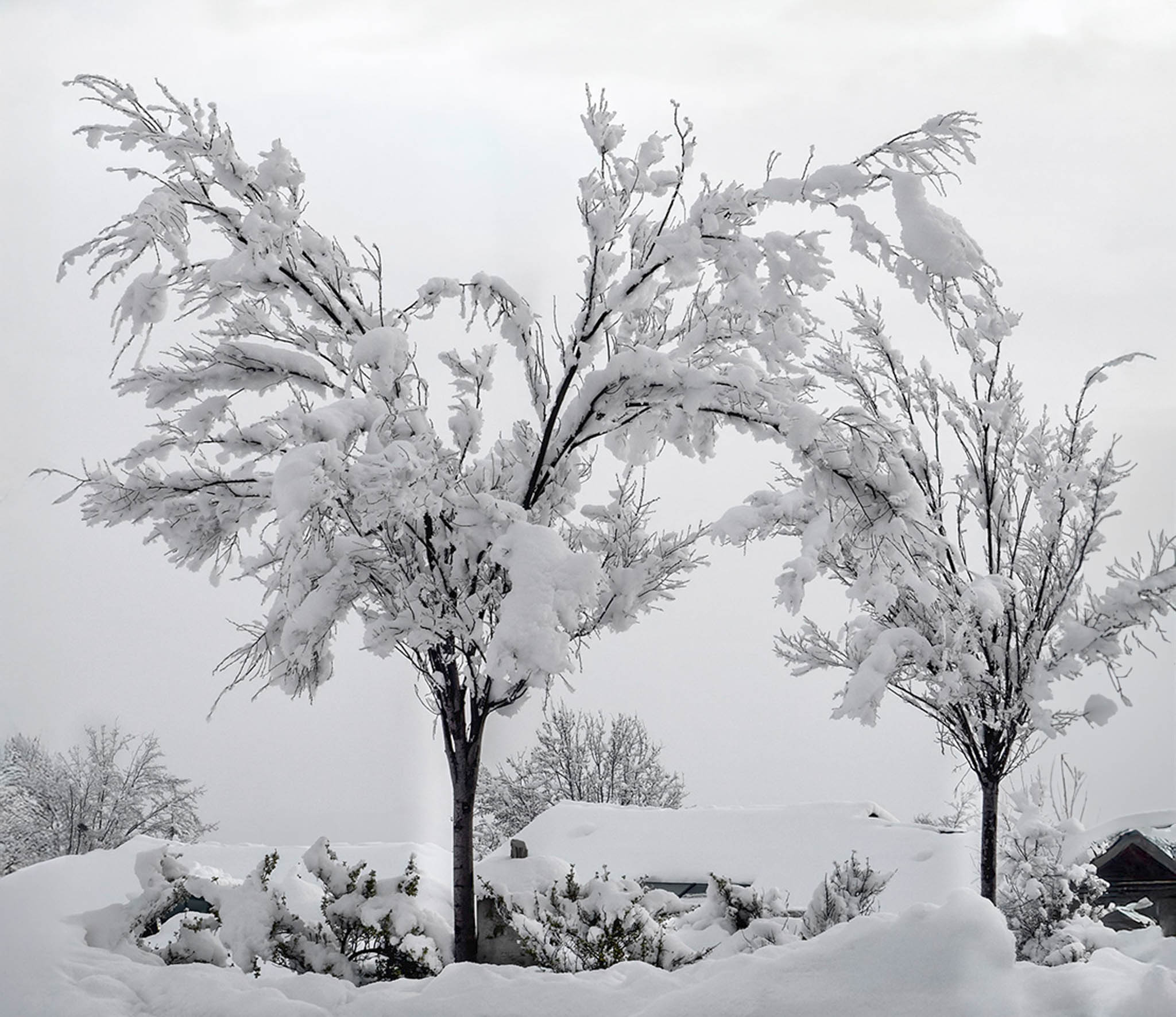
I enjoy snow when it covers trees like this. We had this happen a few times this winter, but I could not get myself to go out and take pictures, I should have.
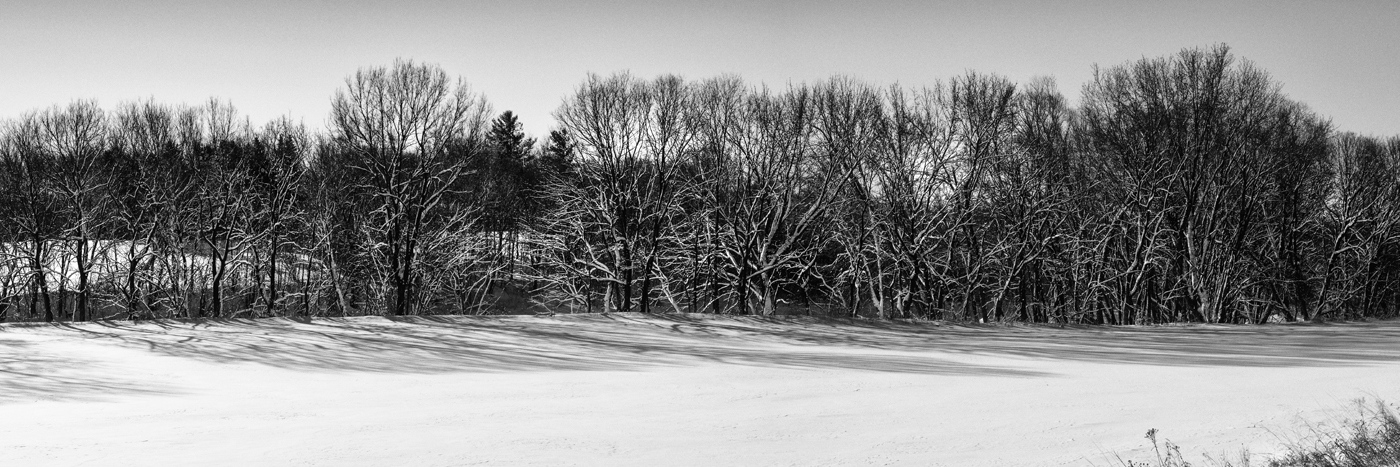
The contrast between the pure white snow and the tree trunk and branches, as well as the lighter background, creates a strong impact. The square crop works well for the subject, and the conversion to B&W, which removes the blue tones, is well done. The removal of the car and lights is a good choice, as they were a bit distracting. The removal of the harsh/dirty snow at the bottom is another good choice.
The tree at far right, being dark, tends to pull the eye and create an imbalance. If you use Lightroom or Photoshop, it can be removed. I also cropped a little from the bottom. See attached.
|
Mar 19th |
 |
| 39 |
Mar 25 |
Reply |
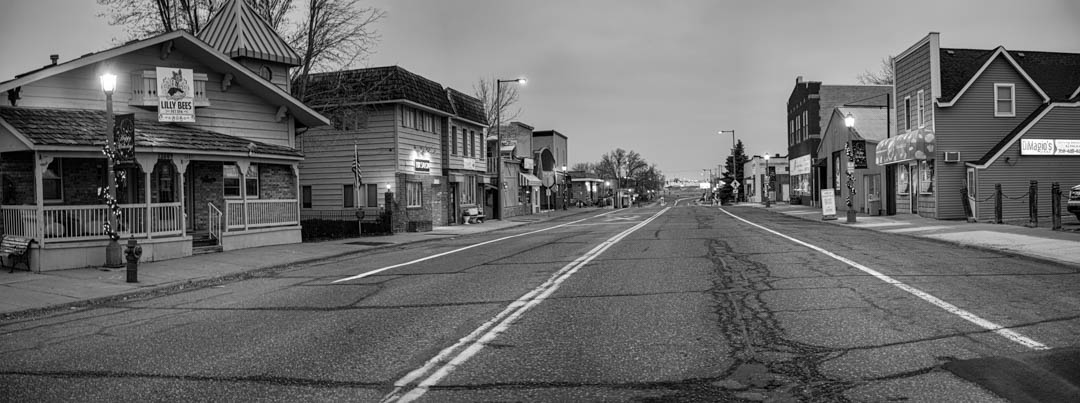
These work also. The one thing I like, though, is the city lends to more of a pano than a square. I might try to remove the brush on the left. |
Mar 16th |
| 39 |
Mar 25 |
Comment |
Thanks, thought I saw something about removing lines, I will give it a try. Will also try removing the foliage.
|
Mar 15th |
7 comments - 2 replies for Group 39
|
7 comments - 2 replies Total
|