|
| Group |
Round |
C/R |
Comment |
Date |
Image |
| 39 |
Mar 24 |
Reply |
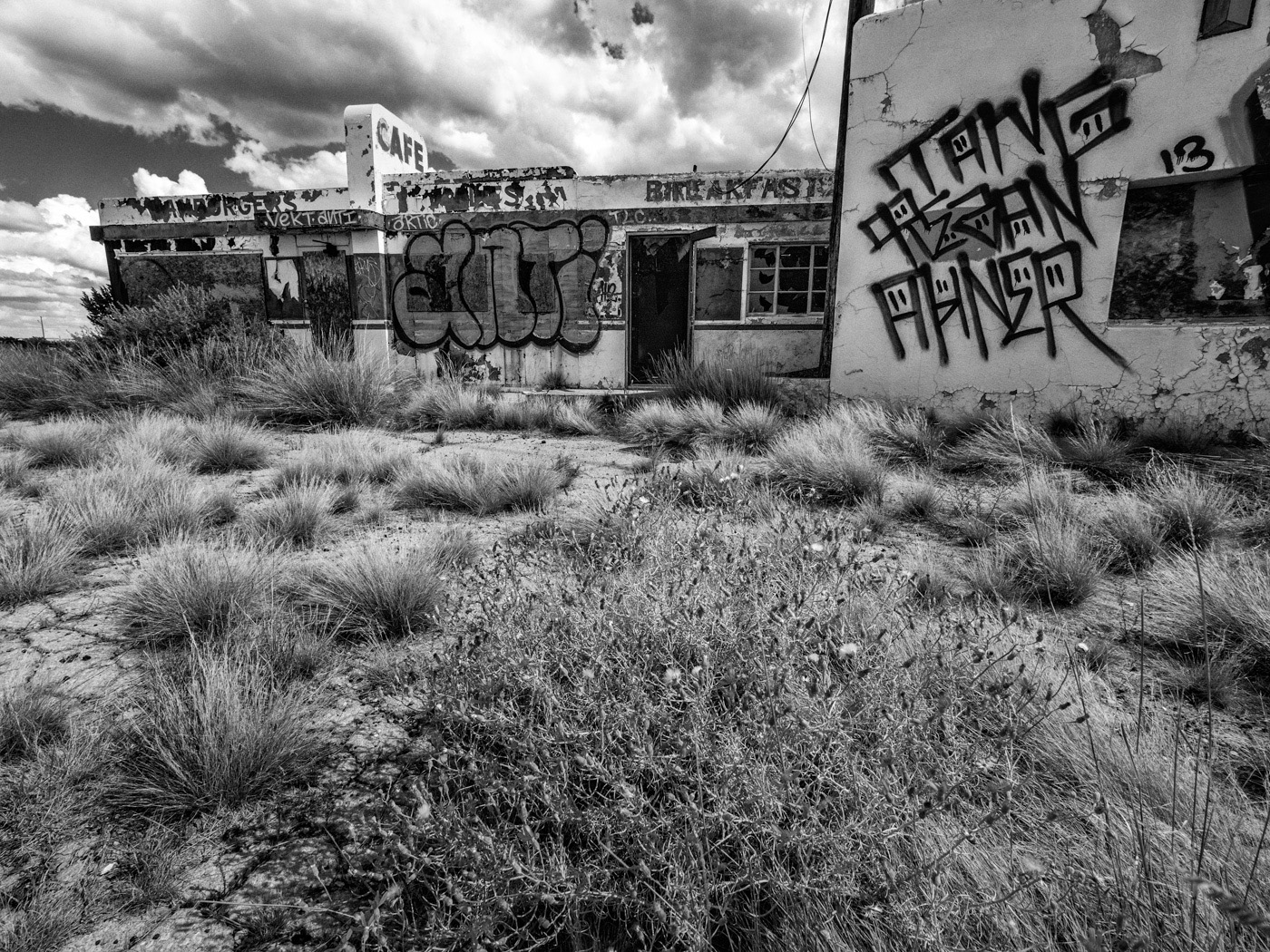
I used the Original2 image, selected the whole image, then ran generative fill and what you see is what I got. It does not work that way anymore, so something must have changed. It makes a completely different image when I try it now. |
Mar 20th |
| 39 |
Mar 24 |
Reply |
I don't recall getting anything about not using AI, did that come from PSA? Either way I don't see using it, I like taking and working on my own images. |
Mar 20th |
| 39 |
Mar 24 |
Reply |
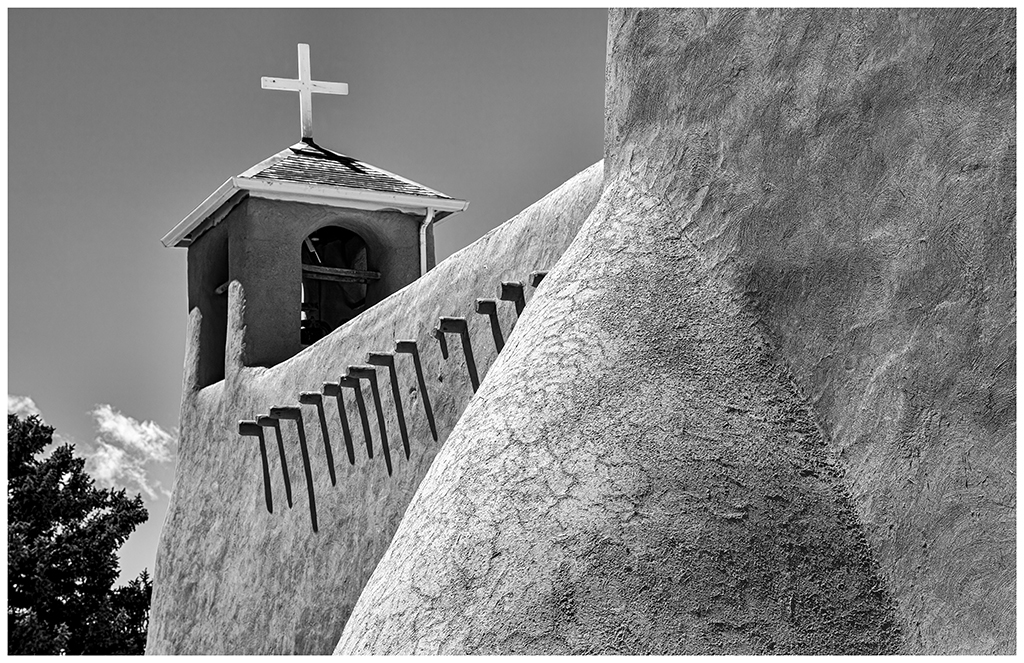
I guess I was not clear. If you are not using or keeping up with Photoshop you would not know it has a new tool called Generative Fill AI. You can select parts or all of an image and apply just about anything you want. PS will then create multiple images from which you can select and work with. Once you have a selection, there is a box to type in what you want changed, added, subtracted. I used the Original 2 image to Generate Fill and typed in "spanish house with cactus" and got three images to select from. I selected one of them, and converted it to B&W. Looking closely between Original 2 and the B&W version, forget the sky, there are differences in the texture, the entryway has changed a lot, the light fixture has changed, etc.
However, since I did this I think the Generative Fill has been changed as I can't replicate what I did, now it creates totally different images. |
Mar 18th |
| 39 |
Mar 24 |
Reply |
The jury is still out on AI as far as I am concerned, in fact I don't see using it in my photography, just wanted to play with it a bit. The original image is, "Original 2", "Original" is after applying AI, the B&W was converted from "Original". I didn't direct the AI conversion, I just let it do its thing and then picked the one I liked best from the 3 or 4 it created. |
Mar 15th |
| 39 |
Mar 24 |
Comment |
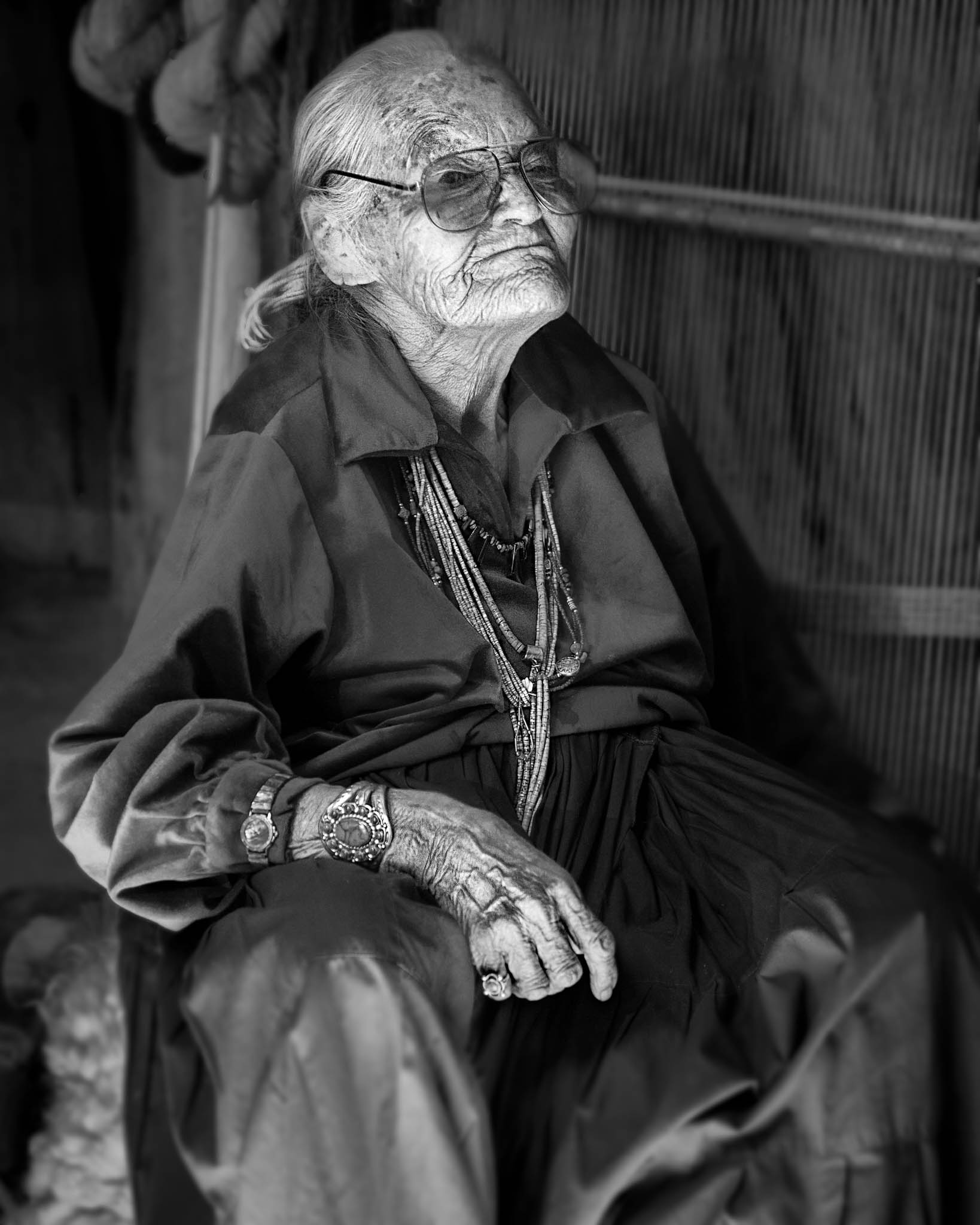
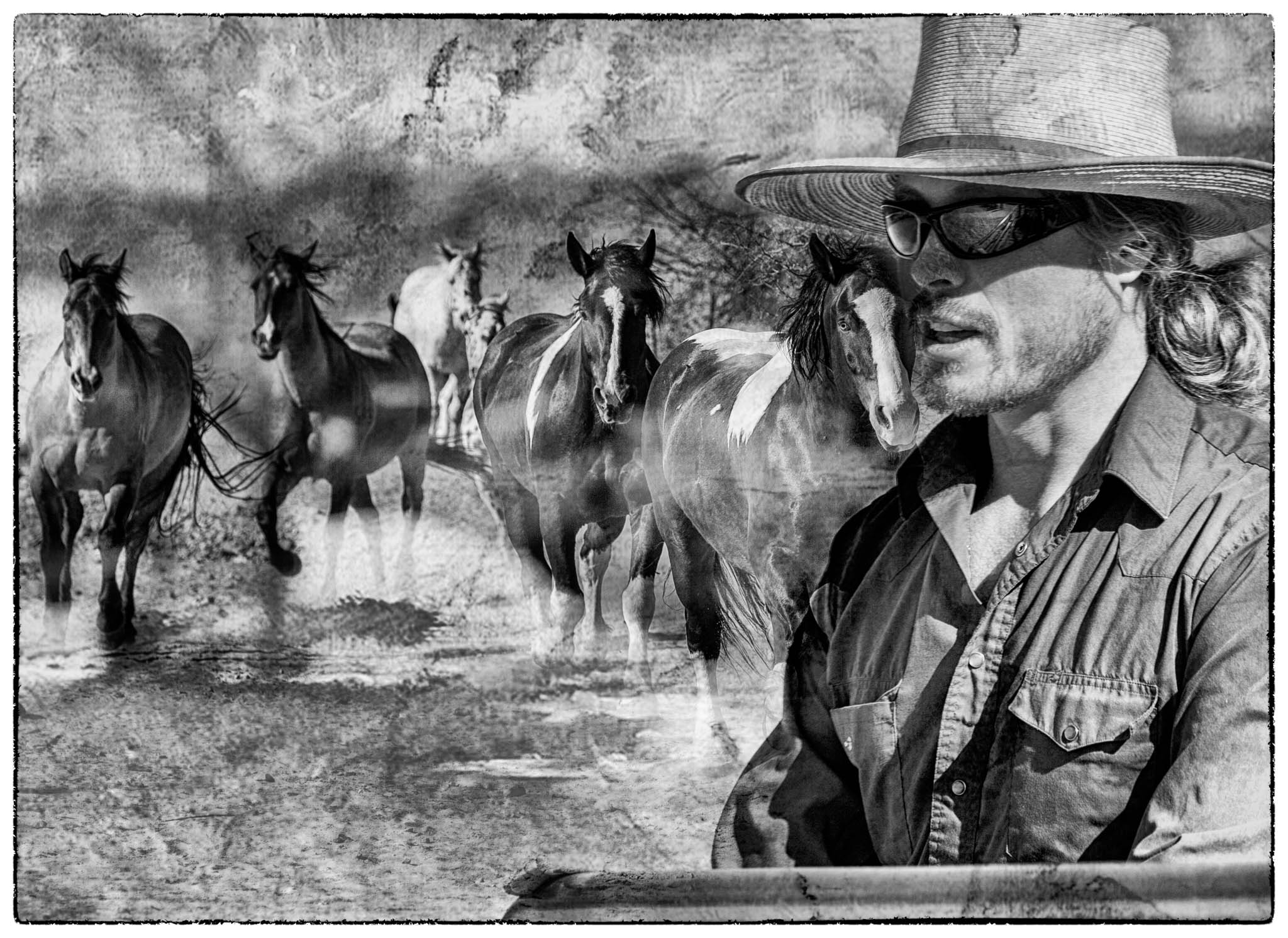
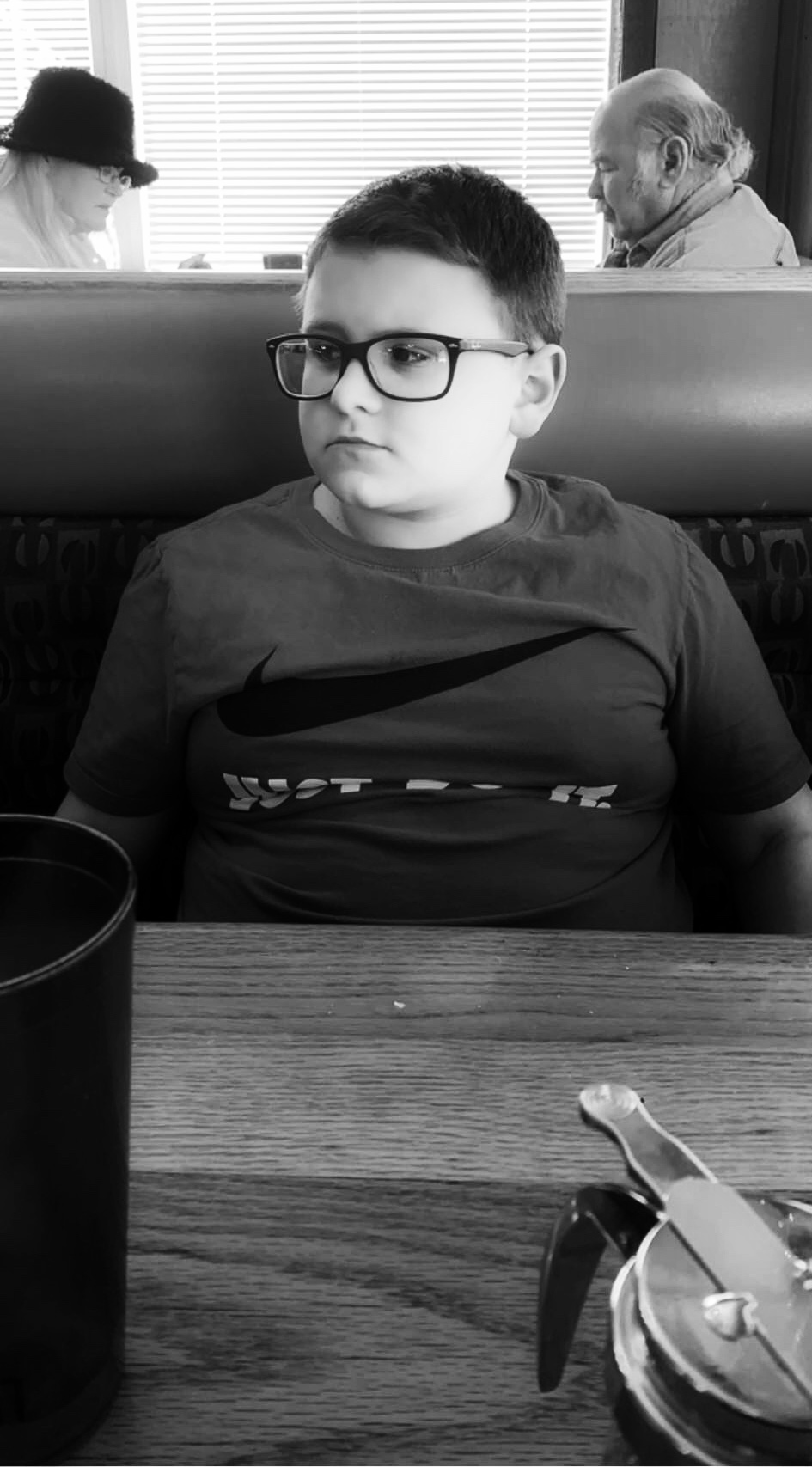
Very strong image, the lighting is excellent. The subject knows how to pose which helps a lot.
All I can suggest is a thin stroke around it to keep it from bleeding into the background.
A title would be good and a little more about how, when where etc. |
Mar 11th |
| 39 |
Mar 24 |
Reply |
Thanks, Next time, if I try AI again. |
Mar 7th |
| 39 |
Mar 24 |
Comment |
Quite dramatic, the Live Photo works well to smooth the water. I have tried that before and the phone can be set to repeat so that it looks like the water is moving.
The tones and contrast are very good and the smooth water over the rocks is a strong element. Great clouds and the bird is an added bonus. |
Mar 7th |
| 39 |
Mar 24 |
Reply |
Sorry, I meant the the fingers, they look a bit soft. |
Mar 6th |
| 39 |
Mar 24 |
Comment |
Well done, sharp, great tones and contrast. The cat looks very regal, relaxed and posed.
Would not change anything.
BTW, we should all be sharing the stories behind our images, when, where, what, why, how, what we were after, what it took to get the shot etc. etc. It is as important as the camera and settings information. Take some time and tell your story |
Mar 6th |
| 39 |
Mar 24 |
Comment |
Tells a sad story and I feel sorry for this poor Orangutan. The lighting, the DOF and composition are strong. I think it is a strong image.
The only thing I see that is off is the focus is soft, but for the subject and story I don't think it matters. Artist choice. |
Mar 5th |
| 39 |
Mar 24 |
Comment |
An interesting study in shapes and tones. I doo like the people walking by, compositional they are in the right position as the shapes tend to flow to them.
Some of the whites are a bit blown out, especially on the right side. I might crop the right to eliminate some of the stark white of the column and on the left to eliminate the post in the window and maybe from the bottom to remove some negative area of the floor. |
Mar 4th |
| 39 |
Mar 24 |
Comment |
A very strong image with a story. The light on the subject brings the eye right there, then I see here hands on the computer followed by the lights then the window reflections and finally the half frame of the window. It all creates a composition that compels one to look long. The conversion to B&W has much more impact than the color version and the tones and contrast, right on.
BTW, I find this strangely familiar to the one I was made to take down because of invasion of privacy. Don't be surprised. |
Mar 1st |
6 comments - 6 replies for Group 39
|
6 comments - 6 replies Total
|