|
| Group |
Round |
C/R |
Comment |
Date |
Image |
| 88 |
Mar 23 |
Reply |
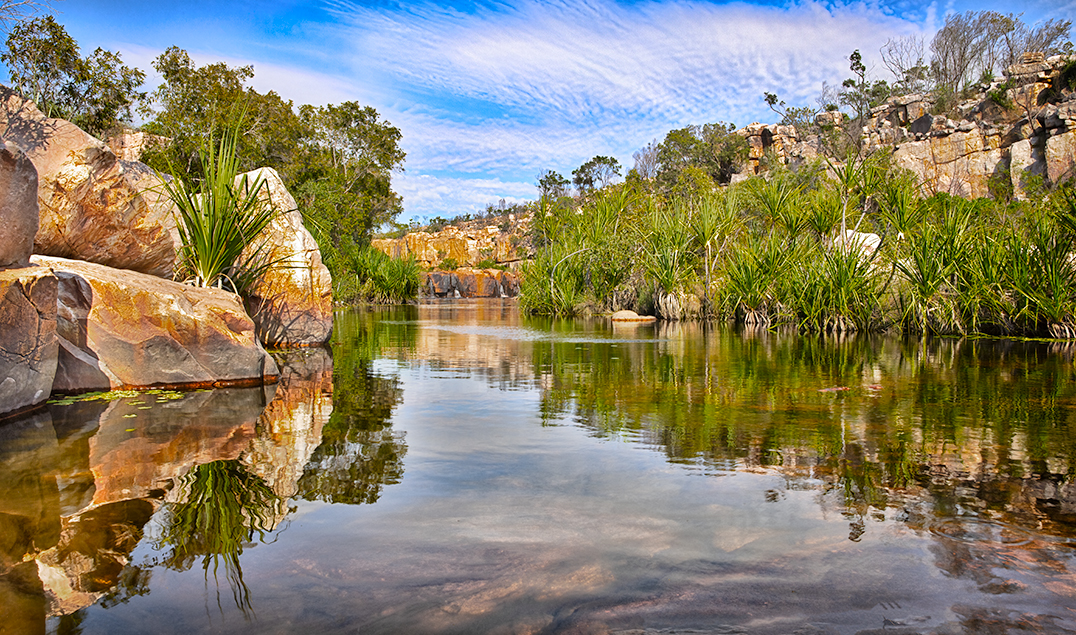
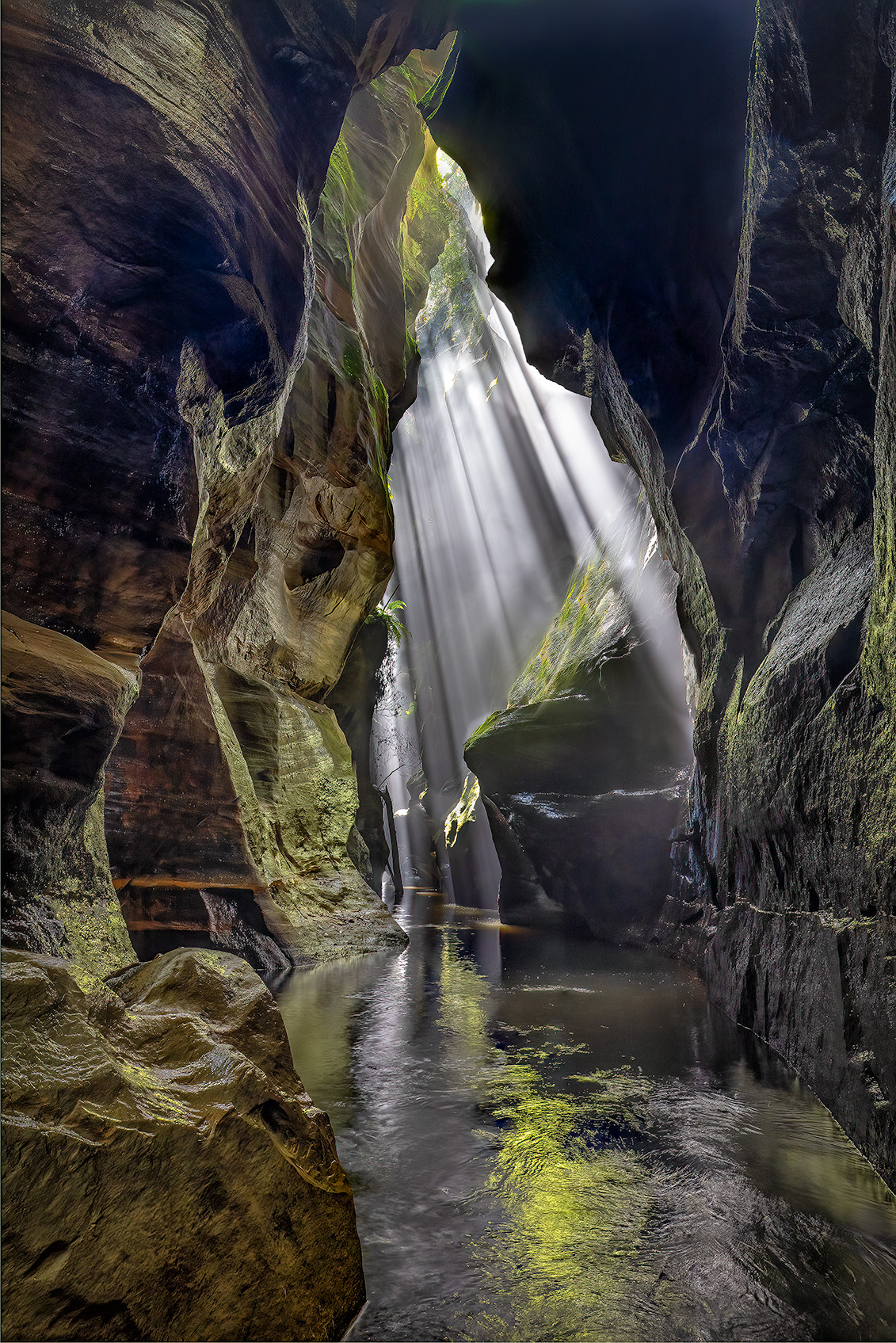
Hi Quang. Thanks for the encouragement. I was taking bracketed images which I then processed as layers in photoshop. It wasn't with Auto HDR. It achieves some depth with the stream disappearing into the canyon, but I agree that there could be more depth. I would have to play with it, but Id use the techniques of darkening and more sharpening in the foreground, lightening up the background perhaps with a little blur or dodging and burning to lead the eye. A project for a rainy day.
|
Mar 26th |
| 88 |
Mar 23 |
Reply |
Hi Trey. Thanks for your input. Your comments are spot on relative to creating Drama with the light, but that wasn't what I wanted. I was looking for a magnified "wow" factor and chose to bring out the colours in the walls strongly.
The texture in the water was again deliberate as I wanted to show movement in the stream. You can see the movement in the "original" image, and I punched this in processing.
The black area top right is a big disappointment. It's plagued me trying to do something with it. I needed another bracket in the series to be another stop or two overexposed to capture the detail, but I was getting light spill at the exposure I was using, so I need to learn another technique. I guess I could clone from different images to sort it. I've done a reasonable amount of dodging and burning to give dimension to the walls.
|
Mar 26th |
| 88 |
Mar 23 |
Comment |
Hi Sanat.
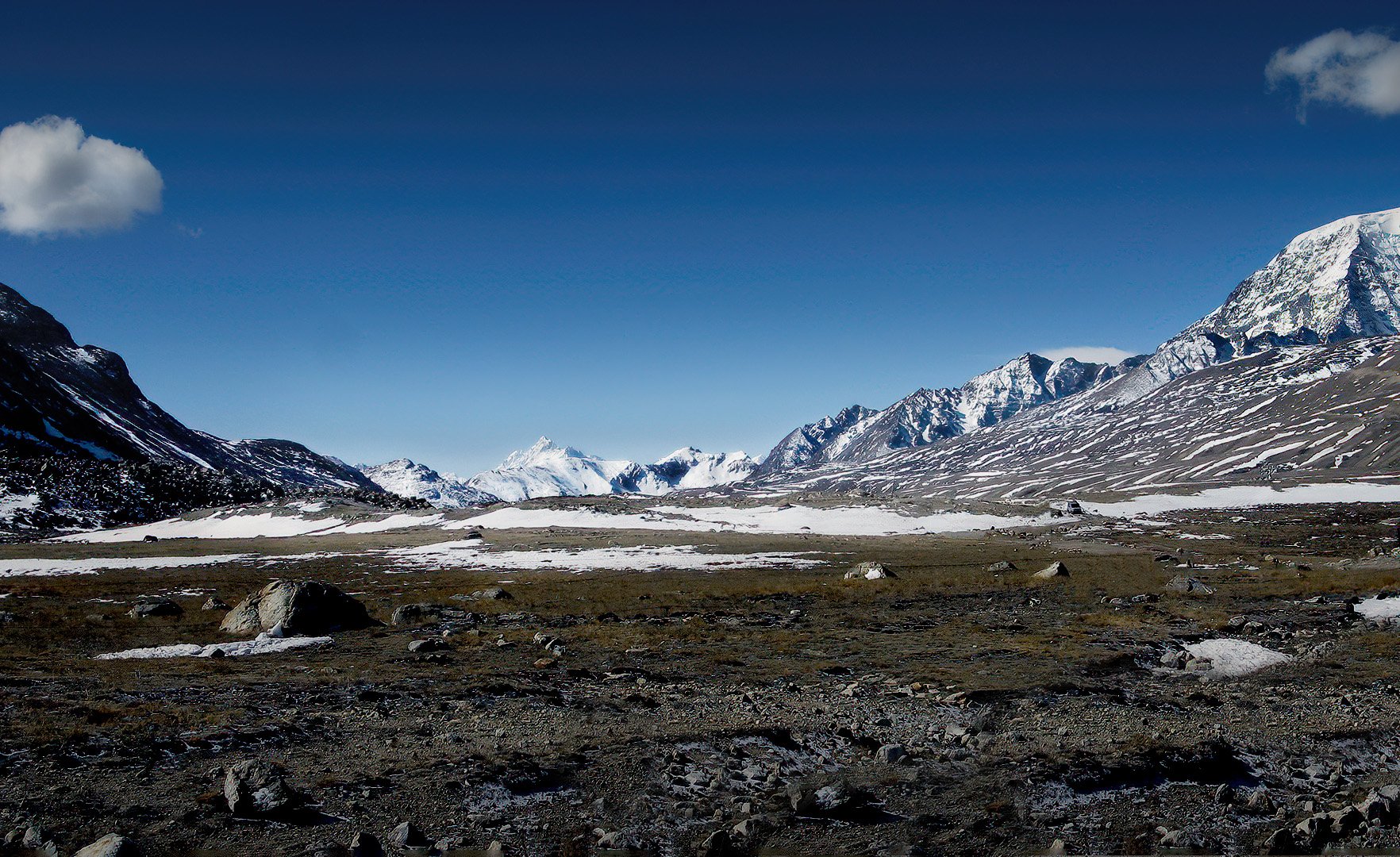
Your photo captured a substantial area showing the huge valley leading back into the distance mountain and I don't think you should lose this. What I have attempted to achieve is dimension and distance. The foreground was distracting with the road, posts and a sign all of which contributed to blocking the viewer from going comfortably into the image. I've focused on 2 primary aspects in processing. The first was to clone out all the distractions in the foreground. The second was to visually push the mountain in the background further back into the image. The processing techniques I used were to darken and sharpen the foreground and lighten the furthest away mountain. I've also dodged and burned through the image to add dimension in various areas.Overall I hope I've captured what we see with our eyes. |
Mar 26th |
 |
| 88 |
Mar 23 |
Comment |
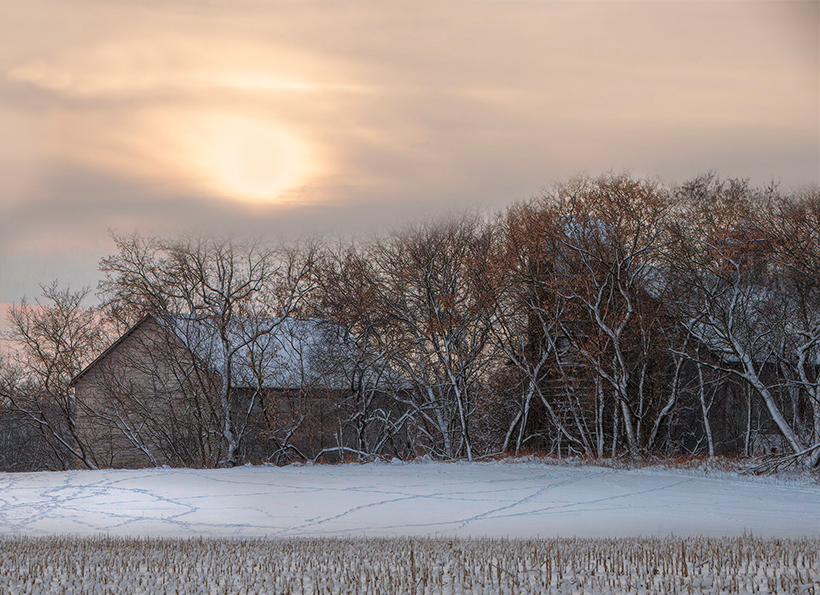
Hi Trey. I have not attempted to anything to replicate your processing processing of the silo, hose and trees as this works works well. I have changed the crop and the position of the sky, moving it to the right, also painted in the bright part of the sun with a light matching sky colour, to remove the blow out of the sun. The sky has also been left soft and subdued balancing with the remainder of the image.Leaving in some of the corn stumps adds a layer which helps step the viewer into the image. Overall the image now feels softer and subtle in colour. Its your image of course and if you prefer your original, excellent. This is purely an alternative view. |
Mar 26th |
 |
| 88 |
Mar 23 |
Comment |
Hi Quang. Its a nice clean image. Trey's changes have improved the simplicity of your image and I would be tempted to try a very light vignette at the top and sides to hold the viewers focus. |
Mar 25th |
| 88 |
Mar 23 |
Comment |
Hi Jacky.
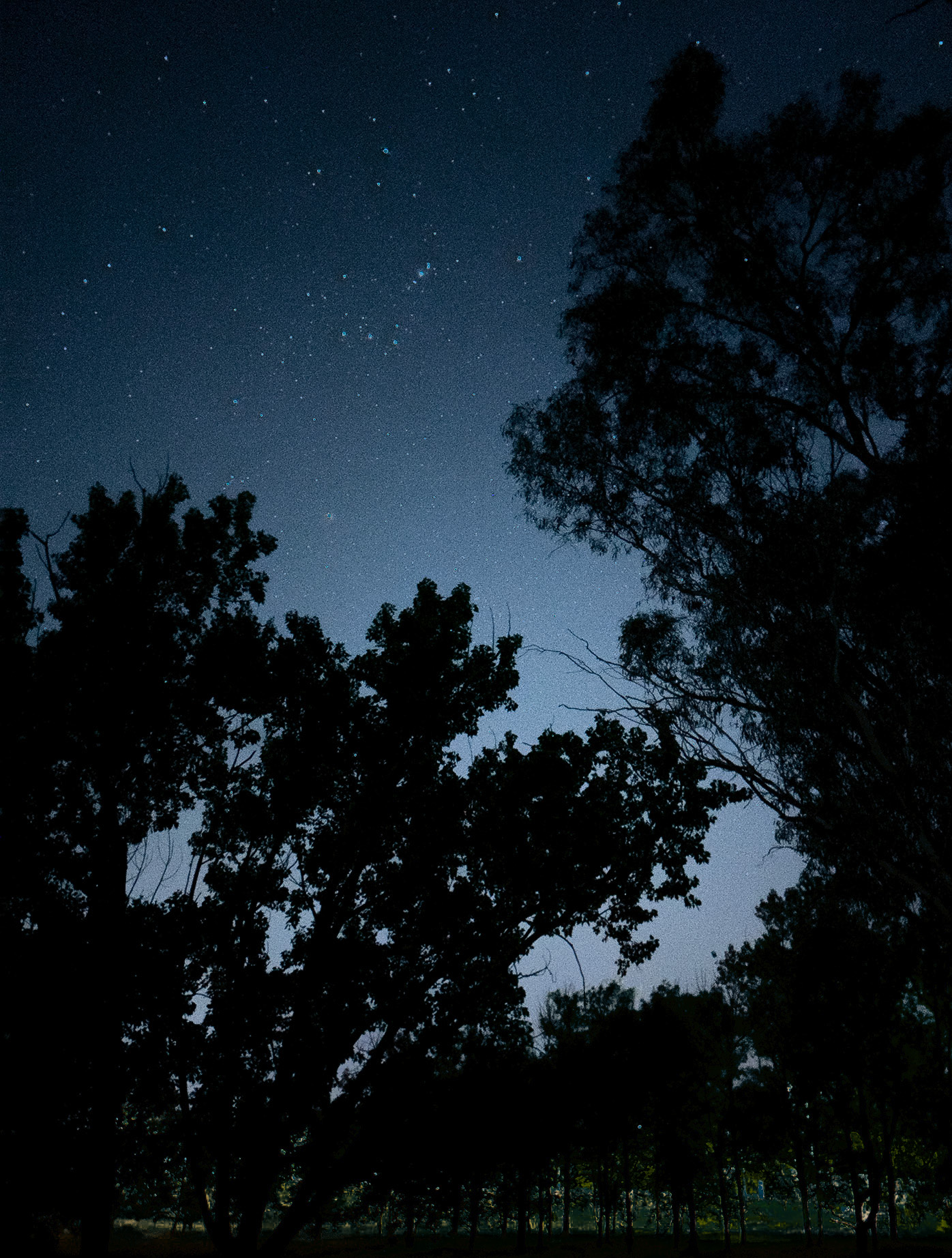
I was also distracted but the streetlights and they should be removed. Try masking in Lightroom using the colour range and luminosity mask which allow you to select the colour and the luminosity in the distracting area of the light and then you can change the colour and exposure etc. In the image attached I have used the lightroom colour range mask twice and luminosity mask once. I applied adjustments to the masked areas in colour, brightness and shadows. This still allows the trees to be seen as trees but the bulk of the distraction has gone. I also cropped the image at the base and on the right hand side to give the trees more perceived height. |
Mar 25th |
 |
| 88 |
Mar 23 |
Reply |
Thanks for your encouragement. Cheers Brian |
Mar 5th |
4 comments - 3 replies for Group 88
|
4 comments - 3 replies Total
|