|
| Group |
Round |
C/R |
Comment |
Date |
Image |
| 40 |
Nov 25 |
Comment |
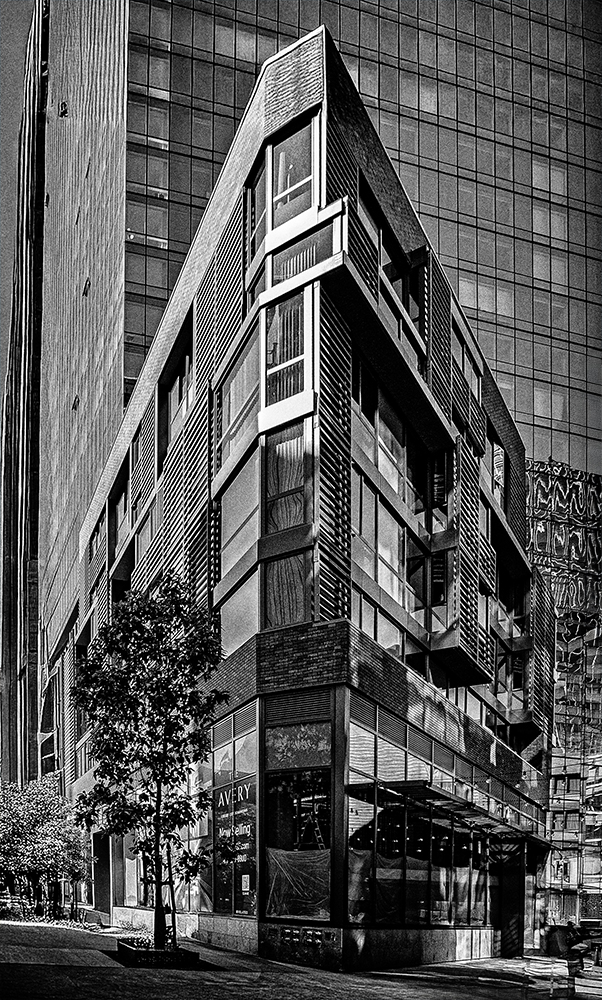
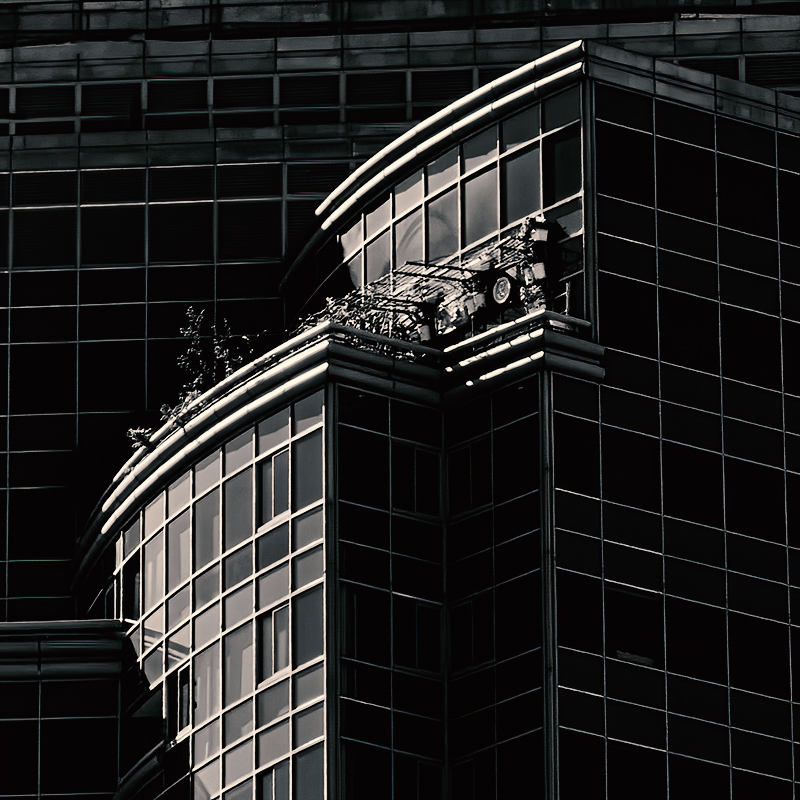
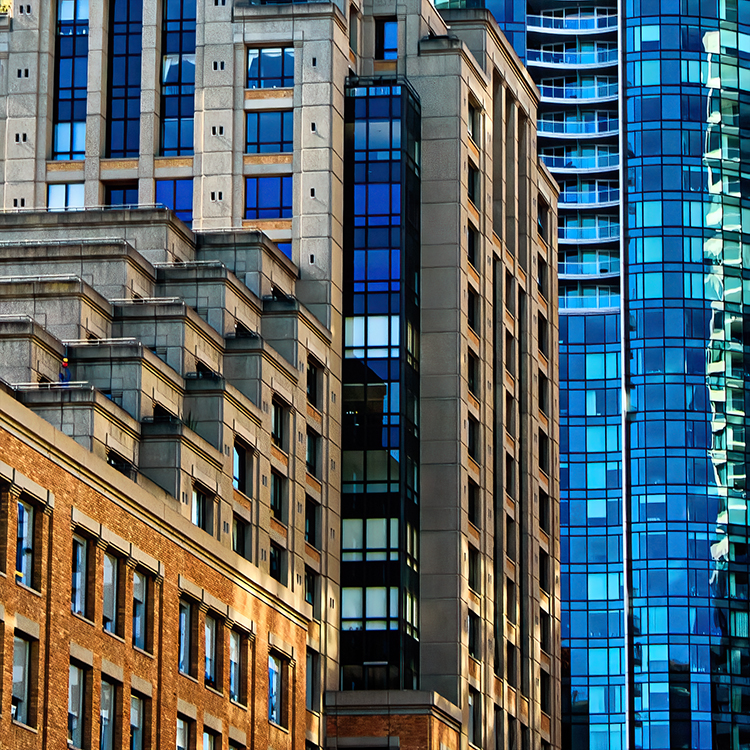
Hey Sherri, again, welcome to the group. Nice image. I like the angle you took it at. I think maybe a little higher f stop might give you more DOF and make the wood on the right more in focus. I have to admit, I did not see the building on the reflection in the upper right pane. I put the image in Adobe Camera Raw and used the Landscape Mask and just highlighted the panes. Then I just lightened it up. Cool Shot, definitley a color shot. Nice. Thanks for sharing. |
Nov 12th |
 |
| 40 |
Nov 25 |
Reply |
Hey Ling Ling, this is a very spooky image. I see your point about the pipe. No matter how long I looked at your image, I could not focus on anything but the pipe. It's just me. I think you have a good eye. It is the kind of interior stuff I would love to shoot. I have a spooky (my opinion) prison shot on group 88. check it out. |
Nov 12th |
| 40 |
Nov 25 |
Comment |
Hey Jule, Nice shot. I was wondering if cropping the building out on the left would help focus on the subject. I also added a little clarity of help make the water sparkle. I was wondering if the building was that gold or if you did something. The original did not seem that gold and Martin's take was not as gold. I noticed Shari cropped out the building and took out the flag pole, or light pole. Just things to ponder. I would love to visit that area. Thanks for sharing. |
Nov 12th |
| 40 |
Nov 25 |
Comment |
Hey Andrew, Nice image. I like the vines and the green moss-looking stuff. As always, I find your editing perfect. Ling Ling makes a good point about the person at the end of the tunnel. Good contrast and Depth of field. surprised with f/4. did you use a tripod? If not, you have steadier hands than me. |
Nov 12th |
| 40 |
Nov 25 |
Reply |
Hey Ling Ling, I hope Catherine does not mind me answering your question. Photoshop and Adobe Camera Raw now has a feature called Generative Expand. you click on the crop too and expand the image borders and then hit generate. It does a pretty good job when you shoot as tight as I do. It really is magic. In Adobe Camera Raw, you have to change some settings to activate it, but in Photoshop, the act of expanding the crop brings up a dialogue box. Try it. By the way, I use the Beta version and I am not sure about the regular version. Hope that helps. Give it a try. |
Nov 11th |
| 40 |
Nov 25 |
Reply |
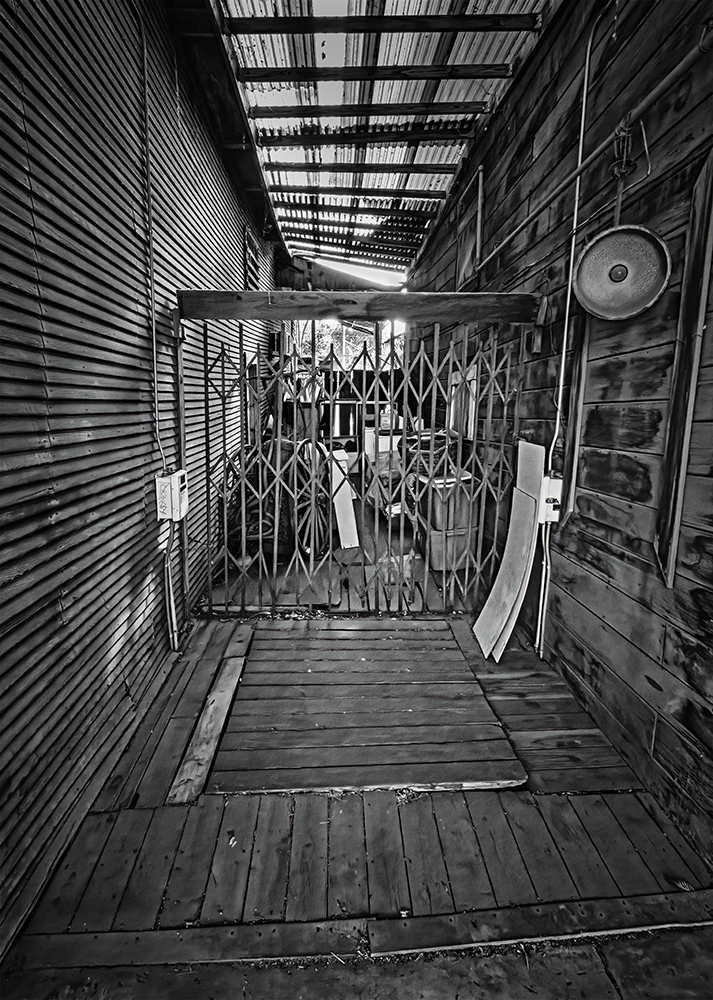
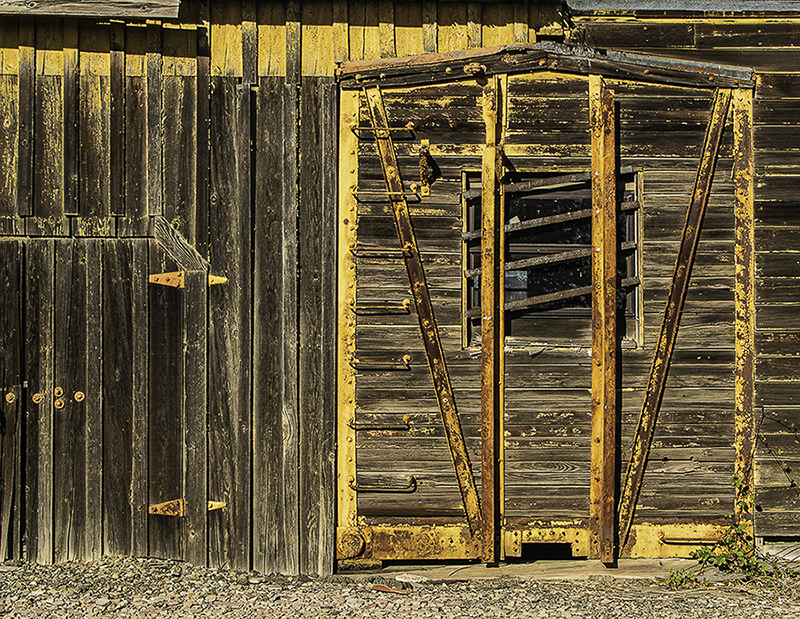
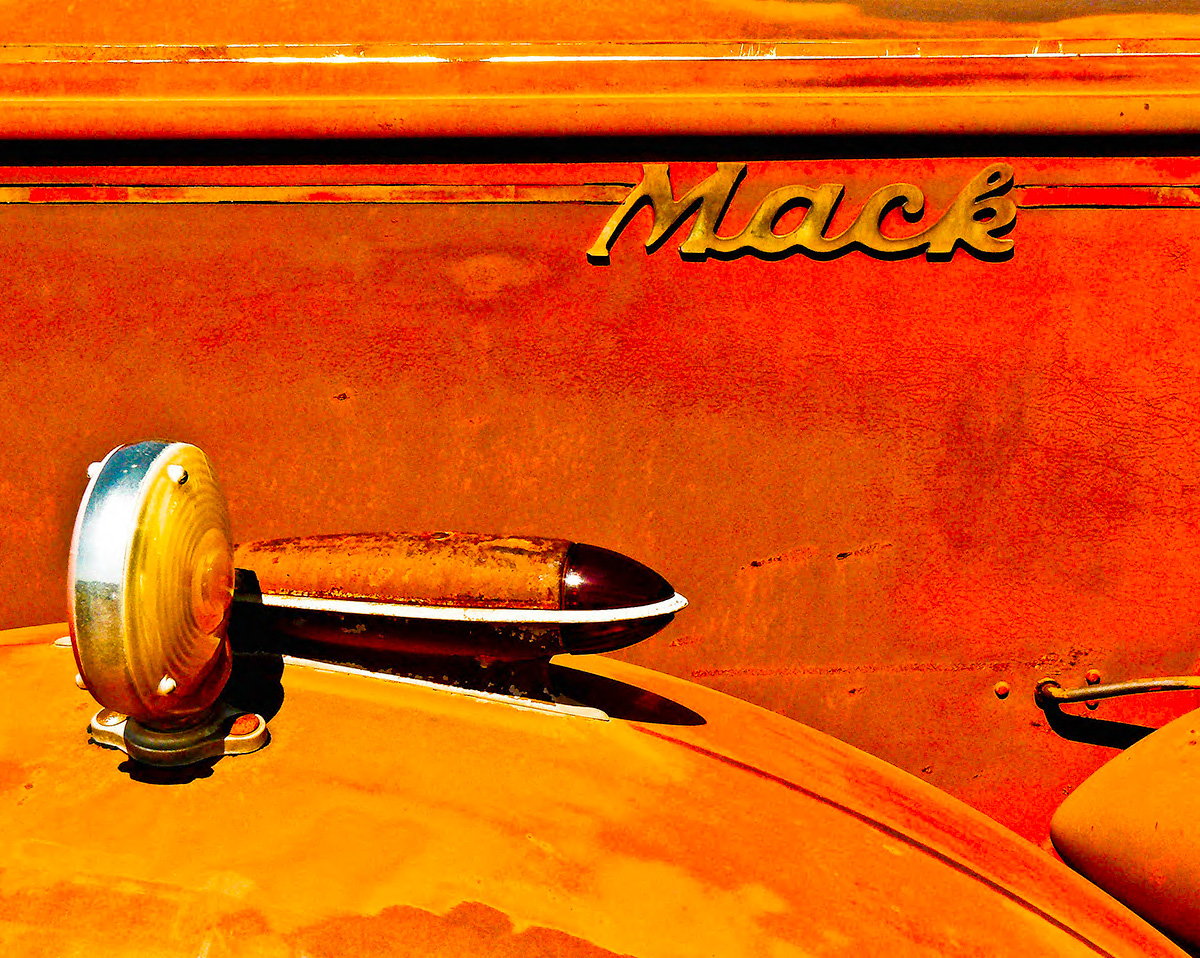
Hey Julie, I think the answer is I don't think there is a way to dull the metal bars. As I walked around the old Truck Manufacturing plant, I thought it was cool that you could see all the old equipment through the window panes. I think the blue stripe you are referring to is an old machine. Thank you for the nice comment about the colors. |
Nov 11th |
| 40 |
Nov 25 |
Comment |
Hey Ling Ling, Nice interior shot. My first thought was about the overall perspective. I straightened the room and noticed the pole in the middle of the image that is leaning to the right. I removed the distraction. I did not make any other changes. Overall, there is a lot to look at here, especially the nice textures. I would like to have seen the original. |
Nov 9th |
 |
| 40 |
Nov 25 |
Comment |
Hey Janice, Iceland is on my bucket list. I think the rocks in the foreground are a total distraction. Northern lights are the main subject here. I am not sure if the horizon is straight. I did warm up the temperature in Adobe Camera Raw, and did some adjustments to bring out the stars. I used Topaz DeNoise AI to sharpen. This is a very hard shot to make and most people never actually see this kind of sky in real life. I would keep playing with this and then... up on the wall it goes. Thanks for sharing. |
Nov 5th |
| 40 |
Nov 25 |
Comment |
Hey Catherine, I love that you are telling a story here. So here is my thought. I would have liked to see the bottom of the rim of the tub. I would also have liked to see the left side of the rim of the tub and I love the steam, and like more cowbell, I would like more steam. You really nailed it. by the way, I tried it in black and white and that did nothing for the image IMHO. |
Nov 5th |
 |
6 comments - 3 replies for Group 40
|
| 88 |
Nov 25 |
Reply |
Hey Quang, Thank you for your two suggestions. I agree I could have made different light measurements but sometimes there is just not time. I will try shooting an area with a bright window and try what you suggested. My only concern originally was, if I mask off the window, or burn it, the shadow would not match. Would you suggest using a brush in masking an and reducing the light evenly. I have not really dealt with Chromatic aberrations but I will now do some research, and I think I think I had trouble loading my new camera and new lenses into the editing program. I will become very familiar with it. I have learned a lot from just one month in the group. Thank you and thank you to everyone reading this who had suggestions. Thanks again. |
Nov 29th |
| 88 |
Nov 25 |
Reply |
Hey Mark. thank you for your comment. I am learning a lot from just one month in the group. I am sure there are several ways to fix this distraction. I would love to hear how you would fix it. I totally agree with your assessment, and did not really realize it until you brought it up. Now I con not, not see it. I appreciate the help. Thanks. |
Nov 29th |
| 88 |
Nov 25 |
Comment |
Hey Sanat. A very nice image. I agree with Charles. Adobe Camera Raw has a fairly new feature that removes Dust. It also has a visualize Spots feature. I must admit I missed any dust. Again Very nice image. |
Nov 12th |
| 88 |
Nov 25 |
Reply |
Hey Brian. I stand corrected. Good Point. Sorry. |
Nov 12th |
| 88 |
Nov 25 |
Comment |
Hey Quang. What a great shot. I am so jealous that you got to go to Iceland. My daughter was there and as I remember, a lot of her shots had a blue cast. I hope you don't mind, but I kind of like the image somewhere between your original and the one you submitted. I liked the sky a little darker. I also noticed the slow shutter speed and wanted to bring that out. Of course, this is all my take and I am just throwing out suggestions. I found something really cool in Adobe Camera Raw: adding clarity seems to make the water... Wetter. I think it also showed the slow shutter speed on the water near the bottom right. Again, this is just my take on it. Your shot has all the elements of a great Iceland Image. I think the image is perfect. Thanks for letting me share my opinion. |
Nov 9th |
 |
| 88 |
Nov 25 |
Comment |
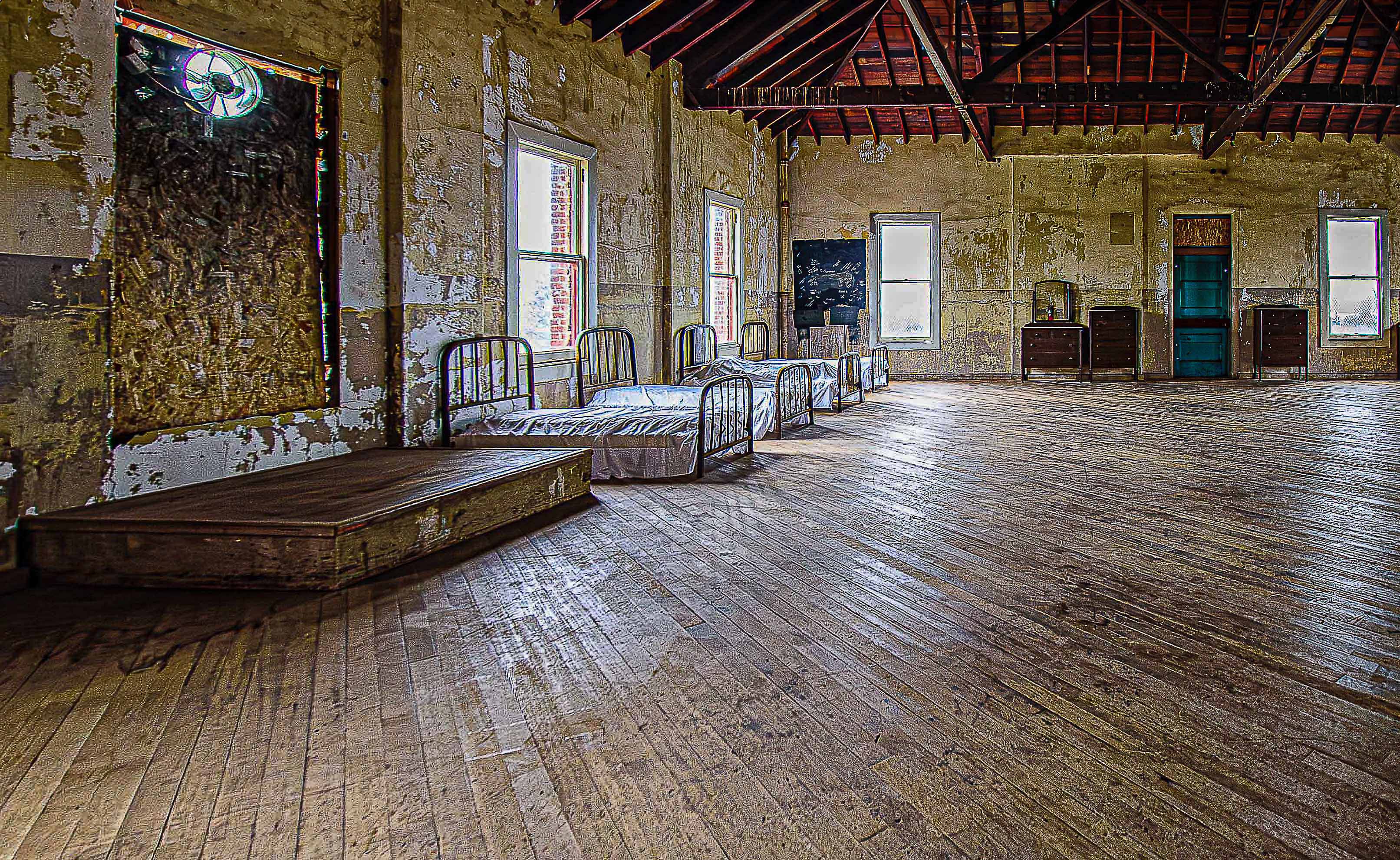
Hey Stephen. Wow that is a cool idea. To expand on your comments: I was using a 10-20mm lens on a crop-sensor camera so that would be 15-30. Pretty wide. To the right of the scene was a long wall with no windows and one or two door leading to another room. My focus was on the area where the inmates slept. To me, not showing the area to the right gives illusion that the room was bigger than it was. What you did was really cool and I will make note of it for future images. Thanks for doing that. |
Nov 8th |
| 88 |
Nov 25 |
Comment |
Hey Mark, I sort of agree with Charles. I opened your image in Photoshop and tried some different skies and did not see one I thought was a good fit. I do think the left side is a little tight. It may just be one of those places you need to visit again at different times of year, or different times of day (or even at night). Photoshop does make it easy to change backgrounds and skies, but sometimes you just have to keep an eye out for a better opportunity to re-shoot. I do it all the time. I would love to shoot all the stuff in the barn and by the tractor. Thanks for sharing. |
Nov 5th |
| 88 |
Nov 25 |
Comment |
Hey Charles, Nice image. I opened it in Adobe Camera Raw. First I think the crop was perfect. The top hint of the forest behind the rocks is brilliant. The left in my opinion needed that little bit of water. One thing about me, is that I do not always like rules, but your image sort of has a cool rule of thirds thing going on. The image has good contrast, although, some might say the rocks in the top left of the shot might need more clarity. I think it would take away from the water. I like your chosen shutter speed. I added a little clarity to the water only, with a mask, and it did not really work for me. All in all a very good image. Thanks for sharing. I will remember what you did here for my next waterfall encounter. |
Nov 5th |
| 88 |
Nov 25 |
Reply |
Hey Charles. Thank you for your comments. I agree with your comment about the light. My concern was if I made that adjustment, the light showing on the floor would not match. I would maybe have to tone that down. I did another take with the exposure reduced on the entire image. This is exactly the kind of comment I was hoping for. The whole image seemed a little overexposed to me. |
Nov 5th |
 |
5 comments - 4 replies for Group 88
|
11 comments - 7 replies Total
|