|
| Group |
Round |
C/R |
Comment |
Date |
Image |
| 39 |
Dec 23 |
Comment |
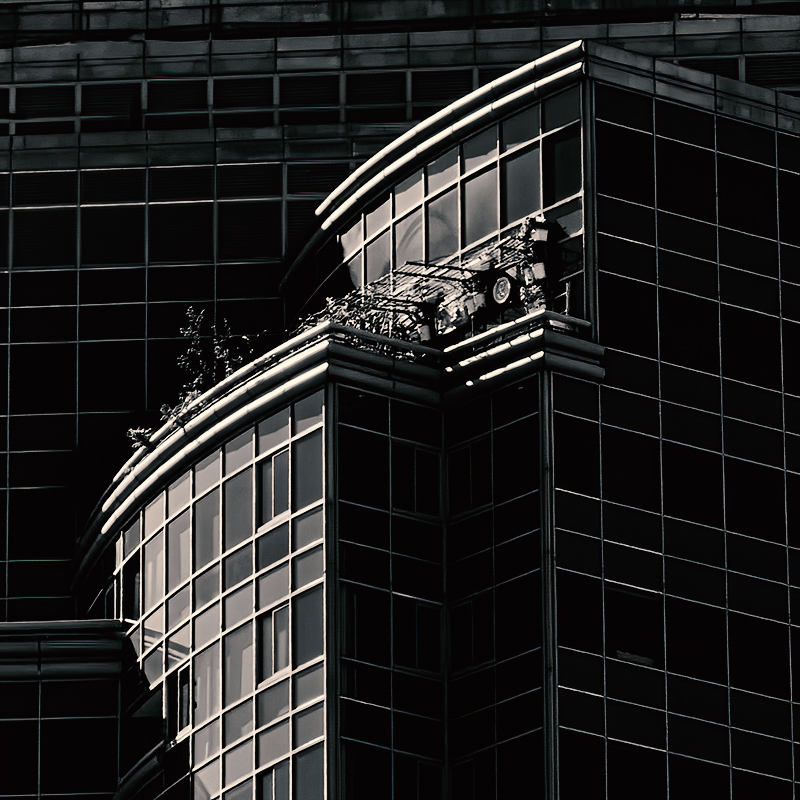
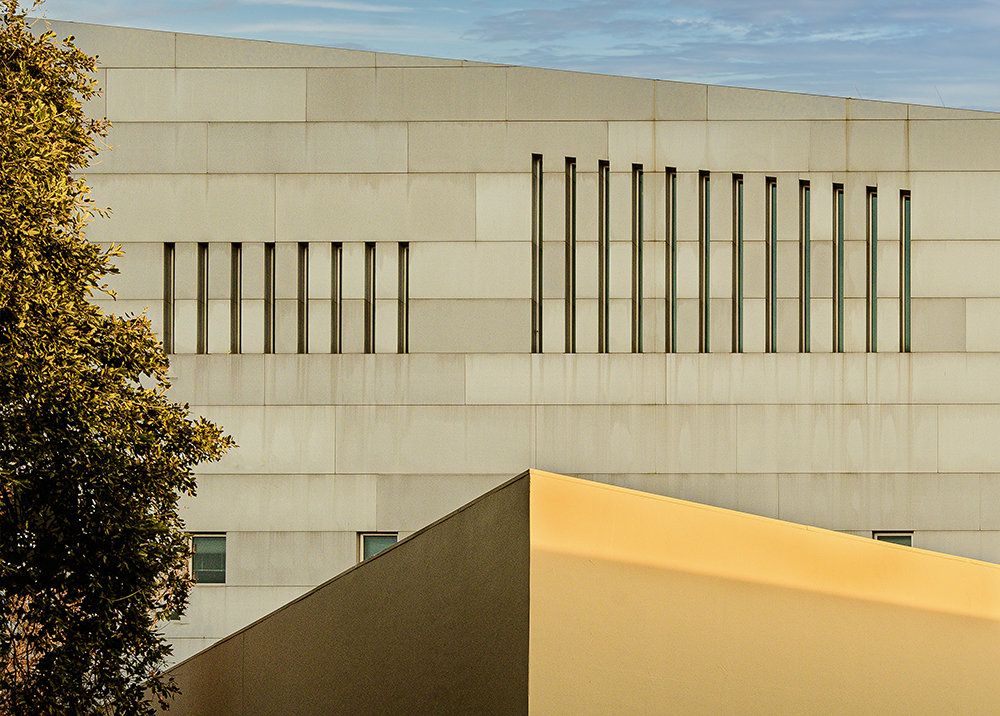
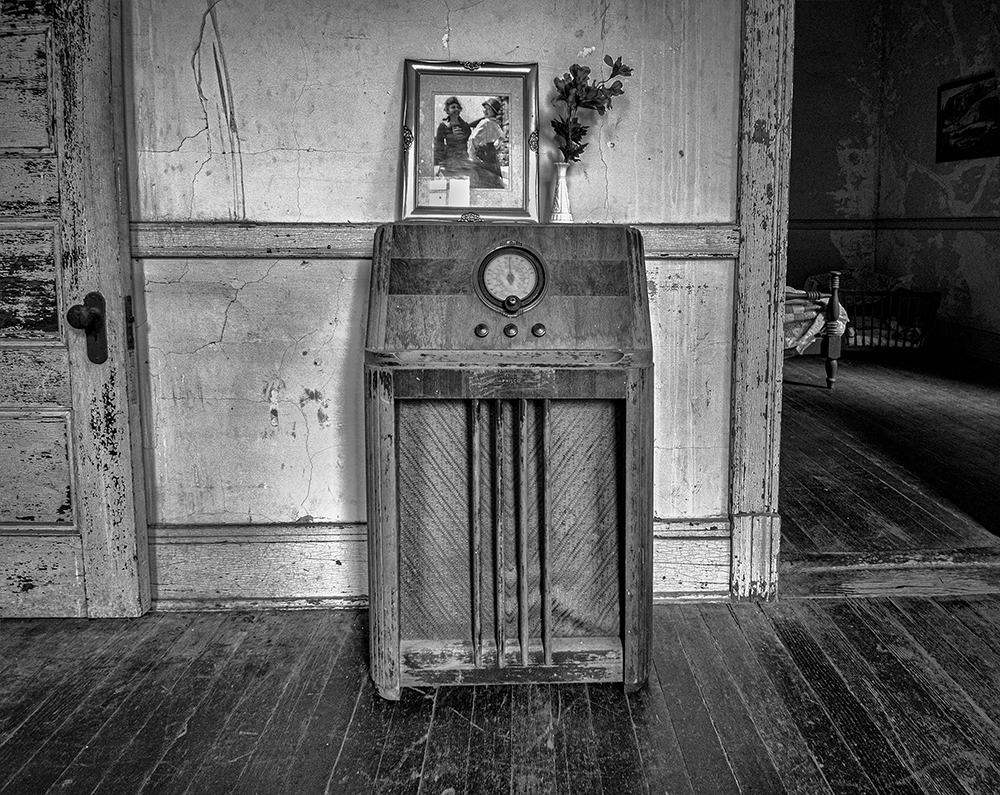
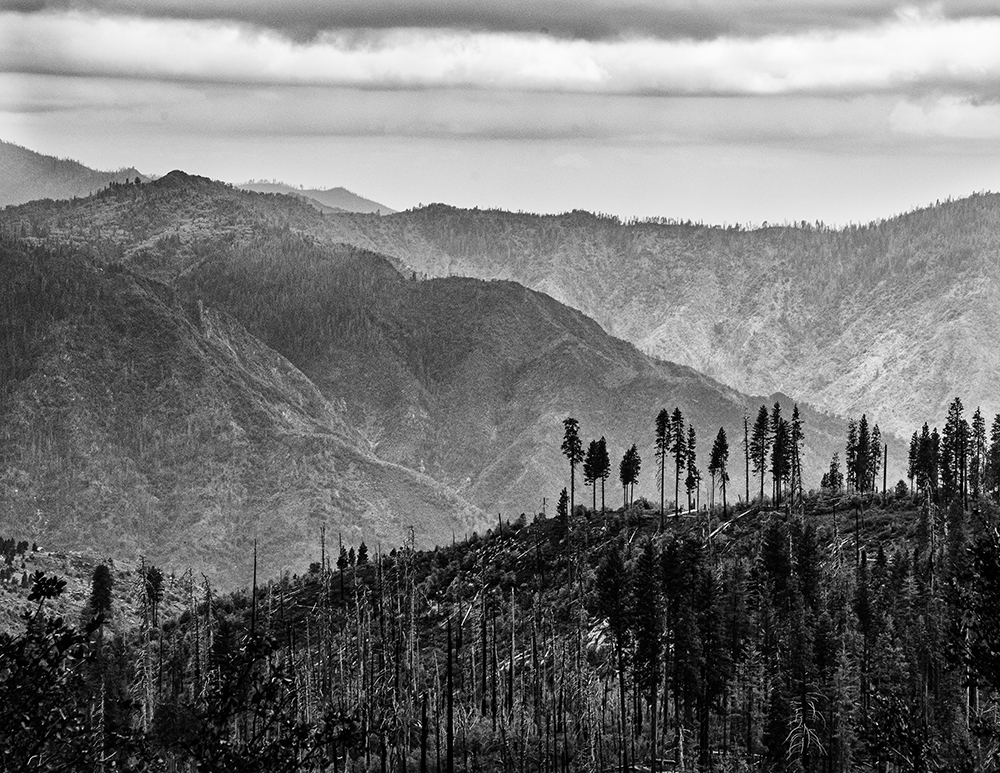
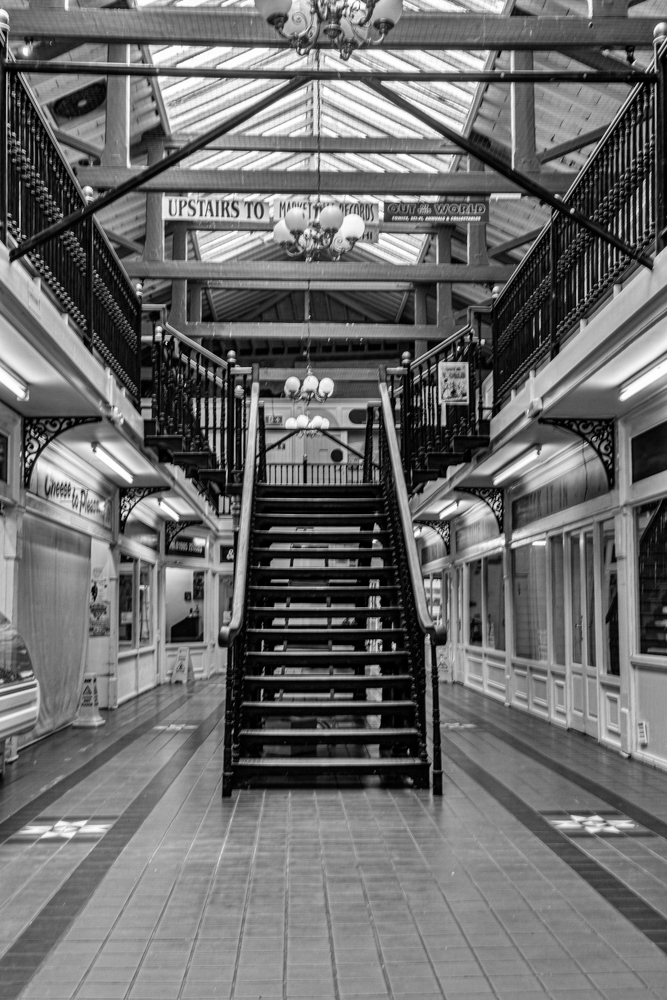
Hey Paul, I was looking at some of the other groups and your image caught my eye. Your original in my opinion was "Spot On" and when I opened it in Photoshop I did not do anything but open Silver Efex Pro. Your black and white version seemed in my opinion to have a dark cast to it. I shoot a lot of black and white and I usually like high contrast, darker images. For you subject, I wanted to see all the detail I could so I applied the Fine Art Preset to your image and it brought me closer back to your original, except, no color. I hope you did not mind me commenting on your image. I shoot mainly architechrual photography now, and I am going to be learning how to shoot interiors and this image has given me someting to air for. Thank you again sharing this with everyone. |
Dec 2nd |
 |
1 comment - 0 replies for Group 39
|
| 40 |
Dec 23 |
Comment |
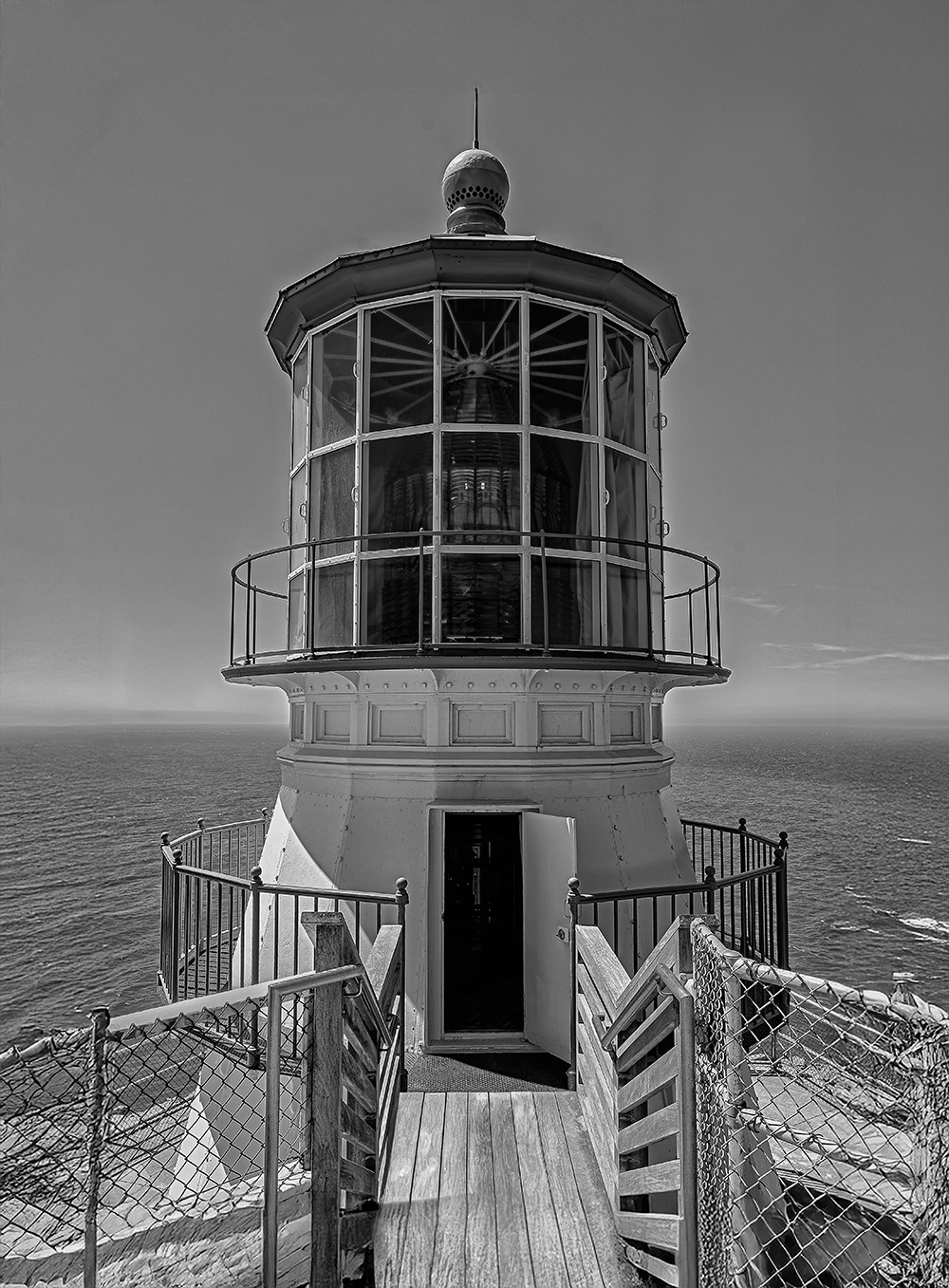
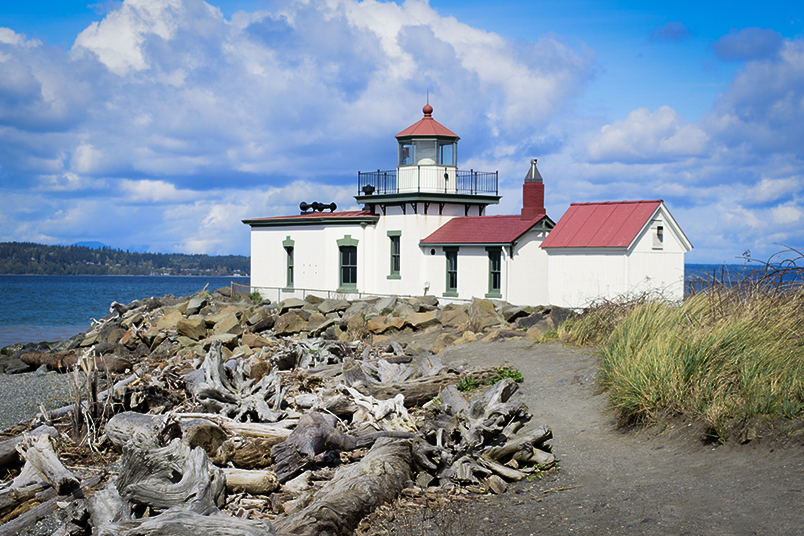
Hey Janice, I think a agree with you about the color version. I am not sure I agree with you about the need for some beach. Lighthouses are usually near a body of water (in this case not an ocean) unless overlooking it on a cliff. I have not used Lightroom for about 15 years, but I'm thinking DXO Silver Efex might be close. I do agree with the bottom of the image that it improves the composition. So here is another take. Thanks Janice. |
Dec 20th |
 |
| 40 |
Dec 23 |
Comment |
Hey Catherine, Nice shot. The composition seems prefect. Not to low, not to high, good clouds on the left, good sun on the right. I have been shooting what some photographers call Zone Focusing for a couple of years now, I set my shutter speed and aperture manually where I think they need to be, and set the ISO to automatic with a cap on how high it can go. The great thing is that I don't have to think about settings, I can concentrate on the subject. Many Street Photgraphers use this. A street photographer I follow shoots at 1/125sec at f11 and usually most subject are in focus. I agree with Ling Ling, I always enjoy your photos. |
Dec 14th |
| 40 |
Dec 23 |
Comment |
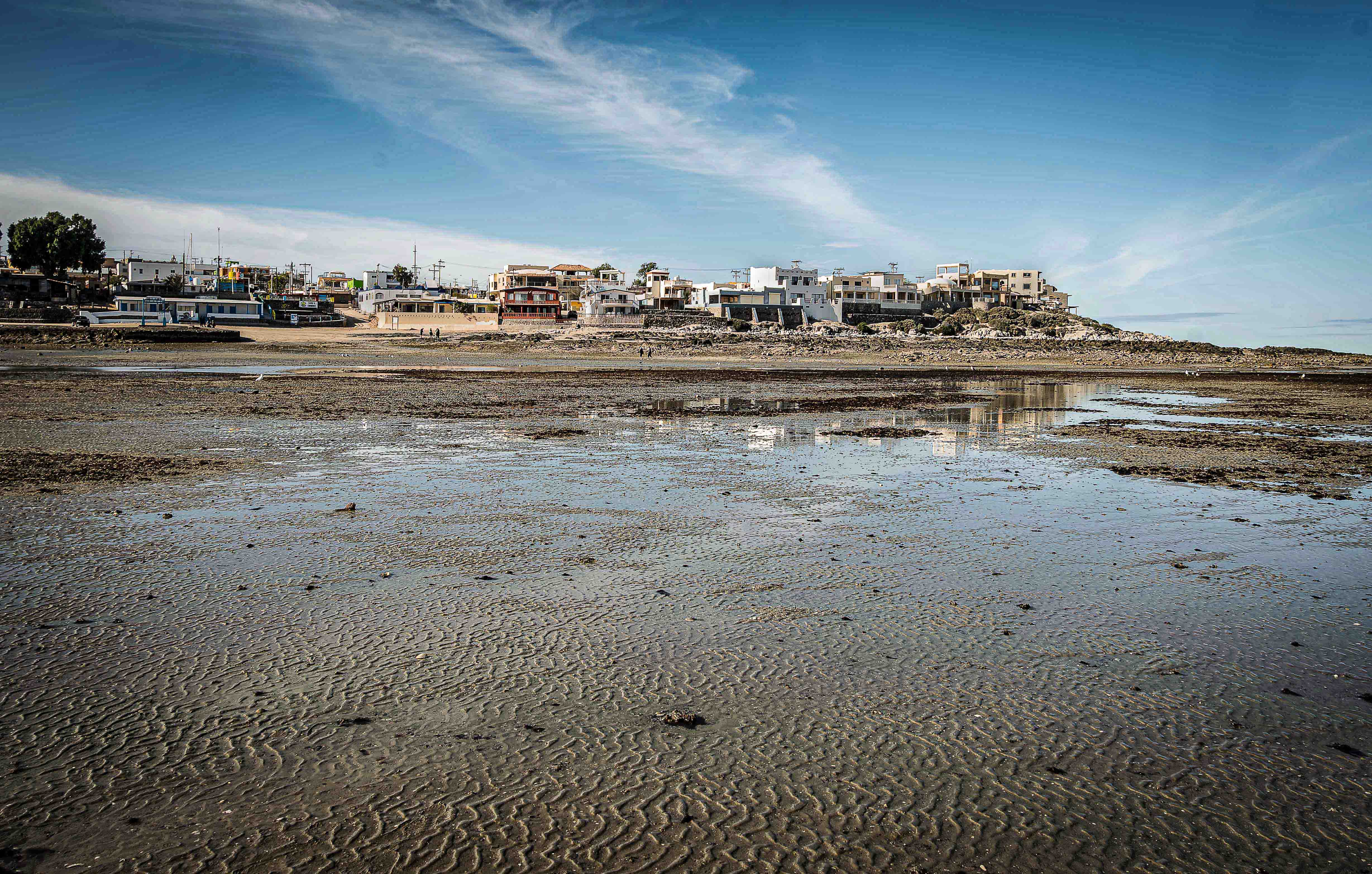
Hey Ling Ling, I love this shot. I know where this spot is, I have driven by it many times. I like the blends of colors. It is one of those shots where I wonder what it would have looked like if you would have moved to the left about 5 feet. I know it is not always possible to move to the left 5 feet, but it may have made an interesting line of the little salt icebergs. Also the sky in the left of your image does not have much to offer. I really like your shot and have no editing suggestions. Thank you for reminding me to show down when I am driving in this area and smell the salt. |
Dec 14th |
| 40 |
Dec 23 |
Reply |
Hey Henry. I have the DXO Nik collection that has 8 different plugins. Silver Efex pro and Color Efex Pro are both good and I use those a lot. DXO has the suite on sale half off every once in a while so I woud wait until that happens. the interface is verymuch like Photoshop and Adobe Camera Raw and easy to use. I use the Bleech filter a lot when I want a metalic feel. Your images seldom need anything, but this just makes things "Pop". Thanks for the kind words, Happy Holidays!. |
Dec 14th |
| 40 |
Dec 23 |
Comment |
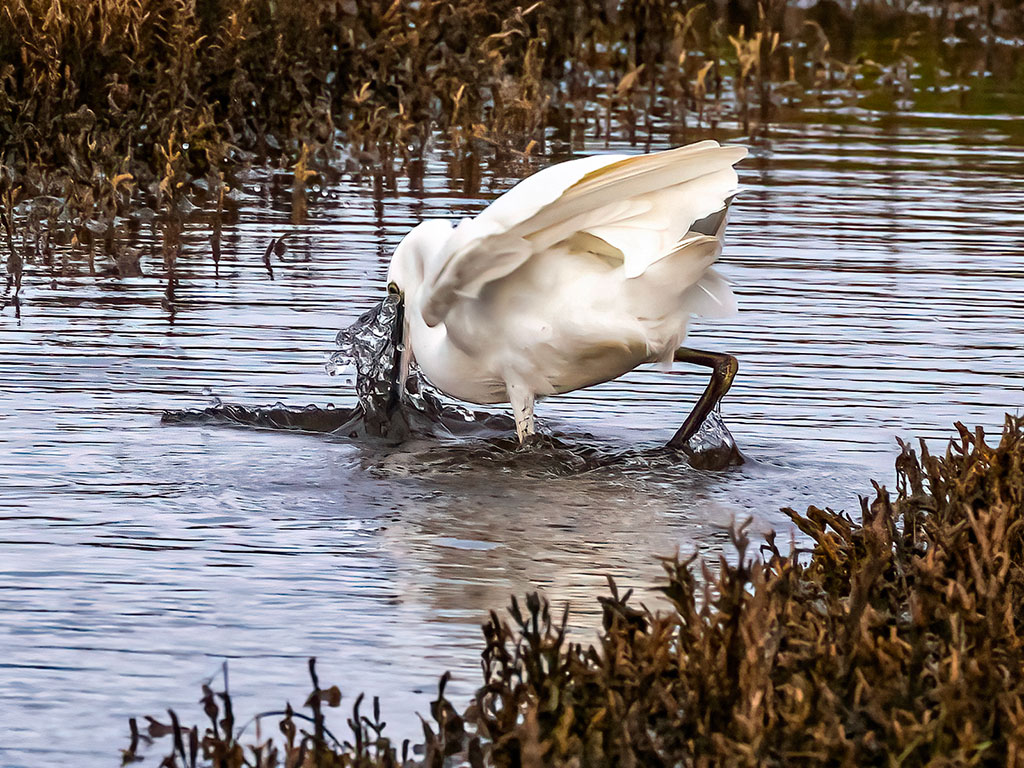
Hey Janice, I agree with Mike, your comments made me laugh. In california we have lots of Egrets and I have asked them to pose like this, but they never do. I agree the background could use a little more blur. If you are an adobe user, both Lightroom and Adobe Camera Raw (part of Photoshop) will let you do this, also Photoshops Neural filters will let you do this. I think this would be a good submission. I do not photograph birds because they never listen to me. Nice Image. |
Dec 12th |
| 40 |
Dec 23 |
Comment |
Hey Andrew, I think that was kind of what i was looking for. The sky is it OTT and the roof looks like is was probably Red, where mine did not. I think the forground is maybe a little flat. I added some contrast, not too much and it made the wood sort of stand out. too much contrast made the sky and roof look OTT. Thanks for the help. Unfortunately I do not have that camera or set my setting that way, but I do have some plans for fixing this in some of my other shots from that camera. Thanks again Andrew.
|
Dec 12th |
| 40 |
Dec 23 |
Comment |
Hey Andrew, nice shot. I agree with Mike (thank you Mike) about some very subtle changes. I added my usual Texture and Clarity and did whant mike suggested and then ran it through Topaz DeNoise AI. It's just my take and Mikes suggestions. Thanks Andrew. |
Dec 12th |
 |
| 40 |
Dec 23 |
Comment |
Hey Nigel, we all have ways that we do certain things in photoshop and it would be hard for me to convence you to change something that works well for you. I think you totally underestimate the power of Silver Efex pro. I used to use the grungy presets but now I use the ones like the fine art preset (there are several I like). I also will put a color image in silver efex, apply a preset and then apply a Luminosity mask in Layers and set it at 40% and I get the color image with a little more "Pop". Try it you may start using Silver efex for more than grunge. Alan Hess used this method on his color shots and the effect is very subtle but it just feels different. Try it on your incredible image you posted in grop 71 this month. These intreactions are why I post images every month. Also Color efex tone and contrast filters are my go to for improving images. Thanks again Nigel. |
Dec 12th |
| 40 |
Dec 23 |
Comment |
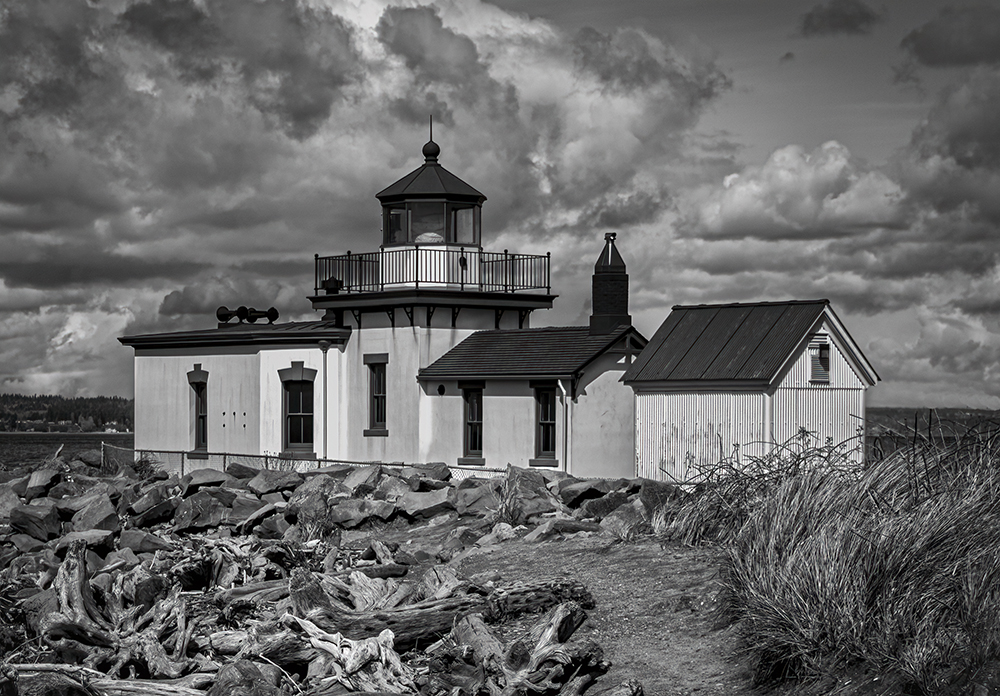
Hey Nigel, nice to meet you. I was in York last year meeting our group leader Andrew. Your comments sent me to my reference books and even a close friend who is a Photoshop Expert. So to answer some of your questions, it appears when saving my images to submit I have chosen poorly. I now have a plan for doing that. My color space is P3 because I use an iMac computer to edit my stuff. My Color profile is sRGB. I know sometimes when I overdo the Texture or other sliders the image will look a little noisy. We used to call it grainy, and we used to call ISO, ASA. So the only time I reduce the size of my image is when I submit to PSA and I also save as a JPEG which I really don't do. When I appy Topaz deNoise AI to a regular PSD I have never gotten anything weird. There seems to be a big debate on whether to crop in ACR or Photoshop. Most peole say ACR but sometimes I do not crop until later. Also I convert my images to black and white in Silver Efex Pro so that I end up with a color and a black and white version. I have never liked Photoshops black and white conversion methods. Finally, your take on my submission: I like the roof feeling more red to me that my image, but the walls of the building have ribs and your take seems blown out and very very white. I like your clouds, and would probably go somewhere between yours and mine, but closer to yours. These comments have really opened my eyes and hopfully the eyes of the rest of the group. I think I may have said in my comments that this was not really one of my favorite Lighthouses. Thanks again for your comments and I look forward to future months. |
Dec 11th |
| 40 |
Dec 23 |
Comment |
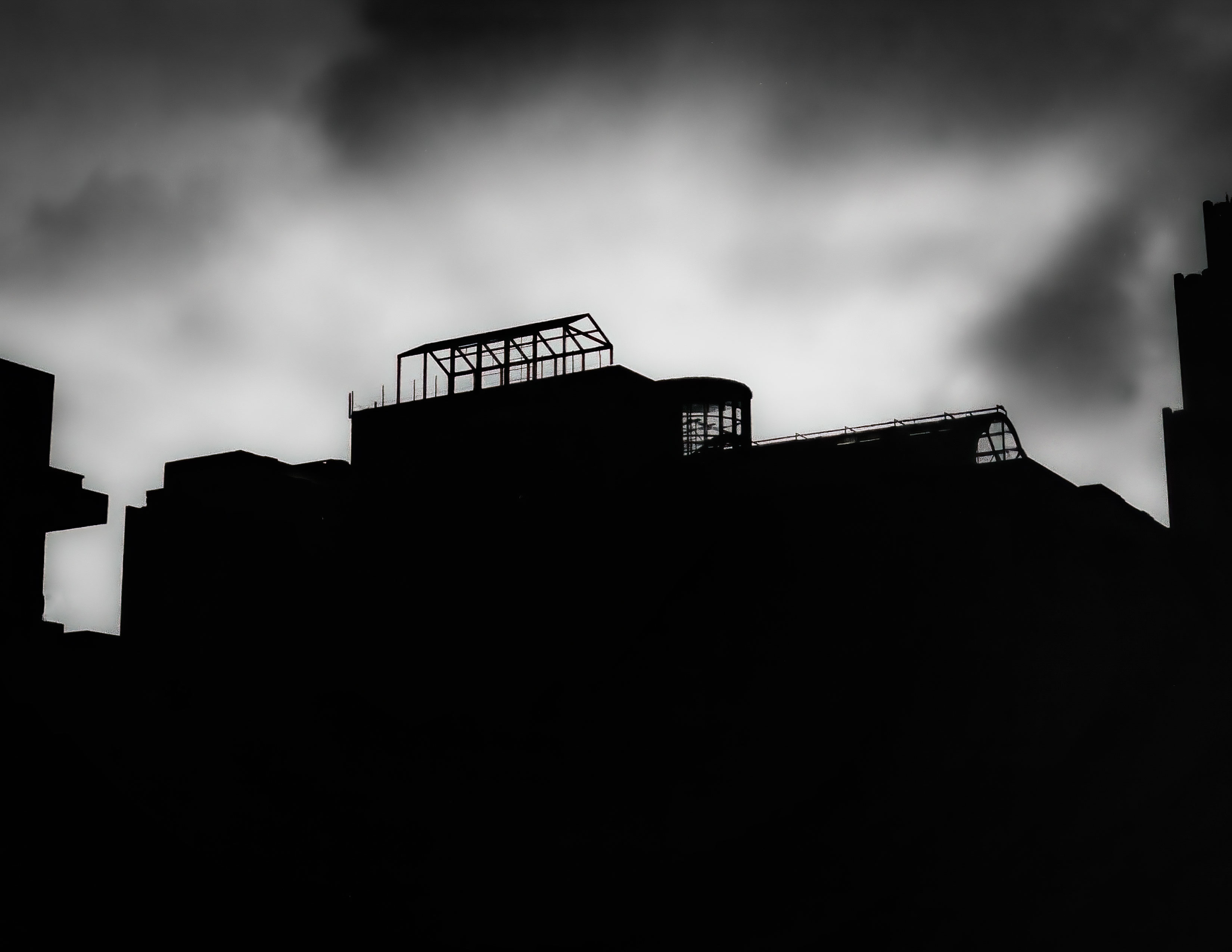
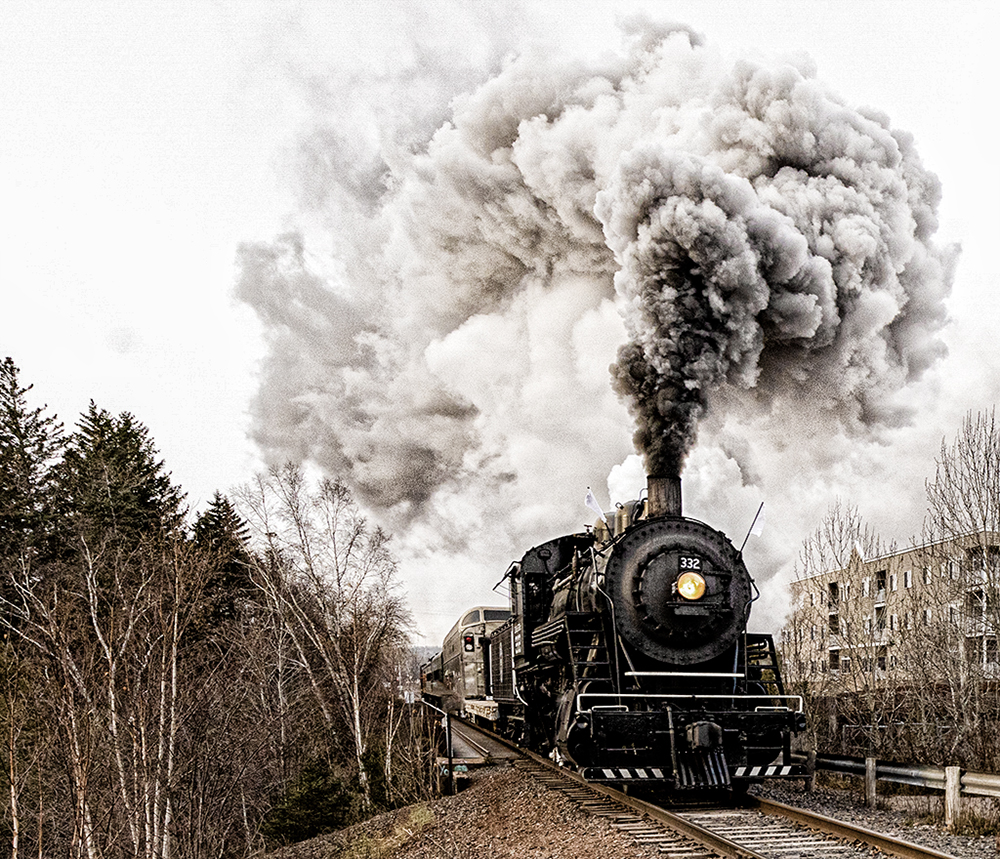
Hey Henry. I love both your shots. The first one have perfect composition and I love the billowing smoke. I also like the sort of sepia quality of it. I opened your submission and played with the highlight and Texture. I wanted to bring out more of the smoke. I then opened it in color efex Pro and used the Bleach preset. Your image is perfect as submitted and again, I really like the composition. You were in the right place at the right time. I hope you didn't mind me playing around with it. I did not change anything that made your shot so good. Thanks again Henry. Your planning paid off. |
Dec 3rd |
 |
9 comments - 1 reply for Group 40
|
| 52 |
Dec 23 |
Comment |
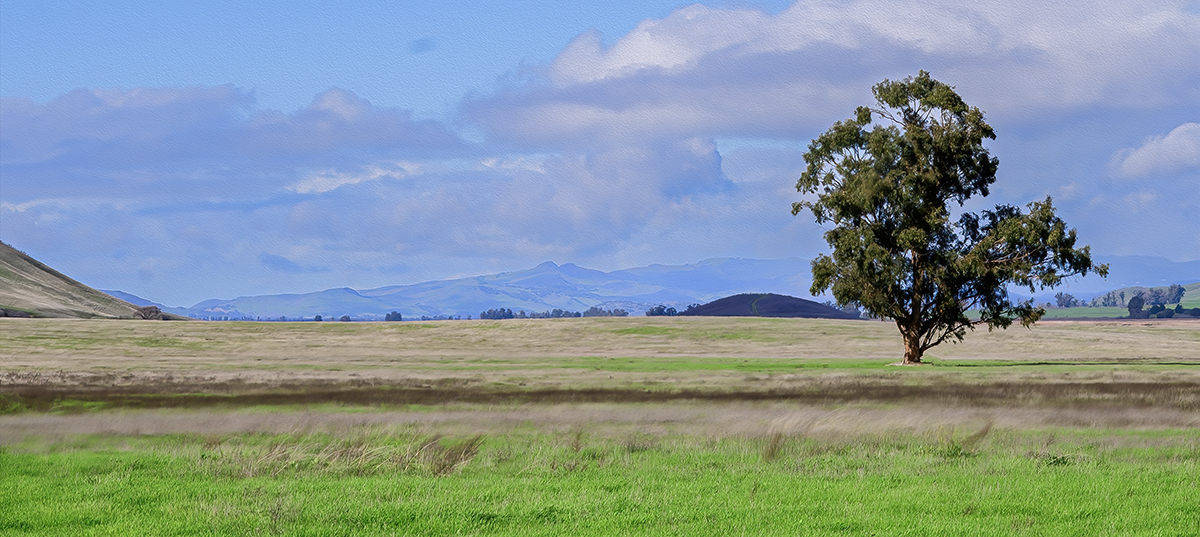
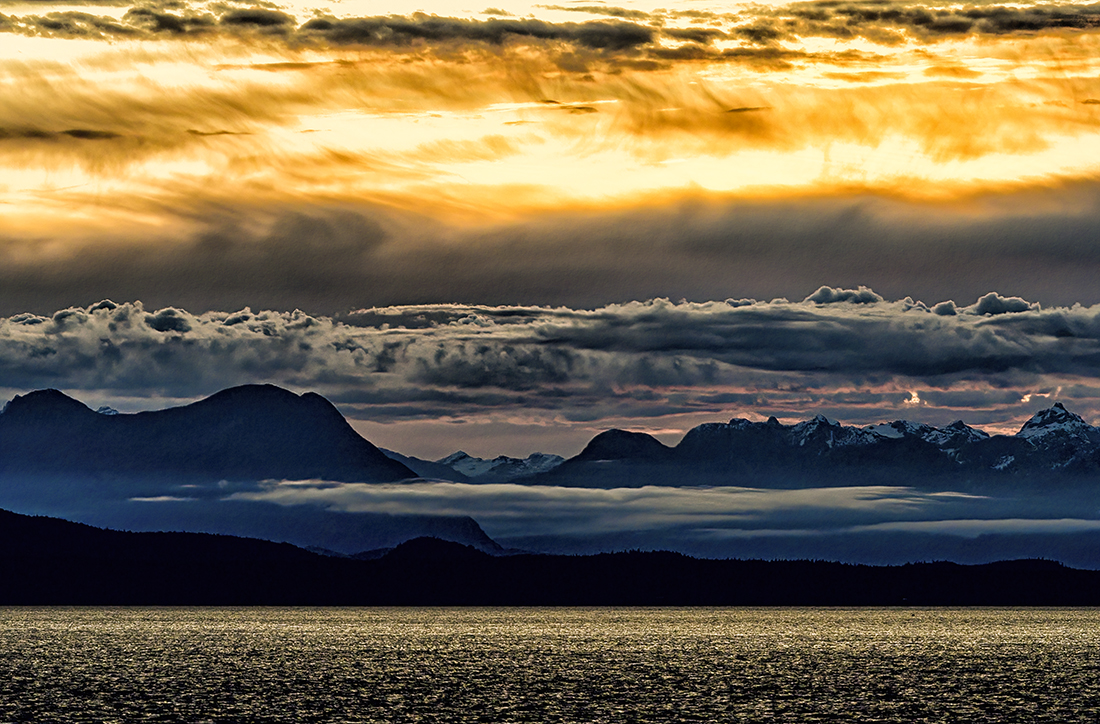
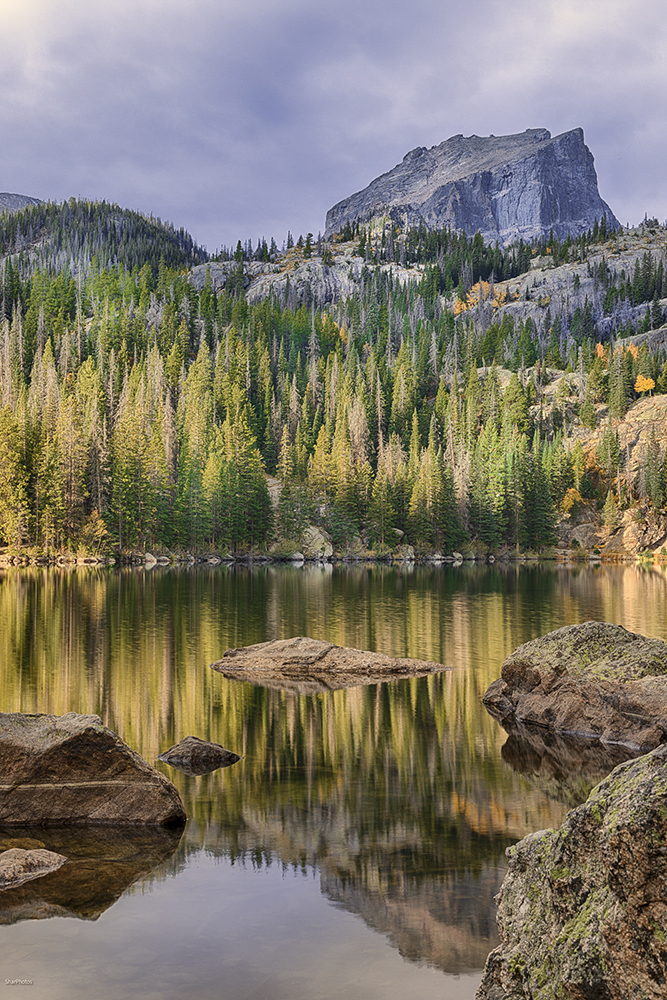
Hey Sharon, hope you don't mind me visiting your group. Your shot is wonderful and your explanation is what I hope for when I look at images on this forum. The comments were all very helpful and detailed. I looked at your last Edit on this string and it seemed to me (my opinion) to have a blue cast on the mountains and the sky. I opened it in DXO Veviza and removed the blue cast. I know there are many ways to do this, it is just the way I do it. It may not be allowed in certain circles so I appreciate you letting me share my opinion. Thank you. |
Dec 14th |
 |
1 comment - 0 replies for Group 52
|
11 comments - 1 reply Total
|