|
| Group |
Round |
C/R |
Comment |
Date |
Image |
| 52 |
Dec 21 |
Comment |
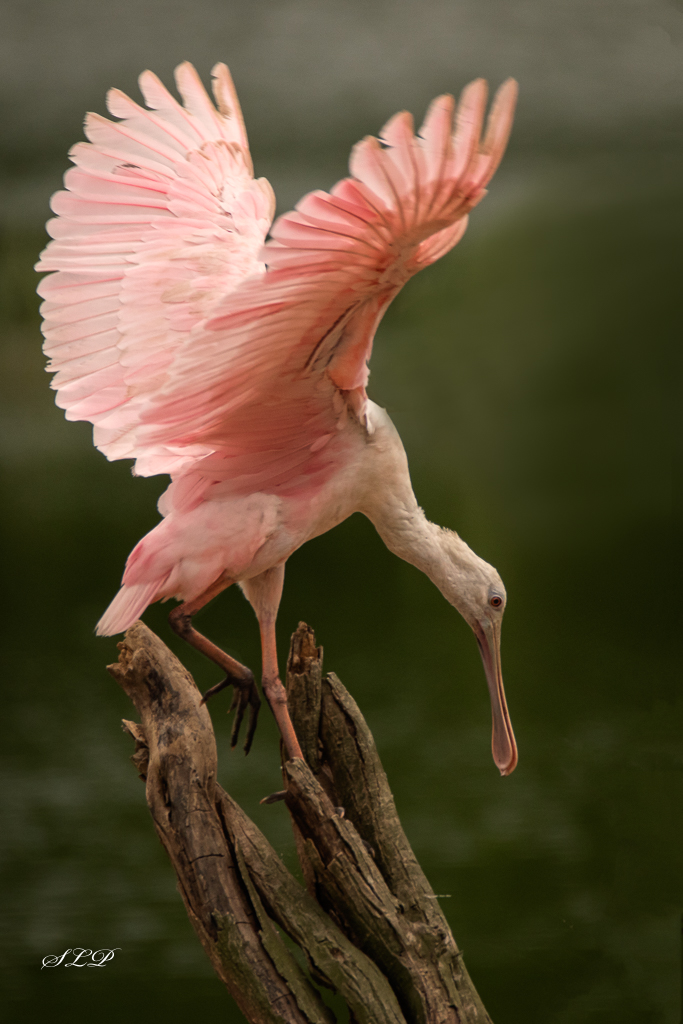
I think the curve has a very organic feel and leads my eye smoothly right up to the bird. I like that he is looking into the frame instead of at the camera; and the bokeh you have achieved is absolutely lovely in my opinion. I think a slightly tighter crop would be an improvement. You are going to have some partial leaves in the bottom right no matterhow you do it, but a tighter crop would put more focus on the Phoebe, in my opinion. |
Dec 13th |
| 52 |
Dec 21 |
Comment |
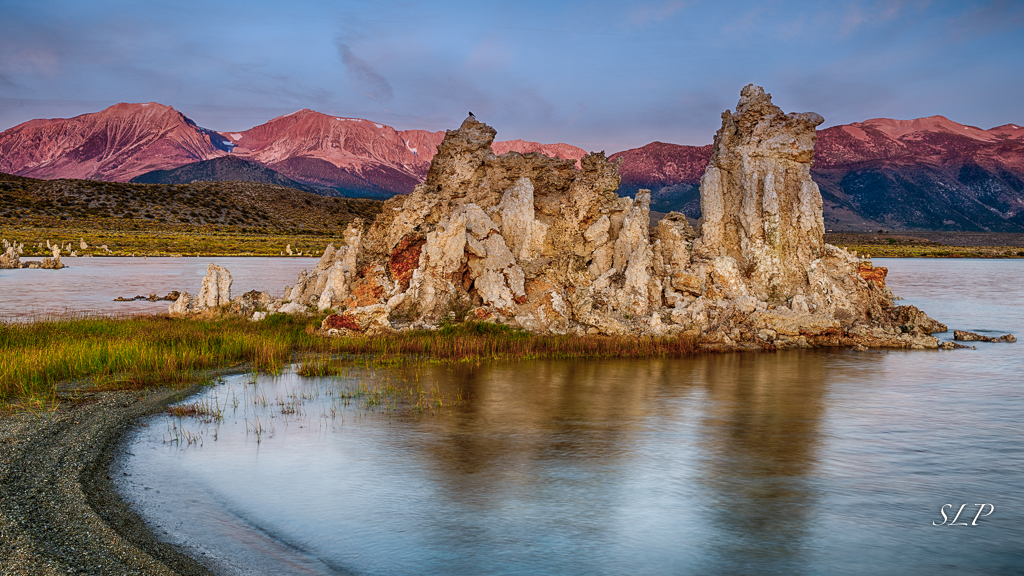
I think htis is a wonderful Nature Abstract. If you have not seen the work of Lisa Langell you should look her up. She had an article in the PSA Journal sometime in spring or early summer. Long story short, there is probably a market for this kind of natue abstract. (You too could become famous!) One thing you might consider is trying to further enhance it in Topas Studio, or in PS add some distortion. |
Dec 13th |
| 52 |
Dec 21 |
Comment |
I too like the brighter original image. I think it helps me better understand what is happening with the one tucked into the top left corner. I also agree with cleaing up some of the back ground - but not all, since you wouldn't expect these guys to be in a pristine environment. I think you might be able to crop a tiny bit more at the bottom to elimate a little more of the out of focus area. Or as an altrenative you could darken that area more. I find this a ver good nature story. |
Dec 13th |
| 52 |
Dec 21 |
Comment |
What a wonderful decisive moment you have captured! The light on the subject is beautiful in my opinion and the color also enhances the scene. My personal preference woudl be to eliminate the mouth on the right but keep the entire animal on the left. It would be fantastic if you had at lead the eye of the one on the right, but without that, I do not feel it adds much to the image. I also agree with the others that darkening the background helps keep attention on your subject. That must have been exciting to see. |
Dec 13th |
| 52 |
Dec 21 |
Comment |
I find the color palette in this image lovely - it ids definitelly what gives the image impact, in my opinon. I think a tighter crop would help the viewer better focus on the elements, especially the pine cone. I have given some thought to how I might work with this image. After cropping, I would select the pine cone and make a hue and saturation layer. You could play with the slider to warm up the pine cone. Then I would add a brightness and contrast layer and try to make the pine cone stand out a bit more. Then I would go to Color Efex Pro and add a Detail Extractor filter, using the control pints to remove it from the leaves, but keep the effect on the pine cone. Finally the Darken Lighten Center filer would allow you to place the centr exactly on the pine cone and adjust the image brightness selectively. |
Dec 13th |
| 52 |
Dec 21 |
Comment |
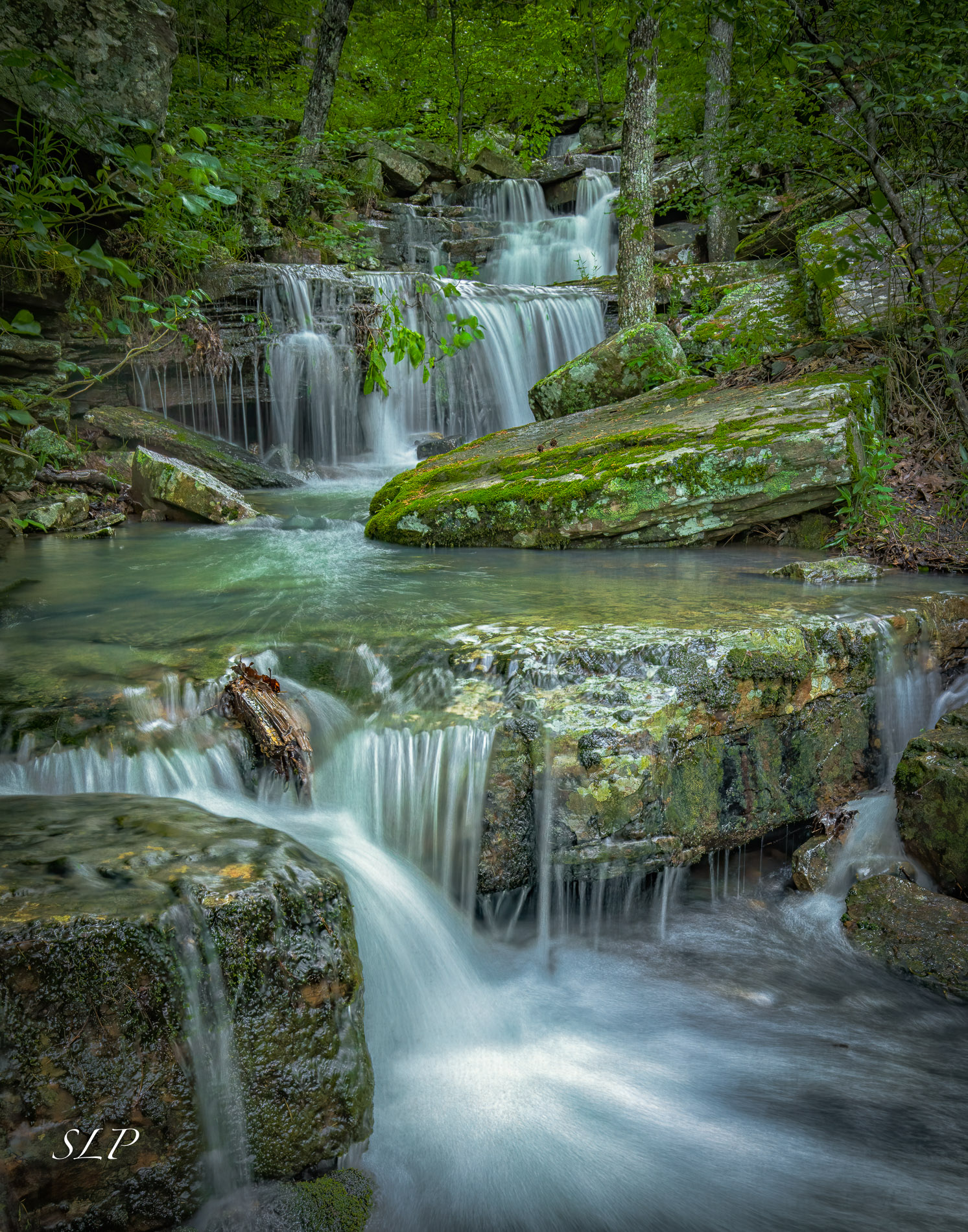
I think this imae has a lot going for it. Like Mike I think I would prefer to desaturate the blue in the water, and i also am a bit bothered by the hot spots there which lack detail. Sometimes I can successfull clone in detail in those spost by choosing pixels from another spot in the water, but you have to be careful that the lines are going in the right direction. Just a thought. If this were my image I would also use the healing brush to remove the longer leafless branches in the top just rght of center. My eye wants to follow the leading line of the stream all the way to the back, but those branches grab my attention and interrupt the smooth flow through the image. Overall,in my opinon it is a fine image, and worth trying to make a few improvements. |
Dec 13th |
| 52 |
Dec 21 |
Reply |
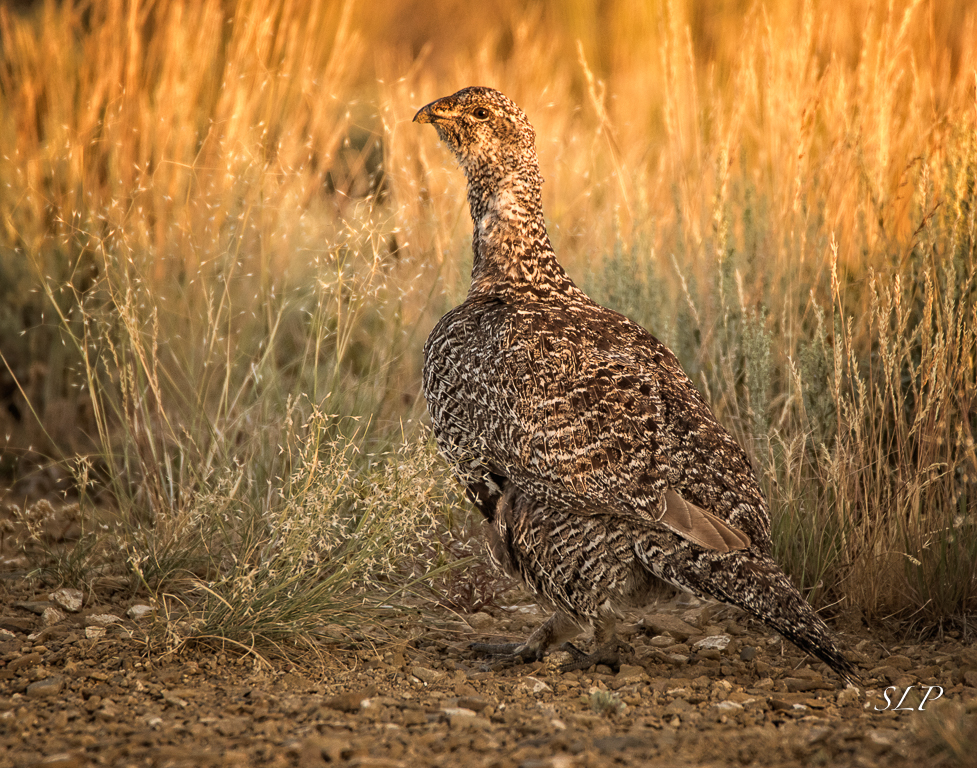
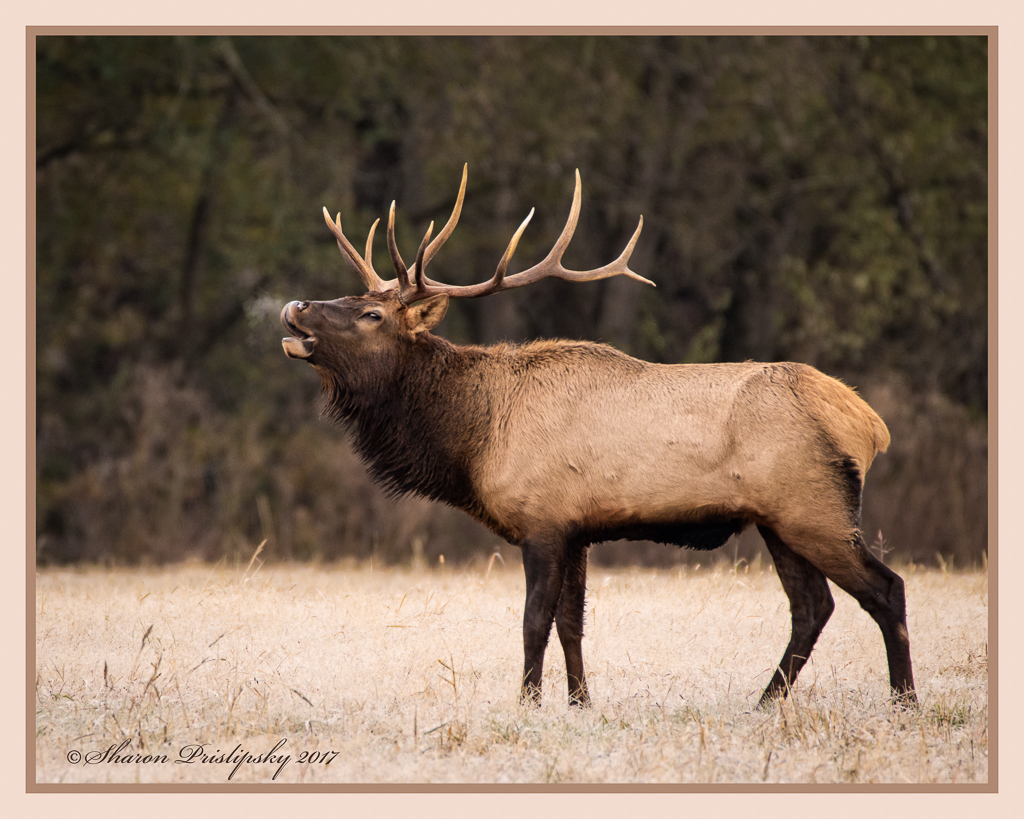
Thanks, Mike. I would have preferred an action shot, but unfortunately in all my western travels I have never had that photo opportunity. Maybe next time... |
Dec 13th |
| 52 |
Dec 21 |
Reply |
Thaks, I like both of those suggestions. I agree that they improve the image. |
Dec 13th |
6 comments - 2 replies for Group 52
|
6 comments - 2 replies Total
|