|
| Group |
Round |
C/R |
Comment |
Date |
Image |
| 27 |
Jan 21 |
Comment |
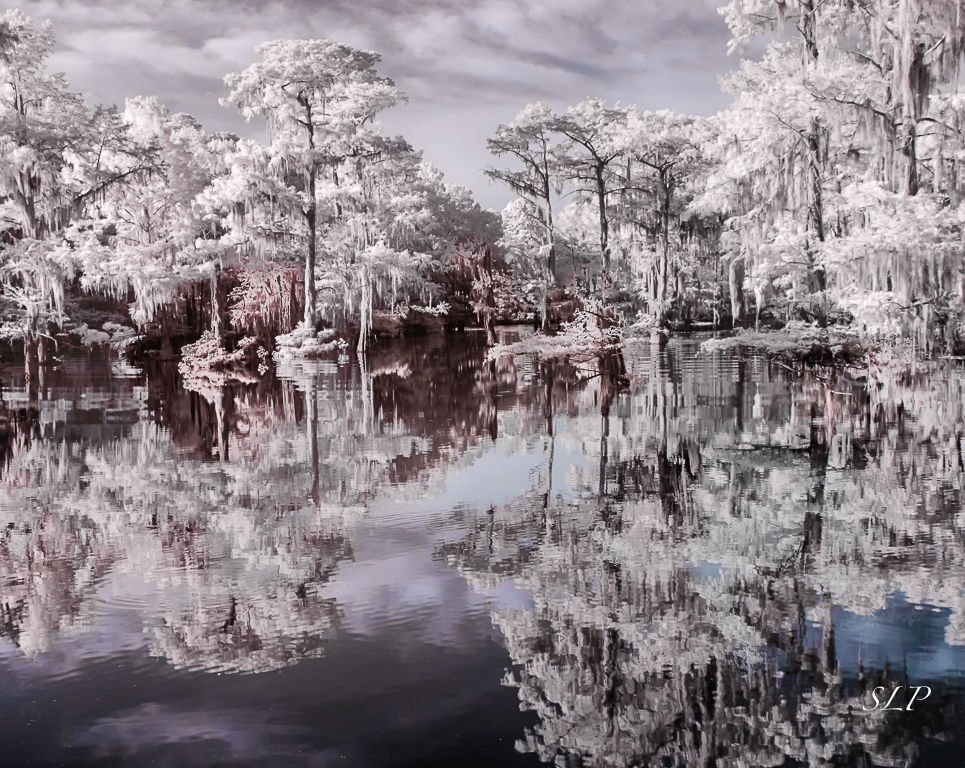
I like this a lot Renee. I have been fooling around with this stuff also (maybe a function of having been so limited by the virus). One thing I have done with this typ e of image that you might want to consider it to decide which half of the subject you prefer. Then use the rectangular marquis tool to select just that side use the transform tool to flip horizontally and then move it to cover the other half. That created a perfectly symmetrical and evenly exposed whole. Try it and see what you think. |
Jan 24th |
1 comment - 0 replies for Group 27
|
| 35 |
Jan 21 |
Comment |
First of all I have to apologize for eliminating your reply to Helen. I saw that her entry was posted twice and deleted the second one which also deleted your reply...I should have deleted the first one.
As for your image...I love the story, but worry about you getting lost in such a huge wild space...be careful my friend. Also sorry about the loss of your filter. What an adventure you had! I agree that it is a bit soft. I am not a "pixel peeper" but I did try to zoom in to see if that helped me better appreciate the wonderful textures. I think adding some glow gave it a look in which the softness appeared to be more intentional.. I like the blue you pulled out in the water. That No. 2 swap is one I particularly like. You are a master of post processing and I feel you have done a good job with the material you had to work with. |
Jan 15th |
| 35 |
Jan 21 |
Comment |
To me this image has the look of an early twentieth century photo. I think the antique look really suits the subject matter. As for CLir, I have gotten to the point where I just use one of the IR Swaps add some contrast, then move on to other photo edotong programs to get the look I want. CLir is just too complicated for me. I know what look I want but can't get there with it. I haven't even bothered to istall the updates. Oh well...
I would consider adding an image border that further enhances the old photo look. Otherwise, a nice image and one that is well processed in my opinion.
Waiting for a call for an appointment to get the vaccine. I was thinking it would be next week, but who knows. Stay well. Maybe things are going to improve in the next few weeks months. |
Jan 15th |
| 35 |
Jan 21 |
Comment |
I think this is a pleasant and peaceful scene with an interesting sky. The addition of the water takes it from mundane to lovely, in my opinion. Well done. |
Jan 15th |
| 35 |
Jan 21 |
Comment |
For me this says it all and captures my sense of being "trapped" for the last ten months. Good job on finding a subject that is ordinary, yet different from most of what we post. I think the angle you chose is perfect. I also like the low key treatment you have given it. |
Jan 15th |
| 35 |
Jan 21 |
Comment |
This is indeed a very busy scene with lots to look at, but I feel you have handled it well. I agree about the slight crop at the bottom. (This is not at all how I pictured an English Manor house. I guess I have watched too many British dramas on public television.) To me the work you have done on the sky adds interest and a certain mood. Nice work. |
Jan 15th |
| 35 |
Jan 21 |
Comment |
This wild and lonely location makes a great landscape image. I tend to prefer panoramic crops for these kinds of scenes, so I agree with Helen about cropping from the top so there is less sky. I think the flat sky might be a good thing in this case as a very dramatic sky would compete with all the wave action. For me your processing works well - I feel there is good tonal range. Apart from the crop and removeal of dust spots, I havce no other suggestions. A good image with lots of potential in my opinion. |
Jan 15th |
| 35 |
Jan 21 |
Reply |
Thanks, Debbie. With having to stay closer to home this last year I find I consider subjects I would formerly pass by. Maybe it is a good thing to look closer to what is right around us. |
Jan 15th |
| 35 |
Jan 21 |
Reply |
Thanks, Helen. I would love to try this in an exhibiton or a print contest, but as alwsy IR is risky. I may do it locally first just to see what kind of a reaction it generates. |
Jan 15th |
6 comments - 2 replies for Group 35
|
| 52 |
Jan 21 |
Reply |
Thank's Judith. No, unfortunately the only way you can remove anything for the nature category is by cropping. |
Jan 18th |
| 52 |
Jan 21 |
Comment |
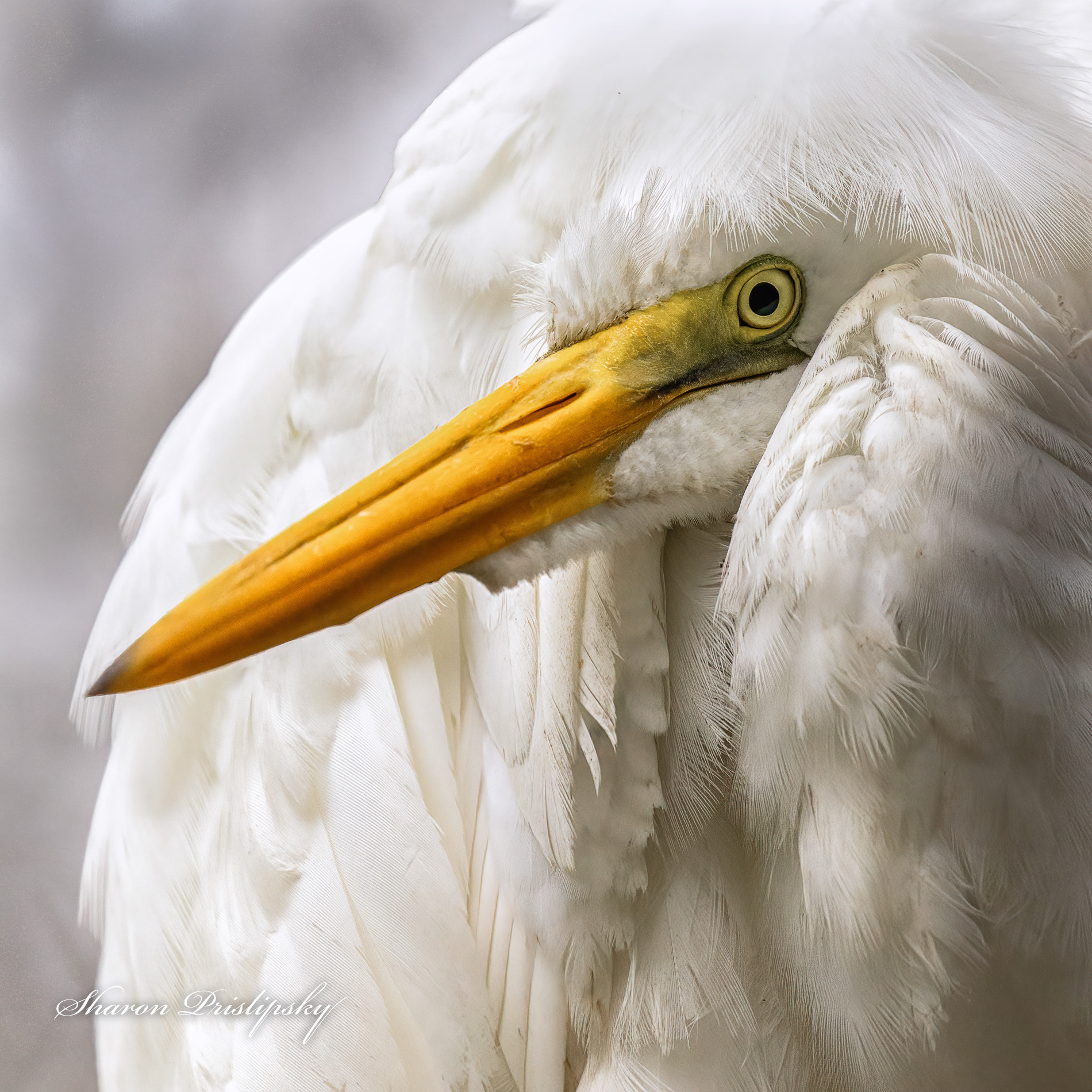
Wow! You have come a long way from the original to the second edit. The main image as presented leaves me wanting to see more of the stork's eyes (to maybe make it feel more alive and real). That is rectified in the second edit. In both images I love the oranges and greens against the white, but I can appreciate the color palette much more in the second image. Sometimes I dislike having any part of the beak amputated, but it seems to work in the second edit, and it elimnates the issue of the one leg. So I think overall, the second edit work for me. I hope you have enough pixels left to make a print. |
Jan 14th |
| 52 |
Jan 21 |
Comment |
You have captured a subject many would pass by - they are nature's sanitation workers and have a unique place in the ecosystem, even though many people do not like them. As I indicated in another member's comment you faced a big challenge shooting up with such a bright sky behind your subject. To me, it seems that there is detail in the breast feathers, but that area also has a lot of color noise. I would definitely consider noise reduction in that area.
I note that there is one suggestion about using HDR. That will work great as long as nothing at all in the frame moves. If you have movement you will end up with a lot ghosting. There is one trick I try that sometimes works - not always though. Make 2 virtual copies and move them along with the original into your HDR program; in th HDR program I adjust images so that there is one stop between each image (-0, 0,+0) then merge to HDR. Sometimes that creates funky artifacts, so you have to discard it, but sometimes it works. It's wort a try, I think. |
Jan 14th |
| 52 |
Jan 21 |
Comment |
Shooting up into trees with a bright sky is always a challenge. I think your processing has helped to overcome a good bit of that. I would like to see the faces brightened up some. I agree with Mike and Lisa about cropping to focus just on the two bats who are leaning out. Personally, I always tend to prefer simpler compositions and such a crop would make a cleaner image in my opinion. |
Jan 14th |
| 52 |
Jan 21 |
Reply |
Thanks for the explanation. It is always interesting to see how different photographers get to the final product. I thik the enhancements you have done work well. |
Jan 14th |
| 52 |
Jan 21 |
Comment |
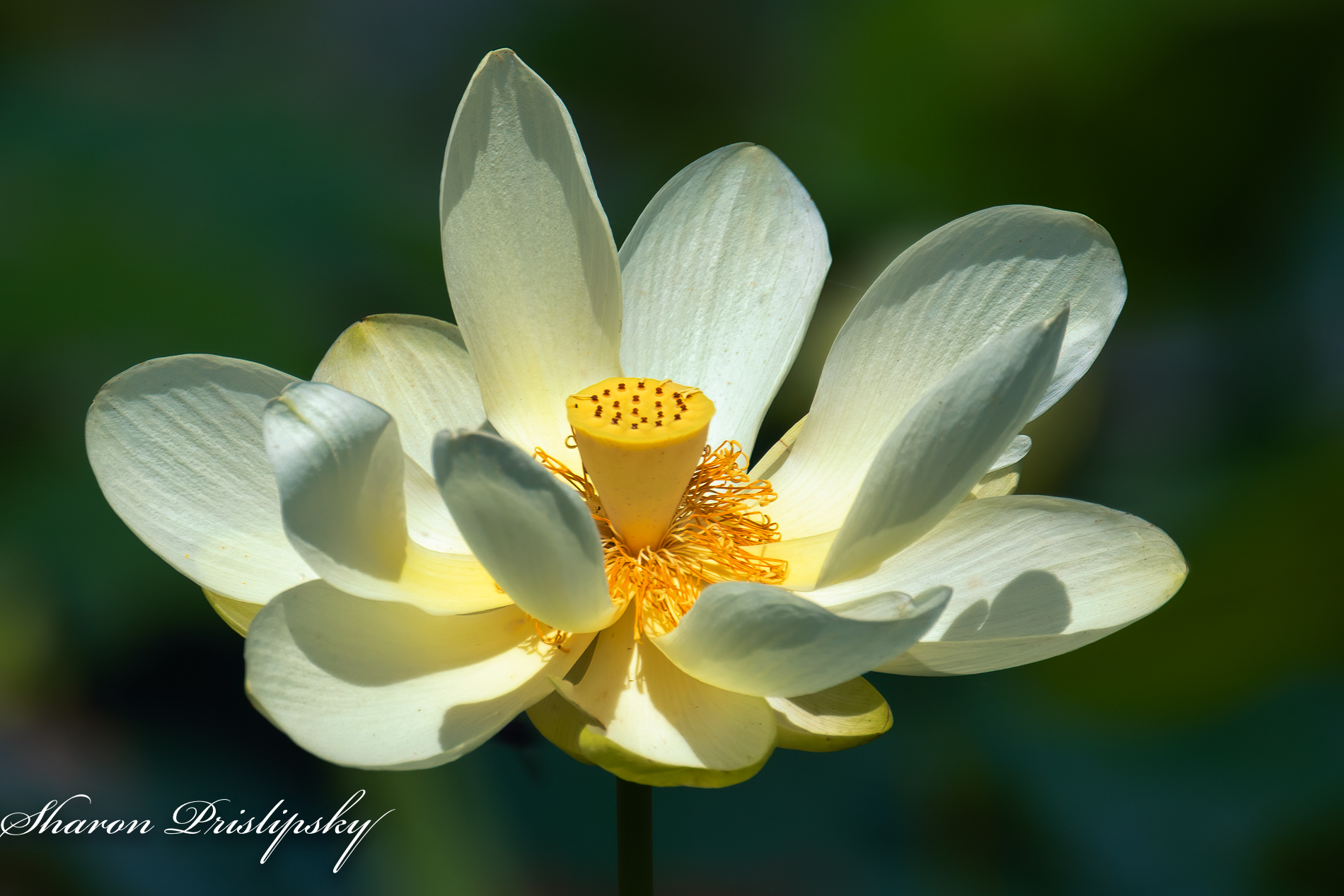
This is a beautiful specimen. I never get tired of Lotus images. I think the others have given you some interesting suggestions to try. Let me jump in with one more. I think I might try to pull down the mid-tones to make a very dark, almost Black background.Be careful to mask the effect on the stem so that it does no cause teh flower to appear as if it is floating in space. |
Jan 14th |
| 52 |
Jan 21 |
Comment |
I think the strength of this image is that you have captured an odd numerof birds and there is no convergence. Due to the size of the image it is difficult to say for sure, if they are all in sharp focus, but hopefully they are. The halo effect is rather pronounced but can be easily removed using a small clone brush in PS on Darken. I am wondering how this would look with a high key presentation. There is a high key folter in Color efex Pro, but I often just bump up the exposure 1 or 2 stops and then work on the detail in the subject. Try it and see what you think. |
Jan 14th |
| 52 |
Jan 21 |
Reply |
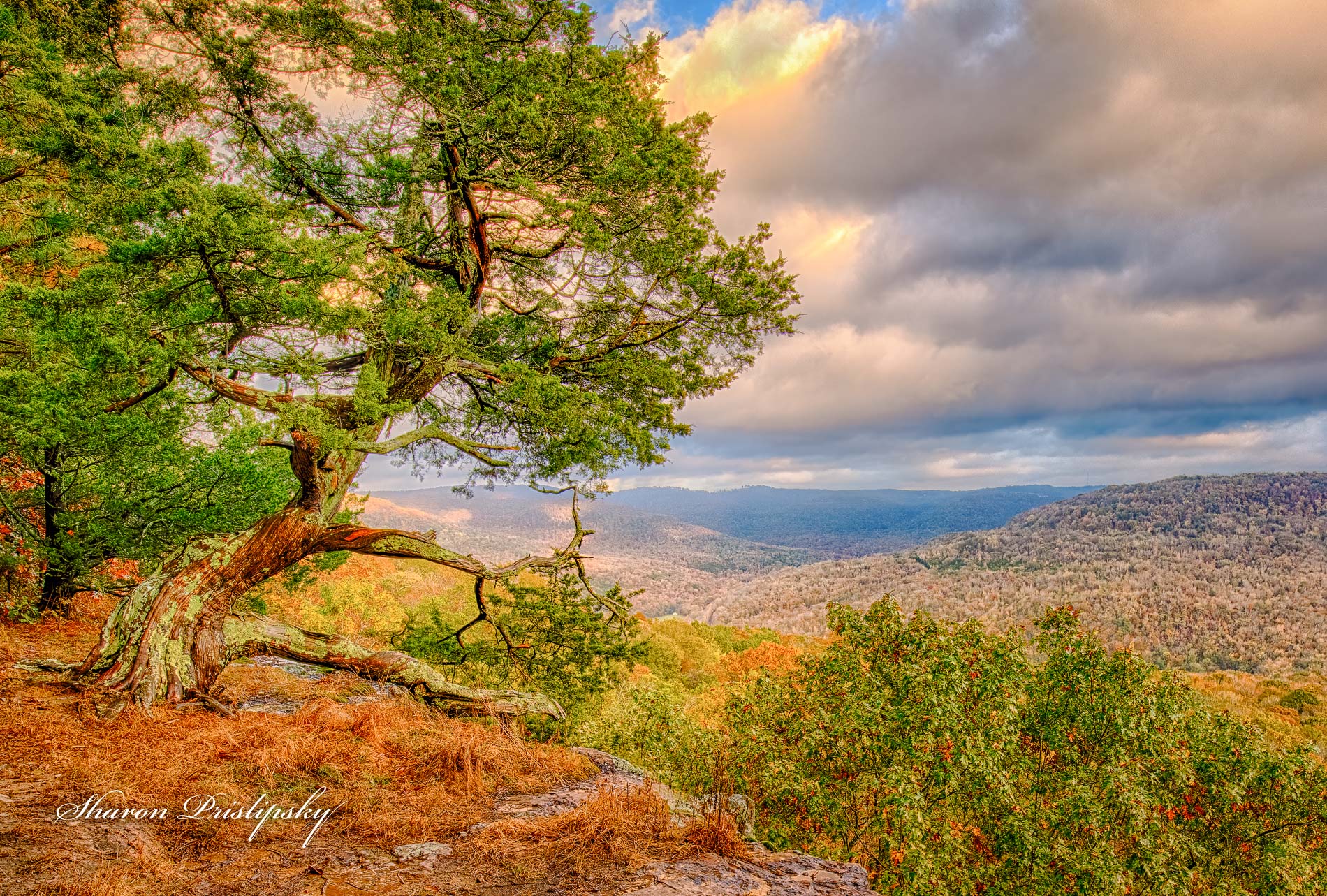
Here is another version. Same scene, but not the same capture. It's a compeltely different look. Waht do you think? |
Jan 14th |
 |
| 52 |
Jan 21 |
Comment |
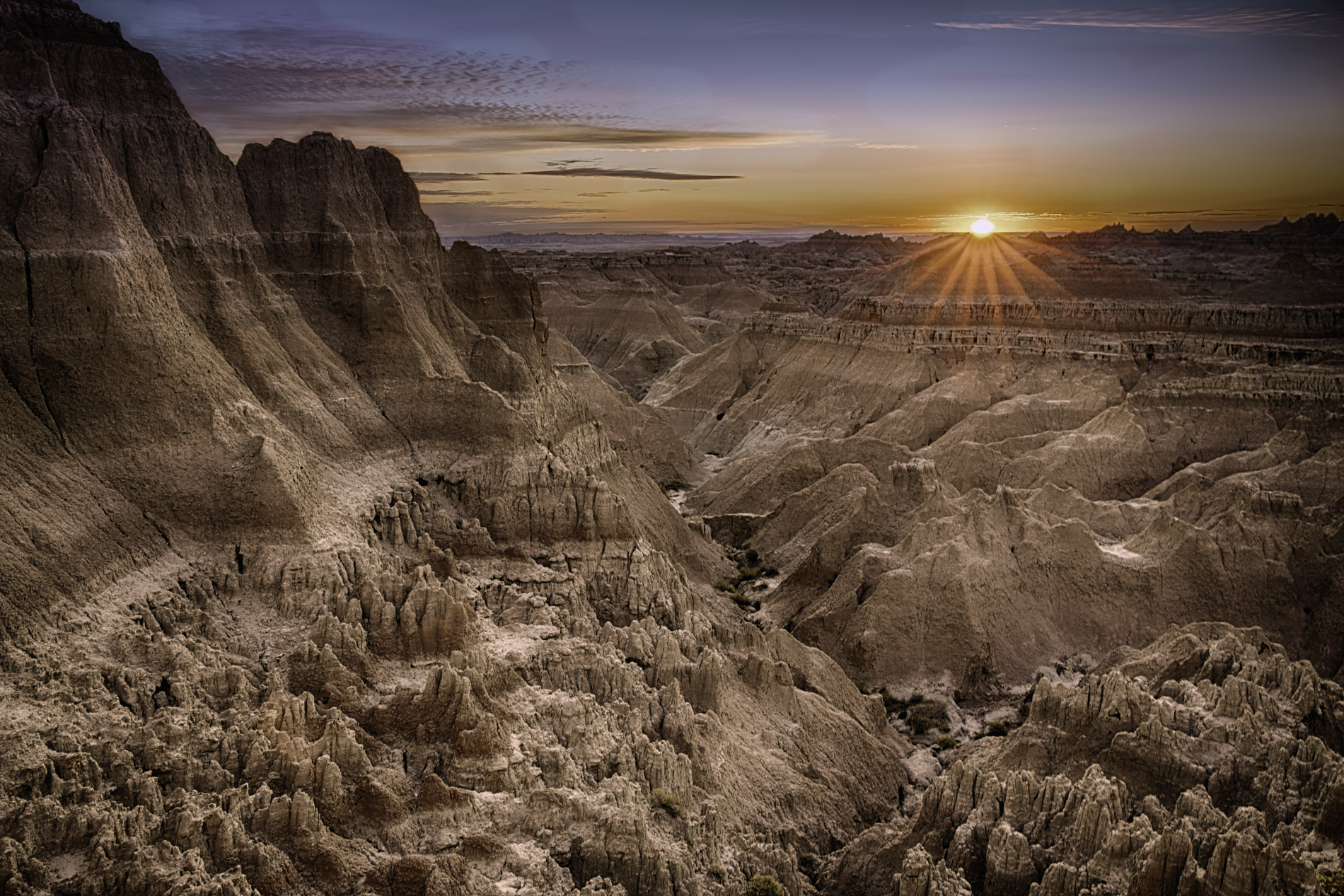
I find the oranges and golds very visually appealing. I also commend you for looking at the details and finding this excellent example of an intimate landscape. It reminds me of the work of Eliott Porter. I really wish I could see the original and have some information about how you post processed this image. We all learn more when we share thee goals, strategies and visions that make our final images what they are. |
Jan 10th |
| 52 |
Jan 21 |
Reply |
I may go back to the original and try your ideas Mike. I cropped it the way I did because I know I want to print this and frame it, so I wanted to stay with a standard crop to cut the cost of mats and frame. However, I will experiment in another version to see what works. As for your suggestions about the detail in the mid-ground, I am really torn as to what to do. That area was very hazy and I deliberately dehazed and extracted detail. I will give it some thought. |
Jan 10th |
| 52 |
Jan 21 |
Reply |
Thanks for the feedback, Lisa. Personally, I am partial to the orange and I think it is not unrealistic in that this part of the country tends to have very red-orange pine needles and scrub brush. (It helps make up for the fact that we don't get a lot of brilliant red leaves in fall color season.) However, I will keep your suggestion in mind, I have just entered this into exhibition and do not have any results yet. I think I will wait and see how it does before I make any chnages. |
Jan 10th |
| 52 |
Jan 21 |
Reply |
Some of the filters I used in Color Efex Pro brought out more detail that is not apparent in the original, but is actually there. They also made the yellows too strong so I had to selectively adjust the color. Skies can be tricky. I always want detail in the clouds, but I need to be careful not to add noise. Anoher thing I do sometimes is clone parts of clouds in or out. I don't like ot see tiny little spots of cloud - especially near the edges - and I don't like tiny little spots of sky showing through in the middle of clouds. I can't say for sure how much of that kind of work I did here. |
Jan 3rd |
6 comments - 6 replies for Group 52
|
13 comments - 8 replies Total
|