|
| Group |
Round |
C/R |
Comment |
Date |
Image |
| 35 |
Jul 20 |
Reply |
Thanks for stopping by, John. Your comments are always appreciated. The next time I go there I will take a closer look at the dock. I had not noticed that slight lean before and I am not sure if it was the effect of the wide angle lens or if it actually is that way. Regardless, i will straighten it up for this image. I hope you are well and getting good photo ops. |
Jul 27th |
| 35 |
Jul 20 |
Comment |
I like the soft dreamy look you have created. You are a master at post-processing. I have been studying a book by Sarah Gardner, "Art Beyond the Lens," which deals solely with creating and using textures. I think this is a good example of what she is suggesting.
|
Jul 13th |
| 35 |
Jul 20 |
Comment |
Lovely as all your images seem to be, and in my opinion you have framed the scene well. I only have one little nit pick and that is the closed gate. When I see this sort of thing I always open the gate before I shoot so that the viewer's eye can travel smoothly into the scene. Of course you may have been prevented from doing that in this case, but I think it would make the image more interesting. Otherwise, I like it a lot. |
Jul 13th |
| 35 |
Jul 20 |
Comment |
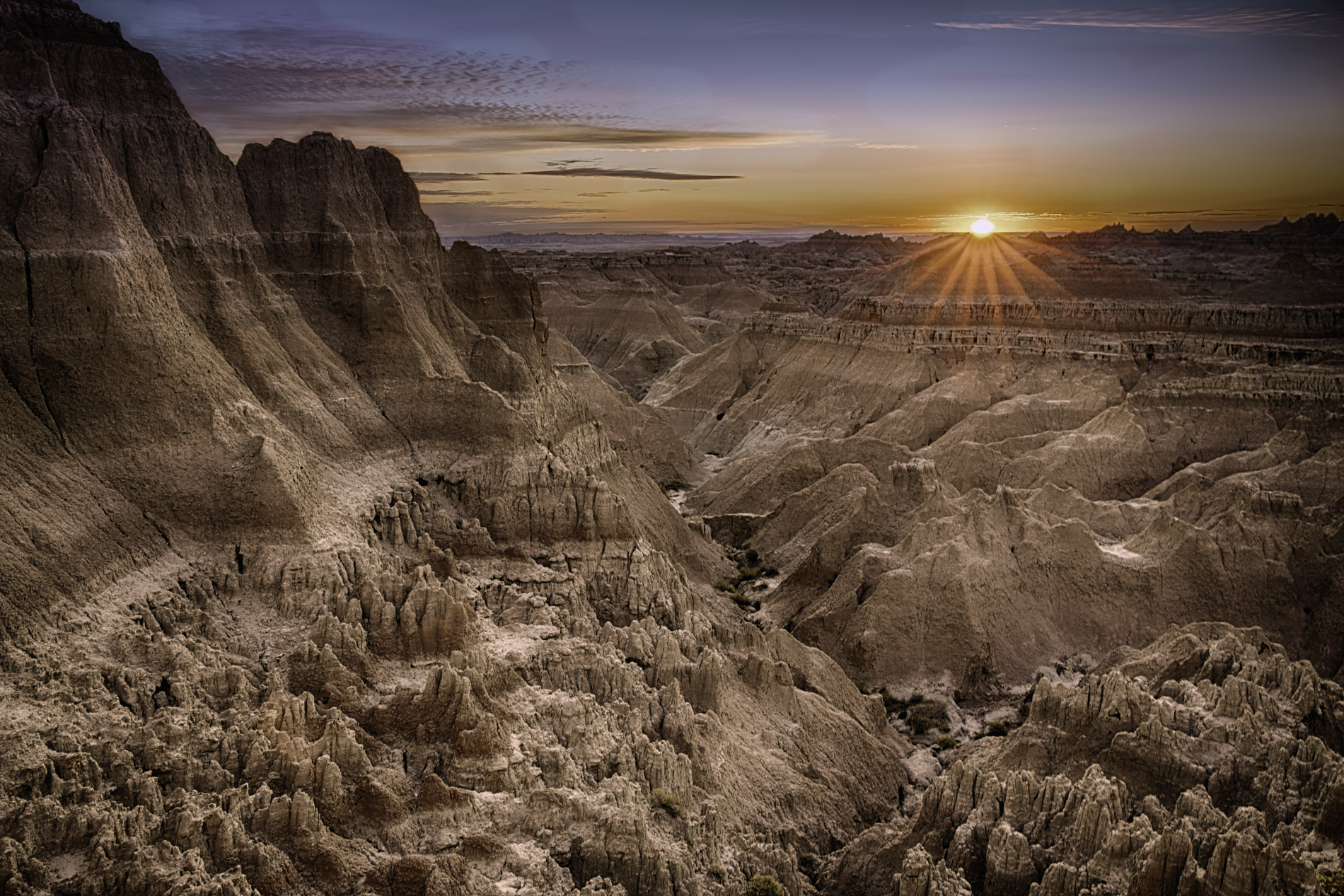
I was captivated by this image the moment I saw it. In fact, I went back to some of my images and reprocessed then trying for this look. This image has drama and impact for me. I especially like the way it drops off at the horizon. keep speculating about what is out there? Is it a valley or is it just landscape hidden by clouds and mist? In my opinion this one is wall worthy. |
Jul 13th |
| 35 |
Jul 20 |
Comment |
You seem to have a real knack for high key images which I admire. This one looks almost like a sketch, and I find that very pleasing. I like the way the top line of the trees forms a soft diagonal which contrasts nicely with all the horizonal and vertical lines in the structure, and for me it adds a sense of strength. I too have been using Topaz AI Denoice and I highly recommend it, especially for IR. |
Jul 13th |
| 35 |
Jul 20 |
Comment |
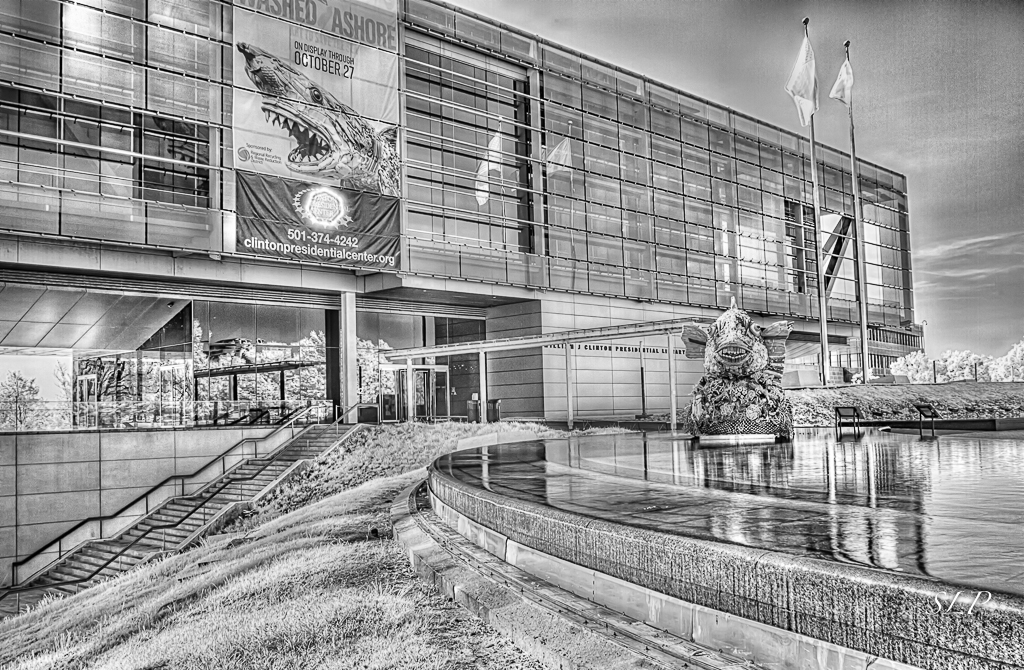
I like the tonal contrast in this image and once I noticed the reflected building in the upper right, I wanted to study it more closely. For me, while the foliabe is nice and crisp, it feels like there is too much of it. Like Helen, I think the curving branch pointsme into the scene, but I would crop from the left up to where that branch begins. I also have been using Topaz AI Denoise and it does an amazing job. For IR it is part of my workflow usually done at the very beginning. |
Jul 13th |
| 35 |
Jul 20 |
Reply |
Thanks, Helen. I have a hard time recalling exactly what I have done in post also. Lately, I have been making notes in the "Captions" section in the LR Library Panel. |
Jul 13th |
| 35 |
Jul 20 |
Reply |
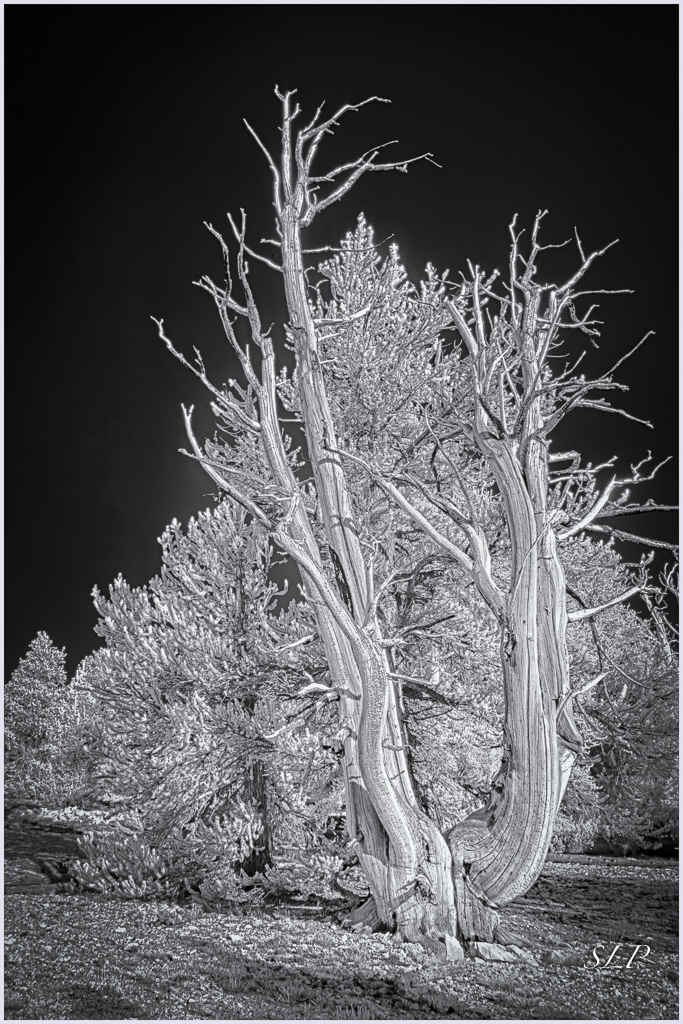
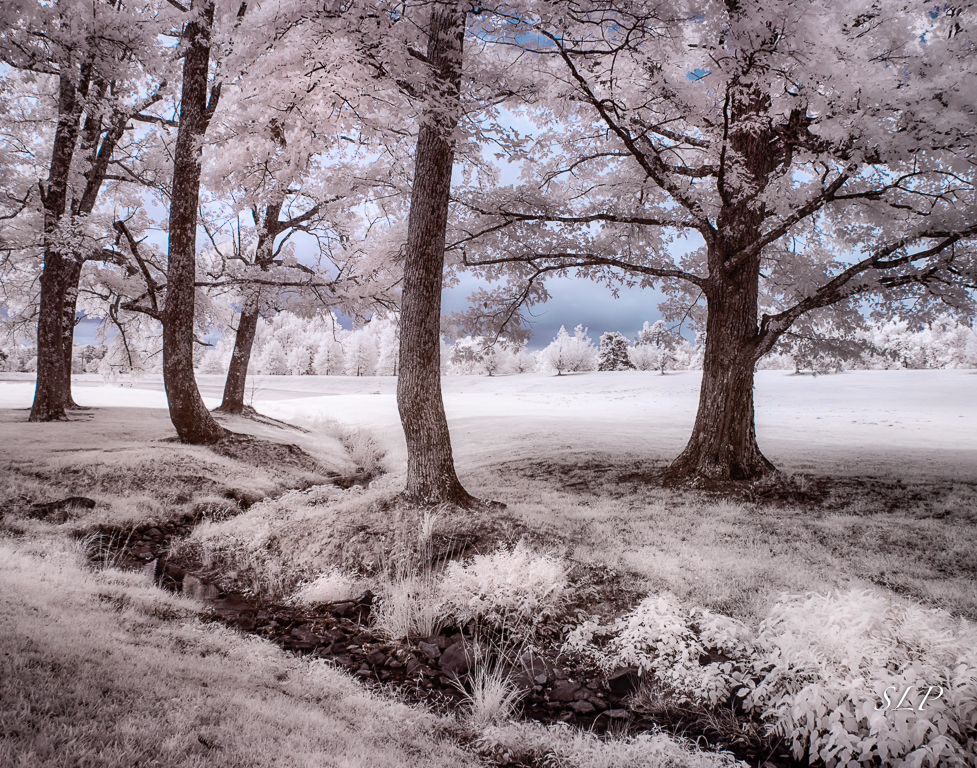
My typlical workflow is: I start with the HDR or single image by setting white and black points then slightly tweaking contrast and clarity in LR; next I routinely denoise; in PS I either do the channel swap or select the one of the quick settings in CLir; at that point, I may also add a color effect; then going into Viveza I make selective adjustments to brightness, contrast, saturaton and structure; I may finish up in Color Efex Pro 4 or in OnOne Effects depending on the image. Its more or less the way Mark Hilliard taught me to do it, but that was way back before I had OnOne and CLir.
I can't get all the color I would like, but I am surprised by how much I can get. I have a 590 conversion also, but rarely use it because it is a much older camera and the LCD panel is hard to see. I am thinking about getting another camera converted to 665nm to give me more range. |
Jul 8th |
| 35 |
Jul 20 |
Reply |
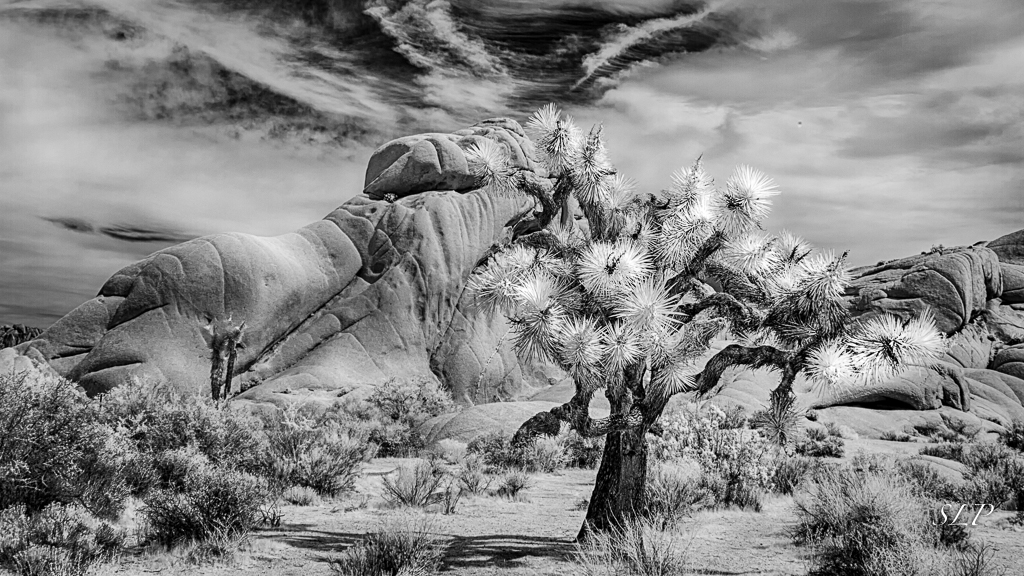
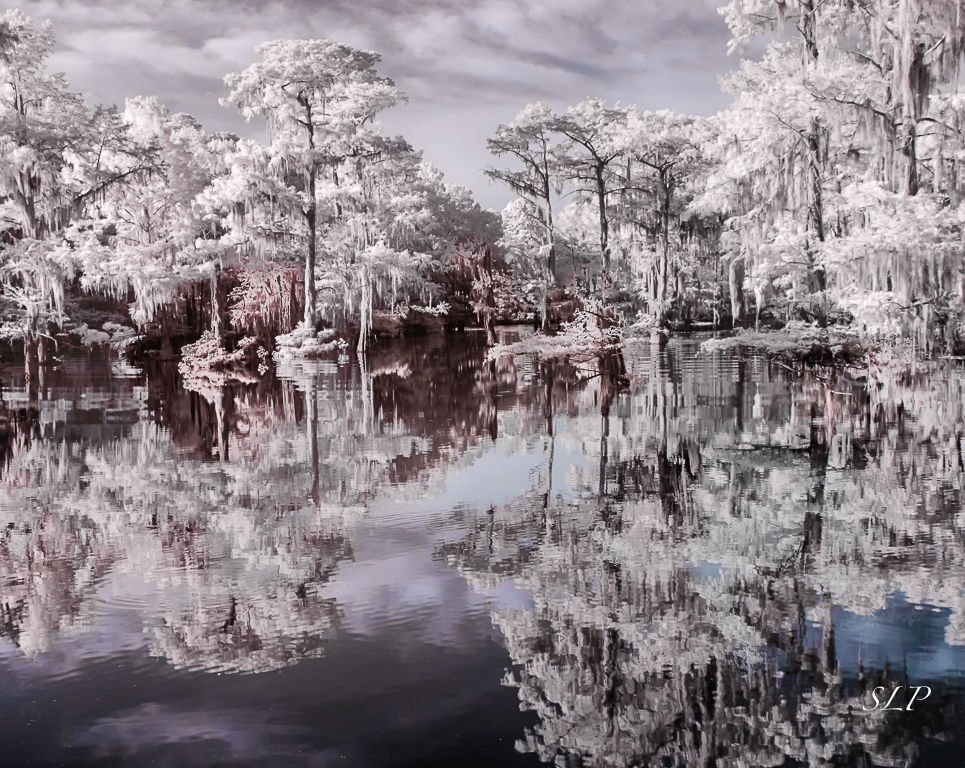
Thanks for your comments, Terry. Actually I used an 830nm conversion camera. I used to be all about crisp black and white - and I still love it - but recently realized that I can still introduce some interesting color even with that conversion. |
Jul 8th |
5 comments - 4 replies for Group 35
|
| 40 |
Jul 20 |
Comment |
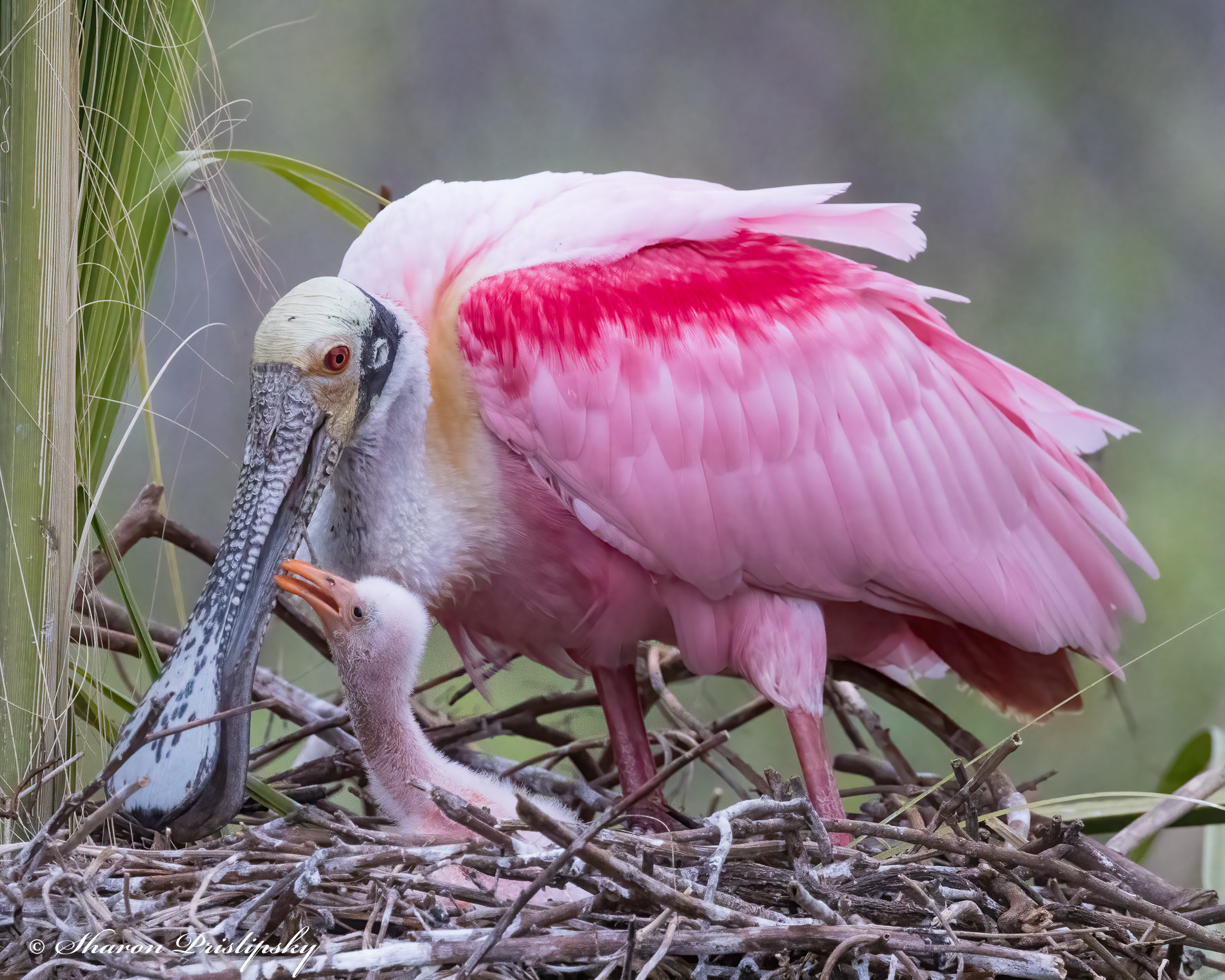
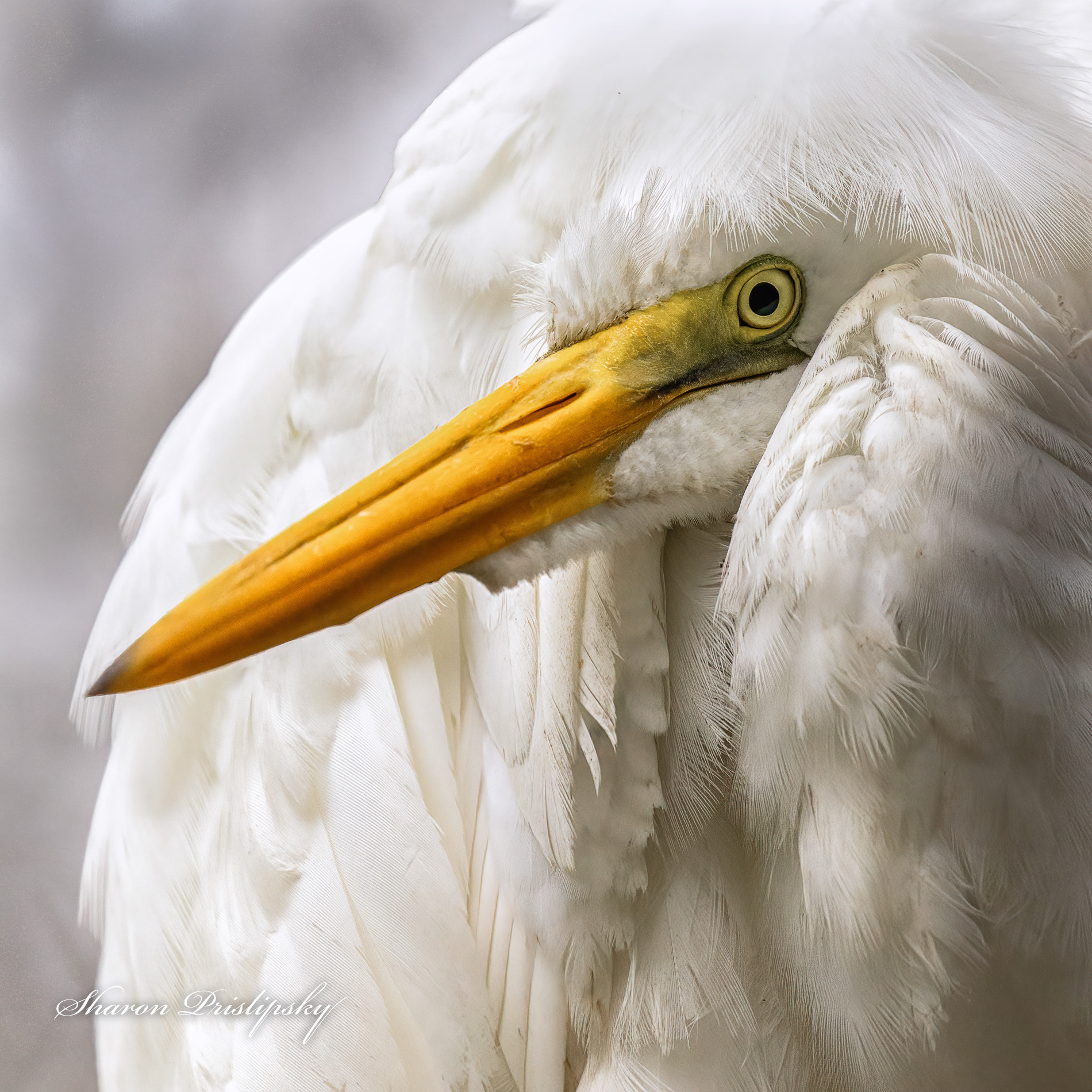
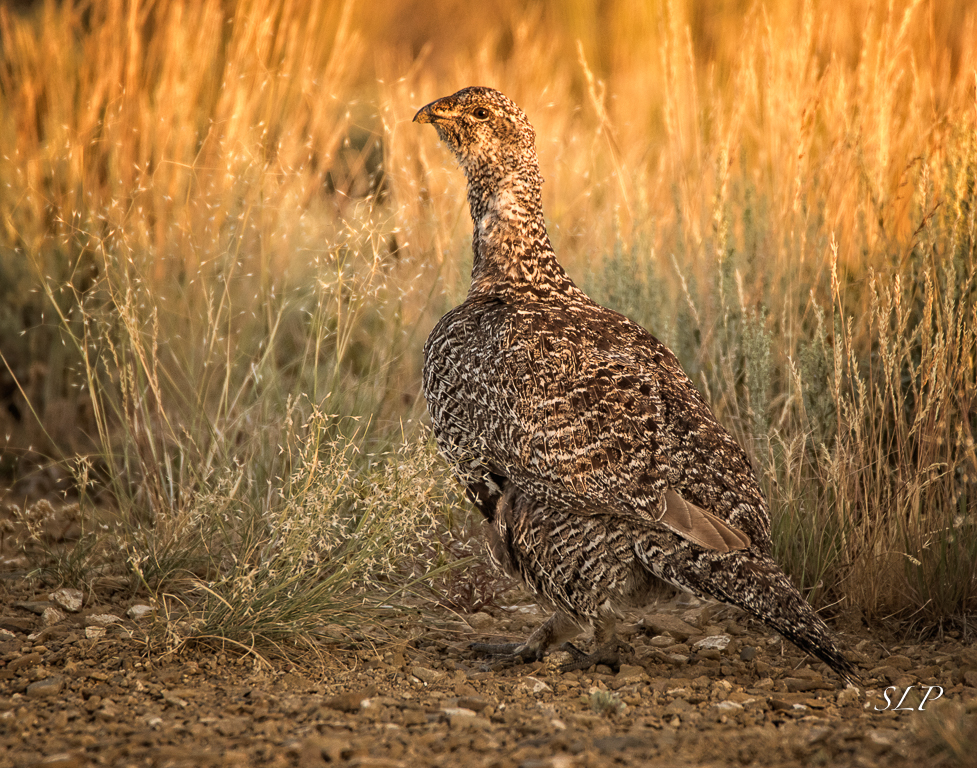
I think this is a great close up portrait of a bird I have never seen (and probably never will see). I reminds me of a little song we had to sing in grade school, so it makes me smile. The catch light in the eye makes the bird life-like. As I think about the nature story, it looks to me like the bird is gathering nesting material.
I think the processing for this image depends on what your intentions are for it. If it is to be submitted for anything in the Nature Division, I would only sharpen the eye then try to reduce the exposure on the breast and lighten the shadows (i.e., reduce the contrast in that area) while adding some detail to the breast feathers. I think this could be done using the radial filter and brush tools in Lightroom. If you are not considering the rules of the Nature Division, you might also try to darken and further blur the background.
I'll bet shooting these birds was exciting. |
Jul 8th |
1 comment - 0 replies for Group 40
|
| 48 |
Jul 20 |
Comment |
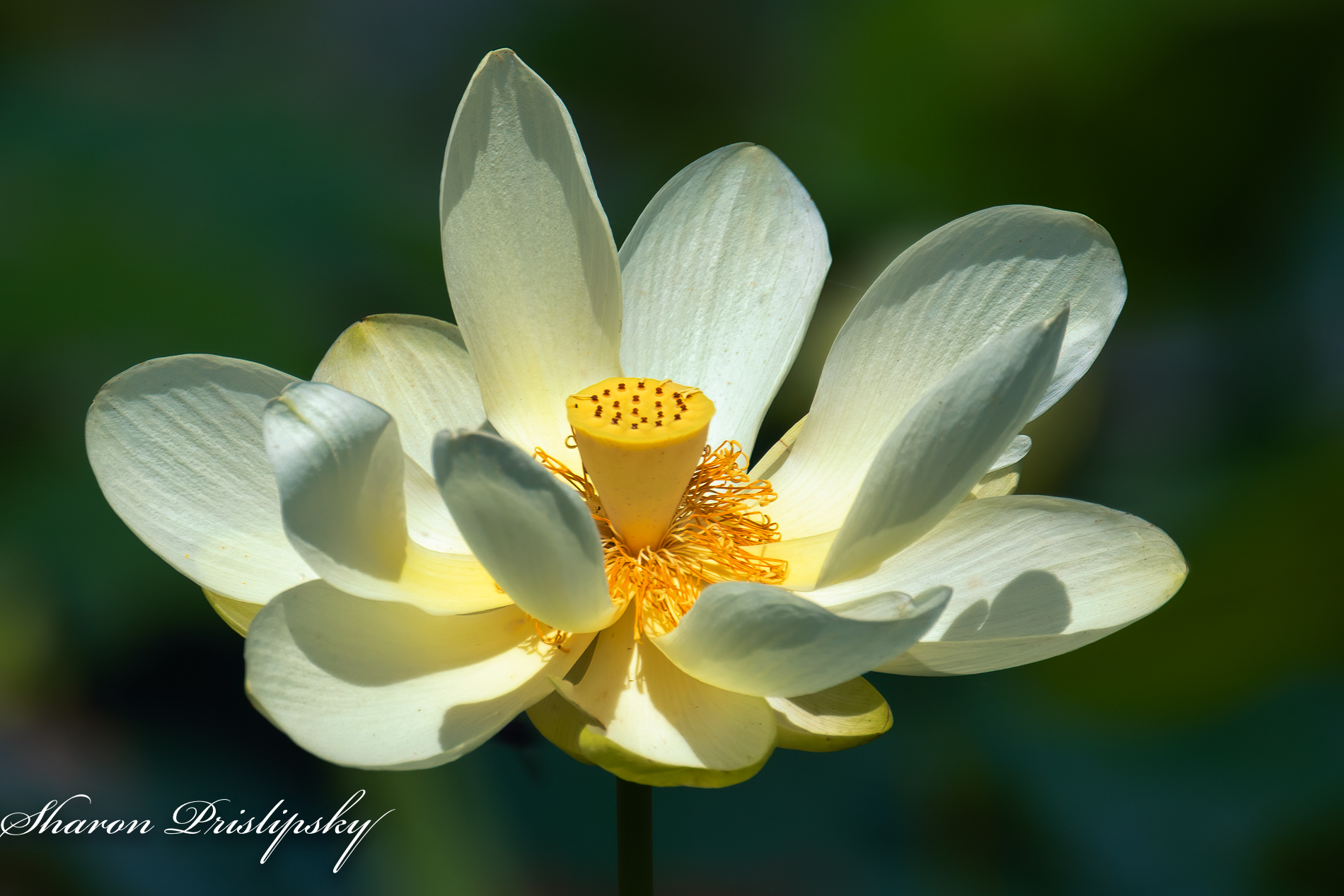
This is lovely, Jamie. For me it really does have a dreamy quality. My suggestions would be to clone out the tree trunk on the right as well as the withered bloom in the center. I can't tell for sure, but if this could be cropped to a square without losing any of the flower it might add impact. Try it and see what you think. |
Jul 8th |
1 comment - 0 replies for Group 48
|
| 52 |
Jul 20 |
Reply |
I like this version better. The diagonal line makes me feel it is a little more dynamic. |
Jul 27th |
| 52 |
Jul 20 |
Reply |
Thanks, Judith. I always appreciate your artistic input.
|
Jul 27th |
| 52 |
Jul 20 |
Reply |
Thanks for your feedback, Vinoth. I always say it is ok to break the rules, but first you have actually know the rule, and then be intentional about it when you decide to break it. |
Jul 20th |
| 52 |
Jul 20 |
Comment |
I know this is near Colorado Springs and I was so counting on getting to this location during this year's PSA Photo Festival. But alas, Covid 19 has ruined that plan along with others. Maybe in 2022 when the Festival is scheduled to be back there I will get my wish. Did you also shoot this with a telephoto lens? I am thinking that about a quarter of the image on the right does not have much of interest to me, and the shadows are somewhat dark, so my eye just wants to stay to the left. As it is the image has nice color and good depth of field. I just want to see more of the mill and less of the surroundings.
BTW I pre-ordered the new Canon EOSr5...can't wait to get it! |
Jul 13th |
| 52 |
Jul 20 |
Comment |
This is a good reminder for me that some of my favorite flowers are beautiful even when they are not in full bloom. I find the golden light on the peony very appealing, and I think you have cropped it just right so that the specular highlights are not in the frame; however, I do see Pamela's point so would go with a larger crop on the right. One thing I am curious about is that it appears the stem was on a slight diagonal and you straightened it. I would be interested in knowing your thoughts about that. For me soft diagonals add strength as opposed to vertical lines. You are artist I believe, so I wonder how you see it. |
Jul 13th |
| 52 |
Jul 20 |
Comment |
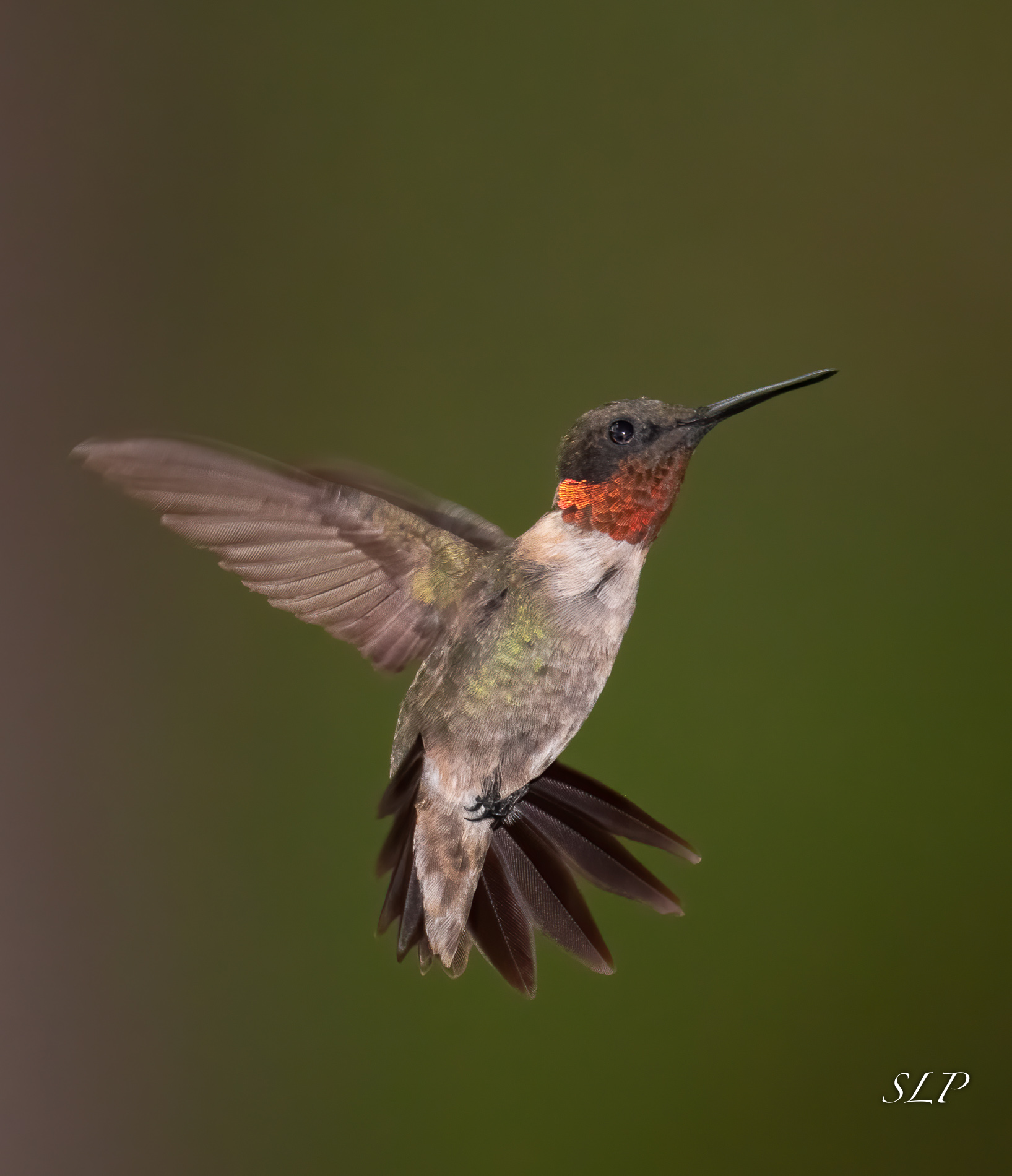
How fortunate you are to be able to work on photogrpahy without leaving home during this awful pandemic. It looks like you have a wonderful set up as far as the environment goes. The depth of field in this image looks perfect to me. Birds are always one of my target subjects, so I would be very interested in knowing more about how you captured this image. Lens choice and settings would be most helpful. Also, if you have any other tips that might help me improve my own work I would be grateful. |
Jul 13th |
| 52 |
Jul 20 |
Comment |
I think the color palette in this image is lovely. To me the grasshopper looks tack sharp and you have captured all the detail. In my opinion, the out of focus bud on the right is a distraction, and the fact that the right side of the image is so bright draws my eye away from the grasshopper. I see the others have suggested a vignette and/or reducing the luminosity of the green on the right. After consideration, I believe that if this was my image I would think about cropping on the right and the bottom so that there are only the two elements in the frame. This is just a suggestion...try it and see what you think. You are the artist and it is your vision. Either way, I think it is a nice image. |
Jul 13th |
| 52 |
Jul 20 |
Comment |
The contrasting colors and the set of three make this image one that will catch viewers' attention in my opinon. You opened up the aperture just right to get the bokeh and the sharpness seems to me to fall off in exactly the right place. As you know, I am always partial to a square crop for flower images. Nicely done. |
Jul 13th |
| 52 |
Jul 20 |
Comment |
I think this is a beautiful pastoral scene and you have framed it perfectly in my opinion. I was in the Palouse in the spring a few years ago, but the timing wasn't quite right to take full advantage of the canola, nor did I have the luxury of those kinds of clouds. I think the color palette in this image give it impact. I would not change a thing about it. I think it would make a fantastic metal print. |
Jul 13th |
| 52 |
Jul 20 |
Reply |
Thanks, Pam. I have photographed this wildflower many times but this is the first time I have been able to get the bokeh and the separation from other blooms enough to isolate my subject. |
Jul 13th |
| 52 |
Jul 20 |
Reply |
Thaks, Lisa. I do see the web, but I would like to use this in the Nature Division and their rules would prohibit me from removing that. I am just counting on the fact that it is so small and the background is so dark that it will not be seen as a distraction. |
Jul 13th |
| 52 |
Jul 20 |
Reply |
Thanks, Ally. I hope you will not be too disappointed in me if/when I post something that has been manipulated. Sometimes my artist instinct wins out over the naturalist in me. |
Jul 13th |
| 52 |
Jul 20 |
Reply |
Thanks, Mike. I see your point. Good suggestion. |
Jul 13th |
6 comments - 7 replies for Group 52
|
| 88 |
Jul 20 |
Comment |
This is a fun image, and although it is a picture of someone else's art, I see some creative ways you could make it something new and different. My thinking would be to go to PS, make a duplicate layer, convert one of the layers to monochrome and then blend them so only the bikes and riders are in color. Then I think darkening the background would put more focus on the the figures. Just and idea. Try it and see what you think. |
Jul 10th |
1 comment - 0 replies for Group 88
|
14 comments - 11 replies Total
|