|
| Group |
Round |
C/R |
Comment |
Date |
Image |
| 35 |
Mar 18 |
Comment |
I am smitten by this image. I see these old phone booths around from time to time, but the ones I find are always in messy, distracting locations, so good find. Your post processing is spot on in my opinion. I can suggest nothing that would improve this image, as for me, it is perfect. |
Mar 17th |
| 35 |
Mar 18 |
Comment |
I really enjoy the colors in this image as well as the strong graphics of the subject. Would you consider using the Guided Upright tool in LR to straighten it up a bit? I believe you have enough space on the sides to make it look like a more straightforward on shot. |
Mar 17th |
| 35 |
Mar 18 |
Comment |
For me this is a very pleasing image. Although the church is the real star, I just love that puffy cloud way in the back. In my opinion you have used leading lines well. I wouldn't change a thing about this image. |
Mar 17th |
| 35 |
Mar 18 |
Comment |
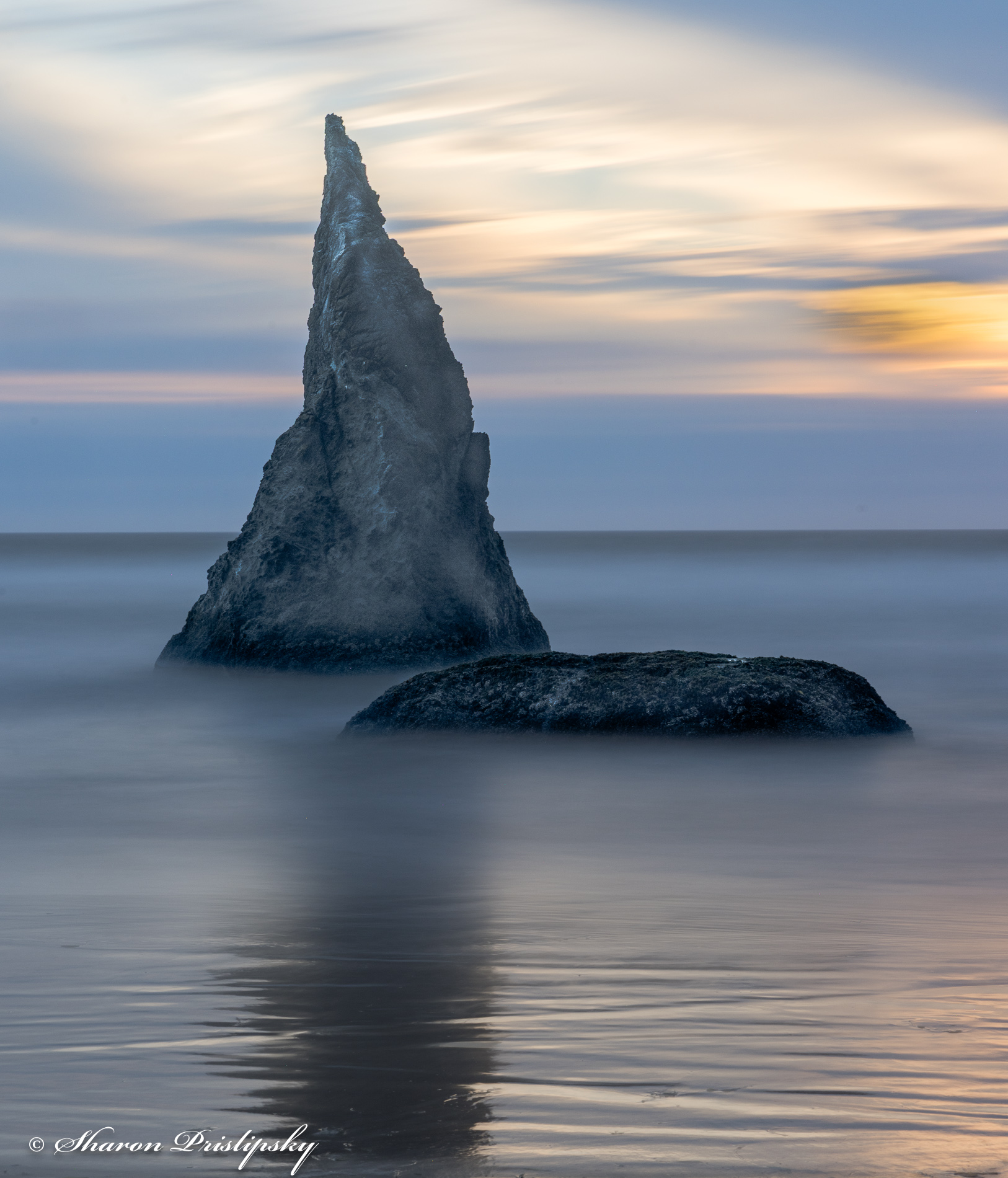
This reminds me of some wonderful trips I made to the coast a long time ago. It brings back good memories. I think the tonal range is good but might consider opening up the shadows on the large rock. For me there is too much real estate on the bottom and the right so I would crop to get the lighthouse exactly on the top right power point. |
Mar 17th |
| 35 |
Mar 18 |
Reply |
Julie, i believe you are correct. I took at good many exposures here and I believe the original I selected is a different one in the series. |
Mar 17th |
| 35 |
Mar 18 |
Reply |
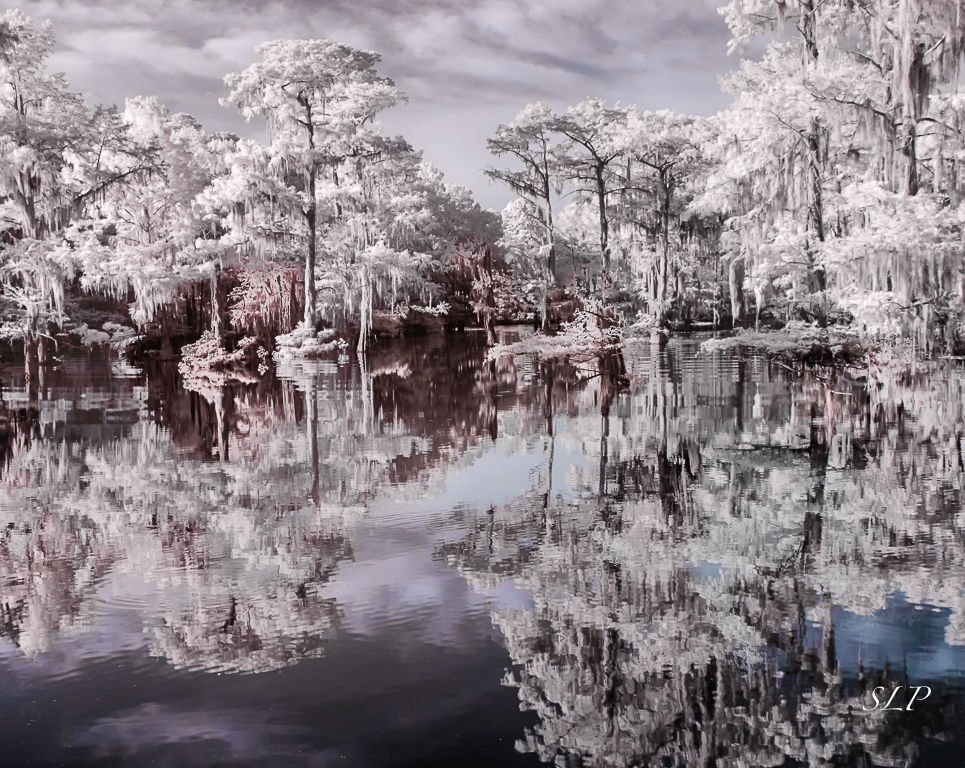
I am glad you said you like the original better because I do also. I am going to have to stop trying to please other people and please myself with these images. It seemed like every time I posted and image that had any color in it other than blue someone reacted strongly. I will go back to the original and think about how to crop out some of the foliage. But I would like to get those pinks to look more like the soft brown tones I sometimes see in your images, so I will have to work on hue and saturation too I guess. Thanks for the insight.
By the way, I spent last week on a field workshop with a well-known IR photographer. He very much disagrees with the opinion Mike Brophy expressed a few months ago about the color that results from shooting with the 590nm conversion is "not really IR." Another reason to please myself, I guess. |
Mar 12th |
4 comments - 2 replies for Group 35
|
| 40 |
Mar 18 |
Comment |
Hello Curtis. Andrew contacted me and asked if I would be willing to comment on your image. I hope you do not mind. I am the administrator of Group 52 Nature Plus. First, in the Nature Division the rules are quite strict and there can be no evidence of "the hand of man", so the mown grass may be an issue. However, our group is in PID and we allow this as long and the hand of man is not obtrusive, so you would be OK there.
You are very fortunate to have the opportunity to shoot these adorable fawns. This is a good record picture, one you will want to keep and show to friends for sure. I always take the record picture first to make sure I have one, but if I have time to shoot more frames I go for something that will be suitable for competition or that is "wall worthy". So my comments are aimed at stratgies for getting that type of image.
Once you get that first capture - the record shot - you need to have patience. Be as still as possible and keep the subjects in the frame, but wait for that rear fawn to raise its head or move around so that the two are separated. In my opinion the image overall is a bit soft. Sometimes softness is not an issue, as long as the eyes and face are sharp. To me it appears that you have the front fawn's right eye in focus but after that it focus falls off. The color in your image is great, but the background is busy and, for me, is a distraction. In my opinion the 1/100 sec. was way too slow to get it sharp. I shoot a lot of wildlife with a 600mm lens and find that the following settings work well. Use them as a starting point and tweak as necessary. ISO 800; F/6.3; Shutter Speed 1/1000 or more - sometimes much more. The goal is to get the foreground and the subject well focused and then have the background blurred.
If you shoot a lot of wildlife you might want to consider using a "sidekick" on your tripod as it lets you acquire and track your subject more easily. Wildlife takes a lot of practice, so keep at it and you will get that winning image. |
Mar 11th |
1 comment - 0 replies for Group 40
|
| 52 |
Mar 18 |
Comment |
Stunning! One of your best. I love high key images and your post processing has turned this into a work of art. Frame it and put it on the wall. |
Mar 17th |
| 52 |
Mar 18 |
Comment |
I love the colors, textures and shapes in this image. Try the crop the others have suggested and see what you think, but for me. the way you have presented it works just fine. I wouldn't change a thing. |
Mar 17th |
| 52 |
Mar 18 |
Comment |
I love the elusive Gallinule but have never gotten a shot i am satisfied with. Yours is, in my opinion, outstanding. I am amazed that you got those water drops so sharp! They do add interest. For me, the background works well and I do not necessarily think a crop on the left would be necessary. However, it does seem to me that the crop is a bit too tight at the top, so if you can some space there I think it would improve the composition. |
Mar 17th |
| 52 |
Mar 18 |
Comment |
To me, this is a beautiful scene, but it looks like you had extremely contrasty light conditions. It would be a great candidate for HDR, but since you did not indicate that you had that option I think it might need some work to open up the shadows a bit. I understand the challenge of shooting with that bright light hitting the rocks and making the colors look so saturated. It reminds me of my images from the Pictured Rocks area - when I desaturate the color it no longer looks the way I experienced it, so I am reluctant to make that suggestion.
However, when I get that variation in the sky I do like to try to correct it. My suggestion would be to apply an ND filter or use the gradient tool - in either case, rotate it so that the darkening effect is on the left. |
Mar 17th |
| 52 |
Mar 18 |
Comment |
I think you made a good choice zooming in on those eyes - to me they have a haunting look. I enlarged it and did not see any pixelation, so cannot offer any advice on that. However, the eye on the right is a bit of a problem for me, being less sharp. My solution would be to brush in clarity and sharpness being careful not to overdo it and create any funny looking artifacts. I think this image works well in both color and black and white, although in the monochrome version the bright spot along the right side seems less distracting. Good luck in the competition. |
Mar 17th |
| 52 |
Mar 18 |
Comment |
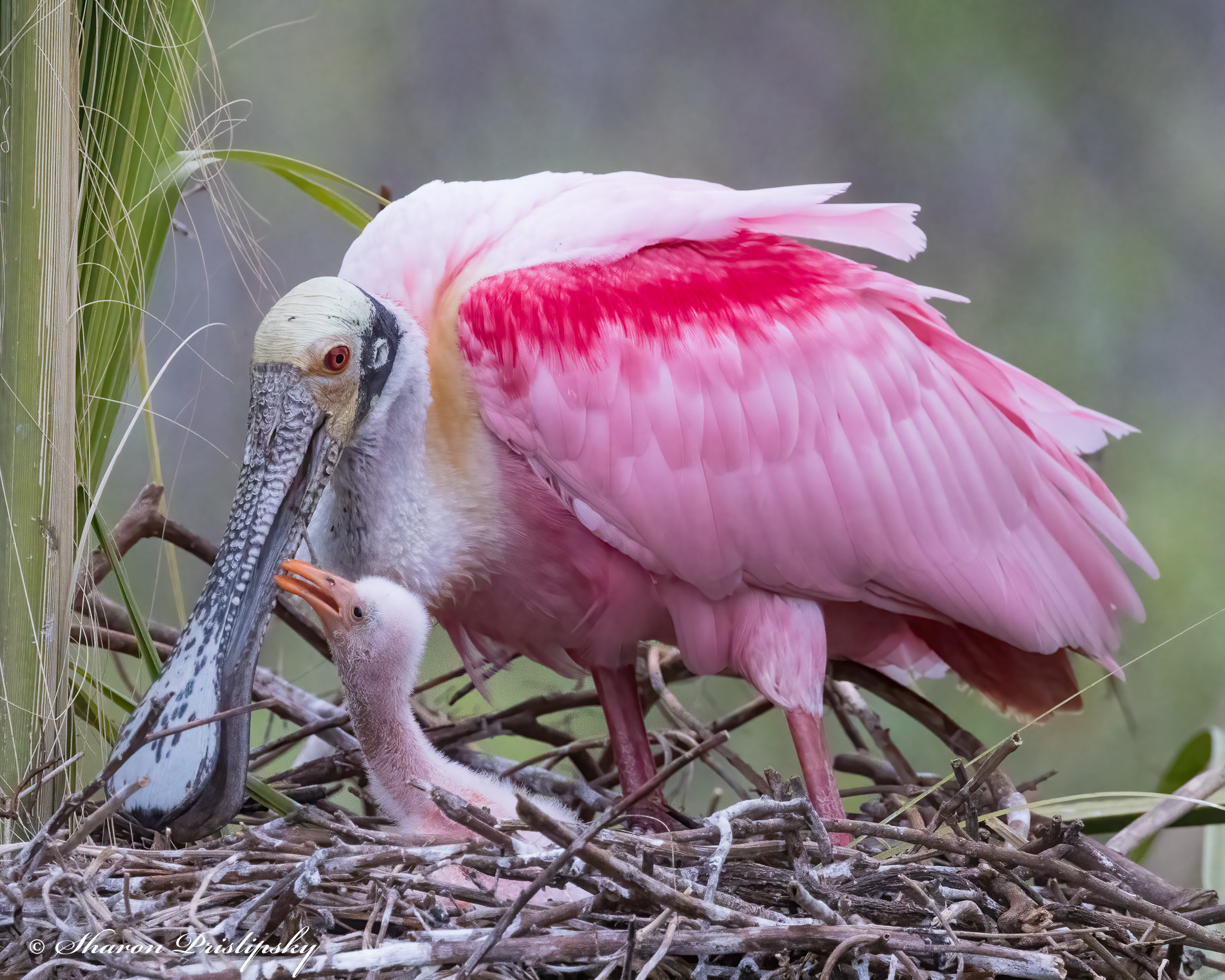
The first thing I notice is that the eyes of both the adult and the chicks are sharp. Then, looking at your original, I see that you have done a good job of bringing out the detail on the white bird. They do choose nest locations that make for these busy backgrounds - same thing on the Texas Gulf Coast - so that is alway a challenge. For me, the vignette works and is the easiest solution to this problem, but I wonder if it might also help to darken the mid tones a bit using a curves layer. As for Mike's edit where he eliminated the blue tones, I think you could do that with the brush tool in LR by just decreasing the saturation. This is a fun image and a nice capture. |
Mar 17th |
6 comments - 0 replies for Group 52
|
11 comments - 2 replies Total
|