|
| Group |
Round |
C/R |
Comment |
Date |
Image |
| 35 |
Aug 17 |
Comment |
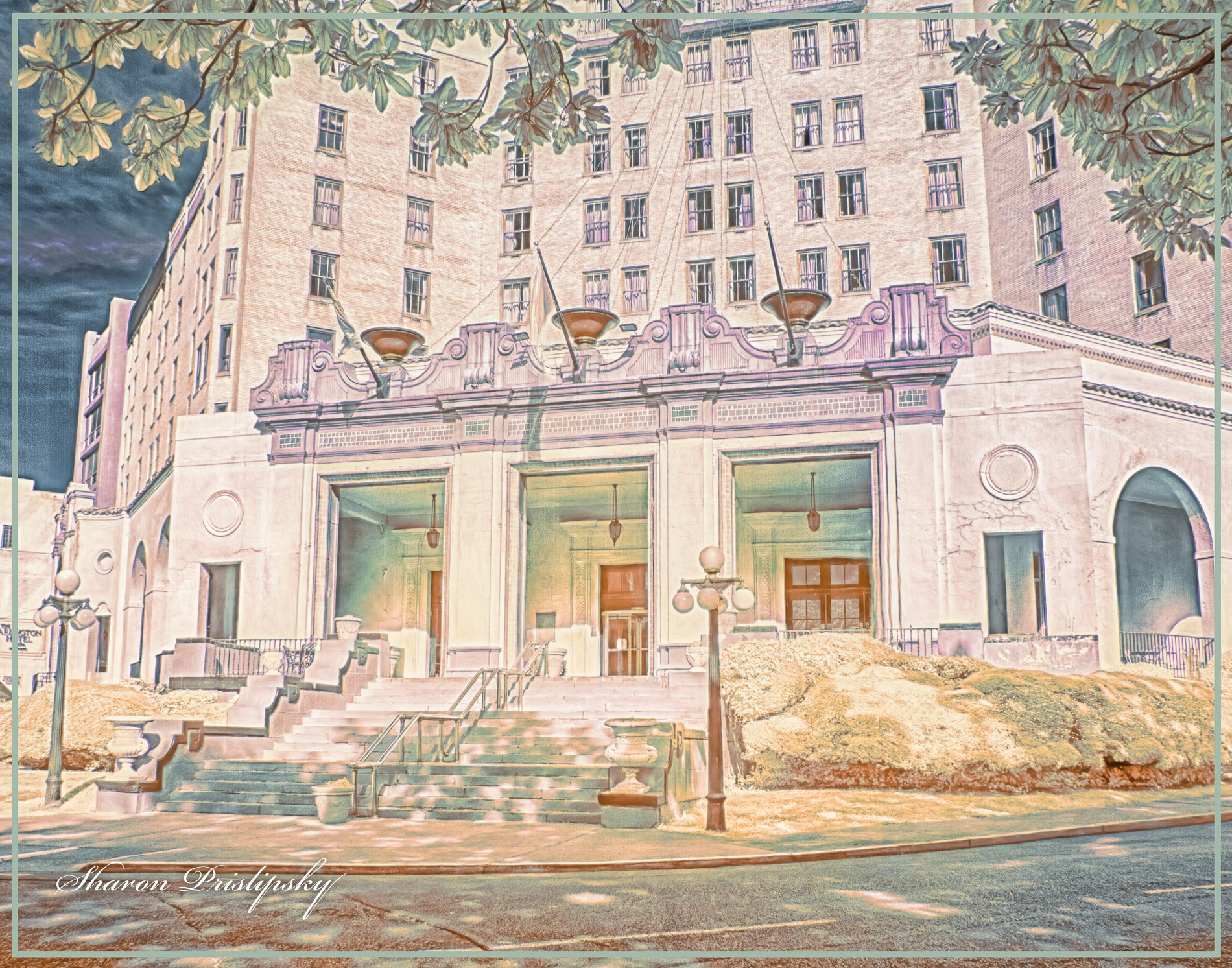
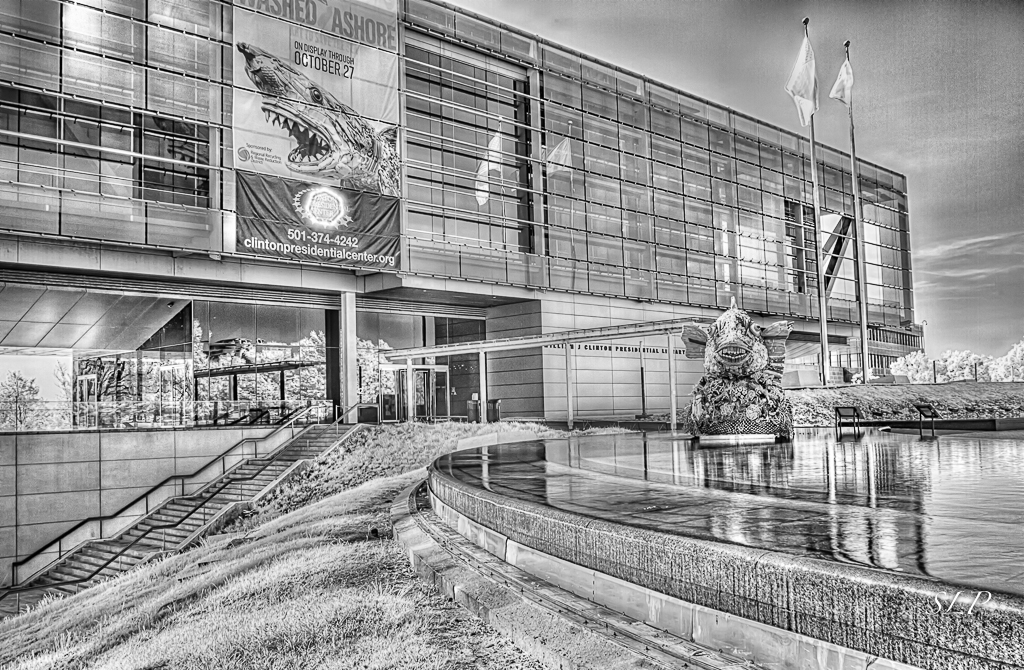
The first thing I noticed when I saw your image was the two different tones. I find the effect a little disconcerting, but maybe I just lack the imagination to appreciate it. As I look around more and more in the image my eye always comes back to the foliage because it is so bright and - I am just guessing here, but I don't think that is where you want me to be focused. so my suggestions would be: 1: make it all the same tone, 2.) crop some from the bottom so that the foliage doesn't overwhelm the structure in the background, and 3.) try to open up the shadows on tower a bit if possible so we can see some of the detail. Chatanooga looks like a fun place to photograph. Do try to go to the Memphis Botanic Garden if you get a chance...it has a lot of good IR subject matter including a section full of recycled things that you will enjoy. |
Aug 19th |
| 35 |
Aug 17 |
Comment |
I like the new version because it suggests a story...my imagination is really sparked! Also, I like the fish eye effect in the background. You mentioned in the email that we exchanged that the background layer is not IR. I am also wondering if it has a filter on it - maybe water color? I am just guessing due to the look of the brick. Do tell...this is a great creative idea and I may try something similar in the near future. |
Aug 19th |
| 35 |
Aug 17 |
Comment |
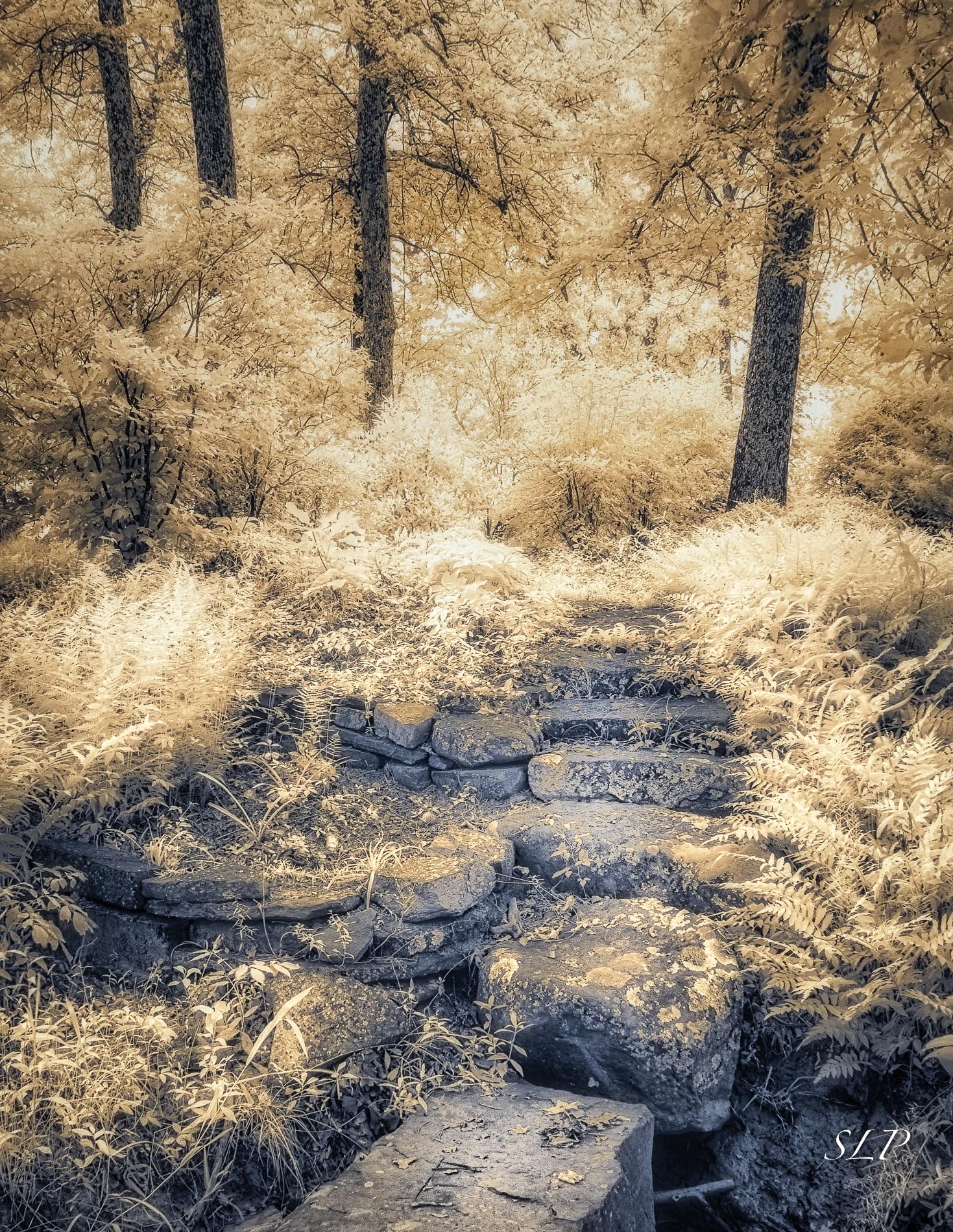
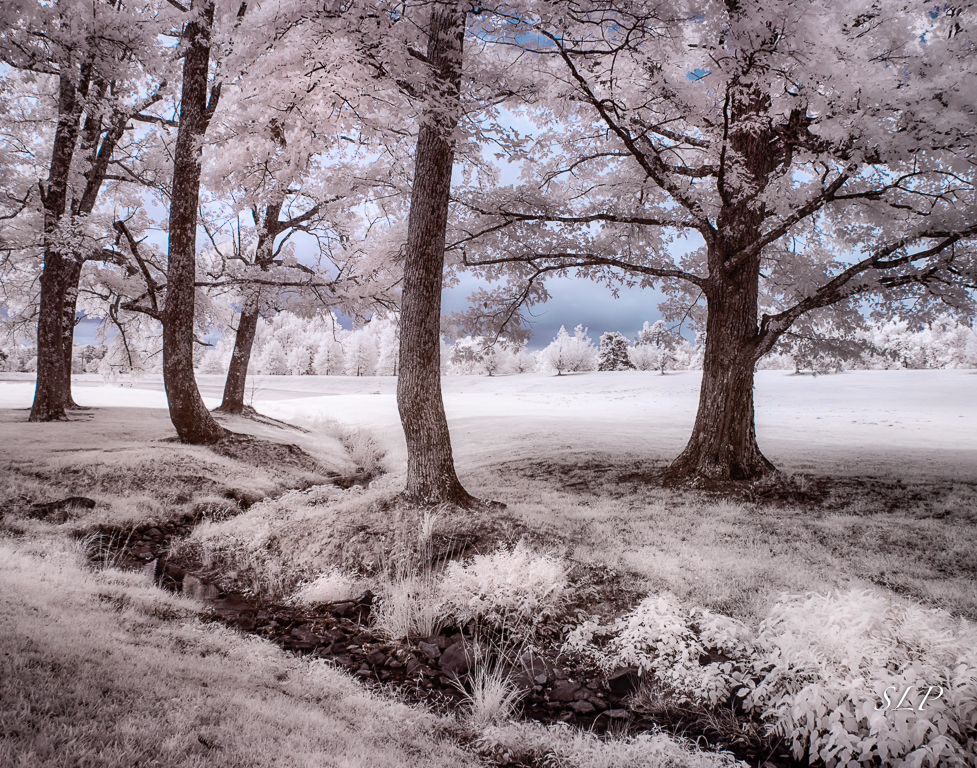
I like the new crop. You have something interesting for me to look at in the foreground, middle and background. The stone bridge is in a much better position in this crop - I almost didn't notice it in the original. Generally, I really like color, but for me this teal shade is almost overpowering. I wonder what it would look like if you changed the hue to more blue than green? In any case, this looks like a scene you could shoot over and over in many seasons and in different kinds of lite. If you do any night photography you might perhaps be able to catch the starry sky reflected on the water or a full moon if it came up in the right location. Of course that would not be an IR shot, but this looks like it has tons of possiblities. |
Aug 19th |
| 35 |
Aug 17 |
Comment |
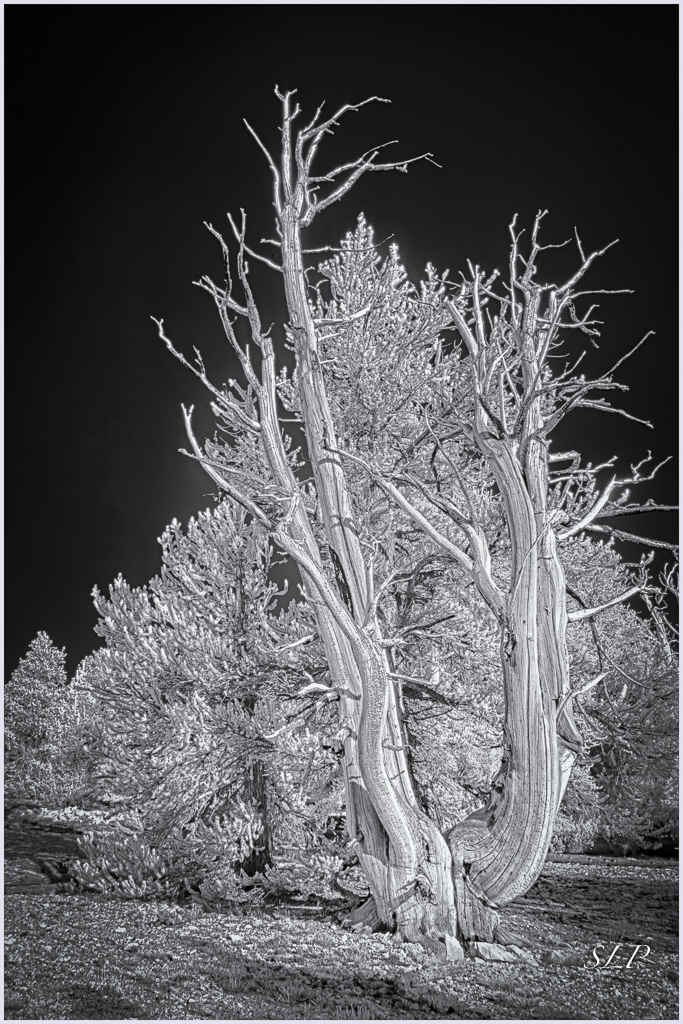
This image really resonates with me. I tried to put my finger on exactly what I was responding to, and concluded that it was the combination of the geometrics and the strong contrast. I think if you had included sky it would have only competed with this striking scene. To my mind this is a great composition, and as always you have done some really fine work in post processing. |
Aug 19th |
| 35 |
Aug 17 |
Comment |
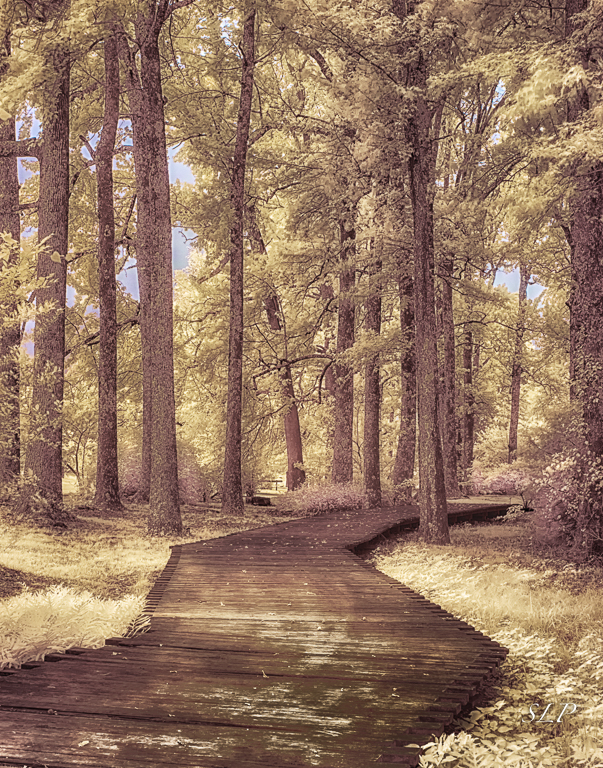
For me this image feels "other worldly". As I have said before I really like high key images so this works for me. I like the detail in the sky, enough to make it interesting, but not so much drama it competes with the scene below. If it were my image I would consider bumping up the contrast on the structure to keep the viewer's eye on it rather than wondering around to see what else is there. |
Aug 19th |
| 35 |
Aug 17 |
Comment |
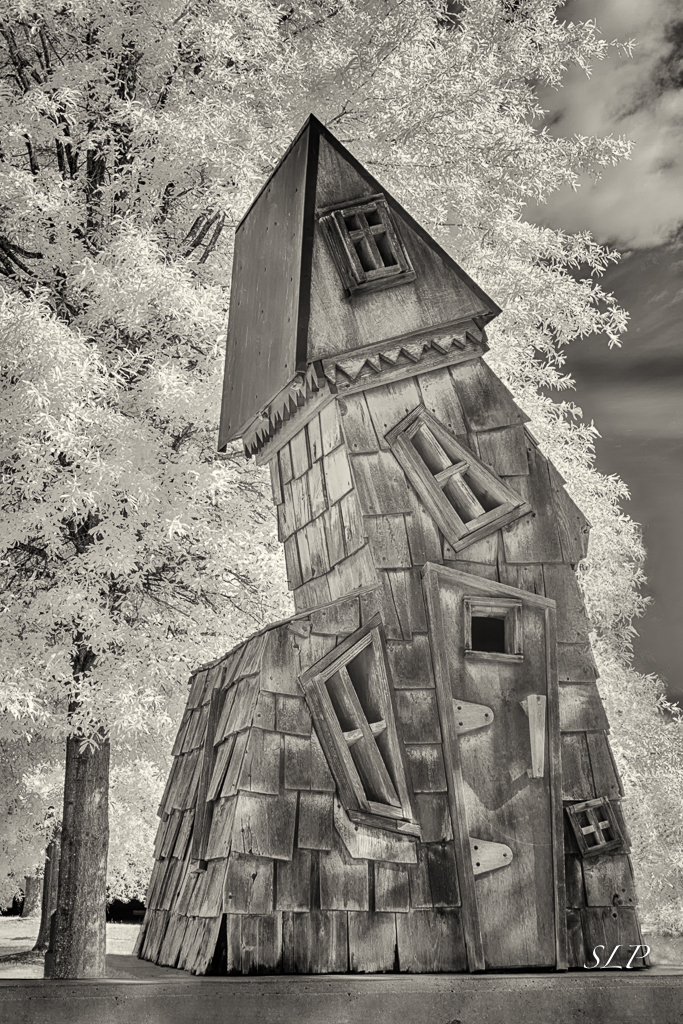
I did a double take when I saw this image because we have an almost identical little church near here. It was originally located on the Arkansas Grand Prairie. Believe it or not it has a similar tree in exactly the same place in front of it which makes getting a good shot difficult. For me, there is too much sky and a few clouds would add interest to that area. However, since the clouds were not present I would crop from the top. I like the yellow tone for an image of an old structure. |
Aug 19th |
| 35 |
Aug 17 |
Reply |
Thanks, Nelson. I know that the deep b&w conversion is one of the worst for this. Sometimes it happens and sometimes it doesn't. I can probably clean that spot up with a little work. I am glad you like the lines. I am a sucker for strong diagonals.
|
Aug 14th |
6 comments - 1 reply for Group 35
|
| 52 |
Aug 17 |
Reply |
I know you come from a strict nature photography point of view and want everything in sharp focus. I have no problem with that. I am a little more tolerant of some out of focus areas if they are not the main part of thesubject because I tend to from an "artsy" perspective. But it is your work, so it should please you. For me, either way it is a great image. |
Aug 24th |
| 52 |
Aug 17 |
Reply |
Oh, I should have been more specific. I meant the clone tool in PS. You can use it for a lot of different things...go to the pull down menu and you will see what I mean. That same technique is also useful for removing halos in landscapes. |
Aug 19th |
| 52 |
Aug 17 |
Comment |
From this sweet image who would guess that pound for pound the badger is the meanest thing on four legs! My first thought when I saw it was that the light background tends to draw my eye away from the badger. I see that the others had the same reaction. That should be an easy fix. Very nice capture. |
Aug 19th |
| 52 |
Aug 17 |
Comment |
This is a great subject and one I have not encountered. Is it about the same size as a Luna moth? You did not indicate what mode you chose to shoot in, but if you are not using aperture preferred, you might want to try it for similar shots in the future. Unless it was very, very dark under that tree an ISO of 800 and that wide aperture would have given you a much faster shutter speed which would increase the odds of a tack sharp image. Then you can use exposure compensation to brighten and darken the image - watch your histogram. I believe I like the landscape orientation of the original better as it gives your subject some breathing room. Also, darkening the background in a separate layer would help separate the moth from the leaves which are the same color and tone. You evidently keep your eyes open for great nature subjects. I think this image has merit - maybe a diamond in the rough - be with a little more work it could be stunning. |
Aug 19th |
| 52 |
Aug 17 |
Comment |
The tiger is so real in your image that I feel he is staring me down. I see that your crop is nearly square. When I look at the original, my impulse would be to make it more of a long rectangle...sort of like a pano. I say this because it would both let me see the curve of the tail pointing back at the subject and also a bit more of the paws; at the same time it would eliminate some of the bright background. Whatever you decide, this is a fine image. |
Aug 19th |
| 52 |
Aug 17 |
Comment |
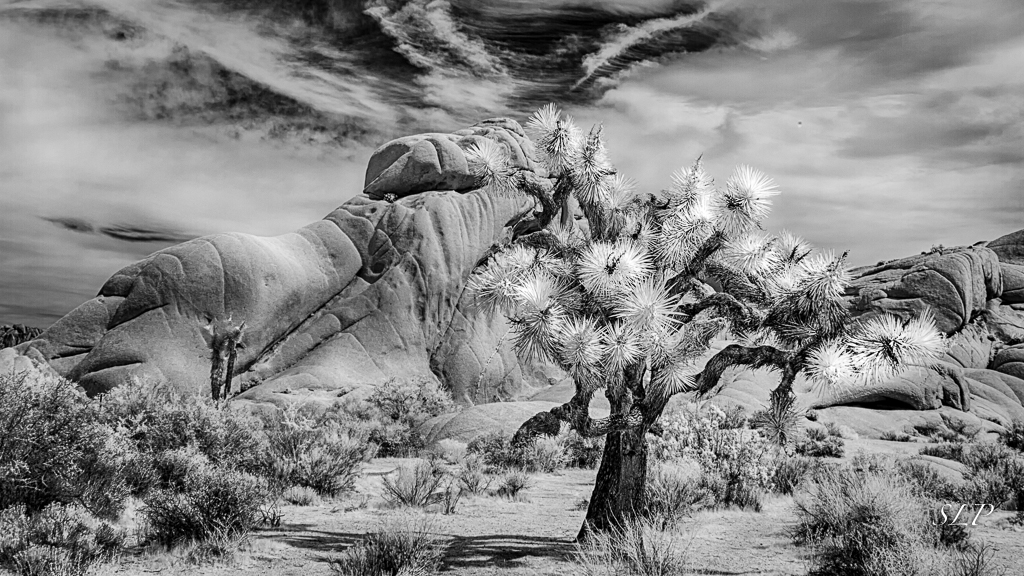
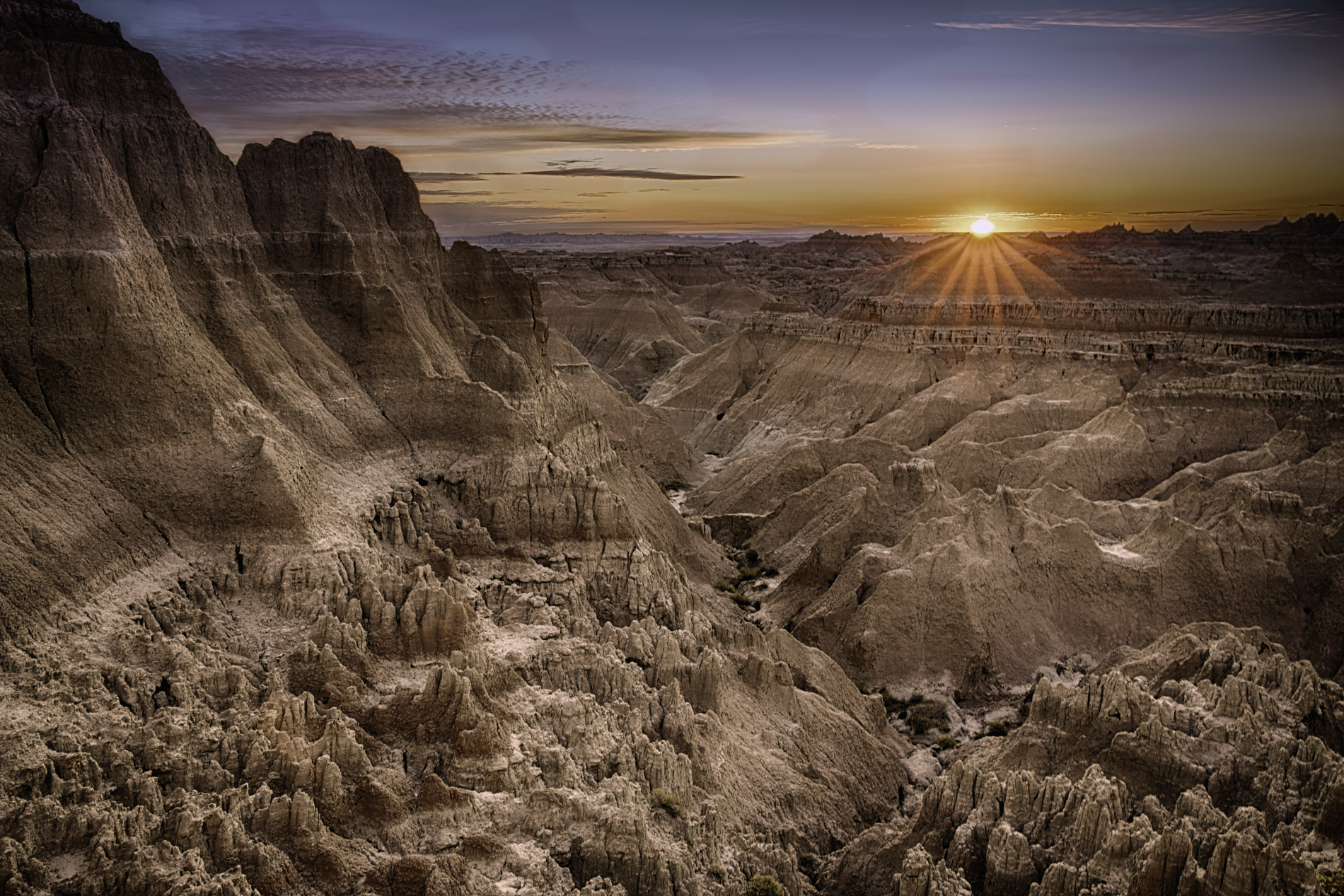
I visited these canyons this past April so I have a real appreciation for this image. I am always looking for examples of the Golden Ratio in nature and landscape images and this composition looks like a perfect example. I very much like the monochrome version and I'll bet it is stunning on metal. I believe I will try it with some of my own. This is an image I would be proud to hang on my wall. |
Aug 19th |
| 52 |
Aug 17 |
Comment |
What I like about this image is the color and the texture on the wings. You almost have the camera on parallel to the insect, but that little tilt to the right is what may have caused the chromatic aberration on the left wing. Try using the clone tool on darken and just brushing around that edge. To my mind another thing to try would be to pull up the shadows under the right wing just a bit to see if you can recover some detail without adding too much noise. It may not be possible, but it is worth a try. Kudos to you for finding a subject in this steamy southern weather. |
Aug 19th |
| 52 |
Aug 17 |
Comment |
I am not a big fan of white vignettes either. In this image my opinion is that it only makes the vegetation at the top more of a liability and there is a loss of detail at the ends of the wings. The tighter crop works much better for me visually as it directs my eye to exactly where the story is - the intense look on the bird's face. Regardless of what you decide to do with it, it must have been very exciting to capture this bird in flight. |
Aug 19th |
| 52 |
Aug 17 |
Reply |
If you Google OneOne Software, Inc. you will find all the information. Basically, it is a suite of photo processing modules that includes Photo RAW, Develop,Effects, Layers and Resize. It can be a stand alone program or a plug in to LightRoom and/or Photoshop. I still use LR as my Raw converter and use the modules for fine tuning my images. In my opinion, it is way more powerful than LightRoom and much easier than Photoshop. There is a lot to learn, but there are a lot of video tutorials to help you. |
Aug 7th |
6 comments - 3 replies for Group 52
|
12 comments - 4 replies Total
|