|
| Group |
Round |
C/R |
Comment |
Date |
Image |
| 22 |
Sep 24 |
Comment |
Nice rework, Joe. I was kind of in a hurry so I didn't do much with it. Maybe it has more potential. |
Sep 16th |
| 22 |
Sep 24 |
Comment |
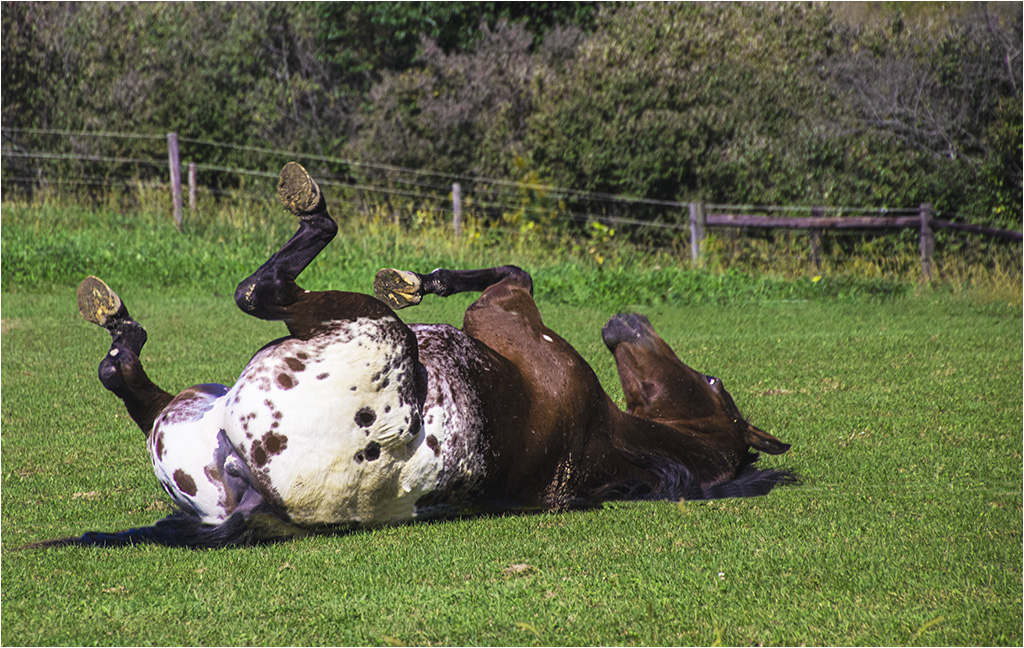
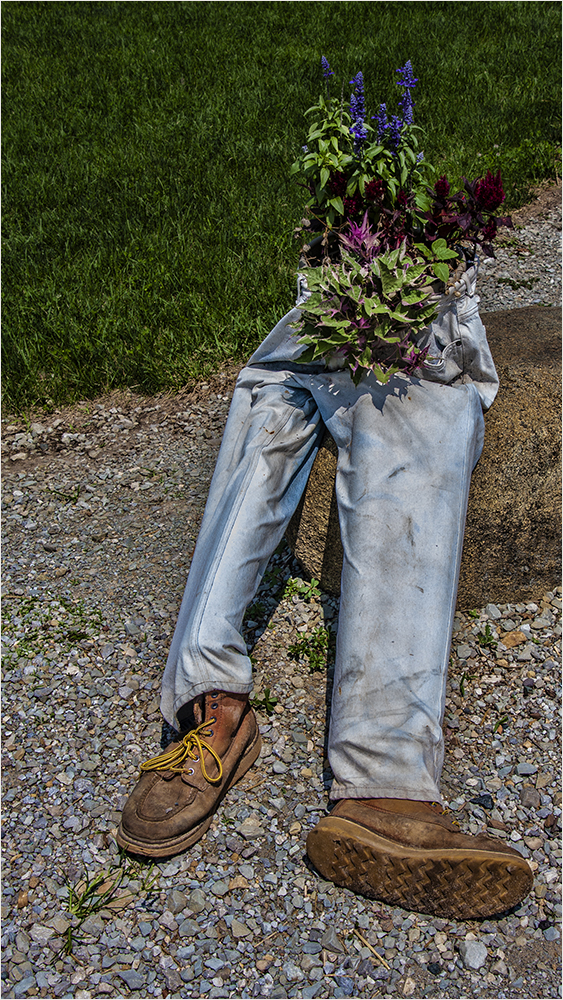
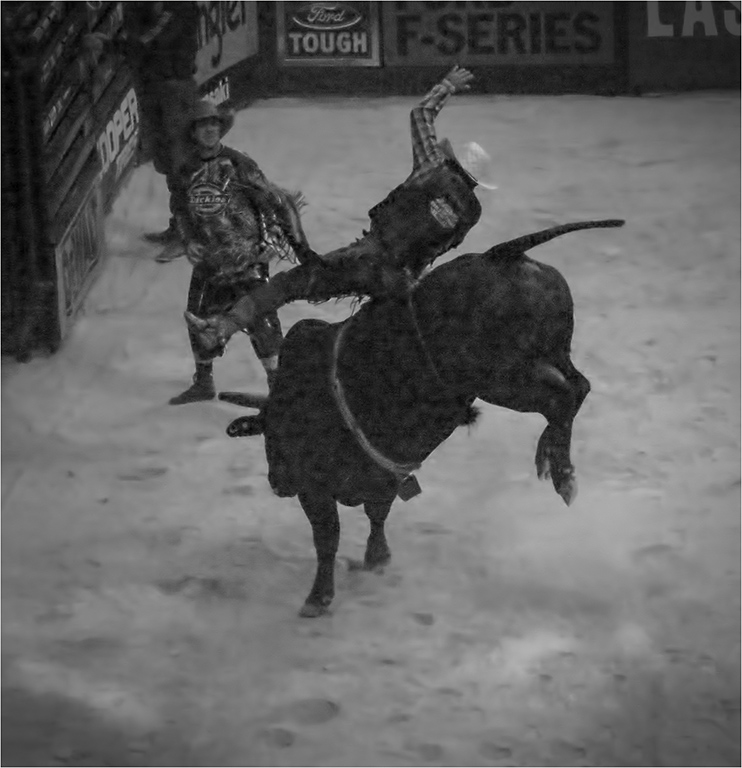
Isn't that the victim lying on the ground? Good capture and definitely PJ. |
Sep 16th |
| 22 |
Sep 24 |
Comment |
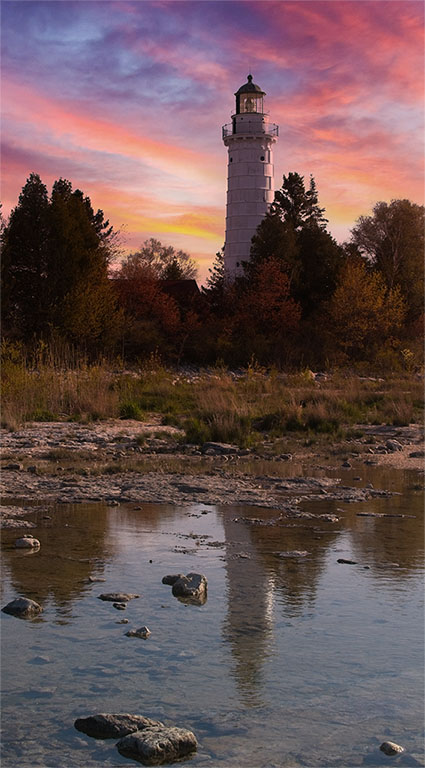
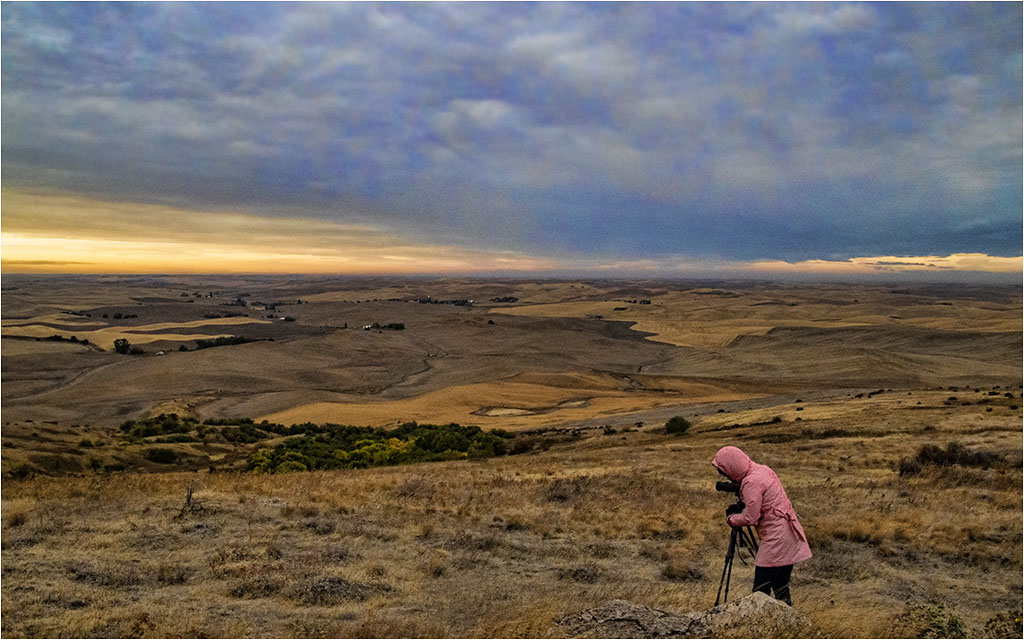
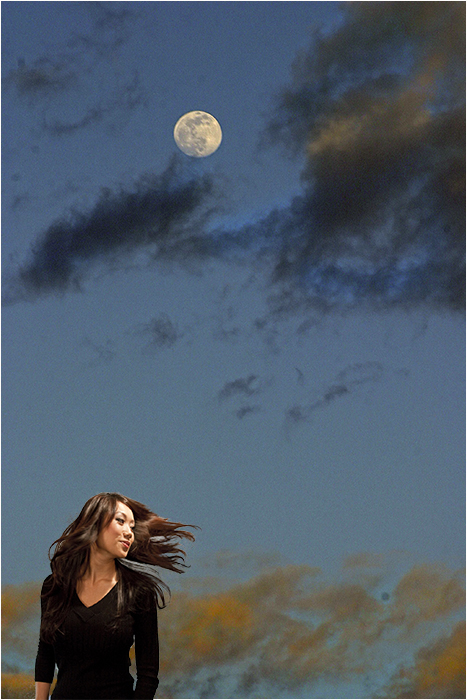
I agree with Joe about 3 vs. 4. It kind of takes my eye back and forth. I like Al's sky replacement.
Personally, I like the foreground with it's leading line.
I couldn't find a sky I really liked but here is my thought. |
Sep 16th |
 |
| 22 |
Sep 24 |
Comment |
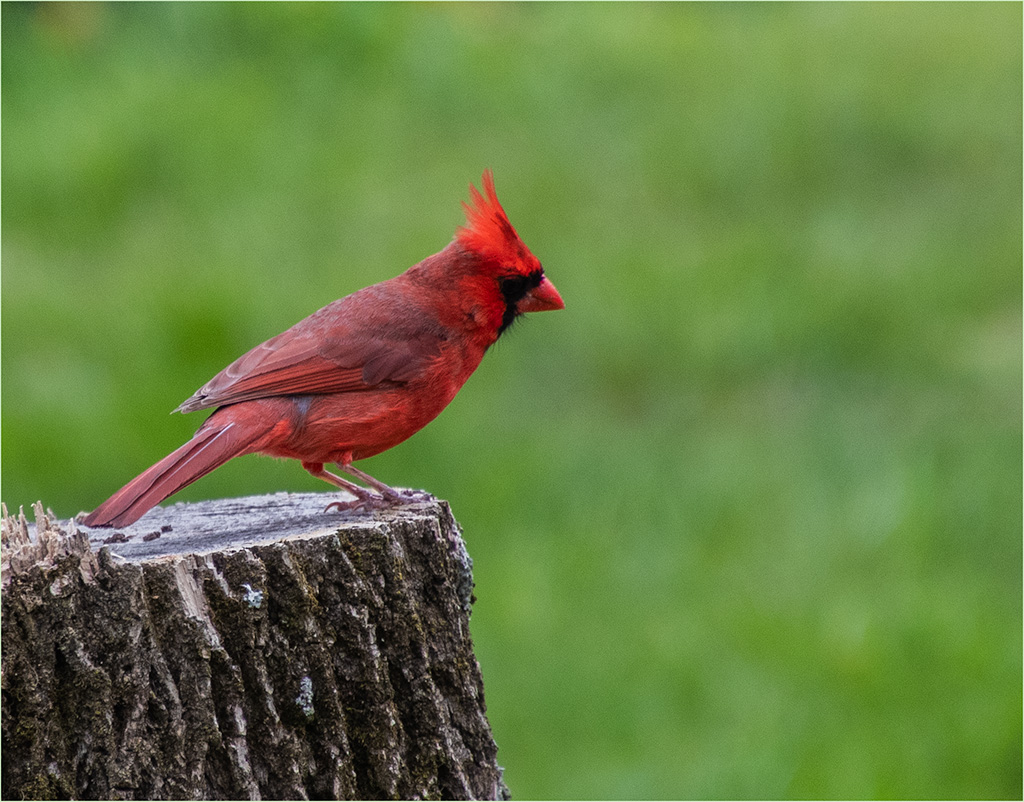
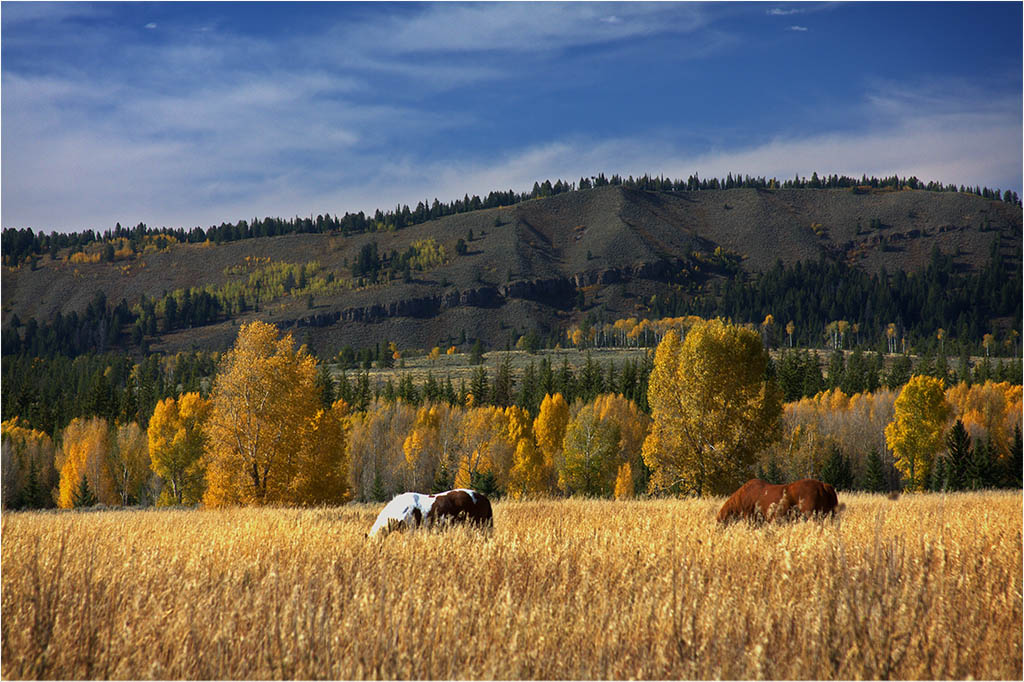
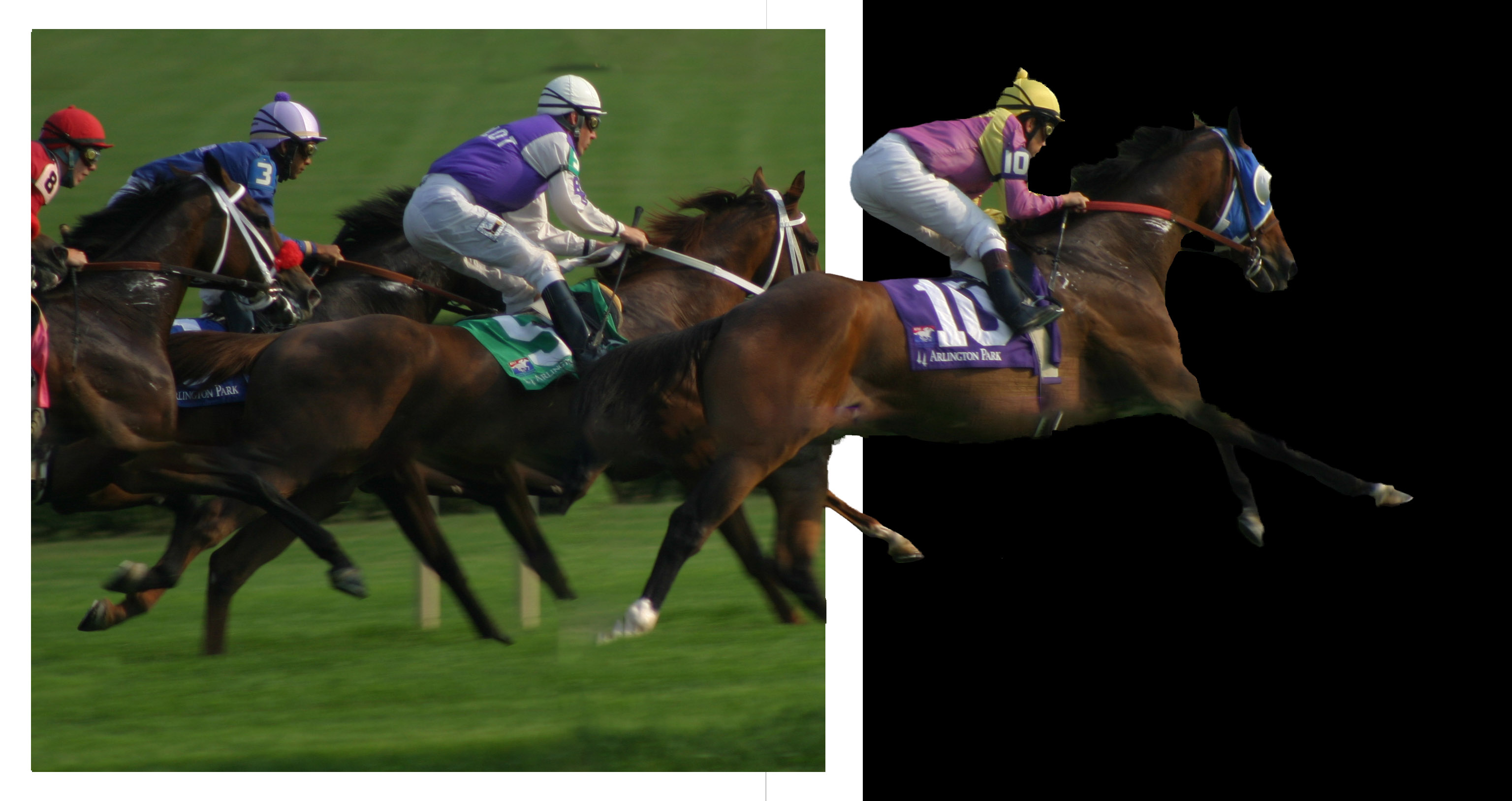
Good capture. I agree about having more space on the left for them to move into. Perhaps a removal tool would take the first one out? |
Sep 16th |
| 22 |
Sep 24 |
Comment |
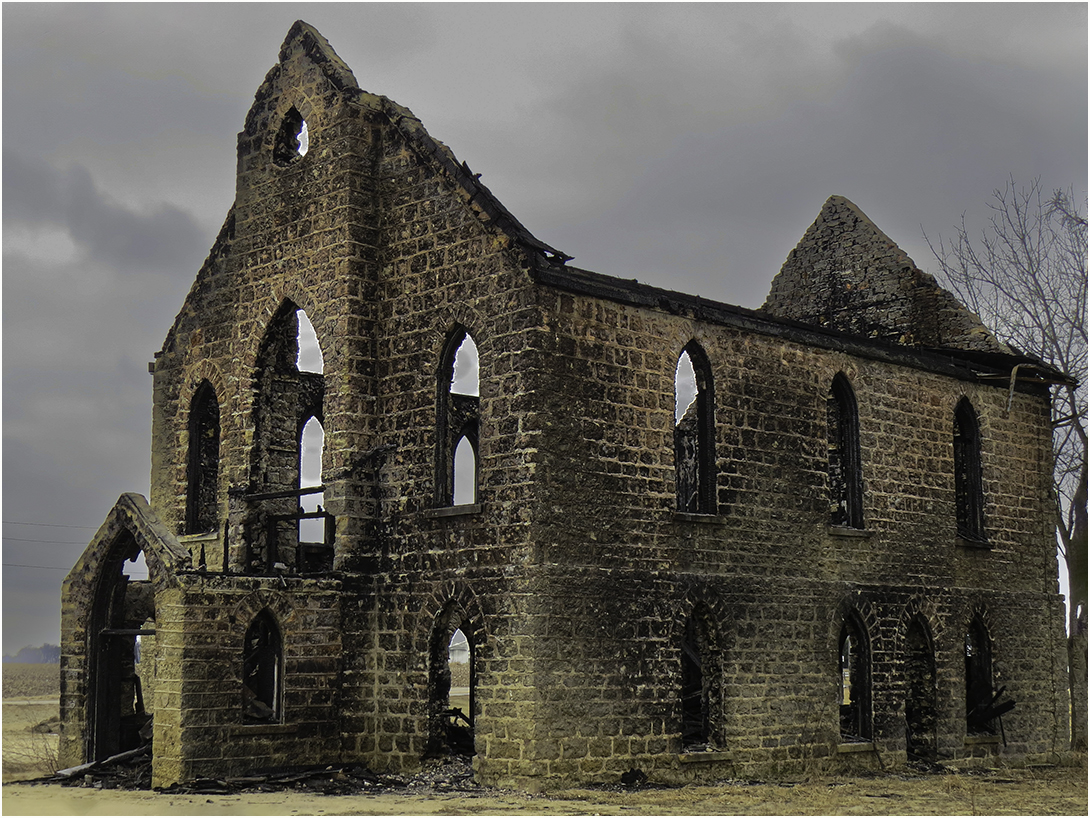
This reminds me of a slide production from one of the conferences several years ago - maybe 2007? The winner was Halcyon Hall which was a study of the interior of an old girls dormitory. Normally I'm not a big sepia fan but here it seems to work well. I'm not sure the B/W would be as effective.
Personally, I like the offset composition rather than the centered one that Joe presents. To me, the peeling walls tells the story of the neglect. Great job! |
Sep 16th |
| 22 |
Sep 24 |
Comment |
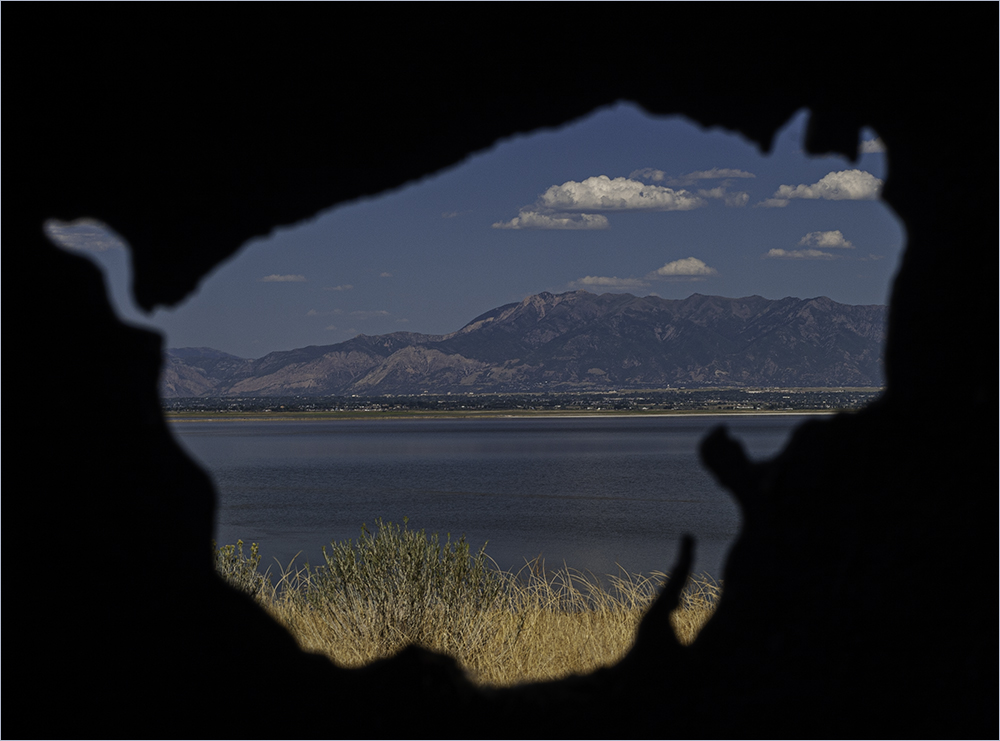
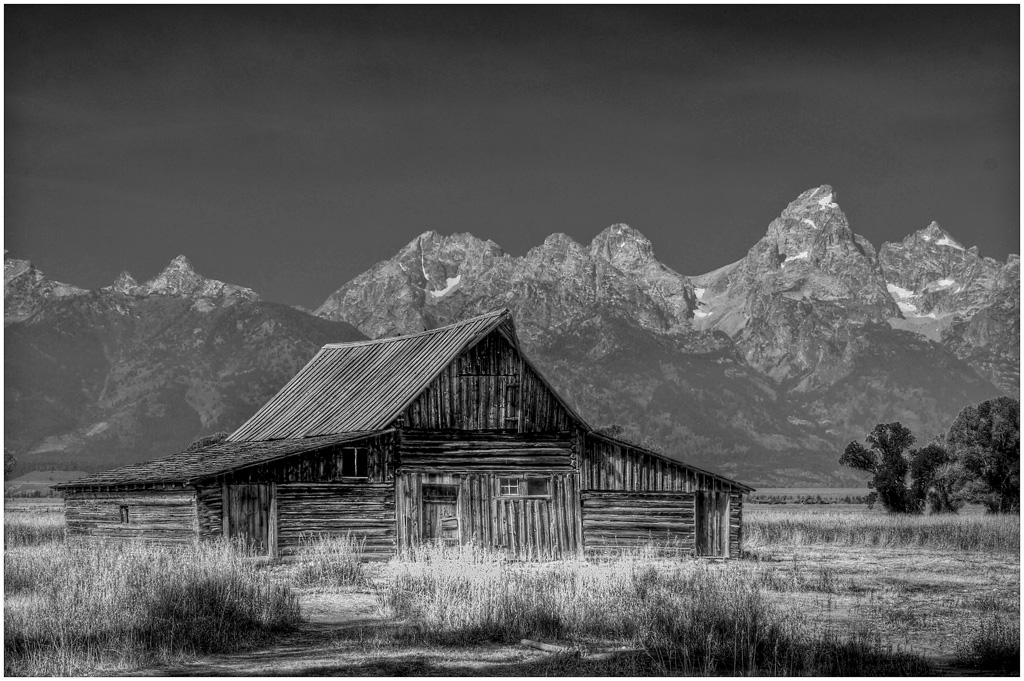
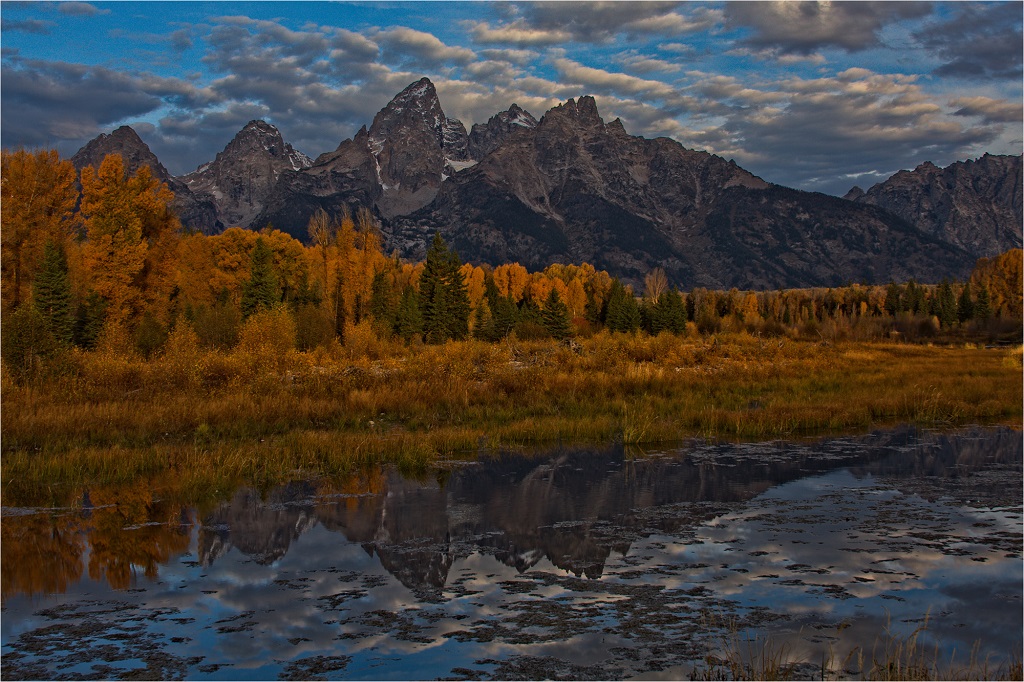
I like the contrast of the large mountains and the puny humans as Jerry says. The composition is good - like Al said..leave it alone. |
Sep 16th |
| 22 |
Sep 24 |
Reply |
The sizing might be my fault - the one Joe sent first was pretty small and the change in sizing might have made it appear a little less sharp. |
Sep 16th |
6 comments - 1 reply for Group 22
|
| 80 |
Sep 24 |
Reply |
Thanks Nadia. I'll have to give that a try. |
Sep 29th |
| 80 |
Sep 24 |
Reply |
Thanks Syed. |
Sep 29th |
| 80 |
Sep 24 |
Reply |
Thanks Doug - I'll have to try the texture idea. |
Sep 29th |
| 80 |
Sep 24 |
Reply |
You have such an eye for things. I like this version. |
Sep 17th |
| 80 |
Sep 24 |
Comment |
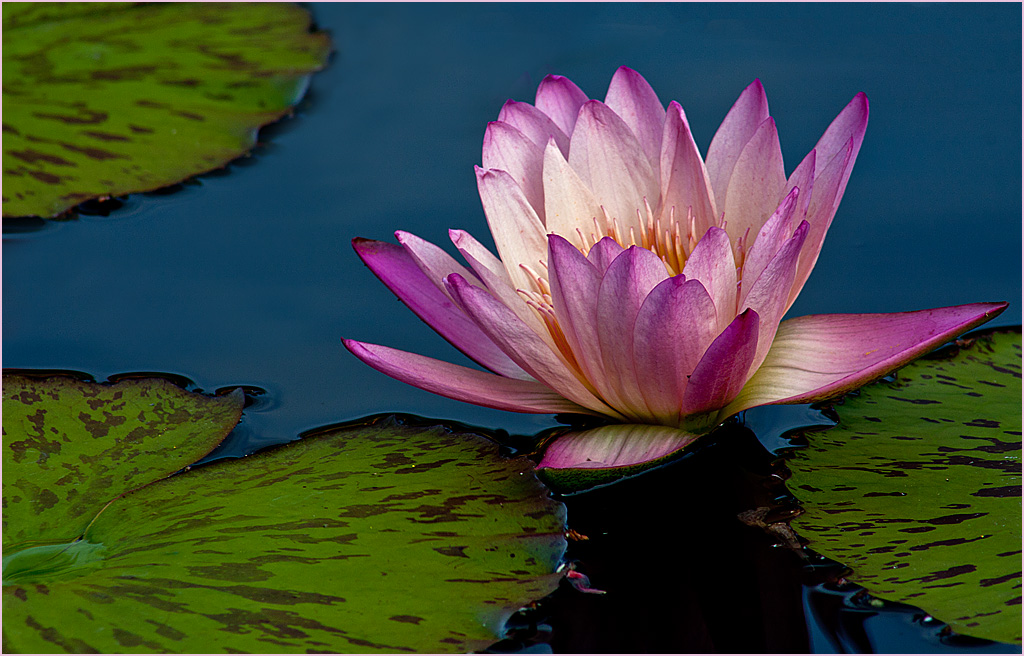
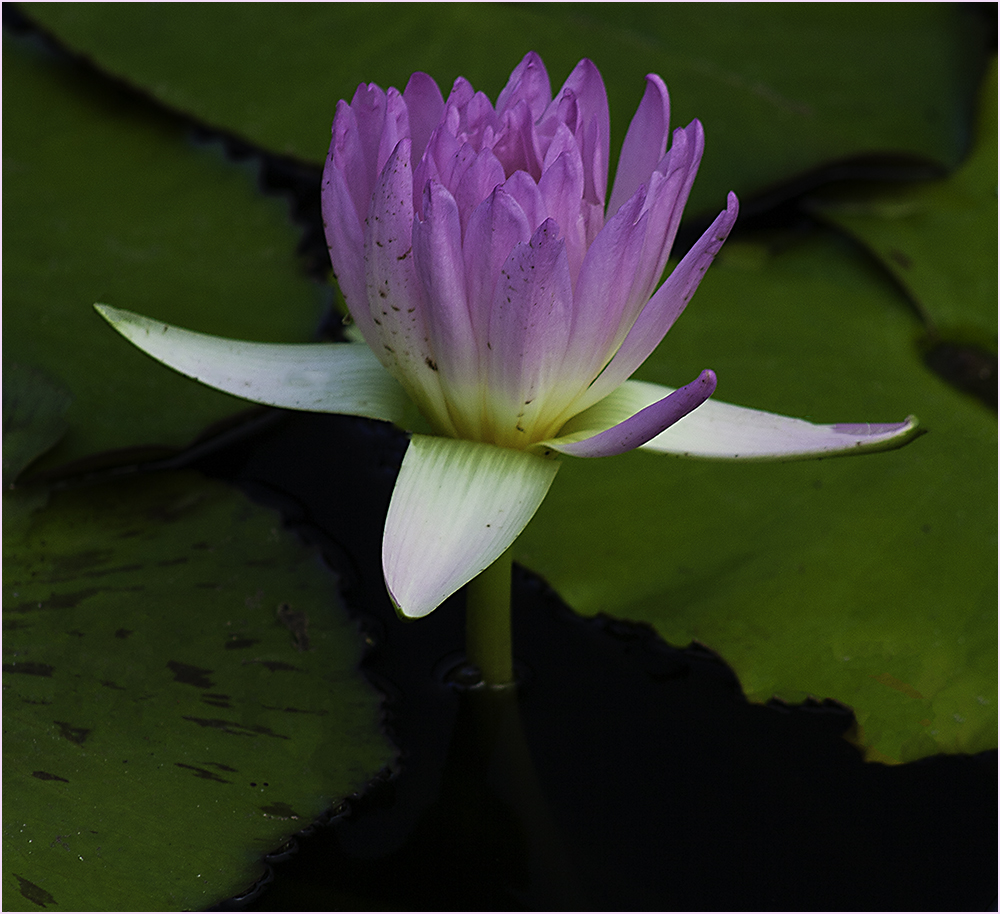
This is a nice capture of the lotus. However I see a lot of pads and light spots that I don't feel add to the image.
What I did was to crop down to the lotus and remove some of the light spots on pads and also the pink area that didn't seem to be a reflection of the lotus but rather something under the water. I used clone and healing brush which you should have in PS CS6. It would be nice to see the original as well. |
Sep 9th |
 |
| 80 |
Sep 24 |
Comment |
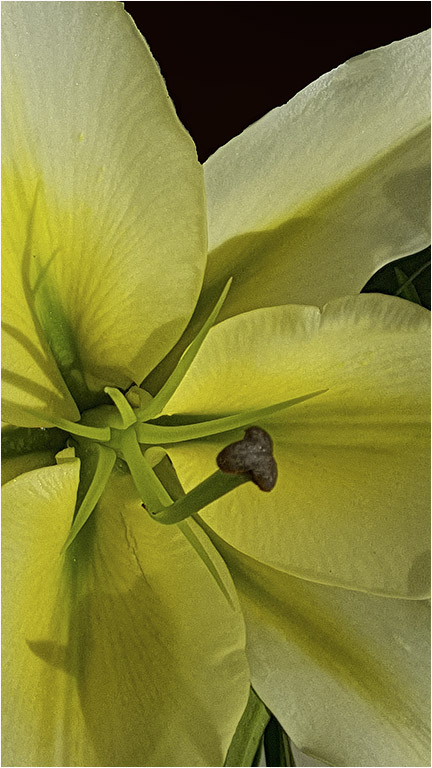
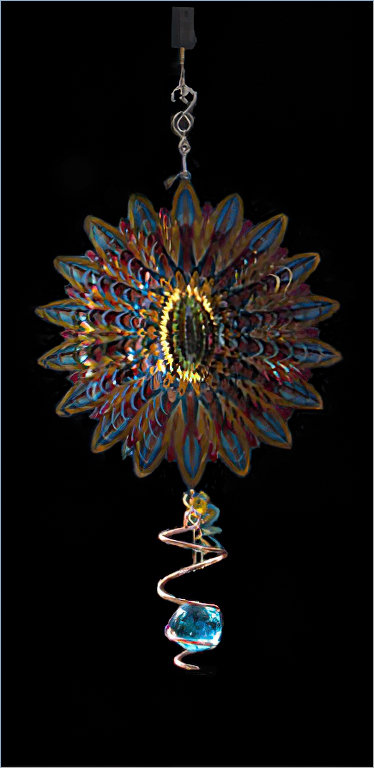
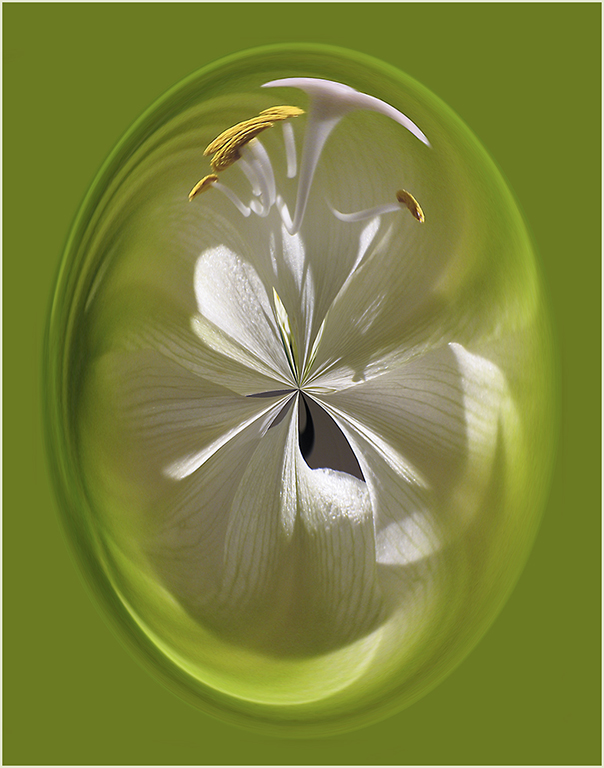
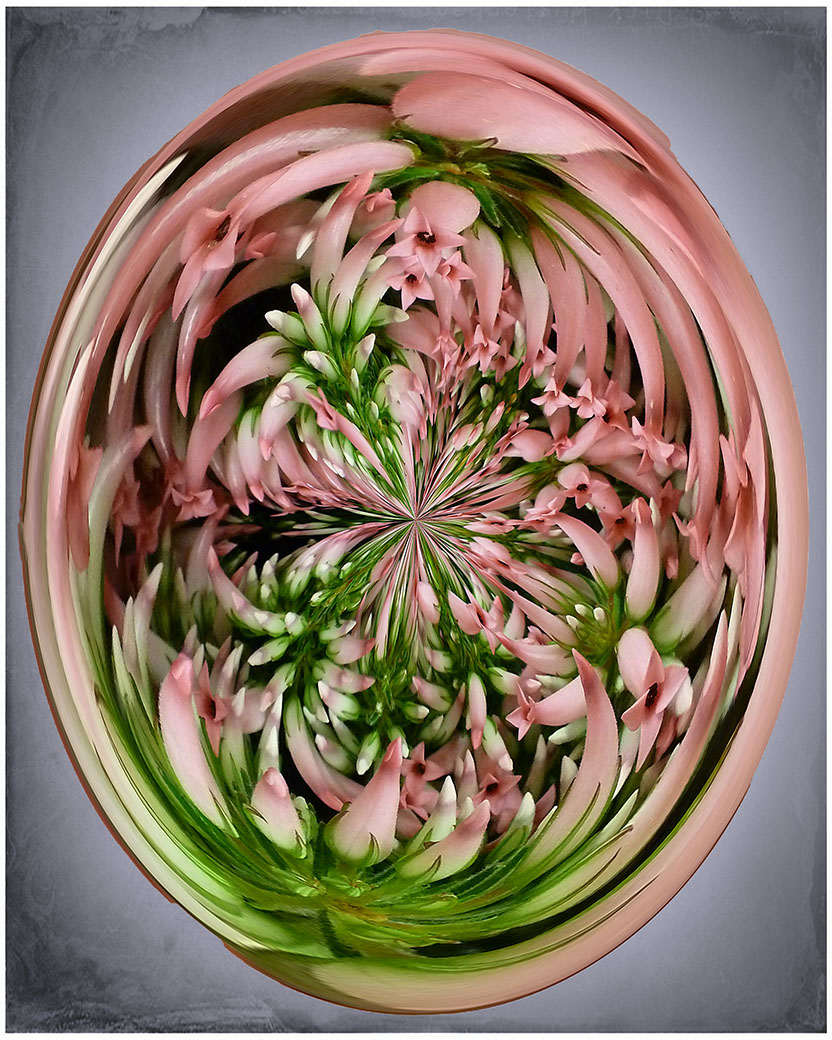
Interesting idea. To me, it looks more like a daisy than a lily but that doesn't really matter. I would like to see the white areas around the inside of the drop removed. |
Sep 9th |
| 80 |
Sep 24 |
Comment |
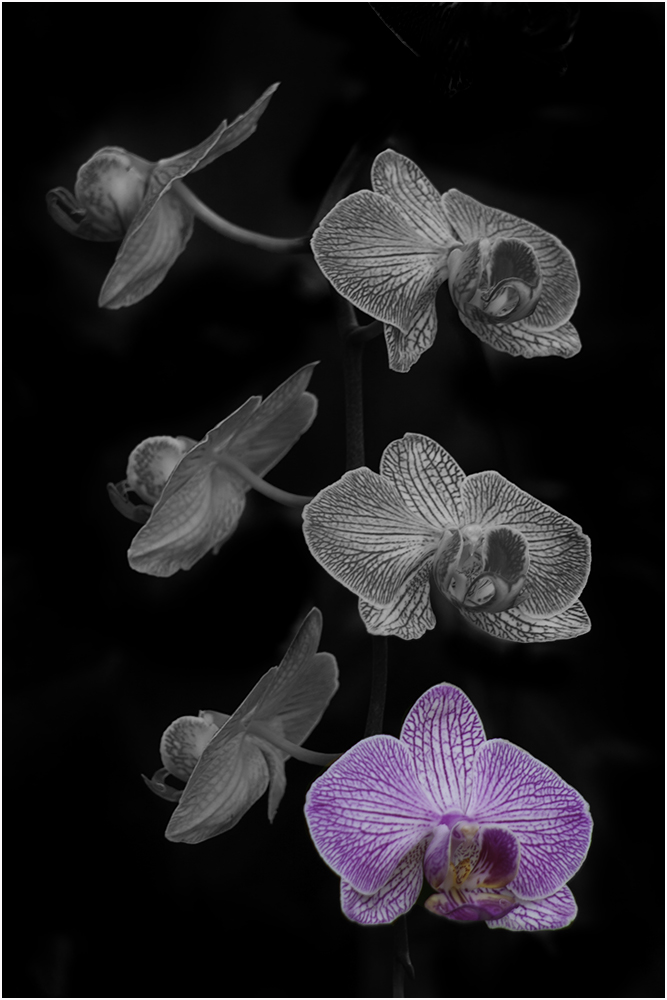
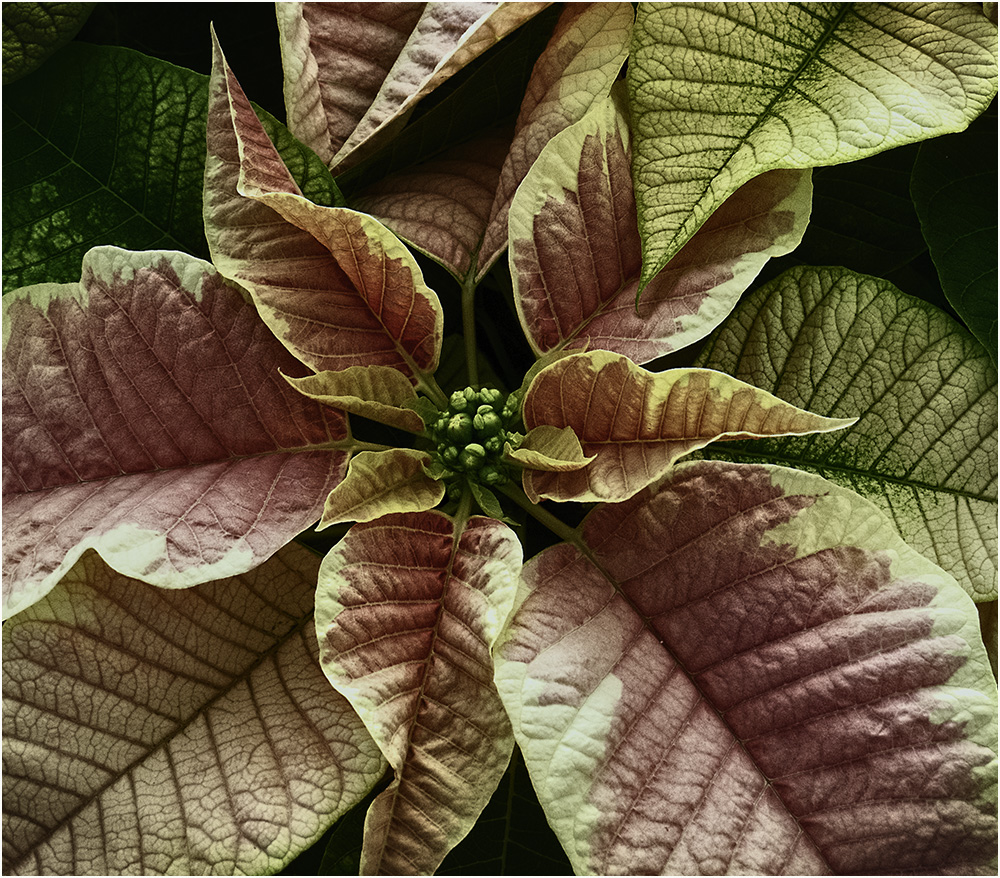
Interesting info on how to change the colors. I like the diagonal composition and also the colors. Nice work. |
Sep 9th |
| 80 |
Sep 24 |
Comment |
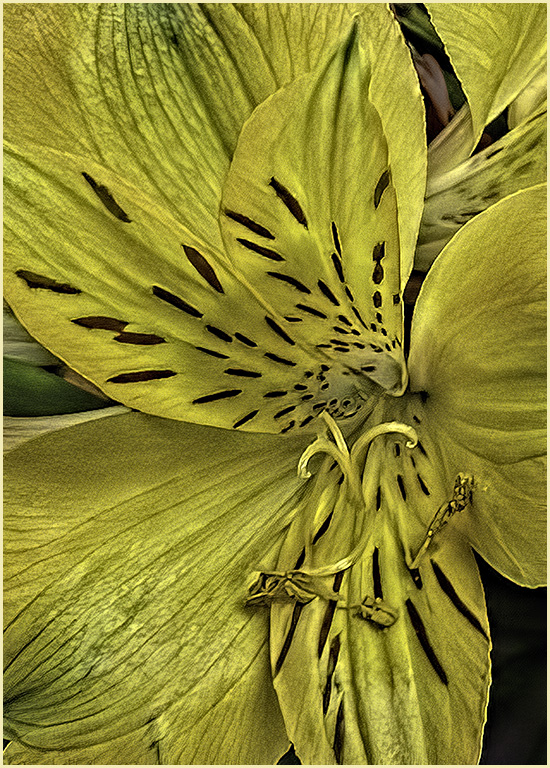
Striking image! Very sharp. The only comment I would make is to have a very small gold stroke around the image to set it off from the background. Nice work! |
Sep 9th |
| 80 |
Sep 24 |
Comment |
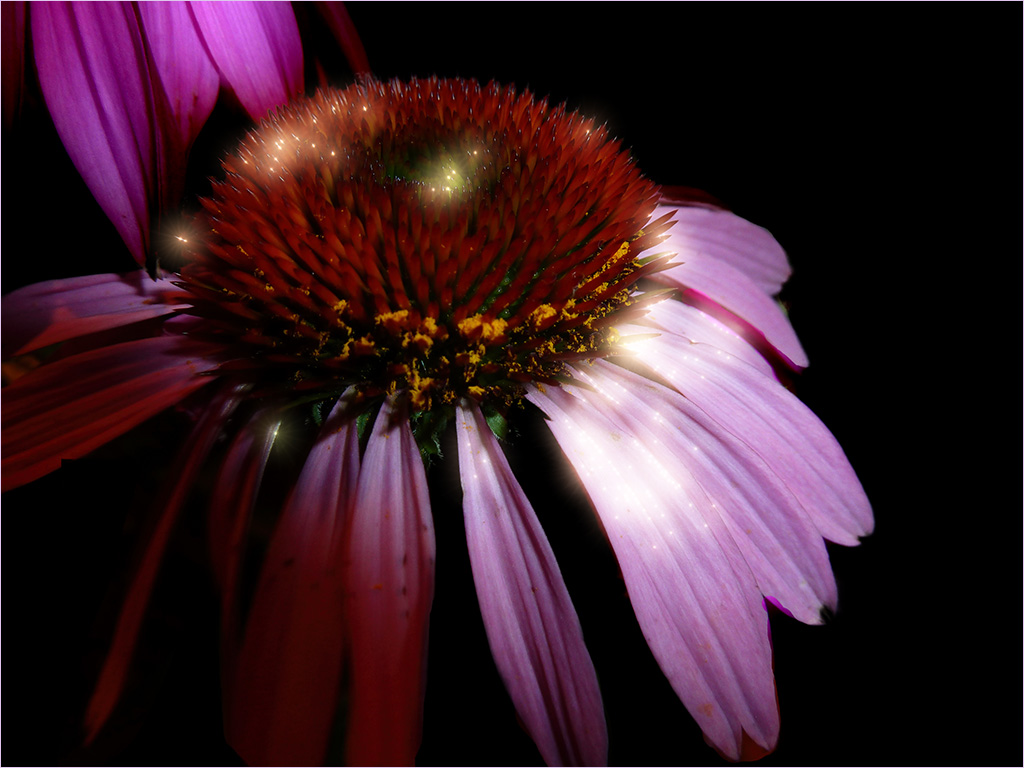
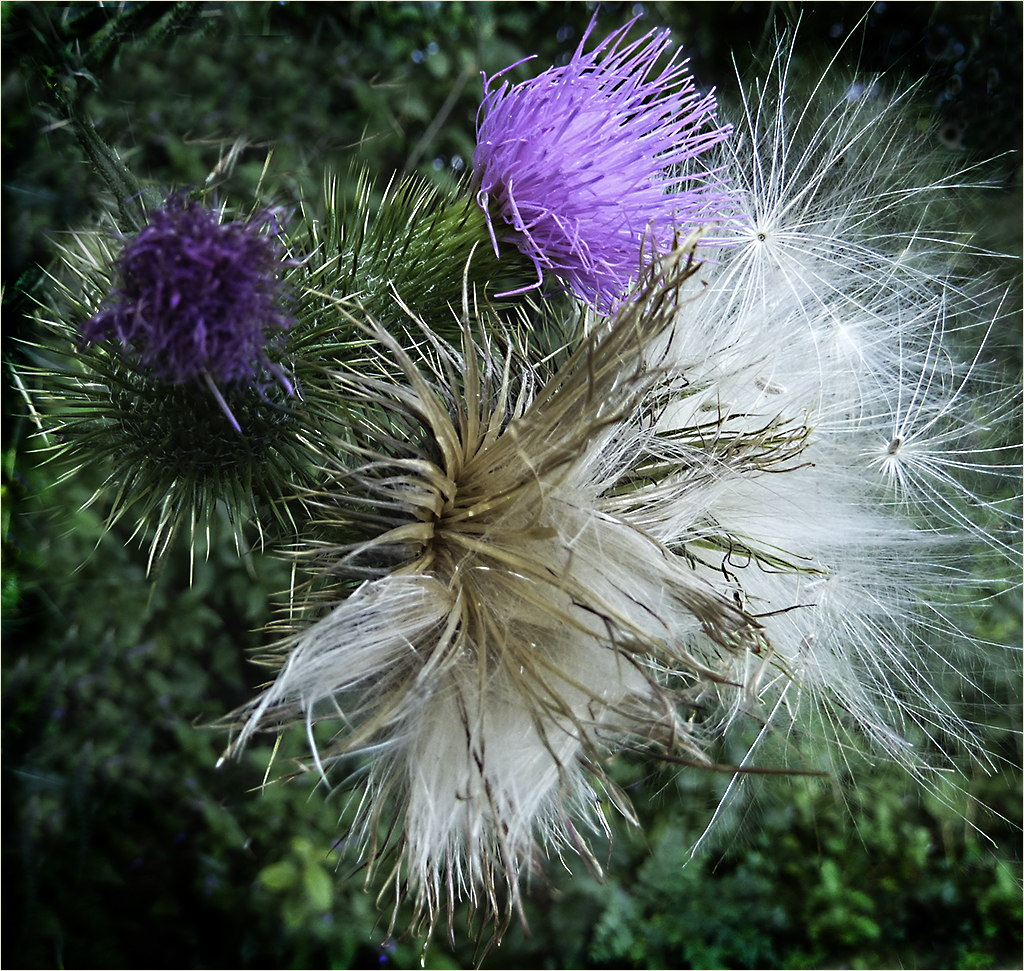
Another beautiful artistic image. While I think the lighter spots on the upper right enhance the image, the one on the left side I would like to see darkened or cloned out. Just that light part on the top. |
Sep 9th |
| 80 |
Sep 24 |
Comment |
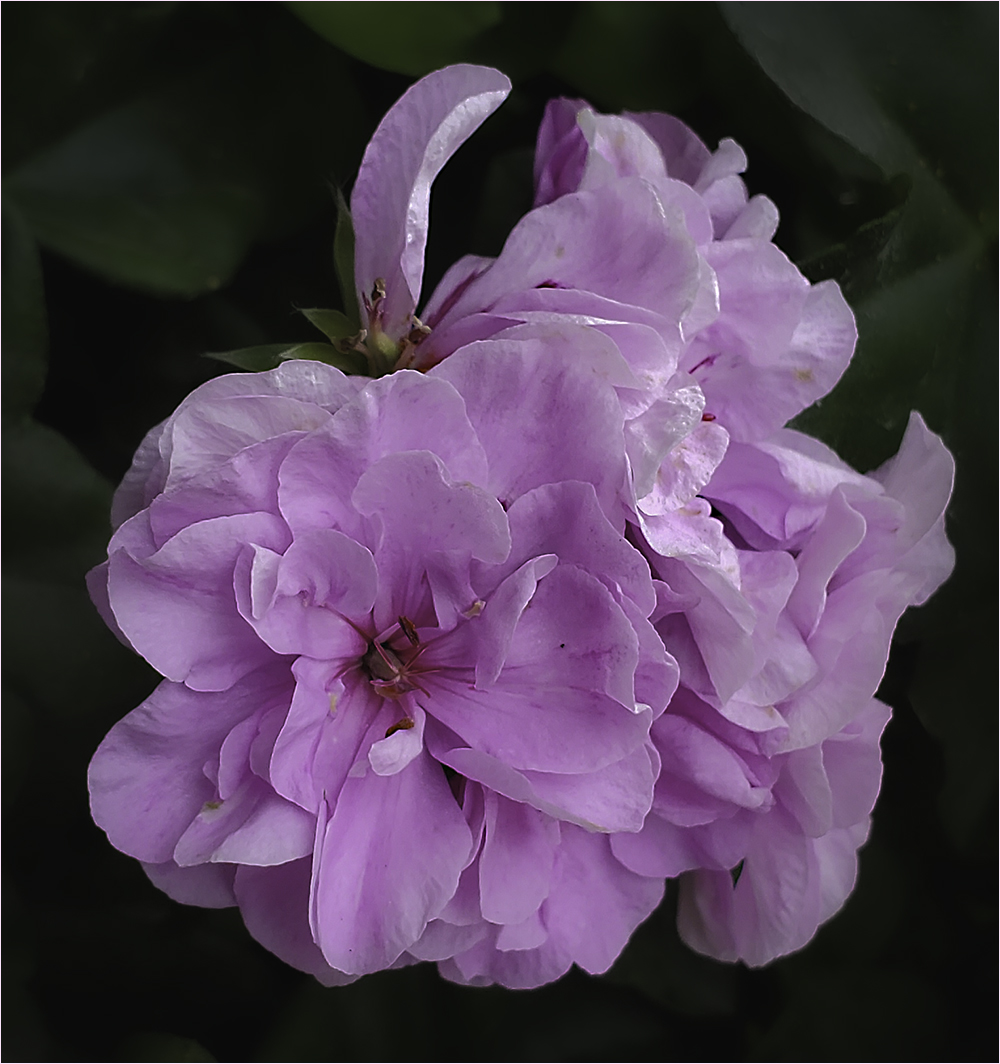
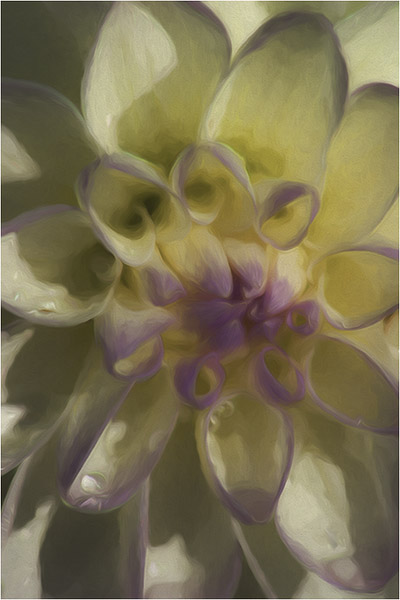
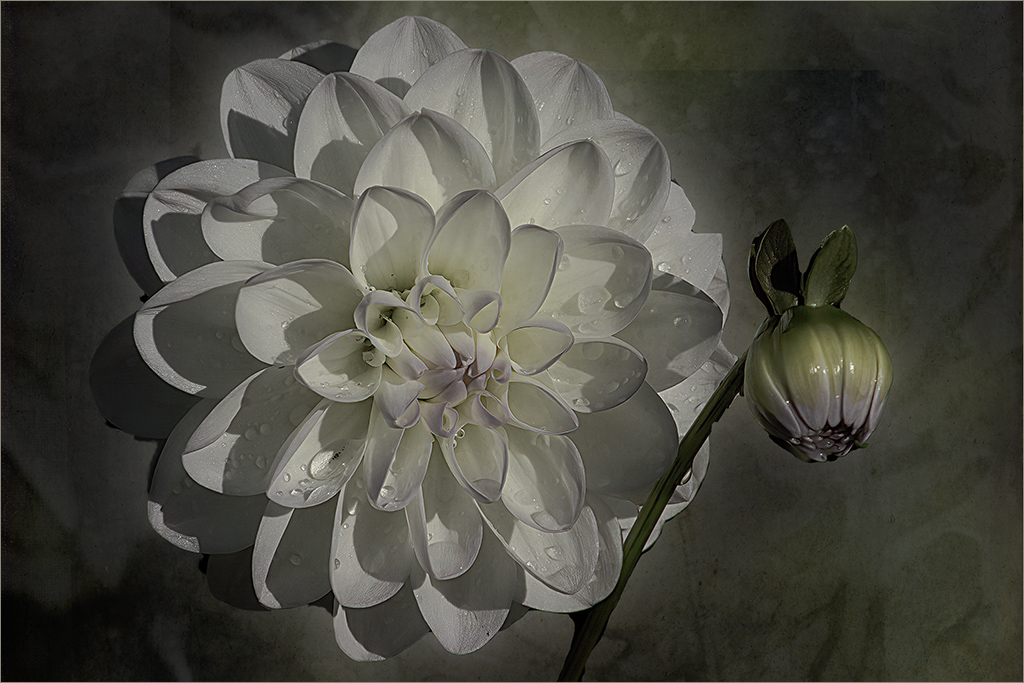
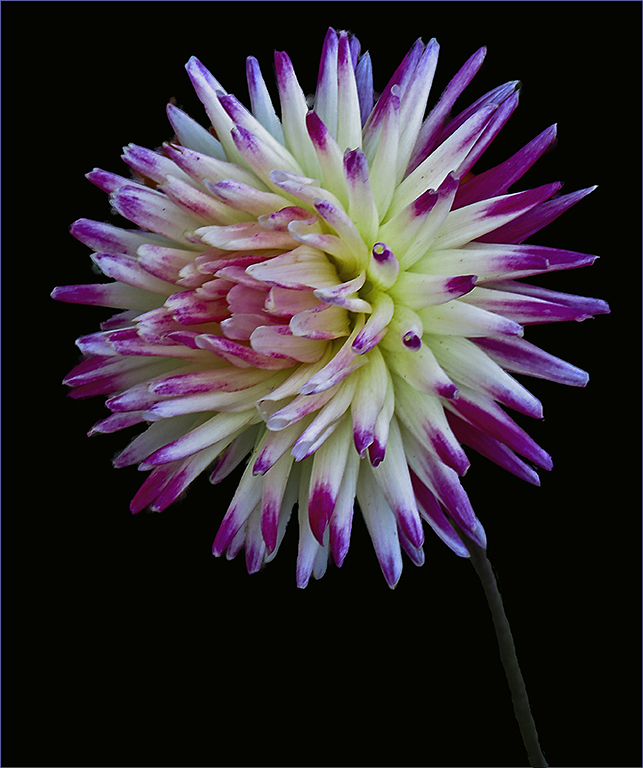
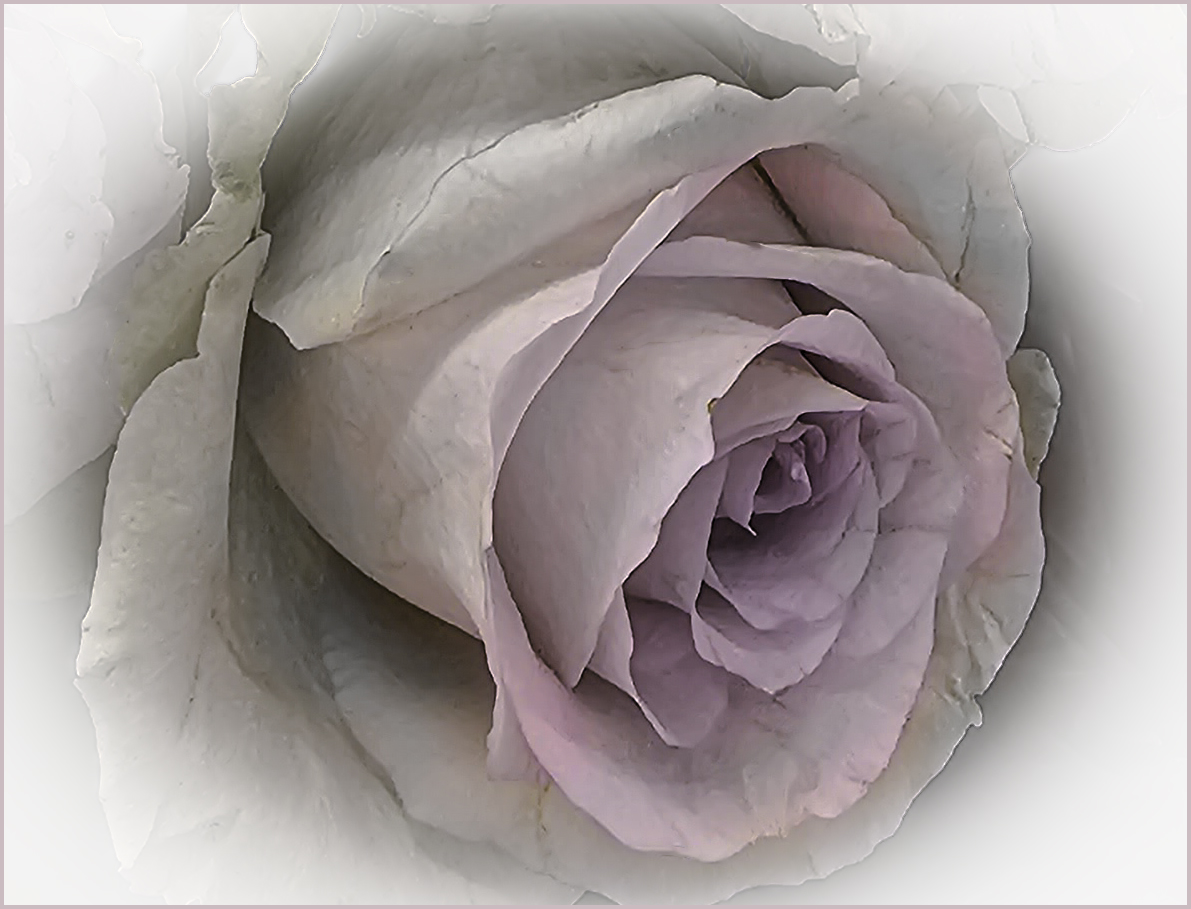
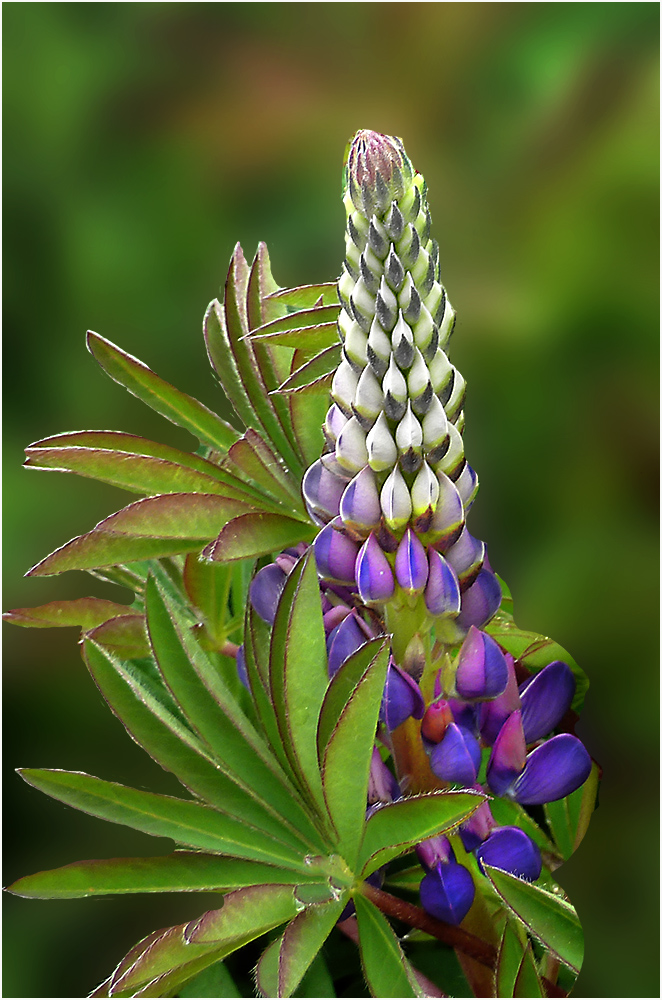
I love the softness of the outside and the sharpness of the center. It creates a nice mood. What I'm not sure of is whether I like the offset of the flower. It seems to be pressing the right edge. To me, this might be a time to break the rules and go with a centered flower - unless the processing of the background wouldn't permit that. Overall, beautiful. |
Sep 9th |
6 comments - 4 replies for Group 80
|
12 comments - 5 replies Total
|