Activity for User 15 - Marti Buckely - marti.buckely@yahoo.com

avatar
Avatar

Close this Tab when done


940 Comments / 432 Replies Posted

  = Current Round   = Previous Round
Group Round C/R Comment Date Image
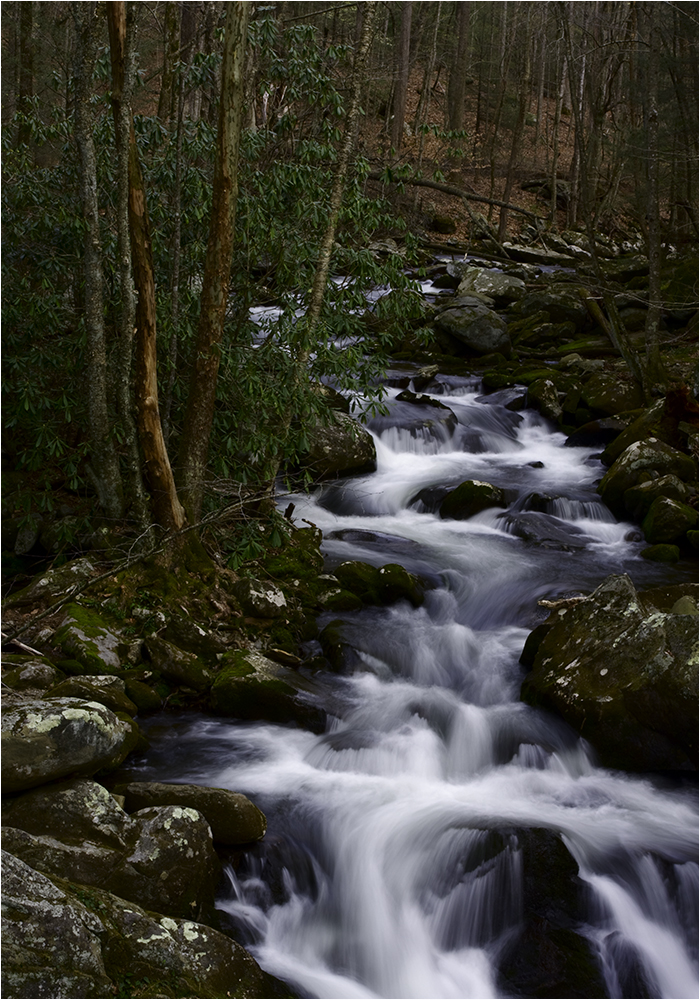
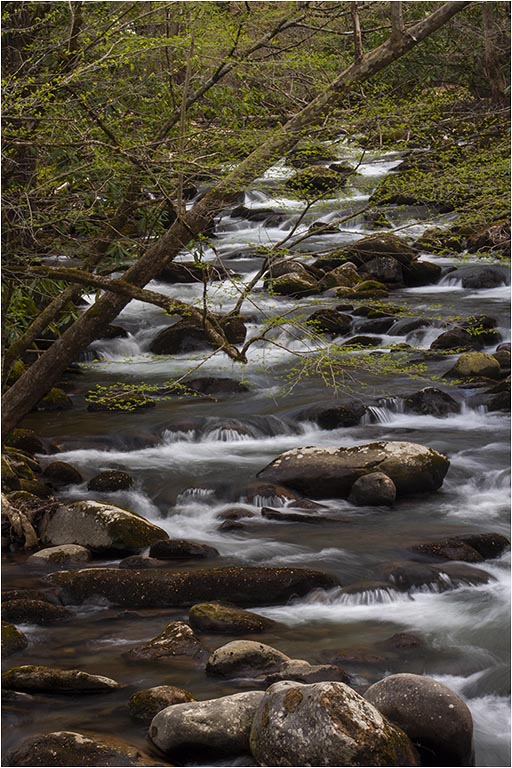
22 May 24 Comment Nice image. My eye travels from the top stones down to the bottom - just like the water flows. May 16th
22 May 24 Comment For me, I would prefer seeing the original with some rather minor corrections. As Peggy noted - the green area on the left side is too green. Maybe it's my monitor or my eyes but again it seems over sharpened slightly. It is a beautiful scene. When I was there it was overcast and rainy so I didn't get many great shots. Glad you got a nice one. May 16th
22 May 24 Comment I'm going to agree on this one regarding the water and the bridge. For me, and perhaps it's just Al's style, it appears too sharpened and almost looks painted to me. May 16th
22 May 24 Comment I guess it's my day to be in opposition to almost everyone. :)
I'm seeing this as the water being too blue and the trees being too green. I'm not sure what Al means by adjusting the texture - perhaps taking the sharpness down some? Overall it's a pleasing image and nice softness of the water.
May 16th
22 May 24 Comment I'm going to disagree with Peggy about the sky. I think to cut that off, it leaves a bunch of dark rocks at the top. I like the way it balances out the falls and that big rock gives me some idea of the terrain.
While I love the shot and the pano, it seems a little too sharpened for me. I do agree about the people - they add that sense of depth to the image and you really get the sense of the immensity of the falls.
May 16th

5 comments - 0 replies for Group 22

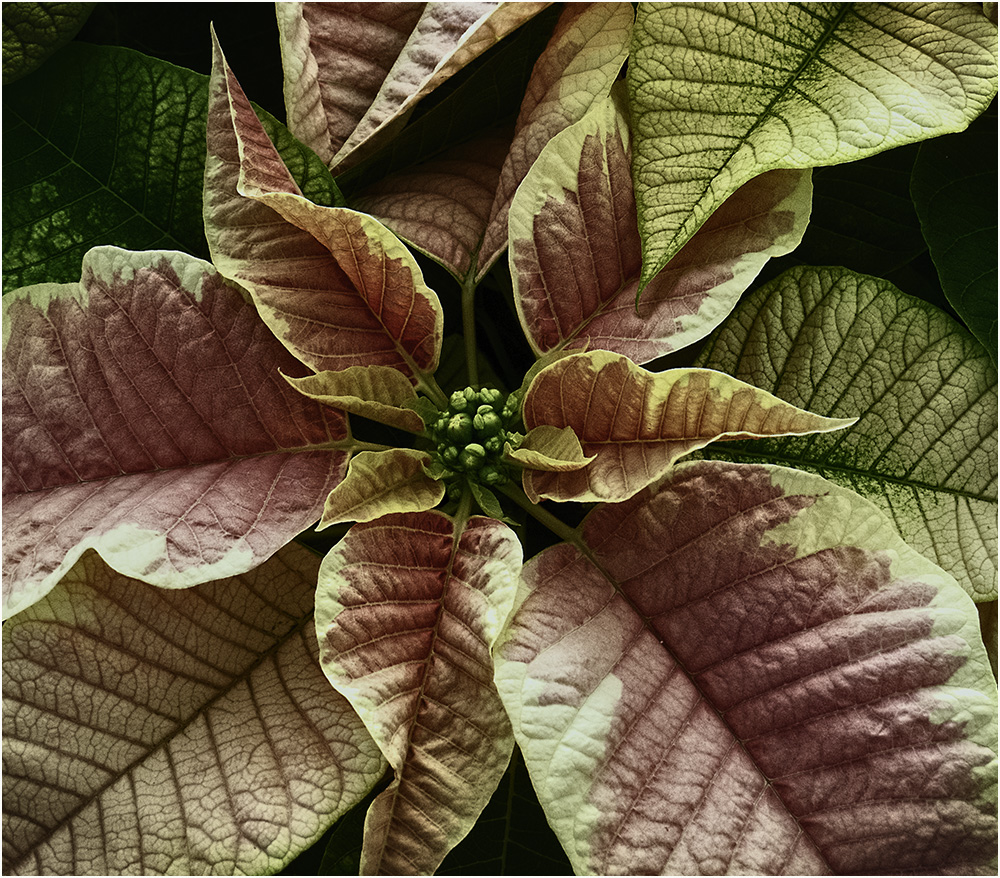
80 May 24 Reply PS: I didn't try to work on the bottom leaves that are showing a little too green. Maybe an area for you to practice? Good luck. May 12th
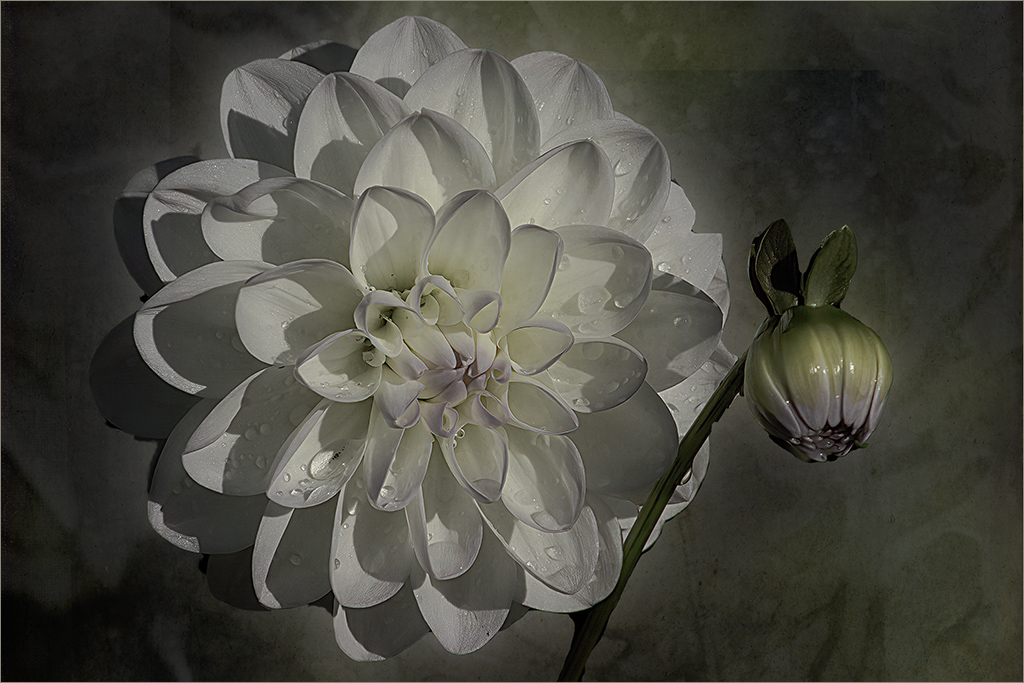
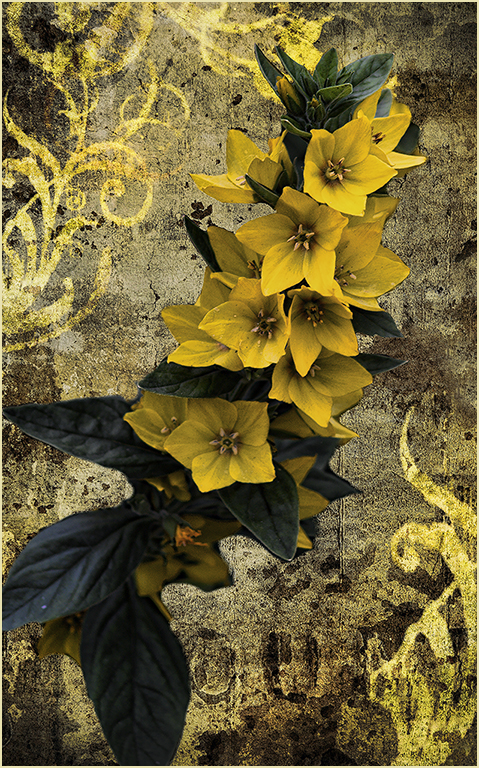
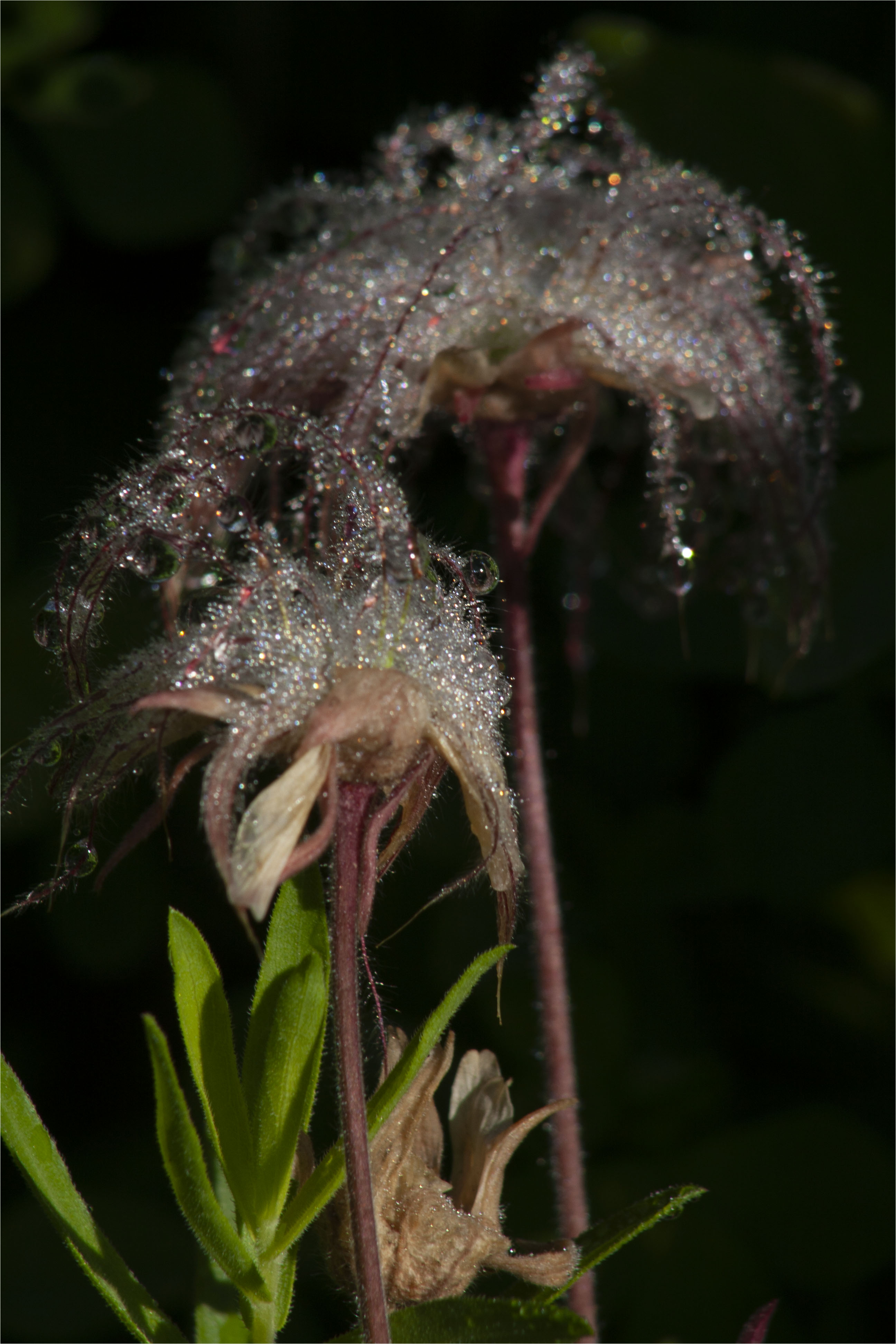
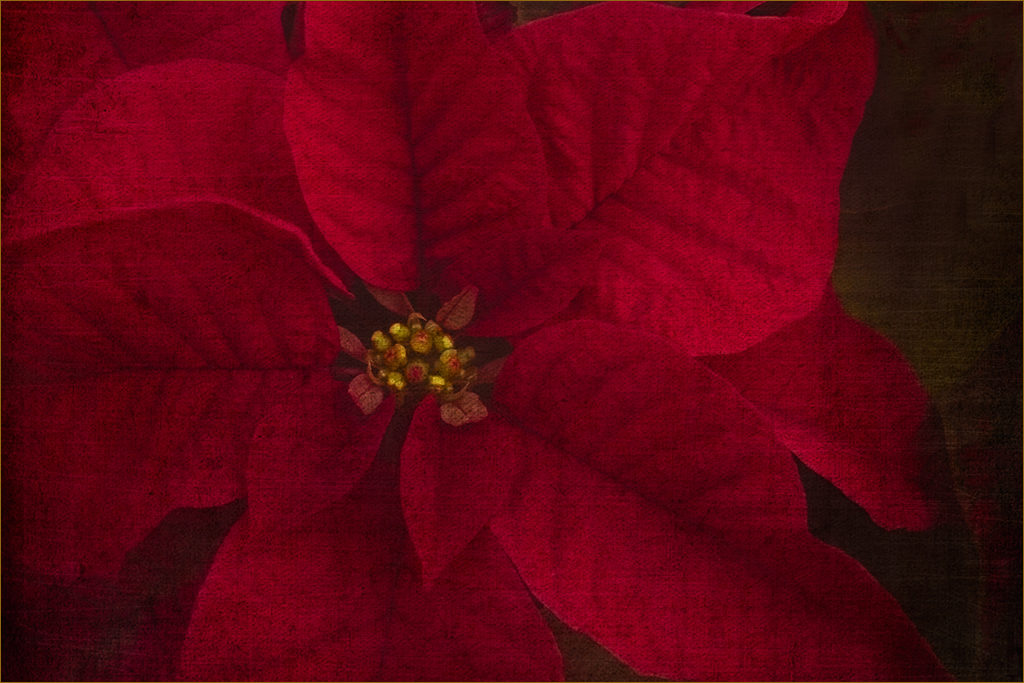
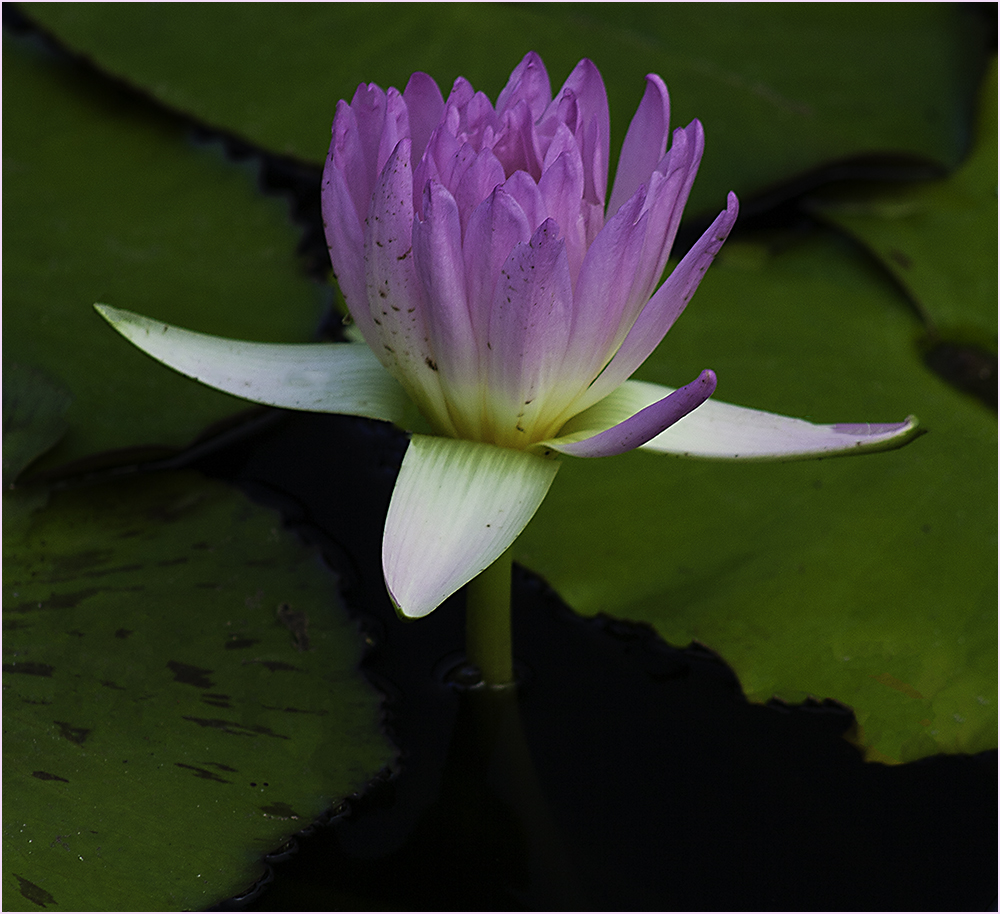
80 May 24 Comment Nice work on the texture - it is a pleasing image. I removed the brown spots by using the clone tool - which should be in CS6. Choose the clone tool, choose your brush size - those parts that are near the background will probably require a smaller brush. To pick the area to clone, find the spot you wish to use and hold down the ALT key (Command? on the MAC?)
Then paint the area you want to change. The clone point will move as you brush so be aware of what it's picking up.
May 12th
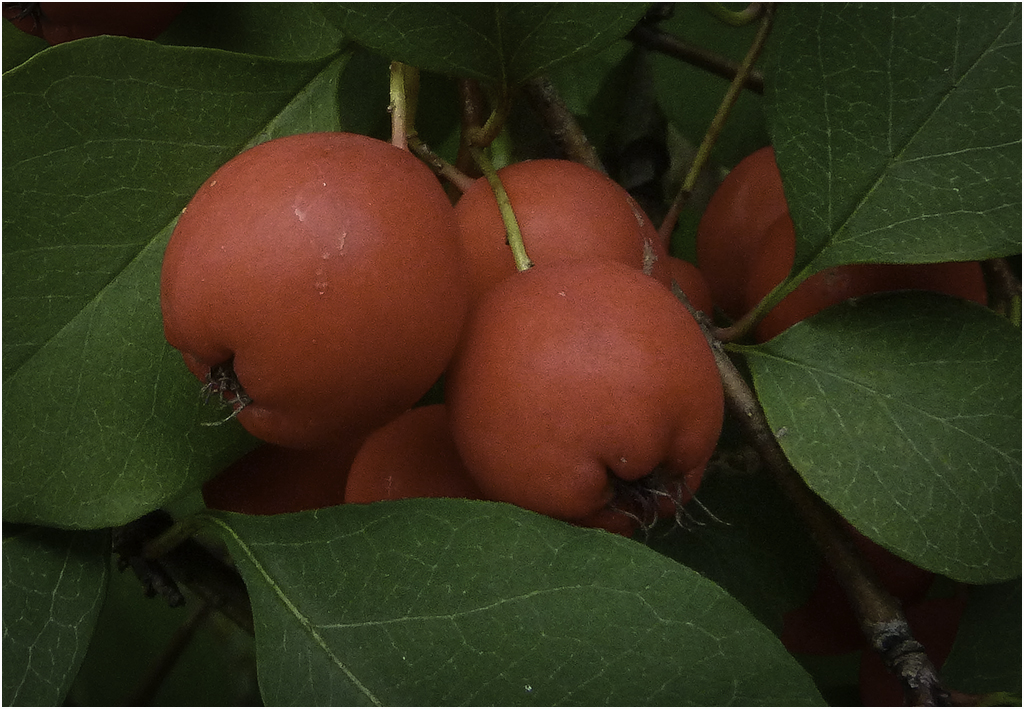
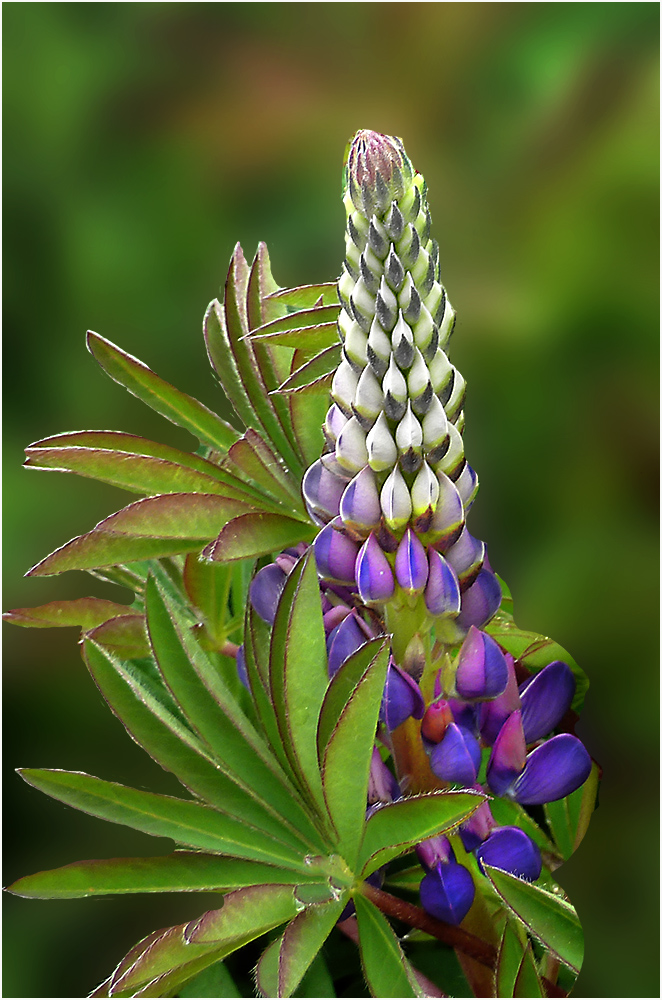
80 May 24 Comment I like the coloring and the softness of the background. I tried cropping a little to get rid of some of the bright grass. Pretty image though - nice job. May 7th
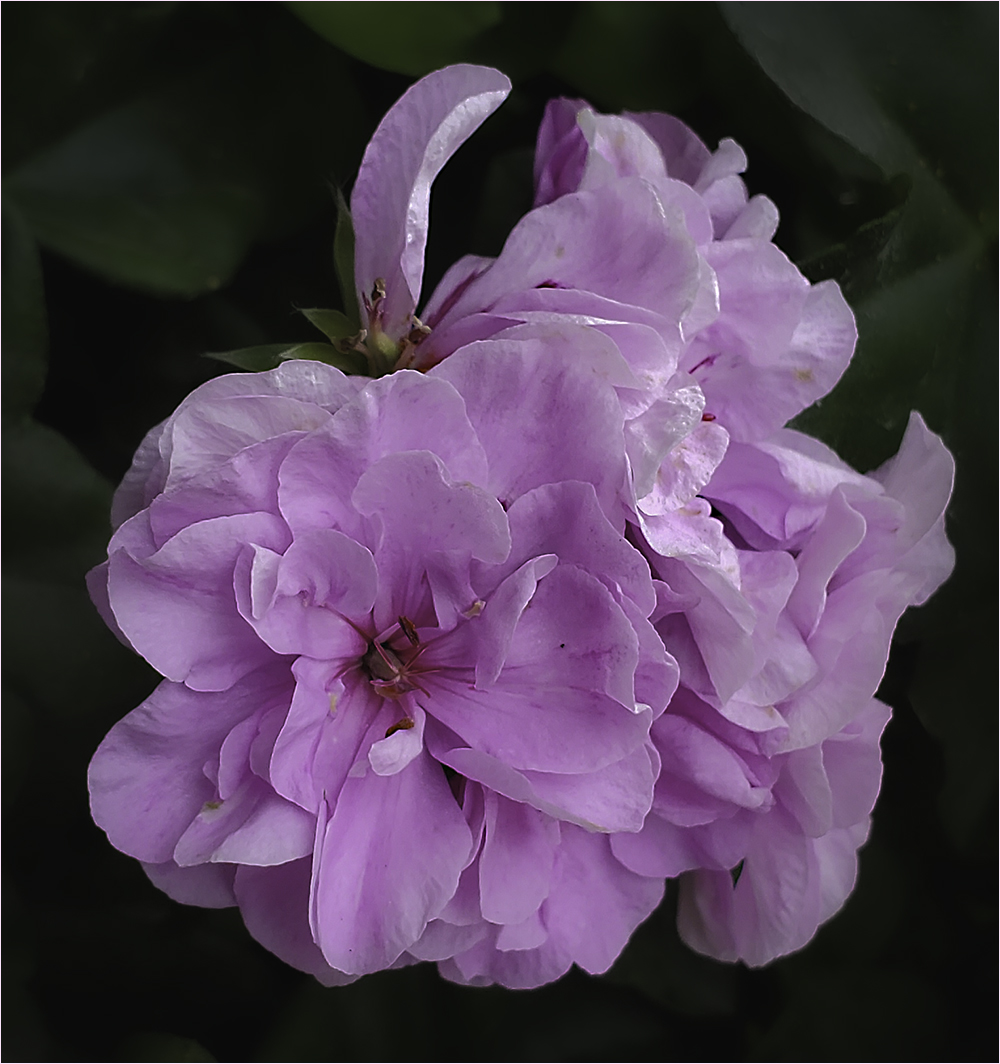
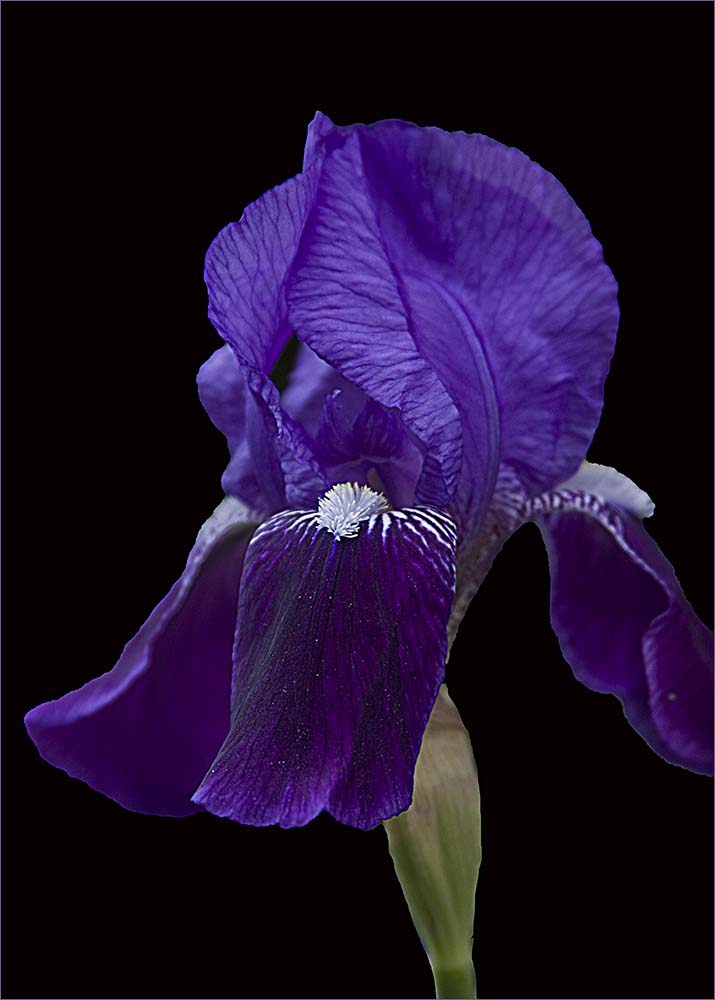
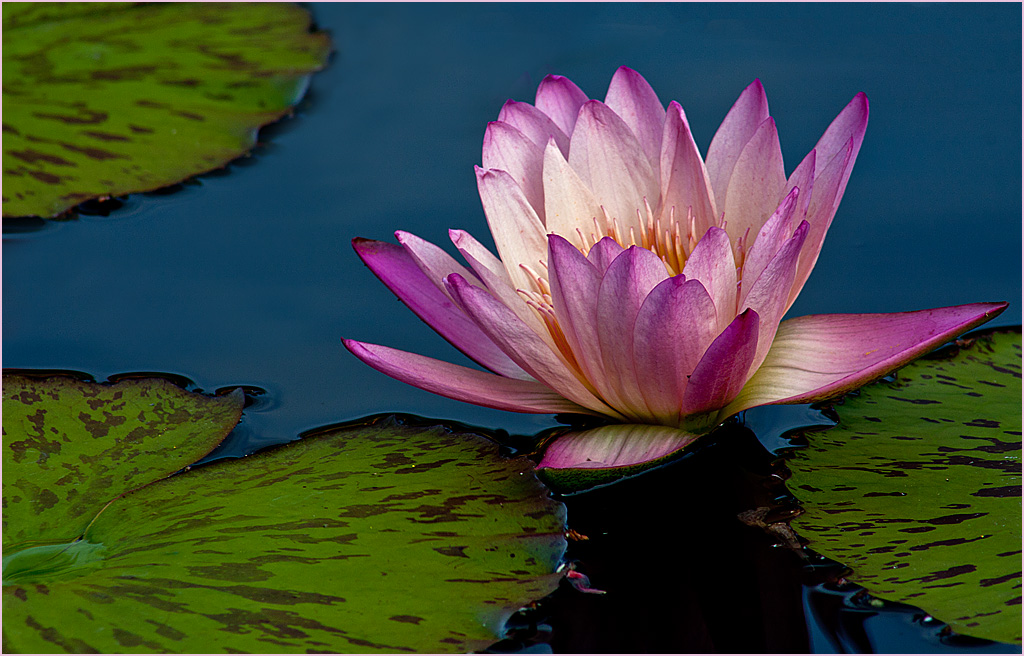
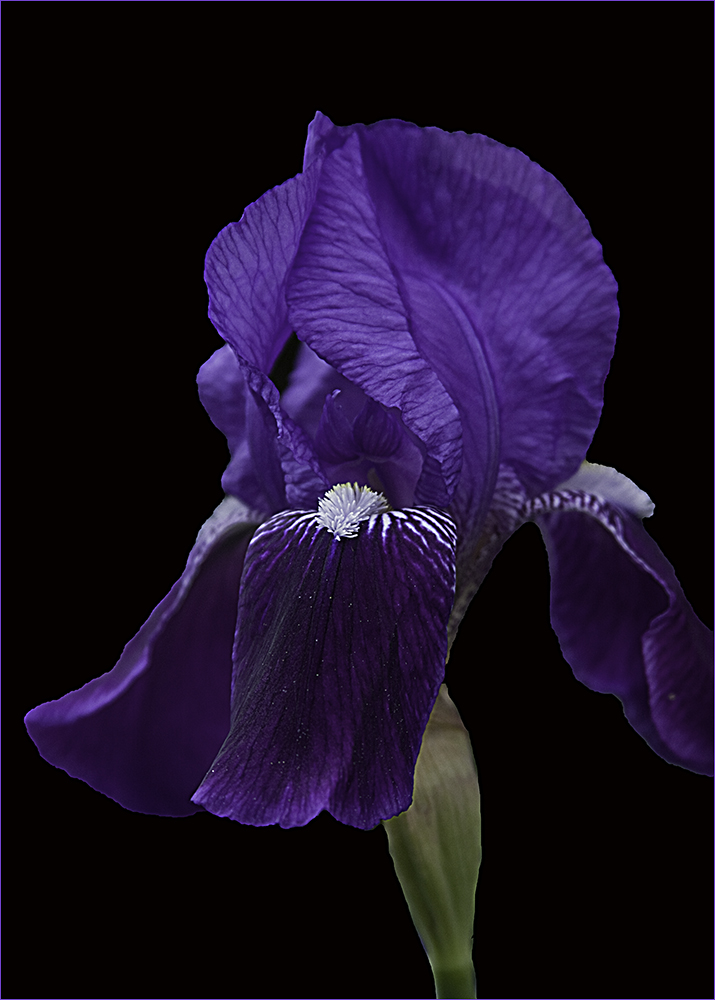
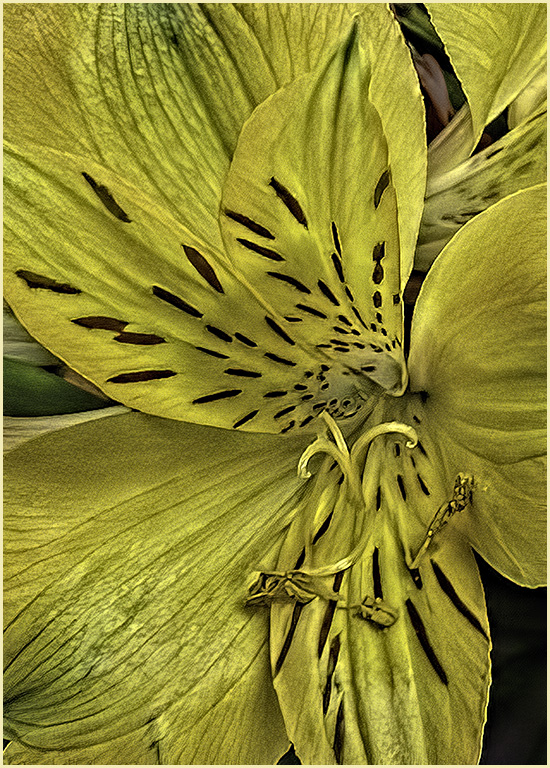
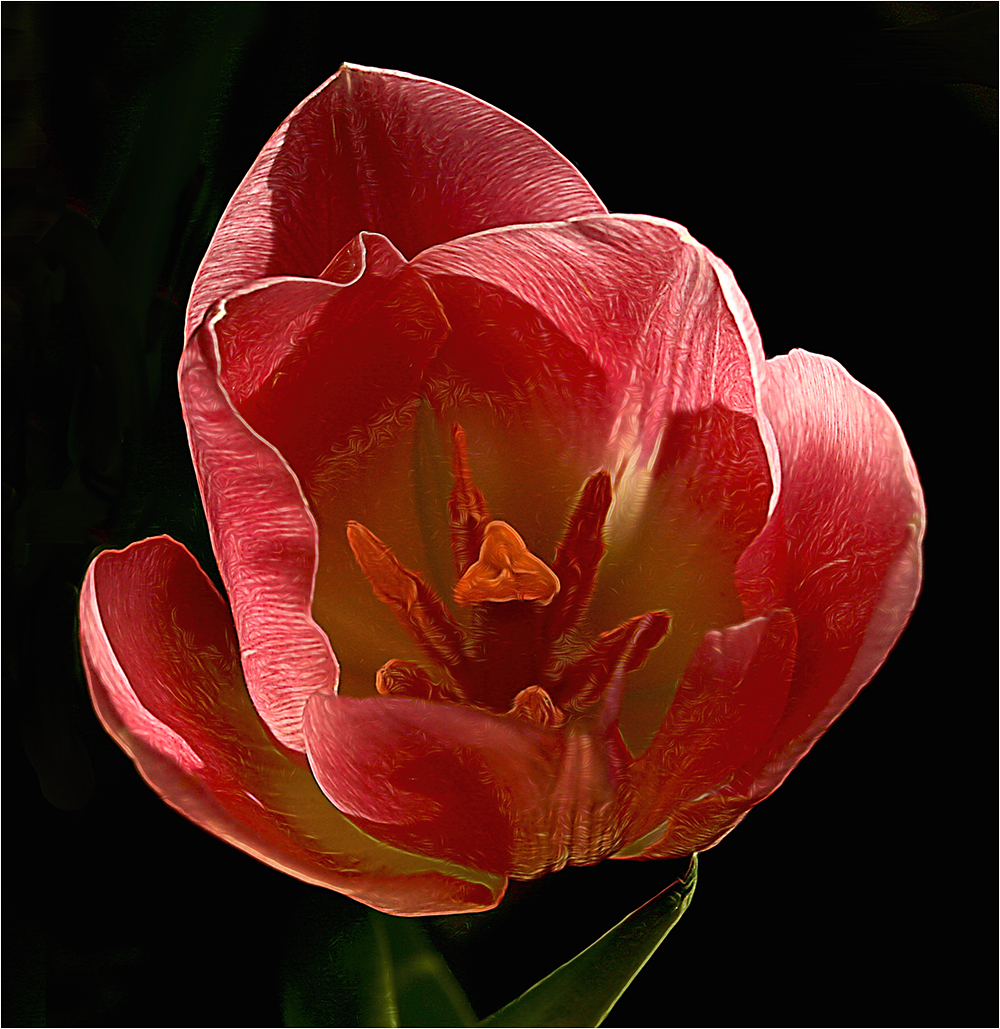
80 May 24 Comment It's always hard to find fault with your images. This one is stunning. I love the detail and the sharpness.
I do think the stroke is a little large. Perhaps it's made as a border but to me, it takes my eye away from the flower. Also, there are white lines outlining the stem that seem a little odd to me. Overall it is a spectacular image.
May 7th
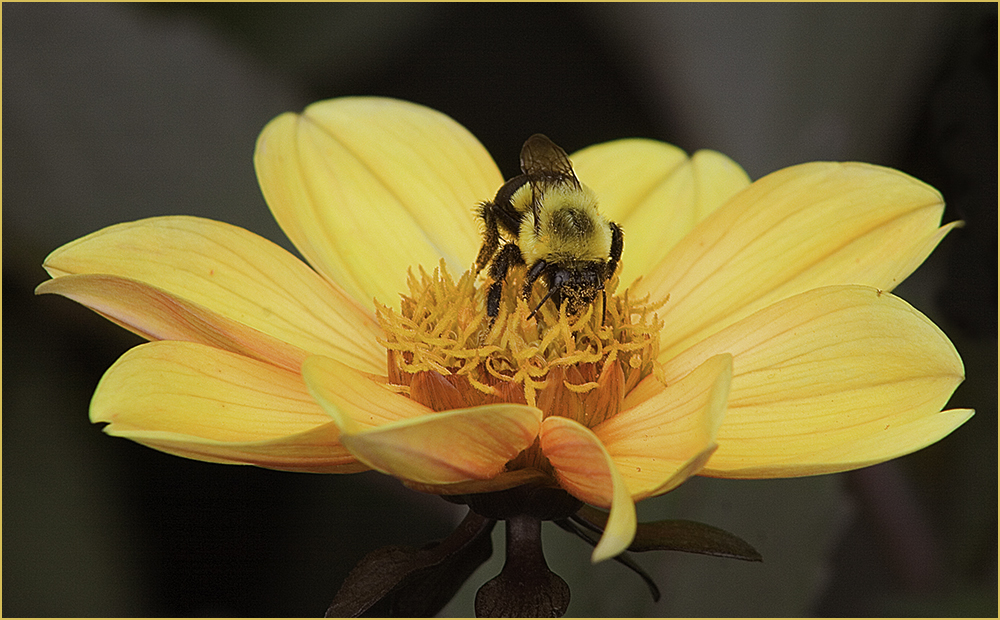
80 May 24 Comment I agree with Bob's comments. Also, it's hard to shoot flowers on a windy day. Since there is no original, I'm guessing this was as shot? It is a nice capture under the conditions. May 7th
80 May 24 Comment I like the texture for the background but if it is an overlay with the flower, then not so much. It seems the original has a nice sharpness and color to it that it appears to lose on the final. Perhaps crop a little off the right to make it less centered? May 7th
80 May 24 Reply I see that now - you are right. Thanks. May 7th
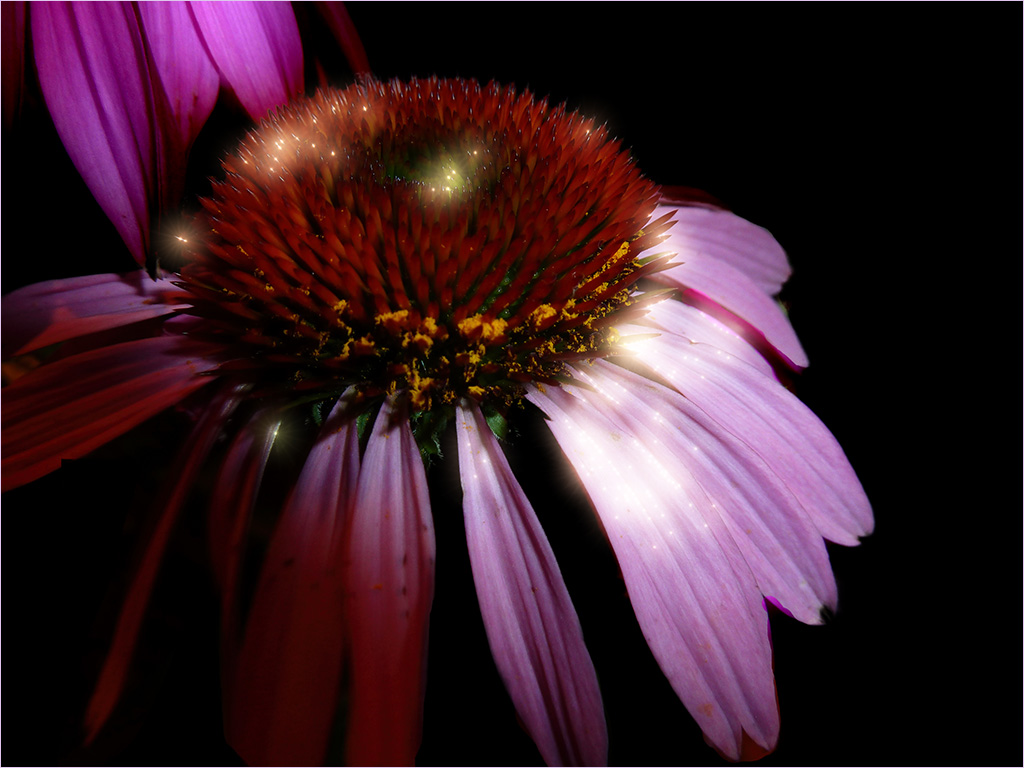
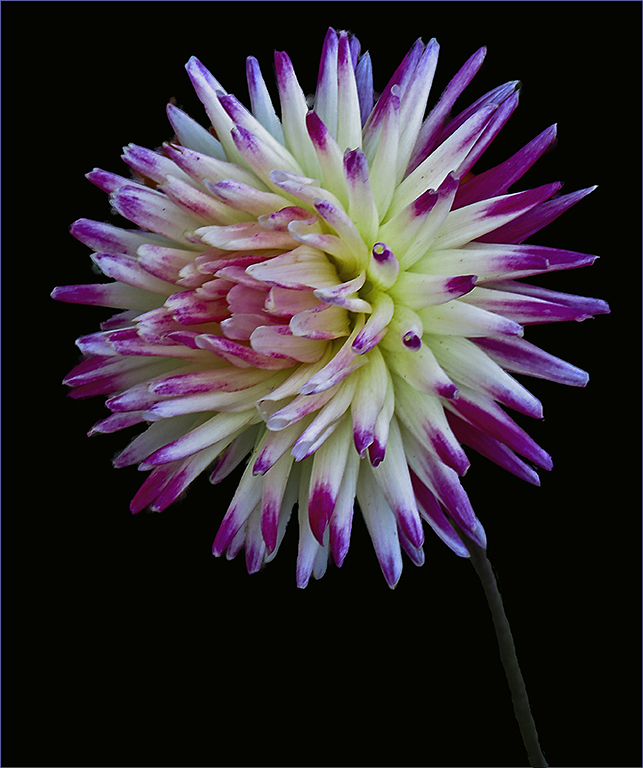
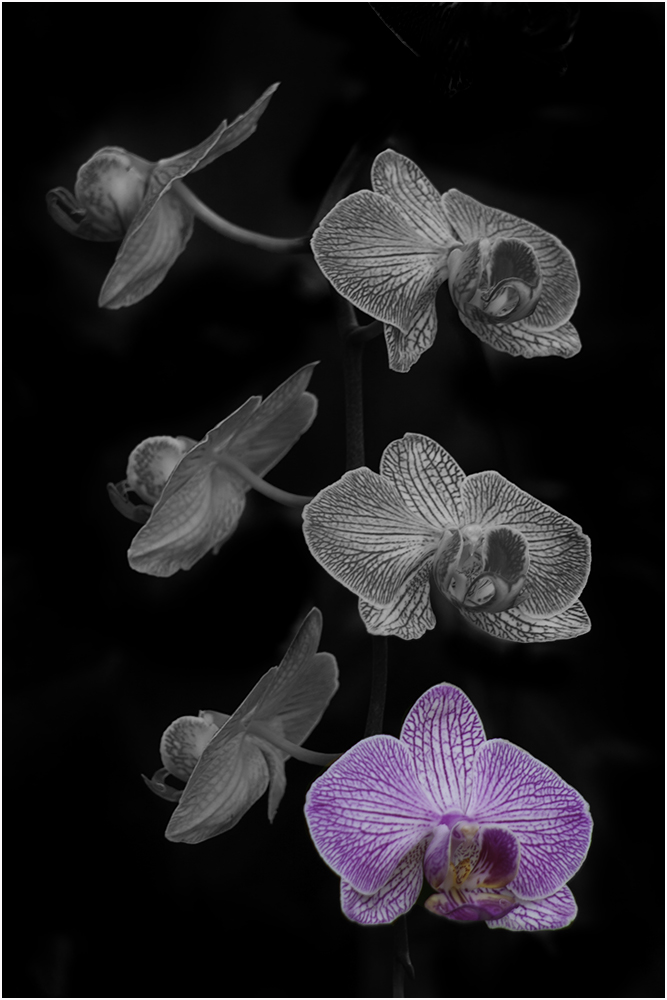
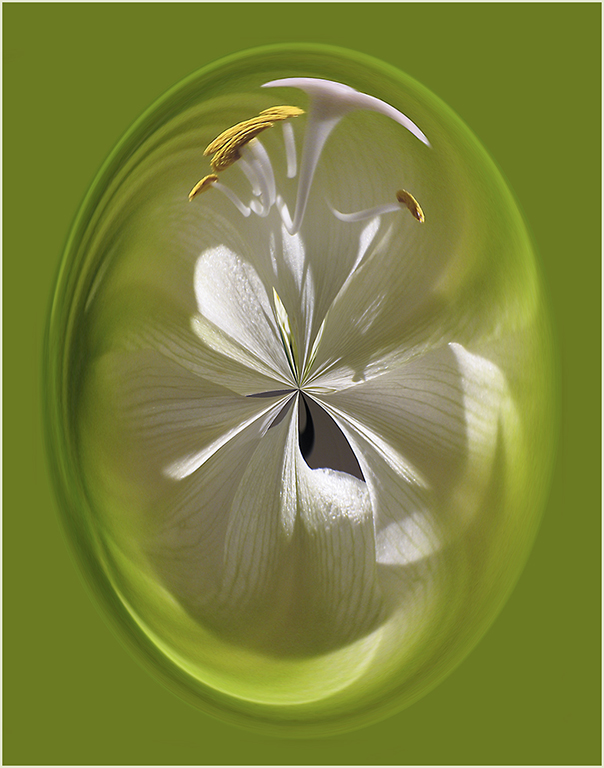
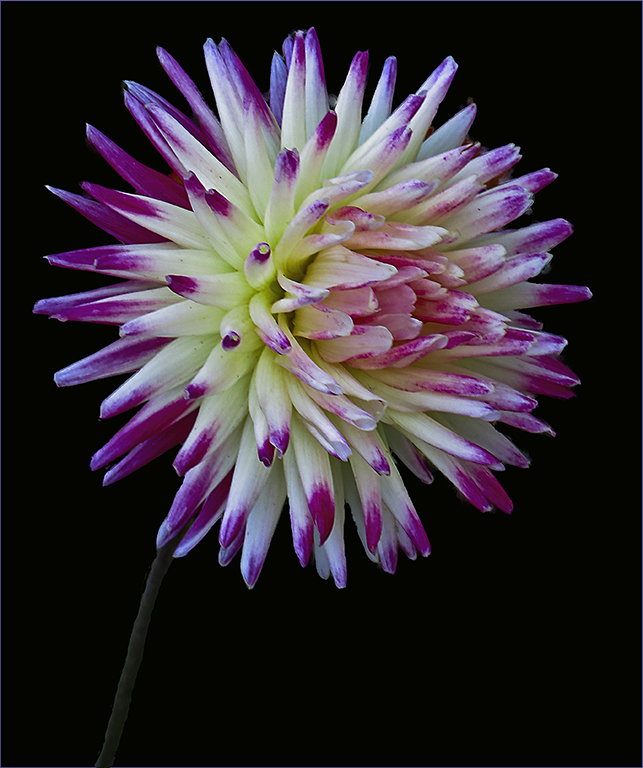
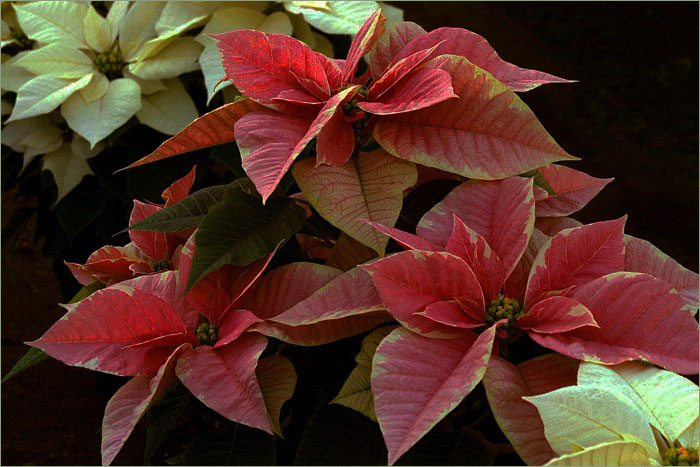
80 May 24 Comment Very colorful and fun image. I'm not sure I like the top left. Perhaps consider removing the top hot pink portion that touches the border? May 7th

6 comments - 2 replies for Group 80


11 comments - 2 replies Total


137 Images Posted

  = Current Round   = Previous Round
Group 22

Nov 25

Oct 25

Sep 25

Aug 25

Jul 25

Jun 25

May 25

Apr 25

Mar 25

Feb 25

Jan 25

Nov 24

Oct 24

Sep 24

Aug 24

Jul 24

Jun 24

May 24

Apr 24

Mar 24

Feb 24

Jan 24

Nov 23

Oct 23

Sep 23

Aug 23

Jul 23

Jun 23

May 23

Apr 23

Mar 23

Feb 23

Jan 23

Nov 22

Oct 22

Sep 22

Aug 22

Jul 22

Jun 22

May 22

Apr 22

Mar 22

Feb 22

Jan 22

Nov 21

Oct 21

Sep 21

Aug 21

Jul 21

Jun 21

May 21

Apr 21

Mar 21

Feb 21

Jan 21

Dec 20

Nov 20

Oct 20

Sep 20

Jul 20

Jun 20

May 20

Apr 20

Mar 20

Feb 20

Jan 20

Dec 19

Nov 19

Oct 19

Aug 19

Jul 19

Jun 19

May 19

Apr 19

Mar 19

Feb 19

Jan 19

Dec 18

Nov 18

Oct 18

Sep 18

Jul 18

Jun 18

May 18

Apr 18

Mar 18

Feb 18

Jan 18

Dec 17

Nov 17

Oct 17

Sep 17

Jul 17

Jun 17

May 17

Apr 17

Mar 17

Feb 17

Jan 17
Group 61

Mar 24

Feb 24

Jan 24

Nov 23

Oct 23

Sep 23

Aug 23

Jul 23

Jun 23

May 23

Apr 23

Mar 23

Feb 23

Jan 23

Dec 22

Nov 22

Oct 22

Sep 22

Aug 22
Group 80

Dec 25

Nov 25

Oct 25

Aug 25

Jul 25

Jun 25

May 25

Apr 25

Mar 25

Feb 25

Jan 25

Nov 24

Oct 24

Sep 24

Aug 24

Jul 24

Jun 24

May 24

Apr 24

Close this Tab when done