Activity for User 15 - Marti Buckely - marti.buckely@yahoo.com

avatar
Avatar

Close this Tab when done


982 Comments / 460 Replies Posted

  = Current Round   = Previous Round
Group Round C/R Comment Date Image
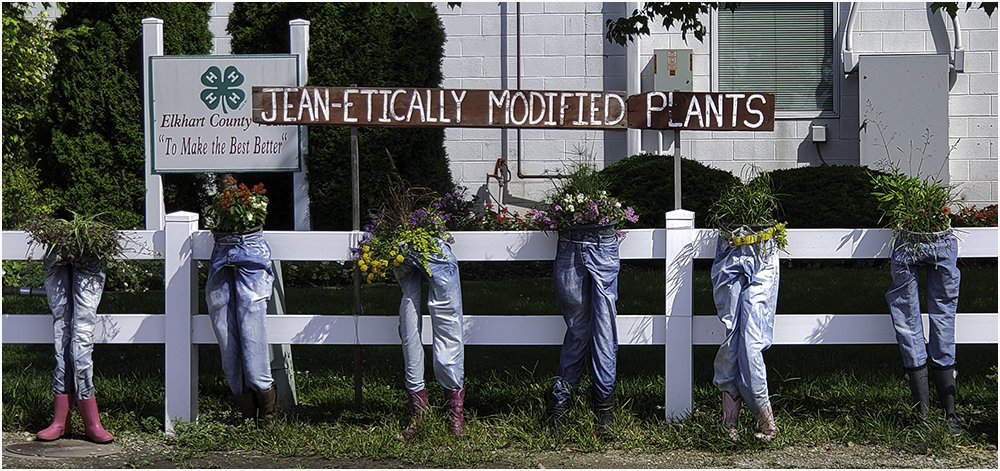
22 Oct 22 Comment Is this better? Ignore the windows that don't line up - it was a quick job. :) Oct 28th
22 Oct 22 Reply If anyone would like a PS template for a 5x7 card, email me. This is for a folded card.
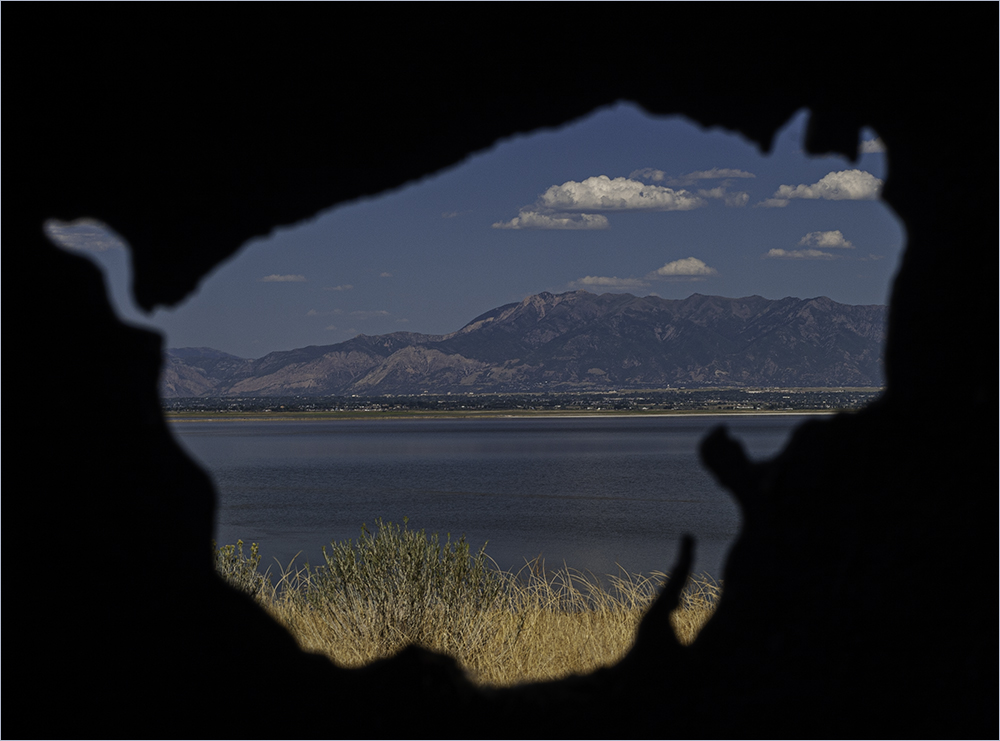
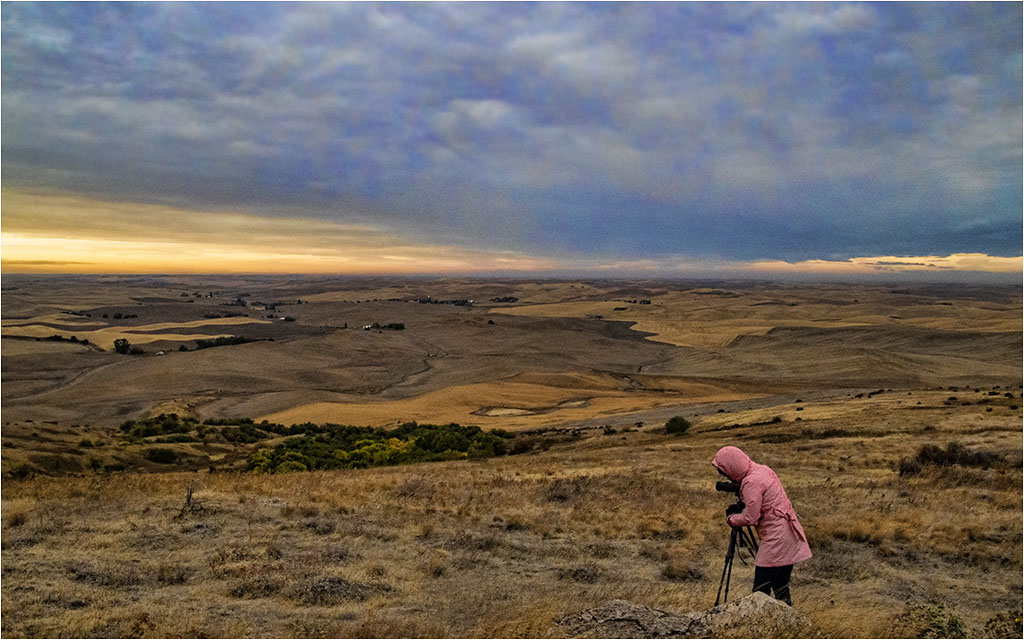
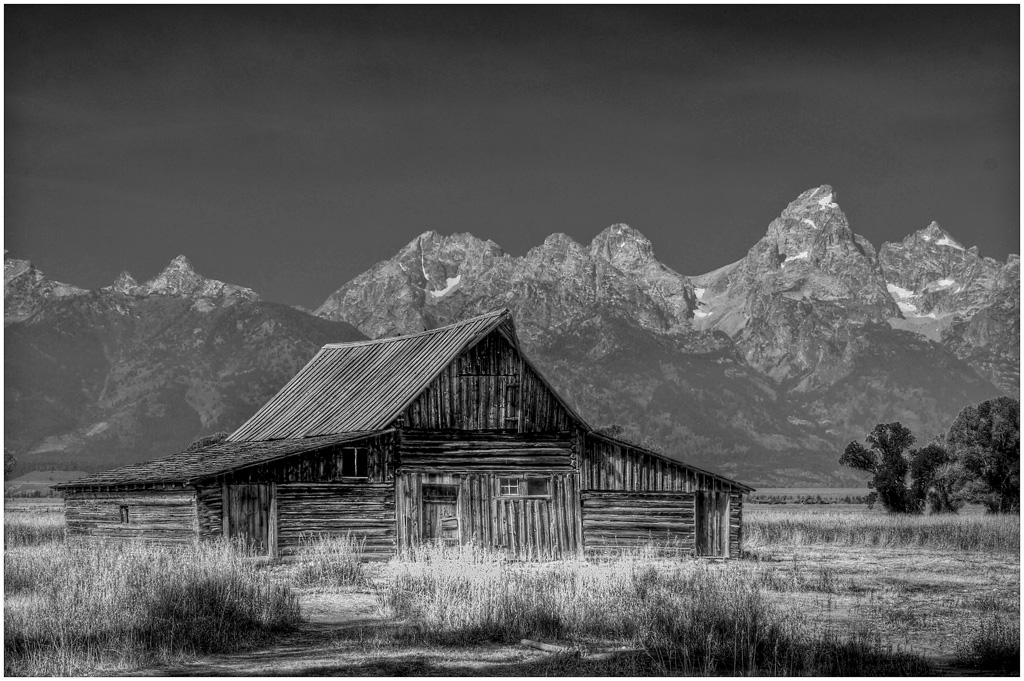
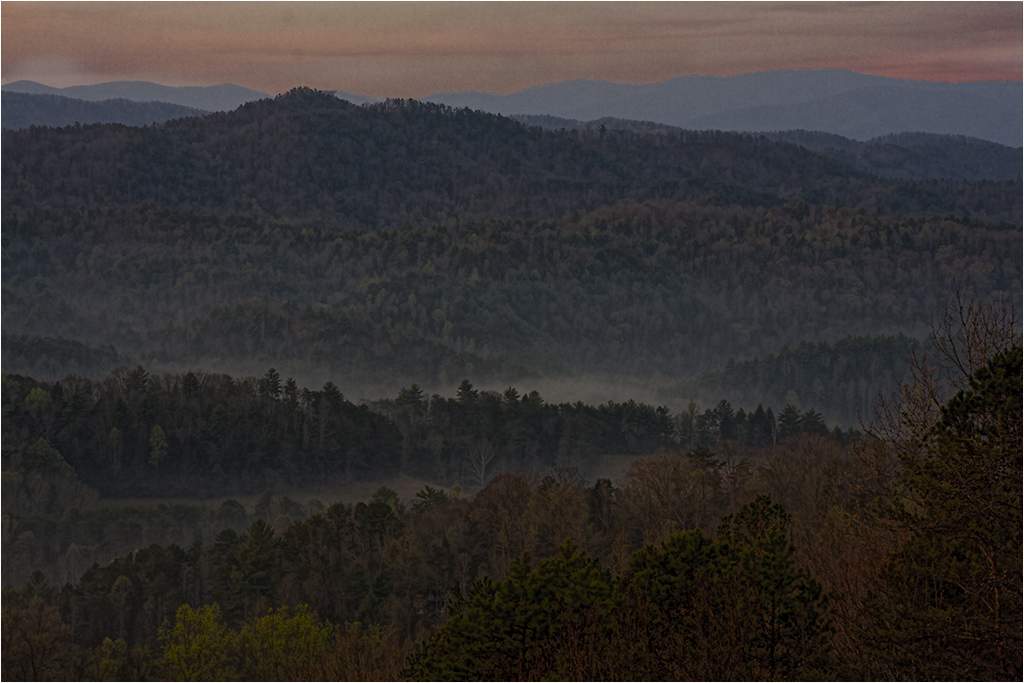
I'm going to agree with Jerry that I feel the tone is too "bluish". I think there are two ideas here - the crop is good for a card or family photo and I feel the original better gives a sense of the vastness of the landscape.

Oct 28th
22 Oct 22 Comment I agree about the orange on the pole. Overall it's a nice shot of the stairs and the red coat stands out. I like the enhancements you've made to it. Oct 11th
22 Oct 22 Comment The lighting is what it is. The final seems to have less shadow than the original which is nice. Good street shot. Oct 11th
22 Oct 22 Comment I agree with Joseph about the conversion. I like the contrasts you've built. One thing I would change maybe is the gray in his beard. It seems to me to be a bit too white. Otherwise great job. Oct 11th
22 Oct 22 Comment I like the conversion to black and white. As a "street photo" I think the wires don't bother me as much. I like the curve in the boardwalk. I sort of wish I could see the water on the left that is cropped out as it tells the surroundings. I tried to get rid of the wires and keep the water. I would need to spend more time on the person as she is rather dark the way I did this. Oct 10th
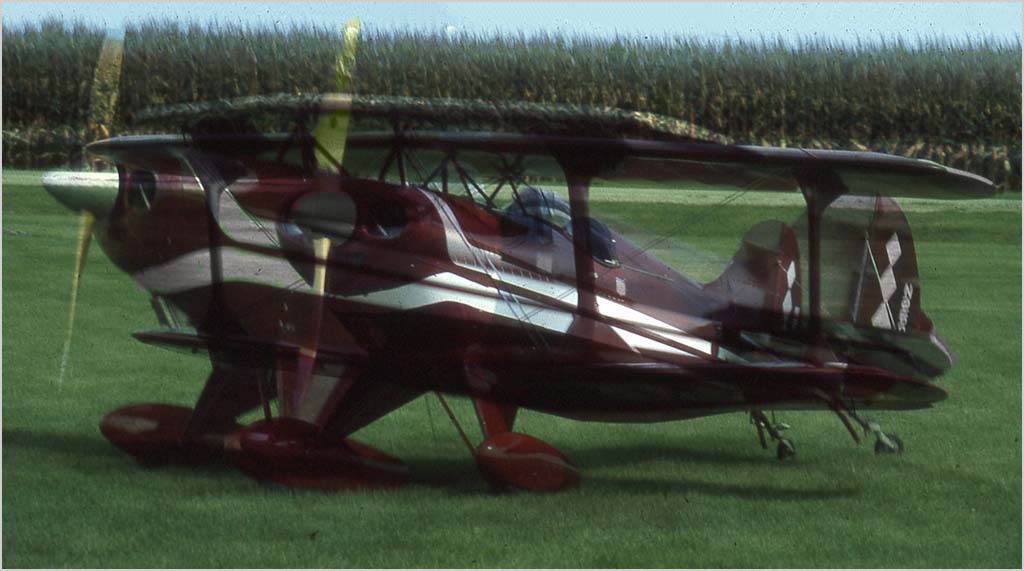
22 Oct 22 Comment I agree with Jerry that the aircraft has captured the attention. It is difficult to get a good crowd shot and still get the aircraft as large as you want it. I tried cropping it more, burning in the hat and then increasing the size of the aircraft so it appears larger. It does get a little pixelated though and I notice the propeller has stopped. For prop aircraft, the shutter speed should be greater that 225 or so. Oct 10th

6 comments - 1 reply for Group 22

61 Oct 22 Reply Perhaps she can mask out the dandelion and bring it out as white on the final background?
Oct 23rd
61 Oct 22 Reply Thanks Ingrid. Didn't know about the Facebook page. Oct 23rd
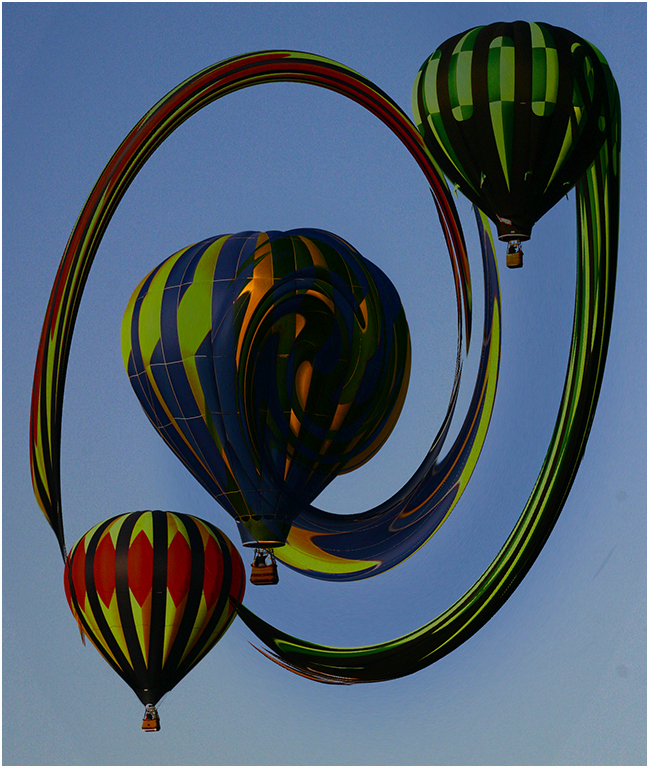
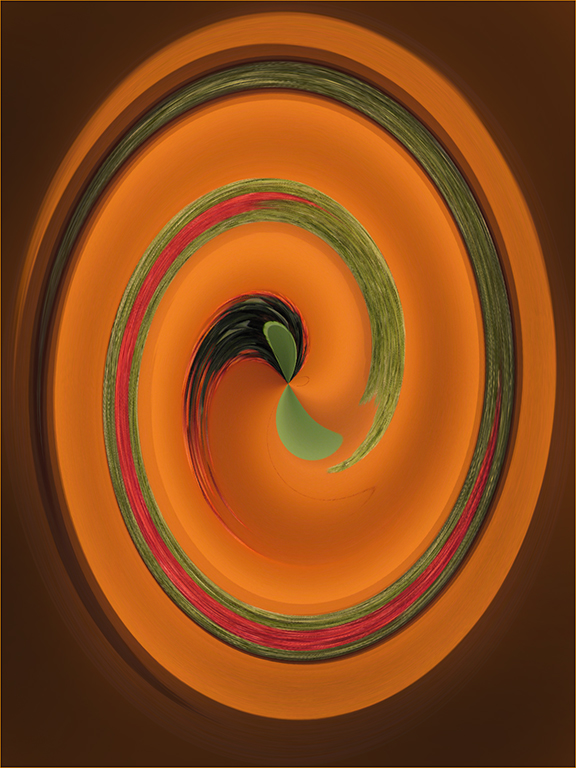
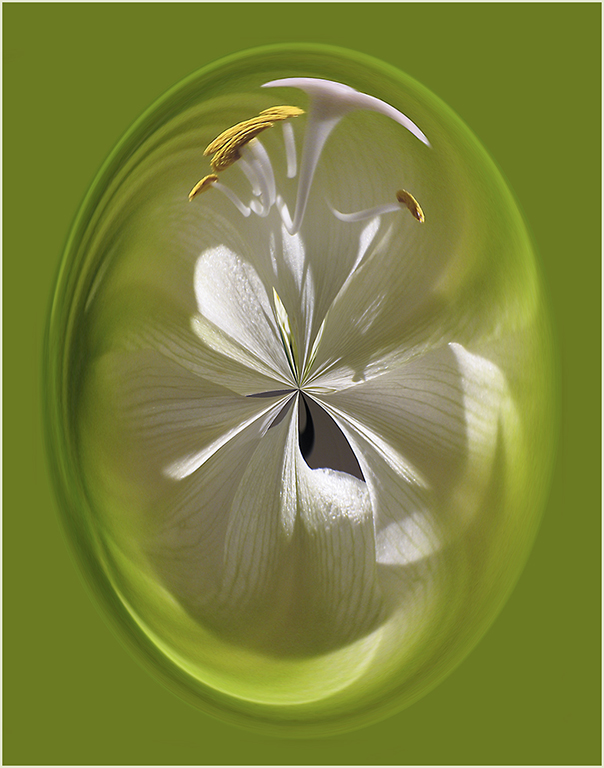
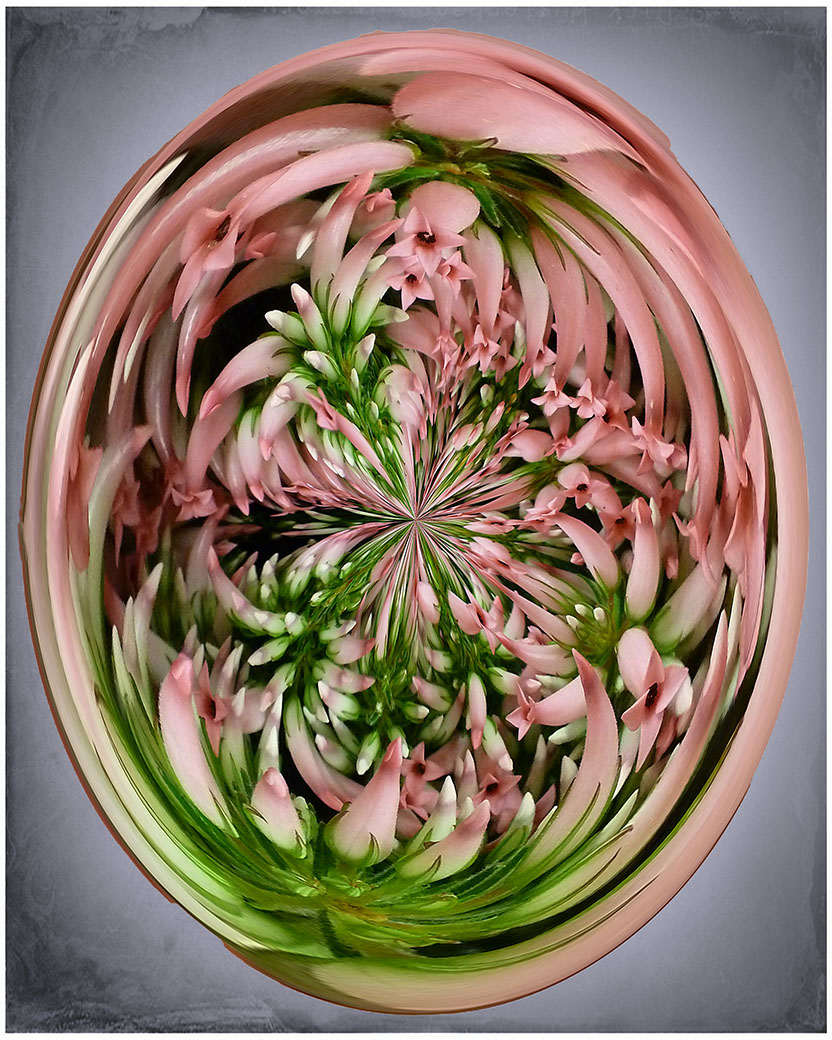
61 Oct 22 Reply Pretty. If you used the Polar Coordinates that I did, you can change the background color by placing the center point on whatever color you would like.
Here I cropped quite a bit which changed both the result and the background.
Oct 22nd
61 Oct 22 Comment I used my Polar Coordinates action on the Final. Oct 22nd
61 Oct 22 Comment Thanks everyone. After doing this with this original, I "warp" almost all images before deleting them. You never know what you will turn up with. Oct 20th
61 Oct 22 Reply We can do that and I will try and define the category better. :) Oct 9th
61 Oct 22 Comment I'm not sure it exactly fits the "abstract" category but it is a beautiful image. I like the way you have toned down the original and made the image softer. Good job. Oct 9th
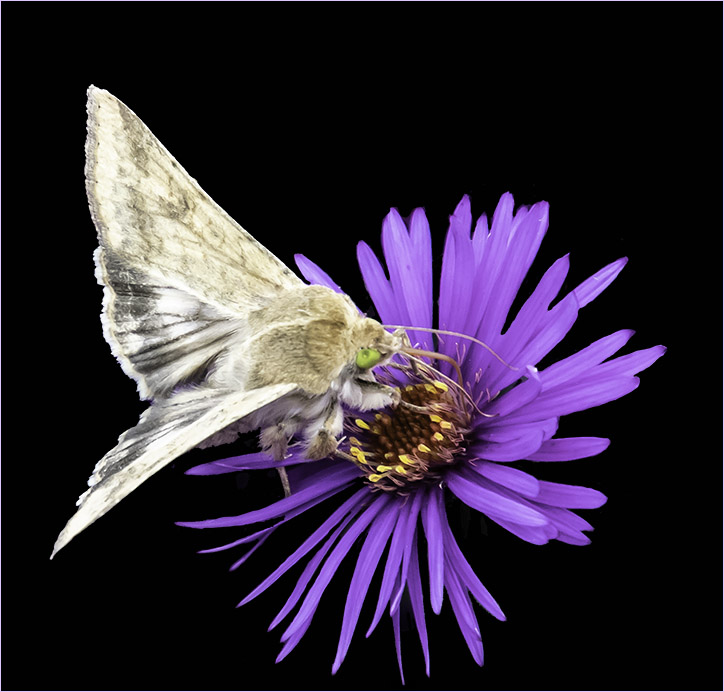
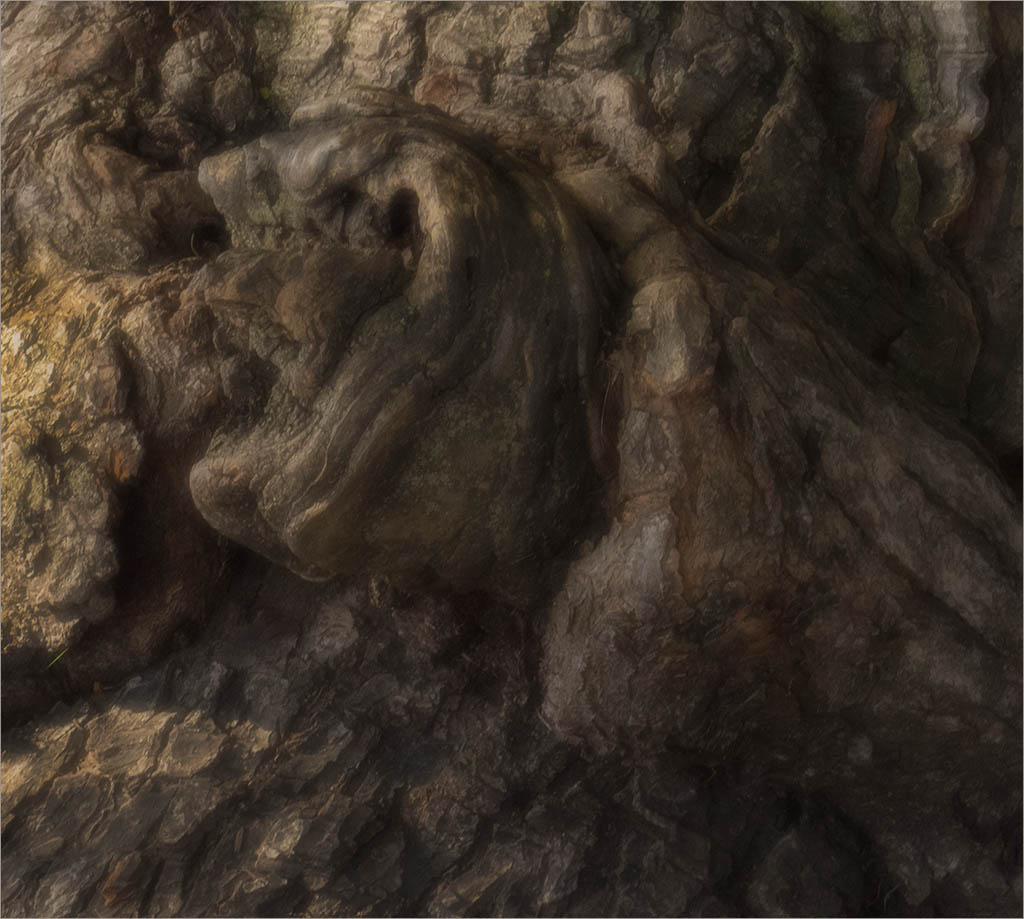
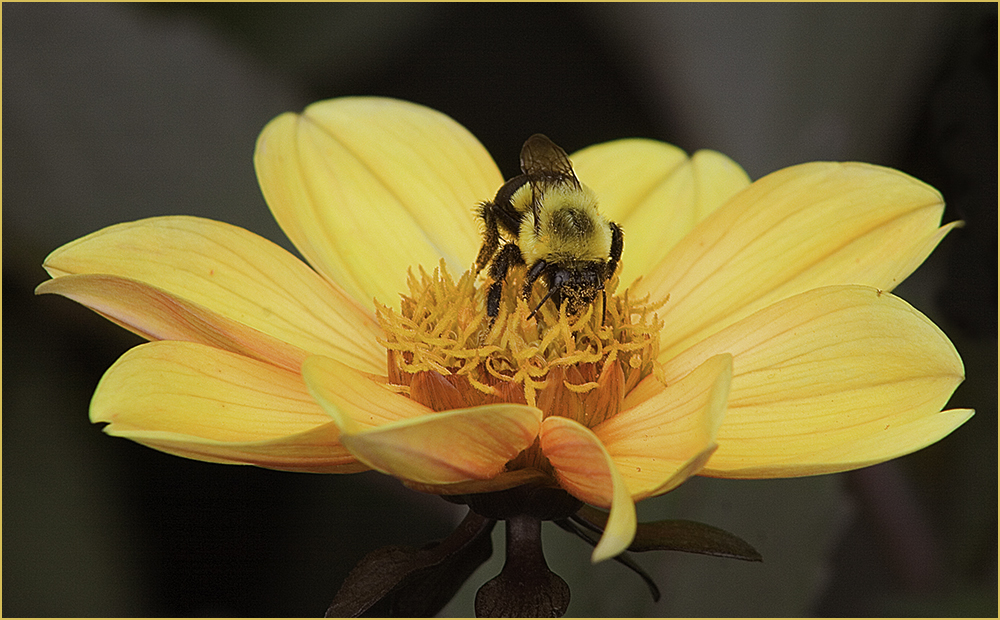
61 Oct 22 Comment I agree with Randall - I like the original. If I were to hang this on a wall, I don't think I would want the bug staring at me. Is "subject" a matter of interpretation? To me, the "subject" in that original is the dreamy feel and the serenity. If original 1 is the actual original image then to make it "abstract" would mean doing something else to it - like a Distort filter or ??. Nice image though. Oct 1st
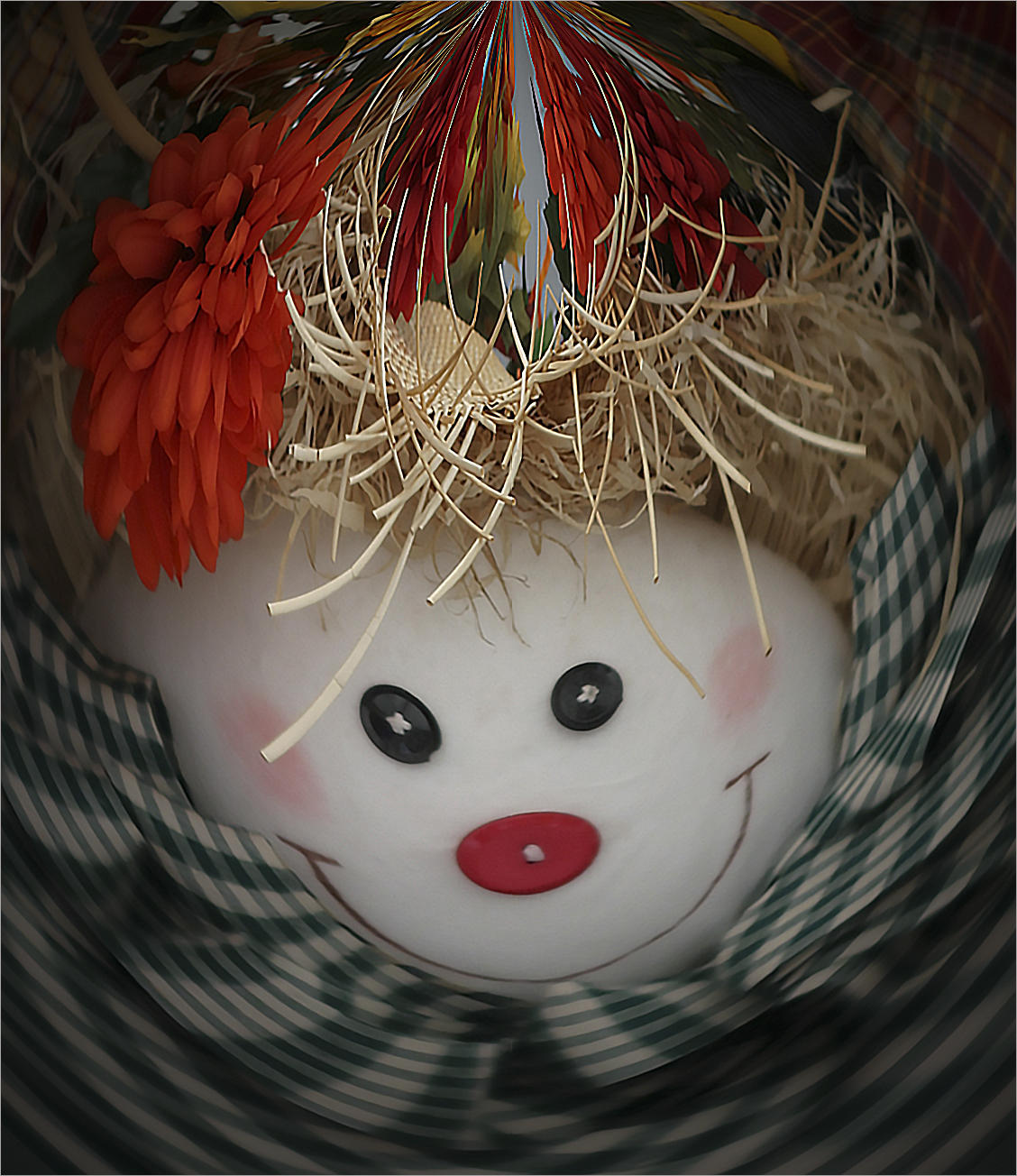
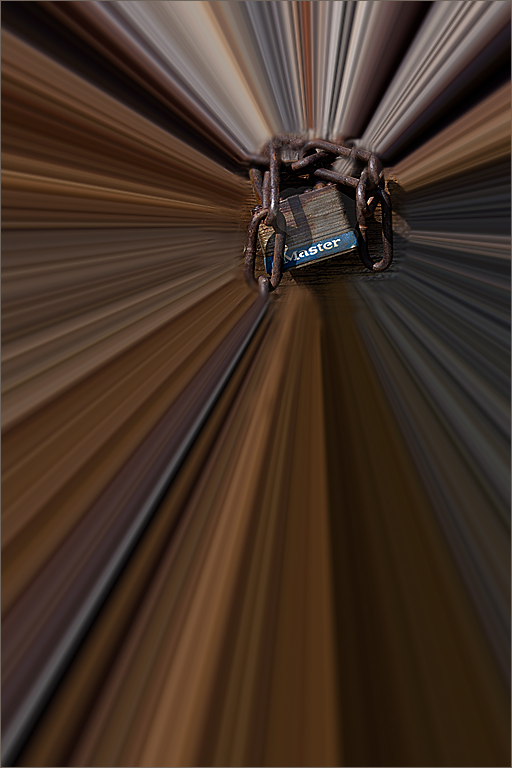
61 Oct 22 Comment I think original 2 would have been a good abstract. With the Sphere application, it appears to create those lines at the top that don't quite match up. I'm not in favor of the bright white lines. Maybe doing the same process with the original? I took your substitute original 1 and used the Polar Coordinates on it. The S is for Shirley. :) Oct 1st
61 Oct 22 Comment I agree with David on the tones - I prefer the original and/or David's rework. Personally, while the final is more abstract, so is the original. I would have liked to see a standard image transformed into something abstract.
Oct 1st
61 Oct 22 Comment Not sure about the "abstract" but the idea was to transform an image which you did nicely here. I love the mood and need to learn more about the textures and brushes uses. Oct 1st
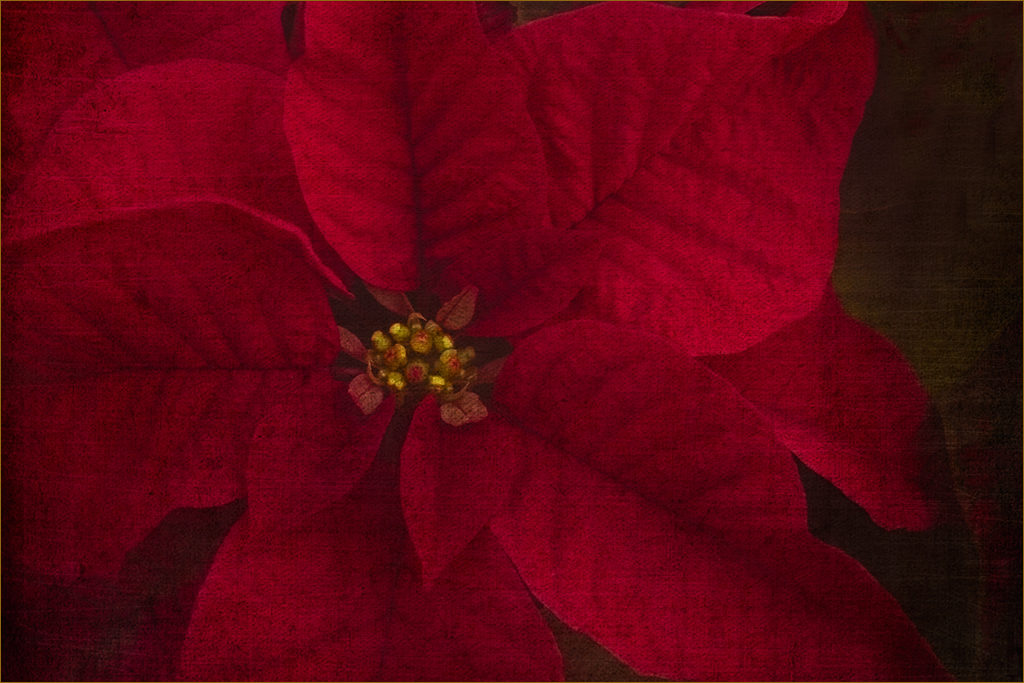
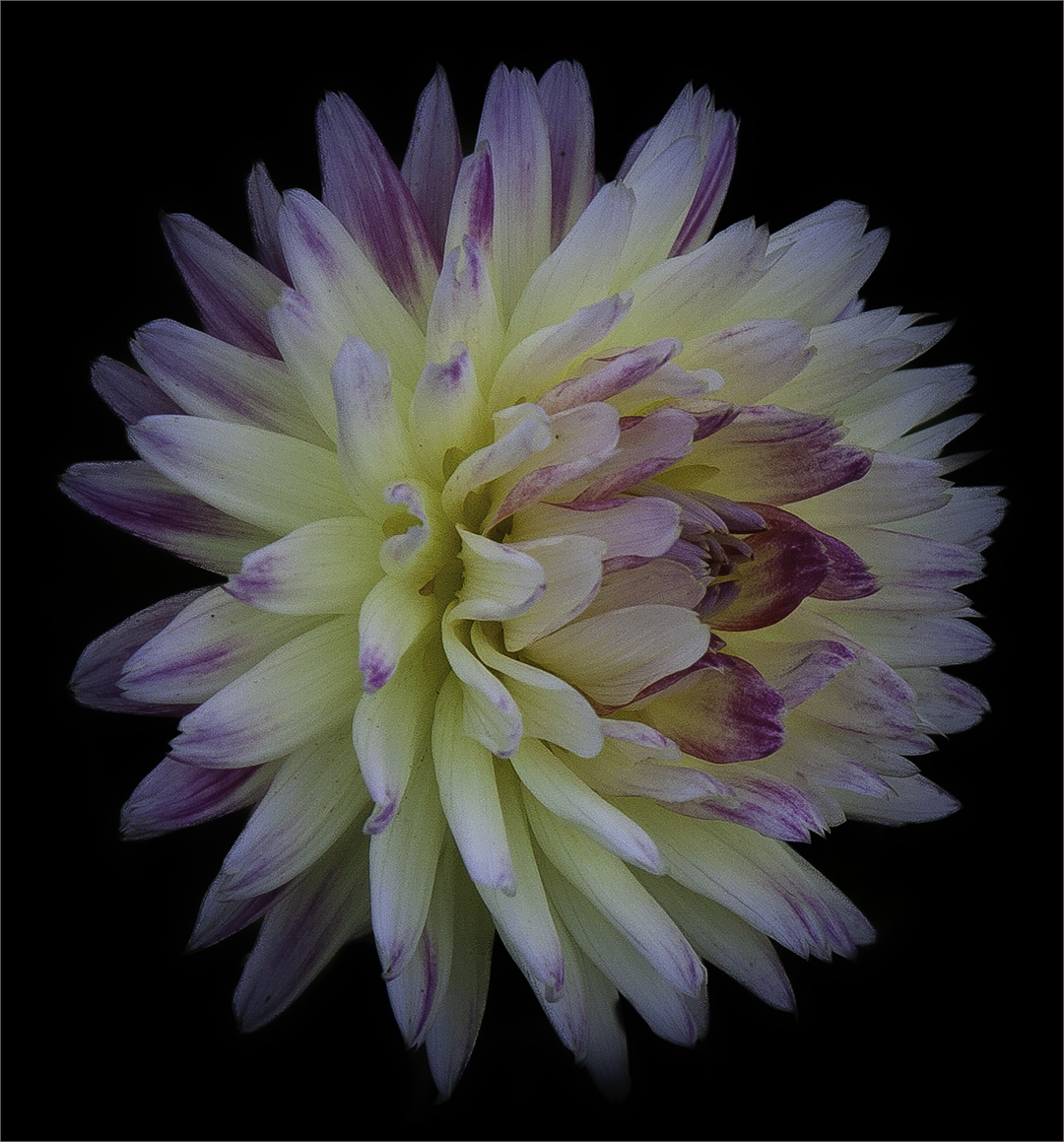
61 Oct 22 Comment For me, the "grainy" effect makes it look more "artsy" - kind of like a painting. I like the way you used the distort to bring up that dark red portion. Nice work. Oct 1st

8 comments - 4 replies for Group 61


14 comments - 5 replies Total


146 Images Posted

  = Current Round   = Previous Round
Group 22

May 26

Apr 26

Mar 26

Feb 26

Jan 26

Nov 25

Oct 25

Sep 25

Aug 25

Jul 25

Jun 25

May 25

Apr 25

Mar 25

Feb 25

Jan 25

Nov 24

Oct 24

Sep 24

Aug 24

Jul 24

Jun 24

May 24

Apr 24

Mar 24

Feb 24

Jan 24

Nov 23

Oct 23

Sep 23

Aug 23

Jul 23

Jun 23

May 23

Apr 23

Mar 23

Feb 23

Jan 23

Nov 22

Oct 22

Sep 22

Aug 22

Jul 22

Jun 22

May 22

Apr 22

Mar 22

Feb 22

Jan 22

Nov 21

Oct 21

Sep 21

Aug 21

Jul 21

Jun 21

May 21

Apr 21

Mar 21

Feb 21

Jan 21

Dec 20

Nov 20

Oct 20

Sep 20

Jul 20

Jun 20

May 20

Apr 20

Mar 20

Feb 20

Jan 20

Dec 19

Nov 19

Oct 19

Aug 19

Jul 19

Jun 19

May 19

Apr 19

Mar 19

Feb 19

Jan 19

Dec 18

Nov 18

Oct 18

Sep 18

Jul 18

Jun 18

May 18

Apr 18

Mar 18

Feb 18

Jan 18

Dec 17

Nov 17

Oct 17

Sep 17

Jul 17

Jun 17

May 17

Apr 17

Mar 17

Feb 17

Jan 17
Group 61

Mar 24

Feb 24

Jan 24

Nov 23

Oct 23

Sep 23

Aug 23

Jul 23

Jun 23

May 23

Apr 23

Mar 23

Feb 23

Jan 23

Dec 22

Nov 22

Oct 22

Sep 22

Aug 22
Group 80

Apr 26

Mar 26

Feb 26

Jan 26

Dec 25

Nov 25

Oct 25

Aug 25

Jul 25

Jun 25

May 25

Apr 25

Mar 25

Feb 25

Jan 25

Nov 24

Oct 24

Sep 24

Aug 24

Jul 24

Jun 24

May 24

Apr 24

Close this Tab when done