|
| Group |
Round |
C/R |
Comment |
Date |
Image |
| 14 |
Dec 25 |
Comment |
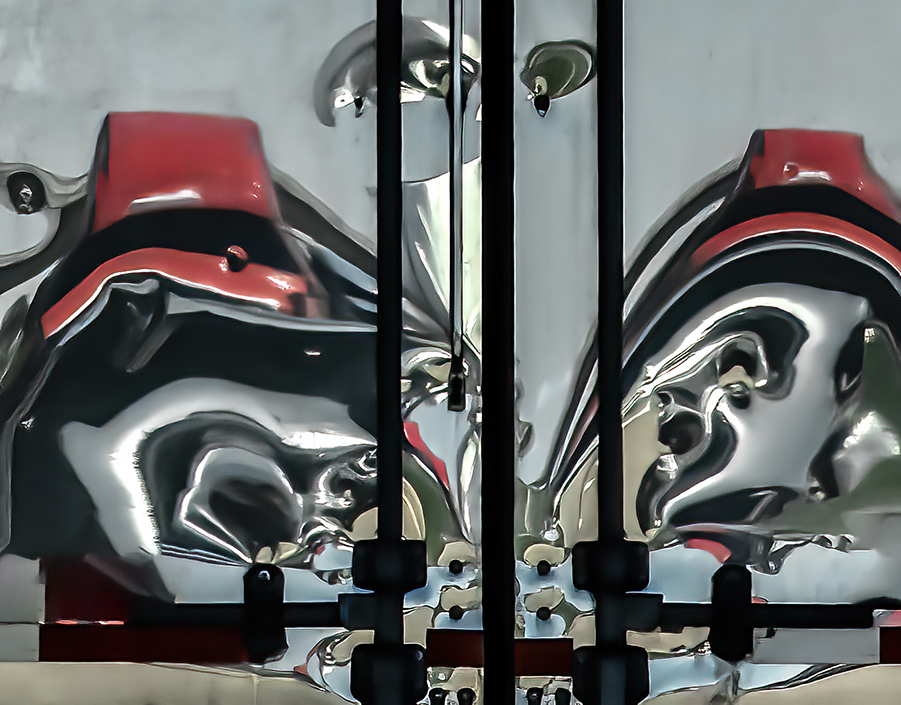
Hi Kamal. This is a wonderful image and you have handled it very well. Your travels certainly give you the opportunity to capture unique scenes ( especially for those of us who would never witness such a scene ourselves). I definitely like the way you have increased the contrast in post, and I have no suggestions for improvement! |
Dec 14th |
| 14 |
Dec 25 |
Comment |
Hi Erin. Your friends should be VERY happy with this family portrait! They cooperated well, wearing subtle shades of green and red for the holiday season, and smiling nicely in a natural way, while keeping their eyes open as well. I think your crop is excellent and you have done a great job of opening the shadows within the bridge and lessening the effect of the harsh light on the figures. I think Tom's suggestion of reducing the brightness of the openings to the blue sky on the right of the bridge is a good one. The brightness draws the viewer's eye away from the family. But overall, this is a wonderful portrait worthly of accolades! |
Dec 14th |
| 14 |
Dec 25 |
Comment |
Hi Tom. All I can say is WOW - just WOW! this is a lovely image, well composed and the slow shutter speed really created a wonderful effect with the water. I love the transition from the blue tint at the top to the complementary orange at the bottom. My only suggestion would be to back off just slightly with the saturation of the foreground, which dominates the scene and looks a bit unnatural to my eye. Wonderful capture and probably needs to be printed, framed and given a place of honor! |
Dec 14th |
| 14 |
Dec 25 |
Comment |
HI Greg - this is an amusing image and you have executed it well. I also like the original with one duck upright and the second butt up, especially because of the lovely red accent on the upright duck. There's a professional photographer in my Camera Club, who's rule of thumb is 'no butt shots', but I think this one is definitely the exception to the rule! Happy Holidays! |
Dec 14th |
| 14 |
Dec 25 |
Comment |
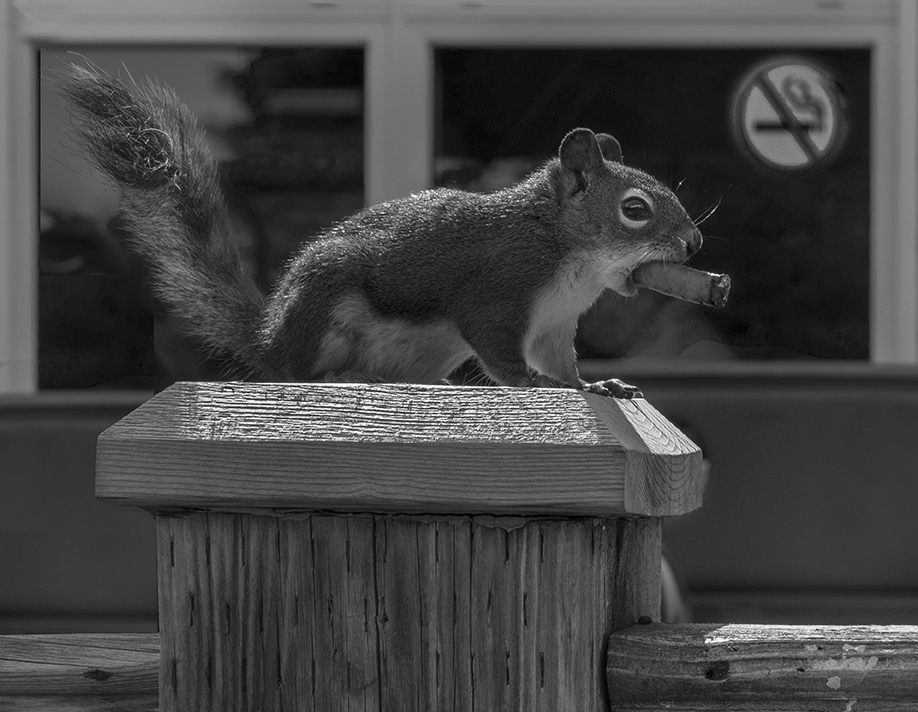
Hi Darcy. I LOVE this image! I agree that darkening the background black would be a slight improvement, but your concept, capture and execution are perfect. I might have to go check this out!!!! Happy Holidays! |
Dec 14th |
| 14 |
Dec 25 |
Comment |
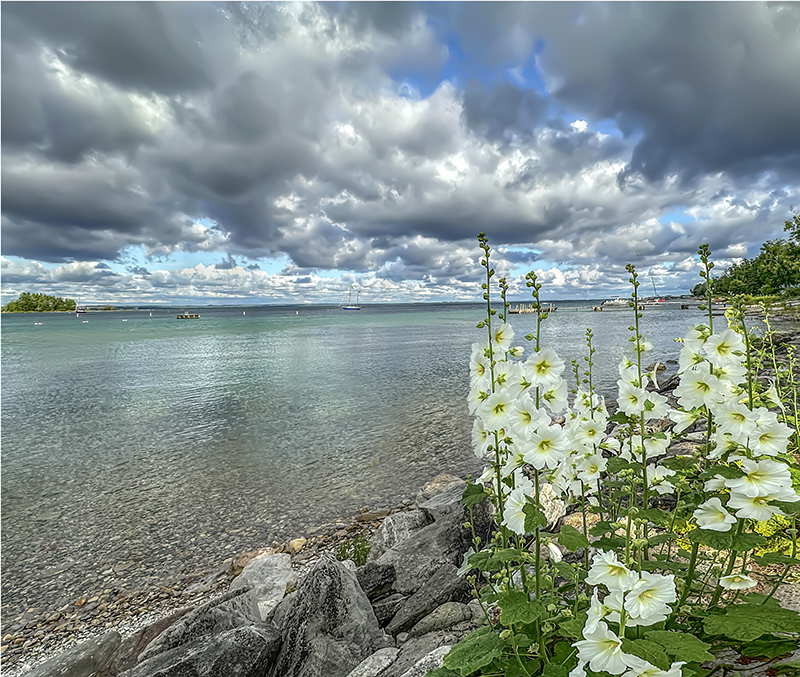
Hi Karen. I love the northern California coast when is dark and stormy - it has such a desolate feel to it and your image definitely captures that quality. I think the choice of B/W was a great one. Sometimes, it helps to be the fourth person to comment, because I think the two variations suggested by Tom and Greg brought up some ideas I might not have thought of. I especially like Tom's edit highlighting the flowers picking up the corresponding white in the gull. If it were mine, I would consider cropping more off the right in Tom's panoramic version, so that the bird isn't right in the middle. I'm jealous of your trip - now that I don't live in California, it's likely I won't every be back to the Sonoma Coast. |
Dec 14th |
| 14 |
Dec 25 |
Comment |
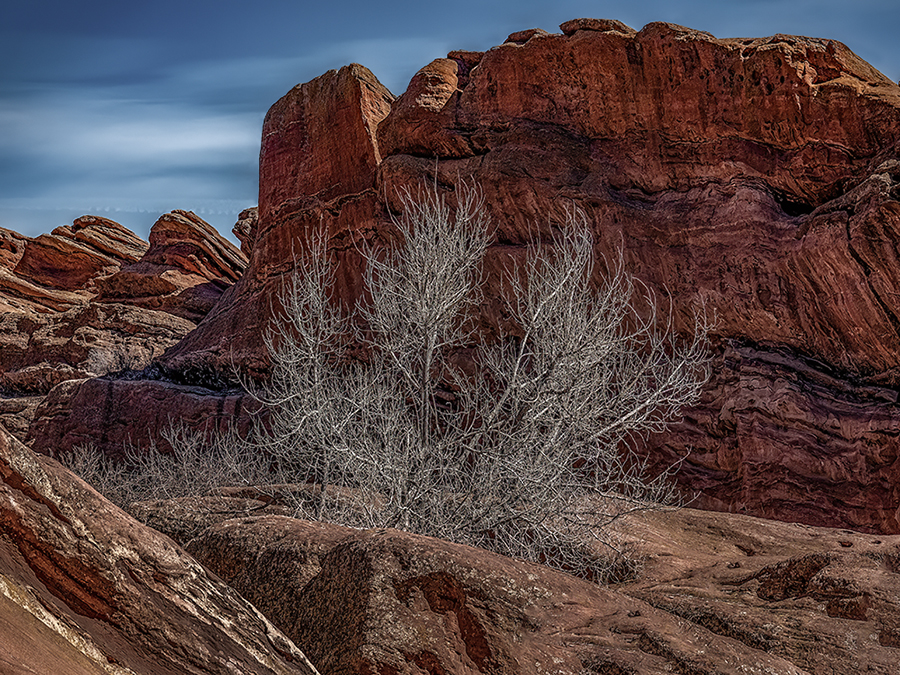
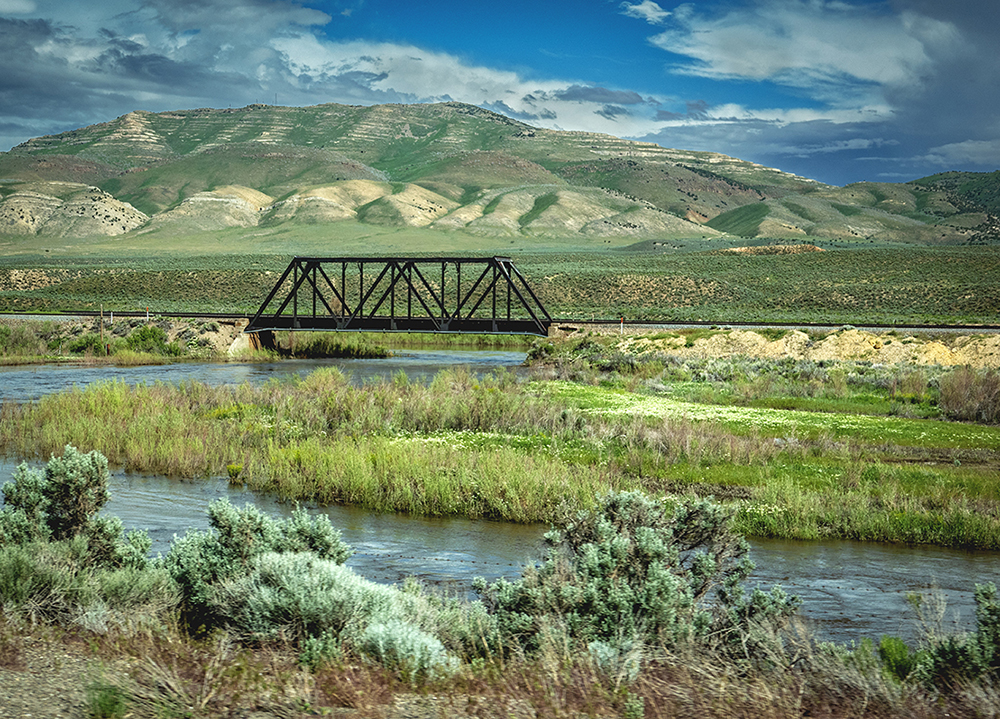
Increasing the contrast in the land mass definitely improves the image. Thanks! |
Dec 14th |
7 comments - 0 replies for Group 14
|
| 80 |
Dec 25 |
Comment |
Hi Rich. You've captured these mushrooms at a very unique angle and the viewpoint really captures their environment and textures well. I'm always impressed by your focus stacking and this definitely worked well for these guys. I agree that the sky and bright spot at the top should be toned down so as not to take attention away from the mushrooms, but this image really captures their character and environs well. Perhaps you should create a blog to educate the populous what to avoid when picking mushrooms! As an alternative, it might be interesting to convert this to black/white creating an atmosphere consistent with their DEATH CAP nature! |
Dec 15th |
| 80 |
Dec 25 |
Comment |
I like both your original and the edited version with the interesting texture. Your crop, removing the pink flower in the upper left corner reducing the space around the bloom, is absolutely perfect. The texture you have chosen makes it seem that the poppy is being viewed through a window with rain water running down it. It's a very interesting effect! |
Dec 15th |
| 80 |
Dec 25 |
Comment |
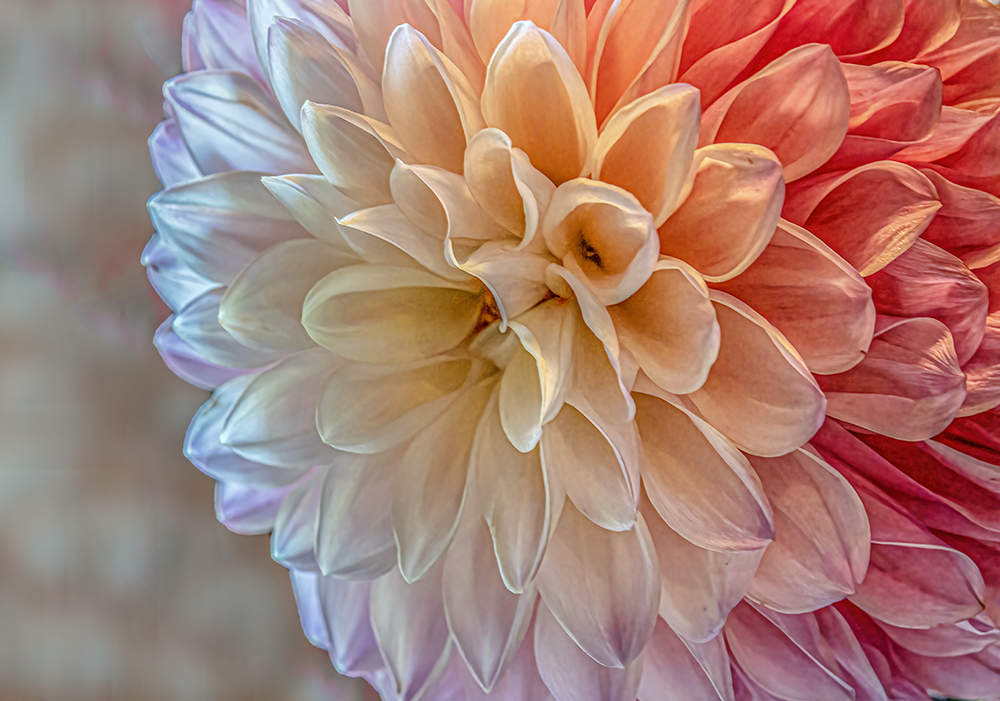
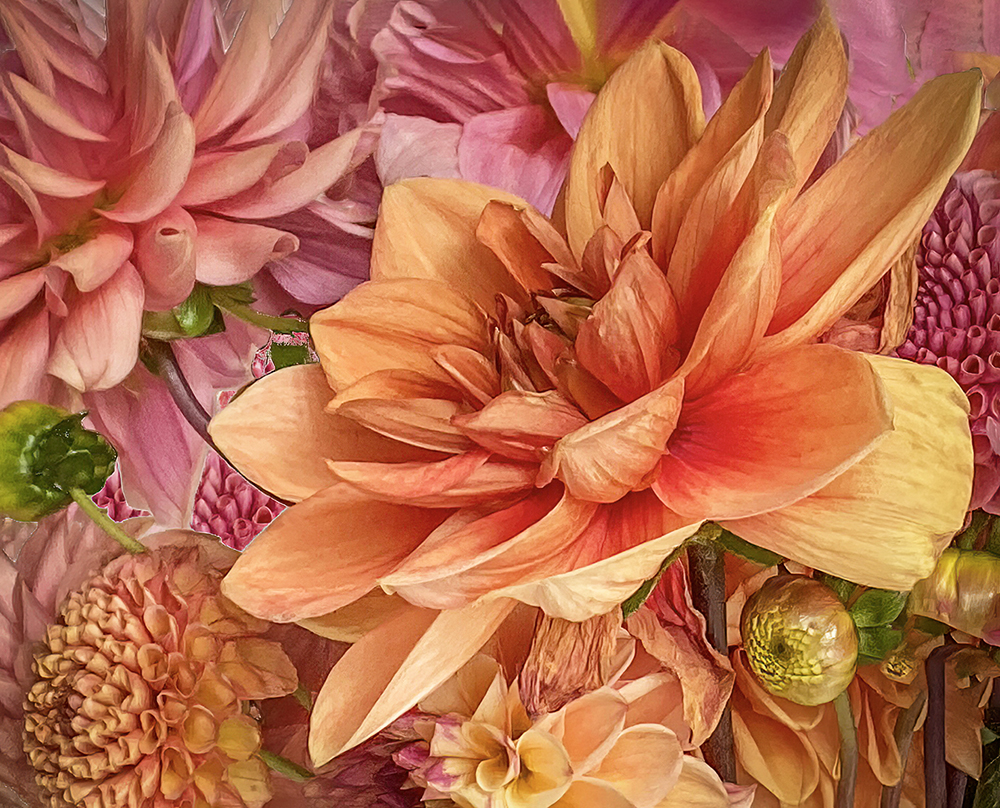
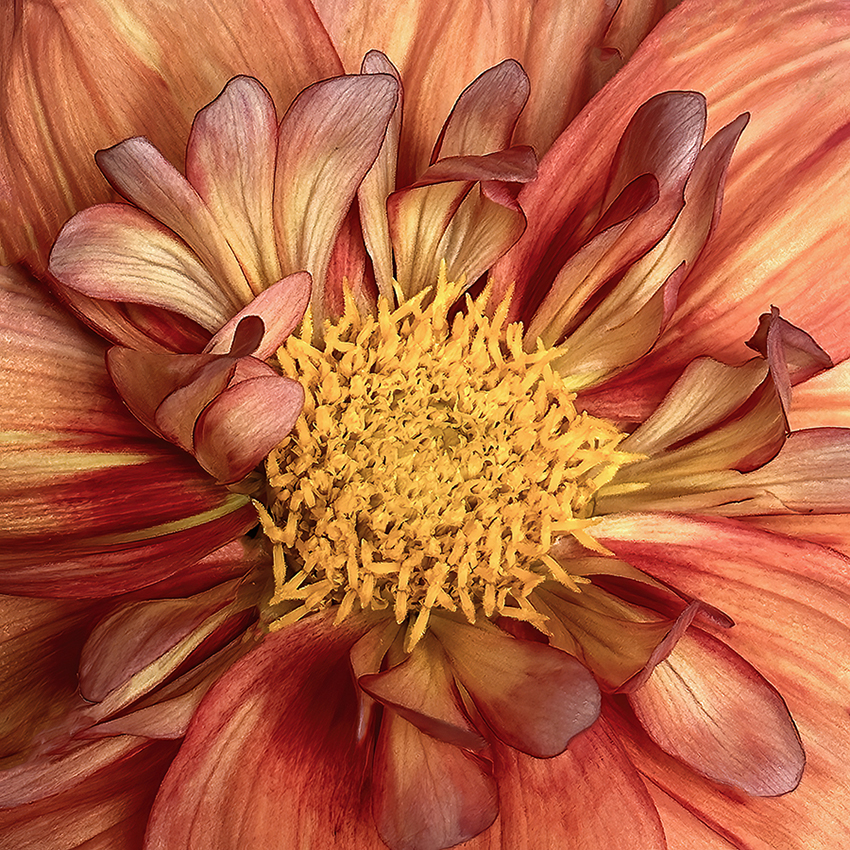
Hi Doug. I'm impressed that you have been able to handle a lensbaby so well - I've tried and failed miserably. Of course, Dahlia's are my favorite flower, so I love the texture and colors in the image. The only things I find distracting are the dark corners. If it were mine, I'd probably use a content aware fill to eliminate the blank dark at the corners, or add a white vignette to reduce their power. Overall, however, I love the image. Happy Holidays! |
Dec 15th |
| 80 |
Dec 25 |
Comment |
Hi Nadia. I love the delicate nature of this Peony and the water droplets create a lovely feeling in this image. As always, you have done a great job in removing the background and replacing it with a nice complementary texture. Flipping the composition horizontally was also a good choice. My only disappointment is the amount of browning and damage on the back 1/4 of the bloom. It's not enough decay to qualify as a wabi sabi presentation, and so I find it distracting. It might be time consuming, but I bet you'd be able to reduce the appearance of damage in PhotoShop. |
Dec 15th |
| 80 |
Dec 25 |
Comment |
Hi Marti. I, too, like the texture, but I think Doug's suggestion of brightening the image was a good one. Personally, I would crop the image square and eliminate the dark void on right side. Very appropriate seasonal flower choice! Happy Holidays! |
Dec 15th |
| 80 |
Dec 25 |
Comment |
Hi Bob. I really like the result you have achieved with this, although, I agree that increasing the visibility of the flower a tad would be a benefit. However, I like this much better than last months, and having less dark places in the water may be why I like it more. I think you have this technique well in hand. Happy Holidays! |
Dec 14th |
6 comments - 0 replies for Group 80
|
13 comments - 0 replies Total
|