|
| Group |
Round |
C/R |
Comment |
Date |
Image |
| 14 |
Jun 24 |
Reply |
thanks, Kamal. Congratulations, again, on your Showcase Appearance! |
Jun 18th |
| 14 |
Jun 24 |
Reply |
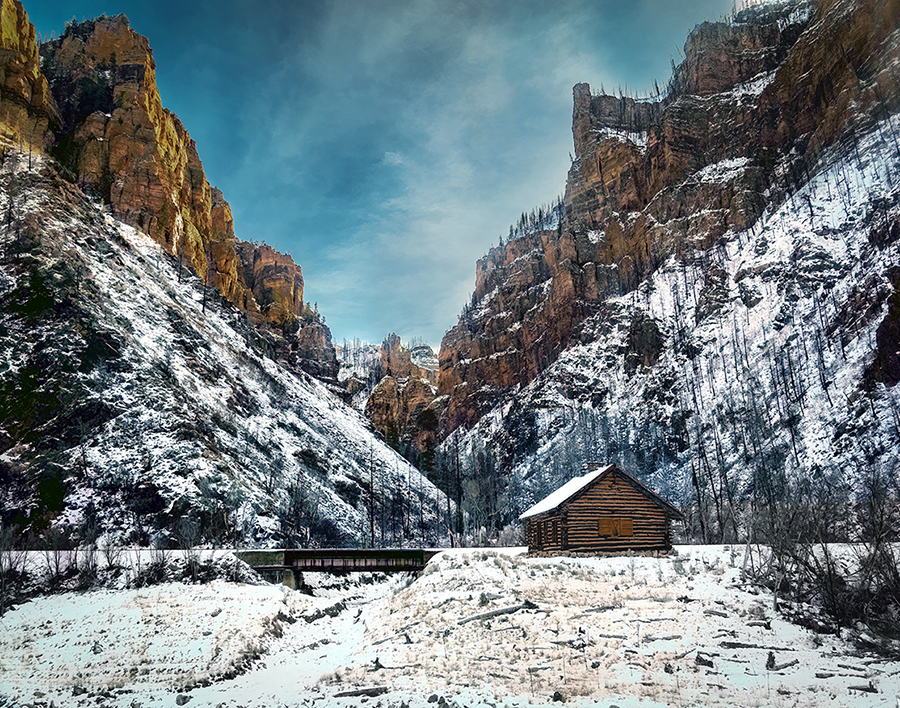
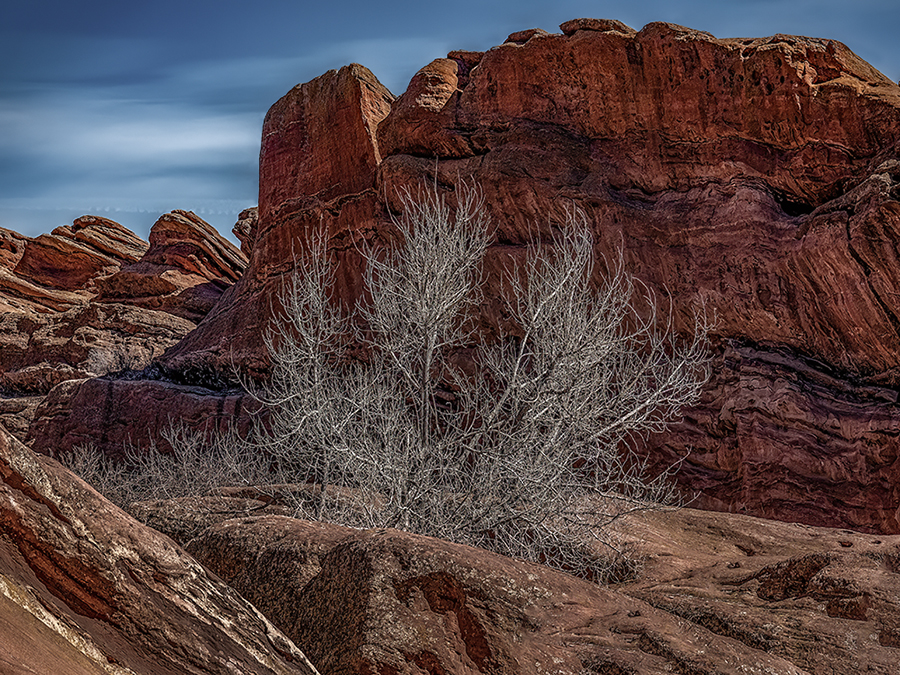
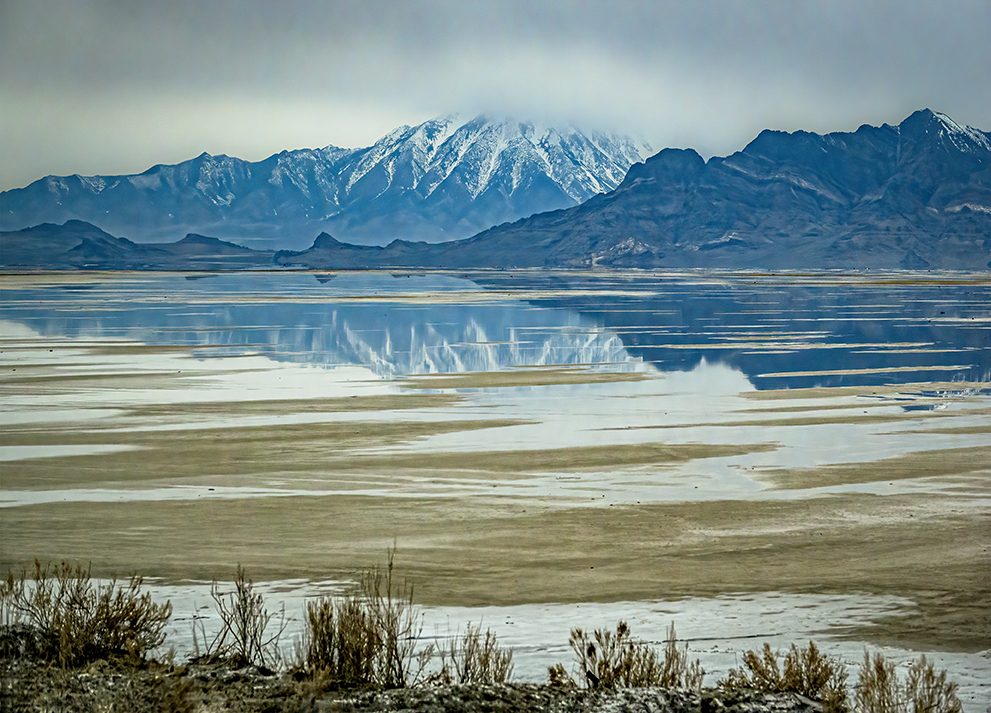
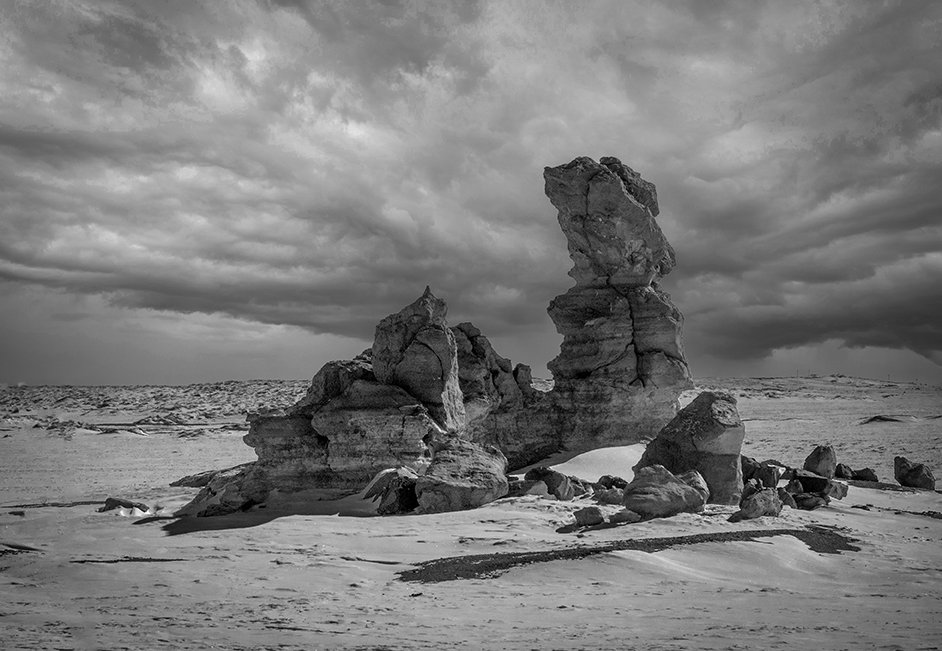
Thanks, Darcy. I definitely need to go back to the Red Rocks park, maybe after a dusting of snow. |
Jun 18th |
| 14 |
Jun 24 |
Reply |
thanks, Erin. More reenforcement about darkening the foreground! |
Jun 18th |
| 14 |
Jun 24 |
Reply |
Thanks, Greg. I appreciate the reenforcement about the foreground. |
Jun 18th |
| 14 |
Jun 24 |
Reply |
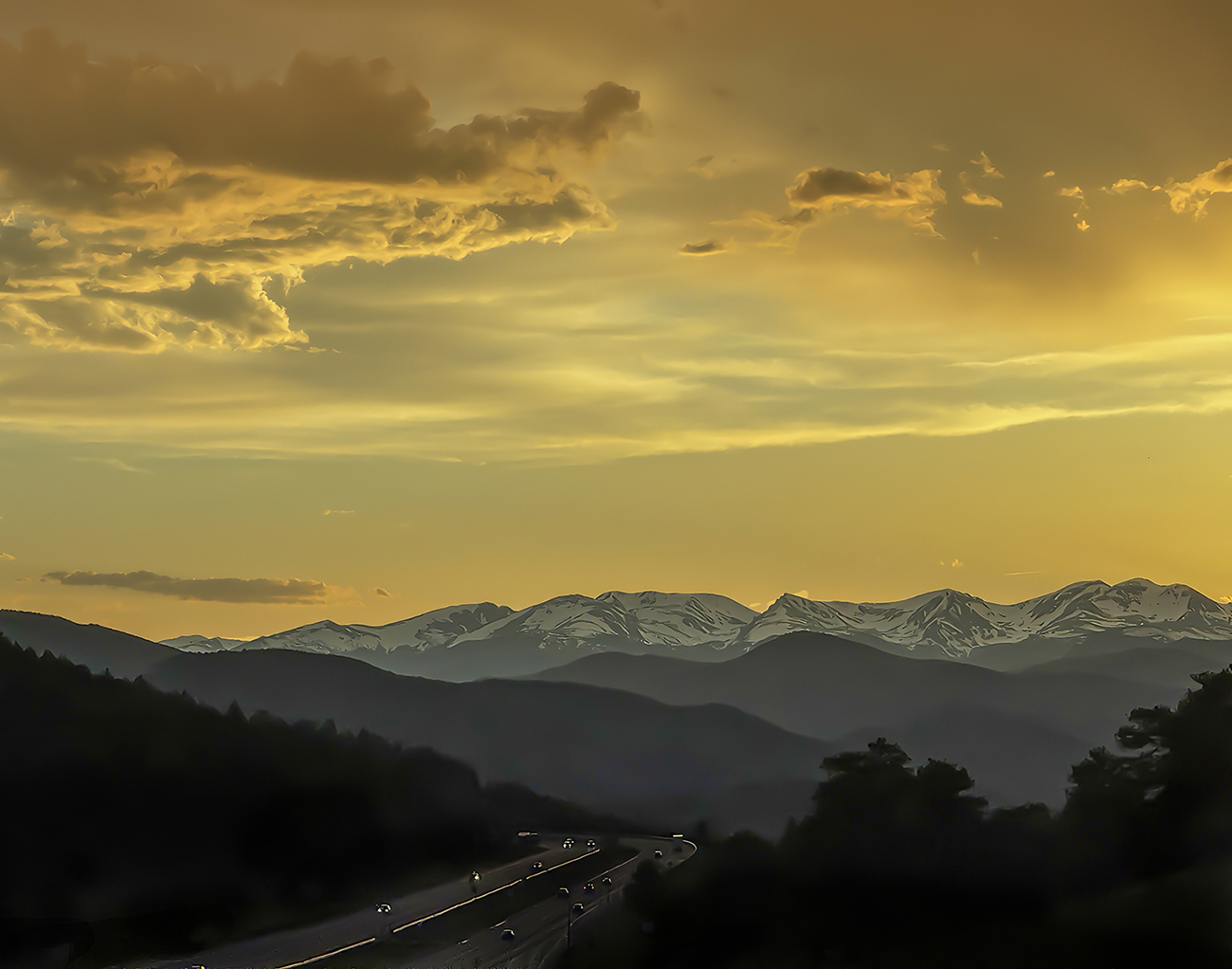
Thanks, Tom. Wow. I didn't even notice the dots in the sky, and will definitely remove them. I'm mystified about what caused them. I also agree with your suggestion about darkening the foregound. You have helped a great deal :) |
Jun 18th |
| 14 |
Jun 24 |
Comment |
Hi Kamal. This is a wonderful capture of a charming little girl. I love that she is looking right at you, even as you cruise past. I agree that the cropping and elimination of the blurry grasses would be an improvement, although I would have cropped in from the right and kept the space above and below the girl and her super cool chair. Thanks for sharing, Ingrid |
Jun 15th |
| 14 |
Jun 24 |
Comment |
Hi Erin. This is a wonderful portrait of your daughter and her laughter is infectious and so natural. (nice teeth!) I like the black/white conversion and your crop. I think darkening the background does make her stand out more, could you darken it without calling it a vignette for your contest? |
Jun 15th |
| 14 |
Jun 24 |
Comment |
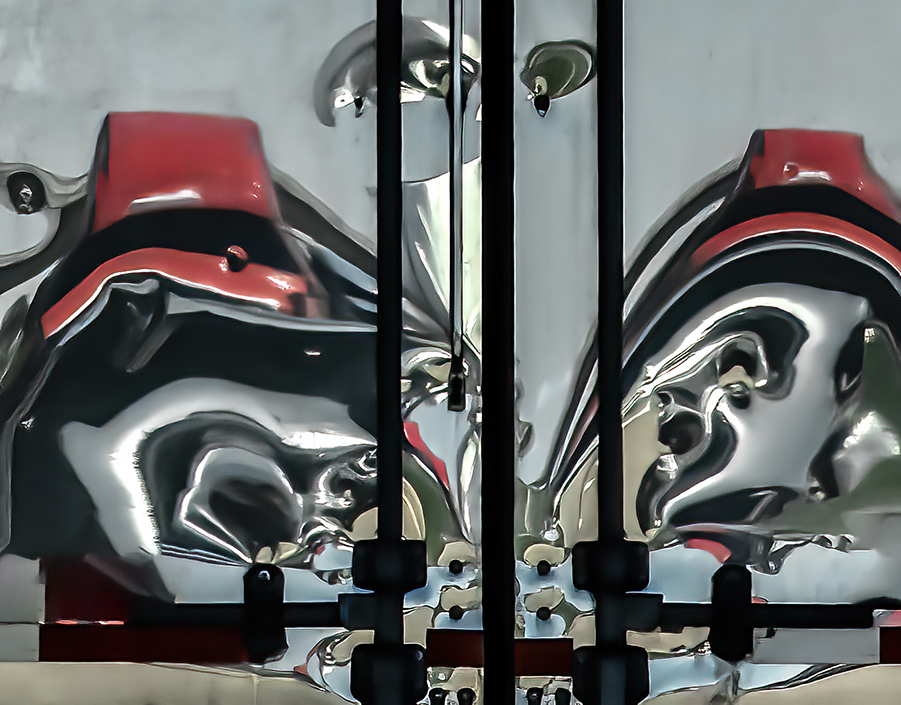
Hi Tom. I'm always fascinated by good graffiti and this artist has created a wonderful design. Boosting the color/brightness of the central panel was a good idea, although I think that it may be a touch too bright in comparison with the rest of the image. I also find the black blob on the lower right distracting, and, as an experiment, I tried to use the content aware fill function to see if it would help, and it actually did as fairly good job. This was a great find and you have captured it well. |
Jun 15th |
 |
| 14 |
Jun 24 |
Comment |
Hi Greg. I love the way you've captured the texture of the critter's scales and where you have placed him in the frame. I agree that removing the blurry grasses close to and over his face would be an improvement. I assume that asking not to feed the alligators includes not allowing them to remove any of your limbs.... |
Jun 15th |
| 14 |
Jun 24 |
Comment |
Hi Darcy. This is a well done and interesting image. Your composition, color, exposure and sharpness are all spot on, and I wouldn't recommend any changes. Your adjustment for perspective is perfect. |
Jun 15th |
| 14 |
Jun 24 |
Comment |
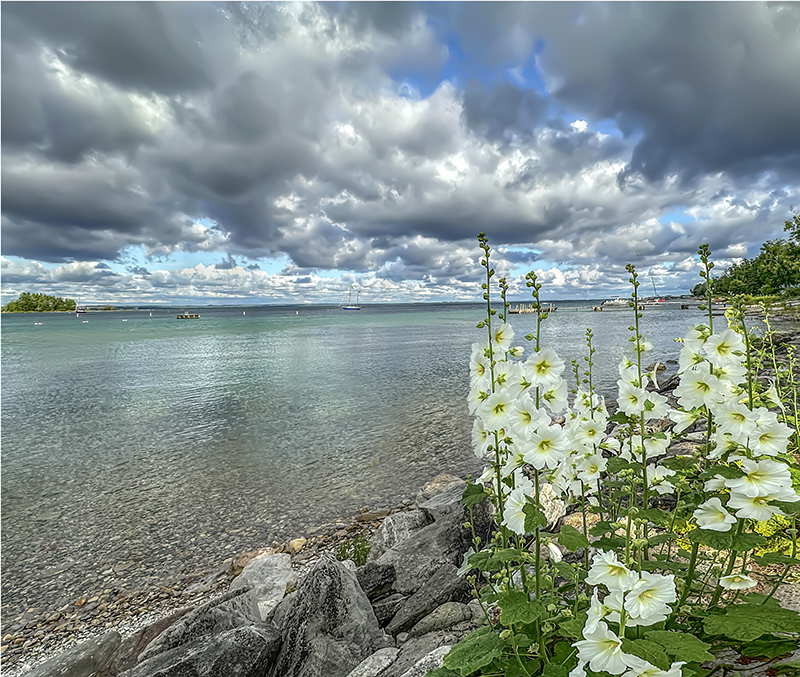
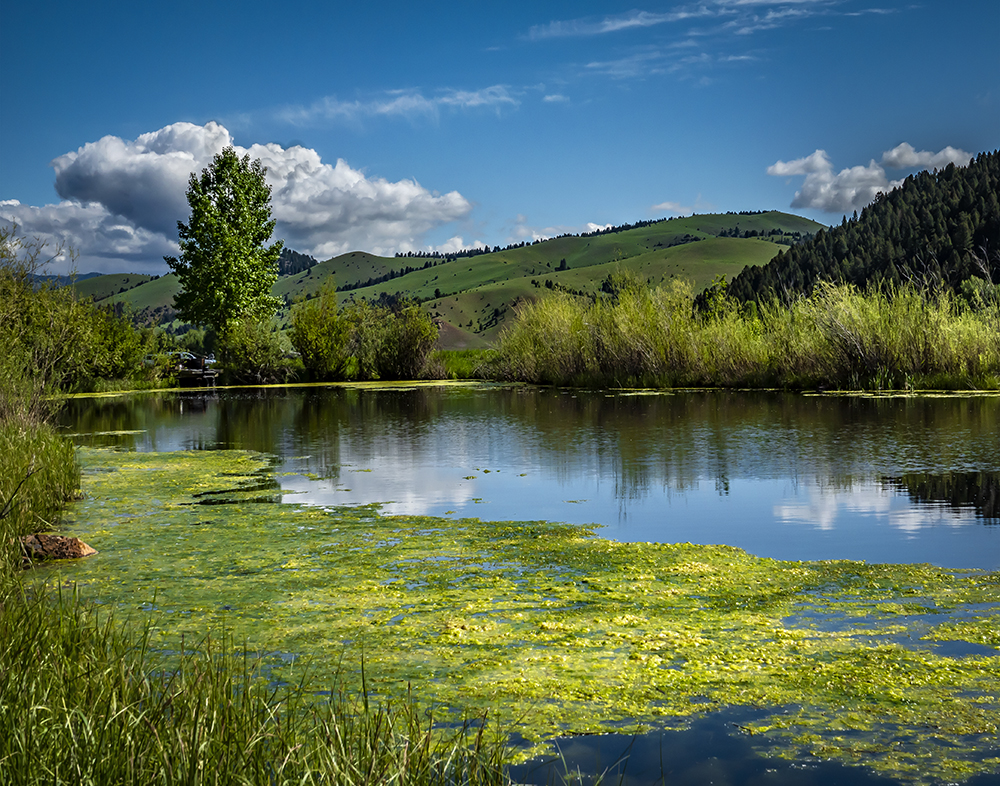
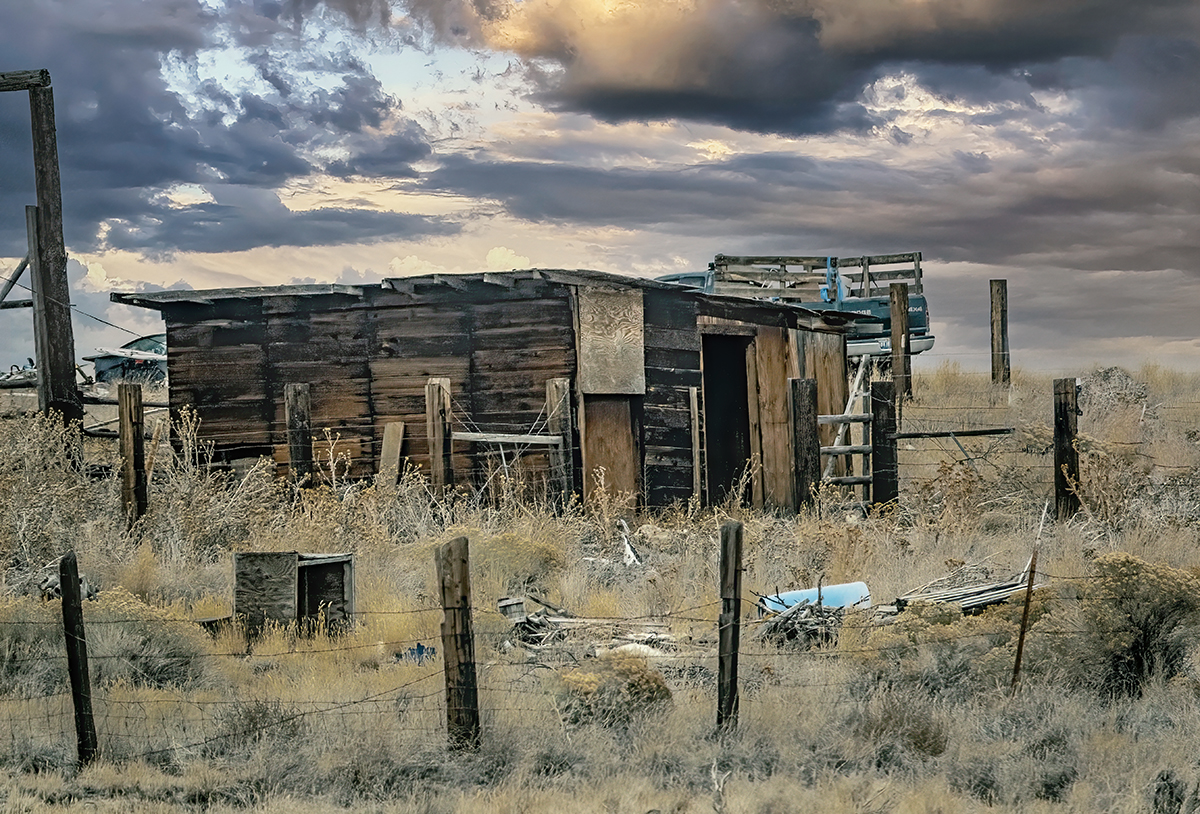
Hi Karen. This is a lovely scene and the the edits you have made are beneficial, crop, b/w conversion, vignette. I think that increasing the contrast, as Greg demonstrated does help to make the image more impactful assuring that the image has a full tonal range. I'm betting that the fence is designed to keep hapless hikers and wildlife from falling into the pond. One Nitpick...there is a dark spot in the sky on the left which should be removed. |
Jun 15th |
6 comments - 5 replies for Group 14
|
| 80 |
Jun 24 |
Reply |
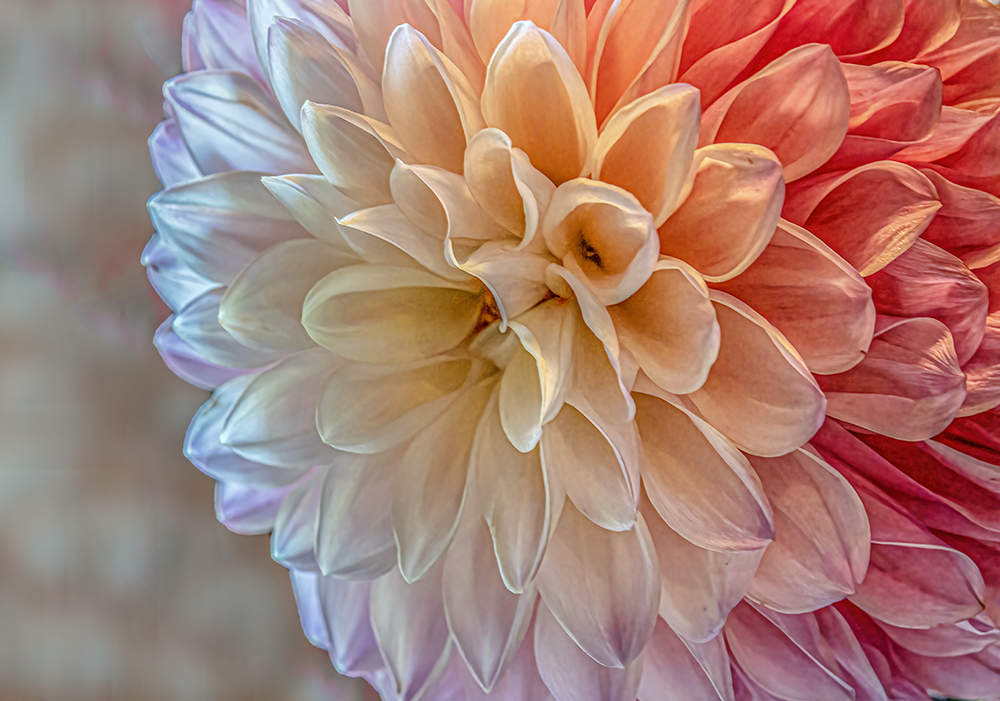
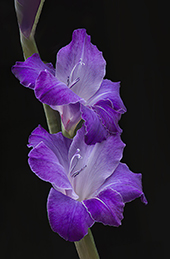
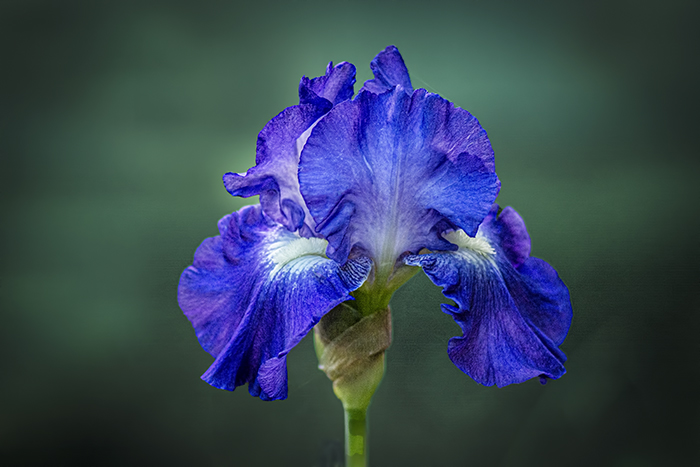
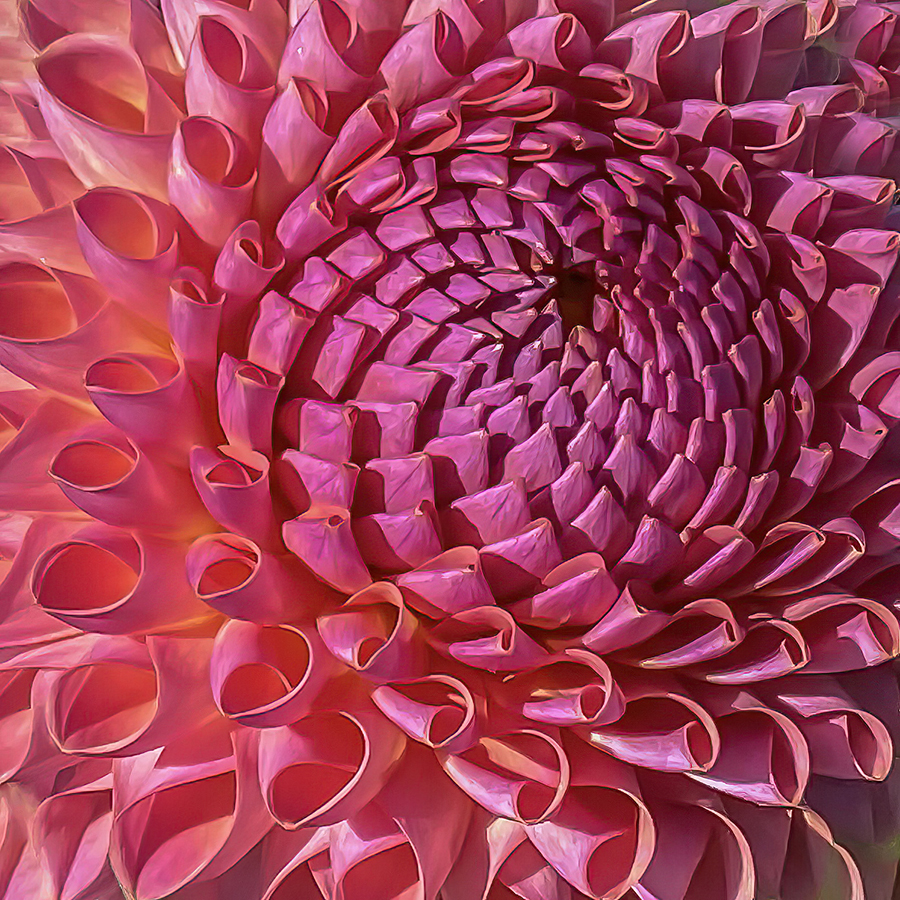
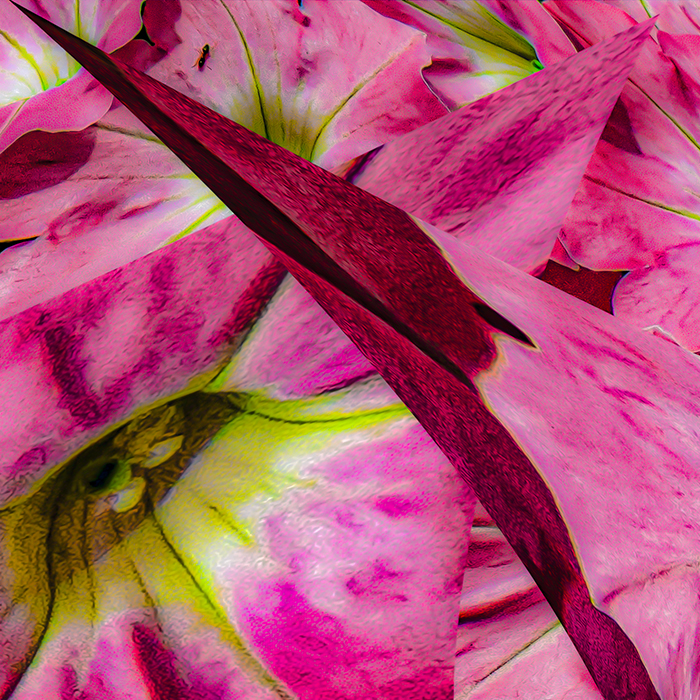
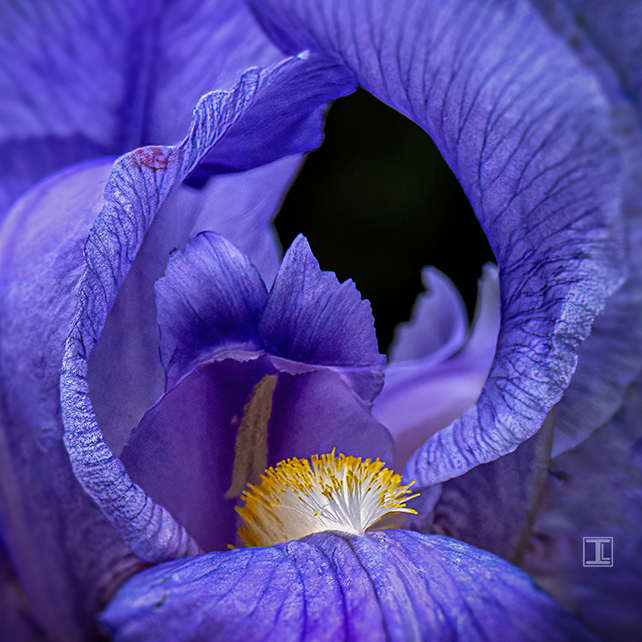
Thanks, Nadia. I was definitely intrigued by the shapes within this iris! |
Jun 18th |
| 80 |
Jun 24 |
Reply |
Thanks, Bob. If the Botanical Garden can figure out a way to enforce a copyright on their bountiful blooms, it could eliminate their need to fund raise!!! |
Jun 18th |
| 80 |
Jun 24 |
Reply |
Thanks, Marti. I was conflicted about the red area on the petal, so thanks for helping me make up my mind! |
Jun 18th |
| 80 |
Jun 24 |
Comment |
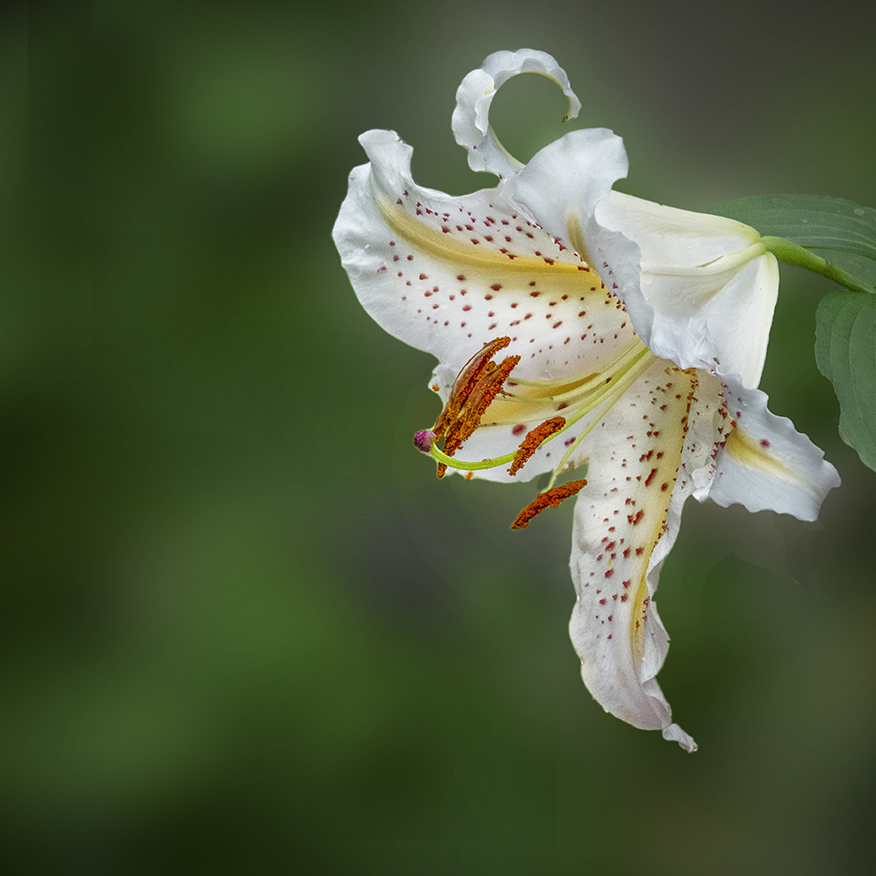
Hi Rich. This is an unique composition and the flower is set off nicely against the brighter background. I agree about removing the blurred anthers. I also think that a close crop of the upper right corner, just showing the anemone itself with the edge against the background would be a wonderful minimal image. |
Jun 18th |
 |
| 80 |
Jun 24 |
Comment |
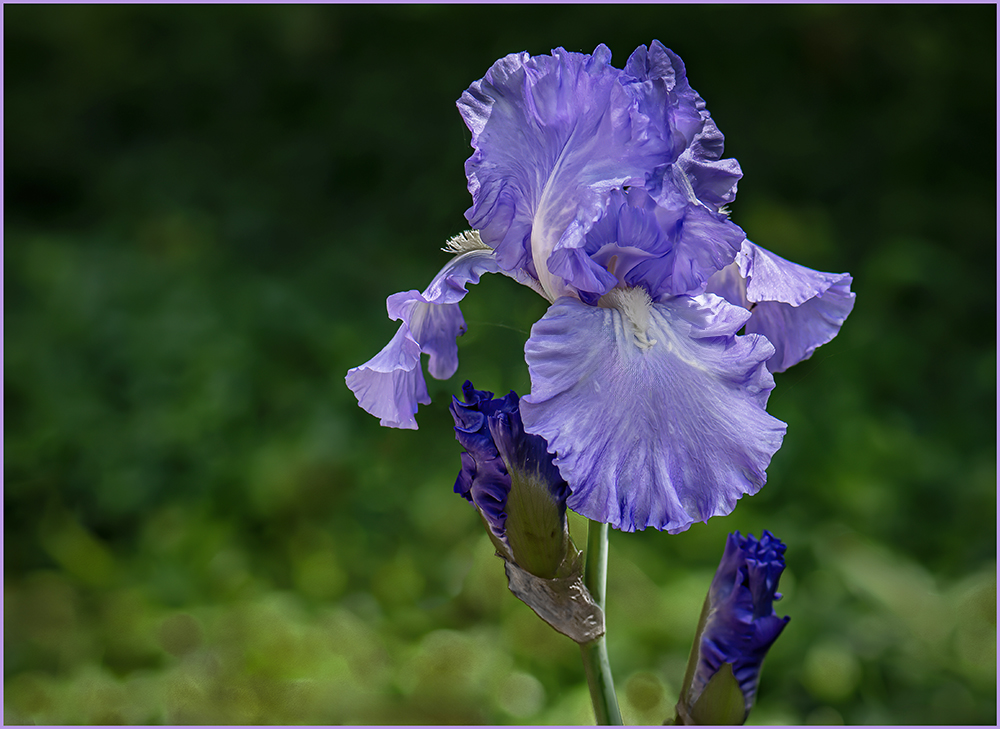
Hi Kamal. Being the last to comment, has advantages and disadvantages. Hard to come up with a unique perspective, but cheating a little to read all of the previous comments. I agree that this is a beautiful flower and scene. I agree that leaving the flower without the texture would make it stand out from the background, even though the desaturation of the leaves has helped this as well. I like Nadia's crop suggestion the best. This would be beautiful as 20x20" canvas print! |
Jun 18th |
| 80 |
Jun 24 |
Comment |
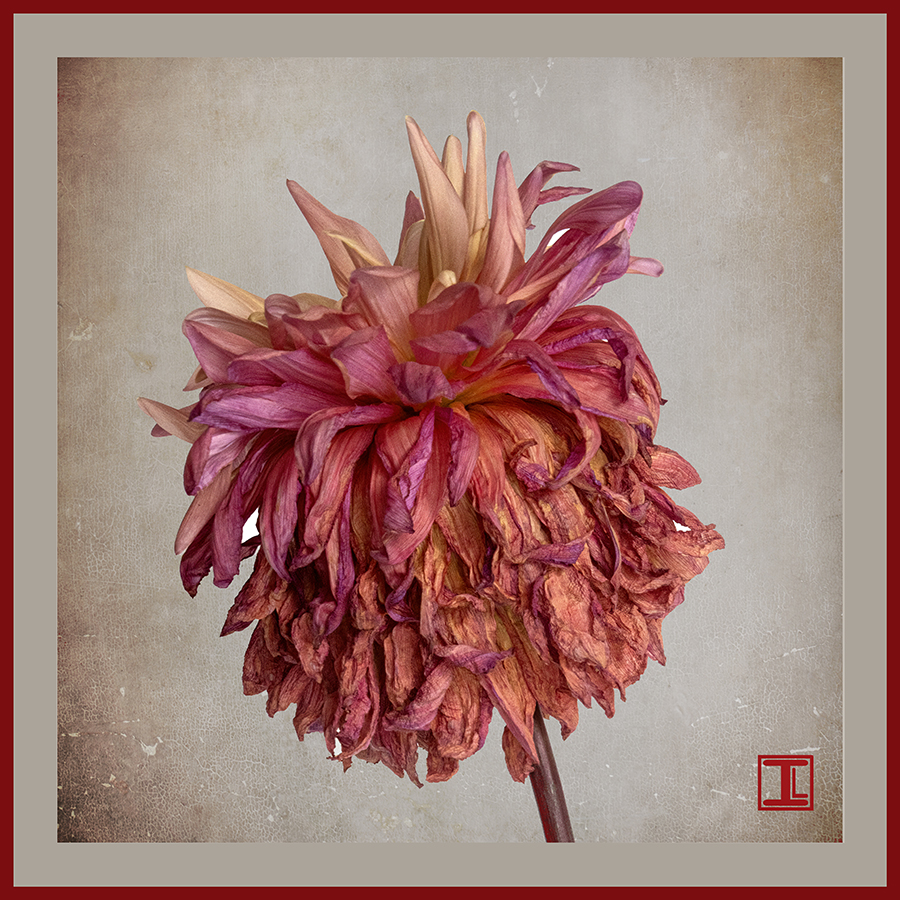
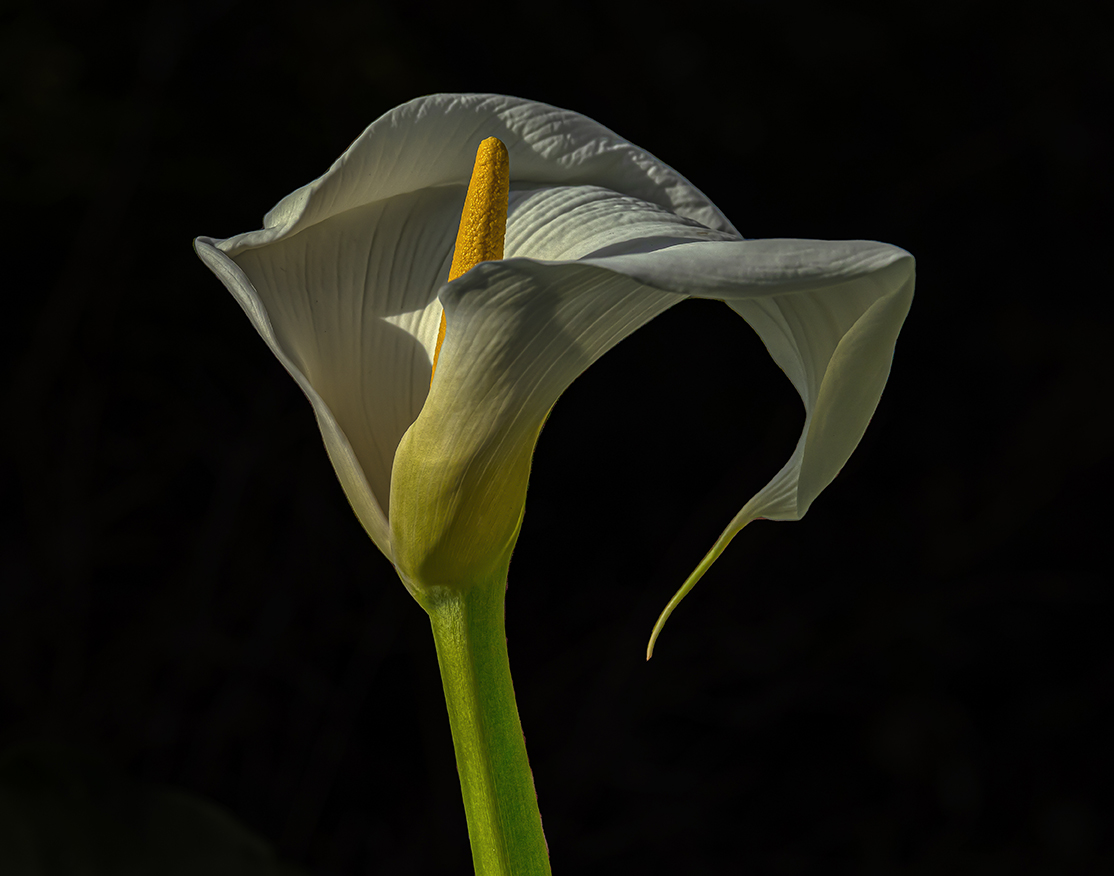
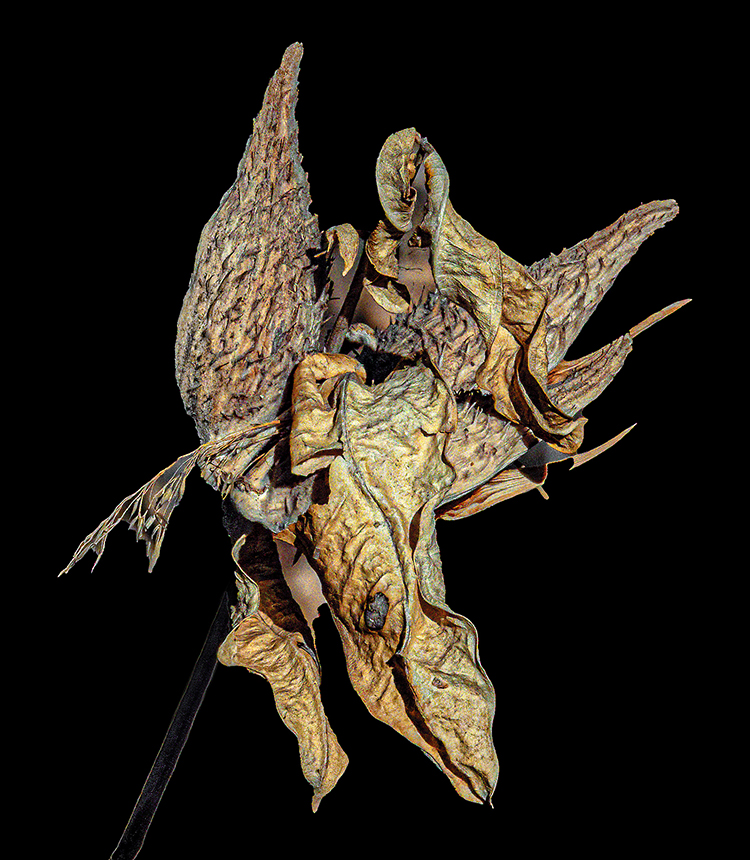
Hi Doug. A wonderful example of Wabi Sabi art. The black and white conversion is dramatic, but I do like the colored one as well. The curve of the stem really makes this image unique. I am impressed with the AI simplification of the stem, a subtle but helpful edit for sure. Your patience to make 24 images to stack is commendable. Did you shoot it against a black background in a studio setting, or out in the field? |
Jun 18th |
| 80 |
Jun 24 |
Comment |
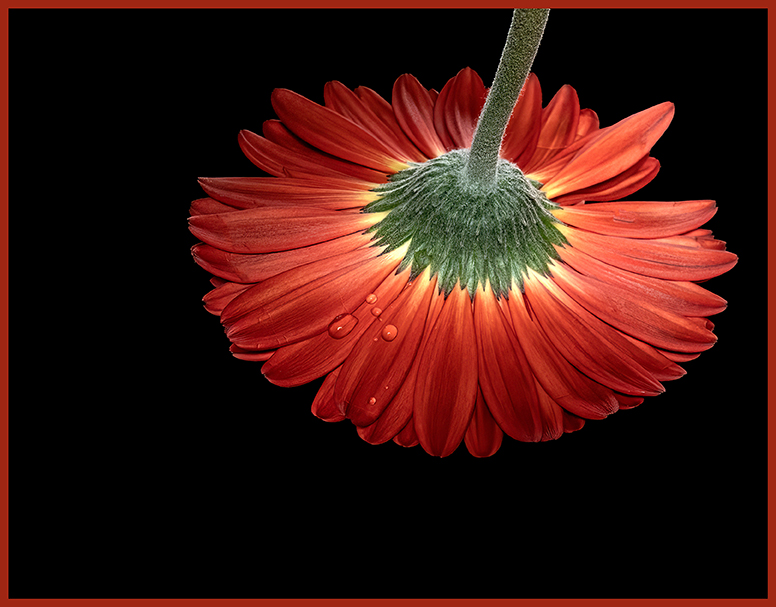
Hi Nadia. This is a beautiful image and I love the viewpoint you have selected to capture it. I think that your revision is an improvement, although the original one you submitted was great as well. I especially love the vibrant color and the sharp as a tack water droplets. My only suggestion would be brighten the stem just a little. I found myself straining to see it and that distracted me from the beauty of the rose itself. |
Jun 18th |
| 80 |
Jun 24 |
Comment |
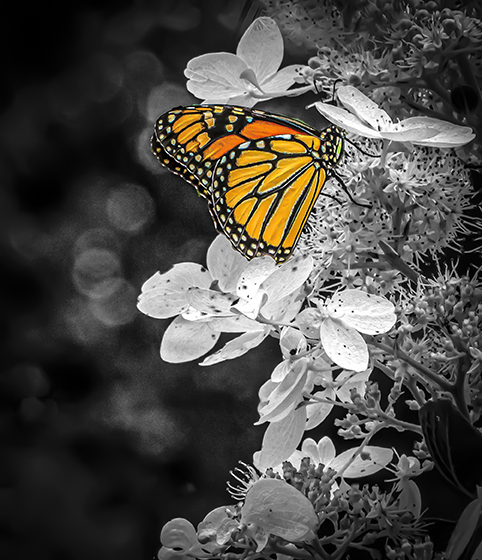
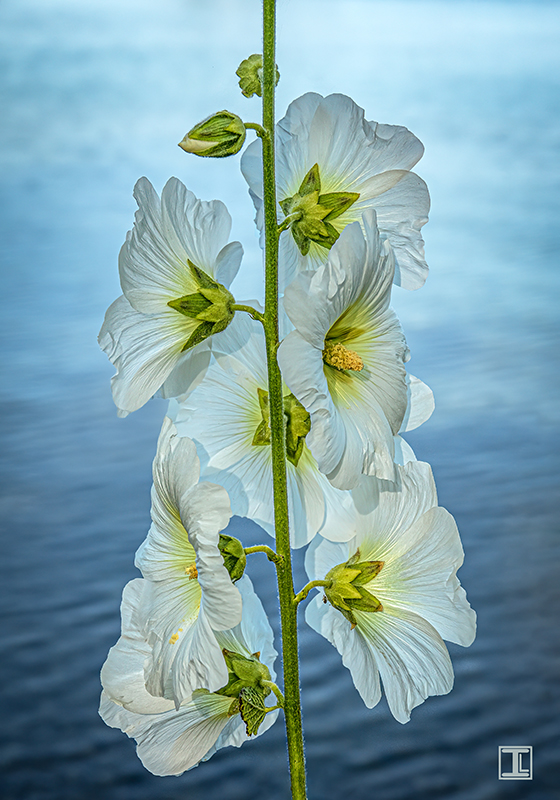
Hi Marti. This is a beautiful image and the composition is great. I love the contrast of the white flowers against the green background and the way they lead the viewer's eye from bottom to top, stopping in the middle to appreciate the unique butterfly. My only suggestion would be to try brightening the butterfly a little. |
Jun 18th |
| 80 |
Jun 24 |
Comment |
Hi Bob. I like your creation. You have created inner glow and the colors are beautiful. I actually like the original image of the fallen flowers, and think you could edit that into an interesting realistic composition as well. ;) |
Jun 18th |
| 80 |
Jun 24 |
Reply |
Thsnks, Rich. My RX 10 was at about 50mm, but the final image is cropped down from a full image of the overall iris. |
Jun 11th |
6 comments - 4 replies for Group 80
|
12 comments - 9 replies Total
|