|
| Group |
Round |
C/R |
Comment |
Date |
Image |
| 14 |
Mar 23 |
Comment |
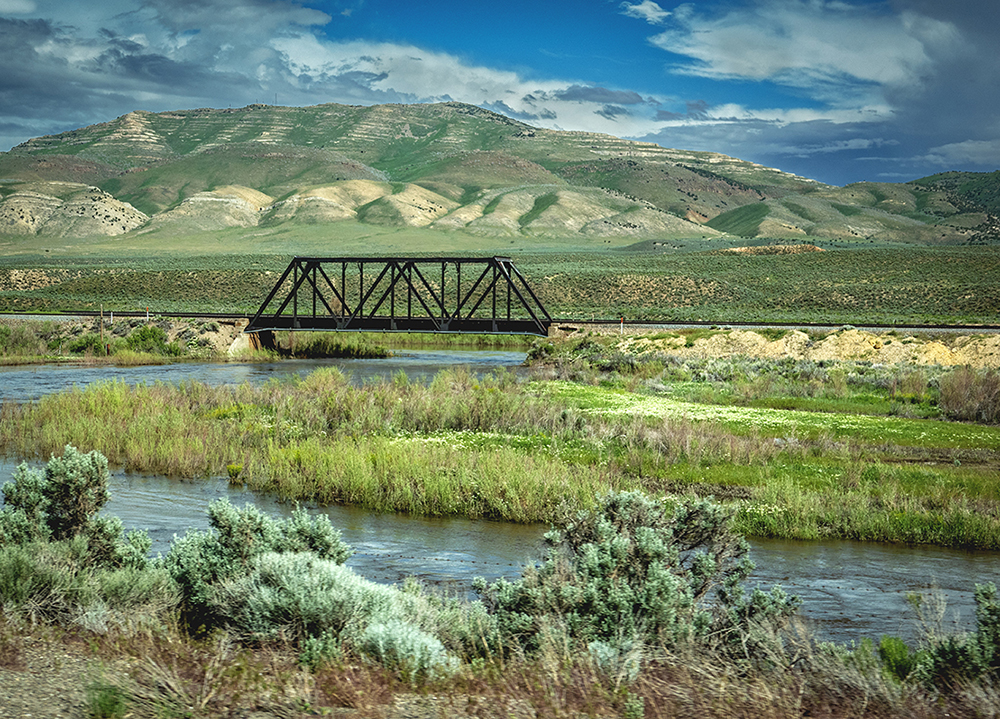
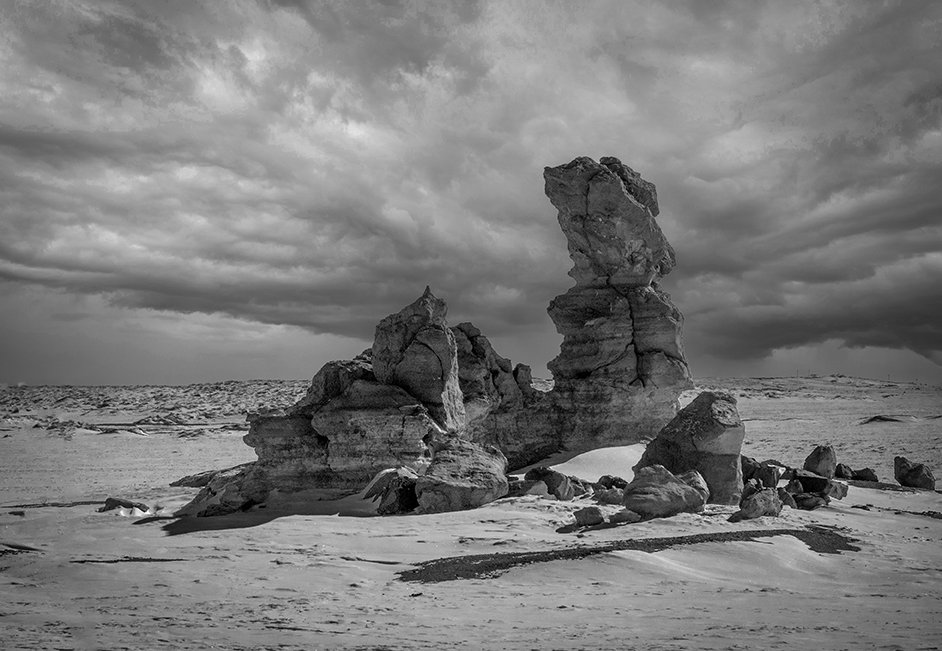
Thanks for your comments, Xiao. I don't think the dark line in the front is actually a shadow, but more like a dark mineral deposit in the sand. I'll try cloning it out. Thanks, again. Ingrid |
Mar 21st |
| 14 |
Mar 23 |
Reply |
Thanks so much, Syed!
|
Mar 21st |
| 14 |
Mar 23 |
Reply |
thanks, Karen. I will try flipping it! Ingrid |
Mar 21st |
| 14 |
Mar 23 |
Reply |
Thanks, Darcy. Due to the snowy conditions on our drive back to California yesterday, I'm hoping for some new images in the series soon!
|
Mar 21st |
| 14 |
Mar 23 |
Reply |
Thanks, Greg. More to come for sure.... |
Mar 21st |
| 14 |
Mar 23 |
Reply |
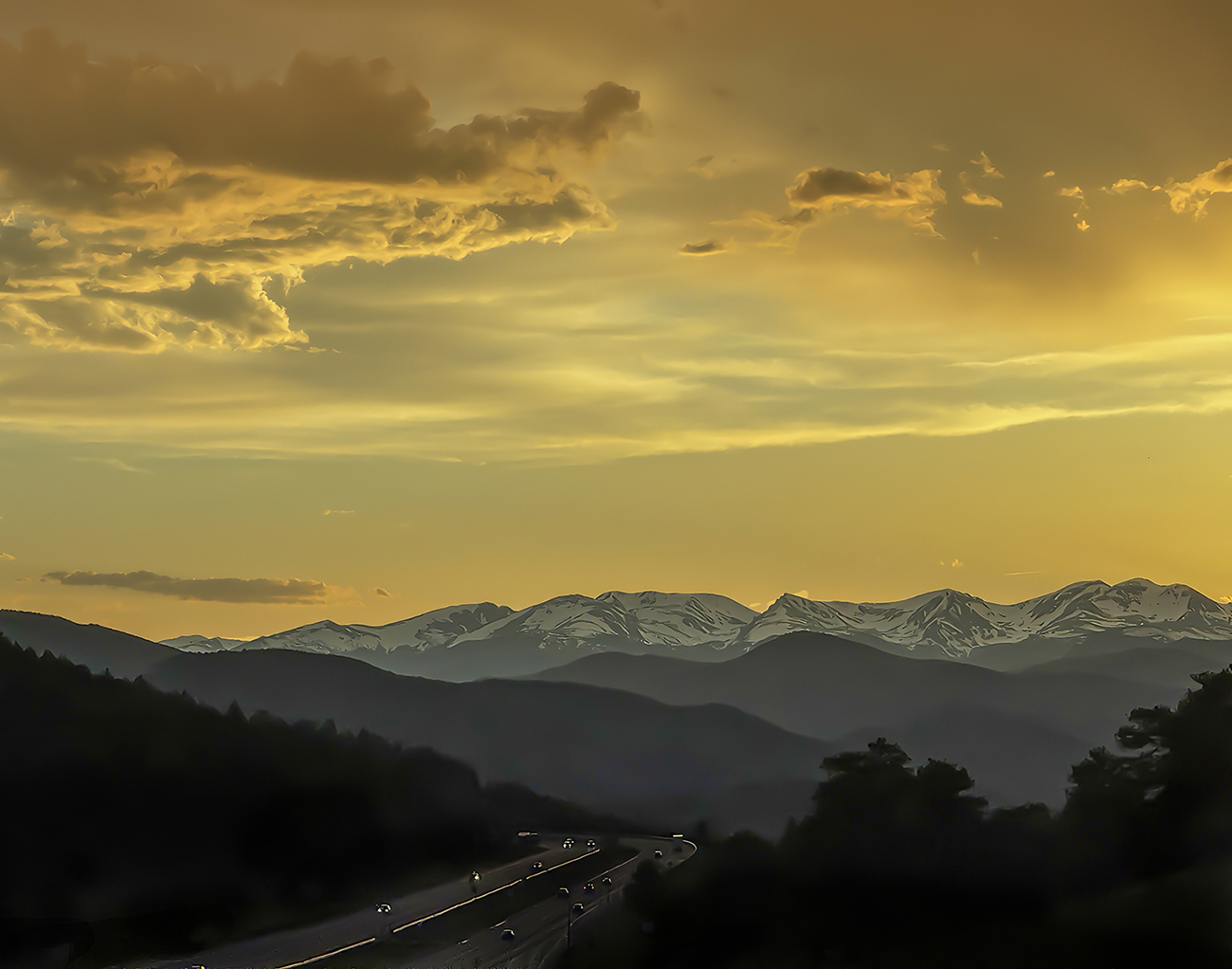
Thanks so much for taking the time to comment on my image, Lance. My America @ 75mph series is growing as my husband and I do a lot of cross country driving. For this series, which always has some surprises in my captures, I am very greatful for the magic of Photoshop! |
Mar 21st |
| 14 |
Mar 23 |
Reply |
thanks, Tom. I've considered making a book with my 75mph hour images, but, instead, I've created a slide show for my website which I can add to as I find more shots that I like. We just returned from a trip to visit my daughter in Colorado, and I have some amazing snowy mountain images in my camera which I can't wait to edit! |
Mar 21st |
| 14 |
Mar 23 |
Comment |
WOW - this is a gorgeous scene. The colors are wonderful and the architecture in silhouette is very interesting. On my initial viewing, the only thing that distracted me was the halos around the top of the building, and the blown out nature of the sun's reflection. My usual solution for the halo is to select the building, invert the selection, and then clone the darker sky color to eliminate the halo. A low opacity clone of the water color over the reflection will tone down it's blownout quality. Overall, I think this is beautiful image and deserves to be printed and framed! Ingrid |
Mar 20th |
| 14 |
Mar 23 |
Comment |
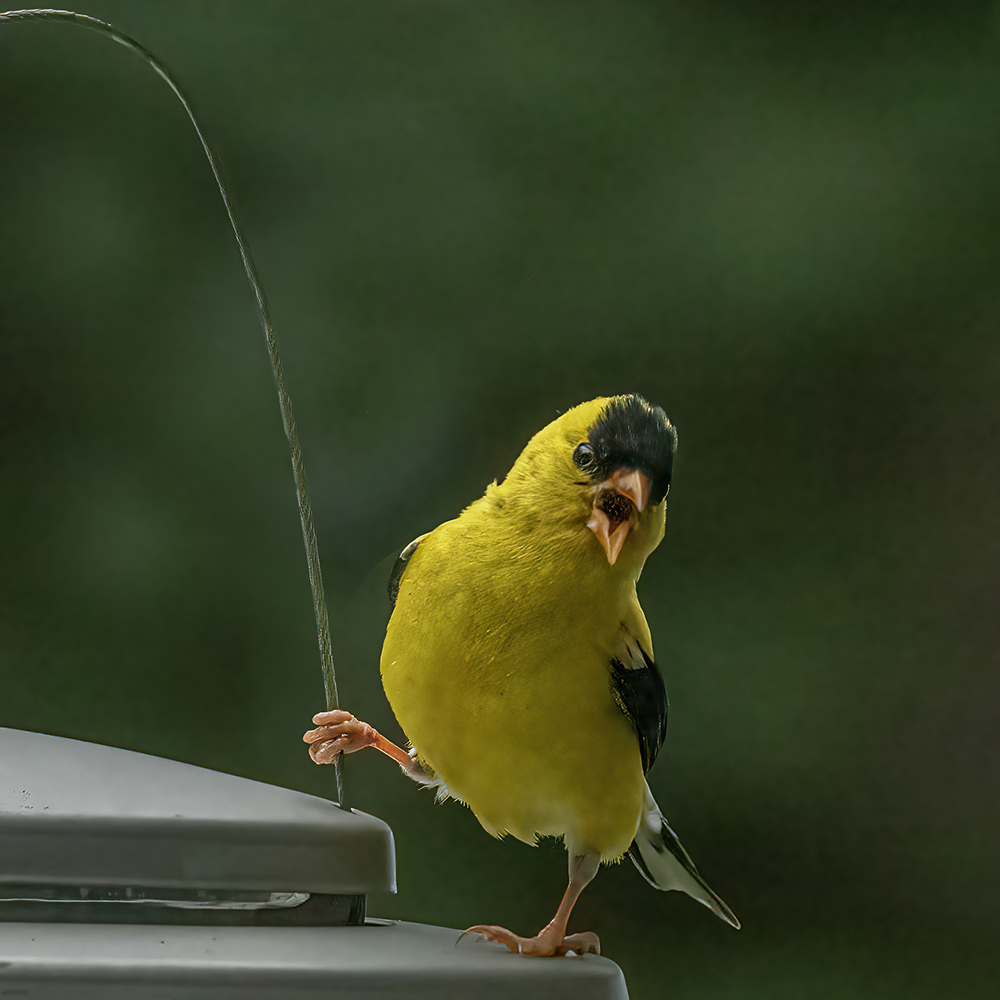
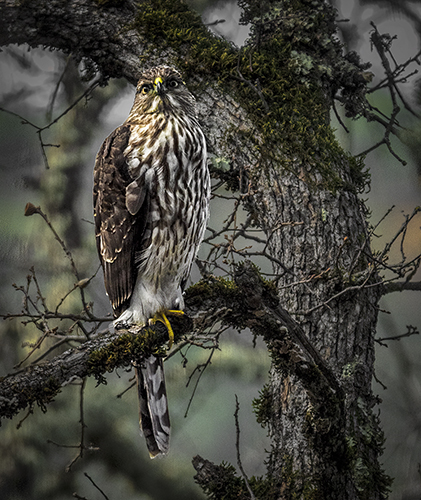
This is a beautiful bird and a great capture. I love the pose and the amazing details on bird and his feathers. The color palette of the overall image is also wonderful. I love the drop off in focus in the background, which really sets the bird off well, as well as emphasizing his habitat. I agree with Karen's suggestions about flipping the image and giving him a bit more space in the direction he is facing. The content aware fill tool would probably let you do this, even if the original image doesn't have the space. This is one of my favorites of your bird images! |
Mar 20th |
| 14 |
Mar 23 |
Comment |
This is a very unique vantage point for this iconic landmark and I love the feeling of the lighting, the starburst and the serenity. My only suggestion would be to crop some off of the left side of the image to make the Opera House occupy two thirds of the space, and maybe a little off of the bottom. I have a friend who just returned from Sydney with many many pictures of this, and yours is definitely a great perspective. Ingrid |
Mar 20th |
| 14 |
Mar 23 |
Comment |
Hi Greg. This does look like a fun time, and I wouldn't have known it was a composite without your description, so that's a success. I agree that the halos around their heads are a little distracting. Although never fun to clone out in Photoshop, I have done it many times. The Crystal ball looks more like a white balloon to me, and just a decoration on the table? The characters relate well to each other and I think your composition is effective. Thanks for sharing this enjoyable scene! Ingrid |
Mar 20th |
| 14 |
Mar 23 |
Comment |
Hi Darcy. This is great! You have done an excellent job of putting these images together into a very believable and interesting composite image. I agree with all of Tom's comments, expecially cloning out the yellowish clouds on the lower two corners. What a great idea, as well as execution. Congrats! Ingrid |
Mar 20th |
| 14 |
Mar 23 |
Comment |
Hi Karen. Having had this assignment myself, through my Camera Club, I think you have definitely accomplished your goal. The red S curve really turns into an interesting composition and draws the viewer's eye throughout the frame. The components are sharp and the colors engaging. Although a vignette might be an improvement, I personally think that your image is great just as it is! |
Mar 20th |
7 comments - 6 replies for Group 14
|
| 61 |
Mar 23 |
Comment |
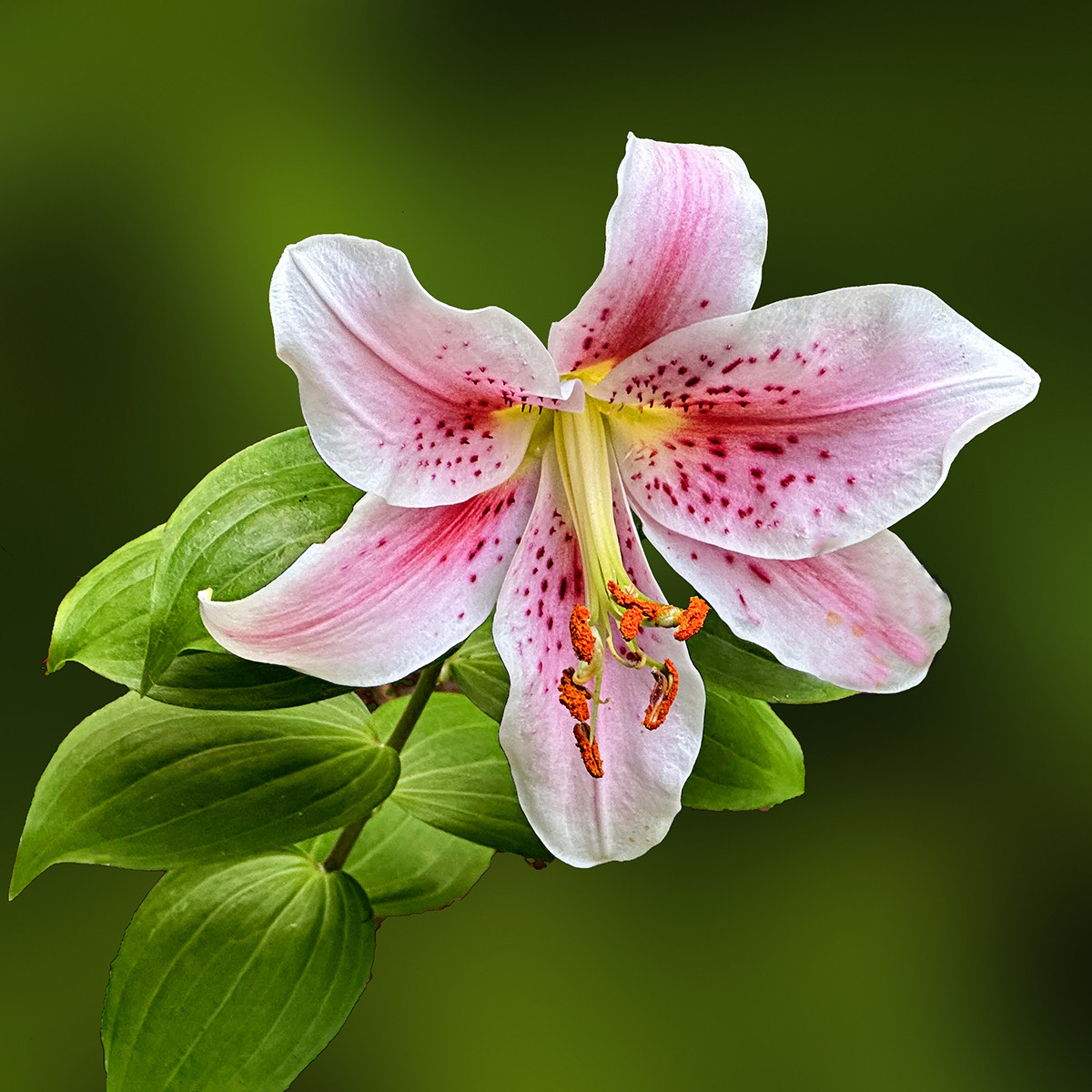
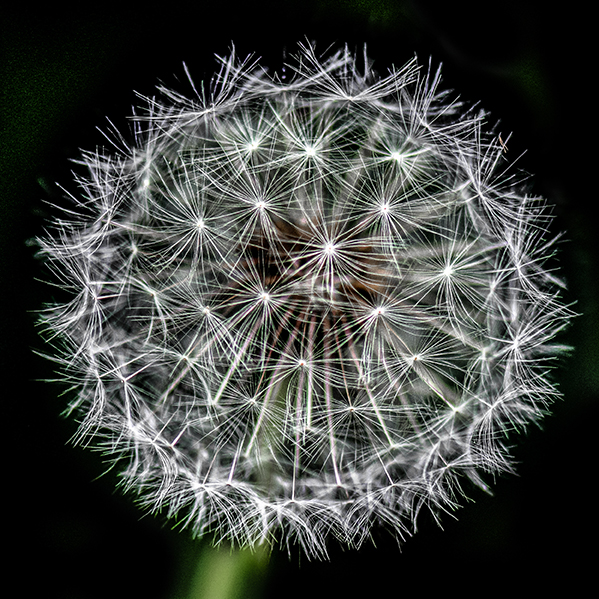
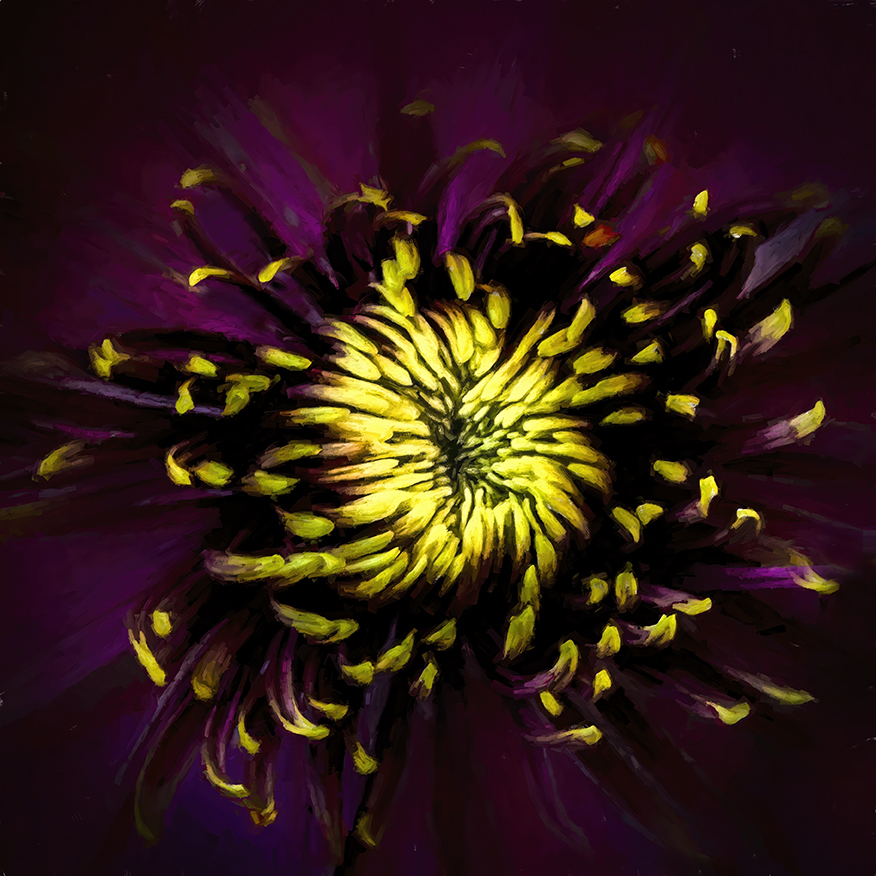
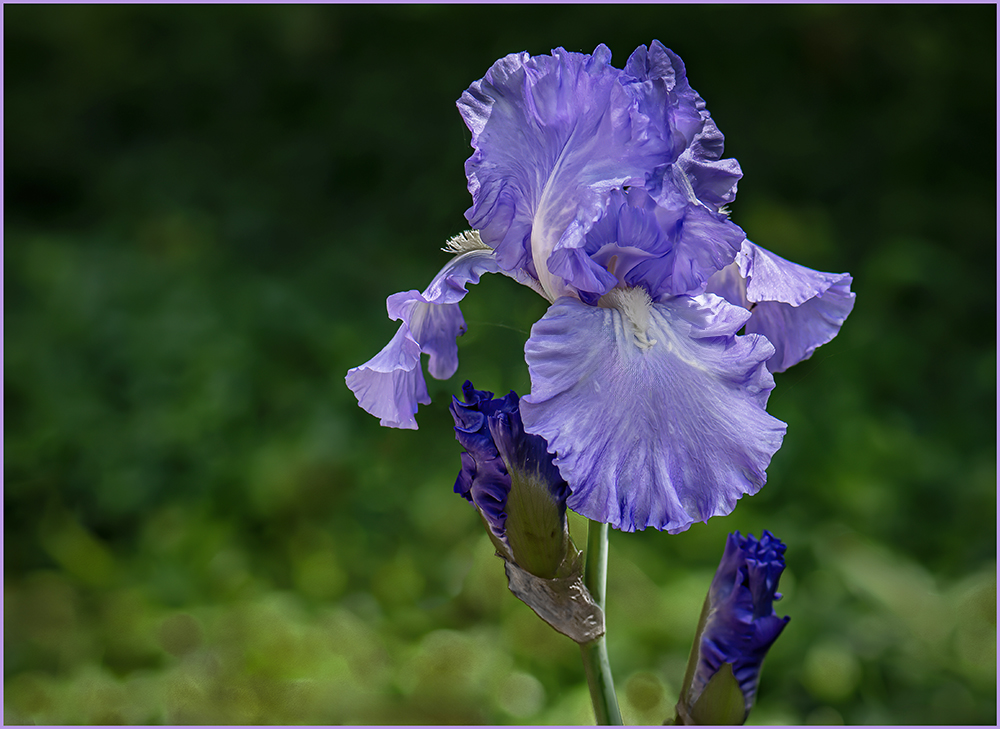
Hi David. This is an amazing flower, and your focus stacking has done an amazing job. I like your final edit in the comments, but I actually like the green background with the leading lines on the left more. Your final edit also appears to have a slight halo on the right edge of the flower, which wasn't in your initial presentation. No matter which version, though, this is a gorgeous image! |
Mar 21st |
| 61 |
Mar 23 |
Reply |
Thanks for your suggestions, Randall. I try them and see how it looks! |
Mar 21st |
| 61 |
Mar 23 |
Reply |
Thanks, Marti. Your stroke suggestion is a good one. I normally don't add that kind of embellishment for photos I'm going to present to my camera club competitions, but I could see it would help for online presention such as Instagram or FB. |
Mar 21st |
| 61 |
Mar 23 |
Reply |
Thanks, David. I'll try your suggestions and see where it takes me! Ingrid |
Mar 21st |
| 61 |
Mar 23 |
Comment |
Hi Shirley. I love the complementary colors in this image, and I can definitely see why you were attracted to the bloom with the moth. To my eye, the green leaves above the left most flower seems to be the sharpest place in the image, which draws my eye to that part of the composition too strongly I think. Also, there seems to be a lot of posterization effect in the middle flower, which, again, draws eye away from the primary flower. I think that Marti's suggestion of removing the left flower might improve the composition, but I'd try it both ways to see which you prefer.
' |
Mar 21st |
| 61 |
Mar 23 |
Comment |
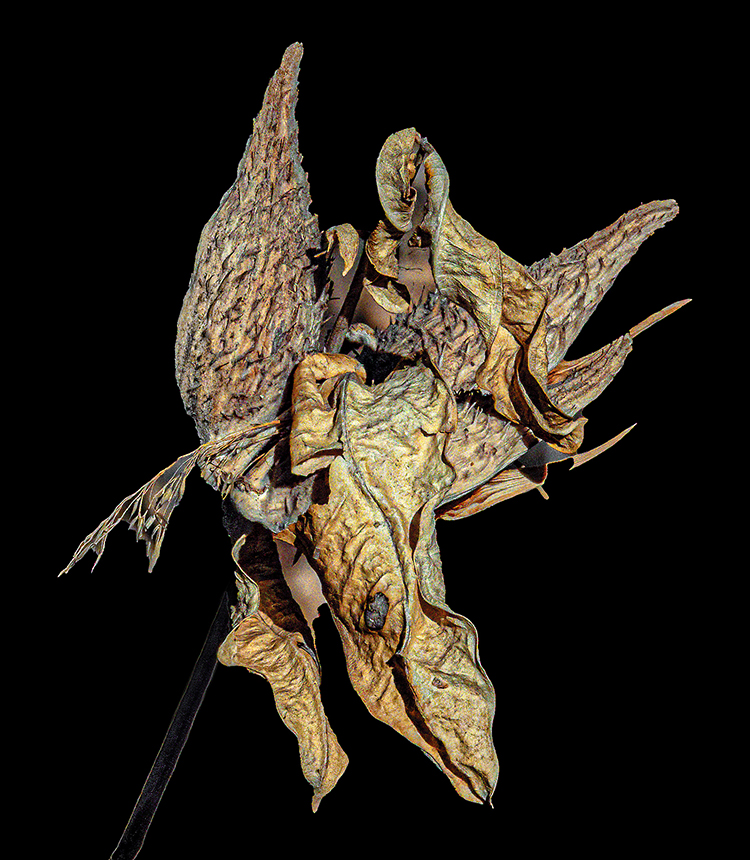
Hi Marti. This is a great concept and amazing to find all three of the life cycles in one plant. I think that the wider crop suggested by David is a good idea, to include all of the the white tendrils. I'm not sure about the "crunchy" comment, but David's edit does make the purple flower on the left look more in focus, and that's an improvement. I like the contrast of the colors of the flower against the green background and you have done a good job with the aperature setting to have the flower standout against a less sharp background. |
Mar 21st |
| 61 |
Mar 23 |
Comment |
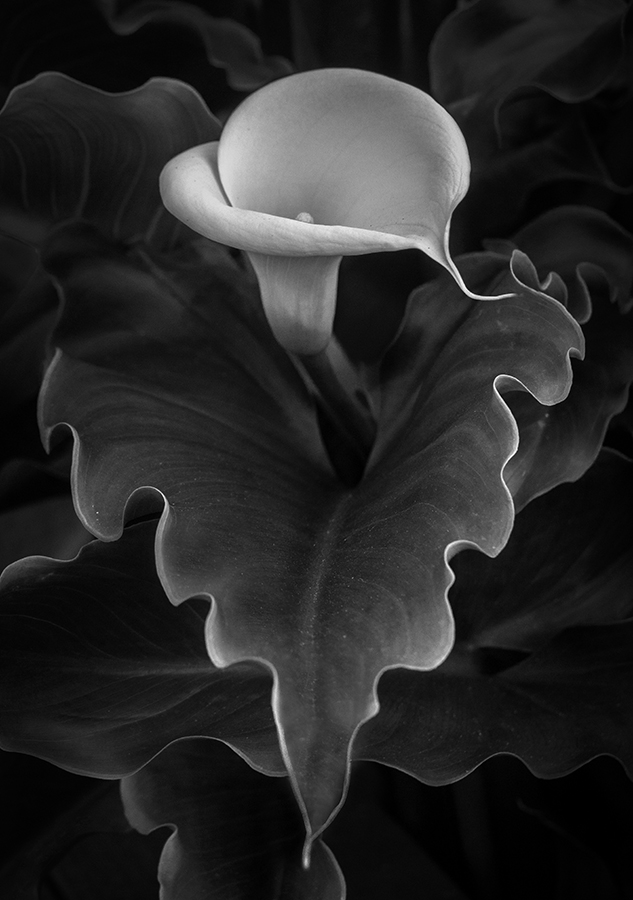
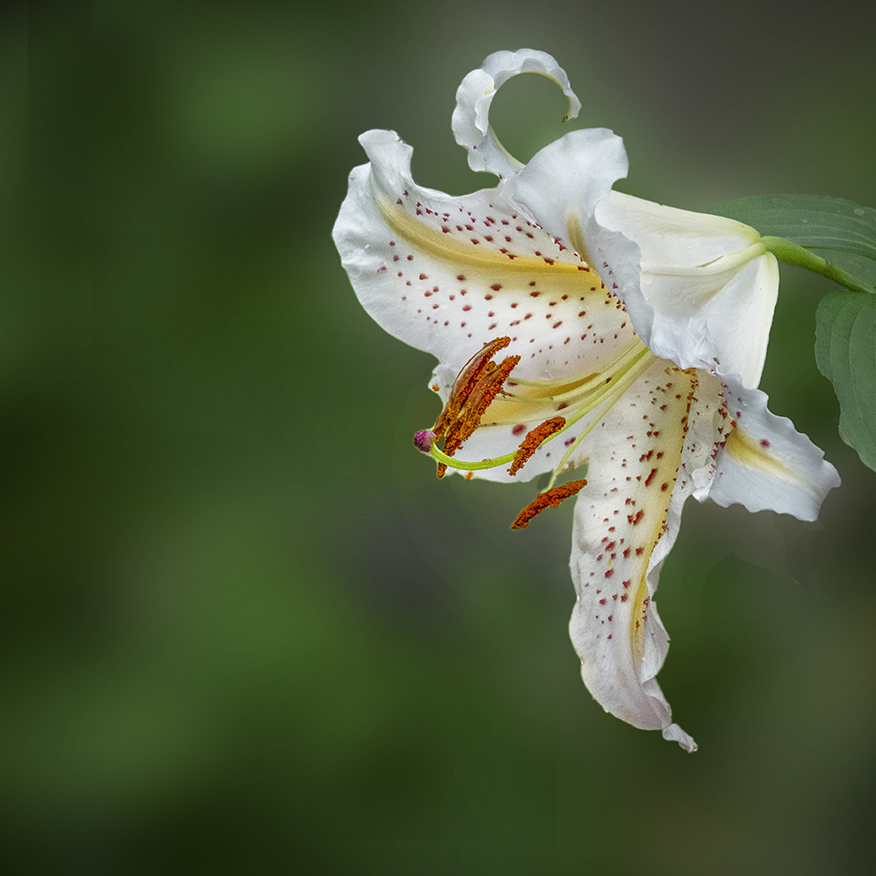
Linda, this is an amazing flower and I like the high key treatment you have used. I agree that the lowest petal seems deformed and makes my eye settle too much in that area. It might be helpful to attempt to clone in some extra petal there to make it less distracting, but I love the shape, background and color of this image. Congrats! Ingrid |
Mar 21st |
| 61 |
Mar 23 |
Comment |
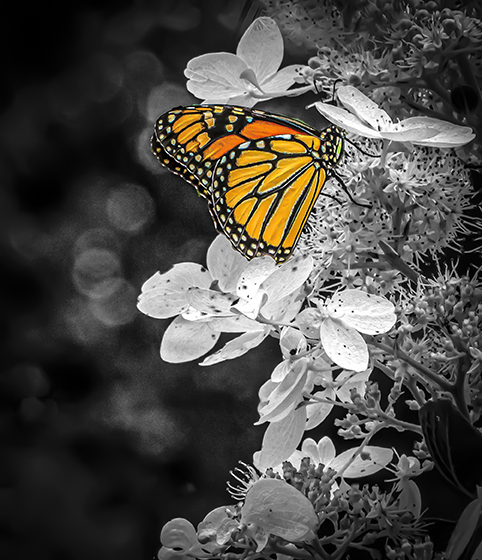
Hi Randall. I am also amazed by the quality of your extreme crop. You have chosen the final composition well, and the flower and insect are amazing in color and sharpness. The only suggestion I would make is to play with brighten the reflection in the water just a tad to make it a little more visible.
|
Mar 21st |
| 61 |
Mar 23 |
Comment |
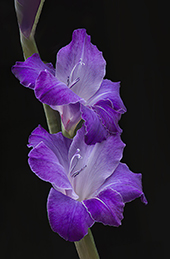
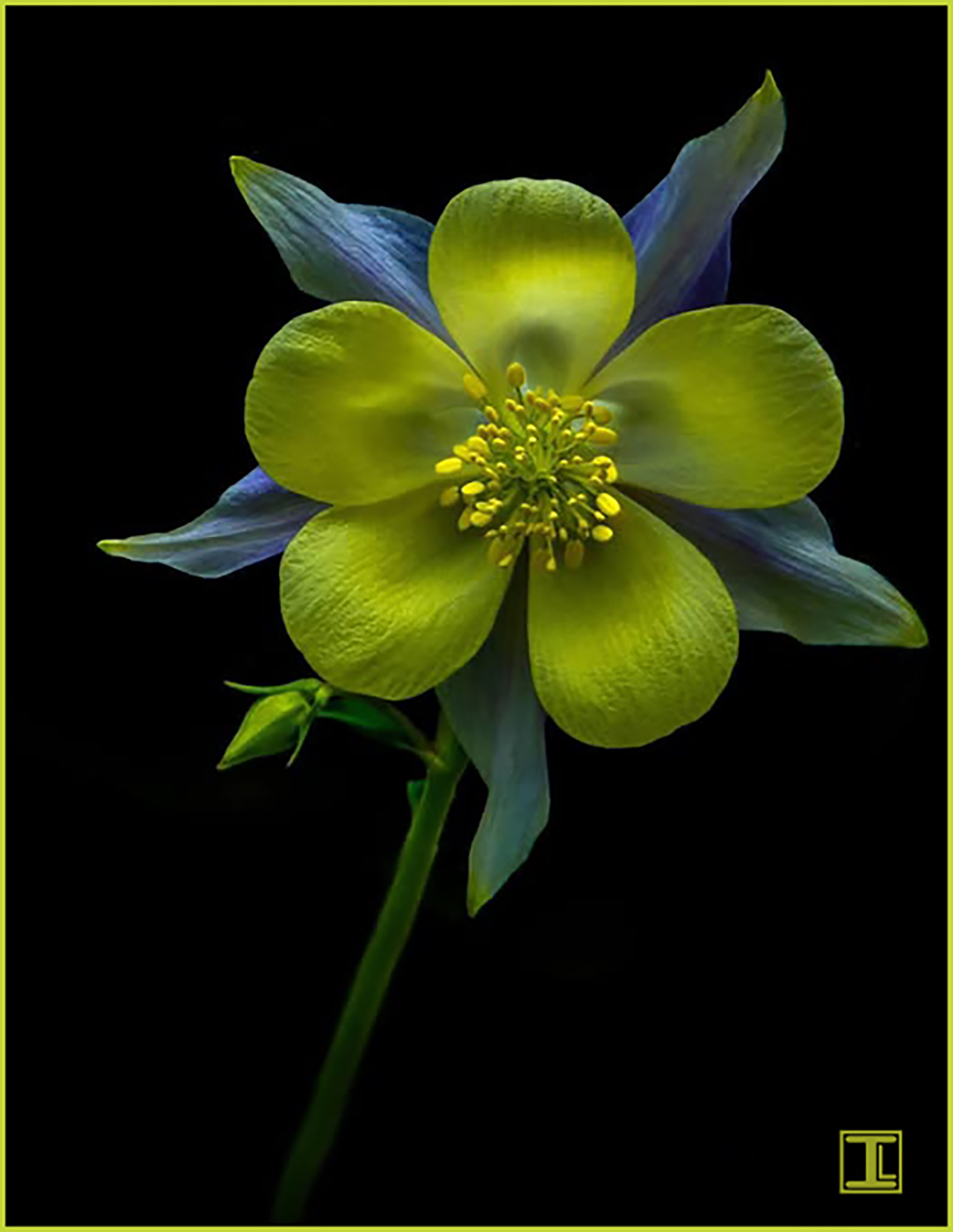
Hi Gene. This flower has gorgeous color, and although I think Marti's edit is successful, I'd prefer to have a bit more of the color you achieved in your edit.
this is an amazing tulip! Ingrid
|
Mar 21st |
6 comments - 3 replies for Group 61
|
13 comments - 9 replies Total
|