|
| Group |
Round |
C/R |
Comment |
Date |
Image |
| 14 |
Aug 22 |
Comment |
Wow - that's quite a pose, and you've captured it well. My only suggestion would be to try lowering the brightness in the fabric above the figure since its brightness draws the eye to the top of the frame. |
Aug 14th |
| 14 |
Aug 22 |
Comment |
Hi Xiao. I think that your additional processing has significantly increased the effectiveness of this image, especially the color toning and the change in the lighting. Your crop was an excellent choice as well. The composition is dynamic due to the diagonal positioning of the figure and the shapes behind him. I esecially like the reflection of the model's face in the mirrored wall behind him. Overall, you've done an excellent job - thanks for sharing it! |
Aug 14th |
| 14 |
Aug 22 |
Comment |
Your treatment of this image does make it appear apocalyptic and I expect to see some bizarre creature or vehicle enter the frame at any minute. I think the color tints you selected are effective and the glow around the sun (moon?) adds to the atmosphere. Although I don't think I'd want to have this hanging in my home, it would be a great illustration for a sci-fi story! |
Aug 14th |
| 14 |
Aug 22 |
Comment |
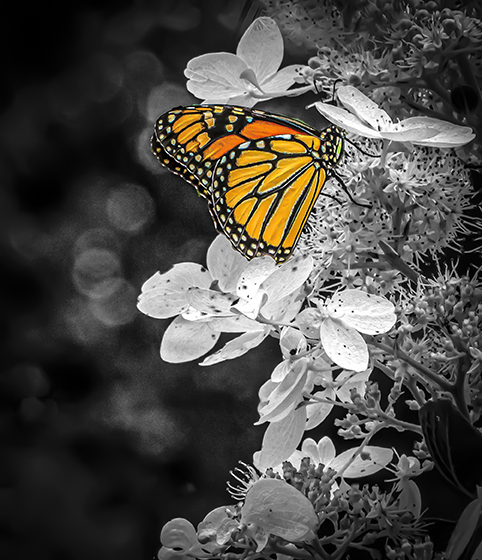
What a gorgeous creature! You have done an excellent job of capturing the beauty of this butterfly and the focus is perfect especially when contrasted with the perfectly blurred background. I love the colors and the diagonal composition, as well as the fact that the subject is so prominent in the frame. I will I had a butterfly pavillion to visit in my area! |
Aug 14th |
| 14 |
Aug 22 |
Comment |
What a cutie! I actually really like the square crop and think that centering the subject makes good sense when dealing with a square image. The catch light in his eyes really draws to viewer and I think the triangular shape of Sir Winstin with his frisbee is very effective. |
Aug 14th |
| 14 |
Aug 22 |
Reply |
Thanks Gregory! |
Aug 14th |
| 14 |
Aug 22 |
Reply |
Thanks, Tom. I will definitely try your crop suggestion and will probably also reduce the sky a little to keep the aspect ratio. |
Aug 14th |
5 comments - 2 replies for Group 14
|
| 61 |
Aug 22 |
Reply |
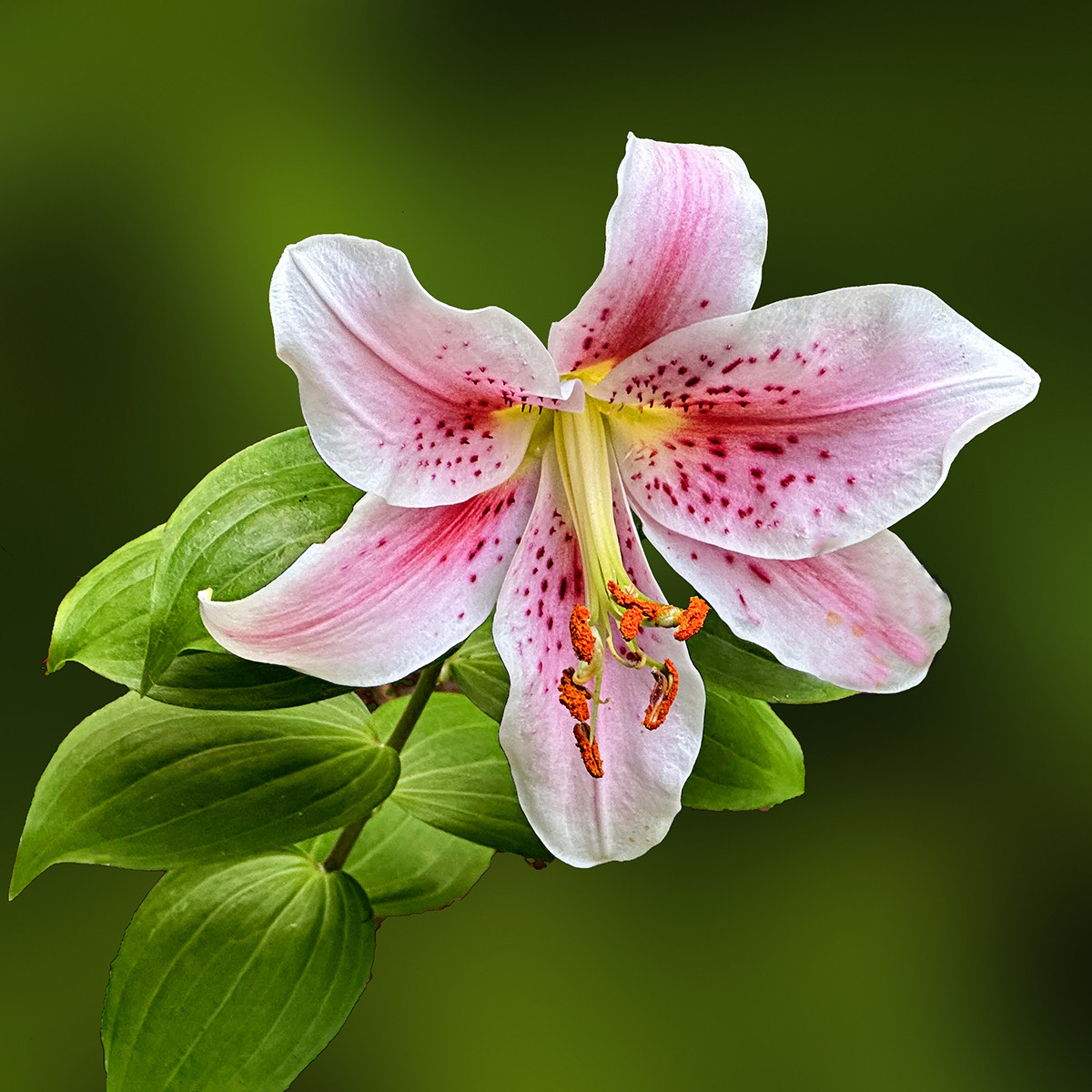
Actually, since I made the changes with the Camera Raw filter, I selected the flower with the PS subject selection tool, inverted the selection to get just the background, and then applied the Camera Raw Filter to the selected background. It was efficient and I didn't have to utilize the masking tools within Camera Raw. |
Aug 14th |
| 61 |
Aug 22 |
Comment |
Thanks, Linda. And, thanks for taking the time to work on my image. I like your edit except for the level of brightness in the upper right. :)
|
Aug 14th |
| 61 |
Aug 22 |
Reply |
Thanks for your comments, Randall. I'll try darkening the upper left. |
Aug 14th |
| 61 |
Aug 22 |
Reply |
Thanks for your comments, Marti. The light under the main flower is not a stem but just a break in the leaves. The stem is not visible since it's directly behind the flower connecting it to the branch of the tree. I'm not sure how I could make it less of a "floating subject" since I wanted to photograph it to show the bloom face on. |
Aug 14th |
| 61 |
Aug 22 |
Reply |
Thanks, David. To create the background effect, I did only reduce the clarity, texture and exposure in Camera Raw, except that I did sit multiple times using the Camera Raw filter once I had opened the image in Photoshop. I hope that explanation helps. |
Aug 14th |
| 61 |
Aug 22 |
Reply |
thanks, Donna! |
Aug 14th |
| 61 |
Aug 22 |
Comment |
This is a beautiful flower and the perfectly focused little beetle adds interest and a personality to the image. I think I prefer the less cropped image with the beautiful pattern of the outer leaves, but the highly cropped image is also effective, especially as a macro composition. I think the square crop and the centered position of the lotus is very successful and the luminescence of the outer petals nicely frames the center. |
Aug 14th |
| 61 |
Aug 22 |
Comment |
This is a beautiful rose snd I love the subtle shifts in the color. The water drops really add to the interest and your choice of positioning the rose is very effective. To my eye, it feels like the border is a bit too dominant and takes away from the delicate nature of the rose, but overall it's a very pleasing and successful portrait of this rose. |
Aug 14th |
| 61 |
Aug 22 |
Comment |
This is a beautiful tulip and your processing has done an excellent job of bringing out the texture and the interesing shapes of the flower. I would definitely leave in the stem and leaves detail at the bottom to anchor the flower. I also think that brightening the yellow stigma is a helpful improvement. |
Aug 14th |
| 61 |
Aug 22 |
Comment |
What a great discussion and good ideas from all who have commented. I agree about the benefit of having the grass blades to provide context and orientation for the beautiful flower. I also like the subtle transition for gray at the bottom to white above as shown in the version suggested by Marti Bulkley. |
Aug 14th |
| 61 |
Aug 22 |
Comment |
I love water lilies as well, and these are two beautiful examples. The lighting on the flowers is lovely, but I agree that the composition is a bit static with the two bright elements. I think you have the material for two beautiful images that would complement each other well as a series. I agree that the white spots should be darkened so as not to pull the viewer's eye away for the lilies. |
Aug 14th |
| 61 |
Aug 22 |
Comment |
I find it very interesting to read all of the various comments made above and I agree that the blueberries are a beautiful subject. I think that the changes suggested by David Terao are very beneficial and effective and really bring out the beauty of the subject. |
Aug 14th |
7 comments - 5 replies for Group 61
|
12 comments - 7 replies Total
|